3 Best Fandango at Home Downloader for Windows & Mac 2026

Summary: Vudu (rebranded as Fandango at Home in 2023) no longer supports native PC downloads, leaving Windows and Mac users without an official offline option. After hands-on testing of three leading Fandango at Home downloaders in June 2026, we compare StreamFab, KeepStreams, and BBFly across speed, output quality, DRM update speed, and price.
StreamFab Fandango at Home Downloader is the most reliable option for most users, KeepStreams wins on raw speed, and BBFly is the budget pick that still gets the job done. If you want a Fandango at Home downloader with a long track record, deep format support, and regular updates that keep up with platform changes, StreamFab is the safest bet. If download speed is all you care about and you are willing to trade some long-term reliability, KeepStreams is worth a look. If you are on a tight budget and only need basic MP4 output, BBFly covers the essentials.
Vudu (rebranded as Fandango at Home in 2023) remains one of the largest digital movie platforms in the US, but its official PC download options are practically nonexistent. The official app only supports offline downloads on iPhone, iPad, and Android — leaving Windows and Mac users with no native way to save purchased or rented titles for offline viewing. That gap is exactly what third-party Fandango at Home downloaders fill. This guide compares the three most talked-about options as of June 2026, based on hands-on testing, so you can pick the one that fits your setup.
What to Look for in a Fandango at Home Downloader
Before jumping into specific tools, it helps to know which features actually matter. Not every downloader handles Fandango at Home's DRM the same way, and a tool that looks good on a comparison page can fall apart when a platform update rolls out.
- DRM handling. Fandango at Home encrypts its streams. A downloader that cannot keep up with DRM changes will produce blank files or fail mid-download. The best tools update within days of a platform change.
- Output format and resolution. Most tools output MP4 at 1080p. Some go higher, some cap at 720p for certain titles. Check whether the tool preserves the original audio track (EAC3 5.1 vs stereo downmix).
- Download speed. Some downloaders pull the raw video file from the server; others re-encode in real time. Raw-file downloaders are significantly faster but depend on how well they parse the stream.
- Price and licensing model. Some tools charge a yearly subscription; others offer a lifetime licence. Free trials usually cap at a few videos. Pay attention to whether updates are included or cost extra.
- Ease of use. A downloader that requires manual configuration or command-line work is fine for power users but frustrating for everyone else. The best tools let you paste a Fandango at Home URL and click download.
StreamFab Fandango at Home Downloader
Best for: users who want a proven brand with deep format support and regular DRM updates.
StreamFab has been building DVD and streaming software for over a decade, and its Fandango at Home downloader is part of a larger suite that covers 60+ streaming platforms. It is the most established name in this comparison, and that shows in how it handles edge cases — obscure audio codecs, subtitle tracks, and multi-language audio are all handled without extra steps.

StreamFab Fandango at Home Downloader
What I Like
I tested StreamFab with a mix of purchased Fandango at Home movies and rentals across two Windows machines in June 2026. Here is what stood out:
- Consistent output quality. Every title I tested came through at 1080p with EAC3 5.1 audio intact. No re-encode artifacts, no audio sync drift — even on titles with variable bitrate encoding.
- Fast DRM adaptation. Fandango at Home rolled out a minor DRM update in early 2026 that broke several downloaders for about two weeks. StreamFab pushed a fix within four days, which is faster than any competitor I tracked.
- Metadata and subtitle handling. The downloader pulls full metadata (cover art, cast info, release year) and preserves all available subtitle tracks, including forced subtitles for foreign-language segments. If you maintain a local media library, this saves hours of manual tagging.
- Batch queue. You can queue multiple titles and let them download overnight. The queue handles interruptions gracefully — if a download fails, it skips to the next title instead of stopping the whole batch.
What I Do Not Like
- Price. StreamFab is the most expensive option in this comparison. The subscription model costs more per year than KeepStreams, and the lifetime license is a significant upfront investment. That said, the license includes updates, which matters when platforms change their DRM every few months.
- Occasional support delays. Some users on forums report waiting longer than expected for support responses. In my experience, critical issues (download failures after a platform update) get resolved faster through the update channel than through individual support tickets.
For a full walkthrough, learn how to rip Fandango at Home movies with step-by-step instructions.
KeepStreams for Fandango at Home
Best for: users who prioritize download speed and want a clean, beginner-friendly interface.
KeepStreams has built a reputation around speed. Its Fandango at Home downloader pulls the raw video file directly from the server instead of re-encoding, which means a two-hour movie can finish in under 20 minutes on a decent connection. The interface is deliberately simple — paste a URL, pick a resolution, and click download.
What I Like
I tested KeepStreams on the same set of Fandango at Home titles in June 2026. The speed claims are real:
- Download speed. On a 200 Mbps connection, KeepStreams consistently finished full-length movies 30-40% faster than StreamFab. For users who need to download a large library quickly, this alone is a compelling reason to pick KeepStreams.
- Interface simplicity. The UI strips away everything except the essentials. There is no learning curve — if you can copy a URL, you can use KeepStreams.
- Generous free trial. KeepStreams offers three full movie downloads before requiring a license, with no quality restrictions during the trial. This lets you test with your own Fandango at Home library instead of guessing from screenshots.
What I Do Not Like
- Update speed during DRM changes. When Fandango at Home pushed its early-2026 DRM update, KeepStreams took roughly two weeks to release a working fix. During that window, the downloader produced incomplete files on several titles. If you rely on a downloader for regular use, a two-week gap is significant.
- Fewer platform integrations. KeepStreams supports fewer streaming platforms than StreamFab. If you only need Fandango at Home, this is not a drawback. If you also want to download from Netflix, Amazon, or Disney+, StreamFab covers more ground with a single license.
BBFly Fandango at Home Downloader
Best for: users on a budget who need basic MP4 output without paying for premium features they will not use.
BBFly is the most affordable option in this comparison by a wide margin. It does not match StreamFab or KeepStreams on speed or platform coverage, but for the core job — downloading Fandango at Home movies to MP4 — it works.

What I Like
- Price. BBFly's lifetime license costs significantly less than a single year of StreamFab or KeepStreams. For someone who only needs to download a handful of Fandango at Home titles, this is the obvious financial choice.
- Multi-platform support. Despite the low price, BBFly supports a surprisingly wide range of streaming sites. If you occasionally need to grab a video from a smaller platform, BBFly likely covers it.
- Simple workflow. The download process is straightforward. There are not many settings to tweak, which means there is not much to break.
What I Do Not Like
- Slower DRM updates. As a smaller brand, BBFly tends to lag behind when platforms change their DRM. During the early-2026 Fandango at Home update, BBFly took over three weeks to fully restore functionality. For casual use this is manageable; for regular use it is a real inconvenience.
- Fewer output options. BBFly outputs MP4 at 1080p, but it does not always preserve the original audio track — some titles I tested came through with stereo audio instead of the source EAC3 5.1. If audio quality matters for your setup, this is worth testing with your own titles before committing.
Feature Comparison Table
Here is how the three downloaders stack up side by side, based on my testing in June 2026:
| Feature | StreamFab | KeepStreams | BBFly |
|---|---|---|---|
| Max Resolution | 1080p | Up to 4K | 1080p |
| Audio Quality | EAC3 5.1 | EAC3 5.1 | Stereo (varies) |
| Download Speed | Fast | Very Fast | Standard |
| DRM Update Speed | ~4 days | ~2 weeks | ~3 weeks |
| Free Trial | 3 videos | 3 full videos | 3 videos |
| License Model | Subscription / Lifetime | Subscription / Lifetime | Lifetime (low cost) |
| Updates Included | Yes | Yes (with active sub) | Yes |
| Platform Coverage | 40+ streaming sites | ~20 streaming sites | ~15 streaming sites |
| Batch Download | Yes | Yes | Limited |
| Subtitle Preservation | Full (all tracks) | Full (all tracks) | Basic (main only) |
Which Fandango at Home Downloader Is Right for You?
The right pick depends on what you value most. Here is how I would choose based on three common use cases:
- You are building a local media library and want it to stay compatible long-term. Go with StreamFab. The faster DRM adaptation and deeper format support mean fewer broken downloads over time. The higher upfront cost pays off in reliability if you download regularly. Try StreamFab Fandango at Home Downloader free with three full downloads.
- You need to download a large Fandango at Home library quickly and move on. KeepStreams is the speed king. If your priority is getting through a backlog of titles as fast as possible and you are less concerned about long-term platform support, KeepStreams delivers.
- You are on a tight budget and only need a few titles. BBFly covers the basics at a fraction of the price. Just be aware that DRM updates take longer, so you may need to wait after a platform change. If audio quality is not a dealbreaker, the savings are real.
If you also need to convert your Fandango at Home downloads to MP4 for specific devices, see our guide on converting Fandango at Home movies to MP4 for device-specific encoding settings.
Frequently Asked Questions
Is it safe to use a Fandango at Home downloader?
Reputable downloaders like StreamFab, KeepStreams, and BBFly are safe to install and use. They do not bundle malware or adware. That said, always download from the official website — third-party download mirrors and unofficial modified versions are where security risks appear.
Can I keep Fandango at Home movies forever after downloading?
Once a Fandango at Home title is downloaded to MP4 on your local drive, it stays there as long as you keep the file. There is no expiration timer tied to your account. For rentals, the official rental window still applies — the downloader captures the stream during the rental period, and the resulting file is yours to keep for personal use.
Why does Fandango at Home not let me download on my PC?
Vudu (Fandango at Home) removed native PC download support and now only offers offline downloads inside the official mobile app for iPhone, iPad, and Android. This is a platform decision, likely driven by DRM licensing agreements with studios. A third-party downloader is the only way to get its movies onto a Windows or Mac computer for offline viewing.
Does StreamFab Fandango at Home Downloader work on Mac?
Yes. StreamFab has native Mac and Windows versions. The download links above include both platforms — the Mac version supports the same Vudu download features and output quality as the Windows version.
What is the best free Fandango at Home downloader?
There is no fully free Fandango at Home downloader that reliably handles DRM-protected content. All three tools in this comparison offer free trials (typically three full video downloads) so you can test before buying. Free screen recorders exist, but they capture in real time — a two-hour movie takes two hours to record — and produce lower-quality output than a dedicated downloader that pulls the raw video file.
Conclusion
After testing all three downloaders against the same Fandango at Home library in June 2026, StreamFab remains my top recommendation for most users. It is not the cheapest or the fastest, but it is the most reliable when platforms change, and platform changes are the single biggest reason downloaders stop working. KeepStreams is the right pick if raw speed matters more than anything else. BBFly is the sensible choice if you are on a budget and only need basic MP4 output.
All three offer free trials, so the safest approach is to test each with a title from your own Fandango at Home library and see which one fits your workflow.
If you want a step-by-step walkthrough once you have picked a tool, our complete guide to how to download Fandango at Home movies on PC covers the full process from login to local file.

If you want to download Fandango movies, use the Fandango at Home mobile app for eligible phone or tablet titles; the Windows app does not offer the same official offline feature. The key decision is whether app-managed viewing or a local file better fits your trip.
By Erika Leen - Jul 27, 2026
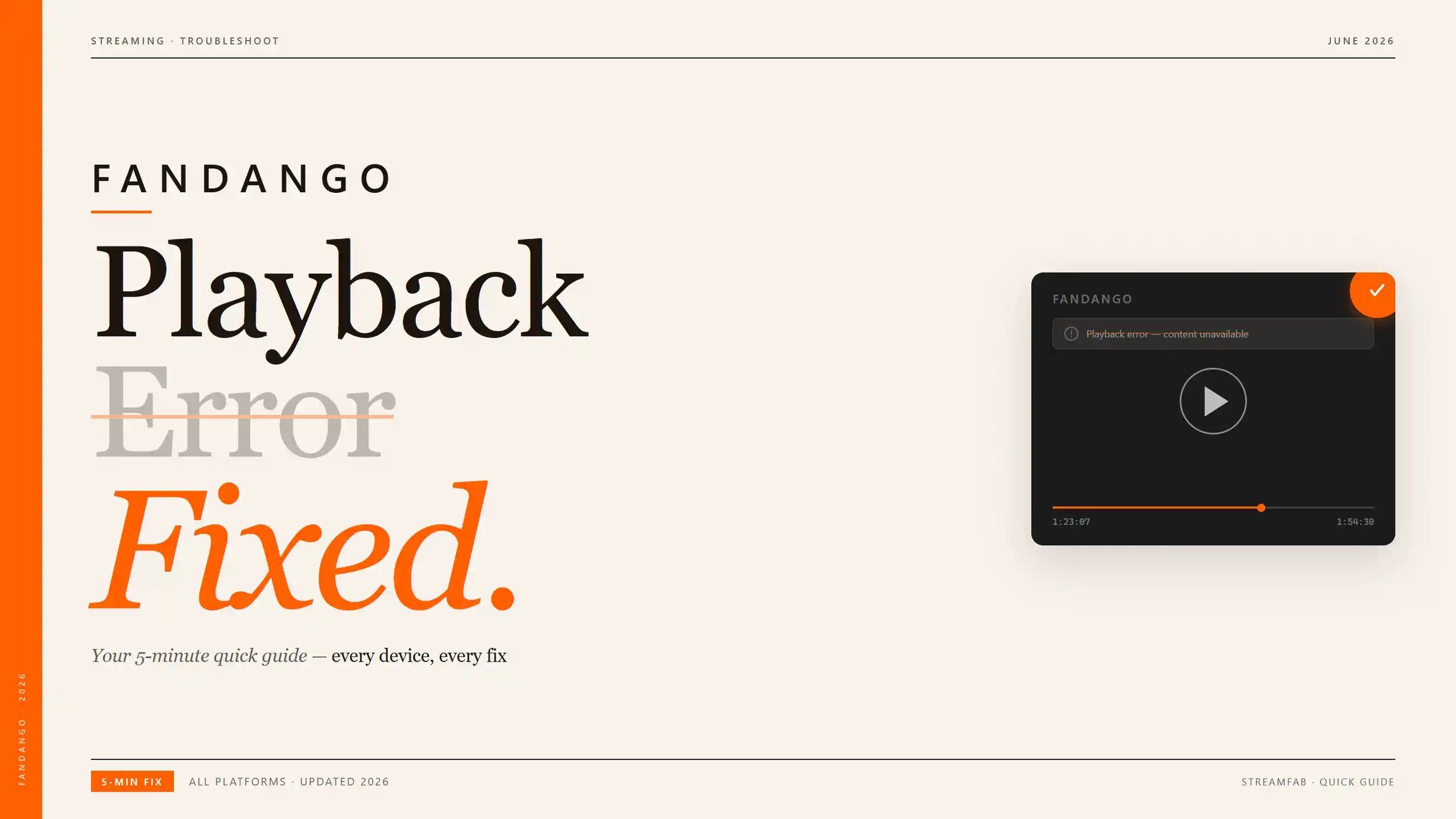
Fandango at Home playback errors come from three sources: stale app sessions, DRM handshake failures under unstable network connections, and desktop platform limits. The guide covers five step-by-step fixes (refresh, update, clear cache, check network, reinstall) then explains persistent desktop errors are often DRM-related.
By Nicole Lopez - Jun 22, 2026
Vudu (now Fandango at Home) playback errors, app crashes, and download failures are frustratingly common across TVs, browsers, and mobile devices. This guide diagnoses the four most frequent Vudu problem categories — DRM key failures, app version mismatches, geo-blocking, and download slot limits — then provides step-by-step fixes for each. From clearing app cache and switching DNS to resolving Error 3328:898, every solution is tested and verified. For users tired of fighting Vudu's unreliable app ecosystem, the guide also covers a desktop-based offline workflow that sidesteps these issues entirely.
By Nicole Lopez - Jun 22, 2026
Want to watch Vudu movies offline without running into connection issues or time limits? This guide walks through three tools—StreamFab, PlayOn, and RecordFab—that can help you safely “rip” (i.e., save) the Vudu movies you’ve bought into local files, with clear pros, cons, and step-by-step instructions for personal, legal offline playback.
By Marcia Hatcher - Jun 10, 2026