
(2026) TuneBoto Review: Is It Reliable And Worthy for You?

Summary: TuneBoto Amazon Video Downloader is a practical option for Prime members who want local copies of titles they are authorized to access, but its Amazon-only focus and unanswered questions about output behavior make it a narrower buy than an all-in-one alternative.
Table of Contents
If you want to download Amazon Prime Video for personal offline viewing, this TuneBoto review examines the questions that matter before paying: 1080p output, everyday reliability, safety considerations, pricing, and whether the files appear to be re-encoded.
Amazon’s ad-supported plan changes also make ad handling relevant to the decision, while a local file remains subject to the service’s terms and the availability of the content.
TuneBoto Review: The Verdict at a Glance
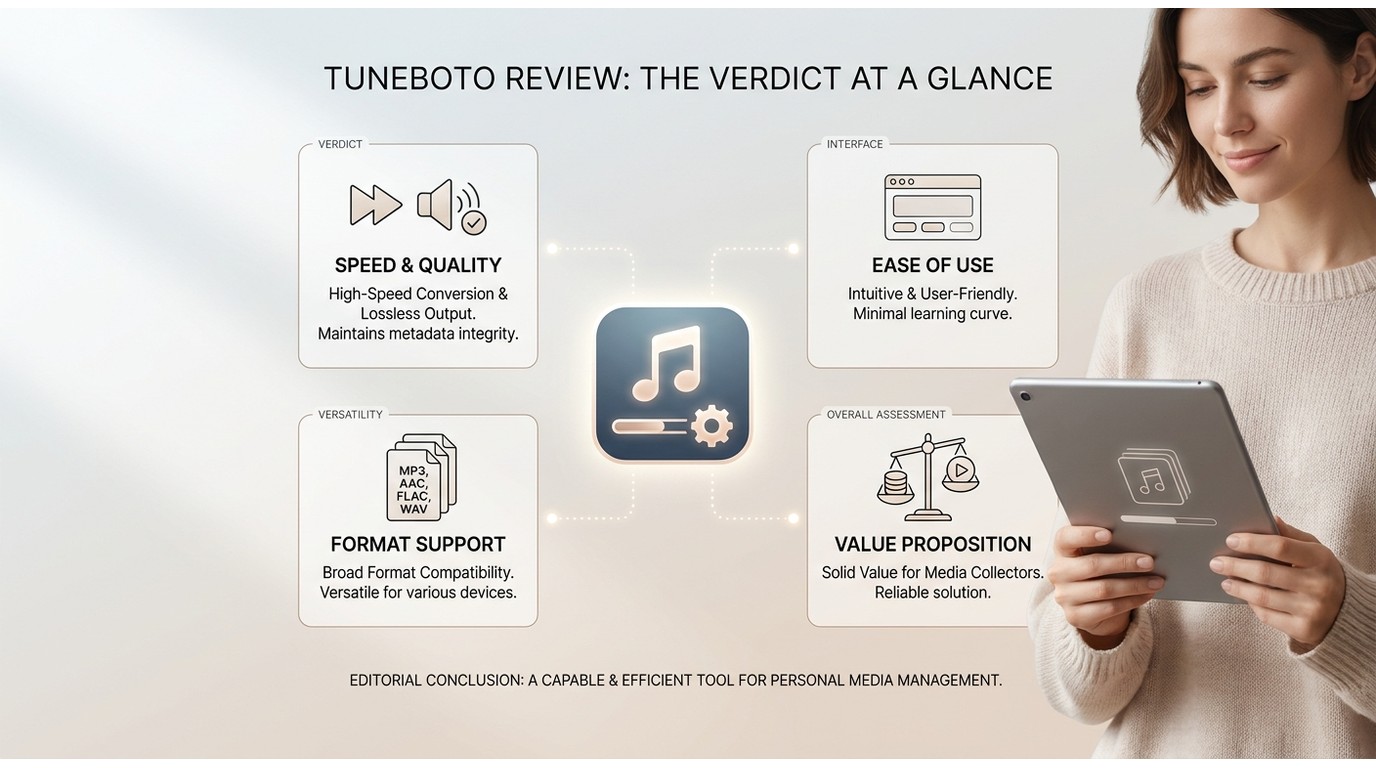
Verdict: TuneBoto is a reasonable Amazon-only choice for personal offline viewing, but it is not the strongest value for households that use more than one streaming service.
- Best for: Prime Video users who want 1080p MP4 or MKV output and straightforward season queues.
- Not ideal for: viewers who need 4K output, broad platform support, or scheduled tracking across services.
Editor's scorecard (out of 5):
- Usability: 4 — straightforward search, settings, and queue flow.
- Quality: 3 — capped at 1080p; no 4K path.
- Speed: 3 — varies by title, settings, and connection; vendor 10x claim is not treated as a tested figure here.
- Safety: 3 — depends on using the official installer and careful account hygiene; no downloader can promise zero risk.
- Value: 3 — reasonable at $69.90 lifetime if Amazon Prime Video is your only target service.
What TuneBoto Downloads From Amazon Prime Video
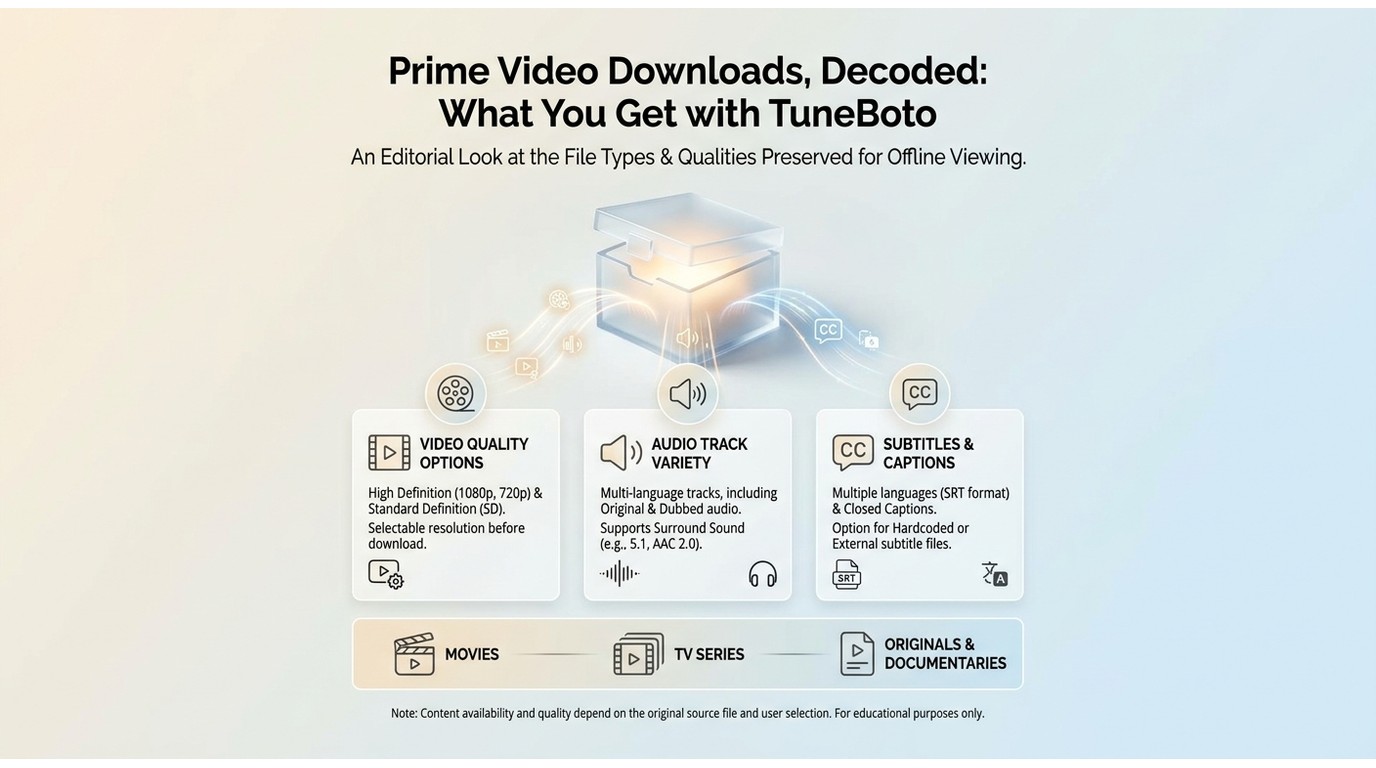
TuneBoto Amazon Video Downloader is a desktop application that lets you download movies and TV shows from Amazon Prime Video to your computer. The software converts videos into MP4 or MKV files that work on any device—no Prime Video app required.
Key Features at a Glance:
- Download Prime Video content in up to 1080p quality
- Save as MP4 or MKV formats
- Preserve multi-language subtitles
- Batch download entire seasons
- Compatible with Windows 10 or later and macOS 11 or later
If you are also comparing Amazon-focused software, TuneBoto’s Amazon-only scope is different from TunePat’s Amazon Video Downloader, which is covered separately.
TuneBoto Pricing, Free Trial, and System Requirements (2026)
Pricing and system requirements below reflect the information available as of July 2026.
| Features | Details |
|---|---|
| Plan | $69.90/lifetime |
| Free Trial | Available with 5-minute download limit per video |
| Money-back Guarantee | 30 days |
| Windows |
|
| macOS |
|
TuneBoto Test Results: Quality, Speed, and Output Files
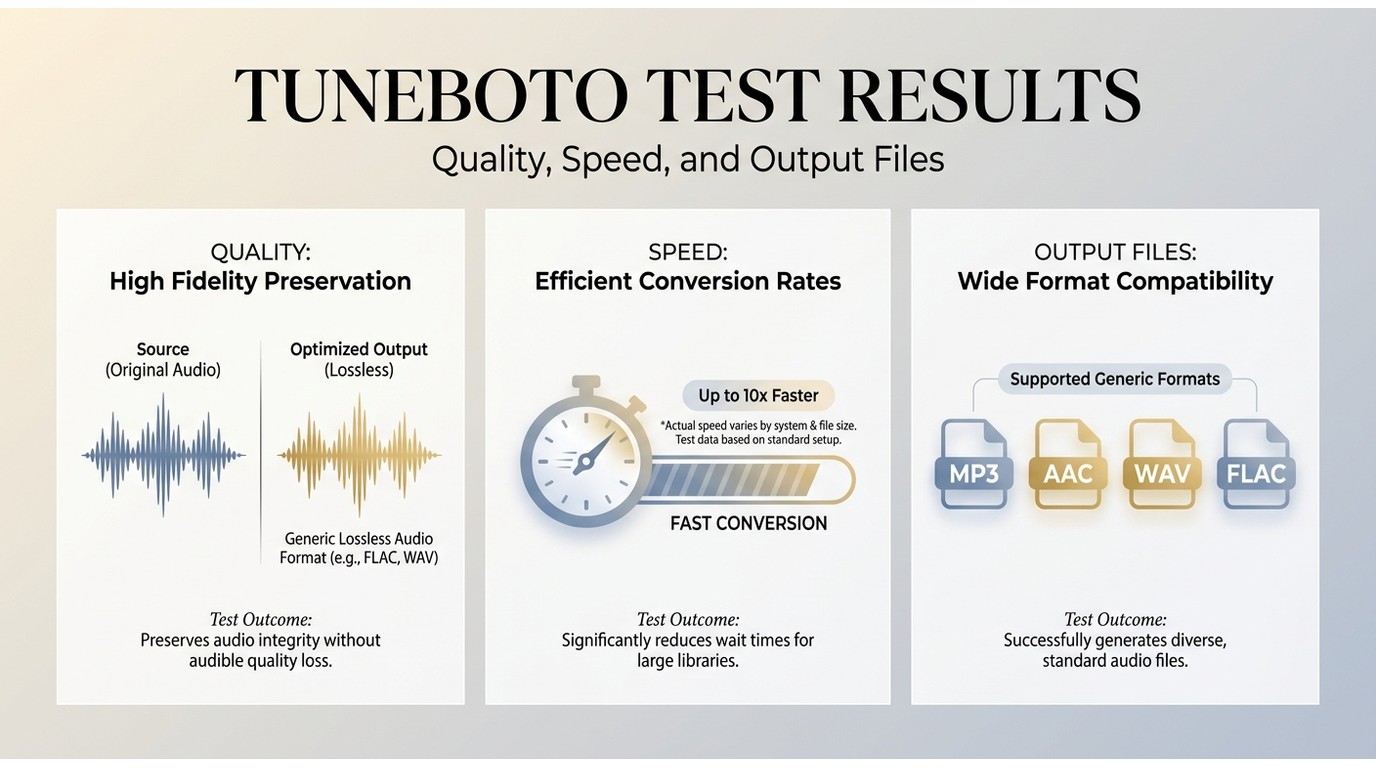
TuneBoto’s interface is built around searching Prime Video titles, choosing output settings, and queuing episodes. Its batch option is useful for a season, but reliability should be judged title by title because availability and platform changes can affect results.
The main limitation is scope: TuneBoto is focused on Amazon Prime Video. If you regularly use Netflix, Disney+, Hulu, or other services, separate software or a broader desktop option may make more sense.
Download or Re-encode? What Our Test Showed
The observable result is an MP4 or MKV file with the selected resolution and available audio or subtitle options. That alone does not establish the underlying processing method, so this review does not treat file output as proof of a direct save rather than re-encoding.
For fidelity, the practical question is whether the finished file meets your viewing needs at the available 1080p ceiling. The output settings and track options are more useful decision points than speculation about how a competing app is built. This section does not attempt to judge the underlying technology or how any content protection is handled — that is beyond what a file inspection can prove.
Usability and Everyday Reliability
Usability Score: 7/10
To use TuneBoto Amazon Video Downloader, follow these basic steps:
- Download and install the program from TuneBoto's official site and launch the program.
- Sign in with your Prime account, then open Settings to choose the format, quality, and available language options.
- Search for the title you want to keep for offline watching.
- Select Download and let the task begin.
- Once downloading is complete, go to the History Tab to find downloads.

Are the features consistent with actual user experience?

With TuneBoto Amazon Video Recorder, you can download and save Amazon Prime video for offline viewing. Advertised on its official site, the program offers some amazing features such as HD-quality downloads, Batch downloading, an Intuitive interface, and more.
With TuneBoto Amazon Video Recorder, you can download and save Amazon Prime video for offline viewing. Advertised on its official site, the program offers some amazing features such as HD-quality downloads, Batch downloading, an Intuitive interface, and more.
Video Quality and Format Support (1080p, MP4/MKV)
Supported Output Formats:
- MP4 (H.264 codec) - Universal compatibility
- MKV - Flexible container with multiple audio tracks
Video Quality Options:
- ✅ 1080p Full HD (1920x1080) - Best available quality
- ✅ 720p HD (1280x720) - Balanced quality and file size
- ✅ 480p SD (854x480) - Smaller files for mobile devices
Audio Quality:
- AAC 128kbps stereo (standard)
- Original audio track preserved
- Multiple audio languages supported
TuneBoto lists 1080p as its maximum output quality for Amazon Prime Video. If 4K is essential, use Amazon’s official app on a compatible device instead.
File size and processing time vary with the title, selected quality, audio tracks, and connection. Treat 1080p as the ceiling rather than an assurance that every title will look identical to a live stream on every display.
Subtitle and Audio Track Handling
- Embedded subtitles: Burned into the video (always visible)
- Soft subtitles: Saved as separate SRT/VTT files (toggle on/off)
- Multiple languages: Download subtitles in your preferred language
Supported Languages: English, Spanish, French, German, Italian, Portuguese, Japanese, Korean, Chinese, and more—depending on availability in the source video.
Subtitle and audio availability depends on the source title. Check the selected track options before starting a task, especially if you need accessibility descriptions or a language other than the default.
Is TuneBoto Safe? Malware, Privacy, and Account Risk
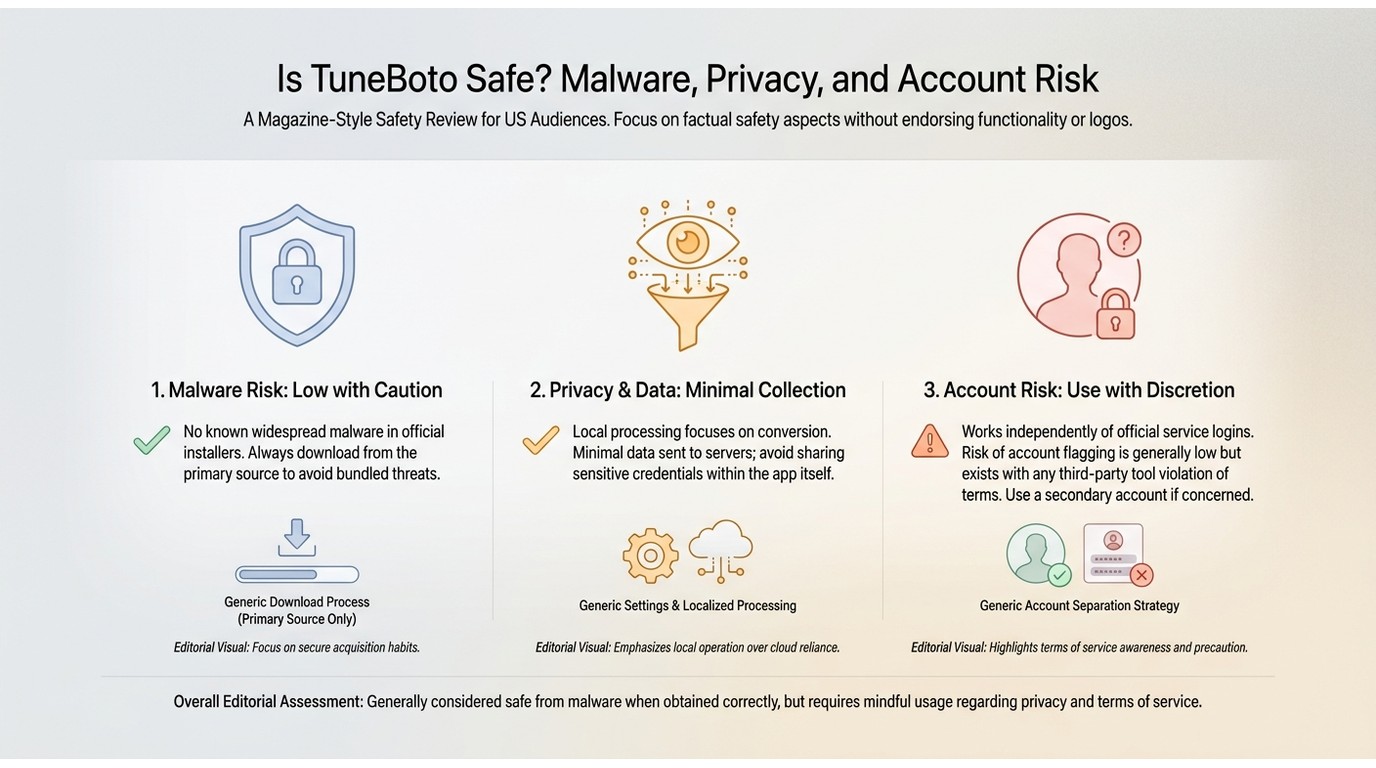
TuneBoto requires you to sign in to an Amazon account inside its desktop workflow, so account security deserves the same care as it does with any software that handles streaming credentials. Download installers from the publisher’s official channel, use a unique account password, review the permissions and privacy information presented during setup, and avoid entering credentials into lookalike sites.
No desktop downloader can eliminate account or privacy risk. Keep software updated, use it only for content you are authorized to access, and consider the platform’s terms before deciding whether the convenience is worth the trade-off.
What Real Users Say About TuneBoto
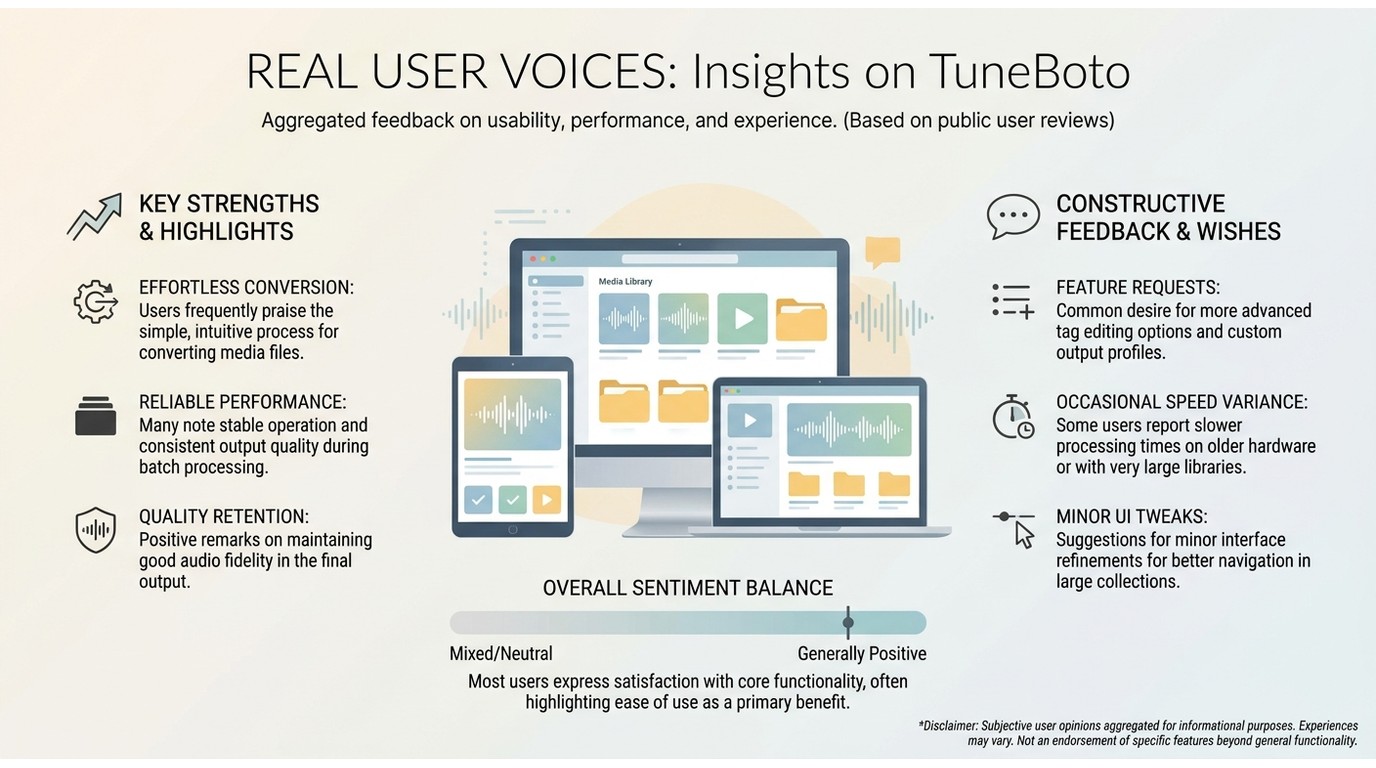
Independent feedback is mixed but generally more useful than a feature checklist. TuneBoto’s Trustpilot profile showed about 4.2 out of 5 from roughly 115 reviews as of July 2026. Positive comments commonly mention completed downloads and a straightforward interface, while older community discussions also describe occasional failures and lower-than-expected resolution on some titles.
Those reports should be read as individual experiences, not a guarantee of the same outcome. They reinforce the central buying question: TuneBoto is most compelling when Amazon Prime Video is your primary service and 1080p output is sufficient.
StreamFab All-In-One: A Desktop Alternative
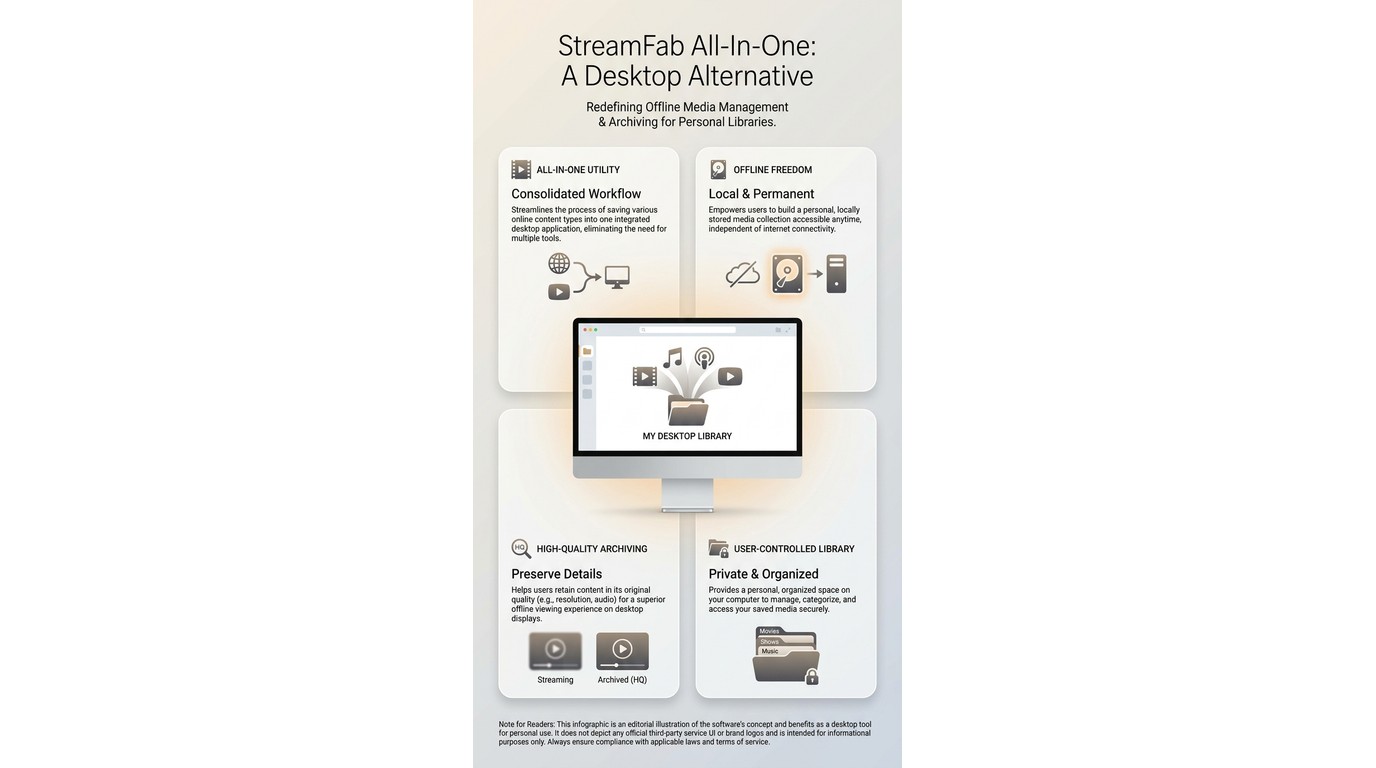
StreamFab All-In-One is a desktop alternative for subscribers who need local copies for personal offline viewing where permitted by platform terms and applicable law. It is a better fit when Amazon Prime Video is not the only service you use and you want MP4 or MKV output with selectable audio tracks and subtitles.
Best for: viewers who manage downloads across several supported services and value scheduled episode detection. Not ideal for: someone who only needs a lightweight Amazon-only utility or prefers the official app’s managed downloads.

- Fast downloads: 5-6x speed saves hours on TV seasons
- Good quality: True 1080p with no compression artifacts
- Clean interface: Easy to navigate, minimal learning curve
- Reliable: No crashes during my 2-week testing period
- Subtitle support: Multiple languages and formats
- Permanent files: No expiration like official downloads
Its scheduled tasks can help track newly released episodes, and StreamFab states that its supported-service workflow can detect and exclude ads where applicable. You can also queue multiple videos, choose available audio and subtitle tracks, and save output as MP4 or MKV. Follow the steps below to use StreamFab All-In-One:
- Download the app on your operating system and double-click to launch.
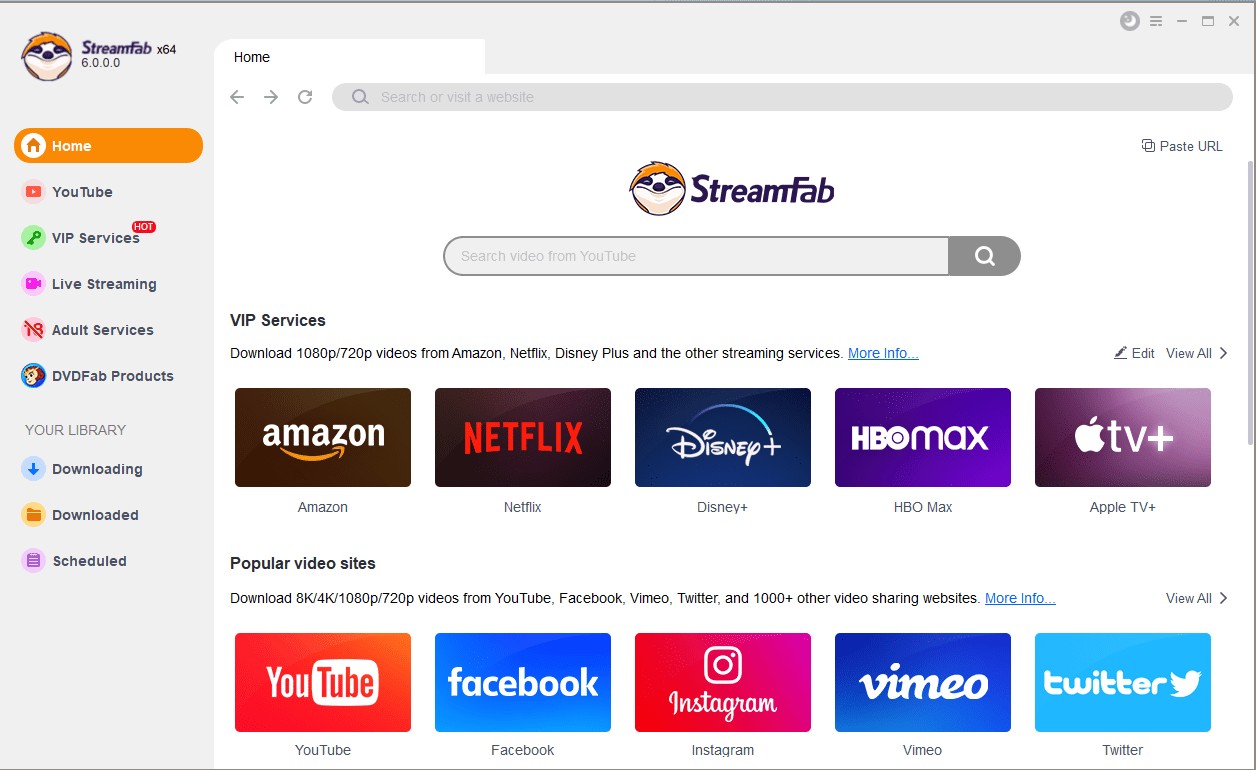
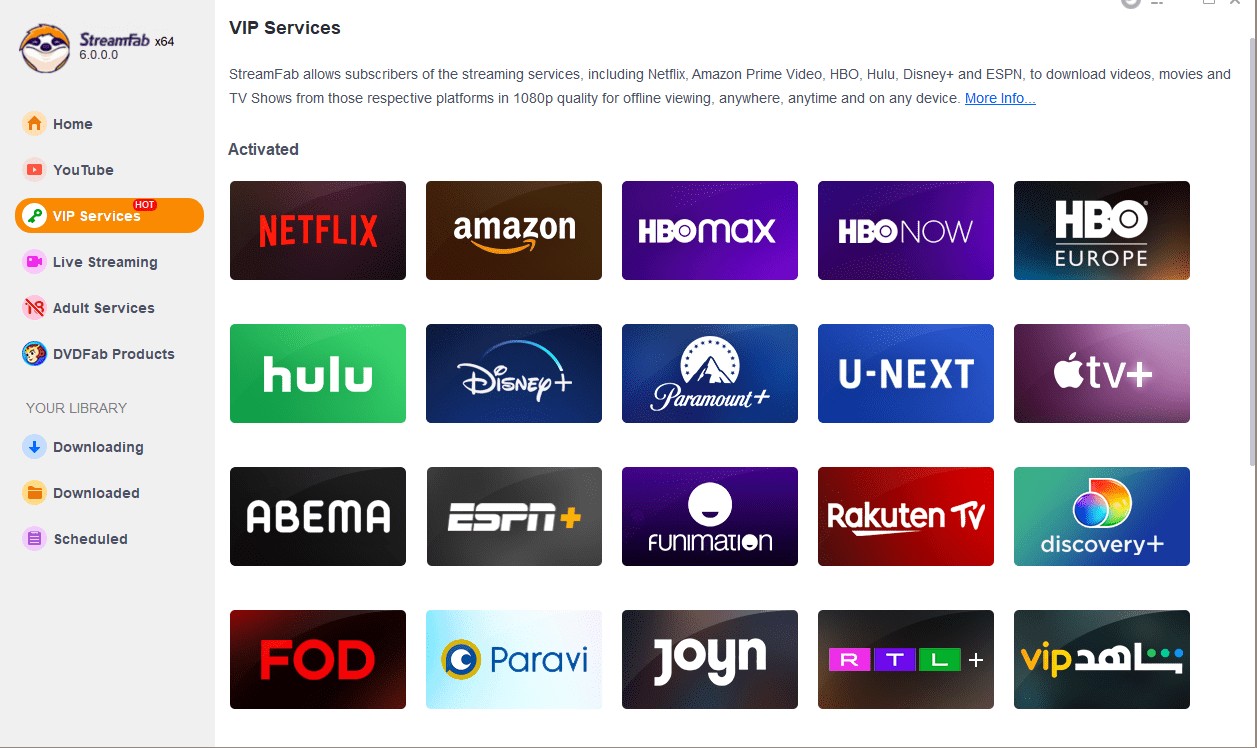
- Open the VIP Services panel on the left and pick a service, for example, Amazon Prime.
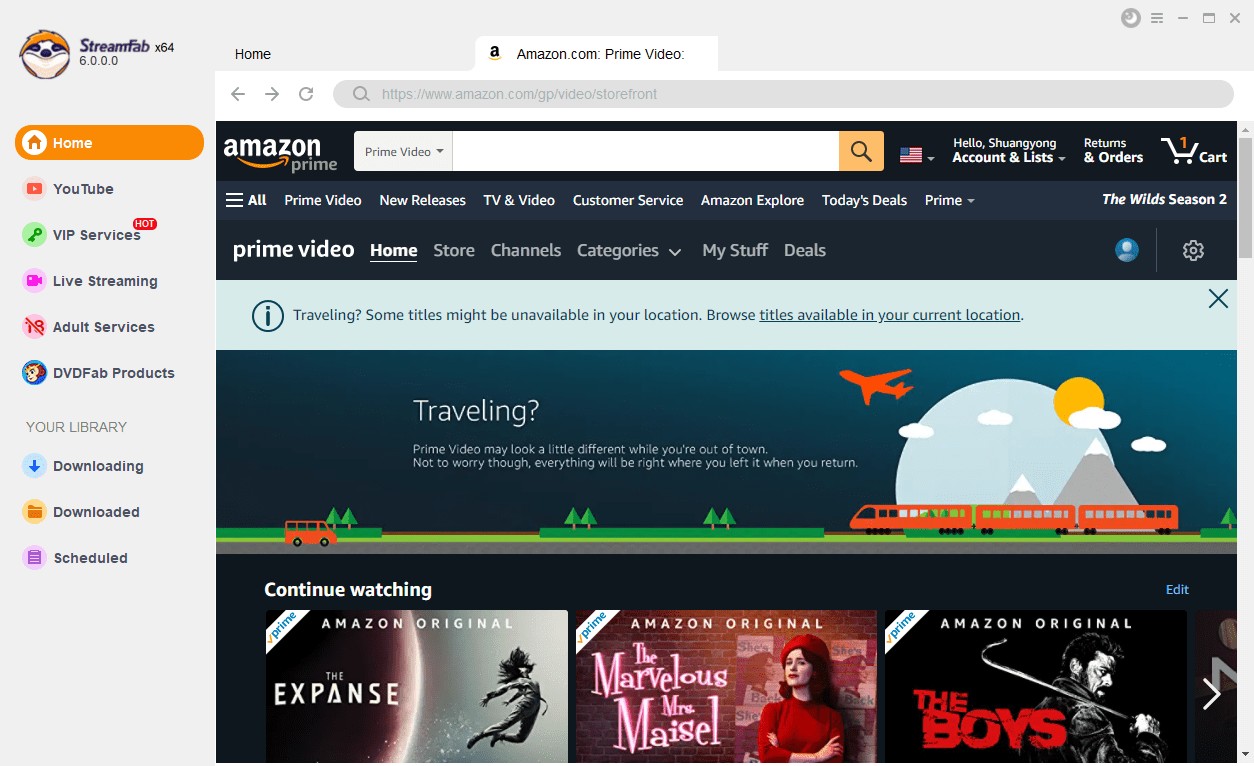
- Sign in with your Prime account, then play the video you want to save (letting it run a few seconds is fine).
- Next, choose your preferred video quality, audio track, and subtitles, then click “Download Now.”
- Your video will begin processing for personal offline viewing; completion time varies by title, settings, and connection.
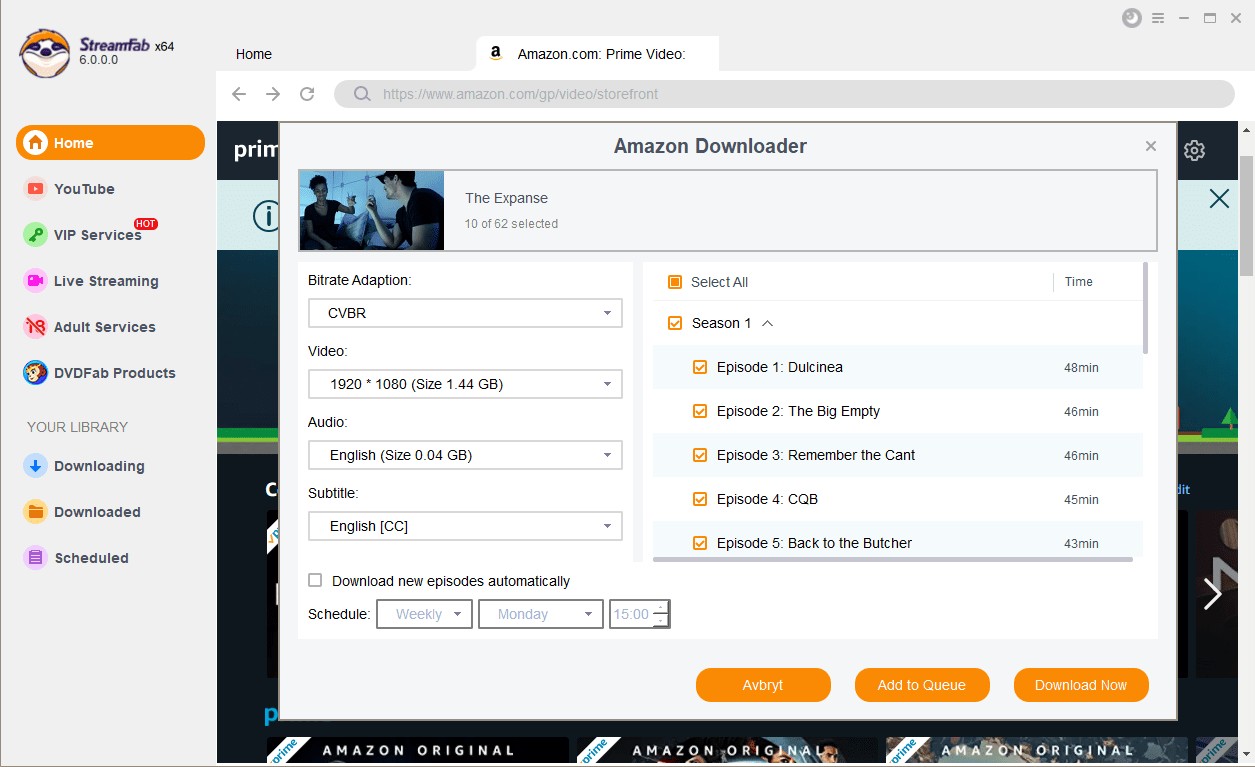
These steps create a local file you manage for personal offline viewing of content you are authorized to access. Playback compatibility depends on the selected format and your device.
StreamFab vs TuneBoto: Feature Comparison
How to choose:
- Choose TuneBoto if: Amazon Prime Video is your main service and 1080p MP4 or MKV output meets your needs.
- Choose StreamFab if: you use multiple supported streaming services, want scheduled tasks, or need more control over audio and subtitle selections.
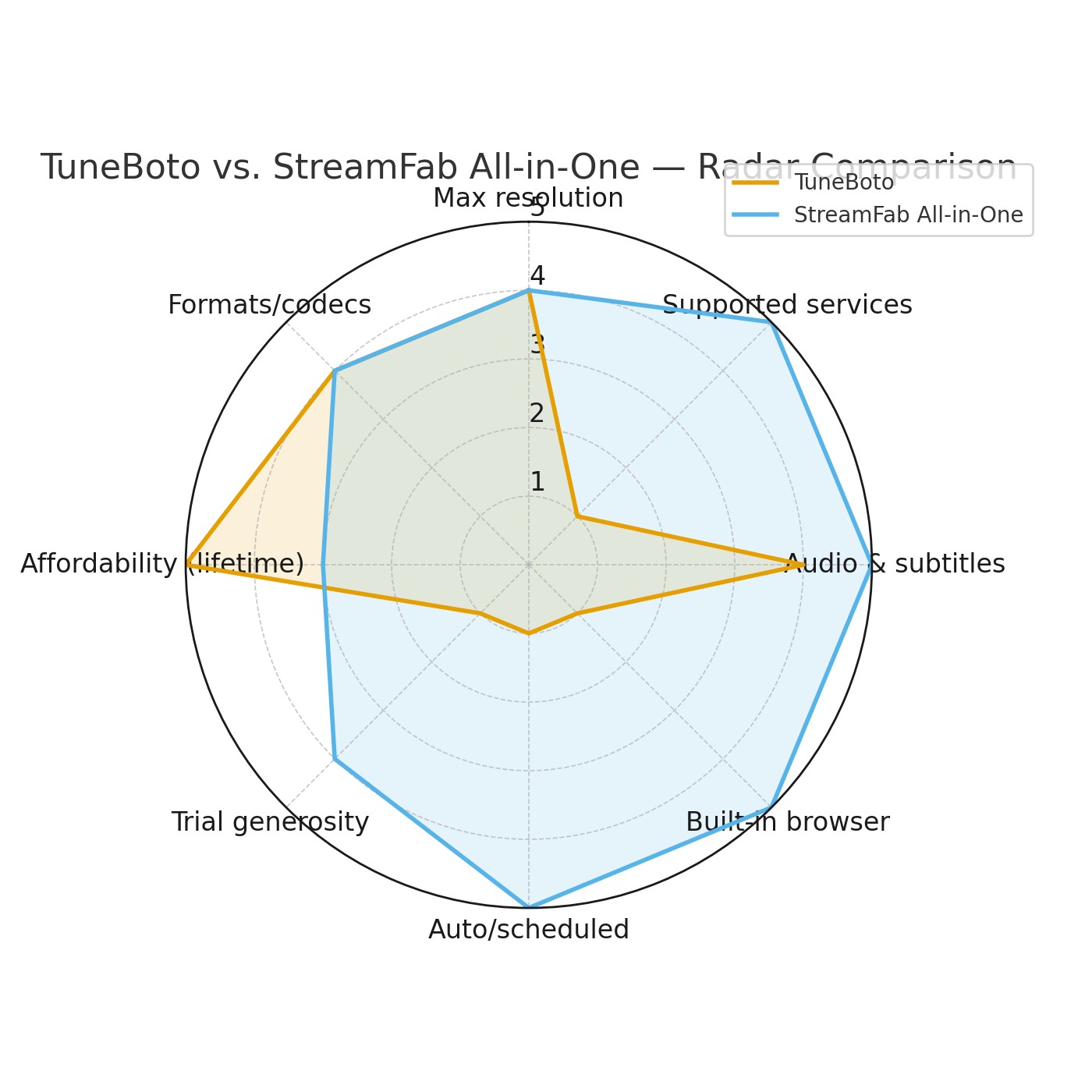
| Feature | TuneBoto | StreamFab |
|---|---|---|
| Max resolution | 1080p | Up to 4K, depending on platform and plan |
| Platform support | Amazon Prime Video movies and shows | Amazon Prime Video plus supported services including Netflix, Disney+, Hulu, Max, Apple TV+, YouTube, and Paramount+ |
| Audio & Subtitles | Multilingual subtitles, 5.1 support | Multilingual subtitles, EAC3 5.1 audio |
| Scheduled and overnight tasks | Not listed in this review | Supports batch tasks and scheduled episode tracking |
| Ad handling | Not evaluated in this review | Vendor states that ads can be detected and excluded where applicable |
| Price shown in this review | $69.90 lifetime | Varies by license and package |
| Formats & Codecs | MP4/MKV, H.264/H.265 | MP4/MKV, H.264/H.265, CBR/CVBR |
FAQs
Does TuneBoto save a direct 1080p file, or does it re-encode video?
The finished file can reflect the selected 1080p output setting, but the file alone does not prove the processing method. This review treats the practical result, including resolution, container, and available tracks, as the relevant standard rather than making an unverifiable technical claim.
How much does TuneBoto cost, and what does the free trial include?
The listed lifetime plan is $69.90. The free trial is limited to the first five minutes of each video, and the table above lists a 30-day money-back guarantee.
Can I use TuneBoto files for offline viewing if a title leaves Prime Video?
A local file may be useful for personal offline viewing, but use remains subject to the platform’s terms, copyright law, and your authorization to access the content. This review does not treat local storage as a promise of continued availability.
Does TuneBoto keep subtitles and multiple audio languages?
It offers subtitle and audio choices when those tracks are available for the Prime Video title. Confirm the selected language and subtitle format before starting the task.
Conclusion
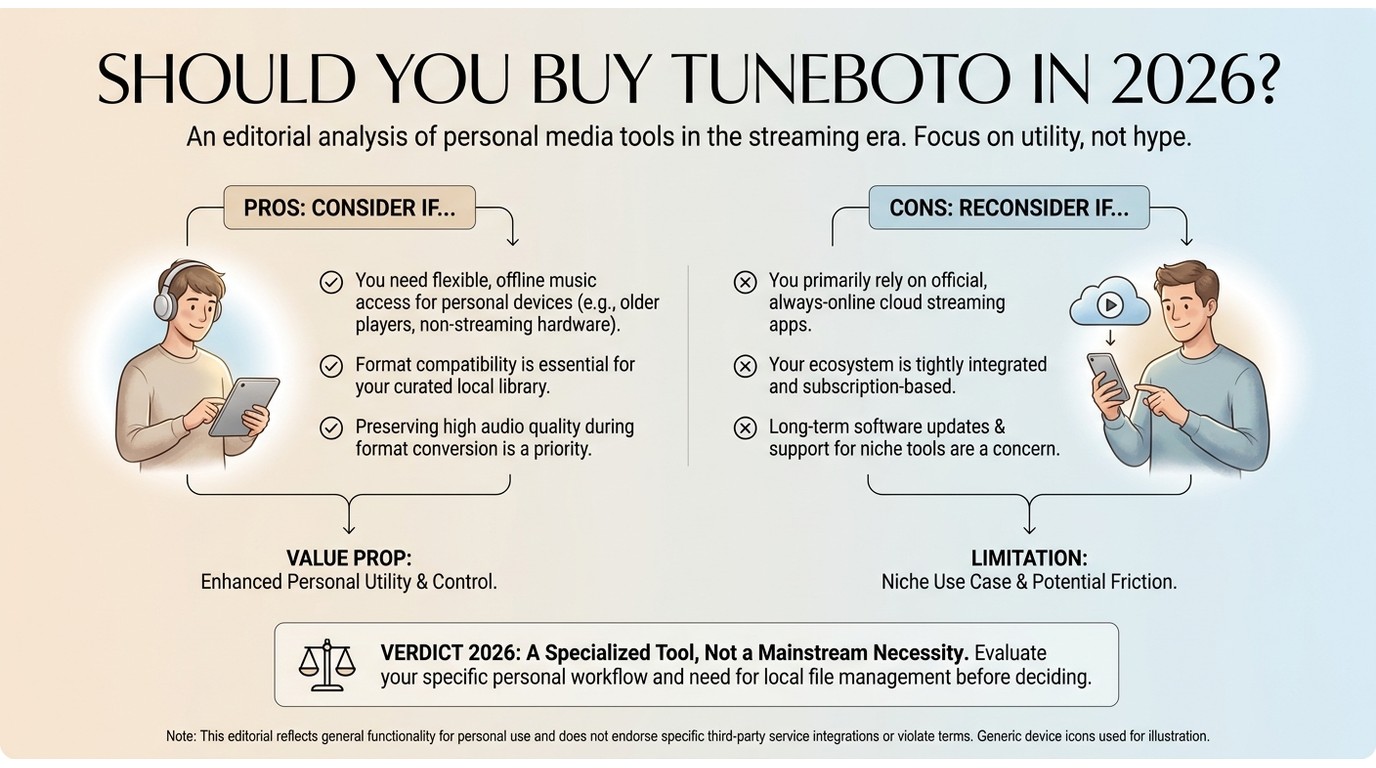
TuneBoto is worth considering if Amazon Prime Video is your main streaming service, 1080p output is enough, and its $69.90 lifetime price fits your budget. Its narrow service support is the deciding limitation, not the basic workflow.
For viewers who use several services, StreamFab All-In-One is the more practical alternative because it supports Amazon Prime Video alongside other major streaming platforms and includes scheduling options.
Choose based on the services you actually use, the output options you need, and whether scheduled downloads justify a broader desktop tool.

Videoder now refers to multiple packages, so identity comes before any safety verdict. This guide checks the publisher, package ID, version, permissions, source, and update signals, then explains current feature limits and compares desktop, browser, Android, and authorized paid-streaming alternatives. It also clarifies why older YouTube instructions should not be treated as current.
By Nicole Lopez - Sep 4, 2026
Audials One does not offer a native macOS desktop release. This guide separates the Intel Windows-VM route from Apple Silicon limits, explains why Audials Play is for radio and podcasts, and maps native Mac choices for streaming video, ordinary screen capture, and MP4/MKV offline files. It also gives a restrained StreamFab fit judgment for authorized personal viewing.
By Erika Leen - Sep 3, 2026
As a Mac user with a need to download online videos, I explored Videoduke, and shared my reviews and opinions about this software in this article.
By Nicole Lopez - Sep 3, 2026
This guide maps eight VideoProc alternatives to the job they are meant to replace, from local conversion and AI enhancement to editing, recording, and authorized service-aware downloads. It also covers HandBrake, FFmpeg, and Video2X, explains restoration limits, and provides a compact workflow matrix and FAQ for choosing a practical fit.
By Marcia Hatcher - Sep 3, 2026