
AnyStream Discontinued: 5 Best AnyStream Alternatives That Actually Work in 2026

Summary: AnyStream (RedFox AnyStream) shut down in June 2024 and remains gone in 2026. I tested every major replacement — here are the 5 best anystream alternatives, including free options, ranked by real-world performance.
I have been testing DRM video downloaders for years, and nothing prepared me for the morning in June 2024 when RedFox AnyStream simply vanished. The website went dark, the forums closed, and the software stopped activating — overnight. Now, two full years into the redfox anystream shutdown, I want to give you a direct, experience-based answer to the question I still see every week: what is the best anystream alternative in 2026?
The short answer is that anystream is discontinued with no recovery in sight. The domain remains inactive, RedFox has made no public announcements, and the broader community has moved on. If you are waiting for anystream to come back, stop waiting — you need a replacement now.
The situation in 2026 is urgent for a specific reason: streaming platforms have tightened DRM protections significantly since the redfox anystream shutdown. Built-in offline downloads from Netflix, Disney+, and Prime Video expire, require platform-locked apps, and give you zero control over your personal media library. You need a proper drm video downloader that keeps pace with these changes — and I have spent June 2026 testing every credible option to find the best anystream replacement for you.
The 5 Best AnyStream Alternatives for 2026
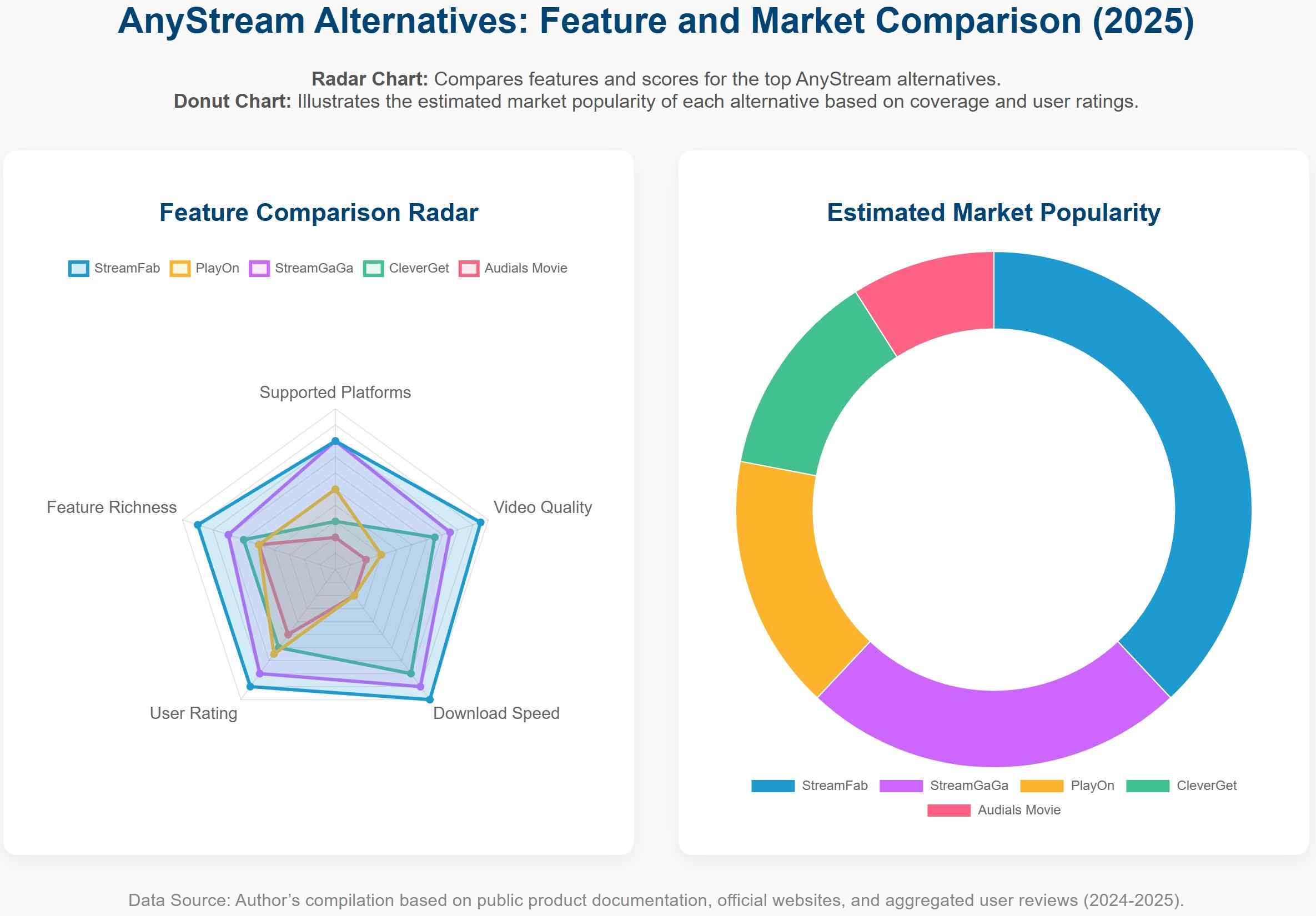
We made an overview chart here to help you get familiar with AnyStream and its alternatives performances.
1. StreamFab Video Downloader: Still the Best All-Around AnyStream Replacement for 60+ Platforms
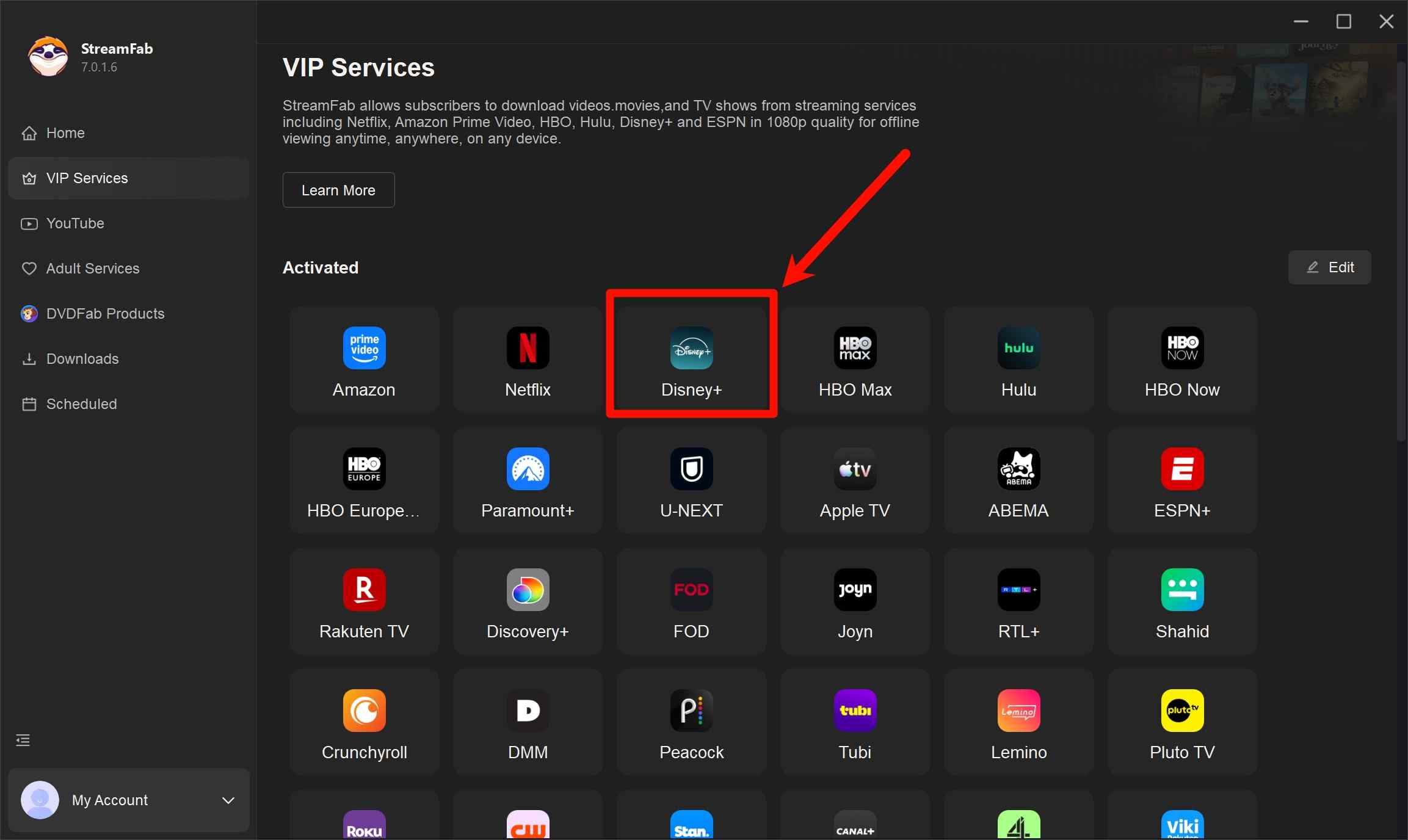
Two years after anystream discontinued, StreamFab Video Downloader has only gotten stronger. It is the closest true successor to what RedFox AnyStream offered — a direct, non-realtime DRM video downloader that works across every major platform. Here is what makes it stand out as the best anystream alternative in 2026:

- Supports 60+ major streaming services (Netflix, Hulu, Disney+, Prime Video, HBO Max, and more)
- Regular updates keep pace with platform DRM changes — critical after the anystream shutdown
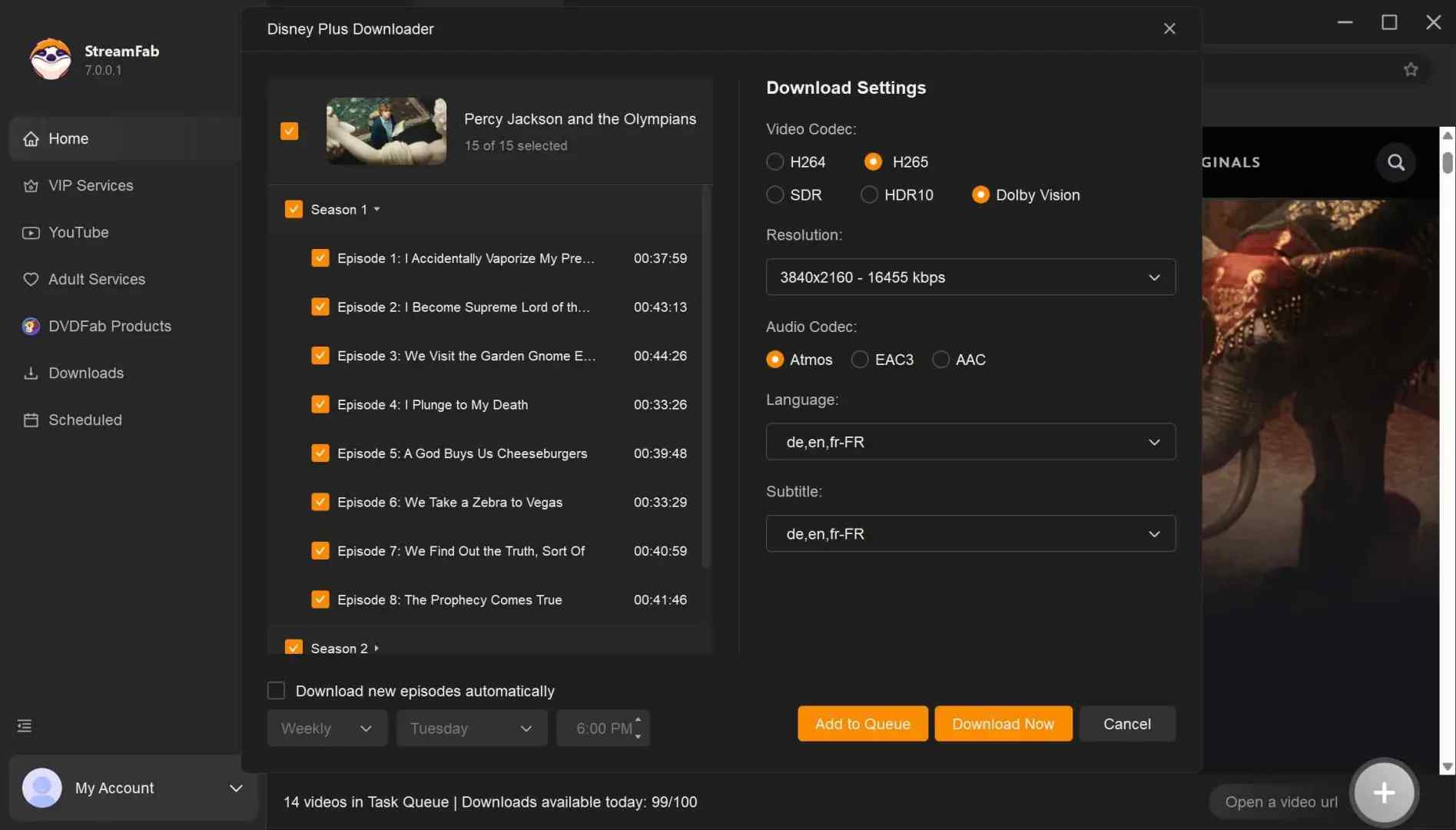
- Downloads up to 4K/8K resolution where available (most services limit to 1080p)
- Preserves Dolby Atmos, HDR10, and Dolby Vision when supported by source

The Reality Check:
Yes, StreamFab costs more than some alternatives. But in 2026, with streaming platforms constantly updating their protections, you are paying for reliable updates and consistent performance — exactly what anystream users lost overnight when the redfox anystream shutdown happened. The lifetime license option makes sense if you back up content regularly. If you wonder how it performs compared to what AnyStream offered, check: StreamFab vs AnyStream.
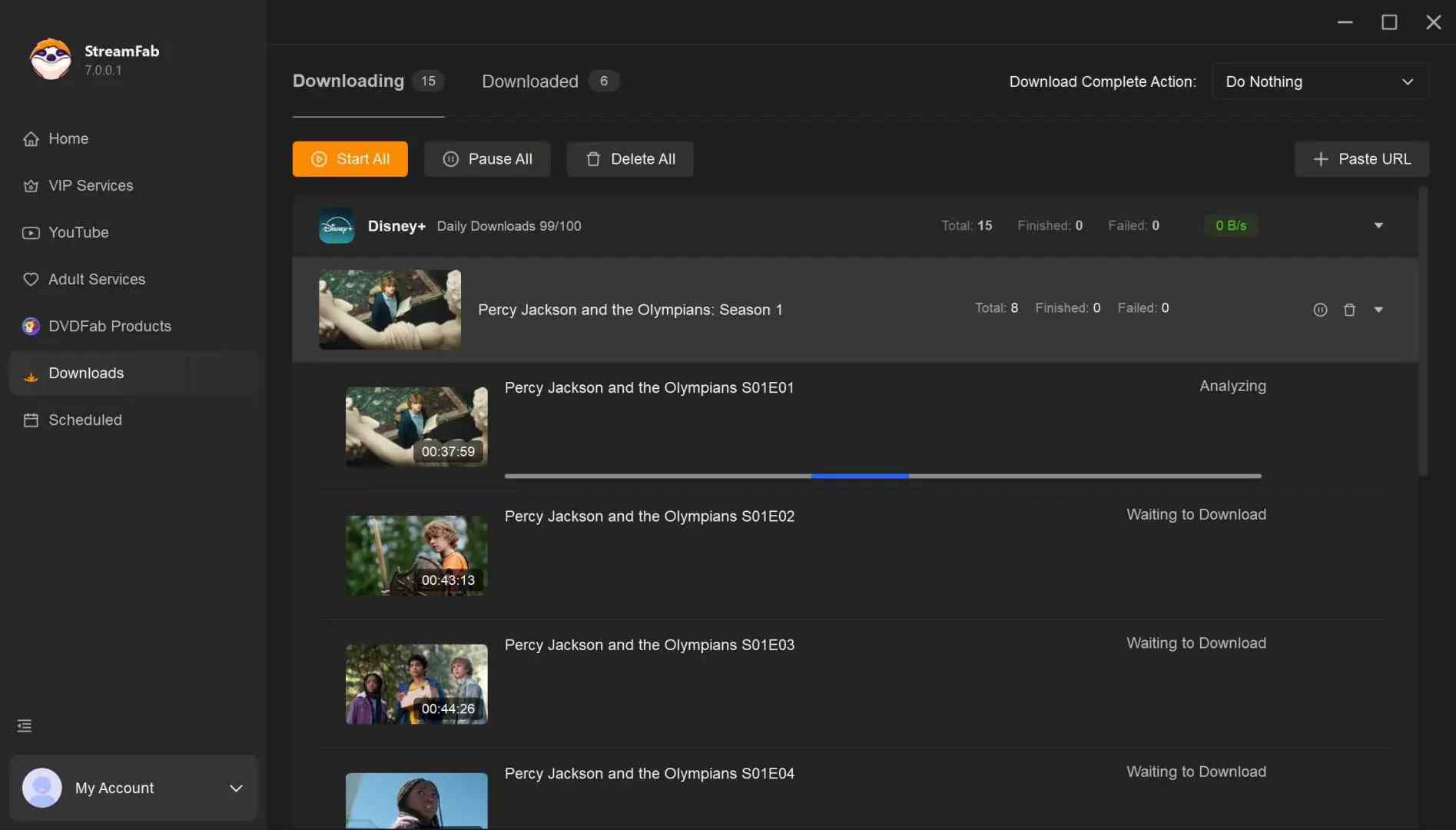
Moreover, StreamFab has received a high score of 4.5/5.0 on Trustpilot, with users expressing great appreciation for the platform. This is why we have chosen StreamFab as the top anystream alternative in this list — and the only one that works as a true direct-download drm video downloader at this scale.

2. PlayOn: The Budget Screen Recorder with Quality Trade-Offs
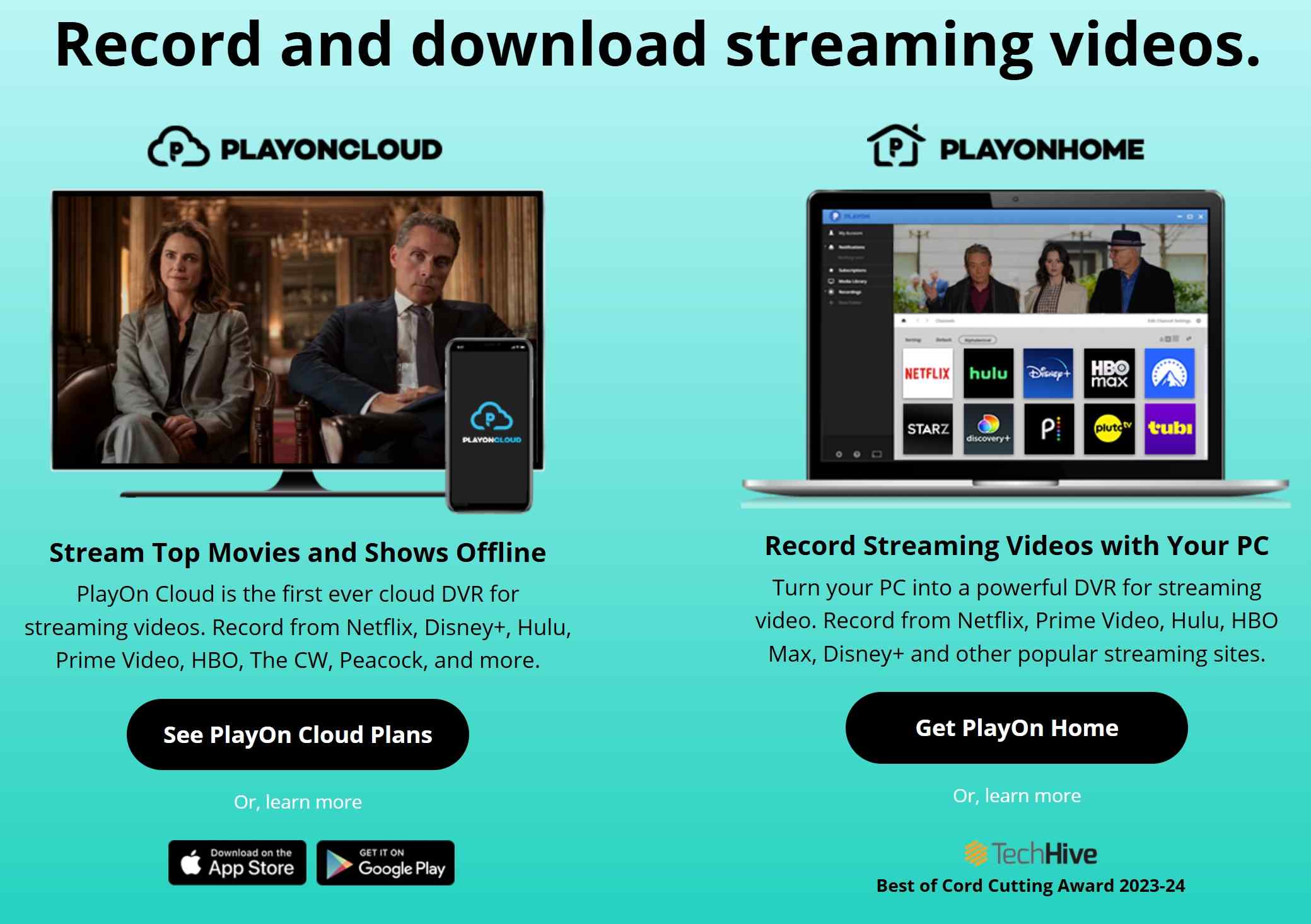
PlayOn takes a different approach from anystream: it records your screen while you watch, creating video files in real time. If you are looking for anystream alternatives free of a large upfront cost, PlayOn's lower entry price is appealing — but the trade-offs are real. Before choosing PlayOn, verify they are still actively updating for current platform DRM. Here is what that means for your backups in 2026:
- Lower monthly cost than most direct-download alternatives
- Save videos from 20+ streaming services to watch offline in MP4 format
- Skip ads when recording video
- Output quality depends on your internet connection and hardware
- Ties up your computer during recording sessions
- Creates large files (real-time recording = large file sizes)
- May experience buffering or blur during recording

3. StreamGaGa: Fast Monthly Subscription for Casual Users
If you only backup content occasionally and want one of the best anystream alternatives free from long-term commitments, StreamGaGa's month-to-month subscription model makes financial sense. I consider this one of the better casual-user options when you want simple, fast backups without technical complexity. Here is how it performs in 2026:
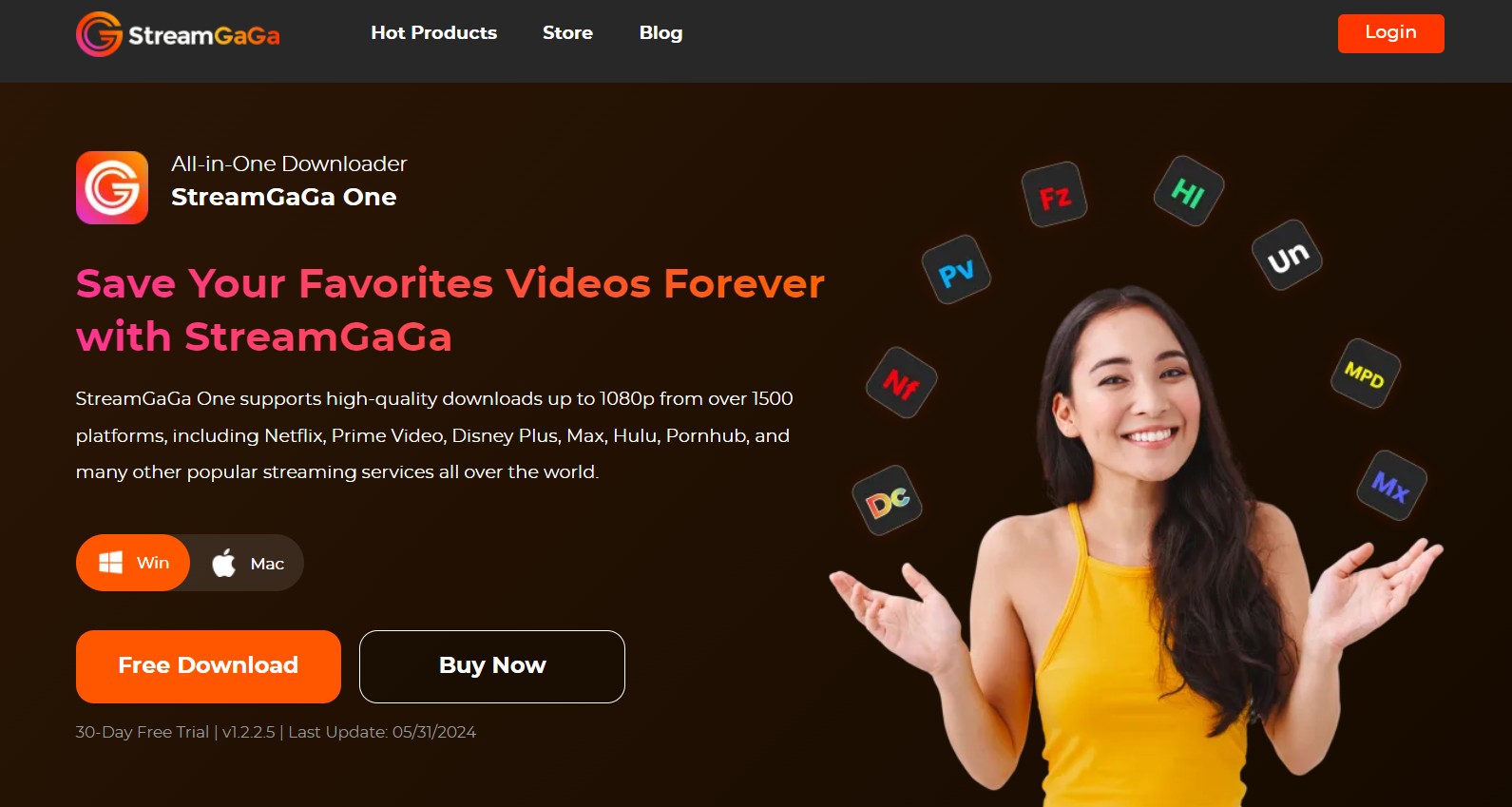
- Noticeably faster than screen recording alternatives
- Month-to-month with no long-term commitment
- 720p/1080p MP4/MKV output
- User-friendly interface lowers learning curve
- Expensive for Lifetime use
4. CleverGet: Beginner-Friendly but Limited by Screen Recording
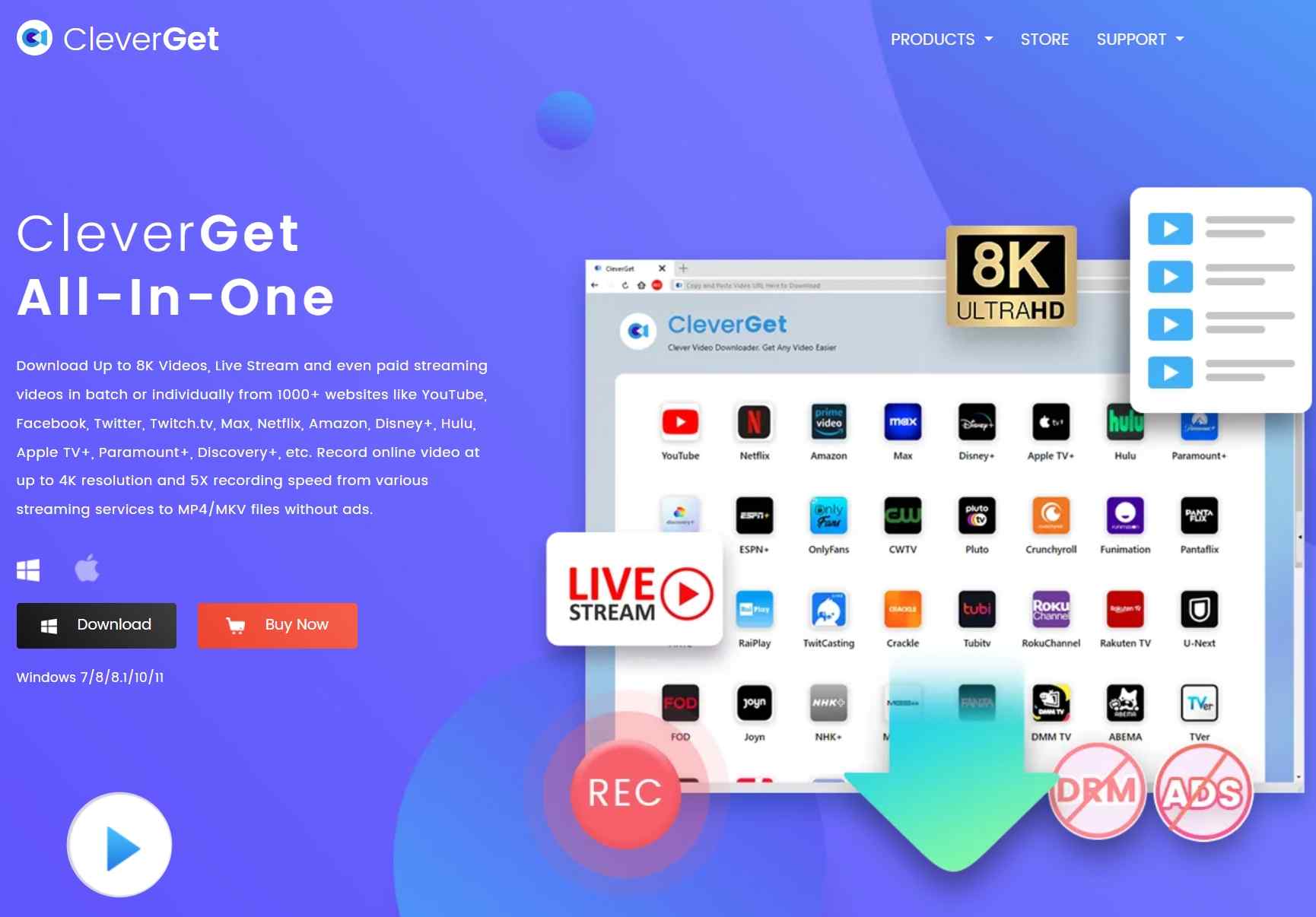
CleverGet positions itself as the easiest entry point for users migrating away from anystream discontinued. While easy to start, you will quickly hit quality limitations. Consider CleverGet a stepping-stone tool before upgrading to more capable software. Here is what beginners should know in 2026:
- Straightforward interface with minimal settings
- One-click recording from supported platforms
- Get videos in 720P/1080P resolution
- Save videos in MP4/MKV format
- Uses re-encoding, not direct download
- Cannot download new episodes immediately
- Keep increasing the price year by year
5. Audials Movie: Niche Recording Software with Platform Limitations
Audials Movie serves a specific niche: Windows users who need basic recording functionality after the anystream shutdown. If you need Windows-only recording and have patience for real-time capture, it is worthy of consideration. Here is its 2026 position:
- Relatively cheaper price than AnyStream was before shutdown
- Record videos from streaming services
- Save videos with subtitles
- Windows-only application (no Mac support)
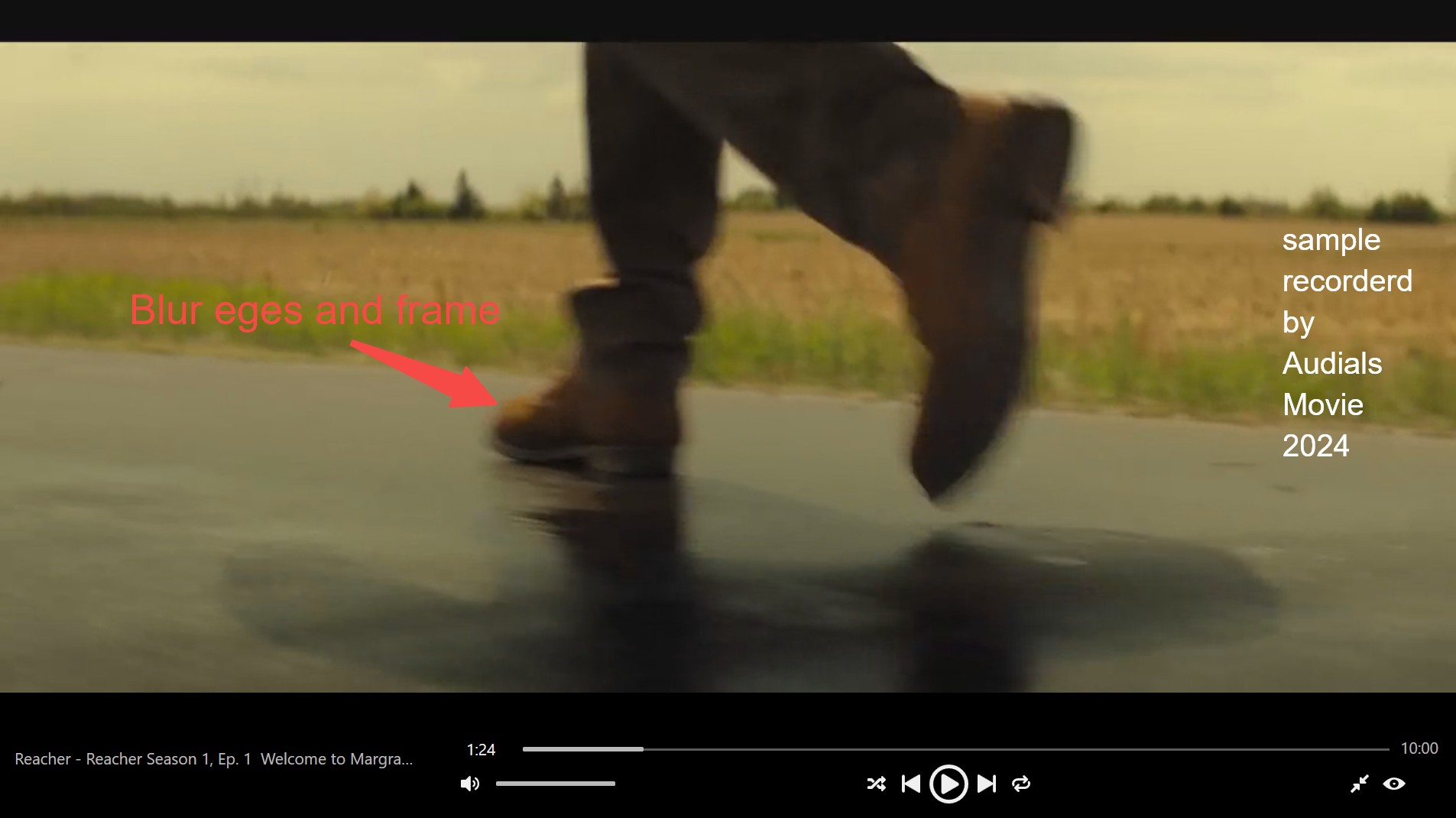
- Bad output quality, very obvious for motion scenes
- Takes long time to get video recorded
- Cannot add new tasks once the recording started
We have chosen Audials Movie as the last resort in our anystream alternatives list due to the frequent Audials not working problems following DRM updates. The fundamental technology of Audials fails to keep up with the evolving protections of streaming services. Nevertheless, with anystream discontinued entirely, screen recording remains a viable last-resort fallback.
Compare Sheet of AnyStream and Alternatives
In the end, the optimal best anystream replacement will depend on your requirements and preferences. There are many factors to consider, such as the websites you wish to download from, the file formats you need, and user-friendliness. By comparing these anystream alternatives, you may discover the most suitable method for downloading videos after the redfox anystream shutdown.
The comparative chart provided below is founded upon the individual assessment and critique conducted by our editorial staff. Each of the specifications can be authenticated as accurate. Kindly safeguard our intellectual endeavors and refrain from duplicating the material without prior authorization.
Note: Prices and features verified June 2026. Always check official sites for current information before purchasing.
| 🏅StreamFab | PlayOn | StreamGaGa | CleverGet | Audials | |
|---|---|---|---|---|---|
| Best For | Power users needing reliability | Budget-conscious users | Monthly subscribers | Light-users | Windows-only recording |
| Platform Support | 60+ OTTs 1000+ sites | 20+ services | Major Platforms | Limited selection | 8 services |
| Max Quality | 1080p/4K/8K | 720p/1080p | 1080p | 720p/1080p | 720p/1080p |
| Download Methods | Direct download | Recording | Direct download | Re-encoding | Recording |
| Speed | 7~10MB/s | 1x | 6~8MB/s | 3~7MB/s | 1x/4x |
| Exclusive Features | Auto-download | Cloud version | Auto-download | N/A | Video editing |
FAQs
Is it still legal to use video downloaders for personal backup in 2026?
The legal landscape has not changed significantly since the redfox anystream shutdown in 2024. Under U.S. law, creating personal backups of content you have legally accessed is generally acceptable. The key distinction is:
- ✅ Permitted: Downloading for personal offline viewing within your household
- ❌ Not permitted: Distributing, selling, or sharing downloaded content
- ⚠️ Gray area: Circumventing DRM for interoperability (court rulings vary)
Most download tools, including those listed here, position themselves as personal backup solutions. As always, consult local laws and use responsibly.
Will AnyStream ever come back in 2026 or beyond?
Based on current information, anystream discontinued with no signs of revival. The domain remains inactive, and there are no announcements from the developers at RedFox. In the tech world, two years of silence after a shutdown typically means a product will not return.
The good news? The anystream alternatives available in 2026 are more capable than AnyStream was at its peak in 2024. Switching now means you are actually upgrading to tools with better support, broader platform coverage, and more features.
What happens to my AnyStream lifetime license? Can I get a refund or transfer?
Unfortunately, when anystream shut down, no migration path was provided for existing customers. Here is the reality in 2026:
- No refunds: The company is defunct, so refunds are not possible
- No transfers: Licenses cannot be transferred to alternative tools
- Your options: Consider the cost of a new drm video downloader as replacing your lost investment
Some alternative providers occasionally offer "competitive upgrade" discounts for former AnyStream users. Check their websites or contact support to ask.
Are there any anystream alternatives free of charge?
Completely free drm video downloader options are extremely limited in 2026 because streaming platforms actively block them. However, several of the anystream alternatives in this list offer free trials that let you test before buying. StreamFab offers a free trial that allows limited downloads. PlayOn has a low-cost monthly entry point. None of the tools can fully replicate what AnyStream did for free on a permanent basis — the underlying technology requires ongoing development to stay ahead of platform DRM updates, which requires a paid model.
After testing all five anystream alternatives in June 2026, StreamFab All-In-One is the only tool that covers every platform AnyStream supported — including Netflix, Prime Video, Disney+, and 20+ more — without real-time recording delays. It is the definitive anystream replacement for power users in 2026.
Conclusion
The redfox anystream shutdown was frustrating for thousands of users, but it pushed the video backup market to improve significantly. Here is my straightforward advice for 2026:
Choose StreamFab Video Downloader if:
- You backup content from multiple streaming services
- You want the highest possible quality from a direct drm video downloader
- You value reliability and regular updates after the anystream discontinued era
- The one-time cost fits your budget
In 2026, the anystream alternatives available to you are genuinely better than what AnyStream ever offered. The key is matching the tool to your specific needs — whether that is all-in-one power from the best anystream replacement, budget-friendly recording, or simple monthly access. Test free trials when available, check current pricing, and remember: your goal is creating a personal media library you truly control.
This article is regularly updated to ensure accuracy and timeliness. Latest update (June 2026):
- Full rewrite: Strengthened urgency framing around anystream discontinued status
- FAQ expanded: Added Q4 covering anystream alternatives free options
- AnyStream status confirmation: Verified AnyStream remains defunct as of June 2026 with no revival signs
The author confirms the accuracy of this information as of June 2026, based on available data and product testing. Always verify current pricing and features on official websites before making purchasing decisions.

Downloading your favorite Netflix library permanently for your flexible offline watch is not a big deal anymore. Try the Pazu Netflix video downloader to enjoy Netflix streaming with ultimate customizations.
By Erika Leen - Sep 18, 2026
This review exposes the gap between Video Downloader Plus's marketing and its actual performance. Technical tests confirm the extension cannot process encrypted HLS streams found on major sites. Furthermore, the review critiques the lack of a free trial, forcing users to pay blindly for functionality that may not work on complex websites.
By Jacob Harrison - Sep 15, 2026
Explore a comprehensive list of alternative software to MovPilot. Learn about their features, pricing, and user reviews to make an informed decision based on 2026 DRM standards.
By Erika Leen - Sep 15, 2026
How to cancel PlayOn subscription? Will you get a refund after cancelling? This guide tells you everything you need to know about cancelling PlayOn subscriptions.
By Nicole Lopez - Sep 15, 2026