
DispCam Review 2026: Price, Quality Claims, and Verdict

Summary: If you are searching for a DispCam review because Disney+ official downloads do not fit a Windows or Mac travel workflow, the practical answer is mixed: DispCam creates portable files, but its title-level quality evidence is limited. This guide covers the verdict, pricing, test context, and alternatives.
![DispCam Review: Is It a Worthy Disney+ Video Downloader? [Pros & Cons]](https://images.dvdfab.cn/artifact/2026/08/05/1f-J_QR7UhJCONXbqSOY0aRf5fpAWbgZ/feature_cover.jpg)
DispCam is a reasonable Disney+ video downloader for Windows or Mac users who want MP4 or MKV output from one service. Skip it if you need a mobile app, broad platform coverage, scheduled queues, or stronger title-level test records before buying.
DispCam Verdict and Best Fit
DispCam suits desktop users who value local MP4/MKV files, while its $79.90 price and unresolved 1080p-versus-720p evidence make a trial run important before purchase.
Disney+ official downloads are app-bound, depend on the subscriber's plan and supported device, and require periodic reconnection. The Disney+ download limit matters most when official offline viewing does not match a desktop or travel setup, but it should not be reduced to one universal title count or expiration rule.
- Best for: Windows or macOS users who want a focused Disney+ workflow and portable offline files.
- Less suitable for: Android or iPhone users, people who need several streaming services, or buyers who require well-documented title-level benchmarks.
My editorial judgment is to treat DispCam as a narrow utility rather than an automatic upgrade over official downloads. The format flexibility is useful, but the purchase decision should follow a test of the titles and tracks you actually use.
DispCam Features, Quality, and Test Findings
DispCam's official feature set is clear, but quality and reliability claims need title-, version-, region-, and date-specific evidence.
What DispCam Does Well
DispCam advertises Windows and macOS support, batch processing, multilingual track selection, and MP4/MKV output. A DispCam MP4 download can be copied to compatible storage or a media server, which is the product's clearest advantage over app-bound viewing.
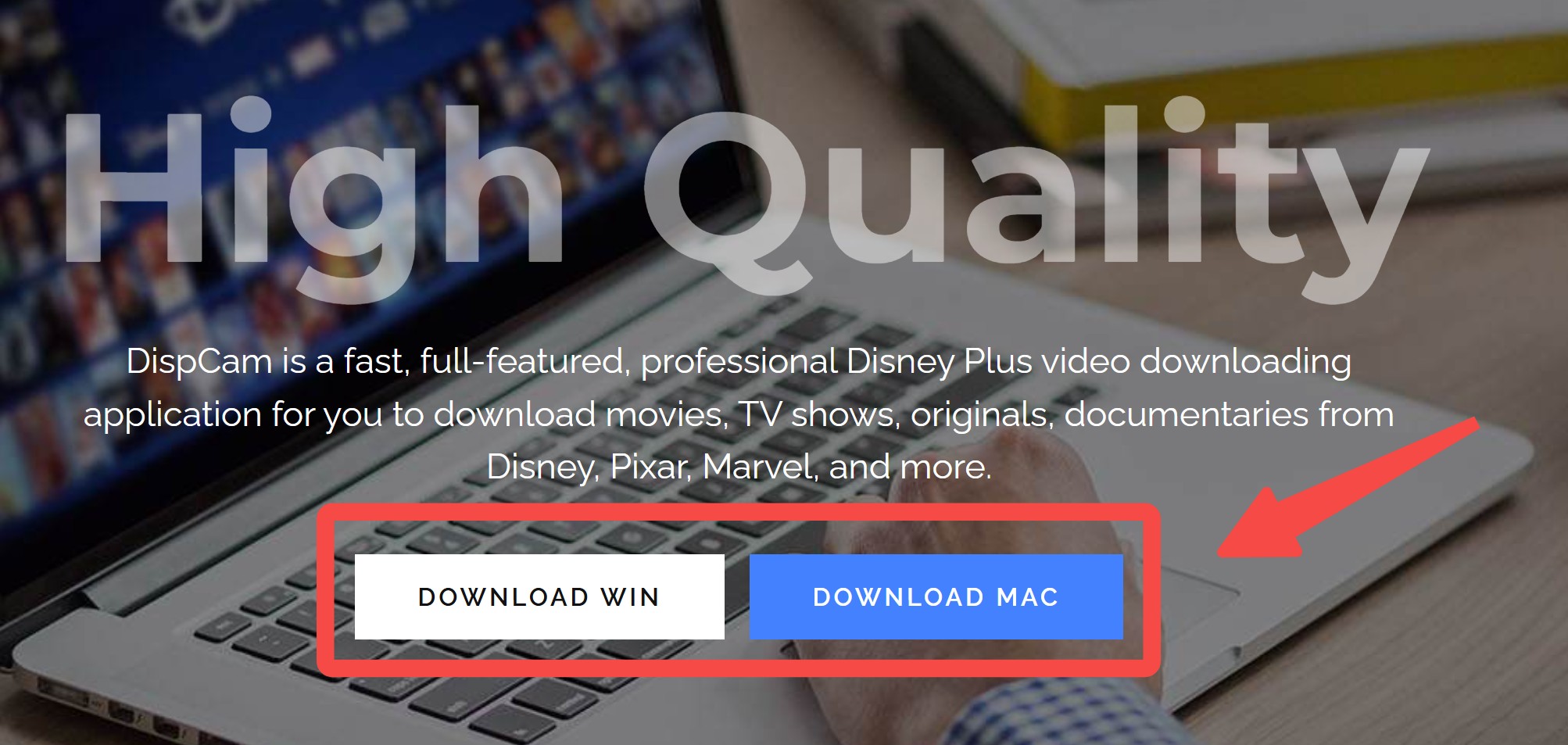

MP4 is the simpler choice for broad device compatibility, while MKV is useful when keeping several tracks in one container matters. The practical value is file control, not a promise that every device or media-server setup will handle every track combination.
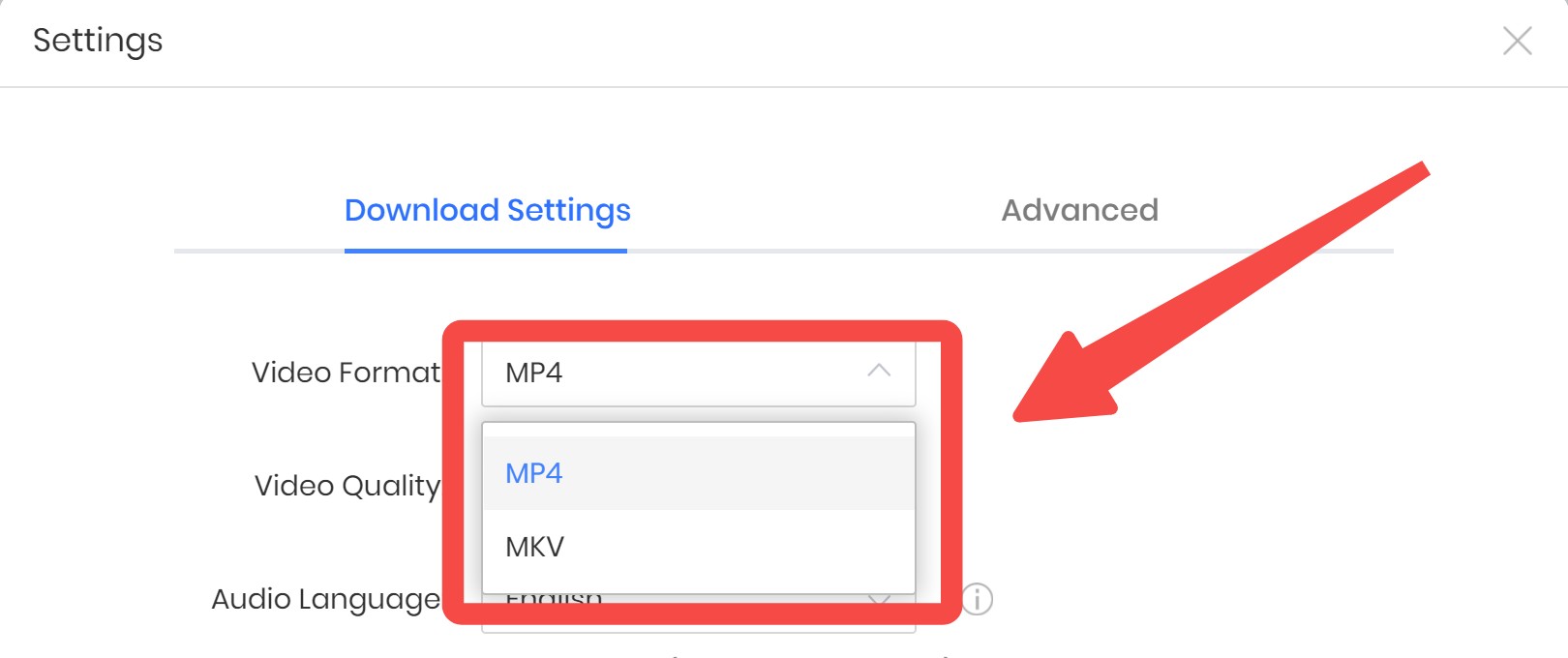
The interface keeps the main choices in one desktop workflow, which lowers setup friction for a single-service downloader.
Limits and Conflicting Quality Claims
The main unresolved issue is DispCam 1080p support: the vendor advertises up to 1080p, while an external May 2026 benchmark reported 720p on its tested title.
That conflict does not prove that all titles stop at 720p or that all titles reach 1080p. Disney+ entitlement, title availability, selected tracks, software version, and region can affect the result. This distinction between streaming quality versus downloaded files is more useful than repeating either broad claim.
A screen recording Disney+ workflow also has different quality and performance tradeoffs, so it should not be used as proof of DispCam's output method or resolution.
My take is straightforward: title-level evidence deserves more weight than a product-page maximum or a single external result. Test a representative movie and episode before judging value.
Test Method and Benchmark Results
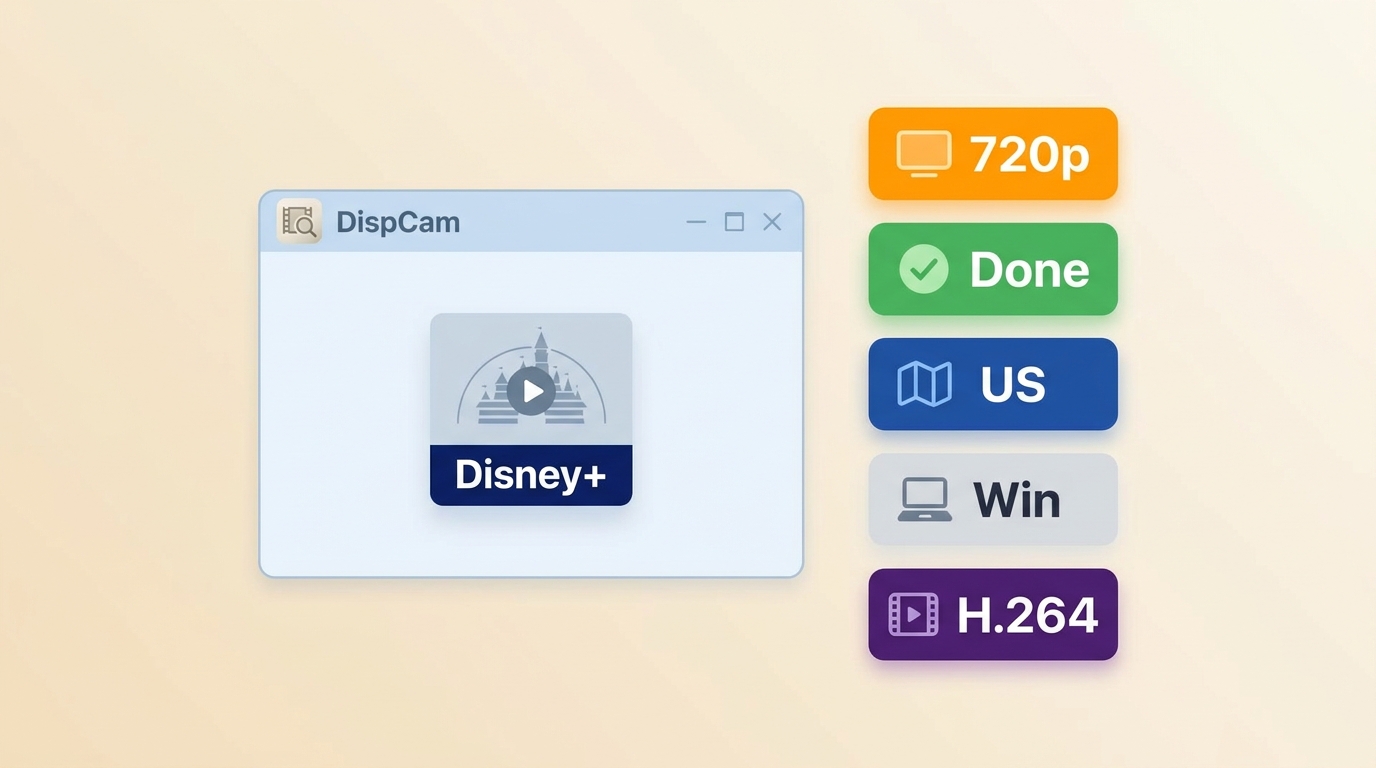
No new in-house DispCam test record was supplied for this revision, so the evidence below remains an external benchmark rather than a first-person test.
- Reported date and region: May 2026, US-region Disney+ test context.
- Observed result: 720p output on the benchmark's selected title.
- Not documented in the available record: DispCam version, computer model, operating-system build, internet connection, title and episode name, selected tracks, elapsed time, codec, file size, error status, and USB playback result.
A reproducible future test should record each missing field and state whether the final MP4 or MKV opens from a USB drive. Until then, the benchmark supports a cautious 720p observation for one title, not a universal resolution or reliability conclusion.
User Ratings and Review Context
The Aug 2026 Trustpilot listing showed DispCam at 3.5 out of 5 from 10 reviews, a sample too small for a firm reliability conclusion.
The limited review set provides independent context, but vendor testimonials and a small third-party sample should not substitute for a current title-level trial. Recurring themes should be read as signals to investigate, not as proof that a result will repeat on another version or title.
DispCam Pricing and Trial Terms
As of Aug 2026, the DispCam price is $79.90 for a lifetime license covering one Windows PC or one Mac, with a 30-day money-back guarantee.
The DispCam free trial saves the first five minutes of a video at 720p. That is enough to check sign-in, format choices, and basic output, but it does not establish full-length speed, stability, track handling, or final quality.
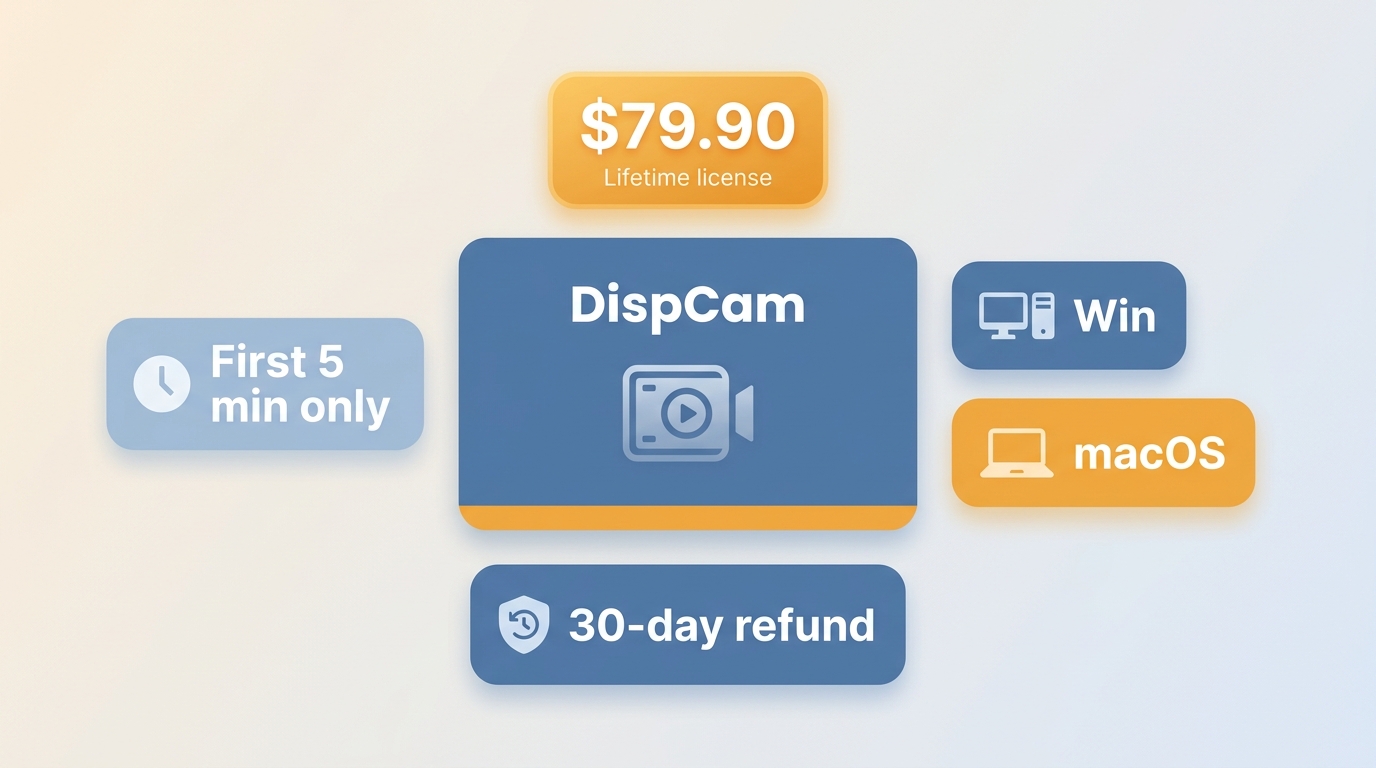
| Plan | Lifetime |
|---|---|
| Current US price | $79.90 |
| License scope | One Windows PC or one Mac |
| Trial and refund | First five minutes at 720p; 30-day money-back guarantee |
Value depends less on the lifetime label than on whether the current version completes your representative titles at acceptable quality. A focused single-service buyer may find the license sufficient; a multi-service user should compare broader coverage and workflow features before paying.
Using DispCam Step by Step
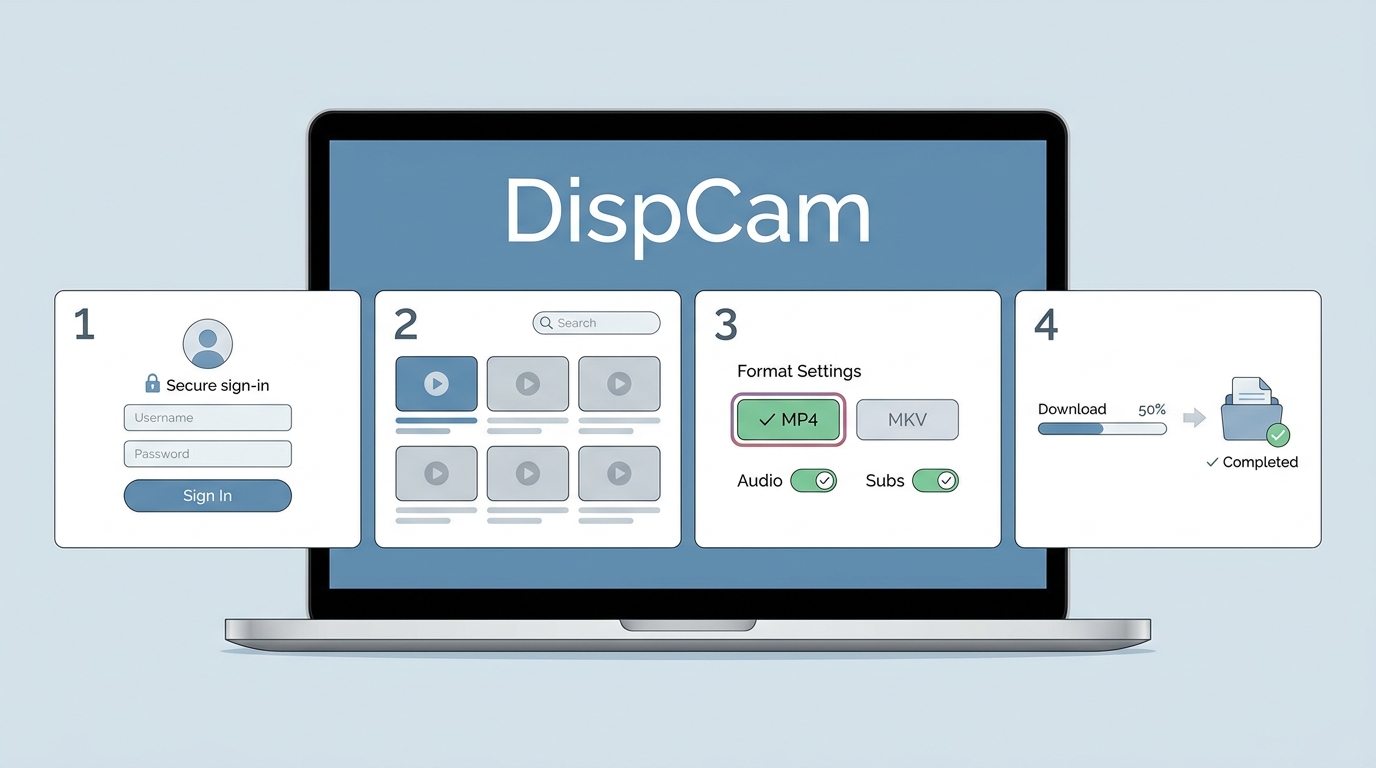
The DispCam MP4 download workflow is simple on Windows and Mac, but it is not a mobile app and results can vary by title and version.
The format and track decisions in this guide to download Disney Plus movies matter more than adding a large queue immediately. Start with one representative title, confirm playback, and then use batch processing.
Install DispCam from its official website and launch the current Windows or macOS version.
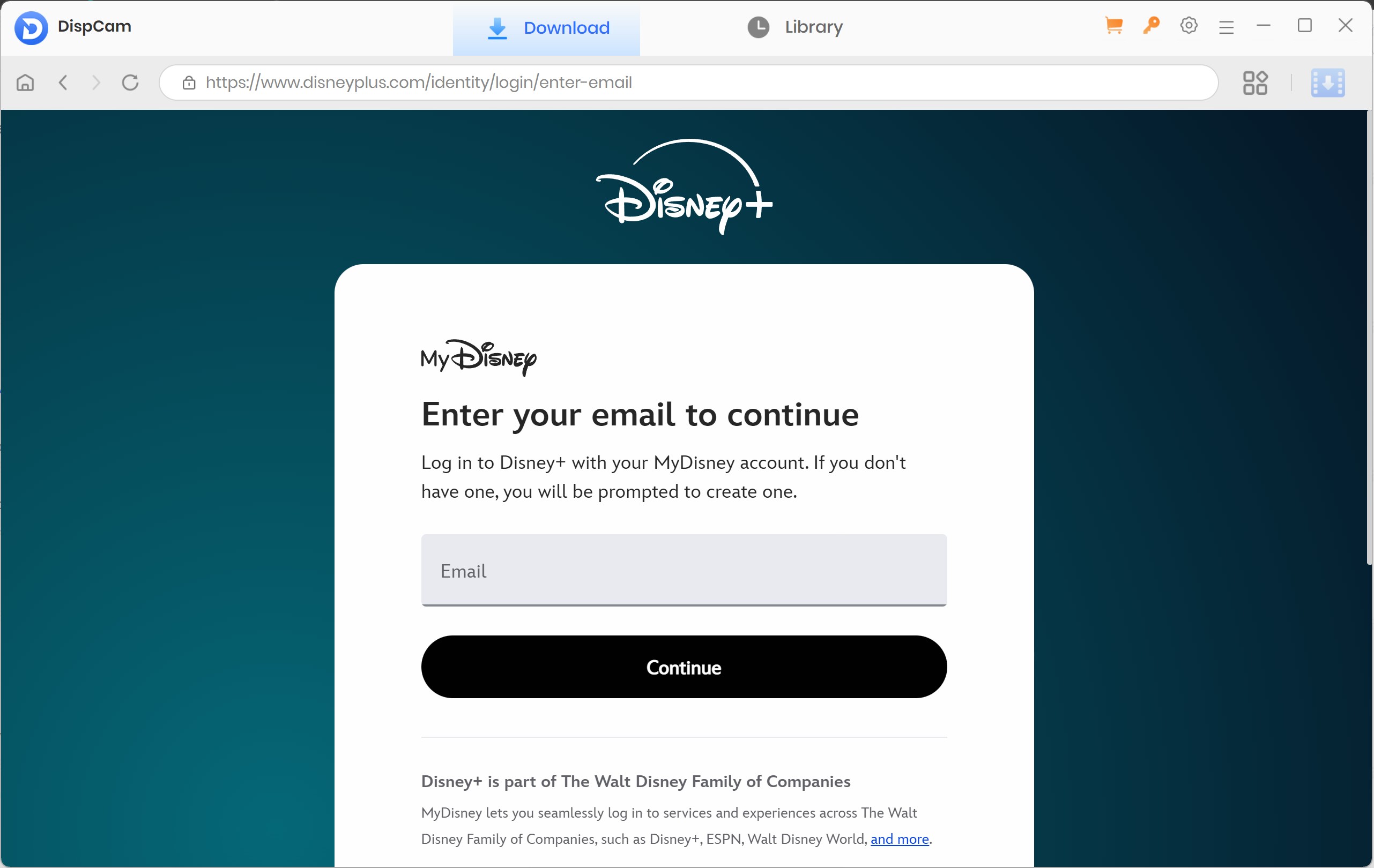
Sign in to Disney+ through the built-in browser with an active account authorized to play the selected title.
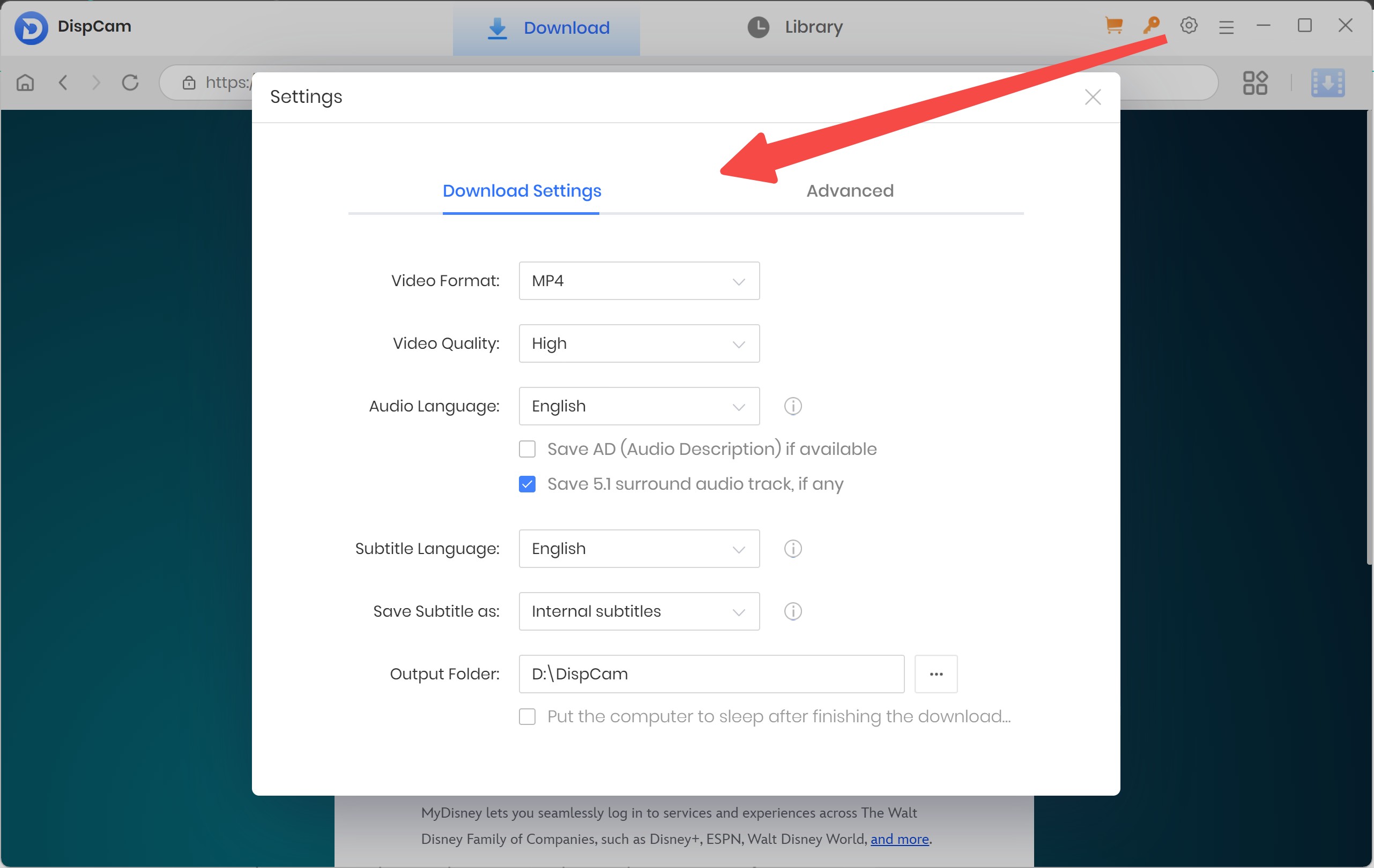
Choose MP4 or MKV, then select the available audio and subtitle tracks before adding the title to the queue.
Hitting the Download icon prompts a secondary menu. Here, you can finalize your specific audio track and subtitle language choices before initializing the process.
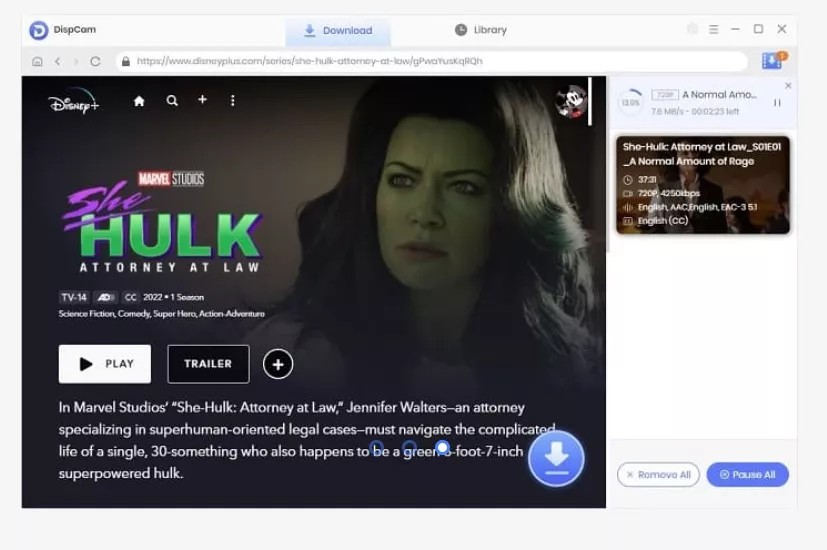
When processing finishes, open the local output folder and test the file before moving it to compatible USB storage or a media server.
This workflow fits desktop users who prioritize portable offline files. It is less suitable for people who want downloads managed entirely inside an Android or iPhone app.
DispCam vs StreamFab: Practical Differences
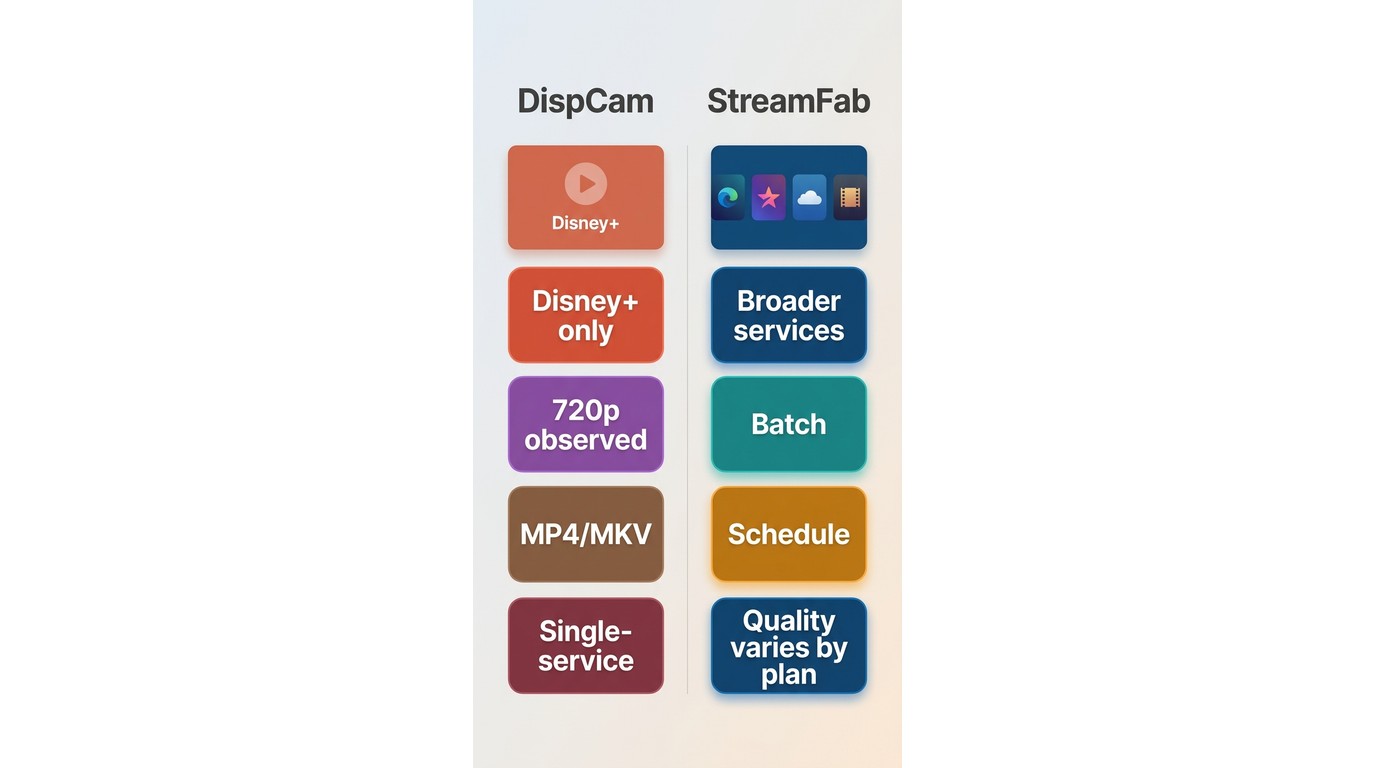
StreamFab is a conditional DispCam alternative for broader desktop workflows, not an automatic winner for every Disney+ user.
For content you're authorized to access, where permitted by platform terms and applicable law, StreamFab offers Windows and macOS local-file workflows with MP4/MKV output, track selection, batch processing, and scheduling. Its current Disney+ baseline is described as 1080p; higher results must be qualified by supported platform, plan, title, region, version, and an actual test record.

It's basically the ultimate upgrade from DispCam, pushing past that annoying 720p limit to give you gorgeous 4K HDR10 and 1080p downloads, complete with really clean Dolby Atmos audio. Experience 3 complete, full-length video downloads during your free trial!
Readers comparing broader downloader categories can use a best streaming video downloader review to weigh service coverage and reliability criteria without turning this DispCam review into a sponsored ranking.
| Decision factor | DispCam | StreamFab Disney Plus Downloader |
|---|---|---|
| Price, license, trial, and refund | $79.90 lifetime; one Windows PC or one Mac; first five minutes at 720p; 30-day money-back guarantee | Pricing varies by license term; Windows and macOS; 30-day trial with 3 full-length videos per service; refund terms depend on the plan |
| Desktop systems and service scope | Windows and macOS; Disney+ focused | Windows and macOS; multiple supported streaming services |
| Official resolution claim | Up to 1080p | Up to 4K by supported platform and plan; the current Disney+ baseline is described as 1080p |
| Observed test resolution and record | External May 2026 benchmark: 720p; version and test hardware not disclosed | No article-specific Disney+ benchmark record; version and test date are not stated |
| Formats, audio, and subtitles | MP4/MKV; multilingual audio and subtitle selection advertised | MP4/MKV; selectable audio and subtitles |
| Batch and scheduled workflow | Batch advertised; scheduling not established in the current evidence | Batch and scheduling supported |
| USB and media-server portability | Compatible MP4/MKV files can be moved; USB playback was not documented in the external benchmark | MP4/MKV local files suit compatible USB and media-server workflows |
| Best fit | Single-service Windows or Mac users prioritizing a focused local-file workflow | Users needing broader service coverage, season queues, and scheduling |
| Main limitations | Disney+ focused; title-level quality and reliability can vary; no mobile app | Broader scope may be unnecessary for one service; title- and version-dependent results |
Who StreamFab Suits
StreamFab suits people who need several supported services, season queues, scheduled tasks, and MP4/MKV files; it is less suitable when official mobile downloads already meet the need.
For a repeatable episodic workflow, StreamFab batch download can reduce manual queue setup, while a concise guide to using StreamFab carries the detailed product tutorial rather than duplicating it here.
I would favor broader coverage and scheduling when those features will be used regularly. For a single Disney+ title now and then, paying for a wider toolset can be unnecessary.
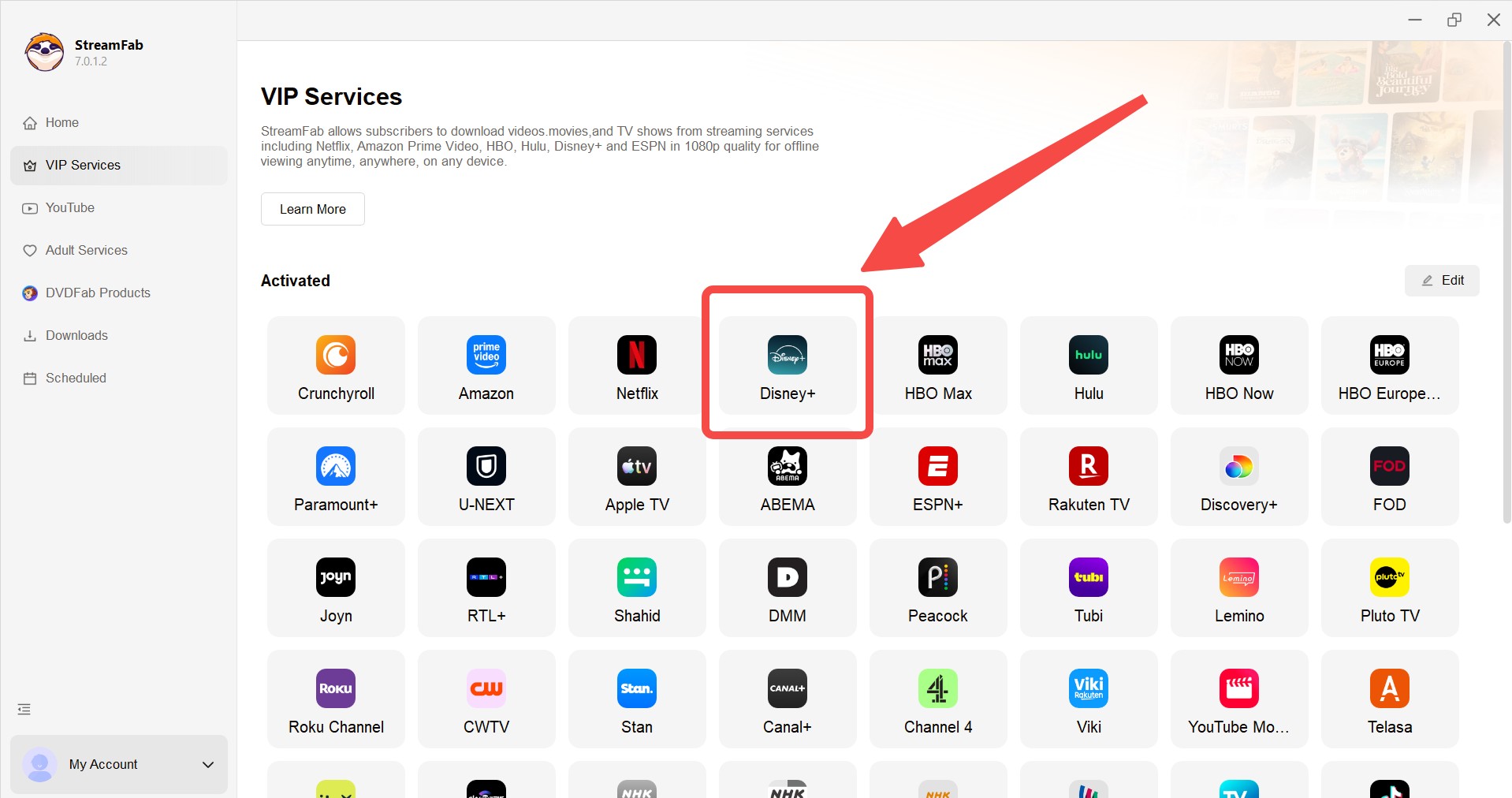
Select Disney+ Streaming Platform
Sign in to your account through the built-in browser. You can just browse around normally for the show you want, or simply paste the video URL right into the top address bar.
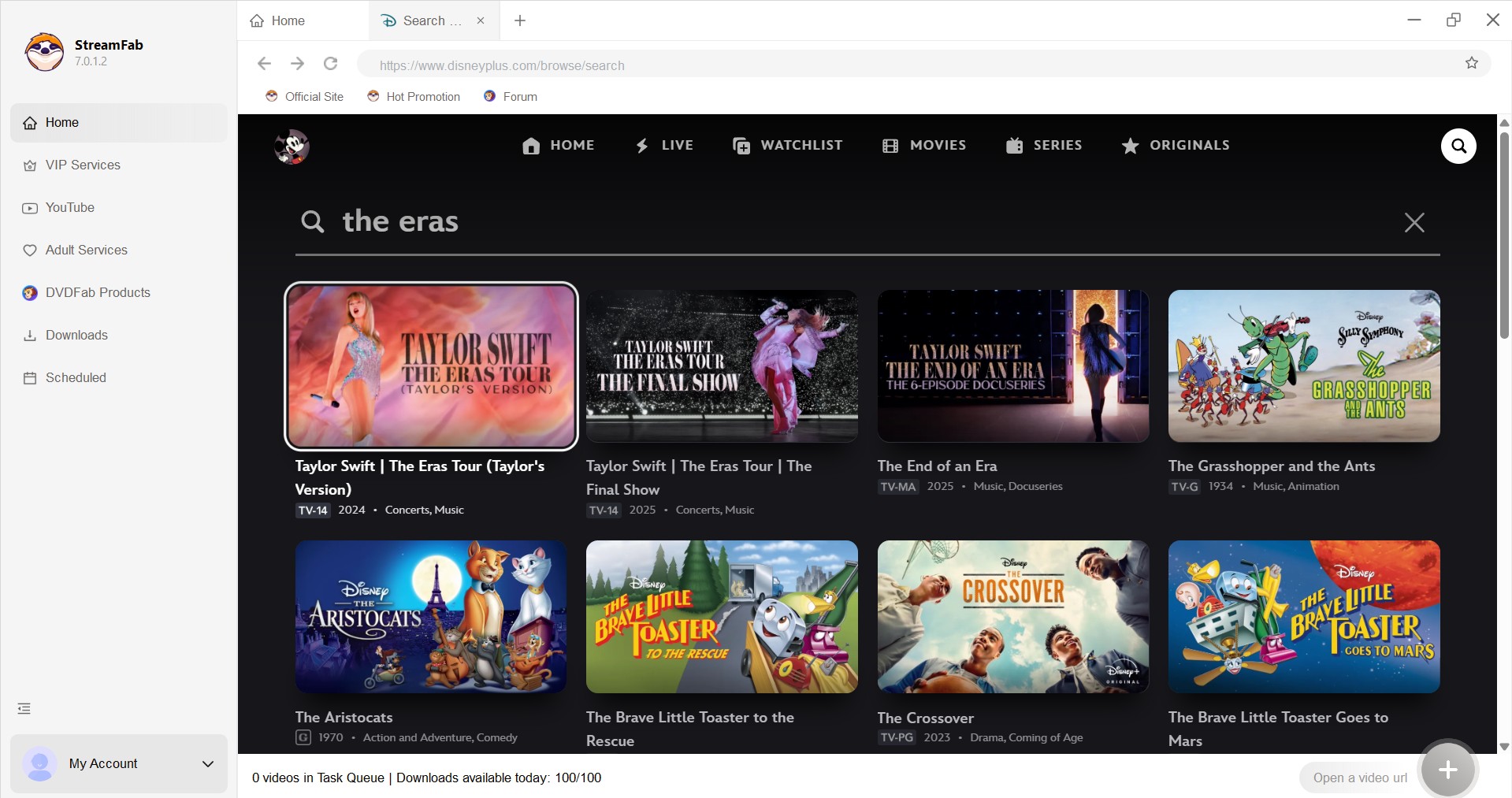
Customize Your Preferences
As soon as you click on a video, a little settings pop-up is going to appear. Here, you can define your preferred resolution, audio tracks, and subtitles before proceeding.
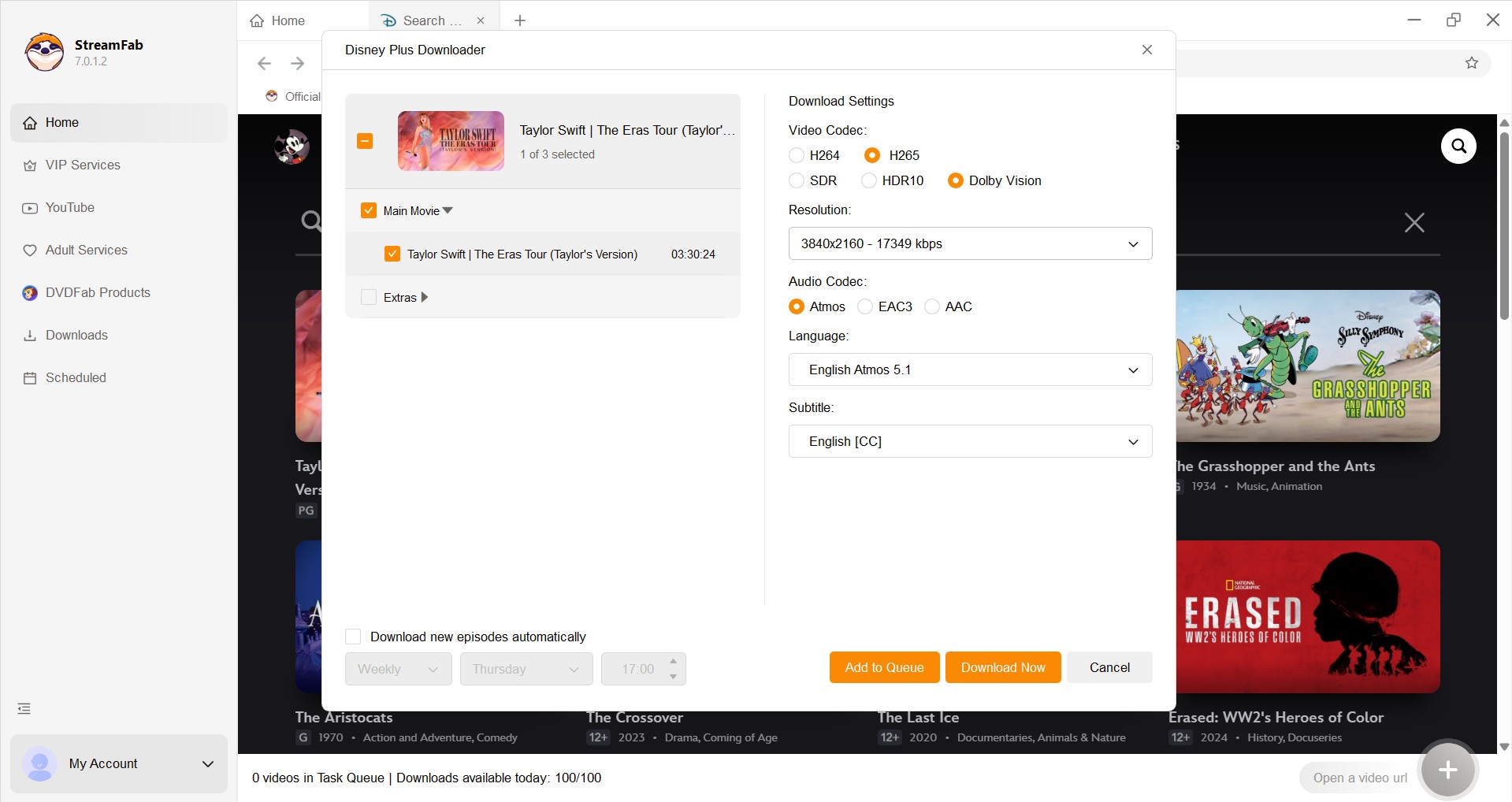
If you pick a series, you can schedule it to download at a later date and select the exact episodes you want.
Finalize and Start Process
Click the process button. The software will download the raw files rapidly, leaving you with high-quality media ready for offline playback.
FAQs
Installer safety, authorized personal use, and streaming-account policy are separate questions, and none supports an absolute guarantee.
Can I use DispCam on Android or iPhone?
No. DispCam's current official product runs on Windows and macOS. You can move an authorized, compatible MP4 or MKV file to a phone after processing, but the DispCam application itself is not offered for Android or iPhone.
Is DispCam safe to install?
Use the installer from DispCam's official website and scan the downloaded file with current security software. No dated independent scan was performed for this revision, so this review does not claim that every installer build is risk-free. Installer safety is also separate from Disney+ account and policy questions.
Is using DispCam allowed for personal offline viewing?
Use it only for content you're authorized to access, for personal offline viewing, where permitted by platform terms and applicable law. Do not share or commercially distribute the output. The same boundary is explained in the copyright and personal-use guidelines.
Could using a downloader affect my Disney+ account?
No desktop downloader can guarantee an account outcome. Official app downloads and desktop local-file workflows are different, so consider Disney+ terms, keep an active authorized account, and avoid unsupported claims that a service will treat all activity as ordinary playback.
Conclusion
DispCam can suit a Windows or Mac user who wants a focused Disney+ workflow and portable MP4/MKV files, but the evidence does not support a blanket quality or reliability promise.
The decision comes down to four facts: a $79.90 lifetime license for one computer, a short 720p trial clip, an official up-to-1080p claim that conflicts with one external 720p result, and a 3.5-out-of-5 rating from a small 10-review sample.
I would put DispCam on the shortlist for a single-service buyer willing to test representative titles. Readers who need broader service coverage, scheduled queues, or stronger title-level records should compare StreamFab and other current options, with StreamFab remaining a secondary and conditional recommendation.
Use local-file tools for personal offline viewing of content you are authorized to access, subject to platform terms and applicable law.

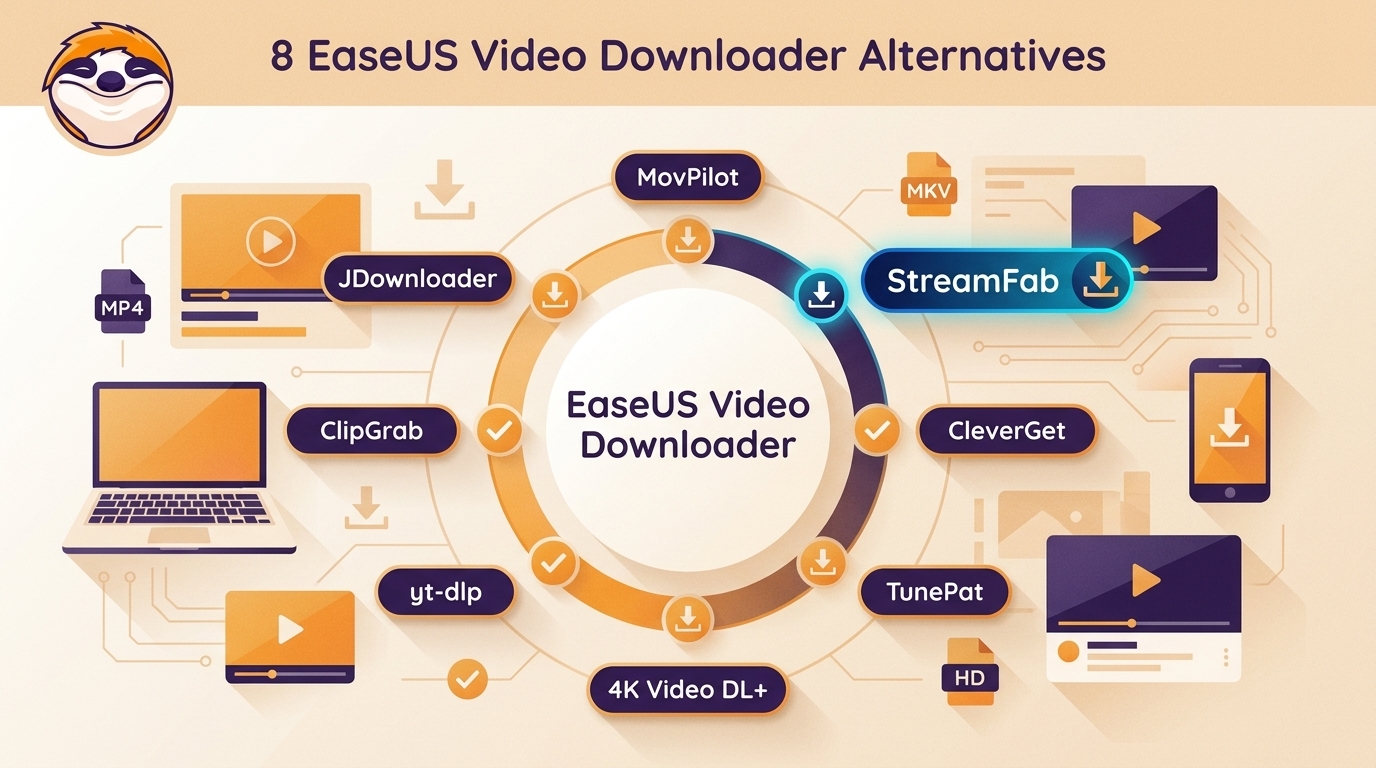
This guide compares eight EaseUS Video Downloader alternatives across Windows and Mac support, MP4 output, premium streaming, playlists, browser use, and free or open-source access. It also explains who each option fits, how to avoid unsafe lookalike download sites, and how to troubleshoot incomplete files.
By Erika Leen - Sep 20, 2026

Recently, we have received numerous feedbacks on Movpilot not working issues and download failures. This article offers a comprehensive guide to assist you in troubleshooting the problems and errors associated with Movpilot.
By Marcia Hatcher - Sep 20, 2026
Downloading your favorite Netflix library permanently for your flexible offline watch is not a big deal anymore. Try the Pazu Netflix video downloader to enjoy Netflix streaming with ultimate customizations.
By Erika Leen - Sep 18, 2026
This review exposes the gap between Video Downloader Plus's marketing and its actual performance. Technical tests confirm the extension cannot process encrypted HLS streams found on major sites. Furthermore, the review critiques the lack of a free trial, forcing users to pay blindly for functionality that may not work on complex websites.
By Jacob Harrison - Sep 15, 2026