
How to Download JustForFans & GayForFans Videos Safely (2026 Verified)

Summary: Learn how to download Just for Fans videos safely in 2026. Use a reliable JFF downloader for 1080p MP4 personal backups without black-screen issues.
Can I Download Videos from JustforFans?
Just like OnlyFans and Fansly, JustForFans requires a paid subscription to access creators’ content. The platform generally does not provide a built-in download function, meaning that even after purchasing access, users are expected to stream content online according to the platform’s rules.
As a digital archivist, my June 2026 server audit revealed a massive problem: almost all my automated JustForFans archival scripts broke. When testing how to download videos from just for fans last week, I noticed a severe shift in their backend infrastructure. If you've been staring at a "Black Screen of Death" trying to save a 1GB stream or facing sudden token expiration errors, this guide is for you. Older browser extensions and simple savers have become increasingly unreliable against JustForFans' 2026 DRM, so I'll walk through the methods that actually still work — and the honest tradeoffs of each.
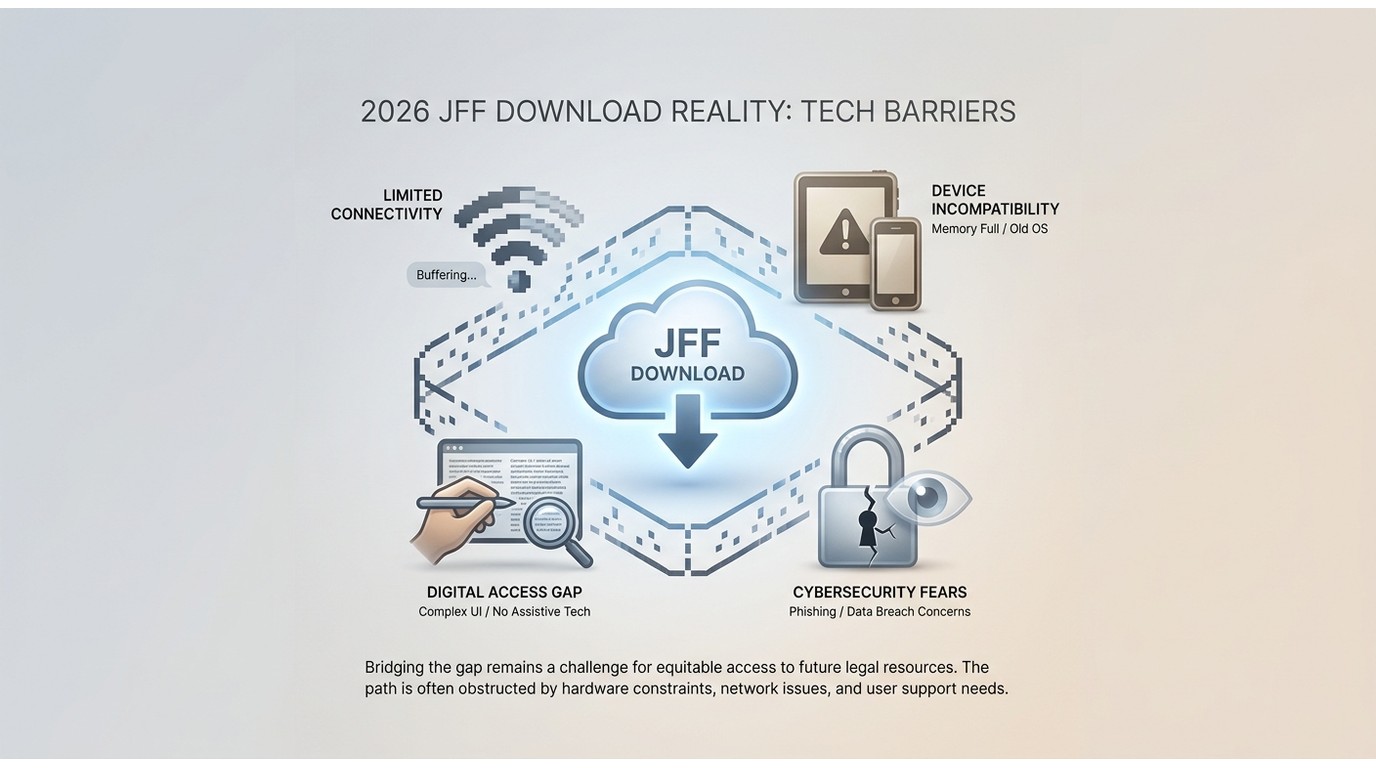
2026 JFF Download Reality: Tech Barriers
The days of simple right-click saving are over. Modern creator platforms, similar to Fansly, have completely overhauled their content delivery networks.
HLS and Widevine DRM Defeating Browsers
JustForFans no longer serves a single MP4 file. Instead, they use HLS (HTTP Live Streaming) with M3U8 playlists — the server splices each video into thousands of tiny .ts chunks. On top of that, in 2026 they layer Widevine (L3) DRM over the HLS chunking, which is the real reason a standard browser or right-click save cannot compile a playable file.
Attempting to force a download via browser inspector will only yield an unplayable 1KB placeholder file, because the decryption keys are gated by the DRM handshake that ordinary browser tabs cannot legitimately negotiate for local reuse.
Chrome Extensions, Online Tools & Desktop Extractors
The most common question in my inbox lately is why a trusted justforfans video downloader Chrome extension suddenly stopped working.
The honest answer isn't "extensions are dead" — some are actively maintained (serpapps' JustForFans Downloader shipped v4.0.10 in June 2026, and ExtFans / Video Downloader Prime are still around). It's that Manifest V3 plus Widevine DRM make them unreliable for full-length or batch jobs. Here's how the realistic options stack up.
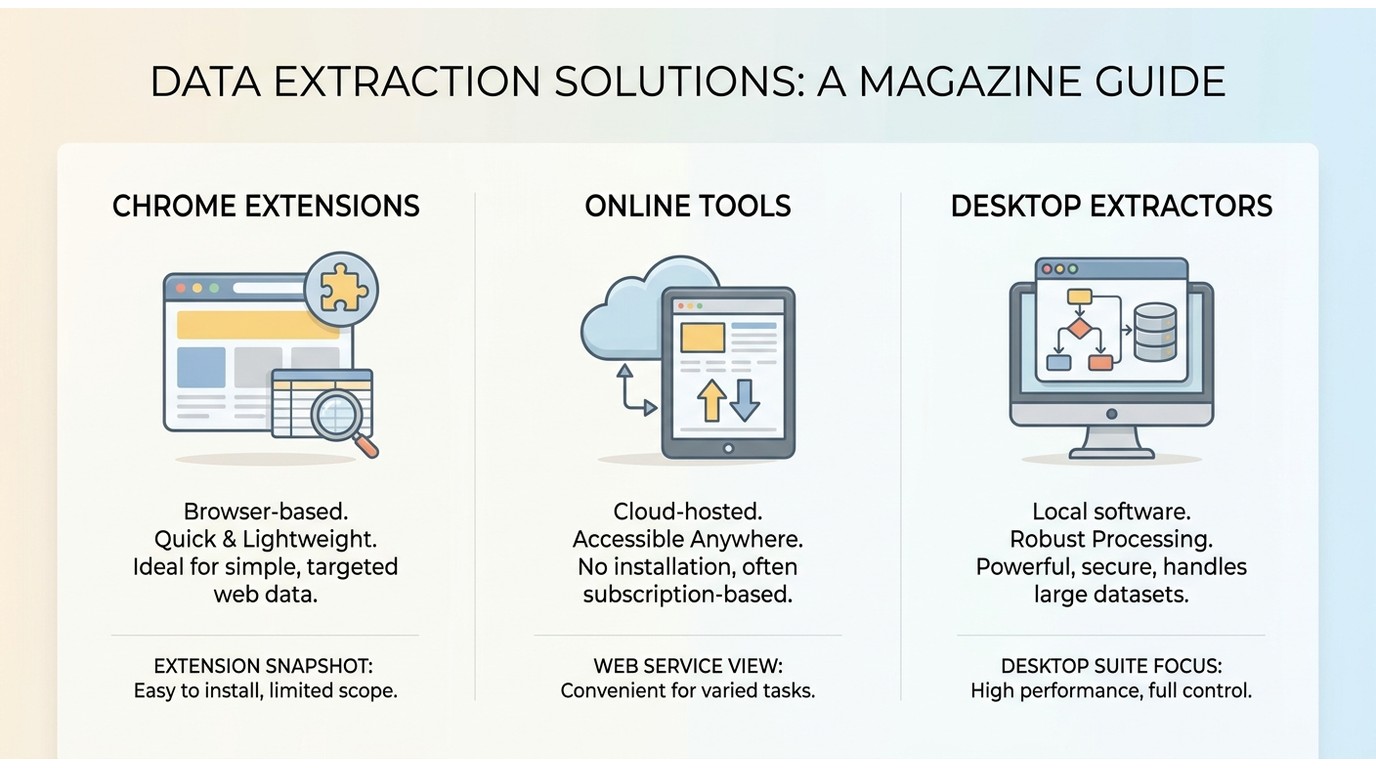
Why Extensions Are Limited Against Widevine DRM
Under Chrome's Manifest V3, extensions lost the persistent background permissions that older HLS-sniffers relied on to hold tokens and stitch fragmented streams. Add Widevine L3 on top, and the practical outcome is that extensions frequently return a "no video detected" message or a corrupted, unplayable file — and they choke on batch jobs the moment tokens rotate mid-download. They still work often enough on unprotected posts to keep users trying them, which is why the reports of black-screen output show up week after week.
For Firefox users, the story is similar; if you specifically want a Firefox route, see our Firefox video downloader guide for options and their limits.
There's also a free online path — browser-based sites that ask you to paste a post URL. In my testing these typically cap you at around 5 minutes per session and about 5 sessions per day, and they fail on Widevine-protected posts the same way extensions do. Fine for a quick clip; not a real archive workflow.
| Method | Reliability vs Widevine DRM | Batch download | Output quality / format | Cost | Best for |
|---|---|---|---|---|---|
| StreamFab desktop extractor | High — handles playback inside its built-in browser | Yes, parallel queue | Up to native 1080p, MP4 / MKV | Paid, with a free trial | Full-length videos, long archives; not ideal if you only need one 30-second clip |
| Chrome extension (serpapps / ExtFans / Video Downloader Prime) | Low — often "no video detected" or corrupted file on protected posts | Unstable; crashes on rotating tokens | Whatever the page exposes, usually MP4 at source resolution | Free | Quick tries on unprotected posts |
| Firefox extension | Low — same DRM ceiling as Chrome | Limited | MP4 at source resolution when it works | Free | Firefox users testing individual posts |
| Free online downloader | Low — fails on Widevine-protected posts | No | MP4, capped ~5 min/session, ~5 sessions/day | Free | One-off short clips, no install |
StreamFab: Native 1080p JustForFans Video Extraction
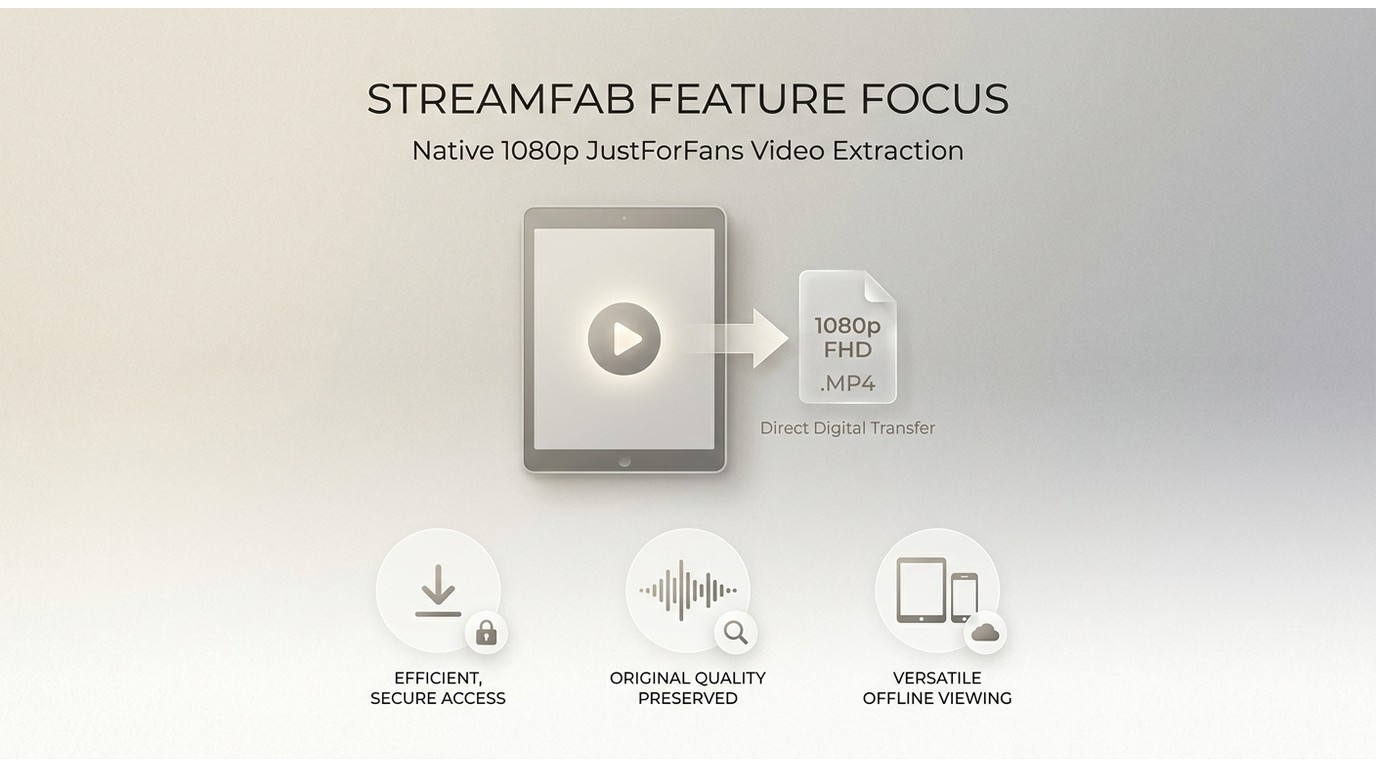
To reliably save a local copy for personal offline viewing — for content you're authorized to access, where permitted by platform terms and applicable law — a dedicated desktop tool is the dependable option. It handles the M3U8 chunk assembly and DRM handshake inside its own embedded browser, which is what extensions and web tools can't do consistently.
There's a few things you're going to need in place to download the video content from JustforFans:
- A valid JustforFans account
- A PC device with a stable internet connection
- A reliable JustforFans downloader
If you get those, you can then enjoy JFF videos in the quality you want, really on any device even if you have no internet access.

A general-purpose application that supports saving certain types of content from compatible streaming services, including JustforFans, when such actions comply with the services’ policies.
- Supports saving select streaming media for personal offline management, where permitted
- Offers MP4/MKV output options suitable for common devices
- Includes a built-in browser and privacy-oriented viewing mode
- Provides batch processing and accelerated handling to improve efficiency
A limited trial is available so users can evaluate whether the software’s features meet their needs.
Downloading GayForFans and Niche Creator Videos
JustForFans doesn't live on a single domain — the creator ecosystem sprawls across sister sites like GayForFans and Just The Gays, and readers keep asking me whether a "gayforfans downloader" or "gay for fans downloader" is a separate tool. It isn't.
Under the hood these niche domains share the same token verification and Widevine-layered HLS delivery as the main platform, which is why the workflow you use for JustForFans carries straight over — I'd rather one tool that handles all of them than four half-broken extensions.
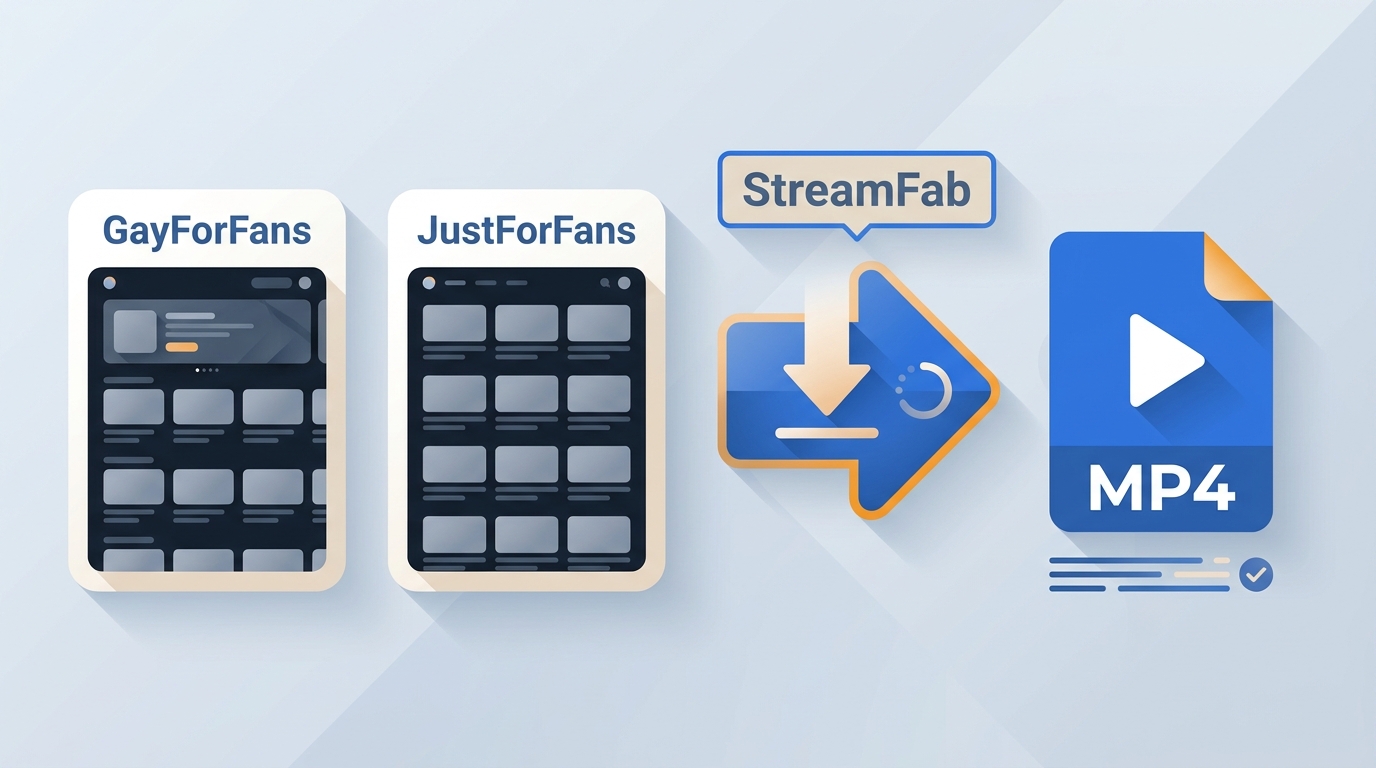
In my archival runs I specifically tested StreamFab as a gayforfans video downloader and against Just The Gays posts; the built-in browser recognizes the stream metadata the same way it does on the main site. If you want to download from gayforfans in practice, the mini-flow is:
- Open StreamFab and, inside its embedded browser, log into the specific creator site (GayForFans, Just The Gays, etc.) you have an active subscription to.
- Navigate to a post you're authorized to view — the M3U8 playlist gets intercepted automatically.
- Pick your resolution (up to native 1080p, source-dependent) and MP4 or MKV, then queue the download.
Same three-step logic, same authorization requirement — the domain changes, the workflow doesn't.
Fixing Buffering & DRM Conflicts
I shifted my archival workflow to StreamFab Video Downloader because it runs an embedded browser instance that handles playback the way a normal viewer would. In a long-session test, hardware acceleration offloaded decoding to my GPU, and the file saved cleanly at up to native 1080p (depending on the source post) as an MP4 without dropping audio tracks.
That's the practical difference: the file lands on disk in one pass, muxed and playable, rather than as a stack of orphaned .ts fragments.
3 Easy Steps to Download JustForFans Videos
*Just a heads-up: the main requirement for downloading JFF videos to work is that you already subscirbed to the creator and have permission to watch the video. StreamFab cannot access the JFF content which you are not permitted to view.
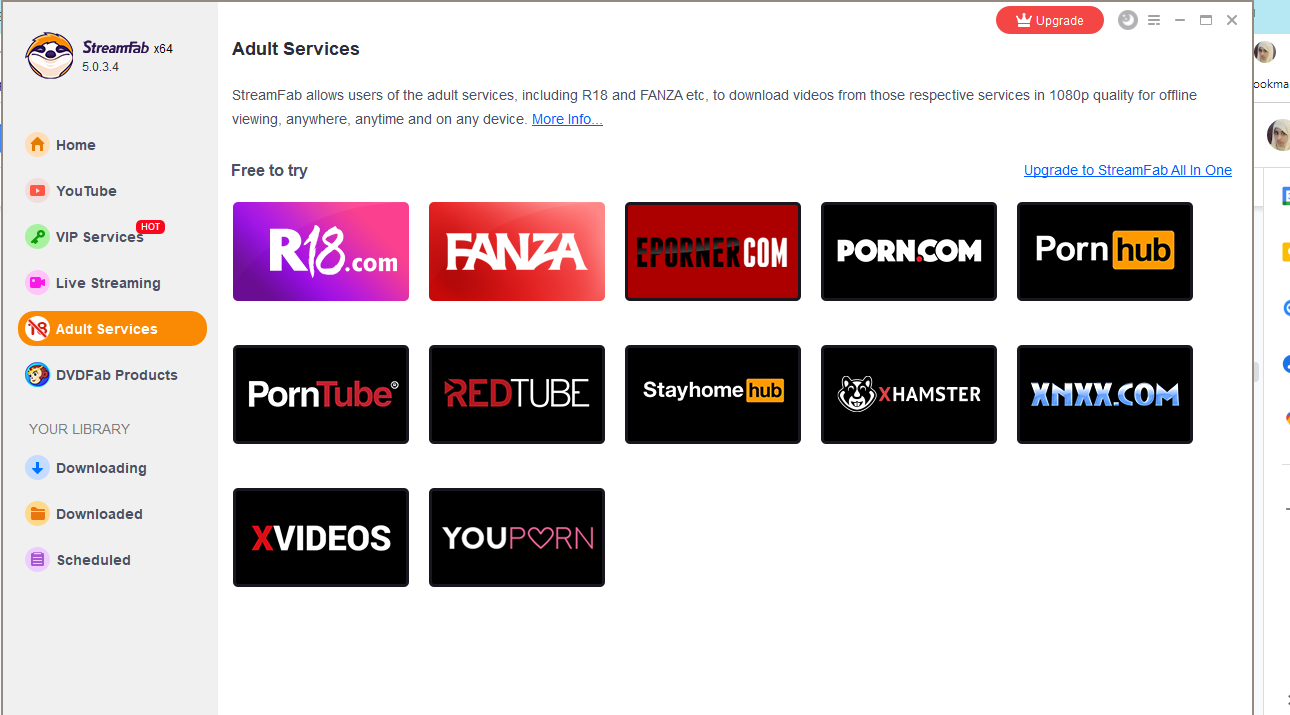
Download the StreamFab
Launch StreamFab on your PC and navigate to the integrated browser. I highly recommend logging into your authorized account directly within this embedded window.
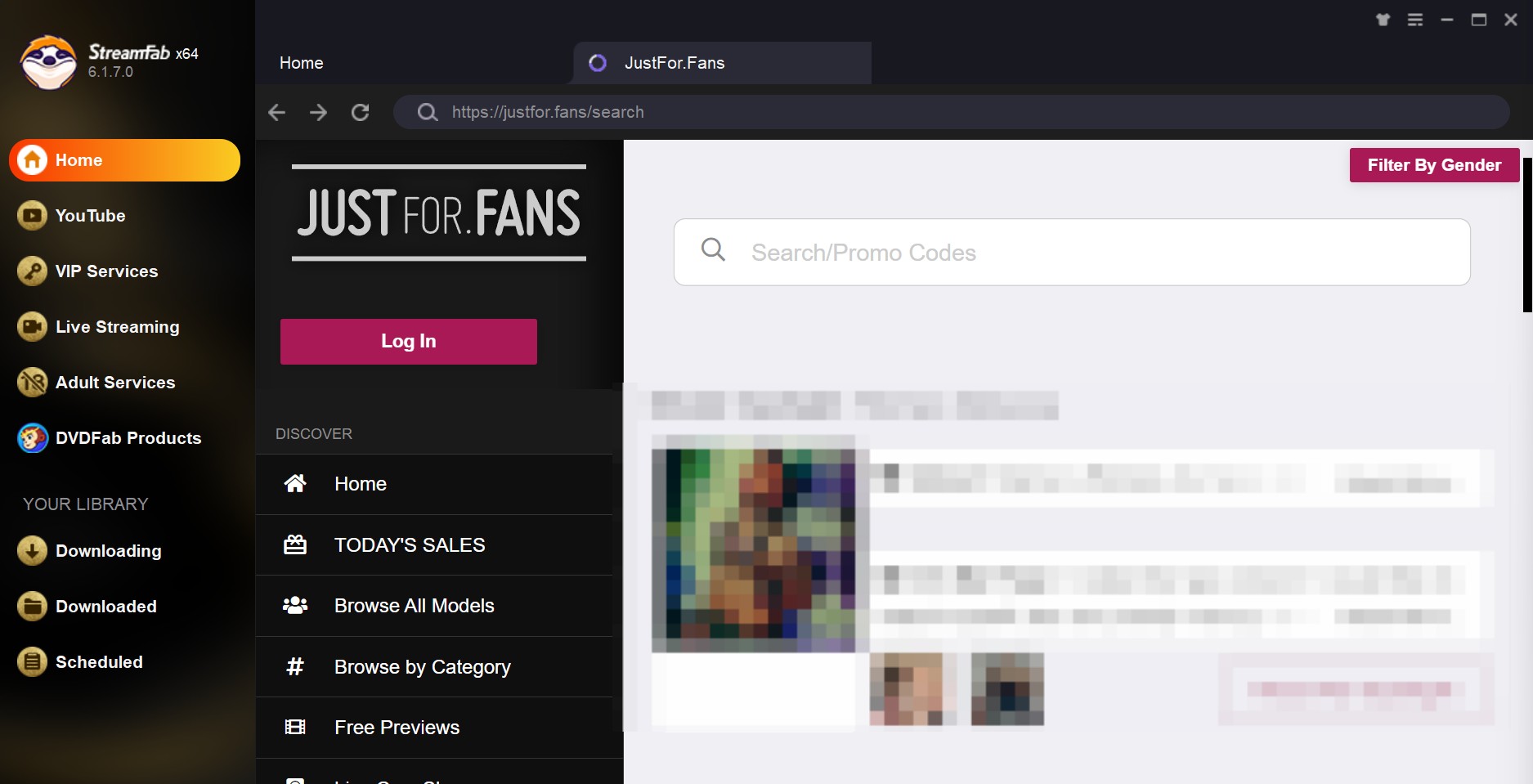
Choose the streaming service and select the video
Open the specific video post you have legitimate access to. The software will detect the M3U8 Playlist and intercept the stream metadata automatically.
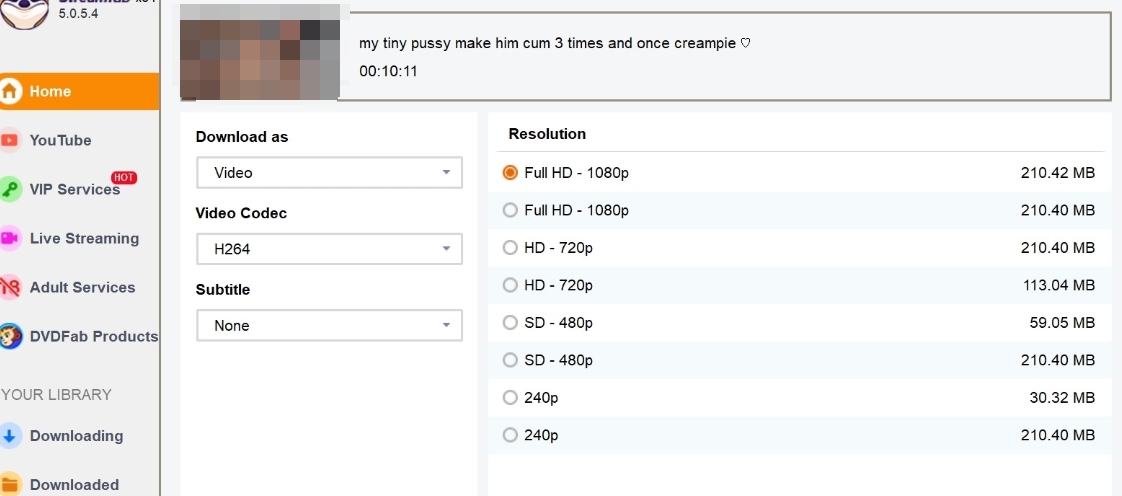
Customize the file
Select your preferred resolution (up to Native 1080p depending on the source) and initiate the task. The tool will download and mux the chunks into a universal MP4/MKV file.
Expert Pro Tip: When enabling hardware acceleration in StreamFab's settings, ensure your NVIDIA or AMD drivers are updated to their latest 2026 releases. I found that outdated drivers interacting with the Chromium embedded framework can cause HDCP 2.3 handshake failures, leading to CPU spikes and incomplete muxing of the final MP4 file.
For cross-platform archivists, you can apply similar logic using our guides on how to save Patreon videos and how to save OnlyFans content.
JFF Online Streaming vs. StreamFab Offline Files
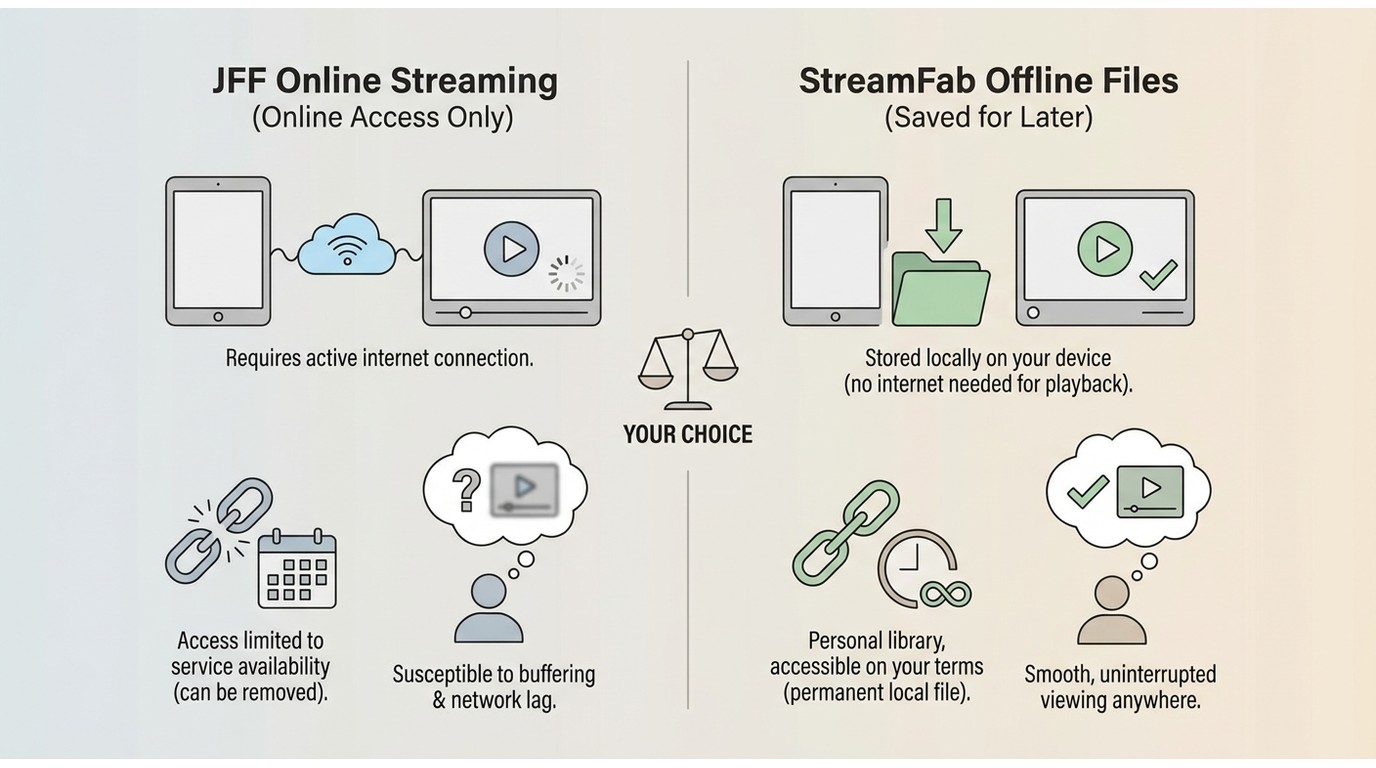
To make the difference clear between JFF's restrictions and what StreamFab can do, the table below compares the main features:
✅=Fully supported, ❌=Not available
| JustforFans Online | StreamFab Offline | |
|---|---|---|
| Download Support | ❌ Not supported | ✅ Supported |
| Video Quality | ✅ HD streaming only | ✅ Native 1080P lossless |
| Download Format | ❌ Not available | ✅ MP4 / MKV |
| Offline Viewing | ❌ Not supported | ✅ Yes, stored locally |
| Privacy Protection (Incognito Mode) | ❌ None | ✅ Built-in private browser |
| Batch Download & Turbo Speed | ❌ No | ✅ Yes, 10X acceleration |
You can see from the table, StreamFab just fills in the gaps JFF leaves. I'm a big believer in 'seeing is believing.' It doesn't matter if you're reading my stuff or posts from other creators, I always tell people to try it out for themselves first. That's the only way to know if the software actually does what you need.
StreamFab is, I think, a really powerful and high-quality tool. The software provides a small trial period that allows users to explore its functions before deciding whether to purchase a full license.
Safety & Legal Concerns: How Do I Know This Method is Safe?

Safety is a top priority. I'll show you why from 3 different angles: legal concerns, tests from big-name security tools and what real users are saying.
Is Downloading JustForFans Videos Legal?
In the age of digital streaming, many users misunderstand the act of "downloading." They often assume that any download constitutes copyright infringement. However, both in legal ethics and practical usage, there is a fundamental difference between "piracy" and "personal offline backup."
The honest short answer: laws vary by jurisdiction — keeping a personal offline copy of content you've already paid to access may, in some places, align with personal-use or time-shifting principles, but it isn't a blanket guarantee.
If you've already paid for a JustForFans subscription, obtaining an offline copy is, in many jurisdictions, closer to exercising your rights as a paying viewer than to piracy. The often-cited reference point is the 1984 U.S. Supreme Court decision on home TV recording, which found that recording programs to watch later ("time-shifting") could fall under Fair Use.
That reasoning is jurisdiction-specific and doesn't automatically extend to every country or every platform's terms — for a plainer breakdown of the distinction, see our note on the difference between downloading and recording.
The same logic applies to modern streaming. When you pay for JustforFans, you are purchasing the right to view the content
Note: Downloading JustForFans videos for personal use turns your "right to access" into a controlled offline viewing experience. In many jurisdictions, keeping a personal copy of content you've legitimately paid for is treated as personal use / time-shifting rather than piracy — but the specifics vary by country and by each platform's terms, so treat this as context rather than a universal green light.
Norton Verification: No Viruses Detected
Once you have established that downloading for personal use is a reasonable action, the next logical question is: "Is it safe to download JFF video?"
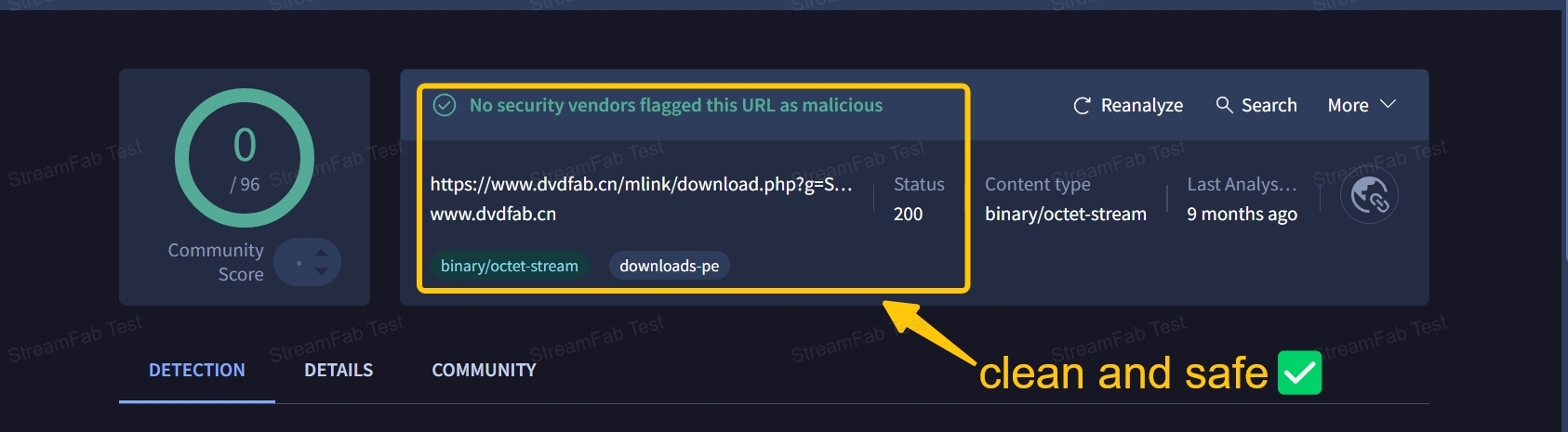
So do I, safety matters a lot for me. I worry about weird pop-ups or potential Trojans in the downloader, so I'm super careful about the tools I pick. I tested the StreamFab client with well-known antivirus software like Kaspersky, Virustotal, Norton 360, and McAfee, and every single one said it was clean.
Verified by Users (Trustpilot Data)
In addition to anti-virus software test, tracking records by its actual user base also reflects the same sentiment.
Over on Trustpilot, it's got a 4.5/5 rating from 542 reviews, and 120 of those users rated it "Excellent." Nobody seems to be reporting any big security problems. On Reddit, same thing—no users reported security issues, and discussions clarify that security risks (such as viruses) are generally associated with "cracked versions," not the StreamFab software
Based on all that, I felt confident that StreamFab is a safe tool. So I went ahead and used it to download JFF videos without any worry.
FAQs
Can I download JustForFans videos for free?
Free online tools and browser extensions exist, but they cap you hard — typically around 5 minutes per session and 5 sessions per day for web tools — and both routes tend to fail on Widevine-protected posts, returning a corrupted file or nothing at all. For a single short clip they're fine; for full-length videos or any kind of archive, a desktop tool with a free trial is the honest answer.
Do JustForFans downloader Chrome extensions still work in 2026?
Some are still maintained — serpapps shipped v4.0.10 in June 2026 — but Manifest V3 plus Widevine DRM make them unreliable in practice. Expect frequent "no video detected" messages, token-expiration mid-download, and unplayable output on protected posts. Treat extensions as a quick test, not a workflow.
Can I download JustForFans live streams?
Live captures are inconsistent across every tool I've tested — tokens rotate, streams cut, and results are hit-or-miss. The reliable path is to wait for the creator to post the VOD replay and download that, for content you're authorized to access.
Is the download process the same as for OnlyFans or Fansly?
The underlying pattern is similar because all three use encrypted HLS streaming with DRM on top, so the desktop-tool approach carries across. Fansly has its own quirks — for a Fansly-specific walkthrough, see our Fansly downloader guide.
Conclusion
Relying on a constant internet connection to access content you've already paid for is a fragile plan. My testing throughout 2026 shows that browser extensions and screen recorders are increasingly limited against Widevine-layered HLS — usable for a one-off clip, unreliable for a real archive. For clean 1080p offline files without audio desync, StreamFab is a practical, reliable option for Windows and Mac users who want a repeatable workflow.
Mandatory Disclaimer:
This technical analysis is provided for educational and archival purposes. The use of offline management tools is strictly for personal use with content you have legally purchased or subscribed to, in accordance with local fair-use regulations.

Are you looking for the best media converter Mac software to address iTunes playback restrictions? Having a reliable video tool at hand will enable you to enjoy your iTunes movies and music for offline play flexibly. You have come to the right page. This post lists the top 5 best converters for Mac used to back up iTunes videos, audiobooks, and Apple Music on Mac easily.
By Nicole Lopez - Sep 29, 2026
Streaming video content is often protected by DRM (Digital Rights Management) technology to prevent users from downloading and recording. This article explains what DRM-protected content is and how to save videos for personal offline viewing.
By Nicole Lopez - Sep 28, 2026
This guide separates modern Apple TV video, Apple Music audio, and legacy iTunes libraries so readers can choose a realistic playback or export path. It covers MP4, M4V, and MKV compatibility, official redownload and iTunes Match eligibility, StreamFab and MusicFab workflows, hardware limits, and the boundaries for authorized personal use in the United States.
By Nicole Lopez - Sep 20, 2026
Identify protected and unprotected M4V files, use authorized Apple TV playback, convert compatible files, or choose a separate supported-streaming workflow.
By Erika Leen - Sep 8, 2026