
Download Monster Anime: 3 Offline Options Compared [2026]

Summary: Struggling with Netflix geo-blocks or low-quality torrents? Explore my 2026 technical guide to securely download Monster 2004 anime in true 1080p with the English Dub, bypassing Widevine L3 limits for permanent local archiving.
![Download Monster Anime: 3 Offline Options Compared [2026]](https://images.dvdfab.cn/artifact/2026/07/27/JNLTVcaYMTH0-soquanbGwUJOQWPQe7p/feature_cover.jpg)
Table of Contents
If you want to download Monster anime in the United States, first decide what matters most: all 74 episodes, the Monster English dub, or local playback control. Netflix, the new Region A Blu-ray, and an authorized desktop workflow each solve a different part of that problem.
The trade-off is simple but easy to miss. Netflix offers the complete series without the English dub, the first official dub Blu-ray covers half the story, and local files add playback flexibility but require a valid source account and careful track selection. My editorial view is to choose by priority, not by format.

Monster’s US Streaming and Download Options
US viewers can watch Monster in US Netflix apps, buy the announced Region A disc set, or use a desktop local-file workflow for content they are authorized to access. These are different forms of access, so the right choice depends on completeness, language, and playback needs.
Availability snapshot: As of July 2026, Netflix is the current US streaming home for all 74 episodes, but the supplied listing does not include the English dub. Monster: TV Series Collection 1 is scheduled for August 25, 2026, with English and Japanese audio.
For broader viewing choices, a guide to legal sites for watching cartoons online can help with other titles, but it does not replace the verified Monster options above.
Netflix: All 74 Episodes, No English Dub
Netflix is the most straightforward way to stream the Monster 74 episodes in the United States. It keeps the full series in one official catalog, while the audio choices in the supplied US evidence do not include the Monster English dub.
A Monster Netflix download stays inside the Netflix app and follows the app’s device, account, and availability rules. It is useful for temporary travel viewing, but it is not an MP4 or MKV file that can be opened in VLC, copied into Plex, or moved freely between players.
Netflix fits viewers who want the complete story with the least setup. It is less suitable for anyone whose first requirement is English audio or direct control over local audio and subtitle tracks.
Blu-ray: English Dub, Episodes 1–37
The Monster Region A Blu-ray is the official English-dub route, but Collection 1 is not the complete series. It covers episodes 1–37 and is aimed at viewers who value physical media, stable disc playback, and an official dub release.
The practical compromise is completeness. You can begin the series with English audio on disc, but the supplied official evidence does not confirm a Collection 2 release date for episodes 38–74.
English Dub and Offline Options Compared
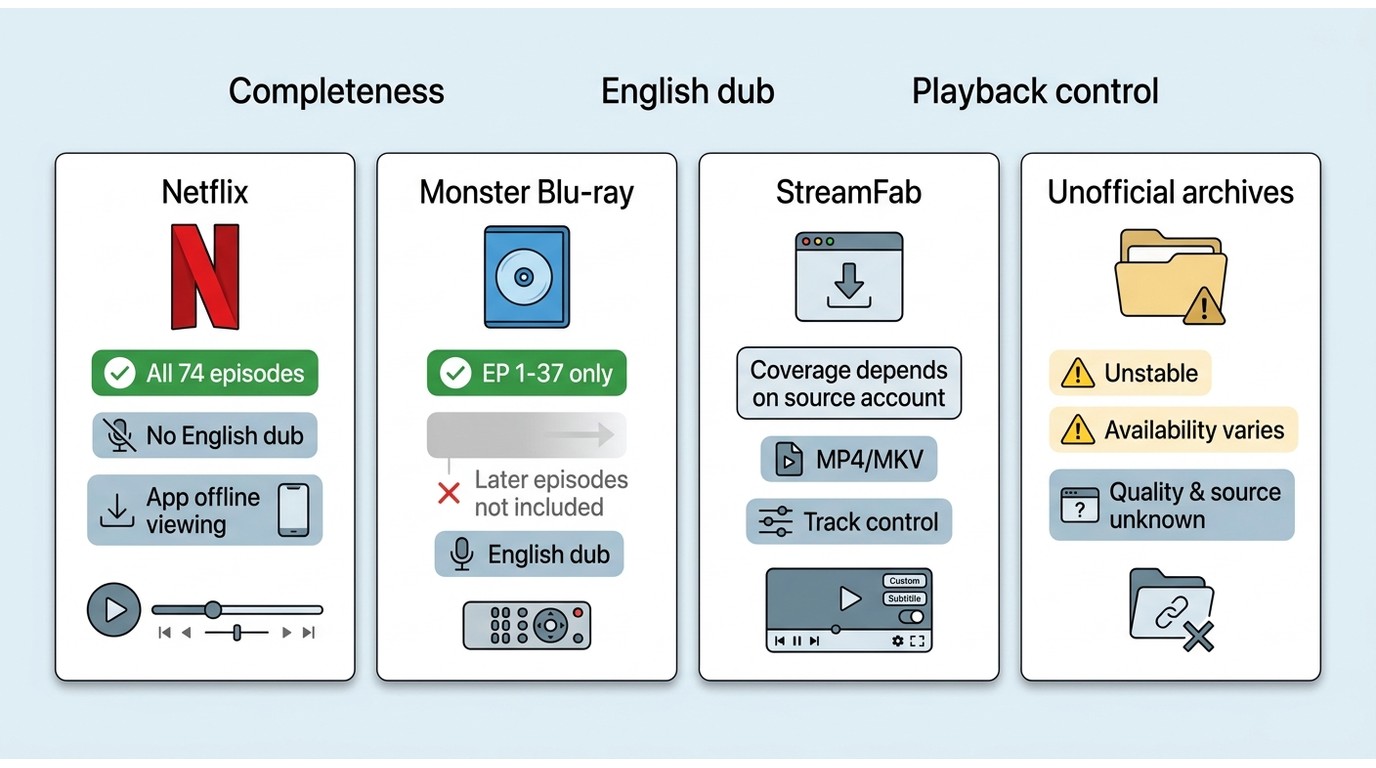
There is no single current source that combines all 74 episodes, the English dub, and unrestricted player choice. The comparison below separates official in-app viewing, physical media, authorized local files, and unstable unofficial listings.
| Source | US availability | Episode coverage | English dub | Subtitle options | Source resolution |
|---|---|---|---|---|---|
| Netflix | Available | All 74 episodes | Not included in the supplied US listing | English subtitles available | Varies by plan, device, and connection |
| Monster: TV Series Collection 1 Blu-ray | Region A release scheduled for August 25, 2026 | Episodes 1–37 | Included | English and Spanish subtitles | 1080p presentation from an SD digital source |
| StreamFab authorized local-file workflow | Windows and Mac desktop software | Depends on the authorized source | Selectable when the source offers it | Selectable when available; SRT or embedded output | Depends on the source, subscription, and service support |
| Unofficial archive listings | Links appear and disappear | Often incomplete or difficult to verify | Varies by upload | Varies by upload | Frequently undocumented |
The practical difference between in-app downloads and local files is player control. The difference between downloading and recording also matters: a local workflow creates a file for compatible players, while screen capture records playback in real time and can introduce timing or interface problems.
My recommendation is to settle the language question first. If English audio is essential, Netflix is not the current answer; if complete episode coverage is essential, Collection 1 alone is not enough.
Blu-ray Quality, Episodes, and Release Details
The Monster Blu-ray release improves access to the official English dub, but buyers should separate output resolution from native source detail. The set is presented at 1080p, while authoritative release coverage describes the digitally animated production as SD and the disc image as an upscale.
What Collection 1 Includes
Collection 1 is scheduled for August 25, 2026. It contains episodes 1–37, runs 888 minutes across three Region A discs, and includes Japanese audio, the English dub, Monster English subtitles, and Spanish subtitles.
- Coverage: episodes 1–37 of a 74-episode series
- Disc region: Region A
- Audio: Japanese and English
- Subtitles: English and Spanish
- Collection 2: no confirmed date in the supplied official release information
The key buying decision is not whether the set is official; it is whether half-series coverage meets your needs before the second collection is announced.
Why 1080p Does Not Mean Native HD
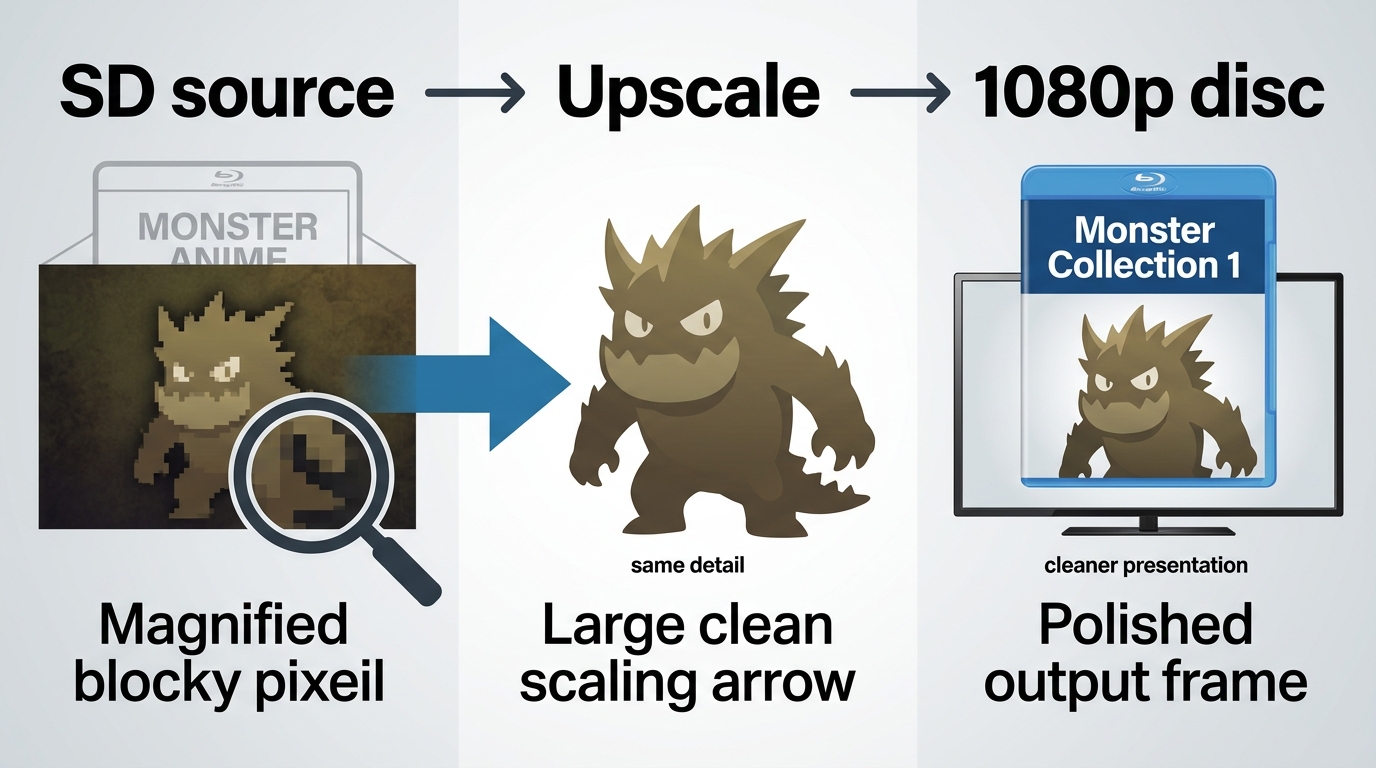
A 1080p disc label describes the delivered frame size, not the amount of detail in the original production. Because Monster was created from an SD digital source, the Blu-ray presentation can look cleaner and more consistent without becoming native HD animation.
This distinction matters when comparing the disc with a local file or a stream. Resolution labels alone do not prove sharper source detail, so judge the release by compression, color, subtitles, audio options, and playback stability as well.
A StreamFab Local-File Workflow
For personal offline viewing of content you are authorized to access, where permitted by platform terms and applicable law, StreamFab is desktop software separate from Netflix’s official in-app download feature. It can save supported videos as MP4 or MKV and lets users choose available audio and subtitle tracks.
A Monster MP4 download favors broad device compatibility, while MKV is often the more convenient container for multiple audio and subtitle tracks. Actual availability still depends on the source service, the user’s subscription, and current software support.
- Save authorized videos in MP4 or MKV for local playback on Windows or Mac.
- Select available audio and subtitle tracks before adding episodes to the queue.
- Organize multiple episodes with batch tasks where supported.
Who This Workflow Suits
This workflow suits Windows or Mac users who want Monster anime offline in a standard file, need explicit control over audio and subtitles, or plan to organize episodes in VLC or Plex. It is not ideal for readers who are satisfied with Netflix’s managed offline mode or prefer the simplicity of physical media.
The strongest reason to use it is not a marketing promise; it is the practical ability to decide on the container and tracks before the file enters a media library.
Three Steps for Authorized Offline Viewing
Prerequisites are a valid account for the source service, access to the title, enough local storage, and permission to save the content for personal use under the service terms and applicable law.
Step 1: Open the authorized source. Launch StreamFab on Windows or Mac, sign in to the supported service through the app, and open the Monster title page available to your account.
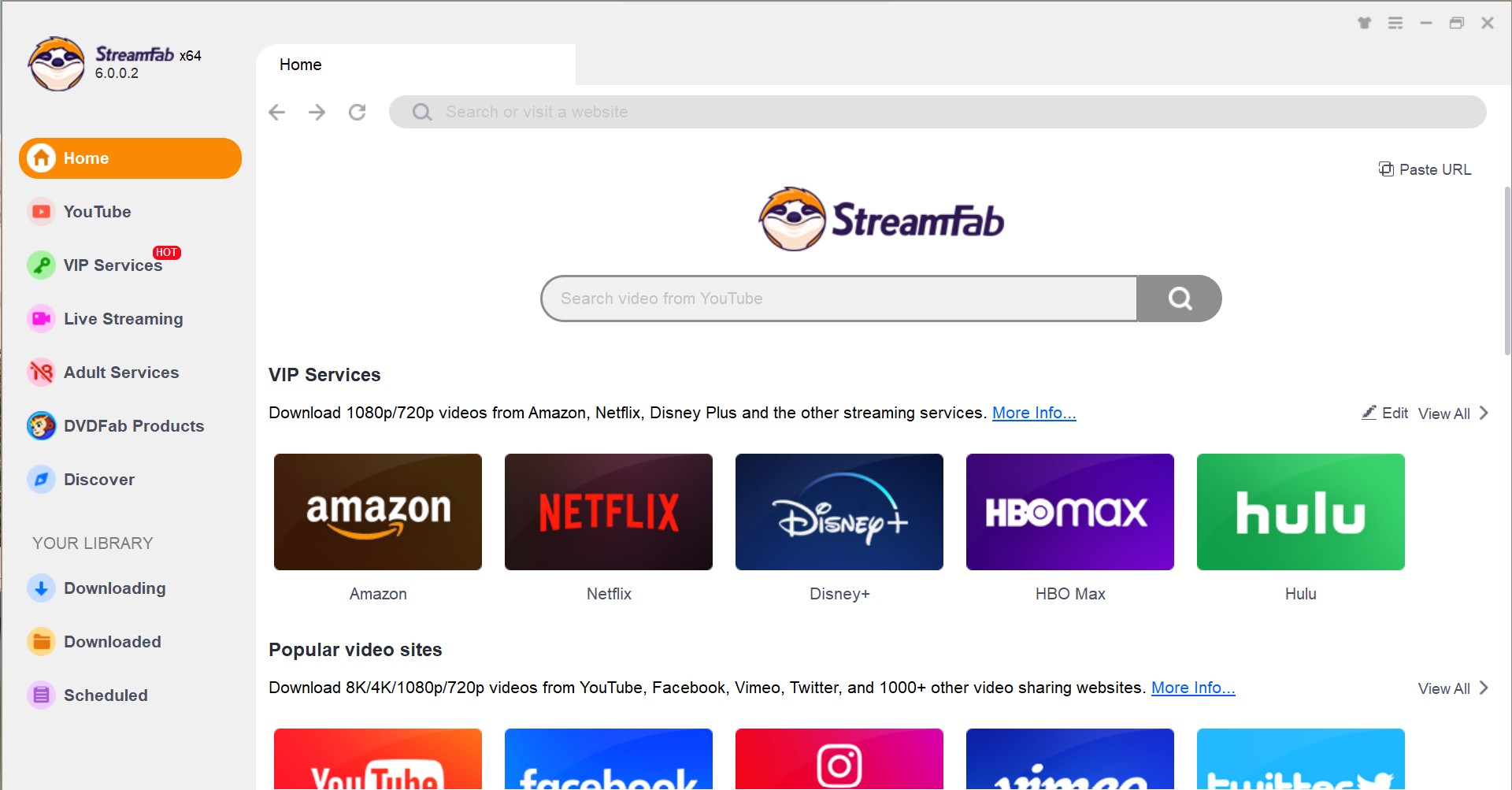
Step 2: Choose the available tracks. Select MP4 or MKV, then choose the audio and subtitle options offered by the source. If English audio is absent from the source, the workflow cannot create an English dub that is not there.
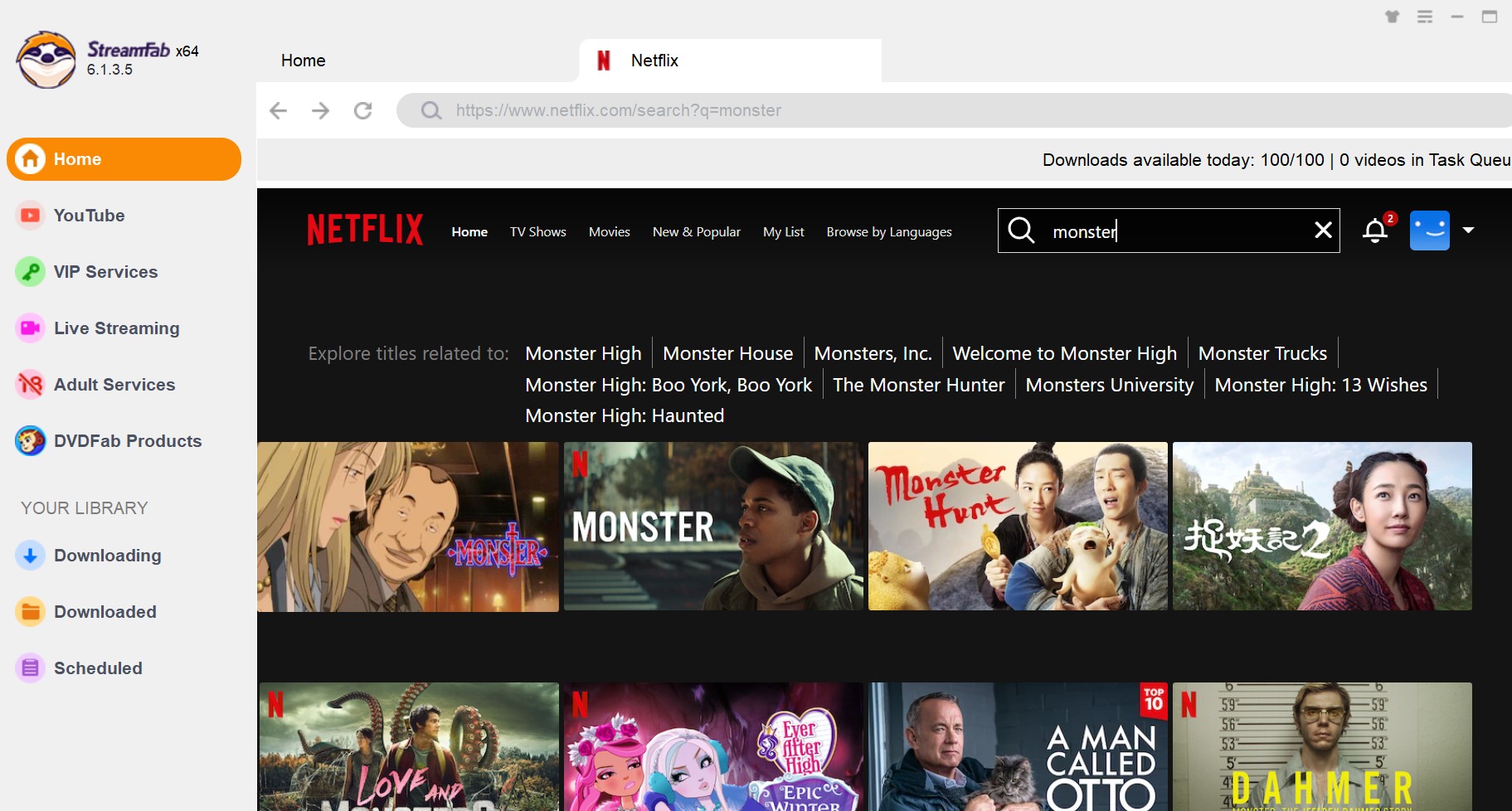
Step 3: Add episodes to the queue. Select the episodes you need, use batch organization where supported, and save them to a folder with consistent episode names.
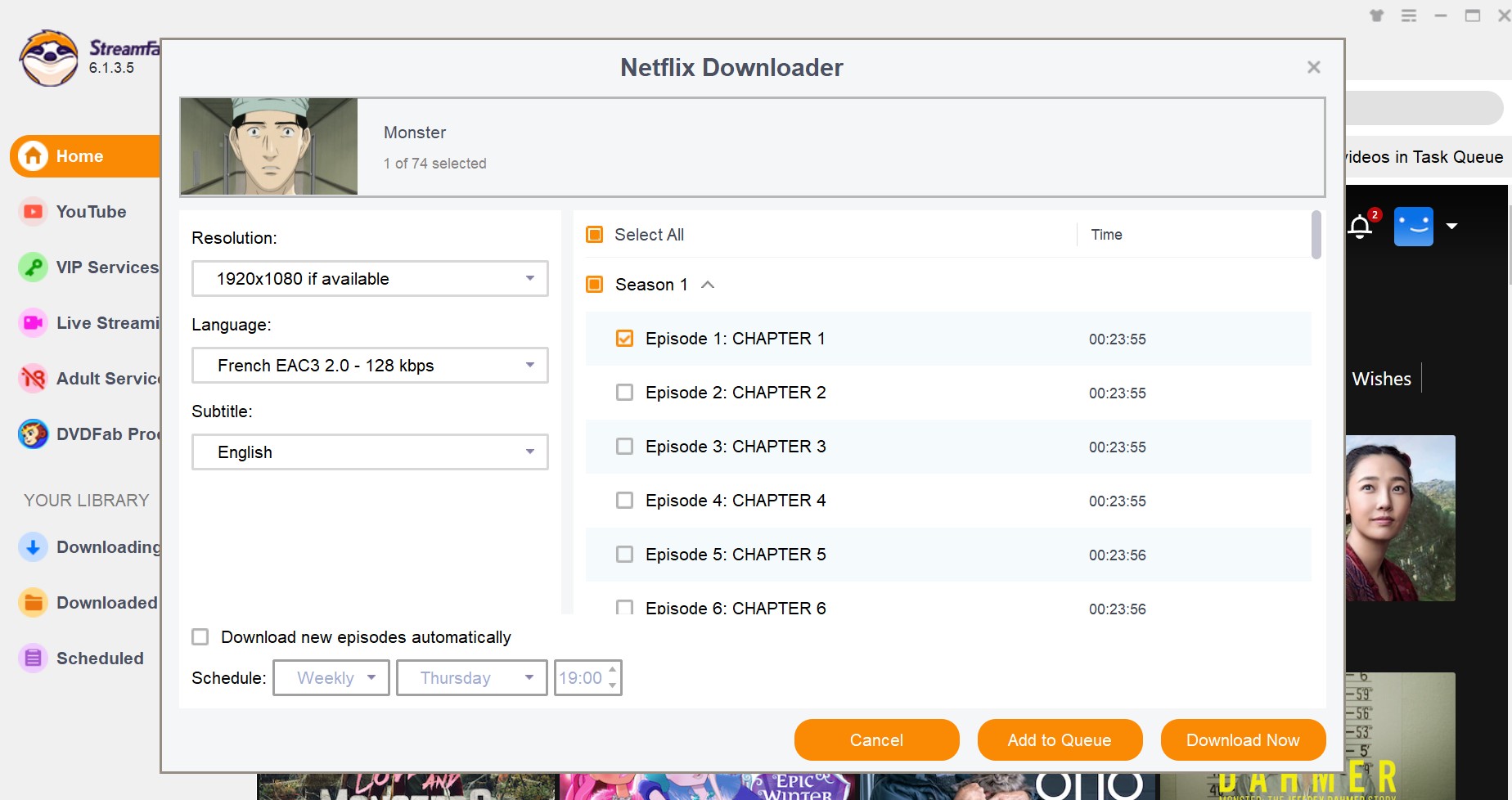
Choosing the right tracks before saving is more reliable than trying to repair mismatched defaults after Plex has scanned the library. That small check prevents the most common confusion: a dual-audio file opening on the Japanese track when the viewer expected English.
VLC, Plex, and TV Playback Setup
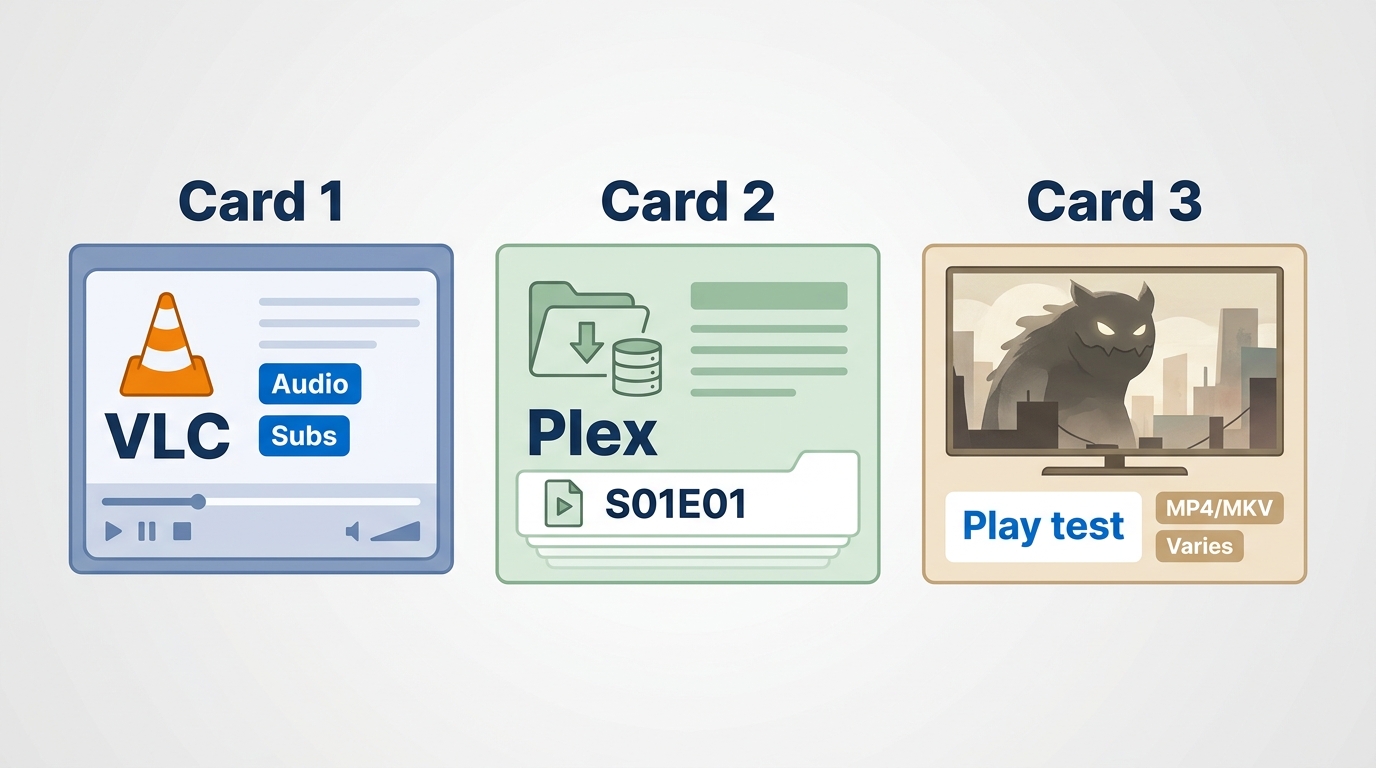
Monster MKV playback problems usually come from track defaults or device compatibility, not from the episode itself. Check audio, subtitles, and container support in a desktop player before importing the whole season into Plex or copying it to a television.
- Check VLC first. Open one episode, use the Audio menu to select the English track when present, and use the Subtitle menu to choose English subtitles or turn them off.
- Set a predictable default before Plex import. Use consistent filenames such as Monster - S01E01, confirm the preferred audio track in the file, and then scan the folder in Plex.
- Test the television with one file. Confirm that the TV or streaming box supports the chosen MP4 or MKV container and its audio format before moving the full set.
For subtitle-specific setup, the StreamFab subtitle workflow explains the difference between embedded tracks and separate SRT files. In practice, separate SRT files are easier to edit, while embedded tracks keep the episode folder tidier.
A Monster Plex audio issue should be treated as a track-selection problem first. Renaming helps Plex identify the episode, but it does not change which audio stream the player chooses by default.
Risks of Unofficial Monster Downloads
Unofficial Monster download listings are unreliable because rights status, completeness, file integrity, and media quality are often unclear. A link that works today can disappear, point to a partial set, or provide files with missing language tracks and no trustworthy provenance.
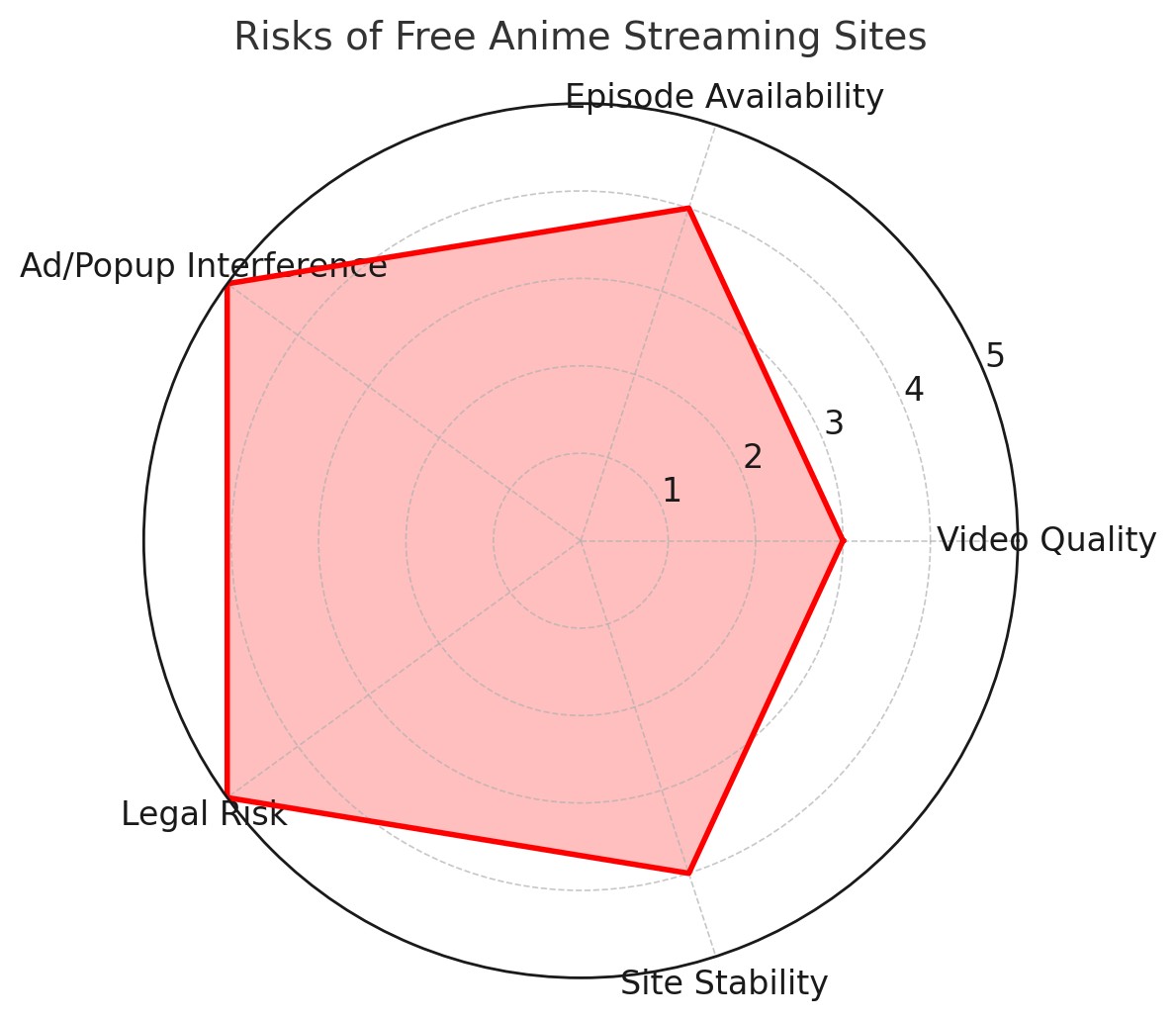
- Unclear rights: the uploader may not have permission to distribute the episodes.
- Unstable access: community links and mirrors frequently vanish.
- Unknown file integrity: filenames and descriptions do not prove what a file contains.
- Variable quality: audio, subtitles, aspect ratio, and episode order may differ across uploads.
- Incomplete sets: a listing may omit episodes or mix subtitle and dub sources.
I would not build a 74-episode viewing plan around a source that cannot establish basic provenance and completeness. That is a reliability judgment, not a claim that every community file has the same problem.
FAQs
Why isn’t Monster available on Crunchyroll in the United States?
Current US evidence points viewers to Netflix for the full streaming series and to the announced Region A Blu-ray for an official English-dub option. Licensing negotiations are not public enough to support a reliable explanation for Crunchyroll’s absence.
Has a release date been announced for Monster Collection 2?
No Collection 2 date is confirmed in the supplied official release information. Collection 1 arrives on August 25, 2026, and covers episodes 1–37.
Can Netflix offline episodes be exported to MP4 or MKV?
No. Netflix offline episodes remain managed inside the Netflix app. An MP4 or MKV local-file workflow is a separate process for content the user is authorized to access, and it must follow the service terms and applicable law.
What file naming works best for Monster in Plex?
Use a consistent pattern such as Monster - S01E01, Monster - S01E02, and so on. Naming helps Plex identify episode order, while English audio and subtitle defaults must still be checked separately in the file or player.
Conclusion
The right option depends on which compromise you can accept. Netflix is the clearest choice for streaming the complete series, Collection 1 Blu-ray is the official route for English-dub physical media, and StreamFab serves desktop users who need authorized local-file playback controls.
- Choose Netflix if you want all 74 episodes in one official US streaming catalog and subtitles meet your needs.
- Choose the Region A Blu-ray if the Monster English dub and physical ownership matter more than having episodes 38–74 immediately.
- Choose the StreamFab workflow if you have valid source access and need MP4 or MKV files with available audio and subtitle selection for personal offline use.
The desktop route is not ideal for viewers who do not want software setup, already find Netflix’s in-app downloads sufficient, or prefer a disc-based collection. Start with the viewing need, then choose the format.

Identify protected and unprotected M4V files, use authorized Apple TV playback, convert compatible files, or choose a separate supported-streaming workflow.
By Erika Leen - Sep 8, 2026
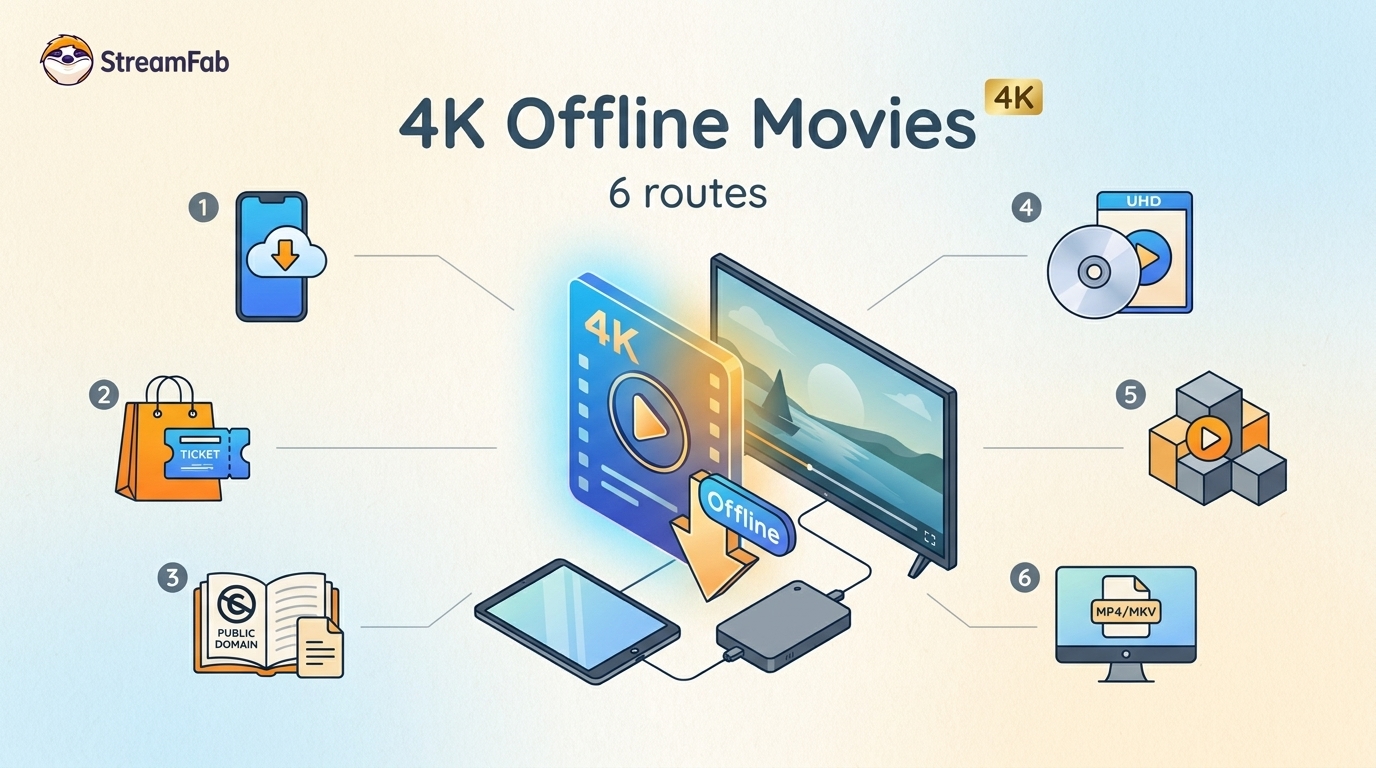
Legal 4K movie downloads do not all provide the same kind of offline access. Most mainstream services offer app-locked downloads, while portable movie files, UHD Blu-ray, public-domain media, and authorized desktop workflows involve different quality, cost, device, and licensing limits.
By Jacob Harrison - Aug 12, 2026
To get straight to the point, you can download a BitChute video as MP4 through its download icon: open the video, then use Save As. For authorized content where permitted, this guide explains when desktop, Android, or browser alternatives make sense.
By Marcia Hatcher - Aug 11, 2026
Looking to convert a link to MP4 in 2026? I've systematically tested top desktop and online converters to bypass Widevine DRM, dynamic tokens, and geoblocking for seamless PC and Android extraction.
By Jacob Harrison - Aug 7, 2026