
Can You Download CBC Gem Shows? 3 Options and US Limits

Summary: CBC Gem lets you download its app, but it does not provide native offline episode downloads. For U.S. readers, installation and streaming may also depend on account region and location. This guide compares practical options, device limits, and common saving failures.
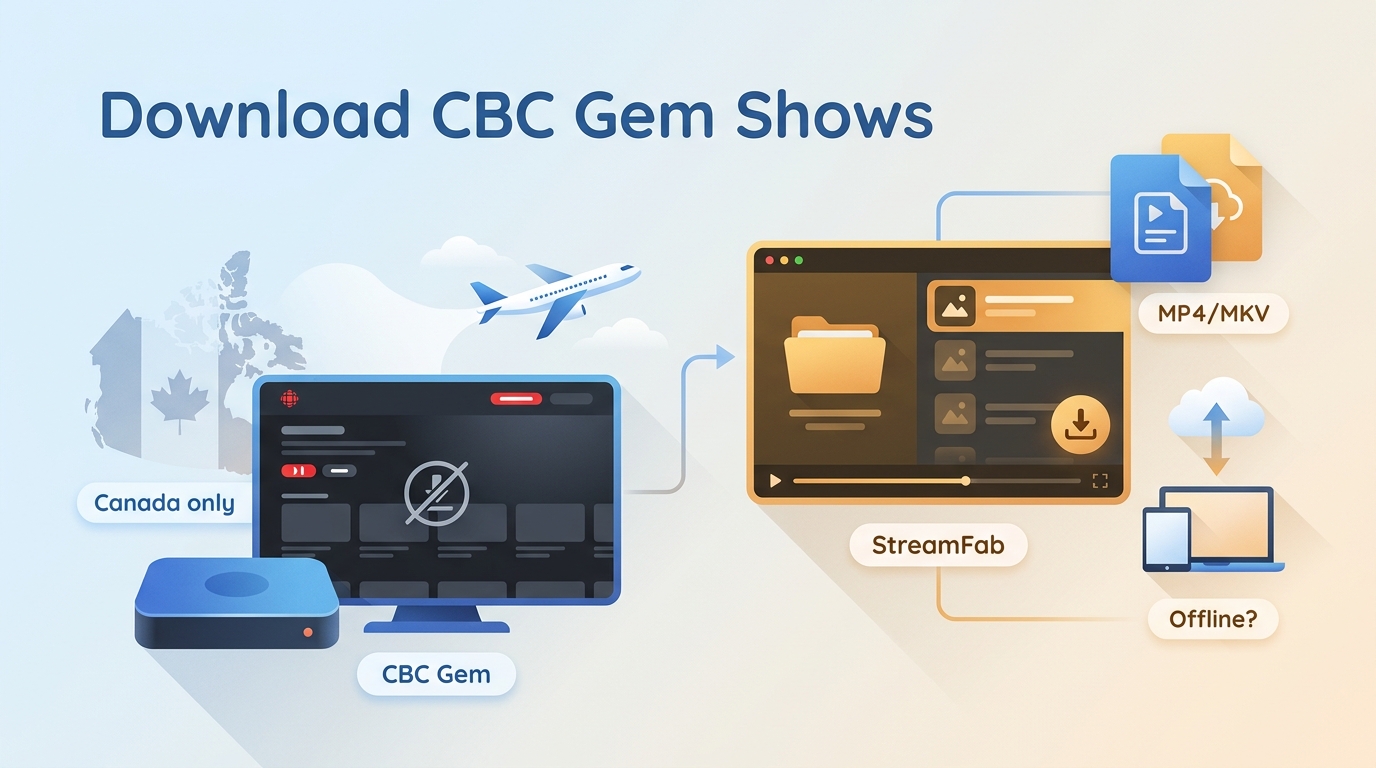
Table of Contents
CBC Gem Offline Viewing Limits
Official App Has No Offline Downloads
If you are wondering whether you can watch CBC Gem offline through the official service, CBC Gem does not currently provide a native episode-download feature. Downloading the app is separate from saving shows for offline viewing, so installed mobile and TV apps still rely on supported streaming access.
App Downloads, Episode Downloads, and US Access
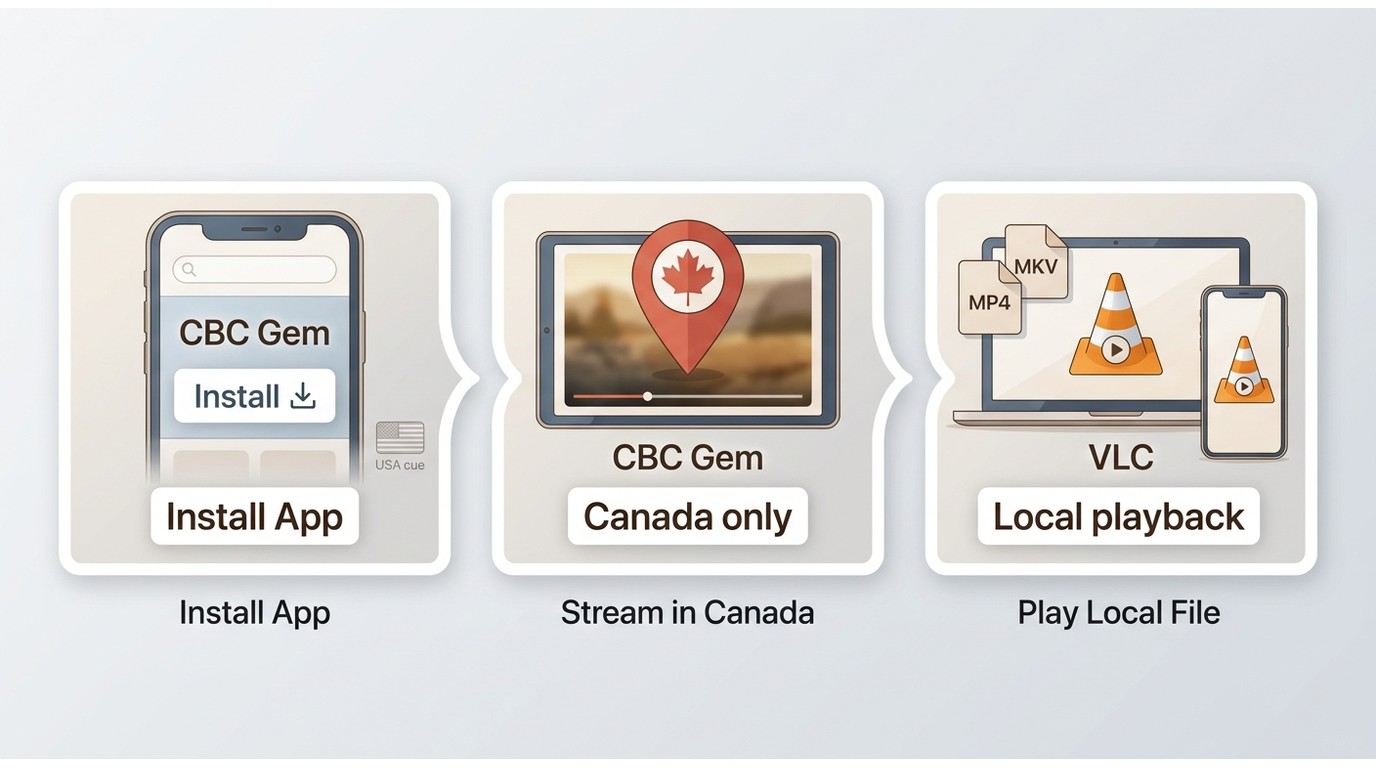
CBC Gem streaming is intended for users in Canada. In the United States, app installation can depend on your app-store account region, while streaming playback can also depend on location and account eligibility.
A compatible local file is a separate playback question, not a promise that the CBC Gem app itself will work outside Canada. For U.S. readers, this distinction matters more than the download button because installation alone does not establish viewing access.
A Local-File Alternative
For content you’re authorized to access, where permitted by platform terms and applicable law, a desktop local-file workflow may be one practical option. Results can vary by title, account authentication, region, URL validity, and content protection.
It is best suited to readers who need a local copy for compatible playback and are comfortable working within those limits; it is not ideal for anyone seeking guaranteed access across regions or titles.
CBC Gem Quality and Plan Limits
Realistic Quality, Formats, and Playback
Available quality depends on the CBC Gem title and the source stream, so it is not appropriate to promise a specific resolution for every show. Screen recording can be useful for a short clip when permitted, while local-file workflows may offer standard MP4 or MKV output with available audio and subtitle choices. If you need to convert M3U8 to MP4, format support and final playback compatibility still depend on the source and your device.
Free vs Premium Ads
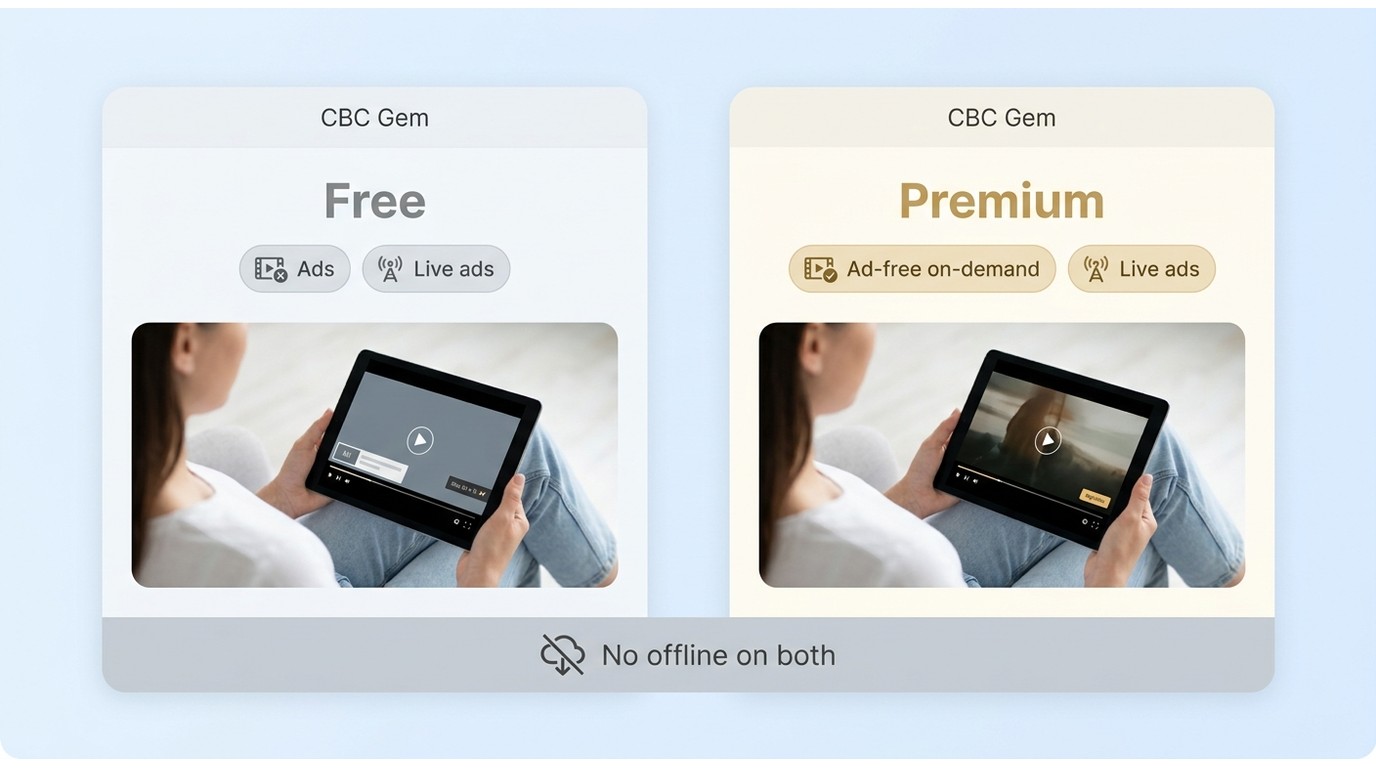
CBC Gem offers a free, ad-supported experience. Premium removes ads from on-demand programming, while live streams can still include ads. Premium does not add native offline episode downloads, so it improves the on-demand viewing experience rather than solving the offline-viewing question.
Supported Devices and Fire TV Limits
CBC Gem supports compatible browsers, mobile devices, smart TVs, and selected Fire TV devices. Fire OS 6 or later is required, while the 2025 Fire TV Stick 4K Select running Vega OS is not supported. Device availability may change, so check CBC Gem’s supported-device page before installing. Compatibility should be confirmed before choosing a workflow, especially when playback is planned on a TV rather than a computer or phone.
Save CBC Gem Shows for Offline Viewing
Use any offline workflow only for content you’re authorized to access, where permitted by CBC terms and applicable law. Do not redistribute downloaded material.
StreamFab DRM M3U8 Downloader is a third-party local-file tool relative to CBC Gem’s official streaming feature. For authorized content where permitted, its Windows and Mac workflow can save available output as MP4 or MKV with audio-language and subtitle options. It can help readers who prefer a guided way to download video from M3U8 sources rather than troubleshoot browser tools, while Linux-only users or readers without authorized title access should consider another option.
An M3U8 downloader comparison is useful when the deciding factor is workflow fit rather than a promise of universal title support.
| Decision Factor | Official CBC Gem App | Screen Recording | Browser or Command-Line Tools |
|---|---|---|---|
| StreamFab DRM M3U8 Downloader | Native offline episode downloads | No | No |
| No native feature | No native feature | Access and setup needs | Canada-focused access; account and location may affect playback |
| Authorized playback and compatible recording setup | Login, valid URLs, cookies, or referer data may be needed | Authorized access and sign-in are required | Typical local output and limitations |
| Streaming in the app; no native episode file | Local recording; quality and audio vary | Results vary; site changes or protected titles can block saving | MP4 or MKV with available audio, subtitles, and queues |
Download CBC Gem Videos with StreamFab
- Use it only for content you are authorized to access.
- Supports compatible M3U8-based sources when title and service conditions allow.
- Output conditions can vary by title, region, and service.
- Available quality depends on the source title and stream.
- MP4 or MKV output for compatible local players and devices.
- Remux subtitles into the video if you want.
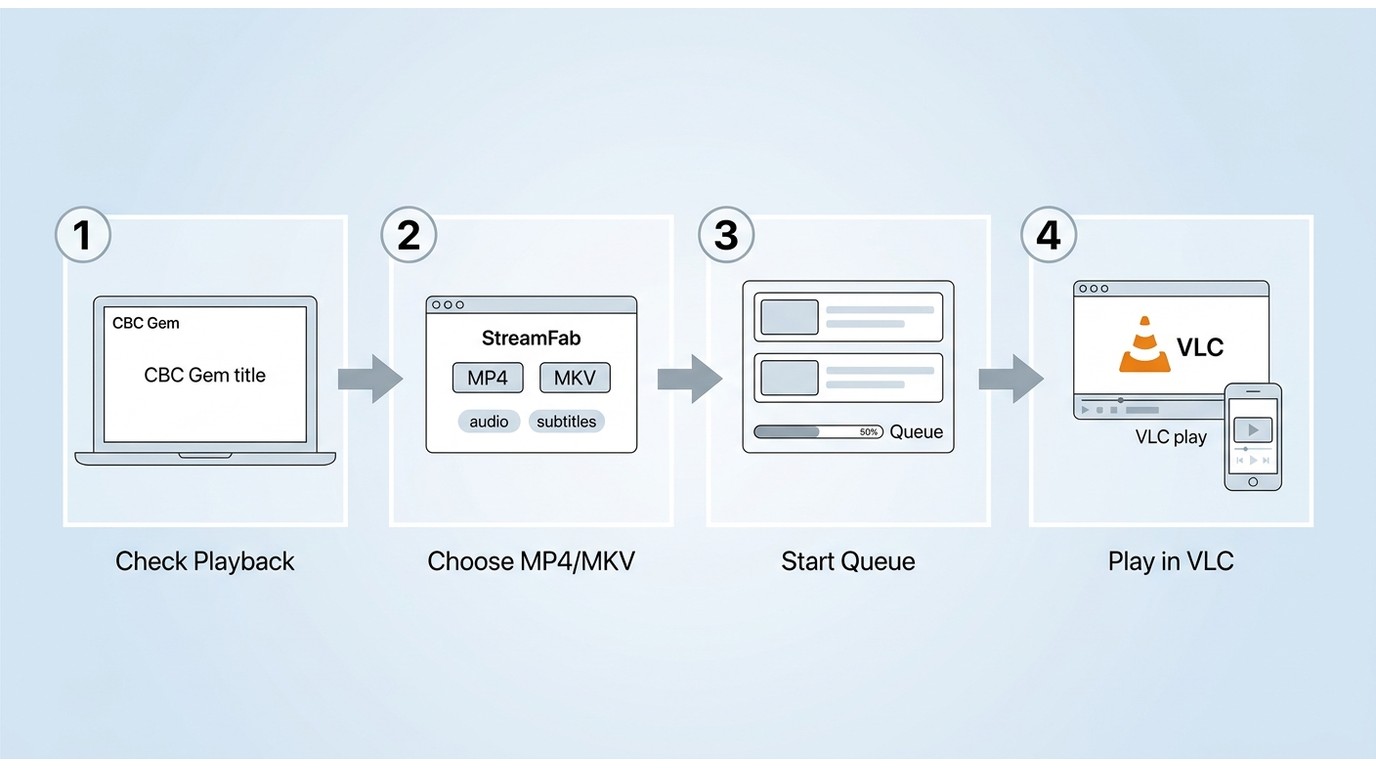
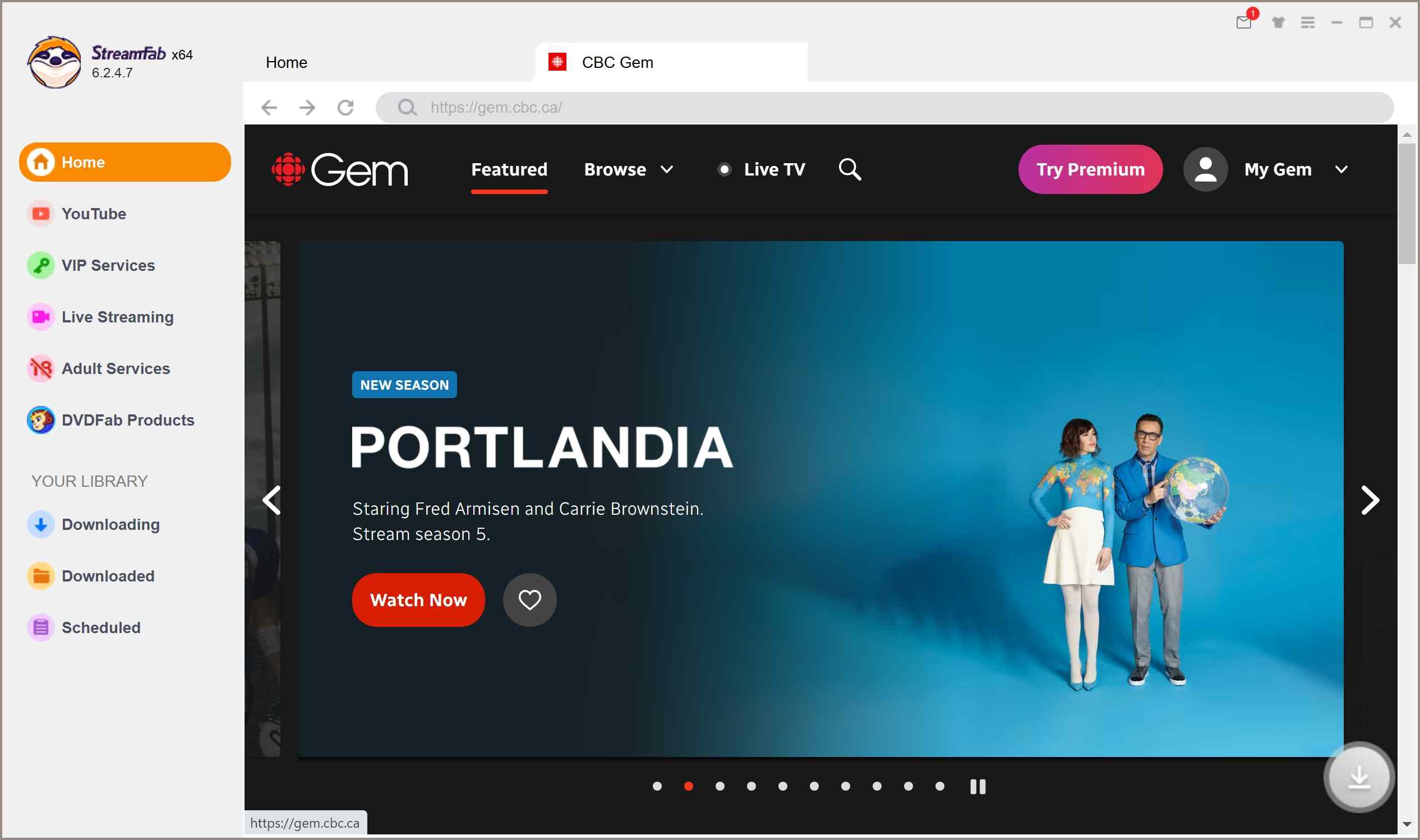
Choose the streaming service
In the search option, you should paste the link of your desired CBC Gem video link.
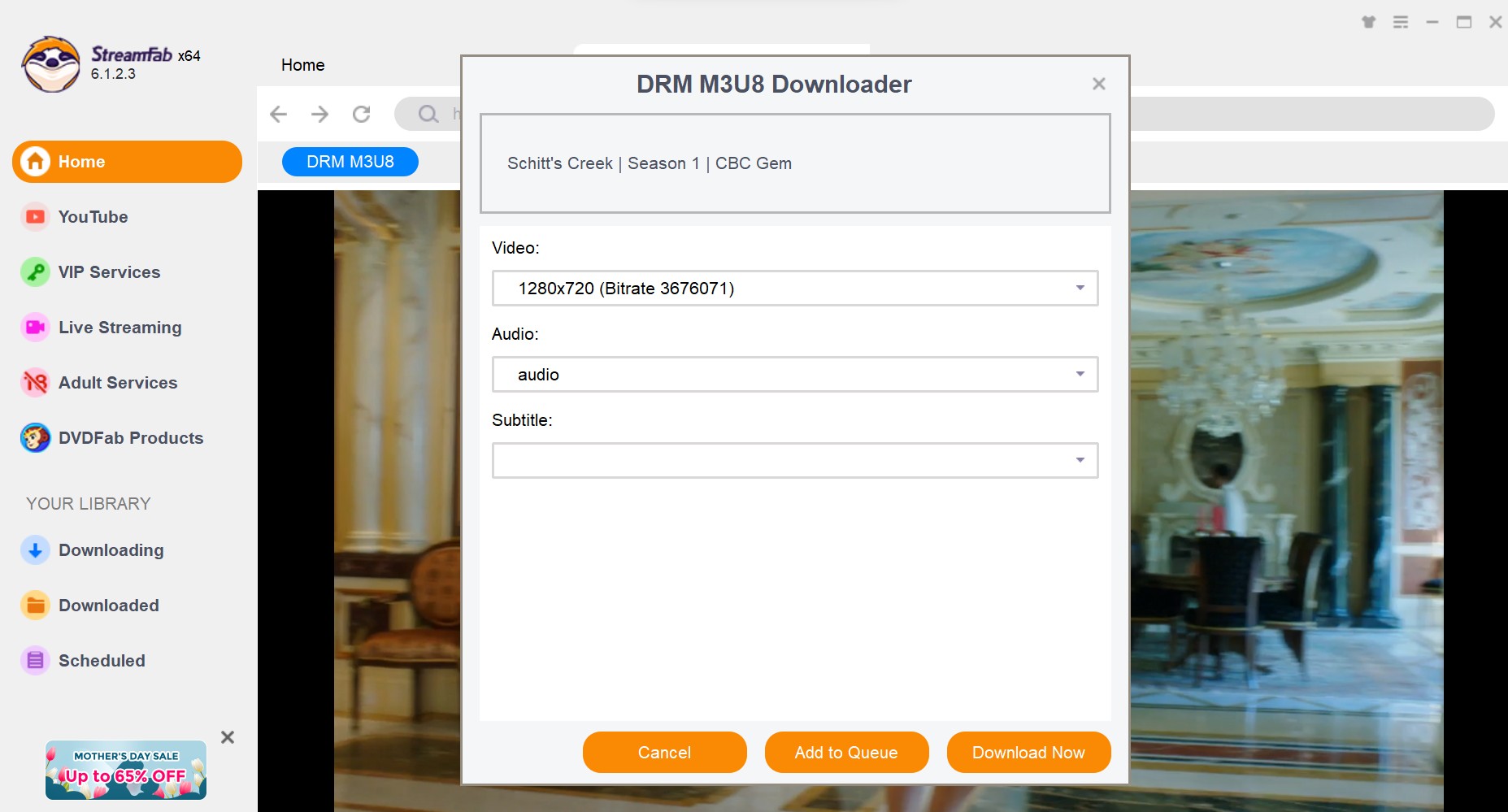
Customize the file
When you play the video, a pop-up window will appear to ask for your video options.
Click the download button
After customization, you can download it right now or add it to the queue.
Fix Login, URL, and 403 Errors
First, confirm that the title plays through your authorized CBC Gem account in your available region. Then sign in again, refresh an expired page URL, and distinguish the title page from a media URL.
Some methods may require cookies or referer data when they support those inputs, while 403 responses, protected titles, site changes, and unsupported browser add-ons can still prevent saving. A working stream does not guarantee that every workflow can process the title.
FAQs
Does CBC Gem Premium add offline downloads?
No. Premium improves the on-demand ad experience, but it does not add a native feature for downloading CBC Gem episodes for offline viewing. Live streams can still include ads.
Can a saved CBC Gem video play on phones or TVs?
A compatible local file can play on supported devices after transfer, but results depend on the format, codec, storage, player app, and TV or casting support. Use content only as permitted by the title, platform terms, and applicable law.
Why can I stream a CBC Gem show but fail to save it?
Streaming playback and local-file workflows do not have identical requirements. Login status, regional availability, expired URLs, cookies, referer data, 403 responses, browser add-ons, site changes, and title protection can affect saving attempts.
Can I use CBC Gem while visiting the United States?
CBC Gem is intended for use in Canada. App installation and playback can be limited by account region and location, so access from the United States is not guaranteed.
Conclusion
CBC Gem is the straightforward choice when its official Canadian streaming access and supported devices fit your needs. Premium can improve on-demand viewing, but it does not create native offline episode downloads.
Choose the official service, a recording method, browser-based tools, or an authorized desktop local-file workflow according to your region, device support, desired output, and the title’s technical limits. StreamFab DRM M3U8 Downloader is most relevant to Windows and Mac users who prefer guided local-file options over detailed URL and browser-tool troubleshooting.


Instagram offers three practical download routes: its native Download action, a no-login browser tool for accessible public posts, and a Windows or Mac desktop workflow for repeated authorized saves. This guide explains access limits, file-quality checks, safety warnings, and fixes for missing buttons, muted audio, and failed links.
By Nicole Lopez - Aug 6, 2026
This article explains how to download videos from M3U8 files, covering what M3U8 is and introducing main methods along with their pros and cons, helping users choose a safe and effective solution for offline viewing.
By Jacob Harrison - Aug 6, 2026
Struggling with encrypted M3U8 streams? Learn how to extract live URLs, fix VLC playback errors, and bypass 2026 DRM protections easily with advanced downloading solutions.
By Marcia Hatcher - Aug 5, 2026
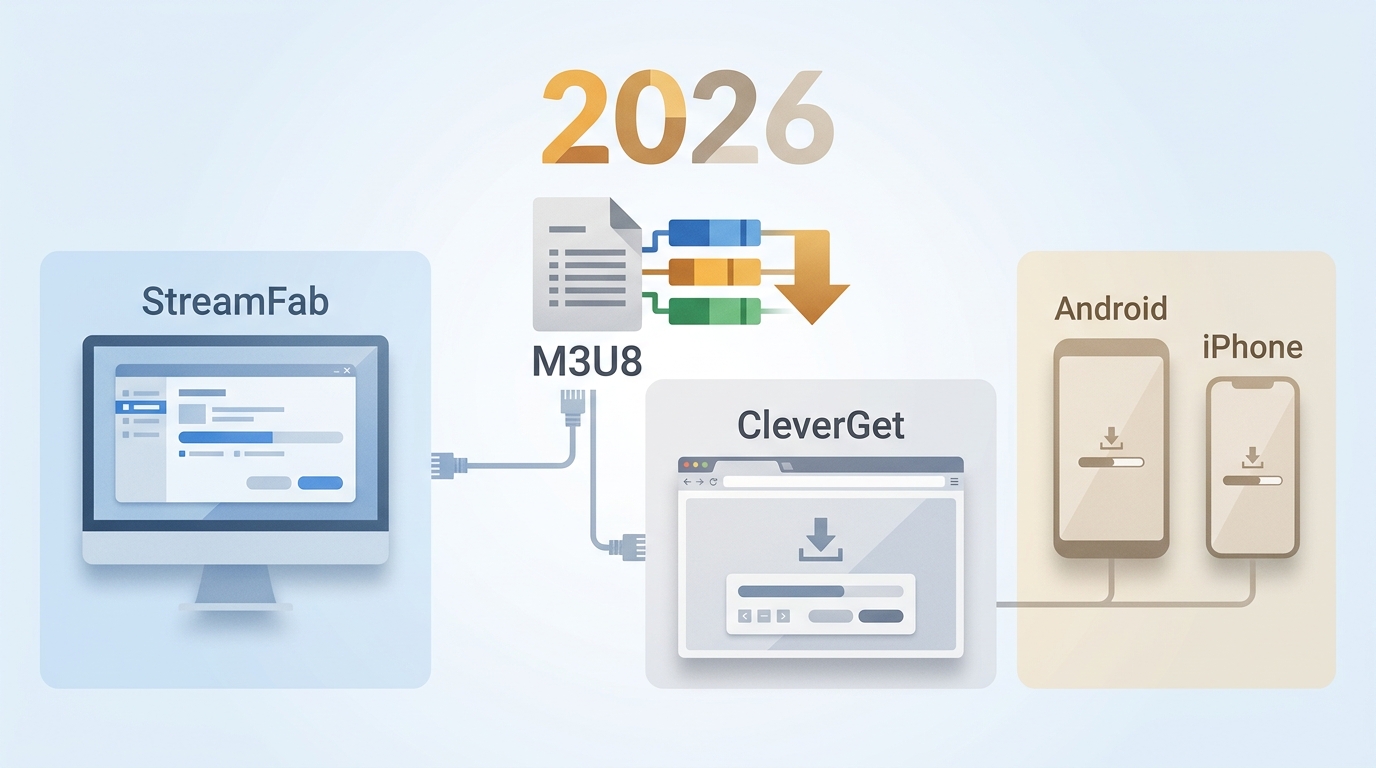
The right M3U8 downloader depends on whether the stream is public, login-required, or access-controlled, plus whether you need a quick file, a playlist, or a reusable local format. This guide compares desktop apps, browser extensions, and mobile options so you can choose the fit before you download an M3U8 playlist.
By Jacob Harrison - Aug 5, 2026