
Explained: What is Amazon Watchlist and How to Manage?

Summary: Watchlist lets you save shows and movies for later, but it doesn't support offline viewing. This guide explains how to manage your list efficiently and enjoy your content anytime, even without internet.
Here's the short answer: your Prime Video Watchlist still lives on your account, but it now sits behind a profile icon or a bookmark icon in the top navigation instead of the old "My Stuff" tab, and the exact path differs across web, iPhone, Android, Smart TV, and Fire TV.
This guide covers what the Amazon Prime Video Watchlist actually does, how to find and access it on every device, how to add and remove titles, what to do when the list looks like it disappeared, and how to organize a large list when there's no true bulk-delete button.
What the Amazon Prime Video Watchlist Means
The Amazon Prime Video Watchlist is a saved-titles shelf tied to your Amazon account: tap the "+" (or bookmark icon) on any movie or show, and it lands in one list you can open from web, mobile, or a TV app. It behaves like a "Favorites" or "Watch Later" queue and covers Included-with-Prime, rented, and purchased titles in the same place.
Why the Watchlist changes how you watch
In my experience, the Watchlist stops being useful the moment it turns into a graveyard of 200 titles you'll never open. Used well, it earns its spot for three concrete reasons:
One saved shelf, synced across devices. Save on your phone at lunch, open it on the TV that night same list, same order.
Included-with-Prime, rented, and purchased titles all sit in the same view, so you decide later how to actually watch each one.
Resume where you left off. Prime Video keeps your playback position, and the Watchlist keeps the title one tap away.
No publicly stated cap on list size, so you can queue up hundreds of titles.
Skip to the section you need: find it on your device, fix a missing list, or clean up a big one.
Where to Find Your Watchlist on Every Device
The web browser is the fastest place to find, sort, and clean up your Watchlist; TV apps are best for actually watching from it. If you're troubleshooting a missing list, start in a browser—the desktop layout exposes menus that the TV interface hides.
| Device | Where the Watchlist lives | Add a title | Cleanup notes |
|---|---|---|---|
| Web browser | Profile icon (top right) → Watchlist, or the bookmark icon in the top nav | Hover the title, click the "+" icon on the card | Fastest for bulk cleanup; changes sync to other devices |
| iPhone / iPad | Profile icon → My Stuff → Watchlist tab | Tap the bookmark/"+" icon on the title page | Tap the checkmark to remove; one title at a time |
| Android | Profile icon → My Stuff → Watchlist tab | Tap the bookmark/"+" icon on the title page | Same flow as iPhone; SD-card downloads are separate from the Watchlist |
| Smart TV / Fire TV | Top menu bar → Find / Search area or profile row → Watchlist row | Highlight the title, select "Add to Watchlist" | No efficient filter or multi-select; use for viewing, not cleanup |
Find your Watchlist in a web browser
Depending on your Prime Video version, the Watchlist may appear under a profile icon or a bookmark icon in the top navigation rather than an obvious "My Stuff" tab, so check both if you don't see it right away. Once open, you can switch to Purchases & Rentals to view paid content you've bought or rented.
To add a title, hover over it and click the "+" icon, or open the title page and add it from there.
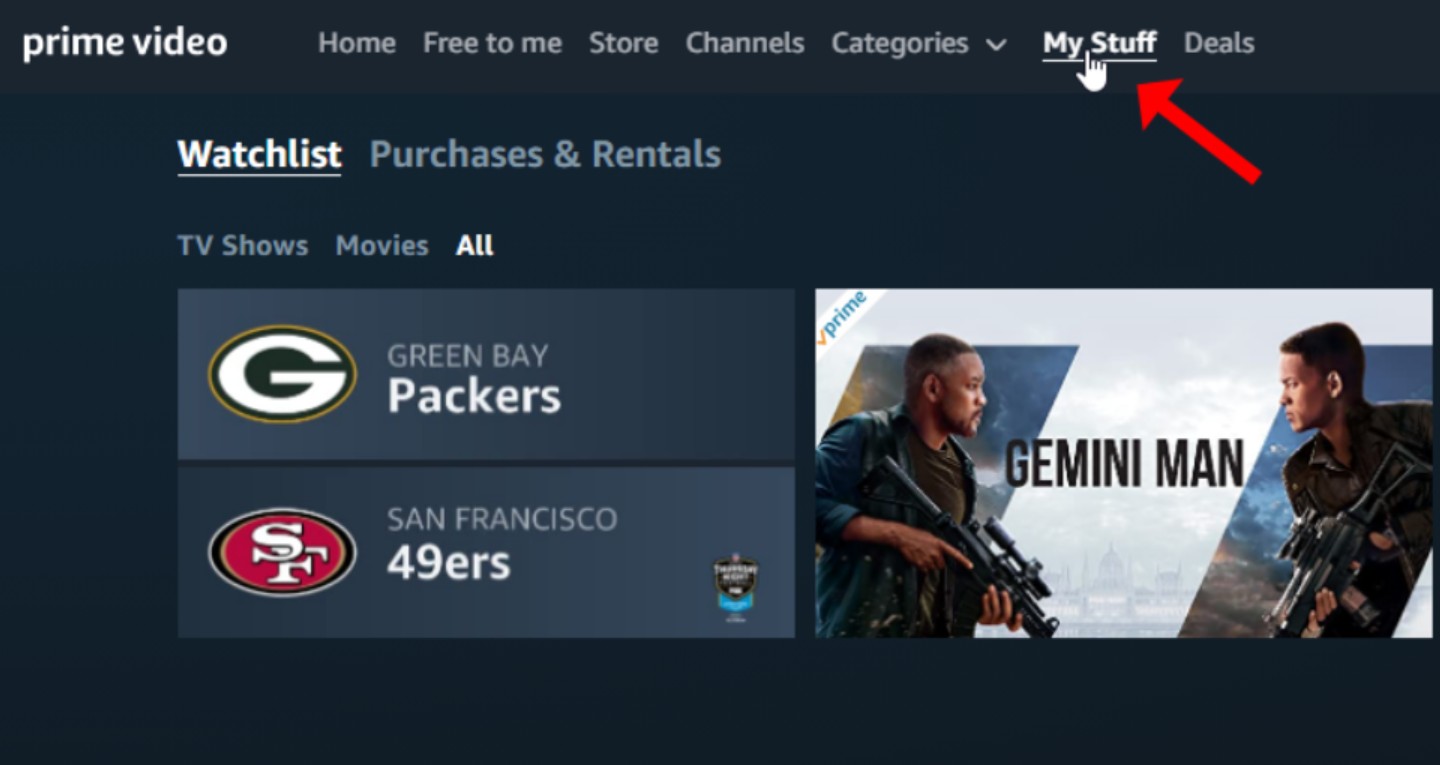
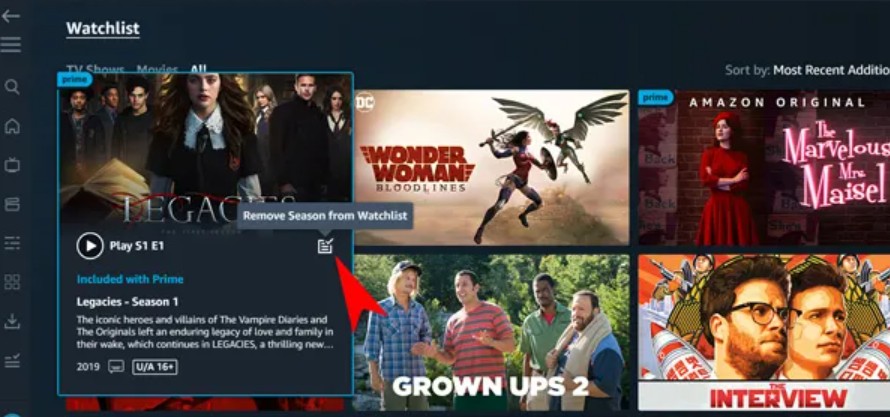
Removing a title is just as direct: click the checkmark or remove icon on the title card to take it off your list. If you're trimming a big Watchlist, do it here—the browser exposes filters the TV apps don't.
Find your Watchlist on iPhone and Android
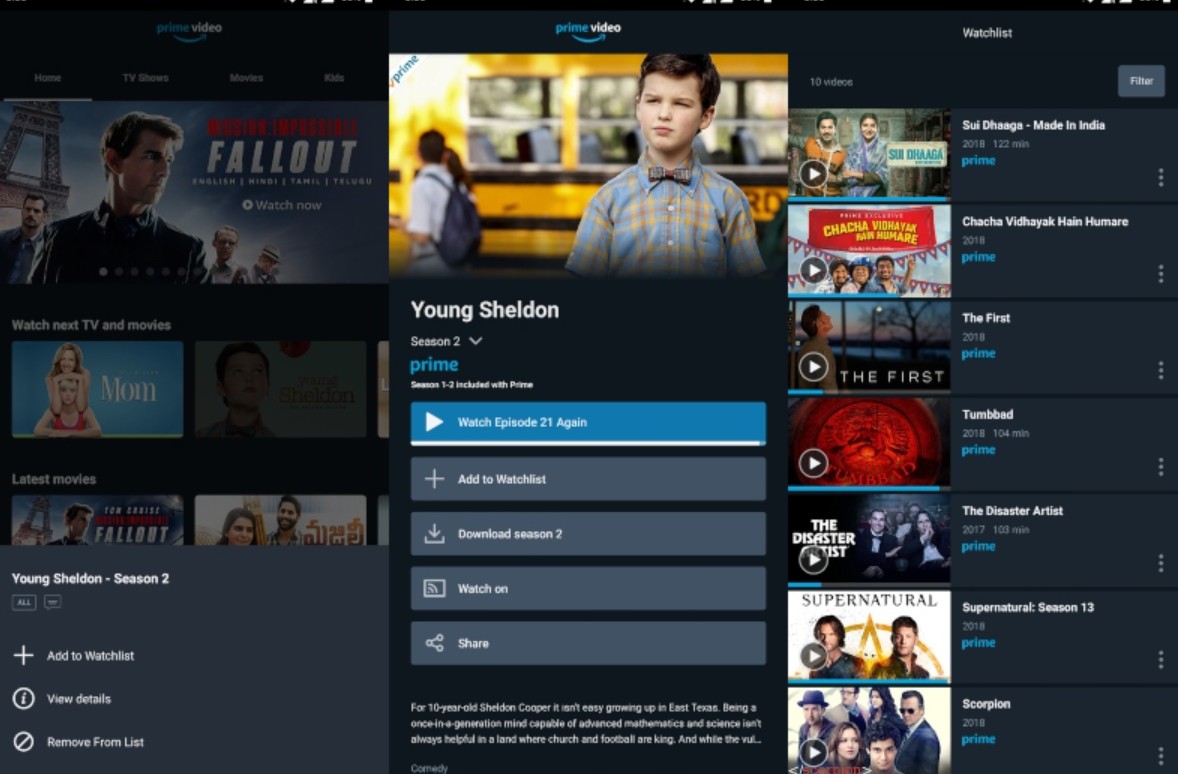
The mobile flow is nearly identical on both platforms: tap the profile icon in the app, open My Stuff, then switch to the Watchlist tab. To create a Prime Video Watchlist from scratch, you don't need to set anything up: open any title's detail page and tap the bookmark or "+" icon, and the list appears under My Stuff on the same account. Removing works the same way (tap the icon, now a checkmark). The only real Android-side wrinkle is that if you download episodes to an SD card, those files are managed under Downloads, not the Watchlist.
Find your Watchlist on Smart TV and Fire TV
On Fire TV and most Smart TV apps, the Watchlist sits behind the top navigation bar—usually under Find, a bookmark row, or your profile after selecting the account tile. Highlight a title tile, then choose "Add to Watchlist" from the on-screen options. Practically speaking, treat the TV app as a viewing surface: the app doesn't offer real filtering or multi-select, so save the actual pruning for a browser session.
Add, View, and Remove Watchlist Titles
Adding is one tap on the title card. Viewing lives under the profile or bookmark entry on the device you're on. Removing is the same icon you used to add—which is the part most readers miss. If you regret a removal, re-add the title from its detail page; there's no dedicated undo button, so treat the icon toggle as your undo.
Fixing a Missing or Disappearing Watchlist
Usually, a "disappeared" Watchlist is an interface change, not a lost list. In practice, three causes cover almost everything I run into:
- Navigation moved. "My Stuff" has quietly shifted behind a profile icon or a bookmark icon in the top nav. Click both—the list is almost always intact underneath.
- Wrong account or region. On a shared Fire TV or a Smart TV signed into a household member's profile, or after a region change, the Watchlist and purchased content can look empty. Switch back to your own profile, or confirm the account region hasn't shifted.
- Sync lag between devices. Adds made on the phone sometimes take a brief moment to appear on the TV. Sign out and back in, force-close and reopen the app, or refresh the browser tab—these clear the state faster than waiting.
If a browser session shows your Watchlist correctly but a specific device doesn't, the issue is likely device-specific rather than account-wide (barring an account or region mismatch)—which narrows the fix considerably.
Organizing a Large Watchlist Without Bulk Delete
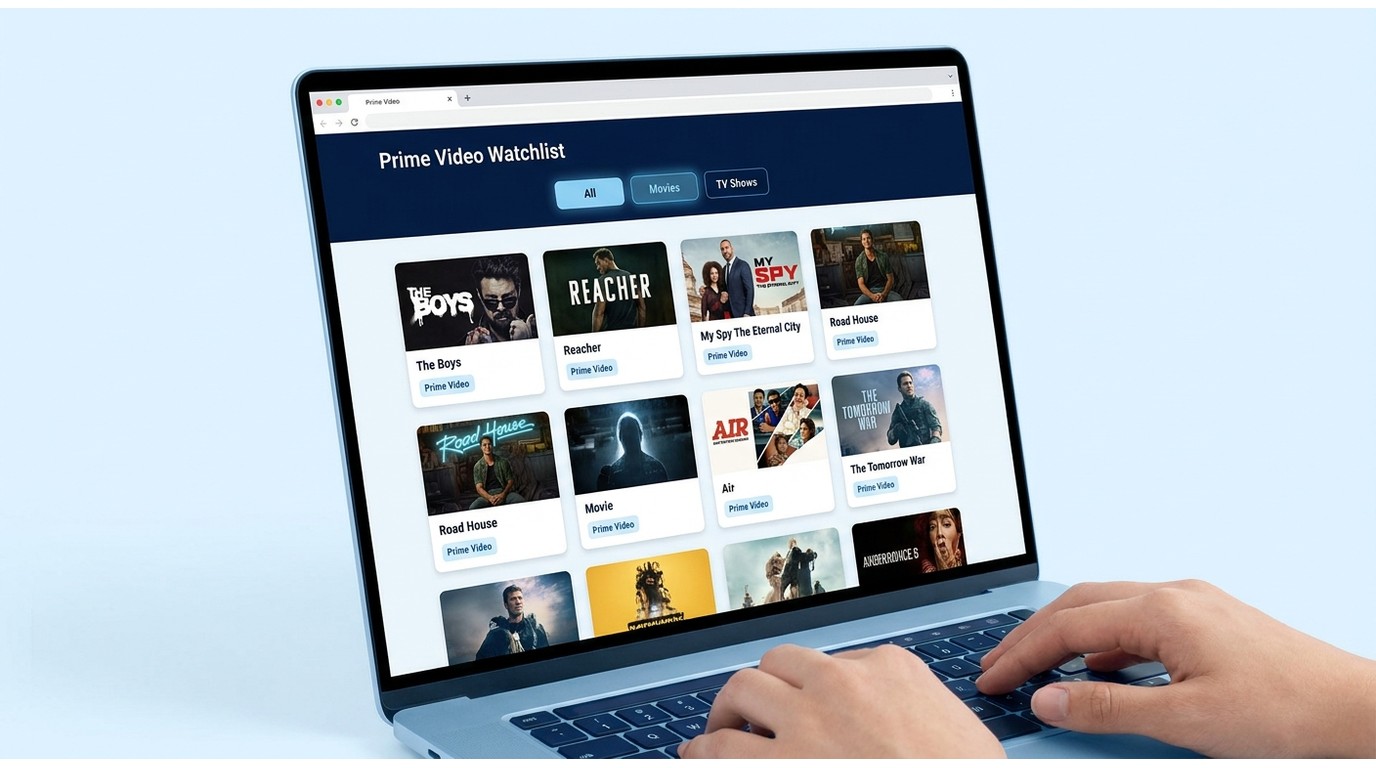
Prime Video doesn't offer a true bulk-delete control, so the honest answer is: work in a browser, and remove titles one at a time from the fastest interface. A few practical moves keep a big list usable:
- Use the All / Movies / TV Shows filters at the top of the Watchlist view to narrow what you're looking at before removing anything.
- Prune in a browser, not on the TV. The desktop interface is dramatically faster, and removals sync to your phone and TV after a brief delay.
- Tell Included-with-Prime from Rent/Buy at a glance. Titles included with Prime show no price badge; rent or buy prices are listed on the card. If a saved title now shows a price where it didn't before, its Prime licensing window closed—not a bug on your end.
My rule of thumb: once a Watchlist crosses roughly 50 titles, spend five minutes in a browser every couple of months. The trade-off is real—you lose the couch-friendly cleanup—but nothing else on Prime Video's current interface comes close to that speed.
Saving Watchlist Titles for Offline Viewing
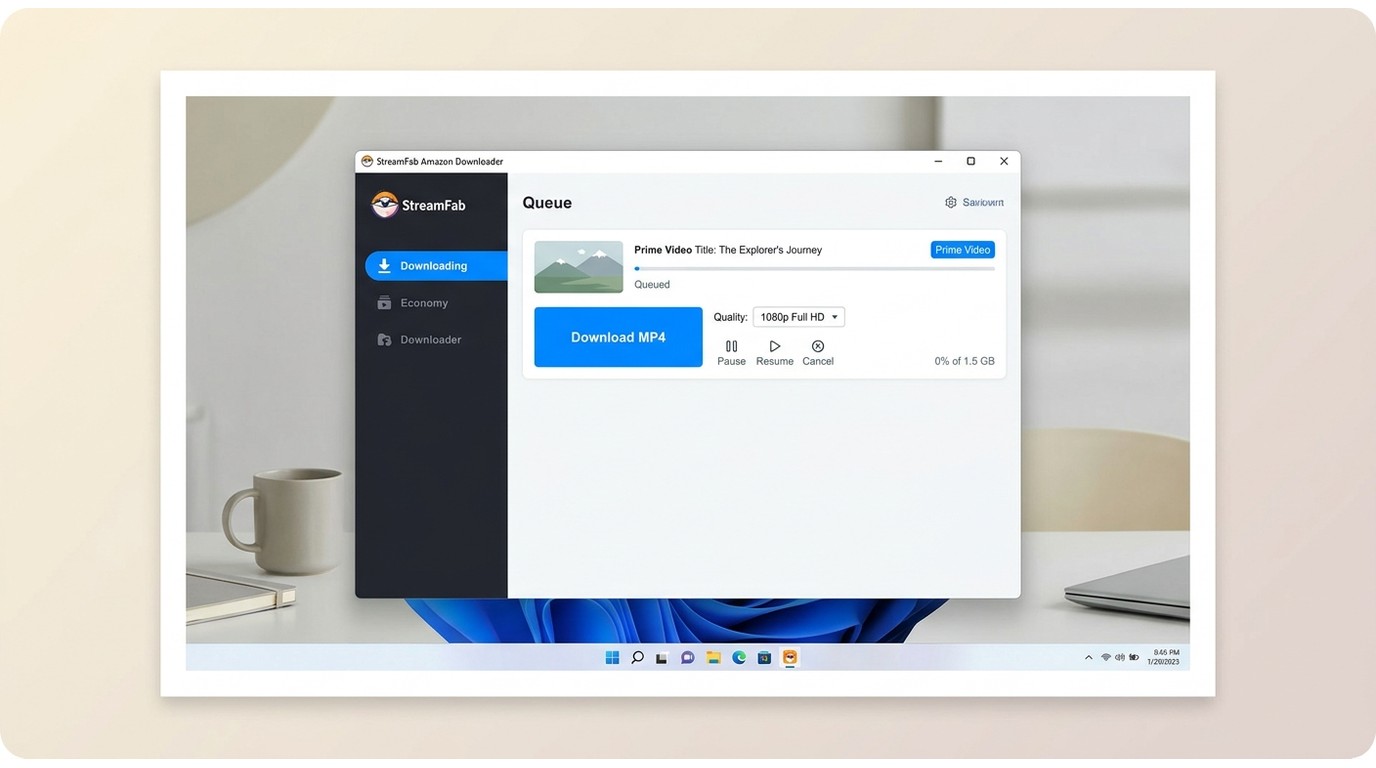
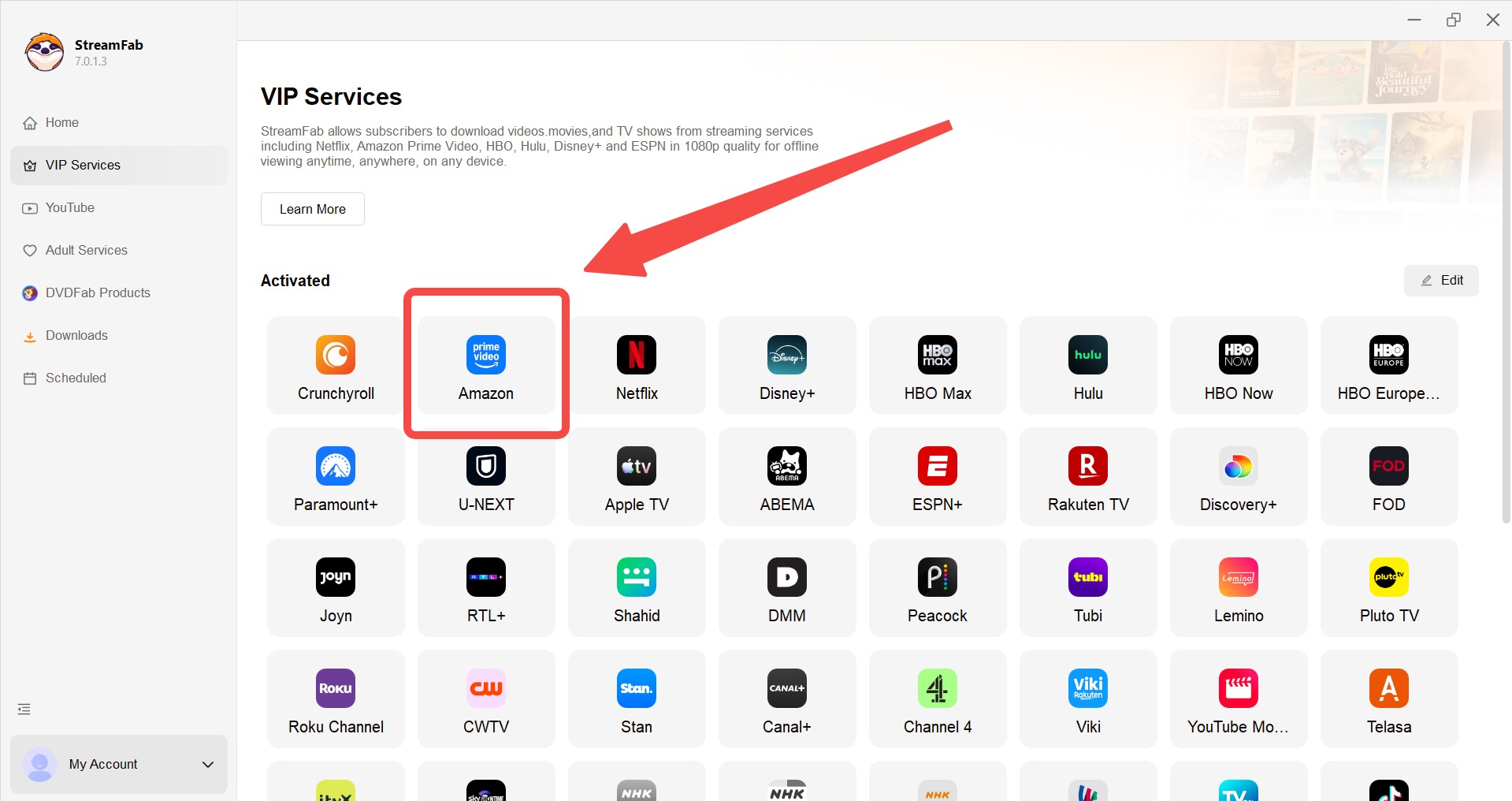
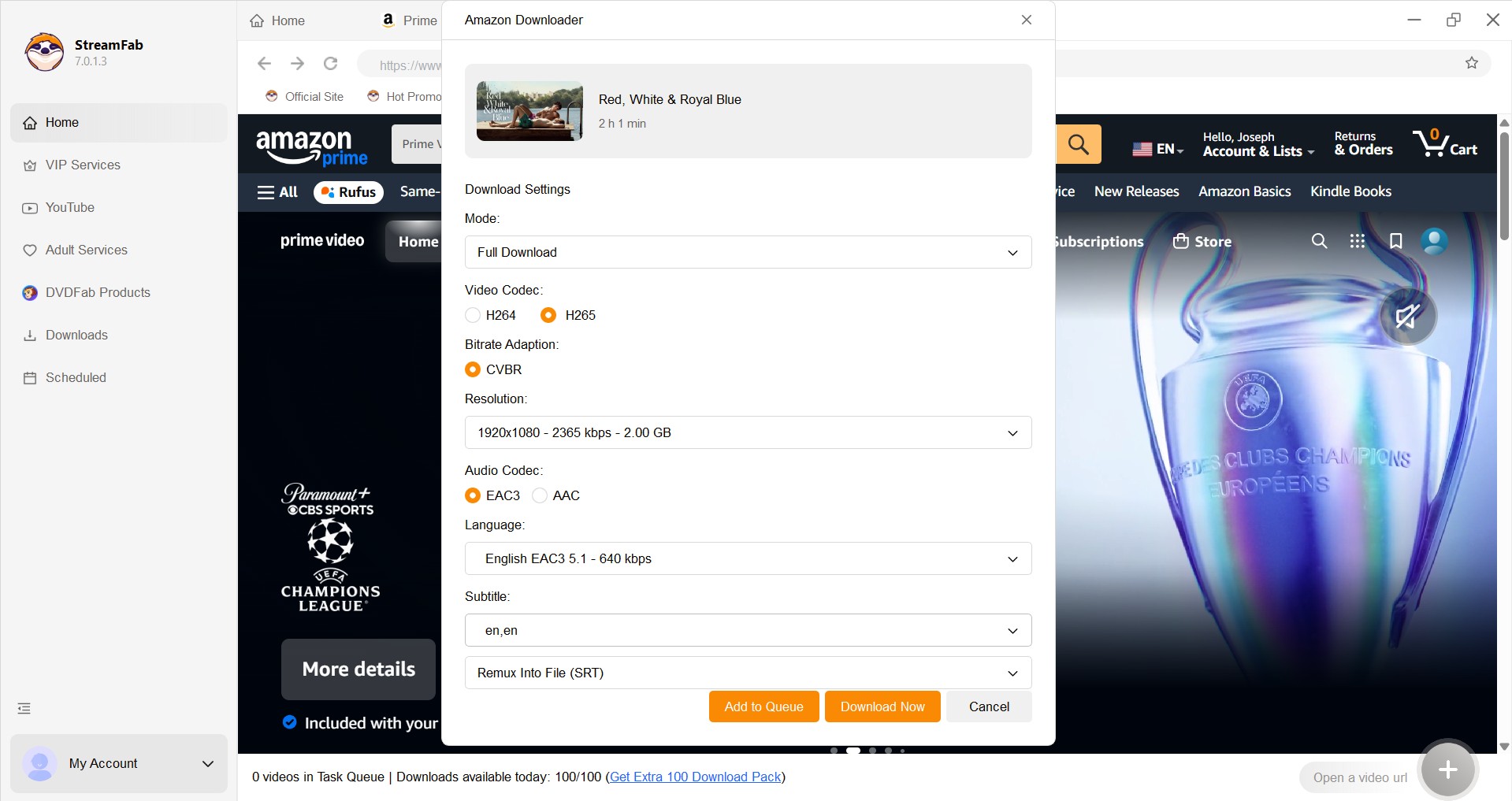
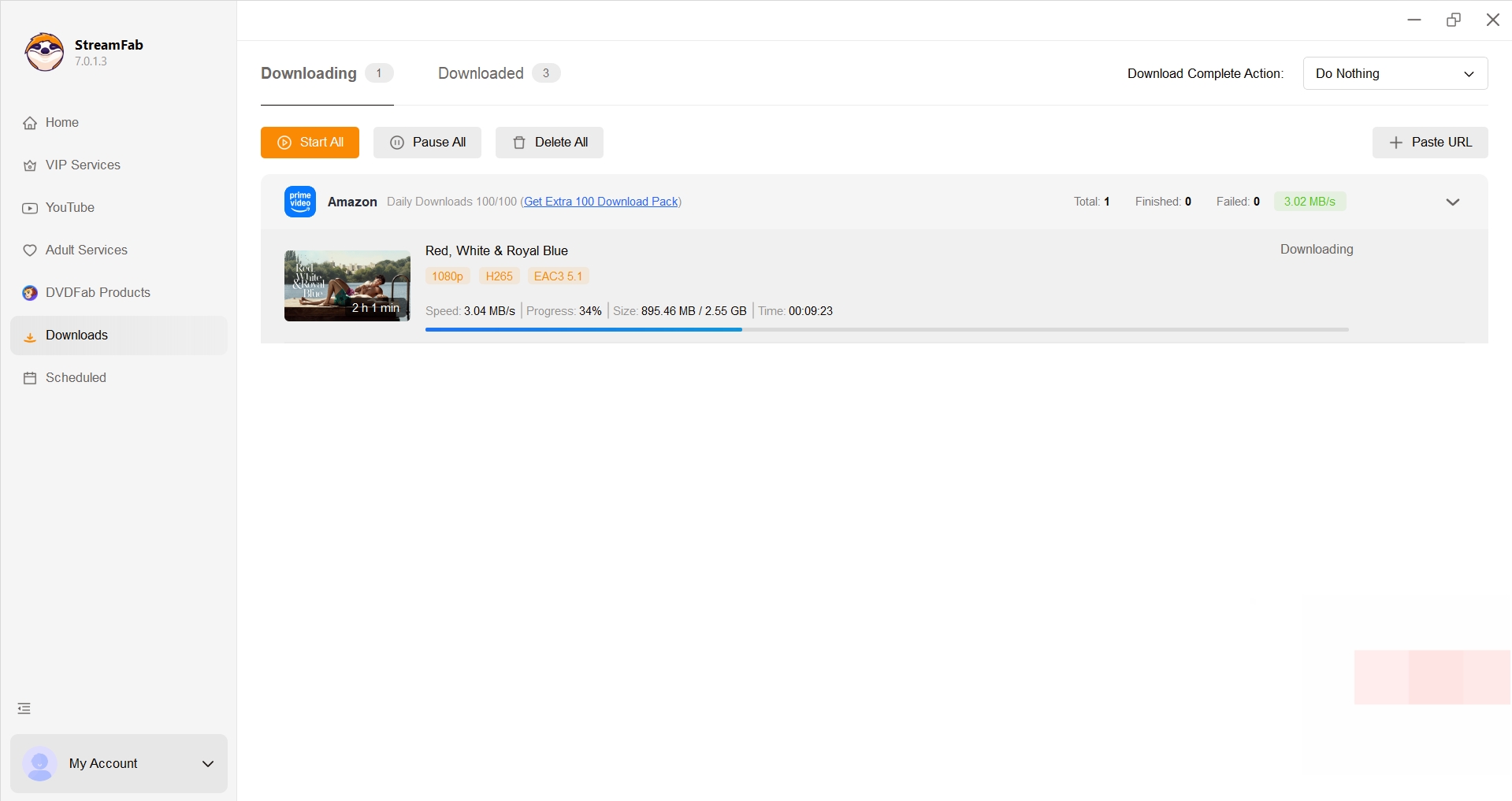
The Prime Video app's built-in offline mode caches titles inside the app for temporary viewing, and those files can't be moved to other players. If that fits your trip, use it. When it doesn't, a desktop tool such as StreamFab Amazon Downloader can save a local copy for personal offline viewing on Windows or Mac, for content you're authorized to access and where permitted by platform terms and applicable law—the full walkthrough lives in our guide to download Amazon Prime videos.
Download Amazon Prime videos from all regional sites in high-quality up to 1080p resolution and EAC3 5.1 audio tracks.
Good to know:
> Availability and supported titles depend on your Prime Video plan and each title's licensing window
> Output quality is capped by what your subscription allows on Prime Video
> Rip subtitles from Amazon Prime
> Use is limited to content you're authorized to access, for personal offline viewing
> Platform terms and local law apply; features may change over time
> For the full setup and download walkthrough, see our Amazon Prime download guide linked above
Frequently Asked Questions
Conclusion
The Prime Video Watchlist is more capable than the current interface makes it look. Once you know it lives behind the profile or bookmark icon, that missing-list panic goes away; once you accept there's no bulk delete, a five-minute browser session every couple of months keeps the list usable.

StreamFab 7 marks the first major update in nearly three years. This review looks beyond surface-level changes and examines what actually matters in everyday use based on real testing, community feedback
By Erika Leen - Sep 28, 2026
Choose between StreamFab’s local file workflow, Audials’ Windows recording and editing, and PlayOn’s local or cloud recording. Compare queue behavior, picture quality, audio and subtitles, and recurring costs, with a repeatable way to check one authorized title before building an offline library.
By Marcia Hatcher - Sep 28, 2026
This article is an official response to users asking regarding the safety and legality of StreamFab. Written by StreamFab team, it moves beyond simple assurances to provide a transparent technical and legal analysis.
By Nicole Lopez - Sep 24, 2026
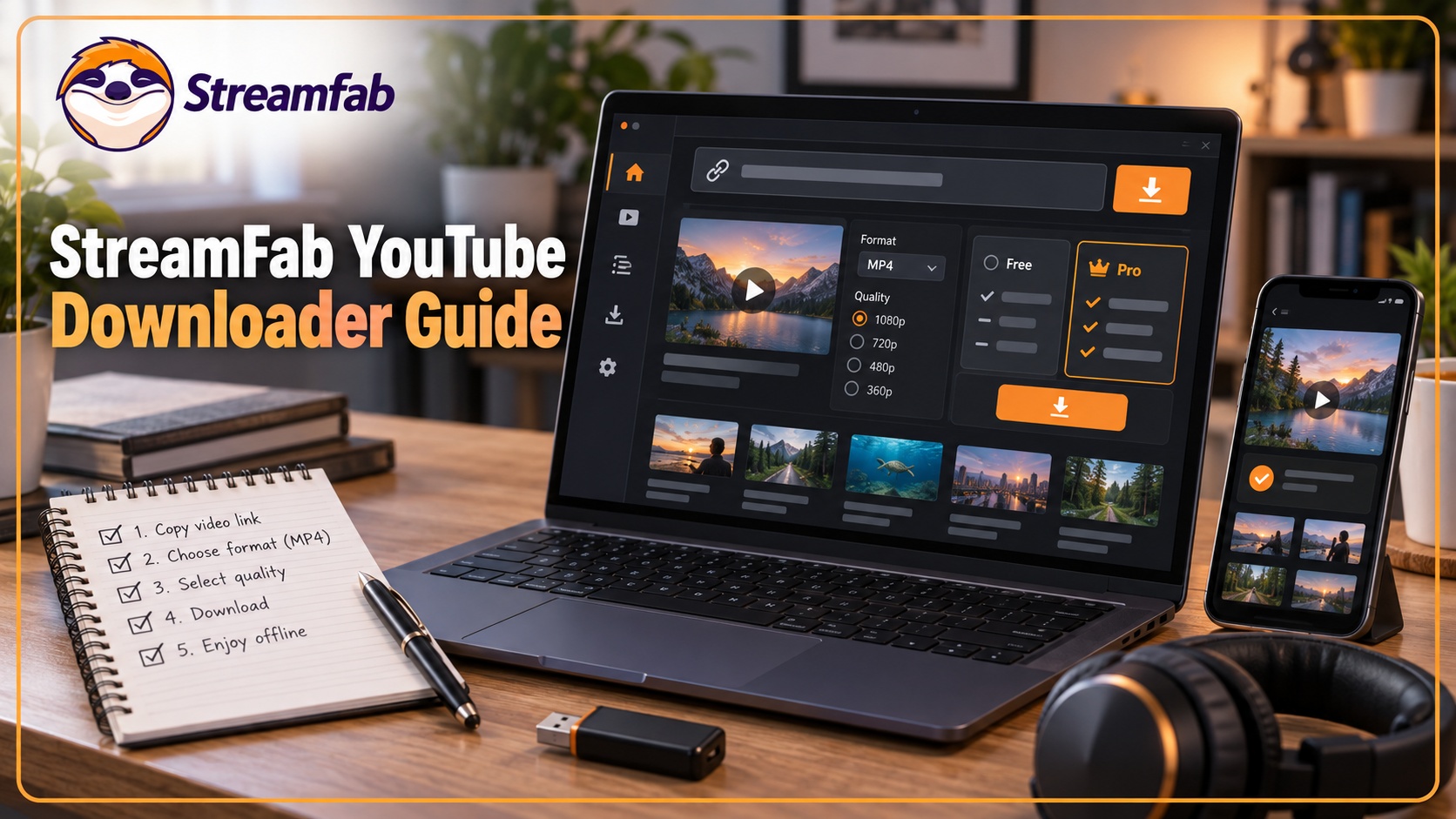
Wondering what is StreamFab? I tested the StreamFab YouTube Downloader Pro for YouTube TV offline access, 8K AV1 hardware acceleration, and batch archiving limits. See the 2026 real-world benchmark and learn how to avoid API throttling.
By Erika Leen - Sep 24, 2026