
StreamFab Alternatives in 2026: 4 Best Picks Plus Linux Options

Summary: This guide compares best StreamFab alternatives, FlixGrab+, CleverGet V26, MovPilot, and Audials One 2026, plus a separate Linux and open-source route. It explains operating-system fit, workflows, trials, automation, and update reliability so readers can choose without treating every tool as equivalent.
Table of Contents
If you need a StreamFab alternative or are searching for StreamFab for Linux, compare four paid desktop tools with a separate open-source route. The right choice depends on operating system, supported services, workflow, update cadence, and whether you need batch or scheduled downloads.
Start with four prerequisites: an active platform subscription, permission to save the title for personal offline viewing, a Windows or Mac desktop tool for supported subscription services, or a Linux tool for compatible public video sources.
Why Users Seek StreamFab Alternatives
People usually seek alternatives to StreamFab after a compatibility failure, a service-specific gap, a platform mismatch, or concern about paying for broader coverage than they need.
If the issue is isolated, the StreamFab FAQ and the StreamFab troubleshooting guide may resolve it without forcing a full switch.
A useful comparison starts with the failure mode. A tool that covers one service well may be a better fit than an all-in-one suite, while a user with several subscriptions may value broader coverage and faster update response.

The practical choice starts with operating system, supported services, workflow type, output needs, update activity, and the amount of maintenance you are willing to handle.
If the current setup nearly meets your needs but a specific service is failing, contact support before replacing a license that still fits the rest of your workflow.
Linux and Open-Source Options Explained
A StreamFab Linux search usually hides two different needs: a native open-source tool for public video sources, or a commercial desktop workflow for supported subscription services. Those lanes should be evaluated separately.
Linux Tools for Ordinary Video Sites
Users looking for a StreamFab GitHub-style project usually mean a maintained open-source workflow. yt-dlp and graphical front ends such as Stacher or yt-dlg are practical for compatible public video sources and can be scripted on Linux.
This lane suits readers who accept command-line setup, site-specific maintenance, and occasional workflow changes. It is a sensible StreamFab Linux alternative when the target site is supported and automation matters more than a polished desktop interface.
Limits on Protected Subscription Services
A Linux Netflix downloader is a different requirement from an ordinary-site downloader. yt-dlp and its graphical interfaces are not like-for-like replacements for commercial tools on major protected subscription services.
Running Windows software through Wine or Bottles can add fragile dependencies, login issues, and update breakage. My editorial judgment is simple: StreamFab for Linux is practical as an open-source lane for supported ordinary sites, but users who need subscription-service coverage should compare native Windows or macOS tools instead.
That distinction also explains why streaming services on Linux can work in a browser while local-file saving support varies by service and tool.
StreamFab Alternatives: Testing Baseline and Tool Types
To compare with other options fairly, separate vendor specifications from behavior observed under the same environment. Headline resolution claims alone do not show workflow fit, reliability, or maintenance burden.
For consistency, the 2026 baseline below is the yardstick I use throughout, but the box records a test environment, not a set of product results.
- OS: Windows 11 Pro / Ubuntu 24.04 LTS
- CPU: AMD Ryzen 9 7900X
- Network: 1 Gbps fiber, wired
- Source Material: 2h03m 4K HDR title with Dolby Digital Plus 5.1
| Support | Quality | Download speed | Free trial | |
|---|---|---|---|---|
| StreamFab🏅 | Native resolution up to 8K (based on the original video source) | 9min 18s | Full function to use | |
| FlixGrab | 5 OTT services & parts online sites | Re-encode resolution up to 1080P (based on the original video source) | 30 mins | Limited |
| CleverGet | 1000+ sites | Re-encode resolution up to 4K (based on the original video source) | 25mins | Limited |
| Movpilot | 5 OTT sevices | Re-encode resolution up to 1080P (based on the original video source) | 25mins | Limited 6 mins |
| Audials Movie | 12 OTT services & 2 Live | Recorded 720P | 2h 3mins | Limited 10 mins |
The tools in this guide fall into three workflow types:
- Supported local-file saving: desktop software writes supported video to common files and may preserve selectable audio, subtitles, and metadata.
- Accelerated recording: the software records playback faster than real time when the service and system permit it.
- Ordinary-site command-line downloading: open-source tools use scripts or graphical wrappers for supported public video sites.
Reproducible conditions are more useful than a maximum-resolution badge because they reveal whether two claims were measured on the same operating system, network, source title, and workflow.
StreamFab vs Alternatives Feature Comparison: Radar Chart Analysis
When choosing a downloader, it helps to compare supported platforms, output quality approach, speed, batch handling, region-based availability, and trial limits. The radar chart summarizes how major options differ across these dimensions.
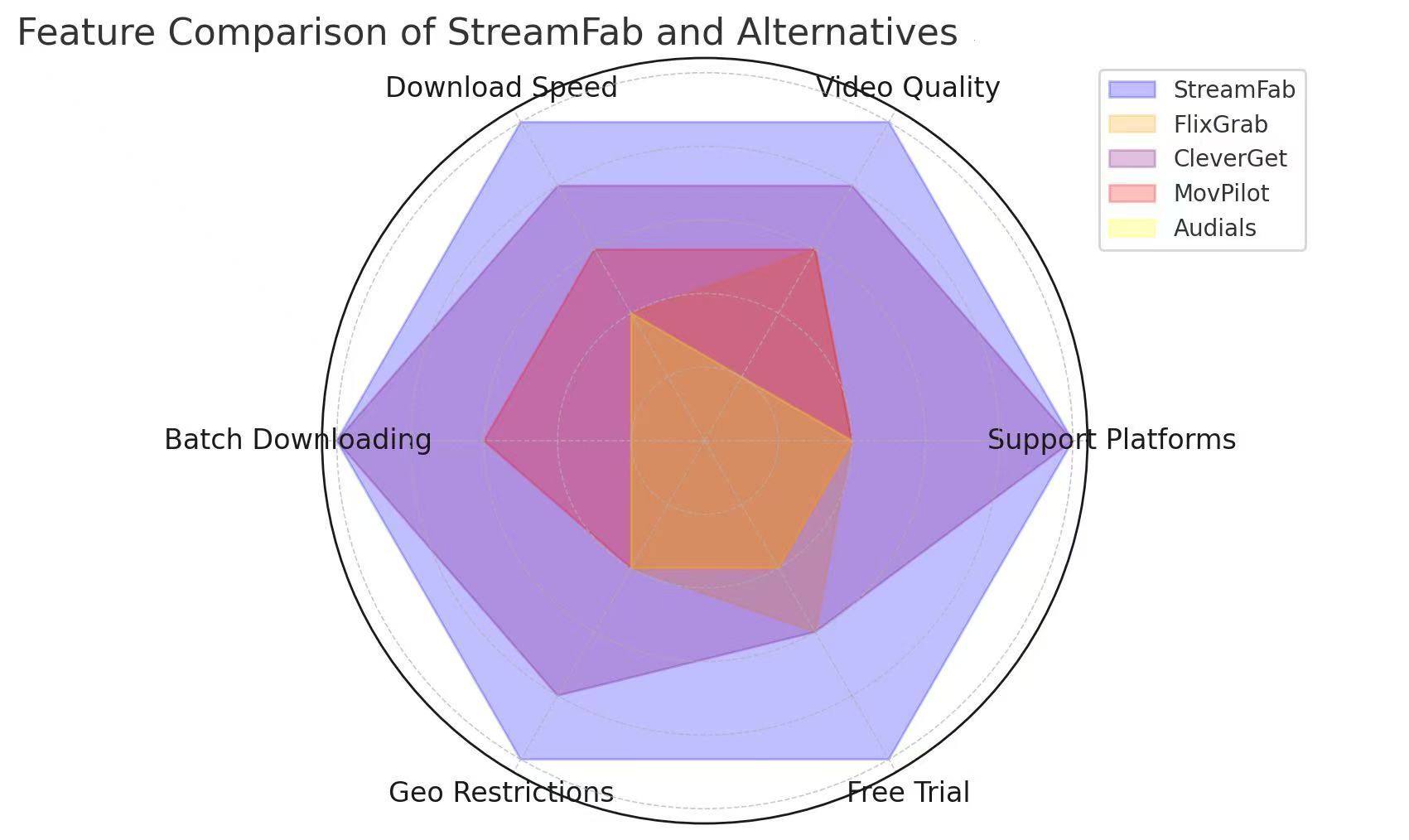
In many setups, StreamFab performs strongly in platform coverage and quality retention (where the source allows), while other tools may be better suited for narrower needs (e.g., a single platform) or recording-based workflows.
Free StreamFab Alternatives: Reality Check
Users constantly search for how to get StreamFab for free or a viable free alternative to StreamFab. I need to set expectations: in 2026, maintaining servers that constantly bypass dynamic DRM keys requires immense developer resources. Fully free GUI tools claiming to download premium OTT content often inject adware, mine crypto in the background, or simply fail at 480p.
If you want a free solution, you must trade money for time by utilizing open-source GitHub projects, manually extracting M3U8 links, and fetching your own decryption keys via browser debugging tools.
Use this overview to match the tool to your priorities—the “best” option depends on what you value most.
Alternative 1. Flixgrab
FlixGrab is a StreamFab alternative built for quick, grab-and-go saves for offline viewing on supported sites. It feels snappy and supports full-HD 1080p, with lower-bandwidth options when you need them.
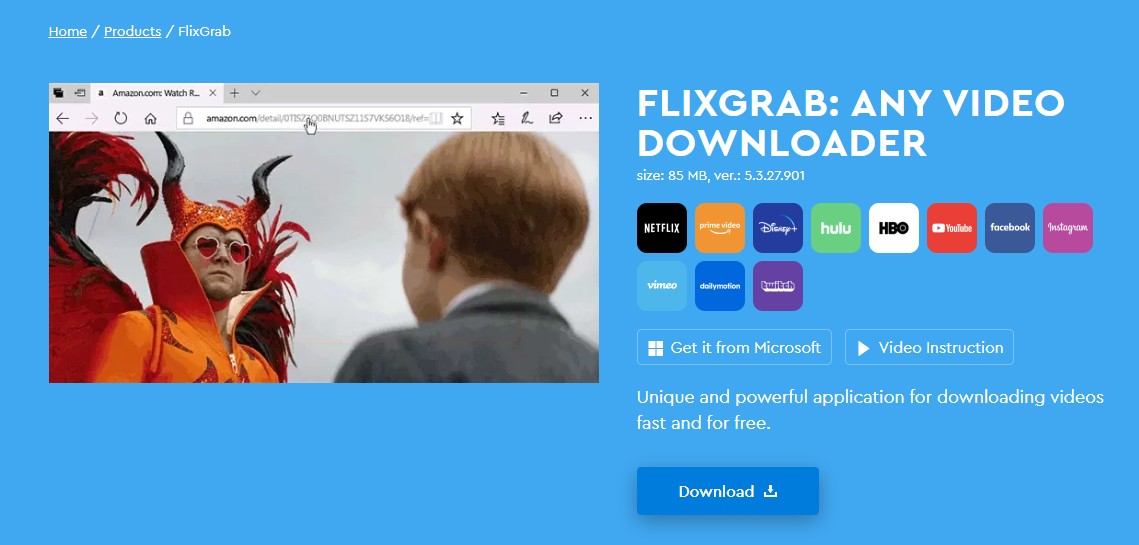
Best for: Windows users who want a simple workflow for a small set of supported services and mostly 1080p downloads.

CleverGet V26
CleverGet V26 is a modular Windows and macOS suite positioned for broad site coverage. Vendor specifications and observed test results should remain separate when comparing its maximum-quality claims.
The current V26 and All-In-One 26 positioning advertises resolutions up to 8K on supported sources and includes batch-oriented modules. That figure is a vendor claim, not a result measured in the March environment above; the detailed CleverGet review covers the product in greater depth.
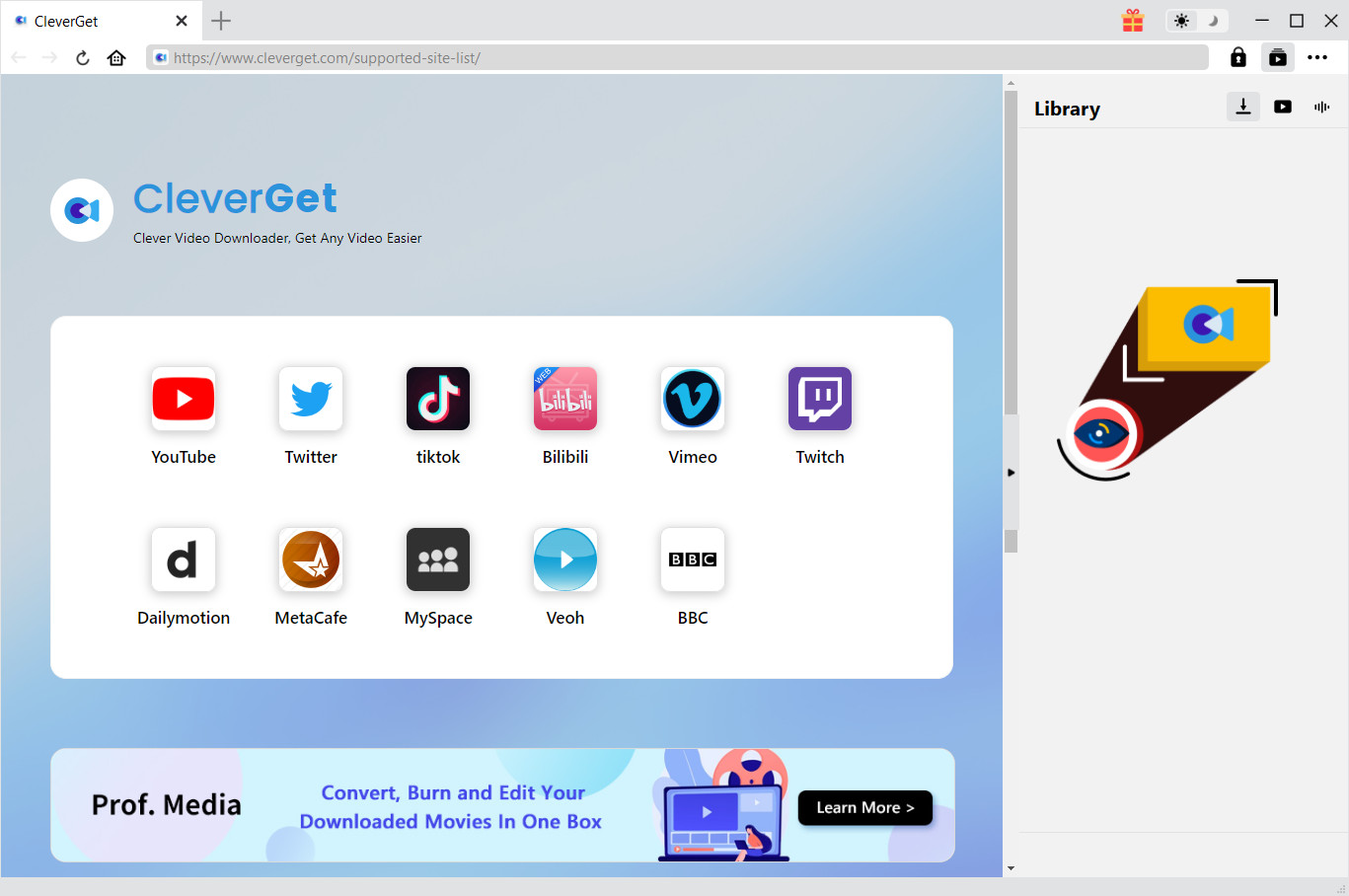
- Best for: Windows or Mac users who prefer a modular suite and broad advertised site coverage.
- Not ideal for: readers who want every headline quality figure backed by a shared, reproducible test.
MovPilot
MovPilot uses service-focused modules on Windows and macOS, making it easier to buy around a narrower streaming mix than a broad all-in-one workflow.
Its current store structure includes individual service modules and broader options, with an official trial available. Supported modules can save MP4 or MKV files with subtitle and 5.1 audio choices where available; the MovPilot review examines those trade-offs without relying on unsourced price or license comparisons.
- Best for: Windows or Mac users focused on a small group of major subscription services.
- Not ideal for: readers who want one queue and schedule across a much broader service mix.
Audials One 2026
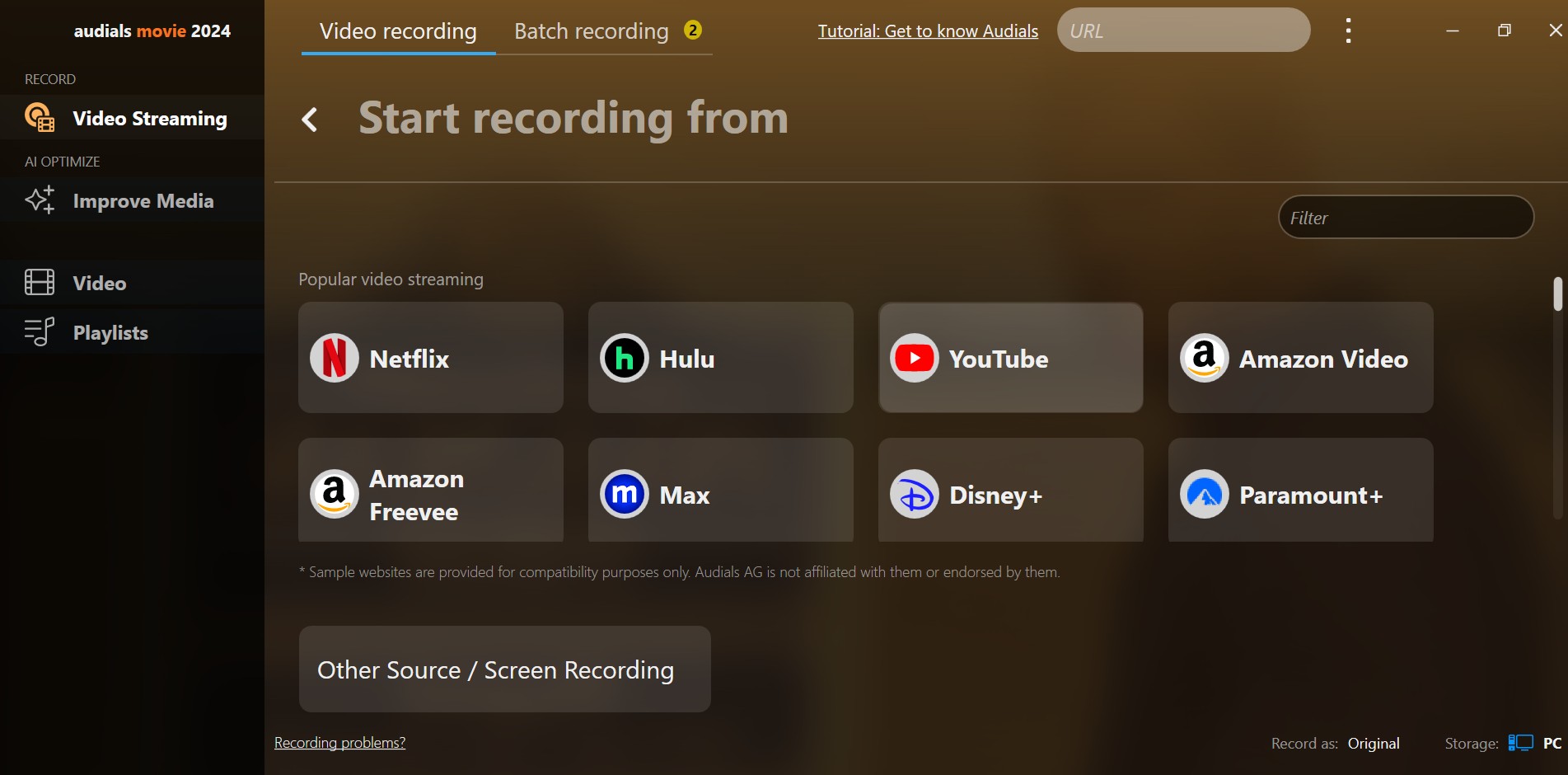
Audials One 2026 is an active Windows recording alternative, not a direct local-file peer. It is sold in Standard and Premium editions and supports accelerated recording with optional AI upscaling.
The recording workflow can suit users who accept playback-based capture and want editing or audio features in the same application. Output quality and completion time depend on the source, settings, and recording conditions, so blanket claims about poor quality are not useful.
The existing Audials review provides additional product context, while this section keeps the comparison focused on workflow fit.
- Best for: Windows users comfortable with accelerated recording and its setup trade-offs.
- Not ideal for: macOS or Linux users, or anyone who specifically wants a direct local-file workflow.
Where StreamFab Fits the Comparison
StreamFab fits users who want one Windows or macOS workflow across multiple supported services, with common output formats, subtitle handling, batch queues, and scheduled episodes.
StreamFab is a desktop application that saves supported content as MP4 or MKV, retains multichannel audio where available, handles separate or embedded subtitles, manages batch and scheduled tasks, and links its current coverage through the supported-sites status page.
For personal offline viewing of content you're authorized to access, where permitted by platform terms and applicable law, this local-file workflow differs from official platform downloads, which remain managed inside each service's app.
- Best for: users who need a single desktop workflow across several supported services.
- Not ideal for: users restricted to Linux or readers who need a tool for one narrow service.
The full how to use StreamFab guide documents the standard workflow I use when testing, so this comparison can stay focused on fit instead of repeating click-by-click setup.
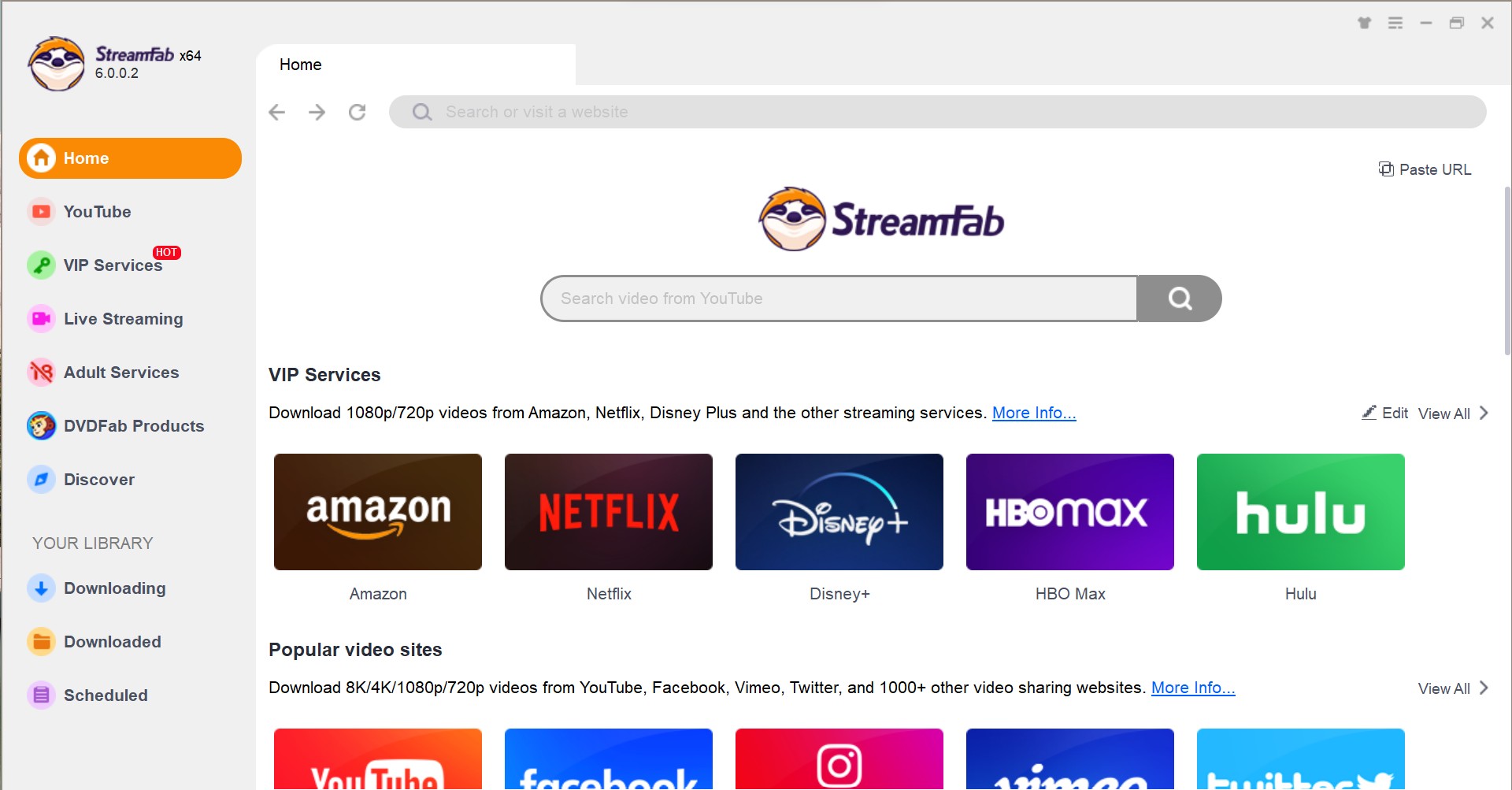
Choose A Website
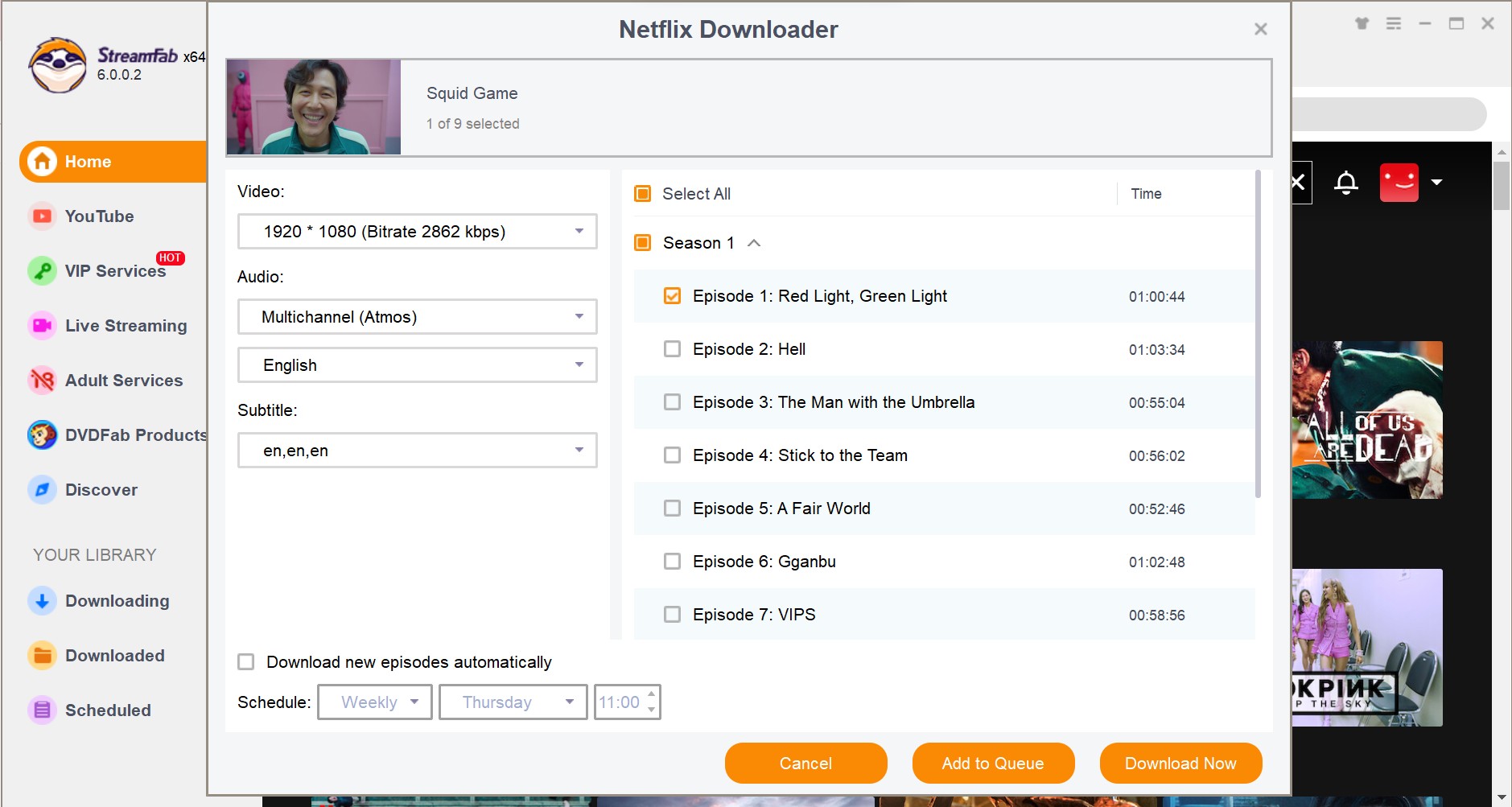
Navigate to the VIP Services or Streaming Services panel and select your target platform to access the internal browser.
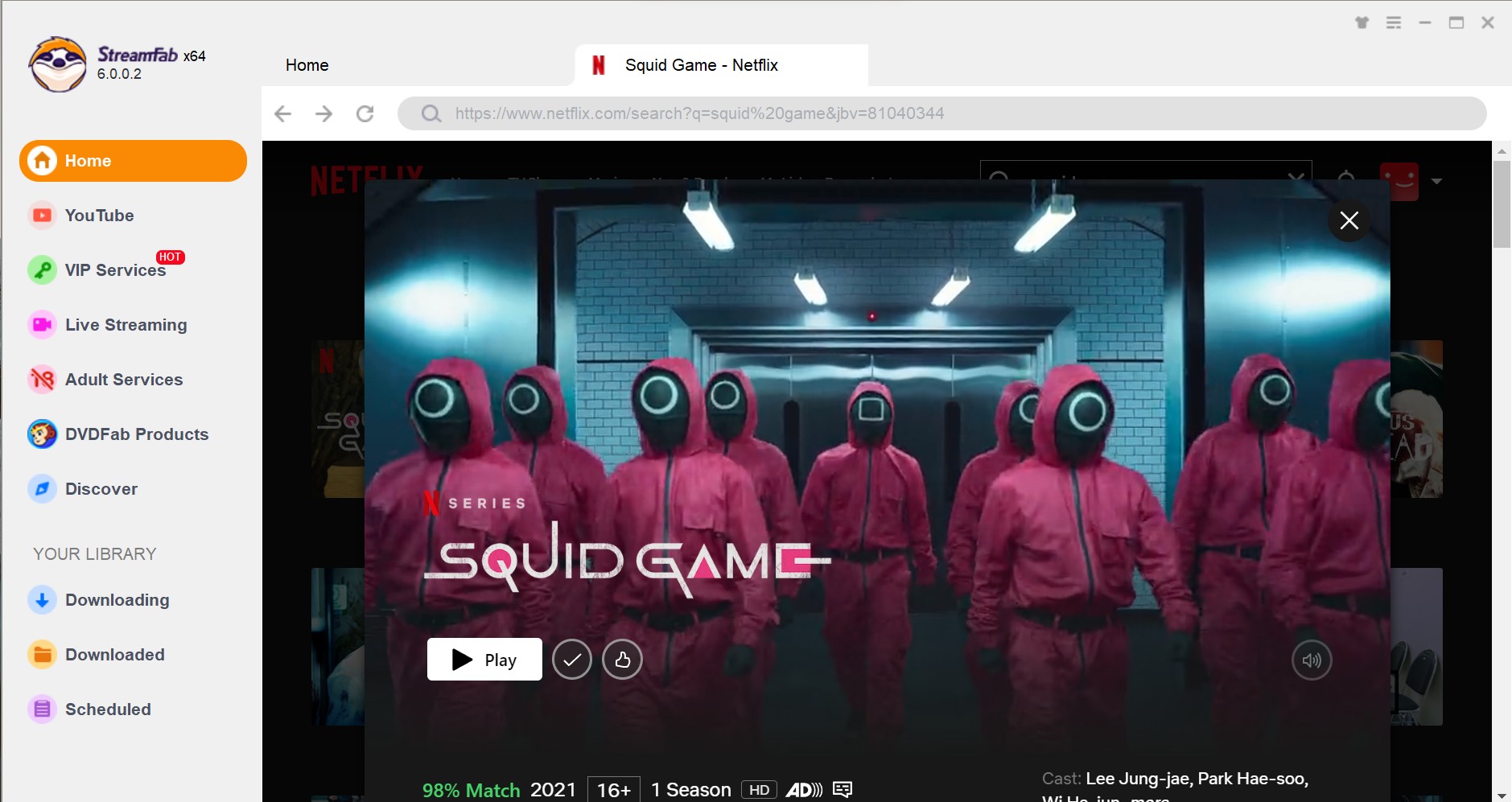
Video Selection and Playback
Log into your authorized account, browse for your desired title, and initiate playback. The software's engine will automatically analyze the stream URL.
Video Customization & Download
Configure your parameters: select H.264 or H.265 (HEVC) codec, choose the native audio track (e.g., EAC3 5.1), and decide whether to remux subtitles or extract them as SRT files. Add to queue.
FAQs
Conclusion
The practical choice depends on operating system, service coverage, workflow preference, maintenance tolerance, and budget. Use those constraints to narrow the field before comparing feature claims.
- Linux and open-source users: choose the ordinary-site lane described earlier when its support scope matches the target.
- Windows or Mac users with one service: compare FlixGrab+, CleverGet V26, or MovPilot according to module scope, output needs, and update activity.
- Windows users who accept recording: Audials One 2026 offers an accelerated recording workflow with Standard and Premium editions.
- Users with several supported services: StreamFab is the broader fit when several supported services need one managed desktop workflow.
As someone who manages terabytes of local media, the decisive trade-off is maintenance tolerance: flexible tools demand more upkeep, while commercial desktop options trade flexibility for a managed workflow.
No single choice fits every setup. Select the workflow that matches the operating system and services you actually use, then weigh update cadence, trial limits, and support quality before committing.

In this May 2026 technical deep dive, we explore how StreamFab Max Downloader handles daily download restrictions, bypasses modern DRM for true 4K quality, and prevents hardware acceleration conflicts for digital archivists.
By Erika Leen - Sep 8, 2026

A balanced StreamFab Amazon Downloader review covering current version details, safety considerations, MP4/MKV output, trial terms.
By Erika Leen - Aug 26, 2026

We will conduct a thorough evaluation of the features and cost-effectiveness of the Streamfab Netflix Downloader. I trust that this review will provide you with a more comprehensive understanding of the Streamfab Netflix Downloader prior to making a purchase.
By Erika Leen - Aug 19, 2026
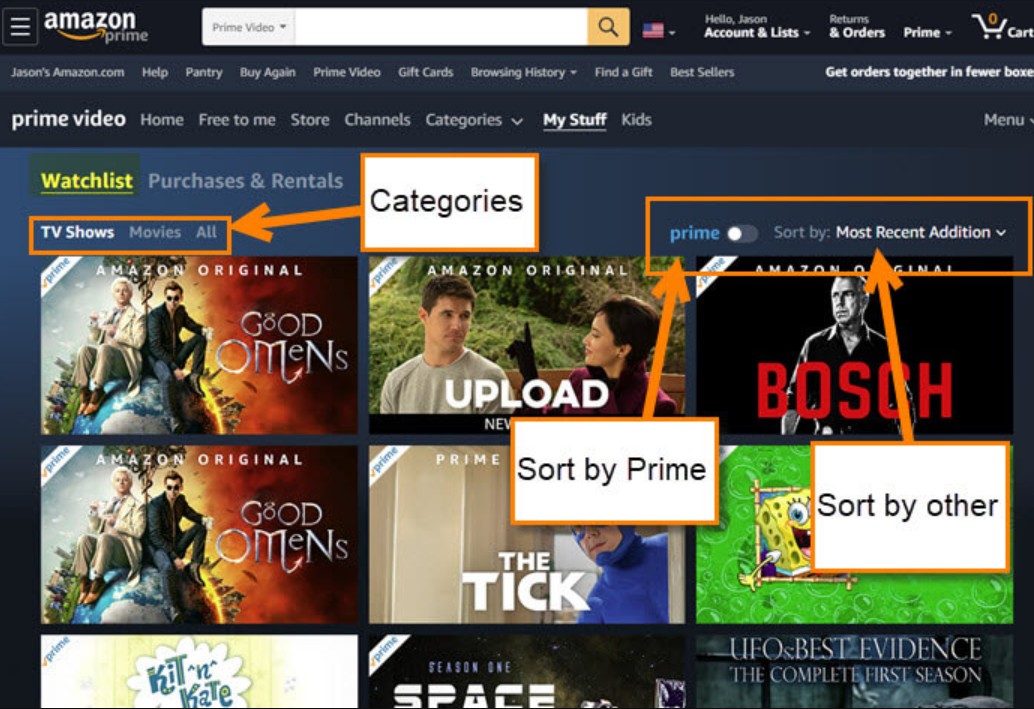
Watchlist lets you save shows and movies for later, but it doesn't support offline viewing. This guide explains how to manage your list efficiently and enjoy your content anytime, even without internet.
By Erika Leen - Aug 7, 2026