
How to Download OnlyFans Purchases in 2026 on PC and Mac

Summary: OnlyFans purchases can disappear overnight. This 2026 guide tests free and paid archiving tools to keep your DRM-protected purchased videos at 1080p.
A paid video must still be playable in your account, and personal offline saving must be permitted.
- I ran three tools against DRM-protected PPV content and logged every result — see exactly why free extensions fail here.
- A professional desktop client captures the bitstream before GPU hardware acceleration, with zero quality loss — jump to the most reliable method.
- No PC? Mobile DRM blocks direct downloads entirely — see the cross-device transfer steps for Android & iPhone.
⚠️ Save only content you are authorized to access and permitted to store for personal offline viewing. Keep local files private and never redistribute them.
Purchased Videos Need Permission for Offline Saving
A paid OnlyFans video must still be accessible in your account, and permission must cover personal offline saving. If your question is “can you download OnlyFans purchases,” first confirm those conditions, then choose permitted desktop saving, a lighter browser workflow for unprotected clips, or private phone transfer. To follow the broader How to Save, Download, or Rip OnlyFans Content workflow, save only content you are authorized to view as a local file where permitted by platform terms and applicable law. A purchase does not guarantee permanent access or authorize unrestricted local saving.
This guide explains those options. If a purchase will not play in your account, see the guide to OnlyFans DRM playback errors rather than attempting an access-control workaround.
Purchases Grant Viewing Access, Not Ownership
OnlyFans purchases grant a personal, non-transferable viewing license, not ownership of the underlying media. Access can end if the content is removed or the creator account is deleted, so payment alone does not grant unrestricted copying rights.
This article is for adults age 18 and older. Saving a local copy requires authorized account access, authorization for the specific content, compliance with OnlyFans terms and applicable law, no redistribution, and any additional permission required by the intended use.
Here is the practical distinction:
- Can OnlyFans purchases be downloaded through an official feature? OnlyFans does not provide a general purchase-download button that creates a local media file.
- What did the purchase provide? It provided personal viewing access within the account, not ownership of the underlying video file.
- When is personal offline saving appropriate? Only for content you are authorized to access, where permitted by platform terms and applicable law, with the resulting file kept private and never redistributed.
The tools discussed here are limited to content that is currently accessible through your authorized account. They do not unlock unavailable purchases or restore media removed by a creator. Treat any local copy as a private personal-use file and follow the permission terms that apply to your specific use case.
OnlyFans Purchases: Desktop Saving and Phone Playback
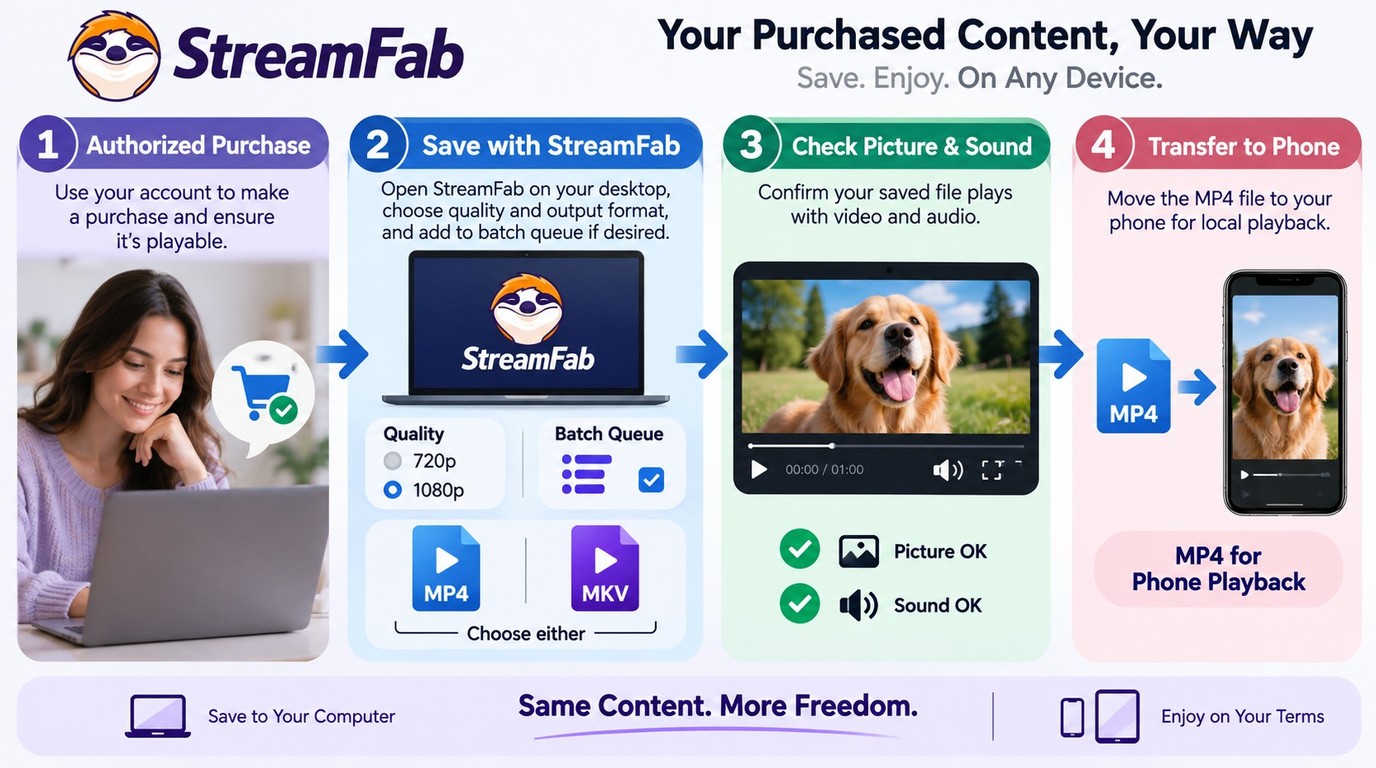
Once I have confirmed that the video is still playable and that personal offline saving is permitted, I choose the workflow based on the device and the file I need. I also keep authorized local copies on an encrypted drive or in a private cloud folder to reduce accidental exposure and protect the creator's privacy.

The three options below cover desktop saving, a lighter browser workflow for accessible unprotected videos, and private transfer of a completed file to a phone.
Option 1: StreamFab Saves Purchases as MP4 or MKV
StreamFab OnlyFans Downloader is a separate desktop application rather than an official OnlyFans purchase-download feature. For content you are authorized to access, where permitted by platform terms and applicable law, it can save a local copy for personal offline viewing on Windows or Mac. StreamFab supports Windows 11/10 and macOS 12.0 or newer, with source-dependent 720p or 1080p settings, MP4 or MKV output, H.264 video, and AAC 2.0 audio. Its desktop format and compatibility details are also covered in this OnlyFans downloader comparison.

StreamFab OnlyFans Downloader saves currently accessible, authorized videos in source-dependent 720p or 1080p as MP4 or MKV with H.264 video and AAC 2.0 audio. Its batch queue supports purchases you can already play, a capability covered in the Best Bulk OnlyFans Downloaders comparison.
The same workflow applies on supported Windows and Mac systems:
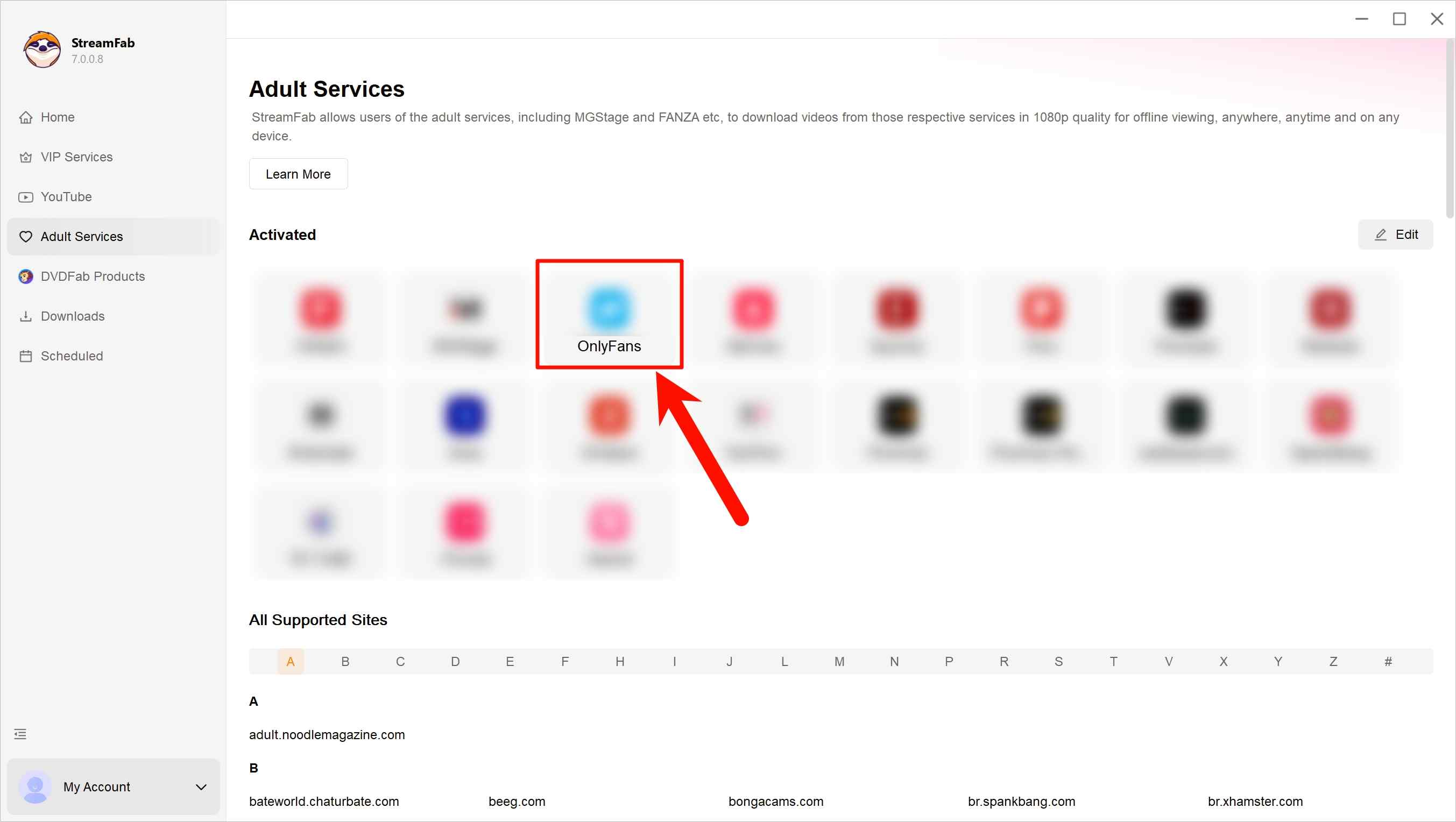
Step 1: Launch StreamFab and open OnlyFans in the built-in browser.
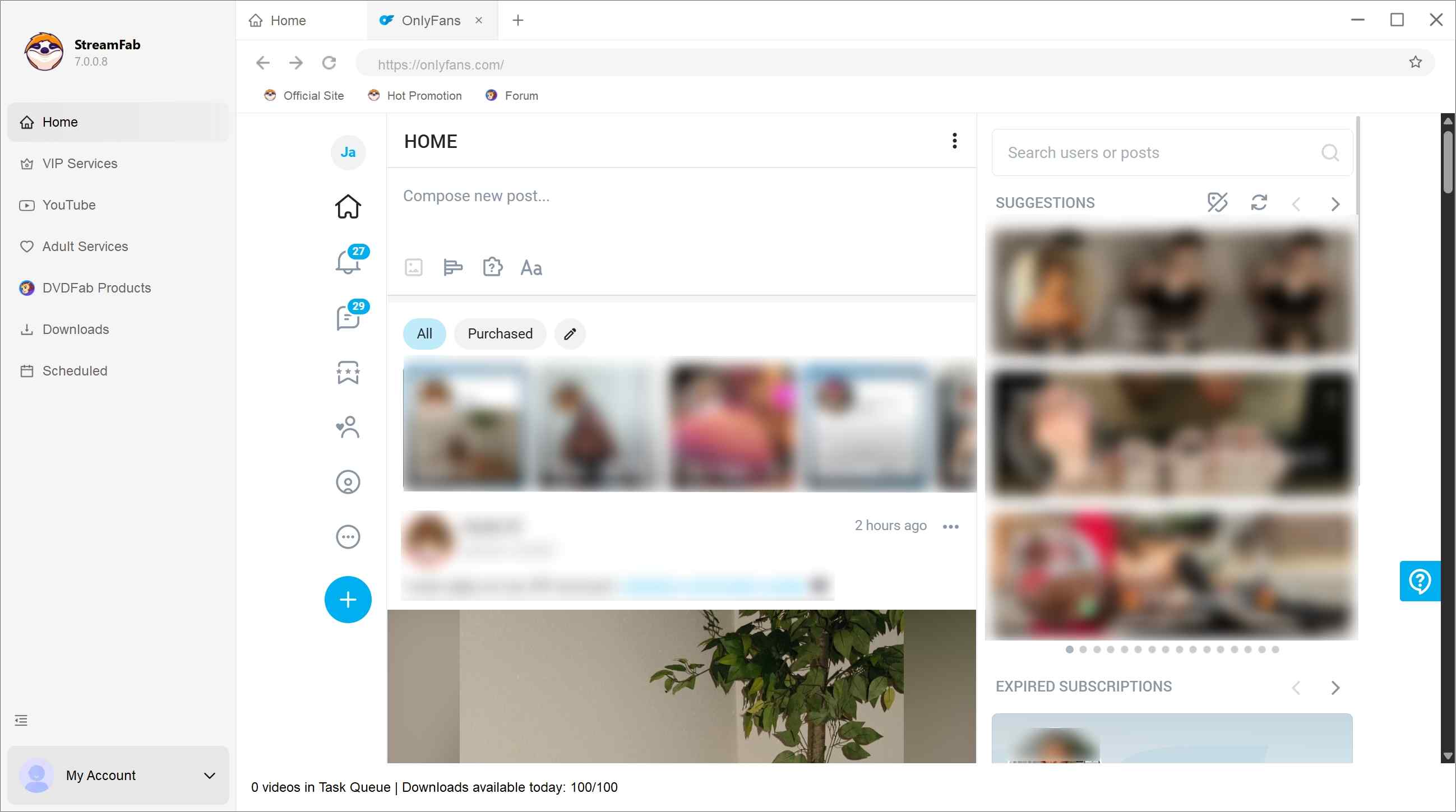
Step 2: Sign in, then open a playable purchase or an already-unlocked PPV message.
Step 3: Play the selected video and choose from the available resolution and output settings. MP4 is the practical choice for compatible phone playback, while MKV can suit a compatible desktop media library.
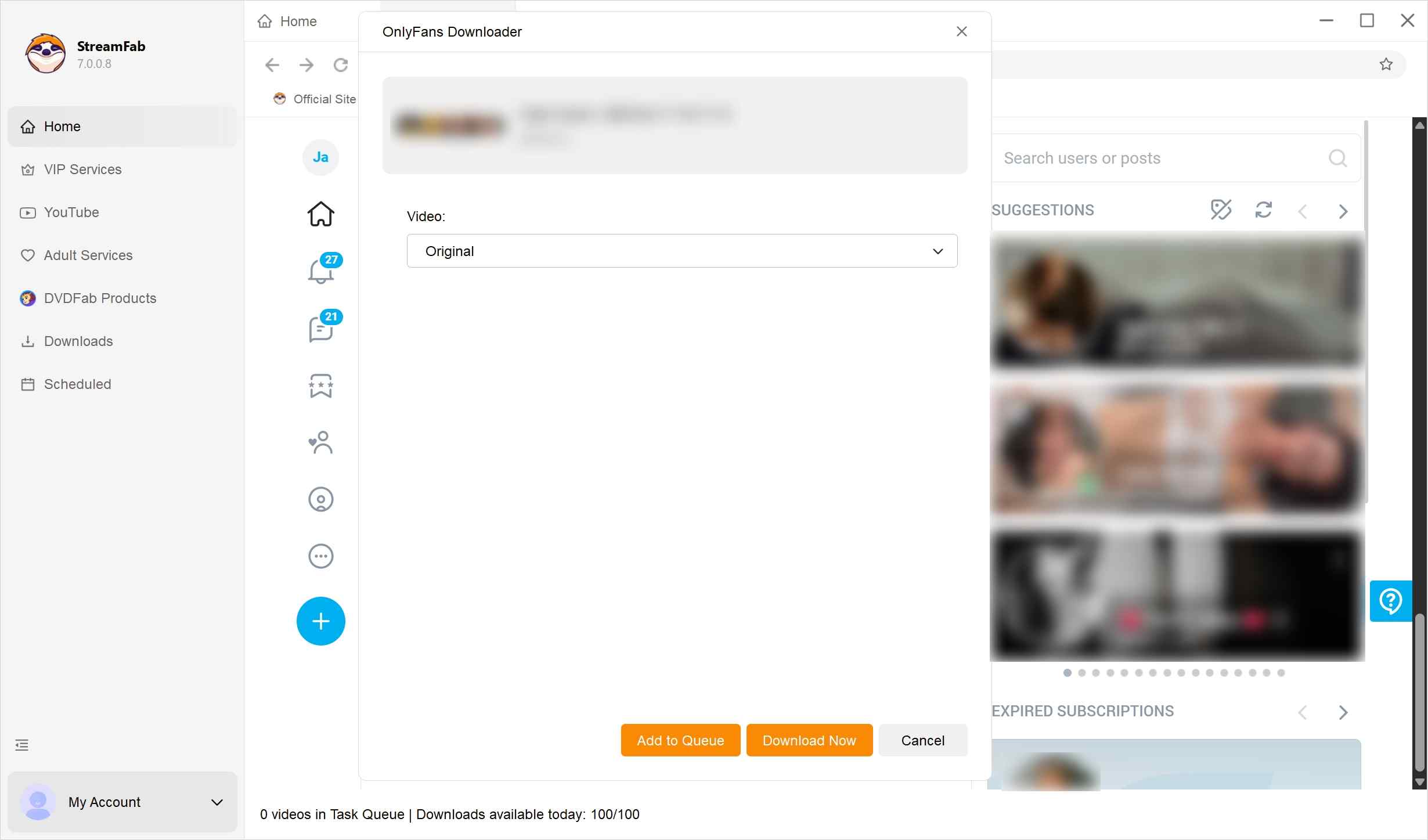
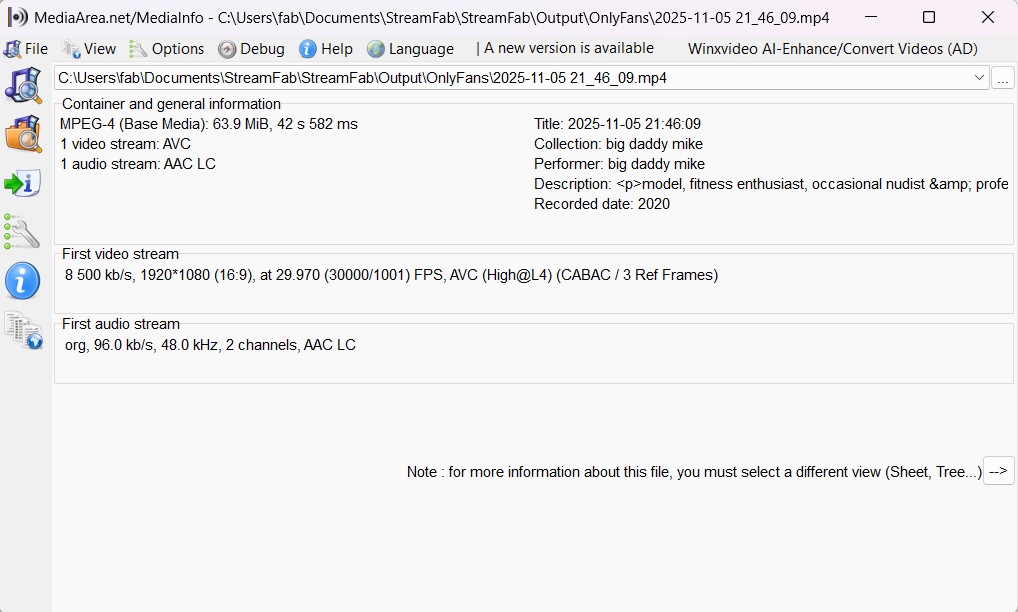
Step 4: Start the save task, locate the completed file, and check both picture and sound before moving or transferring it.
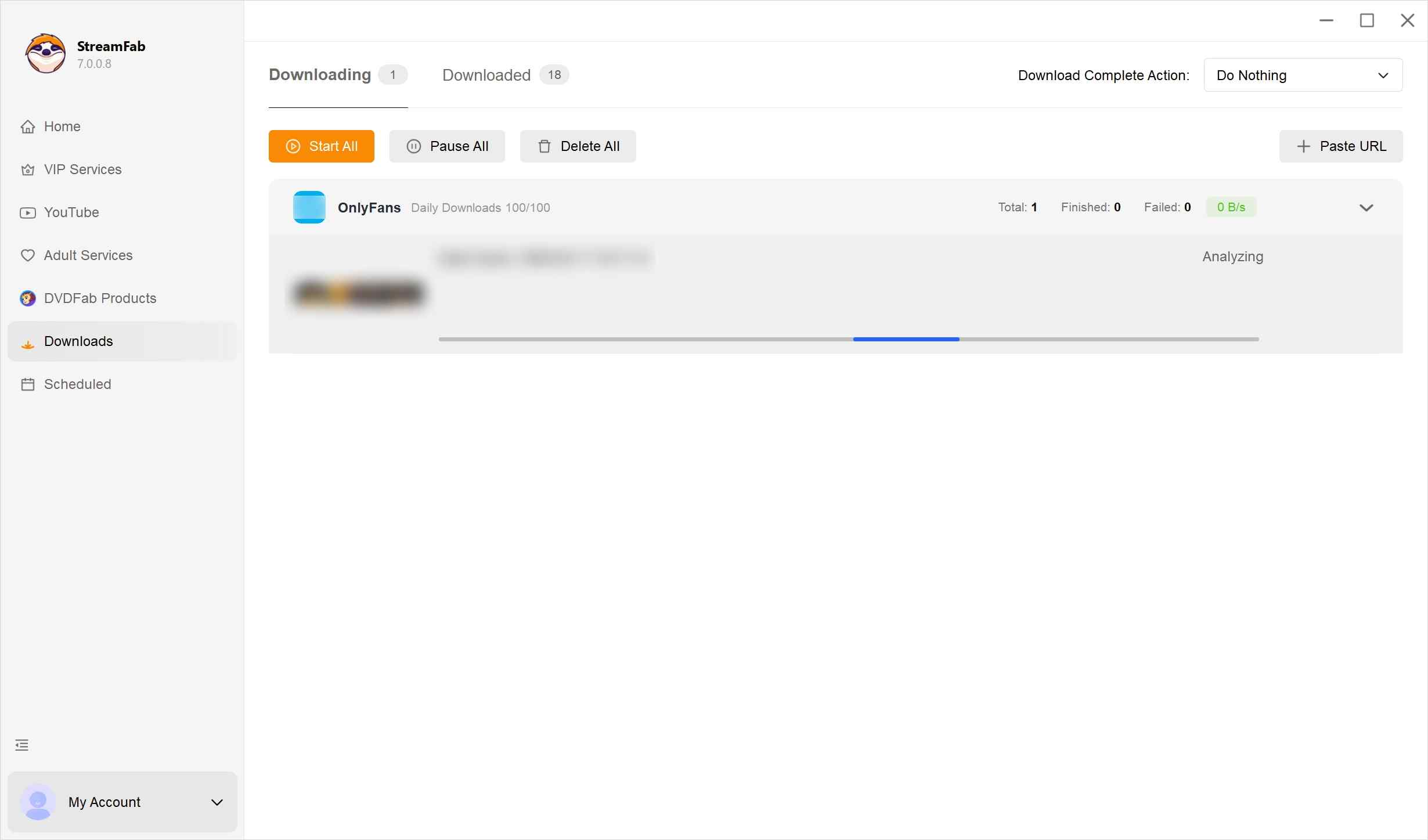
Troubleshooting: If the task remains on “Analyzing,” confirm that the paid video still plays in your OnlyFans account, install the current StreamFab client, and retry the same accessible purchase. If the issue continues, contact StreamFab support with the app version, operating system, and error log. A removed or inaccessible purchase is unavailable to this workflow, so account or content-availability questions should go to OnlyFans support.
- Video settings: Available 720p or 1080p options, up to source-dependent 1080p.
- Output choices: MP4 for compatible phone playback or MKV for a compatible desktop library.
- Encoding: H.264 video with AAC 2.0 audio.
- Queue options: Batch already-accessible purchases or schedule creator-feed checks; scheduled checks do not purchase PPV messages or unlock content.
For more output and compatibility details, read the StreamFab OnlyFans Downloader review.
My recommendation comes down to the job at hand: StreamFab fits authorized desktop saving when you need MP4 or MKV output, selectable quality, and queues. A lighter browser workflow can be more convenient for an accessible, unprotected clip that does not require a desktop client. StreamFab provides a trial for checking whether the current client fits your content and system.
| Tool | Workflow | Content prerequisite | Output or capabilities |
|---|---|---|---|
| StreamFab OnlyFans Downloader | Windows/Mac client | Authorized, playable video | MP4/MKV; up to 1080p; queues |
| Locoloader | Online/browser; no desktop client | Authorized, unprotected video | Lightweight video extraction |

Start with one currently playable video during the trial, confirm the output and playback on your system, then add other authorized purchases to the batch queue.
Option 2: Online Tools for Unprotected Videos
If you only need a lightweight workflow for an accessible, unprotected video, Locoloader offers an online/browser option without requiring a separate desktop client. Its support boundary is based on whether the video is compatible and unprotected, not simply whether the post is free or paid. Attempting to defeat access controls or save content you cannot access may violate platform terms and applicable law, so do not use this workflow for that purpose.
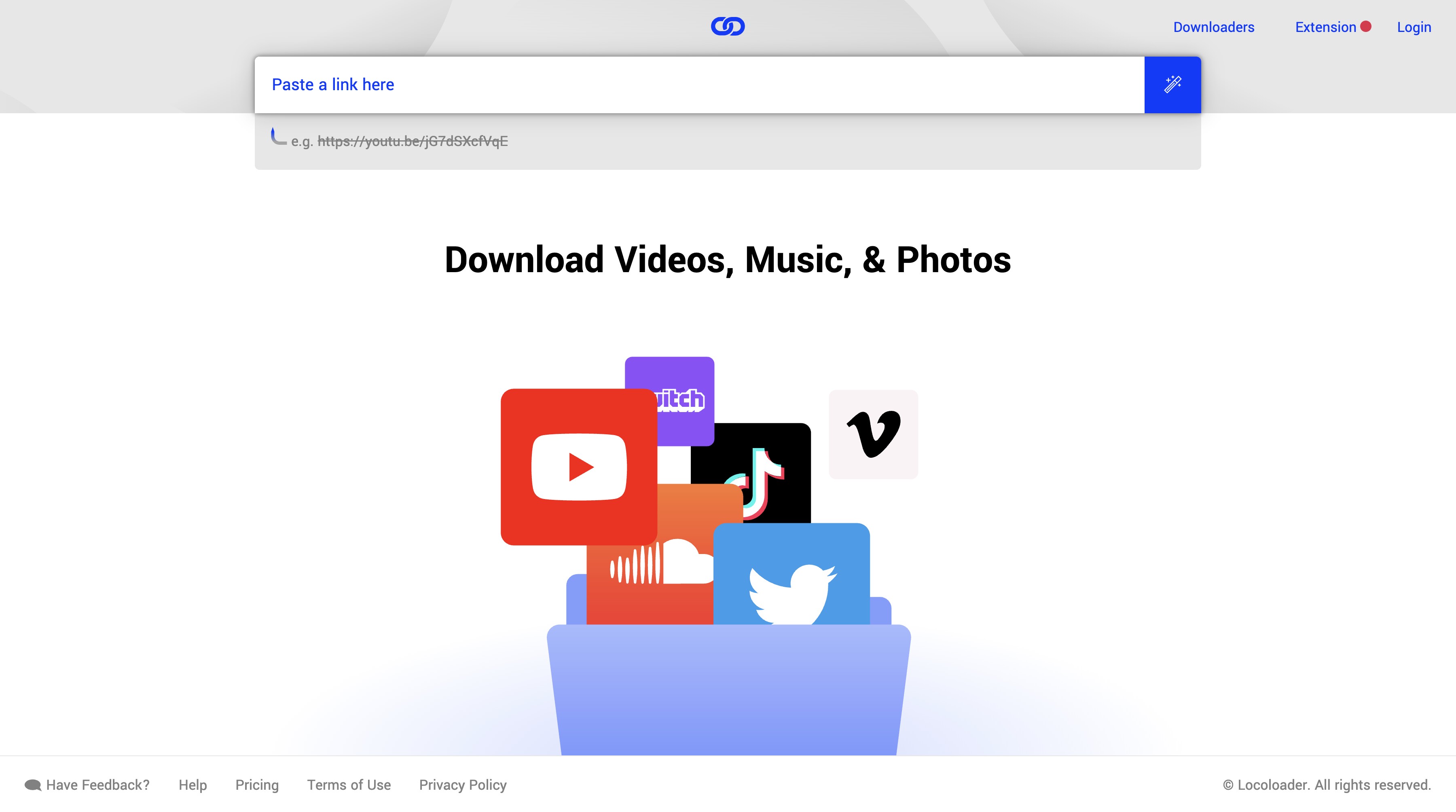
How to set up Locoloader
- Workflow: Online or browser-based, without a separate Windows or Mac desktop client.
- Content requirement: The video must be authorized, accessible, and unprotected.
Compatibility: Payment status alone does not determine whether a video can be processed. - When it fits: A lightweight workflow for a compatible clip that is already playable in the account.
When it may stop: The tool can return an unsupported or unrecognized-video message for content outside its stated scope.
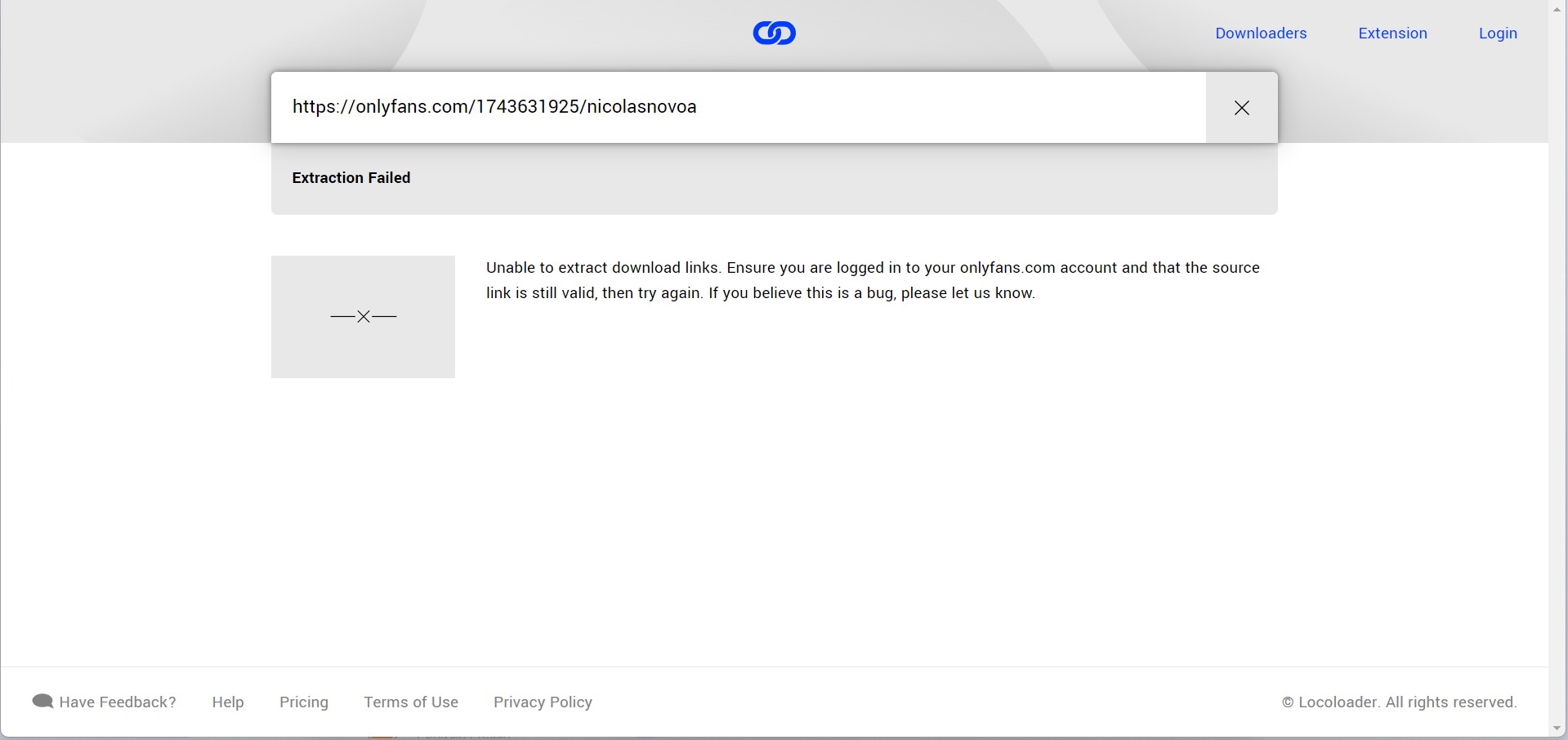
A browser tool can fail when the selected video falls outside the tool's supported content scope. A purchase receipt does not, by itself, establish that the video is compatible with a particular browser workflow.
If an authorized clip remains playable but the browser tool does not recognize it, use a workflow whose current specifications match the required output and device. For a desktop library, StreamFab provides MP4 or MKV choices and batch queues; its current trial and support path can be used to check compatibility.
Whichever compatible workflow you use, check the completed file before moving it to another device and keep it private.
Option 3: Transfer Purchased Videos to Your Phone
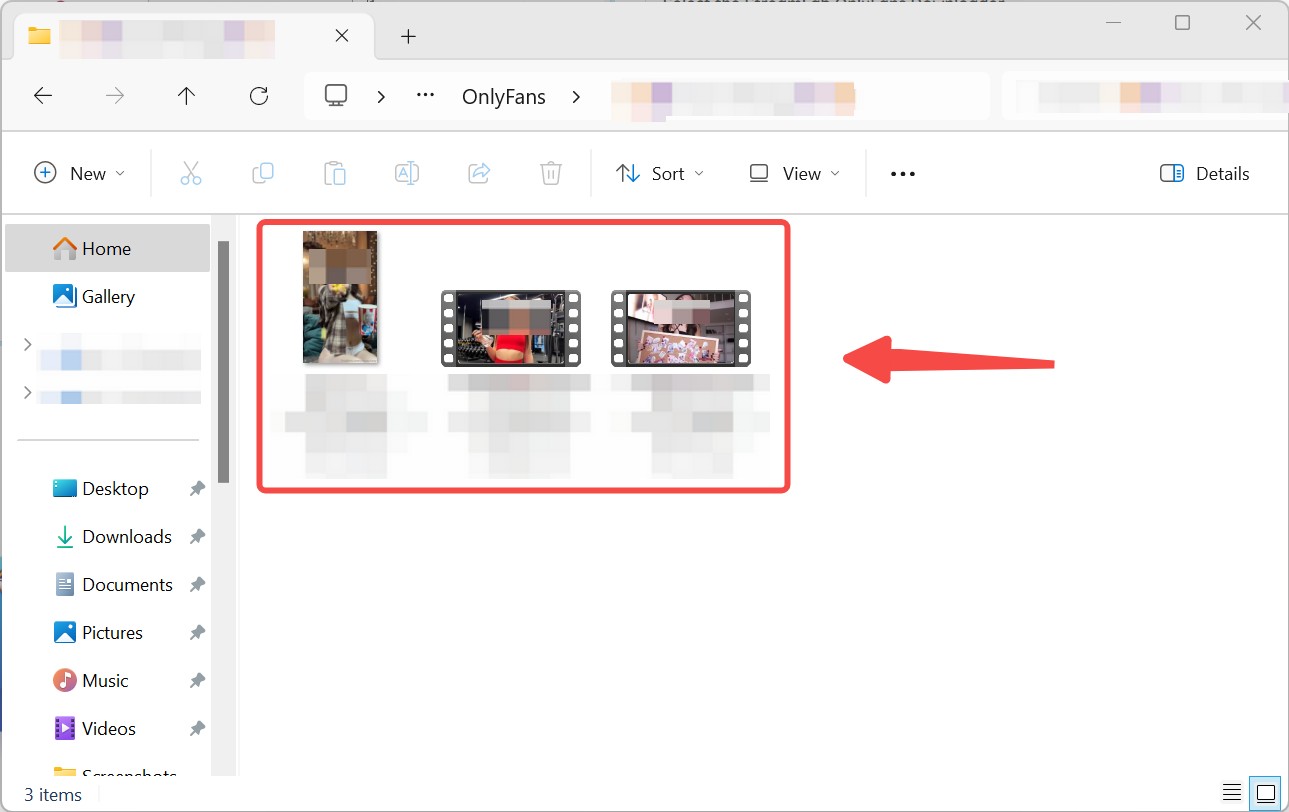
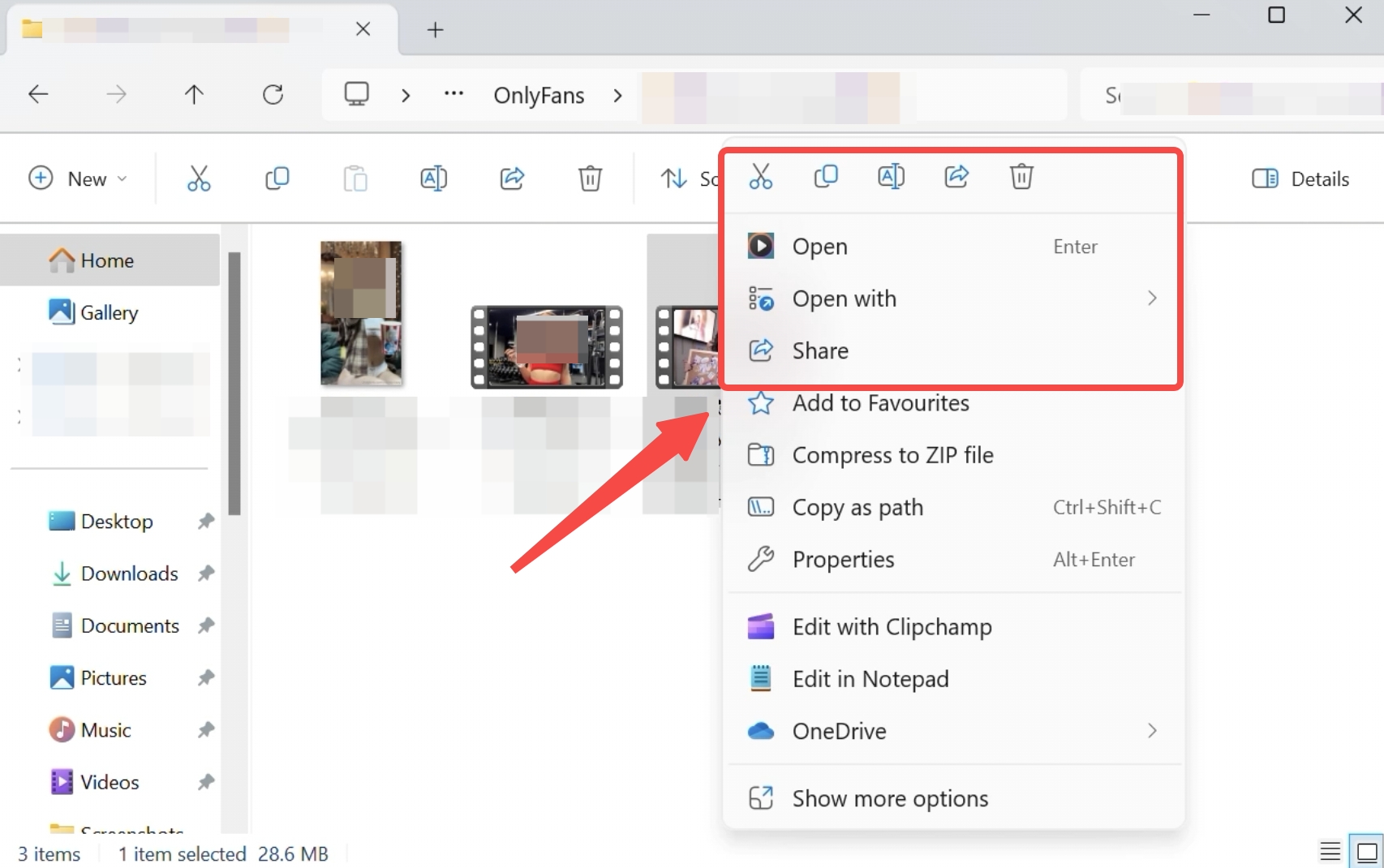
StreamFab OnlyFans Downloader runs on Windows and Mac. For content you are authorized to access, where permitted by platform terms and applicable law, its mobile-viewing workflow is to save a local copy for personal offline viewing and transfer the completed file from the computer to a phone with compatible playback support.
MP4 is usually the more convenient choice for the OnlyFans to MP4 phone-transfer workflow. Before transferring the file, confirm that its picture and sound play correctly, and make sure the phone player supports the file container and its H.264 video and AAC audio.

FAQs
Will OnlyFans detect if I download their videos?
Do not assume that any tool makes saving activity invisible or protects an account from platform action. Use an authorized account, save only content you are permitted to access, keep files private, and follow OnlyFans's terms and applicable law. If you use StreamFab, get the installer from its official download page and contact StreamFab support with your app version, operating system, and error details if the current client cannot process an accessible purchase.
Can I download OnlyFans purchases directly on iPhone or Android?
Not directly through StreamFab. StreamFab OnlyFans Downloader runs on Windows and Mac, so its supported mobile-viewing workflow starts by saving an authorized, still-accessible file on the computer and then transferring it privately to a phone with compatible playback support. This local file transfer is not an official OnlyFans mobile download feature.
Why can a browser tool fail on a purchased video?
Locoloader's OnlyFans guide limits extraction to unprotected content. Paid status alone does not establish whether a video is protected or compatible with a browser tool.
For an authorized clip that remains accessible and unprotected, Locoloader offers a lighter browser workflow without requiring a desktop client. For an authorized, still-playable purchase that needs MP4 or MKV output choices or batch queues, use the current StreamFab desktop trial and contact StreamFab support if compatibility problems persist.
How do I download DM (PPV message) videos from OnlyFans I've already paid for?
A DM PPV video must already be unlocked and playable in your signed-in account. In StreamFab, open the relevant message in the built-in browser, play that specific video, and use the available save prompt and output settings for authorized content.
After the save finishes, check the file's picture and sound. This workflow applies to the selected message only; it cannot restore a purchase that has been removed or is no longer accessible.
Conclusion
A purchase grants viewing access, not ownership of the media, and that license can end if the content or creator account is deleted.
Save only currently accessible content through your authorized account when you have use-case-specific permission. Keep any local copy private, do not redistribute it, and follow OnlyFans's terms and applicable law.
StreamFab OnlyFans Downloader uses recording technology in a Windows or Mac desktop local-file workflow to save a local copy for personal offline viewing for content you are authorized to access, where permitted by platform terms and applicable law. Use the official installer, and contact StreamFab support if a currently playable purchase will not save.

Convert authorized OnlyFans videos to MP4 on Windows or Mac using a desktop workflow or a permitted screen recording. Learn how file formats differ from delivery and access, what StreamFab’s output settings provide, and what four dated Reddit reports describe. Five FAQs cover installation, the trial, subtitles, batch selection, and source quality.
By Marcia Hatcher - Oct 13, 2026
How to download OnlyFans videos on iPhone in 2026: 3 tested methods ranked by success rate, from Aloha browser to iOS screen recording to the PC transfer workflow.
By Erika Leen - Oct 13, 2026
Paid for OnlyFans but can't save it? We tested 4 tools to rip and save OnlyFans content in 2026—no black screen, full 1080p, zero account risk.
By Erika Leen - Oct 13, 2026
Can you screen record OnlyFans in 2026? Fix the black screen on iPhone & PC with these tested methods — from OBS tricks to dedicated download tools.
By Marcia Hatcher - Oct 13, 2026