
How to Preserve OnlyFans Videos via Firefox Add-ons in 2026

Summary: Discover the best OnlyFans downloader for Firefox. We review 5 free add-ons for saving videos, revealing their common issues with DRM and poor quality. We then compare them to a more powerful, dedicated downloader so you can find the solution that truly works for you.
A Firefox add-on can detect an OnlyFans video and still fail to produce a playable download. Direct MP4 files may work, segmented HLS is less predictable, and access-controlled posts, DMs, or PPV media often need a different workflow.
If you searched for an OnlyFans video downloader for Firefox, start with media type and permission scope. This guide audits current Mozilla listings, explains the browser boundary, and shows when a desktop option makes more sense. The related OnlyFans downloader guide for Chrome covers the other browser ecosystem.
Can Firefox Save OnlyFans Videos?
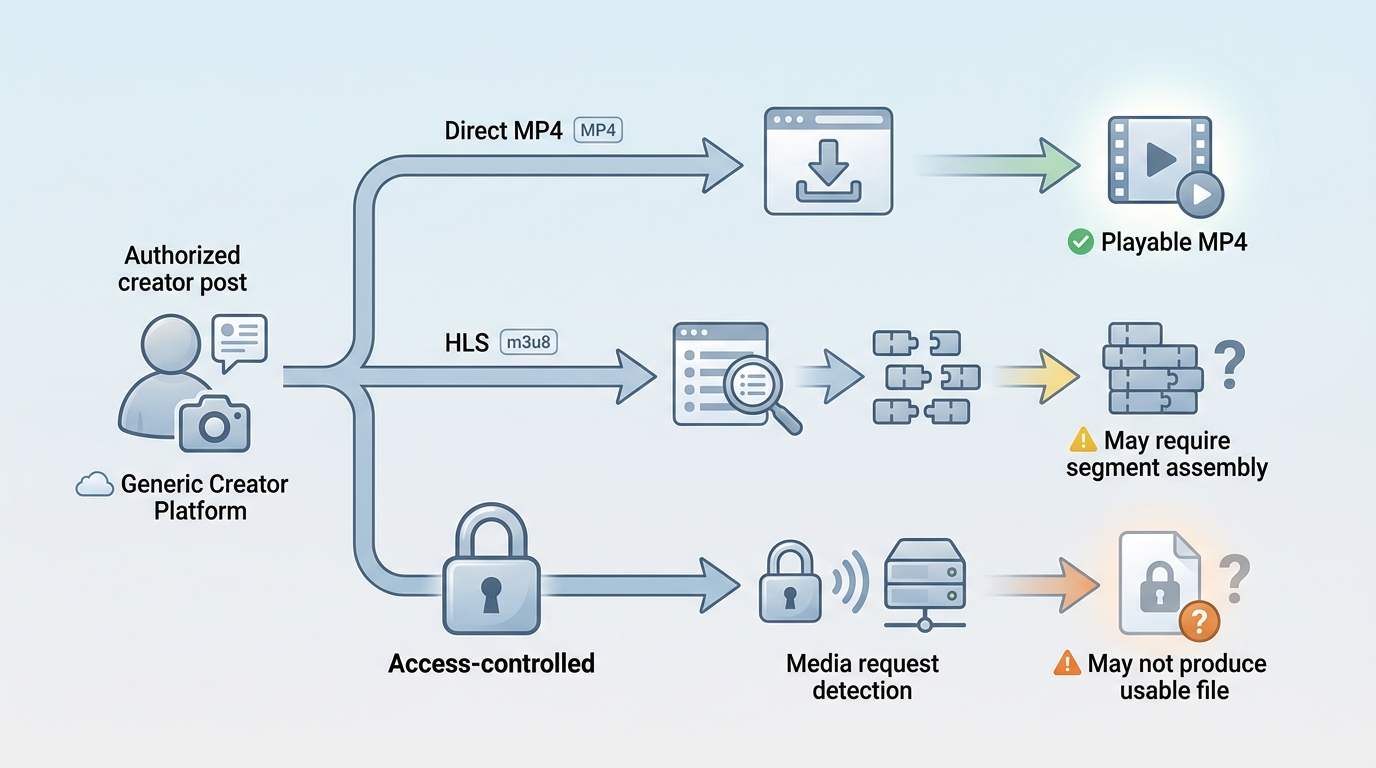
Firefox can save some OnlyFans videos when an authorized post exposes a direct media source. Results become less reliable with segmented streams and access-controlled playback, so no OnlyFans downloader for Firefox should be treated as universal.
Sometimes, depending on the media structure and the extension's permissions. A visible play button or detected request does not guarantee a playable local file.
- Introduction: Can You Really Save OnlyFans Videos in Firefox?
- Test Environment & Two-Sample Comparison (Crucial Setup)
- Top 5 Firefox OnlyFans Downloaders 2026 (Deep Tech Review)
- Technical Decode: Why Do Browser Add-ons Fail Often?
- Comparison Table: Firefox Add-ons vs. StreamFab
- Conclusion: Which Tool Should You Choose?
This article is for readers who are 18 years or older. Use the information only for authorized personal offline viewing where OnlyFans terms and applicable law permit it. Do not share or sell creators' work.
- Direct MP4: A Firefox downloader extension may expose a normal file URL and pass it to Firefox's download manager.
- Segmented HLS: An add-on may detect an m3u8 playlist but still need to fetch and assemble many media segments.
- Access-controlled posts, DMs, and PPV: The toolbar can light up without producing a usable local media source.
How to Assess a Firefox Add-on
Test Environment
A reproducible Firefox check needs the current browser, the exact extension version, an authorized account, and a known content type. CPU, RAM, and connection speed can affect processing time, but they do not determine whether an add-on receives a usable source.
- Use the version shown on the official Mozilla listing.
- Record whether the post exposes direct MP4, segmented HLS, or access-controlled playback.
- Distinguish detection from a completed, playable local file.
- Recheck after Firefox, OnlyFans, or the extension changes.
Two Content Scenarios
There are two practical scenarios: accessible media, which may expose either direct MP4 or segmented HLS, and access-controlled media, including some subscribed posts, DMs, or PPV videos.
- Direct MP4: Likely Firefox result: a normal file download. Limitation: the available resolution and format depend on the source. Read the extension audit next.
- Segmented HLS: Likely Firefox result: playlist detection with version-dependent assembly. Limitation: a playlist alone is not a finished video. Read the HLS Downloader section.
- Access-controlled media: Likely Firefox result: detection may stop before playable output. Limitation: outcomes vary by content, account access, extension version, and platform changes. Read the browser-limits and desktop-workflow sections.
A search for an OnlyFans DRM downloader for Firefox often collapses these categories. The OnlyFans DRM guide explains the playback boundary in more depth without turning this article into a separate technical tutorial.
Current Firefox Options: Dedicated vs Generic
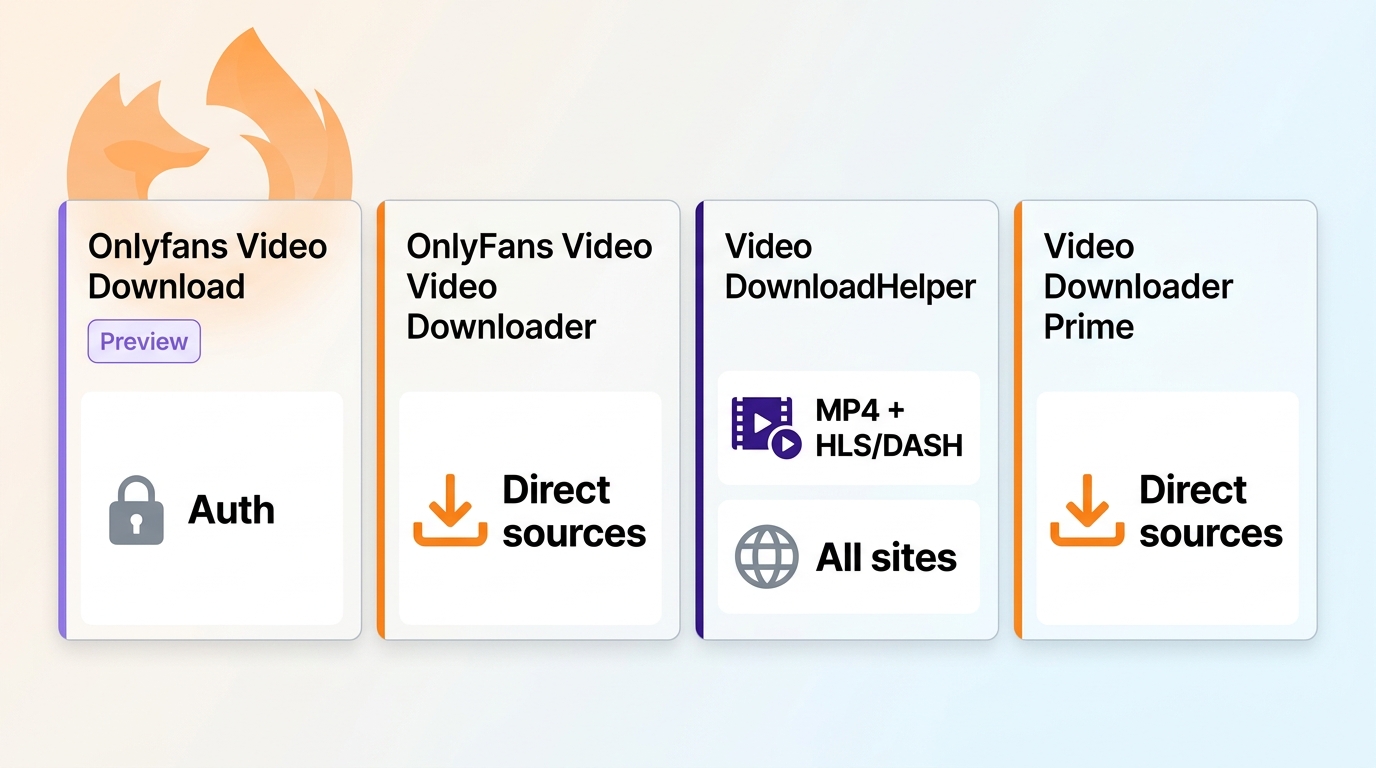
The current Firefox OnlyFans downloader landscape includes dedicated add-ons and generic media sniffers. As of August 2026, their Mozilla listings differ sharply in update history, requested access, data-collection disclosure, and release status.
Dedicated option: Onlyfans Video Download. The Mozilla listing for Onlyfans Video Download shows version 2.2.2, updated May 16, 2026. It requests cookies, identity, scripting, tabs, downloads, OnlyFans access, localhost access, and vendor-host access. The listing declares collection of authentication information, personally identifying information, and website activity. Its description labels the Firefox version a preview release.
Dedicated option: OnlyFans Video Downloader. The Mozilla listing for OnlyFans Video Downloader shows version 0.1.0, updated November 11, 2025. It requests downloads, active-tab, storage, tabs, scripting, and OnlyFans site access. No data-collection category appears in the listing API. It is a standard public listing, not marked preview or experimental, and its description limits support to direct sources.
I would not treat the word “dedicated” as a safety verdict. The preview listing's authentication and identity disclosures create a materially different decision from a listing that declares no collection category, so the permission screen matters more than the product name.
- Video DownloadHelper: maintained generic downloader with broad site access.
- Video Downloader Prime: maintained generic URL sniffer with all-site request access.
- Video Downloader Professional: experimental legacy listing last updated in 2020.
- HLS Downloader: maintained HLS-focused extension with broad request access.
- Bulk Media Downloader: legacy network monitor last updated in 2017.
Video DownloadHelper

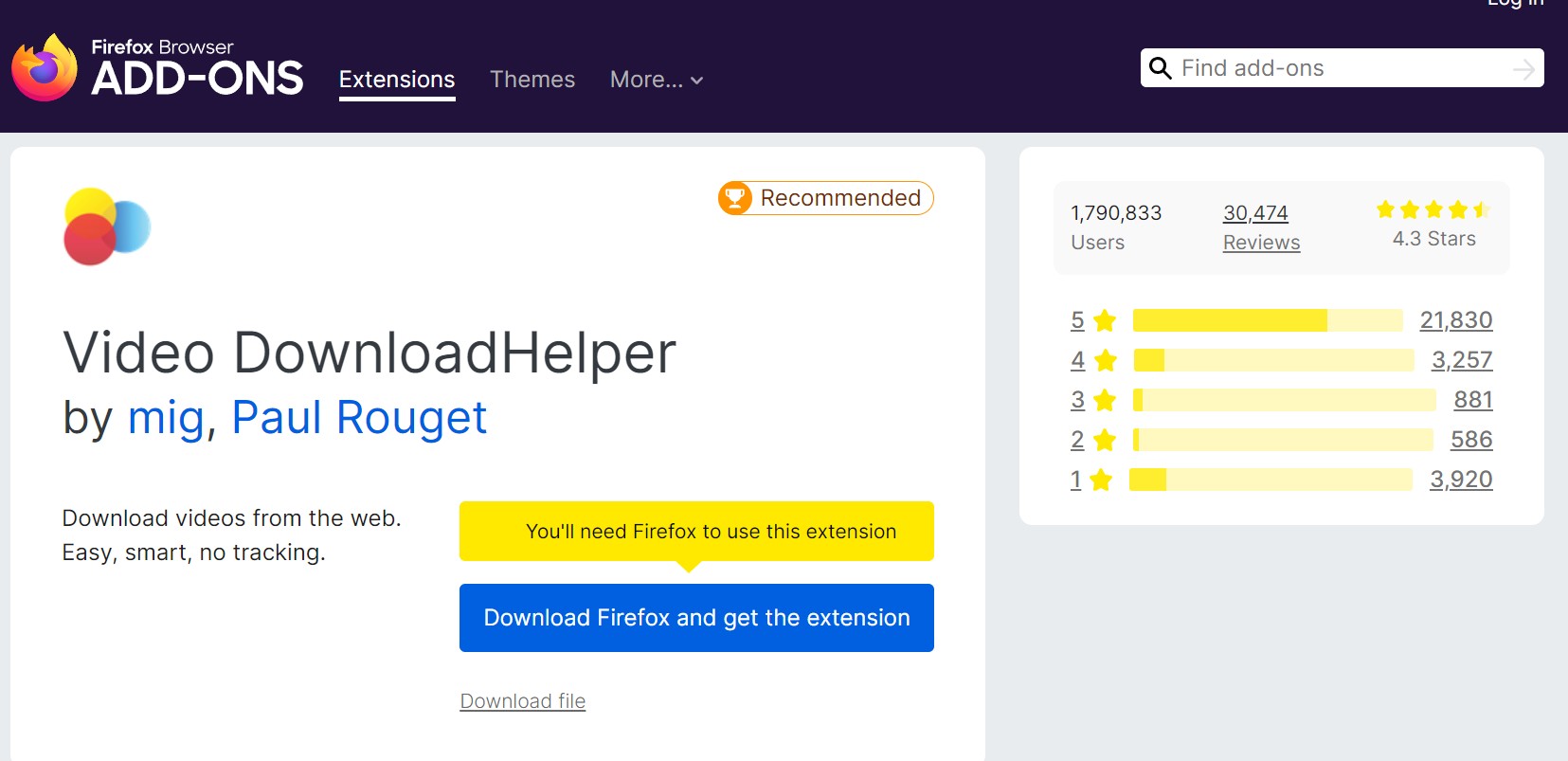
The Mozilla listing for Video DownloadHelper shows version 10.5.35.2, updated August 17, 2026. It requests tabs, downloads, web requests, navigation, scripting, storage, notifications, context menus, unlimited storage, and host access to all URLs. The listing API shows no data-collection permissions, and a privacy policy is linked. It is a standard public listing, not marked preview or experimental.
Its listing covers direct media plus HLS and DASH workflows, sometimes with companion software for conversion or aggregation. That breadth makes it more flexible than a simple link grabber, but it does not prove compatibility with every OnlyFans post.
- Direct media: The listing advertises detection and download for accessible formats. Segmented streams: HLS and DASH are listed; some operations may use companion software.
- Access-controlled media: Detection does not establish that a playable local file will result. Status: Maintained public listing, not marked preview or experimental.
- Maintained release: Version 10.5.35.2 was updated in August 2026.
- Format scope: The listing covers direct video, HLS, and DASH workflows.
- Disclosure available: Mozilla shows the requested permissions and links a privacy policy.
- Broad host access: The extension can request access across all URLs, not just OnlyFans.
- Companion workflow: Some aggregation or conversion tasks can require companion software.
- Fit limit: Broad format support is not evidence that every subscribed post will produce playable output.
Video Downloader Prime
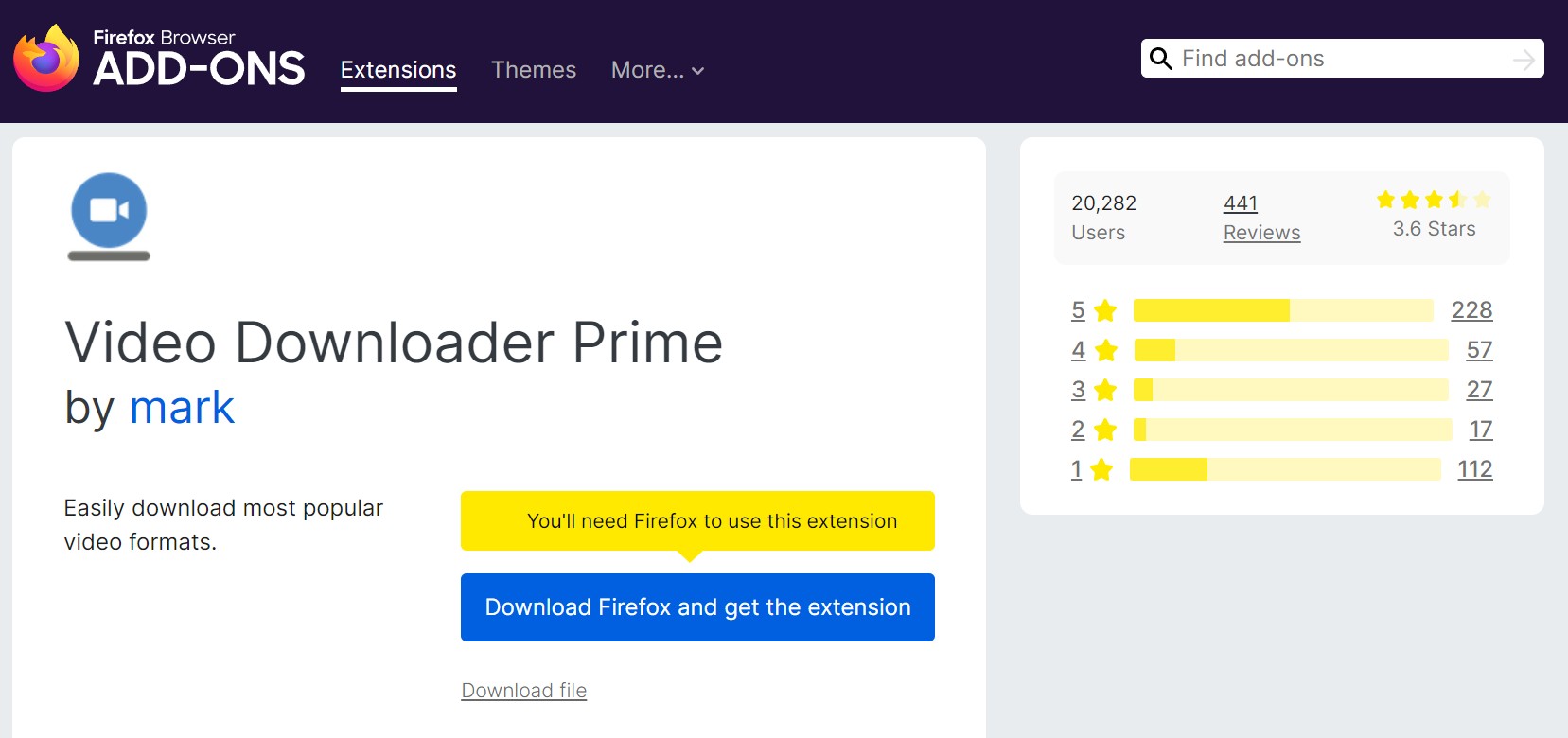
Video Downloader Prime is a lightweight Firefox video downloader. Its official Mozilla listing shows version 0.3.2, updated August 11, 2026. It requests storage, downloads, webRequest, and access to all sites. Mozilla reports no data collection, and a privacy policy is linked. It is a standard public listing, not marked preview or experimental.
The add-on focuses on captured video URLs. That is a reasonable fit for accessible files, but a direct-link design has less to work with when a page exposes only a playlist or access-controlled playback.
- Direct media: Designed to capture common video URLs from the page. Segmented streams: The listing does not establish complete HLS assembly for OnlyFans.
- Access-controlled media: A missing direct source leaves the add-on without a normal file URL. Status: Maintained public listing, not marked preview or experimental.
- Focused interface: The toolbar lists captured video URLs and can send them to Firefox downloads.
- Current maintenance: Version 0.3.2 was updated in August 2026.
- All-site access: Its request access is not limited to OnlyFans.
- Media boundary: The listing does not promise a playable result for segmented or access-controlled posts.
Video Downloader Professional: Legacy Status
The Mozilla listing for Video Downloader Professional shows version 1.99.5, updated October 7, 2020. It requests webRequest, downloads, tabs, storage, and access to all HTTP and HTTPS sites. No data-collection category appears, no privacy policy is linked, and Mozilla marks the listing experimental.
Its list-management concept can still explain why the name appears in older roundups, but the update date makes current Firefox and OnlyFans compatibility unverified. I would not rank it beside maintained options.
The broader guide to saving authorized OnlyFans content covers current workflows without relying on this legacy listing.
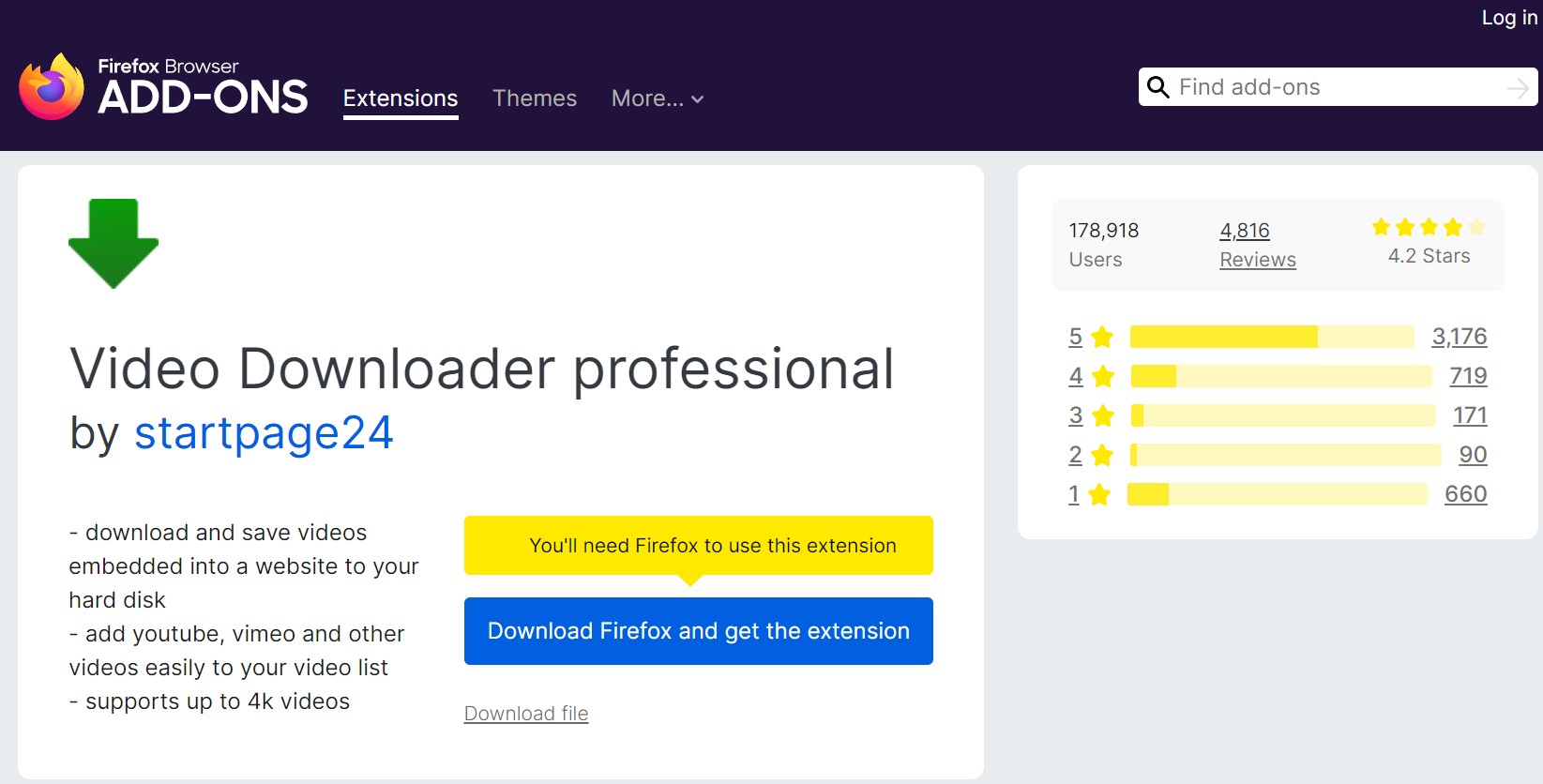
- Listing status: Legacy and experimental. Version 1.99.5, updated October 2020.
- Permissions: webRequest, downloads, tabs, storage, and all HTTP/HTTPS sites. Data disclosure: no collection category appears; no privacy policy is linked.
- Historical function: The listing describes downloading videos or collecting them in a video list.
- Site scope: It requests access to all HTTP and HTTPS pages.
- Stale maintenance: The last listing update was in October 2020.
- Release status: Mozilla marks the add-on experimental, so current compatibility is unverified.
HLS Downloader
The Mozilla listing for HLS Downloader shows version 5.5.0, updated August 7, 2026. It requests webRequest, unlimited storage, storage, downloads, tabs, and access to all HTTP and HTTPS sites. Mozilla reports no data collection and links a privacy policy. It is a standard public listing, not marked preview or experimental.
HLS Downloader targets HTTP Live Streaming playlists and offers playlist and resolution selection. For a standard m3u8 source, that specialization is useful. For access-controlled playback, finding the playlist still does not establish that the resulting segments can become a playable file.
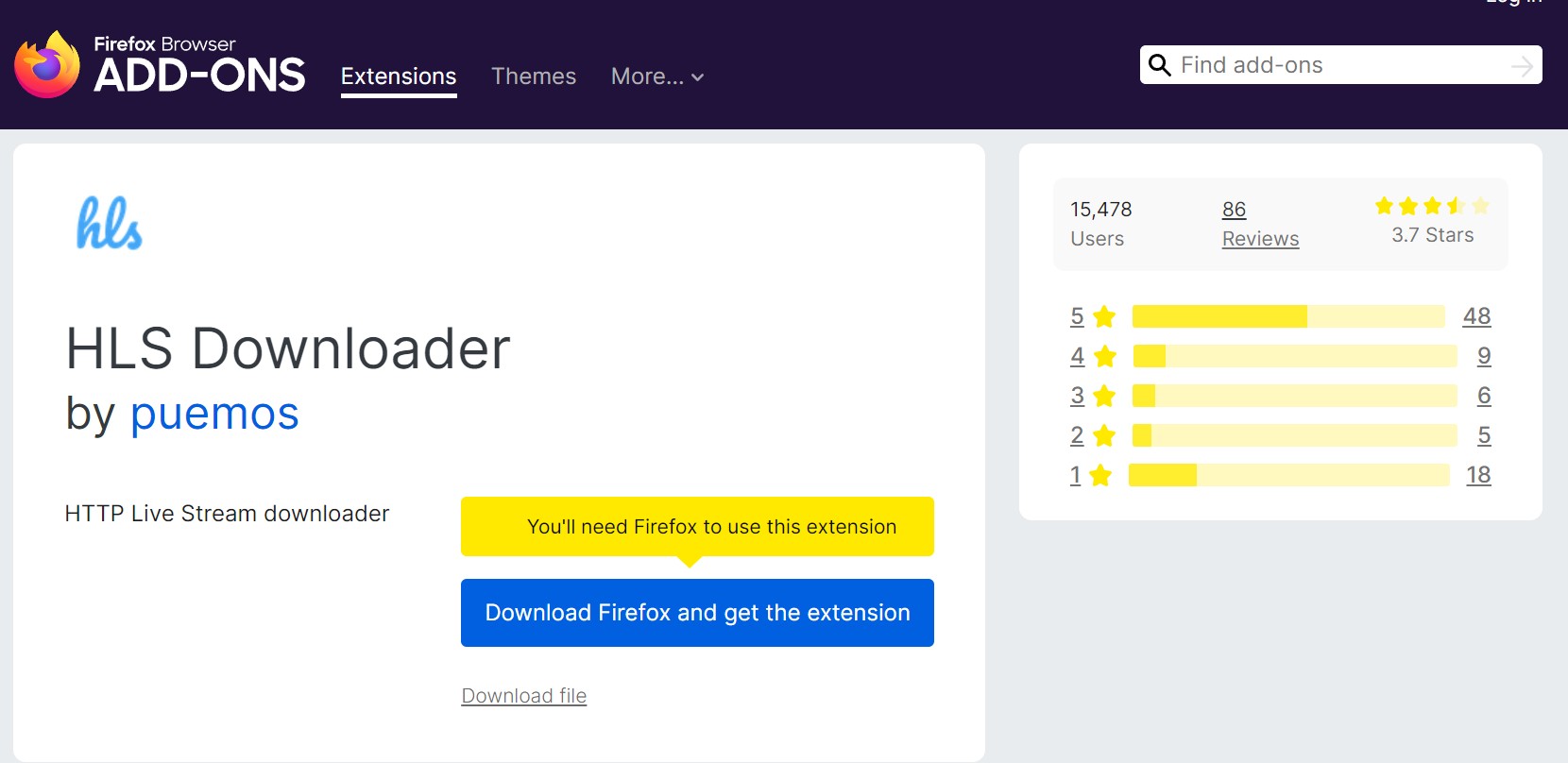
- Direct media: This tool is built for HTTP Live Streaming playlists rather than ordinary single-file links. Segmented streams: It can select and download supported HLS playlists and resolutions.
- Access-controlled media: Playlist detection alone does not establish playable output. Status: Maintained public listing, not marked preview or experimental.
- HLS focus: The listing is specifically designed for HTTP Live Stream playlists.
- Current release: Version 5.5.0 was updated in August 2026.
- Broad request access: It requests access to all HTTP and HTTPS sites.
- Output boundary: A detected playlist or downloaded segment set is not automatically a playable video.
Bulk Media Downloader: Legacy Status
The Mozilla listing for Bulk Media Downloader shows version 0.2.0, updated September 4, 2017. It requests storage, tabs, all-URL access, webRequest, downloads, extension management, notifications, and context menus. No data-collection category appears, no privacy policy is linked, and the public listing is not marked preview or experimental.
The add-on monitors network requests and filters many media resources, which aligns better with gallery collection than a current OnlyFans video workflow. Its age and broad permission set make current compatibility unverified, so it should remain a legacy note.
The bulk OnlyFans downloader guide addresses batch-oriented needs with current options.
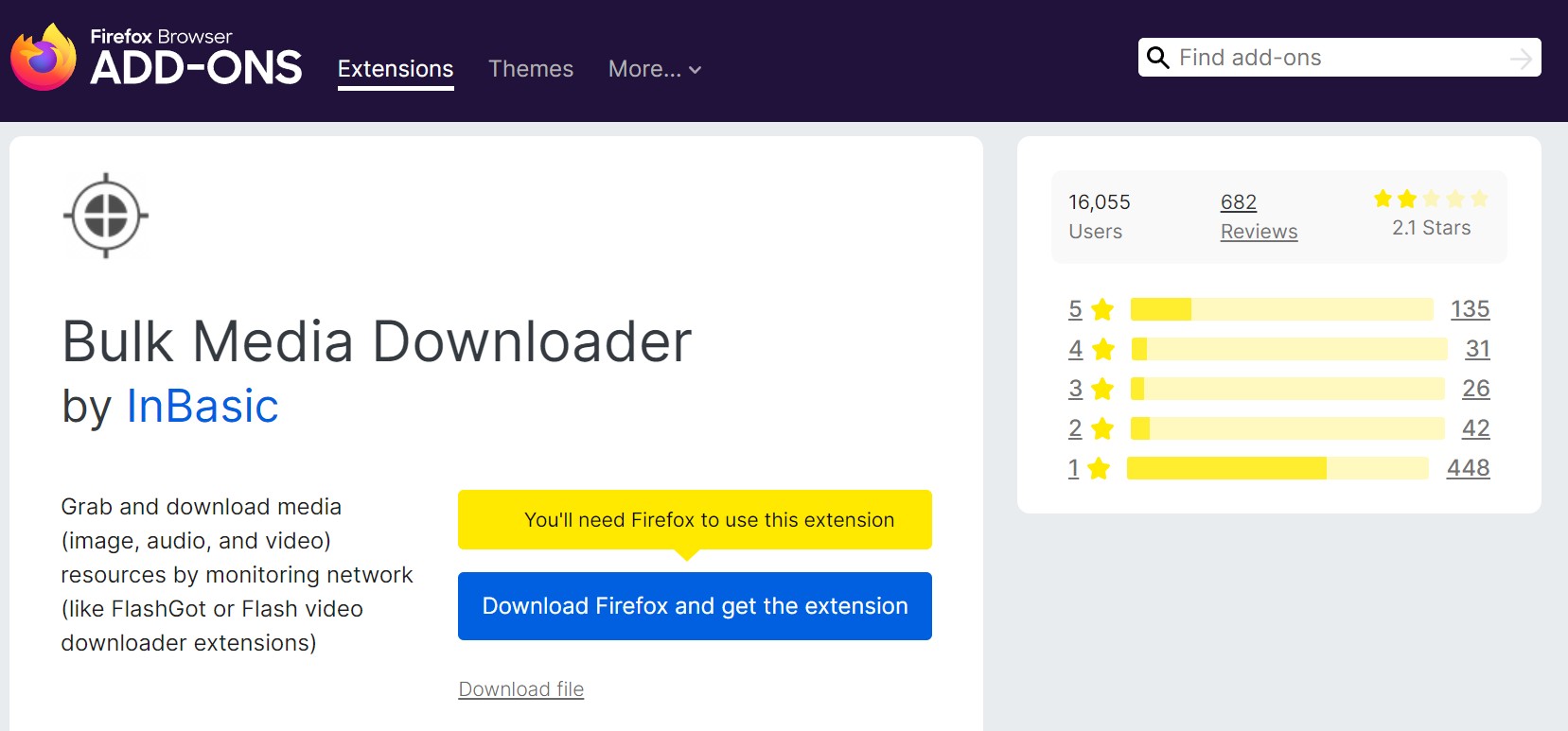
- Version 0.2.0, updated September 2017. Permissions: storage, tabs, all URLs, webRequest, downloads, management, notifications, and context menus.
- Data disclosure: no collection category appears; no privacy policy is linked. Fit: gallery and resource filtering, not verified current OnlyFans video compatibility.
- Media filtering: The listing describes collecting and filtering images, audio, and video resources.
- Network scope: Monitoring runs while its grabber window is open.
- Stale maintenance: The last update was in September 2017.
- Broad permissions: All-URL, request, management, download, notification, and context-menu access deserve review.
Why Firefox Add-ons Hit Content Limits
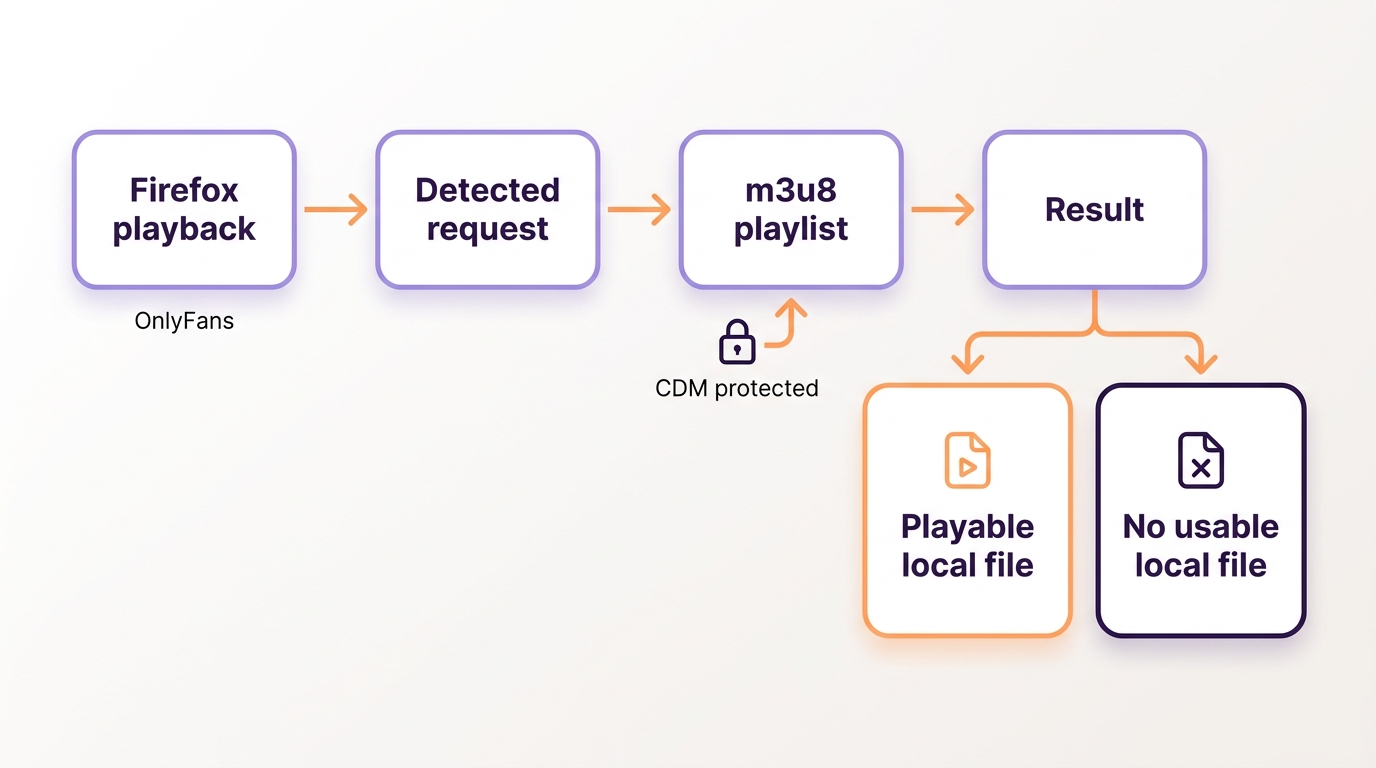
Firefox extensions can observe requests allowed by their permissions, but some playback is handled inside a Content Decryption Module (CDM). In those cases, detecting a playlist or request may not give the add-on a usable local media source.
- Detection scope: Extensions can observe requests allowed by their permissions.
- Playback boundary: A Content Decryption Module handles some access-controlled playback inside Firefox. CDM behavior and site implementation vary, so an add-on may detect a request without receiving a usable local media source.
- Practical result: A playlist, short file, or lit toolbar icon handle OnlyFans DRMis not proof that the saved file will play.
The outcome can change with content type, account access, extension version, and platform implementation. That is why a Firefox OnlyFans downloader may work on one accessible post and stop at detection on another; the honest comparison is detection versus playable output, not a blanket pass-or-fail claim.
Firefox Download Workflow and Safety Checks
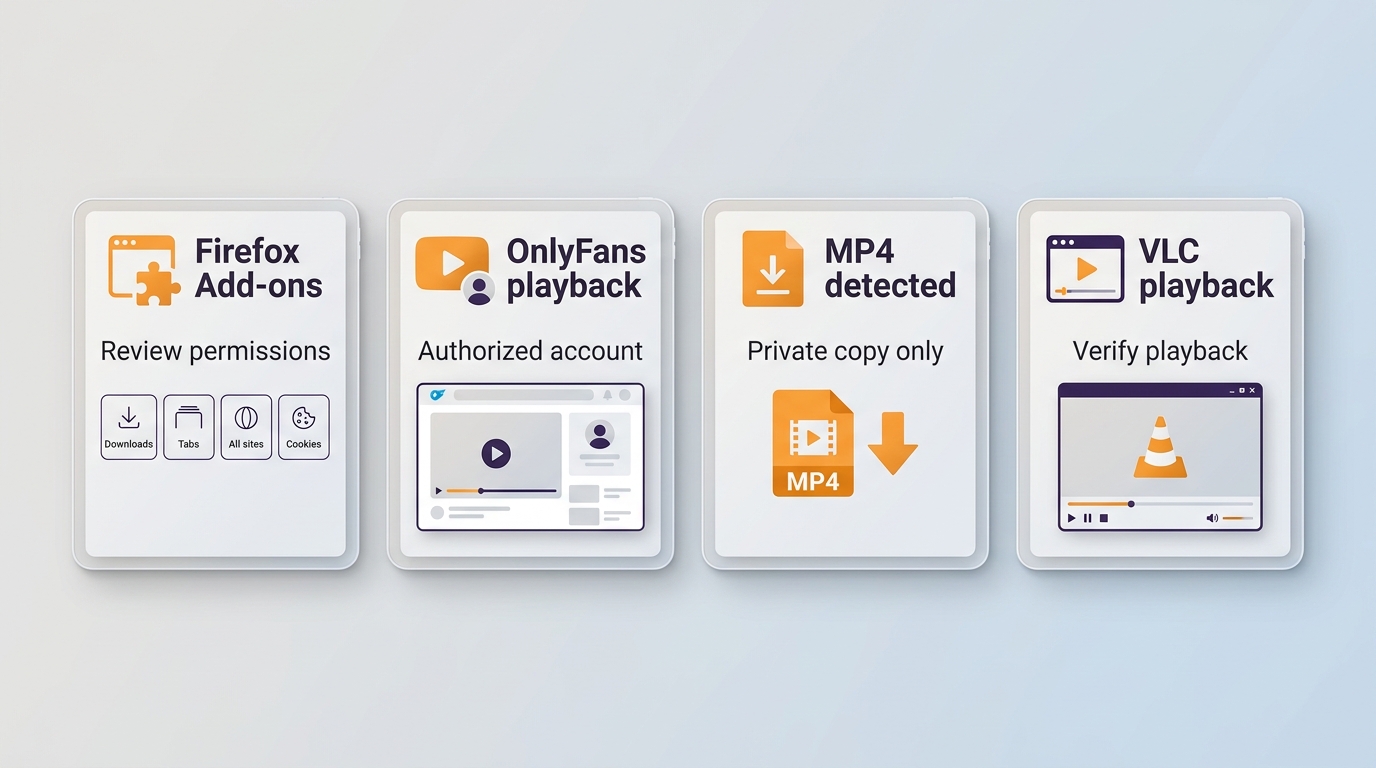
Before logging in, review the official Mozilla listing, requested site access, tabs and download permissions, authentication or session access, developer history, update date, data disclosure, and whether the build is standard, experimental, or preview.
1. Open the extension's official Mozilla listing and confirm its developer, version, update date, release status, and privacy disclosure.
2. Inspect site access and permissions. Treat cookies, authentication information, identity data, all-site access, tabs, scripting, and webRequest as meaningful account-exposure decisions.
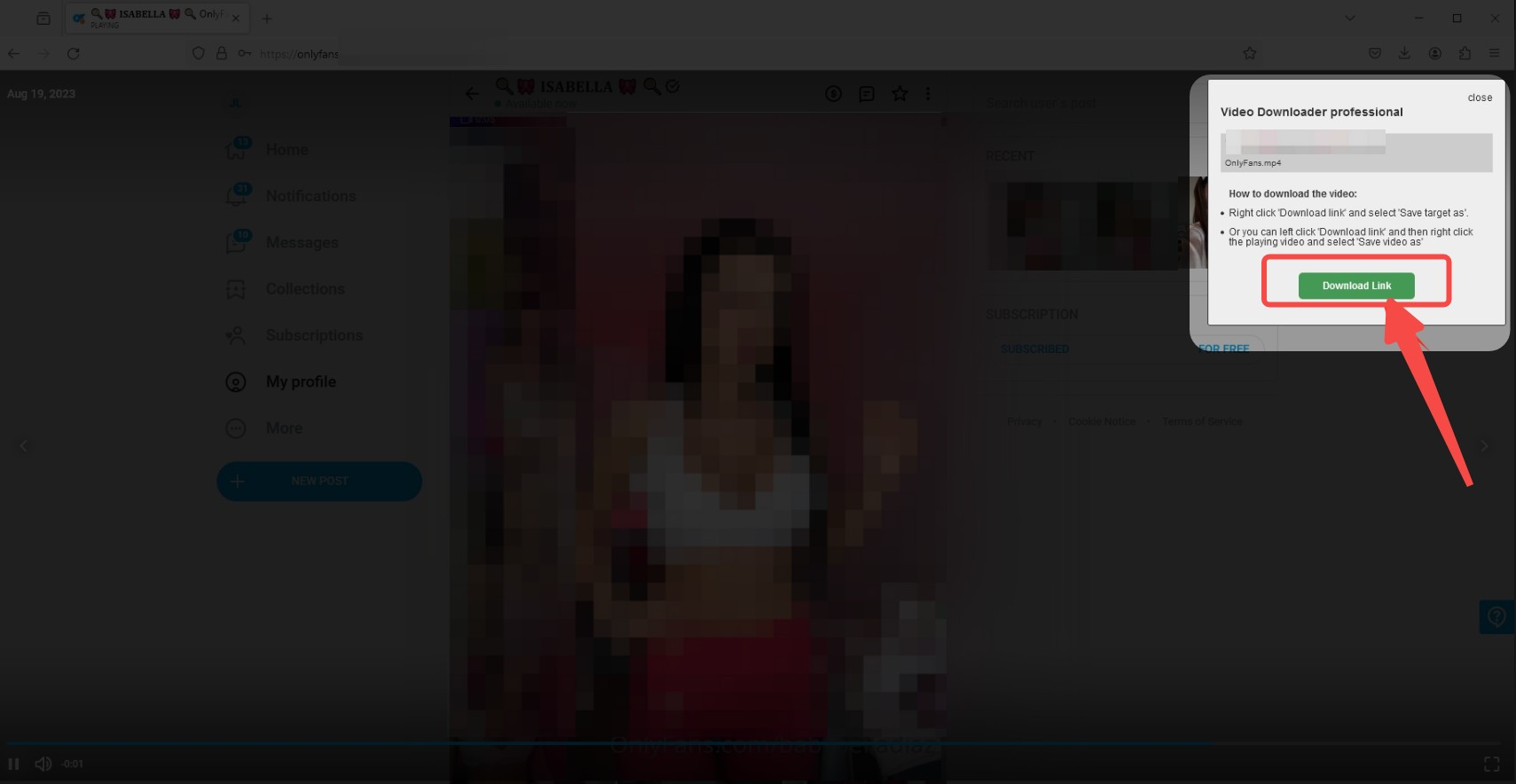
3. Install the add-on only if its scope matches the task. A generic sniffer with all-site access is a poor trade when you need one occasional accessible clip.
4. Open media you are authorized to access, start playback, and check whether the add-on detects a direct file or an HLS playlist.
5. Confirm that the completed download opens and plays before queuing anything else. A detected request is not a result.

If you need guidance on saving OnlyFans videos on mobile devices, please refer to the two dedicated tutorials below:
A Desktop Alternative for Authorized Offline Copies
For personal offline viewing of content you're authorized to access, where permitted by platform terms and applicable law, StreamFab OnlyFans Downloader is a Windows and Mac desktop alternative when a Firefox add-on cannot produce a usable file.
StreamFab OnlyFans Downloader is separate desktop software, not a Firefox or OnlyFans feature. It is designed for readers who need organized local output and batch handling; it is not a sensible fit for someone who only wants an occasional directly accessible clip.

- Download 1080p OnlyFans videos with AAC 2.0 audio.
- Download OnlyFans-purchased videos and message videos.
- Batch mode to grab videos from Collections or a Creator's profile.
- Auto-download new OnlyFans videos at a set time.
Verified Output and Batch Workflow
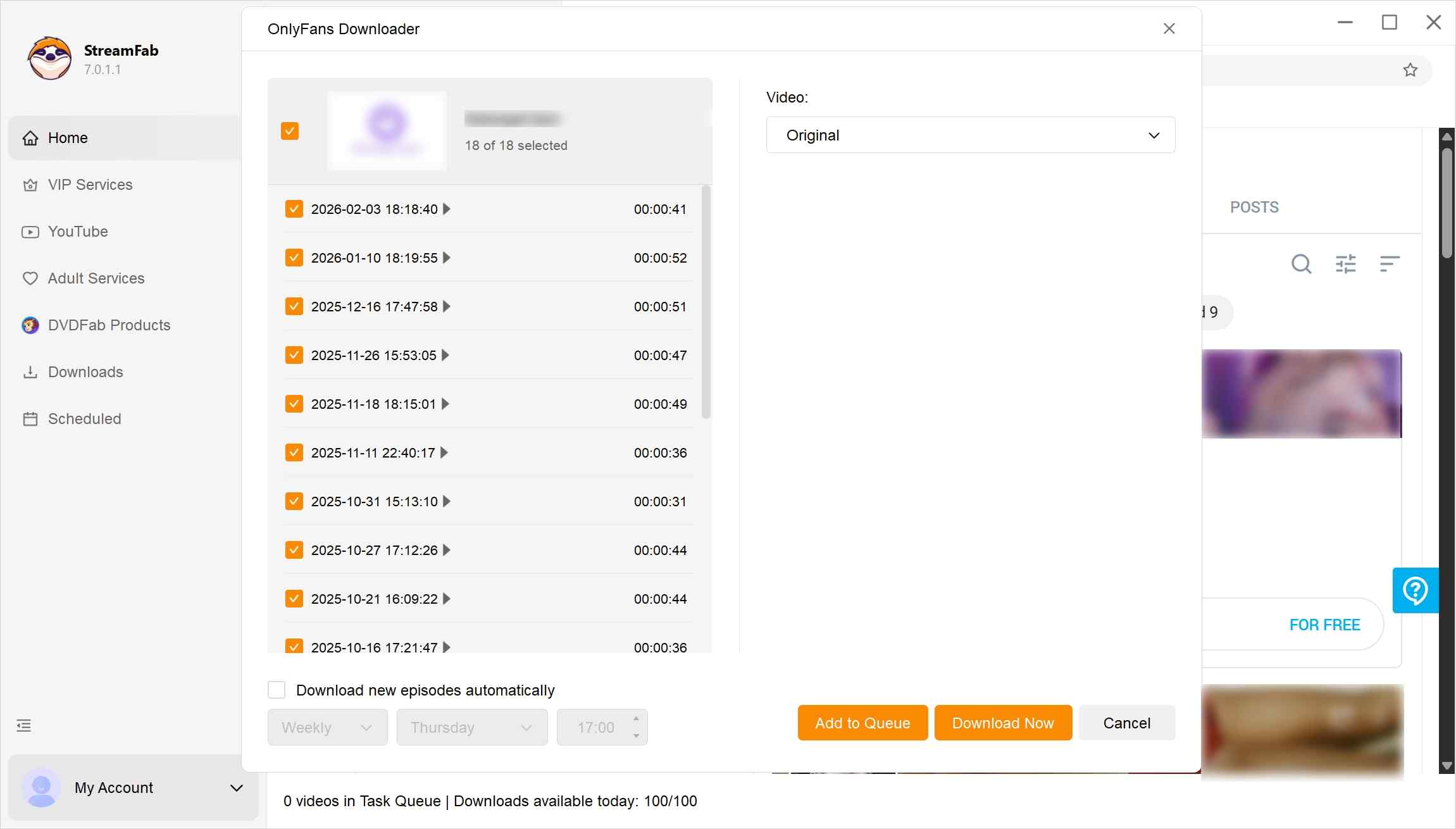
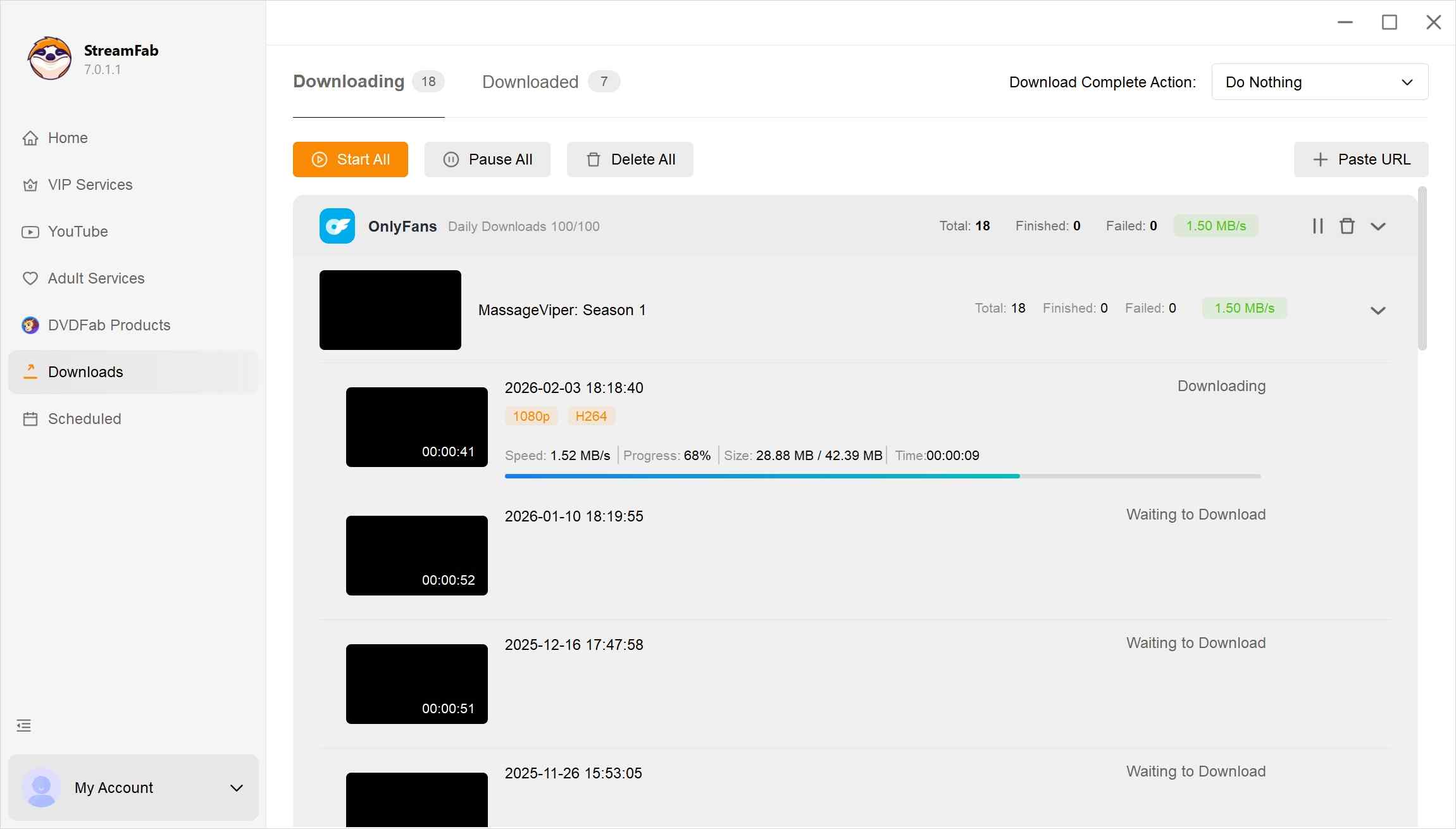
In August 2026, the OnlyFans-specific product scope includes Windows and Mac support, 1080p or 720p selection, H.264 video, AAC 2.0 audio, MP4 or MKV output, subtitles, batch queues, scheduled processing, and subscription-update tracking.
The output-format decision should stay simple: choose MP4 for broad playback compatibility or MKV when its container better matches your library. The focused OnlyFans to MP4 guide covers that choice without turning this Firefox article into a conversion tutorial.
Selectable resolution, named local files, subtitles, and batch organization keep the desktop queue manageable without depending on a browser toolbar's detection result.
Message and PPV Videos
Message and PPV videos are a desktop-workflow use case when the account is authorized to view them. StreamFab can process supported videos inside Direct Messages and include them in a batch, but availability still depends on the specific post and current platform behavior.
I would choose this route for a larger authorized archive where naming, subtitles, and queue management save repeated work. It is excessive for a single accessible clip that Firefox can already download normally.
Installer Safety
Use the official StreamFab installer and confirm the publisher before running it. Avoid modified packages and mirrors, keep the application updated, and treat a malware scan as one supporting check rather than a guarantee.
Firefox Add-ons vs Desktop Workflow
The useful comparison is category-based: Firefox extensions offer lighter access to exposed media, while the desktop workflow adds file organization and batch controls for authorized content. Neither category should be judged from a toolbar icon or a marketing promise alone.
| Option | Accessible media | Segmented HLS | Permission or data exposure | Best fit |
|---|---|---|---|---|
| Dedicated OnlyFans extension | Direct sources listed by add-on | Version-dependent | OnlyFans access; disclosure varies | Accessible subscribed posts |
| Generic URL sniffer | Direct media URLs | May detect playlists | Often broad tabs/request access | Occasional open clips |
| HLS Downloader | Supported HLS playlists | Playlist-focused workflow | All-site request access; no collection declared | Standard HLS sources |
| Legacy add-on | Listing capability only | Unverified in 2026 | Broad permissions; stale update | Historical reference |
| StreamFab desktop workflow | Authorized posts, DMs, PPV | Desktop processing | Official installer; no browser add-on | Batch MP4/MKV on Windows or Mac |
Using StreamFab on Windows or Mac
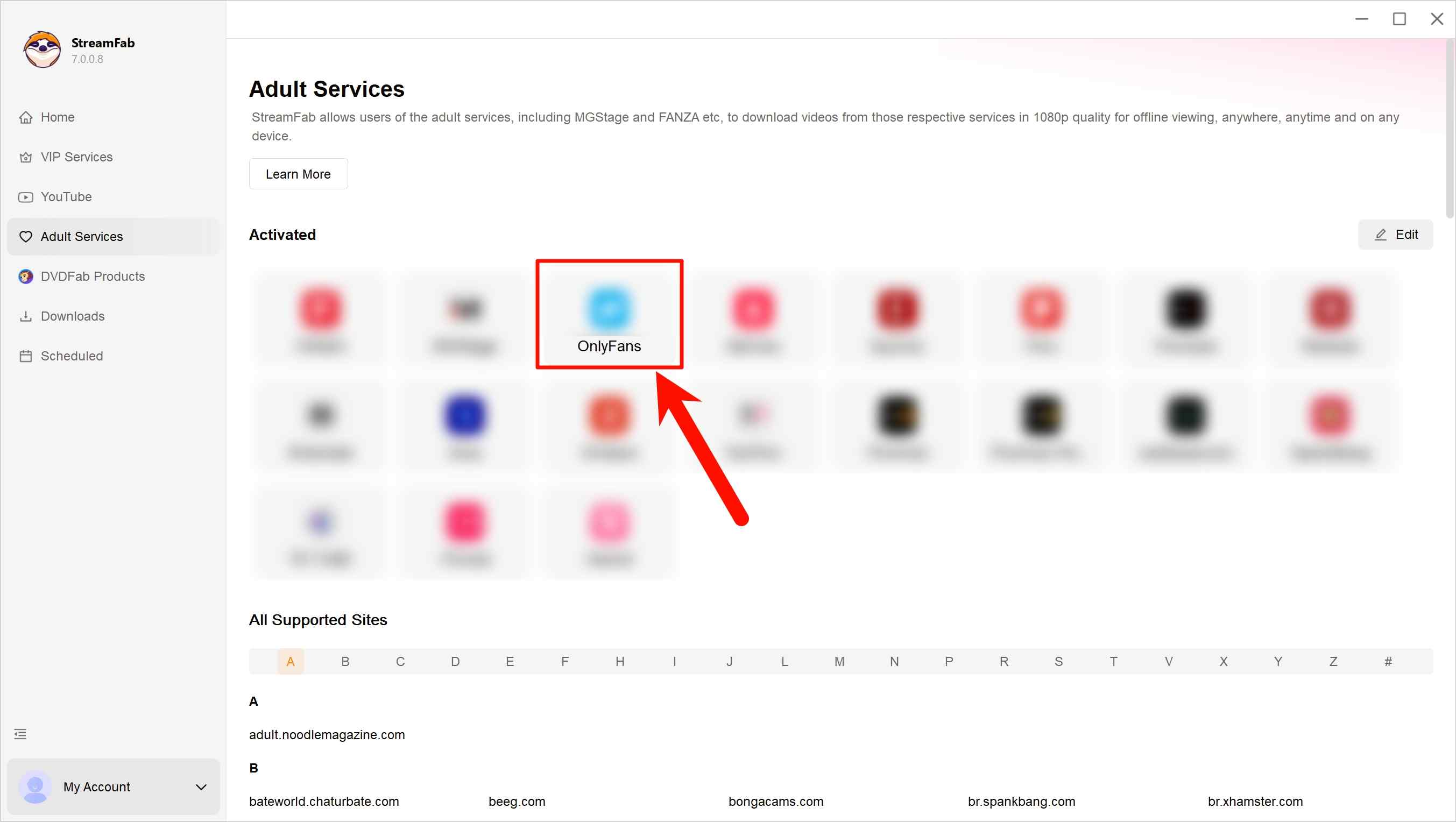
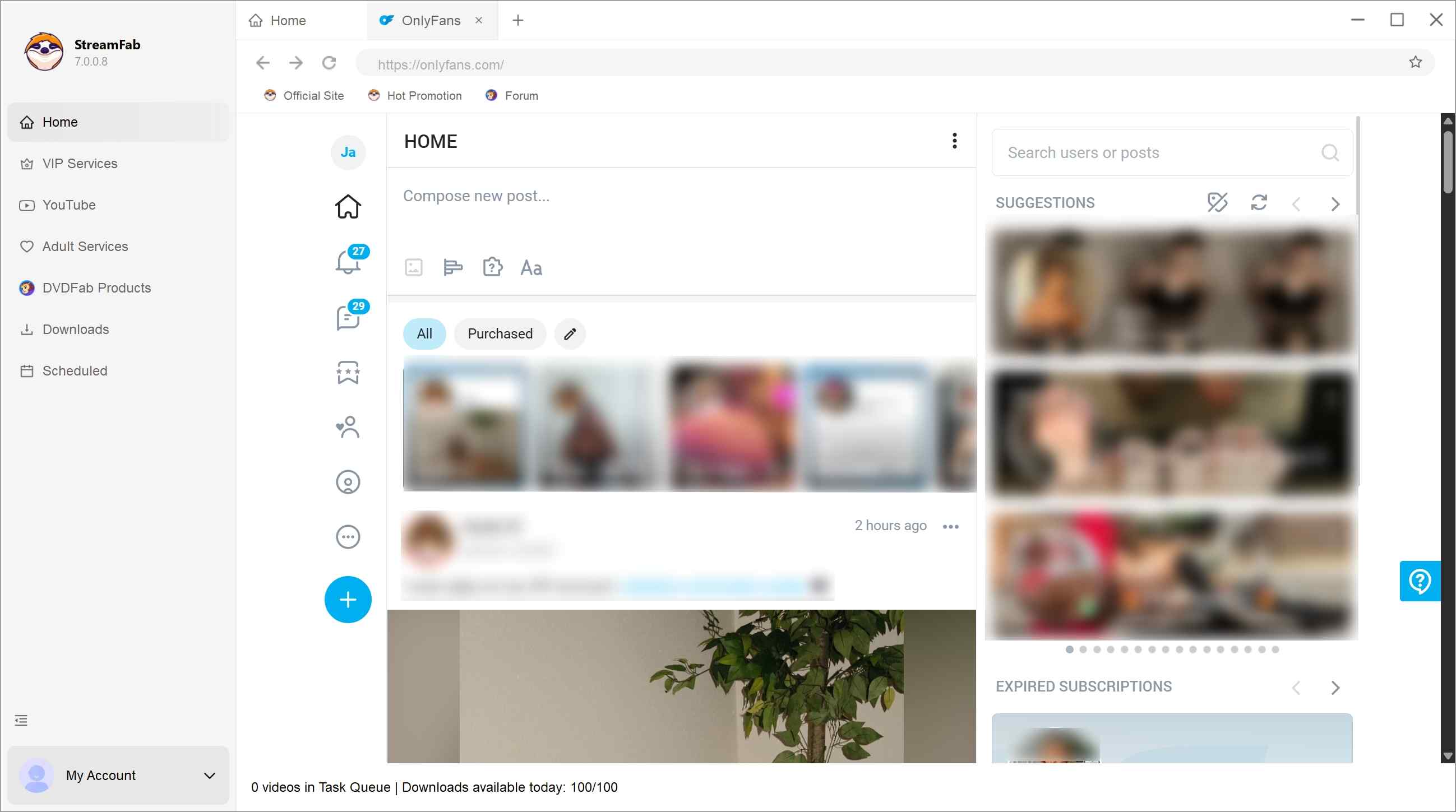
StreamFab OnlyFans Downloader is available for Windows and Mac. Use it only with an account that can legitimately view the content, then choose the output settings and queue the authorized posts you want for personal offline viewing.
FAQs
Can a Firefox add-on save every OnlyFans video?
No. A direct file may work, an HLS playlist may need assembly, and some access-controlled media may never become a usable local source for that extension. Check the exact listing version and judge success by a completed, playable file.
Which extension permissions should I review before logging in?
Review OnlyFans or all-site access, cookies, authentication information, identity data, tabs, scripting, webRequest, downloads, the developer's update history, the data-collection disclosure, and whether the listing is preview or experimental.
Can I use these Firefox methods on Android or iPhone?
Mobile Firefox does not mirror desktop extension availability or behavior. Use the linked Android and iPhone guides above for device-specific choices, and do not assume a desktop add-on will install or work the same way on a phone.
Is saving a purchased or subscribed video allowed?
Use saving tools only for content your account is authorized to access, for personal offline viewing, where OnlyFans terms and applicable law permit it. Do not redistribute, resell, or publish a creator's content.
Conclusion: Choose by Content Type
Choose the workflow by media structure and account exposure. Maintained Firefox extensions can suit directly accessible files; HLS requires a playlist-aware tool; larger authorized archives may justify a Windows or Mac desktop workflow.
- Scenario A
You occasionally save a directly accessible clip and prefer to stay in Firefox.
→ Start with Video DownloadHelper: a maintained Firefox extension after reviewing its Mozilla listing . This is the lighter route when the page exposes a usable media source.
- Scenario B
You need organized copies of subscribed posts or message videos download OnlyFans purchases, and want batch output for authorized personal offline viewing.
→ Consider StreamFab OnlyFans Downloader: It is not a fit if you only need an occasional accessible clip.
This article discusses OnlyFans and saving tools for readers 18 years or older. Use these tools only for content you are authorized to access and for personal offline viewing where permitted. Follow OnlyFans terms and applicable law; never redistribute or sell creators' work.

Convert authorized OnlyFans videos to MP4 on Windows or Mac using a desktop workflow or a permitted screen recording. Learn how file formats differ from delivery and access, what StreamFab’s output settings provide, and what four dated Reddit reports describe. Five FAQs cover installation, the trial, subtitles, batch selection, and source quality.
By Marcia Hatcher - Oct 13, 2026
How to download OnlyFans videos on iPhone in 2026: 3 tested methods ranked by success rate, from Aloha browser to iOS screen recording to the PC transfer workflow.
By Erika Leen - Oct 13, 2026
Paid for OnlyFans but can't save it? We tested 4 tools to rip and save OnlyFans content in 2026—no black screen, full 1080p, zero account risk.
By Erika Leen - Oct 13, 2026
Can you screen record OnlyFans in 2026? Fix the black screen on iPhone & PC with these tested methods — from OBS tricks to dedicated download tools.
By Marcia Hatcher - Oct 13, 2026