
How to Convert OnlyFans to MP4 in 2026 [PC & Mac]

Summary: Convert authorized OnlyFans videos to MP4 on Windows or Mac using a desktop workflow or a permitted screen recording. Learn how file formats differ from delivery and access, what StreamFab’s output settings provide, and what four dated Reddit reports describe. Five FAQs cover installation, the trial, subtitles, batch selection, and source quality.
OnlyFans to MP4 starts with permission, not an OnlyFans converter. As of October 2026, you can select authorized videos in StreamFab on Windows or Mac, choose MP4, and save them for permitted offline viewing. A one-off screen recording is another option when capture is allowed.

A black screen or an audio-only file defeats the purpose of an offline copy. The useful route is to separate the file format you want from the way the video is delivered, then choose between a desktop download and a permitted recording. Neither method changes your rights to creator content.
An OnlyFans to MP4 workflow should leave you with a playable video and sound, rather than a black screen or an audio-only file.
- For a Windows or Mac local-file workflow, Method 1 explains MP4 and MKV output.
- A one-off capture follows a different workflow; Method 2 explains recording limitations.
- The FAQ answers cover installation, the free trial, subtitles, batch selection, and source quality.
Save only content you are authorized to access and copy, for private offline use within the applicable terms and law.
![How to Convert OnlyFans to MP4 in 2026 [PC & Mac]](https://images.dvdfab.cn/artifact/2026/10/13/N3U8JcZOnCIyqquAPsO8e2489dTU0dZW/feature_cover.jpg)
Why Do You Need an OnlyFans Converter?
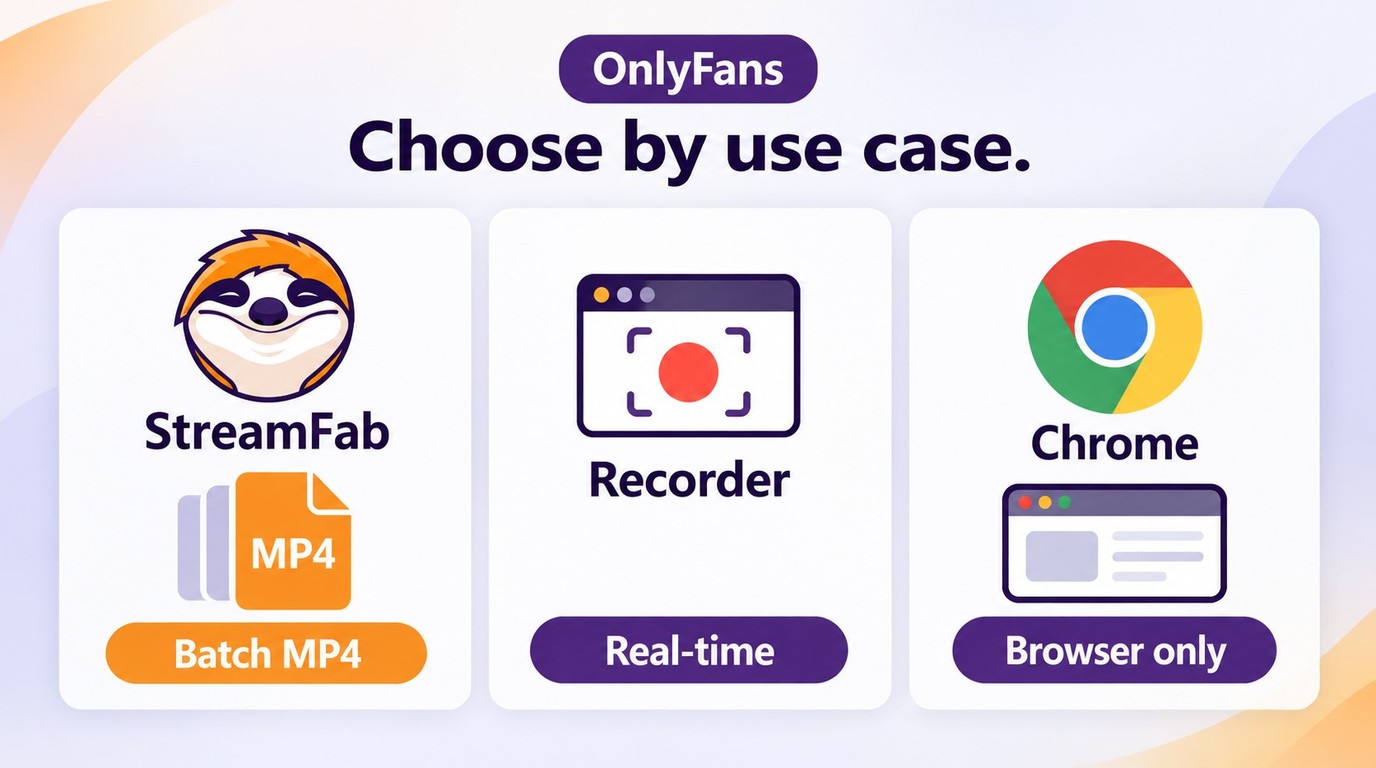
An OnlyFans converter serves a practical goal: saving a permitted local video for offline playback. An OnlyFans video converter also offers an output-format choice. MP4 is useful when you want a file on your computer, but the extension alone says nothing about its picture quality or your copying rights.
A local file lets you choose its storage location and open it in a player that supports the file’s video and audio. That is different from watching a post inside a website. Before a trip or another period without a connection, open the saved file and confirm that its picture and sound play together.
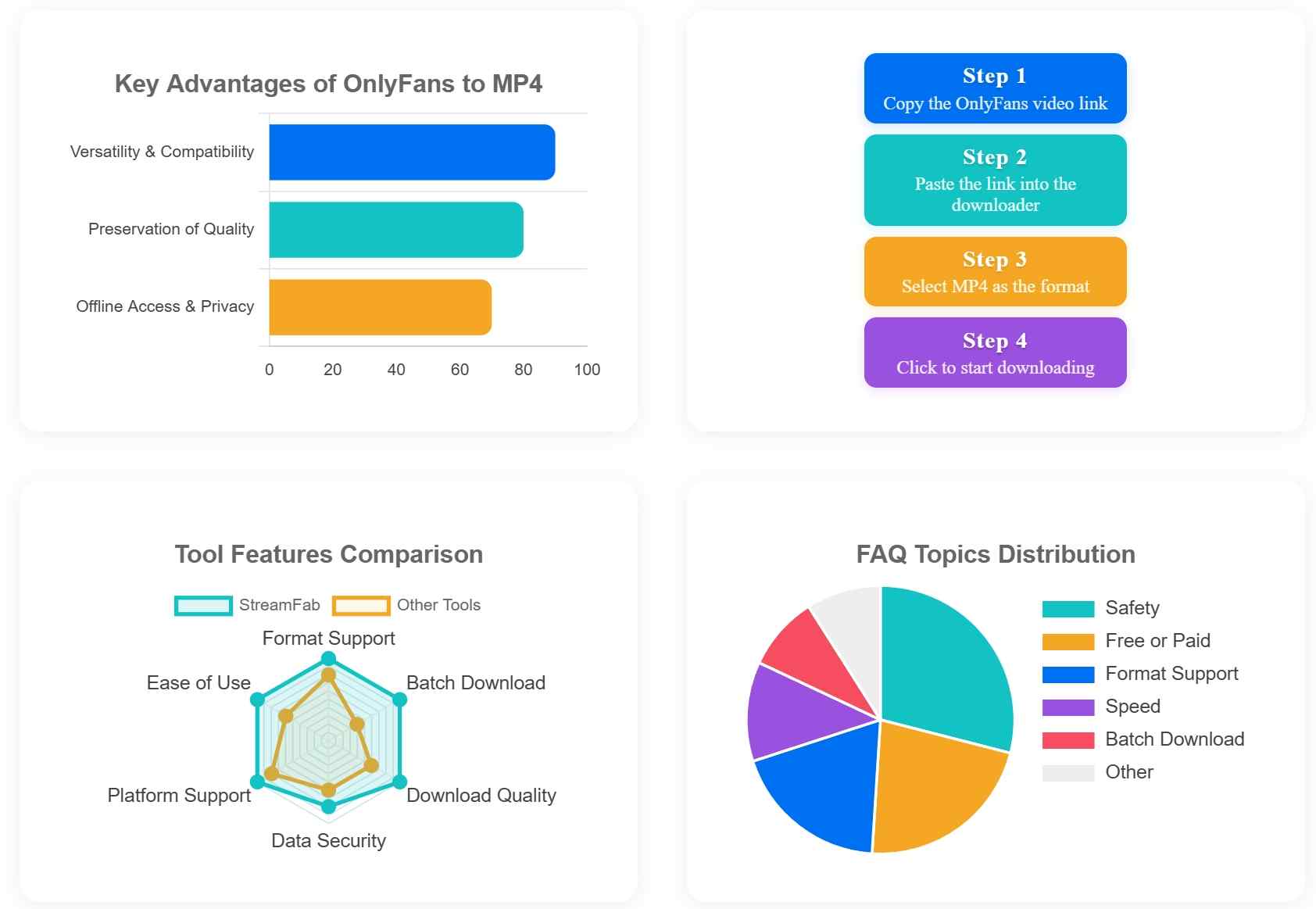
Saving OnlyFans content begins with identifying the post you have permission to keep. A creator’s own upload and a subscriber’s access to that upload are different situations. Paying to watch a video does not transfer ownership of it.
Keep the goal modest: a playable copy of the authorized video. A file container does not repair a missing picture, add detail to a low-resolution source, or supply a soundtrack that was not saved. Those are playback or output problems to diagnose before you queue more videos.
Downloader, Recorder, and Extension Options
An OnlyFans download tool saves supported media as a local file; a recorder captures playback; a browser extension detects media within its supported browser workflow. These are different approaches to obtaining an offline video. Choose the approach that fits your permitted use and the output you need.
| Method | Output | Workflow | Fit |
|---|---|---|---|
| StreamFab OnlyFans Downloader | MP4/MKV; up to 1080p; AAC 2.0 | Selected videos and batch tasks | Authorized desktop local-file viewing |
| Screen recording | Recorded screen and audio | Capture during playback | One-off permitted capture |
| Browser extensions | Supported accessible media | Browser-based media detection | Browser workflow within supported access |
I would use a simple permitted recording for a one-off capture. StreamFab’s MP4/MKV output and batch selection fit a desktop workflow with several authorized videos. An extension fits a browser-based workflow when it supports the media you are allowed to save.
OnlyFans to MP4 Requires Access and Permission
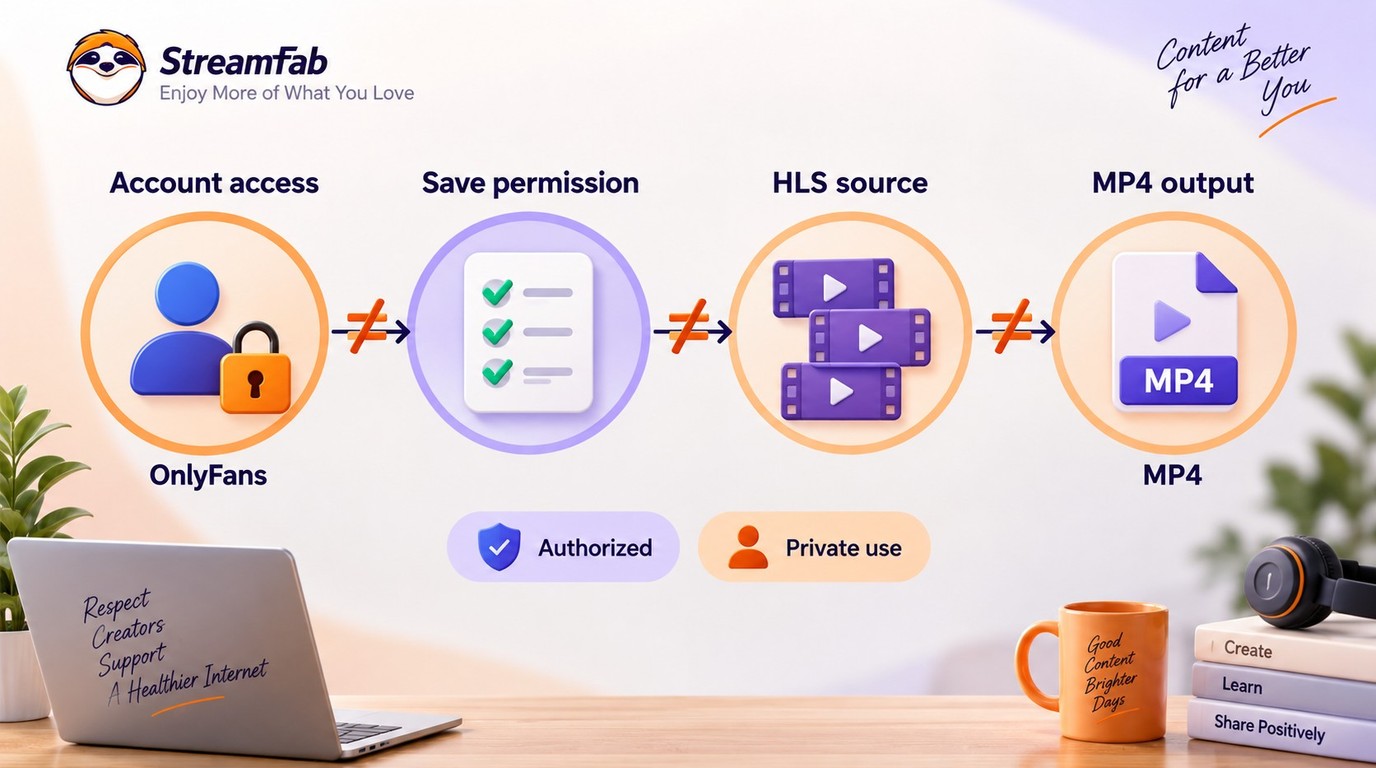
MP4 is a video-file container; HLS is a streaming delivery format. Choosing MP4 output does not tell you how an OnlyFans video is delivered or grant permission to save it. Access to a post and permission to keep a local copy are separate requirements.
MP4 packages video and audio into a file. HLS delivers video through a streaming workflow. Content protection is another consideration, separate from the name of the output file. A direct MP4 source, an HLS stream, and protected media should not be treated as interchangeable cases.
When you save content from OnlyFans, start with your own material or a creator-authorized copy. A publicly visible post is not automatically free to reproduce. Likewise, a paid post’s availability in your account establishes viewing access, not a general license to copy or distribute it.
The OnlyFans video format question is therefore only part of the decision. For a desktop local-file workflow, choose the authorized video and output container. A familiar filename establishes neither the delivery format nor access rights.
Permissions also apply to the particular use. Keeping a private copy, sharing it with another person, and uploading it elsewhere are distinct actions. A permission to do one does not establish permission to do the others. The usage boundaries below address what to keep private and what authorization you need.
Method 1: StreamFab Saves MP4 and MKV Files
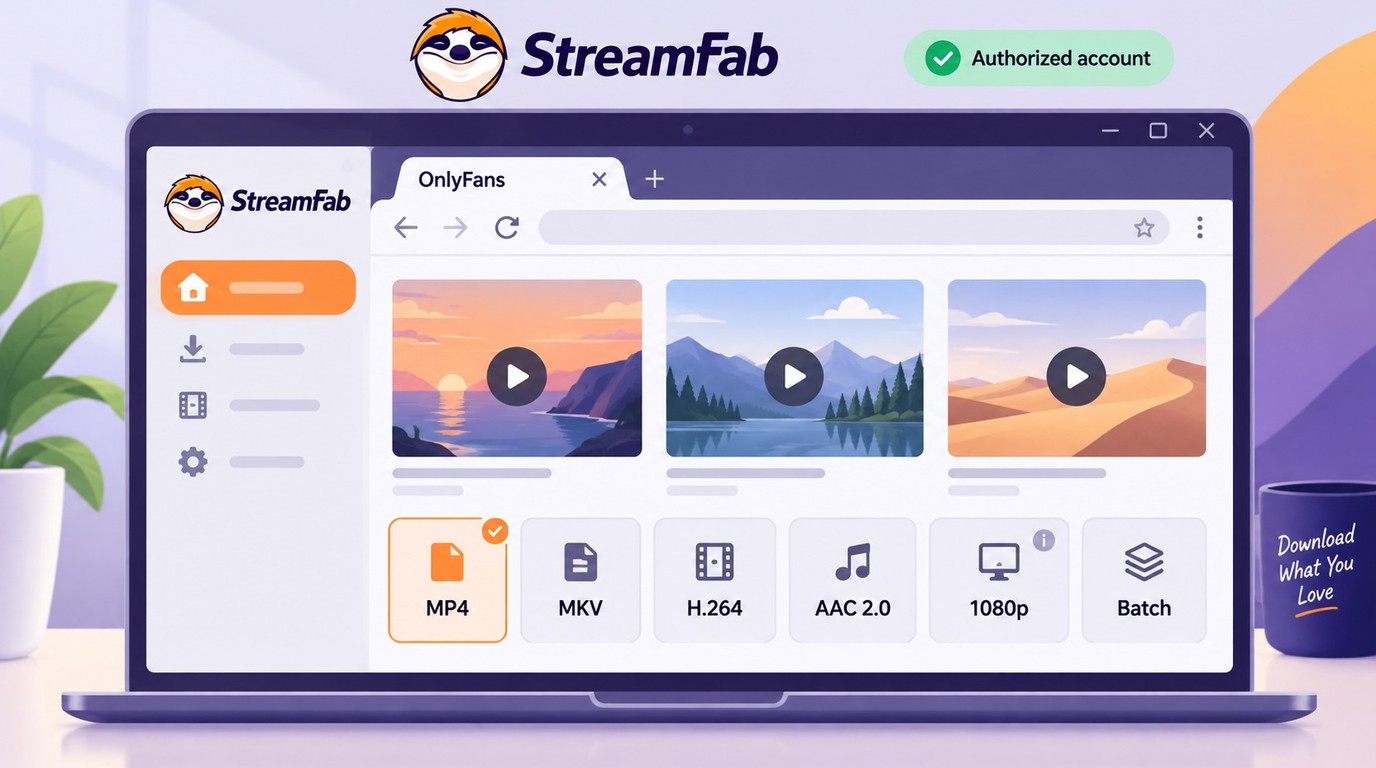
StreamFab OnlyFans Downloader is a Windows and Mac application that saves MP4 or MKV files with H.264 video and AAC 2.0 audio, up to 1080p. Its 1080p and 720p choices follow the source resolution. Use the free trial to confirm the output settings for your authorized video.
StreamFab is a third-party tool relative to OnlyFans’ platform features, for personal offline viewing of content you're authorized to access, where permitted by platform terms and applicable law. A valid account and any required subscription provide access; copying still requires permission for your intended use.

- MP4 or MKV Output: Save authorized videos up to 1080p, within the source resolution.
- Batch Selection: Queue selected authorized videos in one desktop workflow.
Step-by-Step Archival Process
To download OnlyFans posts to your computer, follow the existing three-step workflow. Select the videos you have permission to keep, then choose MP4 in the output dialog.
Open StreamFab and select the OnlyFans icon. Log in with your own subscriber credentials.
Use an account authorized to access the video and select content you have permission to save locally.
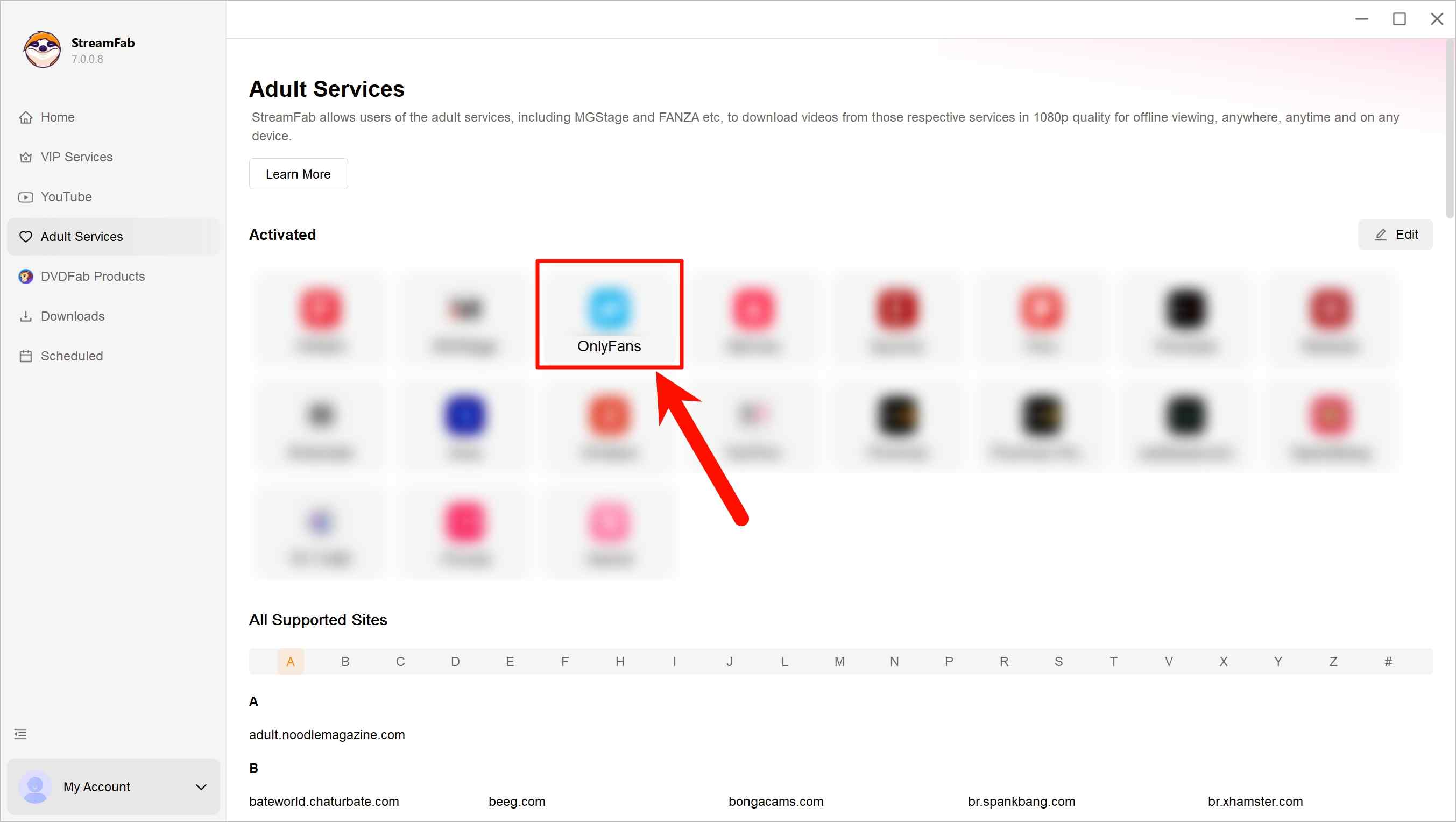
Navigate to the creator’s profile. StreamFab detects supported videos as you scroll.
In the pop-up, select MP4 and click "Download Now" to start saving the selected video.
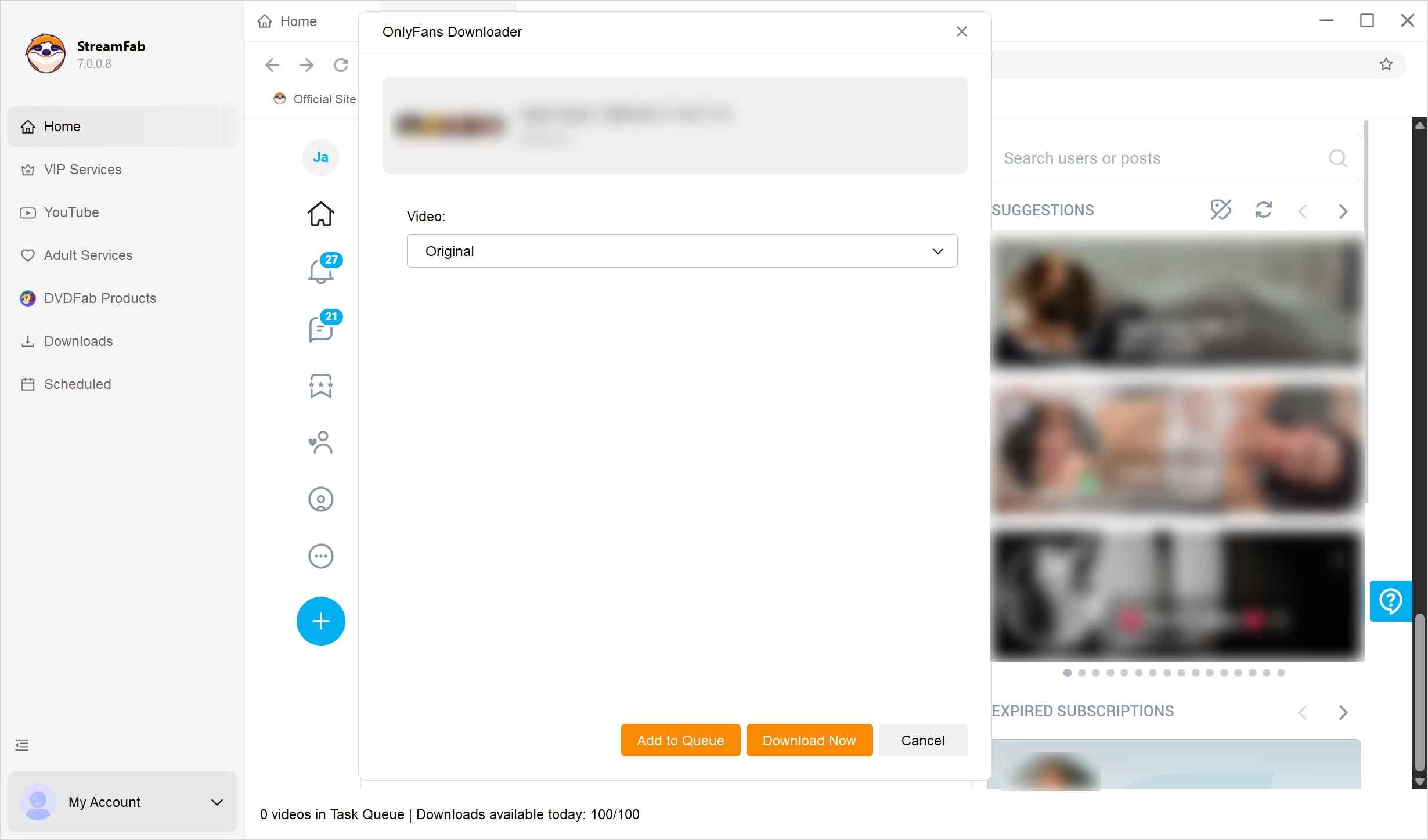
The OnlyFans downloader comparison covers other workflows; StreamFab’s role here is the Windows or Mac local-file route.
Account Access and Credential Care
Install StreamFab through its official Windows or Mac download buttons and sign in with your own account. Keep passwords, session details, and payment information out of public posts and screenshots. Describe a login problem without exposing the credentials needed to reproduce it.
Method 2: Recording Can Produce a Black Screen
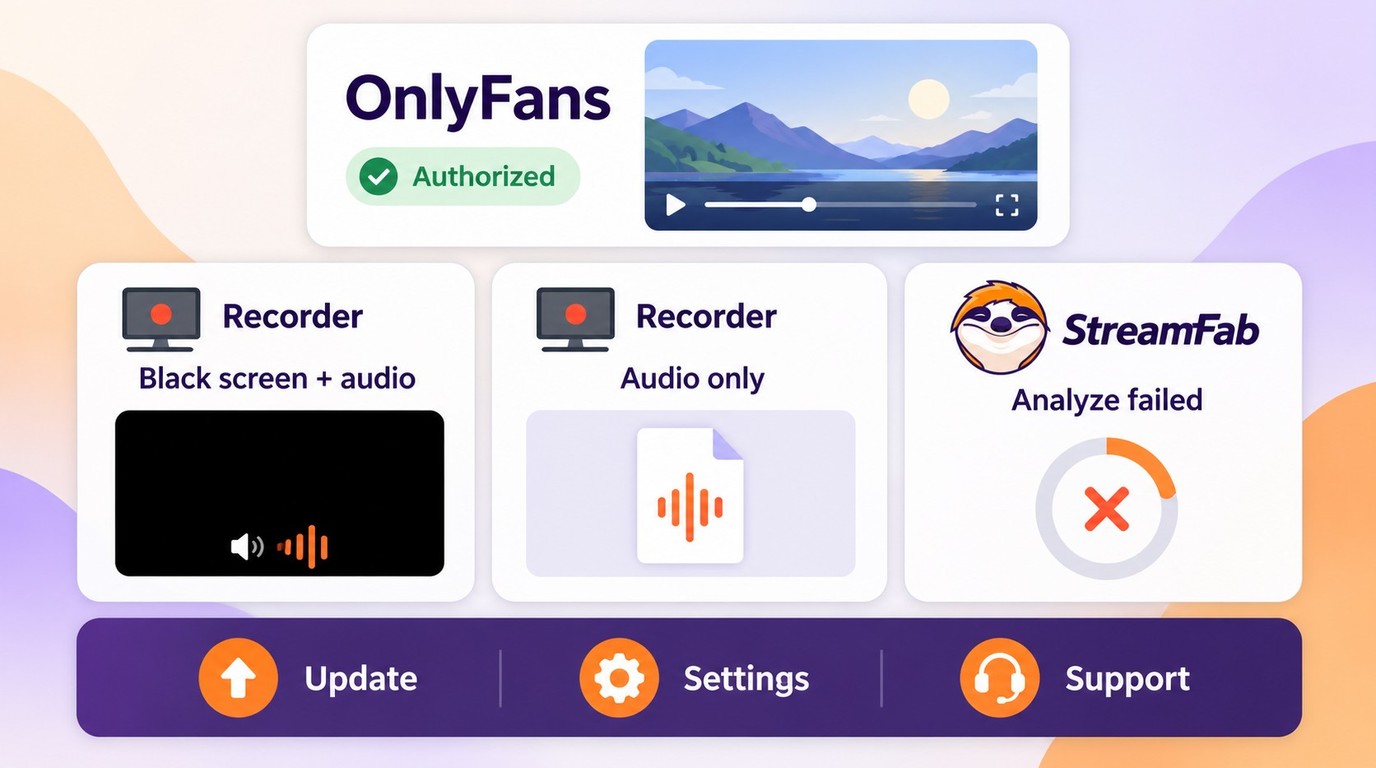
Screen recording saves what the recorder captures during playback. A black picture with audible sound is a capture failure, while an audio-only saved file lacks a usable video track. Neither is a working OnlyFans MP4 video. The distinction helps you choose the next troubleshooting step.
A permitted recording suits a single capture while you are present for playback. Recording also takes time: a video played at its normal speed takes roughly its running time to capture. A lengthy video therefore ties up the recording session for much longer than a short clip.
OnlyFans screen recording can produce a black screen when the recorder cannot capture the displayed video. Stop that attempt rather than repeating the same recording. For a StreamFab output problem, use the official update log or troubleshooting guide and retry your authorized video through the free trial.
A browser extension is a separate route. Its access is limited by the browser workflow and media it supports. Inspect the extension’s requested permissions before installation, and do not assume that detecting a post means it can save a playable video. An audio-only result needs a different diagnosis from a visible black frame in a recording.
Keep the saved video’s name and location recognizable so you can find the file you intended to keep.
- File Organization: Use a naming scheme that helps you distinguish your authorized local copies.
- Playback Check: Open a saved file in your chosen player and confirm that the picture and audio work together.
The desktop workflow uses Windows or Mac; a recording uses the capture controls on the device where playback occurs.
Dated OnlyFans Converter Experiences From Reddit
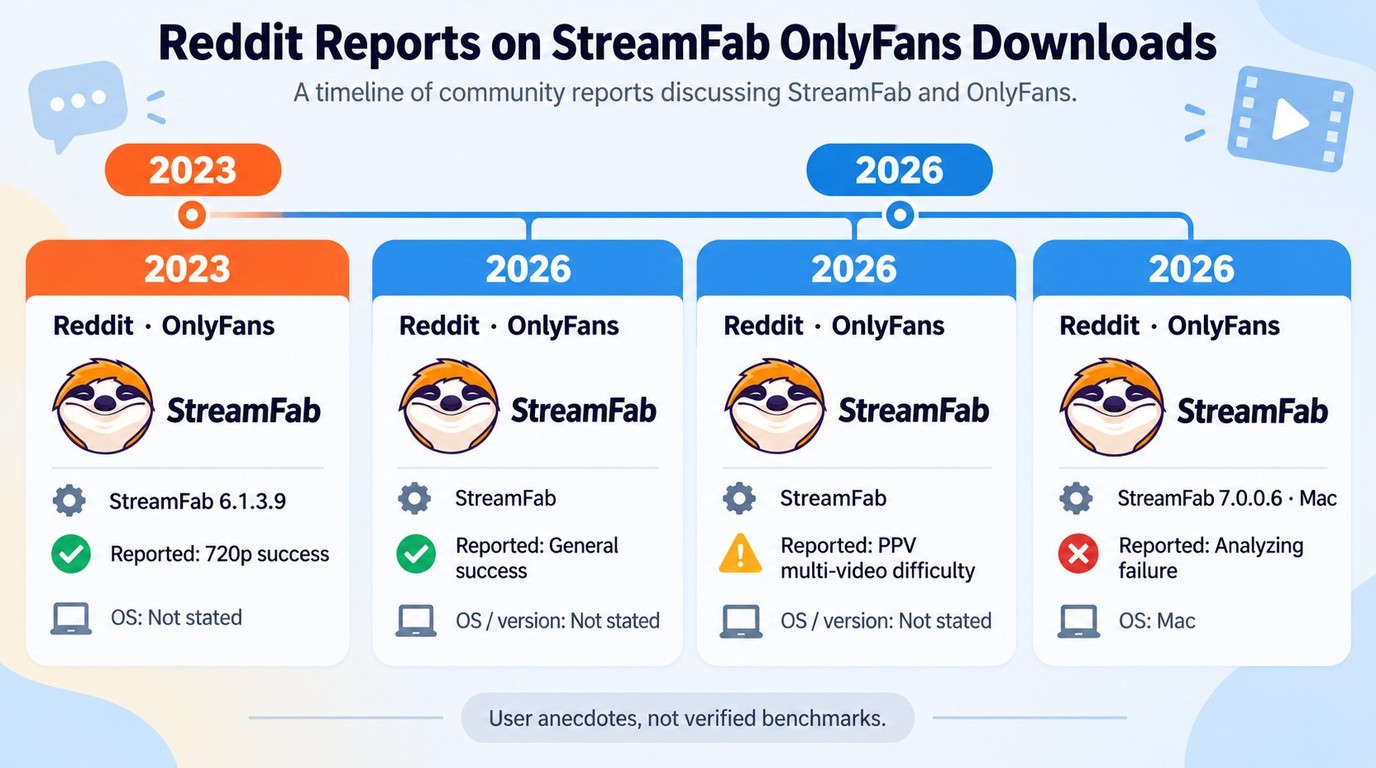
Individual Reddit reports describe both successful downloads and specific difficulties. They reflect the reported video and setup, rather than a community-wide verdict on an OnlyFans video converter. Keep the report year and stated application version in view when considering an older experience.
A Reddit user in 2026 reported successful OnlyFans downloads without issues; the comment did not state an OS or application version. A separate Reddit post in the 2023 StreamFab 6.1.3.9 discussion reported a successful 720p download. That reporter did not provide an OS or confirm the application version they actually used.
Another Reddit user in 2026 described difficulty downloading PPV messages containing multiple videos, without stating an OS or version. For that workflow, use StreamFab’s official update log or troubleshooting guide, then try your permitted content through the free trial.
A separate 2026 Reddit report described an analyzing failure on Mac version 7.0.0.6. For that specific symptom, use the official StreamFab update or troubleshooting path and the free trial with a video you are authorized to save.
A search such as “yivmp4 OnlyFans” signals the same desire for a local video. For an OnlyFans video converter, an MP4 filename or downloader name does not grant content rights. Choose the required output and establish permission to keep the particular video.
Legal & Privacy Notice
OnlyFans download rules distinguish licensed access from content ownership. An active subscription gives you access under the platform’s content licenses, not a general copying right. Keep any local copy within the authorization for that specific video and use.
- Use an account authorized to access the content, including any required active subscription.
- Save only content you own or have permission to copy for personal offline viewing.
- Do not share, upload, repost, or redistribute creators’ videos.
- Follow OnlyFans’ terms and applicable law.
- Assess permission for the particular video and intended use, rather than treating a subscription as blanket authorization.
The StreamFab copyright and usage guidelines describe the boundaries for private use. Keep your saved files private, with access limited to your own device and account.
FAQs
Where should I get the OnlyFans to MP4 installer?
Use the official StreamFab Windows or Mac download buttons. Keep your credentials private, including in support screenshots.
Is this OnlyFans to MP4 downloader free?
StreamFab OnlyFans Downloader offers a 30-day free trial and paid plans. The trial is limited, rather than unlimited free downloading.
Does MKV add subtitles to an OnlyFans video?
No. Choosing MKV does not create subtitles. StreamFab supports subtitle downloading when the video has available tracks, with MP4 or MKV output.
Can I save multiple OnlyFans videos as MP4 together?
Yes. You can queue selected authorized videos together using batch downloading.
Does MP4 conversion improve the original video quality?
No. A 720p source does not gain detail from MP4 conversion. StreamFab’s output reaches up to 1080p with H.264 video and AAC 2.0 audio, within the source resolution.
Final Thought
For OnlyFans to MP4 on PC or Mac, I would choose StreamFab for selected authorized videos and a desktop batch workflow. MP4 and MKV offer a file-format choice; neither improves the source picture. A permitted one-off recording suits a single capture during playback.
Start with the official download buttons and use the free trial with content you have permission to save. Keep the resulting files private.
More guides:

How to download OnlyFans videos on iPhone in 2026: 3 tested methods ranked by success rate, from Aloha browser to iOS screen recording to the PC transfer workflow.
By Erika Leen - Oct 13, 2026
Paid for OnlyFans but can't save it? We tested 4 tools to rip and save OnlyFans content in 2026—no black screen, full 1080p, zero account risk.
By Erika Leen - Oct 13, 2026
Can you screen record OnlyFans in 2026? Fix the black screen on iPhone & PC with these tested methods — from OBS tricks to dedicated download tools.
By Marcia Hatcher - Oct 13, 2026
6 free and paid OnlyFans Chrome extensions tested for DRM support and reliability. Find which ones work in 2026—plus a desktop tool that handles protected content every time.
By Erika Leen - Oct 13, 2026