StreamFab OnlyFans Downloader Review: 5 Checks Before You Buy

Summary: StreamFab has supported the functionality for saving videos from OnlyFans for two years. How does this service fare? Is it worthy of purchase? What advantages does it hold in comparison to other similar software? This article provides a comprehensive evaluation of the StreamFab OnlyFans Downloader for your consideration.
Basic Usage: What Can StreamFab OnlyFans Downloader Do?
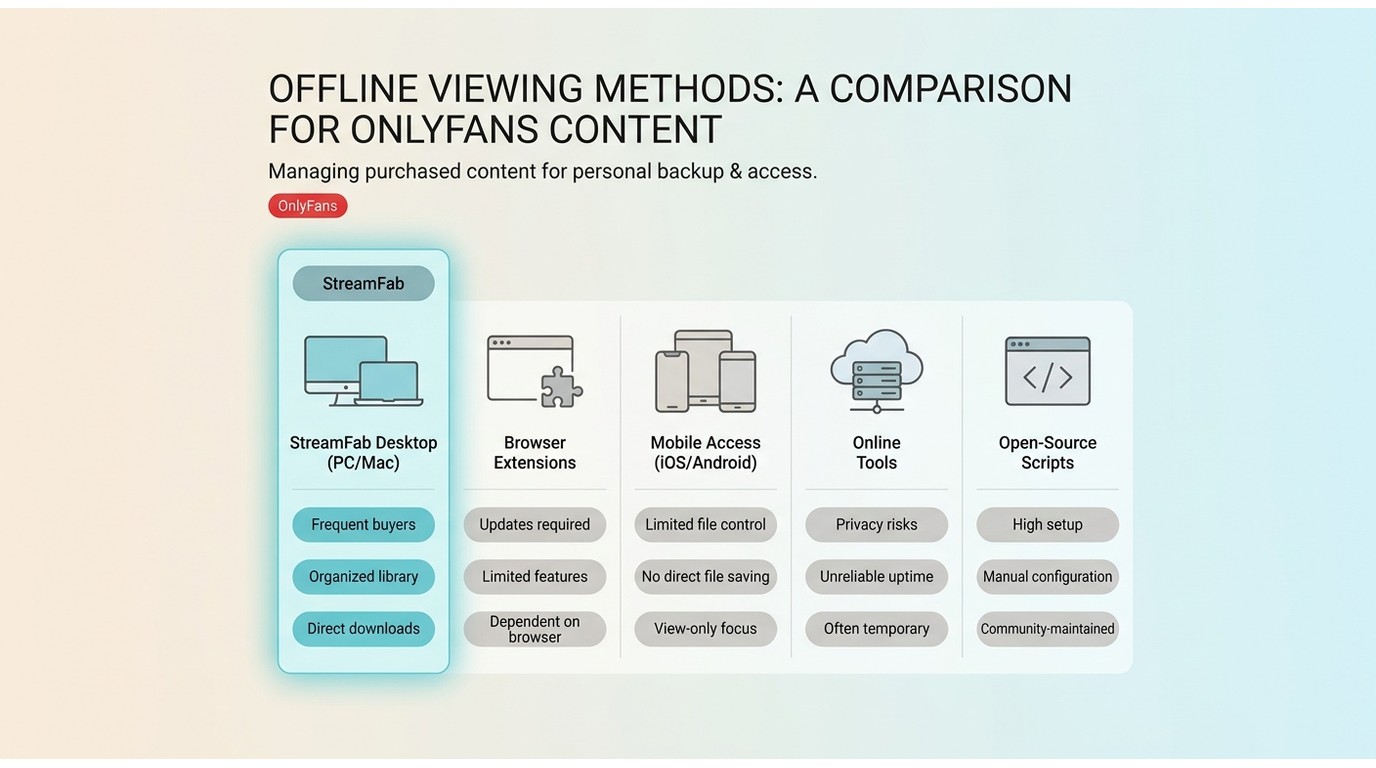
For a StreamFab OnlyFans Downloader review, the useful checks are compatibility considerations, safety, features and output, trial value, and buyer fit. My bottom line: it can suit some 18+ buyers, but account risks and platform updates remain part of the decision.
OnlyFans is primarily designed for online viewing. It does not offer a general export option for purchased videos as MP4 or MKV files, while screen recording can be slow and may show a black image during protected playback. For frequent buyers, the practical question is which workflow matches their viewing habits and maintenance tolerance.
| Method | Best fit | Main tradeoff | Maintenance | Typical platform |
|---|---|---|---|---|
| Desktop software | Frequent buyers | Requires installation | Updates required | Windows, Mac |
| Browser extensions | Occasional tasks | Site changes can break them | Moderate | Desktop browsers |
| Mobile access | Watching on the go | Limited file control | Low | iOS, Android |
| Online tools | One-off needs | Privacy and reliability vary | Variable | Browser |
| Open-source scripts | Technical users | Setup and upkeep | High | Desktop |
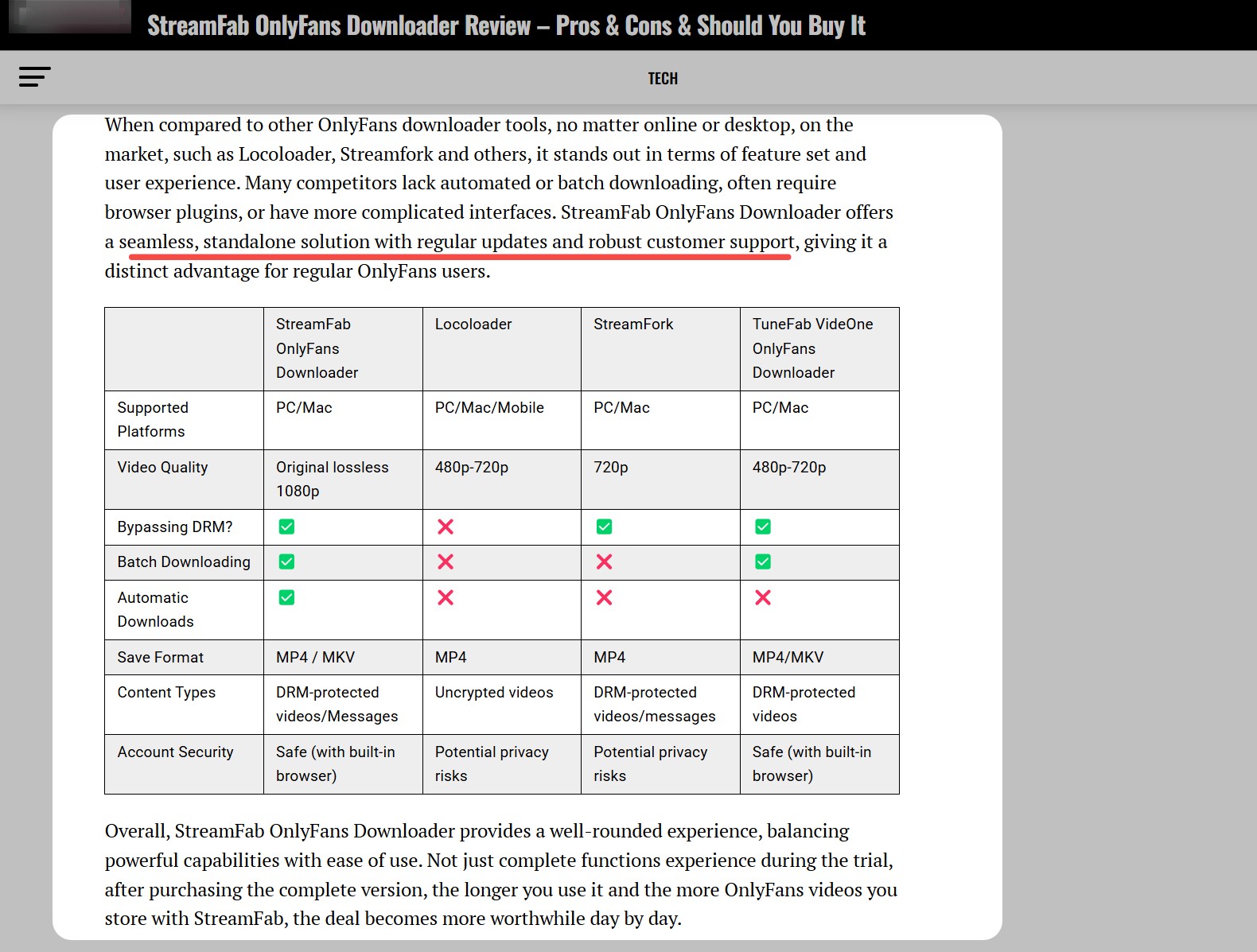
My view is straightforward: a maintained desktop workflow makes more sense for frequent, authorized buyers who need organization, while occasional viewers who do not want to install software should keep the simpler options in mind. A verified OnlyFans downloader comparison can help when you need to weigh method tradeoffs beyond this desktop workflow.
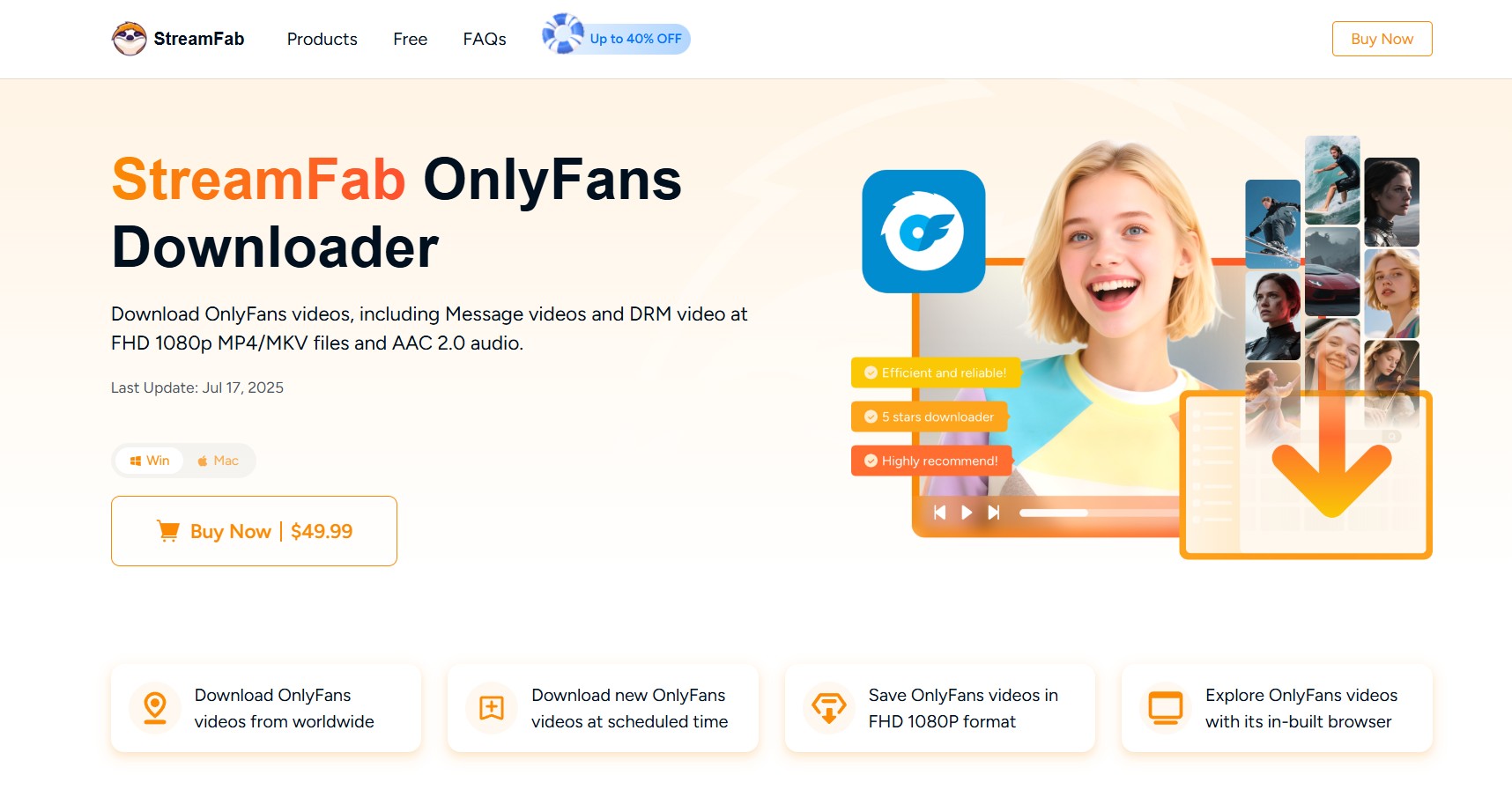
StreamFab OnlyFans Downloader is a desktop option for saving a local copy of content available through your account for personal offline viewing where permitted by OnlyFans’ terms and applicable law. It supports Windows and Mac, MP4 or MKV output, and up to 1080p when the source offers that resolution.
Is StreamFab OnlyFans Downloader Safe?
Any downloader can create installer, privacy, account, and compatibility considerations. Before using StreamFab OnlyFans Downloader, assess the installer source, use only your own authorized account, and expect that platform or app updates may affect compatibility.
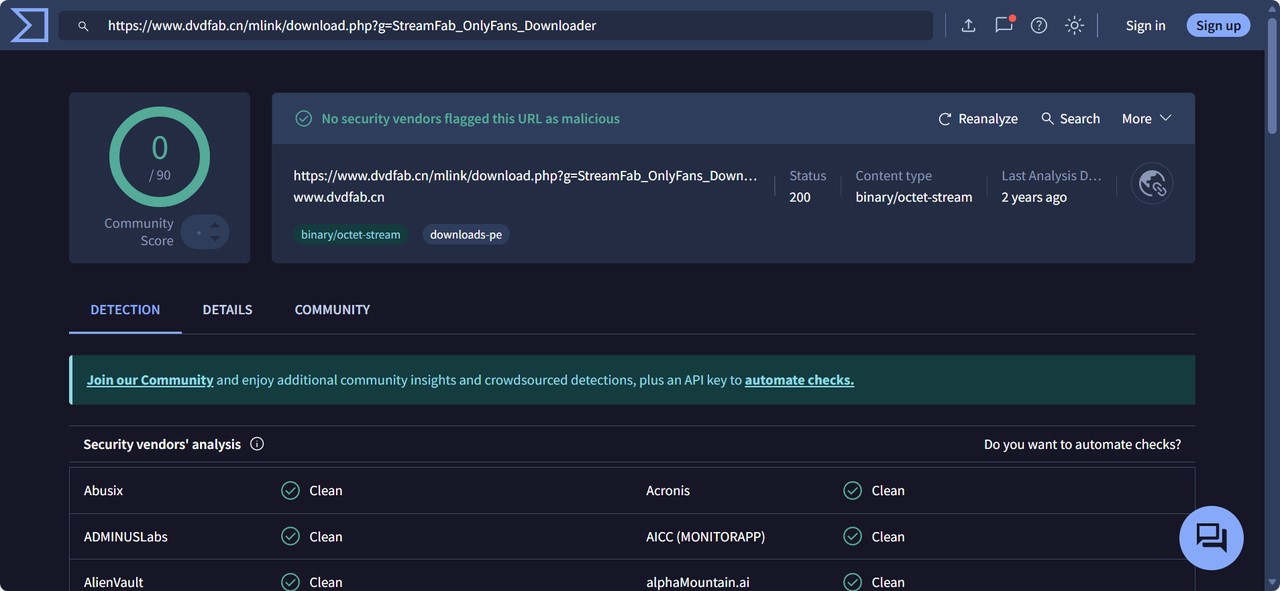
Use the official StreamFab installer rather than a repackaged copy from an unknown download site. That reduces tampering risk, although no software installation should be presented as risk-free in every environment.
1. Installer and Malware Check
In my Windows 11 installation, I did not see bundled adware or unexpected background prompts. That is a limited installation observation, not a permanent safety guarantee. Downloading from StreamFab’s official site remains the sensible starting point.
An official installer can reduce the chance of using a modified copy, but account security, device security, and future compatibility still depend on how the software and platform change over time.
2. Privacy and Account Boundaries
Use the built-in browser only with your own OnlyFans account, and keep your device protected with normal account-security practices. Local file handling does not eliminate privacy, account, or browsing risks, so avoid shared devices and do not share content outside personal use.
3. Support and Update Response
If a video is not detected or a task fails, record the app version, operating system, source type, and any error message before contacting support. That information gives support a clearer starting point when a platform update affects the workflow.
Data Security
Official installer only
Keep the app updated
Avoid modified installers
User Privacy
Use authorized account access
Files stored locally
Protect your account and device
Your Control, Your Content
Keep files and account access on a protected personal device.
Responsible & Compliant Use
Features, Trial Value, and Output Options

For this review, the buying criteria are practical: authorized-access support, output options, trial value, and the maintenance required when OnlyFans changes. StreamFab OnlyFans Downloader supports Windows and Mac, MP4 or MKV output, batch tasks, subtitles, and up to 1080p when the source makes that resolution available.

- Easily manage and prepare videos purchased on OnlyFans to MP4/MKV for personal offline viewing, where such use is permitted by the platform and local laws.
- Always under the condition of respecting creators’ rights and OnlyFans’ terms of service and without any redistribution or commercial use.
| Trial and refund | Trial access | Paid access |
|---|---|---|
| Details |
|
|
Trial and refund terms are stated as of August 2026.
1. Authorized Content and Purchased Videos
For content you are authorized to access, where permitted by platform terms and applicable law, StreamFab provides a desktop workflow for saving a local copy for personal offline viewing. This can be relevant when you need to download OnlyFans purchases that you are entitled to view.
2. Download OnlyFans Videos from Messages and Collections
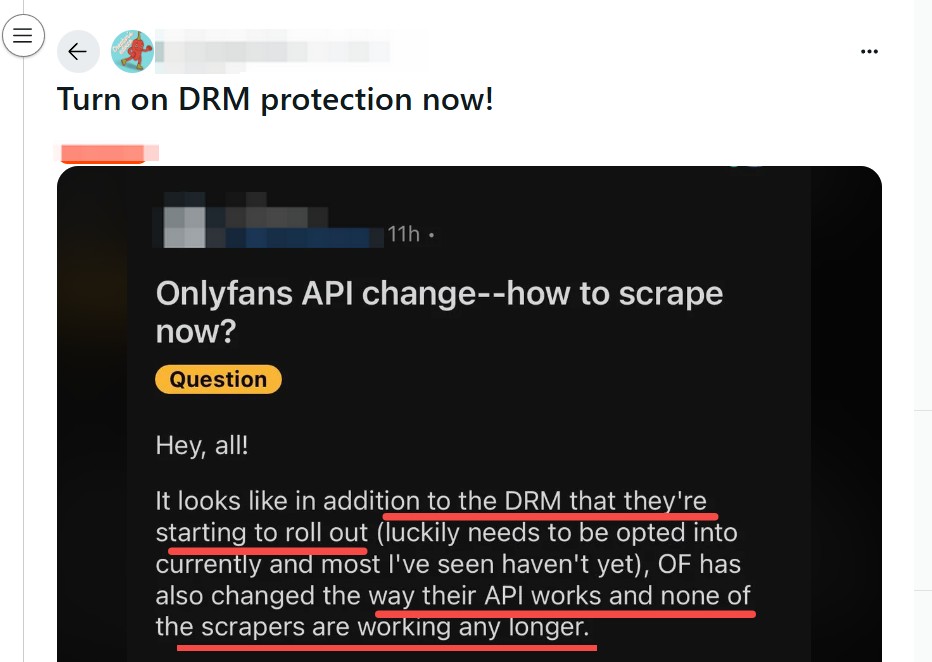
On OnlyFans, a lot of content is not just on the main feed. In addition to standard timeline videos, many creators also send exclusive videos through private messages to their subscribers. However, many tools available on the market for saving OnlyFans content only support the basic feed videos and either ignore message content or handle it in a very limited way.
StreamFab OnlyFans Downloader focuses on helping users organize videos sent to their account through Messages for personal offline viewing where permitted by platform terms and applicable law. The developer continues to refine how OnlyFans message videos are detected and organized.
3. Bulk Download OnlyFans Videos from Creator Profile and Collections
StreamFab, as a bulk OnlyFans video downloader, can assist you in collecting multiple videos from a creator’s profile in one operation, reducing the need to add each item manually. In addition, this feature supports organizing multiple videos from your favorites into a single task list, helping you keep your legally accessed content in one place for more convenient personal offline viewing, without any redistribution.
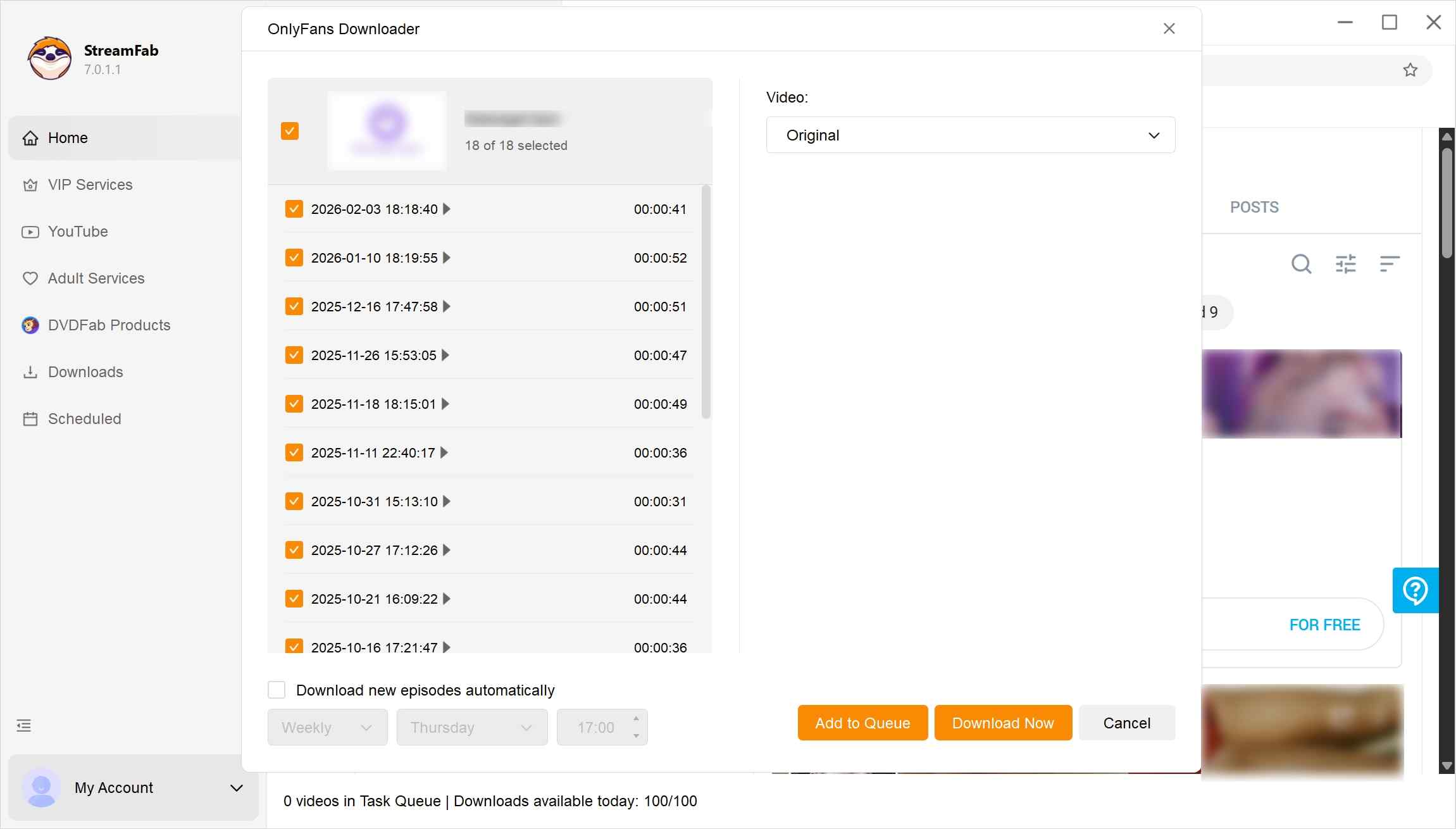
4. View OnlyFans Videos in High-Quality 1080p
Available resolution depends on the source video and the service’s current capabilities. StreamFab OnlyFans Downloader supports up to 1080p when the authorized source makes that resolution available, with MP4 or MKV available for local organization.
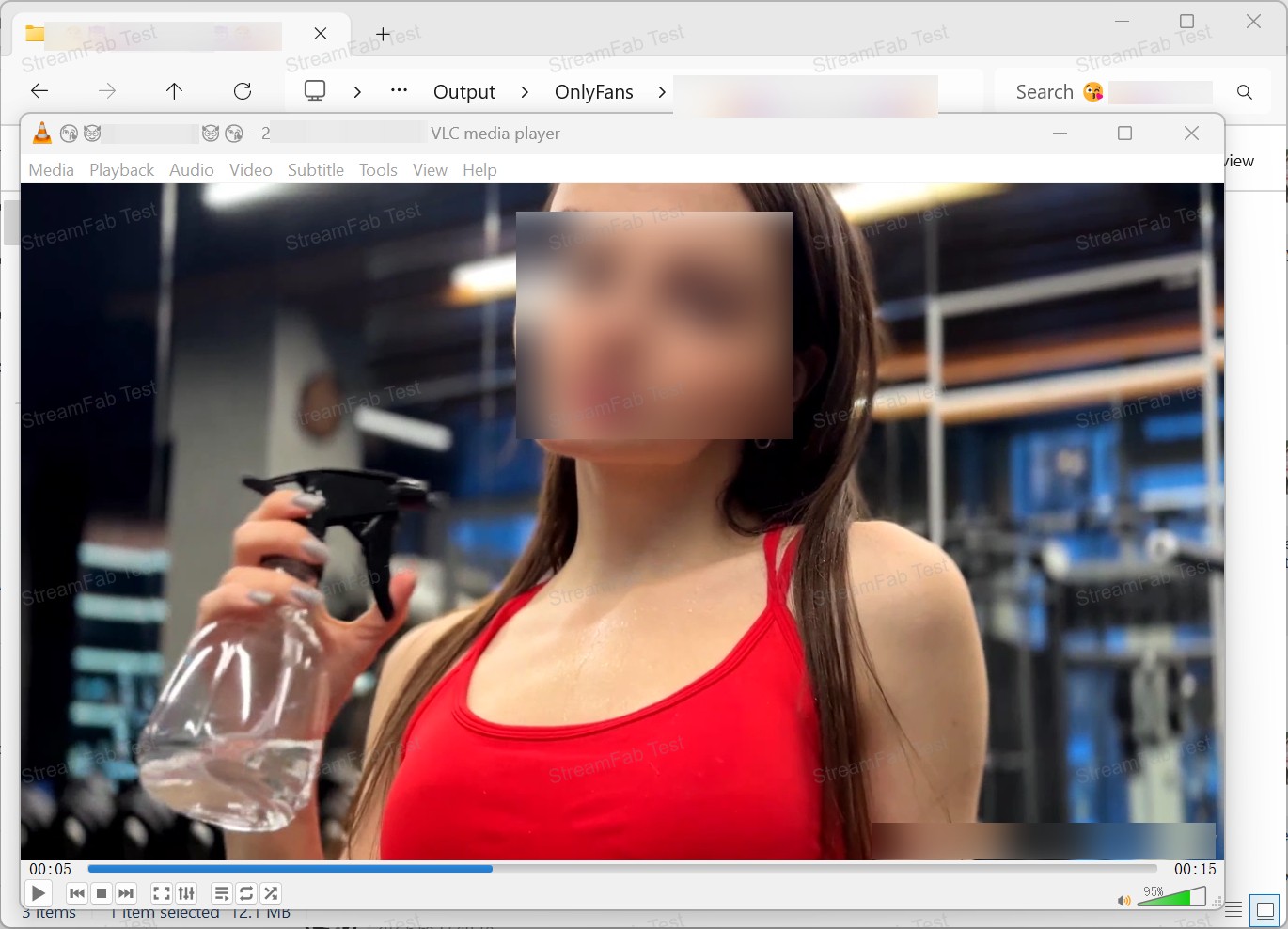
For authorized content, a file-based workflow can be more practical than screen recording OnlyFans videos when you need to organize multiple items. The visible quality still depends on the source resolution, output choice, and playback device.
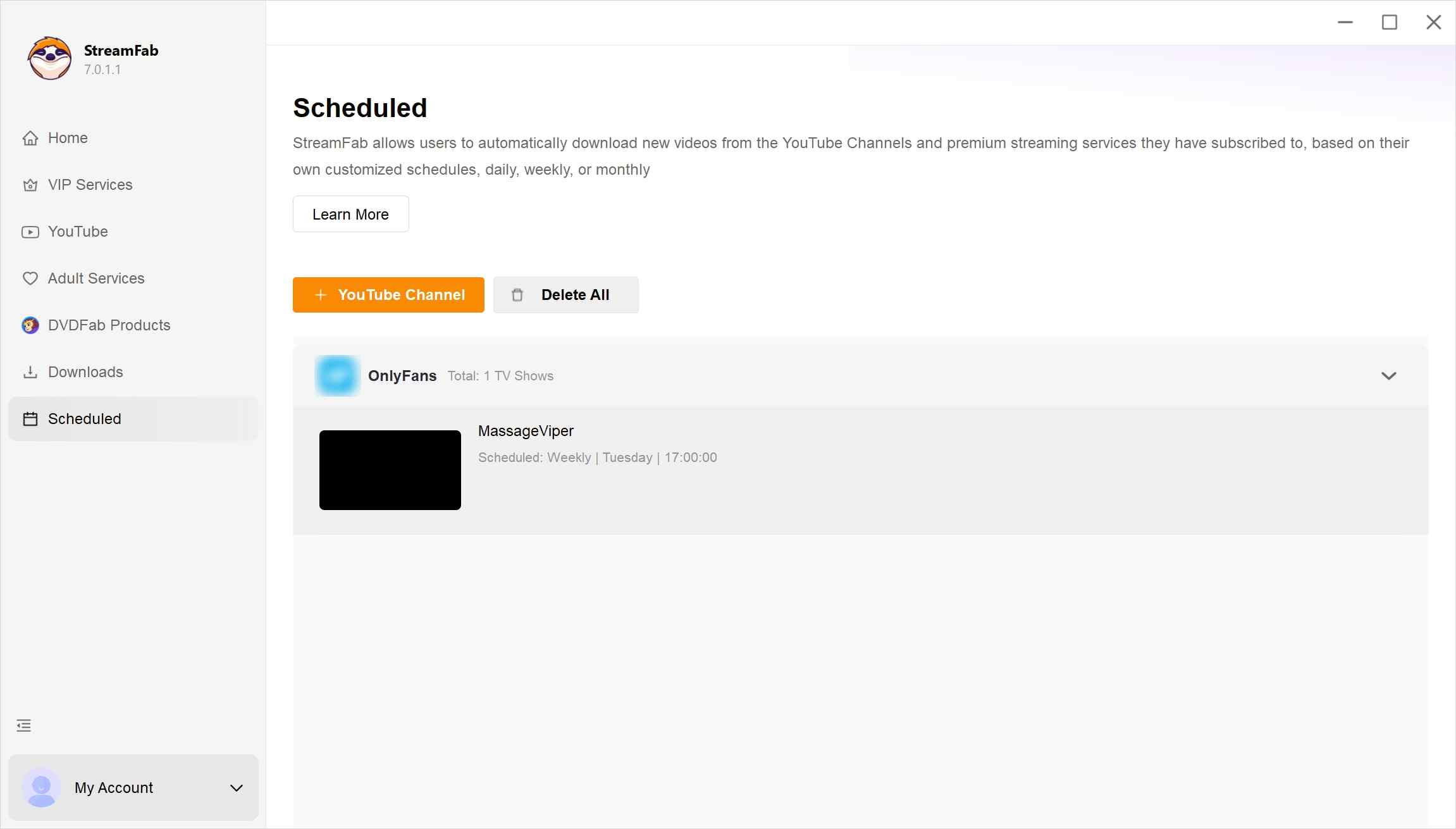
5. Schedule Mode for Handling New OnlyFans Videos Automatically
Scheduled Task can check followed creators daily or weekly and queue newly available content that you are authorized to access. MKV output can also suit users who organize personal libraries in players such as Plex, Kodi, or PlayerFab. In my view, this automation earns its place for frequent buyers, not for someone who watches a few clips and does not want another desktop app to maintain.
Compatibility and Known Limitations
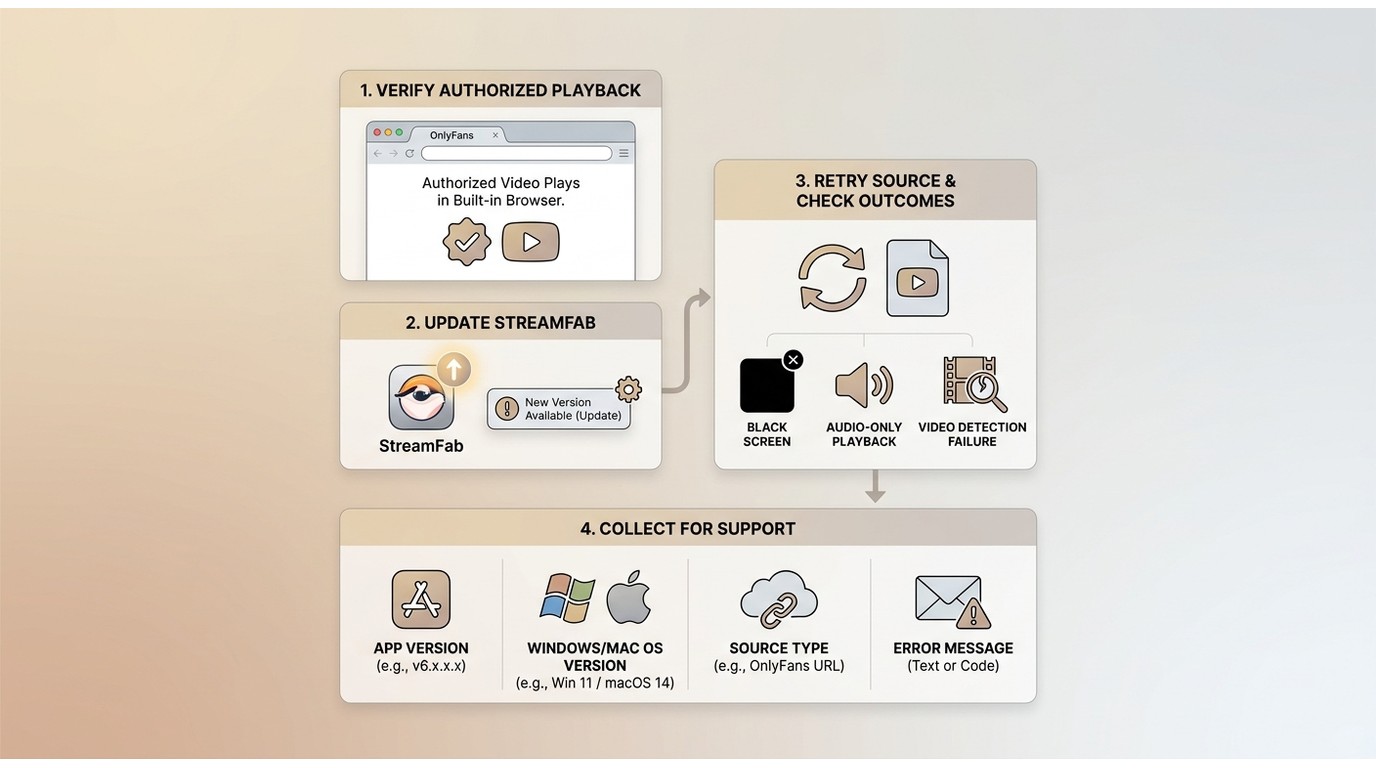
Compatibility can change after OnlyFans or StreamFab updates, so feature lists should not be read as a guarantee that every source type will be detected. A July 2026 user report of a detection failure is a compatibility signal, not proof of universal failure.
If authorized playback produces a black image, audio-only result, or another detection issue, start with the OnlyFans playback and protection errors that can affect the viewing workflow. Then confirm access in the built-in browser, update StreamFab, retry the source, and provide support with the app version, operating system, source type, and error details.
My practical takeaway is that maintained desktop software trades convenience for update dependence. That tradeoff is reasonable for frequent buyers who will keep the app current, but it is not ideal for anyone who expects a set-it-and-forget-it workflow.
User Feedback and What It Means
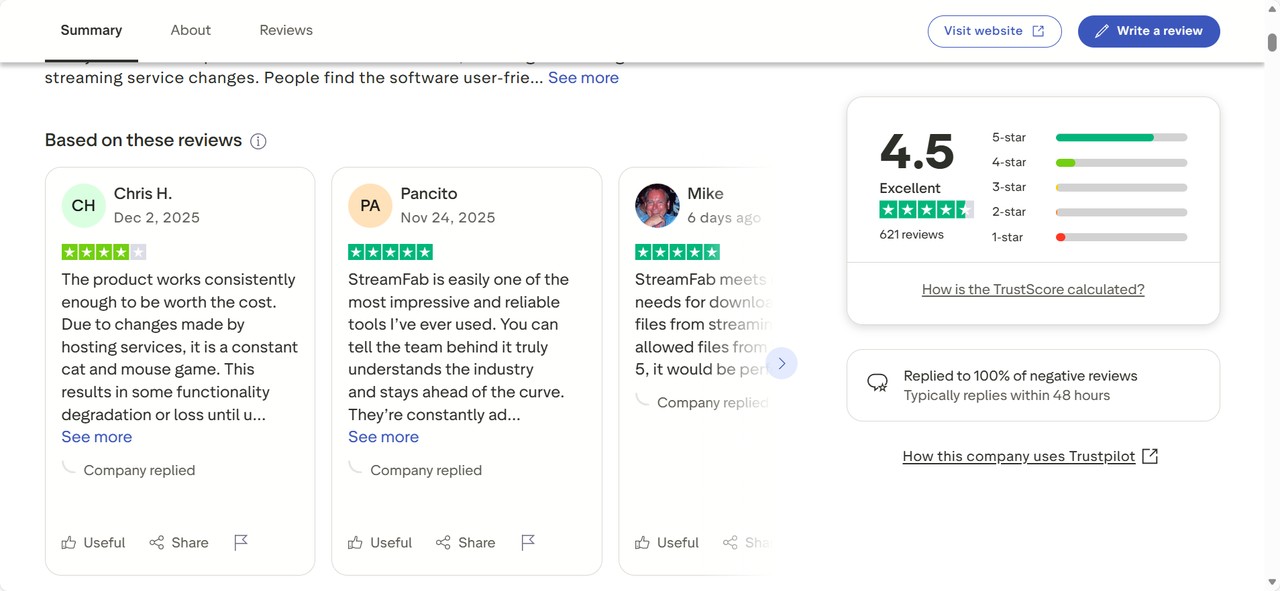
Brand-level feedback can help identify recurring support and compatibility themes, but it does not prove OnlyFans-specific performance. I treat it as a secondary signal alongside the version, source type, and retry behavior that matter in an actual workflow.
On Trustpilot, StreamFab had a 4.5 out of 5 rating from 755 reviews as of August 2026. Reviews mention both successful downloads and compatibility issues after platform updates. That is a brand-level snapshot, not proof that every OnlyFans task will work, so I would weigh it against your own trial workflow.
Using StreamFab on Windows and Mac
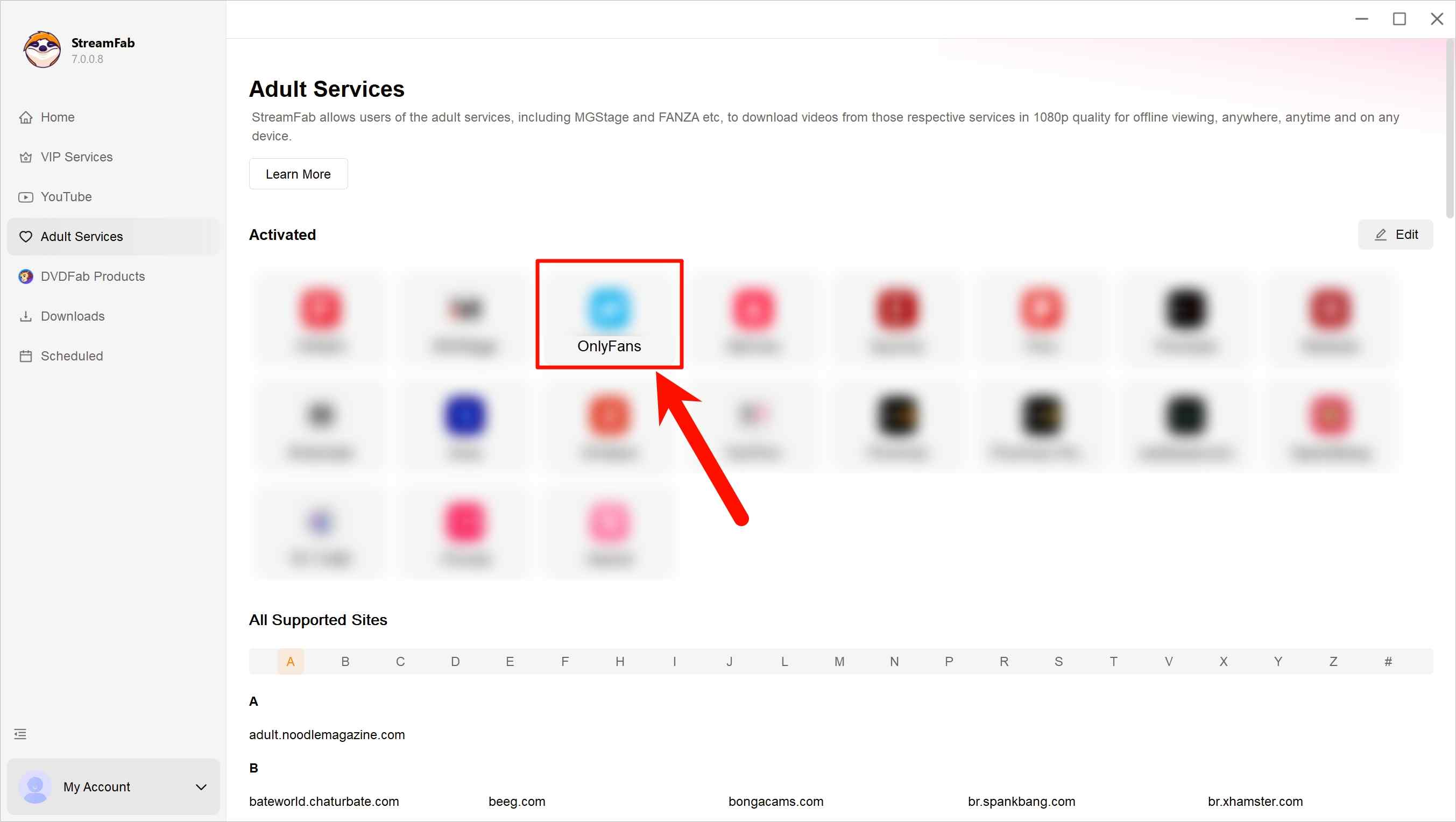
Before you start, make sure your account has legitimate access to the selected content and that personal offline viewing is permitted by platform terms and applicable law. The workflow below is intended for Windows or Mac.
Step 1: Download and install StreamFab OnlyFans Downloader on your device. Upon installation, launch the program and navigate to the OnlyFans website.
Step 2: Sign in to your OnlyFans account within the built-in interface and browse the content you are legitimately entitled to view. You can open individual videos or visit a creator’s profile to see the materials available to you.
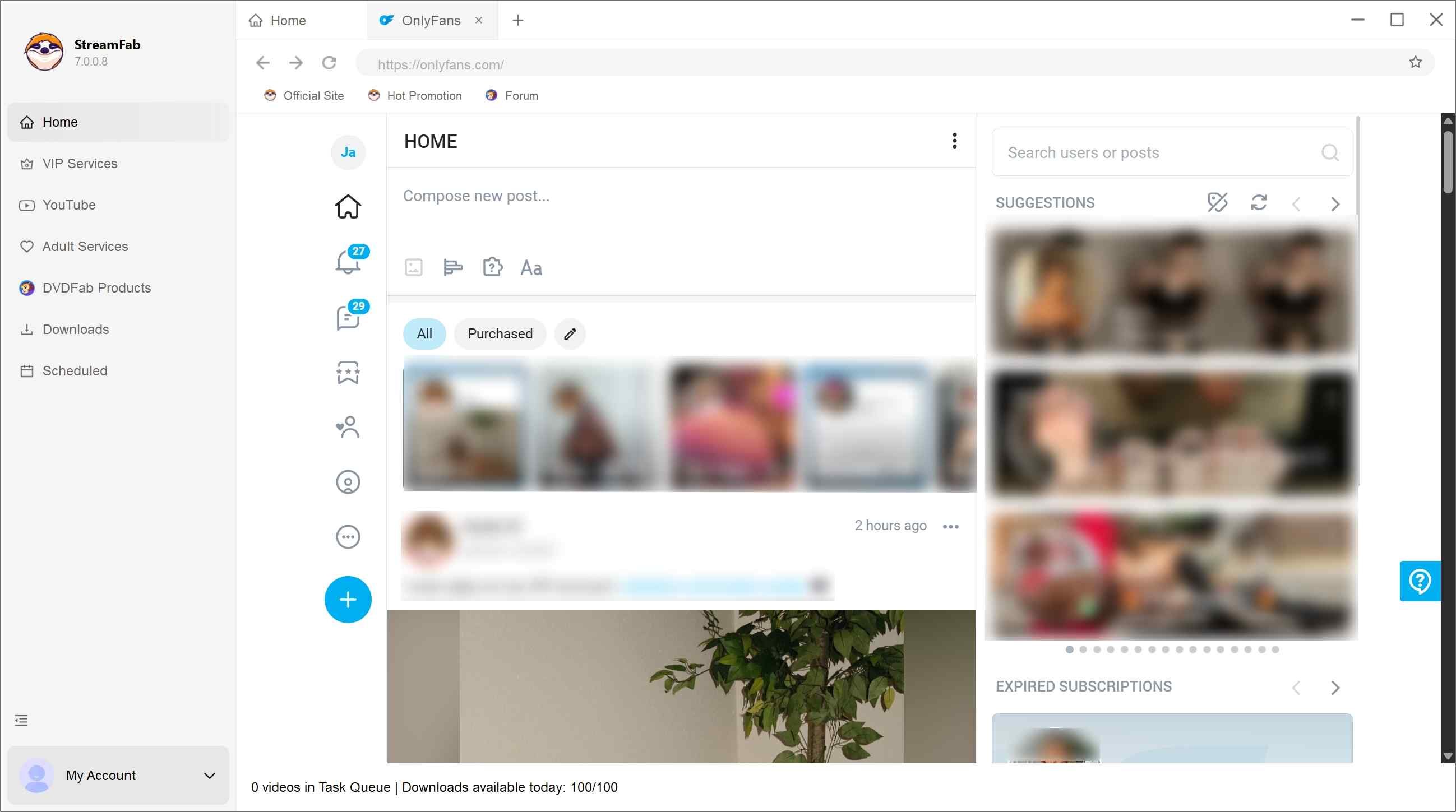
Step 3: When you open an authorized video or creator profile, StreamFab may show available output options. Download time depends on the app version, source video, network conditions, and whether retries are required. For format, you can save OnlyFans to MP4 or MKV.
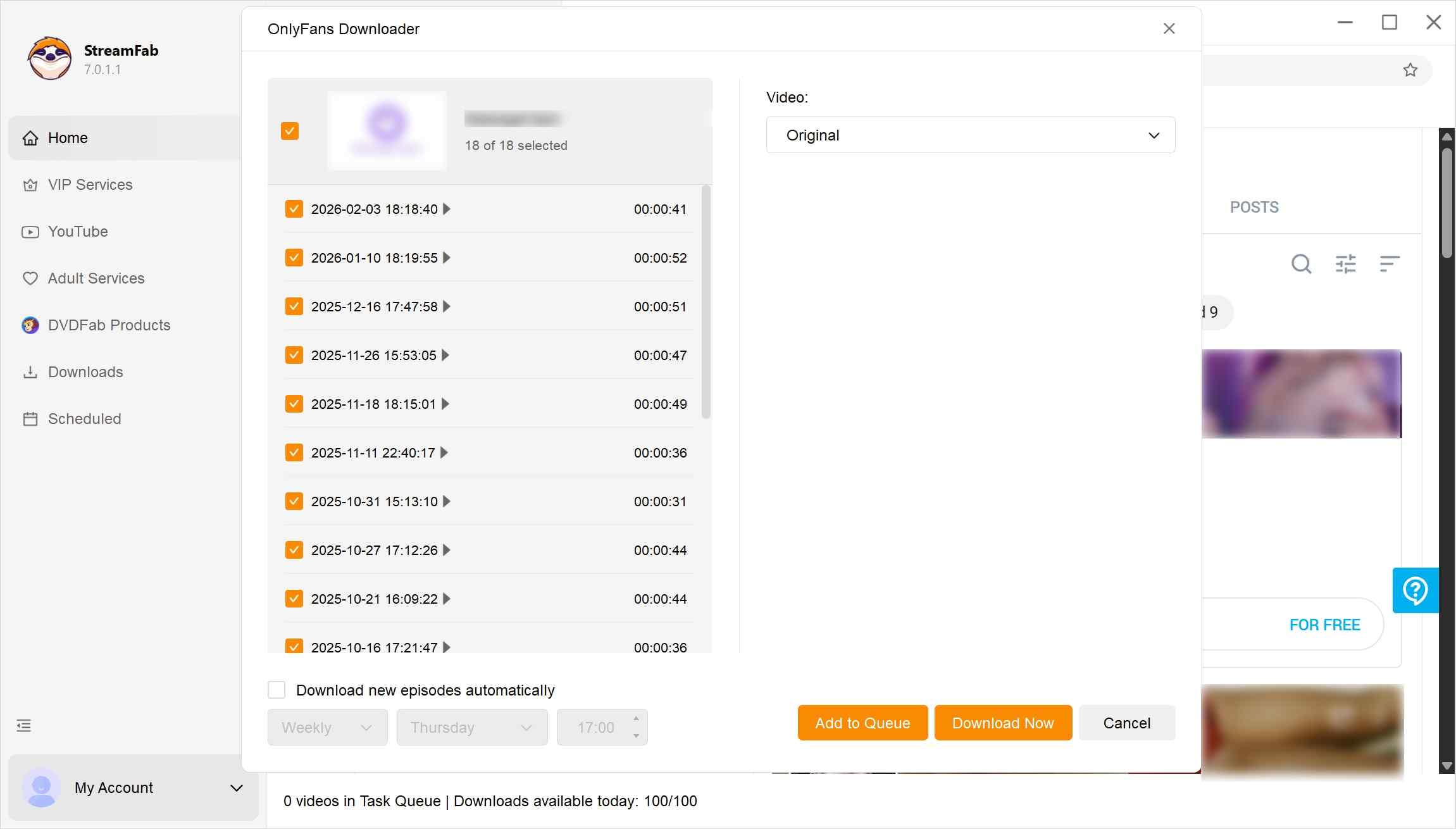
Step 4: After confirming your settings, the software adds selected items to the offline-viewing list. You can start the task immediately or place it in a queue for later. This workflow is best suited to frequent buyers who value organization; it is less appealing for occasional viewers or anyone who prefers not to install desktop software.
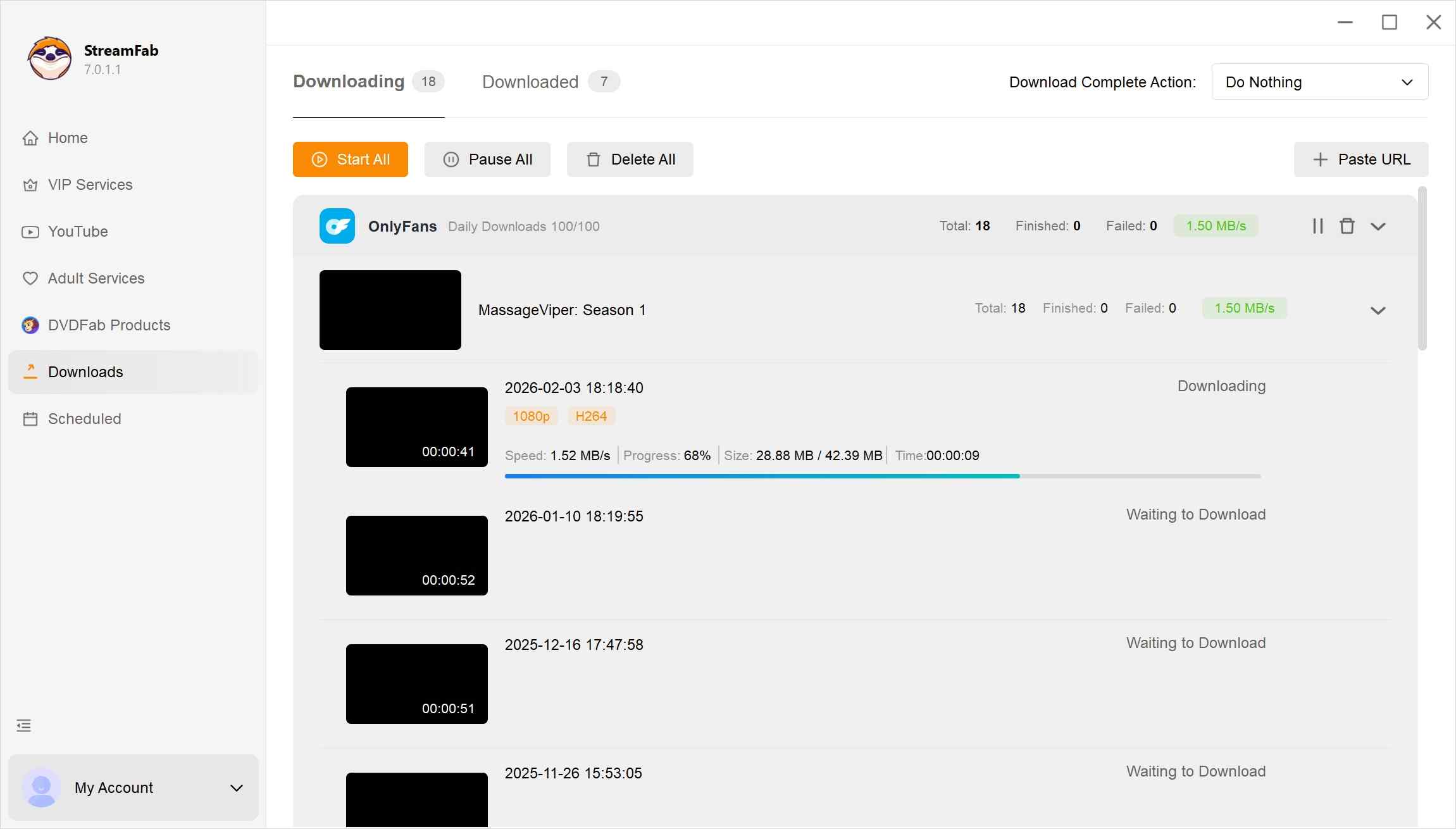
StreamFab OnlyFans Downloader includes a 30-day trial with 3 video downloads per streaming service. Trial access includes paid features within that download limit.
- You regularly purchase content from multiple creators.
- You often watch on a laptop or larger screen and care about video quality.
- You value features like message downloads, bulk tasks, and scheduled auto-downloads.
- You only occasionally watch a few clips and are fine with streaming each time.
- You prefer not to install any third-party tools around your OnlyFans account.

How to save OnlyFans videos on Firefox?
OnlyFans video downloaders for Chrome
StreamFab OnlyFans Downloader FAQs
1. Can OnlyFans detect downloads made with StreamFab?
No tool should promise that activity is invisible to a platform. Use only content you are authorized to access, follow platform terms and applicable law, and avoid treating local file handling as a guarantee about account detection or enforcement outcomes.
2. What should I check if StreamFab stops detecting a video?
One failed detection does not, by itself, show that every OnlyFans source is unsupported. Confirm that the video plays in the built-in browser and that your account can view it, then update the app and retry the same source. The compatibility and limitations section above explains why results can change after site or app updates.
3. Does the StreamFab free trial require payment details?
No payment-detail requirement is stated in the published trial terms. Those terms provide a 30-day trial with 3 video downloads per streaming service, with paid features available within that limit.
Conclusion: Who StreamFab Fits
StreamFab OnlyFans Downloader fits frequent, authorized buyers who value message support, batch tasks, scheduled checks, and local MP4 or MKV organization for personal offline viewing. It is not ideal for occasional viewers, readers who want a no-install option, or anyone seeking a guarantee against future platform changes. If that tradeoff matches your needs, the trial is the most practical way to evaluate the workflow.

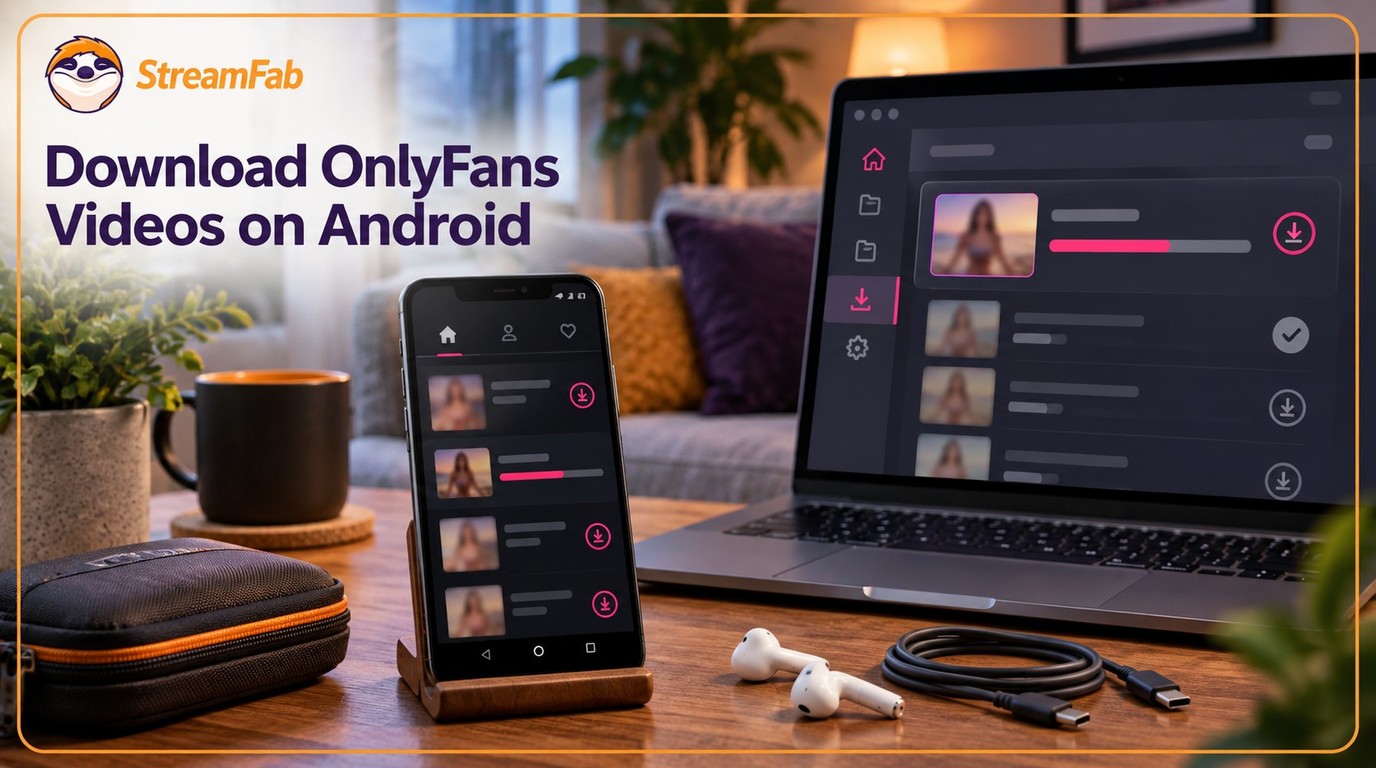
I tried to re-watch a DM video from a creator I was subscribed to on my Android phone while offline — and got a black screen the entire time, no matter what I tried. Turns out OnlyFans uses DRM and playback-layer protection that blocks standard screen recording on Android. After testing three dedicated Android tools and a desktop workflow across dozens of videos I had legitimate access to, here are the methods that actually work in 2026 — with no black screen and no quality loss.
By Erika Leen - Oct 14, 2026
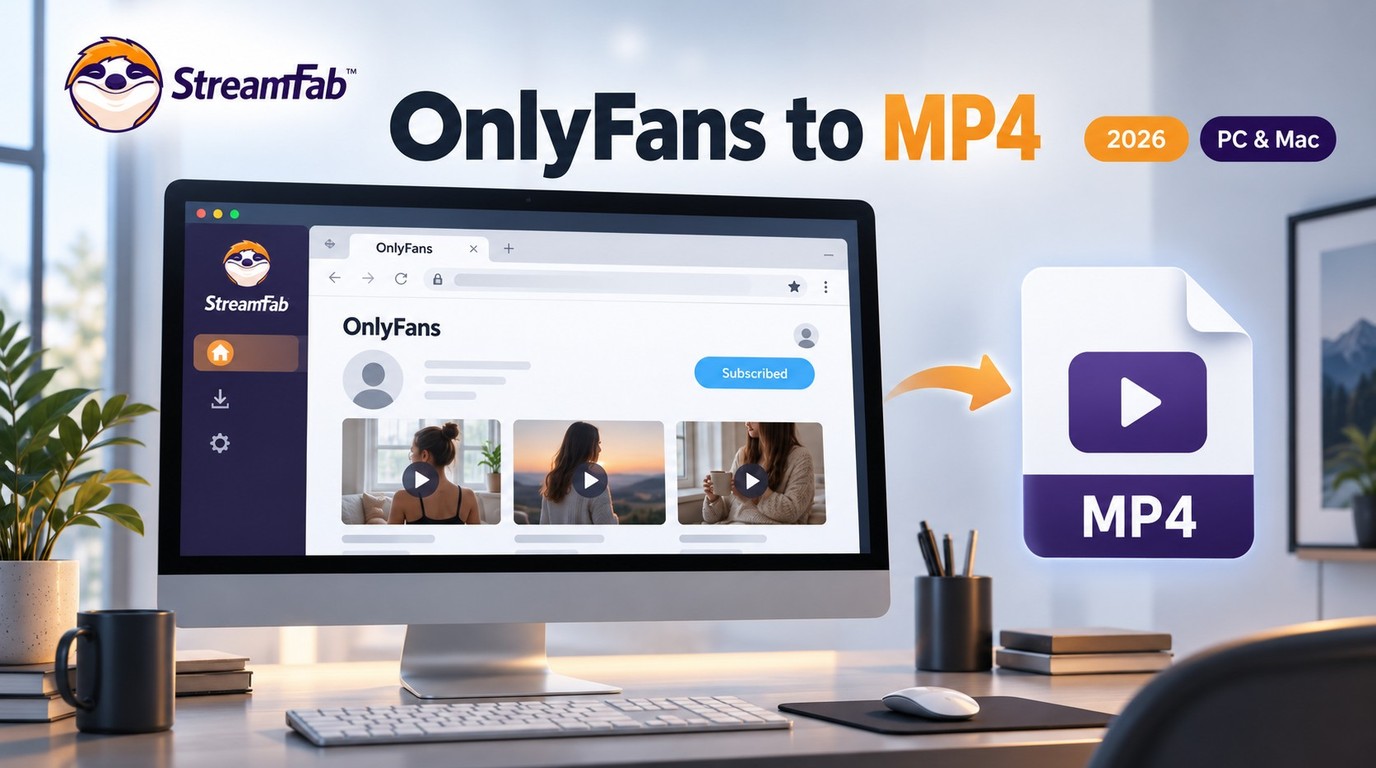
Convert authorized OnlyFans videos to MP4 on Windows or Mac using a desktop workflow or a permitted screen recording. Learn how file formats differ from delivery and access, what StreamFab’s output settings provide, and what four dated Reddit reports describe. Five FAQs cover installation, the trial, subtitles, batch selection, and source quality.
By Marcia Hatcher - Oct 13, 2026
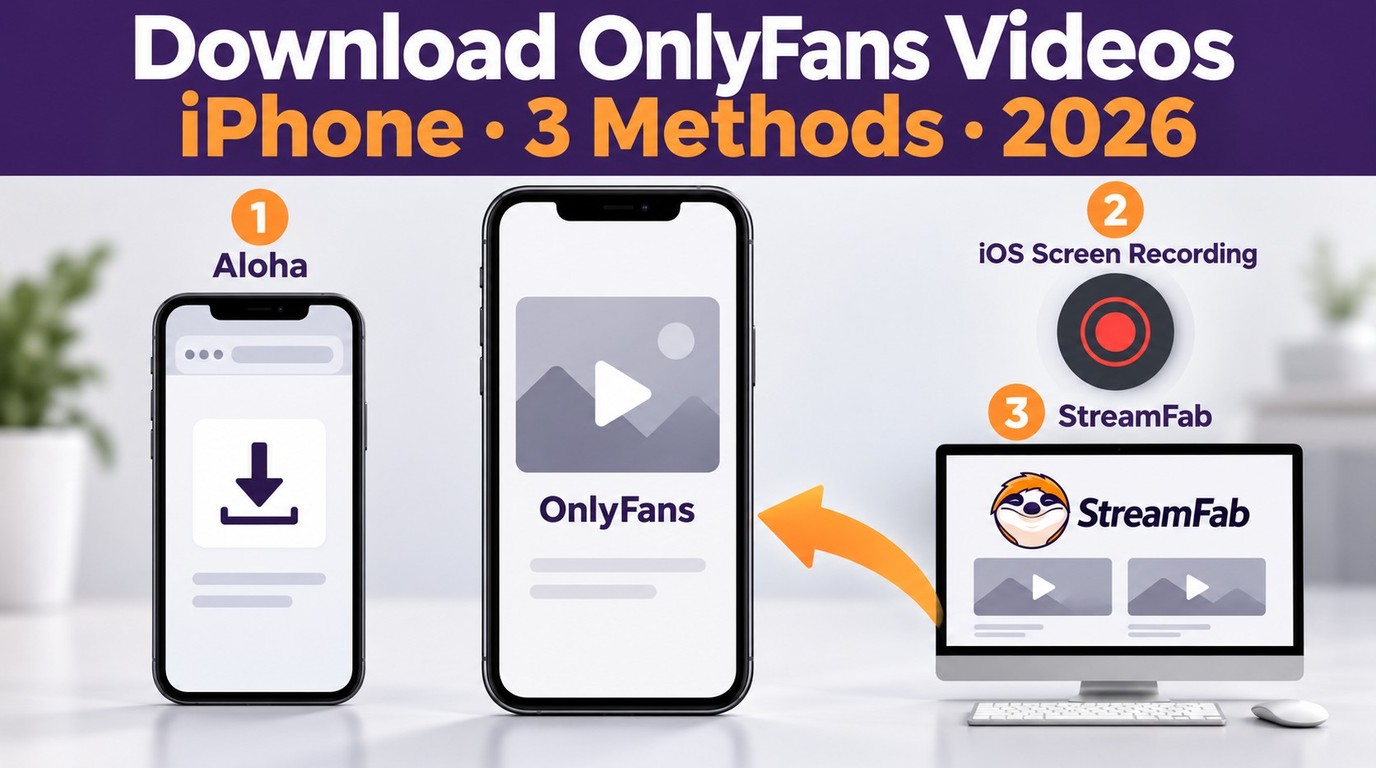
How to download OnlyFans videos on iPhone in 2026: 3 tested methods ranked by success rate, from Aloha browser to iOS screen recording to the PC transfer workflow.
By Erika Leen - Oct 13, 2026
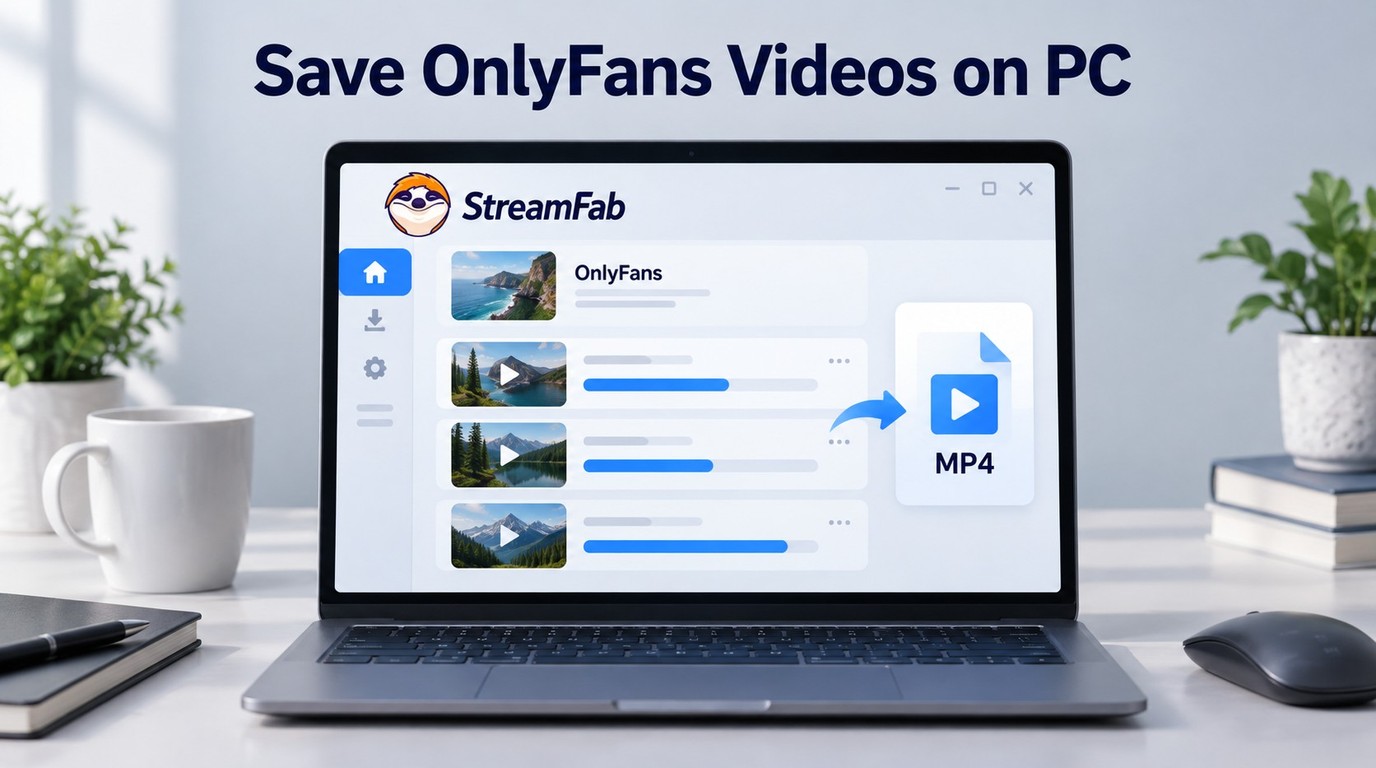
Paid for OnlyFans but can't save it? We tested 4 tools to rip and save OnlyFans content in 2026—no black screen, full 1080p, zero account risk.
By Erika Leen - Oct 13, 2026