
Amazon Prime Video DRM: 3 Systems, Errors, and Offline Limits

Summary: Amazon Prime Video DRM is why the same title can play normally in one app yet show “DRM scheme not supported” or a Prime Video black screen on another device. The practical answer is to match the platform system, diagnose the failing layer, and understand how official downloads differ from portable local files.
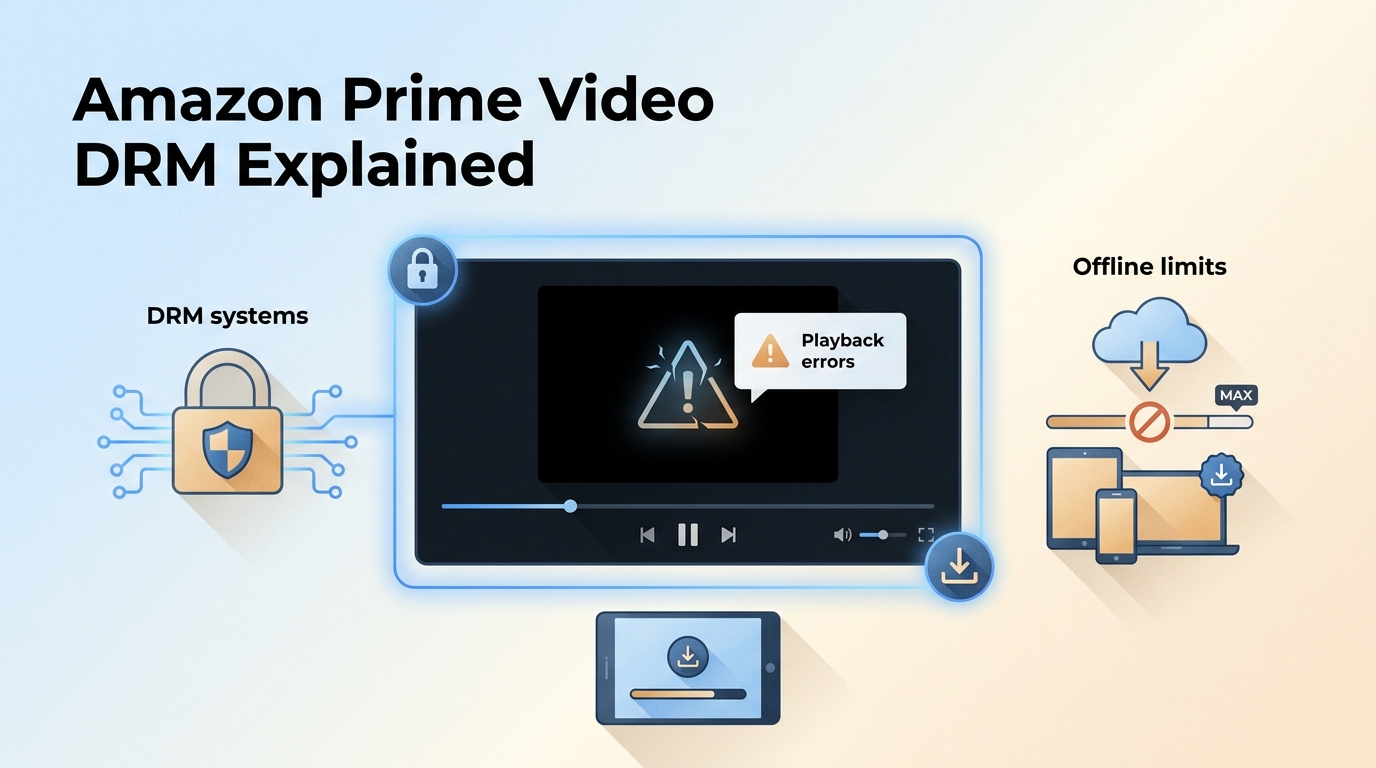
This guide maps the three common Prime Video DRM systems, gives a device-first troubleshooting checklist, compares app-managed downloads with local files, and explains the legal and platform limits that matter before choosing an offline workflow.
Table of Contents
Prime Video DRM Uses Three Platform Systems
Amazon Prime Video DRM uses different protection systems across browsers, apps, and devices. Widevine, PlayReady, and FairPlay are common platform paths, while official Prime Video downloads remain app-managed rather than ordinary media files.
Widevine, PlayReady, and FairPlay by Device
Prime Video DRM systems are selected by the playback environment, not by one universal rule. Amazon Prime DRM support can also depend on the browser, app version, operating system, account region, and the display connection.
| System | Common Prime Video context | What matters in practice |
|---|---|---|
| Widevine | Common in Chrome, Firefox, Android, and other supported environments | Protected-content settings, browser state, device certification, and account authorization |
| PlayReady | Common in Microsoft environments and many connected-TV implementations | App or browser support, operating-system updates, and the HDMI/HDCP output chain |
| FairPlay | May be used in Apple-platform playback paths | Supported app or browser behavior, device authorization, and external-display compatibility |
The useful troubleshooting question is not “Which DRM name does Amazon use?” but “Which browser, app, device, and display layer changed?” That platform match usually narrows the problem faster than memorizing protection brands.
The official app also enforces account, catalog, device, and Prime Video download limit rules. Those controls remain part of the official workflow even when a title has already been downloaded inside the app.

Streaming services can change app, browser, authorization, and device behavior.
Current maintenance can shorten recovery after platform changes, but no downloader should be described as flawless.
Official Downloads and Local Files Differ
Official Prime Video downloads are encrypted, app-bound files managed by Amazon. Finding or copying their storage data does not turn them into portable MP4 files, and moving that data to another drive or device does not make it independently playable.
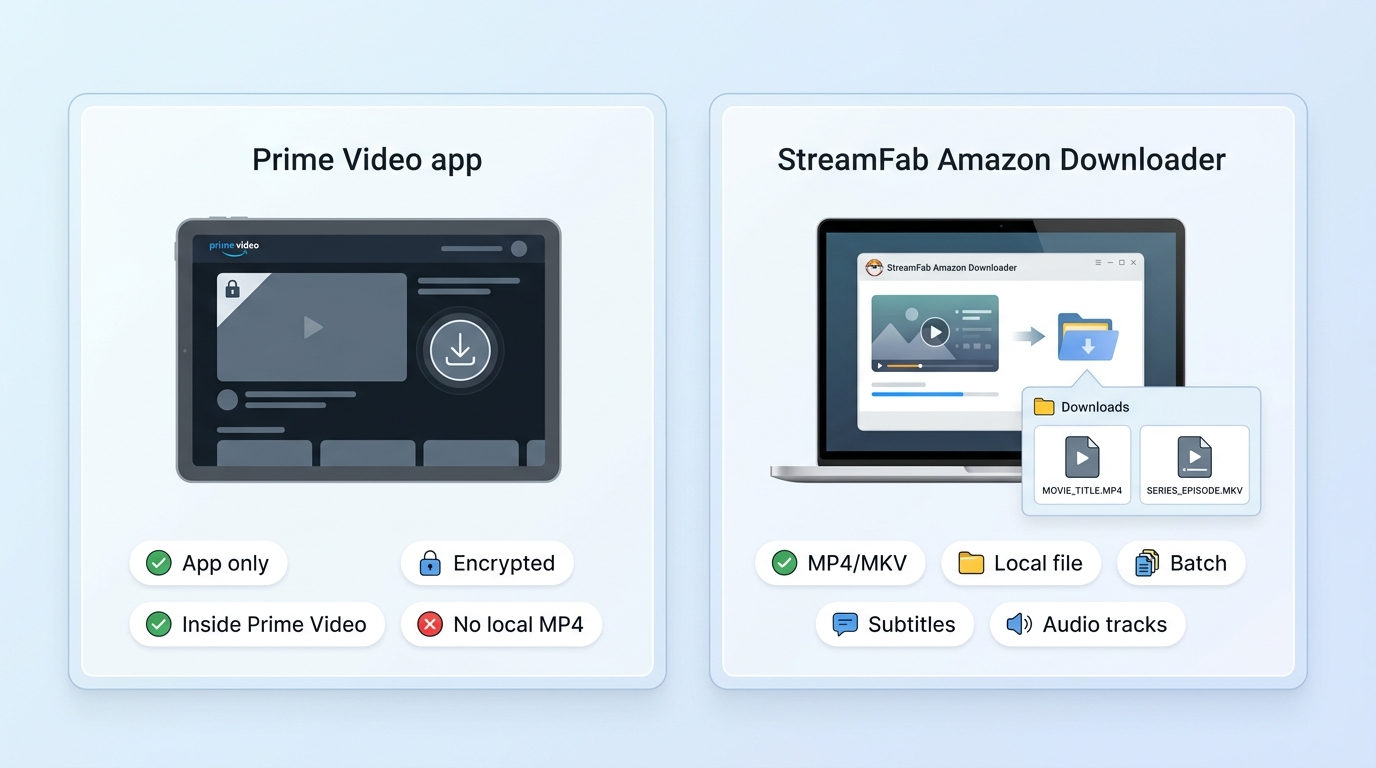
| Dimension | Official Prime Video app download | Authorized personal local-file workflow | Download type and app dependency |
|---|---|---|---|
| Managed inside the Prime Video app; encrypted and tied to supported devices | Standard local output from supported titles; playback depends on the saved format and player | Storage visibility and external drives | App-managed storage is not a normal media library; copying files does not make them portable |
| User-chosen folder; external-drive storage is possible when the operating system permits it | Expiration and title availability | Playback can depend on license checks, account status, and catalog availability | File availability depends on the completed save, playback environment, service specifications, and authorized use |
| Transfer and playable format | Not transferable as ordinary MP4 or MKV media | MP4 or MKV for compatible players | Subtitles, audio, and checks |
| Options are controlled by the app and title; internet or license checks may apply | Source-dependent audio and subtitle selections; local playback does not use the Prime Video app, while authorization rules still apply | Best fit and not ideal for | Best for occasional offline viewing inside the official app; less suitable for cross-device file management |
| Best for Windows and Mac users who need organized files; less suitable for occasional in-app viewing | Authorization and legal limits | Governed by Prime Video terms, account access, device rules, and catalog availability | For personal offline viewing of content you are authorized to access, where permitted by platform terms and applicable law |
If your goal is to convert Amazon Prime Video to MP4, treat that as a separate local-file workflow. Copying official app data does not change its app dependency or create an ordinary video file.
Prime Video DRM Errors by Device
Prime Video DRM errors usually point to one failing layer: protected-content support, the browser or app, the device and operating system, account authorization, network location, date and time, or the external-display chain.
Why Prime Video DRM Errors Appear
A playback failure can begin before the video starts or when the stream reaches a protected output path. The account is one possible factor, but it is not the only one, so troubleshooting should separate the layers instead of assuming a generic “unstable environment.”
- Protected-content module: The browser may have protected playback disabled, outdated, or temporarily unavailable.
- Browser or app state: Stale cache, an expired session, or a damaged app update can interrupt authorization.
- Device or OS changes: A recent system, graphics, browser, or TV firmware update can alter playback support.
- Account and region: The title, marketplace, profile, subscription access, and current region must align.
- VPN, proxy, date, and time: Location mismatches or an incorrect system clock can disrupt license requests.
- HDMI and HDCP: A cable, adapter, monitor, receiver, or projector can cause a Prime Video black screen when the protected output chain is not accepted.
My editorial rule is simple: if the failure began after an update or hardware change, check that changed layer first. Reinstalling every app at once removes useful clues and often wastes time.
A Practical DRM Error Checklist
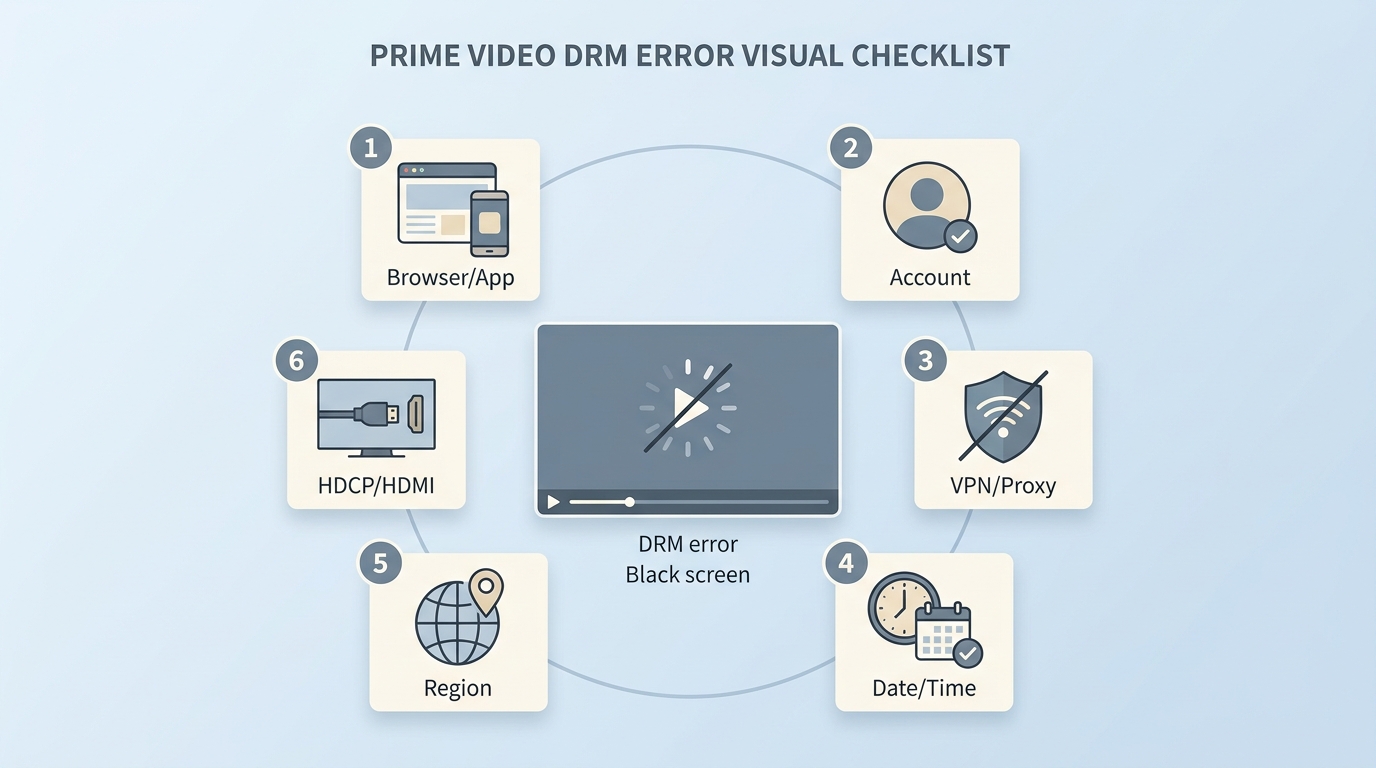
For “DRM scheme not supported,” audio-only playback, or a black screen, use the following sequence. Each step isolates one cause before you move to the next.
- Confirm the scope. Test another Prime Video title and, if available, compare the official app with a supported browser. A title-specific failure suggests a different branch from a device-wide failure.
- Update the affected layer. Install current app, browser, operating-system, graphics, or TV firmware updates, then restart the device.
- Check protected playback. In browsers that expose the setting, allow sites to play protected content and make sure privacy extensions are not blocking the player.
- Refresh authorization. Sign out, close the app or browser, reopen it, and sign in again. Clear the relevant cache only if the session refresh does not help.
- Verify date, time, and region. Use automatic clock settings and confirm that the Amazon marketplace and account access match the title.
- Disable VPN or proxy for a test. This distinguishes a location or routing conflict from a device problem.
- Isolate the display chain. Disconnect docks, splitters, receivers, and extra monitors, then test the built-in display or a direct certified cable. The HDCP content protection standards for Amazon Prime Video explain why one adapter or projector can produce a black screen while another path works.
A reproducible device check should record the model, operating-system version, app or browser version, connection path, and visible result. That evidence is more useful than a vague report that “Prime Video stopped working.”
Saving Prime Video for Personal Offline Viewing
Official downloads are the simplest way to watch Amazon video offline inside supported apps. A desktop local-file workflow serves a different need: organized files for authorized personal viewing when app-bound storage is too restrictive.

US Legal and Platform Limits
In the United States, copyright infringement and access-control rules are separate legal questions. Personal intent does not create a broad exception, and platform terms remain relevant. This section provides general information, not legal advice.
Use local-file workflows only for content you are authorized to access, where permitted by platform terms and applicable law.StreamFab copyright and usage guidelinesDo not share, upload, sell, or redistribute saved copies.
Section 1201 of the DMCA addresses access controls, while copyright law separately governs copying and distribution. Narrow exemptions are context-specific, so a personal backup motive does not settle every legal question.
Note:Copyright infringement and access-control rules are separate questions in the United States; personal intent alone does not create a broad exception.
Safety Checks Before Choosing Software
Software safety should be judged through several signals, not a single scan result. A clean scan is useful, but it does not prove that an installer, update channel, or account workflow is risk-free.
- Download from the developer’s official distribution channel.
- Check the publisher identity or signed installer information where the operating system provides it.
- Look for current maintenance rather than abandoned releases.
- Review whether support and update information are transparent.
- Use a reputable security scan as one signal, then keep normal endpoint protection enabled.
Avoid unofficial repackaged installers and scripts that promise unrestricted access. The practical tradeoff is not “free versus paid”; it is whether the software has an identifiable publisher, a maintained update path, and support you can reach.
Where StreamFab Fits
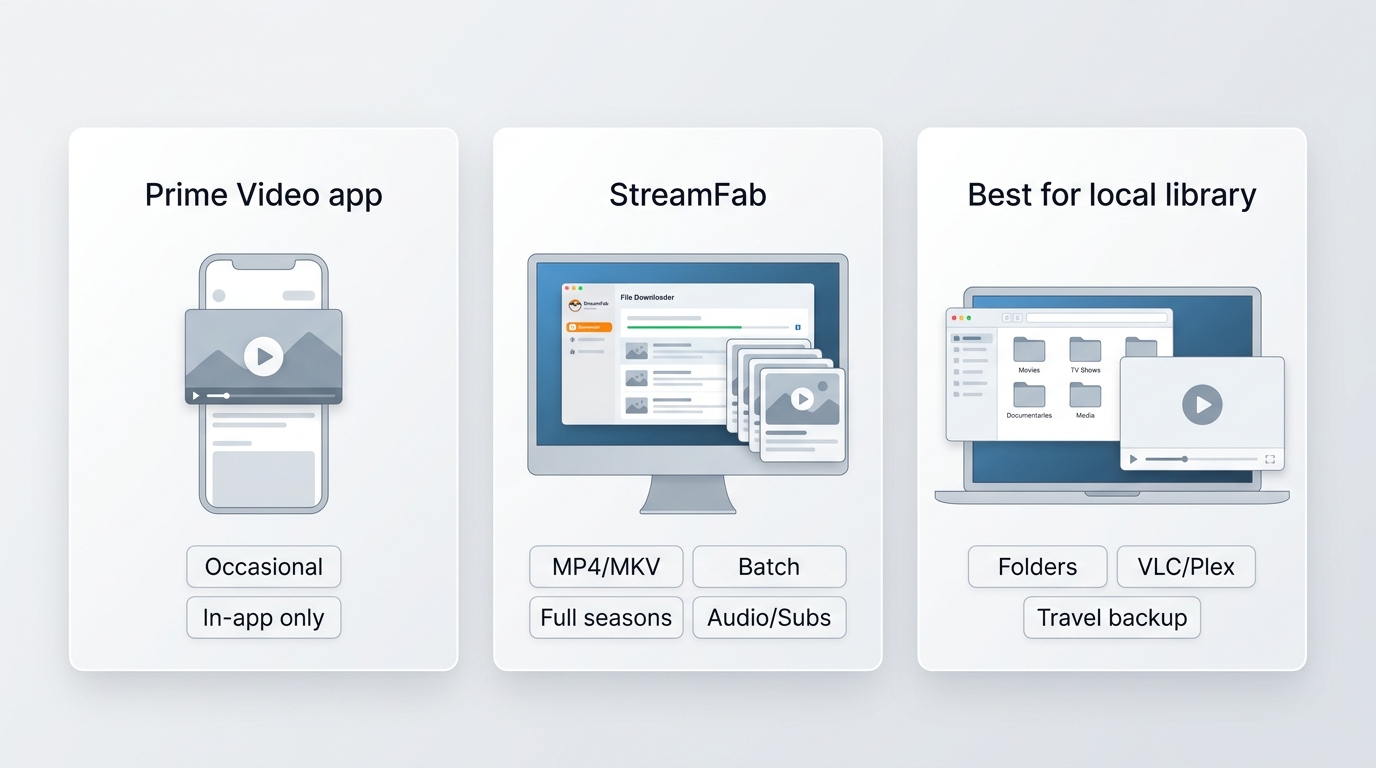
StreamFab Amazon Downloader is desktop software outside the official Prime Video app. It is intended for personal offline viewing of content you are authorized to access, where permitted by platform terms and applicable law.
As of July 2026, the product page lists version 7.0.4.1, dated July 23, 2026. That current release history shows active maintenance, but it should not be read as a promise that every title or platform change will work immediately.
Its most relevant capabilities for this use case are:
- Source-dependent quality: Supported Amazon titles can be saved at up to 1080p where the source, account, region, and current compatibility allow, with EAC3 5.1 or AAC 2.0 audio choices.
- File and subtitle control: Output can use MP4 or MKV, with SRT or remuxed subtitles, forced subtitles, and closed captions when the source provides them.
- Season organization: Batch recognition, whole-season queueing, scheduled downloads, and automatic new-episode downloads can reduce repetitive setup for longer libraries.
For broader tool-selection context, a best Amazon video downloader review is more useful than turning this DRM explainer into a multi-product ranking. A detailed StreamFab Amazon Downloader review also covers the product-specific interface and tradeoffs.

Supports saving accessible Amazon videos in 1080p HD quality and EAC3 5.1 audio. Downloaded videos can be permanently saved in MP4 or MKV format and are compatible with Mac and Windows.
Best fit: Windows and Mac users who need organized local files and season-scale automation. Not ideal for: viewers who only need occasional official in-app downloads or expect every title to expose the same source quality and tracks.
The existing download Amazon Prime Video workflow is straightforward: sign in through the built-in browser, open a title you can access, choose available video, audio, and subtitle options, and add the item or season to the queue.
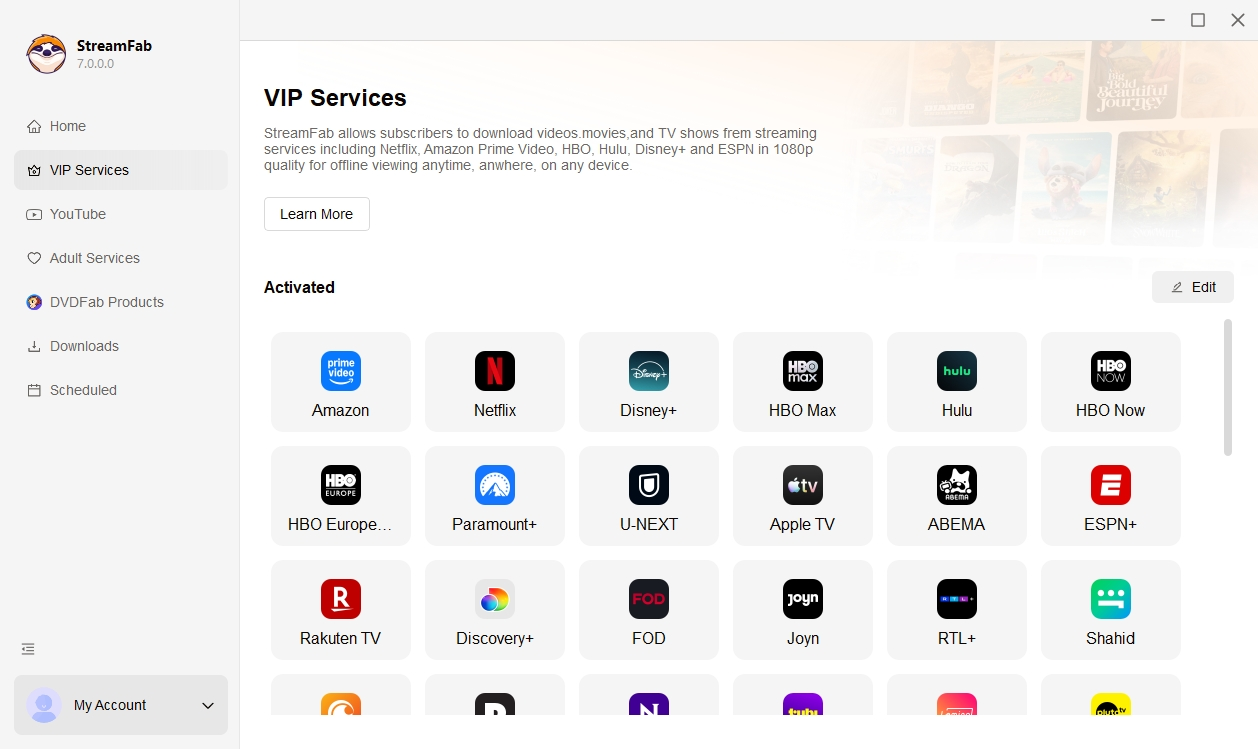
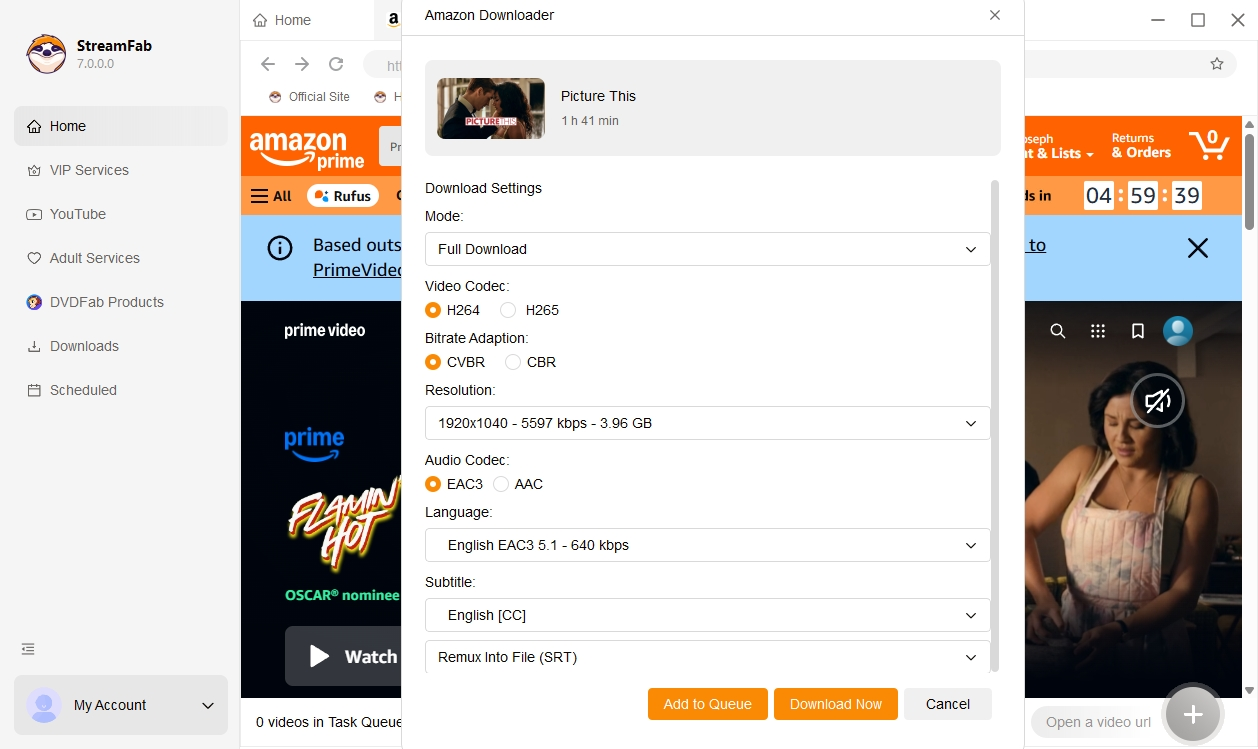

Title rules can differ for Amazon Channel videos and Amazon rental movies, so account access and source availability still determine what the software can process.
When StreamFab Amazon Downloader Has Issues
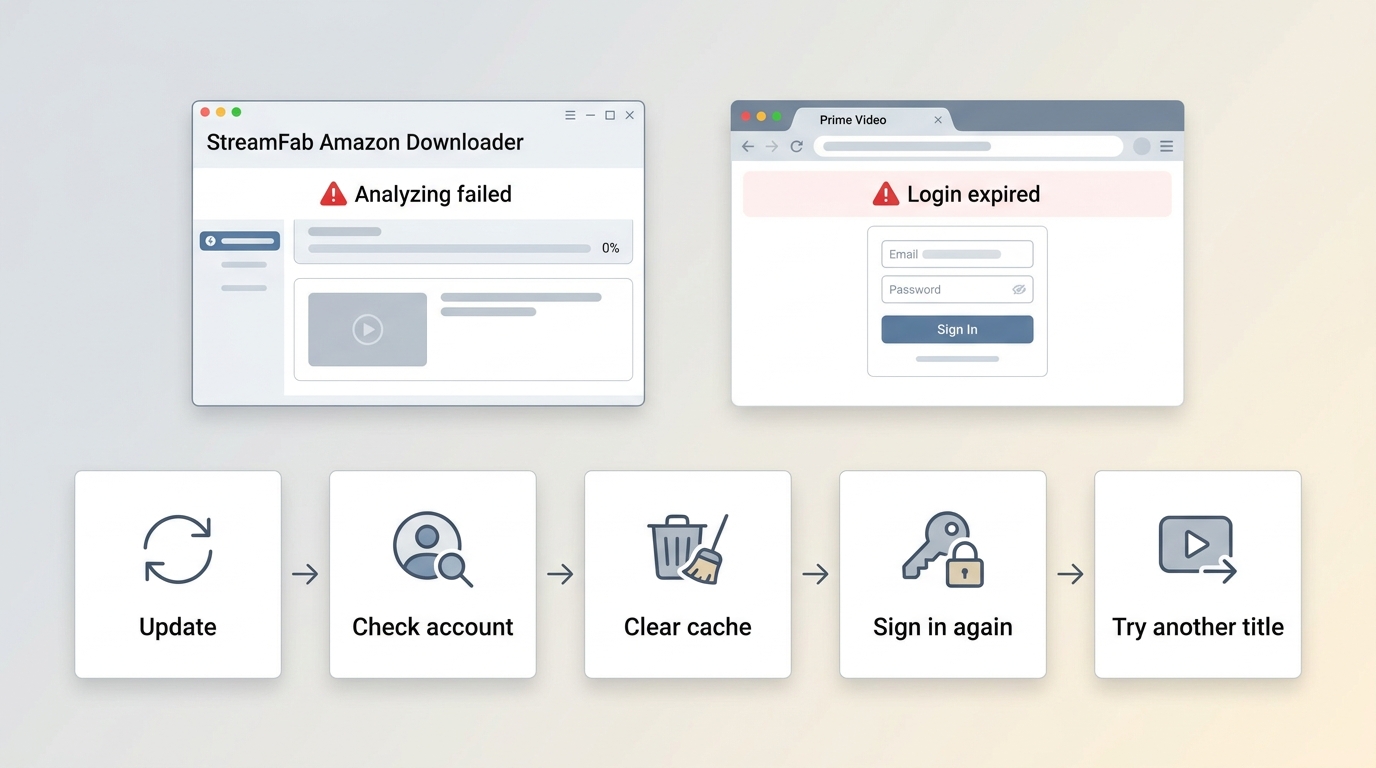
StreamFab issues should be separated from official playback problems. App state, Amazon region and account access, title-specific conditions, and streaming-platform changes can affect the workflow even when the Prime Video app itself still plays the title.
- Update StreamFab, then restart it before repeating the same title test.
- Confirm that the Amazon region, marketplace, account, and title access match.
- Refresh the built-in browser session by signing out and back in; clear the app cache if the login state remains stale.
- Test a different authorized title to distinguish a title-specific issue from a wider module problem.
- If the issue persists, save the title name, region, app version, operating system, and error text, then contact support or post in the StreamFab forum.
Fast maintenance matters because streaming platforms change playback and authorization behavior, but no downloader is flawless. A useful support report names the exact title, software version, system version, and observable failure instead of describing the problem as “not working.”
Prime Video DRM FAQs
These answers cover the quality, track, and account questions that matter most when comparing official Prime Video downloads with an authorized local-file workflow.
Will a Local Copy Match Streaming Quality?
Not necessarily. Available quality depends on the source title, account, region, selected settings, and current platform compatibility. StreamFab supports up to 1080p for Amazon sources where available, but that ceiling does not mean every title exposes the same stream or looks identical on every display.
Which Subtitle and Audio Options Are Preserved?
Official app options remain controlled by Prime Video and the title. With StreamFab, supported sources can offer EAC3 5.1 or AAC 2.0 audio, plus SRT or remuxed subtitles, forced subtitles, and closed captions when those tracks are available.
Is StreamFab Account Sign-In Safe?
Use normal account hygiene rather than relying on an absolute guarantee. Download the software from its official channel, keep the app and operating system current, use a unique Amazon password, enable two-factor authentication, and review account activity if a login prompt looks unusual.
Conclusion
Amazon Prime Video DRM is platform-dependent, Prime Video DRM errors are best diagnosed by the affected layer, and official downloads are not portable local files. Those three facts resolve most confusion around playback failures and offline limits.
- Widevine, PlayReady, and FairPlay can appear in different browser, app, device, and display contexts.
- For playback errors, isolate protected-content support, app state, device updates, account region, network location, clock settings, and HDMI/HDCP in that order.
- Use official downloads for simple in-app viewing; consider a maintained desktop local-file workflow only when you need organized files and are authorized to use it.
The practical choice is based on fit, not slogans. If the official app meets your needs, it is the shortest path. If file organization and season-scale automation matter, StreamFab is better aligned with that workflow, within the stated authorization and platform boundaries.

Yes, you can directly download Amazon Prime video on Mac through the official macOS app (subject to a strict 30-day limit) or utilize third-party downloders to export permanent local MP4 files. Explore my 2026 technical tests to avoid blackout restrictions.
By Erika Leen - Aug 26, 2026
Amazon Prime Video Channels like Starz, AMC+, and Acorn TV offer extra shows beyond standard Prime. But their downloads face time and device limits. This guide explains the key difference between Prime vs Channels and shows how to safely download Channel videos.
By Erika Leen - Aug 25, 2026
I revisits the most iconic PBS Kids shows of the 2000s, sharing heartfelt recommendations and formative memories of each series,
By Erika Leen - Aug 21, 2026
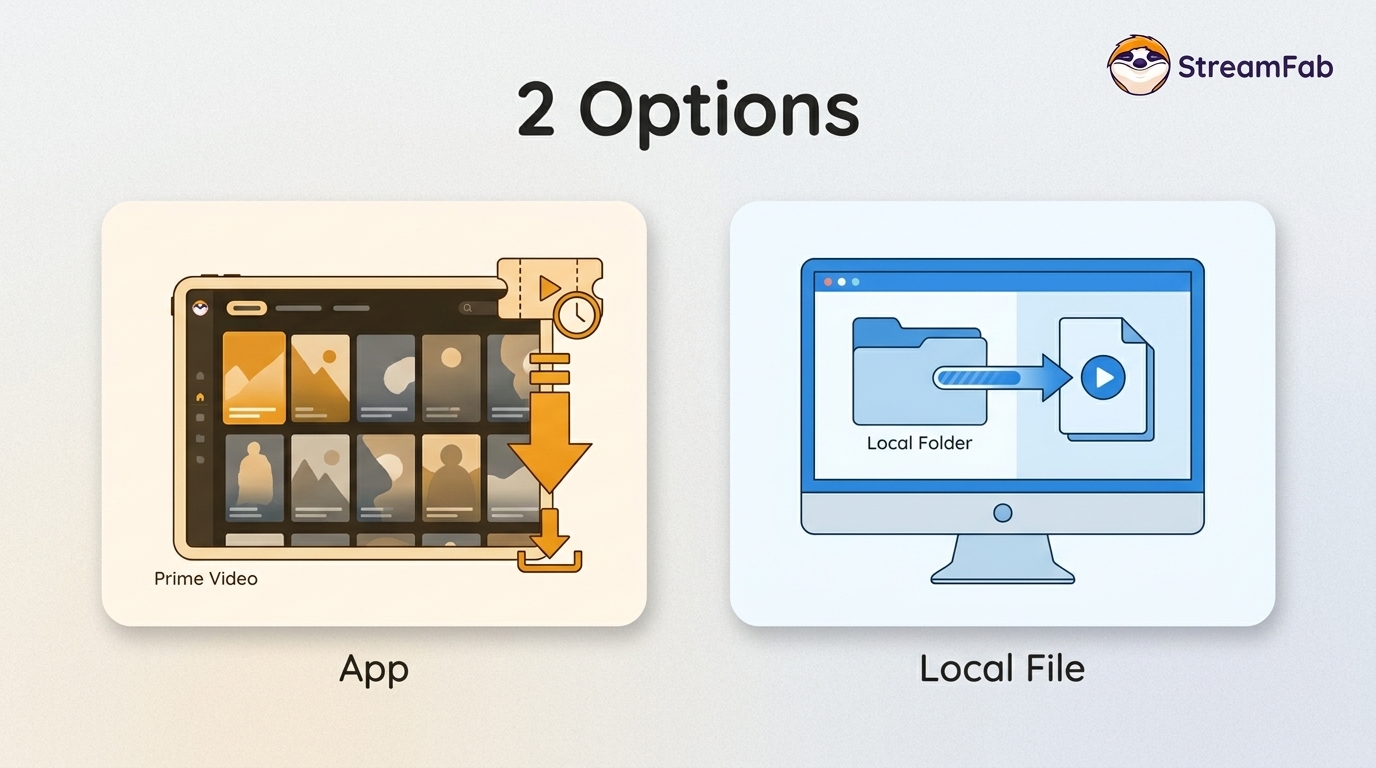
You can download eligible rented Amazon movies and purchased titles through the Prime Video app, but rentals have limited viewing Windows and app-managed storage. This guide explains the official route first, then a desktop local-file workflow for authorized viewing when format, audio, or playback flexibility matters.
By Nicole Lopez - Aug 11, 2026