
Troubleshooting 4K Video Downloader Can't Parse Link Error (2026)

Summary: You pasted a YouTube link into 4K Video Downloader and it just sits there stuck on parsing, or throws "can't parse this link, check video availability" — that stall is the answer itself: the app cannot resolve the video right now, and where you go next depends on why.
In this piece I'll walk you through what I check as a software editor when readers say 4k video downloader not working 2026, or that it doesn't work anymore: identify which build you're on, rule out a service-side outage, then work through the low-risk local fixes before touching reinstalls.
Everything here assumes you're saving content you're authorized to access on your own account, for personal offline viewing, under the platform's terms and your local law.

What 'Can't Parse This Link' Actually Means
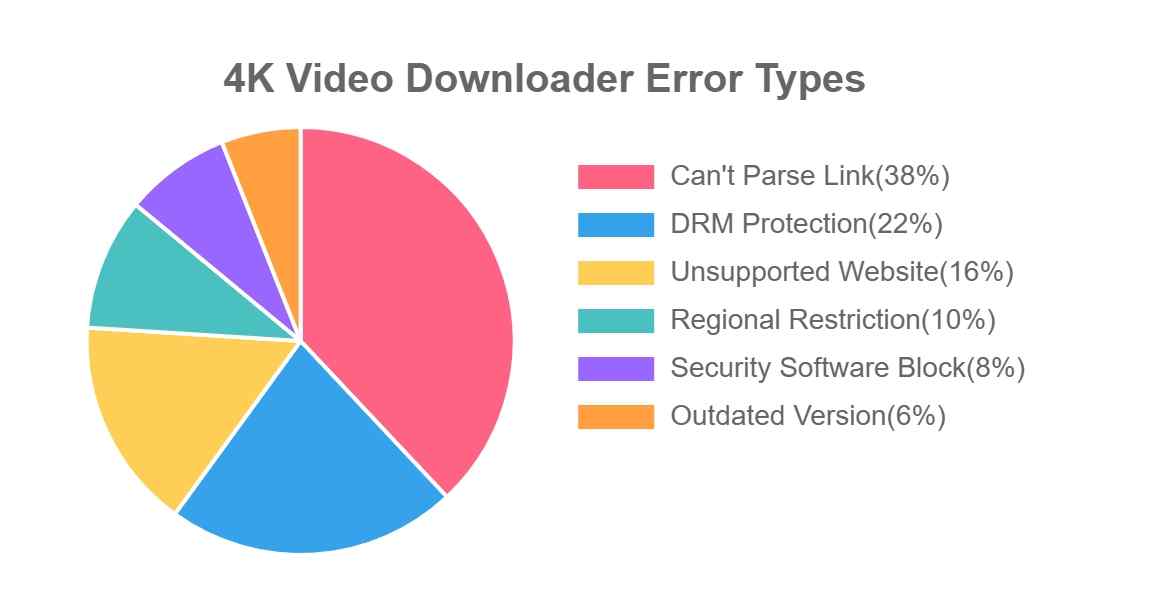
When that "can't parse this link" message pops up, the app is telling you it cannot resolve the video source into something it can queue — the URL, your account state, the platform's response, or your local environment is getting in the way.
Whether it surfaces as not parsing, an unknown error, or a plain "failed to download" after analysis, it's rarely random, and it's almost never one universal fix.
Symptom-to-Cause-to-First-Action Matrix
Before you start toggling settings, match your symptom to the most likely cause and try that action first:
| Symptom | Most likely cause | First action |
|---|---|---|
| "Can't parse this link, check video availability" | Video is private, members-only, under age restriction, or region-limited on your account | Open the link in your signed-in browser and confirm it plays |
| Stuck on parsing or stuck on retrieving information | Service-side parser incident or malformed/redirected URL | Re-copy a clean watch URL; test a second known-good link |
| Parses fine, then "failed to download" | Expired in-app session token | Sign out of the platform inside the app (Tools menu) and sign back in |
| Analysis stuck at 0% | Firewall, antivirus, proxy or VPN blocking the analysis module | Temporarily disable the security tool and retry one link |
| 4K/8K missing while 1080p works | That resolution isn't offered to your account or build for this video | Pick the highest resolution the source actually lists for you |
| "Unknown error" on multiple links | Corrupted install or stale cache, or you're on the discontinued original build | Confirm the app in Help/About, then do a clean reinstall of the maintained build |

- Support m3u8 videos, music, playlists, and live from 1000+ sites
- Download videos in MP3/MP4/MKV flexible format
- Save subtitles of the language you prefer to watch
- Lossless video download in outstanding 1080P/4K/8K quality
- Exclusive Schedule Mode to save new videos automatically
First, Which App Are You Running?
Discontinued Original vs Actively Updated Plus
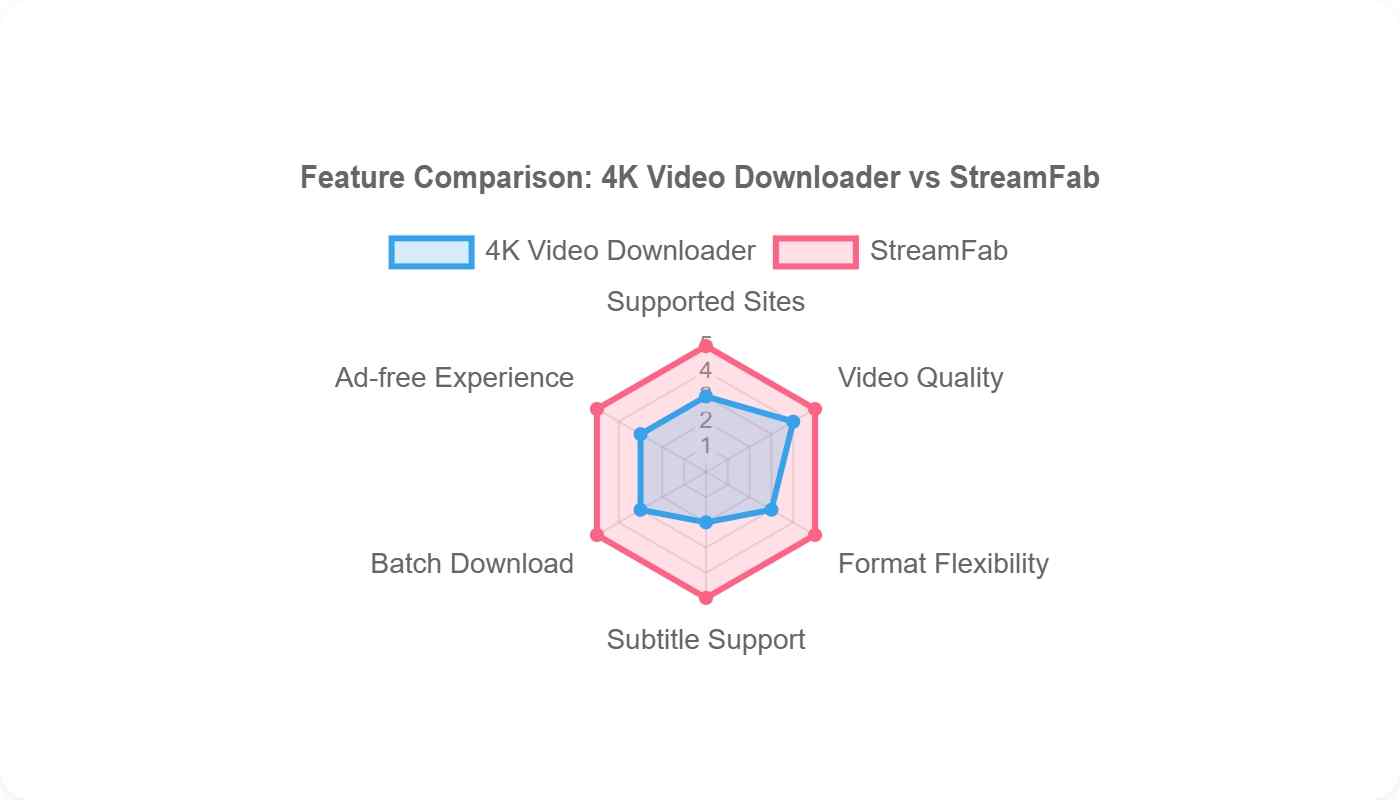
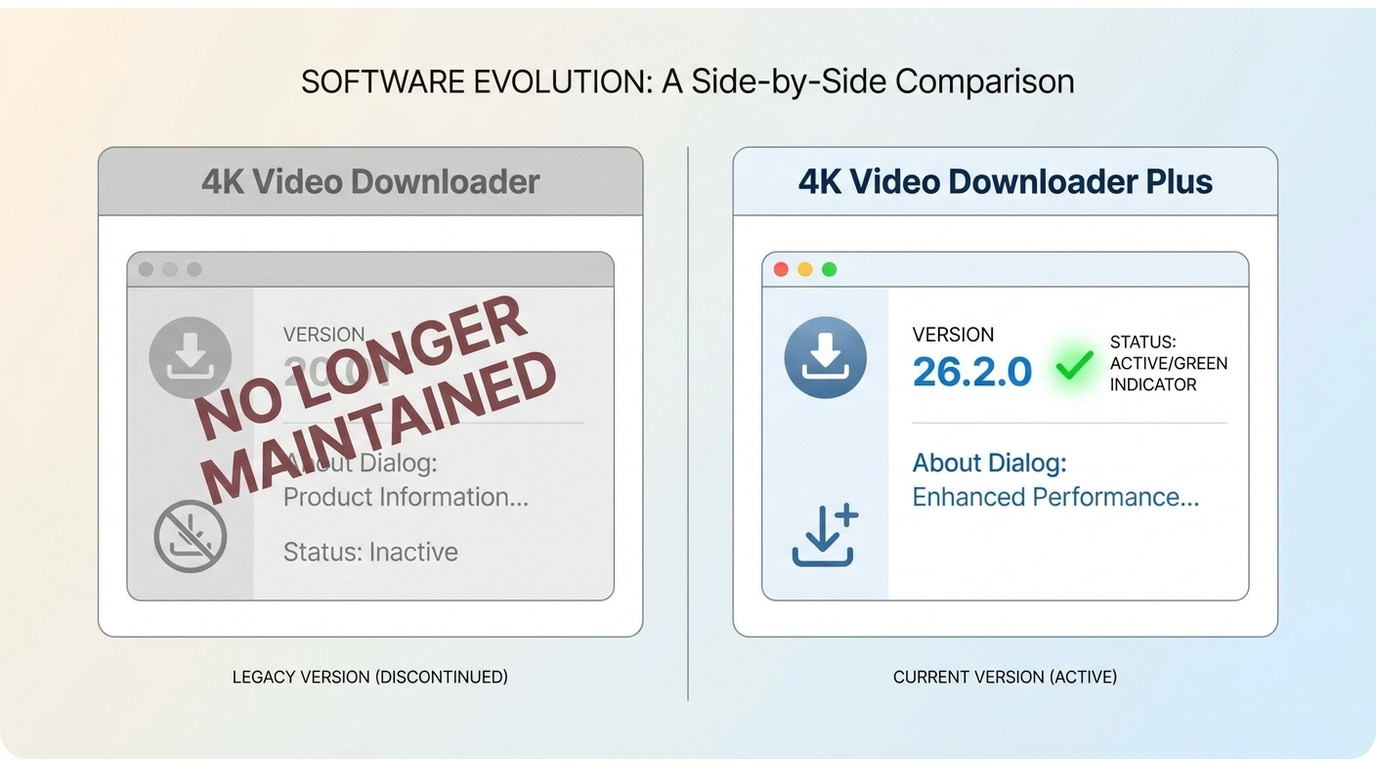
Before you touch a single setting, open Help or About and read the product name. This matters more than any individual fix on this page: the original 4K Video Downloader has been discontinued and no longer receives parser updates, so it can permanently fail on links that changed after its last release — you can run every fix below and still be stuck.
Only 4K Video Downloader Plus is still actively maintained, with version 26.2.0 shipping in July 2026. If you're on the legacy build, my honest editorial take is to stop patching it and migrate to the maintained 4K Video Downloader Plus release or a maintained alternative; if you're already on Plus, the rest of this guide applies cleanly. All of the following assumes you're downloading content you're authorized to access for personal offline use.
Is It Your Link or a Service Outage?
Some parsing failures are service-wide and are fixed on the vendor's side by updating YouTube parsing and compatibility scripts, sometimes before a new app build even ships.
If a link that worked yesterday suddenly fails right after a platform or app update, wait for the server-side fix and retry a single link, rather than reinstalling four times or turning off your firewall. My rule: if two unrelated links from the same platform fail the same way at the same time, it's almost certainly not your PC.
Check for a Known Server-Side Parser Issue
Check the vendor's changelog, support pages, or community threads for a same-day incident before you start any reinstall cycle. Repeated reinstalls during a vendor-side incident are wasted effort.
Confirm the Video Plays in Your Browser
Open the exact URL in a browser where you're signed into the same account. If it won't play there either — because it's private, members-only, under age restriction, or region-limited — no app-side fix will change that.
Fixes That Get Parsing Working Again
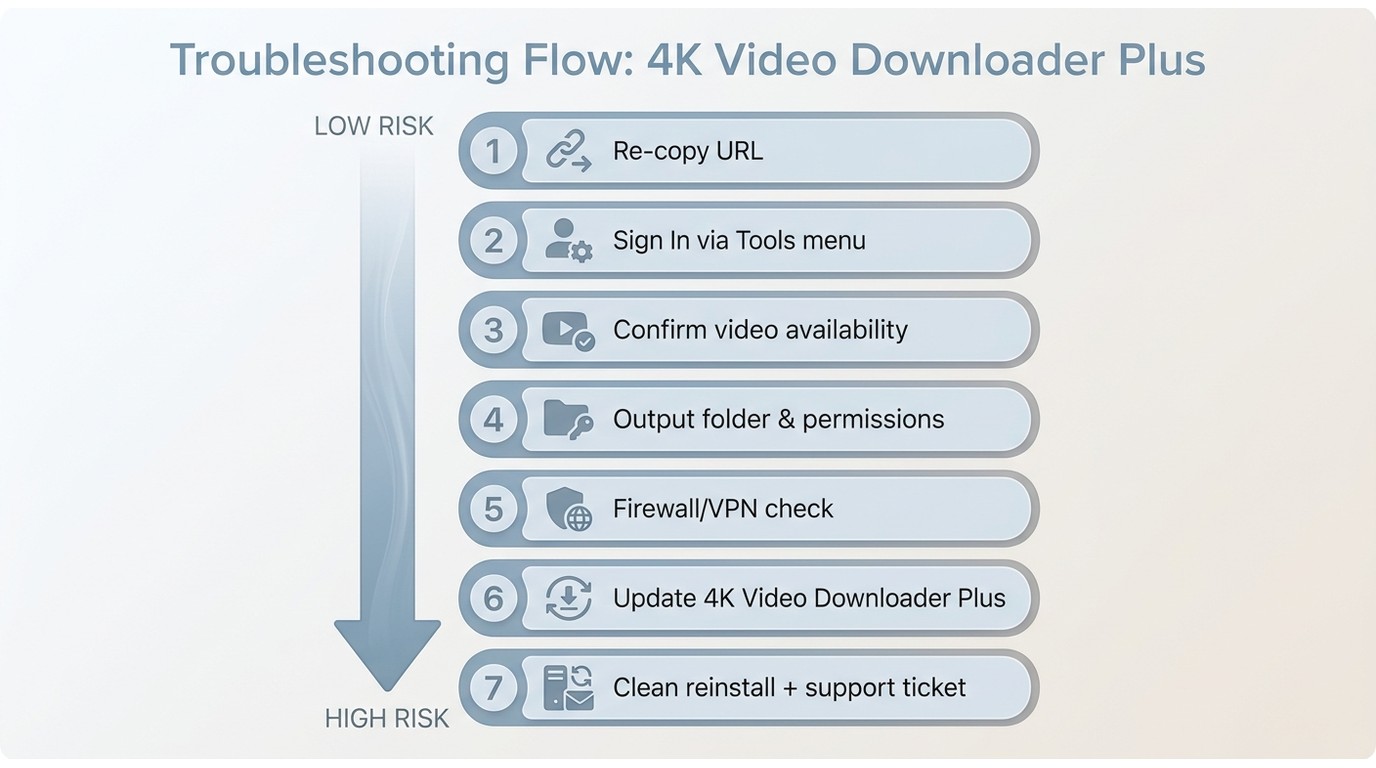
Work through these from lowest risk to highest cost, in order. Each step assumes the video is one you're authorized to access on your own account.
1. Re-copy a Clean, Complete URL
Copy the canonical watch URL again from the address bar, strip tracking or playlist parameters, and test a second known-good link. This is the fastest way to tell a malformed or redirected URL apart from an app-wide parsing failure.
2. Sign In and Re-authenticate Inside the App
For content that requires an account you're entitled to view — content under age restriction, private, or members-only material you personally have access to — sign in to your account inside 4K Video Downloader via the Tools menu. If the link parses but then throws "failed to download," log out of that account inside the app and log back in to refresh the session tokens. In my experience, expired in-app authorization is one of the more common causes of the parse-then-fail pattern, and re-authentication clears it without touching anything else.
3. Confirm the Video Is Public and Available
Not every URL is downloadable by every account. Confirm the video is on a supported site, isn't marked private, members-only, or under age restriction for you, and actually offers the resolution you want. If it's genuinely unavailable to you on the platform, that's the answer — not a bug to fix.
4. Change the Output Folder and Check Permissions
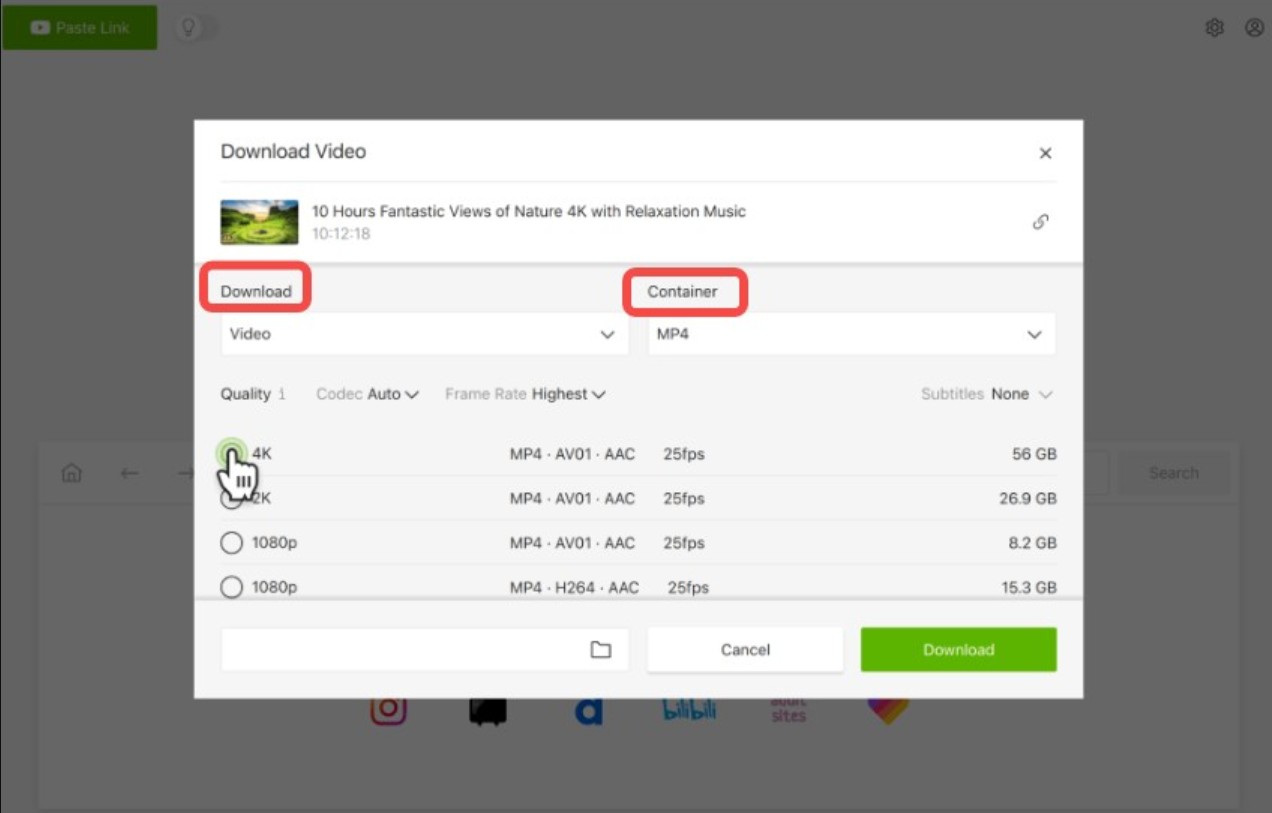
Point the app at a writable local folder, verify write permissions on it, and confirm you have enough free disk space, especially for long 4K files. A non-writable output path can look like a parsing failure but is really the app refusing to commit to disk.
5. Test Firewall, Antivirus, VPN, and Network
Interference from a firewall, antivirus, proxy, or VPN can block the app's analysis step, so temporarily disable them one at a time and retry a single link. Use a VPN only when a video is genuinely region-locked on your account — it isn't a universal first fix, and it won't rescue a link that's already unavailable to you.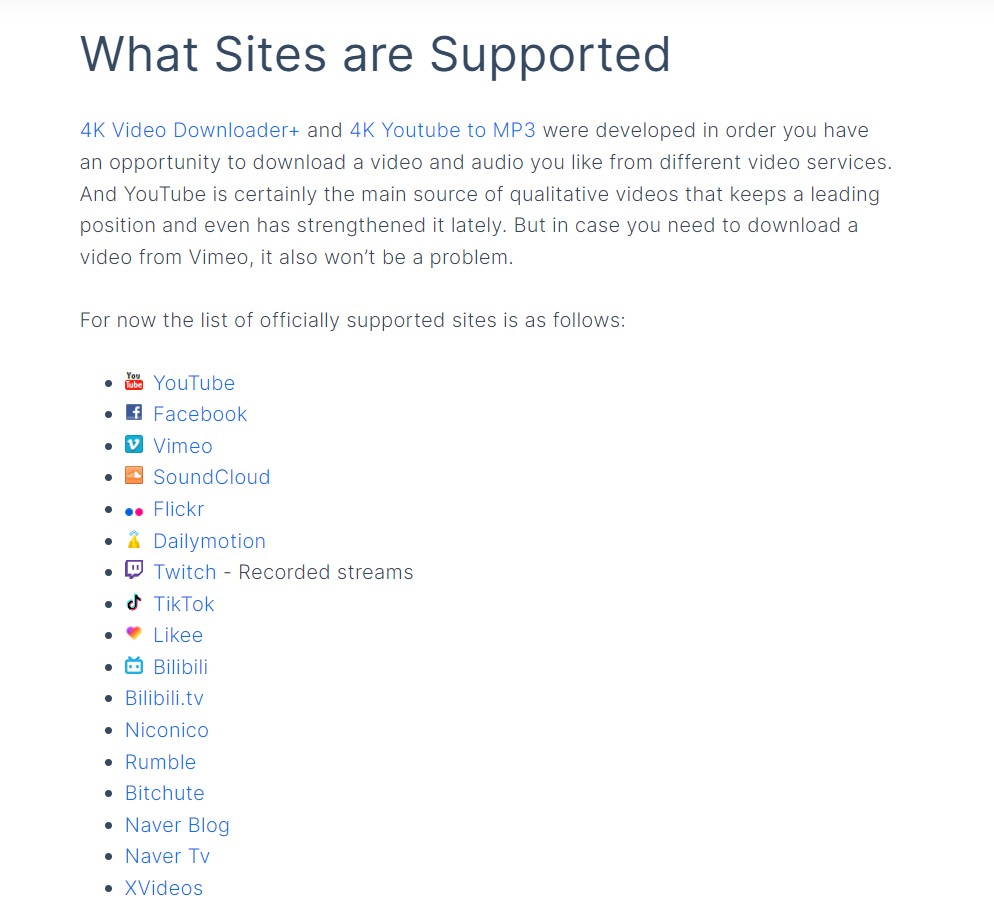
6. Update to a Supported Build
This step is only meaningful if you're already on 4K Video Downloader Plus; install the latest maintained release from the official site, since parser updates ship there. If you're still on the discontinued original build, updating within that line cannot fix new platform-side parsing changes — see the "which app" check above.
7. Clean Reinstall and What to Send Support
If nothing above works, fully uninstall the app, remove leftover config and cache folders, then reinstall the maintained build.
If parsing still fails on multiple links after a clean install, open a support ticket and include: the exact failing URLs, the app name and version from Help/About, your OS name and build number, the log file the app can export, and a screenshot of the error. That's what actually gets a support engineer moving; "it doesn't work" doesn't.
Playlists, Channels, and Members-Only Downloads
Batch jobs need a different playbook than a single link, and this is where readers most often mistake normal partial failures for the app being broken. Large channel or playlist jobs can partially fail, lose resumability, or repeatedly return "can't find valid format" or "can't parse this link, check video availability" even when individual retries eventually succeed.
Test one video first, queue large jobs in smaller batches, and note that a single members-only item at the top of a channel can stall an entire subscription update instead of failing as an isolated link — so if a channel refresh appears frozen, spot-check the first few items for content you don't have access to.
Only queue content you're entitled to access on your own account, and use a batch downloader built for large queues if you routinely process big channels.
When to Switch to StreamFab for Local Backups
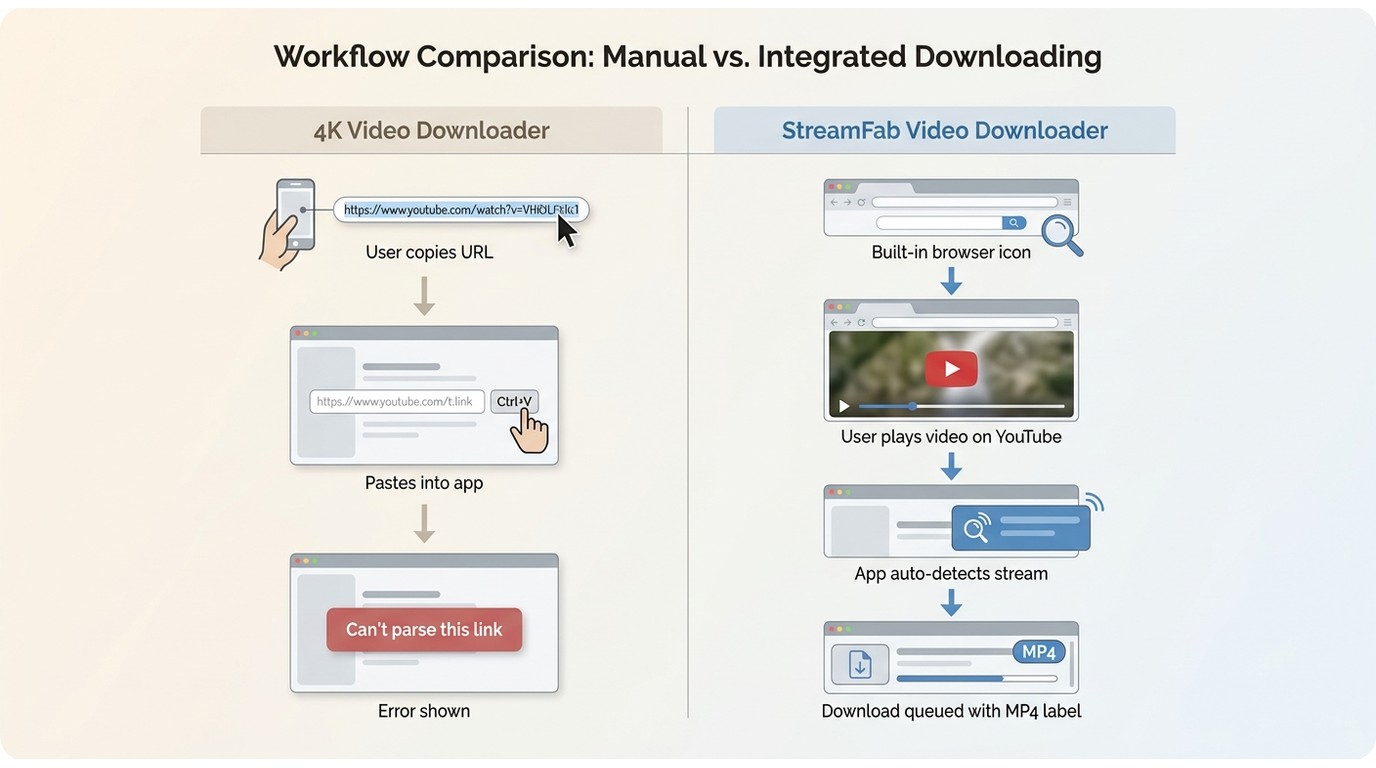
Consider a maintained alternative in two situations: you're stuck on the discontinued original 4K Video Downloader, or you've hit the "paste URL, wait, fail" loop repeatedly on the same platform. This is a decision about workflow fit, not a rescue tool.
How Its Built-In Browser Skips URL Parsing
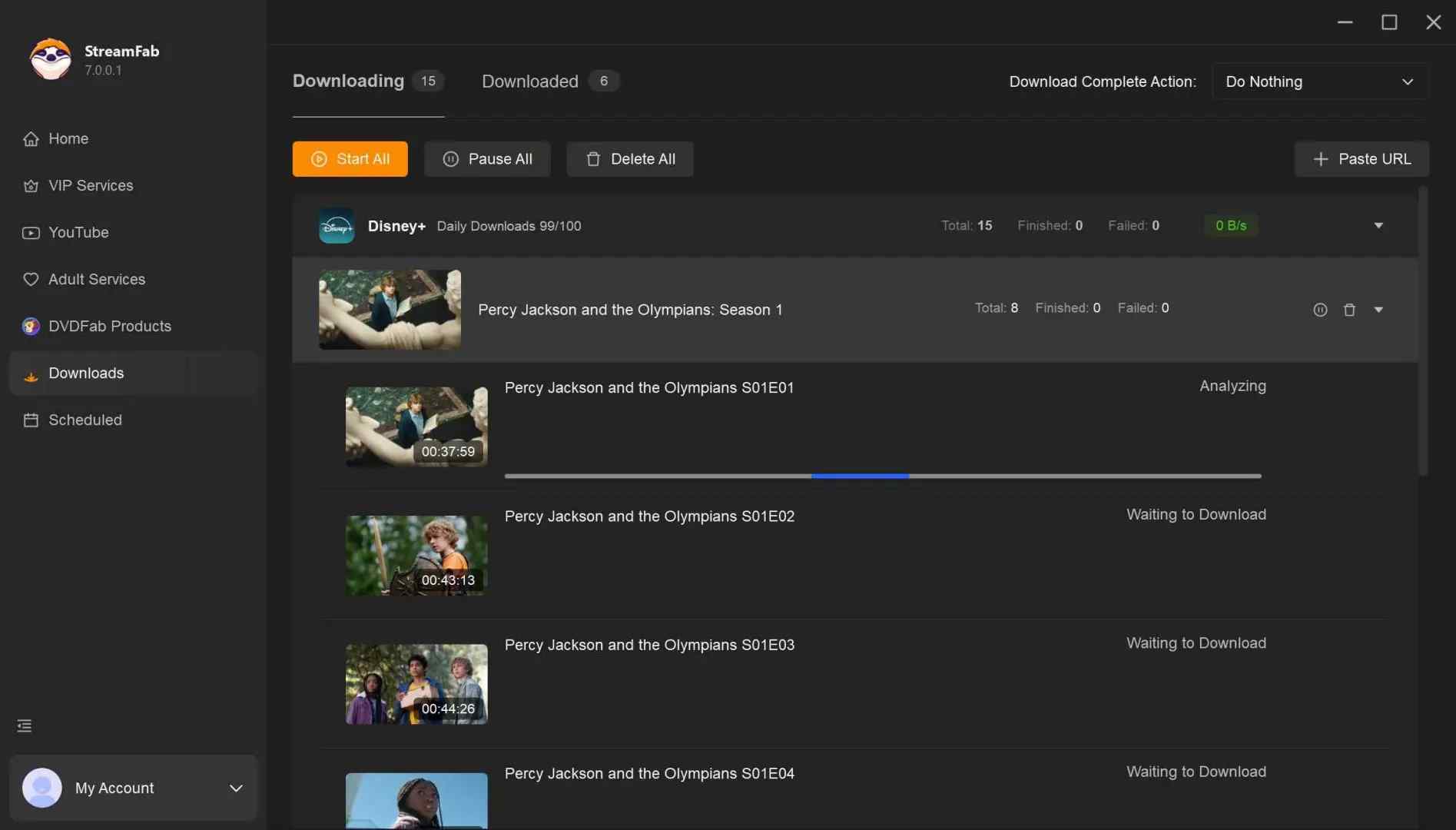
StreamFab Video Downloader is a desktop app for saving content you're authorized to access, on your own account, for personal offline viewing, where permitted by platform terms and applicable law.
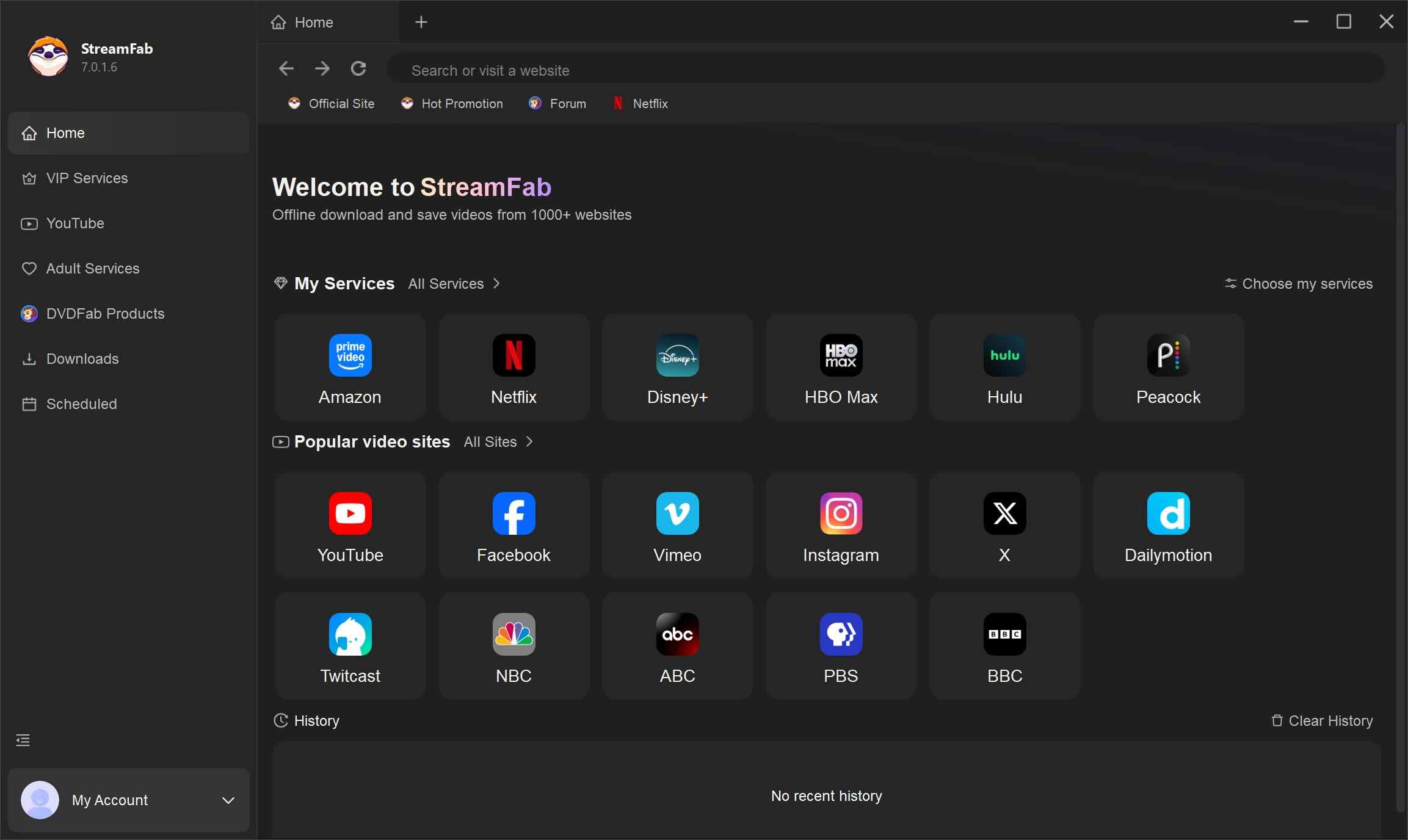
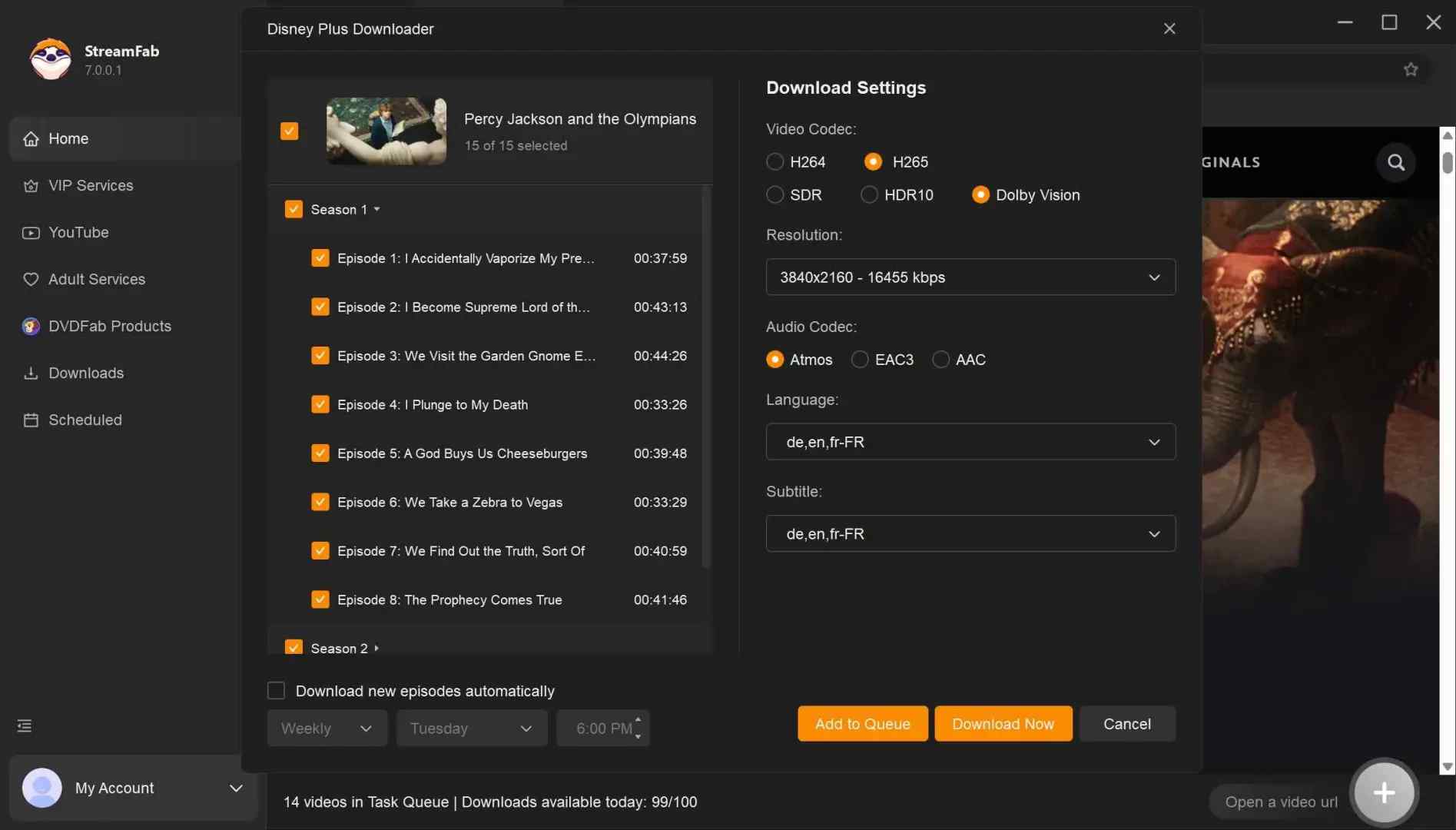
Its differentiator against a URL-paste tool is a built-in browser: you sign into your account, play the video, and the app detects the stream and queues the download without you copying a link — which sidesteps the exact URL-parsing failure this article is about.
It also covers a wider set of sites and premium services, with format, subtitle, and quality options you'd otherwise stitch together across tools; if you specifically want YouTube in a maintained workflow, see our StreamFab guide for saving YouTube videos.
Best for: readers whose primary tool is a discontinued build or who process large personal libraries. Not ideal for: quick one-off saves in a browser — it's a paid desktop app, not a browser extension.
FAQs
Why does 4K Video Downloader say 'failed to download' after it parses the link?
Most often it's an expired in-app session token, or a video that became private or region-limited on your account between parse and download. Log out of that platform inside the app via the Tools menu and log back in, then retry a single known-good link before blaming the network.
What does an 'unknown error' in 4K Video Downloader usually mean?
It's a catch-all — usually a corrupted install, stale cache, or a service-side parser hiccup. Do a clean reinstall of the maintained build; if it persists across multiple links, send support the failing URLs, your app version, OS and build number, log file, and a screenshot.
Why is analysis stuck on 'retrieving information' and never finishes?
That pattern is more often a service-wide parser incident or a malformed/redirected URL than a problem on your PC. Re-copy a clean watch URL, test a second known-good link, and wait for a server-side fix before reinstalling repeatedly.
Do 4K or 8K videos fail more often than lower resolutions?
They can, but usually because that exact resolution isn't offered to your account or app build for that video — not a codec fault. Pick the highest resolution the source actually lists for you, or confirm the video is genuinely published in 4K/8K before troubleshooting.
Is it safe to save these videos for personal offline viewing?
Keep downloads to content you're authorized to access on your own account, and use them for personal offline viewing only, where permitted by the platform's terms of service and applicable law in your region.
Conclusion
The decision path is short: identify which build of 4K Video Downloader you actually have, rule out a same-day service-side parser incident, then work through the low-risk local fixes — clean URL, in-app re-authentication, availability check, output folder, network interference — before you touch a reinstall. Two editorial calls worth internalizing: don't reinstall repeatedly during a vendor-side incident, and don't spend hours patching the discontinued original build when the maintained Plus release exists.
Troubleshooting is worth it when you're on a maintained build and the failure is isolated. When the tool itself has stopped receiving parser updates, or the URL-paste workflow keeps stalling on the platforms you care about, moving to a maintained option like StreamFab Video Downloader — for content you're authorized to access, for personal offline use — is the more honest answer than another reinstall.

Videoder now refers to multiple packages, so identity comes before any safety verdict. This guide checks the publisher, package ID, version, permissions, source, and update signals, then explains current feature limits and compares desktop, browser, Android, and authorized paid-streaming alternatives. It also clarifies why older YouTube instructions should not be treated as current.
By Nicole Lopez - Sep 4, 2026
Audials One does not offer a native macOS desktop release. This guide separates the Intel Windows-VM route from Apple Silicon limits, explains why Audials Play is for radio and podcasts, and maps native Mac choices for streaming video, ordinary screen capture, and MP4/MKV offline files. It also gives a restrained StreamFab fit judgment for authorized personal viewing.
By Erika Leen - Sep 3, 2026
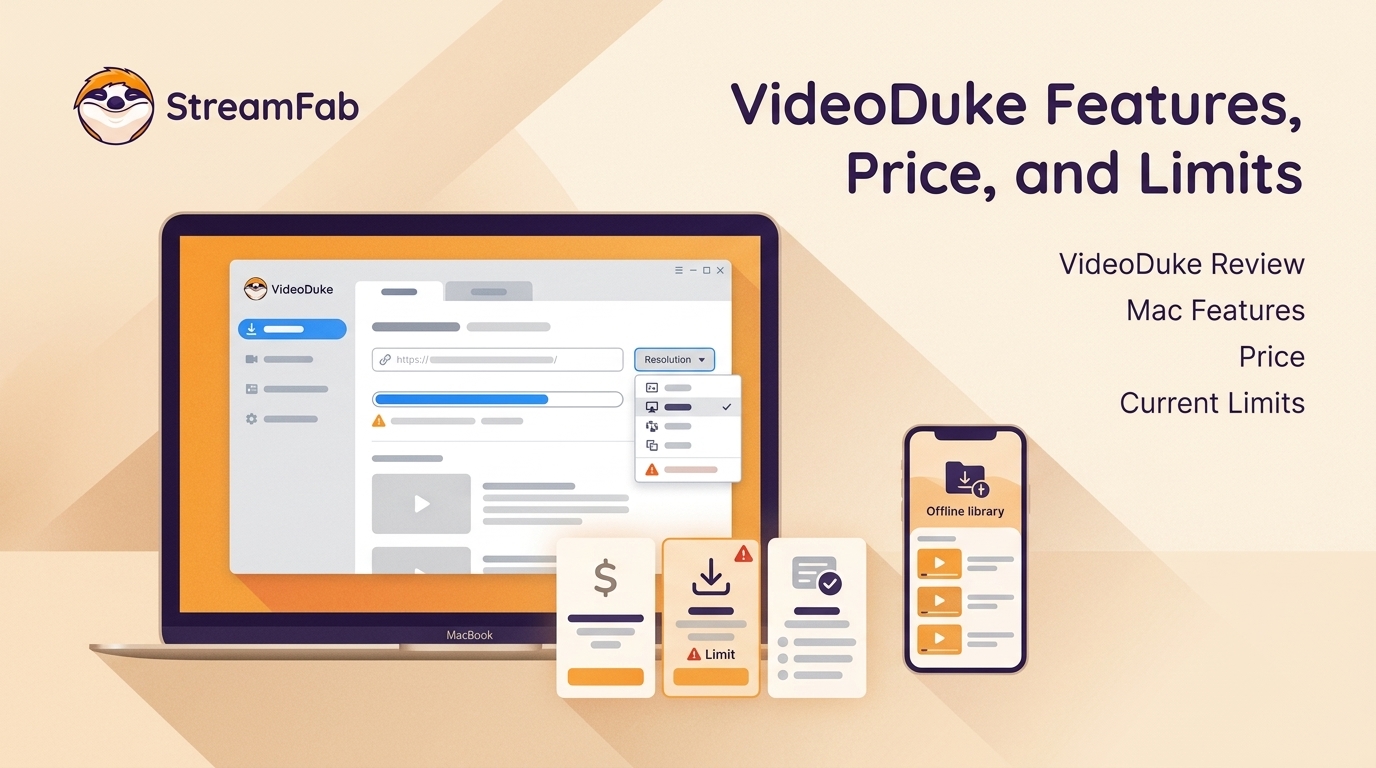
As a Mac user with a need to download online videos, I explored Videoduke, and shared my reviews and opinions about this software in this article.
By Nicole Lopez - Sep 3, 2026
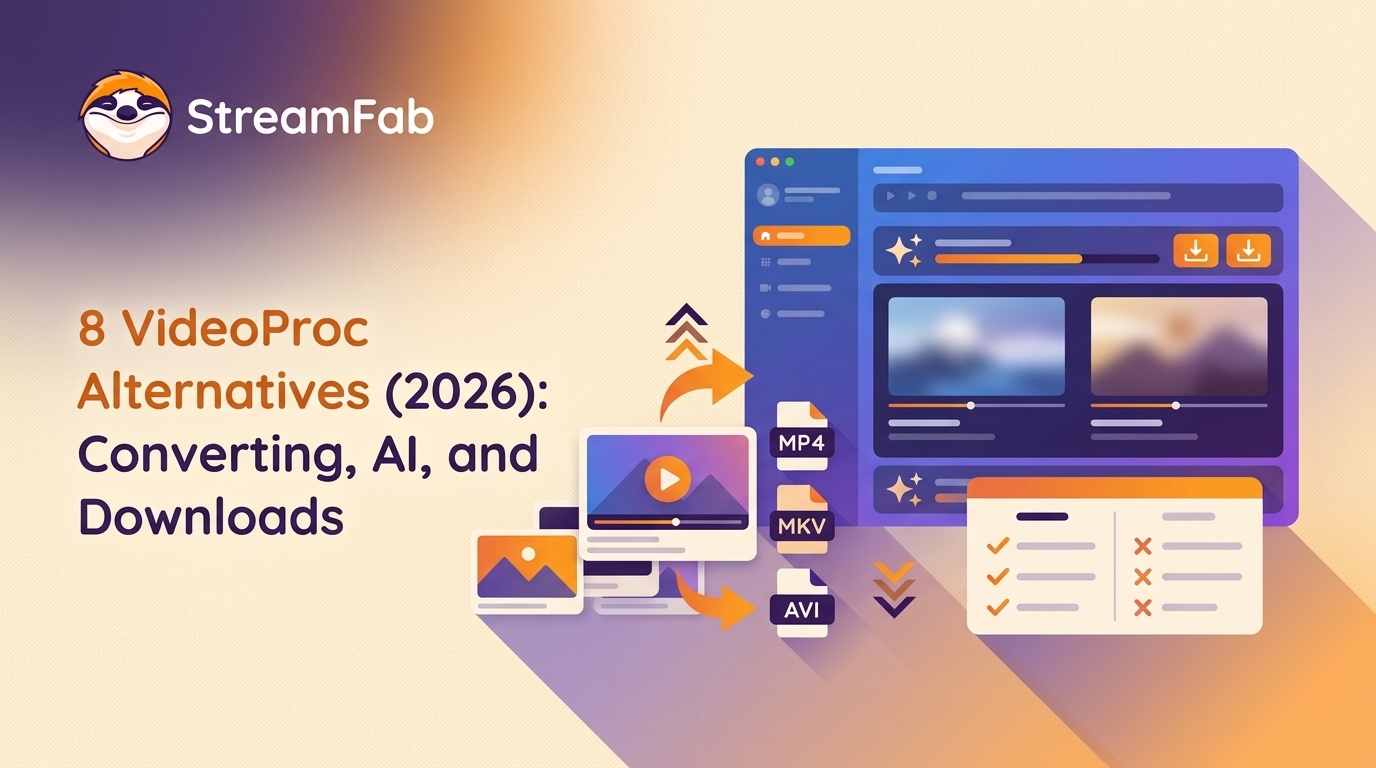
This guide maps eight VideoProc alternatives to the job they are meant to replace, from local conversion and AI enhancement to editing, recording, and authorized service-aware downloads. It also covers HandBrake, FFmpeg, and Video2X, explains restoration limits, and provides a compact workflow matrix and FAQ for choosing a practical fit.
By Marcia Hatcher - Sep 3, 2026