
Audials Free Trial: Demo Limits and Subscription Options

Summary: Evaluating the Audials One 2026 free trial? I tested its 720p caps, examined if is audials legal under Fair Use
Table of Contents
The Audials free trial is a Windows demo, not a conventional timed trial. I recommend using the Audials One free demo to check a short recording before choosing a paid subscription. The Audials One 2026 feature overview explains what the paid recording tools add. Start with the recording you actually need, then assess its limits, file formats, and full-version options.

Audials Free Demo 2026: What You Get
The demo gives you a way to explore Audials and try its recording workflow without entering a license key. Its purpose is evaluation. A successful short recording helps you check the controls and the saved file before committing to a larger project.
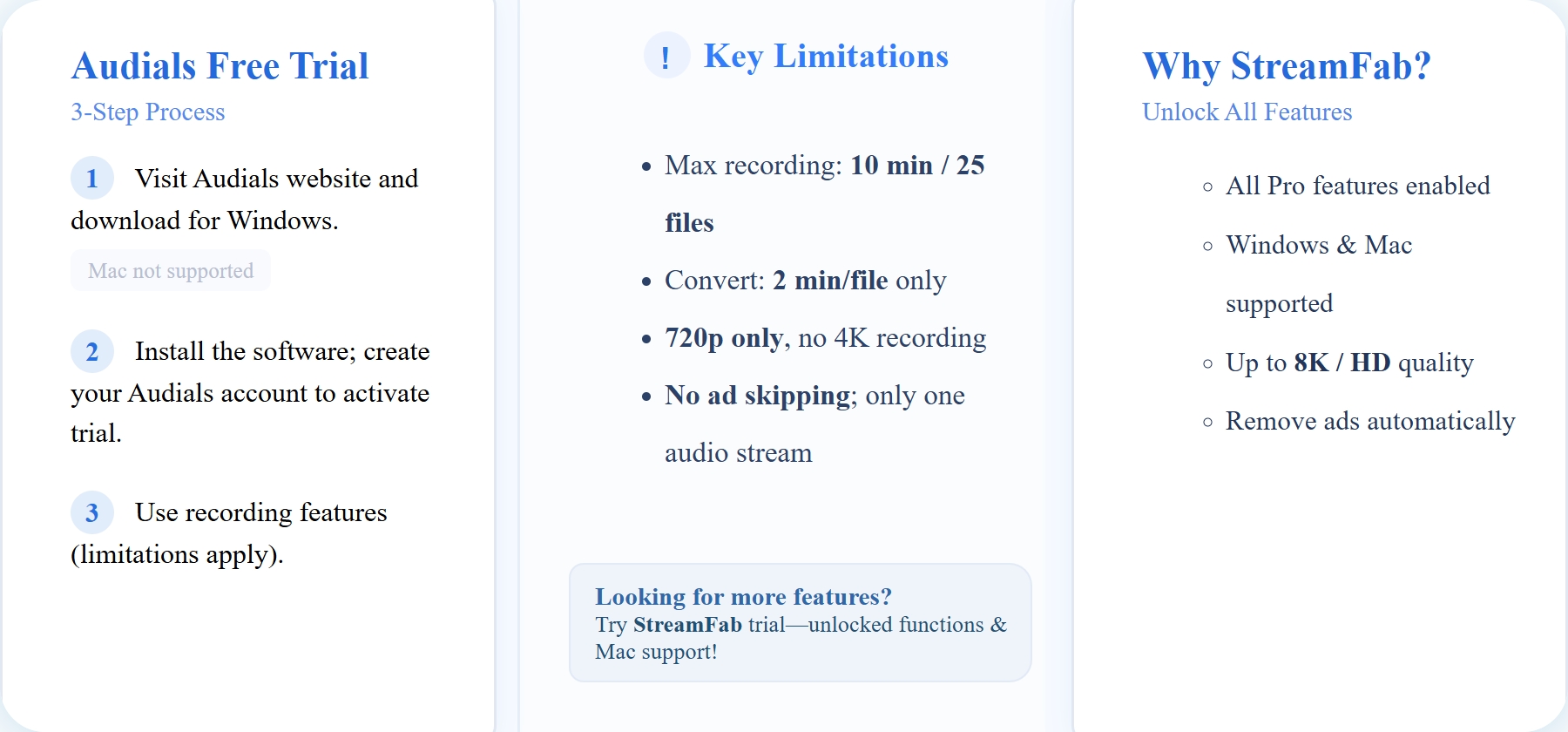
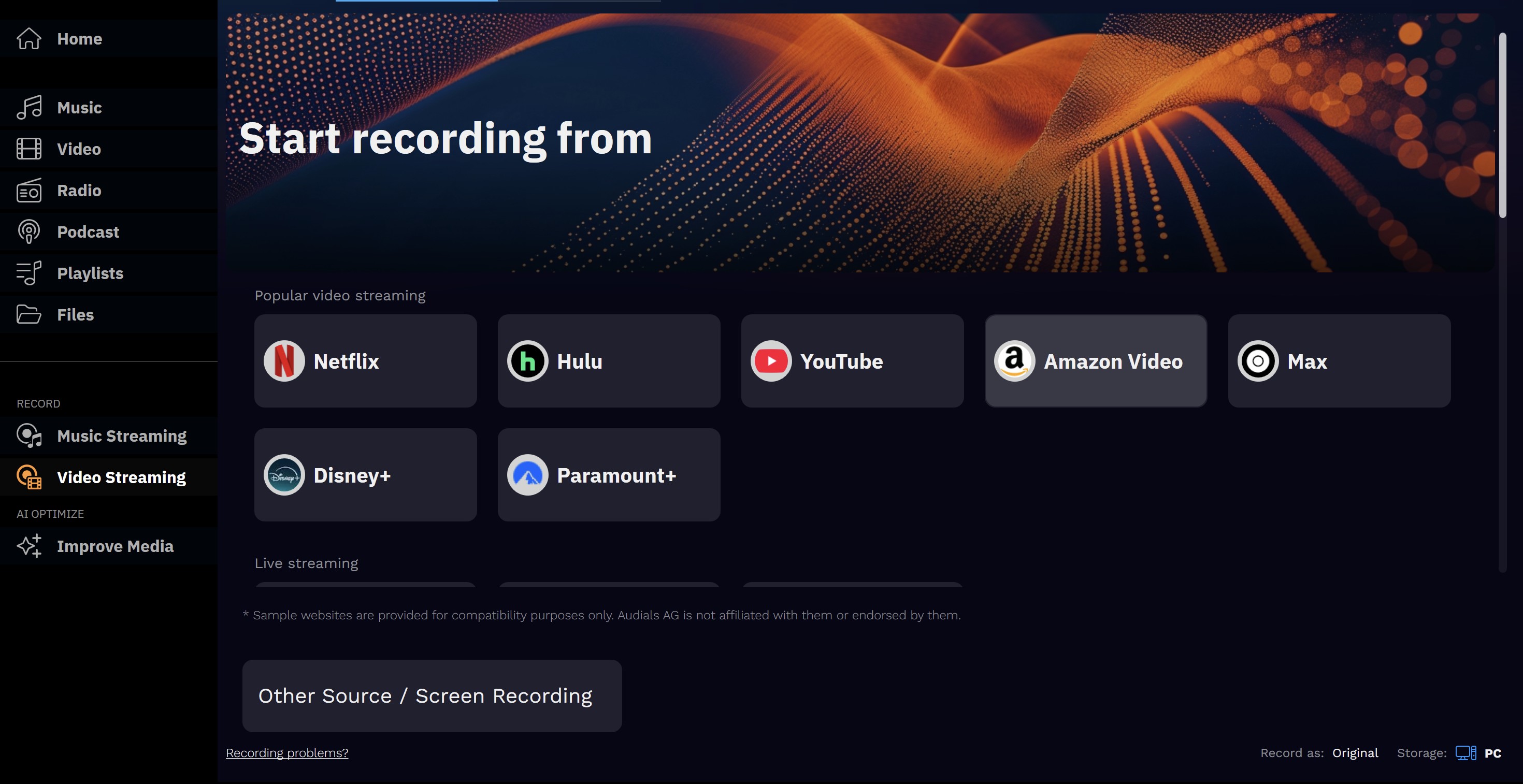
Audials One records music, videos, radio, and podcasts. For a useful Audials One review, the key question is whether those recording tools match the media you want to save.
Demo Mode or Timed Trial?
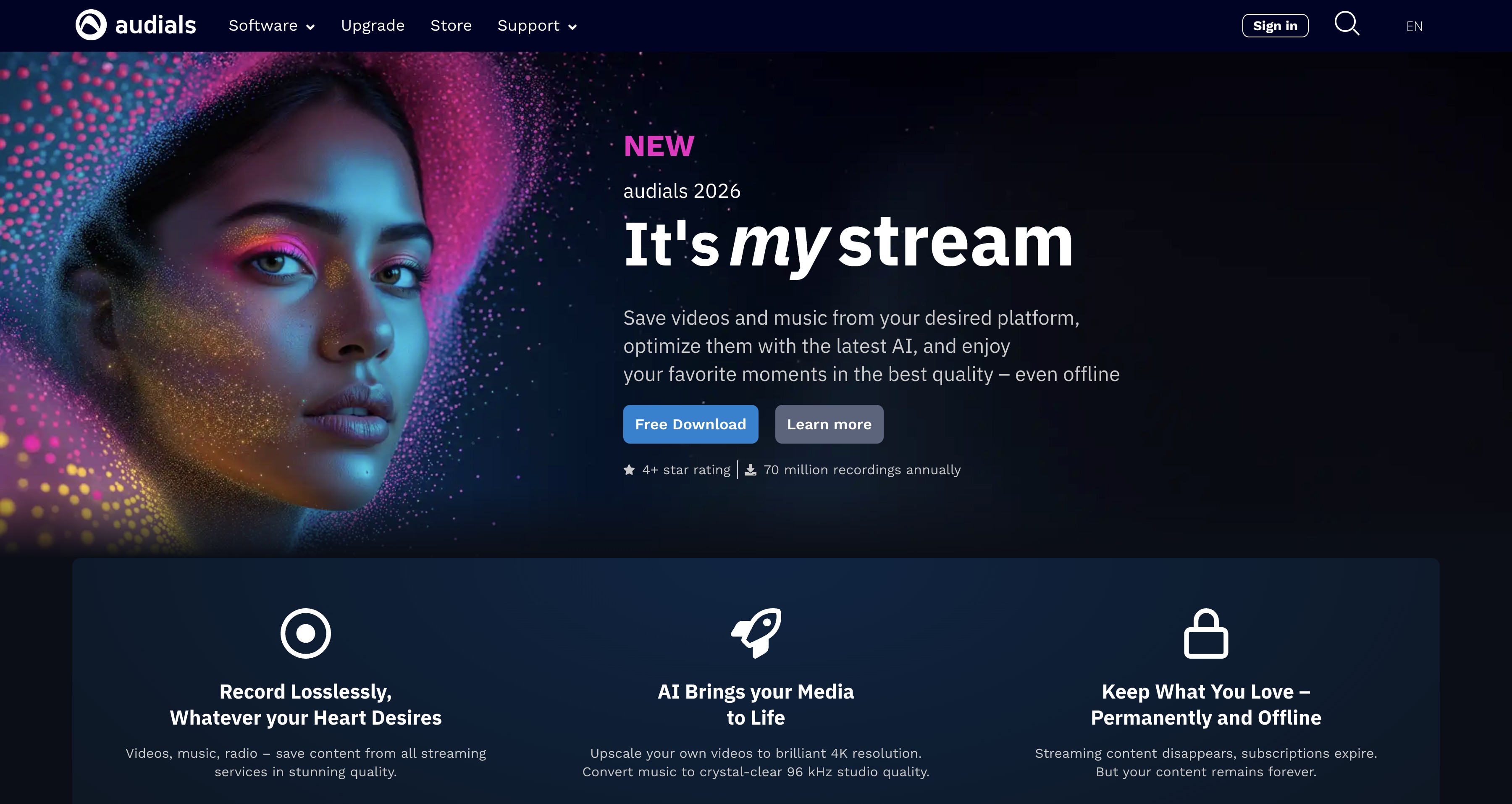
Demo mode describes restricted access to software features; a timed trial describes access that ends after a stated period. Audials runs in demo mode on Windows without entering a license key. That fact alone does not establish the account or credit-card requirements.
Windows Setup and Requirements
Use the Windows installer to start the Audials demo. The desktop workflow below is for Windows; Audials for Mac options involve a different setup.
What the Demo Limits
A demo recording is a compatibility check, not evidence that a full recording will finish. Start small. For Audials Movie 2026, inspect the completed clip and any limit message before queuing a longer video.
| Version | Access | Scope |
|---|---|---|
| Audials demo mode | No license key | Limited workflow evaluation |
| Audials paid version | Paid subscription | Full recording features |
I would use the demo to answer one practical question: does the saved clip play correctly in the player you intend to use? Buying the full version unlocks its feature set; it does not change a streaming service’s recording restrictions.
Audials recording quality is constrained by the streaming provider and playback protection. The full version offers automatic ad removal during recording and one-click removal after recording.
Formats, Quality, and Saving
Audials saves recordings as local files. Choose the output format before recording, then open the result in your intended player. A format name identifies the file container; it does not promise a particular picture quality.
Audials Output Formats and Saved Files
Audials supports video output formats including MP4, MKV, AVI, and WebM. The available choice can differ by recording workflow and source, so select a format displayed in the interface.
| Format | Compatibility focus |
|---|---|
| MP4 | Broad player and device compatibility |
| MKV | Multiple tracks and subtitles |
| AVI | Compatible legacy desktop players |
| WebM | Compatible apps and web browsers |
Choose an available output format, record content you are authorized to access, then open the saved file in a compatible player.
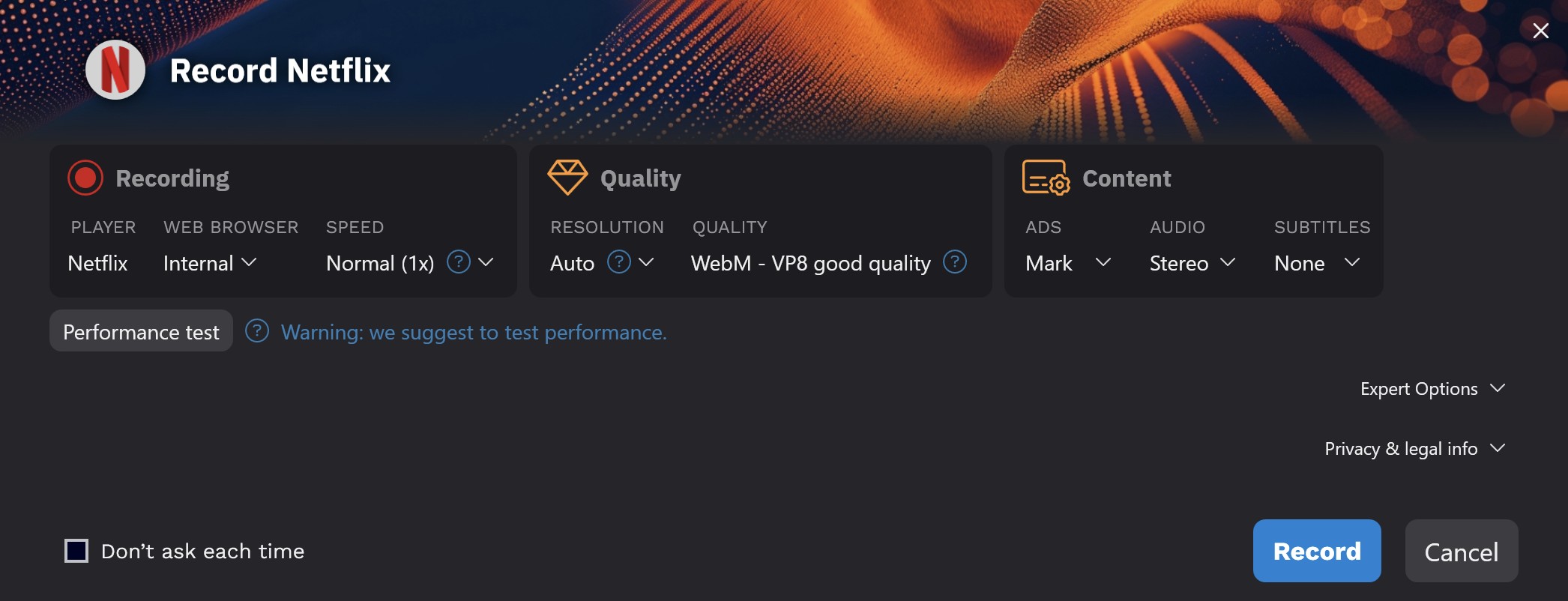
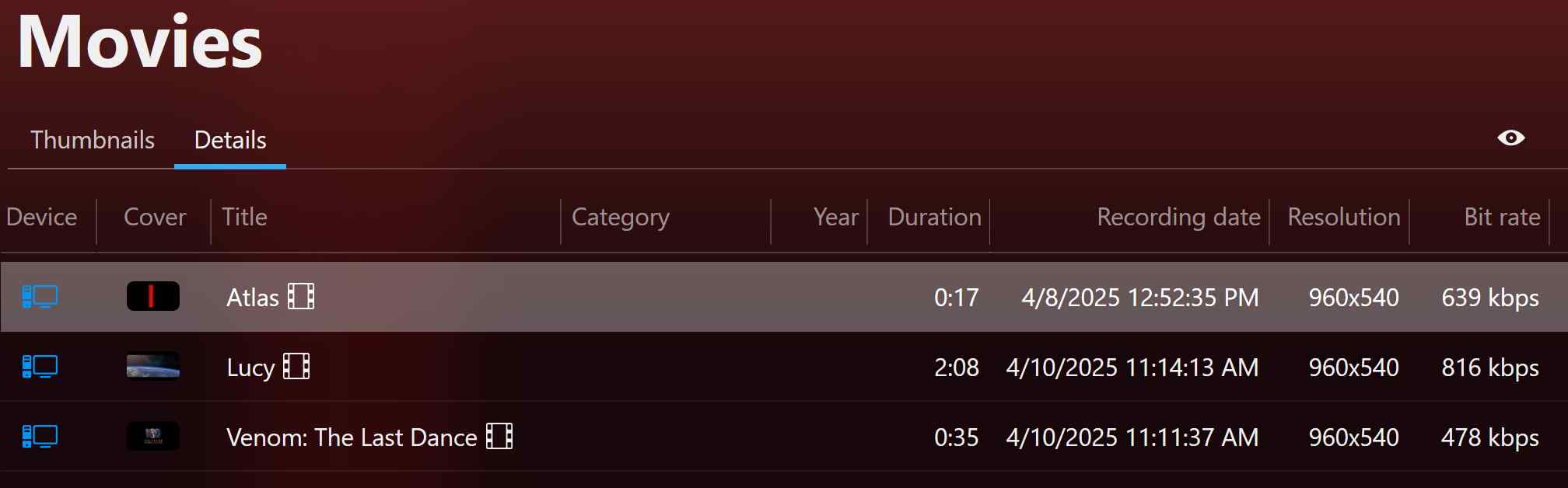
Open the saved file and check its picture, sound, duration, and playback in your preferred player.
Supported Services and Browsers
Audials uses a Windows recording workflow with browser and service selections. Choose a combination offered by the software. The compatibility overview identifies the setup to inspect, rather than promising that a browser records every title.
| Item | Options | Practical check |
|---|---|---|
| Desktop | Windows | Install the Windows demo |
| Browser | Chrome, Firefox, Edge | Use the selected recording path |
| Video services | Netflix, Amazon Prime Video, Disney+ | Confirm playback before recording |
| Other video services | Paramount+, Apple TV+, HBO Max | Select the service in Audials |
A browser that plays a title successfully is the starting point. If the recording handoff fails, use the single-item recovery checks below before changing the whole queue.
Subscriptions and Full-Version Features
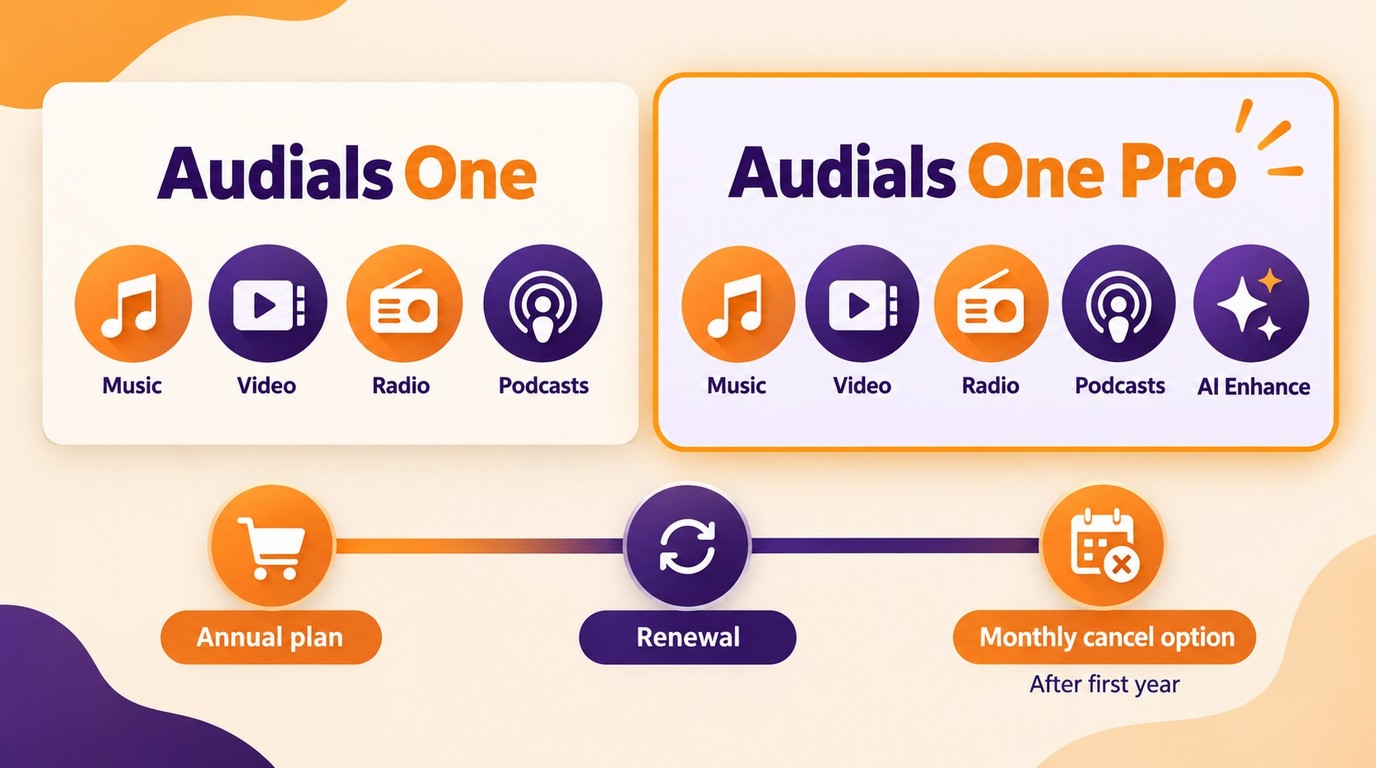
As of September 2026, Audials One and Audials One Pro are annual subscriptions. Audials offers paid subscriptions separately from its free demo and advertises a 30-day money-back guarantee. Audials One covers music, video, radio, and podcast recording, while Pro adds AI media enhancement.
Audials bills these subscriptions annually. After the first year, they continue until canceled; monthly cancellation is available, with a refund for the unused amount. These renewal and cancellation terms are separate from the money-back offer.
Audials One Ultra and Audials One Premium are legacy names for Pro, while older Standard and Premium labels refer to earlier editions. Choose Audials One for its recording tools or Pro when AI media enhancement is part of the job; keep using the demo while you assess the Windows recording workflow.
Recording Issues to Expect
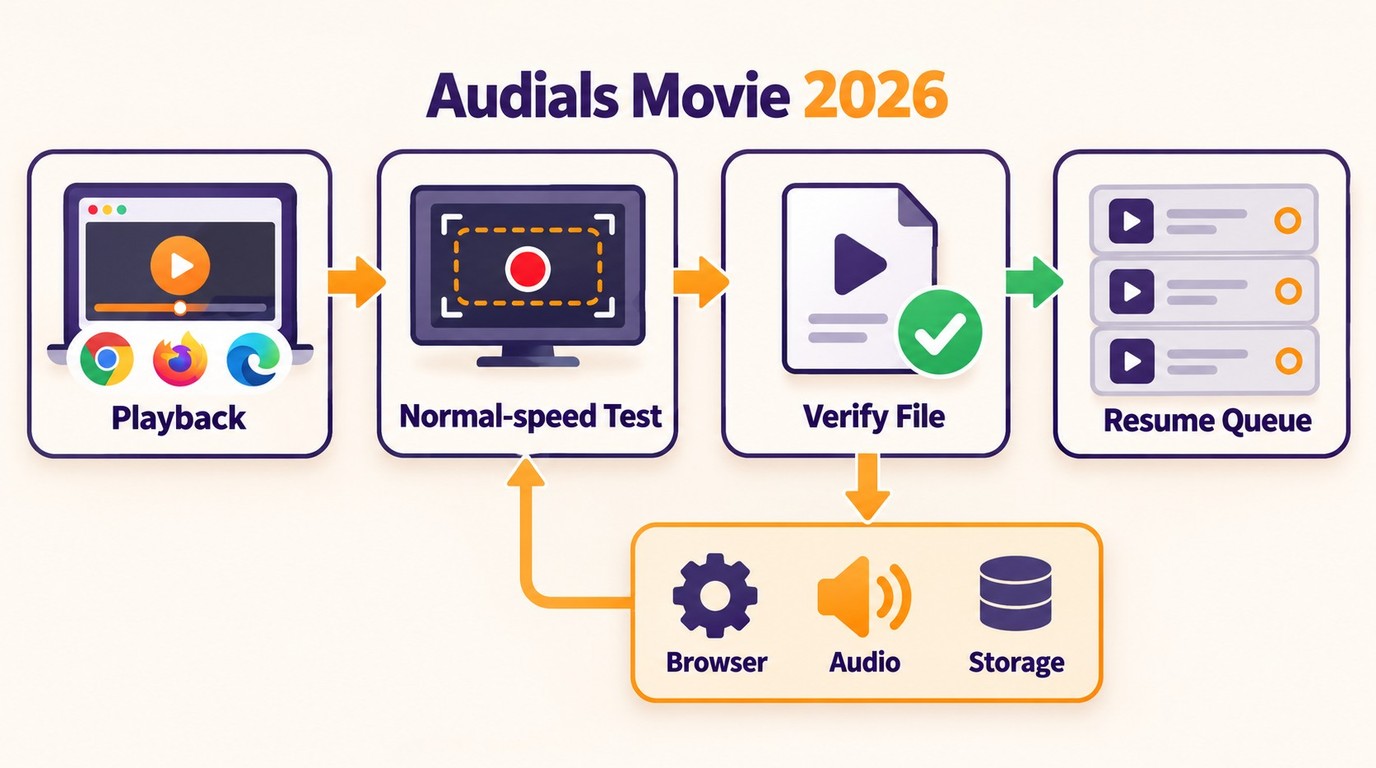
Start with one video at normal recording speed when Audials Movie 2026 fails. This isolates the recording path before you add acceleration or a queue. Change one setting at a time so you know which change affected the result.
Speed, Browser Handoffs, and Black Screens
Real-time recording takes approximately the playback duration. Accelerated recording introduces a separate mode to evaluate. I would establish a working normal-speed recording first; otherwise a failed fast run leaves both the recording path and the speed setting in question.
| Symptom | First action | Next check |
|---|---|---|
| Normal-speed recording feels slow | Allow the title’s playback duration | Check that recording is progressing |
| Accelerated recording fails | Return to normal speed | Retry the same short video |
| Browser handoff fails | Open the selected browser | Confirm sign-in and normal playback |
| Black picture with audio | Stop the recording | Review hardware acceleration and browser settings |
| Batch produces an error | Pause the queue | Record one queued title individually |
For a black screen, follow the browser-setting checks in the Audials One troubleshooting guide and retry a short recording. Do not build a long queue around a failed sample. If the same item still fails, record the error message and use Audials’ troubleshooting guidance for that symptom.
Batch Recording Recovery
A working single recording is the checkpoint for resuming a batch. Keep the working browser and settings unchanged. Add the remaining titles after confirming that the saved sample plays correctly.
- Pause the queue and choose one title that failed.
- Confirm that the title plays normally in the selected browser.
- Record it individually at normal speed and open the saved file.
- Resume the queue with the working settings; isolate any title that fails again.
Is Audials Legal?
Personal use does not automatically authorize recording or redistribution. Access permissions, the content owner’s rights, platform terms, and applicable law govern permitted use.
- Maintain authorized access, including a valid subscription when required.
- Record only content you are authorized to copy.
- Keep permitted copies for personal offline viewing; do not redistribute them.
- Follow the service’s terms and applicable law.
- Assess permission for the particular content and use case.
A Desktop Alternative for Authorized Copies
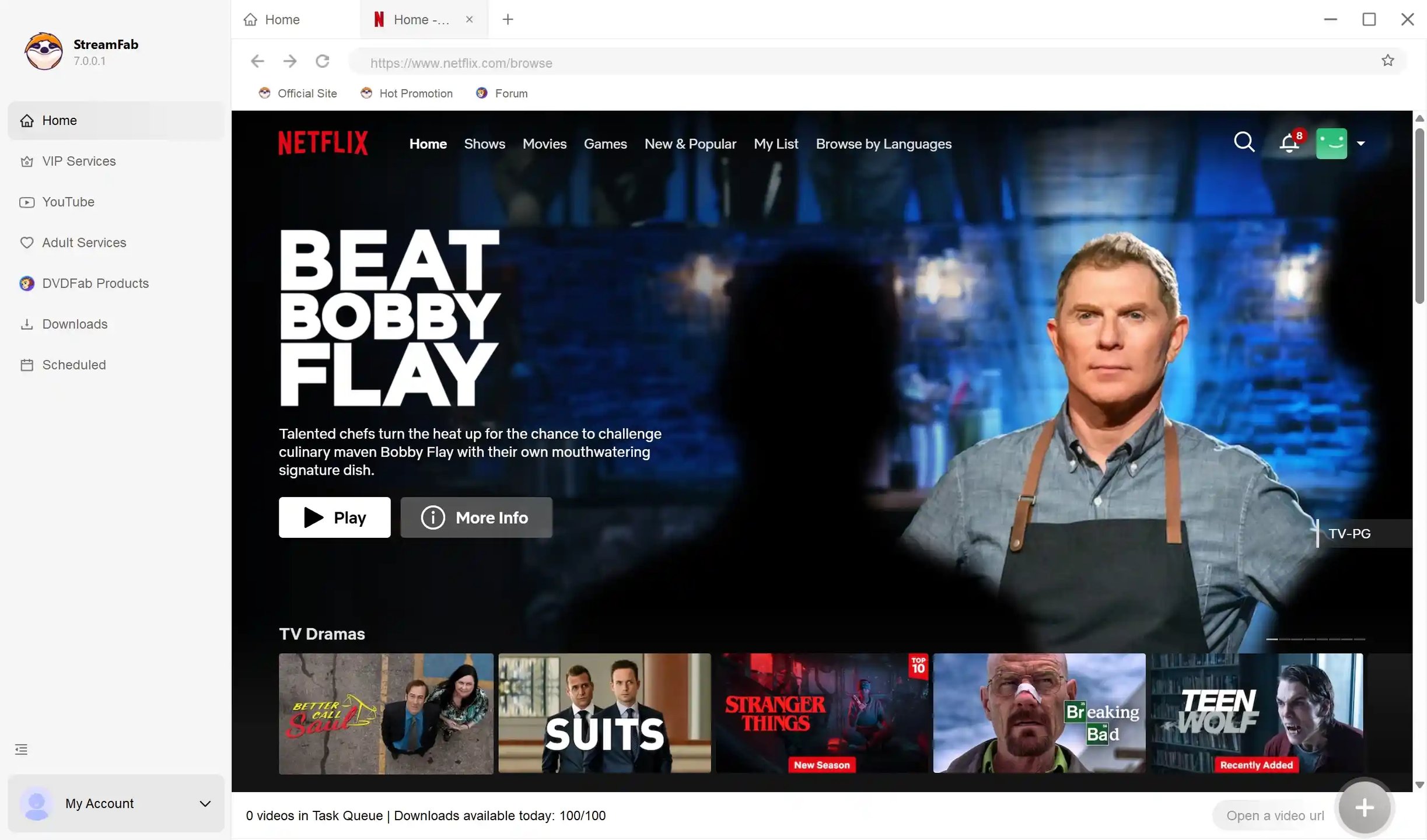
StreamFab All-In-One is a desktop alternative when official downloads are unavailable. Relative to a platform’s official download feature, it is third-party software for personal offline viewing of content you are authorized to access, where permitted by platform terms and applicable law.
Try full functions with a limited download allowance and Windows or Mac support.
Where StreamFab Fits
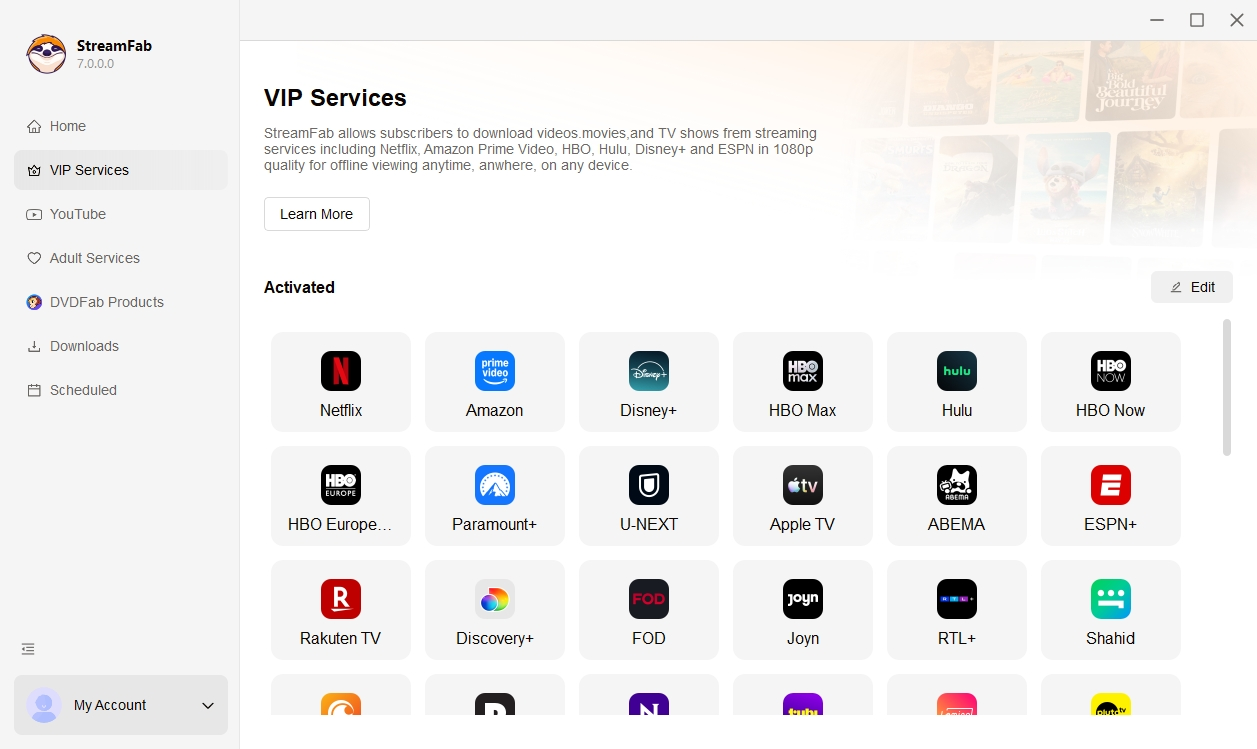
StreamFab All-In-One runs on Windows and Mac and saves videos in MP4 or MKV. I would choose this workflow when managing local video files is the priority. Audials also covers music, radio, and podcasts, which gives its recording suite a different scope. For light offline viewing, use the service’s own offline feature when it meets your needs; when you need supported local MP4 or MKV files on Windows or Mac, StreamFab fits that workflow.
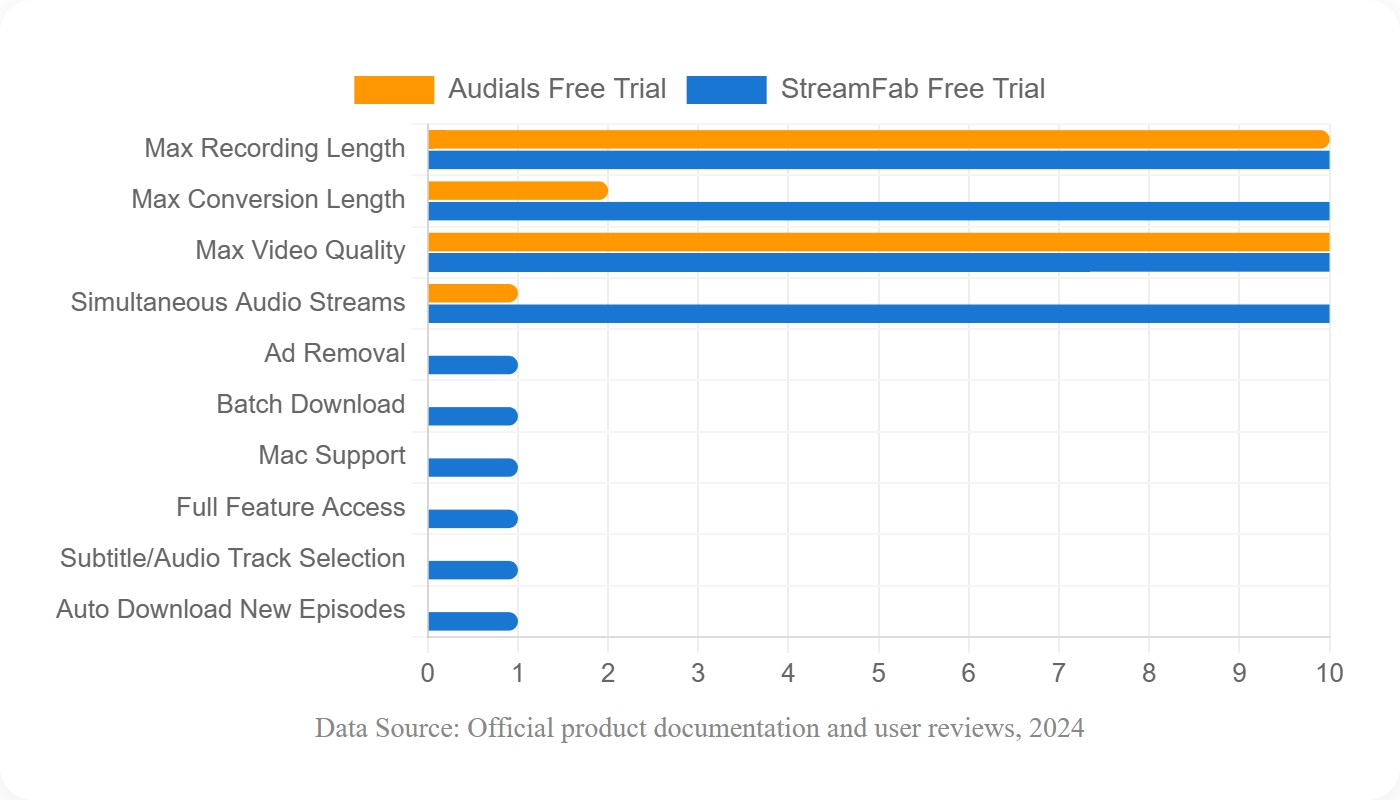
| Comparison | Audials demo | StreamFab trial |
|---|---|---|
| Workflow | Streaming recording | Local video downloads |
| Desktop support | Windows | Windows and Mac |
| Video formats | MP4, MKV, AVI, WebM | MP4, MKV |
| Trial allowance | Demo mode | 3 downloads per module |
- Save authorized videos from 1000+ supported websites.
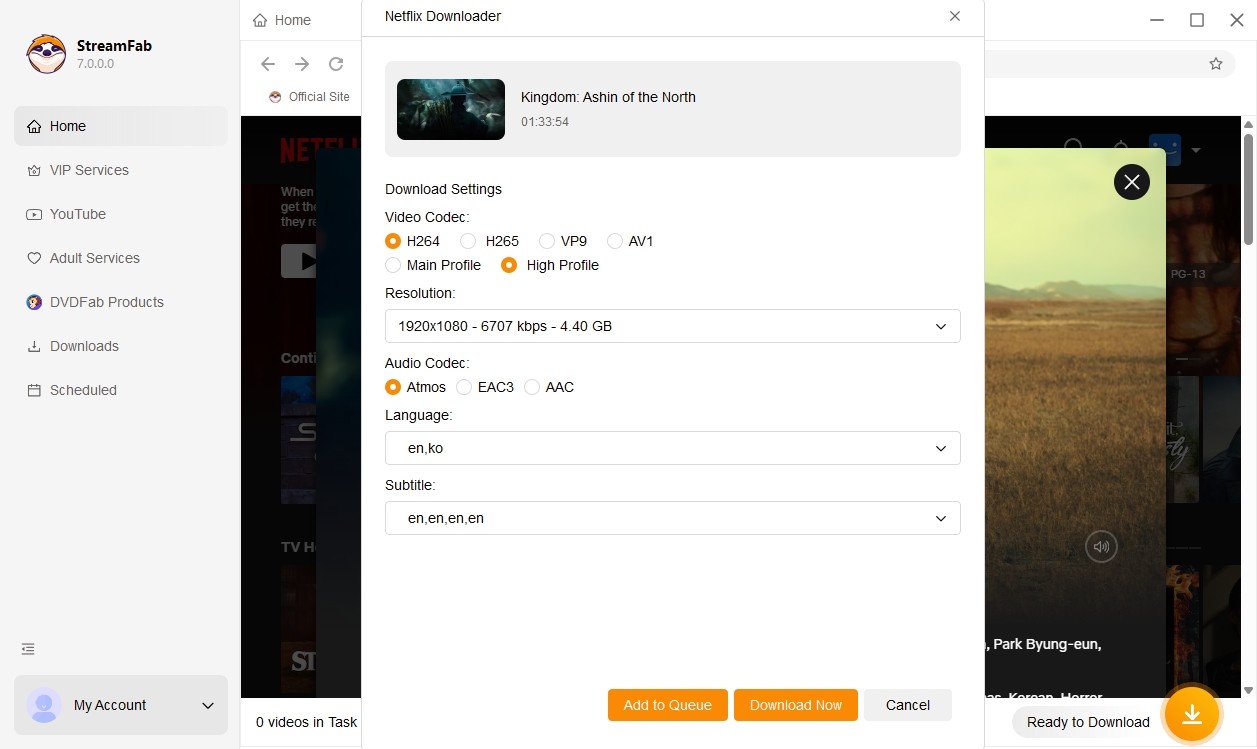
- Select output up to 8K and EAC3 5.1 audio when the supported source supplies them.
- Save downloaded videos in MP4 or MKV format.
- Preselect audio and subtitle language and resolution choices for your offline customization
- Allows scheduling time to download new episodes automatically
- Ad handling during downloads follows the supported service and title.
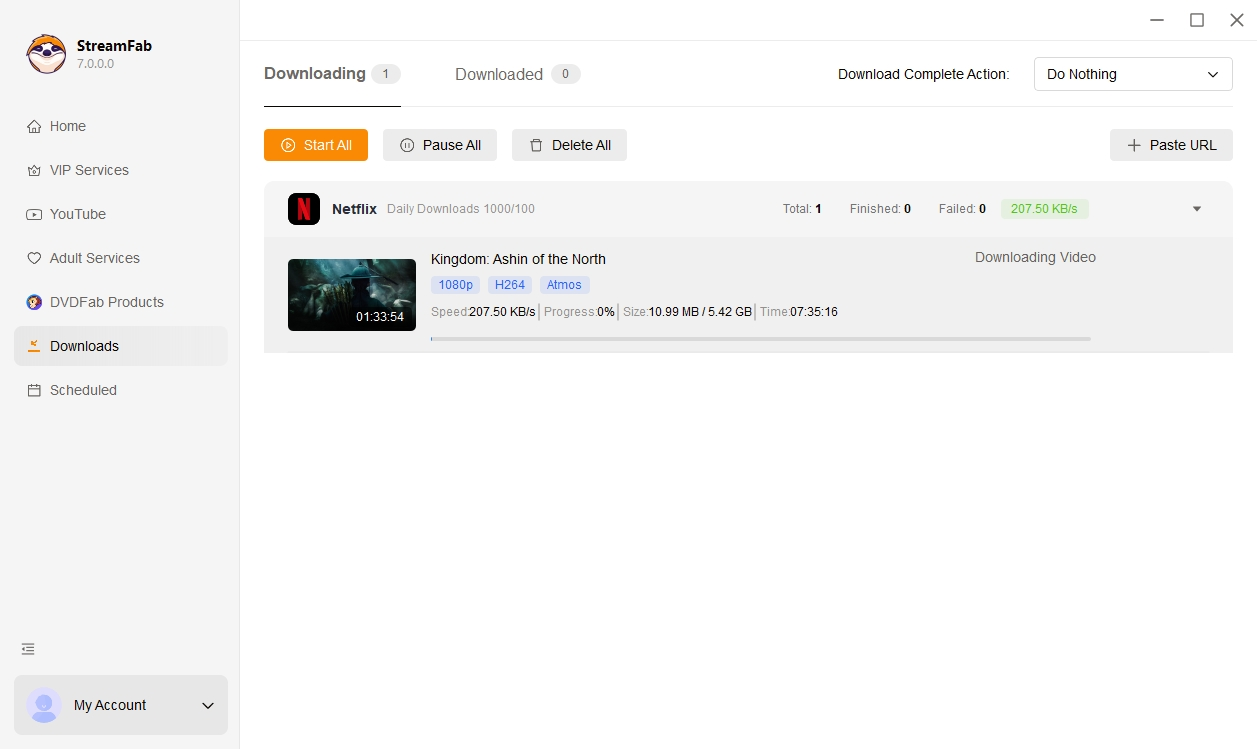
StreamFab’s free trial lasts 30 days per service module and provides 3 downloads per module. StreamFab supports MP4 and MKV video output and advertises video downloads up to 8K on supported sources when the source content provides that resolution. Use the trial to check the title and available output settings you need.
Start a StreamFab trial with a video you are authorized to save.
FAQ
Is Audials completely free to use?
No, the concept of an audials one free full version is a misconception. While you can download a demo to test the interface, it is heavily restricted. If you are asking is audials free for full-length movie archiving, the answer is no; you must purchase a license to unlock unrestricted recording times and higher resolutions.
Can hardware acceleration fix black screens?
Disabling hardware acceleration in your browser can sometimes temporarily bypass the Black Screen of Death during screen recording. However, modern 2026 streaming updates often detect this flag and will artificially downgrade your stream to 480p, making it an unviable long-term fix for high-quality archiving.
Does Audials bypass latest Widevine updates?
Audials does not technically bypass or decrypt Widevine DRM. It relies on capturing the video data after it has been decrypted by your browser and sent to your display. If a streaming provider enforces strict HDCP 2.3 pipelines, the screen recorder will simply capture a black screen.
Is Audials a one-time purchase or a subscription?
The current offers are subscriptions. An older one-time Audials One 2026 license is a different purchase; use the edition name and billing terms in your order confirmation to identify what you own.
Can a streaming service detect a recording made with Audials?
Do not assume that recording activity is invisible to the service. Account permissions and platform terms still apply even when a recording works. Successful capture does not establish permission to copy the content.
What should I do if the Audials demo will not start recording?
Update Audials and the selected supported browser, confirm that the authorized video plays normally, and retry one short clip before starting a batch. If recording still fails, use the Audials One troubleshooting steps for that symptom.
Conclusion
The Audials free demo is the better fit for evaluating a Windows recording workflow, while StreamFab All-In-One fits Windows or Mac users who need to save content they are authorized to watch as local MP4 or MKV files. For light offline viewing, start with the streaming service’s own download feature; when supported local-file output is the priority, use the StreamFab trial with an authorized title.

AnyStream (RedFox AnyStream) shut down in June 2024 and remains gone in 2026. I tested every major replacement — here are the 5 best anystream alternatives, including free options, ranked by real-world performance.
By Erika Leen - Oct 12, 2026

Are you thinking of purchasing NoteBurner and unsure if it’s worth the investment? In this NoteBurner review, let’s delve into its product lines, particularly the NoteBurner Video Downloader’s pros and cons.
By Marcia Hatcher - Sep 28, 2026

Read our in-depth Audials review for 2026. Is Audials safe and legal for Amazon Prime? Discover actual test results, Widevine DRM fixes, and better alternatives.
By Erika Leen - Sep 28, 2026
TuneFab’s Amazon downloader suits a focused desktop routine, while VideOne covers multiple services. Compare their workflows, license structures, and output checks with StreamFab, then use the numbered setup and maintenance steps for authorized personal offline viewing.
By Erika Leen - Sep 24, 2026