
Best Audiomack Downloader: 5 MP3 Options for Phone and PC

Summary: Before choosing a route, confirm that you are authorized to access the track and that your intended use is permitted by Audiomack's terms and applicable law. Official app downloads remain inside the app, web tools generally suit single links, and desktop or recording workflows are better suited to local files and longer queues. A 320kbps export is meaningful only when the source supports comparable quality.
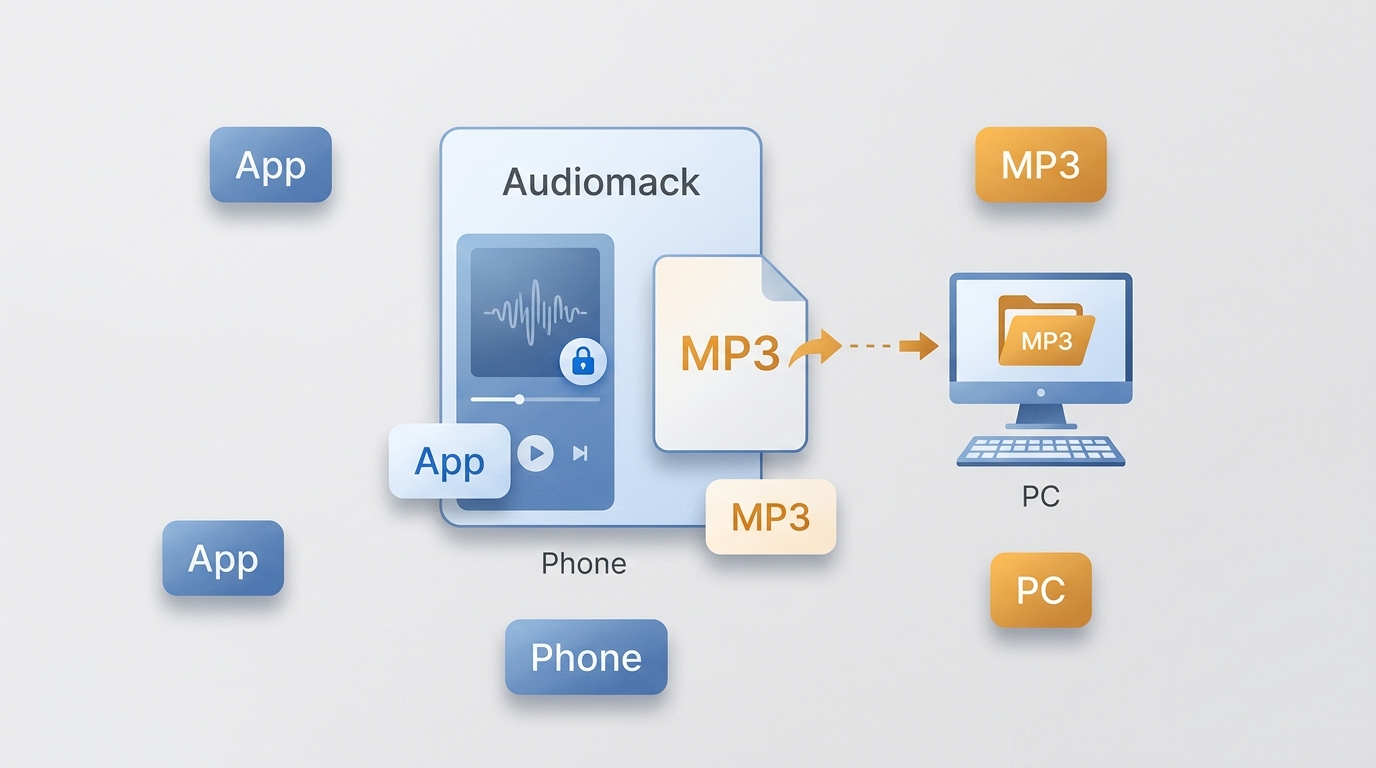
In short, Audiomack's official app is the simplest option for mobile in-app offline listening. If you need a transferable MP3 on Windows or Mac, use an authorized local-file workflow, and remember that output quality cannot exceed the source when you download Audiomack audio on a PC.
Official App or MP3 File?
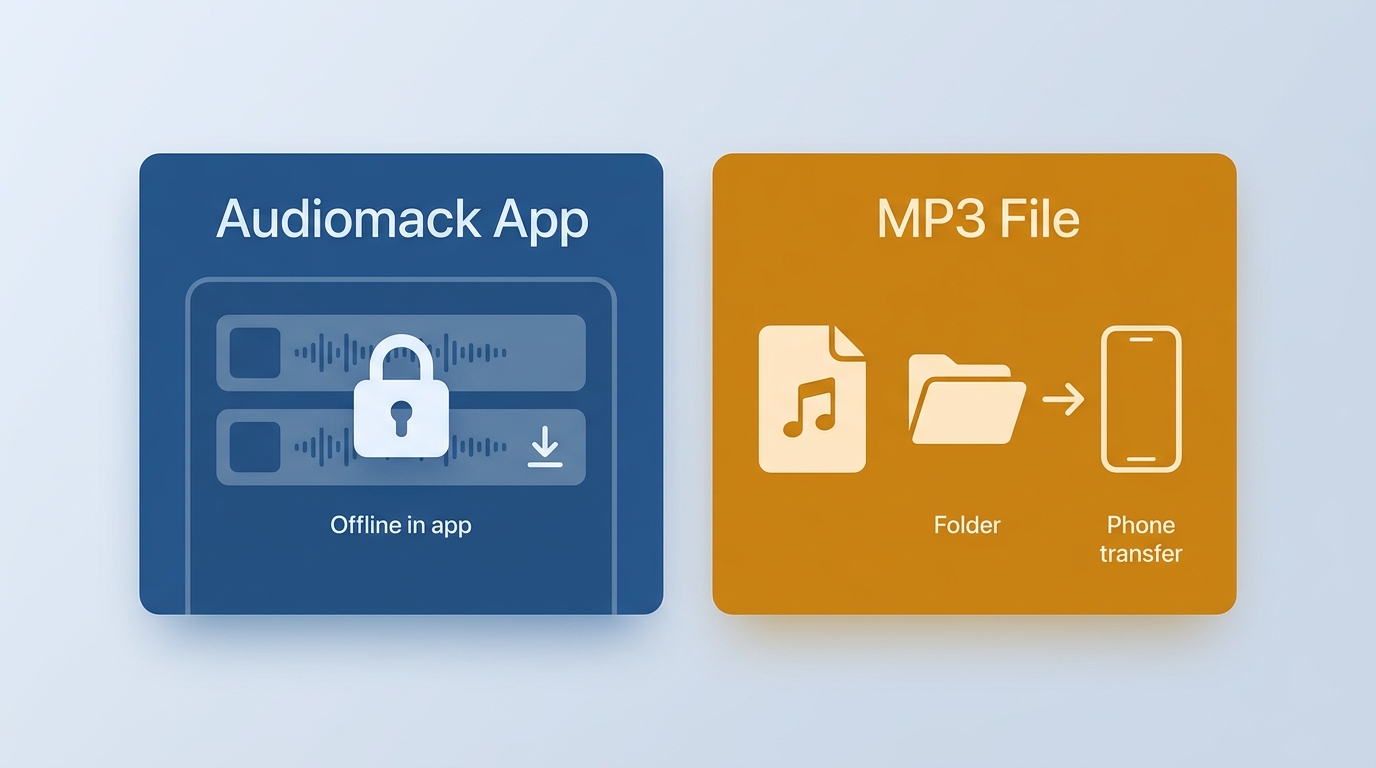
For mobile offline listening, Audiomack's official app is the baseline choice. Its downloads are managed for playback inside the app, not saved as ordinary MP3 files in phone storage. A separate local-file workflow is relevant only when you need a transferable file for content you are authorized to access, where Audiomack's terms and applicable law permit it. As of July 2026, Audiomack's Android and iOS apps remain active options for in-app offline listening.
This distinction is the practical starting point: choose the app when playback inside Audiomack is enough, and consider a desktop, recorder, or web workflow only when a separate MP3 file is genuinely needed.
Can Audiomack Reach 320kbps MP3?
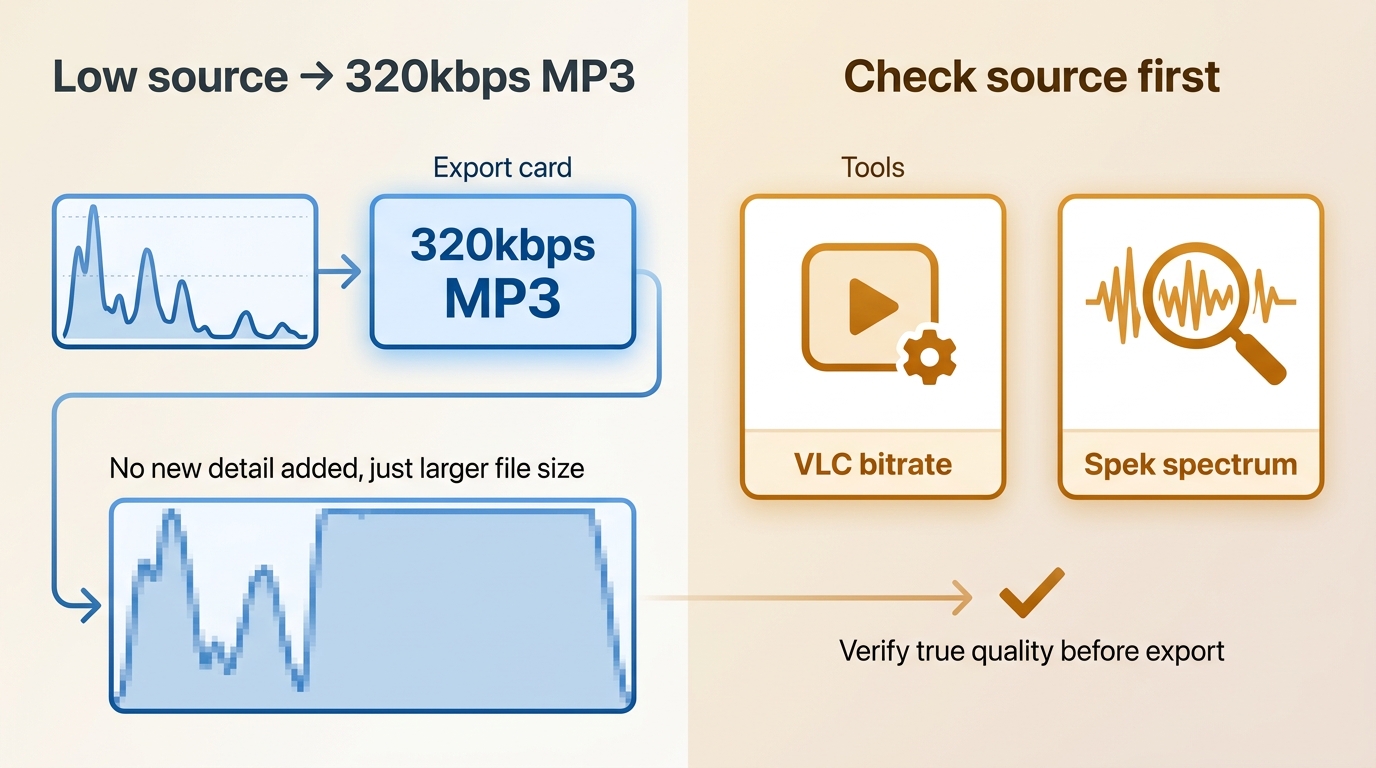
A 320kbps MP3 setting does not prove that the underlying audio is 320kbps. Source bitrate limits still apply: conversion can place audio in a 320kbps MP3 container, but it cannot restore detail missing from a lower-quality source. The useful evidence is the source condition, the resulting file size, and an actual bitrate or spectrogram check.
| What to check | What it tells you |
|---|---|
| Source condition | Whether the available Audiomack playback source can plausibly support the claimed quality. |
| Export setting | The MP3 container requested by the tool, not proof of added audio detail. |
| Bitrate inspection | Whether the saved file is encoded at the stated bitrate. |
| Spectrogram comparison | Whether the output appears to retain detail consistent with the available source. |
This article does not present a verified Audiomack track sample with a confirmed 320kbps result for any listed tool. Treat 320kbps as a source-dependent possibility, not a guaranteed outcome, and use a short authorized sample before processing an album.
Choose the Right Download Route
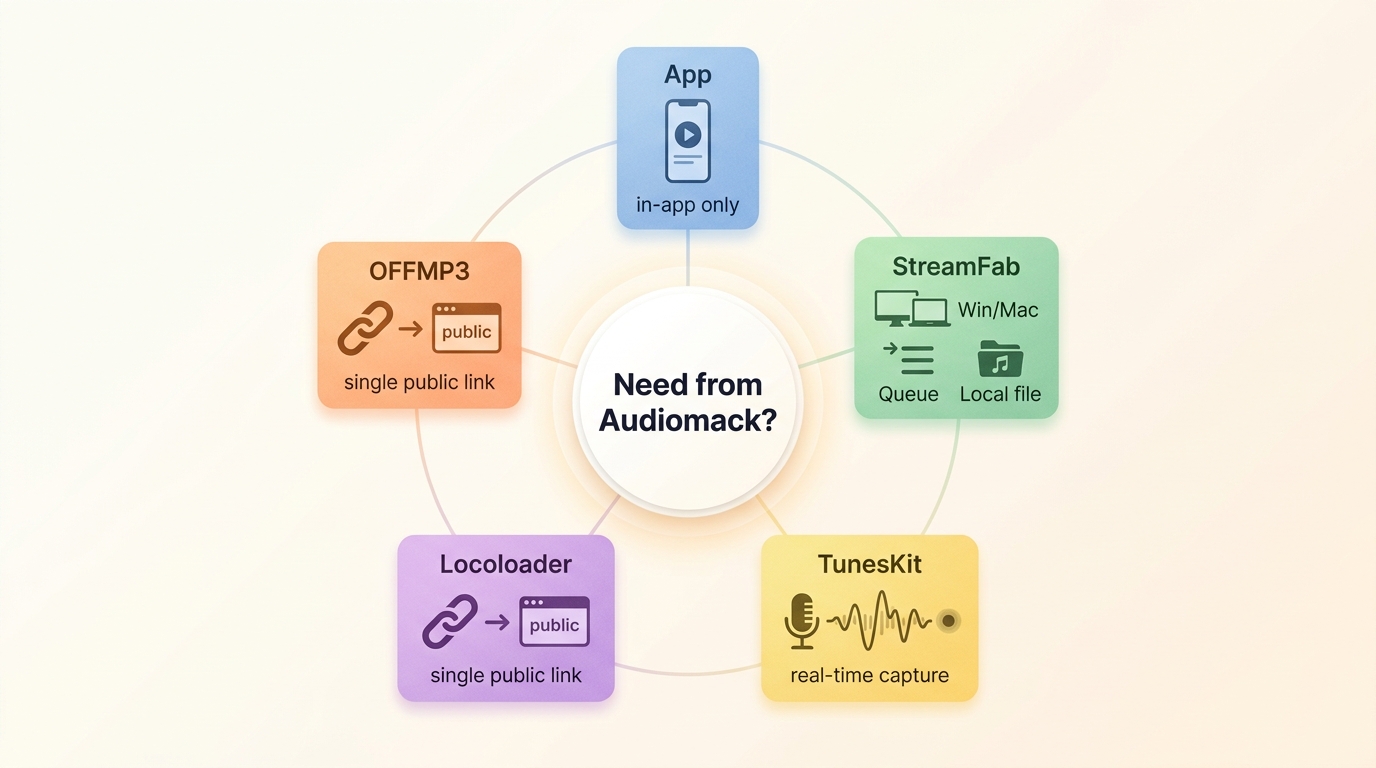
An online Audiomack downloader can suit an occasional public link, but the right route overall depends more on the device and intended result than on a tool's marketing label. Start with the route that matches the file and workflow you need.
| Situation | Recommended route | Not ideal when |
|---|---|---|
| Phone listening inside Audiomack | Use the official Audiomack app for managed offline playback. | You need a normal MP3 file outside the app. |
| One public link with no installation | Use a web tool such as Locoloader or OFFMP3 if the current page supports the link. | You need reliable quality, metadata, or album queues. |
| Windows or Mac local-file workflow | Use a desktop option for authorized content when an available source is supported. | You only want quick in-app mobile listening. |
| Direct-link workflow is unavailable | Use a recorder such as TunesKit and allow for real-time playback capture. | You need fast, unattended album processing. |
| Authorized album or playlist queue | Choose a desktop workflow with available queue support and confirm detected items first. | A single-link web tool is your only option. |
For this decision, downloading and recording are different fits: a local-file workflow can be more convenient for available sources, while recording follows playback in real time and is more exposed to interruptions. The broader difference between downloading and recording explains those tradeoffs in more detail.
Audiomack Downloader Options: What Each Route Fits

1. StreamFab Video Downloader
Relative to Audiomack's official app, StreamFab Video Downloader is a separate Windows and Mac local-file workflow for content you are authorized to access, where permitted by platform terms and applicable law. Actual output quality depends on the available source; see the 320kbps section above for the checks that make an output claim plausible. Current pricing and trial terms are not included in this comparison.
Use StreamFab on Windows or Mac as a local-file workflow for authorized content when an available source is supported, subject to platform terms and applicable law.
- Supports a local MP3 workflow when an authorized and available source can be detected.
- Output quality depends on the source; a higher export setting cannot add missing audio detail.
- Queue availability depends on the supported source and service.
- Detects supported video and audio through its built-in browser.
- Supported sites, workflows, and trial availability may change; check the current product page.
Download and install StreamFab onto your device. Launch it and the trial will start automatically.
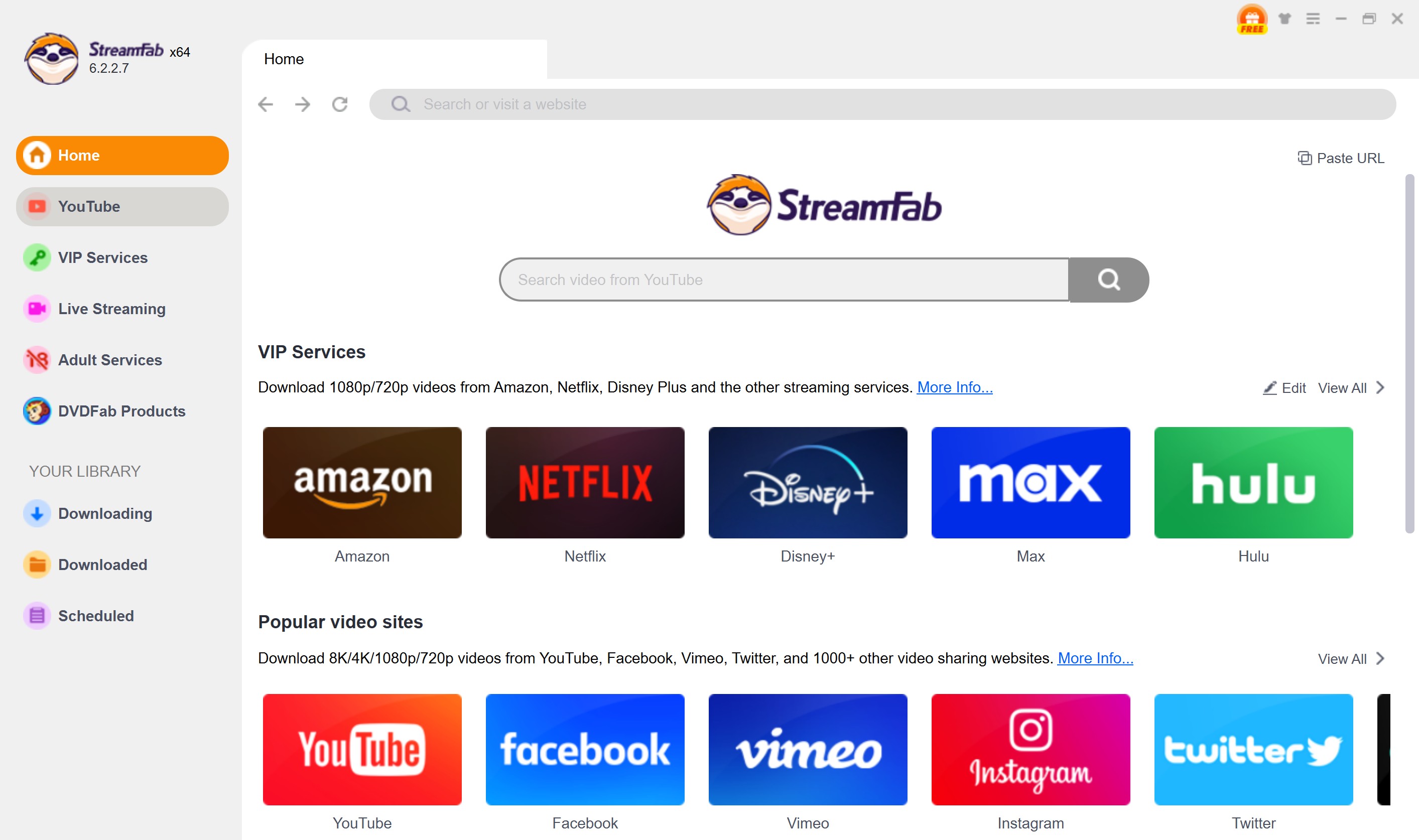
Find the Audiomack in the YouTube section. Copy the music URL from the Audiomack website, and paste it onto the Address Bar also will work.
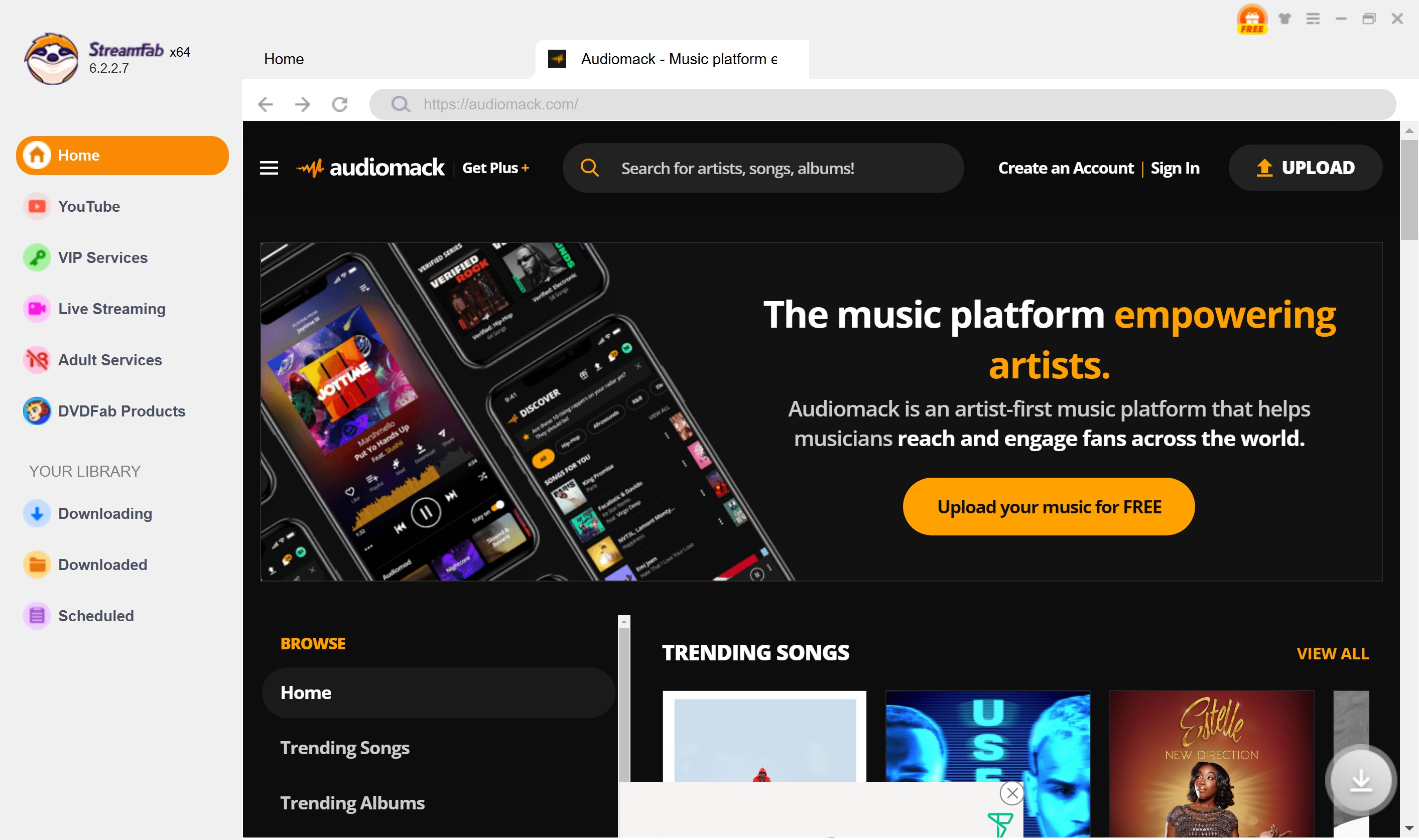
Then you can search for the website until you find a song you want to save. Click it to play so that this Audiomack MP3 downloader will analyze its information.
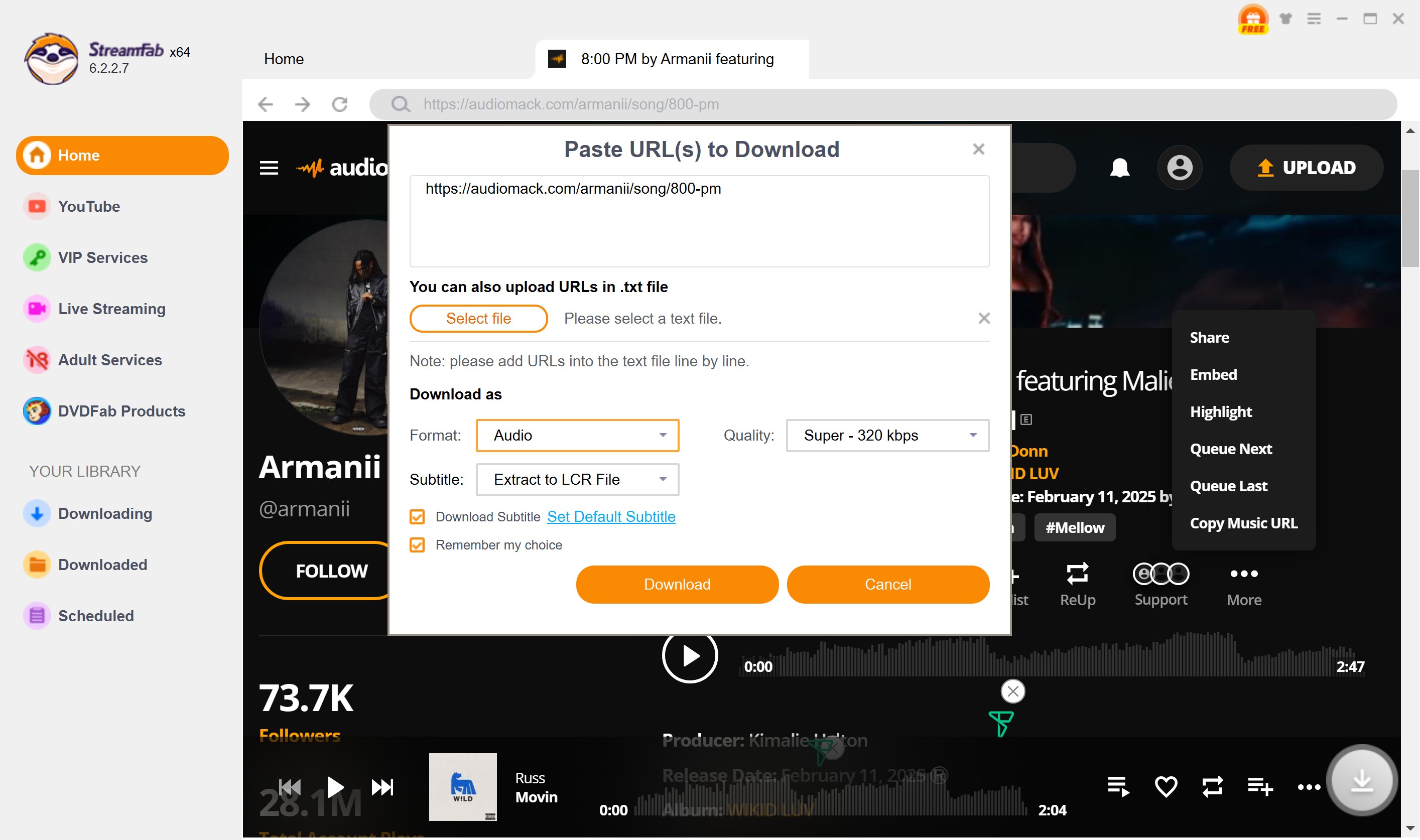
After customization, you can download it right now or add it to the queue.
2. TunesKit Audio Capture
Many users explicitly search for a tuneskit audiomack downloader expecting a direct URL parser. Let me clarify: TunesKit operates primarily as a virtual audio soundcard capture tool. It records the audio as it plays through your system's mixer.
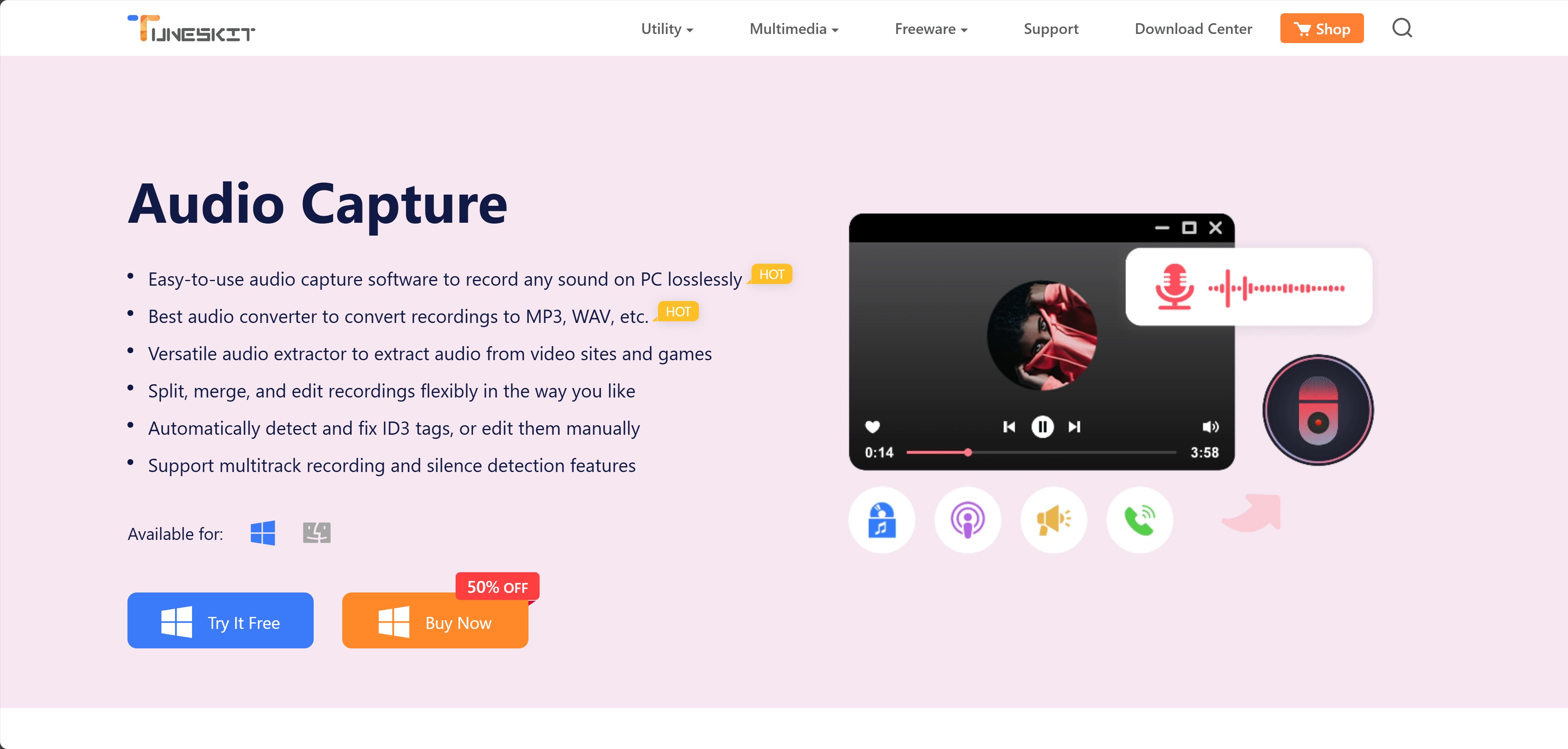
- Can preserve clean playback when the source and recording settings are suitable
- Supports MP3, WAV, FLAC, AAC, M4A, and M4B formats
- Trial availability and limitations may vary
- System sounds, notifications, or playback interruptions can affect the recording
- Saving usually takes as long as the track plays
TunesKit saves audio as it plays, so the workflow generally takes real time and can capture notifications, buffering, or other playback interruptions. It can still be useful when a direct link tool does not support a particular public page.
If a recording contains stutters or audio artifacts, closing notification-heavy apps and testing the browser's hardware acceleration setting may help. Record a short sample before committing to an album-length session.
How to download Audiomack music to your device with TunesKit?
Presume that you have already had it on your computer. You can launch it with a double click.
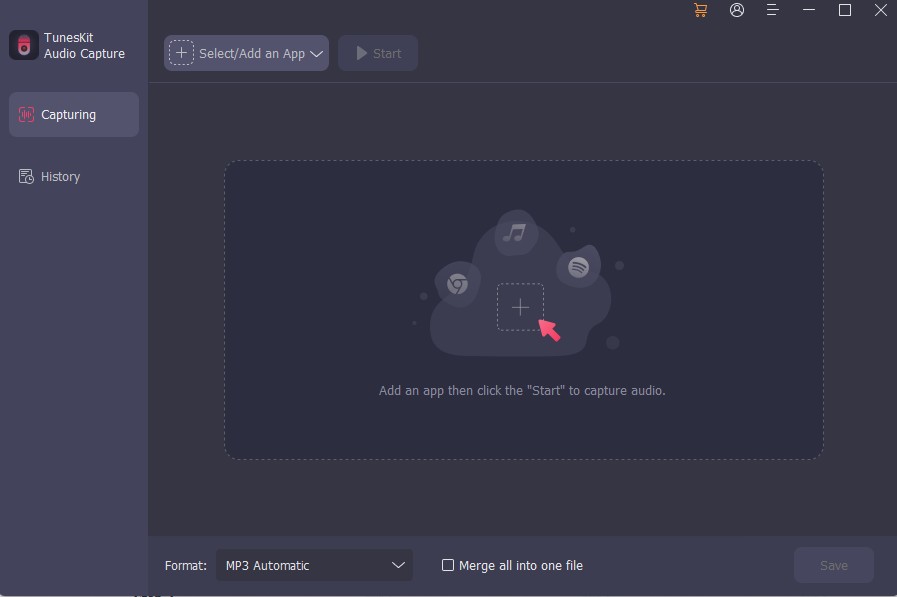
Select the capture target which will play the song on Audiomack later.
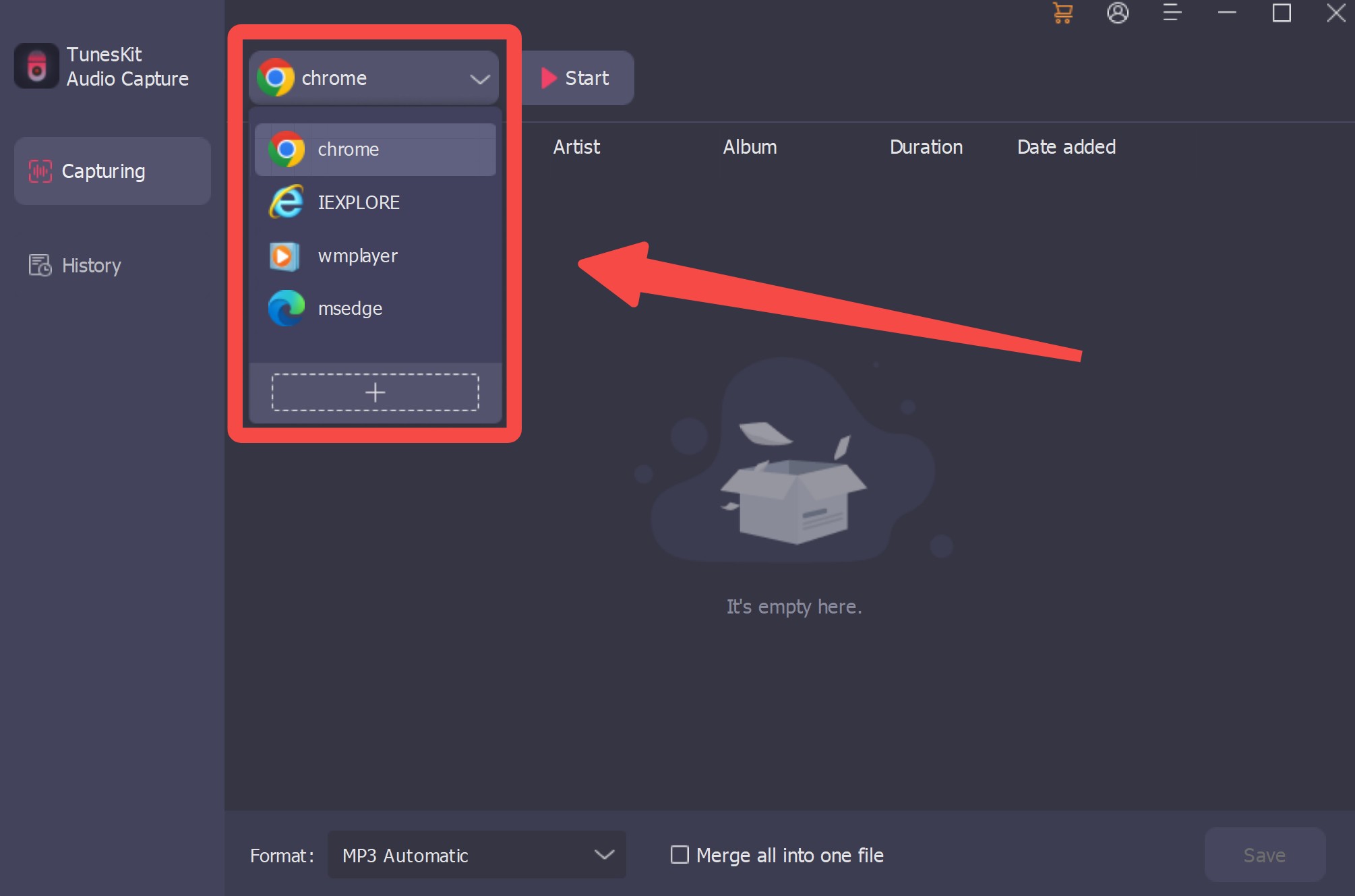
Play the song on Audiomack with a browser and start capturing.
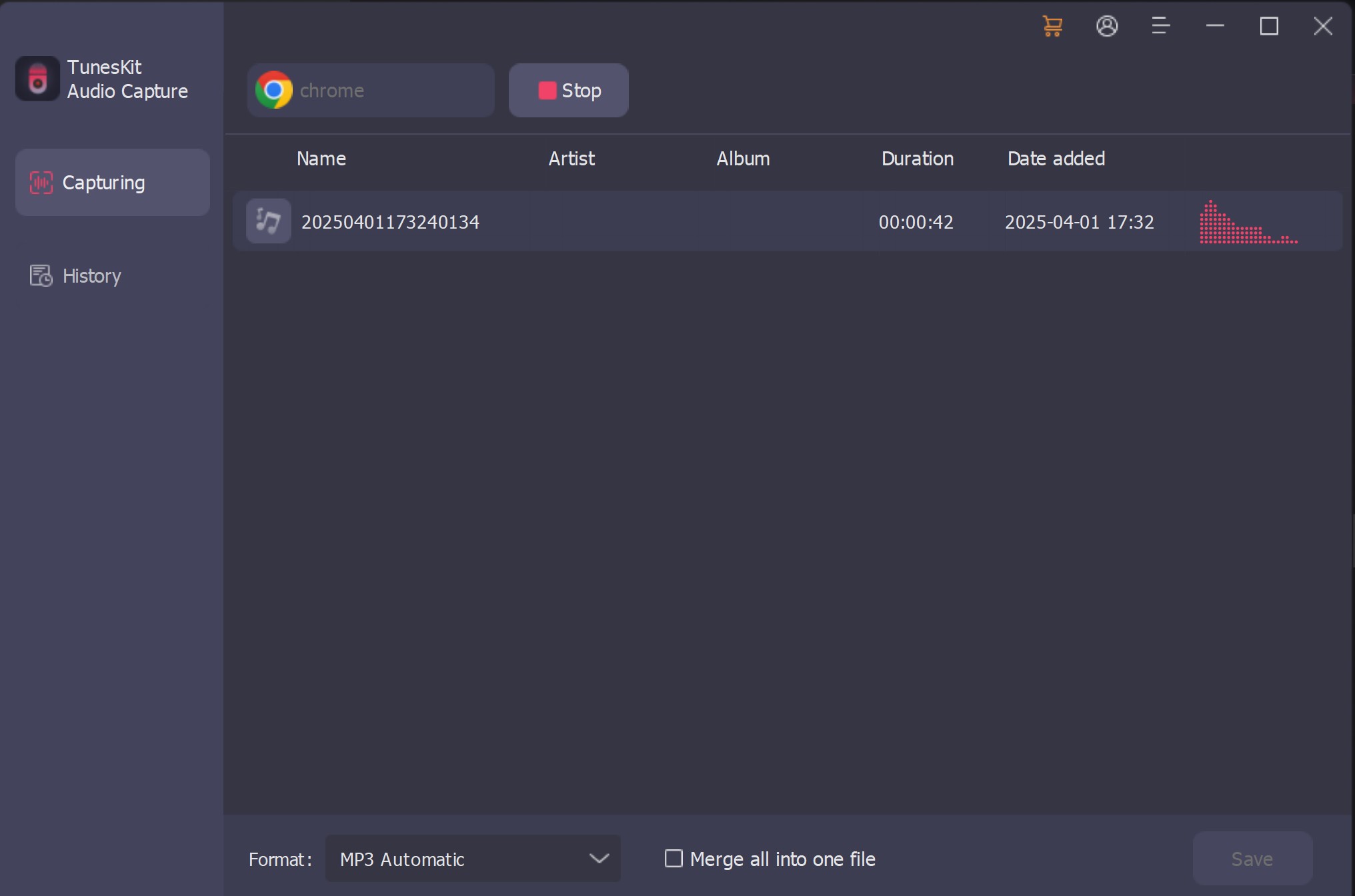
Click the download button
After customization, you can download it right now or add it to the queue.

For the source-quality checks behind a 320kbps claim, see “Can Audiomack Reach 320kbps MP3?” above.
3. Locoloader
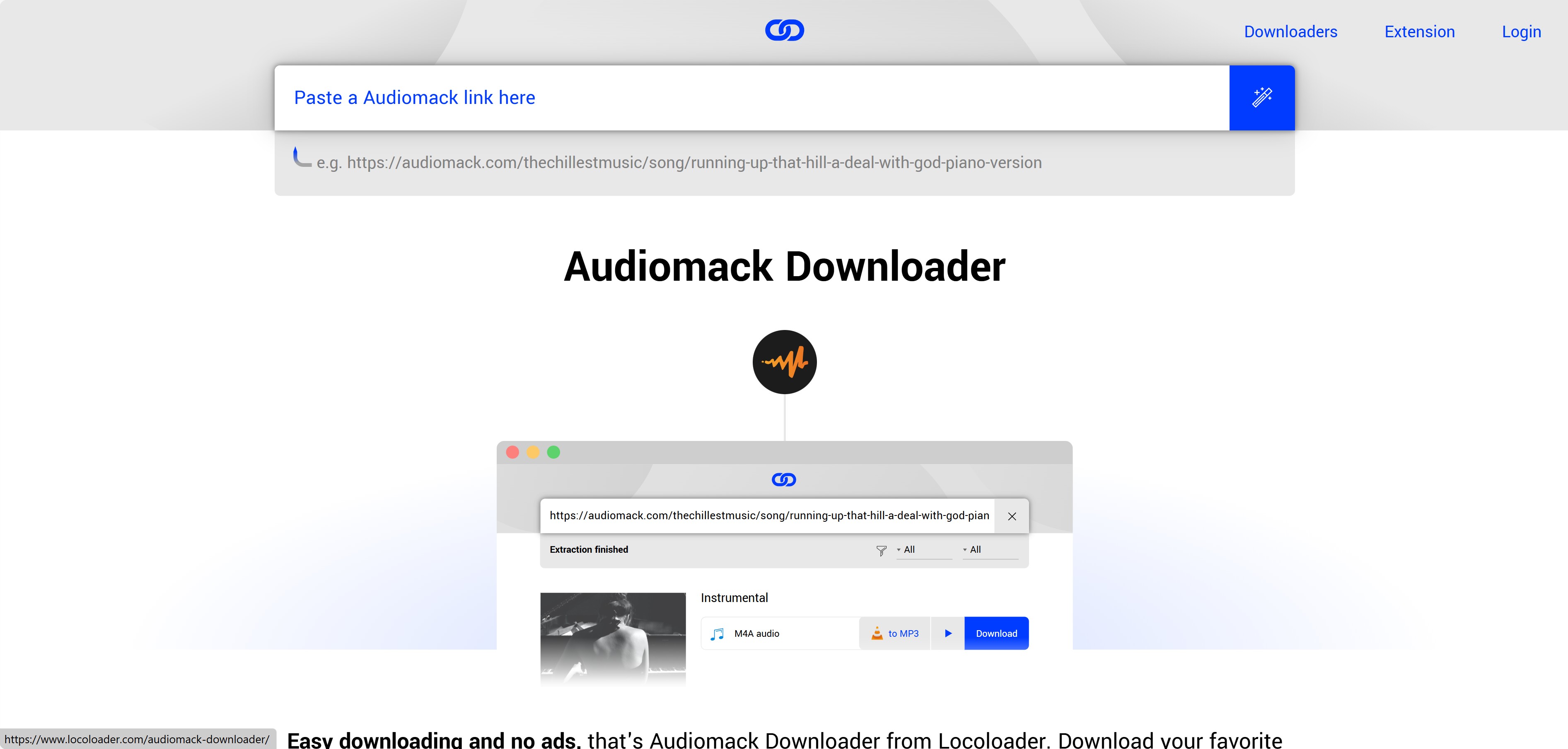
Locoloader is a no-install web option designed around a copied public link. This route is most practical for an occasional single track, not for a large album or playlist queue.
Its page provides a field for pasting a music URL, but available quality, supported links, extension requirements, and visible controls can vary with the current site version. Treat any 320kbps label as an export setting unless the source quality supports it.
- Provides a browser-based single-link workflow when the page and URL are supported
- The paste-link interface is straightforward for occasional use
- Does not require a full desktop application
- Output quality and metadata support vary by source and current site status
- Some workflows may require a browser extension
- Not all music sites are supported
How to download Audiomack music to your device with Locoloader?
Open the Audiomack website and copy the URL of the to-be-downloaded song
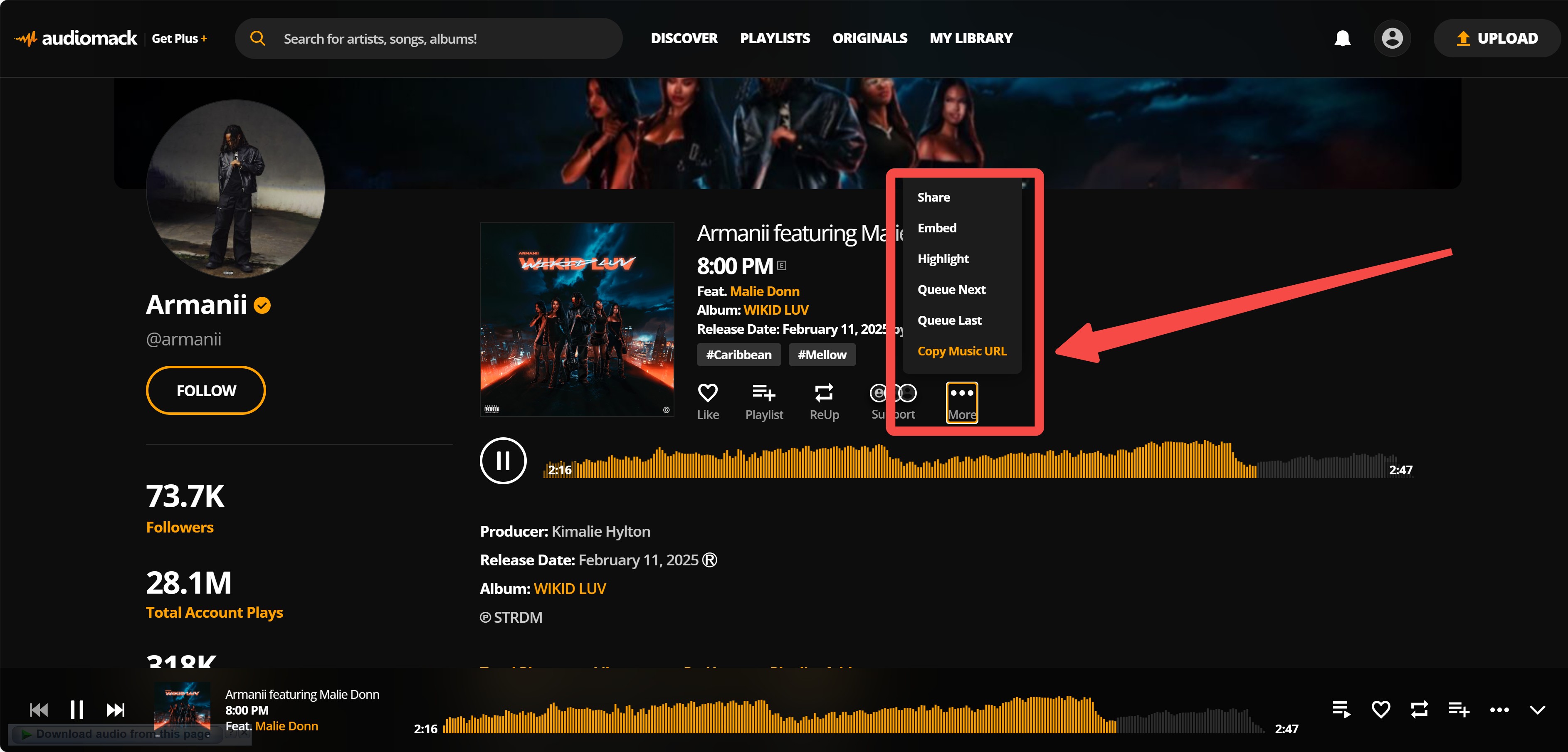
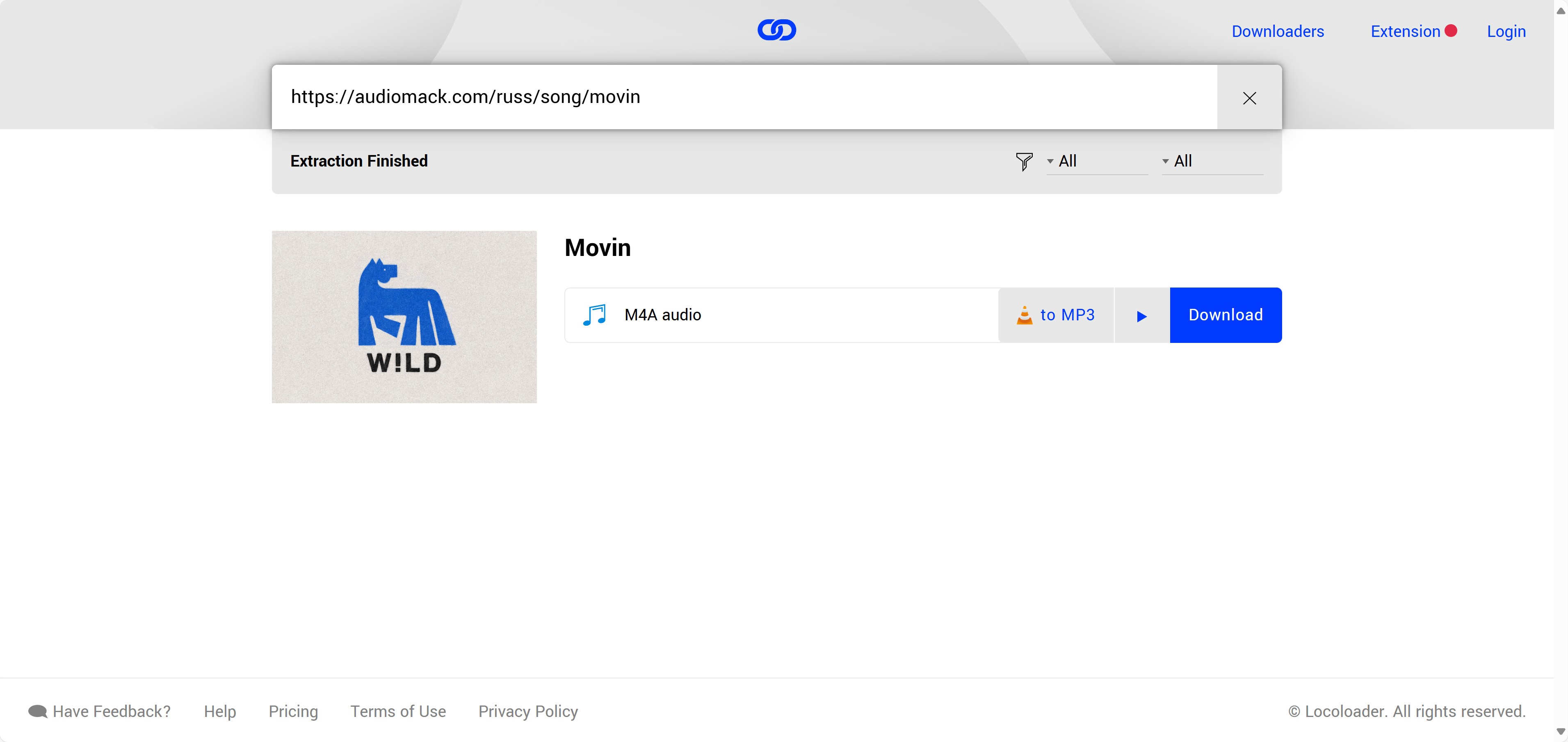
Paste the link into the clipboard and click the magic stick icon. It will analyze the URL and convert it to mp3 to save locally.
4. OFFMP3
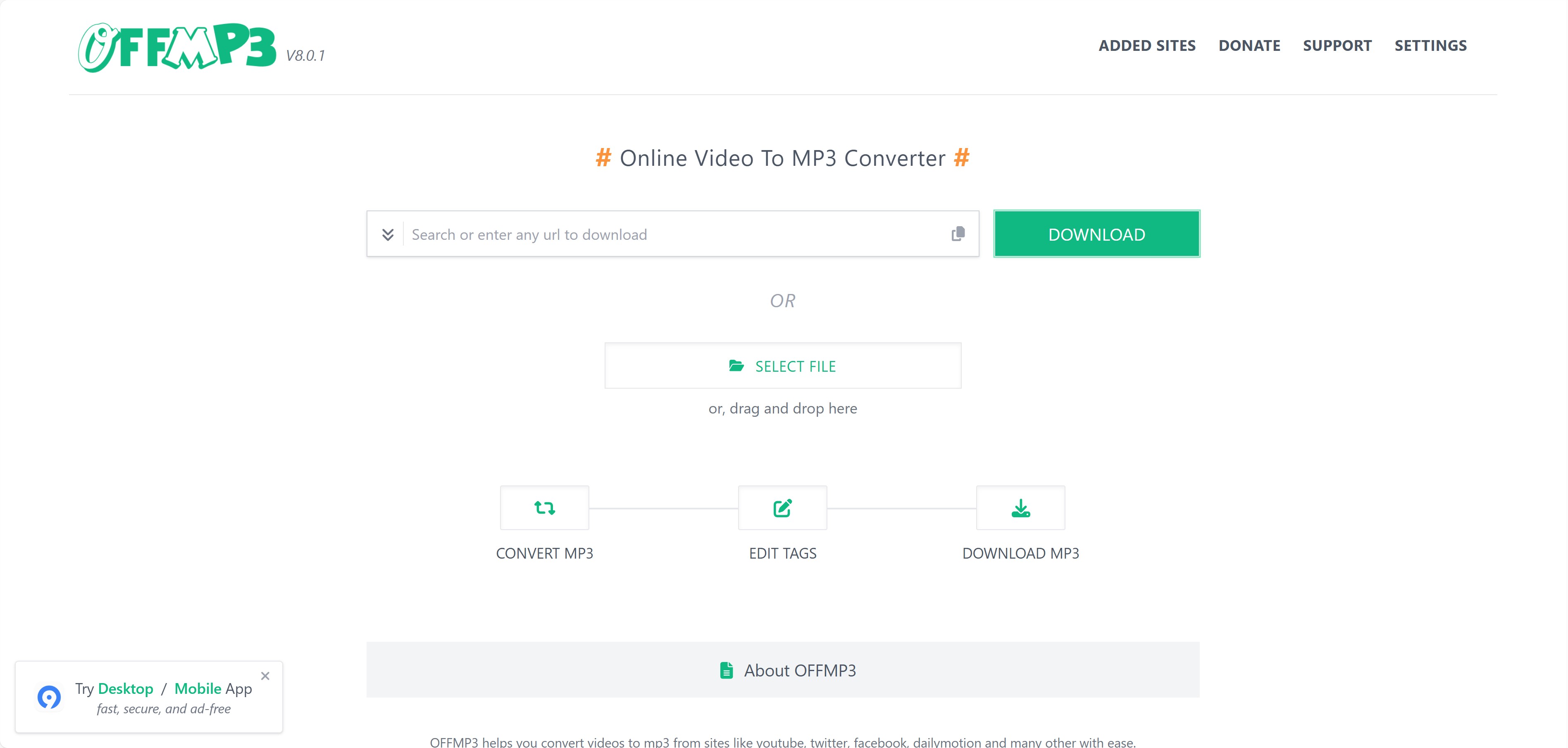
OFFMP3 has been presented as a browser-based link tool for audio and video pages, including Audiomack. Its current controls and URL coverage are not consistently visible, so it is better treated as a possible single-link option than as a dependable batch or 320kbps workflow. Keep saved material for authorized personal use rather than redistribution.
- May process individual audio or video links when the current page supports them
- Has been listed for links from multiple media websites
- Runs in a browser without a desktop installation
- Ads and pop-ups may interrupt the workflow
- Quality and metadata depend on the available source and current service
- No confirmed batch workflow
- Audiomack URL support is inconsistent
How to download Audiomack music to your device with OFFMP3?
Target and copy a piece of music URL while listening on Audiomack.com
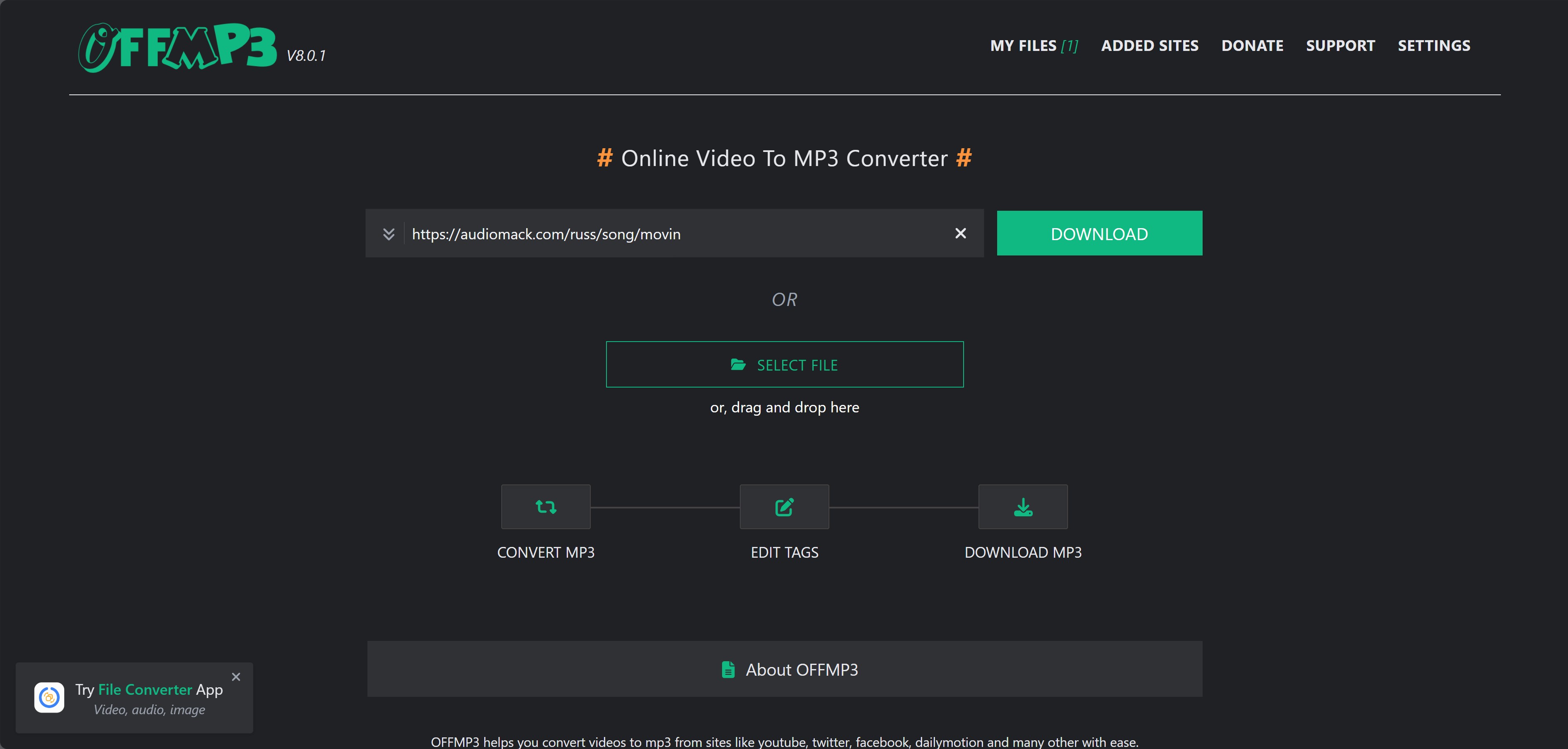
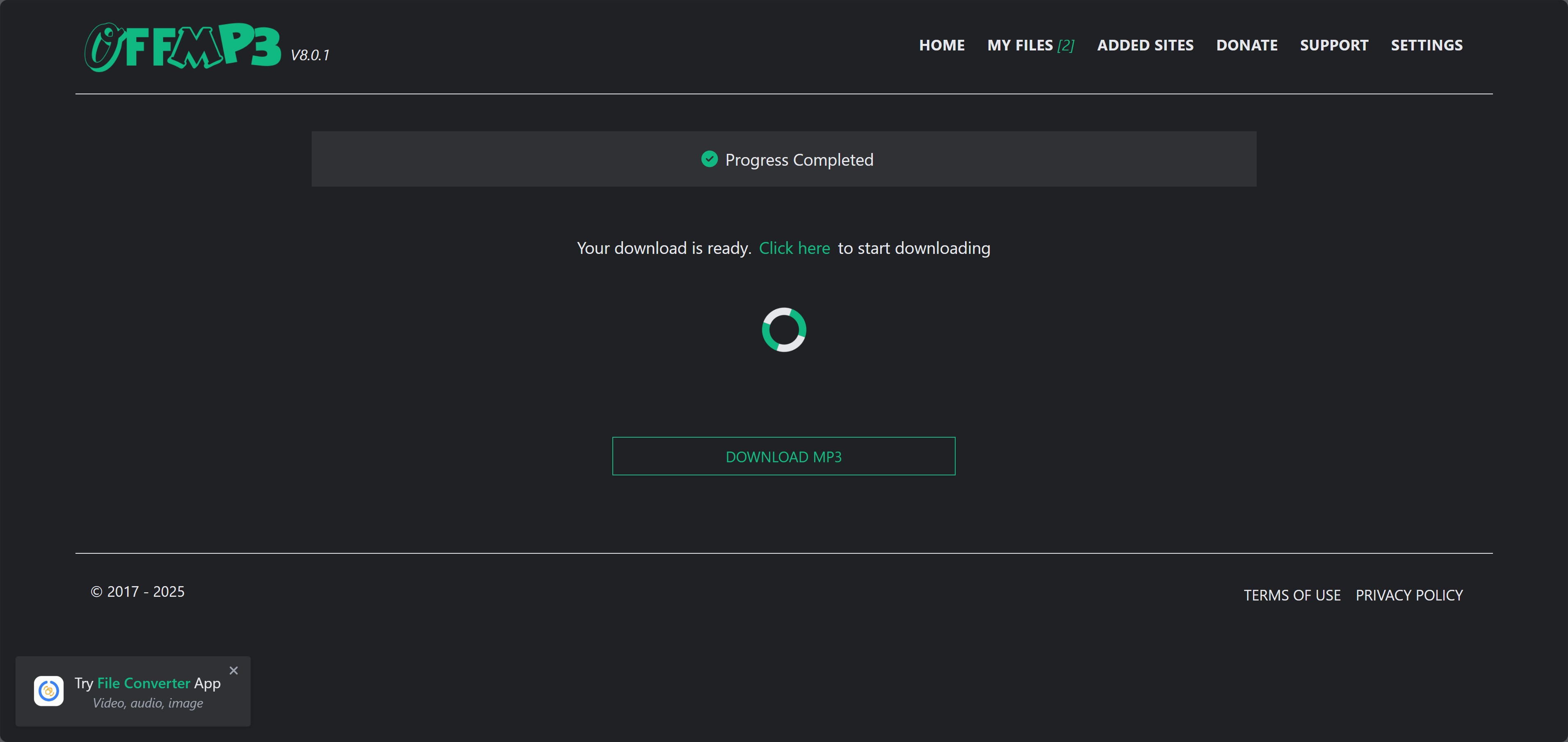
Click the “Download” button and wait the results. Then you can get the MP3 file of the Audiomack song you want.
5. iDownerGo
iDownerGo appears in older Audiomack downloader listings, but a current official Audiomack-specific page is not clearly established. Treat it as an uncertain or legacy option rather than an equal current recommendation, especially if the site asks for software installation, payment, or account credentials.
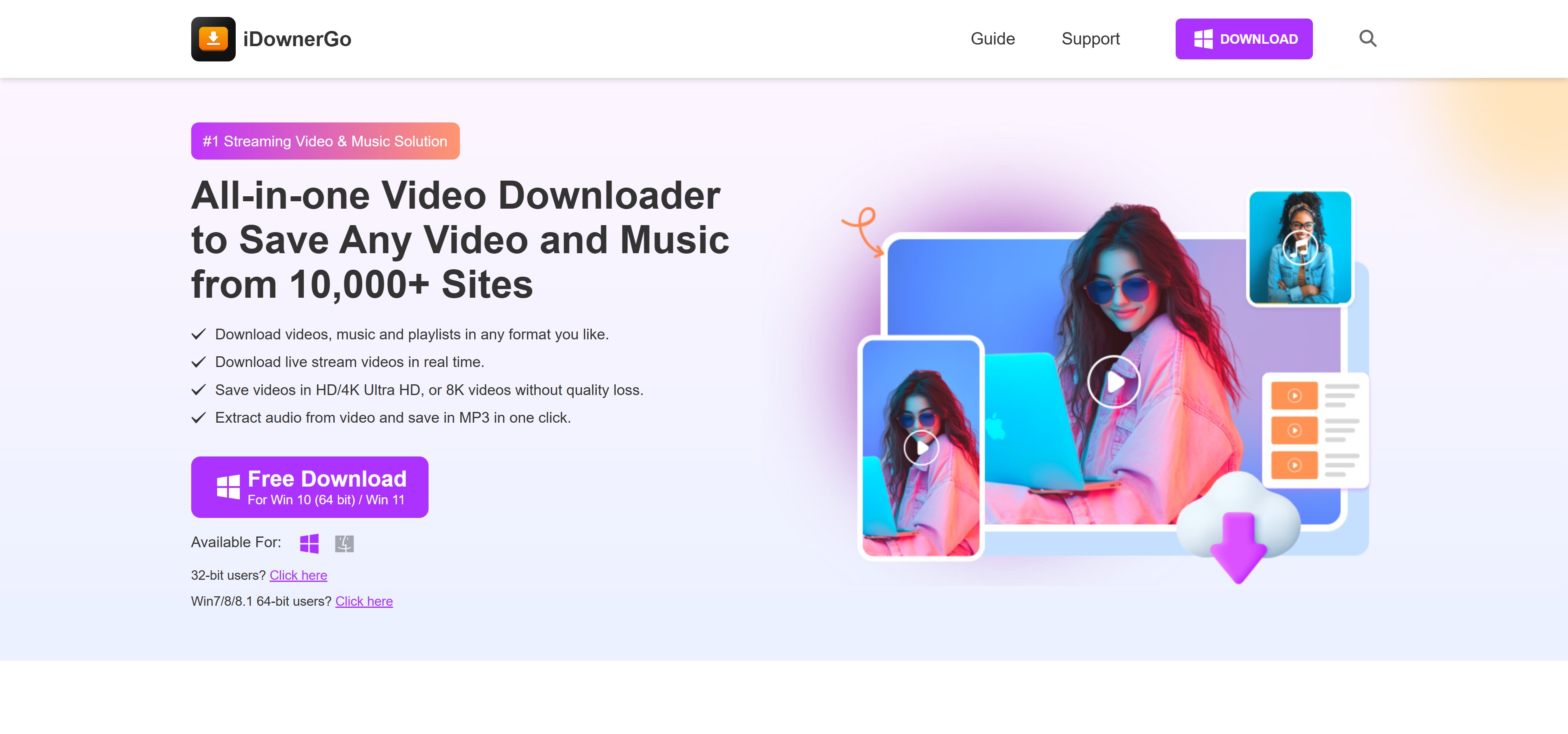
- Appears in older listings as a music and video download option
- Uses a relatively simple conversion-style workflow when available
- Current Audiomack-specific features are not clearly documented
- Output quality and metadata support are uncertain
- Performance cannot be stated reliably without a current active workflow
- Some listed functions may require payment
- Current official status and Audiomack support are unclear
Find the Audiomack music you want to save and copy its URL.
Paste the URL you just copied to the bar to let it analyze.
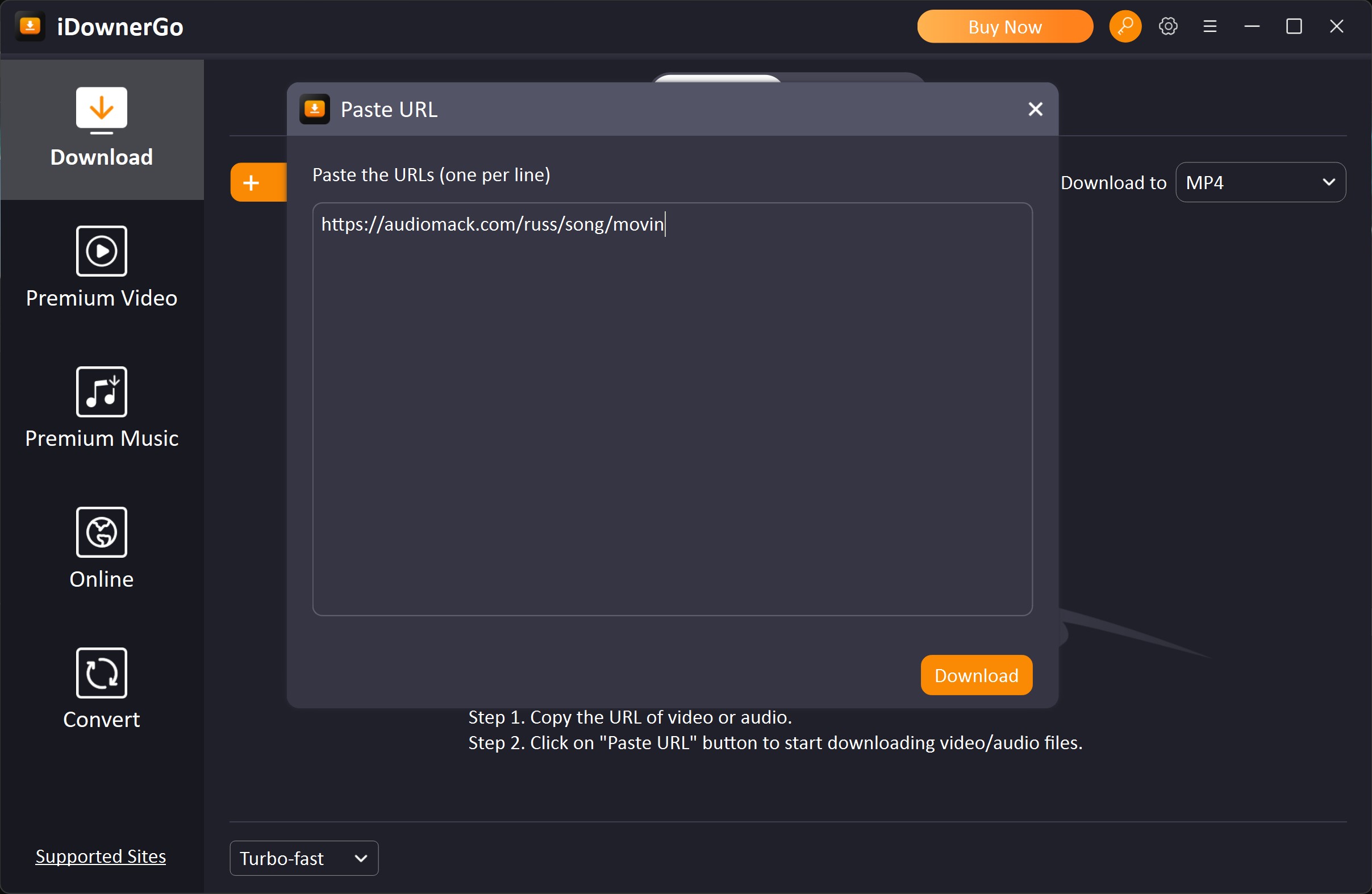
Click the “Download” button after the analysis is done
5 Audiomack Downloaders Compared
Some Audiomack pages include visualizers or music videos rather than audio alone. If you need the video, confirm that the selected workflow supports a video file instead of assuming an MP3 converter will preserve the visual track. Available resolution and audio quality still depend on the source.
| StreamFab | TunesKit | Locoloader | OFFMP3 | iDownerGo | |
| Quality | 320 kbps | 128 kbps | 256 kbps | 193 kbps | 256 kbps |
| Format | MP3, M4A, FLAC | MP3, AAC | MP3, M4A | MP3 | MP3, M4A |
| Speed | 5-7mb/s | depends | 2-4mb/s | 3-4mb/s | 2-3mb/s |
| Playlist Download | ✅ | ❌ | ❌ | ❌ | ❌ |
| Ease to Use | ✅ | ❌ | ✅ | ✅ | ❌ |
FAQ
Do Audiomack downloads save as normal MP3 files?
Downloads made through Audiomack's official mobile app are managed for playback inside the app and are not the same as ordinary MP3 files in phone storage. A separate local-file workflow is needed for a transferable MP3, and it should be used only for content you are authorized to save where platform terms and applicable law permit.
Will ID3 tags and cover art stay with the MP3?
Metadata retention depends on the workflow and the information available from the source. Desktop tools may preserve the title, artist, album, and cover art when those fields are available, while web converters and recordings often require manual tag cleanup. Check a short sample before processing a full album.
What if a track is unavailable in my region?
Track availability depends on licensing, account conditions, and location. If Audiomack marks a track as unavailable, this article does not recommend trying to override that restriction. Use content that is available to your account and region, or look for an authorized release from the artist or rights holder.
Do I need an Audiomack login, and can I download playlists or albums?
The official app requires an Audiomack account for its managed offline features. Public-link web tools may not require a login, but they commonly handle one track at a time. For an authorized album or playlist queue on Windows or Mac, choose a desktop workflow with batch support and confirm the detected items before saving.
Can an Audiomack downloader really export a 320kbps MP3?
It can export a file at that setting, but the setting alone does not establish source quality. A converter cannot add detail beyond the available source, so inspect a short authorized sample with a bitrate reader or spectrogram before treating a 320kbps label as meaningful.
Conclusion
The right Audiomack route depends on the file you actually need. Audiomack's official app is the simplest choice for mobile in-app offline listening. A no-install web tool may suit an occasional public single link, although quality, metadata, ads, and availability can vary.
Windows and Mac users who need authorized local files, queue support, and better metadata handling can consider a desktop workflow such as StreamFab, while a recorder such as TunesKit is better treated as a real-time fallback.

Identify protected and unprotected M4V files, use authorized Apple TV playback, convert compatible files, or choose a separate supported-streaming workflow.
By Erika Leen - Sep 8, 2026
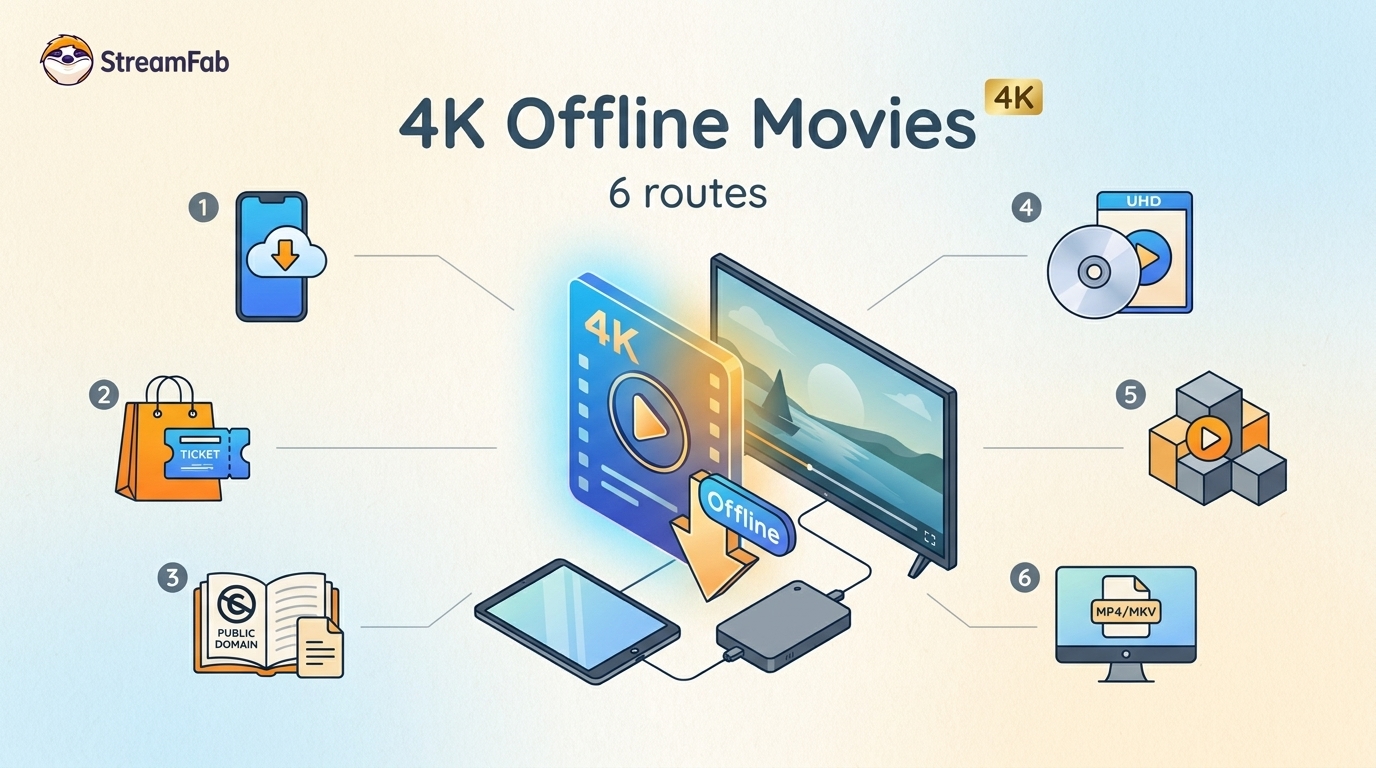
Legal 4K movie downloads do not all provide the same kind of offline access. Most mainstream services offer app-locked downloads, while portable movie files, UHD Blu-ray, public-domain media, and authorized desktop workflows involve different quality, cost, device, and licensing limits.
By Jacob Harrison - Aug 12, 2026
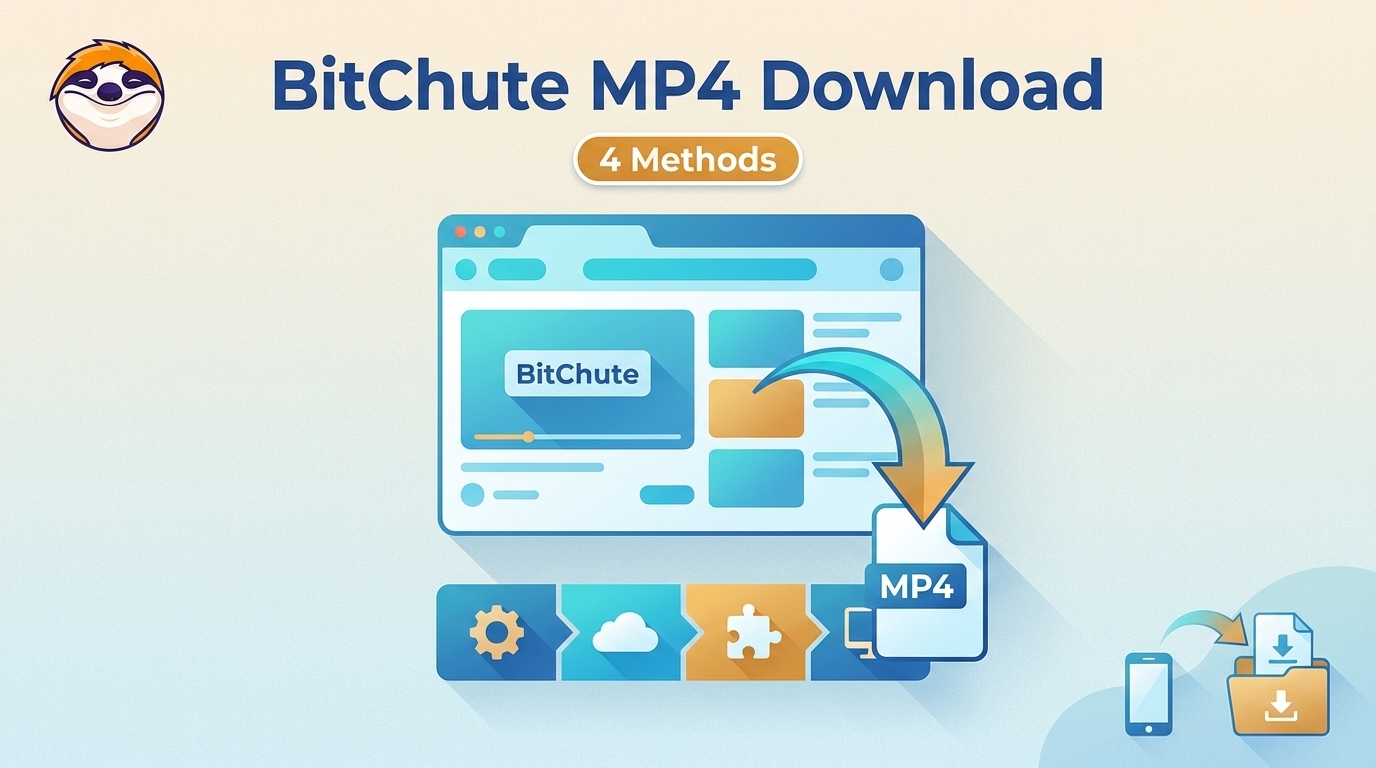
To get straight to the point, you can download a BitChute video as MP4 through its download icon: open the video, then use Save As. For authorized content where permitted, this guide explains when desktop, Android, or browser alternatives make sense.
By Marcia Hatcher - Aug 11, 2026
Looking to convert a link to MP4 in 2026? I've systematically tested top desktop and online converters to bypass Widevine DRM, dynamic tokens, and geoblocking for seamless PC and Android extraction.
By Jacob Harrison - Aug 7, 2026