
Downloading vs Screen Recording in 2026: Quality, Speed, and Limits

Summary: Currently, the common methods for offline viewing include downloading and recording, what are the differences between them? How do users differentiate between these two types of tools when selecting them? This article provides you with some information to assist in this matter.
Here's the short answer: for stored VOD you're authorized to watch, downloading almost always wins on quality, speed, and selectable audio/subtitle tracks. Recording earns its keep for live streams or the odd service no downloader supports, but you're paying in real time and inheriting whatever the browser shows you.
Most people assume screen recording gives you a cleaner copy of a movie. It usually doesn't. I've spent a year archiving lectures, meetings, and the occasional weekend binge, and the pattern is boring but consistent: a local file from a supported service holds detail a real-time capture cannot invent later. This guide walks through what actually separates streaming, downloading, and recording, when each fits, and where each falls apart.
This article discusses general technical concepts regarding offline viewing. Under strict US copyright laws (such as the DMCA), circumventing Digital Rights Management (DRM) carries significant legal risks. Any tools mentioned here must only be used strictly in accordance with local laws and platform Terms of Service for personal, non-commercial fair use. Do not share unauthorized content or engage in piracy.
Streaming, Downloading, and Recording Explained
Three words get thrown around interchangeably, and that's where most of the confusion starts:
- Streaming plays media as data arrives. Nothing is intentionally saved; close the tab and the file is gone.
- Downloading saves a local file from the service, either through the platform's own offline feature or a supported third-party tool.
- Recording captures the playback session in real time, the same way a camcorder would film a TV.
The reason people fight about which is "better" is that they're comparing different jobs. My rule of thumb: the source type decides the method, not the other way around. Stored VOD on a supported service leans toward downloading. Live broadcasts, or authorized content on a service no downloader covers, leans toward recording. Everything below is a longer version of that sentence.
The Quick Choice
Two questions get you 90% of the way there:
- Is it VOD or live? Live = recording. VOD = keep reading.
- Does a downloader support the service and title? Yes = download. No = recording is your fallback, with real-time and quality tradeoffs.
The blunter version, from someone who's tried both on the same movie more times than I'd like to admit: if a supported download path exists, take it. Recording is the tool you reach for when nothing else works, not the one you pick because you think it looks sharper.
- Video Downloading Mode: Saving a local file from a streaming service you're authorized to access, either through the platform's own offline feature or a supported third-party tool.
- Screen Recording Mode: Using software to capture the currently playing video and audio in real time, the same way a camcorder films a screen.
Direct Downloads: Quality, Speed, and Limits

Downloading, when the service and title are supported, is the workflow I default to. You get a local MP4 or MKV that plays in anything, at the resolution and audio channels the platform actually delivered, with subtitles you can toggle. There are two common flavors under the hood, and the practical difference matters more than the mechanism.
Where Downloads Fit Best
For content you're authorized to access, where permitted by platform terms and applicable law, a tool like StreamFab offers a local-file workflow for supported services and stored video. Availability and output quality depend on the platform, plan, title, and current support — this is not a universal skeleton key. RedFox AnyStream, which used to sit in this category, shut down in mid-2024 and is no longer a live option; treat any "AnyStream 2026" listing you find with suspicion.
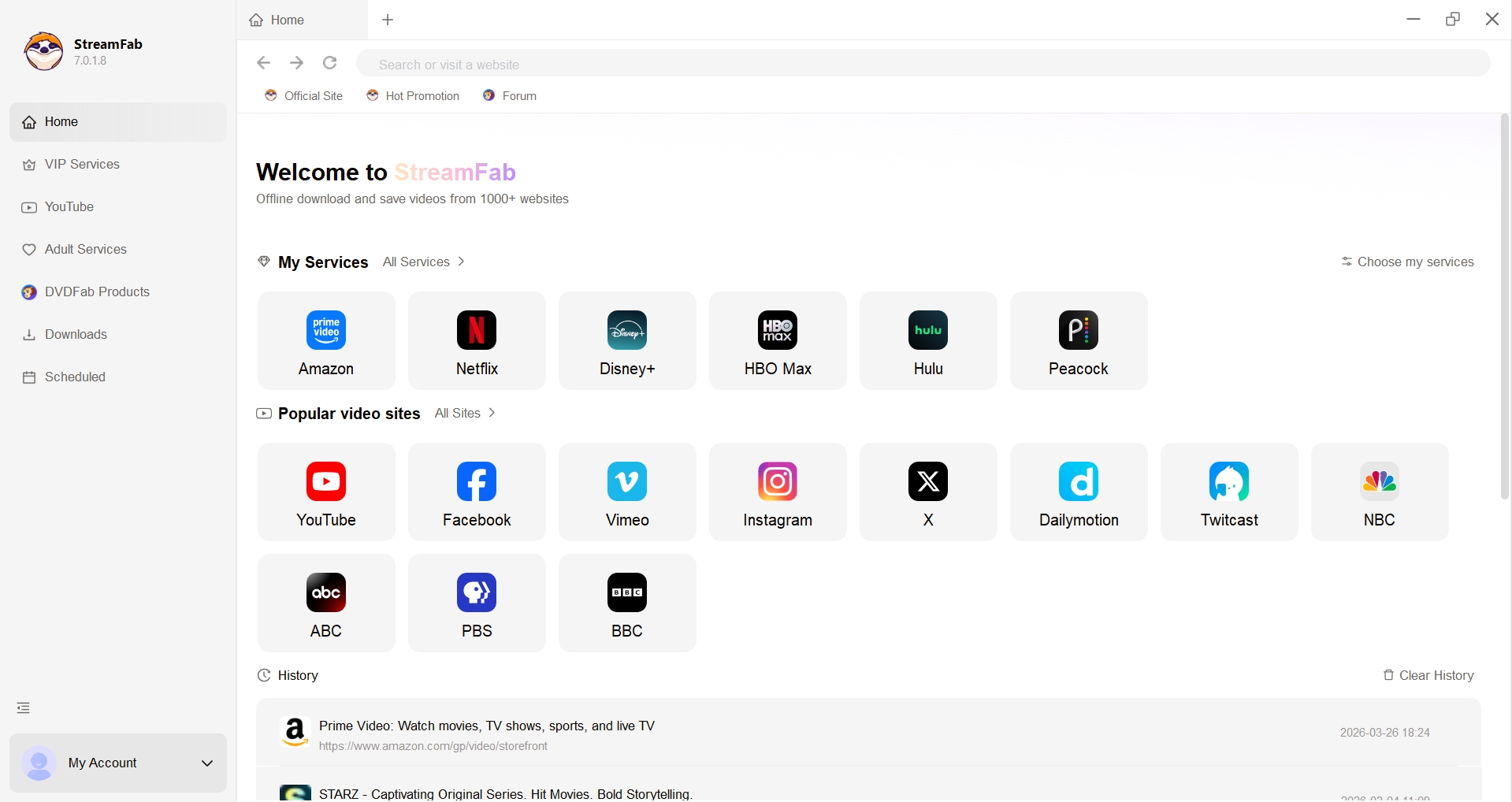

1. Faster than playback: Speed depends on your bandwidth and the streaming server's response time. On a solid connection, downloads often finish well before the video's runtime, and batch queues can run overnight.
2. Preserves what the service delivers: The output keeps the resolution and bitrate the platform actually served — no recompression on top, though the ceiling is still whatever the plan and title provide.
3. Selectable subtitle formats: Supports embedded subtitles or separate external SRT/VTT files you can toggle later.
4. Original audio and video, where available: When the service and plan allow it, downloaders can retain the delivered audio tracks and, on platforms that support it, higher-tier video like 4K or HDR — a topic covered separately in
Where Downloads Fall Short
The second flavor of "download" uses a built-in browser to play the authorized stream, then re-encodes what the browser hands off into a local file. CleverGet — a sibling product under the same DVDFab umbrella as StreamFab, aimed at a slightly different mix of services — is one example. The workflow is legitimate for authorized personal use, but the output is a re-encoded copy, not a straight passthrough of the delivered stream, so the quality ceiling and speed profile look different from the first category. Neither flavor of downloading is a universal answer: live broadcasts, unsupported services, and one-off titles that a tool hasn't caught up with are all cases where a downloader will simply refuse the job.
1. Subtitle format: Supports a variety of subtitle output formats, including Remux and external subtitle files.
1. Limited coverage: Each streaming service works differently, so support tends to lag behind and only a subset of mainstream platforms is reliably covered at any given moment.
2. Softer video and audio: Because the feed is captured through a browser and re-encoded, the output is generally softer than a direct passthrough download.
3. Premium formats often missing: Tiers like HDR10 and Dolby Vision typically don't survive this pipeline.
4. Processing speed varies: Re-encoding is CPU/GPU-bound and can be slow. Other tools use different processing paths that can be faster in some scenarios.
5. Re-encoding depends on hardware: Generating the re-encoded file leans on GPU acceleration. For a standard 2-hour movie:
- Modern GPU with hardware acceleration: roughly 10–15 minutes
- CPU only: closer to 1.5–2 hours
Screen Recording: Flexible but Real-Time

Recording is the tool for jobs downloading can't take: live broadcasts, authorized content on a service no downloader covers, or the occasional title that slips through support cracks. The tradeoff is honest — you're capturing what plays, at the speed it plays, and inheriting whatever the browser shows. There are two flavors worth separating.
Traditional Screen Capture
A traditional recorder is a desktop app that grabs whatever is rendered on your display. The output is a literal mirror of the session: mouse pointer, buffering spinners, notifications and all. It works widely because it doesn't care what site you're on — but that same indifference is why it inherits every playback problem too, including the classic black-frame outcome on protected streams.
>> Sample from a traditional screen recorder, which produced a black frame during protected playback:
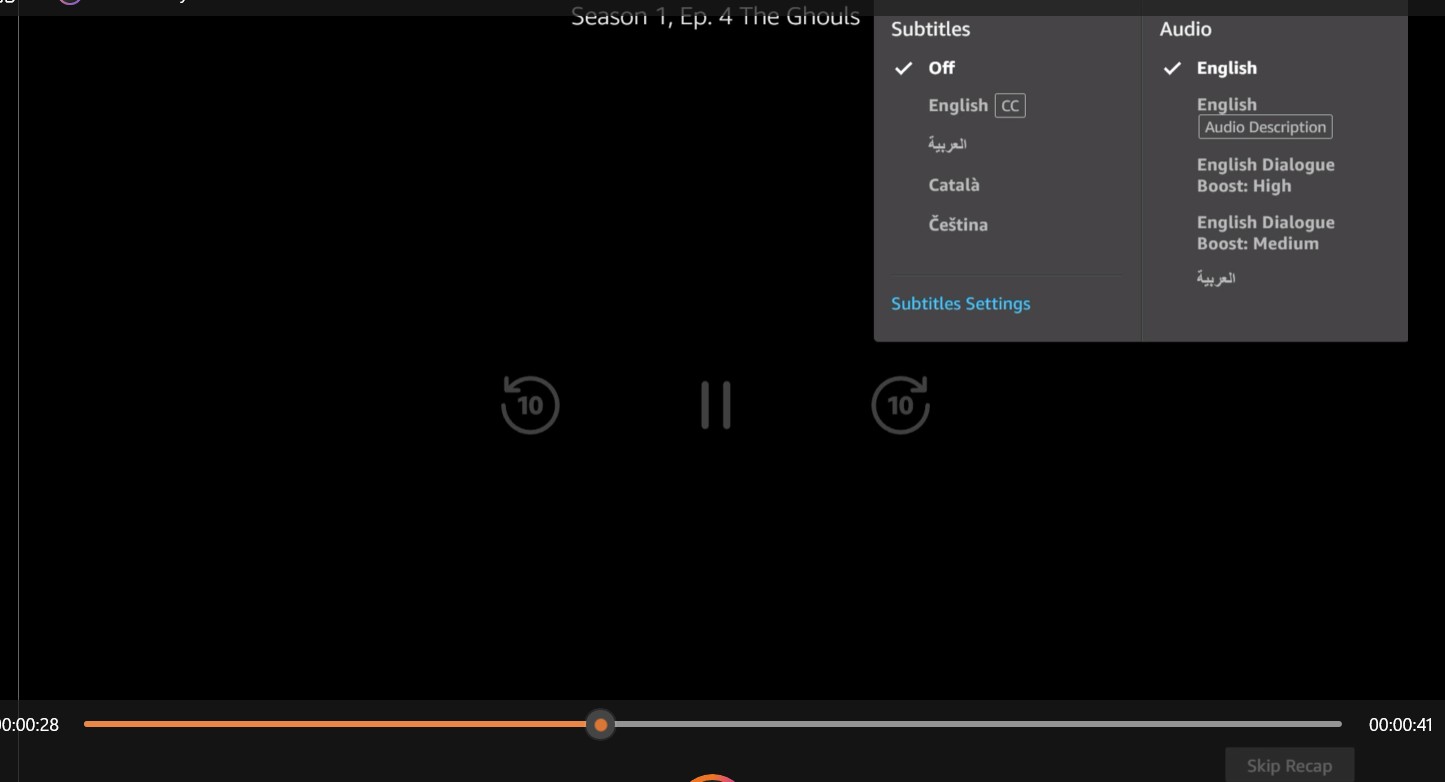
Broad site coverage: A screen recorder captures whatever is on your monitor, so it works across most sites without needing site-specific support — the flip side being it also inherits any playback issue that appears on screen.
1. 1x recording speed: These tools capture in real time (1x speed). A 3-hour movie takes exactly 3 hours to record.
2. Intrusive UI elements: During the recording process, your software will capture everything on screen—including mouse movements, buffering icons, pop-up ads, or system notifications.
3. Uncertain output quality: The quality of the recorded video is necessarily related to the following two points:
> Source limit: If your browser downgrades to 480p due to DRM restrictions, your 1080p recording file is just upscaled 480p garbage.
> Screen recording software technology & file encoding methods. All real-time recording is lossy.
4. Audio quality limitations: You are generally capped at AAC 2.0 stereo. Note: Any desktop screen recorder claiming to capture true Dolby Atmos or lossless EAC3 audio is likely engaging in false advertising.
5. Subtitle format: Subtitles can only be "burned-in" (hardcoded) to the video track; they cannot be toggled off later.
6. DRM Blackouts: While non-protected content is generally recordable, many streaming platforms employ Hardware Acceleration techniques (like HDCP) that block recording, resulting in a completely pitch-black video file with functioning audio.
Player-Based Recording
Player-based recording works inside a dedicated browser environment and captures the authorized playback with less of the desktop noise a traditional recorder picks up. Audials One and PlayOn Home remain active examples in 2026; features and coverage shift service by service and update by update, so check each vendor's official site for current capabilities and pricing.
Why Protected Streams May Record as Black
The black-frame outcome shown earlier is common on protected playback, and it's usually not a bug in your recorder. When a browser uses hardware-accelerated video paths, the frames render in a section of the GPU that ordinary screen-capture APIs can't read; audio comes through, picture doesn't. My practical rule: run a 30-second test clip before you commit to a two-hour recording. If the test comes out black, stutters, or drops audio, recording is the wrong tool for that source — go find a supported download path or accept that the title isn't available offline right now.
>> Here is a sample recorded by Playon:

1. Offering a more compatible support for streaming sites.
2. It supports high-speed recording.
3. Automatically skips ads during recording.
1. Limited Speed Boosts: Compared to traditional screen recording, Player Recording allows for accelerated recording, but it's usually capped at 2x or 5x speed, unlike instant downloading.
2. High resource consumption: During the recording, files are generated simultaneously, leading to heavy CPU/RAM consumption.
3. Audio quality: Usually stuck at AAC 2.0 stereo audio.
4. Video quality: Quality is entirely dependent on the stream. You get exactly what the browser displays, meaning any buffering or resolution drops will permanently scar the recording.
5. Subtitle format: Usually hardcoded, but with advanced software features, it is sometimes possible to separate video and subtitles during the recording process, supporting Remux or external subtitle formats.
Download vs Recording at a Glance

Two quick tells for which mode a product is really in: check what the official page says it does with the file (packages a delivered stream vs. captures playback), and watch your task manager while it runs. Recording spikes the GPU because it's encoding frames in real time; downloading tends to stay lighter because it's mostly packaging what the service already encoded.

Download mode occupies less CPU or GPU resources, usually under 20%.
Recording mode occupies higher CPU or GPU resources, typically above 30%.
Recording encodes video on the fly, so expect a visible spike in the GPU column of your task manager. A direct downloader mostly packages pre-encoded data chunks and stays lighter on system resources.
Use Rights and Platform Limits
Use downloading or recording only for content you're authorized to access, where permitted by the platform's terms and applicable law. That single line is the honest version of the compliance story — no workflow is universally legal, none is universally banned, and the answer changes with the service you're on and what you plan to do with the file. Personal offline viewing of content you've legitimately paid to access sits in a very different place than sharing or redistributing it.
Here's a side-by-side of the three approaches at the level readers actually ask about:
| Dimension | Downloading | Recording |
|---|---|---|
| Video quality |
|
|
| Audio tracks | Multiple tracks retained where available, including 5.1 or Dolby Atmos on supported plans — see also | Typically only the currently playing track; multichannel rarely survives the capture |
| Subtitles | Embedded or external subtitles you can toggle, extract, or switch languages later — walked through in | Only what's visible on screen ends up burned in; you can't turn them off afterward |
| Live content fit | Poor — downloaders target stored VOD, not in-progress broadcasts | Strong — captures the broadcast as it plays |
| Speed |
|
|
| Black-frame risk | Low, when the service and title are supported | Higher on protected playback with hardware-accelerated paths |
FAQs
Are downloaded videos usually smaller than screen recordings?
Often, but not always. A download inherits whatever codec and bitrate the service already used, which for modern platforms tends to be efficient. A recorder does its own real-time encoding, and the resulting file size depends heavily on your encoder settings — bitrate, codec, frame rate. It's fair to expect downloads to come out smaller on average, but the comparison hinges on how the recording was configured.
Why can audio drift out of sync in a screen recording?
Audio drift usually shows up when the capture software drops video frames under system load while the audio track keeps rolling. Two things help: leave headroom (close other GPU-heavy apps, use a constant frame rate), and run a short test clip first. If drift persists, post-processing in a tool like HandBrake to enforce a fixed frame rate can salvage the file. A supported download avoids the problem because it keeps the original media timestamps, not because it's magic.
Will a screen recording include ads shown during playback?
Generally yes. A screen recorder captures what appears on your display, which includes any ads that play during the session. That's a byproduct of the method rather than a feature to work around, and how each platform handles ad insertion is set by the service's own terms.
Does watching a video online mean it has been downloaded?
Not in any useful sense. Streaming loads chunks of data into a temporary buffer so the video can play smoothly, and most of that buffer is discarded once you close the tab. Downloading is a deliberate save to a local file you can open later without a network connection. If you didn't explicitly save it, you streamed it.
Conclusion
Back to the opening frame: source type decides method. Downloading generally suits supported VOD and quality-sensitive libraries — you keep the resolution the service delivered, the audio tracks, and subtitles you can toggle. Recording earns its slot for authorized live playback or the odd service no downloader covers, with the understanding that you're capturing in real time and inheriting whatever the browser shows. Take Twitch as the honest example: for a channel's past broadcasts, downloading a Twitch stream is faster and tidier; for a live broadcast, recording is the tool that fits.
What downloading isn't good for: live broadcasts, services a tool doesn't support, and titles that slip through coverage gaps. What recording isn't good for: anything where you care about detail, HDR, or multichannel audio that wasn't on screen to begin with. Pick by source, run a short test if you're unsure, and use either workflow only for content you're authorized to access, where the platform's terms and applicable law permit.
Copyright & Usage Reminder
All methods and tools described in this article are mentioned for informational and educational purposes only. Make sure you have the legal right to access and save any content, follow the terms of each streaming platform, and don't use these techniques to share unauthorized copies.

Staring at an error code and wondering what StreamFab is actually telling you? In July 2026, I mapped every code against the real failure it represents — here's the reference guide that skips the corporate jargon and tells you exactly what to do in under 2 minutes.
By Erika Leen - Oct 12, 2026
StreamFab 7 marks the first major update in nearly three years. This review looks beyond surface-level changes and examines what actually matters in everyday use based on real testing, community feedback
By Erika Leen - Sep 28, 2026
Choose between StreamFab’s local file workflow, Audials’ Windows recording and editing, and PlayOn’s local or cloud recording. Compare queue behavior, picture quality, audio and subtitles, and recurring costs, with a repeatable way to check one authorized title before building an offline library.
By Marcia Hatcher - Sep 28, 2026
This article is an official response to users asking regarding the safety and legality of StreamFab. Written by StreamFab team, it moves beyond simple assurances to provide a transparent technical and legal analysis.
By Nicole Lopez - Sep 24, 2026