
How to Cancel a MovPilot Subscription: Official Routes and Refund Eligibility

Summary: To cancel a MovPilot subscription and avoid another charge, use the official online cancellation page or the management route tied to your original order, then save written proof. Canceling stops auto-renewal, while a refund is a separate, conditional request that depends on the terms attached to your specific order and an eligible reason, so treat the two actions as distinct from the start.
Table of Contents
Start by identifying how you purchased MovPilot, then use the applicable cancellation route, keep your confirmation, and review refund eligibility separately. If product limitations or reliability concerns drove the decision, this MovPilot review provides the broader product context without interrupting the cancellation task.
Cancellation and Refund Are Different
- Use the official online cancellation page, the management link in your order email, or the original billing channel. Save the confirmation and note the next billing date.
- Submit a separate refund request with your order details and supporting evidence. Eligibility depends on the terms attached to the order and the reason for the request.
- Monthly plans: the current plan page displays a 5-day refund window.
- Annual plans: the current plan page displays a 14-day refund window.
- Lifetime plans: the current plan page displays a 30-day refund window.
- The older refund-policy page describes a broader conditional 30-day guarantee. The terms attached to your specific order control, and a timely request still needs an eligible reason.
Cancel MovPilot Through the Right Channel
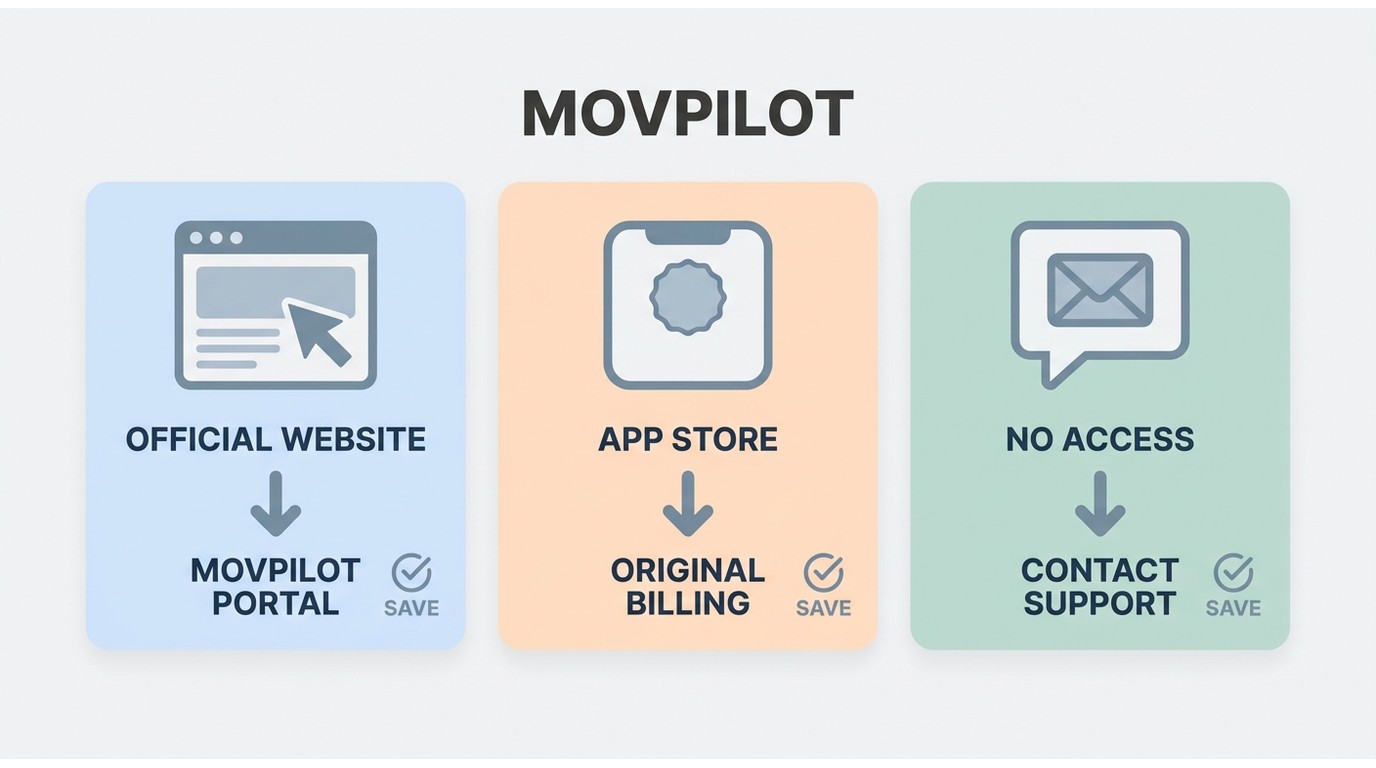
Use the Official Online Cancellation Page
First, use MovPilot’s official online cancellation page when it is available for your order. This is usually the cleanest route because it can create immediate account evidence instead of leaving you to reconstruct an email trail later.
Follow Your Original Billing Channel
Check the management link in your MovPilot order email and the billing record for the payment processor or app store used for the purchase. That channel may provide the cancellation path that applies to your subscription terms.
Use Support Email as a Fallback
If the portal or billing route does not work, contact MovPilot support with your registered email, order ID, purchase date, and a concise request for written confirmation. If a technical problem is part of your refund request, describe it clearly and link to the relevant MovPilot not working guidance only if you need troubleshooting context.
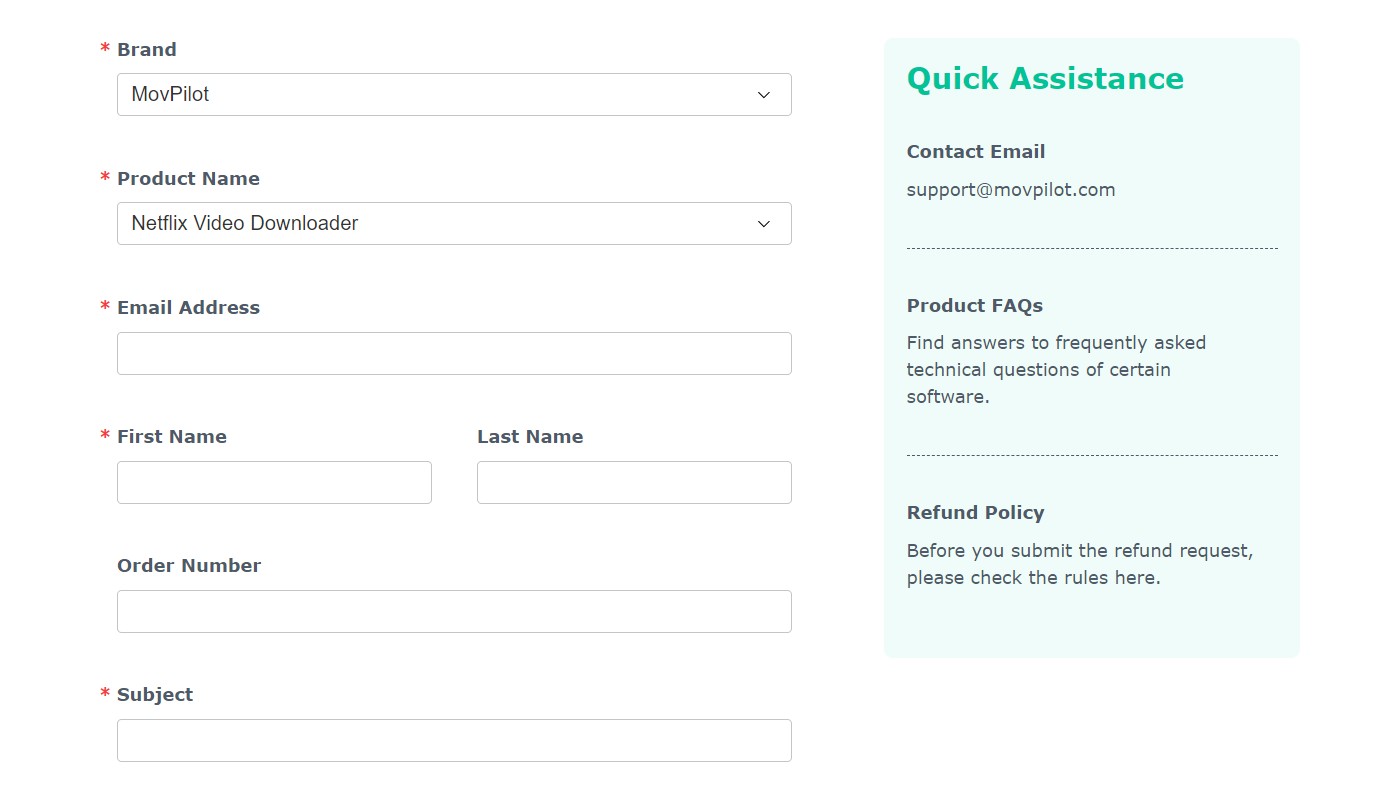
After you submit the request, keep the confirmation page, email, or ticket number. A submitted request without evidence is much harder to escalate if a later charge appears.
What Changes After Cancellation
Canceling auto-renewal generally leaves paid access active through the current subscription term. MovPilot states that previously saved MP4 or MKV files remain accessible after cancellation, while new downloads require active paid access. Service terms and supported devices may change, so review the current MovPilot terms for your order.

If there is no news or the operation is not possible, you might first search for common solutions in a MovPilot not working Before contacting support, collect the order ID, registered email address, purchase date, cancellation confirmation, and any relevant screenshots. Keep the original ticket number in every follow-up so the request has one clear record.

If you want a refund For a conditional refund request, include the order number, registered email address, purchase date, requested outcome, and supporting screenshots when relevant. Technical issues or payment errors should be described factually, with any prior support ticket included.
Refund Windows and Eligibility
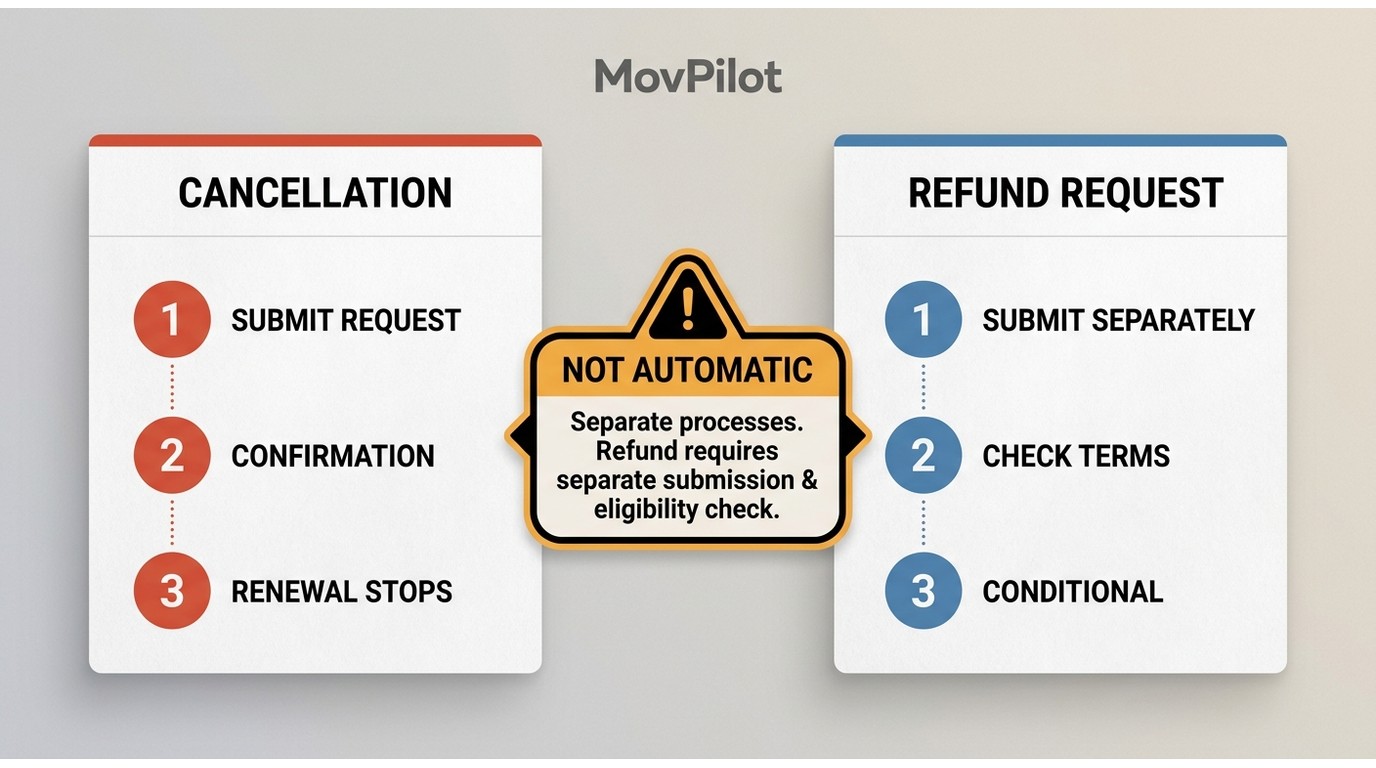
Refund timing is separate from cancellation. The current plan page lists plan-specific Windows, while eligibility still depends on the reason for the request and the terms attached to the order.
Do not flatten these two policy pages into one universal promise. In my view, the useful standard is simple: follow the order-specific terms, document the request, and treat a refund as conditional even when you are within the displayed window.
When Cancellation Is Not Confirmed
If you do not receive confirmation, first check the portal, your spam folder, and the original billing record. Then resend the same request with the order ID, submission time, screenshots, and existing ticket number. Repeated undocumented messages create noise, not leverage.
If a later charge appears, compare its date with your cancellation proof and confirm which processor or app store handled the order. Contact the payment provider for an unauthorized or clearly documented post-cancellation charge after you have preserved the MovPilot record.
A Desktop Alternative After Cancellation
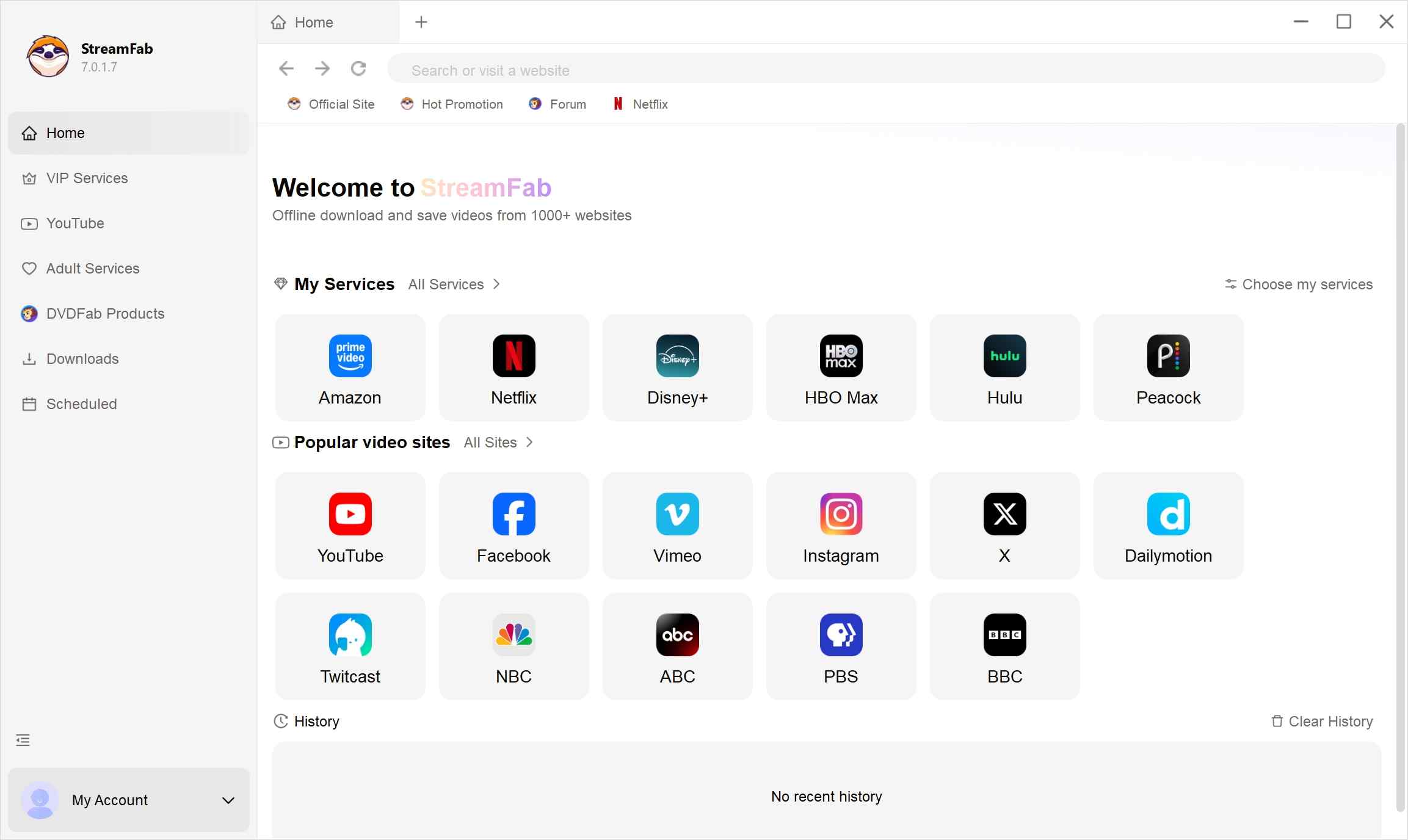
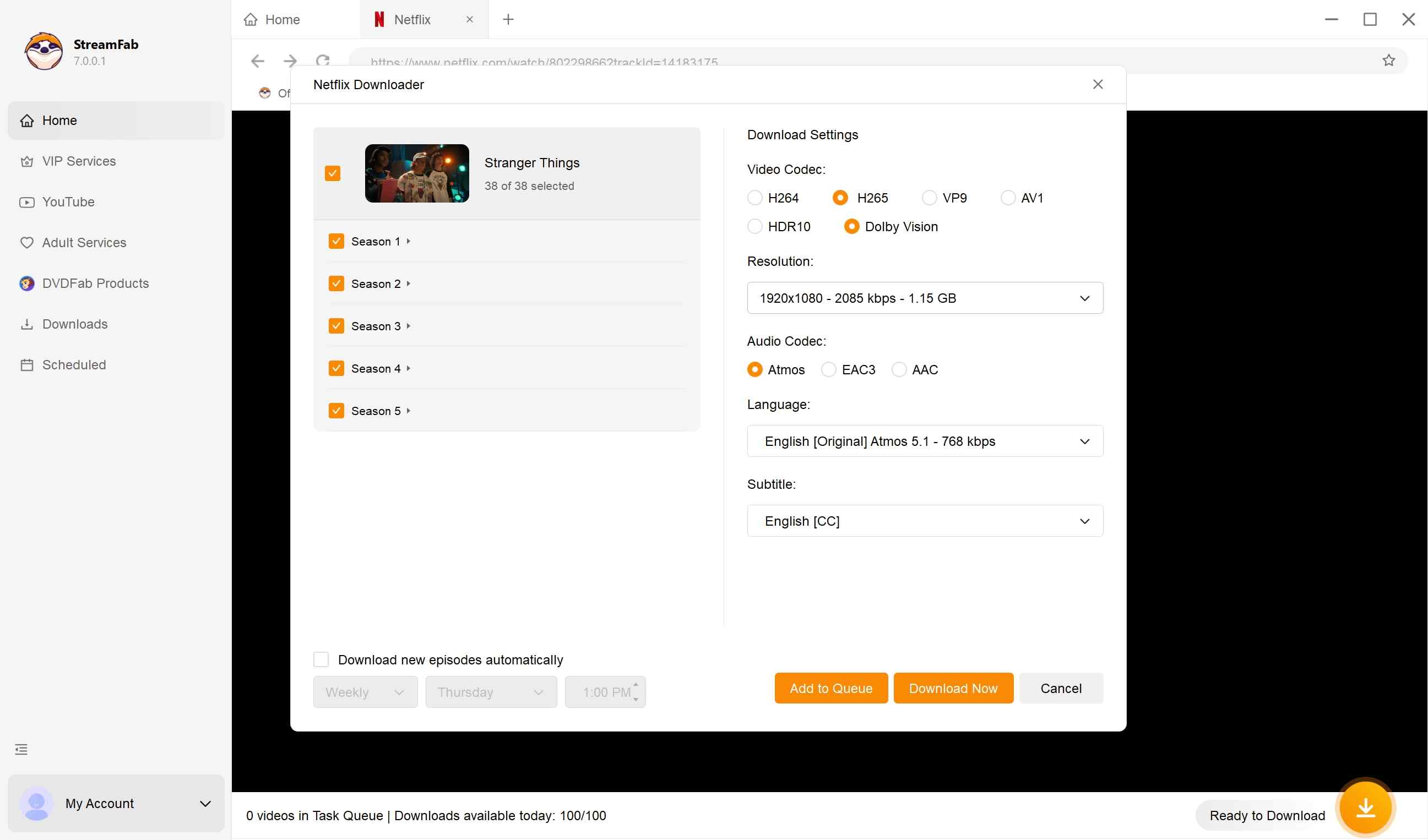
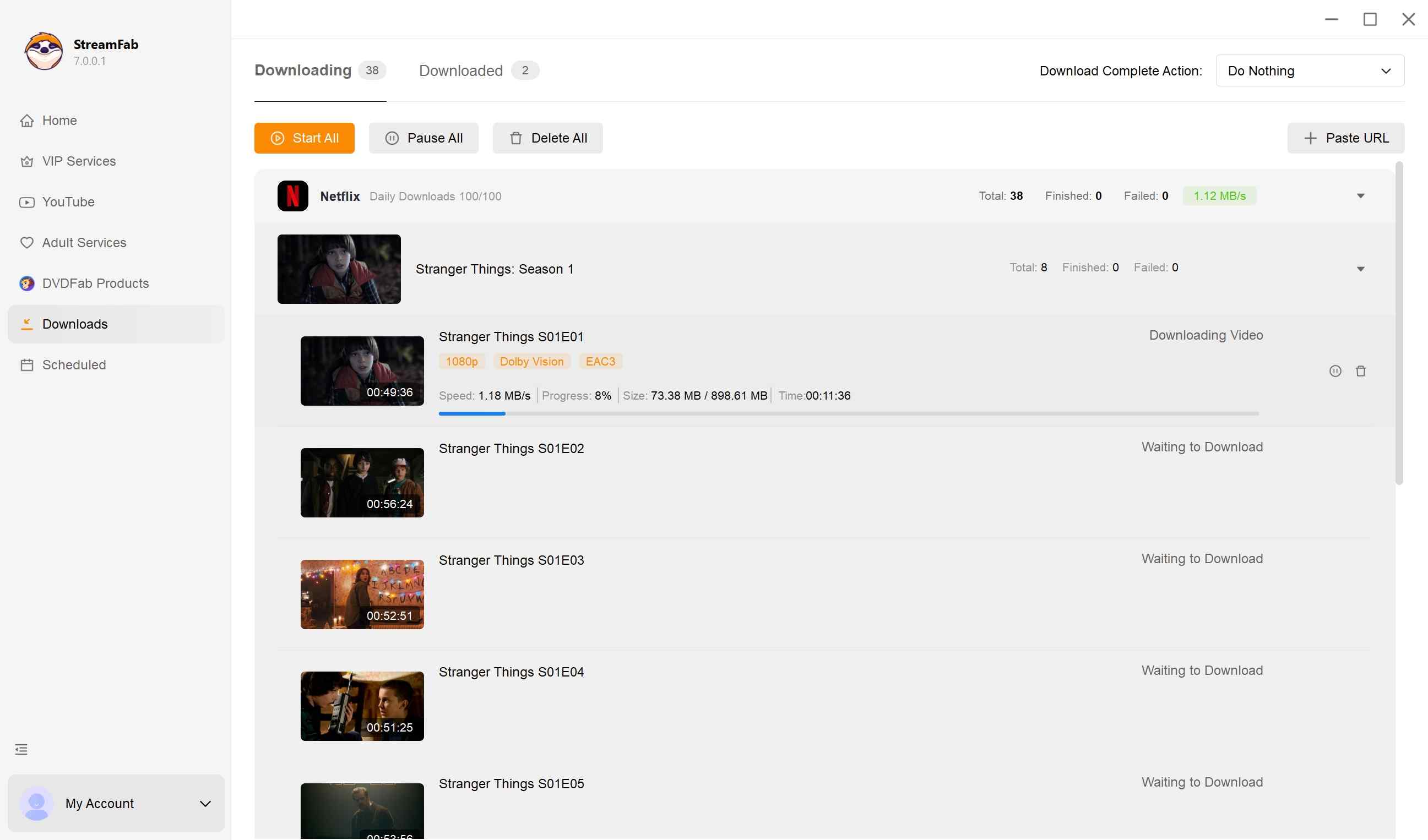
If you have completed cancellation and still need a desktop local-file workflow for content you are authorized to access, where permitted by platform terms and applicable law, StreamFab can save eligible videos as MP4 or MKV with batch scheduling and subtitle options.
The MovPilot alternative overview covers that choice in more detail. It fits desktop users who need local-file controls; it is not a useful answer for someone who simply needs to stop a renewal or does not need another downloader.
A high-performance tool that offers lossless video download with EAC3 5.1, AC3 5.1, and AAC 2.0 audio tracks from 1000+ online sites and 60+ VOD services.
- Available for Windows and Mac desktop users
- Supports scheduled batch saving when that workflow is needed
- Offers subtitle options, including embedded subtitles or SRT files
- Lets users select available audio and subtitle languages
- Saves supported content in MP4 or MKV formats for local playback
MovPilot Cancellation FAQs
1. Can I cancel MovPilot before my next renewal date?
Submit the cancellation request before the renewal cutoff shown in your order terms, then keep the confirmation. Stopping auto-renewal and requesting a refund are separate actions, so do not wait for a support issue before canceling if your goal is to prevent the next charge.
2. What if I cannot find my MovPilot order email?
Search your inbox for payment receipts and MovPilot order confirmations, then check the payment processor or app-store record. If you need support, provide the registered email address, approximate purchase date, and any order reference you can find.
3. Does canceling MovPilot automatically start a refund request?
No. Cancellation stops renewal, while a refund requires its own request and remains subject to the terms that apply to your order. Include the order ID, purchase date, reason for the refund request, and relevant supporting evidence.
4. Should I contact my bank after a post-cancellation charge?
First preserve the cancellation confirmation, compare the charge date with your billing record, and contact MovPilot through the original ticket or billing channel. Contact the payment provider for an unauthorized or clearly documented post-cancellation charge, rather than using a dispute as the first cancellation method.
Conclusion
That sequence keeps the immediate goal clear: stop renewal first, preserve proof, then evaluate any refund request on its own terms.
- Use the official cancellation page, order-email management link, or original billing channel.
- Save the confirmation, order ID, submission time, ticket number, and next billing date.
- Submit a separate refund request only if you meet the order-specific eligibility terms.
- Check the next statement and escalate a documented post-cancellation charge through the correct billing channel.


Evaluating the Audials One 2026 free trial? I tested its 720p caps, examined if is audials legal under Fair Use
By Erika Leen - Sep 29, 2026

Are you thinking of purchasing NoteBurner and unsure if it’s worth the investment? In this NoteBurner review, let’s delve into its product lines, particularly the NoteBurner Video Downloader’s pros and cons.
By Marcia Hatcher - Sep 28, 2026

Read our in-depth Audials review for 2026. Is Audials safe and legal for Amazon Prime? Discover actual test results, Widevine DRM fixes, and better alternatives.
By Erika Leen - Sep 28, 2026
TuneFab’s Amazon downloader suits a focused desktop routine, while VideOne covers multiple services. Compare their workflows, license structures, and output checks with StreamFab, then use the numbered setup and maintenance steps for authorized personal offline viewing.
By Erika Leen - Sep 24, 2026