
How to Stream Netflix on Discord: Watch-Party Options

Summary: Protected Netflix video can appear black in Discord screen shares. Set up a synchronized watch party with Teleparty and use Discord for voice chat, with eligible access for each participant. Learn how personal offline playback differs and how to troubleshoot ordinary, unprotected screen sharing.
I recommend synchronized playback when you want to stream Netflix on Discord with friends: protected video can appear black in Discord screen share. To watch Netflix together, play the show on each participant’s own device and use Discord for voice chat.
Start with the watch-party setup below. The key distinction is between shared conversation, protected video capture, and personal offline playback.
Set Up a Netflix Watch Party with Teleparty and Discord
Use Teleparty to synchronize Netflix playback and a Discord voice channel for conversation. Each participant opens the video independently. You do not need to send a Netflix browser window through Discord’s Go Live feature.
- Choose a title that everyone can access through their own eligible Netflix account.
- Open Netflix in a browser supported by Teleparty and sign in directly to Netflix.
- Have each participant install Teleparty on a compatible device.
- Start the selected title, create a Teleparty session, and send the party link to your group.
- Join the same Discord voice channel and check that everyone hears the conversation.
- Join the party link and confirm that everyone has reached the same scene before continuing.
Headphones keep the show’s audio out of your microphone. Leave Netflix audio on each person’s playback device instead of sending a second copy through the call.
Why Netflix Appears Black in Discord
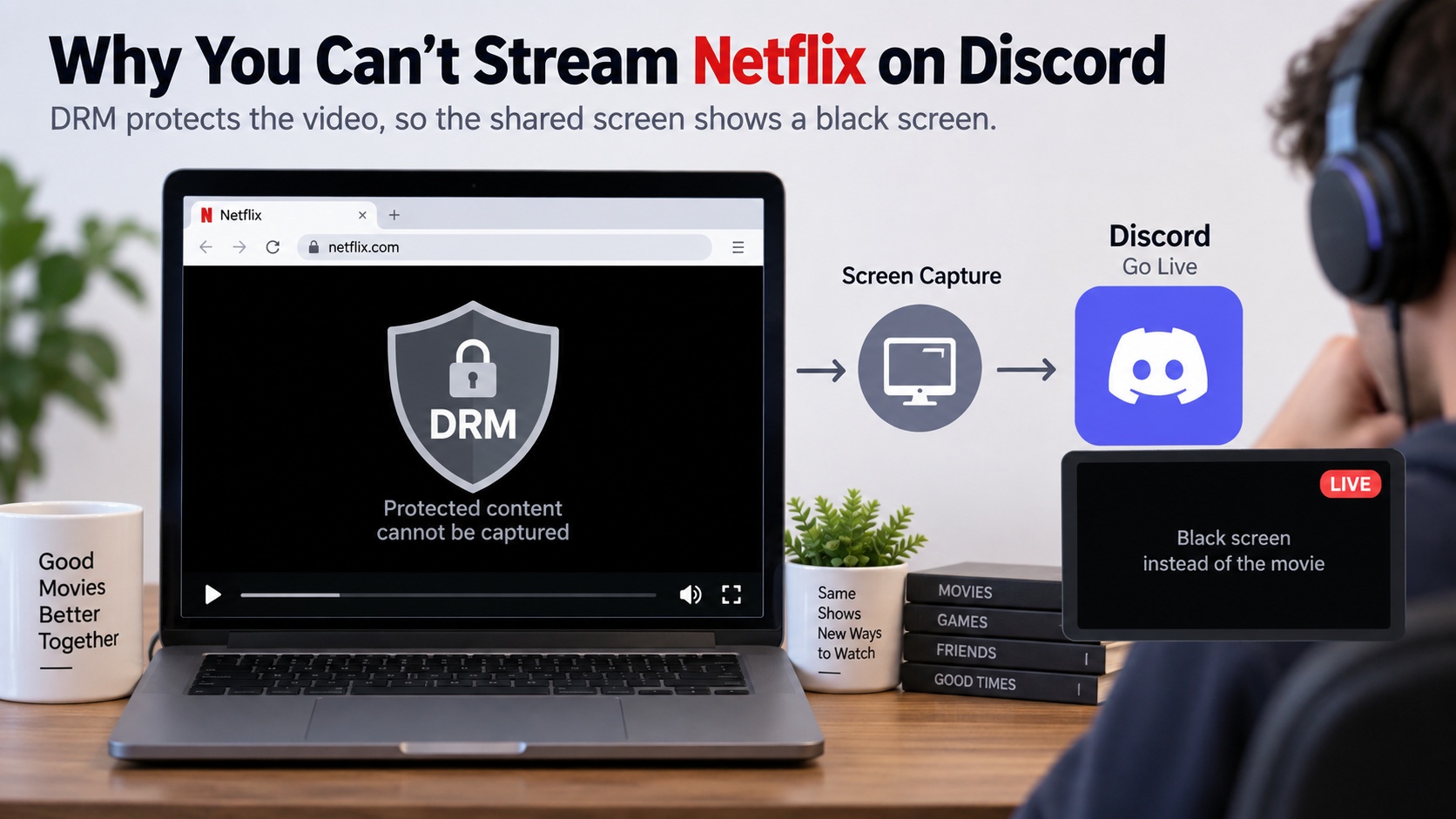
A Netflix black screen during sharing is often a protected-video capture limitation. DRM, or digital rights management, restricts copying and capture. Discord can show the surrounding browser interface while the protected video itself stays black.
A black screen fix for an ordinary presentation does not establish that Netflix video is shareable. Hardware acceleration changes are not a reliable route to capturing protected playback.
Watch Together Without Screen Sharing
Teleparty synchronizes playback instead of broadcasting one person’s screen. As of September 2026, its supported browsers include Chrome, Edge, and Safari, with desktop and mobile options for supported services. Netflix is among those services, but Netflix support is not universal across devices.

Teleparty on Chrome, Edge, or Safari
Synchronized viewing fits a group whose members already have access to the same title. Each person plays their own stream. Teleparty coordinates playback and supplies a chat sidebar; Discord supplies the voice conversation.
Everyone needs eligible Netflix access, and a party link does not grant it. Netflix subscription changes affect each participant’s viewing arrangement, while country catalogs determine whether the chosen title is available to everyone.
Mobile and Mac expectations
A compatible desktop browser is a practical starting point on Windows or macOS. For mobile participation, confirm that Teleparty offers Netflix support for your specific device and app combination; a mobile option for another service does not establish Netflix compatibility.
Supported devices and service availability may change. Teleparty’s official compatibility information identifies the supported combinations. Check your combination before sending invitations, then use Discord on the device where you want to talk.
Choosing a Practical Method
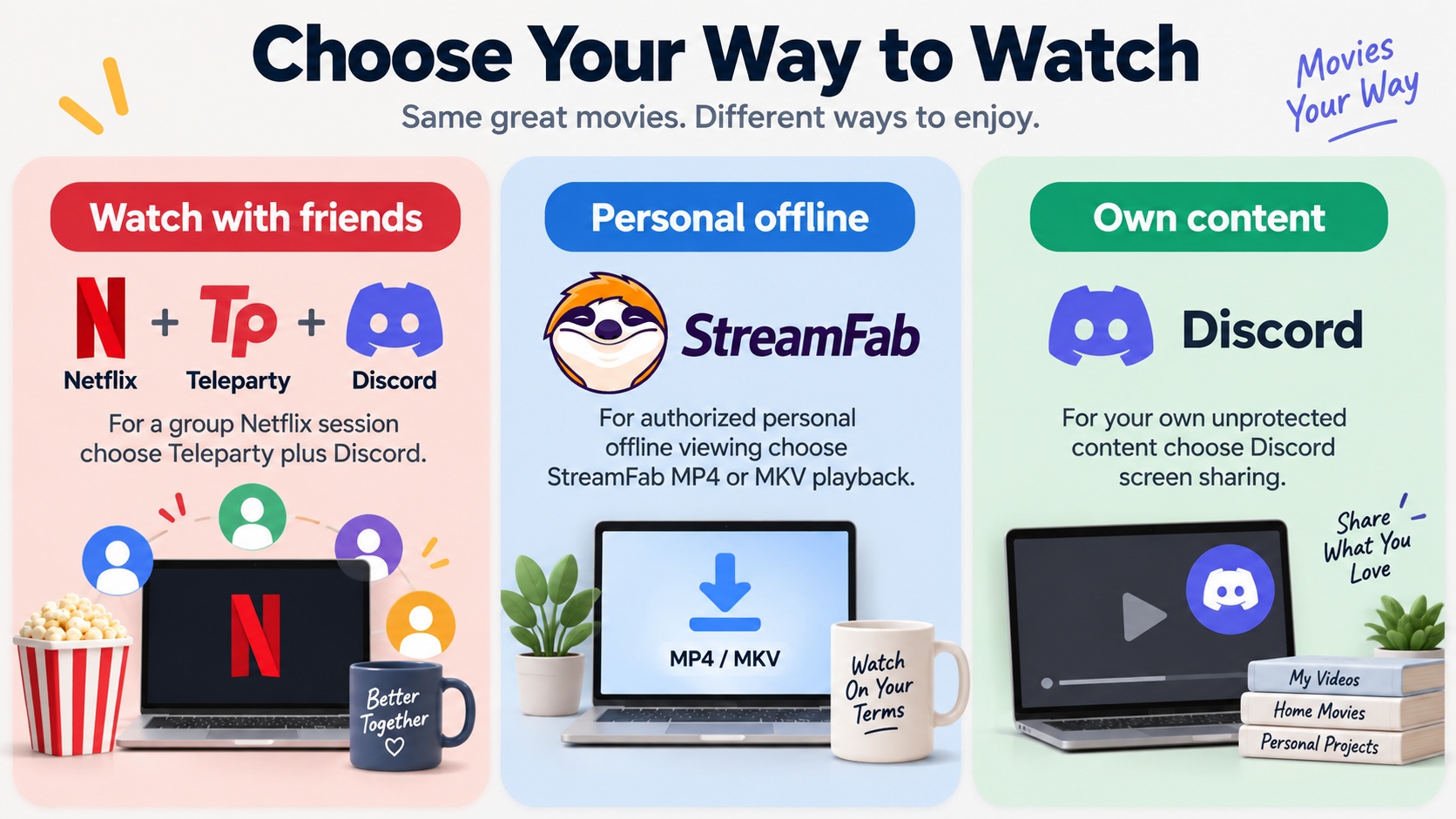
Synchronized playback suits a Netflix watch party; local files serve personal offline viewing. Browser screen sharing remains useful for your own videos and presentations. Those are different jobs, even when you use the same computer.
| Method | Setup | Best fit | Key limitation |
|---|---|---|---|
| Browser screen share | Share an authorized browser window | Personal videos and presentations | Protected Netflix video can appear black |
| Teleparty | Separate playback plus a party link | Watching Netflix together | Eligible access and matching title availability |
| Local-file playback for authorized content | Play a saved file on your desktop | Personal offline viewing | Saving does not grant redistribution rights |
My choice for a group is synchronized playback: each participant controls their own access. I would choose local playback for an individual offline session, not as a substitute for group-viewing permissions.
Local-file playback for authorized content
StreamFab Netflix Downloader is a third-party option relative to Netflix’s official download feature, for personal offline viewing of content you’re authorized to access, where permitted by platform terms and applicable law. It requires a valid Netflix subscription and uses screen-recording technology rather than DRM decryption.
StreamFab runs on Windows and macOS, saves Netflix videos at up to 1080p in MP4 or MKV, and supports batch saving. Its local-file workflow suits organizing authorized videos on a computer.
Keep personal offline viewing separate from broadcasting. Netflix accounts are intended for personal, non-commercial use; a saved file does not grant permission to redistribute it or stream it publicly. Use authorized access and content, follow applicable law and platform terms, and assess permissions for your particular use.
Troubleshooting Black Screens and Lag
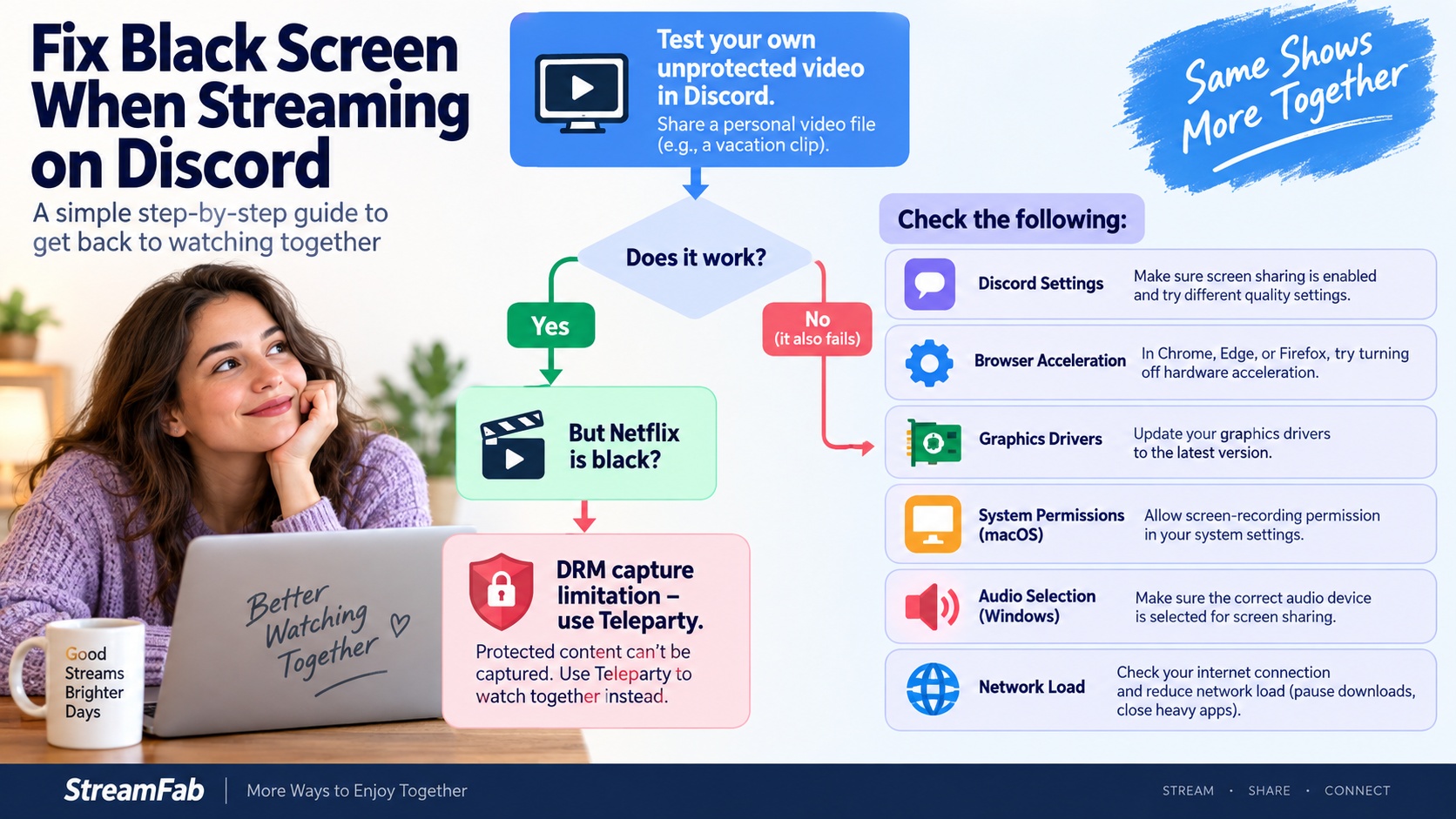
Ordinary Discord sharing problems need a different check from protected Netflix playback. Use a presentation or your own unprotected video to isolate the problem. The checks below apply to that content, not to capturing Netflix.
Browser and Discord acceleration
Change one setting at a time, then restart the affected app. In Chrome or Edge, search browser settings for graphics acceleration. In Firefox, open the Performance settings. Test your unprotected sample after each change and restore the original setting if it does not help.
Discord also has a hardware acceleration setting. Test it separately from the browser setting so you can identify which change affects your sample. Updating Discord and your graphics driver is a sensible next step when ordinary sharing still fails.
Permissions, audio, and lag
On macOS, check Discord’s screen-recording permission in system settings before retrying an authorized share. On Windows, confirm that you selected the intended app window and enabled the available audio-sharing option. Mobile app permissions and audio capture limit which app Windows and sounds are shareable.
Close background uploads and demanding apps when an unprotected share stutters. Then check the sample again. If Netflix itself fails during normal playback, address that playback error through Netflix Help rather than changing Discord’s capture settings.
What to avoid
Do not enter Netflix credentials into unofficial patches or extensions claiming to unlock screen capture. Sign in through Netflix’s own login flow. Obtain software installers from the product’s official download page.
FAQ
Discord Netflix audio missing fix?
If you have video but no audio, ensure Discord is capturing the specific browser window rather than your entire screen. Alternatively, reset Discord's voice settings or manually add your browser as a registered "Game" in Discord's Activity Privacy settings.
Is streaming Netflix on Discord bannable?
While Discord will not ban your account for attempting to share your screen, circumventing DRM to broadcast to a large, public server can violate Discord's Terms of Service regarding copyrighted material. Private DM watch parties with friends are generally safe from moderation, but the technical black screen will still apply.
Does mobile Discord support Netflix sharing?
No. Mobile operating systems (iOS and Android) have deeply integrated DRM protections that prevent background screen recording APIs from capturing secure media apps. Attempting to screen share the Netflix app on mobile will instantly yield a black screen with no available hardware acceleration toggle.
Is Netflix Party still available, and which browsers support it?
Netflix Party is now called Teleparty. Chrome, Edge, and Safari are listed browsers, with desktop and mobile options for supported services. Choose a combination that specifically supports Netflix.
Does a party link give me access to the host’s Netflix account?
No. You need your own eligible access to the selected title. The link joins the synchronized session; it does not supply an account or expand your country’s catalog.
Do I need to send Netflix audio through Discord?
No. Each participant hears the show from their own Netflix playback. Use Discord for microphones and conversation, and wear headphones if your microphone picks up the show.
Conclusion
For Netflix on Discord, my recommendation is Teleparty for synchronized playback and Discord for conversation, provided everyone has compatible access. Choose local playback for personal offline viewing. Use ordinary screen sharing for content you have permission to share.

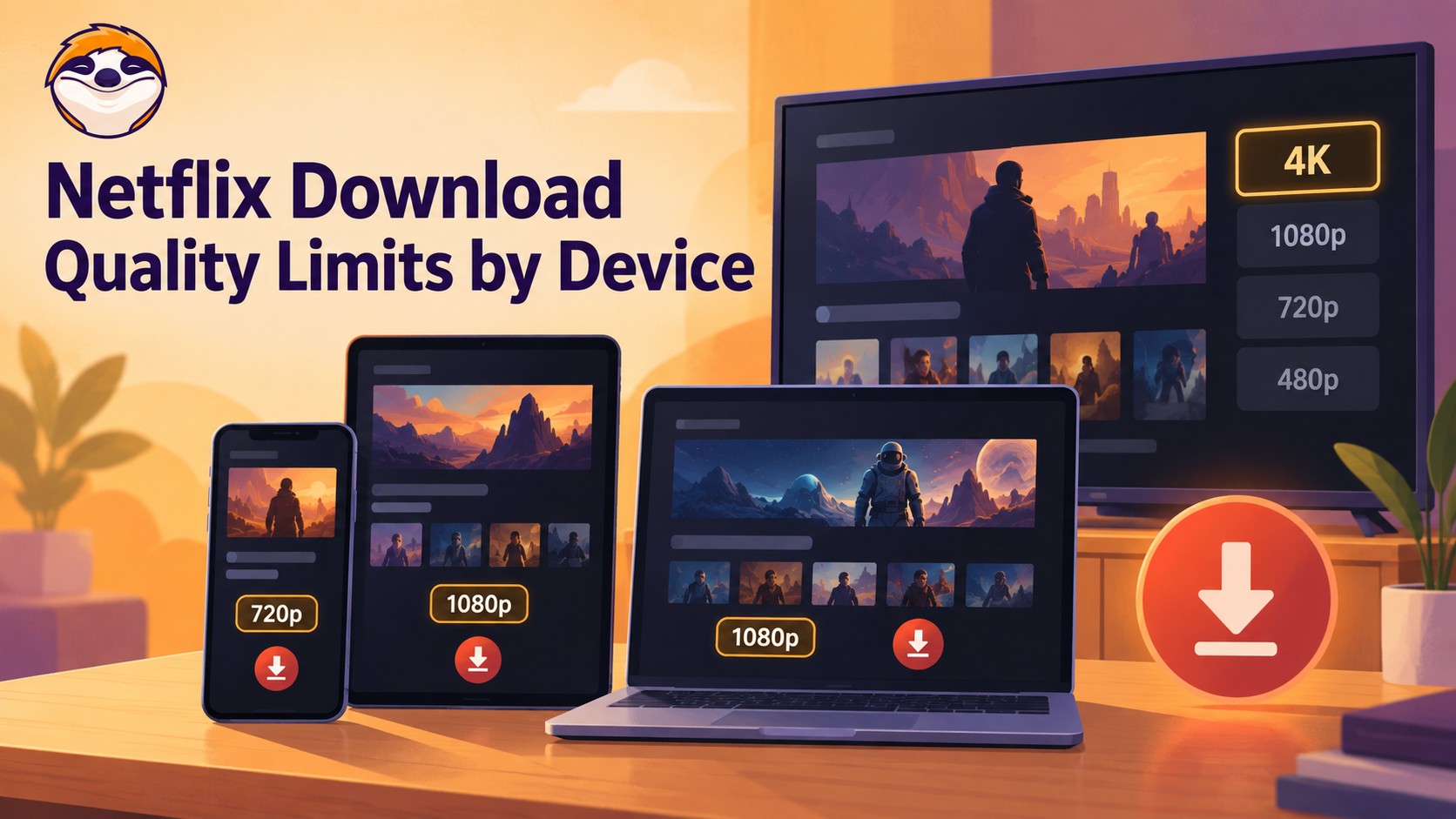
Netflix streams eligible titles in 4K, but official offline downloads stop at up to 1080p and are unavailable on Windows and Mac. Compare supported devices, check title eligibility, and understand how app-managed downloads differ from local MP4 or MKV files for personal offline viewing.
By Jacob Harrison - Sep 24, 2026
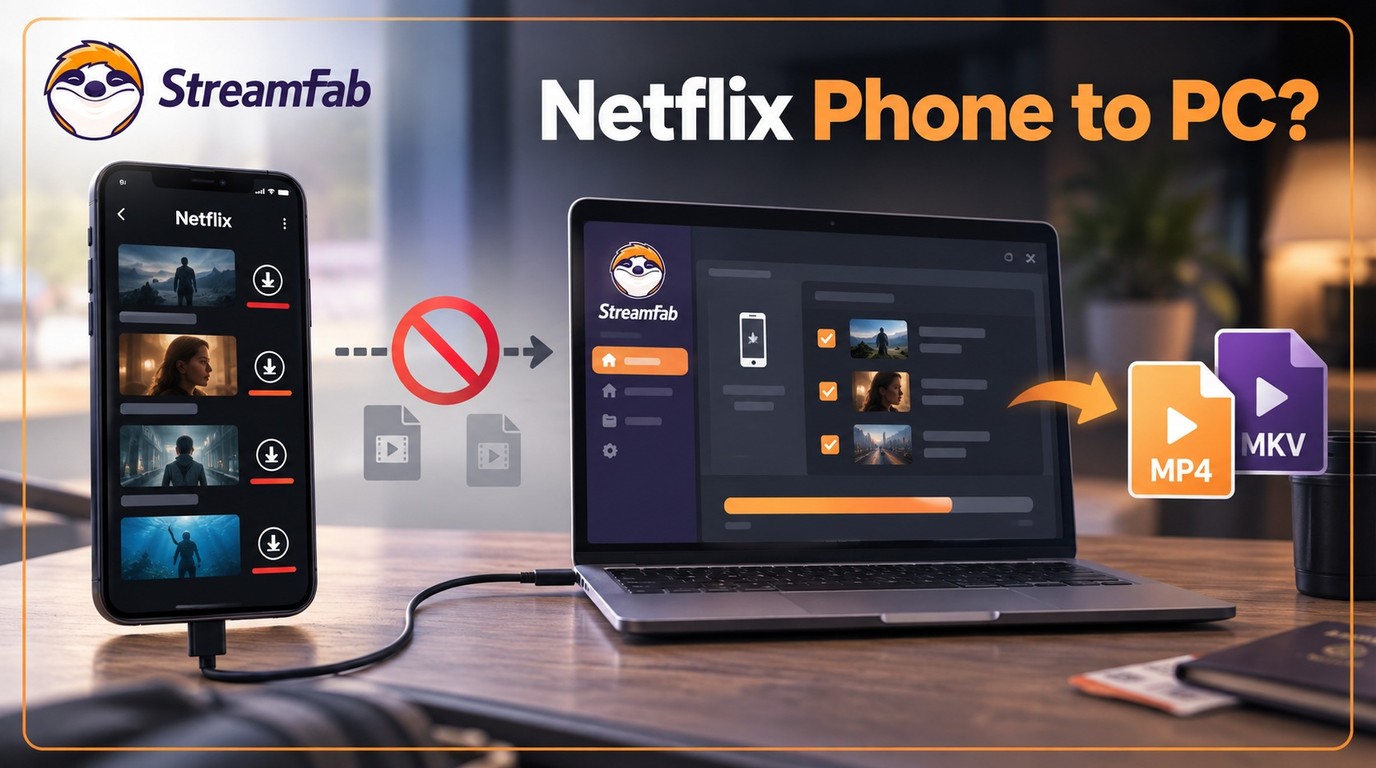
Can I transfer Netflix downloads from phone to computer? No direct method exists due to strict DRM, but you can convert them to MP4 for permanent cross-device offline viewing.
By Jacob Harrison - Sep 16, 2026
Netflix does not provide a native download path for macOS, but Mac users still have practical offline routes. This guide compares official iPhone and iPad downloads, cloud recording, and a desktop MP4/MKV workflow, with device requirements, measured StreamFab results, BlueStacks caveats, and troubleshooting steps.
By Marcia Hatcher - Sep 3, 2026
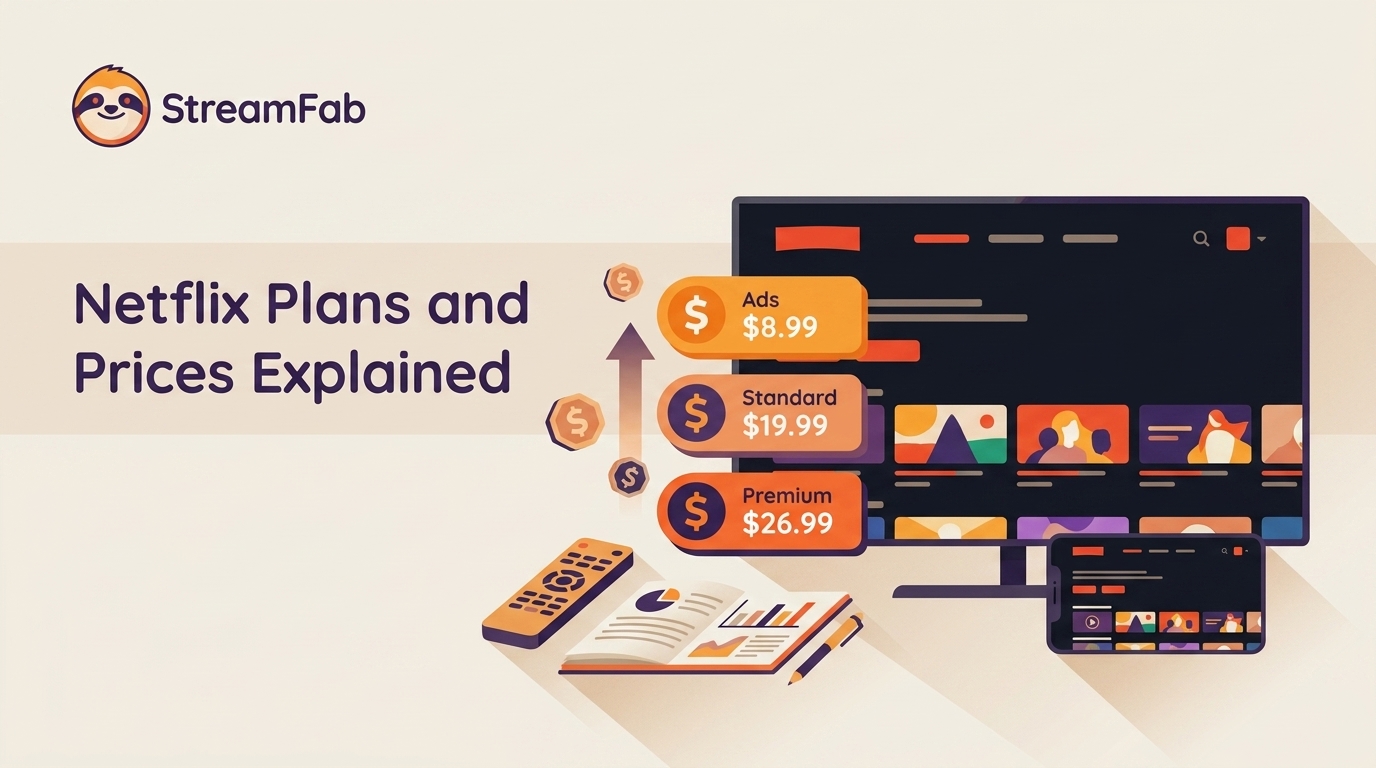
Netflix raised all three US plan prices in March 2026. This guide compares old and current rates, explains billing timing and add-ons, and helps you choose whether to keep, downgrade, rotate, or cancel based on actual use.
By Erika Leen - Aug 26, 2026