
Netflix DRM Explained: 4 Problems and Offline Options in 2026

Summary: This in-depth guide on Netflix DRM will help you know how Netflix prevents unauthorized screen recording or capturing of its premium content from piracy.
Table of Contents
Official Downloads Stay Inside Netflix
Content protection is the backbone of premium video streaming. On Netflix, it’s a blend of encryption, licensing, and output protection that lets the player communicate with a secure module and only play for the right account and device.
That same protection is why a screen recorder typically captures a black frame—and why an external monitor may throw “HDCP Unauthorized. Content Disabled.” when output protection is strictly enforced.
Supported devices and download access
Netflix does not offer downloads on Windows. Official downloads are available through the Netflix app on supported Android devices, iPhone or iPad, Amazon Fire tablets, and Chromebooks.
On Mac, Netflix remains browser-based rather than offering a native download app. Downloading Netflix shows on tablets remains an official in-app option. Supported devices and availability may change, as of August 2026.
Why app downloads are not portable files
Netflix downloads stay inside the Netflix app and are not ordinary portable MP4 or MKV files. That distinction matters when comparing in-app viewing with a Netflix to MP4 workflow: app-managed downloads are designed for Netflix playback, not file export or conversion.
When Netflix stops working on a particular TV, phone, browser, or streaming device, the relevant requirement is device-specific. Check the support notice for that device rather than relying on a universal hardware year or operating-system cutoff.
- Preventing unauthorized redistribution of premium video content.
- Protecting the copyright of movie producers and studios.
- Maintaining the value of subscription-based access.
What Netflix DRM Actually Controls
Netflix DRM is a set of playback protections that controls how video is delivered, rendered, and displayed on approved devices. EME, short for Encrypted Media Extensions, is the browser interface that connects a streaming player to the device's protected playback system.
Widevine, PlayReady, and FairPlay
Different platforms use different DRM systems. Widevine commonly supports Chrome and many Android devices, PlayReady is associated with Windows playback environments, and FairPlay supports Apple platforms. These systems authorize playback for an eligible account and device; they do not turn a Netflix download into a normal media file.
L1, L3, HDCP, and device quality
Widevine security levels can affect the quality a device is allowed to play. L1 generally uses a more secure hardware-backed path, while L3 relies more heavily on software protection and may receive lower-quality playback. HDCP, or High-bandwidth Digital Content Protection, applies to the connection between a device and an external display, so a cable, port, receiver, or monitor can affect protected playback.
EME enables encrypted playback through a secure module. It does not grant permission to export files, and the combined browser, operating-system, hardware, and display protections can block recording or limit playback quality.
Match Each Symptom to Its Cause
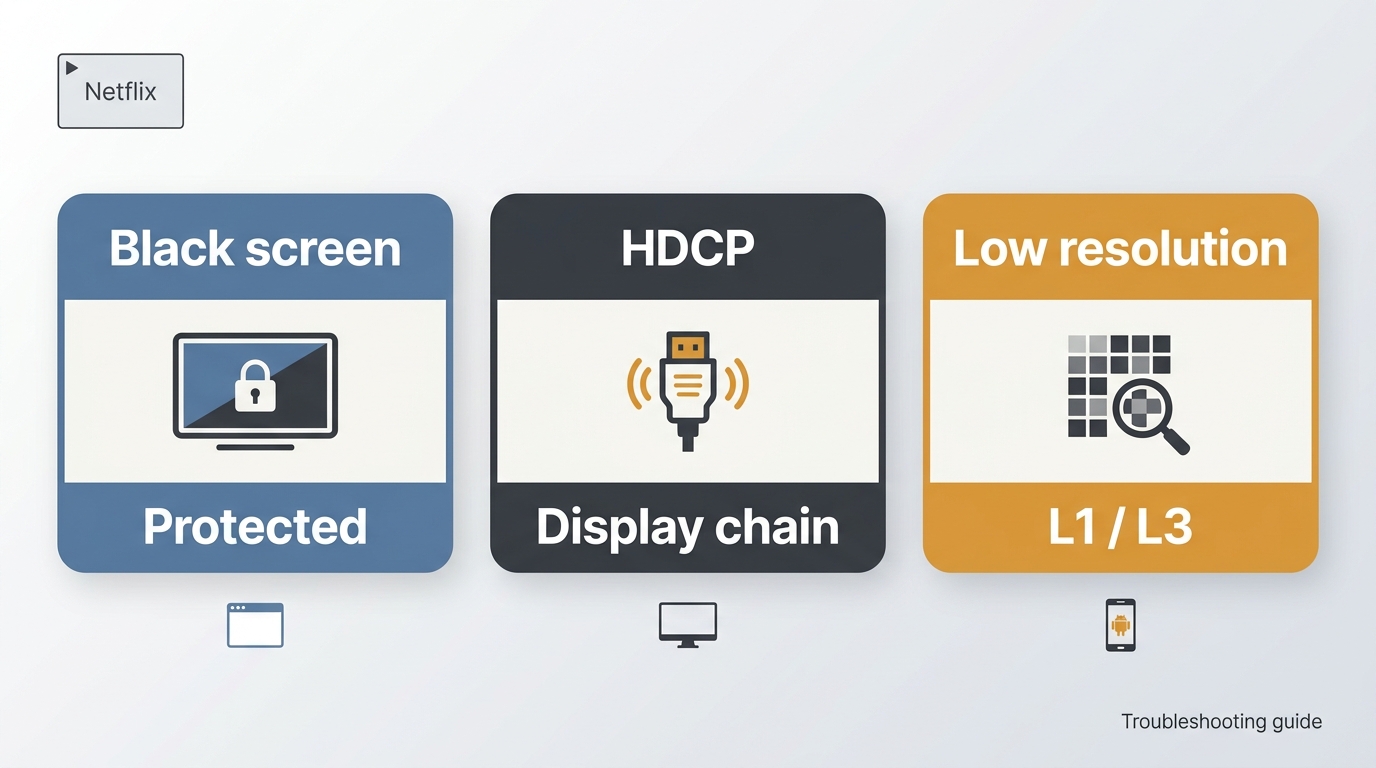
Black screen or audio-only capture
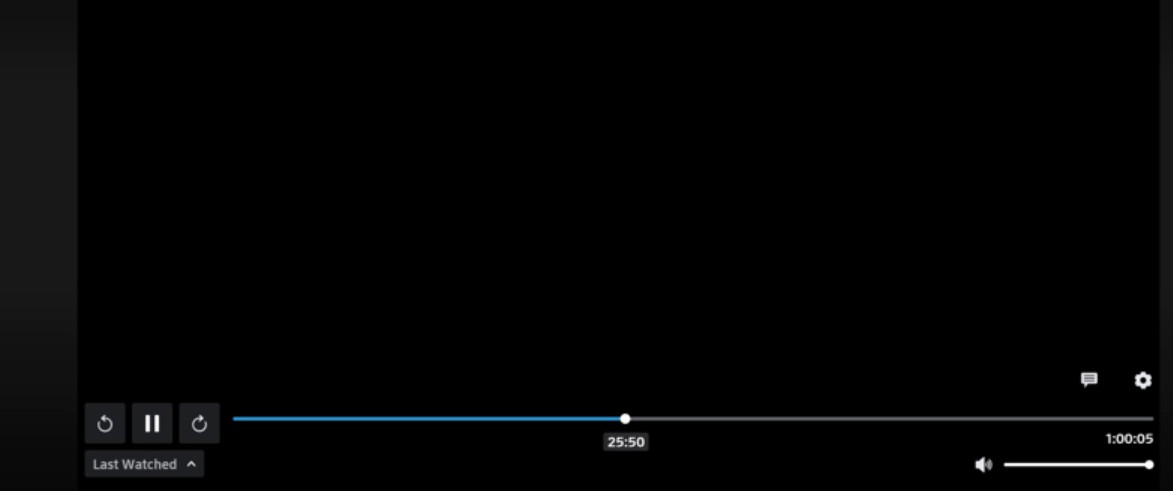
A Netflix black screen or audio-only recording usually means the browser, operating system, or protected rendering path is preventing raw video frames from reaching the recorder. Hardware acceleration can change that rendering path, but it is not a dependable fix for protected playback or capture. Diagnosing the symptom first is more reliable than randomly changing settings, which often just creates a new variable without identifying the cause.
Protected playback can produce a black frame, audio without video, or an unsuccessful screen share. Results vary by browser, device, and display path, but ordinary capture tools are not a reliable route for protected Netflix video.
A black screen when you screen record Netflix videos is often a protected-rendering symptom rather than a recorder defect. The same issue can affect a watch party or Netflix stream on Discord. If an external display shows “HDCP Unauthorized. Content Disabled.”, inspect the cable, port, receiver, and monitor connection before blaming the playback app.
Low resolution on browsers and Android
Lower resolution can point to browser support, device certification, connection quality, or Widevine security level. On Android, rooted or modified devices may fail device-integrity checks and display a black screen or reduced-quality playback. The practical route is supported playback on an eligible device, not attempts to alter the protected playback path.
For offline viewing, separate the goal from the symptom. If playback itself is failing, troubleshoot device support or HDCP first. If official downloads meet your needs, use the Netflix app. If you need a desktop local-file workflow for authorized personal offline viewing, evaluate that option separately rather than treating screen capture as a default fallback.
Built-in mobile recorders can encounter the same protected-rendering limits. For content you’re authorized to access, where permitted by platform terms and applicable law, StreamFab Netflix Downloader provides a desktop local-file workflow for personal offline viewing.

StreamFab’s Desktop Local-File Workflow
StreamFab Netflix Downloader is a desktop app for Windows and Mac that records authorized Netflix viewing into MP4 or MKV files, with up to 1080p output and selectable audio and subtitle options. It suits frequent offline-library use when the official app’s device-bound downloads do not fit the viewer’s goal. It is a poor fit for someone who downloads only occasionally, because the Netflix app is simpler when its in-app access is enough. For broader category context, compare the criteria used in Netflix video downloader reviews.
Who it suits and who should skip it
This workflow fits users who need file organization, desktop playback flexibility, or recurring episode management for authorized personal offline viewing. It is not a replacement for Netflix account access, and it is not the logical choice for a one-off trip download. My practical rule is simple: if the official app already solves the device and availability problem, adding another workflow adds overhead rather than value.
Quality, audio, subtitles, and formats
The verified Netflix ceiling is up to 1080p. Available output can include MP4 or MKV, HDR10 or Dolby Vision where supported, and Dolby Atmos, EAC3 5.1, or AAC 2.0 audio depending on the title and playback conditions.

A professional Netflix downloading tool for permanently saving movies, episodes, and TV shows in 1080p from all Netflix regional sites. Extracts high-quality Atmos/EAC3 5.1 audio and supports HDR10 or Dolby Vision. Now on StreamFab 7 with a redesigned interface and faster download engine.
- Works with an active Netflix subscription and authorized personal viewing
- Ad handling depends on the title, plan, and service conditions
- Download HDR Netflix movies with Dolby Atmos, EAC3 5.1, or AAC 2.0 audio tracks
- Schedule new episodes and movies for recurring offline viewing
- Save subtitles as SRT files or embed them in the video
- Output MP4 or MKV with supported H.264, H.265, VP9, or AV1 codecs
- Preserve metadata for Plex, Kodi, and Jellyfin libraries
Important notes about Netflix offline options:
• Windows app: the Netflix app on Windows no longer supports downloads.
• Ad-supported plan: downloads are limited to 15 per device per month (resets on the 1st).
• Availability: Some titles cannot be downloaded due to licensing.
If any of the above apply to you, check your plan/device first so you don’t chase a fix that isn’t there.
Options to watch offline — comparison
| Criteria | Official offline (Netflix app) | StreamFab Netflix Downloader | Screen recording |
|---|---|---|---|
| Best fit | In-app travel viewing | Frequent desktop libraries | Non-protected material |
| Supported device access | Supported mobile devices | Windows and Mac | Depends on device setup |
| Portable local file | No, stays in app | MP4 or MKV | Inconsistent results |
| Quality ceiling | Device and title dependent | Up to 1080p | May drop frames |
| Main limitation | No ordinary MP4 export | Paid desktop workflow | Protected playback blocks capture |
Fit judgment: Choose the Netflix app for straightforward in-app viewing, troubleshoot hardware when playback is failing, and consider a desktop local-file workflow only when recurring file organization genuinely matters. A screen recorder is not a dependable substitute for either path.
Three steps from title to file
Choose the StreamFab Netflix Downloader
Download StreamFab Netflix Downloader and launch it on your computer.
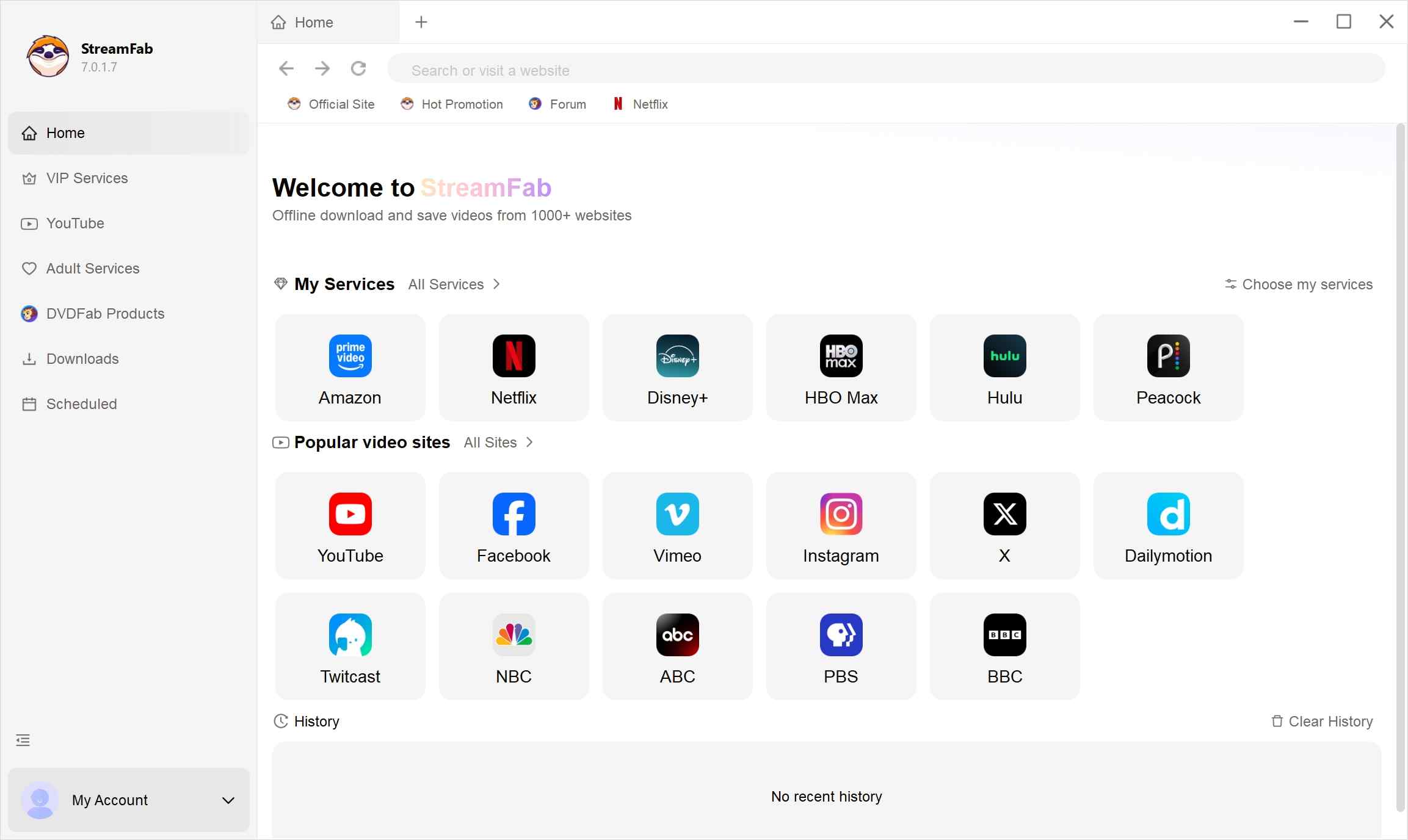
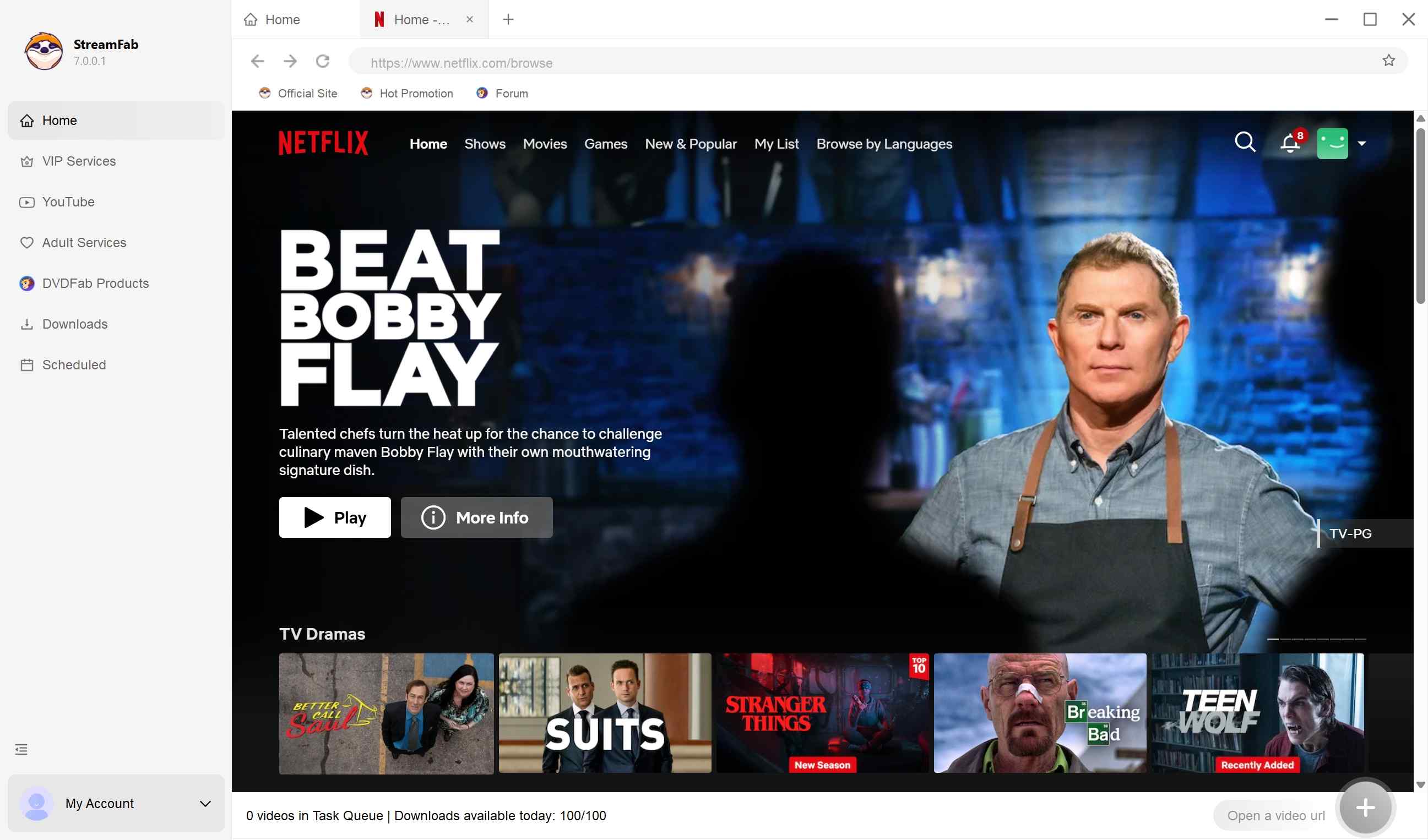
Play a video from Netflix
Select and play a video from Netflix. StreamFab will analyze it automatically.
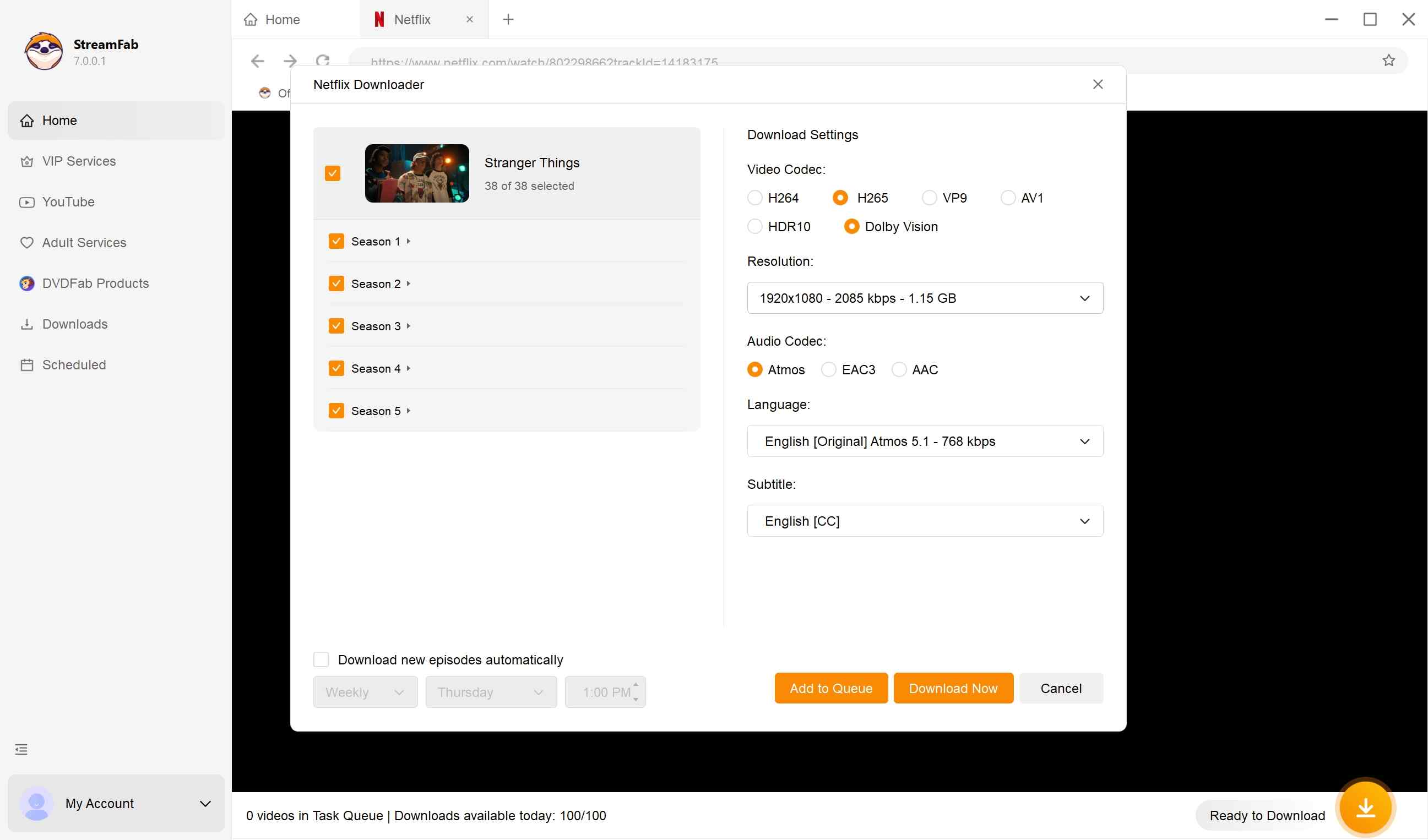
Start to download the video
You can download Netflix videos immediately or add them to the "Downloading Queue."
Batch downloads and library organization
For recurring series, scheduled downloads and metadata can reduce manual sorting. Subtitle choices can be saved as separate SRT files or embedded in the video, and organized libraries can work with Plex, Kodi, or Jellyfin. This is most useful when you regularly manage multiple episodes; for a single title, the setup can be more effort than the result justifies.
Check Limits Before You Buy
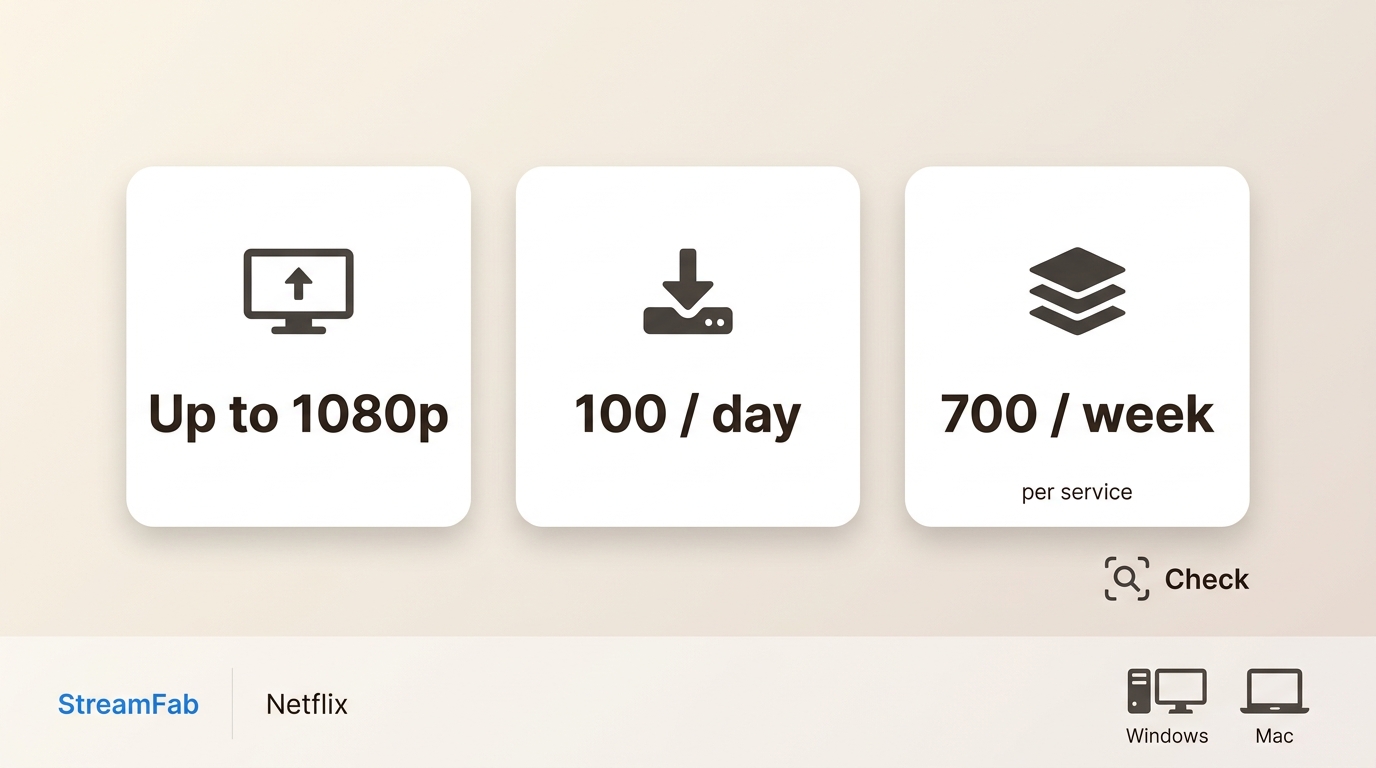
Verified resolution and compatibility
For Netflix, the verified output ceiling is up to 1080p, not 4K. HDR and audio availability depend on the title, Netflix plan, and supported playback conditions. StreamFab Netflix Downloader supports Windows and Mac; current service compatibility can change.
Download quotas and analyzing failures
StreamFab paid accounts have a limit of 100 downloads per day and 700 downloads per supported streaming service per week. If a title remains stuck at the Analyzing stage, treat it as a compatibility-status issue rather than assuming a settings fix. Confirm that the app is current, that the title is available to your account, and that the service is currently supported.
Price fit and lighter-use alternatives
A paid desktop workflow makes more sense for frequent offline-library use than for an occasional download. If you mainly need a few titles for travel on a supported phone or tablet, Netflix’s in-app download option is usually the lower-effort choice.
US Legal and Terms Boundaries
Copyright and anti-circumvention are separate questions
In the United States, copyright infringement and anti-circumvention rules under 17 U.S.C. §1201 are separate legal questions. Personal use is not an automatic exemption, and limited exemptions can be narrow and time-specific. This is general information, not legal advice.
Use only authorized content
Keep the boundaries clear: maintain an active Netflix subscription, use content you are authorized to access, follow Netflix’s Terms, and keep any local viewing within applicable law. Do not share or commercially distribute recorded files.
FAQs
Does hardware acceleration affect Netflix black screens?
Hardware acceleration can move Netflix playback into a protected rendering path, which may change capture behavior or video quality. It is not a reliable way to solve a black screen. On a computer, supported playback and the Netflix download options available on a laptop are more useful starting points.
Why is Netflix black on rooted Android?
Netflix may limit playback on rooted or modified Android devices because device integrity and Widevine security status affect protected playback. A black screen in that situation is a support and certification issue, not a signal to modify the app or protected rendering path. For supported devices, use the official steps to watch Netflix offline.
What does a DRM-protected stream error mean?
A DRM-protected stream error generally means the player or media tool is receiving protected content that it cannot handle like an ordinary video file. Netflix app downloads are managed inside the app, so they are not standard MP4 files that a normal media utility can import or convert.
Conclusion
Choose the path that matches the actual problem. The Netflix app is enough when supported in-app downloads meet your travel needs. A black screen, HDCP message, or low-quality playback points to a device, browser, or display issue that should be diagnosed before changing tools.
A desktop local-file workflow may fit authorized personal offline viewing when recurring library organization matters, but it is not automatically better than Netflix’s official option. In my view, the efficient choice is the one that solves your device and offline goal with the fewest moving parts.

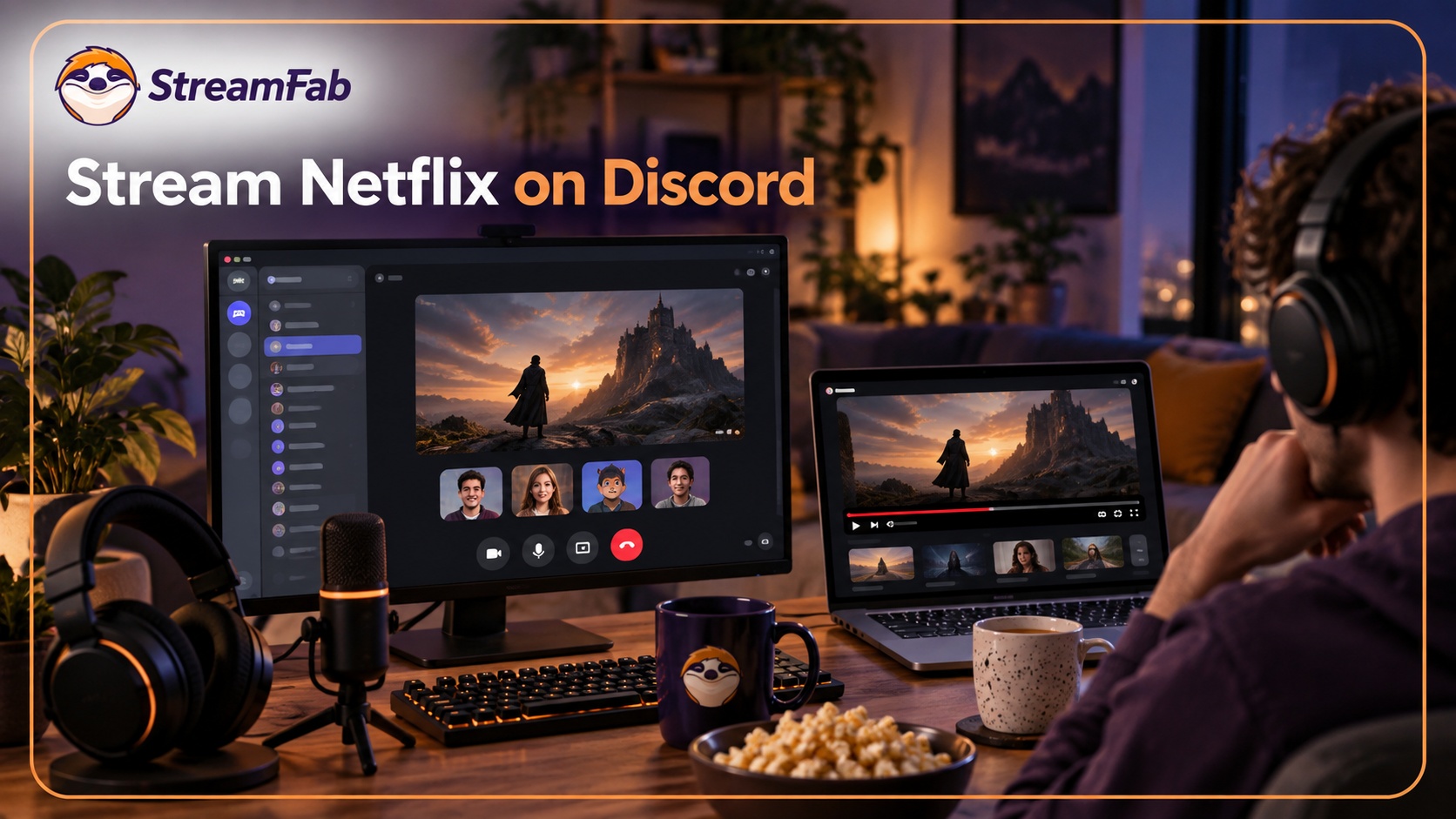
Protected Netflix video can appear black in Discord screen shares. Set up a synchronized watch party with Teleparty and use Discord for voice chat, with eligible access for each participant. Learn how personal offline playback differs and how to troubleshoot ordinary, unprotected screen sharing.
By Nicole Lopez - Sep 28, 2026
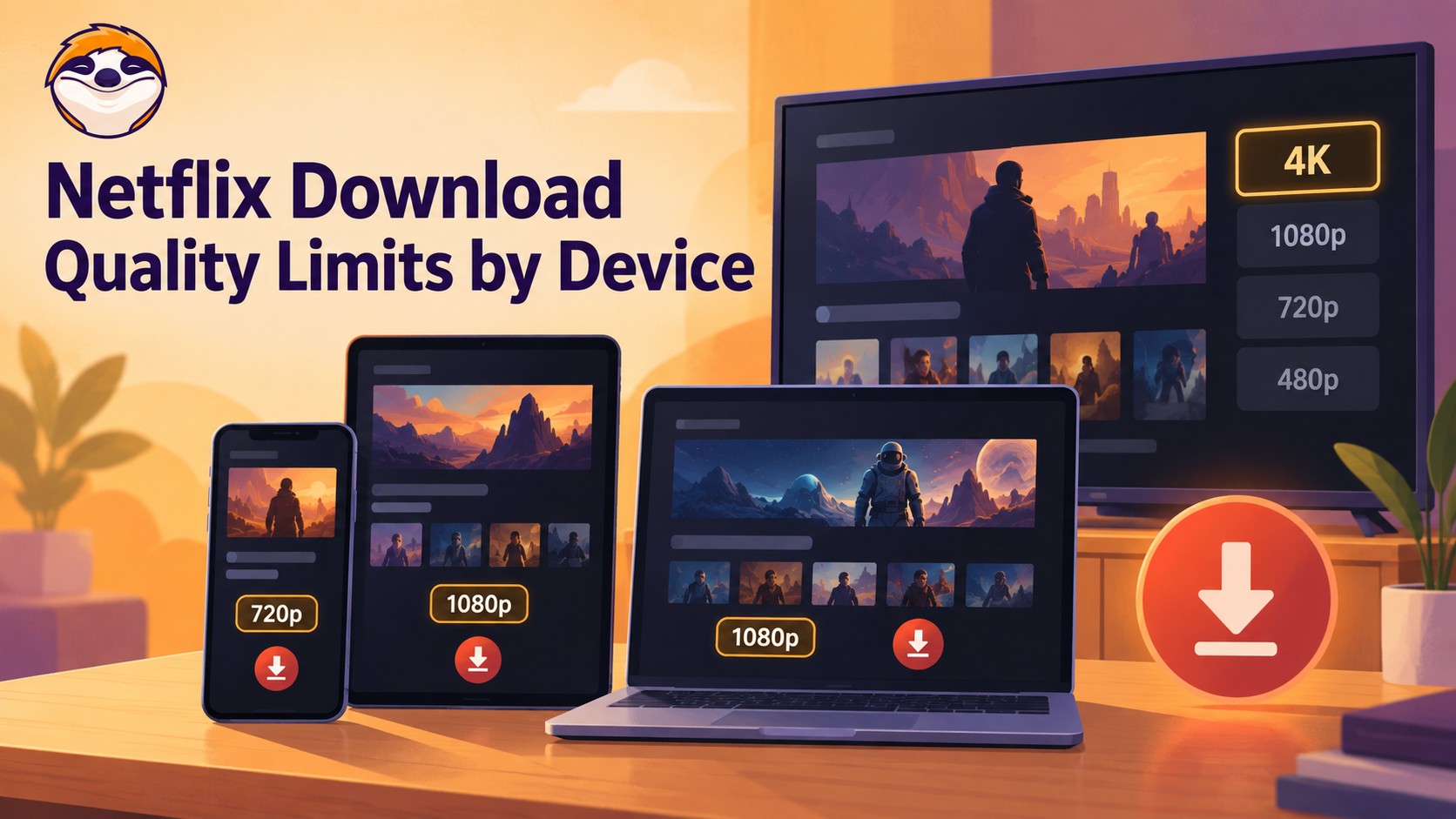
Netflix streams eligible titles in 4K, but official offline downloads stop at up to 1080p and are unavailable on Windows and Mac. Compare supported devices, check title eligibility, and understand how app-managed downloads differ from local MP4 or MKV files for personal offline viewing.
By Jacob Harrison - Sep 24, 2026
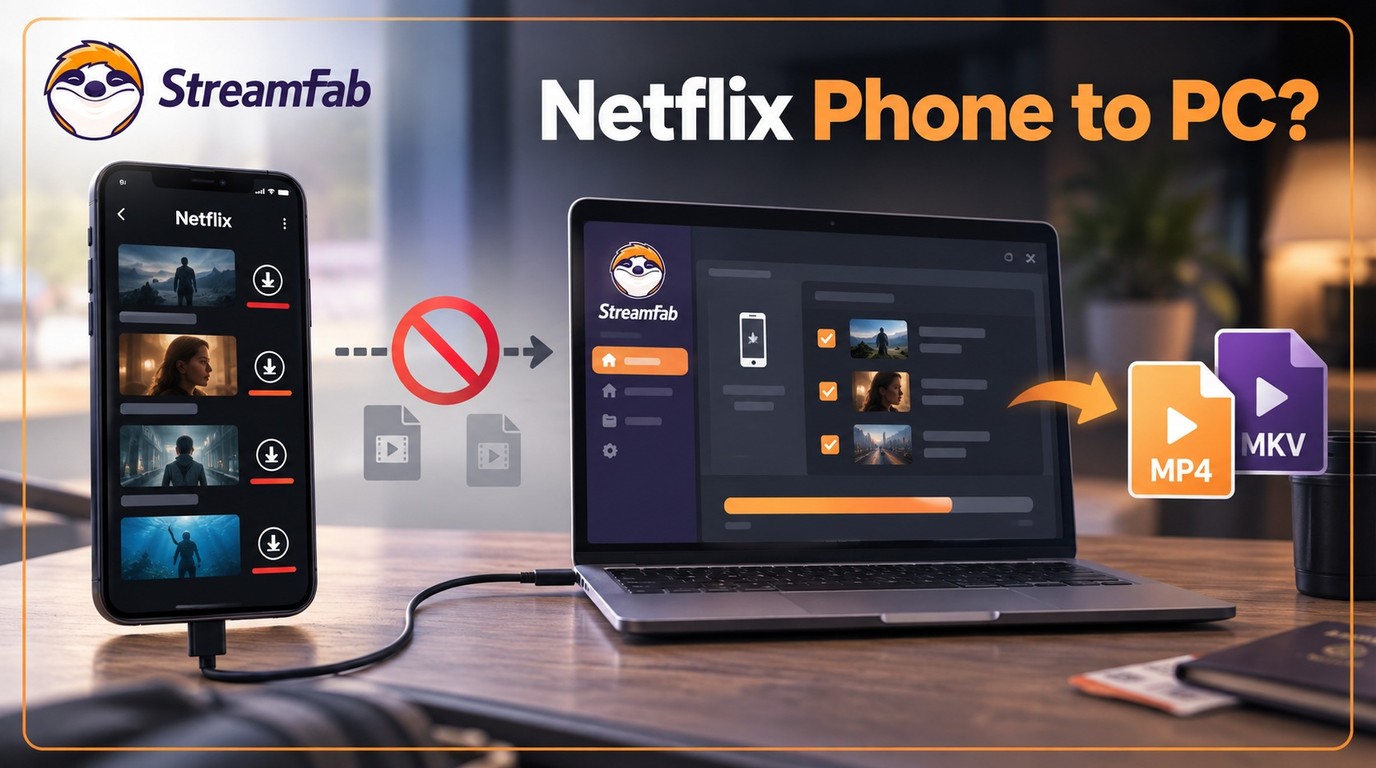
Can I transfer Netflix downloads from phone to computer? No direct method exists due to strict DRM, but you can convert them to MP4 for permanent cross-device offline viewing.
By Jacob Harrison - Sep 16, 2026
Netflix does not provide a native download path for macOS, but Mac users still have practical offline routes. This guide compares official iPhone and iPad downloads, cloud recording, and a desktop MP4/MKV workflow, with device requirements, measured StreamFab results, BlueStacks caveats, and troubleshooting steps.
By Marcia Hatcher - Sep 3, 2026