
MovPilot Amazon Downloader Login Failure: 2026 Fixes and a Backup

Summary: A MovPilot Amazon login failure can turn a correct password and 2FA code into an endless MovPilot login loop. In the session documented here, the app returned to sign-in, disabled its Close control, and sometimes stalled before it could analyze a title.
The practical route is to confirm the Amazon account first, reset MovPilot's embedded browser data, update the app, and rule out network filtering. If the loop returns, this guide also explains when a desktop backup makes more sense than repeating the same login cycle.
The problem appears when the MovPilot Amazon Prime Video Downloader opens Amazon's sign-in flow but fails to retain the authenticated session.
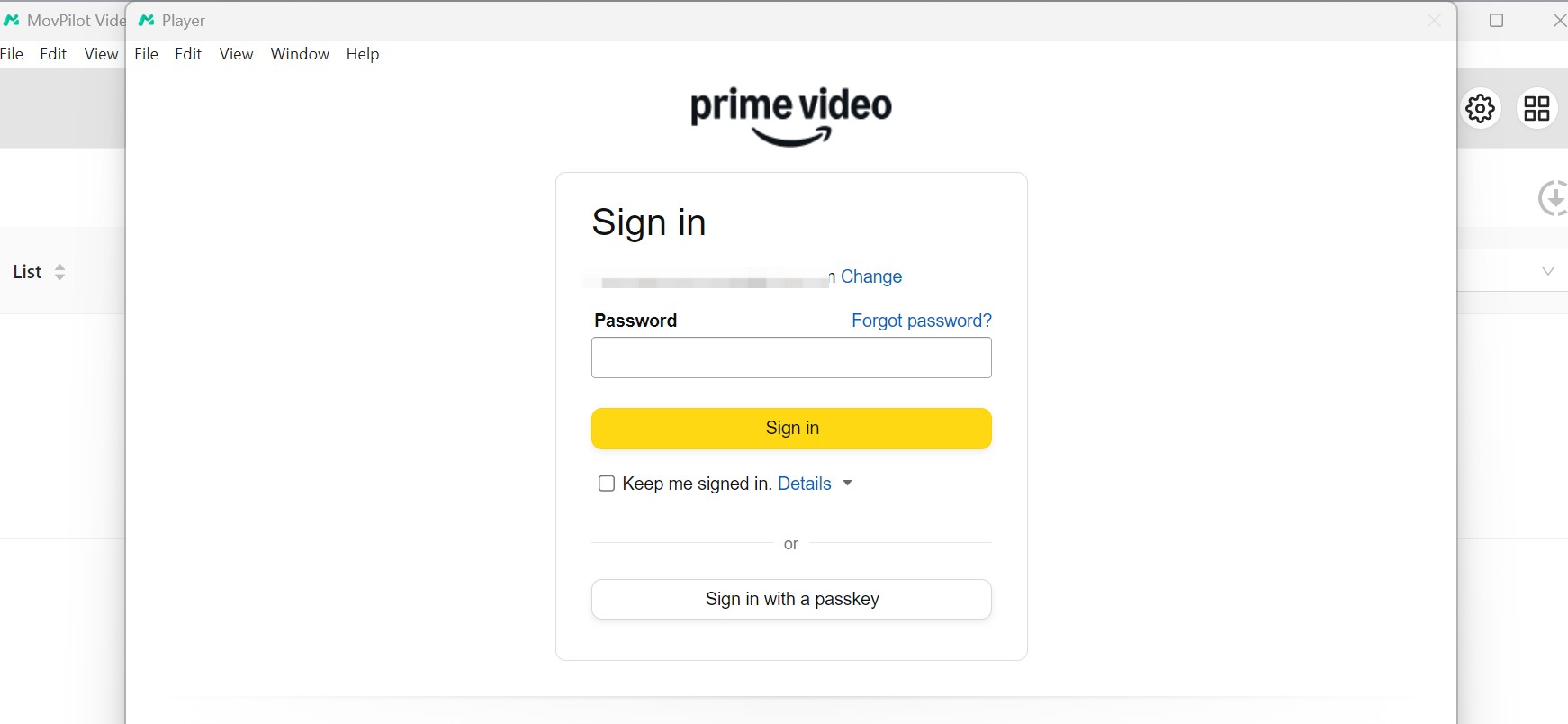
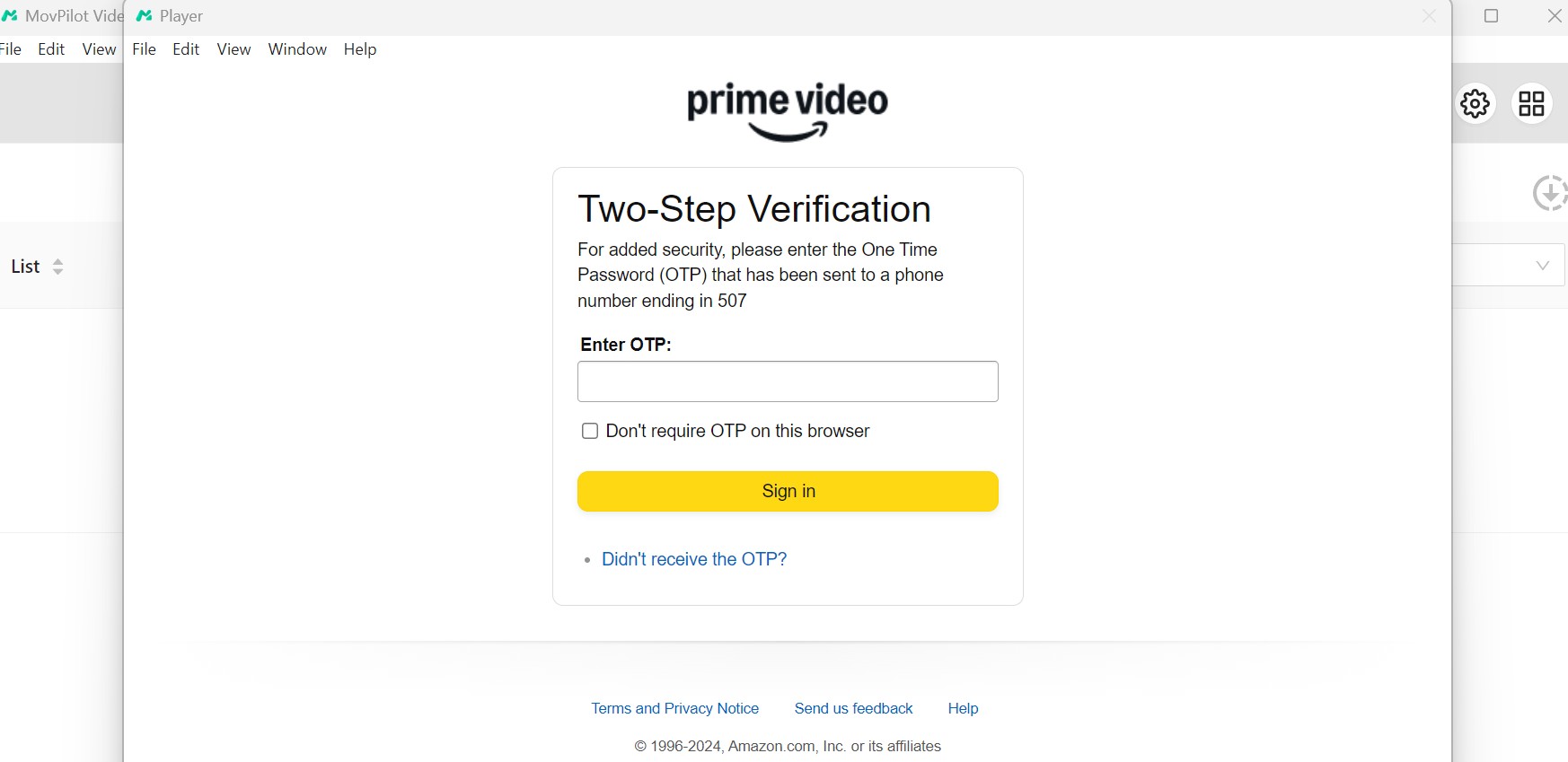
The next screen requests the account email, password, and two-factor code.
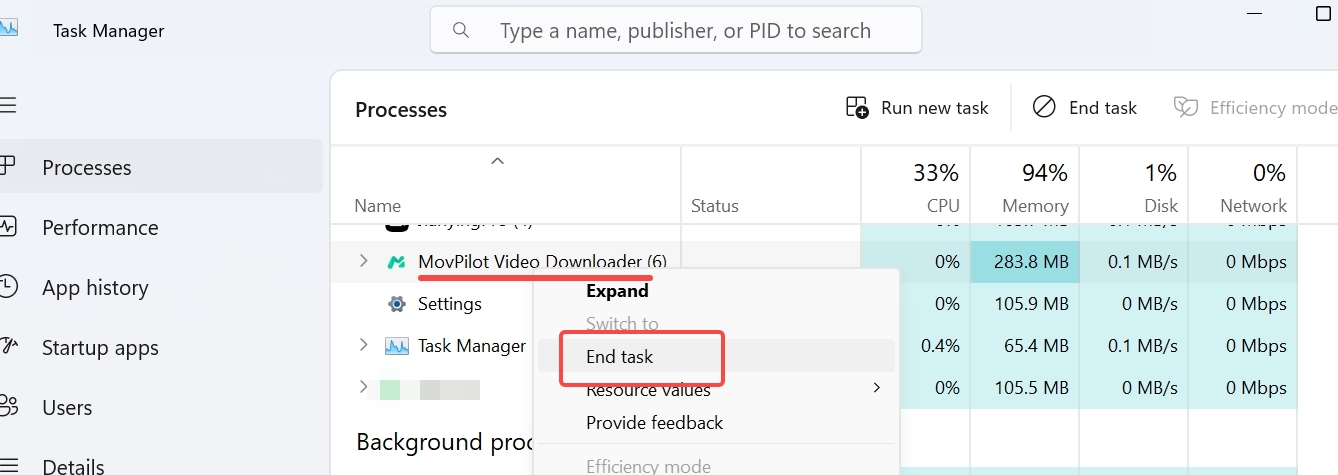
In the captured session, successful authentication led straight back to the login screen, and the window's Close control became unavailable.
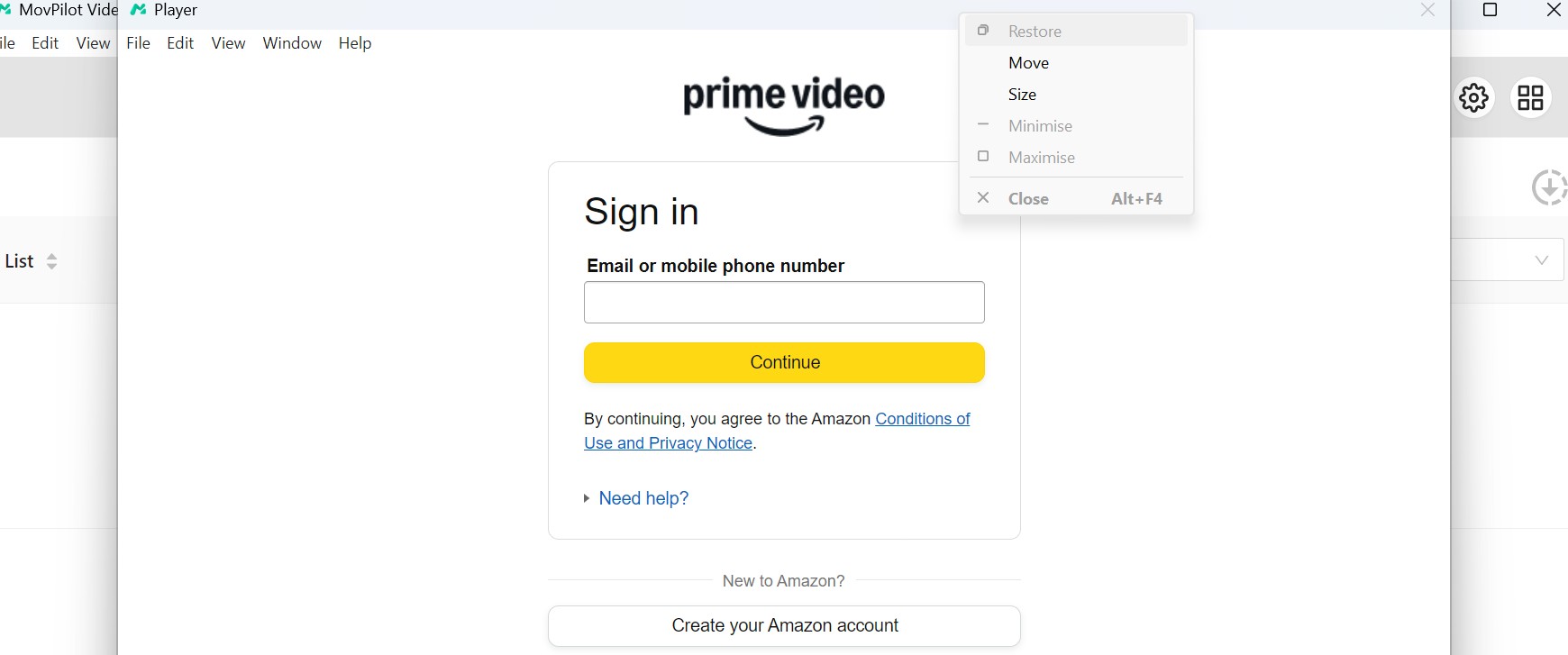
When the window stopped responding, Windows Task Manager was needed to end the process.
Why the MovPilot Amazon Login Loop Happens in 2026
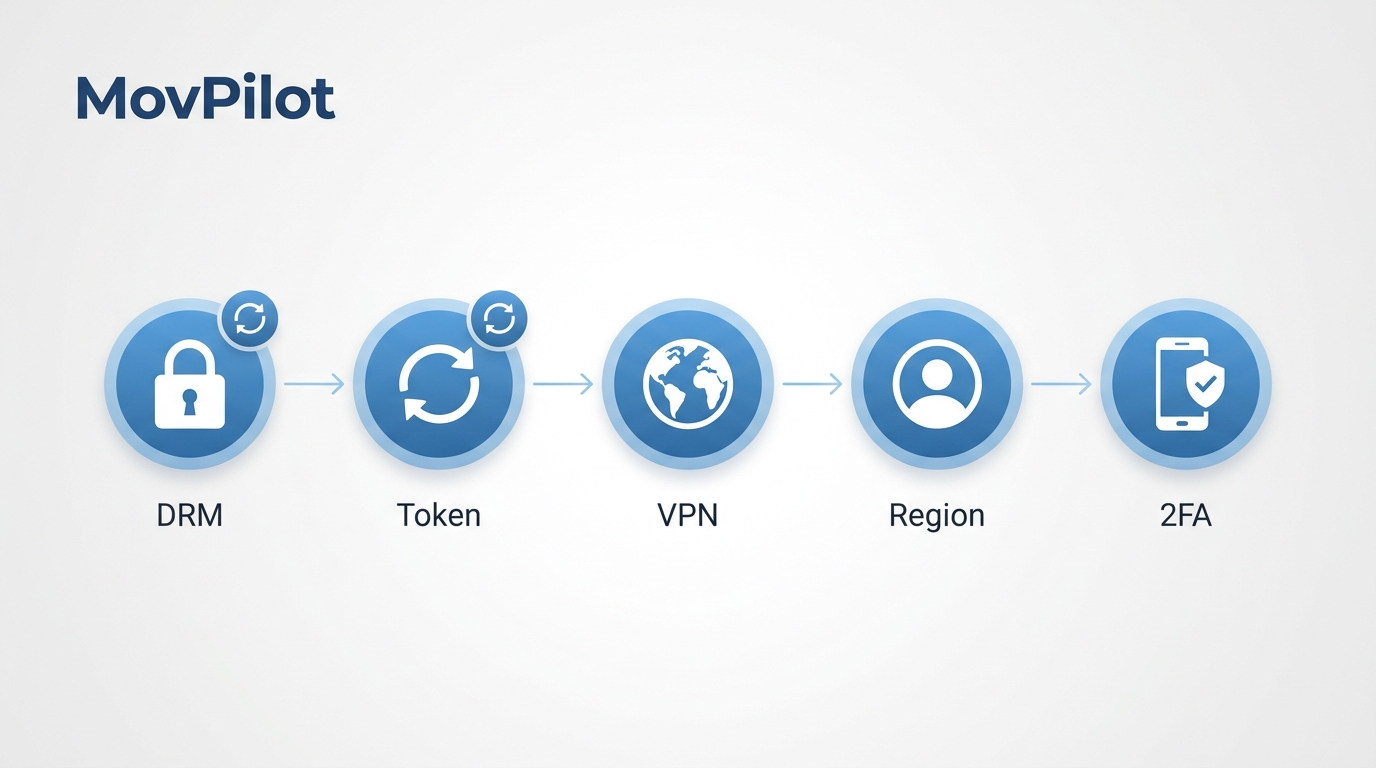
The main cause is an Amazon 2026 DRM update and related parsing changes that older MovPilot builds do not handle correctly. A cached login token can be rejected even after Amazon accepts the 2FA code, sending the embedded browser back to sign-in.
The outdated-build mismatch is the first trigger I would check. Account-region mismatches, stale WebView cookies, a 2FA verification loop, and VPN or firewall filtering can produce the same visible symptom, but they do not explain the timing as well as the protocol change.
A “Failure analyzing this video” message after sign-in often points to stale application data rather than a bad Amazon password. Broader MovPilot troubleshooting for other failure modes belongs on the dedicated guide; the steps below stay focused on the Amazon login loop.
Common Login-Loop Triggers at a Glance
Use this table as a quick diagnosis, then follow the numbered walkthrough for the actual fix.
| No. | Reason | Fix / Workaround |
|---|---|---|
| 1 | Account & Region Mismatch | Make sure the Amazon domain inside MovPilot matches the region used by your account. |
| 2 | 2FA Verification Loop | Switch between SMS, voice, or an authenticator app, then start a fresh sign-in. |
| 3 | WebView Cache Error | Clear the embedded browser cache, cookies, and MovPilot temporary files before retrying. |
| 4 | Outdated Version / Protocol Change | Install the latest MovPilot build so its Amazon sign-in handling is current. |
| 5 | Network or Firewall Interference | Pause VPN, firewall, or security filtering and retry on a plain local connection. |
| 6 | Account Session Conflict | Sign out of other stale Amazon sessions, confirm the account in a normal browser, and retry. |
Fix the MovPilot Login Failure Step by Step
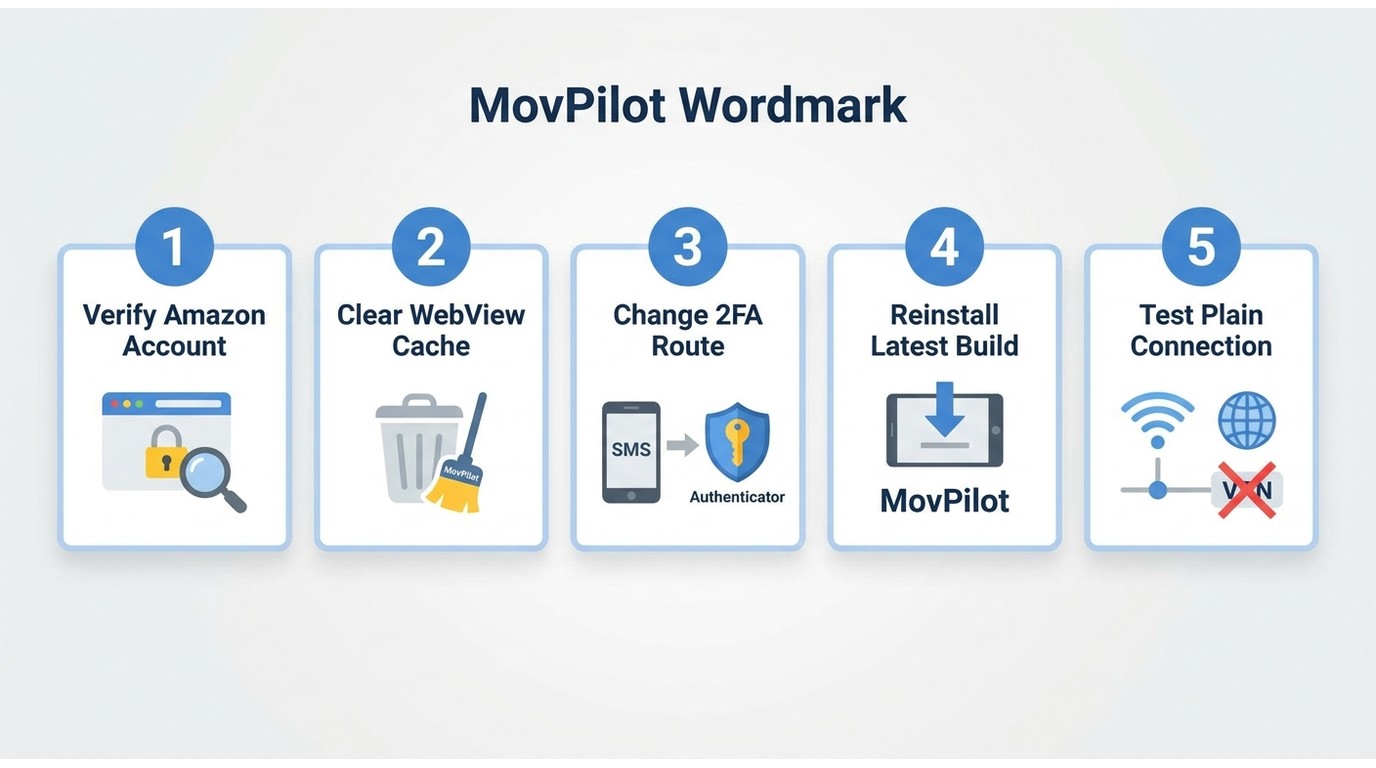
Start with the Amazon account, then clear WebView cache data before reinstalling anything. In my experience with this failure pattern, the cache and temporary-directory reset is the highest-value step because it replaces the stale session that keeps reopening the login screen.
Prerequisites: keep your Amazon credentials and preferred 2FA method ready, close MovPilot, and make sure you can access the application's local cache and temporary-file folders.
- Confirm browser sign-in. Open Amazon in a normal browser and complete the full login and 2FA flow. If that fails too, resolve the account or regional-domain issue before changing MovPilot.
- Clear the embedded session. Remove MovPilot's WebView cache and cookies, wipe its temporary directory, restart the app, and sign in again. This is the most direct fix when the app accepts 2FA but returns to login or shows “Failure analyzing this video.”
- Change the 2FA route. Switch from SMS to voice or an authenticator app, or use a different available method. A fresh verification route can break a session-specific loop.
- Reinstall the latest build. Uninstall MovPilot, install the newest release, and enter the license details again if prompted. This replaces older Amazon login components instead of reusing them.
- Test a plain connection. Temporarily pause the VPN, firewall, proxy, or security filter, then retry on a direct local connection. Restore protection after the test and adjust the specific rule if filtering caused the failure.
If step 2 fixes sign-in but the error returns after the next app update, repeat the cache reset once. If it keeps recurring, switching tools is more efficient than rebuilding the same embedded session every time.
When to Switch to StreamFab as a Backup
Switch when the self-fixes work briefly or not at all and you need a maintained Windows or Mac workflow to save Prime Video offline. StreamFab Amazon Downloader supports Amazon titles up to 1080p, MP4 or MKV output, selectable audio and subtitles, and batch queues.
Best for: readers blocked by the MovPilot login loop who need batch or season downloads and files usable outside the Prime Video app. Not ideal for: someone who occasionally downloads one title to a phone with Amazon's official app.
StreamFab offers a 30-day trial with up to three full-title downloads per supported service. Pricing varies by license term, so the current product page is the appropriate place to compare plans.
StreamFab Amazon Downloader is a desktop alternative built for this offline workflow.
Free Download macOS 12.0 or newer
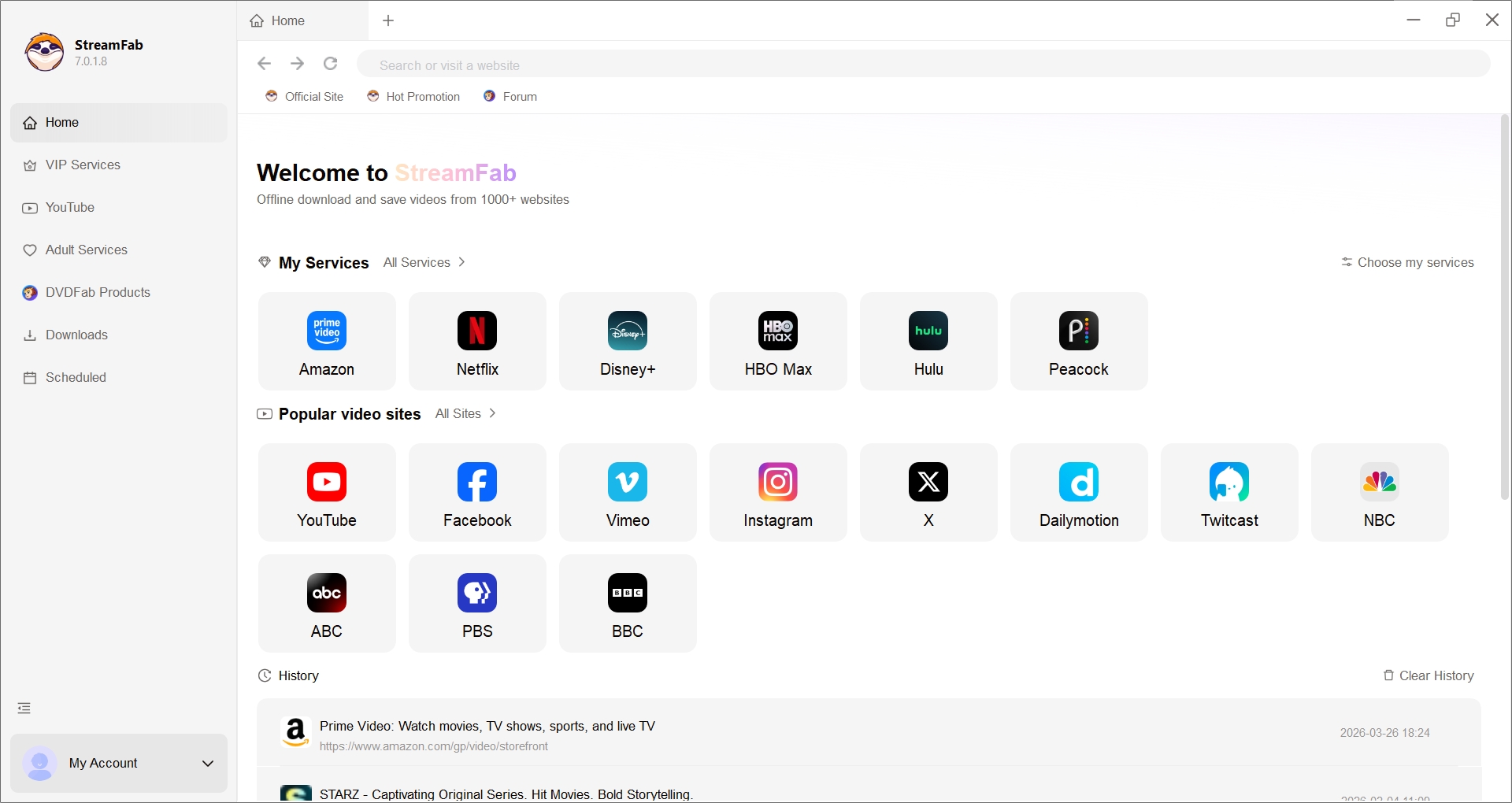
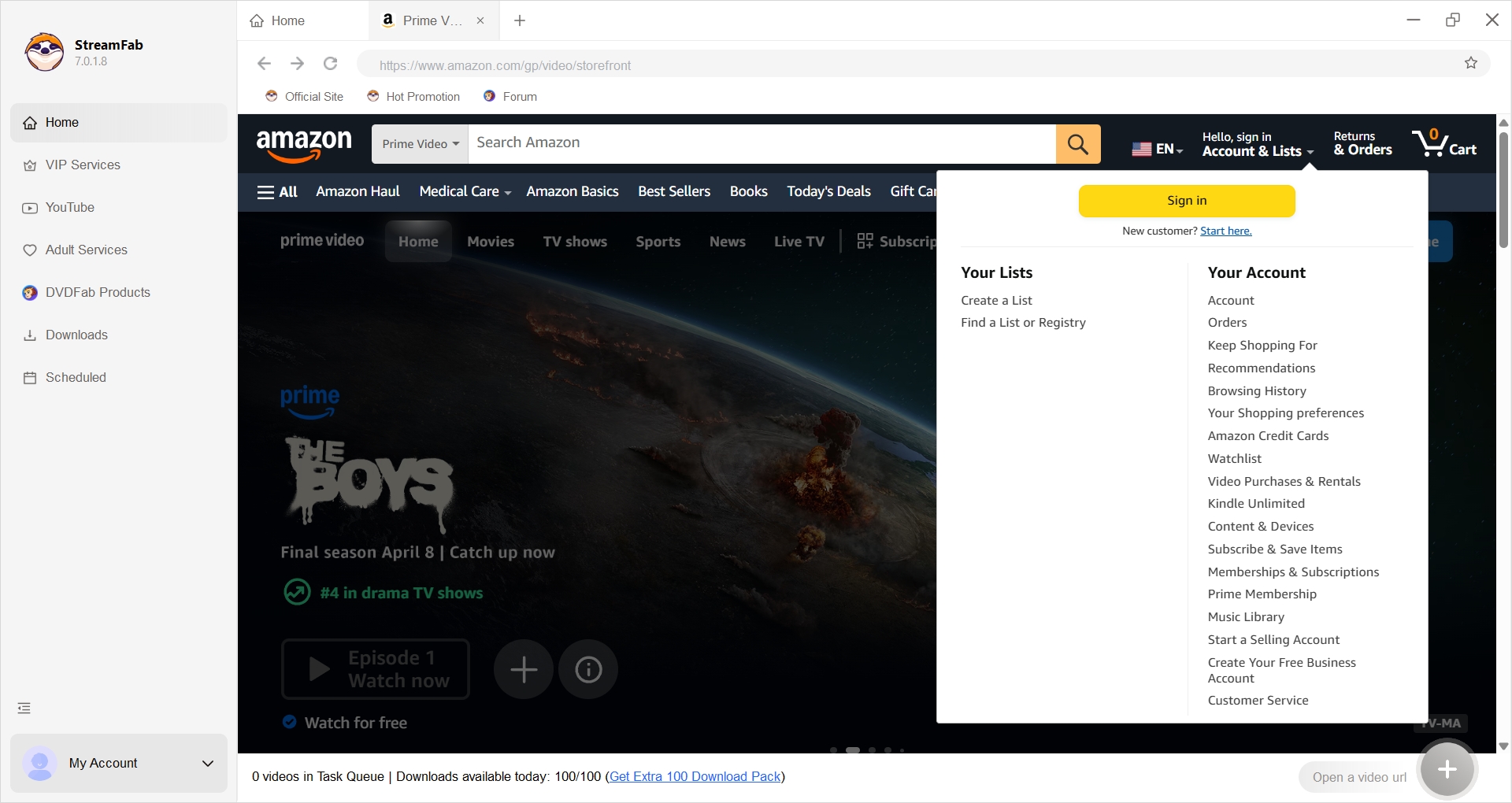
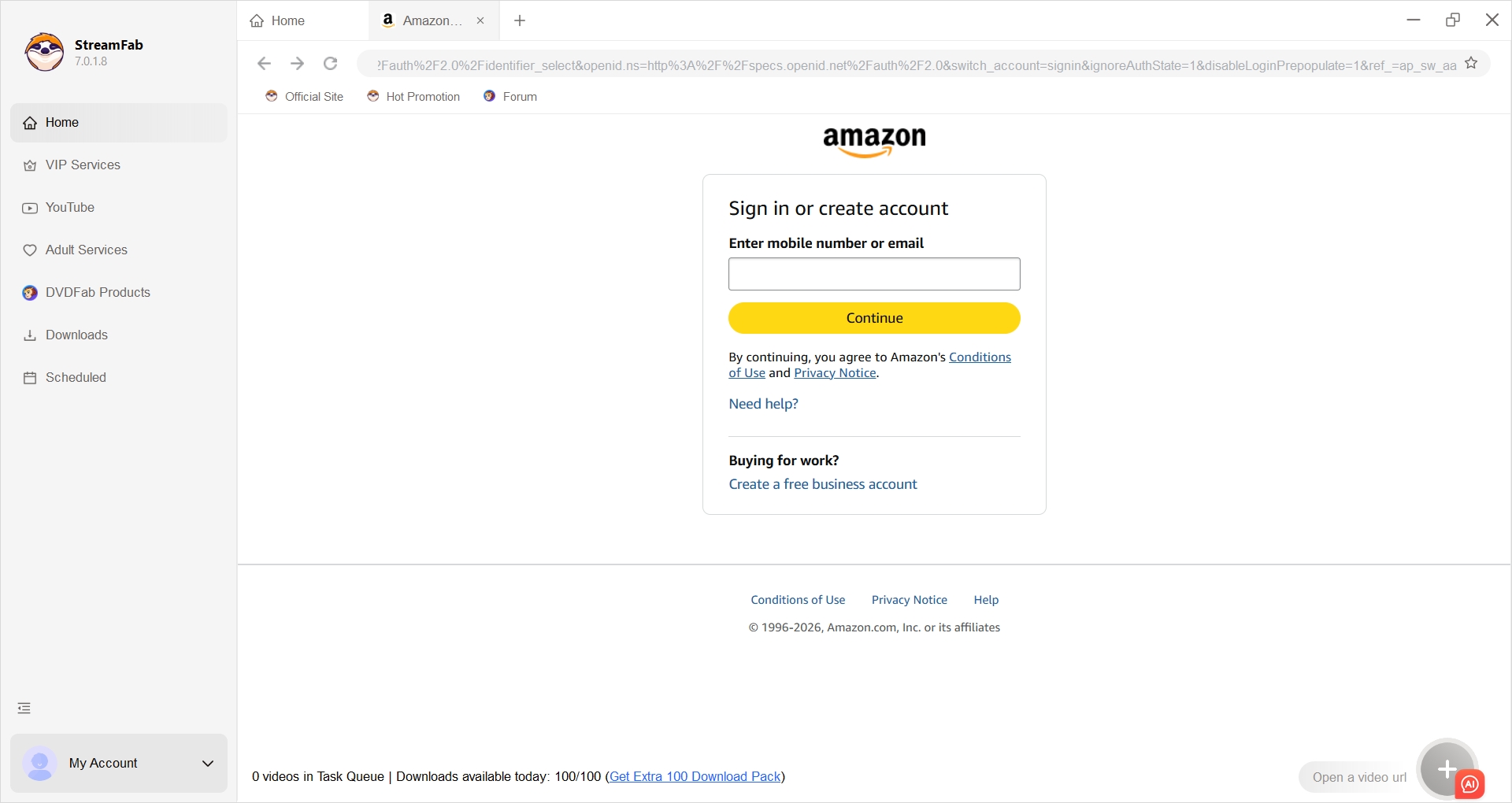
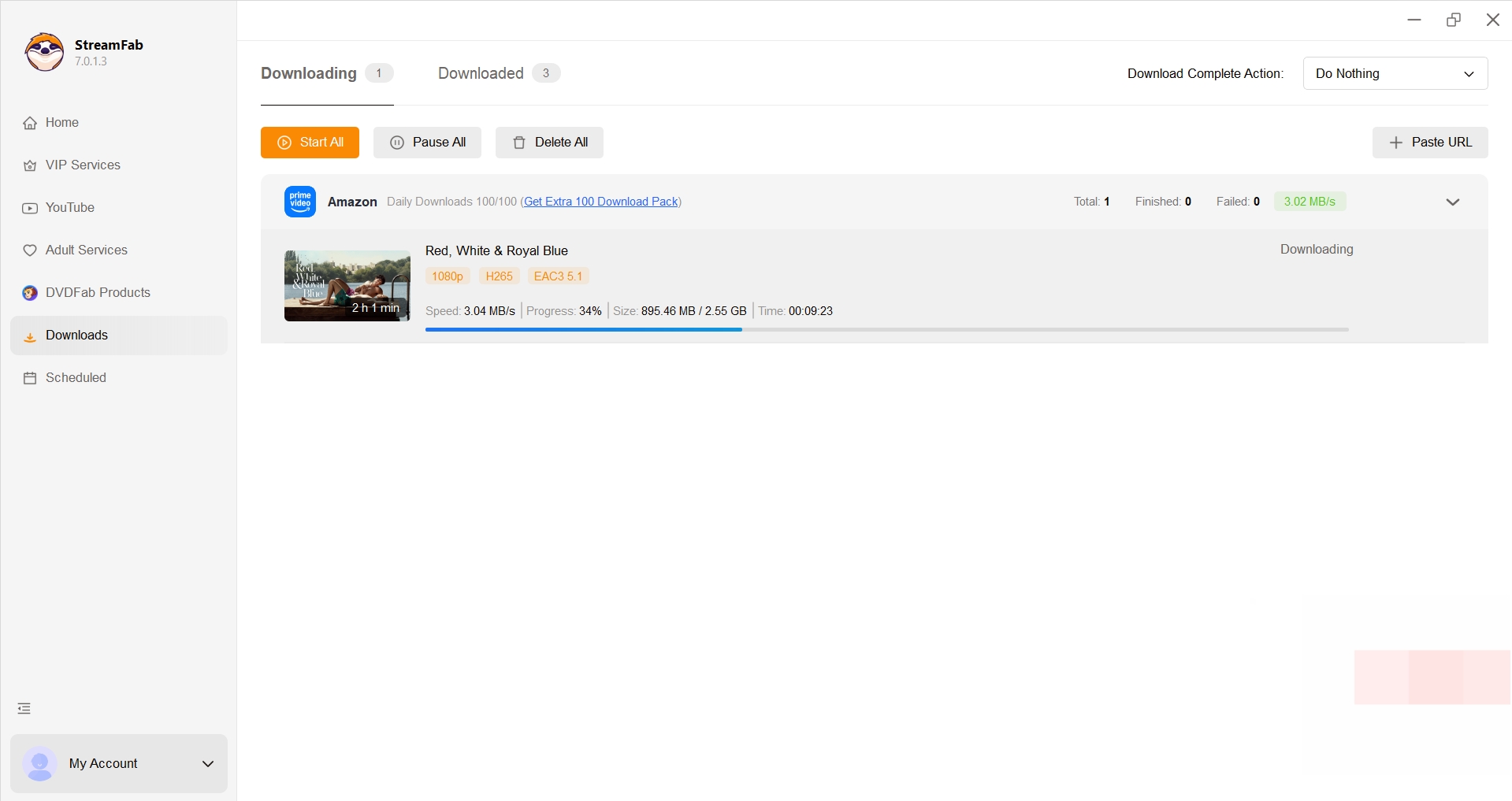
Log In to Amazon Prime Video with StreamFab
Open Amazon inside StreamFab and complete Amazon's normal sign-in and verification flow before selecting a title.
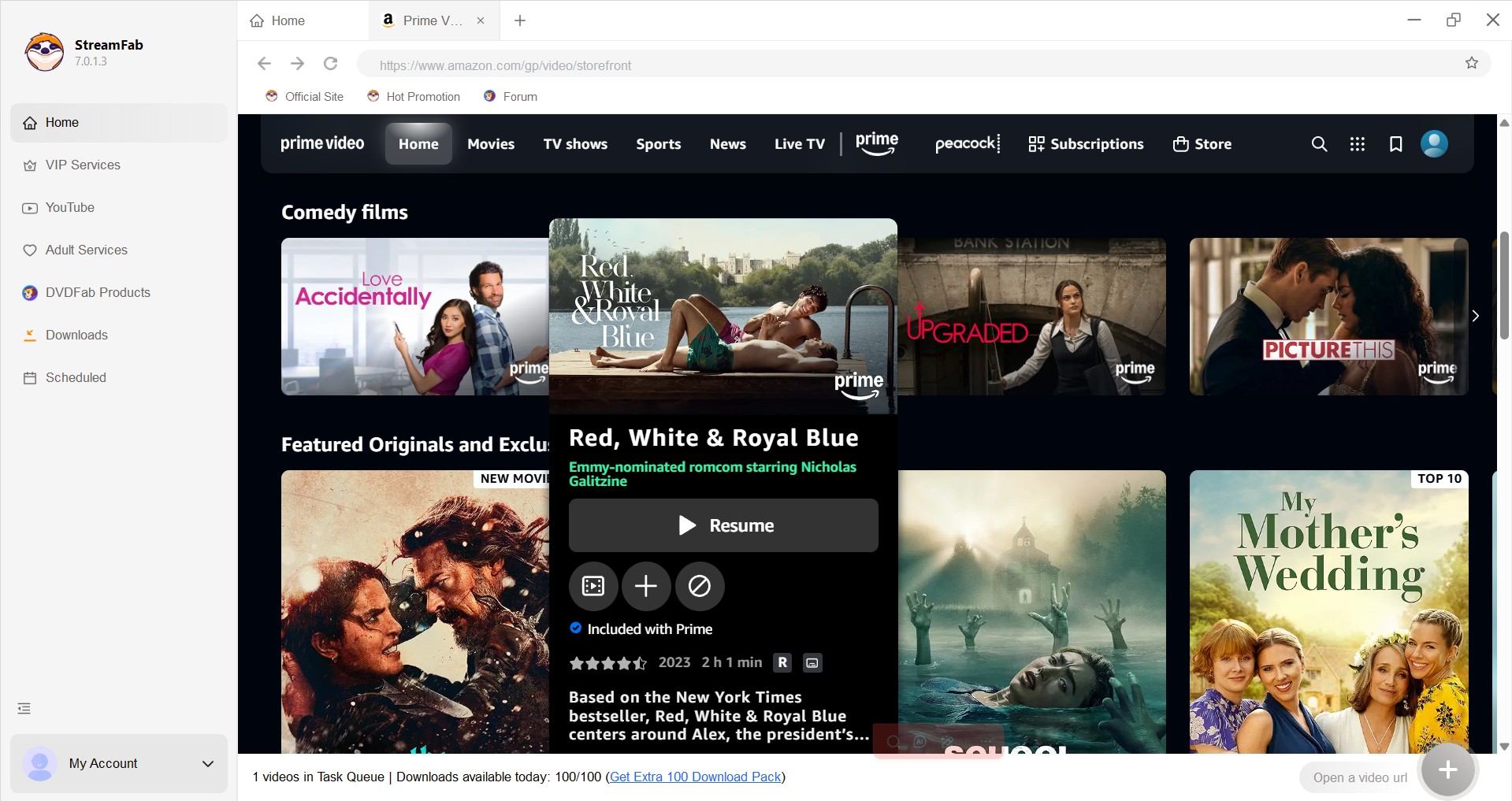
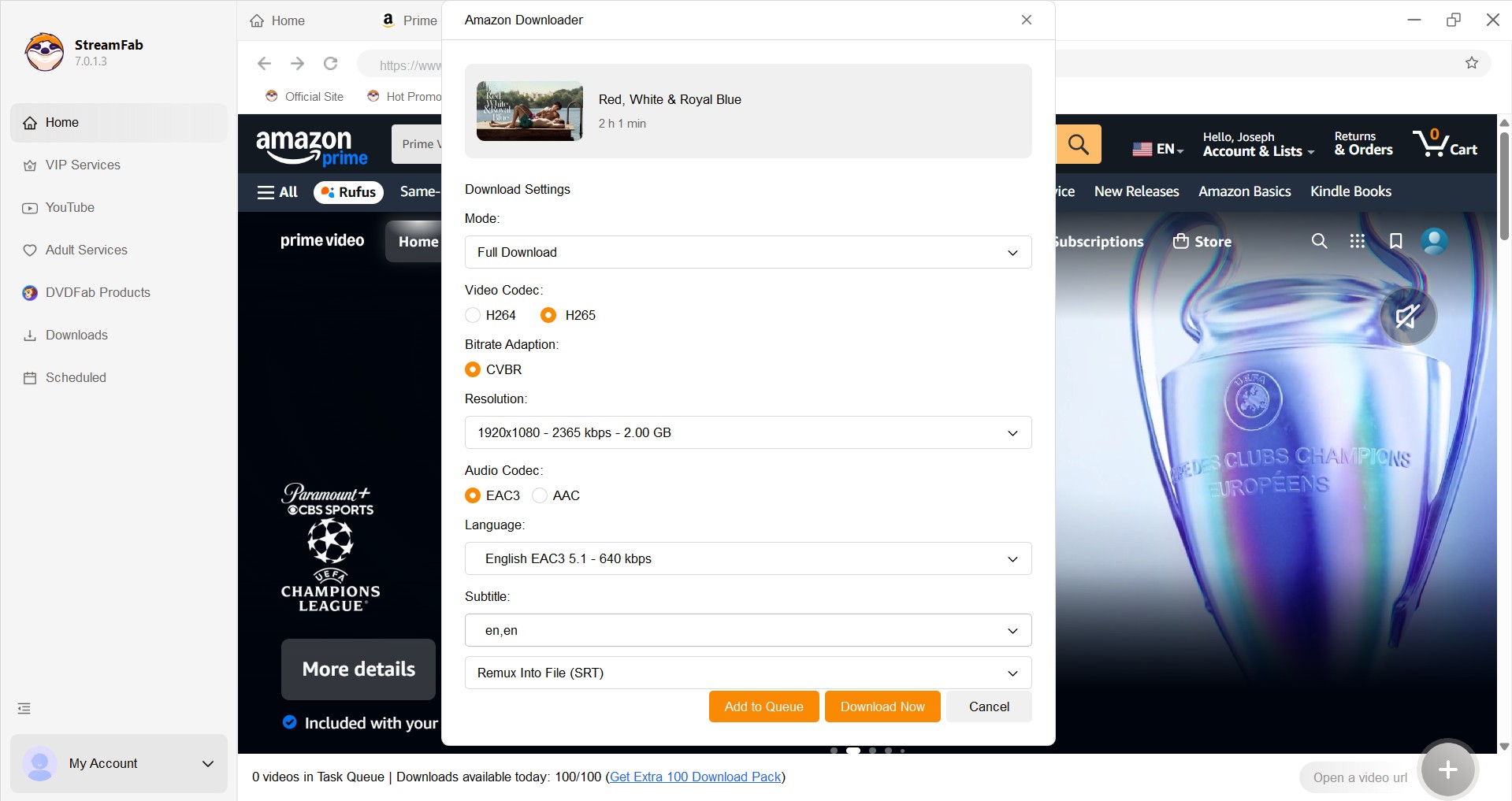
Download Prime Video Titles with StreamFab
Choose the available video quality, audio track, subtitle option, and output format, then add one title or a season to the queue.
Amazon Download Options Compared: StreamFab, MovPilot, Prime App
The right option depends on whether you need app-managed viewing or reusable desktop files. The Prime Video app is simplest for occasional mobile use; StreamFab is the stronger MovPilot free alternative when login reliability, batch work, and MP4 or MKV output matter.
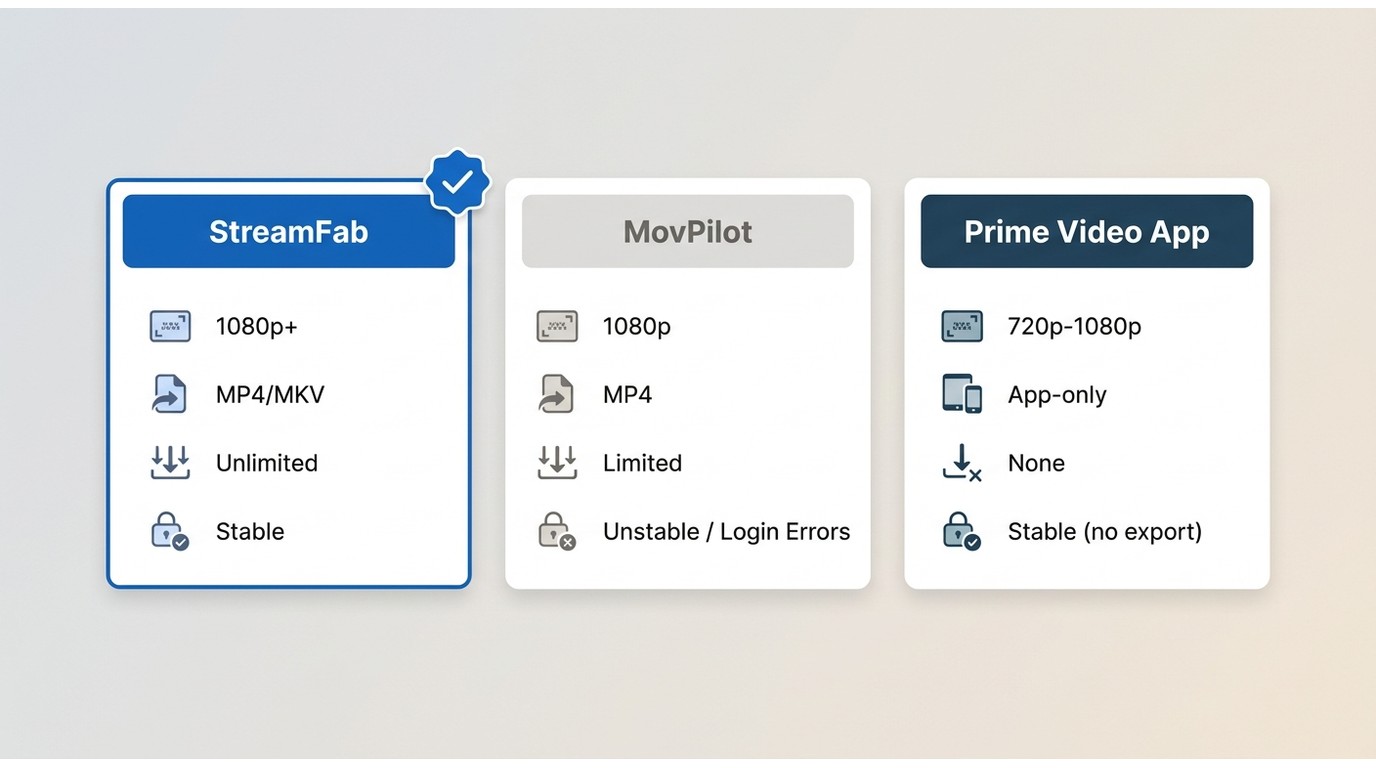
| Option | Max resolution | Free trial | Output format | Audio tracks | Batch / season download | 2026 Amazon DRM stability | Update cadence |
|---|---|---|---|---|---|---|---|
| StreamFab Amazon Downloader | Up to 1080p | 30 days; up to 3 full titles per service | MP4 or MKV | EAC3 5.1 or AAC 2.0 when available | Yes | Current Amazon workflow supported | Actively maintained |
| MovPilot Amazon Prime Video Downloader | Up to 1080p | First 6 minutes of each title | MP4 | Selected track in the downloaded file | Single-title workflow is the safer expectation | Login loop can persist after Amazon's 2026 changes | Latest build required; fix timing varies |
| Prime Video app (official) | Streaming plan and device determine quality | Included with eligible Prime Video access | App-managed download; no MP4 export | Managed inside the app | No desktop season-file export | Official Amazon workflow | Updated by Amazon |
Feature status is shown as of July 2026. A full head-to-head breakdown covers the two desktop products in more depth without turning this login-fix guide into a product review.
Frequently Asked Questions
Why does MovPilot keep sending me back to the login screen?
Older cached session data can conflict with Amazon's 2026 sign-in changes. Clear the WebView cache and temporary files, then reinstall the latest build if the loop continues.
Is MovPilot dead, or is it still worth using in 2026?
MovPilot is still available, but a recurring login loop makes it risky as a single workflow. It can remain useful after an update or cache reset, while a maintained backup reduces downtime.
Is MovPilot free to use?
The MovPilot free trial saves the first six minutes of a title. Full-title downloads require a paid license.
Did Amazon block download tools in 2026?
Amazon changed its sign-in and stream-handling systems; it did not make every desktop tool disappear. Apps that lag behind those changes can lose authenticated sessions until their login components are updated.
Is it safe to save Amazon Prime videos with these tools?
Download software from its official site and keep saved copies for personal offline viewing of content you are authorized to access, where platform terms and applicable law permit. Do not redistribute or use the files commercially. The detailed StreamFab safety and legality review explains the product checks separately.
Conclusion
The MovPilot login loop is better treated as a session and compatibility problem tied to Amazon's 2026 changes, not a random password mistake. Browser verification, a WebView and temp reset, a different 2FA route, the latest build, and a plain connection form the shortest useful repair sequence.
If the loop keeps returning, StreamFab is a pragmatic desktop backup for Windows and Mac. The StreamFab forum also provides a direct place to track Amazon-specific support discussions.


Evaluating the Audials One 2026 free trial? I tested its 720p caps, examined if is audials legal under Fair Use
By Erika Leen - Sep 29, 2026

Are you thinking of purchasing NoteBurner and unsure if it’s worth the investment? In this NoteBurner review, let’s delve into its product lines, particularly the NoteBurner Video Downloader’s pros and cons.
By Marcia Hatcher - Sep 28, 2026

Read our in-depth Audials review for 2026. Is Audials safe and legal for Amazon Prime? Discover actual test results, Widevine DRM fixes, and better alternatives.
By Erika Leen - Sep 28, 2026

TuneFab’s Amazon downloader suits a focused desktop routine, while VideOne covers multiple services. Compare their workflows, license structures, and output checks with StreamFab, then use the numbered setup and maintenance steps for authorized personal offline viewing.
By Erika Leen - Sep 24, 2026