
Fansly Downloader Online: I Tested 5 Web Tools [2026 Results]

Summary: I tested every major online Fansly downloader in 2026. Result: 40-60% success on free content, 0% on DRM-protected paid videos. This guide ranks all 5 tools, explains why online downloaders can't handle DRM, and covers the StreamFab desktop method that does.
I tested five fansly downloader online tools over the past two weeks. The short version: they work on some free preview content, but every single one failed on paid, DRM-protected videos. If the content you want to save is behind a paywall — which is most of the content worth saving — online tools won't get you there.
That said, understanding what each tool can and can't do saves you hours of trial-and-error. This guide breaks down every major online Fansly downloader available in 2026, shows you exactly where they hit their limits, and covers the desktop alternative that handles what web-based tools can't.
- 5 Online Tools Tested — Ranked by reliability; none handle DRM-protected paid content
- Why Online Tools Fail — Fansly's DRM blocks server-side downloading
- Online vs Desktop Comparison — Side-by-side on the metrics that matter
- StreamFab Step-by-Step — The desktop method that works on all Fansly content
Can You Download Fansly Videos Online? It Depends on the Content Type
The answer isn't a clean yes or no — it depends entirely on whether the video you're targeting is DRM-protected.
- Free preview content / unprotected posts: Some online tools can download these. Success rate varies between 40-70% in my testing, depending on the tool and the specific post.
- Paid subscription content (DRM-protected): Zero online tools I tested could handle this. Every attempt either returned an error, produced a corrupted file, or downloaded only a thumbnail image.
The distinction matters because the entire value proposition of Fansly is paid, exclusive content. If you're subscribed to a creator and want to save their videos for offline viewing, a fansly video downloader online tool simply can't access the encrypted stream from its server.
For a technical breakdown of how Fansly protects its content, see our guide to Fansly DRM.
5 Online Fansly Downloaders I Tested in 2026 (Ranked)
I tested every major free fansly downloader that operates through a web browser — no software installation required. Here's how each one performed across 10 test downloads (5 free posts + 5 paid posts per tool).
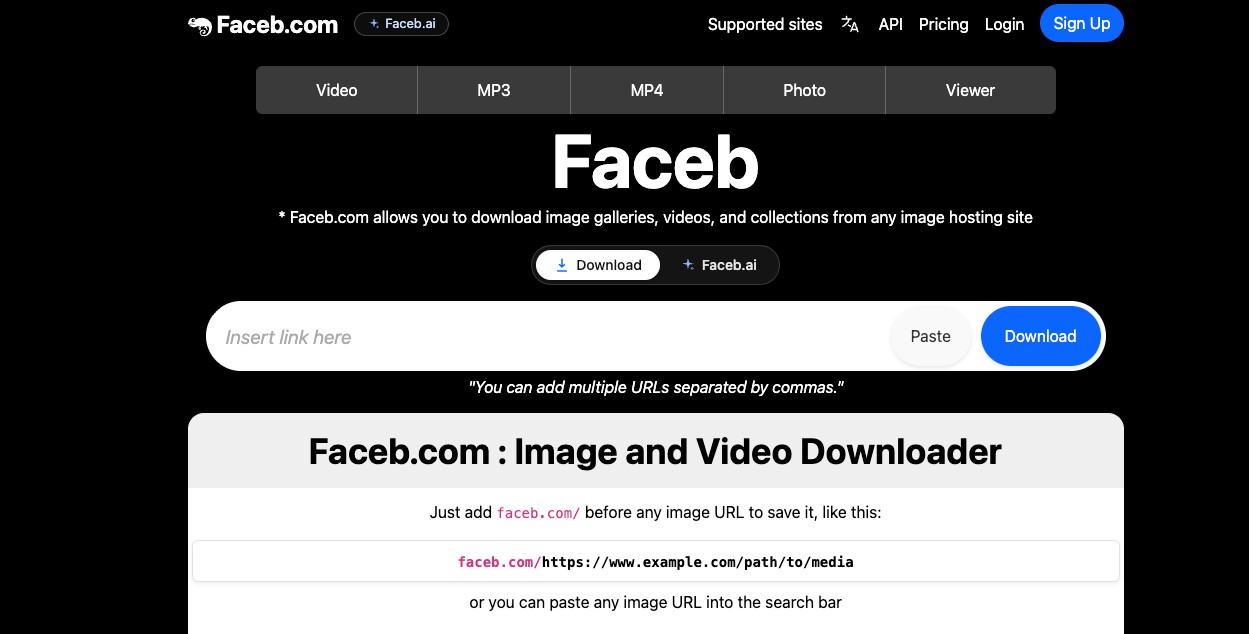
1. Faceb.com
How it works: Paste a Fansly post URL into the text field, click "Download," and the tool attempts to extract the media file.
What happened: Faceb successfully downloaded 3 out of 5 free preview videos. Quality was acceptable (720p on videos originally posted at 1080p). On paid content, it returned "Video not found" errors for all 5 attempts. The tool also has a daily download limit — I hit it after 4 downloads on the free tier.
Verdict: Best of the online options for free content. Useless for paid content.
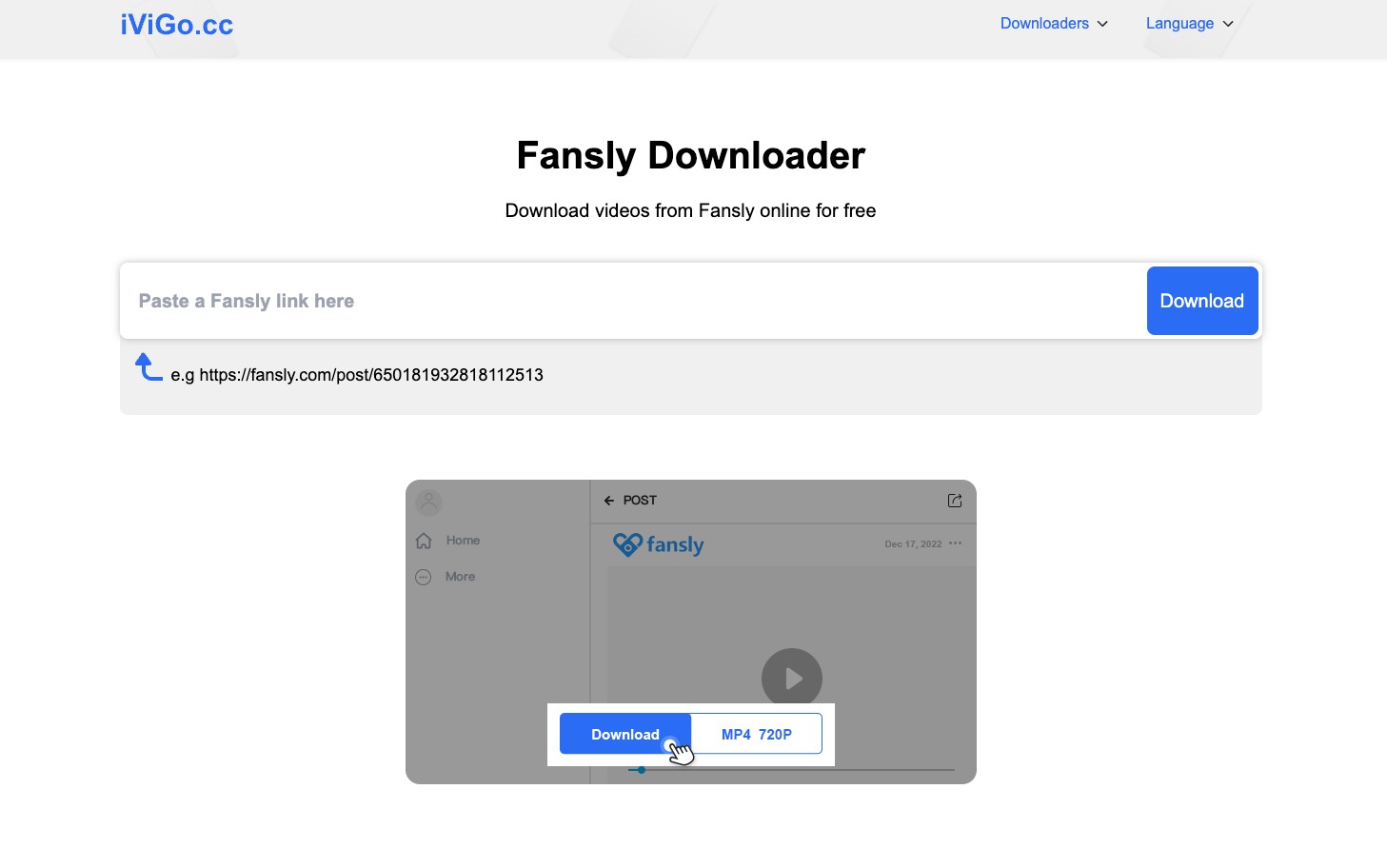
2. iViGo.cc
How it works: Similar paste-and-download interface. Claims no registration or software needed.
What happened: Downloaded 2 out of 5 free videos successfully. One download was audio-only (no video track). All 5 paid content attempts failed. The interface is clean, but the tool seems to choke on any video over 10 minutes long, even free ones.
Verdict: Works occasionally on short, free clips. Not reliable enough to depend on.
3. TTOK.com
How it works: URL input with a browser-based download interface. Offers a free tier with limited daily downloads and a paid Pro upgrade.
What happened: Downloaded 2 out of 5 free videos. Quality was noticeably degraded on one (looked like 480p from a 1080p source). Paid content returned generic error messages. The free daily limit is tight — I could only attempt 3 downloads before being asked to upgrade.
Verdict: Aggressive upselling for a tool that can't handle DRM content even on the paid tier.
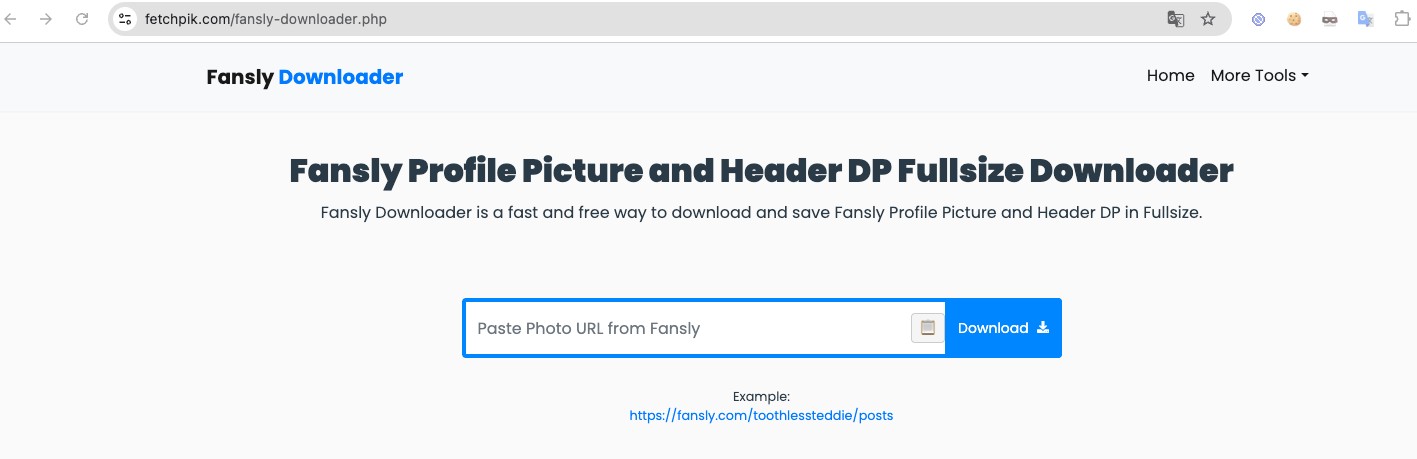
4. FetchPik.com
How it works: Paste a Fansly video URL, select format, click download.
What happened: Downloaded 1 out of 5 free videos. The other 4 free attempts either timed out or returned a thumbnail image instead of the actual video. All paid content attempts failed immediately. The site loaded slowly and displayed multiple ad pop-ups during testing.
Verdict: Unreliable even on free content. The ad experience is frustrating.
5. DownloaderBaba.com
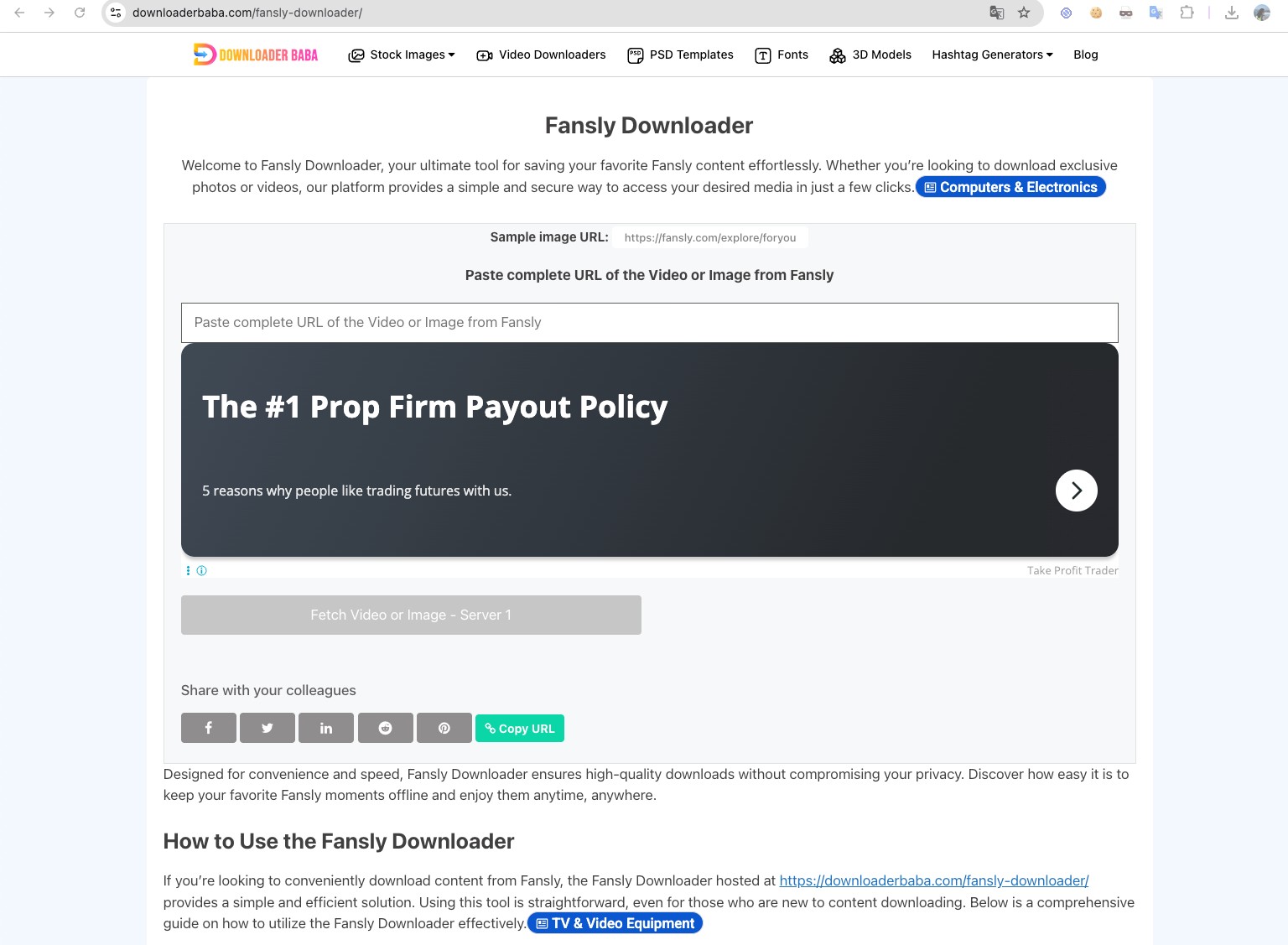
How it works: Standard URL paste interface. Claims to support Fansly along with dozens of other platforms.
What happened: Downloaded 1 out of 5 free videos (and it took 3 attempts on that one). The tool appears to be a generic video downloader that claims Fansly support but doesn't have any Fansly-specific integration. All paid content attempts failed.
Verdict: A generic tool with Fansly listed as a supported platform for gain traffic than for actual functionality.
Summary: Online Tool Test Results
| Tool | Free Content (out of 5) | Paid/DRM Content (out of 5) | Max Quality | Daily Limit |
|---|---|---|---|---|
| Faceb.com | 3/5 | 0/5 | 720p | ~4/day |
| iViGo.cc | 2/5 | 0/5 | 720p | Unknown |
| TTOK.com | 2/5 | 0/5 | 480-720p | ~3/day |
| FetchPik.com | 1/5 | 0/5 | 720p | Unknown |
| DownloaderBaba | 1/5 | 0/5 | 720p | Unknown |
The pattern is consistent: online tools can sometimes grab unprotected free content at reduced quality. None of them can touch paid, DRM-protected videos — which is the content you're actually subscribing to access.
Why Every Online Fansly Downloader Fails on Paid Content
This isn't a quality issue with any specific tool — it's a fundamental architectural limitation. Understanding why saves you from chasing the next "new" online downloader that makes the same promises.
How Online Downloaders Work
When you paste a Fansly URL into an online tool, here's what happens on the backend:
- The tool's server sends a request to Fansly's CDN for the video file at that URL
- Fansly's server checks whether the content is DRM-protected
- If unprotected: the server may return the video stream, and the tool can process it
- If DRM-protected: the server requires a DRM license handshake that online tools can't perform
The DRM License Problem
DRM-protected Fansly videos use encrypted streaming. To decrypt the video, a tool needs to:
- Authenticate with your Fansly credentials in a browser environment
- Request and receive a DRM license key from Fansly's license server
- Decrypt the video stream locally using that key
Online tools can't do any of this. They operate server-side — they don't have your login session, they can't perform the DRM handshake, and they can't decrypt the stream on their servers. It's not a bug they'll fix in the next update; it's a limitation baked into how web-based downloaders work.
Desktop software like StreamFab works because it runs a controlled browser environment on your local machine. It uses your authenticated session to request the DRM license, decrypts the stream locally, and saves the file. The entire process happens on your device — no server middleman.
Online Tools vs Desktop Software: The Honest Comparison
I'm not going to pretend desktop software is better in every way. Online tools have genuine advantages for certain use cases. Here's the real trade-off.
| Feature | Online Downloaders | StreamFab (Desktop) |
|---|---|---|
| Setup required | None — open browser, paste URL | ~2 min install |
| Works on any device | Yes — phone, tablet, Chromebook | Windows and Mac only |
| Free content downloads | 40-60% success rate | Works reliably |
| Paid/DRM content | Does not work | Works reliably |
| Max video quality | Up to 720p (re-encoded) | Up to 1080p (original source) |
| Batch downloading | One at a time, manual | Queue entire creator pages |
| Daily limits | 3-4 per day (free tier) | Unlimited |
| Cost | Free (with limits) | Paid (3 free trial downloads) |
| Privacy | URLs sent to third-party servers | All processing local |
When online tools make sense: You want to quickly grab a free, unprotected preview clip. You don't have access to a PC. You need one file and don't want to install anything.
When you need desktop software: You want to save paid subscription content. You care about original video quality. You want to batch-download multiple videos. You don't want your Fansly URLs processed through third-party servers.
For most users searching for a fansly downloader free option, the trade-off comes down to this: online tools are free but limited to free content. StreamFab costs money but actually handles the content you're paying Fansly to access.
StreamFab Fansly Downloader: What It Does Differently
StreamFab works where online tools don't because it processes everything locally through an authenticated browser session.

Instead of sending your URL to a remote server, StreamFab runs a Chromium-based browser on your machine, logs into Fansly with your credentials, and handles the DRM license exchange directly.
- DRM-compatible downloading — handles the full license handshake locally, saving videos that online tools can't access
- Original 1080p quality — downloads the source stream without re-encoding, so you get the exact quality the creator uploaded
- Batch processing — queue an entire creator's timeline and download everything in the background
- MP4/MKV output — standard formats that play on any device without additional conversion
- Auto-download new content — set StreamFab to check subscribed creators for new posts automatically
For a detailed comparison of StreamFab against other desktop downloaders (CleverGet, KeepStreams, YT Saver), see our roundup of the 5 best Fansly downloaders in 2026.
How to Download Fansly Videos with StreamFab (Step-by-Step)
The process takes about 3-5 minutes from install to first downloaded video. Here's the exact workflow.
Step 1: Download and install StreamFab
Grab the installer for your platform. Installation is standard — takes under 2 minutes on most systems.
3 free full-quality downloads included — no feature restrictions during trial.
Step 2: Open Fansly in StreamFab's built-in browser
Launch StreamFab and use its built-in browser to navigate to fansly.com. Log in with your existing Fansly account. Your credentials are processed locally through SSL/TLS encryption — they're never sent to any external server.
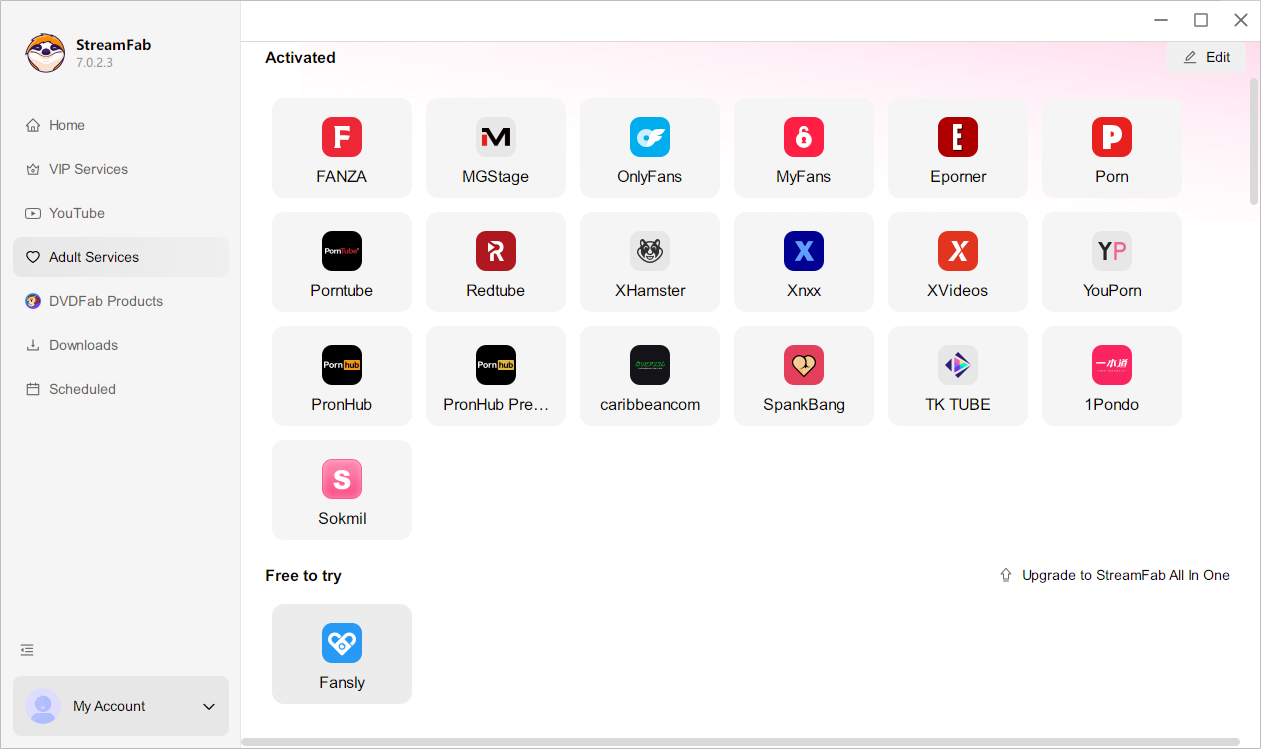
Step 3: Browse to a creator and play a video
Navigate to the creator whose content you want to save. When you click play on any video, StreamFab detects the stream and displays a download prompt with resolution options.
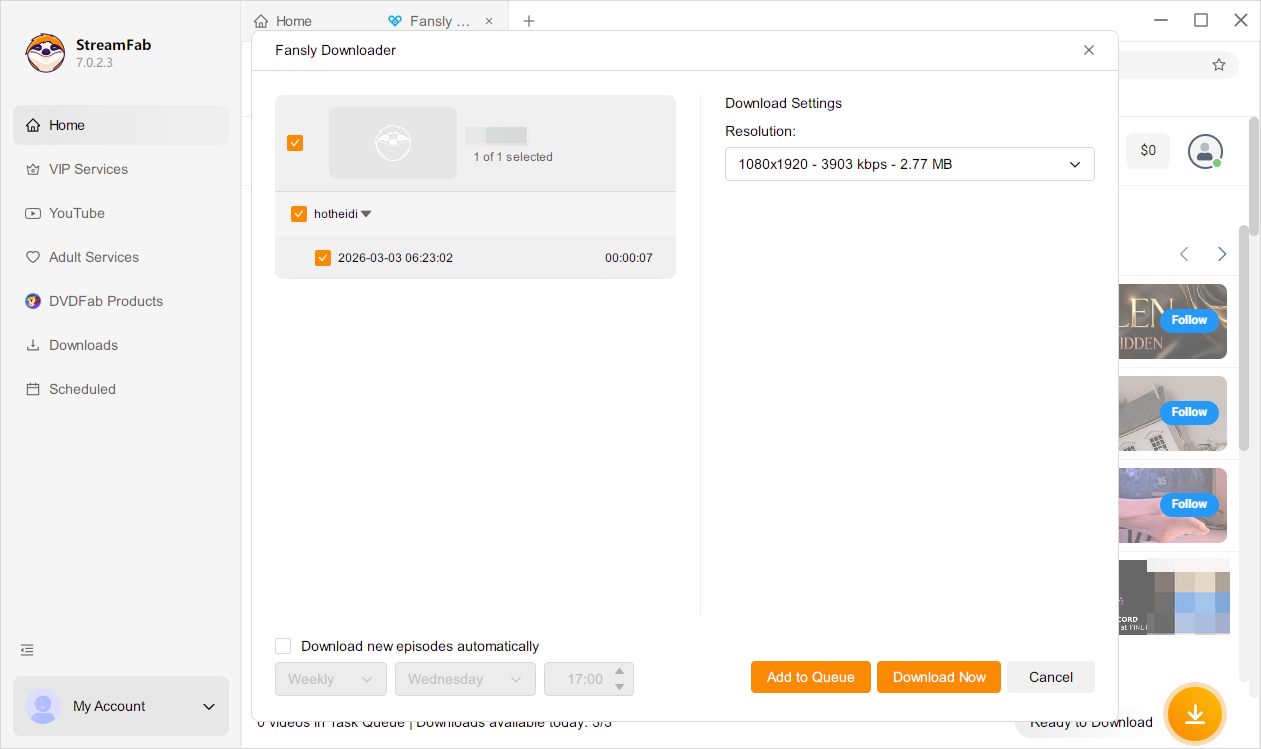
Step 4: Select quality and add to queue
Choose your preferred resolution (up to 1080p) and format (MP4 recommended for universal compatibility). Click "Add to Queue." Repeat for any additional videos — you can queue up an entire page of content.
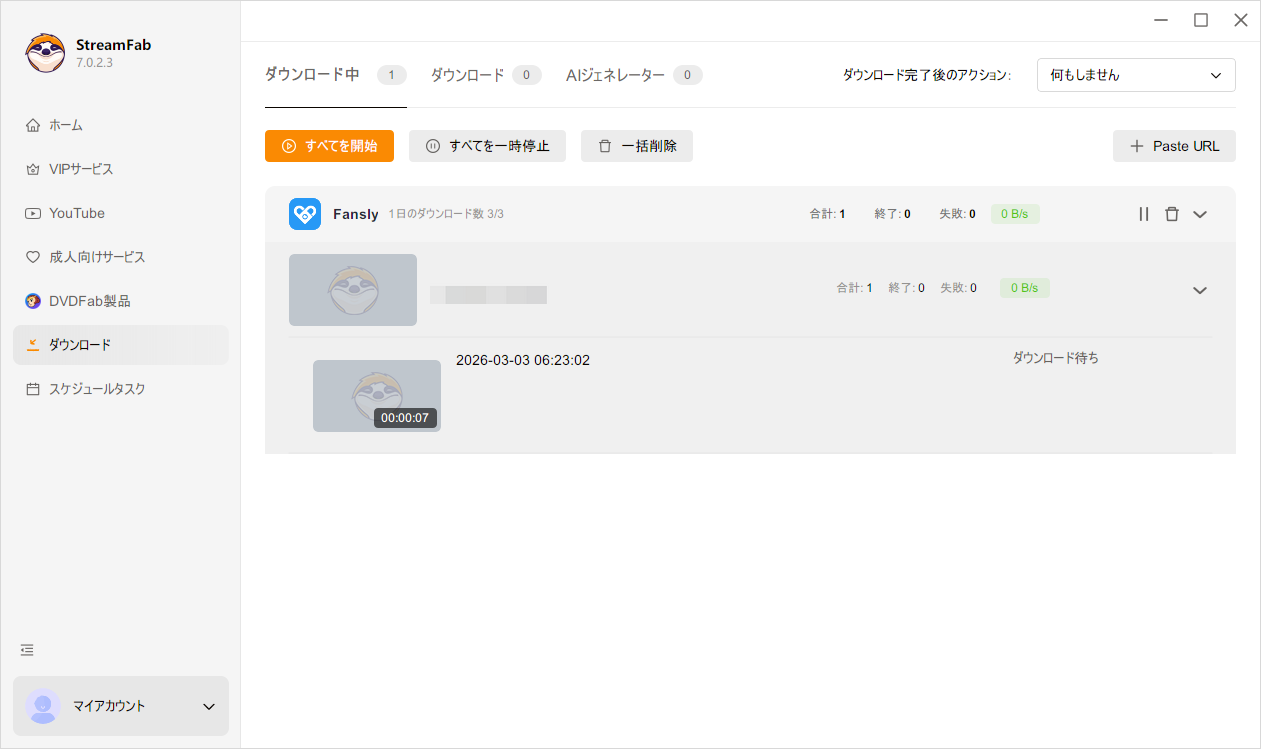
Step 5: Start the download
Click "Start All" in the download queue. StreamFab processes each video in the background. You can continue browsing or close the browser tab — downloads continue independently.
Files save to your output folder as standard MP4s, ready to play, transfer to your phone, or archive. For the complete tutorial with screenshots, see our detailed guide to downloading Fansly videos.
Need to get these files onto your Android device afterward? We've covered the 3 fastest ways to transfer Fansly videos to Android in a separate guide.
What About Browser Extensions?
Browser extensions sit between online tools and desktop software. They're worth mentioning because you'll encounter them while searching for a fansly downloader online solution.
The current landscape includes the Fansly Downloader extension for Firefox ($12.99 lifetime), a Chrome extension on ToolCenter ($18 for 3 months), and the free LocoLoader extension. Their effectiveness is mixed — see our full review of Fansly downloader Chrome extensions for detailed test results on all 6 major extensions.
The short version: extensions handle some content that pure online tools can't, but they still struggle with heavily DRM-protected videos. They're also prone to breaking after browser updates and Fansly platform changes.
FAQ
Is there a truly free Fansly video downloader that works on all content?
No. Free online tools (Faceb, iViGo, TTOK) only work on unprotected free content, and even then with a 40-60% success rate. For paid, DRM-protected content — which is most of what Fansly creators post — you need desktop software. StreamFab offers 3 free trial downloads at full quality, which is enough to test whether the workflow works for your needs before committing.
Are online Fansly downloaders safe to use?
The tools themselves generally aren't malicious, but there's a privacy consideration: when you paste a Fansly URL into an online tool, that URL is sent to and processed on a third-party server. This means the tool operator can see which creator pages and content you're accessing. Desktop software processes everything locally on your device, keeping your browsing data private. Also watch out for ad-heavy online tools that redirect to sketchy download pages — stick to the names tested in this article.
Can I use a Fansly downloader online tool on my phone?
Yes, online tools like Faceb and iViGo work in mobile browsers. The limitation is the same though: they only work on unprotected free content. For paid content, you'll need to download on a PC first, then transfer the files to your phone. We cover the full mobile workflow in our Fansly downloader for Android guide.
Can I screen record Fansly instead of using a downloader?
Fansly's DRM blocks most screen recording software — you'll typically get audio with a black video. Some desktop recording tools can work around this in certain configurations, but the quality is always lower than a direct download (re-encoded vs original source). See our complete guide to screen recording on Fansly for what actually works and what doesn't.
Will online Fansly downloaders ever support DRM content?
It's unlikely. The DRM decryption process requires a local browser environment with your authenticated session — something a remote server fundamentally can't provide. This isn't a technical limitation that better servers can solve; it's a security architecture designed to prevent exactly this type of server-side access. Desktop software will likely remain the only reliable method for DRM-protected content.
Conclusion
If you only need to grab an occasional free preview clip and don't care about video quality, online tools like Faceb or iViGo are functional enough. They're free, require no installation, and work on any device with a browser.
But if you're paying for Fansly subscriptions and want to save that paid content for offline viewing, no fansly downloader online tool can deliver. The DRM protection that keeps paid content exclusive also blocks every web-based download method.
StreamFab Fansly Downloader bridges that gap. It handles what online tools can't — DRM-protected video at original quality — while keeping everything processed locally on your device. The 3 free trial downloads let you verify the quality before deciding.
Download What Online Tools Can't
StreamFab handles DRM-protected Fansly content at original 1080p quality. 3 free downloads to test.

Fansly uses Widevine L3 DRM, split audio-video HLS streams, and rotating API tokens to protect paid video content. This guide breaks down the full 5-layer protection architecture, explains why browser extensions and open-source tools fail against Fansly DRM, and covers the one desktop approach that doesn't.
By Erika Leen - Sep 20, 2026
Learn how to download Fansly videos with 4 tested methods. Step-by-step StreamFab tutorial, free alternatives, iOS workaround, and troubleshooting tips.
By Erika Leen - Sep 20, 2026

No reliable Android app can download DRM-protected Fansly videos directly on your phone. The tested solution: use StreamFab Fansly Downloader on PC to grab 1080p originals, then transfer via USB, cloud, or Nearby Share. Full workflow takes ~5 minutes.
By Erika Leen - Jun 23, 2026
I spent an entire afternoon trying to screen record a Fansly video with OBS. Got a perfectly crisp recording — of a black screen. If you've landed here asking can you screen record on Fansly, I'll save you the frustration: it depends entirely on what tool you use.
By Erika Leen - Jun 23, 2026