
AnyStream Server Offline in 2026: Permanently Shut Down and What to Use Now

Summary: If AnyStream will not launch, shows a connection error, and its website returns a 404 page, the short answer is that the service is gone. AnyStream is permanently offline in 2026, so there is no repair path, no return date, and no way to restore the original server connection.
Table of Contents
AnyStream Server Offline: Permanently Shut Down in 2026
AnyStream’s servers, official website, and forum are no longer available. Lifetime licenses became unusable when the service shut down, refunds were not issued, and previously installed copies no longer work because they depended on the discontinued service.
This article explains why AnyStream shut down, whether old versions are safe to use, and what to consider in an AnyStream alternative.
Why AnyStream Shut Down: Legal Pressure, Not a Glitch
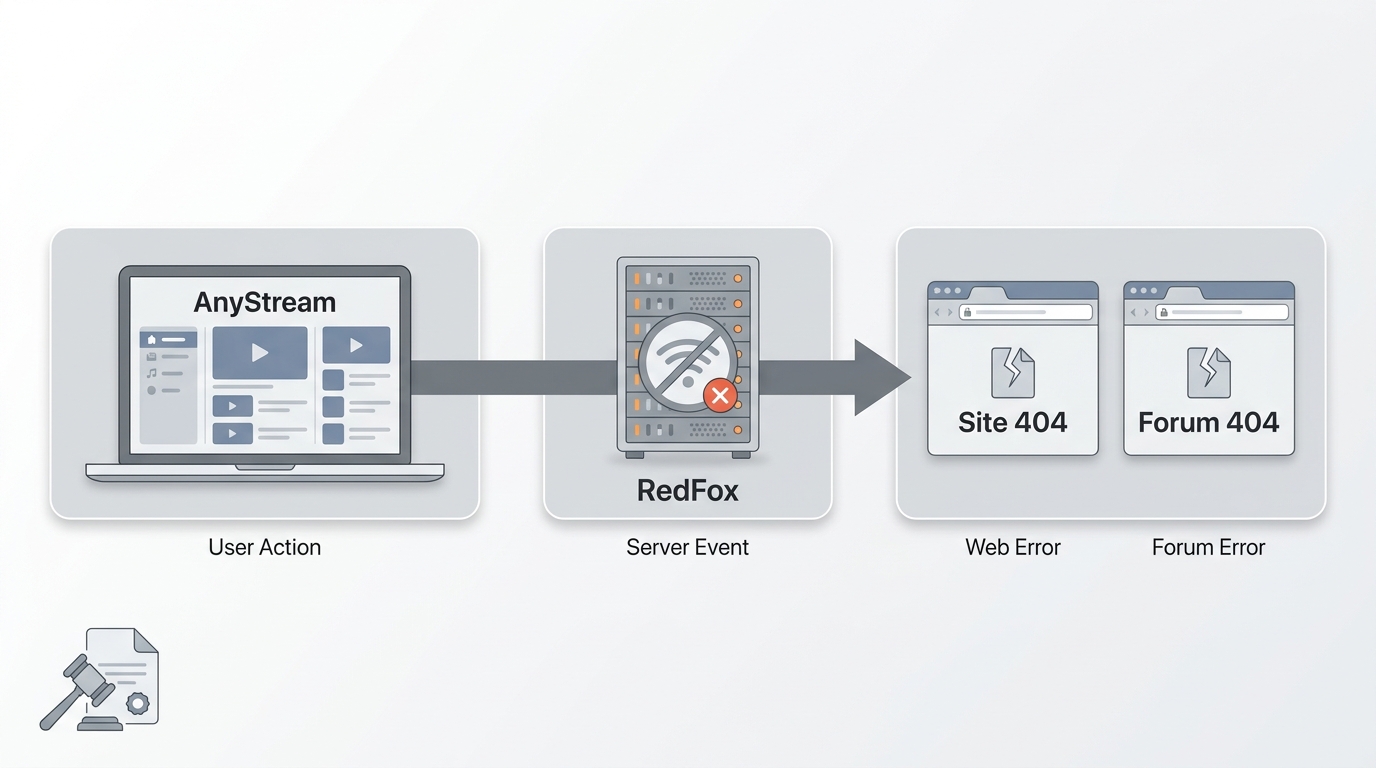
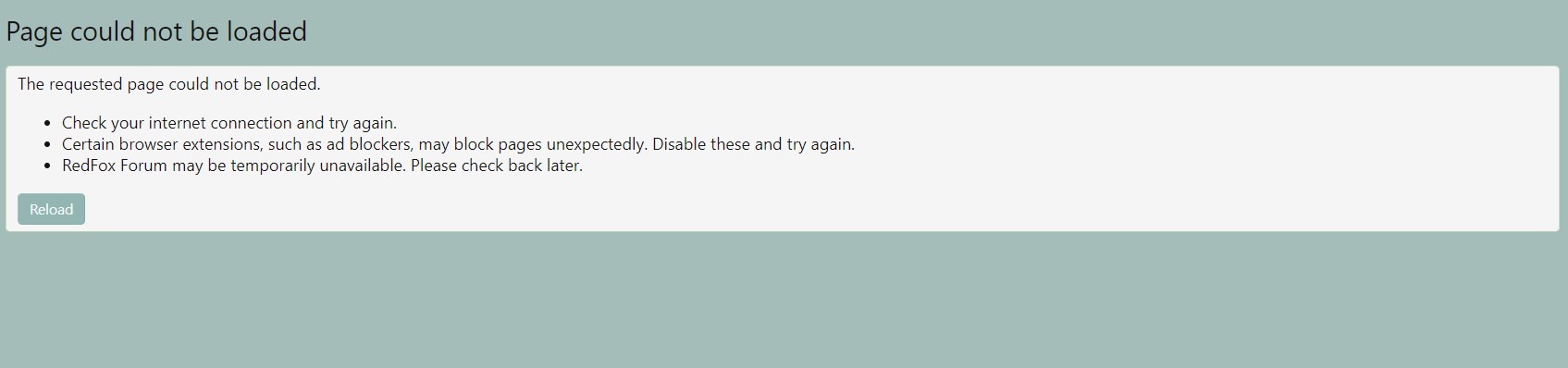
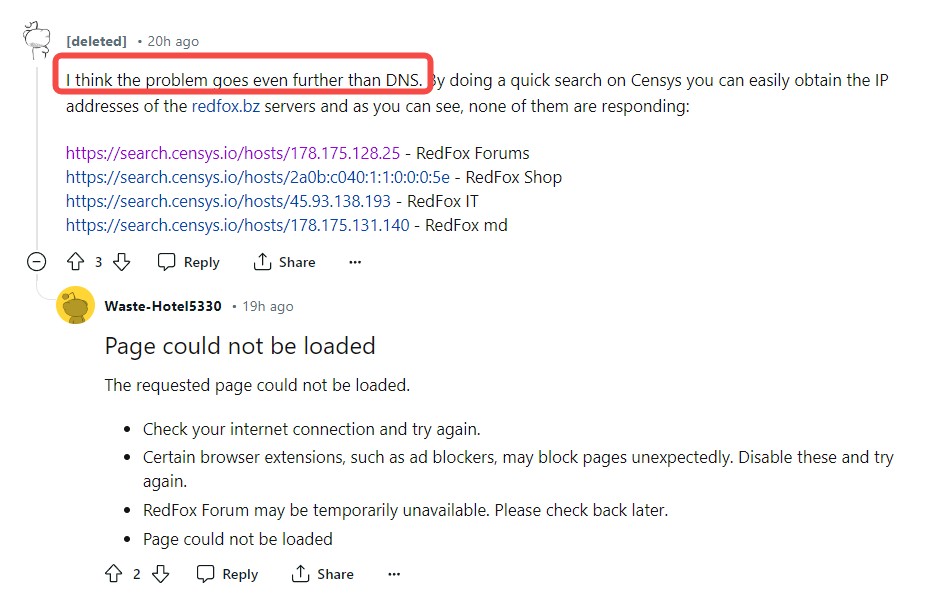
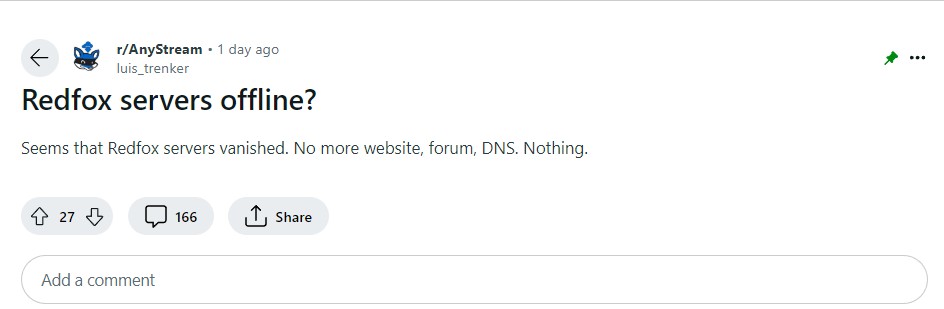
This was not a temporary DNS problem. The service never returned, and the available record points to RedFox abandoning AnyStream amid legal pressure and tighter enforcement by major streaming platforms.
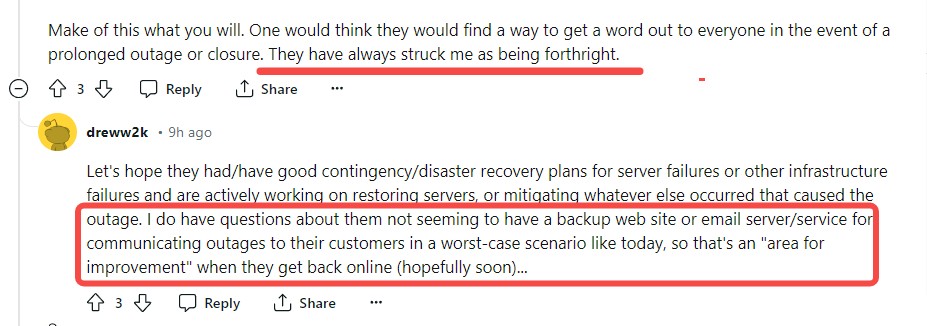
The team also stopped communicating, and the official site and forum remained offline. For users, the practical lesson is simple: a server-dependent app can become unusable overnight when its operator disappears, which makes it a fragile place to anchor an offline library.
Can You Still Use Old AnyStream Versions?
No. Old AnyStream versions still depend on services that are no longer online, so an installer you kept cannot restore normal use. Avoid unofficial reuploads of the executable: they add a security risk without solving the missing-server problem.
No Refunds and Voided Lifetime Licenses
Many buyers were left with a lifetime license that stopped working when the service did. No refund process emerged after the shutdown, and the card or PayPal dispute window that existed in 2024 has since passed for most purchases. That is the clearest downside of tying a media workflow to one server-dependent product.
StreamFab: A Maintained Way to Save Streaming Video
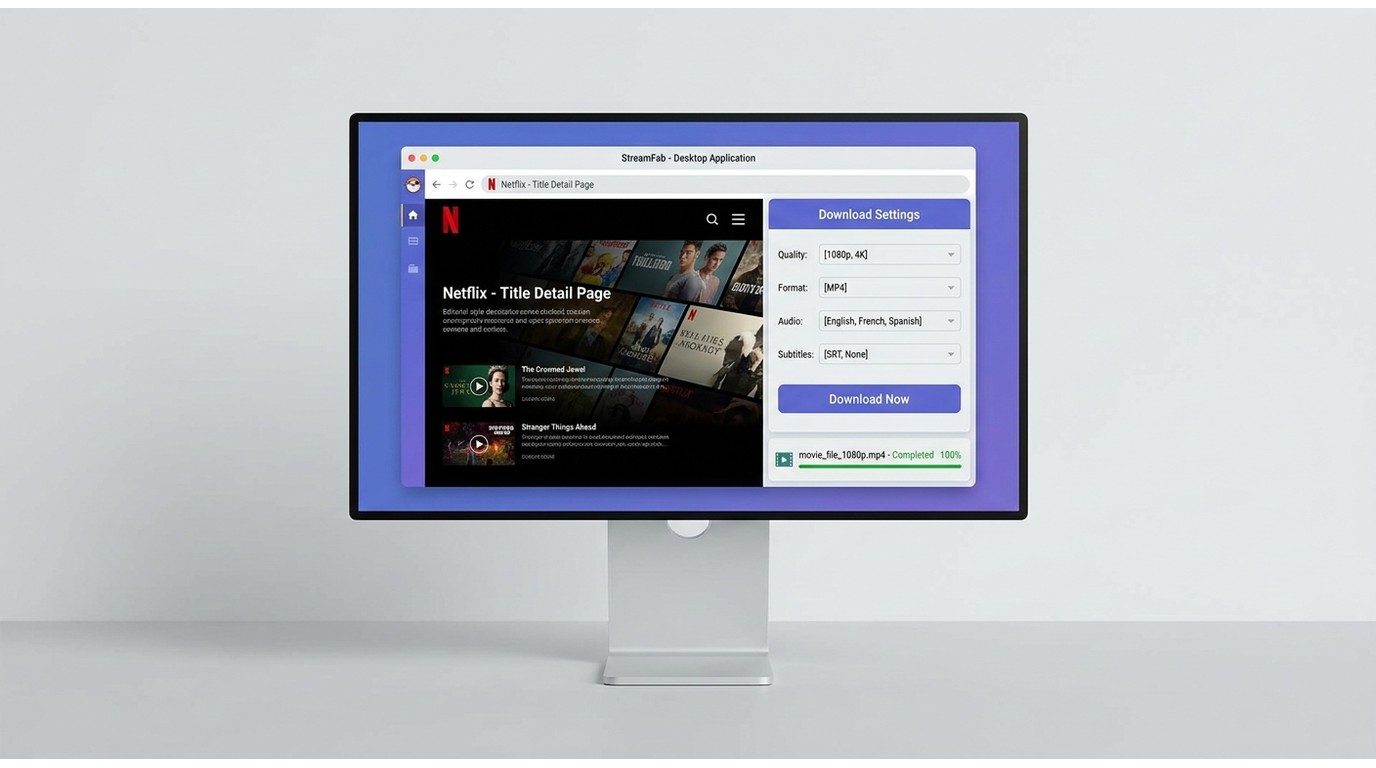
For Windows and Mac users who need a maintained local-file workflow, StreamFab Video Downloader is a practical next step. It is independent of the streaming services and is designed to save local copies of content you are authorized to access for personal offline viewing, where permitted by platform terms and applicable law.
Its fit is straightforward: StreamFab suits viewers who want local MP4 or MKV files, selectable audio and subtitles, and scheduled saving for an ongoing series. It is not a replacement for a streaming subscription, and it is not a fit for Linux-only users. In my view, that scope matters more than exaggerated feature claims because the real need after AnyStream is continuity, not another abandoned app.
- Download streaming videos in lossless 1080p/4K/8K
- MP4/MKV format to save the video for flexible playing
- Exclusive schedule mode to download newly released videos automatically
- Remove ads even if you are ad-supported plan
Standout Features for Ex-AnyStream Users
- StreamFab is a Windows and Mac desktop app that saves supported streaming video as MP4 or MKV, with output quality up to 4K when the service and subscription allow it.
- It supports batch tasks and scheduling, which is useful when you want new episodes handled without repeating the same setup each time.
- You can select available audio languages and subtitles, then keep subtitles embedded or save them as SRT files.
Downloading Your First Video in a Few Steps
- Install and open StreamFab on a supported Windows or Mac computer.
- Select the streaming service from the built-in browser.
- Sign in with your own active account and open the title you want to save for personal offline viewing.
- Choose the available quality, format, audio, and subtitle options, then start the task. The complete StreamFab setup walkthrough covers the full workflow.
Value Consideration: A paid desktop tool makes the most sense when official in-app downloads no longer meet your needs for file format control, local playback, or scheduled saving. If you mainly watch on one service and are comfortable with its managed downloads, the official app remains the simpler option.
What You Lose vs. What You Gain After Migrating
AnyStream is not a current alternative, so the comparison below shows what stopped working and what a maintained desktop workflow can provide instead.
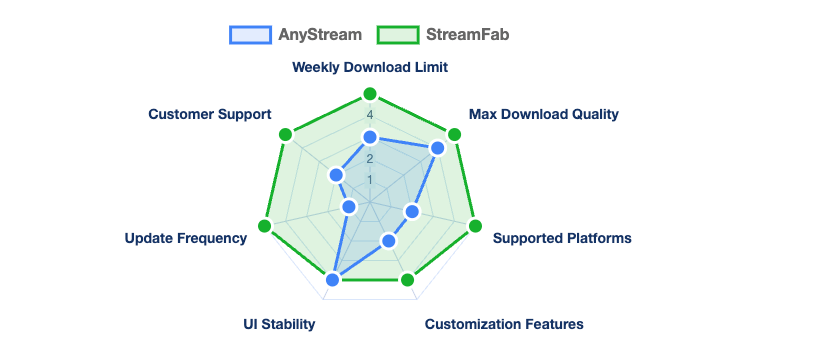
| Migration comparison | AnyStream | StreamFab |
|---|---|---|
| Feature | AnyStream (discontinued) | StreamFab |
| Current availability | Permanently offline | Actively maintained |
| Maximum output quality | Up to 1080p | Up to 4K, depending on service and plan |
| Output format | Legacy workflow unavailable | MP4 or MKV |
| Scheduled tasks | No longer available | Yes |
| Account limits | Service unavailable | Up to 700 downloads per supported service each week |
| Supported services | Legacy service list unavailable | Netflix, Prime Video, Disney+, Hulu, Max, Apple TV+, Paramount+, and more |
Other Options to Consider
Other streaming-recording and local-file tools exist, including Audials One, KeepStreams, and RecordFab.
The broader AnyStream alternatives comparison is useful if you need to weigh different workflows, while StreamFab remains a sensible fit for Windows and Mac users who prioritize MP4 or MKV output, scheduled tasks, and ongoing maintenance.
Is It Safe and Legal to Download Streaming Video?
Saving a local copy for personal offline viewing of content you are authorized to access is generally appropriate where platform terms and applicable law permit it.
Do not redistribute saved files or use them commercially. For readers evaluating the product itself, this overview of StreamFab safety practices explains the local-file workflow in more detail.
FAQs
What happened to the AnyStream website and forum?
Both are permanently offline, and there is no active official support portal to log into or recover. If you need a working local-file workflow, the practical next step is moving to a maintained tool.
Which streaming services can StreamFab download from?
Supported services include Netflix, Amazon Prime Video, Disney+, Hulu, Max, Apple TV+, Paramount+, YouTube, U-NEXT, Abema, and others. StreamFab saves supported content for offline viewing; it does not provide access to services you do not subscribe to.
Does StreamFab run on both Windows and Mac?
Yes. StreamFab provides native builds for Windows and macOS. There is no official Linux client, so Linux-only users should choose a workflow that supports their operating system.
Is a paid StreamFab license worth it over free official app downloads?
Official app downloads are convenient, but they are managed within the app and may expire under the service’s rules. A paid desktop tool can make sense if you need a local MP4 or MKV library, format control, or scheduled tasks; otherwise, official downloads are usually enough.
Conclusion
AnyStream is not coming back, so the practical move is to choose a maintained workflow rather than keep troubleshooting an app whose servers are gone. My takeaway from this shutdown is simple: do not tie your entire offline library to one server-dependent tool.
For Windows and Mac users who need local files for personal offline viewing of authorized content, StreamFab Video Downloader is one maintained option with MP4 and MKV output, scheduling, and selectable subtitles and audio.

Evaluating the Audials One 2026 free trial? I tested its 720p caps, examined if is audials legal under Fair Use
By Erika Leen - Sep 29, 2026
Are you thinking of purchasing NoteBurner and unsure if it’s worth the investment? In this NoteBurner review, let’s delve into its product lines, particularly the NoteBurner Video Downloader’s pros and cons.
By Marcia Hatcher - Sep 28, 2026
Read our in-depth Audials review for 2026. Is Audials safe and legal for Amazon Prime? Discover actual test results, Widevine DRM fixes, and better alternatives.
By Erika Leen - Sep 28, 2026
TuneFab’s Amazon downloader suits a focused desktop routine, while VideOne covers multiple services. Compare their workflows, license structures, and output checks with StreamFab, then use the numbered setup and maintenance steps for authorized personal offline viewing.
By Erika Leen - Sep 24, 2026