
RedFox AnyStream Old Versions in 2026: Do Any Still Work?

Summary: If you are searching for RedFox AnyStream old versions after seeing the AnyStream No Internet error, here is the practical answer: some archived builds may open or accept a saved license, but there is no supported, verified route to dependable activation and playable downloads in 2026.
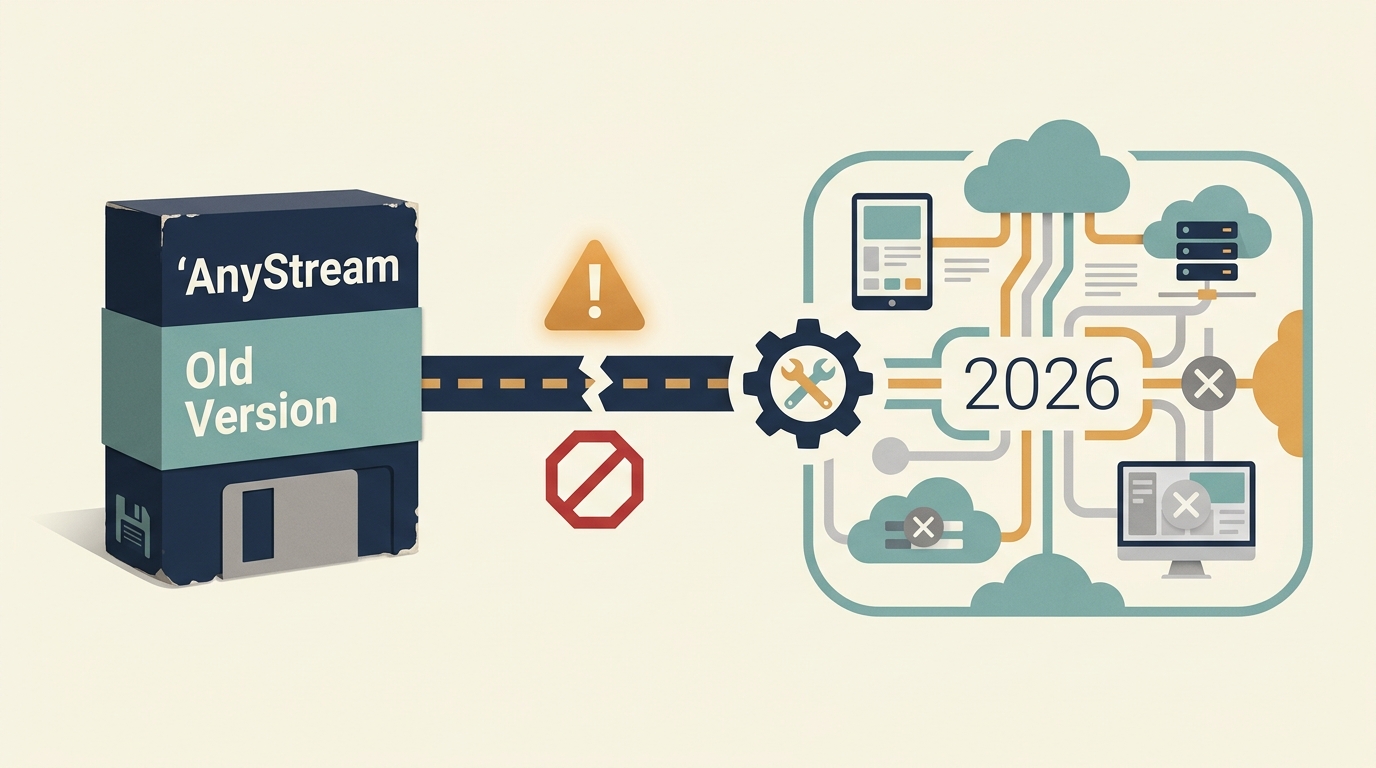
RedFox AnyStream Status in 2026
The documented RedFox outage began in early June 2024. Reports said the redfox.bz web and mail DNS records were removed on June 6 after more than five days of disruption. The cause remains unverified as of July 2026.
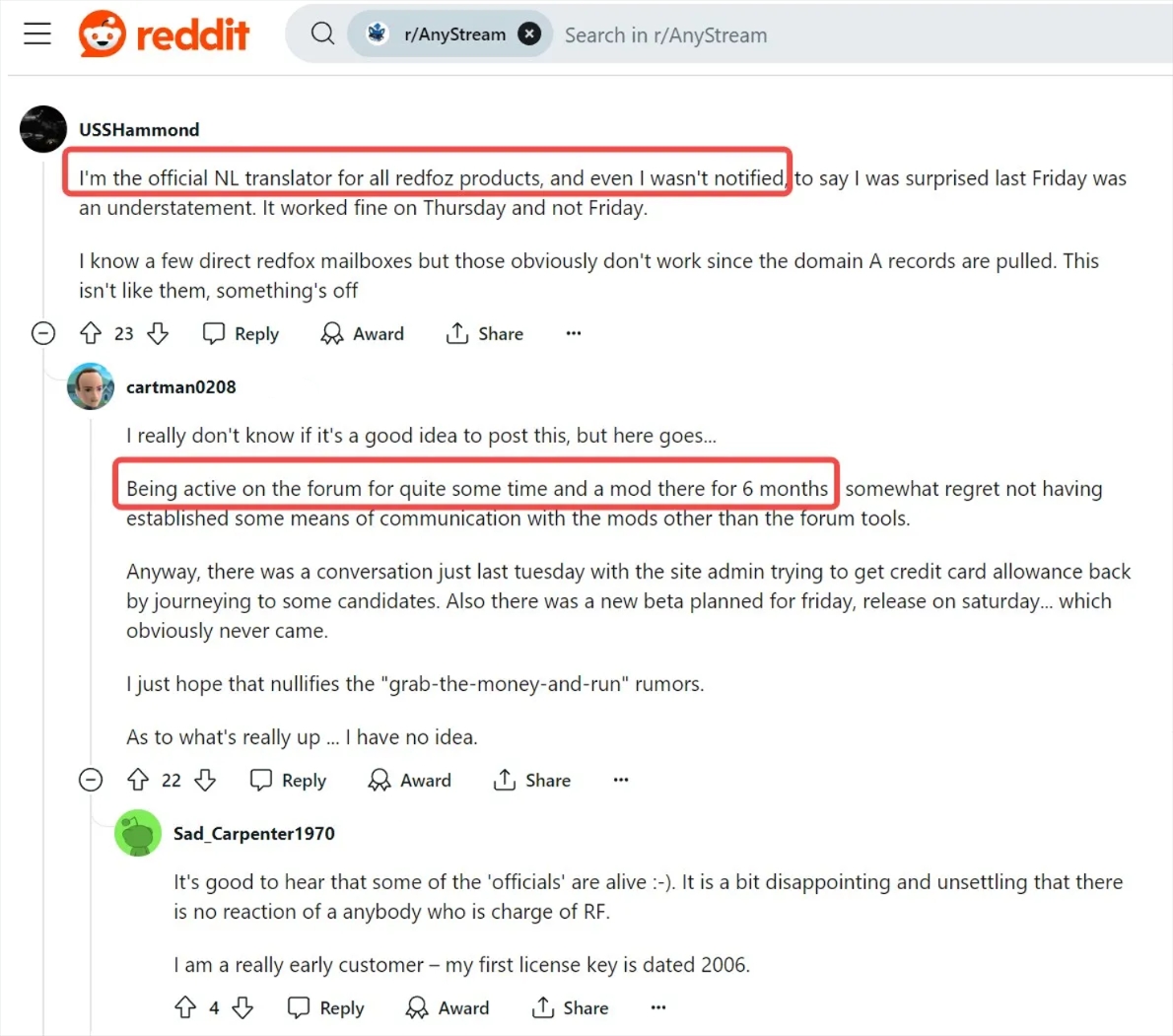

I use one practical standard throughout this investigation: opening the interface is not enough. A working downloader must pass activation, load the service, expose the download controls, and produce a file that plays normally. The archive matrix, community reports, installer checks, and replacement comparison below follow that standard.
Can Old AnyStream Versions Still Work?
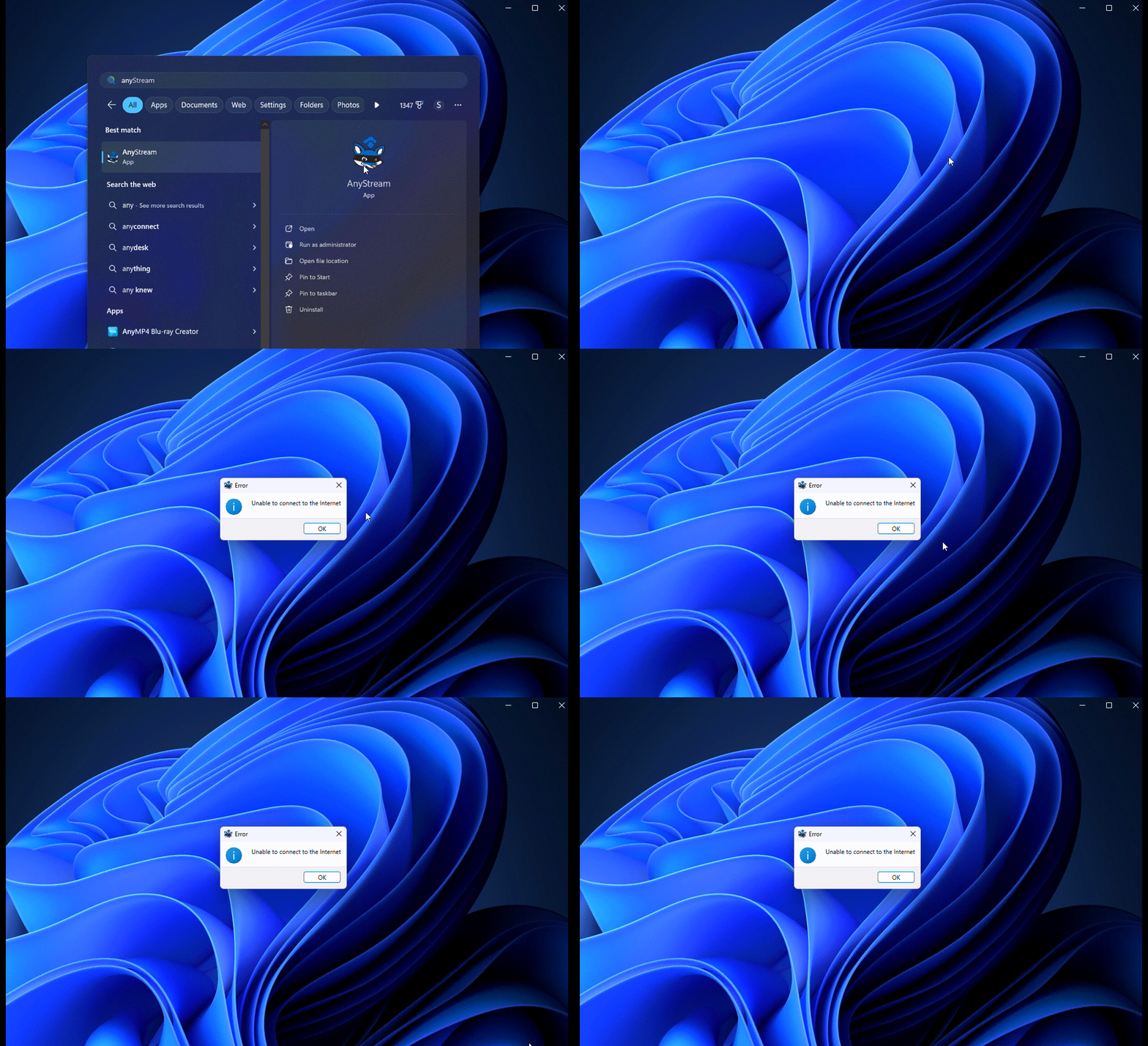
Some archived AnyStream builds may launch, display service tabs, accept a saved license, or begin transferring data. Those early signs do not establish dependable operation. No supported build currently has a verified path to consistent activation and playable video output.
Archived Builds and Reported Test Results
Old installers remain listed in longstanding software archives, but archive availability is not proof that a build still completes a download. The matrix below separates the stages that community reports often blur together.
| Build or source type | Launches | Accepts saved license | Service page loads | Download control appears | Output plays normally | Risk note |
|---|---|---|---|---|---|---|
| Archived legacy installer, build date varies | Reported for some builds | Reported for some saved keys | Mixed | Mixed or missing | Not verified | An archived installer does not restore vendor support |
| Previously saved personal installer | May launch | May load local license data | Mixed | Mixed | Not verified | Passing an early stage does not prove the final file is usable |
| Anonymous modified or repackaged executable | Not a meaningful reliability test | Not verified | Not verified | Not verified | Not verified | Avoid untraceable files and modified packages |
Why Old Builds Fail in Stages
- License and authentication: the application may open or recognize locally stored license information before a later connection request fails.
- Service-page loading: a tab may appear while the streaming page, player, or title list remains unavailable.
- Download controls: the page may load without presenting a usable download button or title analysis result.
- Final playback: a transfer indicator can reach completion without proving that the resulting output plays normally.
This is why I do not count a successful launch as a successful AnyStream old-version test. A build must reach the fourth stage before it can be described as a working downloader.
What Community Reports Actually Show
Reddit and forum reports describe contradictory outcomes: some users reached the interface or started a transfer, while others encountered connection errors, missing controls, or unplayable output. These reports help map the failure stages, but they do not establish a dependable restoration method across builds, services, accounts, or regions.
AnyStream Is Not AnyDVD
AnyStream and AnyDVD are separate RedFox products. Reports that certain AnyDVD functions can use local or external databases do not prove that AnyStream can operate without RedFox services. For broader product history, see the dedicated AnyStream review.
Old Anystream Installer Safety Checks
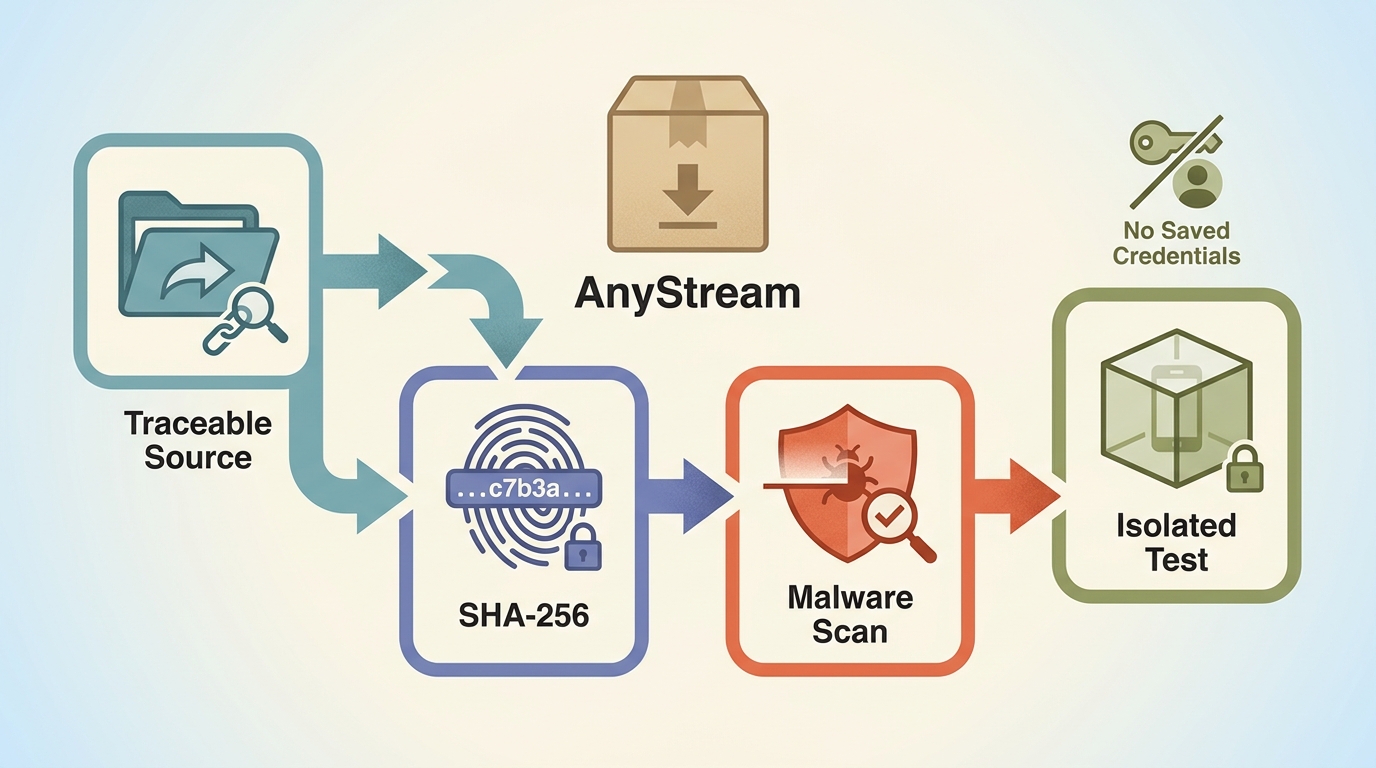
A longstanding software archive is not equivalent to an anonymous modified executable, but every old installer still deserves careful handling. Compare a published checksum when one is available, scan the file with current security software, test it in an isolated environment, and avoid reusing sensitive browser sessions or credentials during evaluation.
AnyStream Service Status
Early June 2024 Timeline
- Service disruption was documented in early June 2024
- Web and mail DNS records were reported removed on June 6
Installer Safety Checks
- Prefer traceable archives over anonymous repackaged files
- Compare checksums, scan files, and test in isolation
Community Test Pattern
- Some builds open or recognize saved license data
- Service pages and download controls fail inconsistently
- A completed transfer does not prove normal playback
Four Required Stages
- License or account authentication
- Service loading and usable download controls
- Completed output that plays normally
Replacement Paths After AnyStream
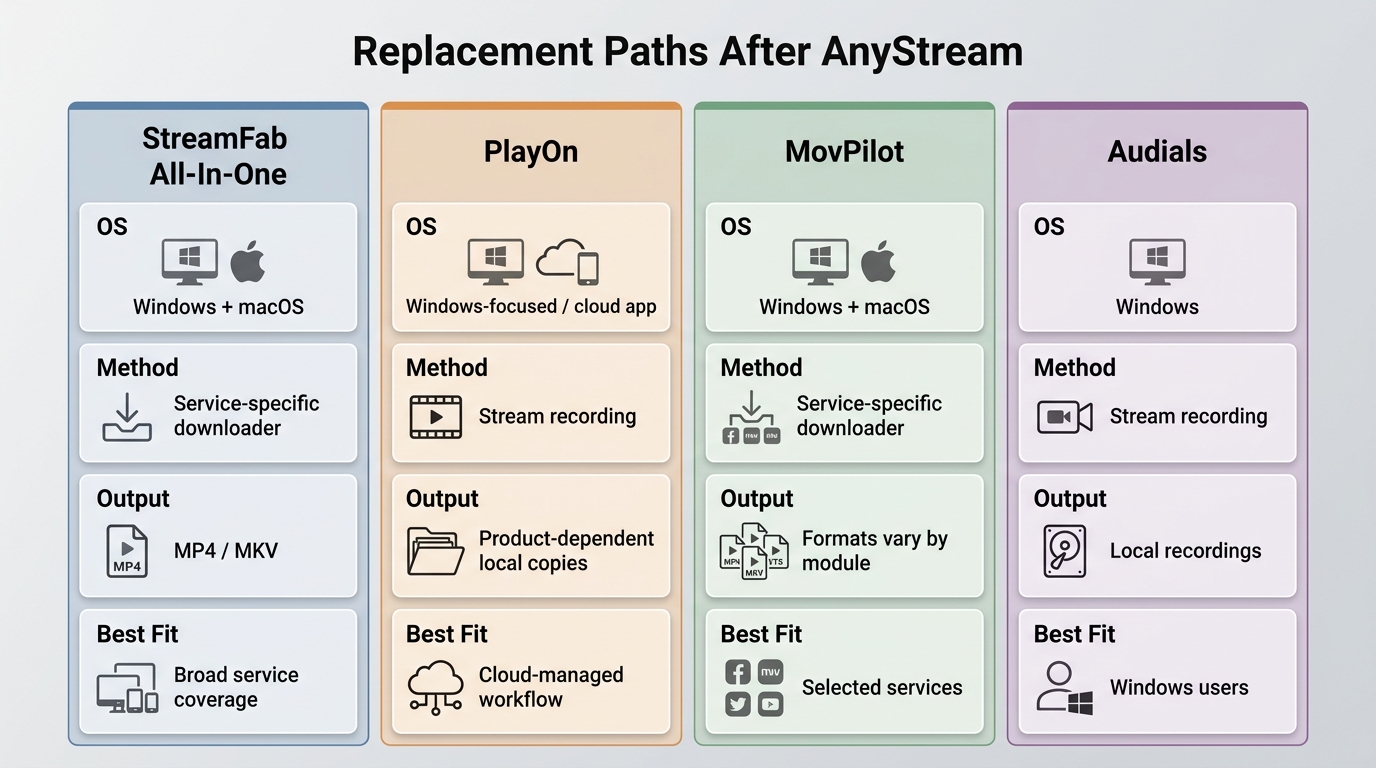
Former AnyStream users have several active replacement paths, but they do not use the same method or suit the same workflow. Compare operating-system support, local-file control, recording or download workflow, automation, and purchase commitment before choosing.
| Option | Method | Windows and macOS | Local output and workflow | Maintenance status | Best fit | Not ideal for |
|---|---|---|---|---|---|---|
| StreamFab All-In-One | Desktop recording and stream-saving workflow | Windows and macOS | MP4 or MKV, selectable audio and subtitles, batch and scheduled queues | Active product line | Users who want local files and queue automation | Cloud-first or mobile-only workflows |
| PlayOn | Cloud or home recording, depending on product | Home is Windows-focused; Cloud uses a cloud and app workflow | Recorded local copies with product-dependent controls | Active product line | Users who prefer a recorder or cloud-managed process | Users seeking the same desktop workflow on Windows and Mac |
| MovPilot | Service-specific desktop downloader | Windows and macOS products are available | Features, formats, and supported services vary by module | Active product line | Users who need a focused downloader for selected services | Users seeking one consolidated workflow across many subscriptions |
| Audials | Streaming recording | Windows-focused desktop software | Local recordings with recording-dependent quality and audio handling | Active product line | Windows users who prefer a broader media-recording suite | Mac users or those who want a downloader-style interface |
Product availability, supported services, and device support may change. The comparison reflects product positioning as of July 2026.
Where StreamFab All-In-One Fits
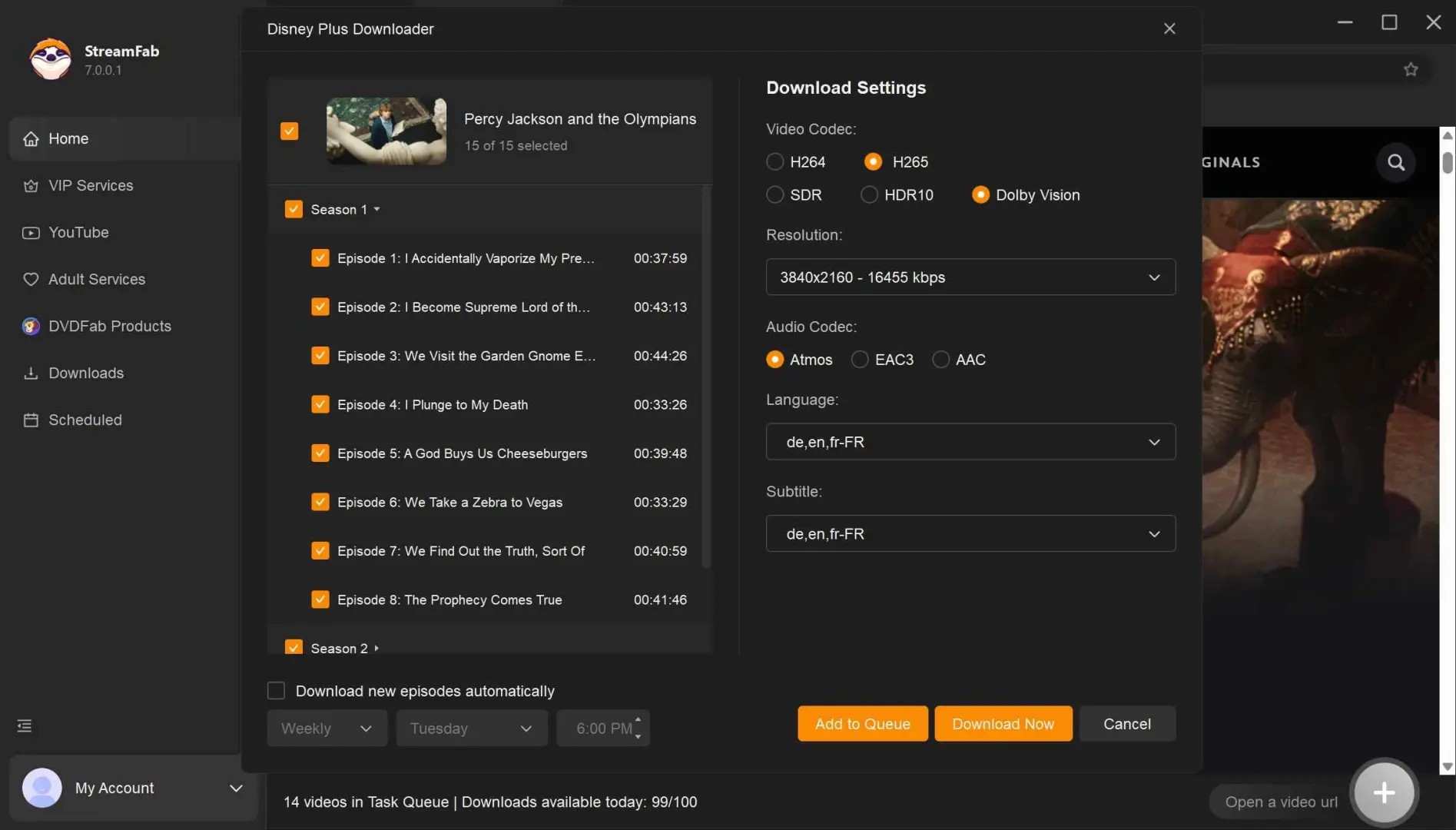
StreamFab All-In-One is an active Windows and macOS desktop option outside official platform download features. For content you are authorized to access, maintain a valid subscription to the original service, follow its terms and applicable law, use offline copies only for personal viewing, and do not redistribute copyrighted material. Its workflow uses recording technology.
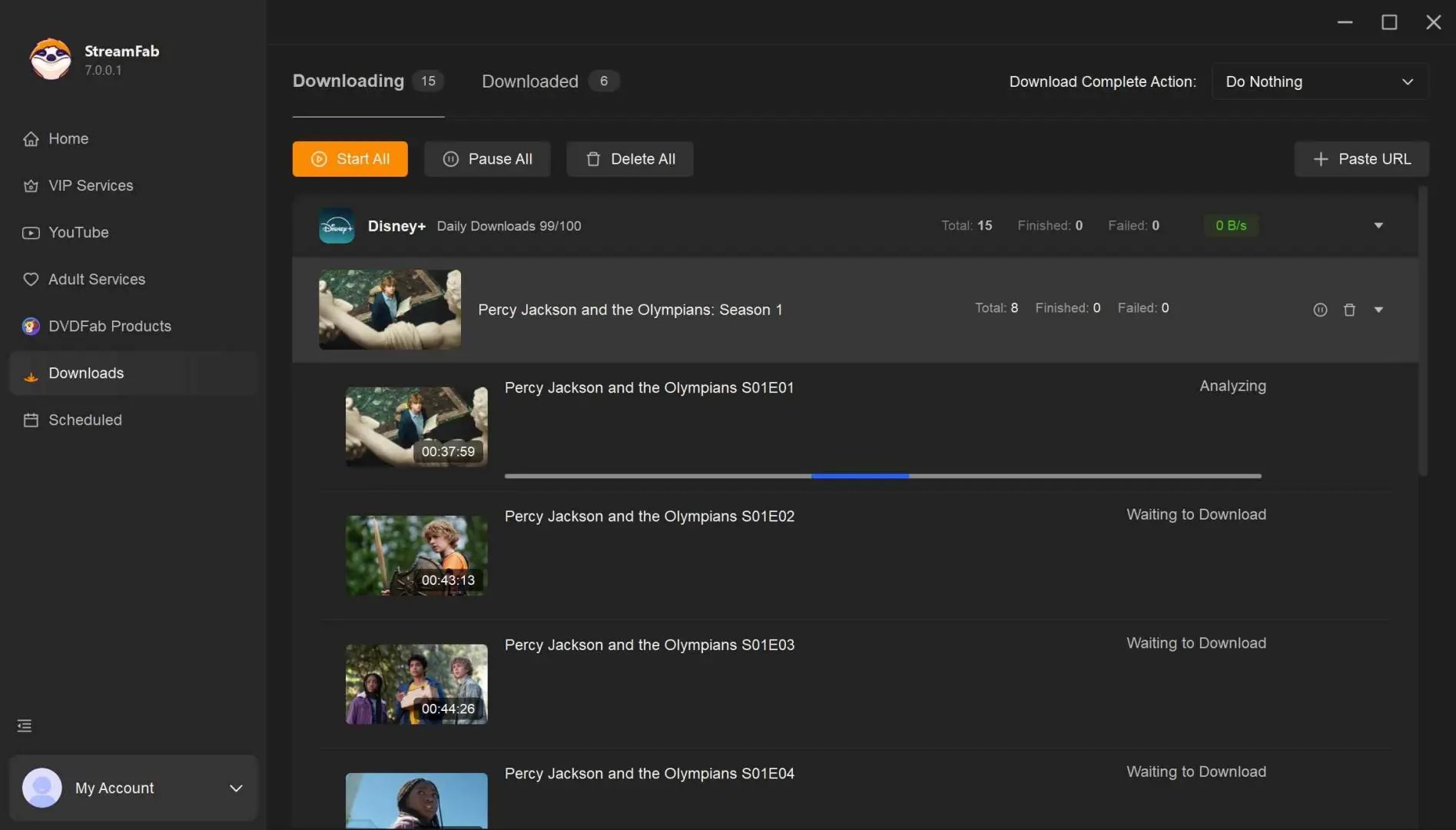
For migration decisions, its most relevant strengths are standard MP4 or MKV output, selectable original audio and subtitles, and batch or scheduled queues. Output can reach 4K where the service, subscription, and available source permit it. It fits Windows or Mac users who want local files and automation, but it is not a natural match for a cloud recorder, a mobile-only workflow, or someone who does not want paid desktop software.
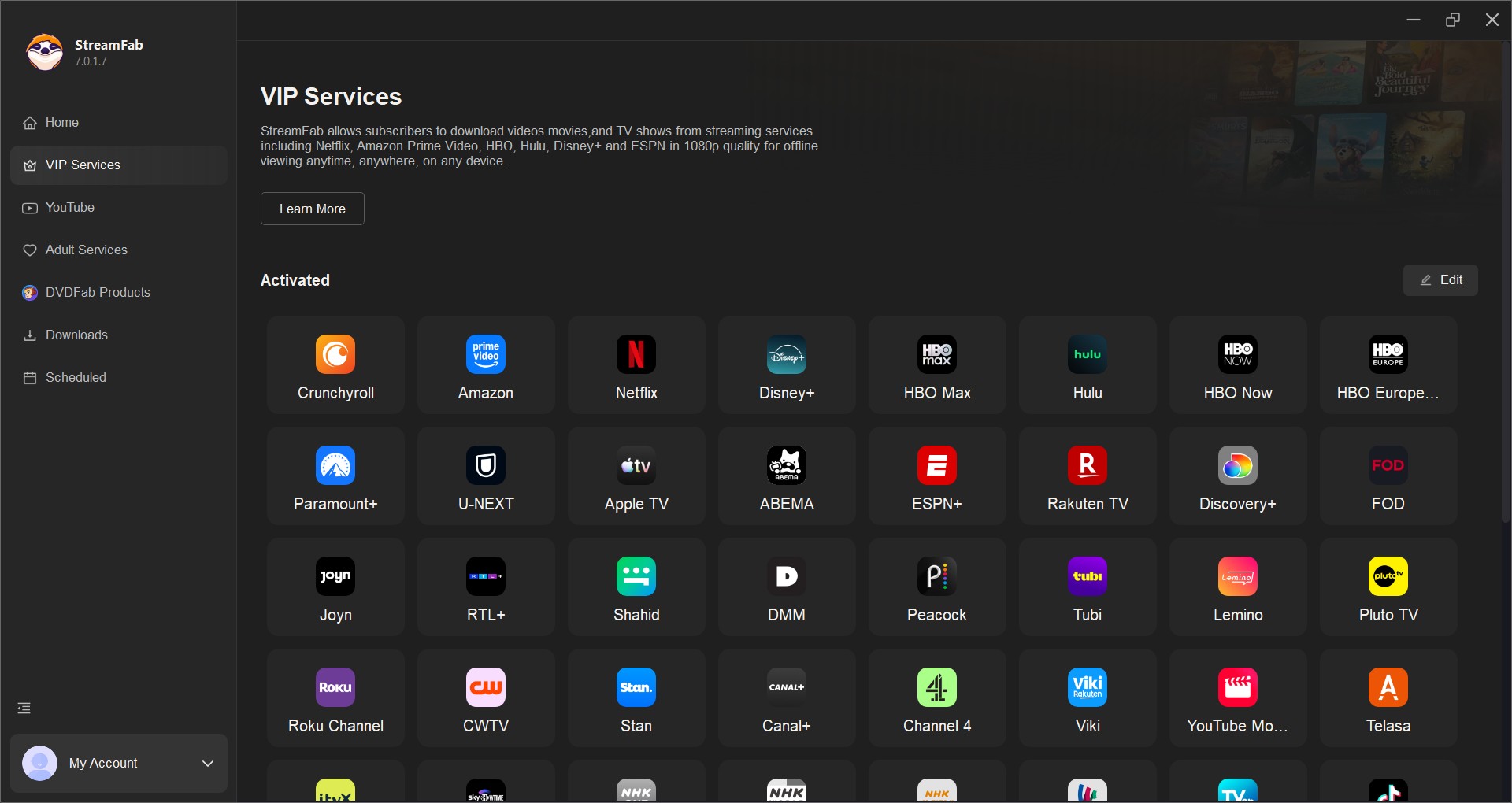
- Save authorized content from major subscription streaming services
- Output standard MP4 or MKV files for compatible local playback
- Support output up to 4K where the service and subscription permit it
- Queue multiple episodes or titles with batch processing
- Schedule supported downloads and newly released episodes
- Provide service-dependent handling for content on ad-supported plans

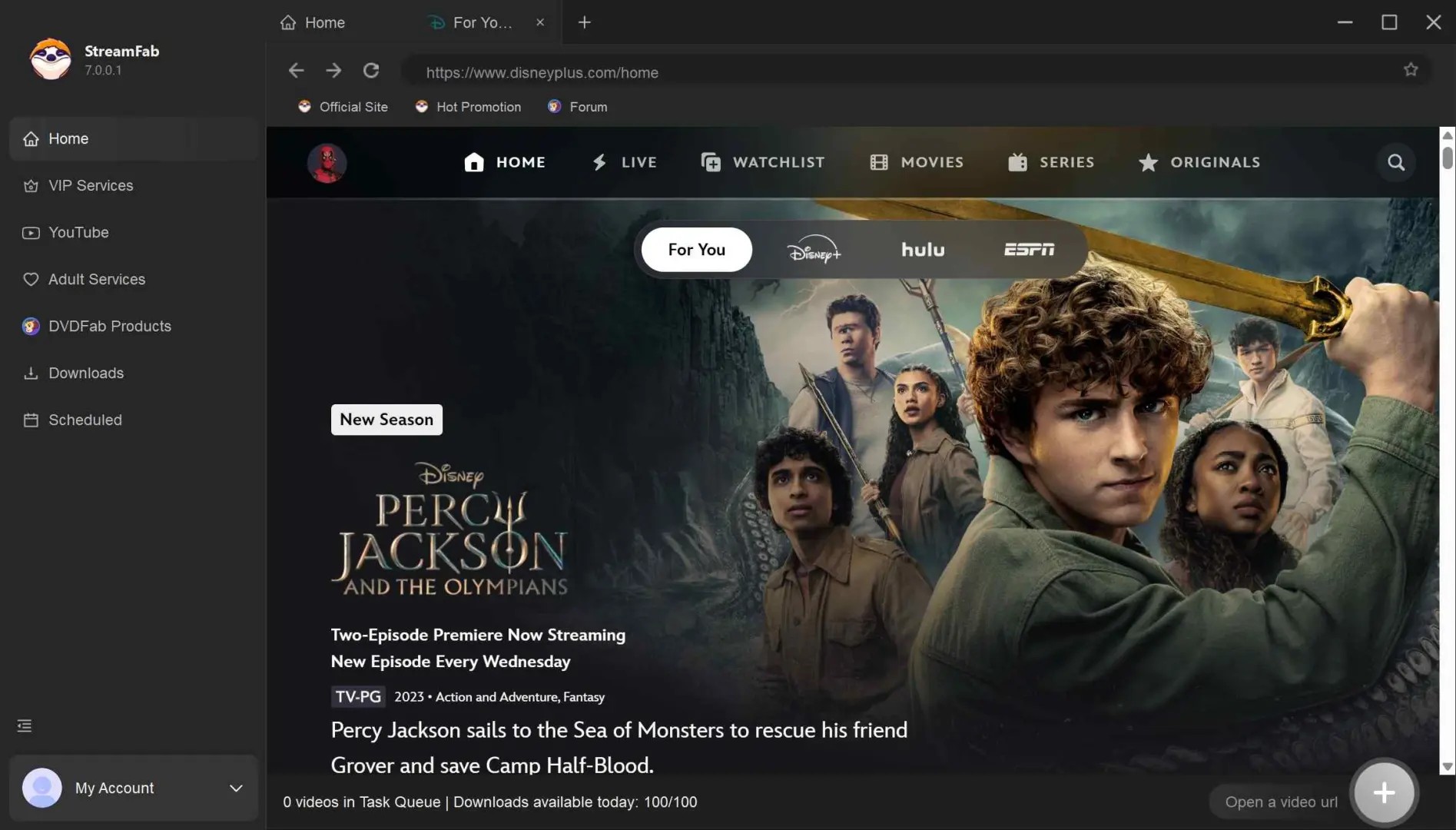
The basic workflow is to open the supported service, sign in with an active subscription, select an authorized title, choose the available output options, and start the queue. See how to use StreamFab for the full setup guide.
FAQs About Old AnyStream Versions
Can a saved AnyStream installer activate an old lifetime license?
A saved installer and license may load far enough to open the application or recognize local license information. Community reports still describe later authentication, service-loading, control, or playback failures, so there is no verified and supported route to dependable downloading with an old lifetime license.
Are old AnyStream installers from software archives safe to use?
A longstanding software archive is not the same as an anonymous modified or repackaged executable, but age and source still matter. Compare a checksum when available, scan the installer with current security software, test it in an isolated environment, and do not reuse sensitive browser sessions or credentials.
What should I do with completed and partial AnyStream files?
Back up any completed file that already opens and plays normally in a standard media player. Treat partial, temporary, or unplayable output as unverified, and do not assume it can be recovered. Keep installers, purchase records, and license information as records rather than evidence that the service can be restored.
Can I still ask my card issuer about a 2024 AnyStream purchase?
A purchase made in 2024 is generally far outside ordinary dispute Windows by 2026. However, card-network rules, issuer policies, the purchase date, and exceptional claim circumstances vary. You can ask the issuer, but the issuer alone decides whether any dispute or other option remains available.
Conclusion
The practical verdict has three parts. First, some old AnyStream builds may open, but none has a verified, supported path to dependable activation and playable downloads. Second, archived installers require source, checksum, malware-scan, and isolation checks. Third, replacement choice should depend on method, operating-system support, local-file workflow, automation needs, and commitment preference rather than assuming one product fits everyone.
Start with the comparison above, then use the full AnyStream alternatives guide if you need a broader product-by-product review.

Evaluating the Audials One 2026 free trial? I tested its 720p caps, examined if is audials legal under Fair Use
By Erika Leen - Sep 29, 2026
Are you thinking of purchasing NoteBurner and unsure if it’s worth the investment? In this NoteBurner review, let’s delve into its product lines, particularly the NoteBurner Video Downloader’s pros and cons.
By Marcia Hatcher - Sep 28, 2026

Read our in-depth Audials review for 2026. Is Audials safe and legal for Amazon Prime? Discover actual test results, Widevine DRM fixes, and better alternatives.
By Erika Leen - Sep 28, 2026
TuneFab’s Amazon downloader suits a focused desktop routine, while VideOne covers multiple services. Compare their workflows, license structures, and output checks with StreamFab, then use the numbered setup and maintenance steps for authorized personal offline viewing.
By Erika Leen - Sep 24, 2026