3 Bandcamp Downloader Options for FLAC, MP3 and Albums (2026)

Summary: Get the definitive 2026 guide to downloading Bandcamp audio. Learn how to capture true lossless FLAC or 320kbps MP3s, and batch grab entire albums while preserving native ID3 metadata for your Plex local server.
Table of Contents
Bandcamp Download Quality Depends on Source Access
In short, a Bandcamp downloader cannot make a preview stream genuinely lossless by labeling it FLAC or 320 kbps. The practical rule is to choose an official Bandcamp download whenever your authorized release offers it. Quality depends on the source available through your purchase or an artist-approved release.
This guide compares the official route, limited online options, and a desktop workflow for people who want to download Bandcamp albums responsibly. Start by confirming the release entitlement, then choose the available format, verify playback, and organize the files. The same source-quality principle also applies when you download audio from a website through another authorized workflow.
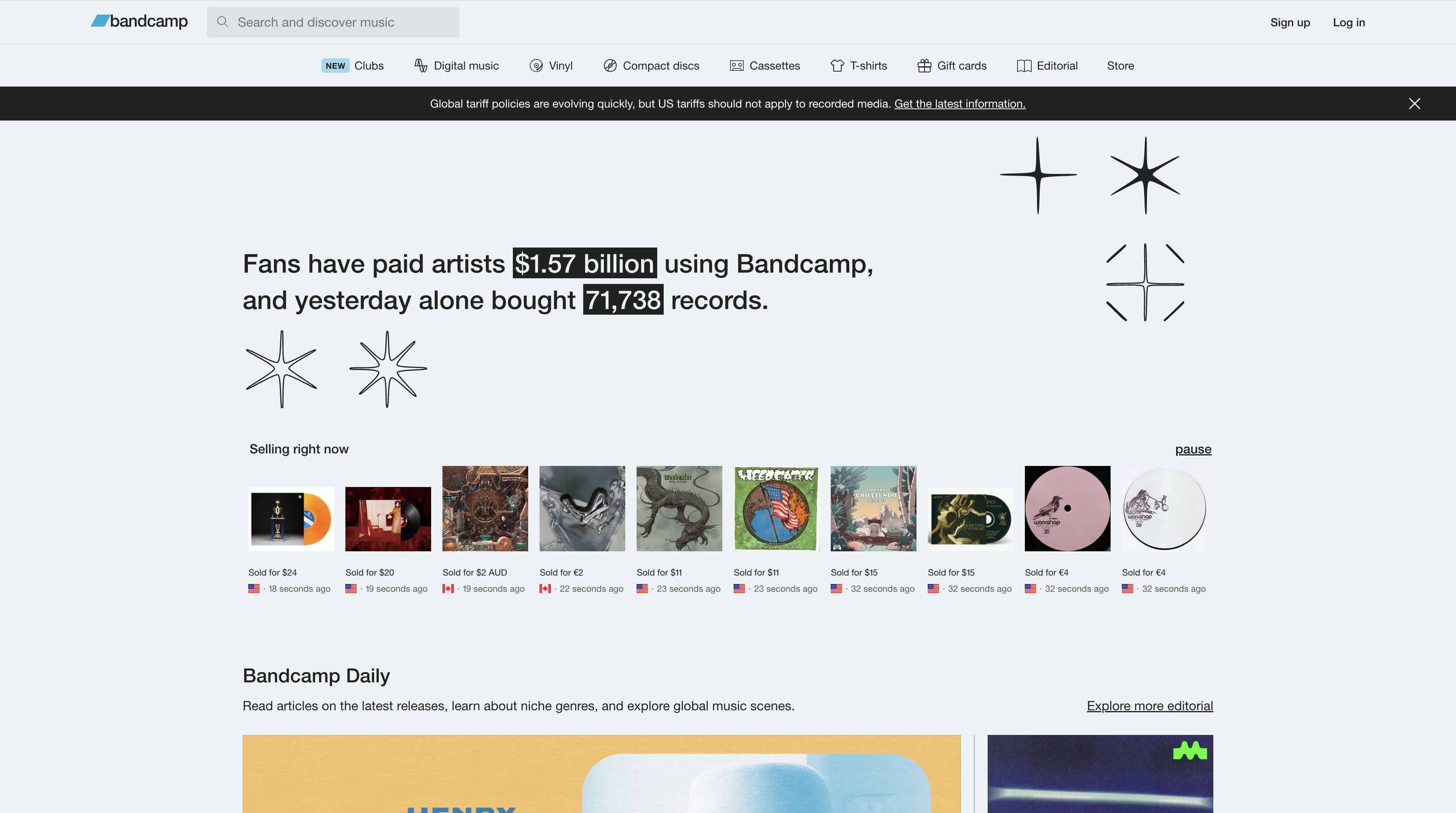
Official Bandcamp Downloads and Format Choices
Before choosing any Bandcamp album downloader, confirm that you have a purchased release or an artist-enabled free or name-your-price release. Official downloadable files are the clearest path to the formats offered for that release, while streaming and third-party workflows may have different limits.
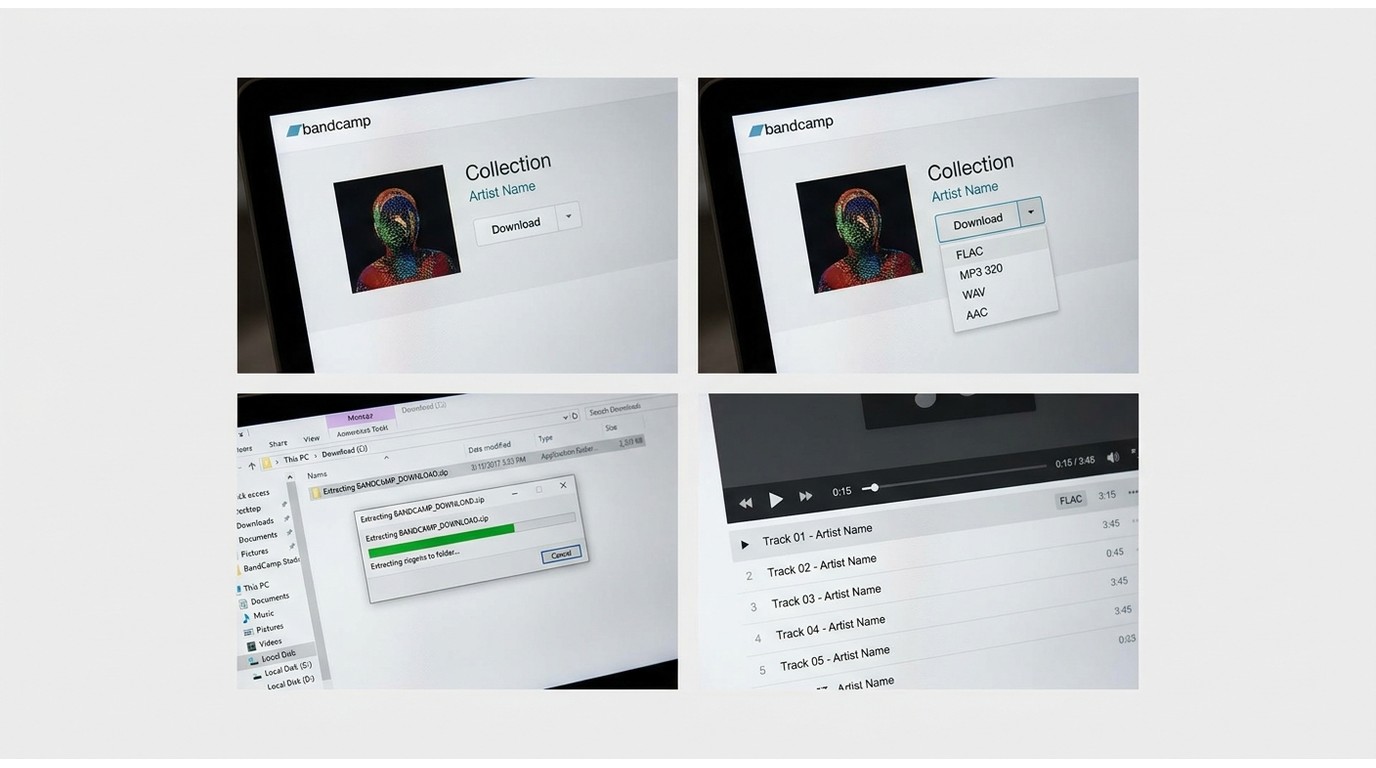
Official Download Steps
Use this route when you have access to a purchased, free, or name-your-price release that the artist has made downloadable:
- Open the purchase receipt or the release in your Bandcamp Collection.
- Select Download.
- Choose one of the formats available for that release.
- Save the ZIP file and extract it to your music folder.
- Open a track to confirm playback before importing the album into your library.
FLAC, MP3 320, and Other Formats
Bandcamp access differs before and after purchase. Downloadable purchases can offer official formats, while streaming follows separate playback rules. A Bandcamp FLAC downloader or Bandcamp downloader 320 kbps search should therefore begin with the release’s official format menu, not a renamed or transcoded preview. My rule for a collection that matters is simple: choose the official file whenever source quality matters.
| Format | Quality | Compatibility | Storage |
|---|---|---|---|
| MP3 V0 | High lossy | Very broad | Lower |
| MP3 320 | High lossy | Very broad | Moderate |
| FLAC, ALAC, WAV, AIFF | Lossless | Varies by player | Higher |
| AAC | Lossy | Broad on mobile | Lower |
| OGG | Lossy | Varies by player | Lower |
A FLAC extension or a 320 kbps label alone does not prove the original source quality. Check the official entitlement, file properties, and playback for obvious artifacts or suspiciously missing high-frequency detail. File size by itself is not proof of lossless audio.
Common Download Problems
If a purchased download does not work, return to the receipt or your Bandcamp Collection before trying another tool. An expired link, an incomplete ZIP file, slow lossless download, browser issue, or playback problem can each require a different fix. Re-download the ZIP when appropriate, extract it again in a local folder, and use Bandcamp’s official download troubleshooting if the problem persists. Official troubleshooting should come before switching workflows.
Online Bandcamp Downloaders Have Clear Limits
Use non-official workflows only for content you are authorized to access, where permitted by platform terms and applicable law. Do not disable antivirus or browser protections to force a download. Online tools can be convenient for a limited, authorized single-item task, but they are not the first choice when purchase quality, collection-scale organization, or provenance matters.
Source Quality Sets the Ceiling
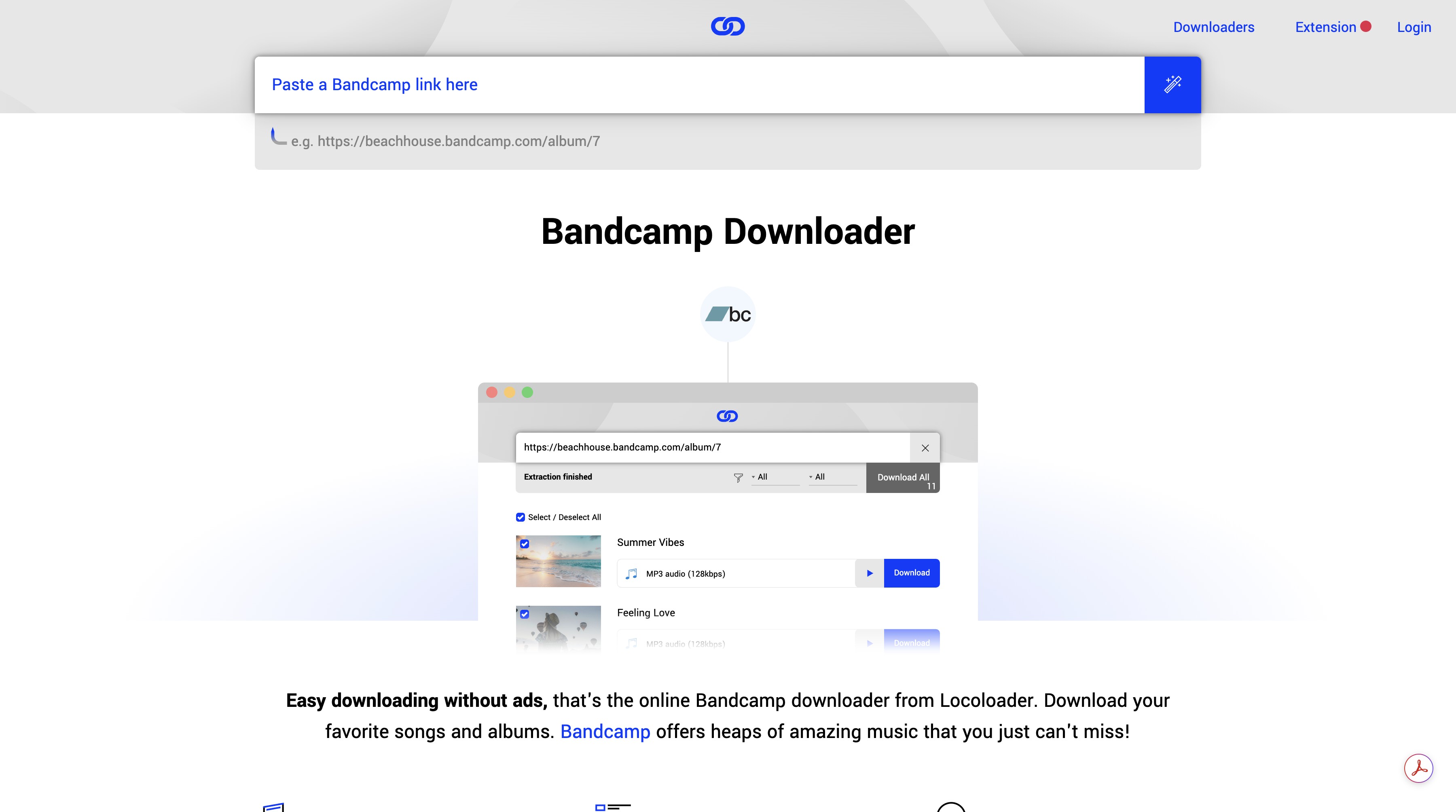
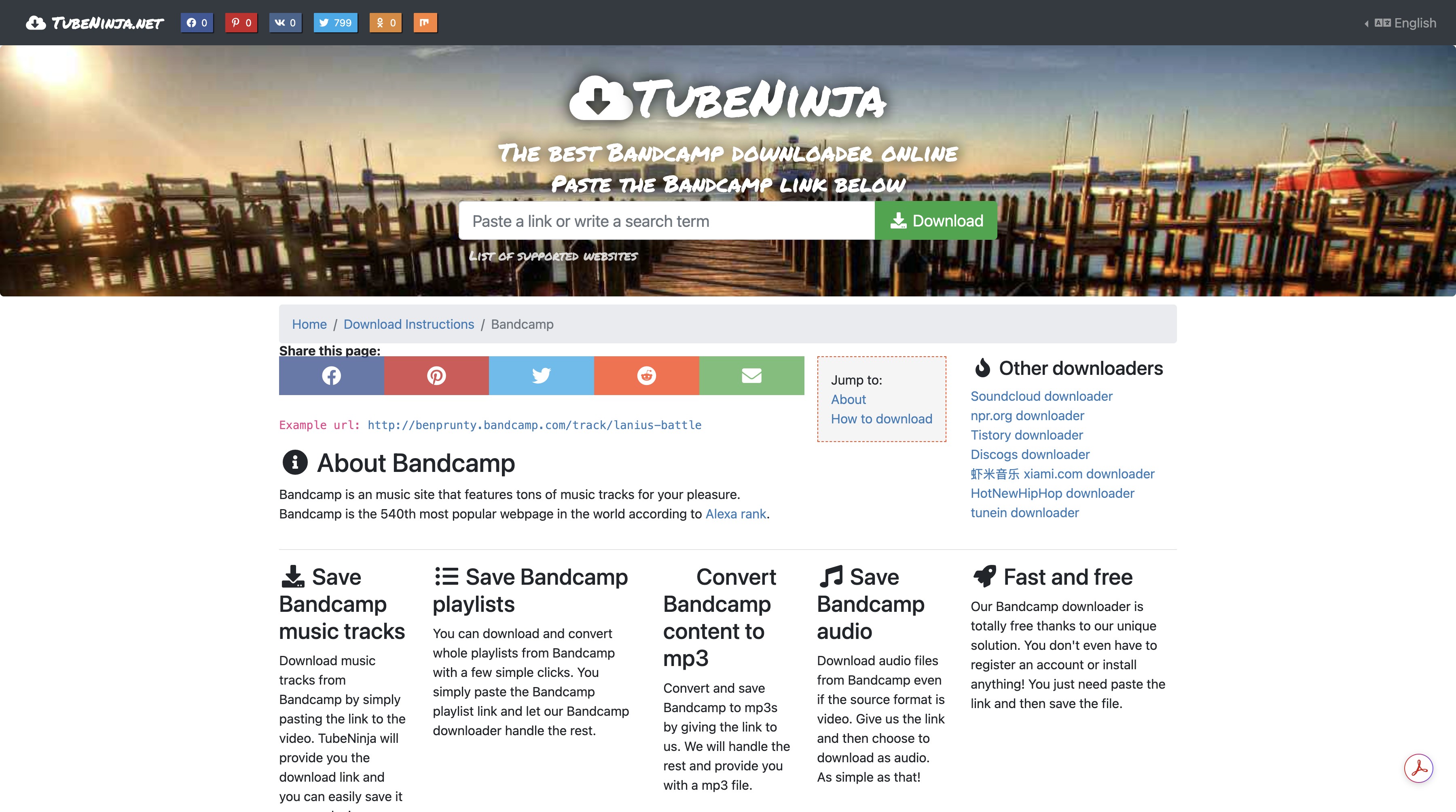
Locoloader, TubeNinja, browser extensions, and similar web services may offer a quick URL-based workflow, but output quality and completeness depend on the source each service can access. They can be useful for a narrow, authorized task. They are a weaker fit when you need an official purchase file, dependable album-level organization, or clear provenance for a long-term music library.
Ads, Files, and Security Warnings
For Bandcamp downloader safety, inspect the file name, extension, and destination folder before opening a download. Avoid pages that pressure you to install unrelated software, allow notifications, or turn off browser protections. Metadata, cover art, album handling, and available formats can vary by release and workflow, so verify the finished files before adding them to Plex, Roon, or another media library.
Desktop Album Workflows Need Verified Capabilities
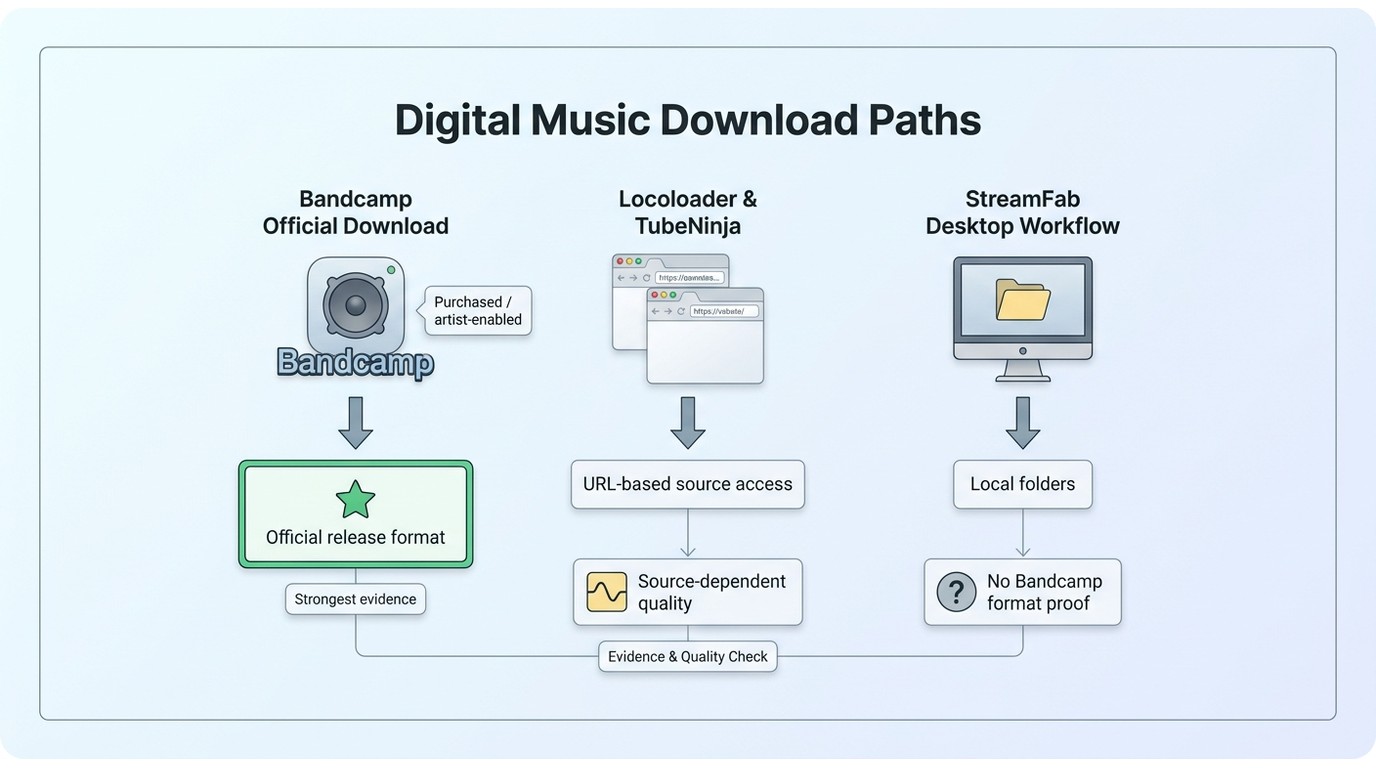
A desktop workflow can make sense when you need predictable folders and a repeatable review process, but it is not ideal if the release is already available through Bandcamp’s official download option. StreamFab is separate from Bandcamp’s official download feature, and any use should remain within the content you are authorized to access and the applicable terms. For broader product context, the StreamFab review covers its verified video-saving capabilities.

- The only one to download the latest videos in 1080p from Netflix, Max & Amazon Prime
- Download 4K/8K videos from 1000+ sites including YouTube, Facebook, and more
- Batch download YouTube videos or playlists to MP3 in 320kbps
Fit, Limits, and Authorized Use
For Bandcamp specifically, do not treat a desktop app as proof that FLAC, MP3 320, album selection, or metadata preservation is available. Evaluate the workflow by the source it can legitimately access, the formats it can confirm, its file organization controls, and the finished files it produces. The official release remains the better fit whenever it supplies the format you want.
Batch Selection and File Organization
For a Bandcamp bulk download workflow built around purchases or artist-enabled releases, organize first and automate only where the release and workflow support it:
- Select albums from your purchases or artist-enabled releases.
- Create a predictable artist and album folder structure.
- Save and extract each authorized ZIP into its destination folder.
- Check that the track count and filenames match the release.
- Spot-check playback before importing the album into your library.
Organization becomes valuable only after source quality and authorization are settled.
Organize Downloaded Albums
Keep the tags and cover art that are available in the authorized download, then confirm the files before importing them. A simple naming pattern such as Artist - Album - 01 - Title is easier to sort than inconsistent filenames such as track1_final_new. Check artist, album, track number, cover art, and playback in your preferred library app rather than assuming every workflow writes the same metadata.
Artist/Album/01 - Title, and keep the original download ZIP until you have confirmed the extracted files play correctly.For other authorized audio workflows, format choice still matters. The same principle applies when considering how to convert YouTube videos to MP3: conversion can improve compatibility, but it cannot improve the original source.
Official, Online, and Desktop Options
Locoloader and TubeNinja use URL-based web workflows. Their availability and workflow details may change.
| Workflow | Authorized source access | Available quality | Albums and metadata | Best fit |
|---|---|---|---|---|
| Official Bandcamp download | Purchased, free, or name-your-price releases | Release format menu | ZIP album; supplied tags and art | Exact release format |
| Locoloader | Source-dependent authorized item | Source-dependent | Limited task; details vary | Single-item convenience |
| TubeNinja | Source-dependent authorized item | Source-dependent | Limited task; details vary | Single-item convenience |
| Desktop workflow | No Bandcamp-specific support established | Cannot be inferred from the app | Local folders; no format proof | Organizing authorized files |
Decision guide: Choose the official Bandcamp download for a purchased, free, or name-your-price release because it shows the formats offered for that specific release. Use Locoloader or TubeNinja only for a limited task when the accessible source and finished file meet your needs. Choose a desktop workflow for local folder management, not as evidence that a Bandcamp release offers a particular format or metadata set.
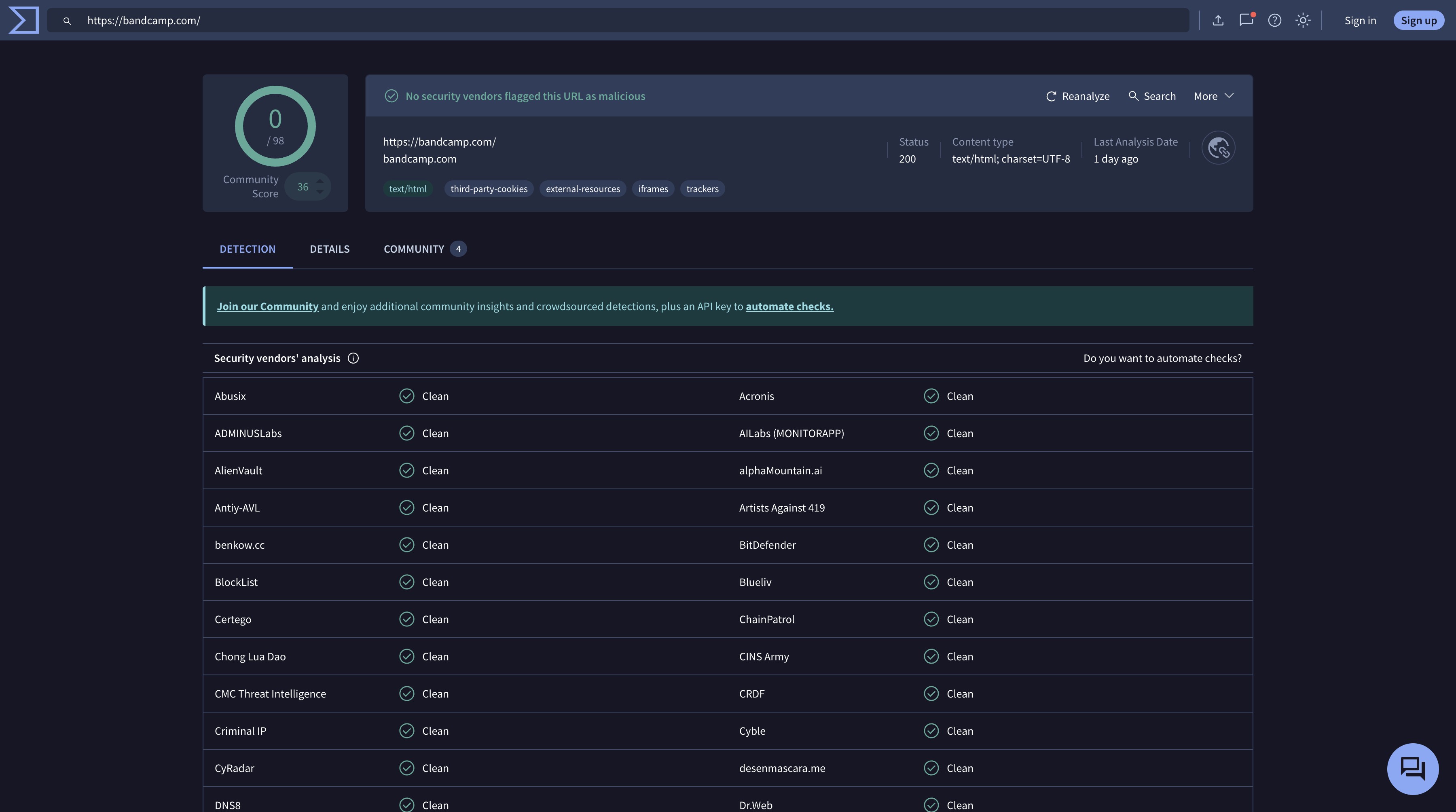
Bandcamp Download Questions
Can I download a Bandcamp release for free legally?
Yes, when the artist has enabled a free or name-your-price download. Paid releases require the access option provided by the artist and Bandcamp. A free listing is not a reason to use another workflow for a release that is not offered that way.
Why is my purchased Bandcamp ZIP empty or incomplete?
Start from the purchase receipt or your Bandcamp Collection and try the official download again. An expired link, an incomplete download, or an extraction problem can produce an empty or partial ZIP. If the issue continues, use Bandcamp’s download troubleshooting guidance.
Can I download purchased Bandcamp music on my phone?
Mobile access and ZIP handling depend on your browser, device storage, and music apps. Open the purchase receipt or Collection on the device, then make sure you have enough local space and an app that can extract and play the format you select.
How can I check whether a downloaded FLAC is genuinely lossless?
Confirm that the release entitled you to an official lossless format, inspect the file properties, and listen for obvious playback issues. A larger file, a FLAC extension, or a 320 kbps label alone does not establish the quality of the original source.
Conclusion: Choose Quality by Source and Use Case
Start with Bandcamp’s official download whenever a purchased or artist-authorized release is available. It gives you the clearest view of the formats offered for that music and avoids guessing whether a downloader has captured the quality you expected.
Use an online option only for a limited, authorized task, and consider a desktop workflow when repeatable local organization is more important than convenience. The practical verdict is to prioritize source access over format labels, then verify the files you keep before they become part of your collection.

Downloading your favorite Netflix library permanently for your flexible offline watch is not a big deal anymore. Try the Pazu Netflix video downloader to enjoy Netflix streaming with ultimate customizations.
By Erika Leen - Sep 18, 2026
This review exposes the gap between Video Downloader Plus's marketing and its actual performance. Technical tests confirm the extension cannot process encrypted HLS streams found on major sites. Furthermore, the review critiques the lack of a free trial, forcing users to pay blindly for functionality that may not work on complex websites.
By Jacob Harrison - Sep 15, 2026
Explore a comprehensive list of alternative software to MovPilot. Learn about their features, pricing, and user reviews to make an informed decision based on 2026 DRM standards.
By Erika Leen - Sep 15, 2026
How to cancel PlayOn subscription? Will you get a refund after cancelling? This guide tells you everything you need to know about cancelling PlayOn subscriptions.
By Nicole Lopez - Sep 15, 2026