
StreamFab Review 2026: Features and License Value

Summary: StreamFab 7 marks the first major update in nearly three years. This review looks beyond surface-level changes and examines what actually matters in everyday use based on real testing, community feedback
The short answer: StreamFab is worth considering if you need authorized streaming titles saved as local MP4 or MKV files for personal offline viewing. If a service’s built-in downloads already meet your needs, the added software license may offer limited value.
This StreamFab Review covers the local-file workflow, the conditions that affect available output options, service support, and license value. It also explains how to decide whether StreamFab is worth it when your streaming subscriptions remain separate purchases.
2026 StreamFab 7 Architecture Upgrades
The practical value of StreamFab 7 is its local-file workflow: it saves supported videos as MP4 or MKV files for personal offline viewing. This upgrade is most relevant if you want files that can be stored in a chosen local folder and played with compatible media software.
UI Refinement & Multi-Thread Logic
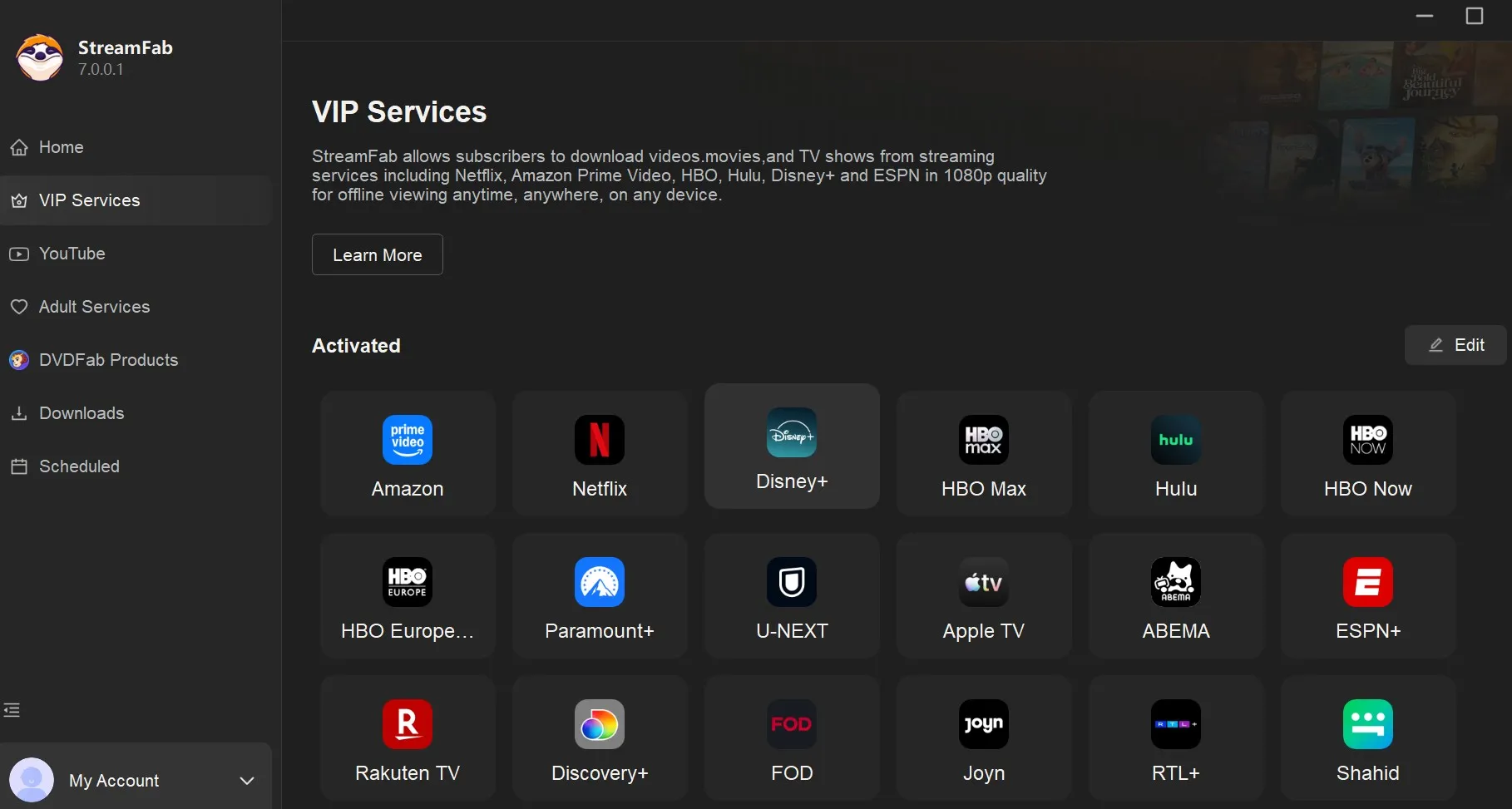
If you've followed the Reddit discussions earlier this year, you know the community was highly vocal about UI bloat. The current interface organizes supported services in a module selection grid and provides a queue for batch tasks. Available output choices appear during title setup, keeping service selection and file configuration within the same workflow.
MP4/MKV Files for Personal Offline Viewing
With a valid streaming subscription, sign in through StreamFab, select a title available to your account, choose from the displayed output options, and set a local destination; you can see the guide to using StreamFab for the same title-selection and output-setting workflow. For content you're authorized to access, where permitted by platform terms and applicable law, StreamFab can save a local copy as an MP4 or MKV file for personal offline viewing.
Keep the displayed settings as-is if they already match your playback setup. A local copy does not guarantee permanent or unrestricted storage. StreamFab is for saving content you are authorized to view as a local file; attempting to defeat access controls or obtain titles outside your authorized catalog is not permitted and may violate platform terms and applicable law.
A video walkthrough of the StreamFab workflow is available here:
StreamFab Reviews: MP4/MKV Quality and Service Support
StreamFab 7 supports Windows and Mac and saves supported titles as MP4 or MKV files. As of September 2026, available resolution, audio, subtitle, and ad-handling options depend on the streaming service, title, account tier, and source options shown in StreamFab.
Netflix Downloader: Available Output Options
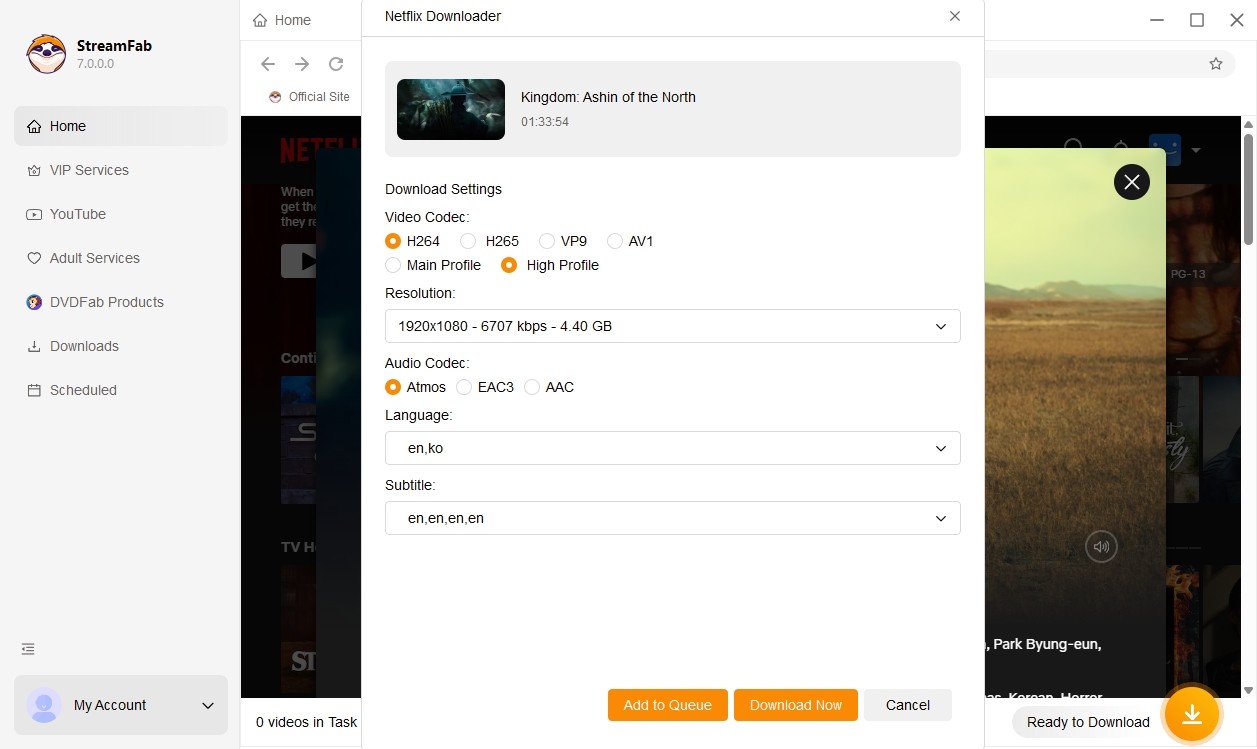
StreamFab 7.0.5.1, released September 22, 2026, includes fixes for Netflix merge failures and missing-audio error 702. Available resolution, codec, audio, and subtitle choices depend on the title, Netflix account tier, and source options shown in StreamFab. If an accessible title still fails to analyze or merge, update the application and use StreamFab product help for title-specific troubleshooting.
Amazon Downloader: Ad-Tier Review
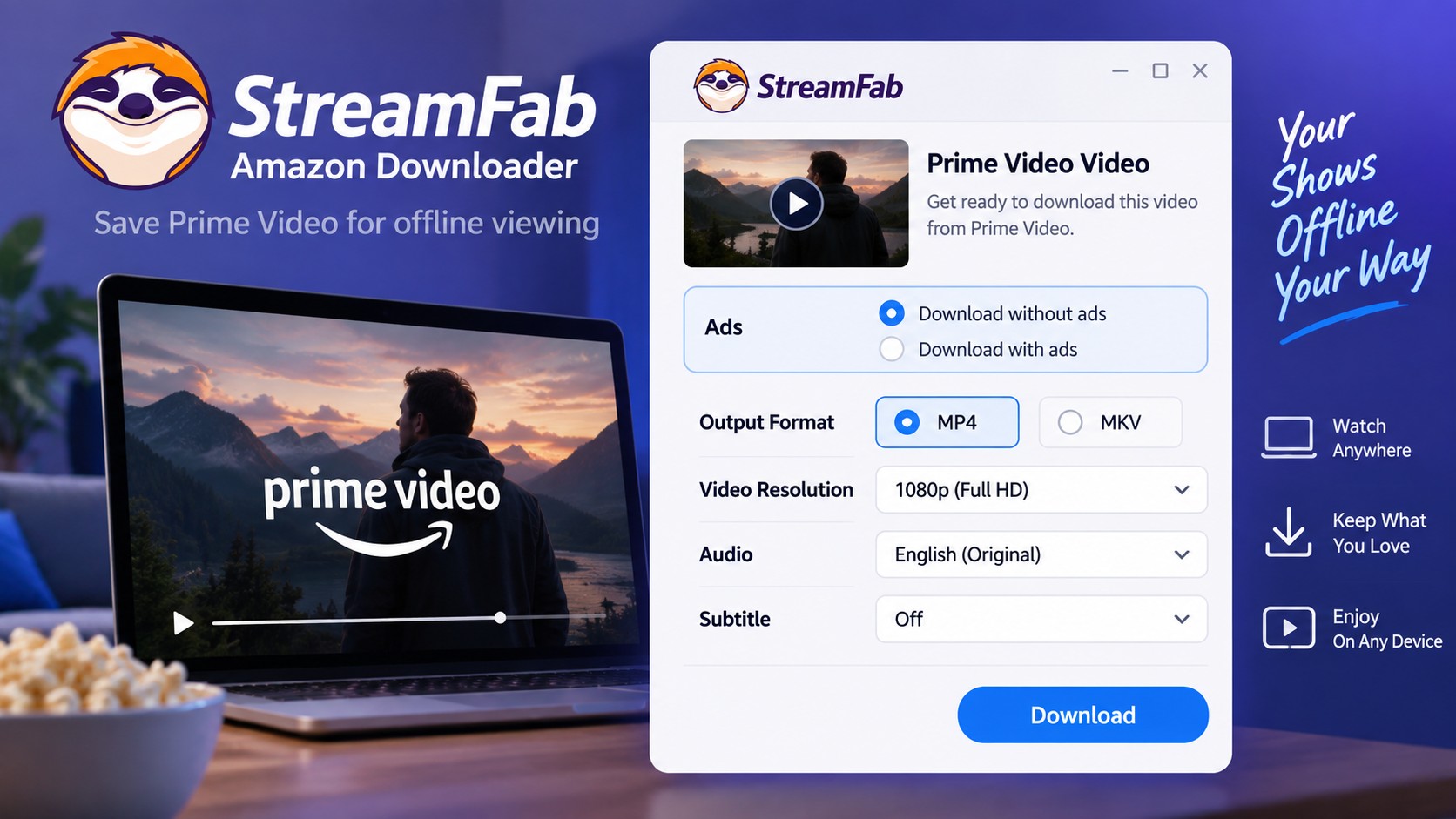
Amazon’s use of SSAI (Server-Side Ad Insertion) makes ad handling an important consideration for Prime Video users. StreamFab can save supported Amazon videos as MP4 or MKV files; choose from the ad-handling options displayed for the current title and account. The comparison of streaming quality and local downloads explains the output factors to review before choosing a file.

Trust Metrics: Safety & Legitimacy
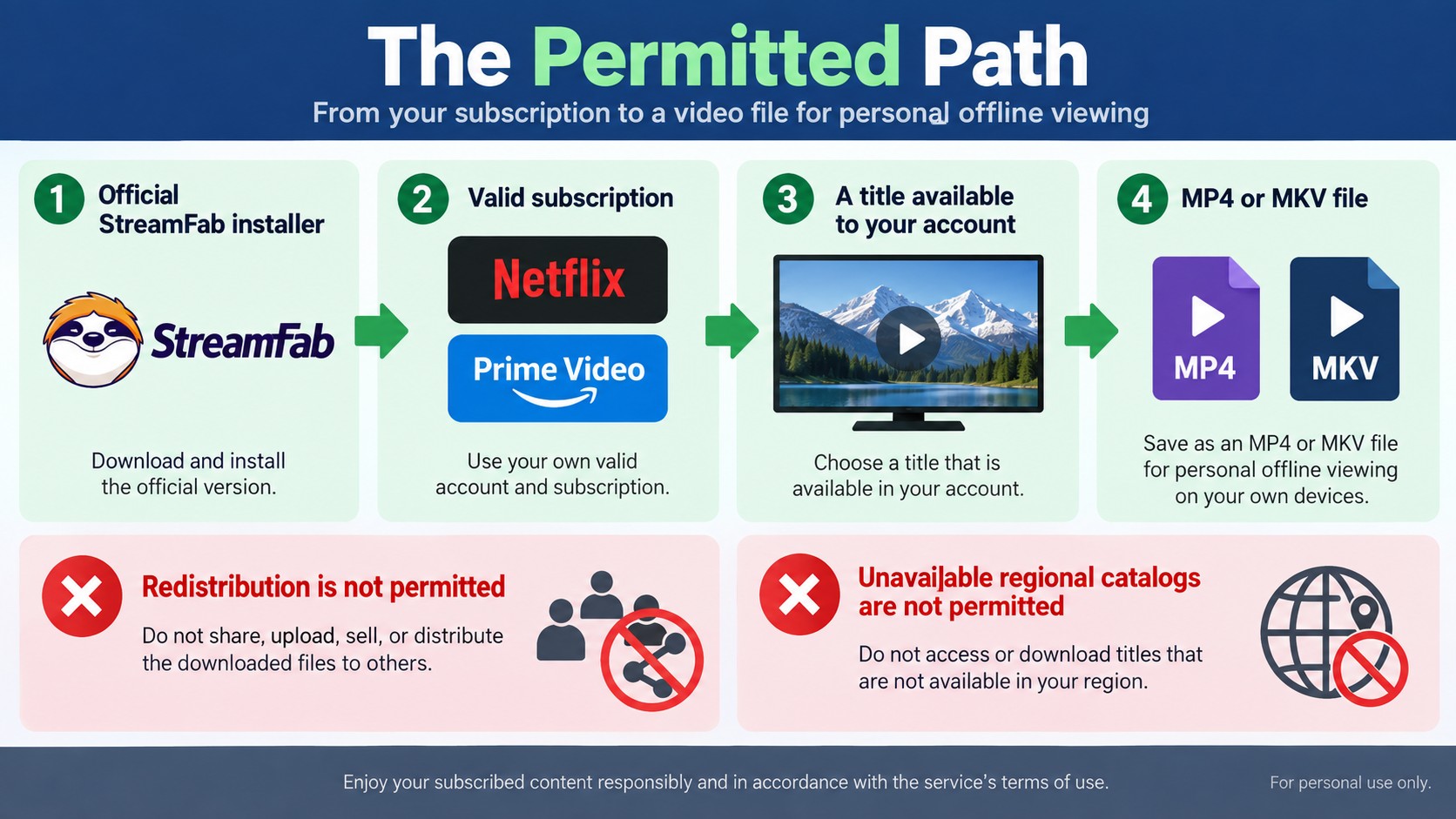
StreamFab is a desktop video downloader for Windows and Mac, with ongoing software releases. Use an installer obtained through the official StreamFab download route, and use the software only with services and titles your account is authorized to access.
Get the Windows or Mac installer through StreamFab’s official download channels.
- Ongoing releases: Software updates address compatibility and application issues as services change.
- Authorized access: A valid subscription is still required for paid streaming services and their available catalogs.
- Purchase terms: Review the applicable refund policy before selecting a license.
Official Installation and Account Access
Use the official installer, then sign in with a valid streaming-service subscription to access content already available through your account. StreamFab is separate from each service’s official offline feature, so save local copies only for personal offline viewing where permitted by the platform’s terms and applicable law. If installation or sign-in fails, use StreamFab product help for the affected service.
Account Use Boundaries
A StreamFab license does not change a streaming service’s account rules or grant access to titles outside your authorized catalog. Use a valid subscription, save only content you are authorized to access, keep local files for personal use, and do not redistribute them. Follow the platform’s terms, applicable law, and any permission requirements specific to your use case.
The copyright and usage guidelines explain these boundaries in more detail. If an accessible title fails to process, use StreamFab product help rather than assuming a particular download volume is safe.
Readers looking for independent user commentary can browse StreamFab’s public profiles on Trustpilot and G2.
Local Downloads and Screen Recording Compared
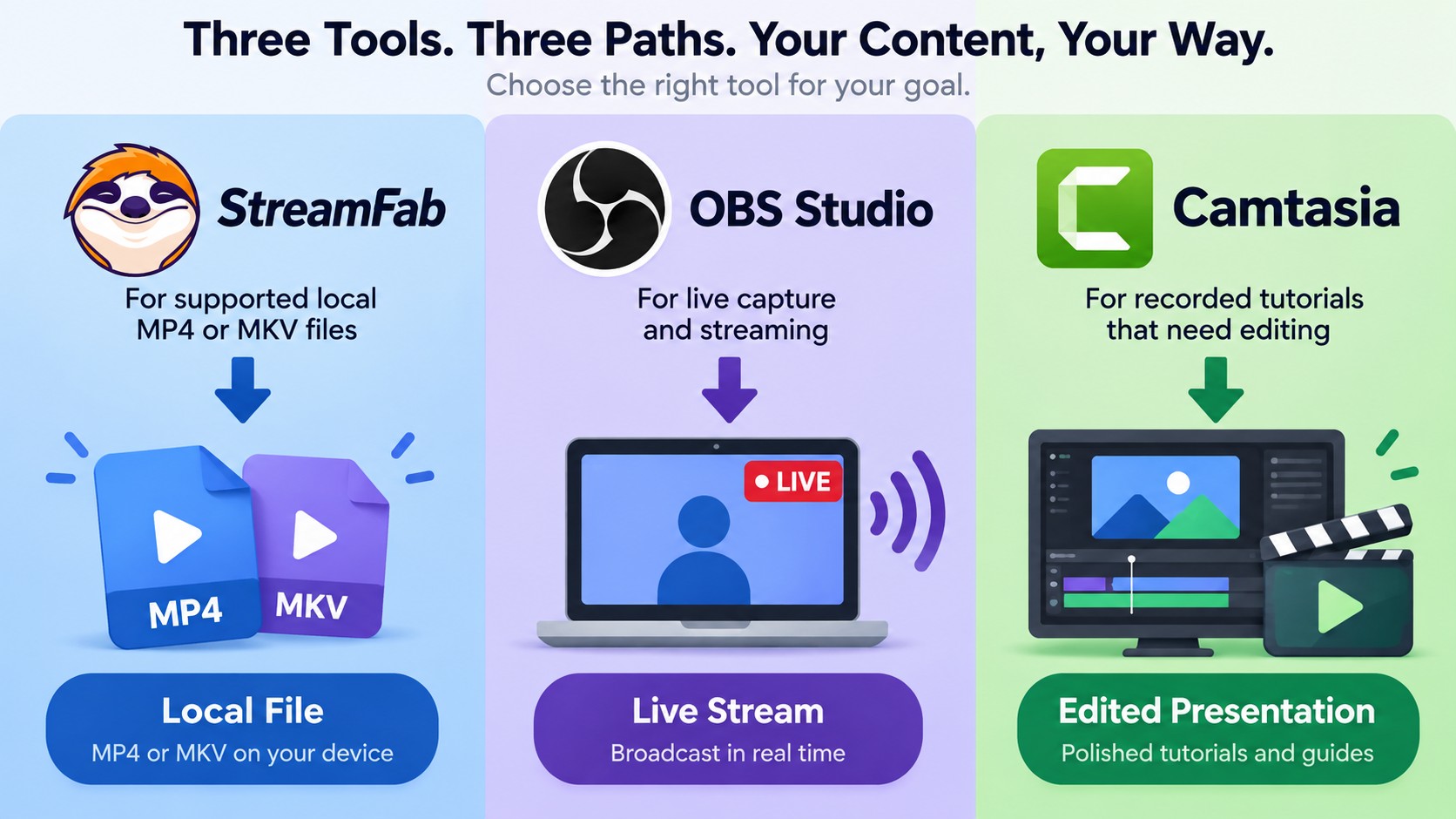
StreamFab, OBS Studio, and Camtasia address different jobs. StreamFab fits authorized personal offline viewing through local files, while OBS Studio focuses on recording and streaming and Camtasia combines screen recording with video editing.
| Dimension | StreamFab | OBS Studio | Camtasia |
|---|---|---|---|
| Primary task | Save supported videos locally | Record and stream video | Record and edit video |
| Output workflow | Select available MP4/MKV options | Configure and capture a recording | Record, edit, then export |
| Suitable use | Authorized personal offline viewing | Live capture and streaming | Edited tutorials and presentations |
Choose OBS Studio or Camtasia when the task requires recording or editing. Choose StreamFab when supported content needs to be saved as a local MP4 or MKV file for authorized personal viewing; its batch download workflow can organize multiple supported episodes without turning the process into a recording project.

FAQs: Frequently Asked Questions
Is StreamFab worth it for a full license?
For occasional viewing, a streaming service's own offline feature may be sufficient. StreamFab is worth considering when you regularly need local MP4 or MKV files for personal offline viewing, but its software license is separate from the valid streaming subscriptions required to access those titles. The lifetime license can offer better value for frequent use across supported services, and you can review current StreamFab discounts and purchase options before choosing a plan. Use the official trial to confirm that the available services and output options fit your viewing setup.
What should I do when a title stops analyzing?
StreamFab 7.0.5.1, released September 22, 2026, includes fixes for Netflix merge/audio error 702 and Amazon network recovery; update the application, then follow the StreamFab troubleshooting steps if the title still fails.
Can I download titles unavailable in my region?
No. A StreamFab software license does not grant access to another regional catalog.
Can I choose subtitles for an offline video?
Yes, when the source provides subtitle tracks. Available choices depend on the service, title, account tier, and source options; select an available embedded or separate subtitle option, then use StreamFab product help if playback shows a timing or track issue.
Conclusion
StreamFab 7 is a practical fit if you need to save a local copy for personal offline viewing in MP4 or MKV, rather than record and edit the screen itself. Its value depends on whether that local-file workflow justifies the software license for the streaming services you already use.
Before choosing a license, use the trial to confirm that the displayed output selections work with the titles and playback setup that matter to you.
Disclaimer: Keep downloaded files for personal use, and do not redistribute or commercialize copyrighted material.

Staring at an error code and wondering what StreamFab is actually telling you? In July 2026, I mapped every code against the real failure it represents — here's the reference guide that skips the corporate jargon and tells you exactly what to do in under 2 minutes.
By Erika Leen - Oct 12, 2026
Choose between StreamFab’s local file workflow, Audials’ Windows recording and editing, and PlayOn’s local or cloud recording. Compare queue behavior, picture quality, audio and subtitles, and recurring costs, with a repeatable way to check one authorized title before building an offline library.
By Marcia Hatcher - Sep 28, 2026
This article is an official response to users asking regarding the safety and legality of StreamFab. Written by StreamFab team, it moves beyond simple assurances to provide a transparent technical and legal analysis.
By Nicole Lopez - Sep 24, 2026
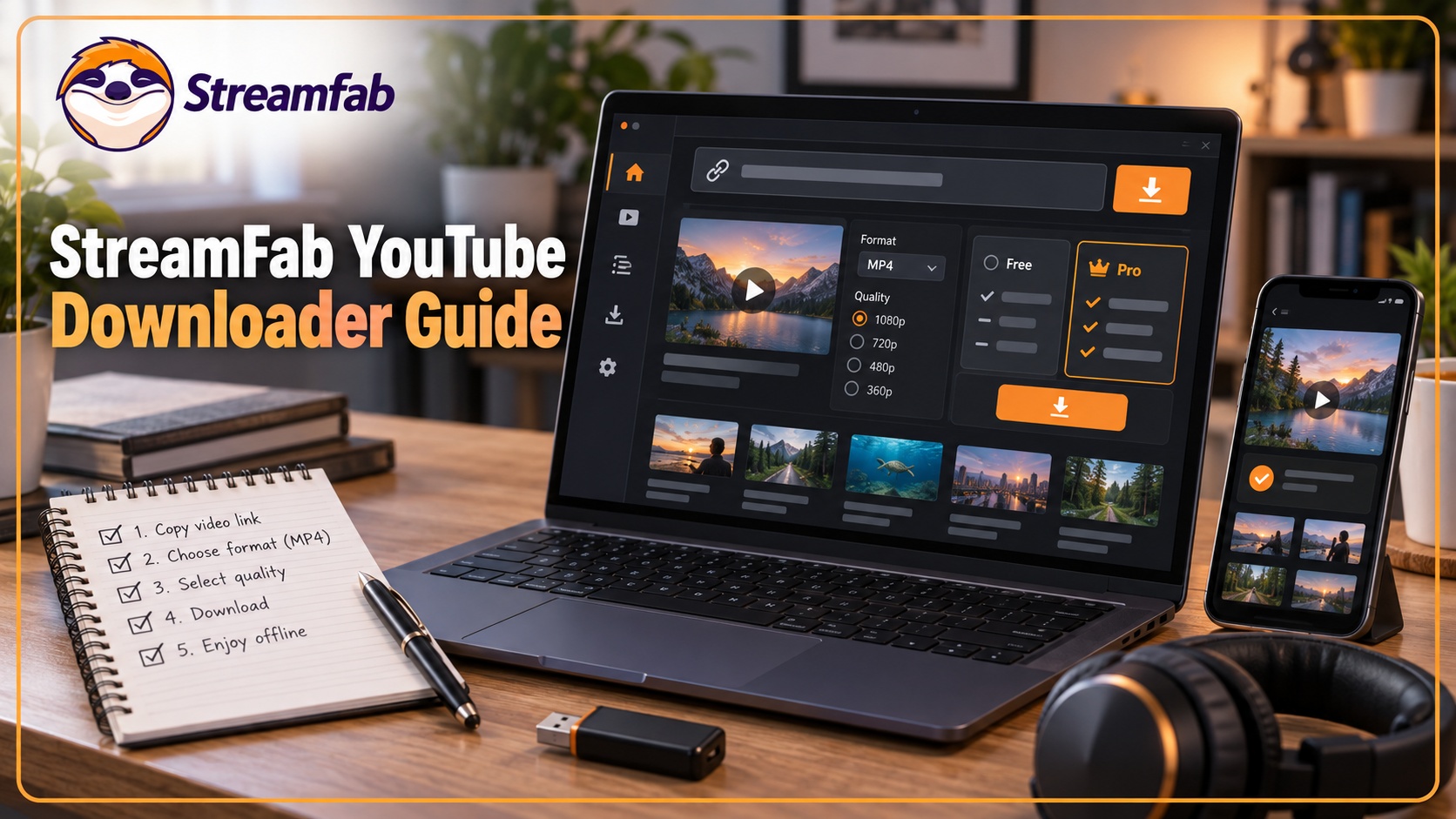
Wondering what is StreamFab? I tested the StreamFab YouTube Downloader Pro for YouTube TV offline access, 8K AV1 hardware acceleration, and batch archiving limits. See the 2026 real-world benchmark and learn how to avoid API throttling.
By Erika Leen - Sep 24, 2026