
4 Best FlixiCam Alternatives in 2026: Services and Quality Compared

Summary: Netflix downloads on Windows disappeared from the current app, so readers comparing FlixiCam alternatives need a desktop workflow that matches their service, operating system, and output needs. The practical shortlist is StreamFab, Y2Mate, MovPilot, and FlixGrab, each with different evidence and fit limits.
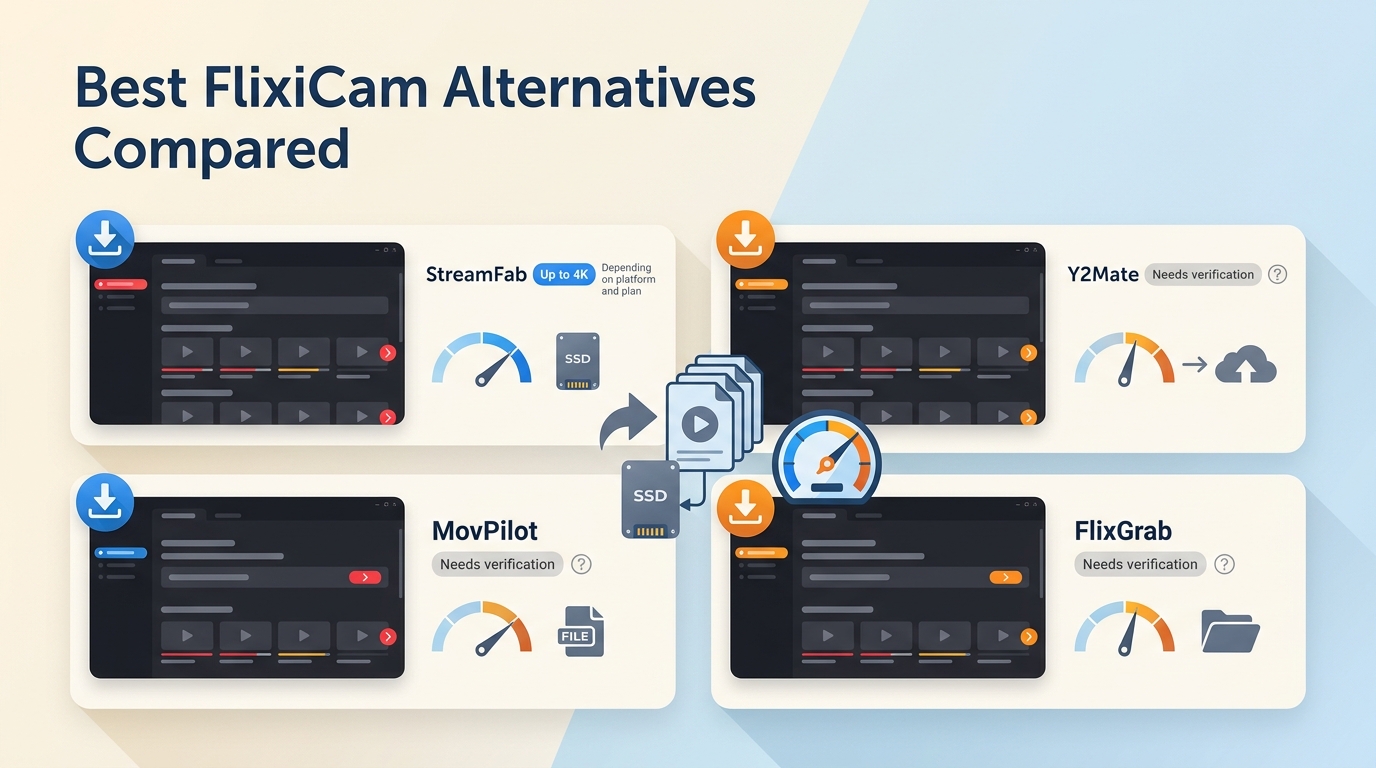
If FlixiCam stops working, the cause may be a platform change, a login loop, network conditions, or an account restriction. This guide explains why people replace it, how to validate an alternative, and which current claims are strong enough to guide a purchase.
4 Best FlixiCam Alternatives for 2026
The best FlixiCam alternatives are not interchangeable. Service-specific completion, operating-system support, usable subtitles, and a clear trial boundary matter more than a broad speed claim without a reproducible record.
Why Users Replace FlixiCam
People look for FlixiCam software alternatives when a service update interrupts downloads, the current trial is too limited, or the app does not cover the needed operating system and streaming service. The loss of Netflix downloads on Windows has made that comparison more urgent for desktop users.
FlixiCam is a Netflix-focused desktop product with a limited trial, but interface familiarity alone does not establish reliability. Current reviews and videos describe similar interfaces across several FlixiCam-style products without proving common ownership. Update cadence, support response, and title-level results are better decision signals.
A dedicated FlixiCam review is the better place for a full licensing and product analysis. Here, the FlixiCam Netflix downloader serves only as the baseline for comparing alternatives without turning this page into a second review.
How We Tested the Alternatives
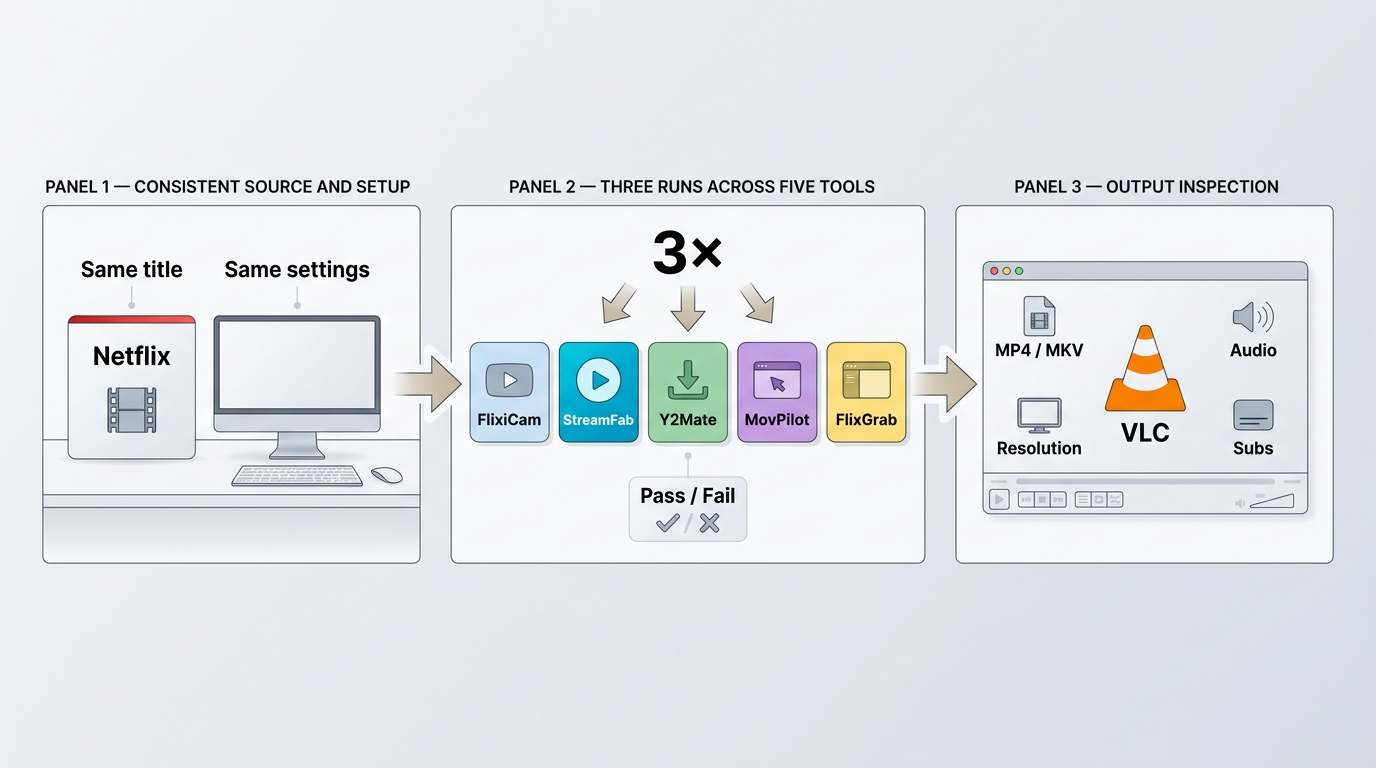
Reliable download reliability tests require the same device, account, network, service, and title across three runs. A completed cross-product raw matrix was not available for this revision, so unsupported speed and success-rate numbers have been removed rather than presented as test results.
Prerequisites
- An active subscription and authorization to access the exact service and title being checked.
- A supported Windows or Mac computer, plus the current official installer and recorded product version.
- A stable connection, enough free storage, and the same account tier and region for every run.
- A target player that supports the selected MP4 or MKV container, video codec, audio track, and subtitle mode.
Repeatable three-run verification
- Record the computer model, operating-system build, app version, connection type, service, title, account tier, and region.
- Use the same device, network, account, title, and output settings for each candidate.
- Run the same title three times, logging each completed and failed attempt instead of averaging away failures.
- Inspect the resulting container, resolution, codec, audio channels, subtitle behavior, and playback on the intended device.
- Repeat the check after a major service or app update before treating the result as current.
Claims such as 1080p direct downloads should count as verified only when the file inspection and all three runs support them. From an editorial standpoint, repeated completion on the service you actually use is more useful than the highest advertised peak speed.

1. StreamFab: Broadest Service Coverage
StreamFab is the clearest fit for readers who need broad streaming service coverage on Windows or Mac, MP4 or MKV output, selectable audio and subtitles, and batch or scheduled workflows across multiple subscriptions.
For content you are authorized to access, where permitted by platform terms and applicable law. StreamFab All-In-One provides a desktop recording and saving workflow for Netflix, Amazon Prime Video, Disney+, Hulu, Max, Apple TV+, YouTube, Paramount+, and other supported services. Verified specifications include output up to 4K where the service and plan allow it.

- Supports named services including Netflix, Prime Video, Disney+, Hulu, Max, and Apple TV+
- Saves video at up to 4K where the service and account tier support it
- Outputs MP4 or MKV files on Windows and Mac
- Supports batch queues and scheduled episode workflows
Best for: People who use several supported services and want one MP4 MKV video downloader with batch, scheduling, audio, subtitle, and metadata controls.
Not ideal for: Linux users, or readers who only need official app-bound downloads on a supported phone or Chromebook.
2. Y2Mate: Trial-Focused Choice
Y2Mate remains a trial-focused FlixiCam StreamOne alternative, but current U.S. terms and service-specific results were not available in the supplied evidence. That makes its trial useful for verification, not a basis for calling it the most generous option.
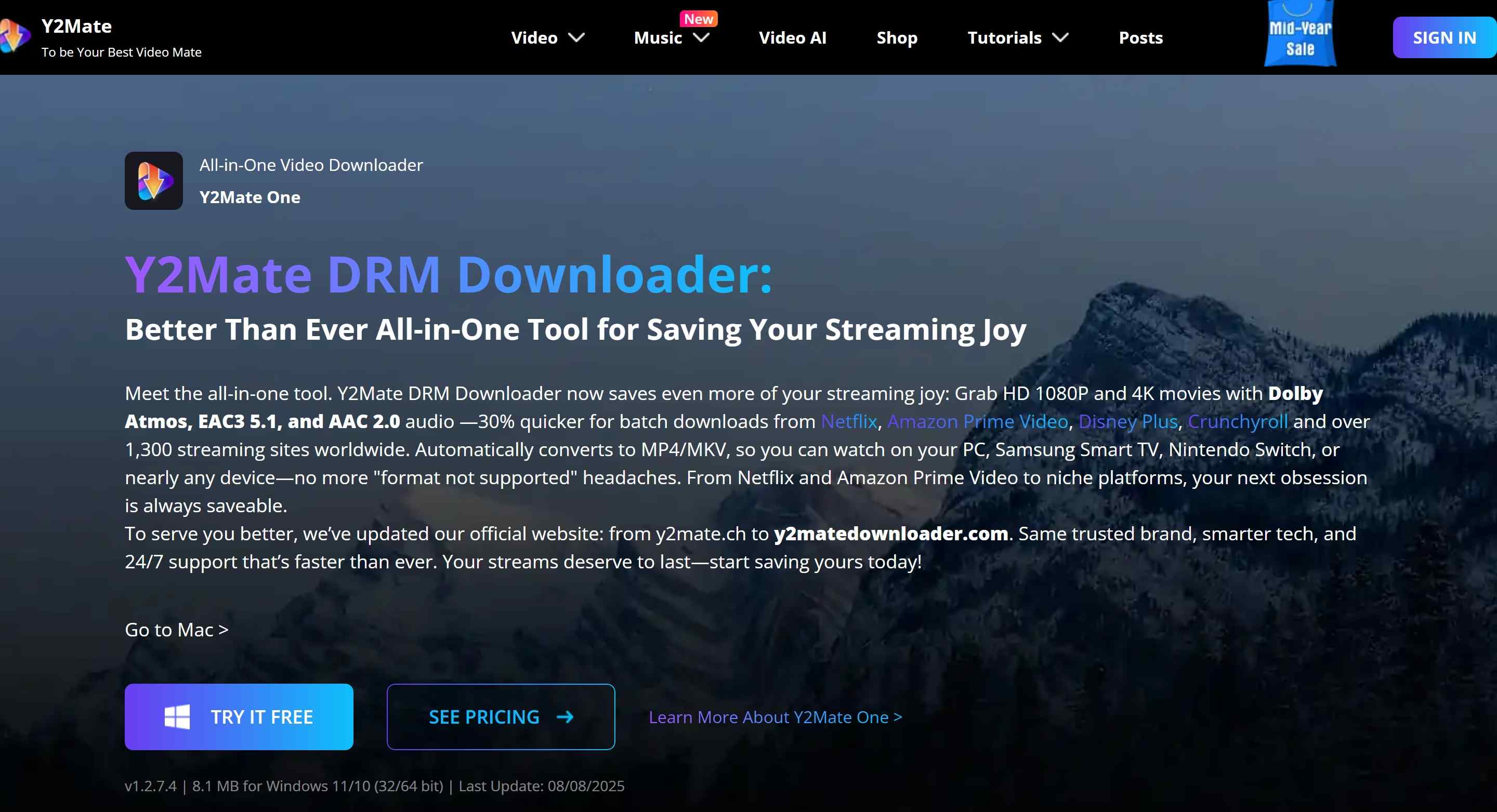
- MP4 and MKV output are listed in the existing product information
- SRT subtitle extraction is listed, but service-specific behavior needs a current trial check
- Windows and Mac support are listed for the desktop app
- No retained speed figure is presented without a disclosed raw test record
Best for: Readers willing to use a video downloader free trial to check one exact service, title, audio track, and subtitle workflow.
Not ideal for: Buyers who need published current license terms, a verified update cadence, or independently documented recent completion results before installing.
3. MovPilot: Flexible Device Playback
MovPilot is a practical option when the priority is transferring MP4 or MKV files to another player. Playback still depends on the target device, player, codec, selected audio track, and subtitle format.
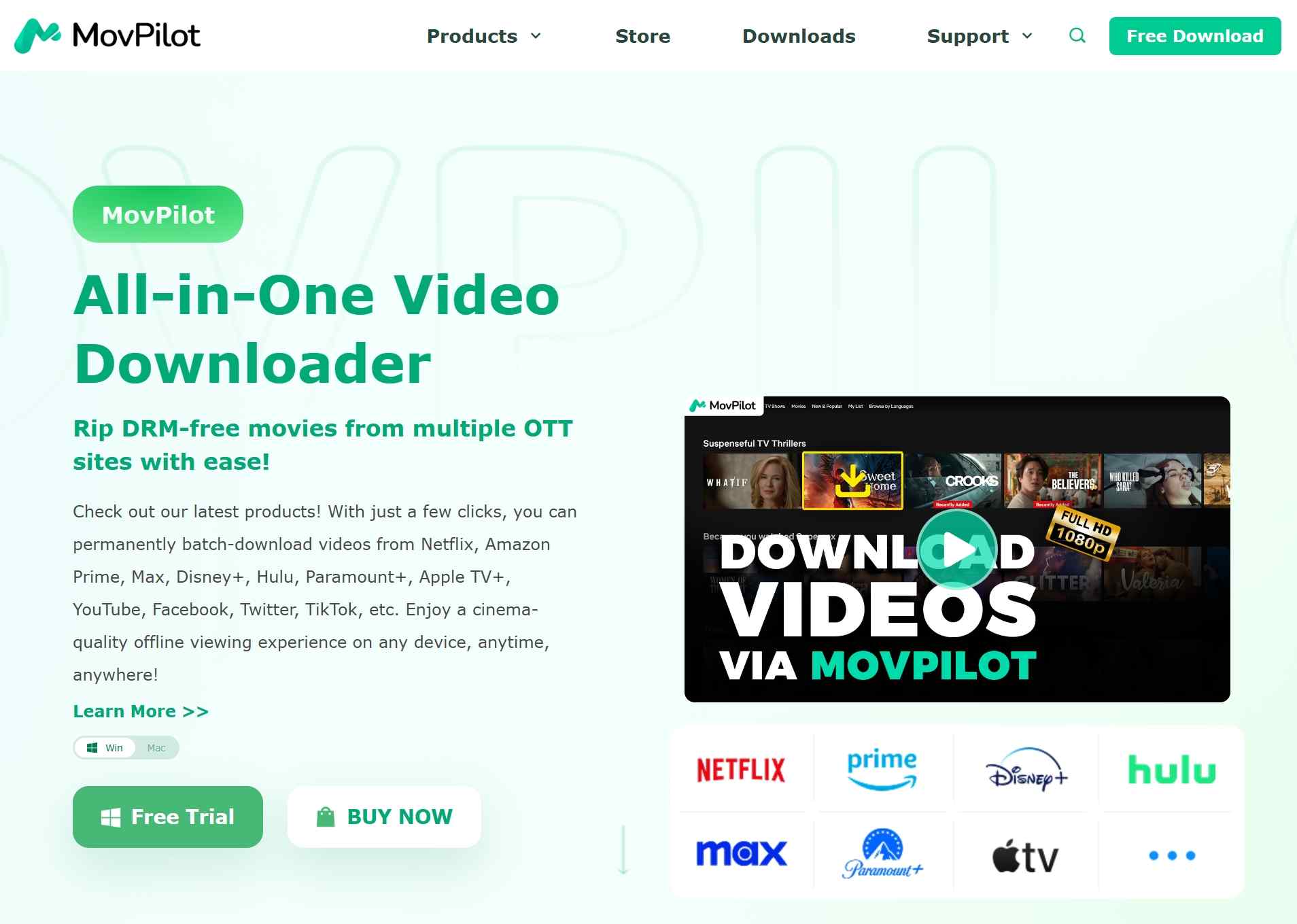
Its current product lineup names Netflix, Prime Video, Disney+, Max, Hulu, Paramount+, Apple TV+, and YouTube options for Windows and Mac. The site lists H.264 and H.265 choices, batch workflows, and multiple subtitle formats for some services, while service-specific quality and trial restrictions require title-level confirmation.
Best for: People who understand their target player's codec and subtitle support and want files that can be transferred between devices.
Not ideal for: Anyone expecting a file to play on any device without checking the container, codec, audio, and subtitle combination first.
4. FlixGrab: Windows Budget Pick
FlixGrab is a Windows-only candidate with a simple desktop workflow and named support for several major services. Its value depends on the current paid-feature limits, not on an unverified claim that it is the cheapest option.
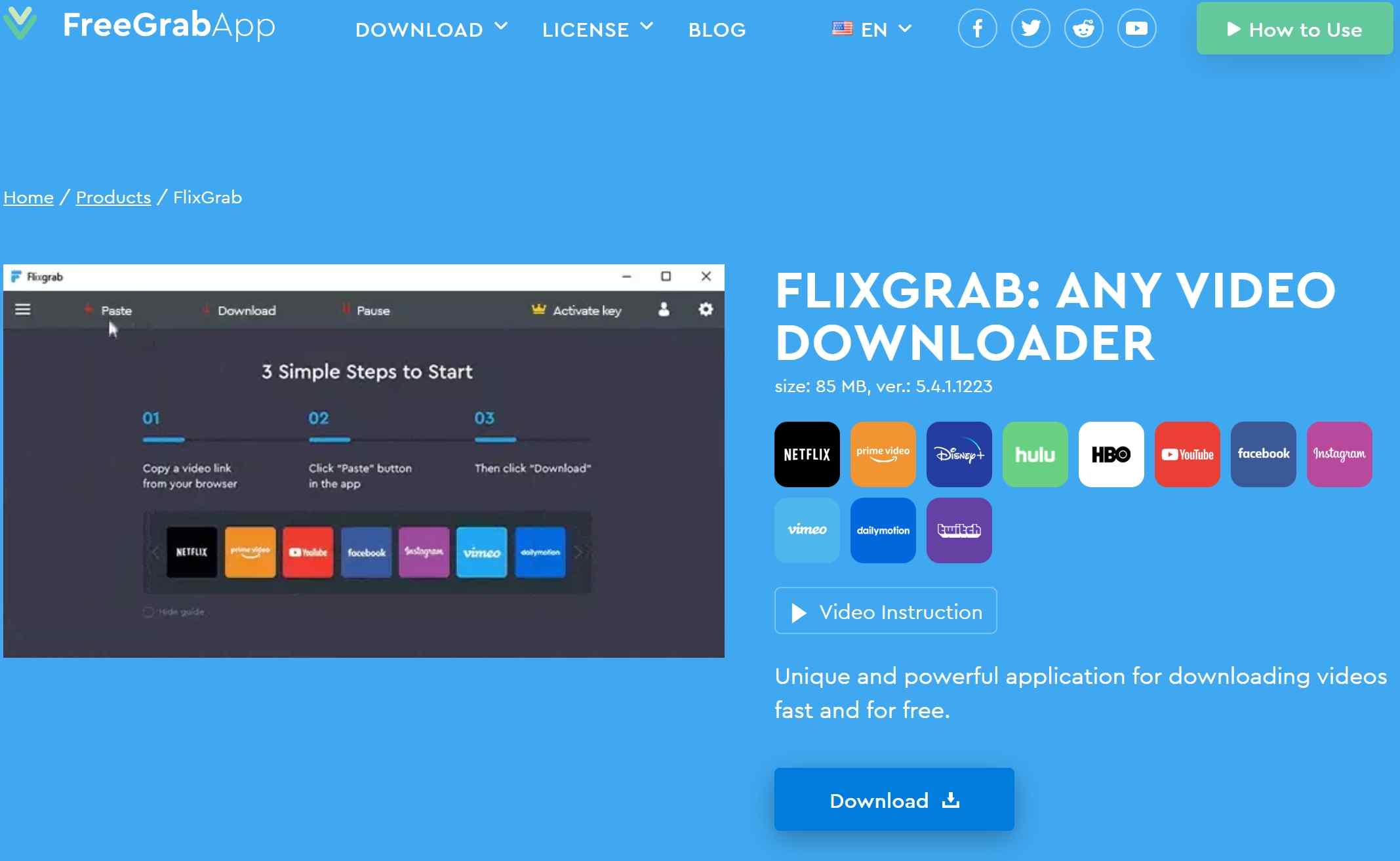
- The official page lists video output up to 1080p
- Dolby Digital Surround 5.1 is listed for supported content
- Multiple videos can be processed at the same time
- Netflix, Prime Video, Disney+, Hulu, HBO, YouTube, and other sites are named
- Important limitation:FlixGrab runs on Windows only; macOS and Linux are not supported.
The current page identifies Windows 7 SP1 and later, up to 1080p video, 5.1 audio support, and concurrent downloads. It does not provide enough current detail to compare subtitle modes, scheduled downloads, refund terms, or recent service-by-service completion.
Best for: Windows users who want a straightforward trial of the specific supported service they use.
Not ideal for: Mac or Linux users, and buyers who need detailed subtitle handling or a documented recent compatibility record.
FlixiCam Alternatives Compared
This matrix separates verified specifications from claims that still need a current title-level trial. It covers the decision fields that can be compared without filling the table with invented prices, speed figures, or reliability scores.
| Product | Method | Formats | Verified quality | Audio and subtitles | Batch or schedule | Trial boundary | Current evidence |
|---|---|---|---|---|---|---|---|
| StreamFab Video Downloader | Desktop recording and saving workflow | MP4 and MKV | Up to 4K where supported by the service and plan | Selectable audio tracks; downloadable subtitles; service-dependent HDR and audio support | Batch and scheduled workflows | Three downloads per platform in the trial | Verified product specifications are available; exact title completion still needs a current run |
| Y2Mate DRM Downloader | Desktop downloader with a built-in browsing workflow | MP4 and MKV are listed | A prior 1080p claim is not treated as current without a title-level check | SRT subtitles and multichannel audio are listed; service-specific results need trial verification | Current batch and scheduling terms were not confirmed | A trial is offered; the current limit was not confirmed | No retained speed or success figure without a reproducible matrix |
| MovPilot Video Downloader | Desktop downloading workflow | MP4 and MKV for supported products | Service-specific maximums vary; no single universal figure is used here | H.264 or H.265 choices and multiple subtitle formats are listed for parts of the lineup | Batch downloads listed; calendar scheduling not stated | A trial is offered; the current limit was not stated on the reviewed page | Current lineup is published; exact title and regional compatibility need a run |
| FlixGrab | Windows desktop downloading workflow | Current page does not specify MP4 or MKV | Up to 1080p listed | Dolby Digital Surround 5.1 listed; subtitle details not stated | Concurrent downloads listed; scheduling not stated | No current title or duration limit stated on the reviewed page | Version 5.4.1.1223 is listed; no dated service-completion matrix is published |
Dynamic product fields are summarized as of July 2026. License model, quota, refund window, and update cadence were omitted where most products did not publish comparable current details; test the exact service and title before purchase.
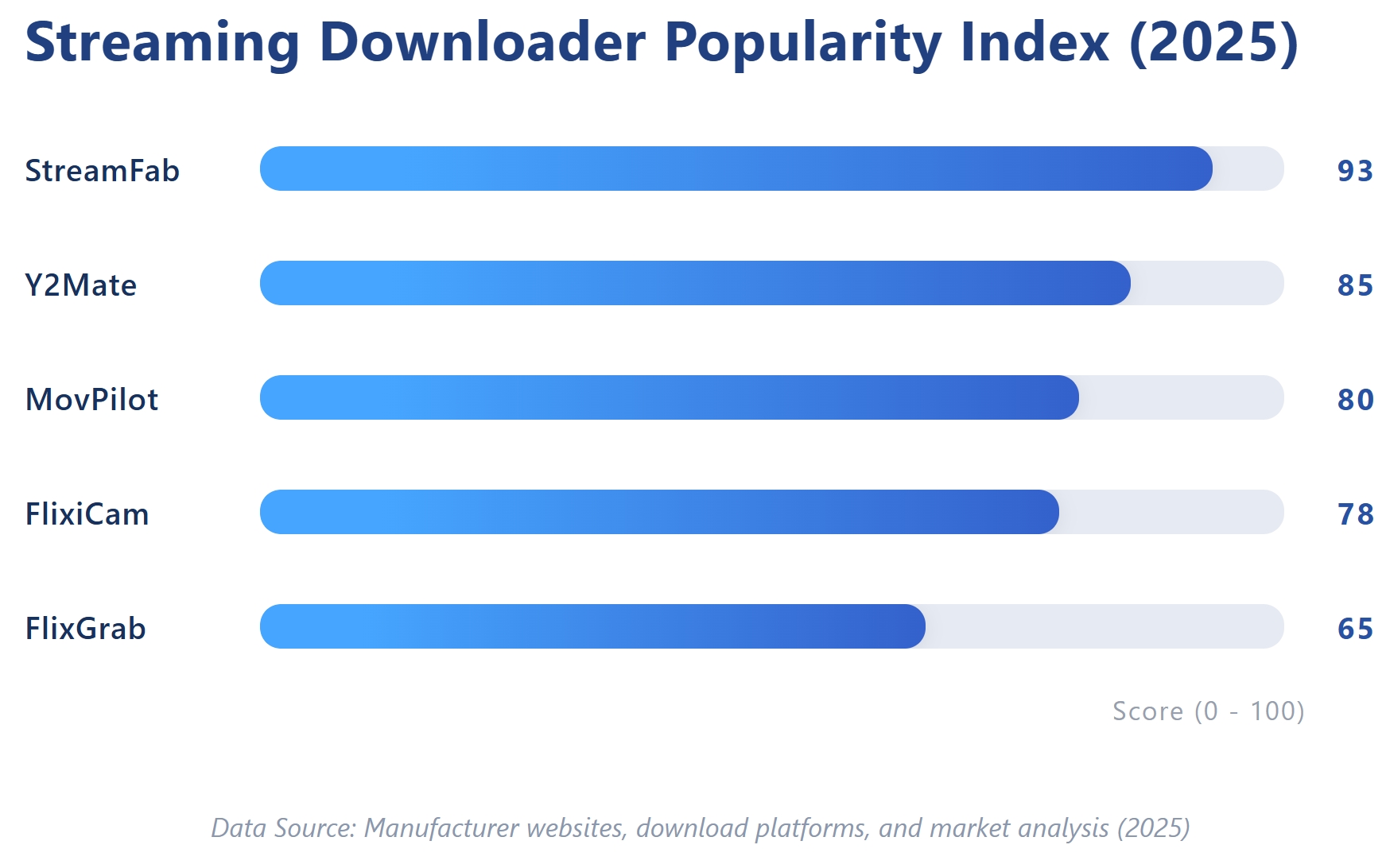
The table's practical takeaway is straightforward: StreamFab has the strongest verified multi-service specification set, while Y2Mate, MovPilot, and FlixGrab require more title-level confirmation in the areas where current evidence is thinner.
Legal and Safety Boundaries
For content you are authorized to access, where permitted by platform terms and applicable law, use local copies for personal offline viewing and do not redistribute them.
- Use an active account that is permitted to access the selected title
- Keep local copies within personal offline viewing boundaries
- Follow the streaming service terms and applicable law
- Do not distribute, sell, upload, or share saved content
- Installer safetyDownload installers from each vendor's official website
- Check the publisher signature and scan the installer before opening it
- Avoid modified packages and unofficial mirrors
- A clean installer protects the device but does not prove current service compatibility
- Confirm the exact service, title, account tier, region, audio, and subtitle result during the trial
A clean installer is a device-safety signal, not proof that a downloader still completes a particular title after a platform update. That distinction is easy to overlook and matters more than a polished interface.
FAQs
These answers address licensing, installer safety, failures, Windows offline access, and ad-supported tiers without repeating the full comparison.
Is FlixiCam free, or does it require a paid license?
FlixiCam is not fully free; it offers a limited trial. Current paid-license terms are better handled in the dedicated FlixiCam review because this page focuses on alternatives rather than a full licensing analysis.
Is it safe to install FlixiCam from an unofficial website?
Use the official vendor installer, check its publisher signature, and scan the file before opening it. Modified installers and unofficial mirrors add avoidable device-security risk, even when the page presenting them looks legitimate.
Why can FlixiCam stop working after a streaming update?
Platform changes, login loops, network conditions, and account restrictions can interrupt a download. Keep the diagnosis brief here and use the linked FlixiCam troubleshooting guide for the step-by-step repair path.
Can I still download Netflix shows on a Windows PC?
The current Netflix app for Windows does not support official downloads or offline playback. Official app-bound downloads remain available on supported mobile devices and Chromebooks; any desktop local-file workflow must follow the authorization, service-terms, and applicable-law boundaries above.
Do ad-supported plans affect download quality or compatibility?
They can. Support and maximum quality vary by service, account tier, title, region, and product version. Use the dated comparison data, then run the exact title on the intended account before purchasing.
Conclusion
Choose the product that completes your exact service and title with the formats, audio, subtitles, and operating system you need. Current service-specific reliability should outweigh the fastest advertised speed.
- StreamFab: Best for multiple supported services, MP4 or MKV output, and batch or scheduled queues. Not ideal for Linux or mobile-app-only needs.
- Y2Mate: Best for readers prepared to evaluate its trial closely. Not ideal when current license and compatibility evidence must be published before installation.
- MovPilot: Best for transferring files to a player with known codec and subtitle support. Not ideal when device compatibility has not been checked.
- FlixGrab: Best for Windows users testing a named service. Not ideal for macOS, Linux, or subtitle-first requirements.
Use the same service and title in three runs, keep the failure log, and purchase only if the observed output matches the intended player and viewing setup.
Update Log
The July 2026 revision corrected the Netflix Windows download status, removed unsupported speed and universal compatibility claims, added centralized prerequisites and numbered verification steps, expanded the comparison matrix, and clarified trial and legal boundaries.

Evaluating the Audials One 2026 free trial? I tested its 720p caps, examined if is audials legal under Fair Use
By Erika Leen - Sep 29, 2026
Are you thinking of purchasing NoteBurner and unsure if it’s worth the investment? In this NoteBurner review, let’s delve into its product lines, particularly the NoteBurner Video Downloader’s pros and cons.
By Marcia Hatcher - Sep 28, 2026
Read our in-depth Audials review for 2026. Is Audials safe and legal for Amazon Prime? Discover actual test results, Widevine DRM fixes, and better alternatives.
By Erika Leen - Sep 28, 2026
TuneFab’s Amazon downloader suits a focused desktop routine, while VideOne covers multiple services. Compare their workflows, license structures, and output checks with StreamFab, then use the numbered setup and maintenance steps for authorized personal offline viewing.
By Erika Leen - Sep 24, 2026