
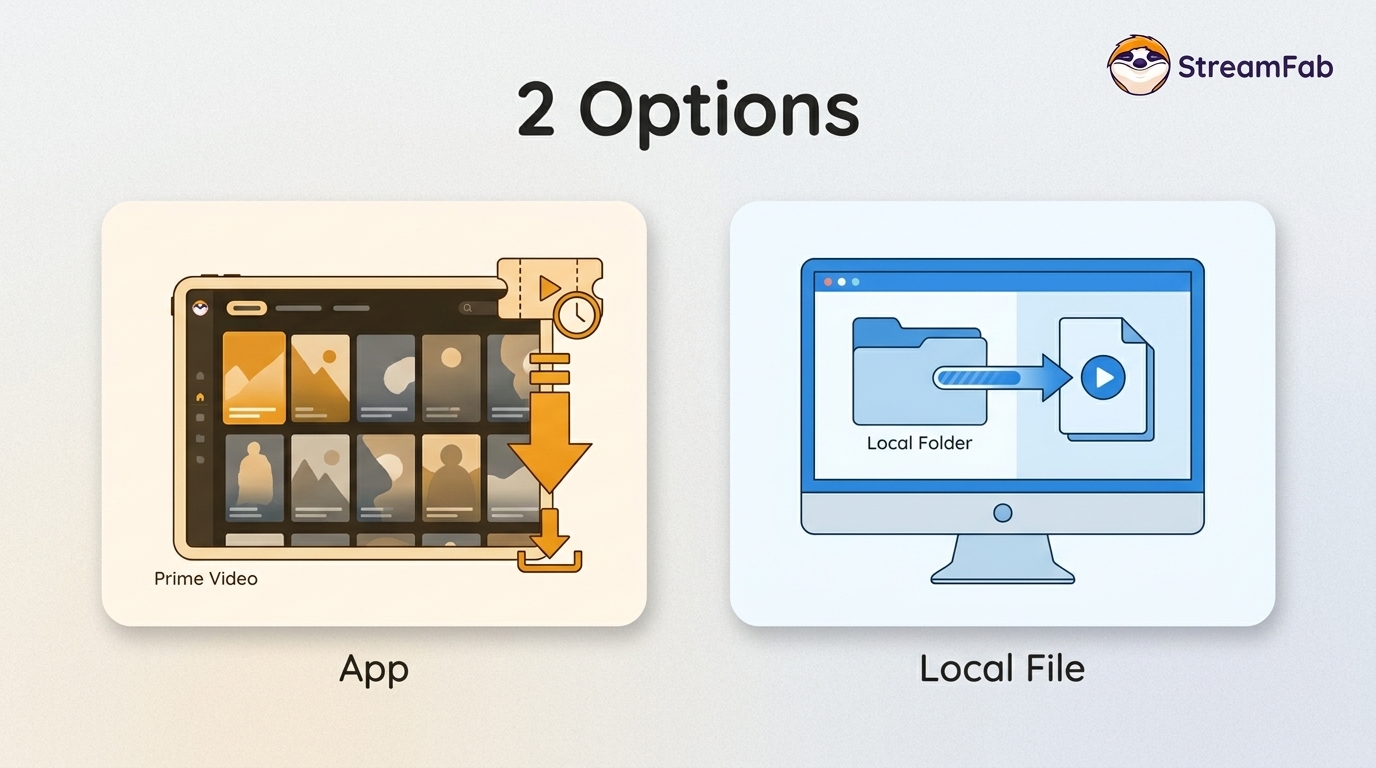
Can You Download Rented and Purchased Amazon Movies? 2 Options

Summary: You can download eligible rented Amazon movies and purchased titles through the Prime Video app, but rentals have limited viewing Windows and app-managed storage. This guide explains the official route first, then a desktop local-file workflow for authorized viewing when format, audio, or playback flexibility matters.
What Amazon Lets You Download
Amazon Prime Video has an enormous library of movies and TV shows—some come free with your Prime subscription (that little “Included with Prime” tag), while others you’ll need to rent or buy separately.
Amazon treats Prime-included titles, rentals, and purchases differently. The comparison below summarizes the practical differences for offline viewing.
| Title type | Eligibility | Viewing period | Storage | Best fit |
| Included with Prime | Active Prime access | While access remains active | Prime Video app | Regular subscription viewing |
| Rental | Separate rental payment | Limited start and viewing window | Prime Video app | Short-term offline viewing |
| Purchase | Separate purchase payment | Generally ongoing access under Prime Video terms | Prime Video app | Titles you expect to revisit |
| Local-file workflow | Authorized title access required | Depends on the selected workflow and applicable rules | Chosen local folder | Format and player flexibility |
Rentals, Purchases, and Prime Titles
Prime-included downloads depend on active membership access. Amazon's Prime Video Help Center explains that rentals typically have a limited period to begin playback and finish watching, while purchased titles are generally available for ongoing viewing under the Terms of Use. Download eligibility can also vary by title and location.
Devices, Storage, and Viewing Windows
Official downloads work only on compatible devices and remain in Prime Video's managed app storage rather than appearing as ordinary files in a desktop folder. Rental timing, device limits, and simultaneous playback rules may change; the comparison reflects Amazon's rules as of August 2026. For a broader explanation of Prime Video download limits, see the linked guide.
Rent or Buy Before Downloading
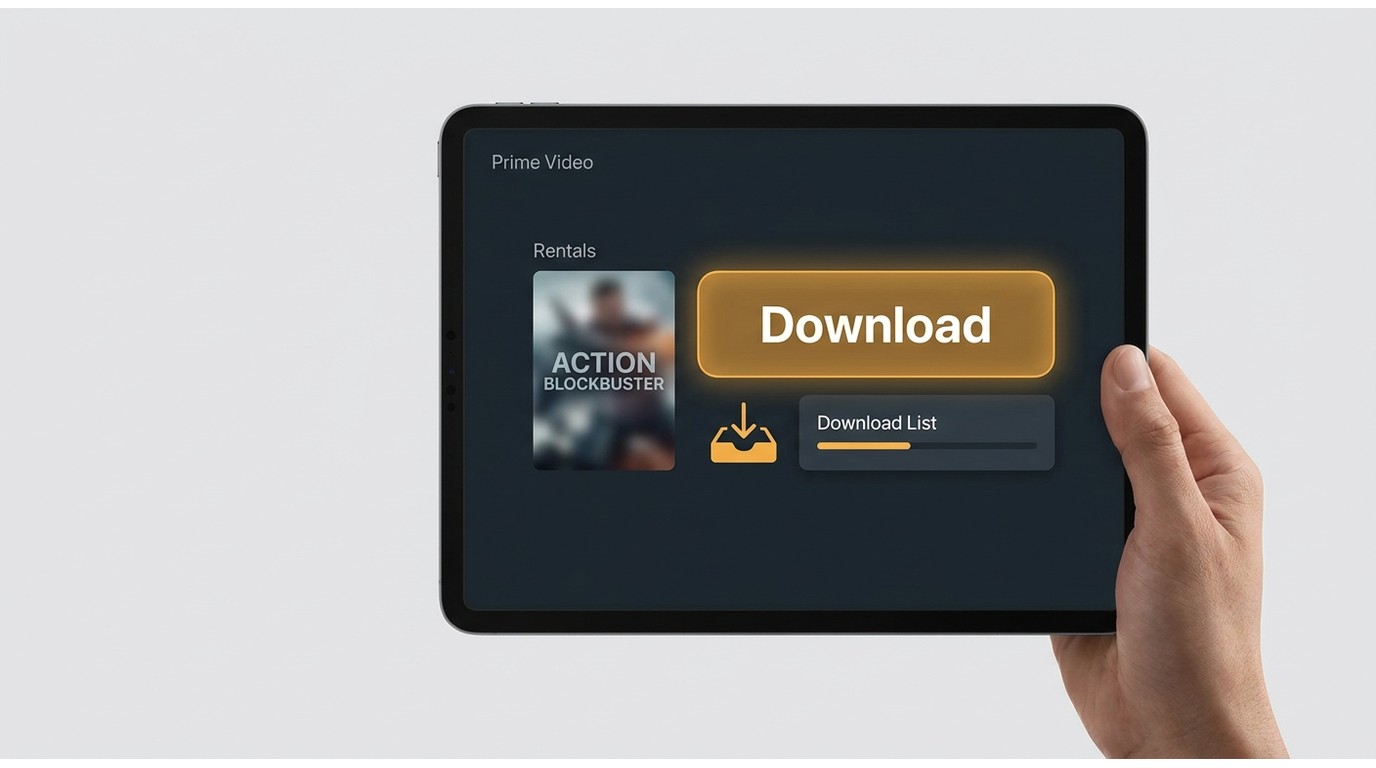
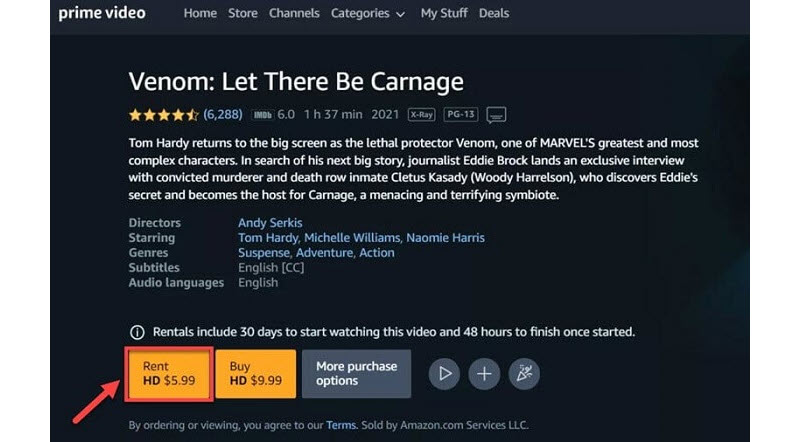
On Amazon.com, search for the title, open its purchase options, choose Rent or Buy, complete payment, and then locate the title under Rentals & Purchases. Once the title is available in your library, check whether it offers a Download option on your compatible device.
If an eligible rental or purchased title shows a Download option in the Prime Video app, this is the simplest route for short-term offline viewing. Open the title page, choose Download, confirm it appears in the Downloads tab, and play it there while offline. This route is the practical choice when app-managed storage and the rental window meet your needs.
Download in the Prime Video App
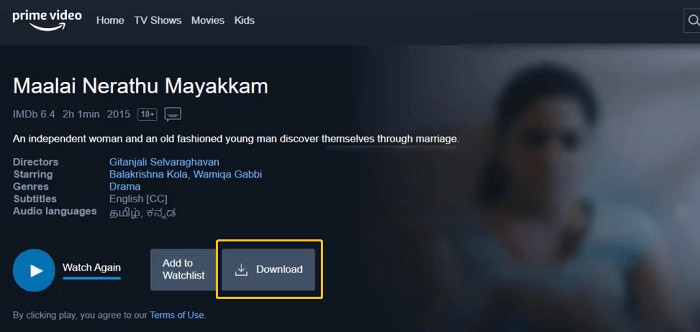
Note: When you have downloaded Amazon Prime videos, rental availability is controlled by the title's current rental terms. Check the rental details shown in the Prime Video app before starting playback.
Why Rental Downloads Fail
Missing Download Button and Paid-Title Errors
If the Download button is missing or a paid rental fails, first confirm that the title is eligible for download in your location and that you are using a compatible device. Then update the Prime Video app, check available storage and network access, confirm you are signed in to the correct account, and review whether another device is already using the rental. If those checks do not help, the limitation may be title- or service-side rather than a device problem.
Version-Aware Desktop Troubleshooting
Desktop tasks can also fail because of title recognition, task-processing, software-version, or remux issues. Retry after updating the app, then test a short title before changing settings for a full rental or purchase. A local-file workflow is worth considering only when the official route does not meet a real format or playback need.
When a Local-File Workflow Fits
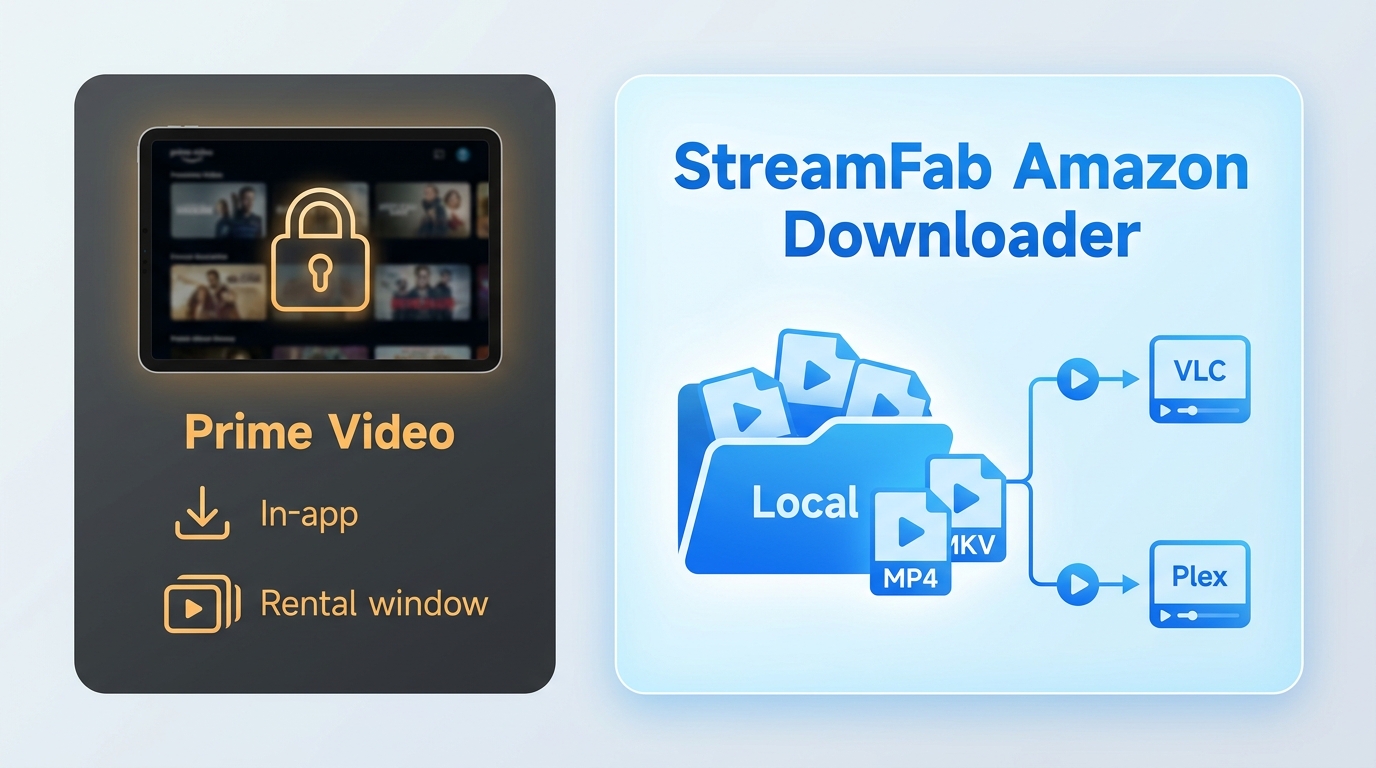
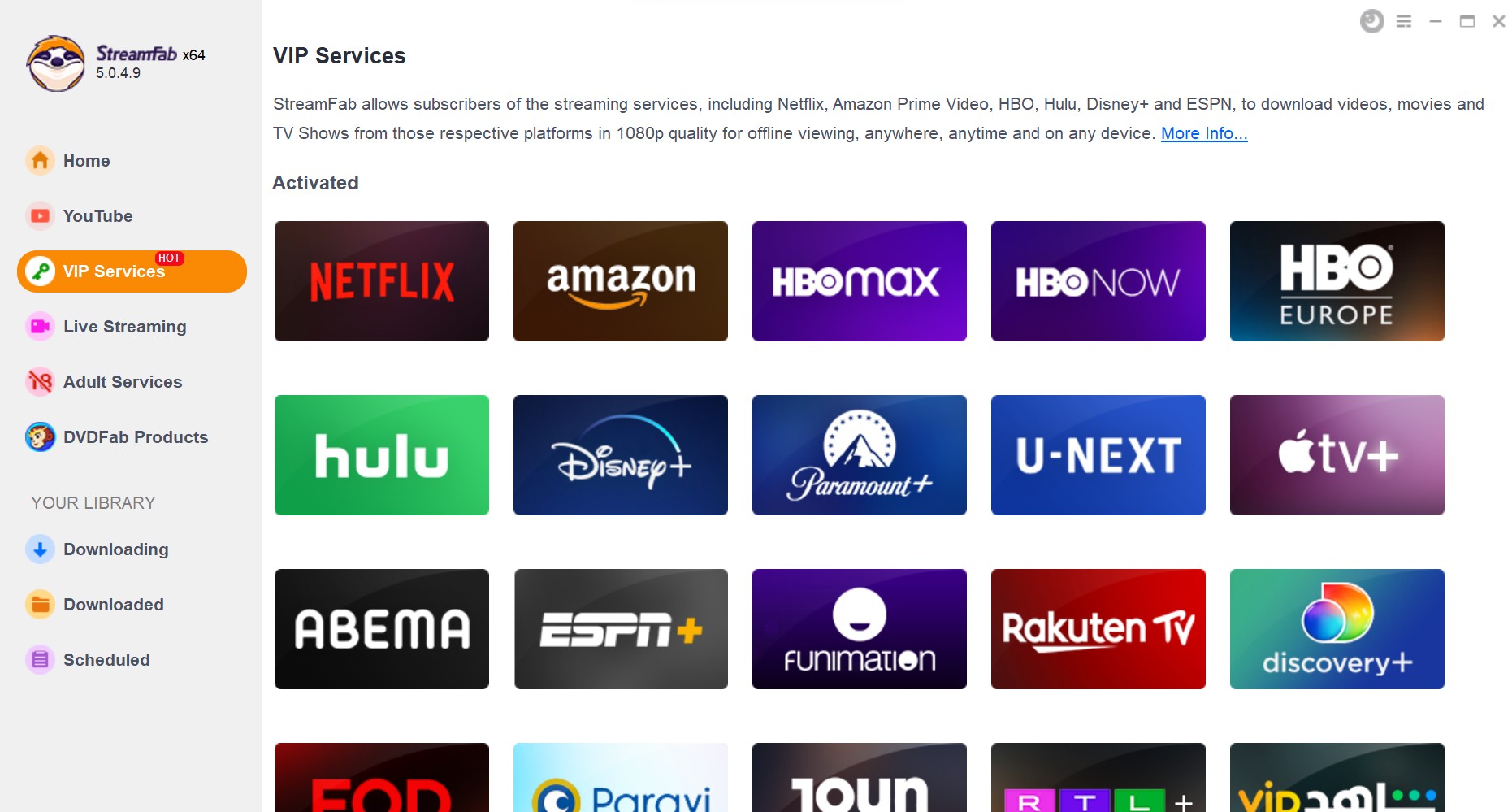
StreamFab Amazon Downloader is a desktop option for Windows and Mac users who have an active Amazon subscription or authorized title access and need personal offline viewing where permitted by platform terms and applicable law. It is most relevant when selectable formats, audio tracks, or subtitles matter, not when occasional in-app viewing is enough.

Transitioning from temporary rentals to permanent digital archiving. Download Amazon Prime DRM-free in 1080p, preserving full EAC3 5.1 metadata indefinitely.
Output Quality, Audio, and Subtitles
As of August 2026, available output settings depend on the current version, title, and service. StreamFab Amazon Downloader supports up to 1080p, MP4 or MKV output, H.264 or H.265 video options when available, selectable audio languages, and subtitles. For broad playback compatibility, MP4 with standard audio is often the simpler choice; the considerations involved in converting Amazon Prime Video to MP4 differ from choosing MKV to retain additional audio or subtitle options.
| Workflow | Storage | Format control | Playback consideration |
|---|---|---|---|
| Prime Video app | Managed app storage | App-controlled | Use the Prime Video app |
| StreamFab Amazon Downloader | Selected local folder | MP4 or MKV | Test player, codec, audio, and subtitles |
| Media-server playback | Local library | Depends on source file | Server and client versions can affect playback |
Playback Compatibility Checks
As a general troubleshooting check, play a file locally in a current player such as VLC before adding it to Plex or another media server, then check the video codec, audio track, and subtitle behavior. Plex compatibility depends on the container, codecs, subtitles, and current server and client versions. If playback fails, try another player or remux the file using a compatible configuration.
Fit, Limits, and Responsible Use
A local-file workflow is not a default replacement for the Prime Video app. It suits readers who need selectable formats or playback flexibility for titles they are authorized to access. It is less suitable for occasional viewing, titles that are not recognized, or readers who expect every title and service version to behave the same way.
- Use authorized access: Complete the rental or purchase and keep the required account access active.
- Keep use personal: Do not share, sell, or use saved content commercially. A local-file workflow does not change rental terms, copyright obligations, or the prohibition on redistribution.
- Use current software: Install current versions, review permissions, and keep account activity conservative.
- Expect variation: Title availability, service-side changes, software versions, processing, and remuxing can affect completion and output quality.
StreamFab Download Workflow
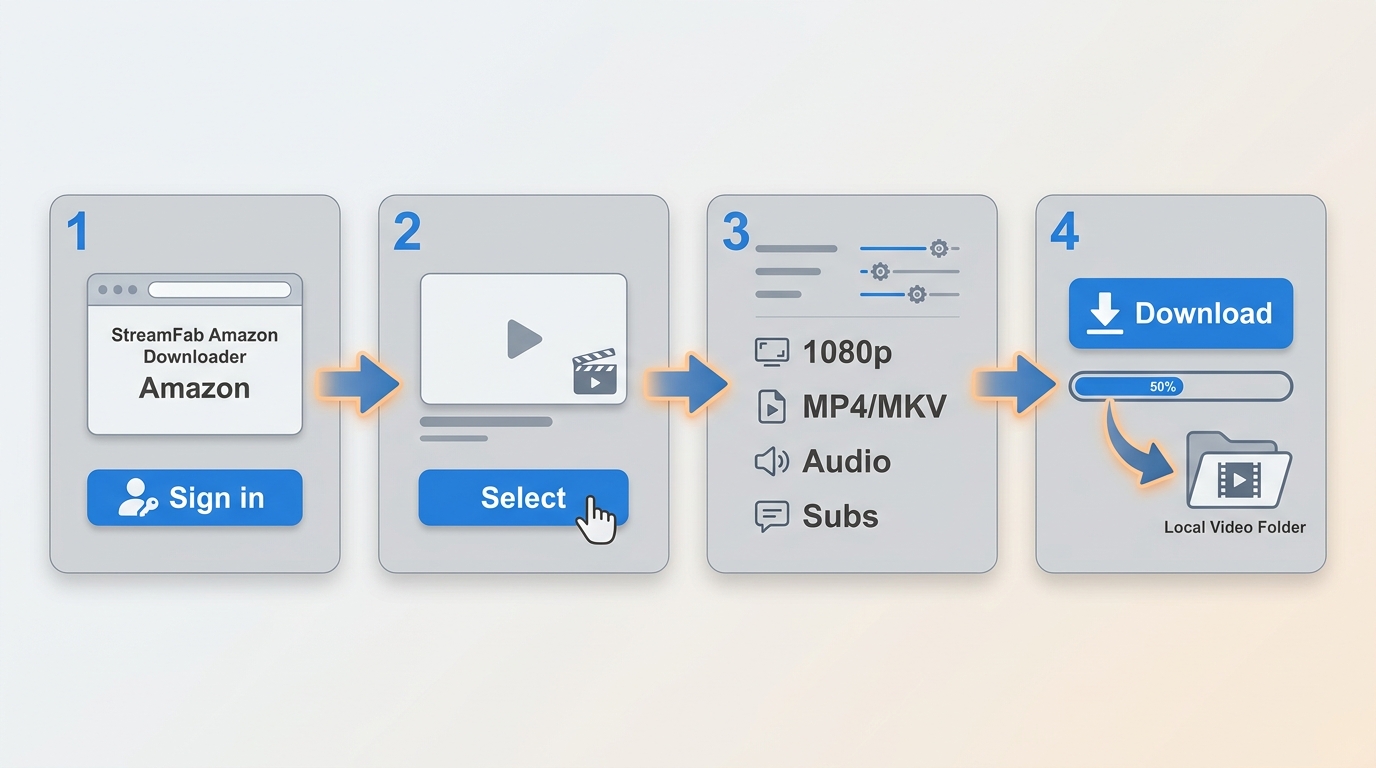
Four-Step Desktop Process
If a desktop workflow fits your needs, StreamFab is included in this Amazon video downloader comparison. Open Amazon in the desktop app, sign in, select a rental or purchase you are authorized to access, choose the available video, audio, and subtitle settings, then start the task.
Initialize Analysis
Search your "My Stuff" > "Rentals & Purchases" tab and play the target movie. The internal engine will automatically intercept the playback request and initiate the SSAI dynamic slice filtering and DRM decryption phase.
Define 2026 Output Preference
Select your desired resolution (up to 1080p), preferred video codec (H264 or HEVC/H265 for storage optimization), and decide whether subtitles should be remuxed or exported as isolated SRT payloads.
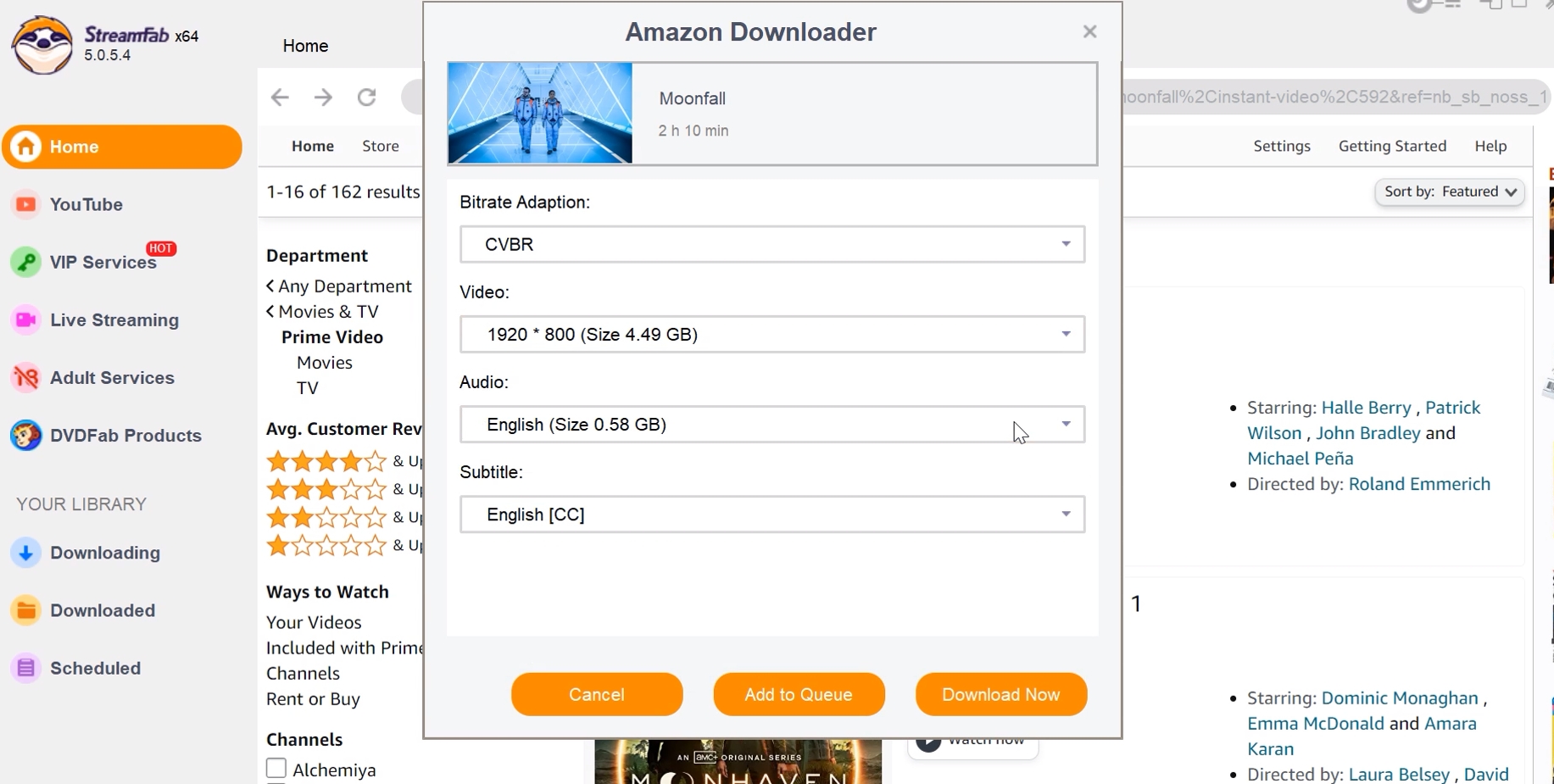
Execute Bitstream Archival
Click "Download Now". Because the software bypasses visual rendering, network speed is the only bottleneck. A standard 2-hour rental will finalize its MP4 compilation in approximately 8-12 minutes.

Frequently Asked Questions
Where does Prime Video store a downloaded rental?
Official rental downloads stay inside Prime Video's managed app storage. They are not ordinary video files exposed in a desktop folder or mobile file browser.
Can I move a downloaded Amazon rental to a USB drive?
Files downloaded in the Prime Video app cannot be moved as ordinary video files. A local-file workflow may provide a file you can store on your own devices, but use must remain personal and consistent with platform terms and applicable law.
Can family members share one downloaded Amazon rental?
Amazon's device and simultaneous-viewing rules apply to the rental. Copying or redistributing a saved file is outside the recommended personal-use workflow.
Conclusion
Choose the official Prime Video app when an eligible rental or purchase is all you need for short-term offline viewing. It is the simplest route because Amazon manages storage, device access, and the viewing window.
Consider StreamFab Amazon Downloader when selectable MP4 or MKV formats, audio tracks, subtitles, or local playback flexibility materially matter for content you are authorized to access. The right choice depends on title eligibility, rental timing, device needs, and whether the added desktop workflow solves a real playback problem.

To watch Prime Video on Chromecast, use the Prime Video Cast icon from a supported iPhone or Android device on the same Wi-Fi network. For occasional laptop viewing, use Chrome’s Cast tab; on Google TV hardware, the native Prime Video app is usually simpler.
By Nicole Lopez - Oct 27, 2026
Struggling with offline viewing? Here is the "Plain English" breakdown of the official Amazon Prime Video download restrictions.
By Erika Leen - Oct 27, 2026
Tested in 2026: the best amazon prime video downloader picks for offline viewing on Windows and Mac — with real bitrate data, pros/cons, and a free trial on every tool.
By Nicole Lopez - Oct 12, 2026
Learn how to fix Amazon Prime Video offline playback errors in 2026. Discover official download rules, device limits, DRM handshake issues for a stable offline experience.
By Jacob Harrison - Sep 28, 2026