
Can You Download BET+ Shows After the Paramount+ Move? 2 Options

Summary: BET app download installs a streaming app; it does not download BET+ shows for offline viewing. With BET+ moving to Paramount+, first locate the title’s current host, then weigh eligible official downloads against a local-file workflow for authorized viewing.
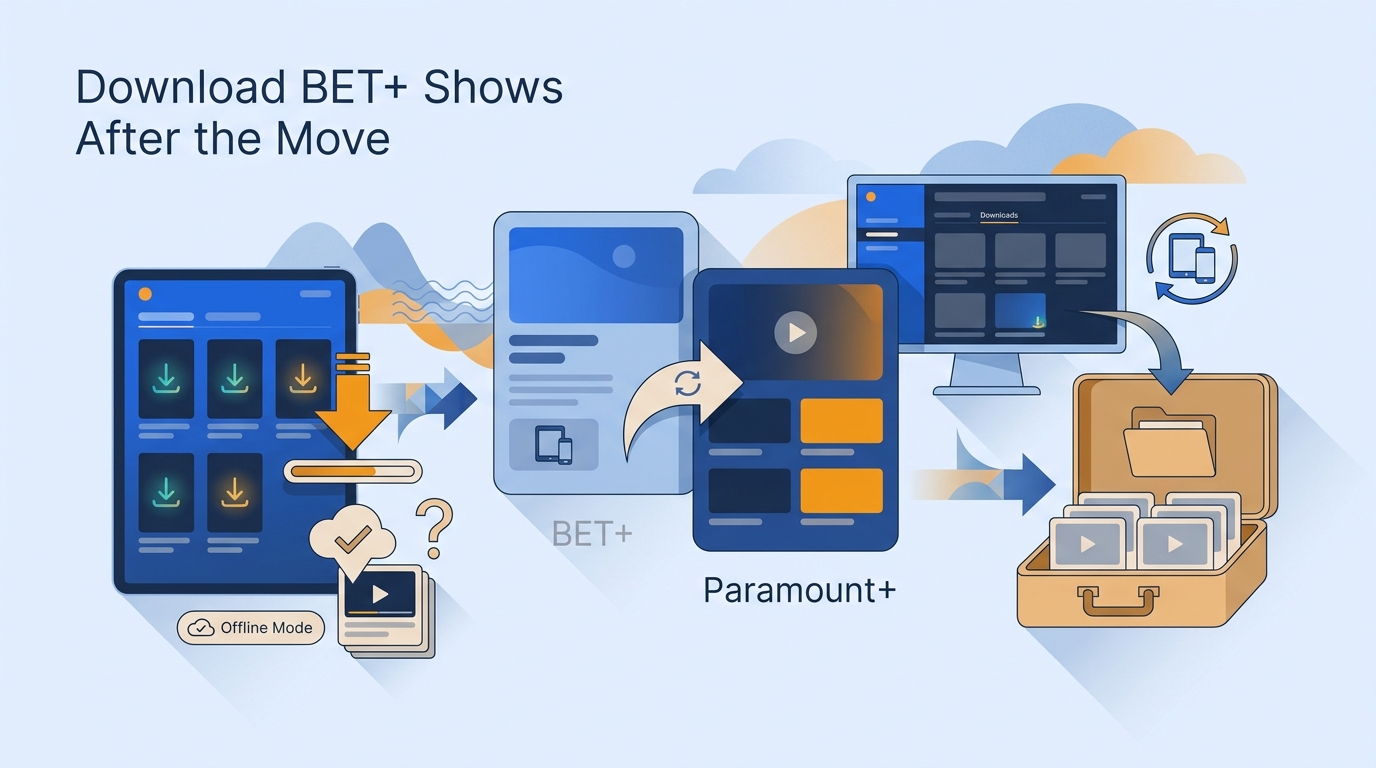
For enthusiasts who simply want to consume their favorite series on a flight or watch while traveling with unreliable connectivity, this lack of native offline support is a major bottleneck. However, based on my storage optimization tests, the practical choices are to find the title's current host, use eligible official app downloads, or organize local files for authorized personal viewing, subject to service terms and future compatibility.
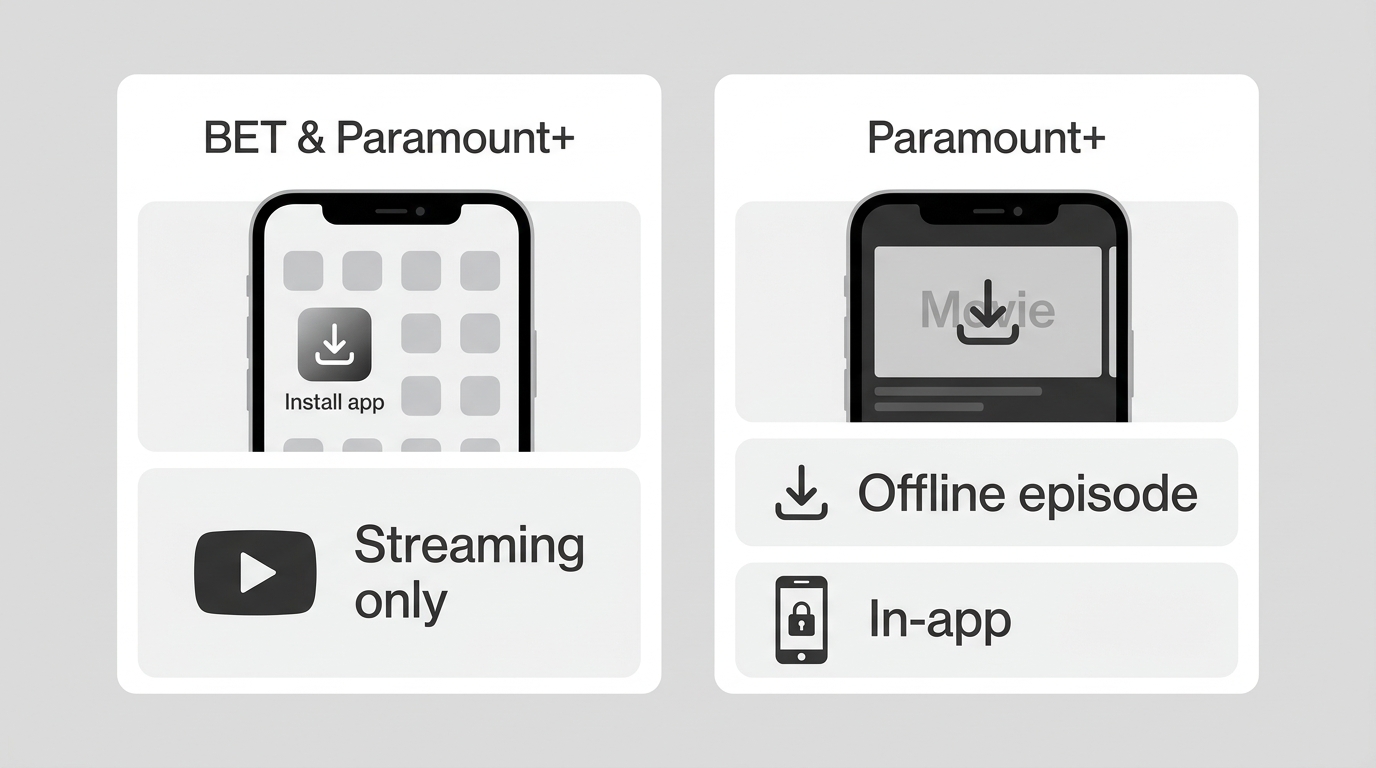
BET+ App Downloads vs Offline Episodes
What Changed With BET+ in 2026
BET+ is being folded into Paramount+ in 2026, and new standalone subscriptions are no longer accepted. Existing BET+ subscriptions do not automatically transfer to Paramount+. As of July 2026, the practical first step is to confirm where the specific show is now hosted before looking for an offline button.
Finding BET Shows on Paramount+
Search the BET collection on Paramount+ and search for the title directly. That is generally more reliable than starting with an older BET+ or Amazon guide, because catalog placement and regional availability can differ. To watch BET+ online, use the current Paramount+ BET collection or search for the title there.
Historically, the BET+ Help Center stated that standalone BET+ videos were not available for offline viewing. For migrated titles, official Paramount+ offline access depends on the current plan, device, title, and region. Installing an app and saving an episode are separate actions.
Before You Choose an Offline Option
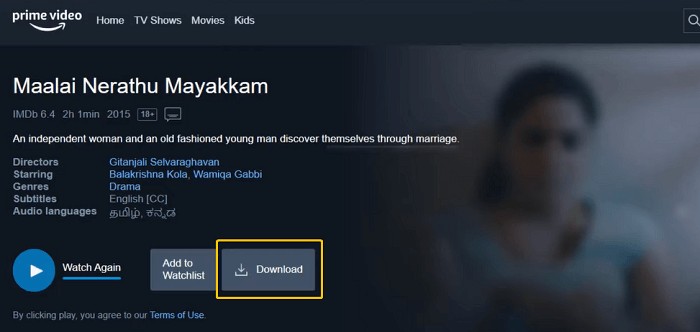
Official mobile downloads are managed inside the app, not exported as ordinary video files. Availability can vary by plan, device, title, and region, so check the title after locating it on Paramount+. Supported devices and catalog availability may change.
Save Migrated BET Shows for Offline Viewing
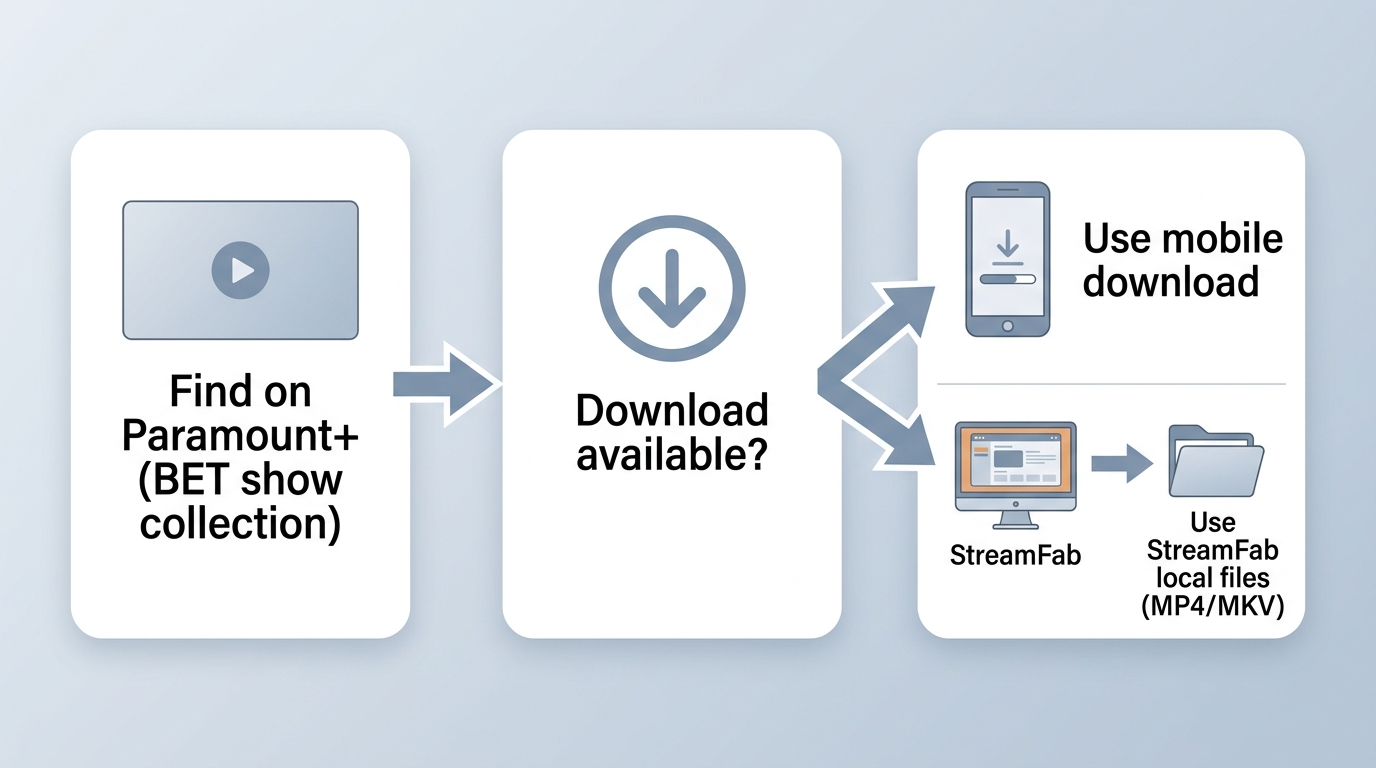
Start with the service currently hosting the migrated title. If its official app offers offline viewing for your plan and device, that is the simplest option for occasional mobile viewing. A desktop workflow becomes relevant when you need organized local files for authorized personal use, where permitted by platform terms and applicable law. BET+ download safety begins with a valid account, authorized content, platform terms, and applicable law.
The distinction between downloading and recording matters here: official app downloads stay within the service’s app, while a local-file workflow is intended for viewers who need file organization and playback flexibility.
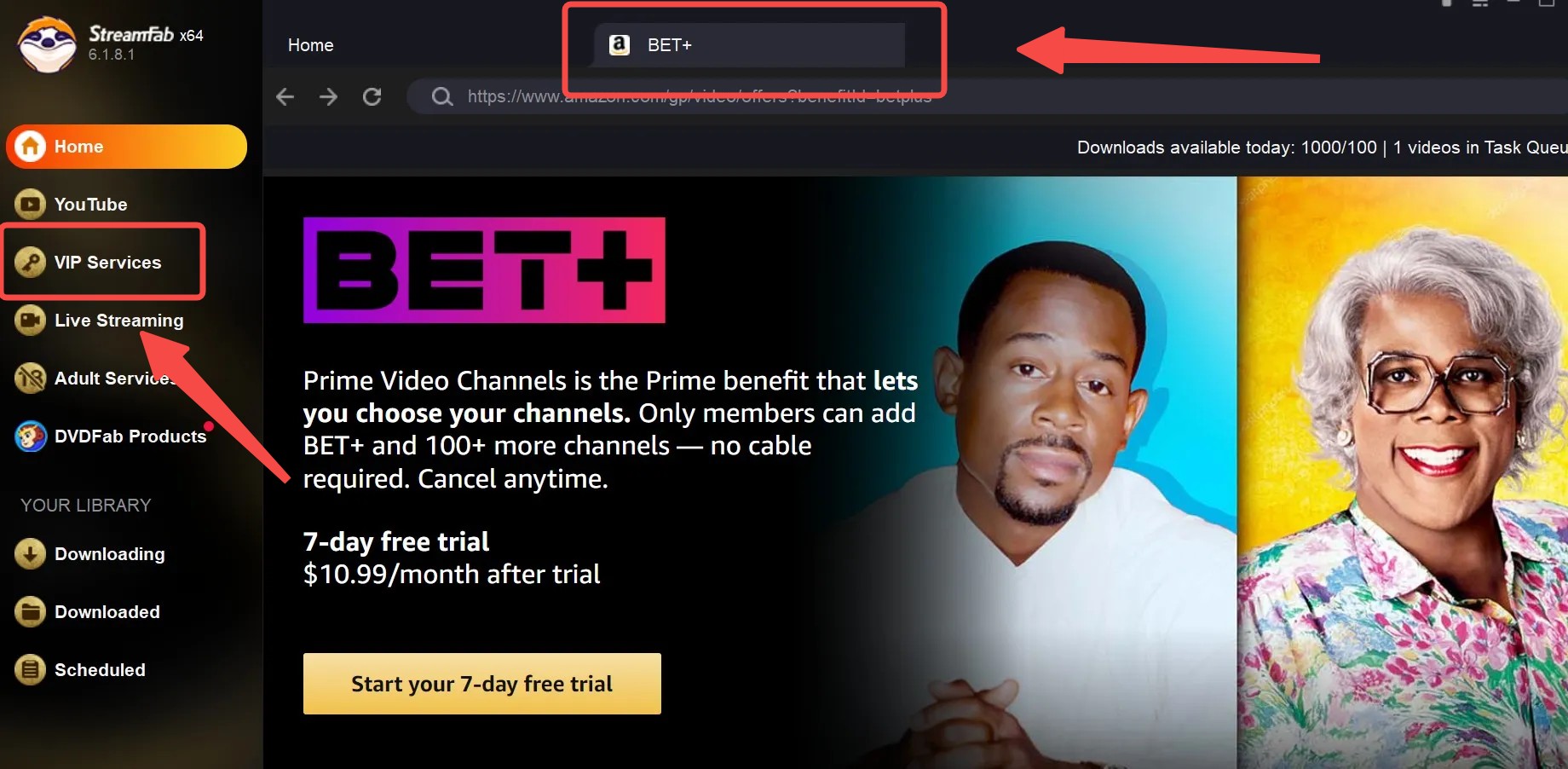
1. StreamFab Local-File Workflow
StreamFab All-In-One is separate from official platform downloads and is subject to each service’s terms and applicable law. For content you are authorized to access, it provides a Windows and Mac workflow for organizing local MP4 or MKV files when the source service is supported.
StreamFab All-In-One is a desktop app for Windows and Mac that saves authorized streaming content as local MP4 or MKV files, with batch, subtitle, and metadata options that vary by service.
For a season or a group of BET+ movie downloads hosted by a supported service, the workflow begins by locating the title and confirming account access. Then choose the episodes, output preferences, and queue only content you are authorized to save. The practical advantage is organization, not a substitute for current platform eligibility.
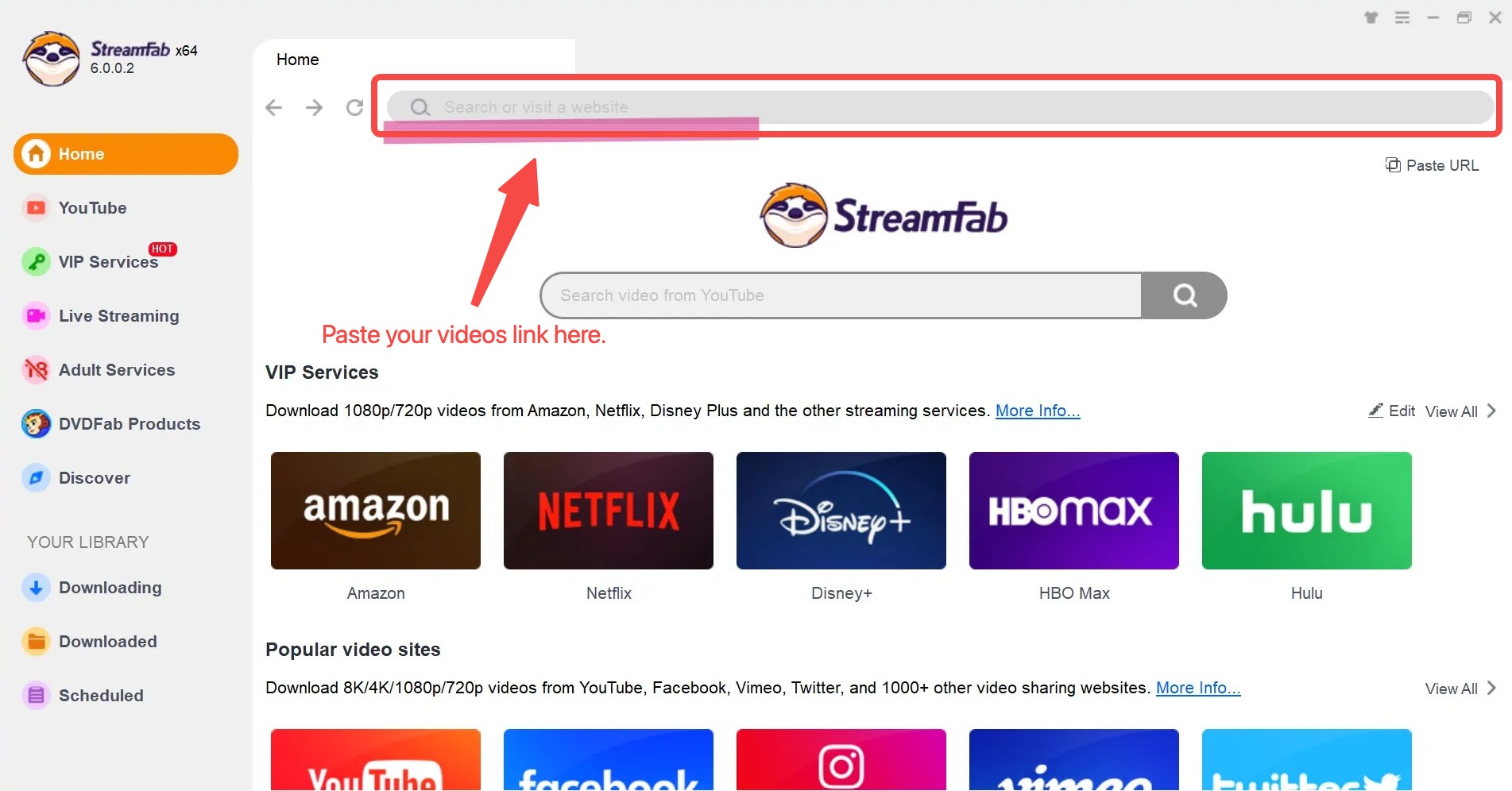
Step 1: Locate the Current Host
Find the migrated title on its current supported service, then sign in with the account that has access to it.
Step 2: Choose Available File Options
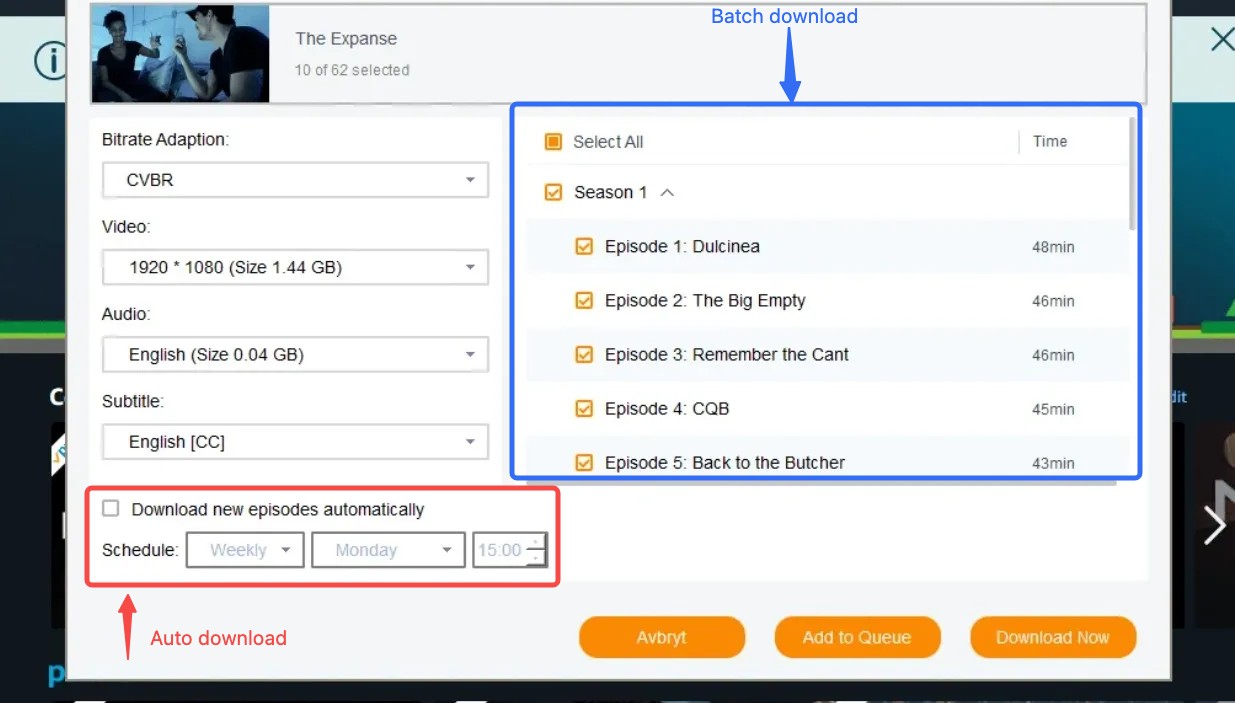
Select the available video, audio, and subtitle options in StreamFab for the supported title. Quality and subtitle availability depend on the source.
Step 3: Queue and Organize the Files
Add the selected items to the queue and choose MP4 or download movies as MKV files when those output options are available. Batch and scheduled downloads, subtitles, and metadata can help keep a personal library organized.
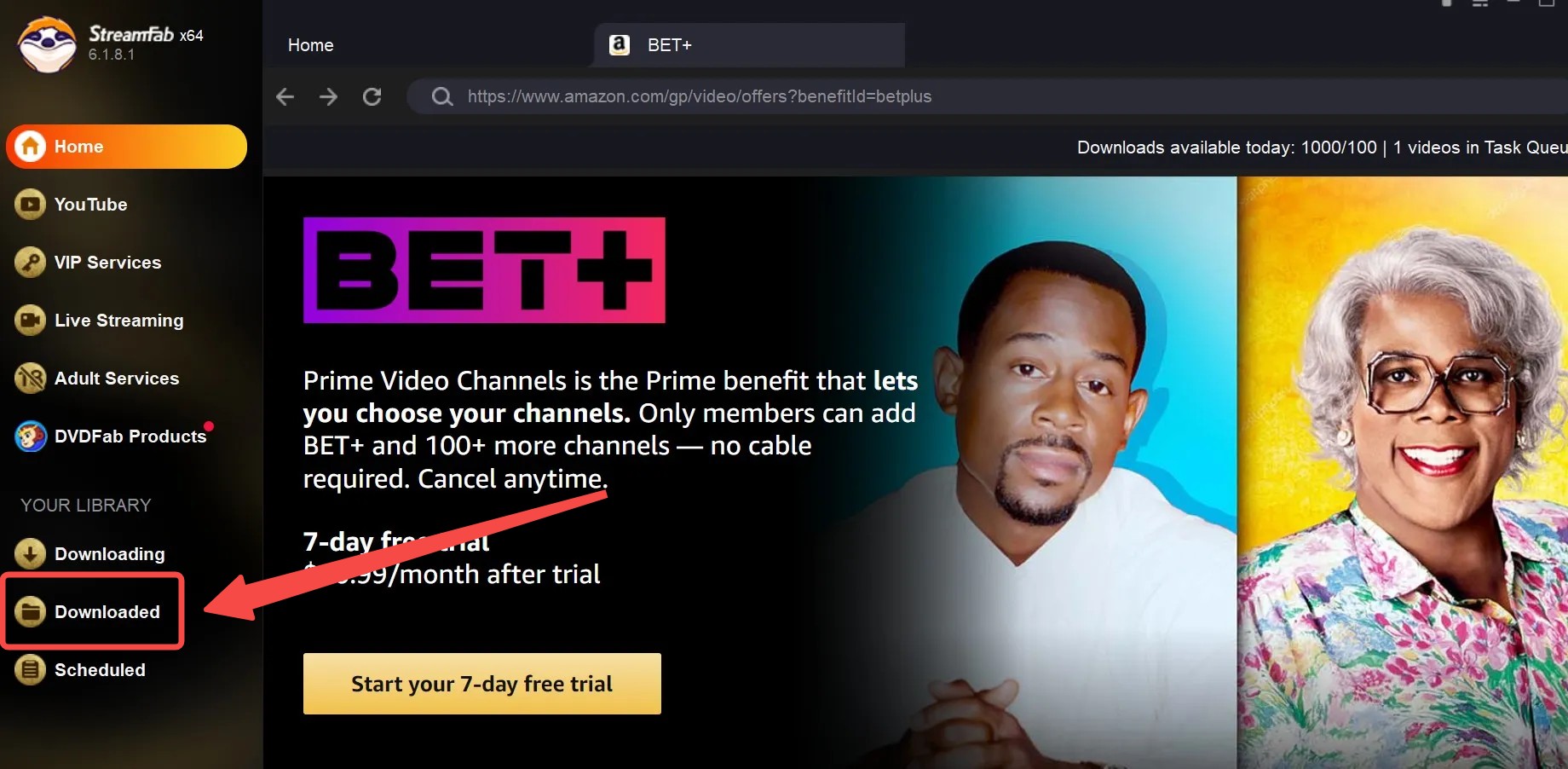
If a title is currently available through Amazon Prime Video, the Amazon Prime Video workflow follows the same basic principle: confirm the title’s current availability and use your authorized account before selecting local-file options.
2. CleverGet as a General Alternative
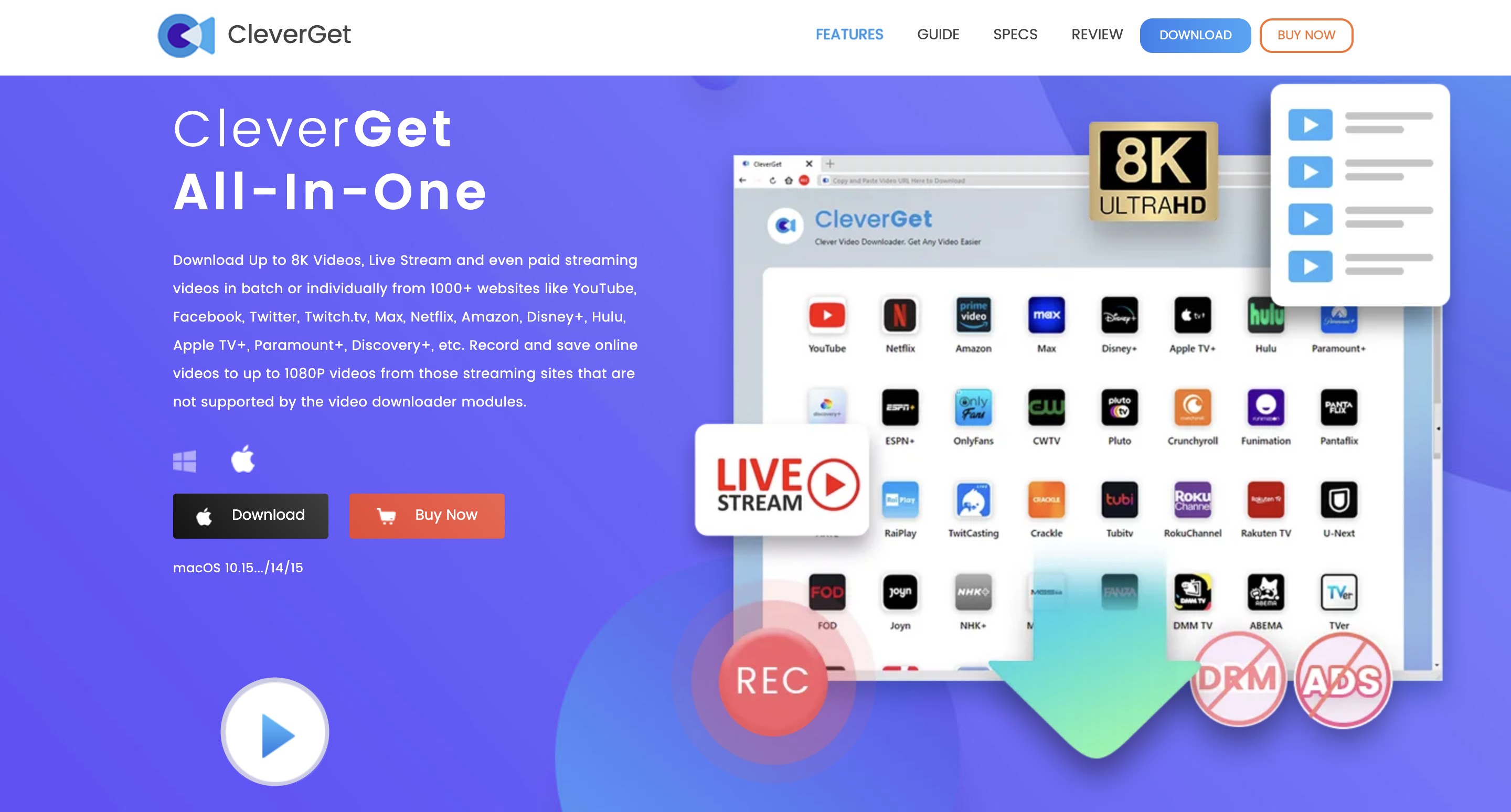
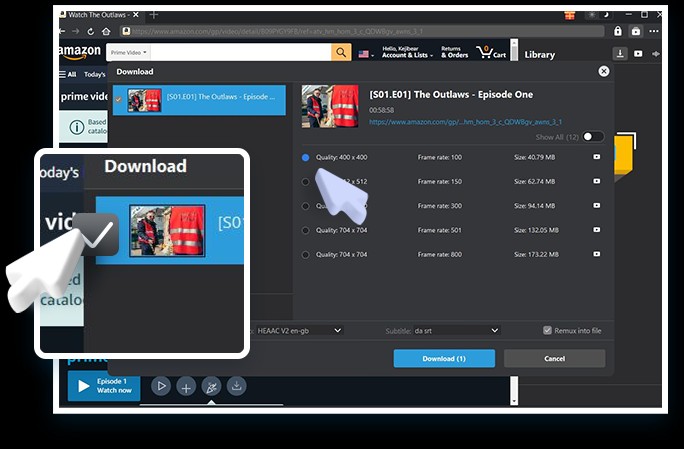
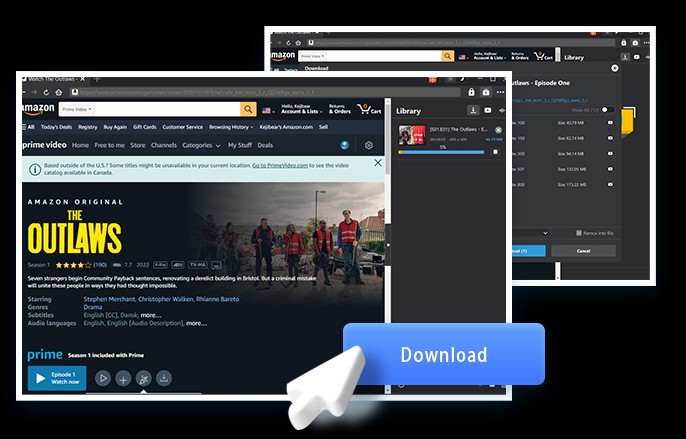
CleverGet is an active general alternative for readers comparing broad downloader suites. Its support for BET+ or migrated BET titles, along with its specific output behavior, can vary by service and title, so do not assume it will work for a particular show without confirming current support.
3. Official Downloads vs Desktop Workflows
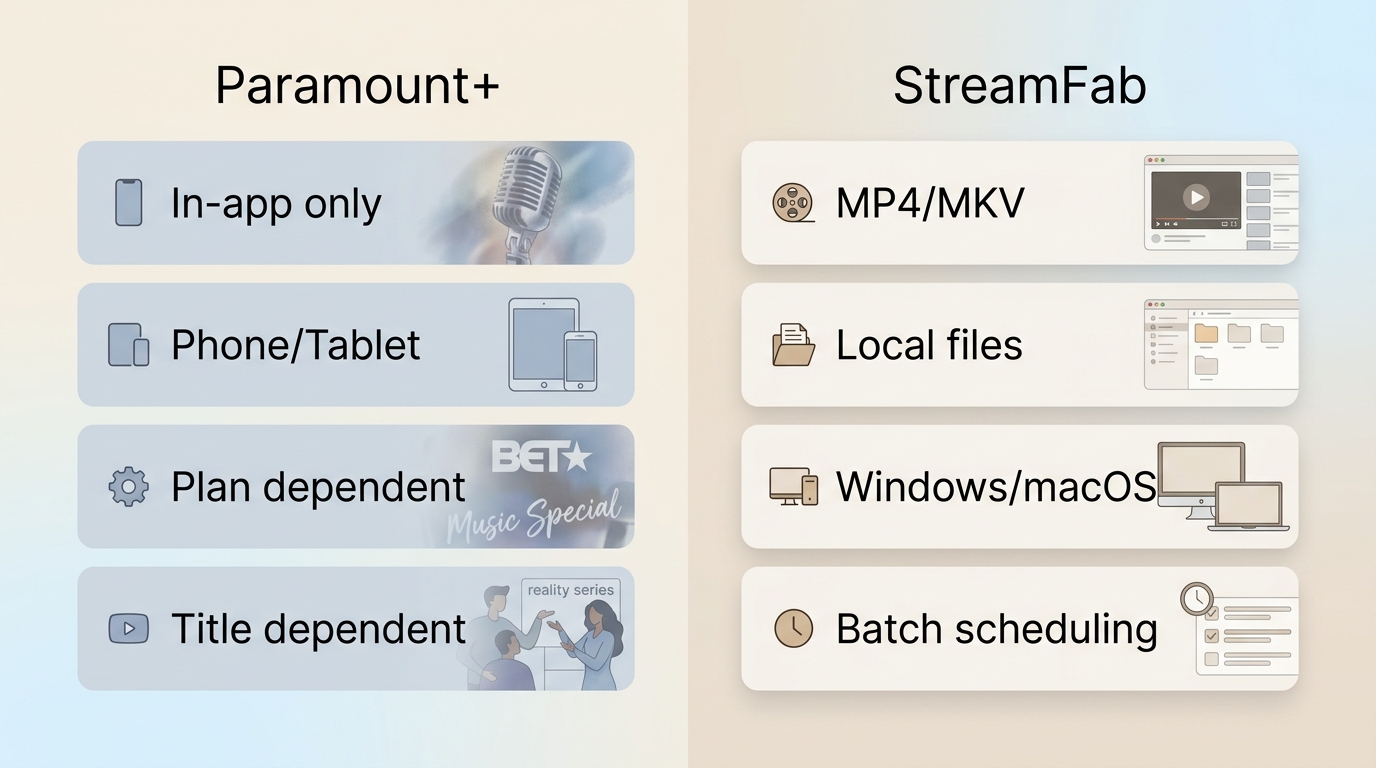
| Decision Point | Paramount+ Official Downloads | StreamFab | CleverGet |
|---|---|---|---|
| Access and eligibility | Depends on the current plan, device, title, and region | Requires authorized access to a supported source | Current BET+ or migrated-title support is unverified |
| Offline result | Managed playback inside the app | Local MP4 or MKV options for supported sources | Varies by current service support and settings |
| Organization options | App-managed downloads; no exported video file | Batch and scheduled downloads, subtitle options, and metadata features | General-suite features vary; BET+ results are unverified |
| Best fit / not ideal for | Best for occasional mobile viewing; not ideal for local file organization | Best for Windows or Mac users who need organized files; not ideal for official mobile-only needs | May suit general-suite comparisons; not ideal when verified migrated-title support is required |
BET+ Download FAQs
Is BET+ included with an Amazon Prime membership?
No. An Amazon Prime membership did not by itself include the paid BET+ channel, so it was not a way to watch BET+ for free. Because BET+ is moving into Paramount+, use the current BET collection on Paramount+ to find a specific show rather than assuming an older Amazon add-on is still available.
Can I install BET or Paramount+ on a smart TV?
Many smart TVs support streaming apps through their device app stores, but installing BET or Paramount+ is different from downloading episodes as files. TV apps generally stream content and may offer app-managed features, rather than exporting local video files.
Can I download migrated BET shows on an iPhone or Android phone?
Official mobile offline access depends on the current Paramount+ plan, your device, the title, and your region. Check the download option on the title page in the mobile app; it is not available for every subscriber or every migrated show.
Conclusion: Choose the Right Offline Path
For BET+ viewers, the sensible order is simple: find the migrated title on Paramount+, use official downloads when your current plan and device support them, and consider a desktop local-file workflow only when organized files are genuinely needed for authorized personal viewing. Checking the title’s current host before choosing a tool is the most dependable decision point.

Identify protected and unprotected M4V files, use authorized Apple TV playback, convert compatible files, or choose a separate supported-streaming workflow.
By Erika Leen - Sep 8, 2026
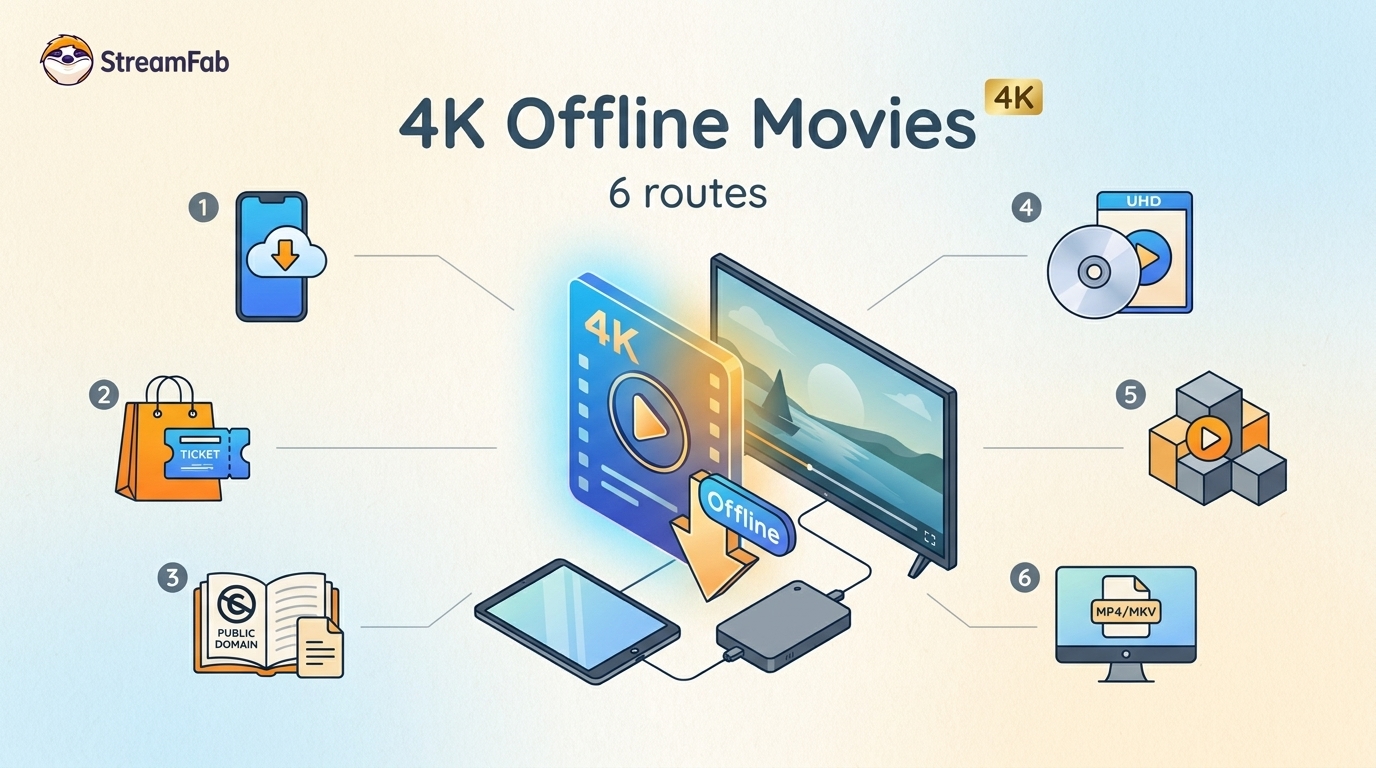
Legal 4K movie downloads do not all provide the same kind of offline access. Most mainstream services offer app-locked downloads, while portable movie files, UHD Blu-ray, public-domain media, and authorized desktop workflows involve different quality, cost, device, and licensing limits.
By Jacob Harrison - Aug 12, 2026
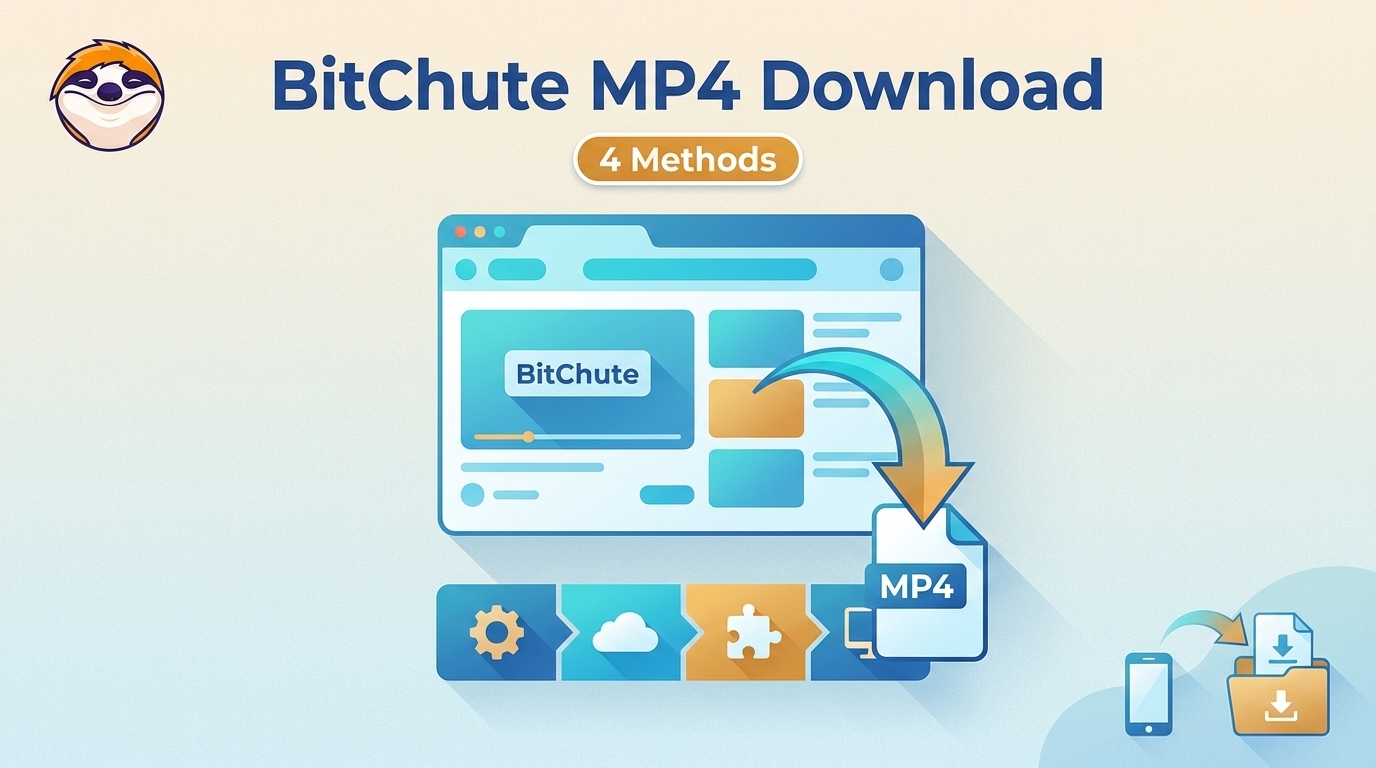
To get straight to the point, you can download a BitChute video as MP4 through its download icon: open the video, then use Save As. For authorized content where permitted, this guide explains when desktop, Android, or browser alternatives make sense.
By Marcia Hatcher - Aug 11, 2026
Looking to convert a link to MP4 in 2026? I've systematically tested top desktop and online converters to bypass Widevine DRM, dynamic tokens, and geoblocking for seamless PC and Android extraction.
By Jacob Harrison - Aug 7, 2026