
Download Stranger Things Seasons 1-5 to MP4 in 2026

Summary: Struggling with Netflix offline viewing limits or risky stranger things season 4 torrent magnet links in 2026? As a digital archiving expert, I'll show you how to safely get a permanent 1080p local backup without black screen errors.
Table of Contents
Whether you are looking for a Stranger Things Season 4 download, a Stranger Things Season 5 download, or a way to download Stranger Things seasons in one queue, start by checking which episodes are currently available through your Netflix account and device.
To download Stranger Things seasons for offline viewing, Netflix’s app works on supported mobile devices, while Windows and Mac users may need a local-file workflow for authorized content. The key differences are device support, title-specific expiration rules, available quality, and the format you need for a full-season queue.
Stranger Things Downloads: Netflix App and Torrent Risks
When trying to download available Stranger Things episodes, relying on either the official app or unverified torrents presents limitations for offline planning.
Official Download Limits by Device
Netflix downloads are available on supported Android phones and tablets, iPhones and iPads, Amazon Fire tablets, and eligible Chromebooks. Windows PCs are not listed as supported download devices in Netflix’s current guide. Download expiration and renewal limits vary by title, so use the expiration notice shown for the specific episode. Supported devices and availability may change; Netflix’s Help Center lists the current status.
Official downloads are simplest for a supported phone or tablet, but they are managed within the Netflix app rather than saved as general media files. You can download Netflix videos to an iPhone or iPad natively, while Netflix downloads on Windows offline are not supported by the official app, which makes the official method a poor fit for a Windows laptop trip plan.
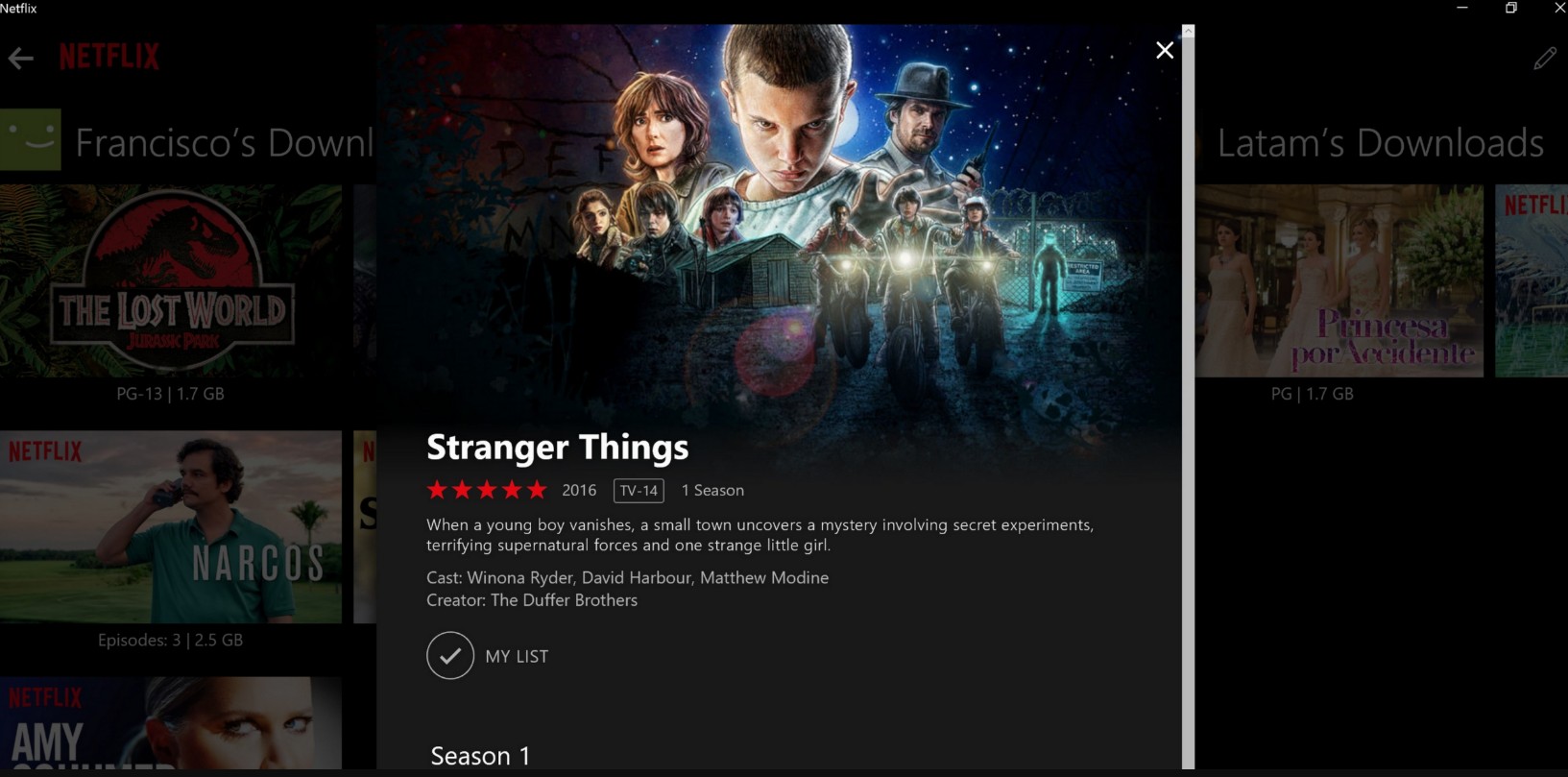
While a download remains valid and your device is supported, you can watch it offline without an internet connection.
Torrent Risks and Safer Choices
Unverified torrent sources can expose users to malware, privacy, and copyright risks. A Stranger Things torrent file may have unclear provenance, and its file integrity cannot be assumed.
Copyright complaints, privacy exposure, and unreliable files are practical concerns with unverified sources. For predictable offline playback, the official Netflix method or an authorized local-file workflow is generally a more suitable starting point.
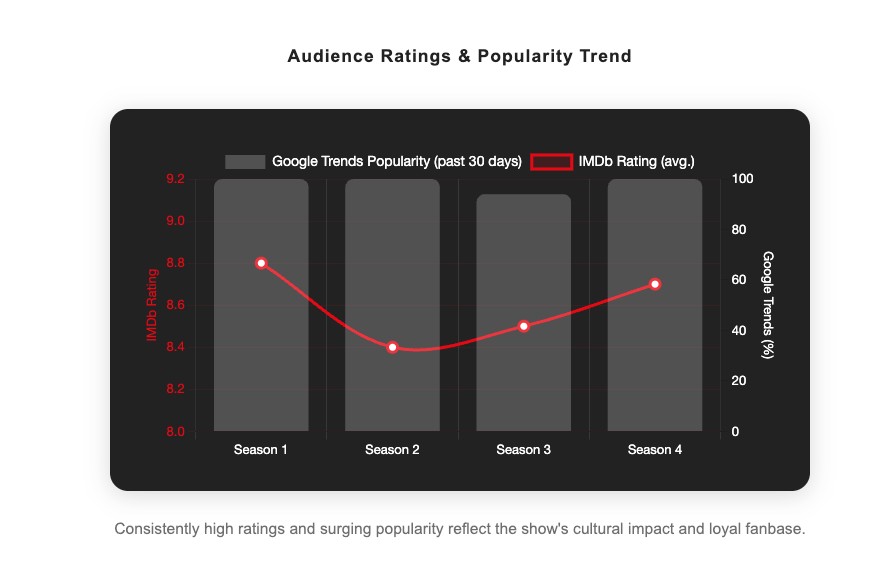
Stranger Things Seasons 1-5 in MP4 or MKV
As of August 2026, StreamFab Netflix Downloader provides a Windows and Mac local-file workflow for available Stranger Things episodes from Seasons 1-5 for content you’re authorized to access, where permitted by platform terms and applicable law. It supports MP4 or MKV output up to 1080p, supported HDR and audio options, subtitles, metadata, batch queues, and scheduled downloads, depending on the title, plan, source, and product availability.
- Ad handling depends on the service plan and title availability.
- Download Netflix shows/movies with 1080p HDR & EAC3 5.1 or AAC 2.0 audio track.
- Save Netflix videos with H.264 or H.265 codecs to save space.
- MP4/MKV output for playback in compatible media players.
- Get Netflix content with your best-suited subtitles & metadata.
- Scheduled newly released videos will be automatically downloaded.
Download Episodes and Full Seasons
Before you start: Use an active Netflix account and subscription; a supported mobile device for Netflix’s official downloads or a Windows or Mac desktop environment for the local-file workflow; and enough available storage for the episodes you plan to queue.
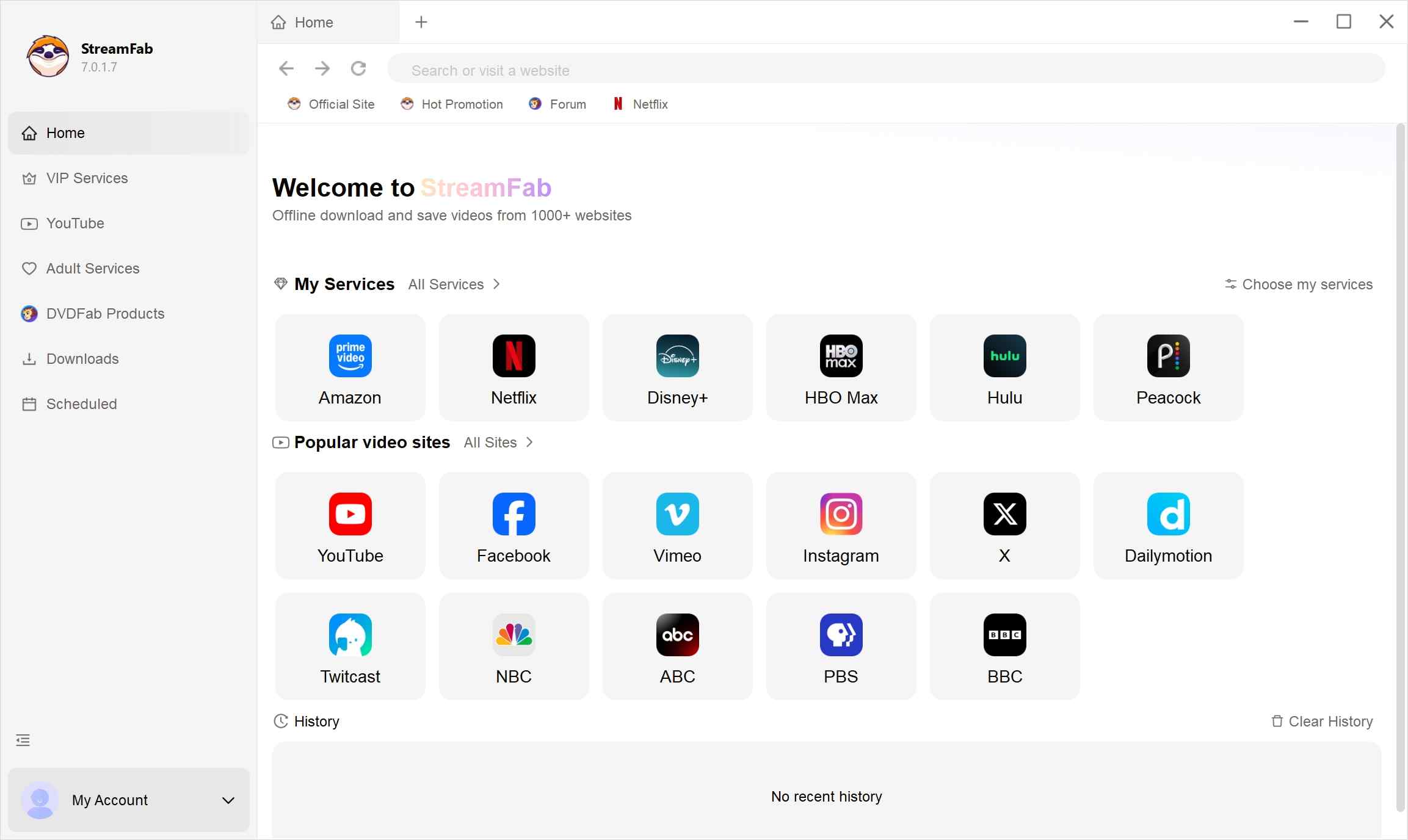
Choose the streaming service
Locate the Netflix website from the right-side list and sign into your account with your official credentials. After that, select the Netflix title to download.
Customize the file
Search for the video and play it, then a pop-up window will ask for your video options. You can choose the audio and subtitle language.
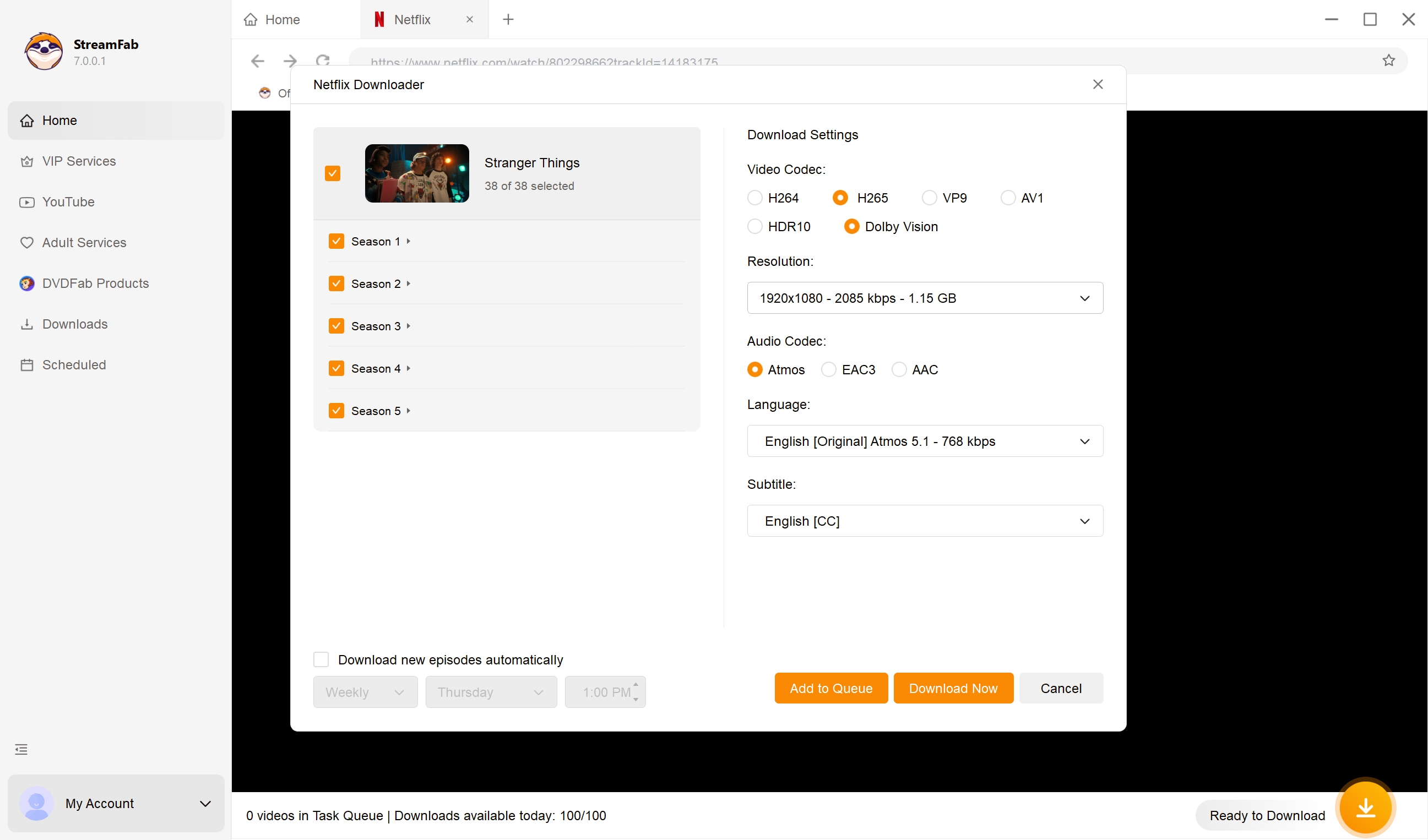
Click the download button
After customization, you can download it right now or add it to the queue.
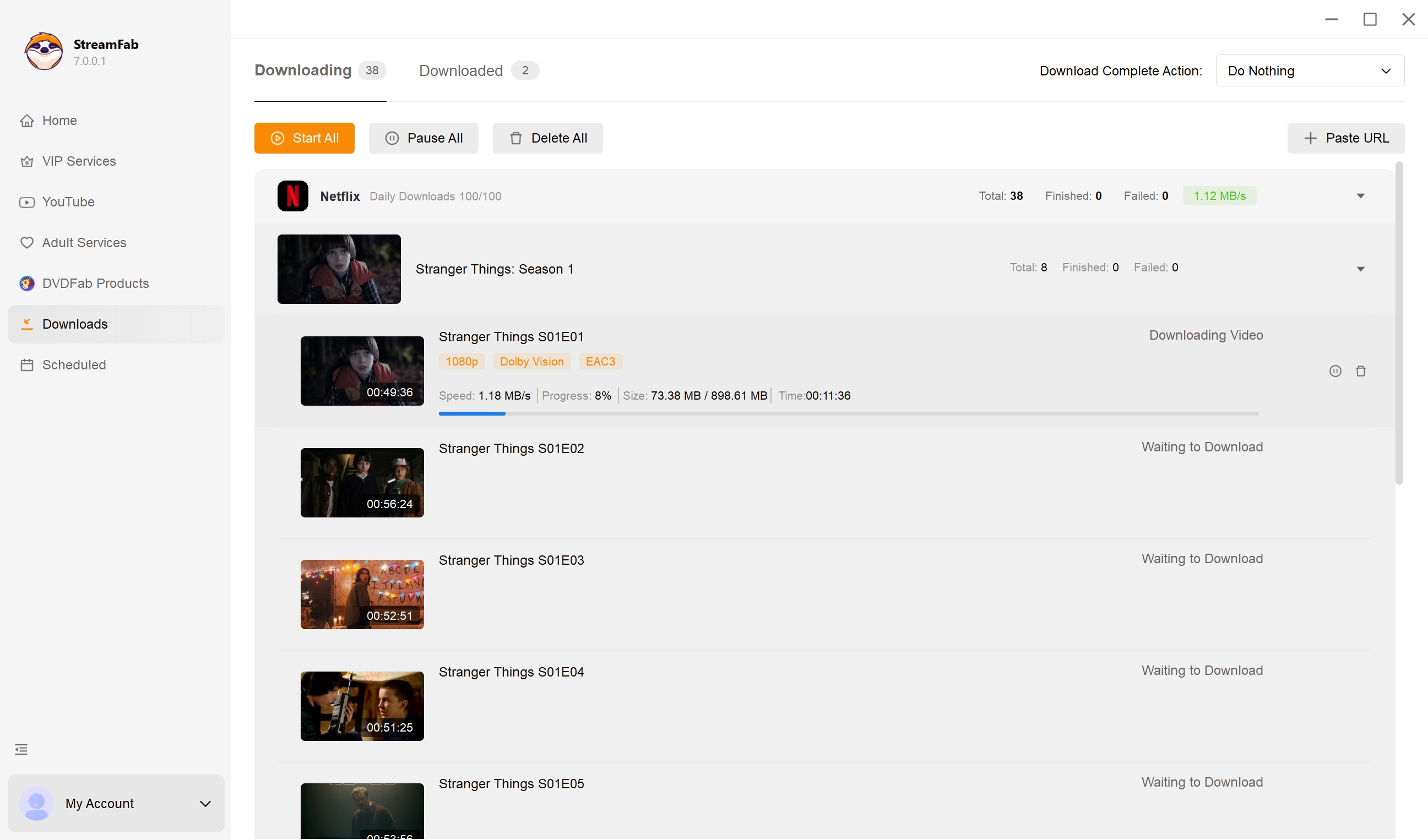
Choose an available season, select individual episodes or the available batch option, review the displayed storage estimate, then set the audio, subtitles, format, and quality before queuing. Checking storage and trying one episode first is a sensible way to avoid an inconvenient full-season queue. If analysis or download errors appear, refresh the title page, confirm your account can play the episode, and review any trial or daily-limit message shown by the application.
Official, Local-File, and Torrent Methods
Official downloads are managed and time-limited within the Netflix app. Local MP4 or MKV files are intended for personal offline viewing of authorized content, while unverified torrent sources carry file-integrity and copyright risks.
| Method | Supported devices | Storage or expiration | Quality and formats | Main limitation or risk |
|---|---|---|---|---|
| Official Netflix downloads | Supported mobile devices and eligible Chromebooks | Varies by title | Varies by title, plan, and device | Managed in the Netflix app |
| StreamFab local-file workflow | Windows and Mac | Local MP4/MKV files for personal offline viewing | Up to 1080p where available | Authorized-content use only |
| Unverified torrent sources | Varies | Varies | Uncertain file quality and metadata | Malware, privacy, and copyright risks |
FAQs
Are Free Stranger Things Torrents Safe?
No. Unverified torrent files and indexes can expose your device to malware, privacy, and copyright risks, and a file’s origin or integrity may be unclear. For offline viewing, start with Netflix’s supported download option or a local-file workflow for content you are authorized to access.
What Causes Black Screens During Offline Saving?
Protected playback can produce a black screen in generic screen-recording workflows. Check that the episode plays normally in Netflix first, then use an offline option that fits your device and authorized usage. No workflow should be treated as error-free because title availability, account status, and software conditions can affect results.
Can a VPN Change Netflix Download Availability?
No. A VPN does not guarantee title availability or download eligibility and may conflict with Netflix’s rules. Availability depends on your account, region, the title, and whether you are using a supported download device.
Legal and Safety Boundaries for Offline Copies
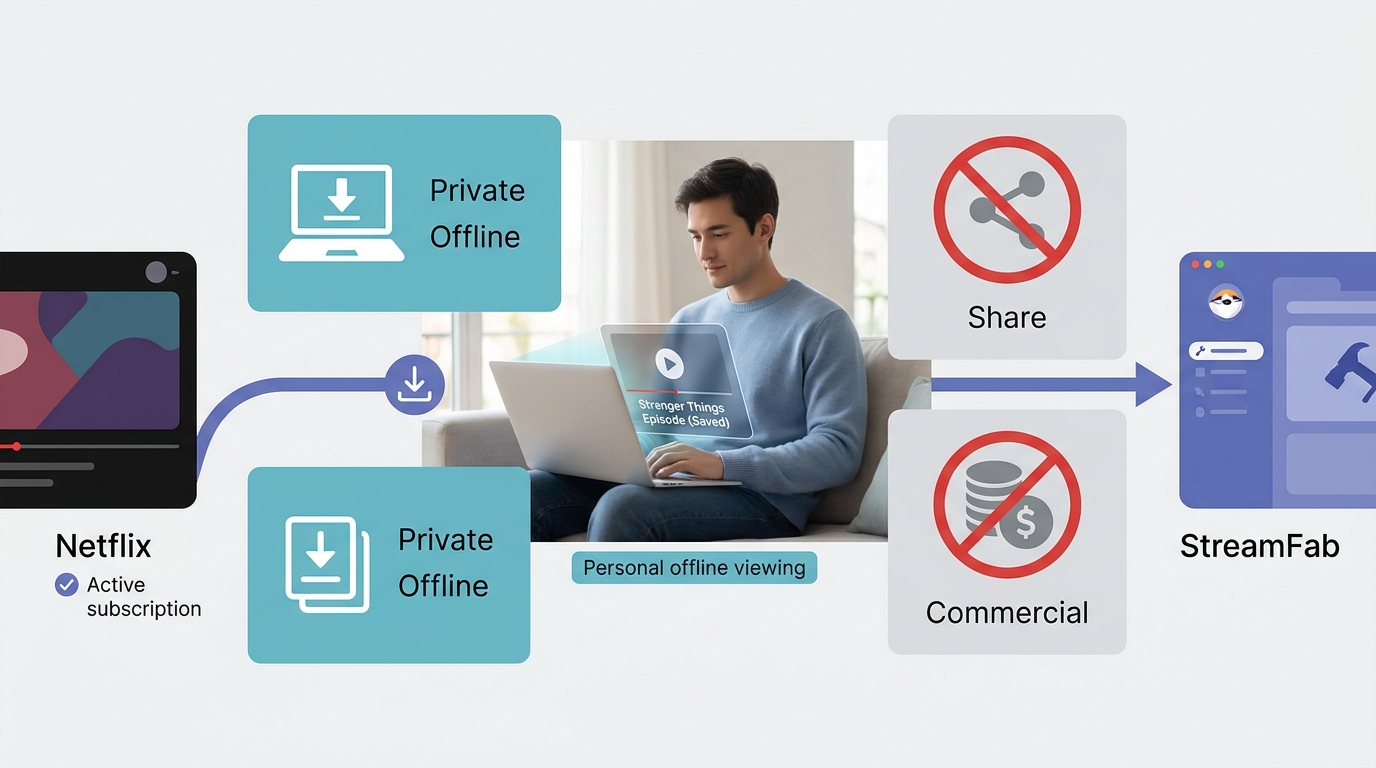
Netflix’s U.S. Terms allow temporary downloads through supported features and place limits on how its content may be used. Paying for a subscription does not automatically create a right to make local copies, and personal use is not automatically fair use. Copyright treatment can vary by jurisdiction and circumstances. For content you’re authorized to access, where permitted by platform terms and applicable law, keep use personal and avoid redistribution or commercial use.
As of August 2026, StreamFab has a 4.5 out of 5 Trustpilot rating from 755 reviews. Reviews reflect individual experiences and do not guarantee safety or performance. Download software from its official provider rather than relying on altered copies from unverified sources.
Conclusion
Official Netflix downloads are the simplest choice on supported devices. For recurring full-season preparation or travel on a Windows or Mac computer, StreamFab Netflix Downloader is a desktop local-file option for authorized content. Redistribution and commercial use are outside the scope of personal offline viewing.
If you regularly prepare full seasons rather than an occasional episode on a supported phone, StreamFab Netflix Downloader can help you queue available Stranger Things episodes and choose a local MP4 or MKV output. For a single episode on an iPhone, iPad, Android device, Fire tablet, or eligible Chromebook, Netflix’s official download feature is usually the more straightforward fit.
Choose Netflix to MP4 when broad player compatibility is the priority, or download Netflix videos in MKV when you prefer a container that can retain more track options.

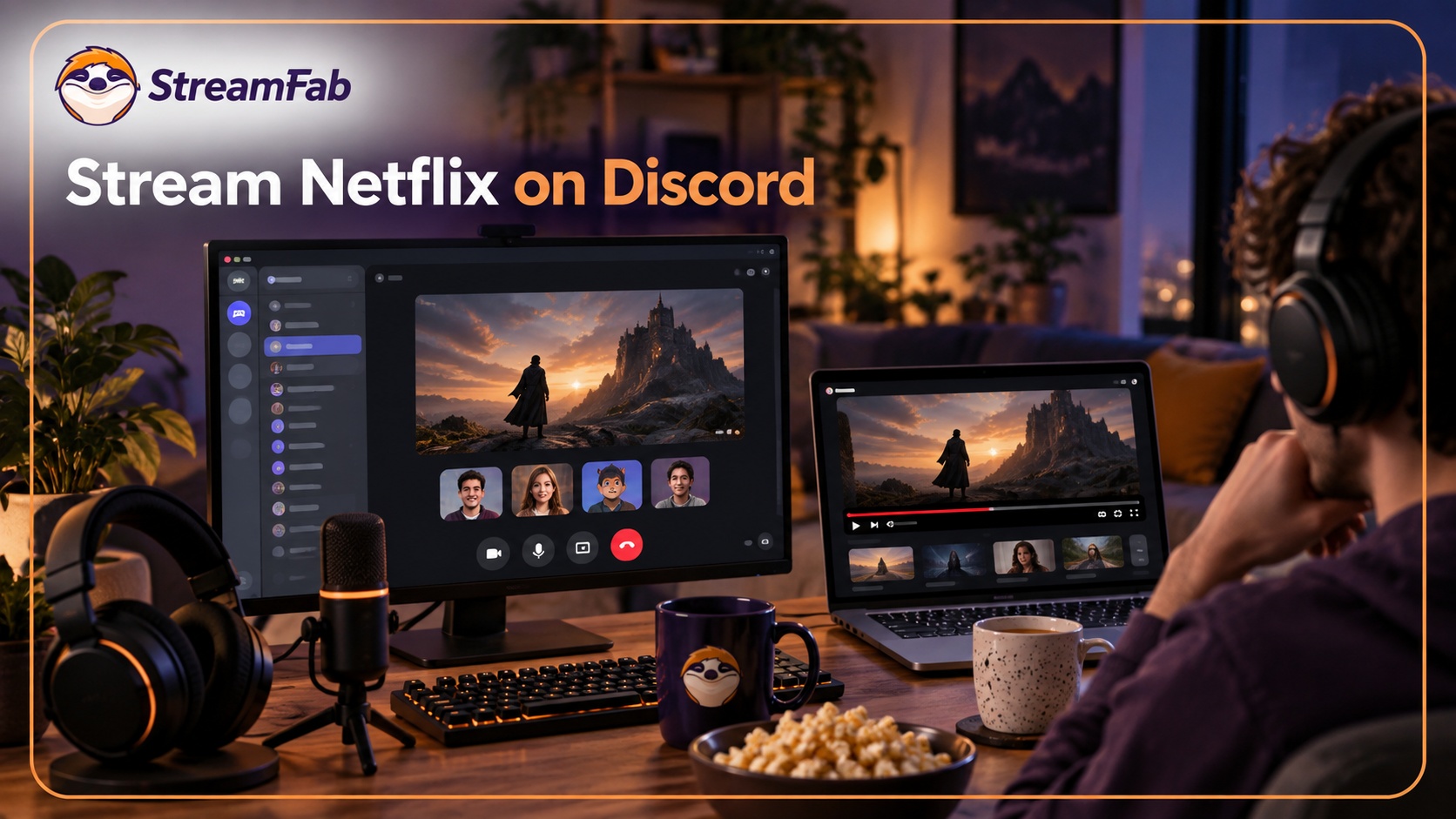
Protected Netflix video can appear black in Discord screen shares. Set up a synchronized watch party with Teleparty and use Discord for voice chat, with eligible access for each participant. Learn how personal offline playback differs and how to troubleshoot ordinary, unprotected screen sharing.
By Nicole Lopez - Sep 28, 2026
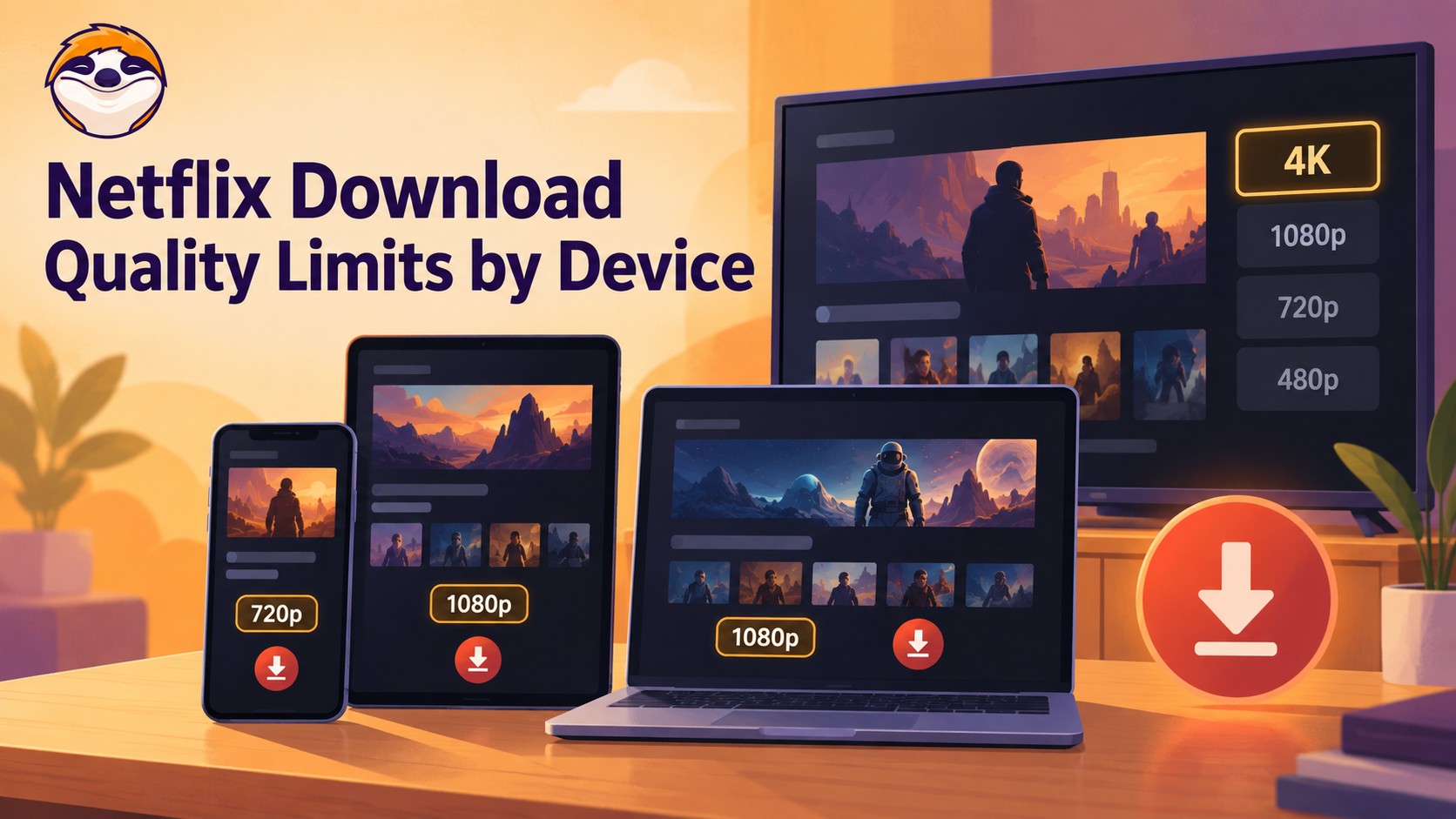
Netflix streams eligible titles in 4K, but official offline downloads stop at up to 1080p and are unavailable on Windows and Mac. Compare supported devices, check title eligibility, and understand how app-managed downloads differ from local MP4 or MKV files for personal offline viewing.
By Jacob Harrison - Sep 24, 2026
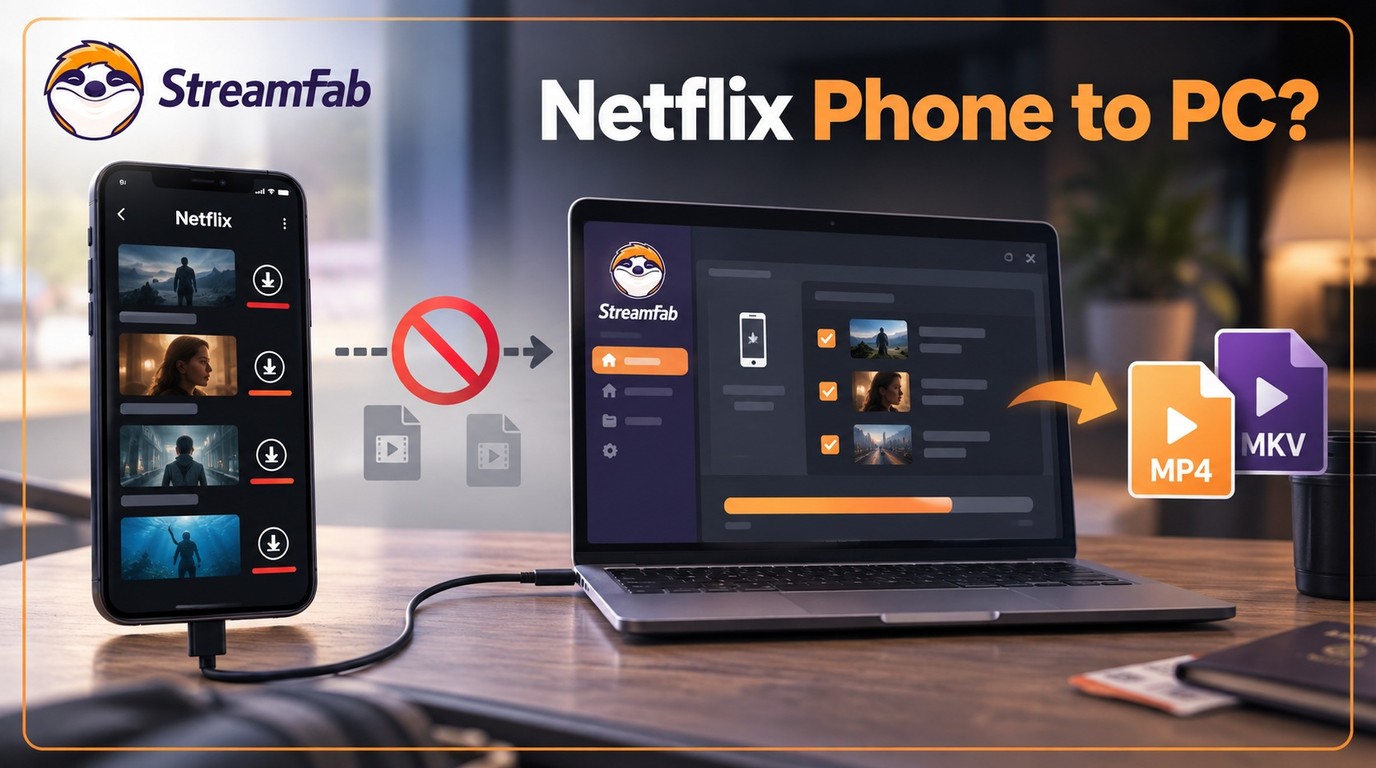
Can I transfer Netflix downloads from phone to computer? No direct method exists due to strict DRM, but you can convert them to MP4 for permanent cross-device offline viewing.
By Jacob Harrison - Sep 16, 2026
Netflix does not provide a native download path for macOS, but Mac users still have practical offline routes. This guide compares official iPhone and iPad downloads, cloud recording, and a desktop MP4/MKV workflow, with device requirements, measured StreamFab results, BlueStacks caveats, and troubleshooting steps.
By Marcia Hatcher - Sep 3, 2026