
Can You Download Netflix Movies on a MacBook? 3 Options for 2026

Summary: Netflix does not provide a native download path for macOS, but Mac users still have practical offline routes. This guide compares official iPhone and iPad downloads, cloud recording, and a desktop MP4/MKV workflow, with device requirements, measured StreamFab results, BlueStacks caveats, and troubleshooting steps.
If you need to download Netflix movies on Mac for a flight, the key limitation is macOS itself: Netflix does not list Mac computers for native offline downloads. This guide maps the supported mobile route, recording trade-offs, and a Netflix downloader for Mac that creates local files.
Netflix does not list macOS for native in-app downloads. For MacBook offline viewing, choose a supported iPhone or iPad, real-time cloud recording, or an authorized desktop workflow that creates local MP4/MKV files.

On a Mac, the useful first question is whether you need Netflix's protected in-app download or a portable local file; the routes are not interchangeable. It doesn't exist.
Why Netflix Downloads Do Not Work on Mac
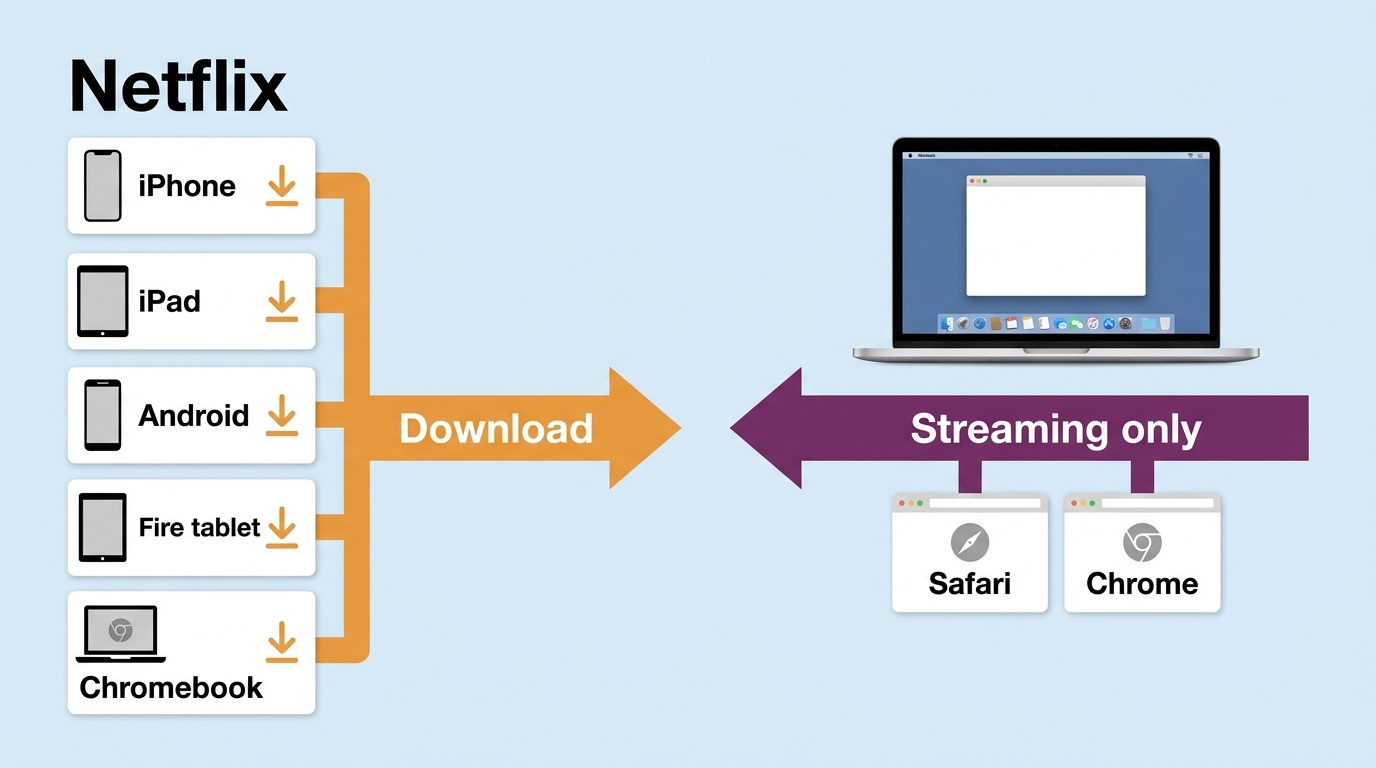
Netflix's official download-device list does not include macOS, so the Netflix download button on a laptop Mac is not available in Safari or Chrome. Mac guidance covers browser streaming, while offline downloads remain tied to supported apps and devices.
Supported and Unsupported Devices
As of September 2026, Netflix lists Android phones and tablets, iPhone and iPad, Fire tablets, and Google Chromebooks for downloads. A Mac can stream Netflix in a supported browser, but it is not listed for native offline downloads.
| Device route | Official download support | What to expect |
|---|---|---|
| Android phone or tablet | Yes | Protected in-app download |
| iPhone or iPad | Yes | Protected in-app download |
| Fire tablet | Yes | Protected in-app download |
| Google Chromebook | Yes | Protected in-app download |
| Mac with a browser | Not listed | Streaming without a native download button |
The same support distinction matters when comparing Netflix movie downloads on different laptops: the operating system and app route determine whether an official download control appears.
Official Downloads vs Portable Files
Official Netflix downloads are protected files managed inside a supported Netflix app, with availability determined by the title, plan, account, and device. A desktop workflow may instead create a local MP4 or MKV copy for authorized personal offline viewing where permitted by Netflix's terms and applicable law.
This distinction matters if your goal is to save Netflix movies as MP4. An app-managed download stays within Netflix, while MP4/MKV files use common media containers and can be handled by compatible local players. Neither route changes the need for authorized access to the title.
Mac Offline Options at a Glance
There are three practical routes for MacBook offline viewing: download inside Netflix on a supported mobile device, use a recording service, or use a native Mac desktop downloader. AirPlay is a viewing route, not a way to create an offline Mac copy.
- Need the official route? Download the title in Netflix on a supported iPhone or iPad and watch on that device.
- Need an occasional recording? Use a recording service and allow time for real-time capture.
- Need MP4/MKV on the Mac? Use an authorized desktop workflow after checking title, plan, storage, and current software compatibility.
iPhone or iPad Downloads
The simplest official way to download Netflix movies on Mac-adjacent hardware is to use an iPhone or iPad, then watch on that device. Before travel, download the complete title, open it once, and test playback in airplane mode.
For a more detailed mobile workflow, the Netflix tablet download steps cover storage and offline playback without suggesting that the protected file can be moved onto a Mac.
AirPlay and Recording Limits
AirPlay does not create an offline file on a Mac, and protected playback may restrict what can be mirrored or captured. If recording is your chosen route, a Netflix screen-recording workflow should be treated as a real-time process that needs a stable connection.
Desktop Downloader Workflow
A native Netflix downloader for Mac is the route for users who specifically need a local MP4/MKV file. If you also use another computer, the same title, plan, storage, and compatibility checks apply across laptop workflows.
StreamFab Netflix Downloader on Mac
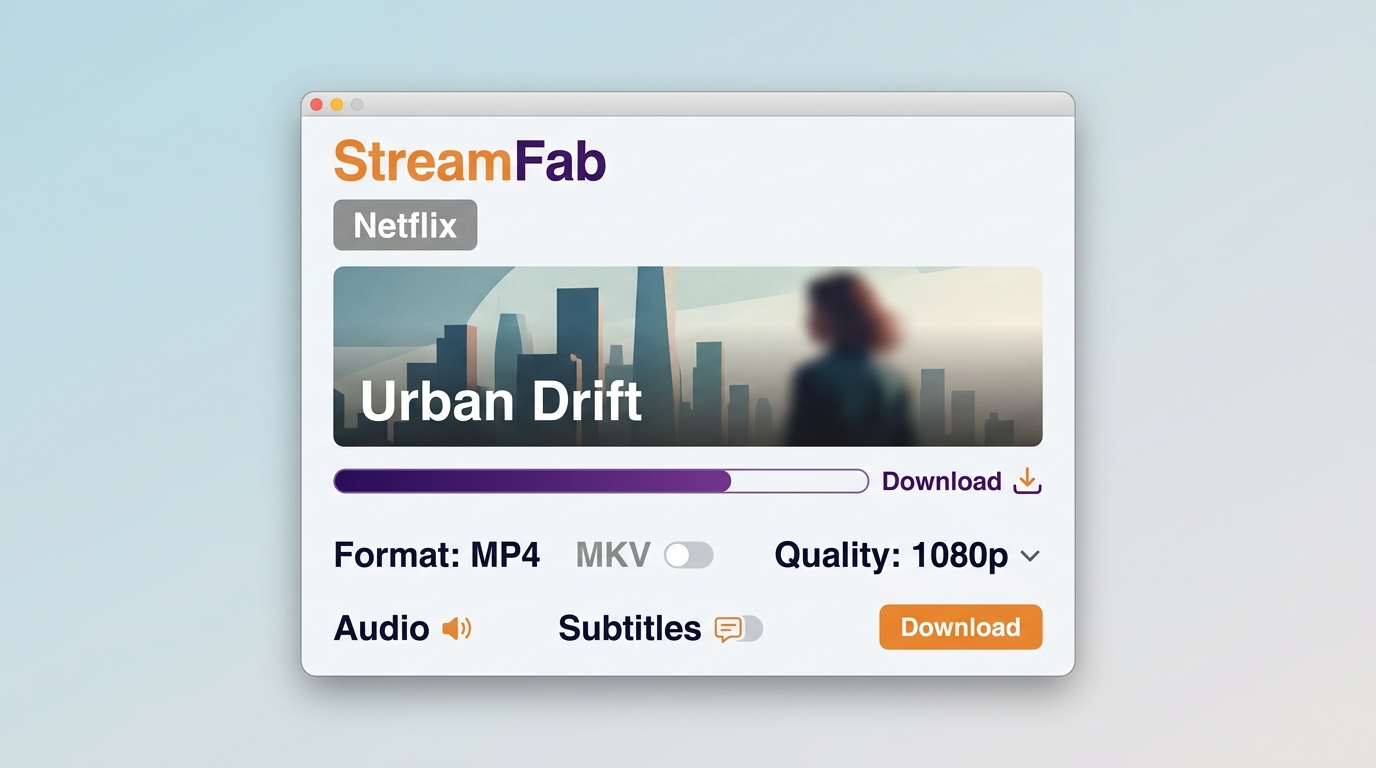
StreamFab Netflix Downloader is a Mac desktop alternative to Netflix's official in-app feature for personal offline viewing of content you are authorized to access, where permitted by platform terms and applicable law. It supports macOS and can output MP4 or MKV.
This Netflix downloader Mac workflow fits people who need local-file control and have enough storage for selected titles. Readers choosing among desktop products can use the Netflix downloader comparison; official mobile downloads remain the simpler choice when watching on an iPhone or iPad is acceptable.
Test Results and File Choices
A June 2026 macOS test using a 24 Mbps connection saved a 15:07 episode of Love, Death & Robots Season 4 at 1080p with HDR10 and Dolby Atmos/DD+ 5.1, producing a file of about 538.6 MB. Those results describe that title and setup, not a universal output promise.
The measured macOS result is most useful as a scope check: available resolution, HDR, audio, and file size still depend on the Netflix title, subscription plan, selected settings, and playback environment.

StreamFab supports up to 1080p for Netflix and offers MP4/MKV output. Audio options can include Dolby Atmos, EAC3 5.1, or AAC 2.0, while HDR availability can include HDR10 or Dolby Vision when the title, plan, and device support it.
For this Mac use case, MP4/MKV portability is more useful than an unqualified quality claim. The 1080p, HDR10, and multichannel result above belongs to one measured title and setup.
Steps for a Local Offline Copy
To download Netflix movies on laptop Mac hardware, prepare a current macOS installation, adequate storage, a stable connection, and a valid Netflix subscription. Quality, audio, subtitles, and output choices depend on service settings, title rights, the plan, and device capabilities.
Use a valid Netflix subscription and save only content you are authorized to access for personal offline viewing under applicable law, StreamFab Copyright & Usage Guidelines, and Netflix's terms of use.
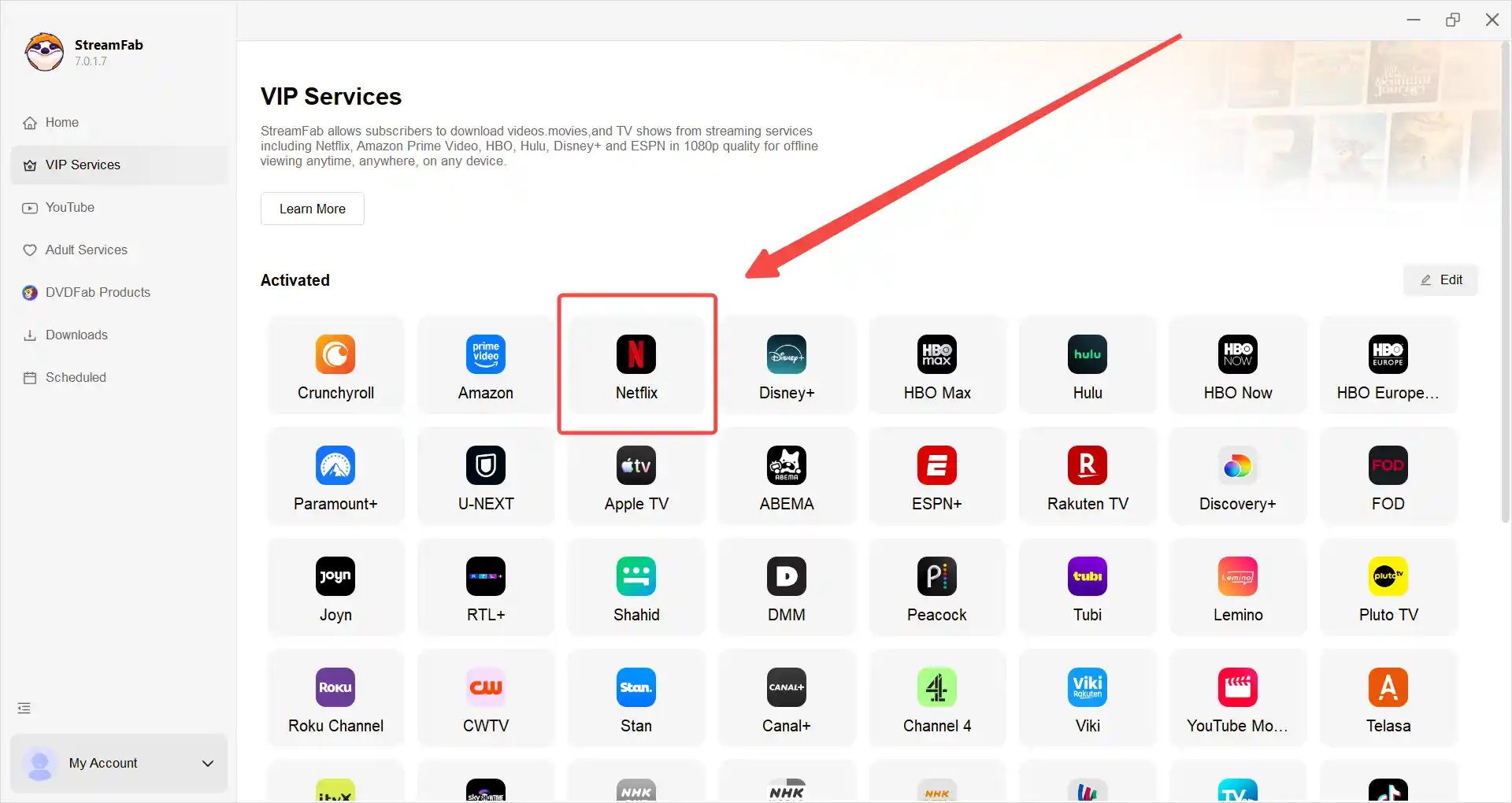
Open StreamFab and click the Netflix icon. Login to your account in order to view available content (It uses a secure HTTPS connection to the official site, so it's safe).
Select a title to begin playback within the application environment.StreamFab may display information related to playback options or device compatibility, sucha as H.264 (AVC), 1080p resolution.
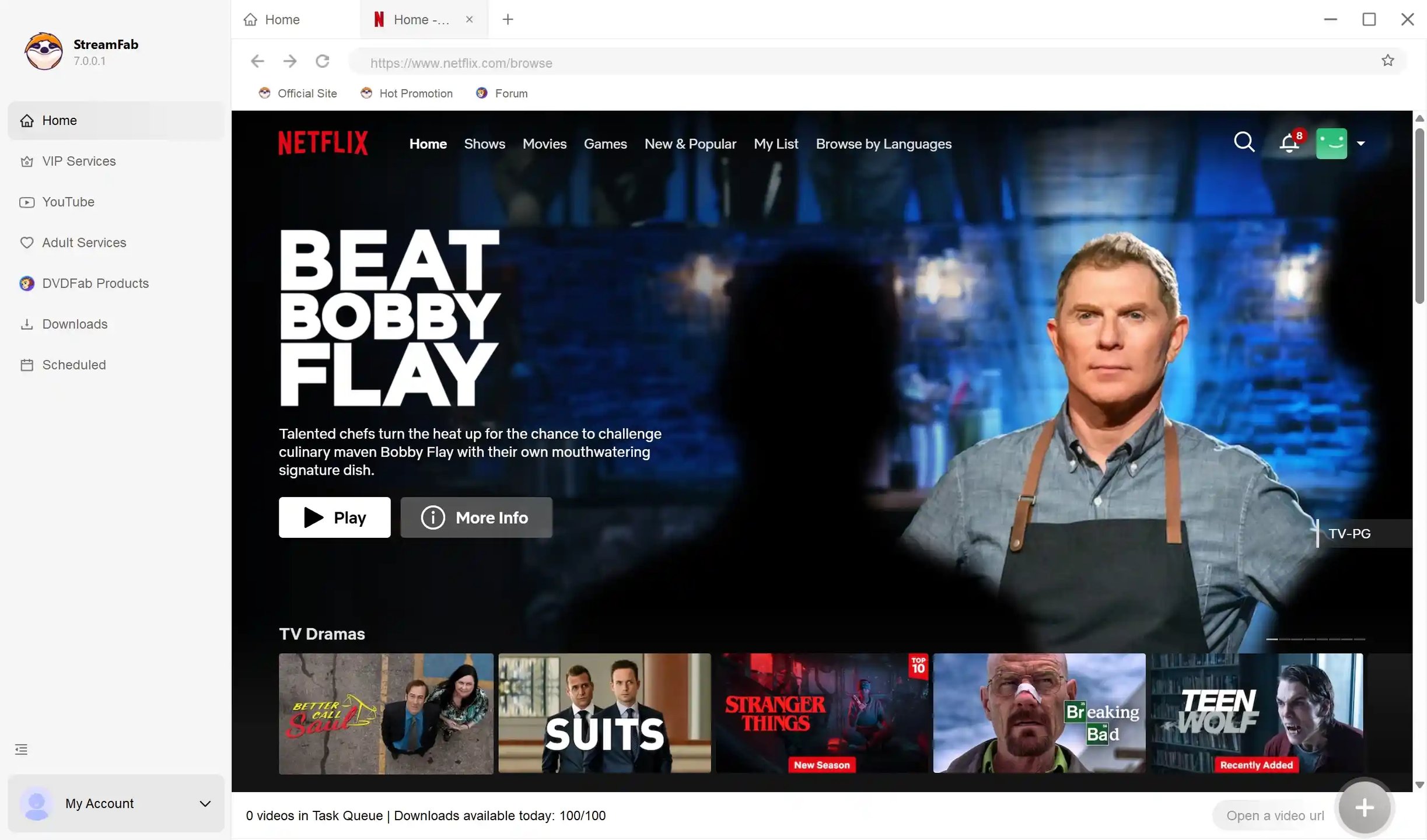
Video quality and audio options are determined by service settings, device capabilities, and licensing conditions.
For TV series, some tools provide organizational features that allow episodes to be grouped or managed together on Mac for personal viewing convenience.
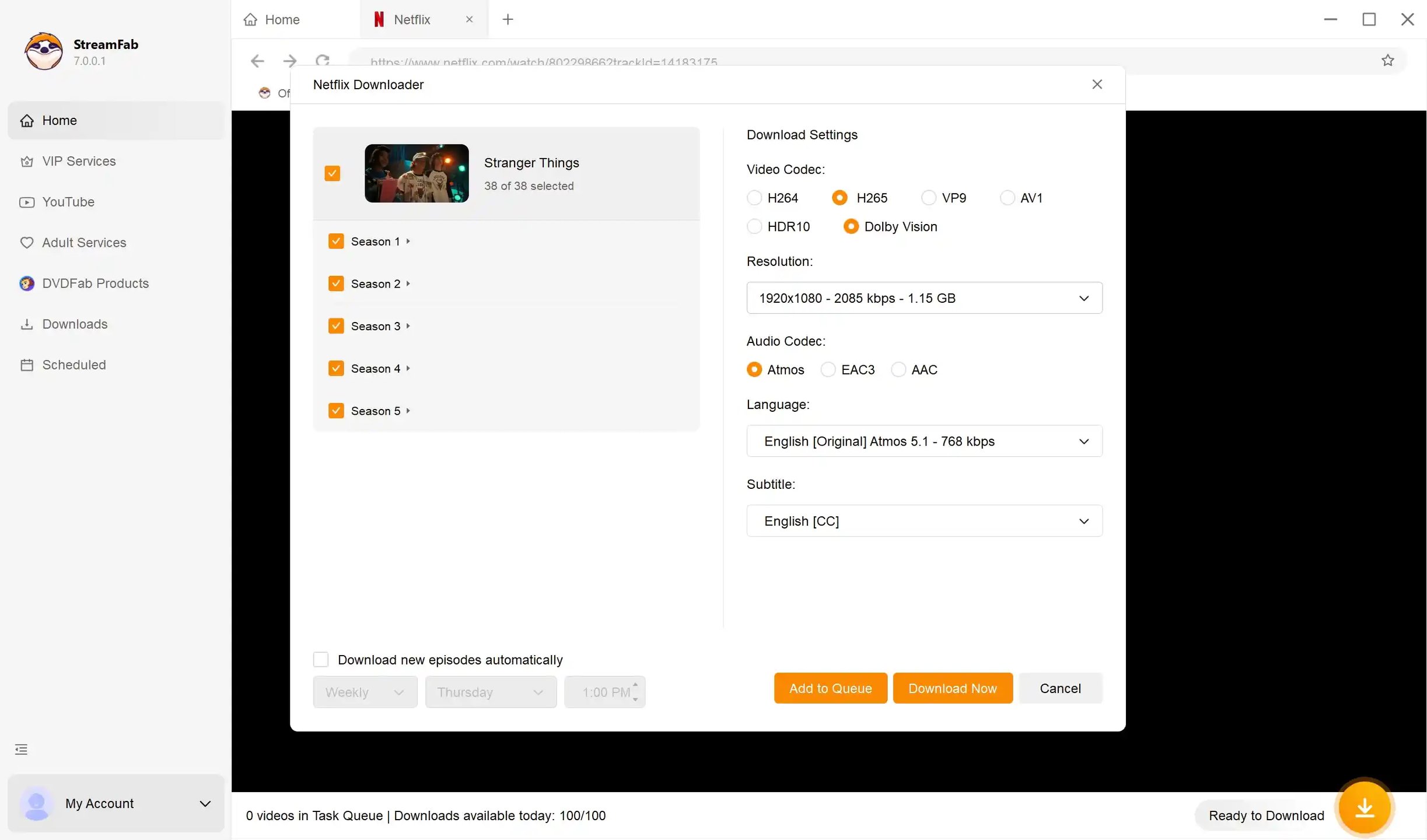
Based on your preferences, the application may offer options to manage viewing tasks or schedules within its interface.

PlayOn Cloud Recording on Mac
PlayOn Cloud is an active fallback for people who prefer cloud recording over a native Mac downloader. Recording generally runs in real time and needs a stable connection during capture, so it suits occasional titles better than a large offline queue.
Because cloud capture depends on protected playback, the Netflix playback-protection overview helps explain why a black screen or audio-sync problem can interrupt a recording without presenting that behavior as a download method.
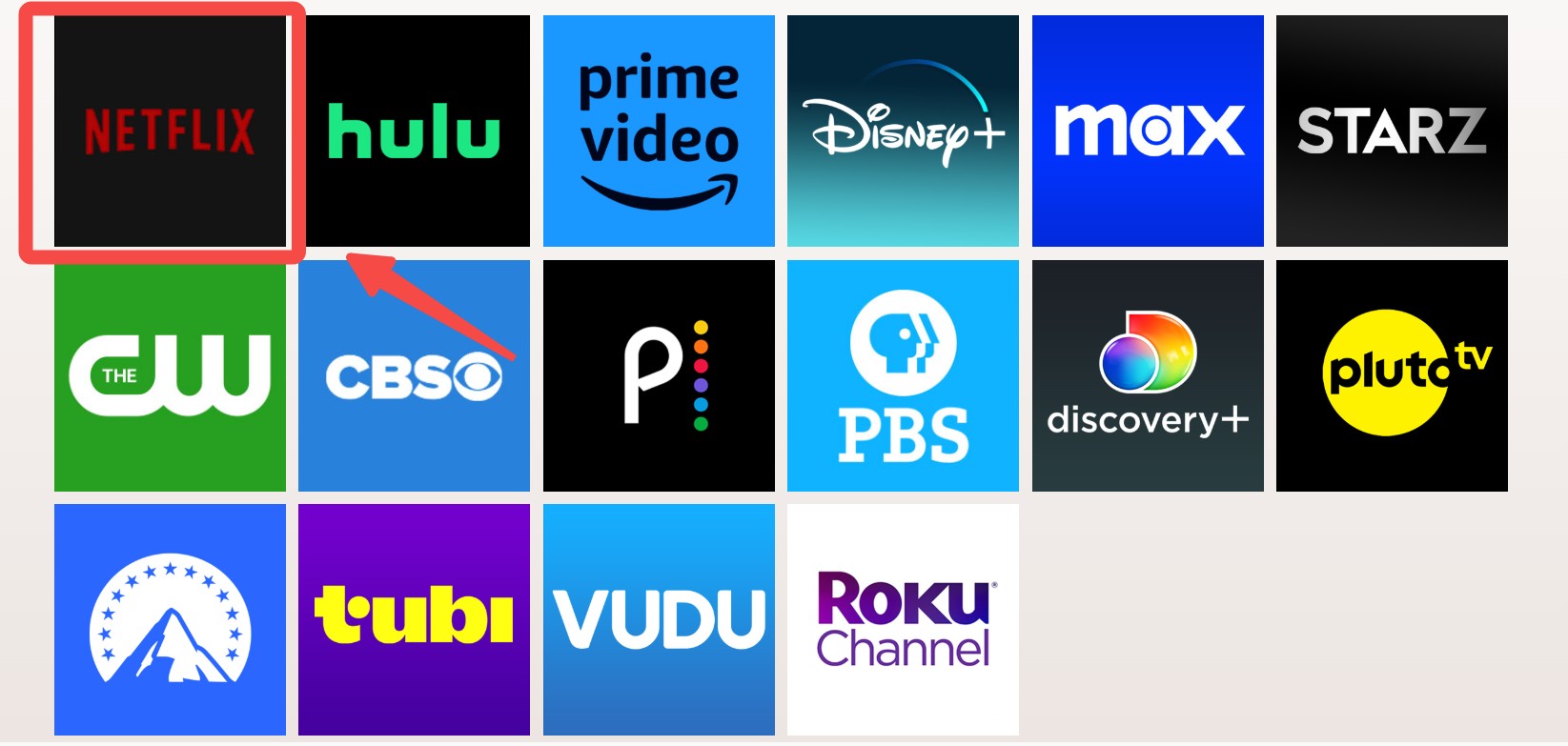
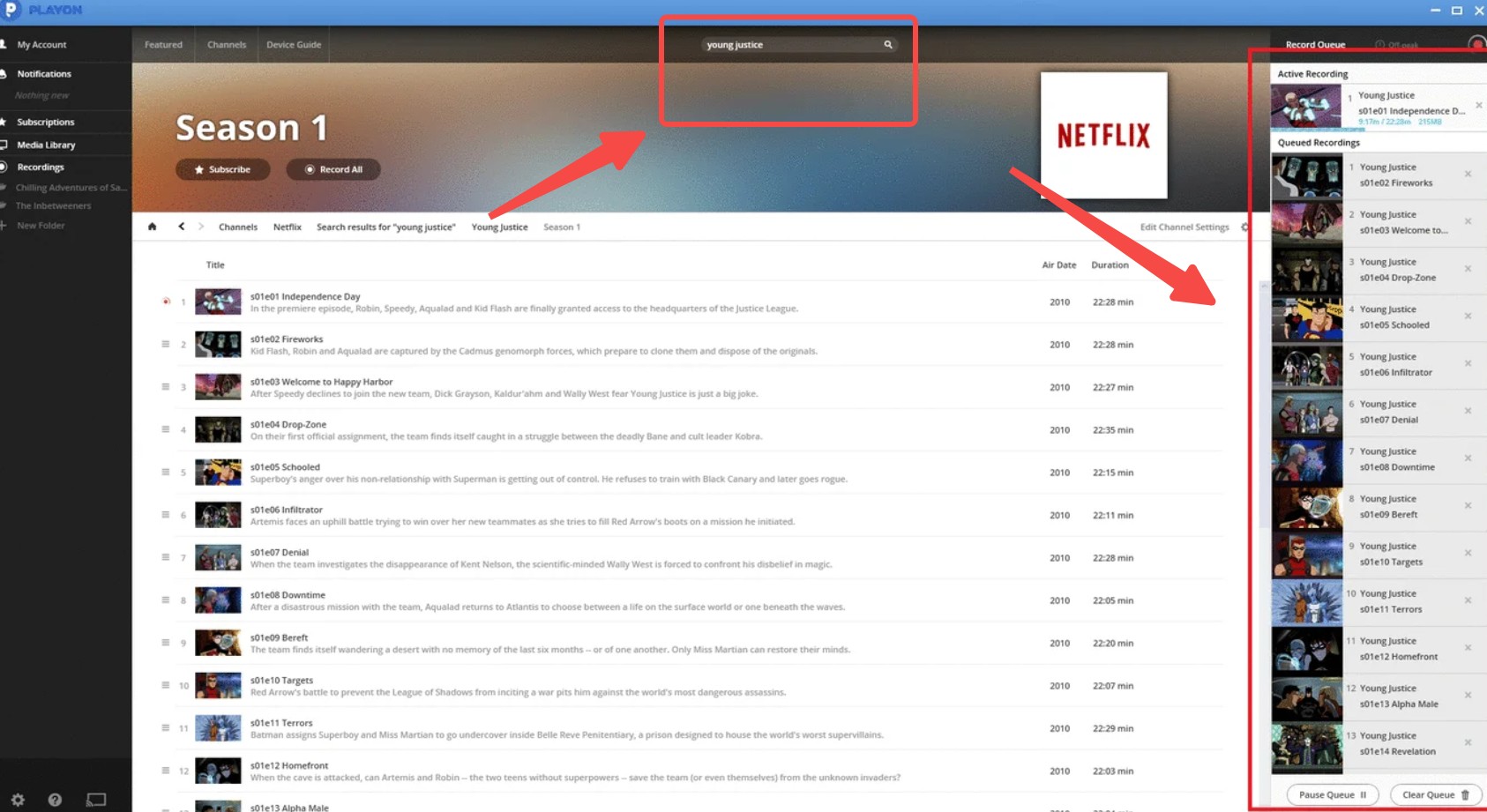
Before committing to a full movie, record a short authorized segment and check video, audio sync, and completion on the Mac you plan to use.
BlueStacks Compatibility Caveat
BlueStacks Air is actively maintained, but current community reports describe Netflix launch or download failures on some Macs. Treat it as unverified on a given Mac and do not depend on it for travel until a complete download and offline playback test succeeds.
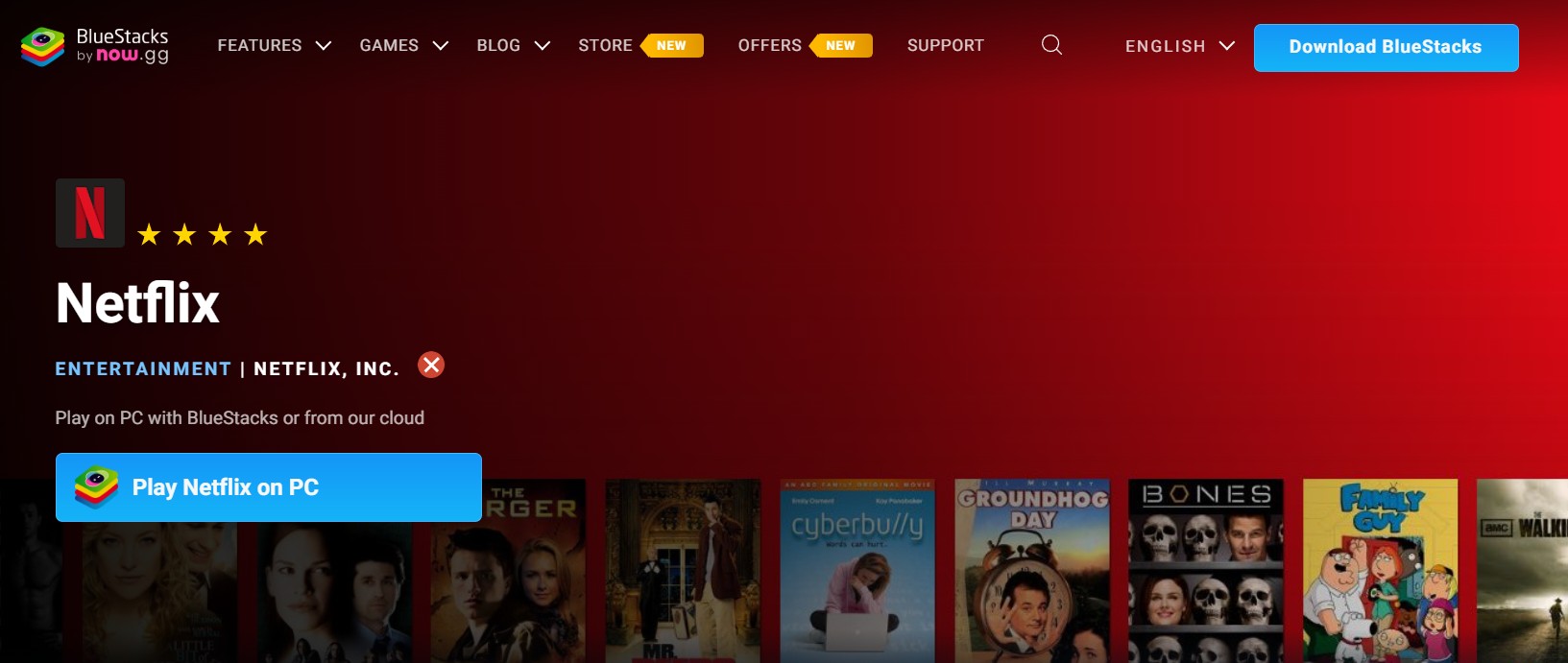
The practical recommendation is simple: do not make an emulator your travel plan unless a full offline playback check has succeeded on that exact Mac setup.
Choose the Right Mac Workflow
The right way to download Netflix shows on Mac-related devices depends on where you will watch and what output you need. Official mobile downloads prioritize simplicity; recording trades time for flexibility; StreamFab targets local MP4/MKV files; BlueStacks remains a compatibility test.
| Route | Official support | Output | Main limitation | Best fit |
|---|---|---|---|---|
| iPhone or iPad download | Yes | Protected in-app | Uses the mobile device | Flights and simple offline viewing |
| AirPlay | No offline copy | Streamed playback | Not a download route | Online viewing on another screen |
| PlayOn Cloud | Recording service | Recorded local file | Real-time with stable connection | Occasional recording |
| StreamFab | Desktop alternative | MP4 or MKV | Title and plan limits apply | Mac local-file workflow |
| BlueStacks Air | Unverified on Mac | App-managed if working | Launch or download failures | Noncritical compatibility testing |
For most travelers, official iPhone or iPad downloads have the fewest moving parts. For users who need to download Netflix episodes on MacBook storage as MP4/MKV, StreamFab is the direct desktop fit. PlayOn is reasonable when real-time recording is acceptable.
Mac requirements checklist: Check the operating system, browser or app version, processor compatibility, free storage, and connection before changing methods.
| Check | Apple silicon Mac | Intel Mac |
| macOS and browser | Use current supported versions | Use current supported versions |
| Storage | Allow space for selected files | Allow space for selected files |
| Connection | Stable for sign-in or capture | Stable for sign-in or capture |
| Desktop software | Prefer the current native build | Confirm current Intel compatibility |
Troubleshooting Failed Downloads
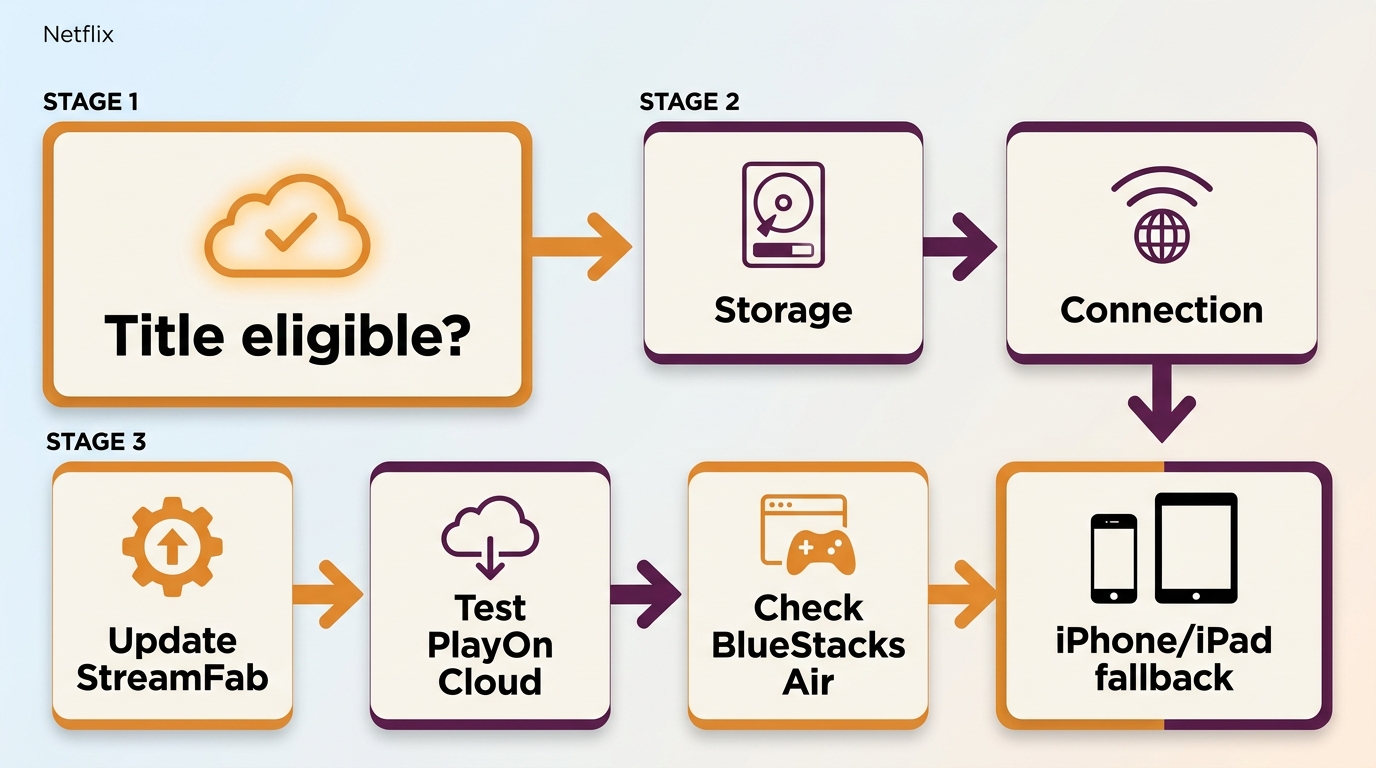
When a Netflix download Mac offline route fails, diagnose the route before reinstalling everything. Check title eligibility first, then storage and connection, then the app or browser state. If the failure is route-specific, switch methods instead of repeating the same setup.
- The title has no download option: Open the same profile on a supported iPhone or iPad and check whether that title is eligible there.
- The Mac desktop workflow stops: Confirm the Netflix session is active, update the Mac application, clear space, and retry one authorized title. If the issue continues, use StreamFab's troubleshooting guidance or current update log.
- A recording shows a black screen: Update the recording app and browser, close other capture tools, and try a short segment. If protected playback still blocks capture, choose another route.
- Audio drifts out of sync: Test a shorter recording with a stable connection and no background network load before recording the full title.
- BlueStacks fails to launch or download: Update BlueStacks Air and test the exact Mac configuration. If the failure repeats, use an official mobile download, PlayOn Cloud, or a native macOS desktop option.
An emulator problem is usually a route problem, not a reason to rebuild the whole Mac. After one clean update and retry, changing to a supported mobile device or native macOS tool is often the more sensible next step.
FAQs About Netflix on Mac
Can I save Netflix titles directly to a MacBook for a flight?
Netflix does not list macOS as a native download platform. For the official route, download the title on a supported iPhone or iPad, open it once, and test it in airplane mode. If you need a Mac file, prepare an authorized desktop workflow and test local playback before departure.
Why is the Netflix download button missing on my laptop?
The button appears only on supported devices and eligible titles. On a Mac browser, its absence reflects the device route rather than a hidden setting. Check the same profile and title on a supported mobile device to separate device support from title eligibility.
Is a MacBook Air with Apple silicon compatible with these options?
StreamFab supports macOS, but exact system requirements can change, so use the current Mac installer and confirm available storage before starting. PlayOn Cloud relies more on the browser and connection. BlueStacks Air should be tested on the exact MacBook Air configuration before being treated as dependable.
What should I try when a Mac download or recording fails?
Start with one eligible title, confirm the account session, clear storage, update the relevant app or browser, and run a short test. Check video and audio before a full recording. If the same failure repeats, switch from emulation or recording to a supported mobile or native desktop route.
Update Log
September 2026: The guide now reflects Netflix's listed download devices, separates protected app downloads from local MP4/MKV files, treats BlueStacks Air as unverified on a given Mac, and adds Mac-specific requirements and troubleshooting checks.
Conclusion
Mac has no native Netflix offline-download path in the current official support list. Use an iPhone or iPad for the simplest official option, PlayOn Cloud for occasional real-time recording, or StreamFab when an authorized local MP4/MKV workflow is the goal.
If your priority is to download Netflix movies on Mac storage, StreamFab offers the clearest desktop fit, with output and quality still shaped by the title, plan, settings, and device. BlueStacks Air is better treated as a compatibility experiment than a dependable travel route.
Whichever route you choose, keep local copies for personal offline viewing of content you are authorized to access, follow Netflix's terms and applicable law, and do not redistribute recorded or downloaded material.

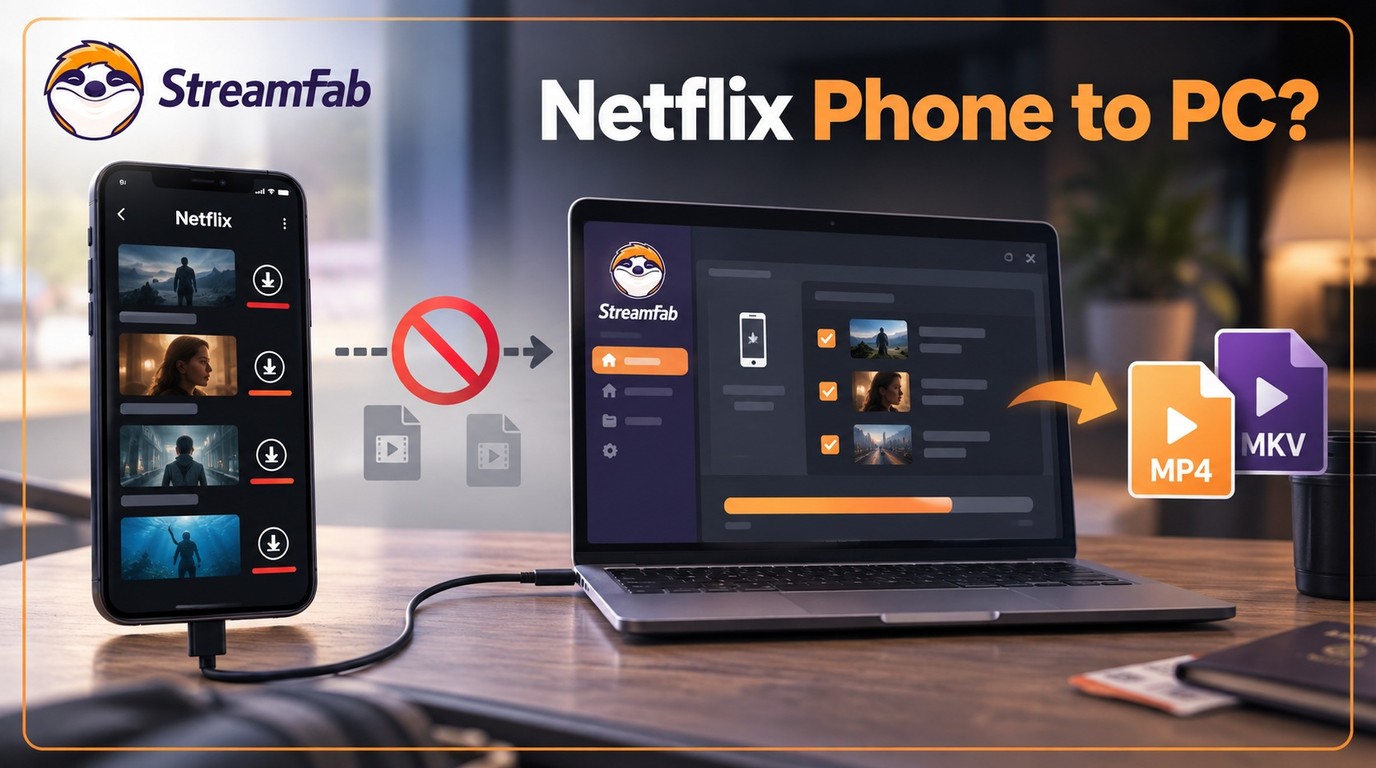
Can I transfer Netflix downloads from phone to computer? No direct method exists due to strict DRM, but you can convert them to MP4 for permanent cross-device offline viewing.
By Jacob Harrison - Sep 16, 2026
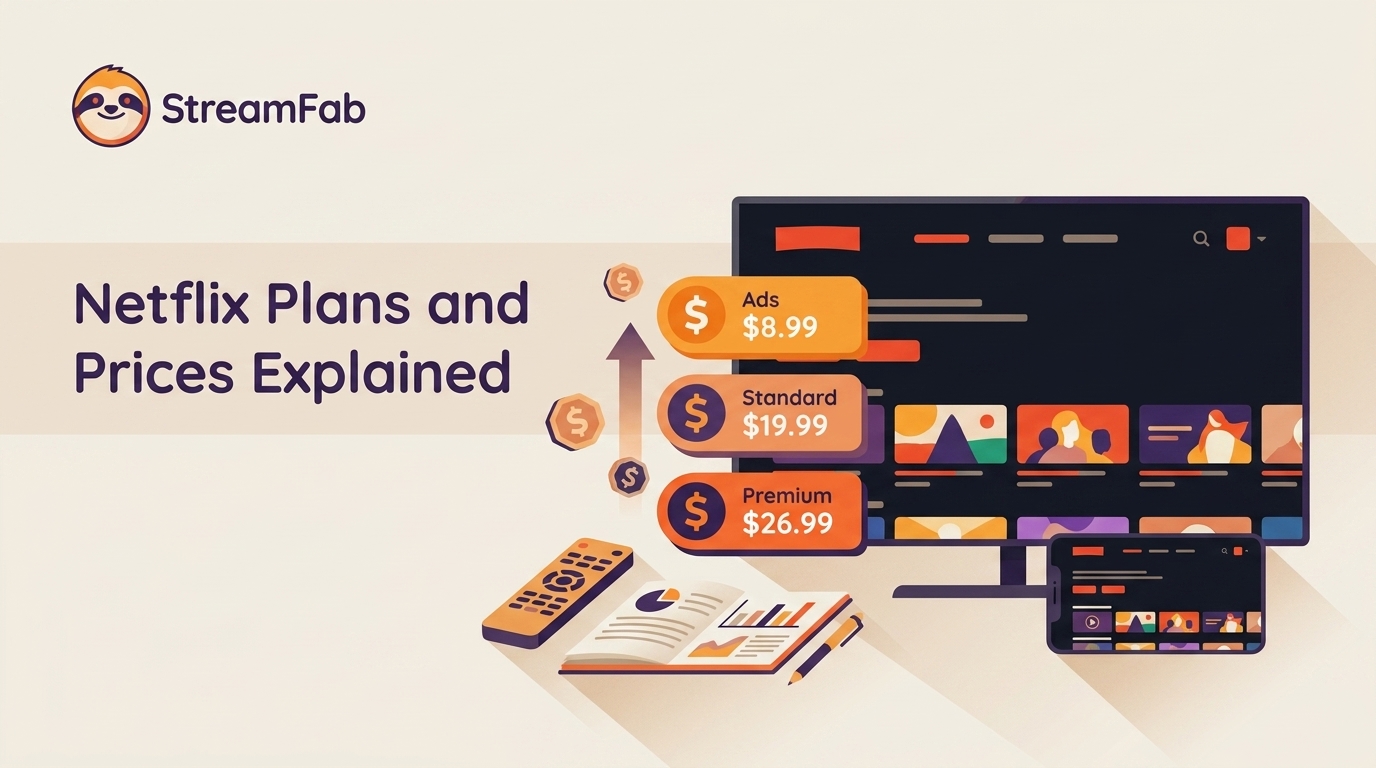
Netflix raised all three US plan prices in March 2026. This guide compares old and current rates, explains billing timing and add-ons, and helps you choose whether to keep, downgrade, rotate, or cancel based on actual use.
By Erika Leen - Aug 26, 2026
Official Netflix downloads are convenient but remain inside the app. This guide explains the difference between NFV and MP4, then compares the official app, StreamFab's configurable desktop workflow, and real-time recording so readers can choose the right offline option.
By Jacob Harrison - Aug 26, 2026

Discover the cheapest way to get Netflix in 2026. As a digital archiving expert, I break down plan comparisons, bundle hidden perks to build your permanent offline library.
By Marcia Hatcher - Aug 26, 2026