KeepVid Review 2026: What Happened and What Works Now

Summary: Do you also love watching videos but are not able to download them? Keepvid video downloader assists you with it and a lot more. The Keepvid video downloader lets you download your favorite videos on your devices. Additionally, now all the problems related to this software are solved and you can find solutions to them as well.
In short, the original KeepVid service is gone, and a current KeepVid name or logo does not show that an app or website comes from the original publisher. This KeepVid review explains how to assess current listings and choose alternatives to KeepVid by source, format, and workflow.
The practical question is not which same-name tool looks most familiar. It is whether the publisher is identifiable, the destination behaves as expected, and the workflow fits what you are authorized to save for personal offline viewing.
- What happened to the original KeepVid service.
- How to assess same-name listings, redirects, and publisher identity.
- Which browser, desktop, CLI, and streaming workflows fit different needs.
What Happened to the Original KeepVid?
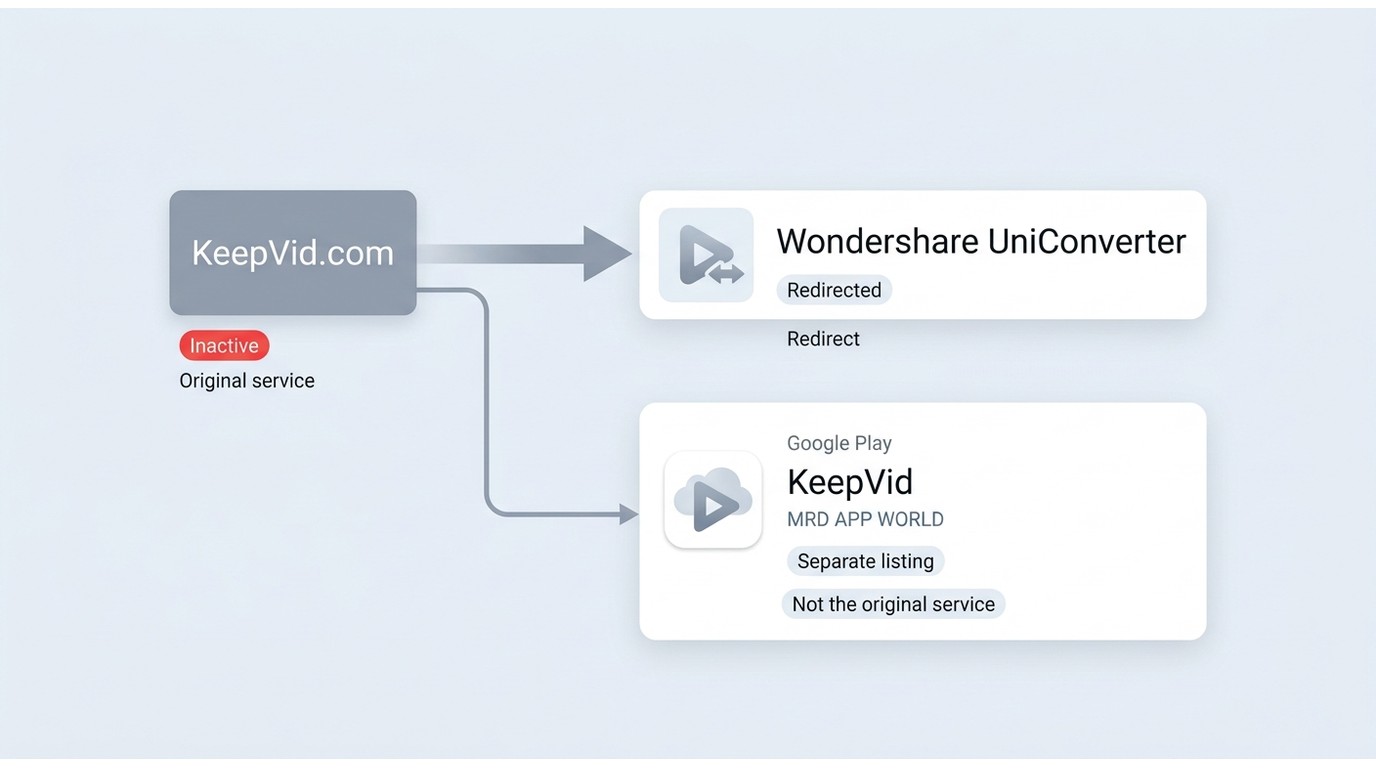
KeepVid’s disappearance created an identity problem: search results can surface apps, sites, and downloads that share the name without demonstrating publisher continuity. A familiar domain or logo is less useful than a clear publisher identity and a predictable destination.
| Item | Current status | What it means |
|---|---|---|
| Original KeepVid | No longer operating | Keepvid.com redirects to Wondershare UniConverter content |
| Same-name listings | Separate entities | Check the listed publisher before installing |
| KeepVid-branded Google Play app | MRD APP WORLD listing | Do not assume continuity with the old service |
Identity and status snapshot as of August 2026.
The Original KeepVid Is No Longer Active
The original keepvid.com service is no longer operating as the old KeepVid downloader. The domain now redirects to Wondershare UniConverter content, so it should not be treated as proof that the original KeepVid product is still available.
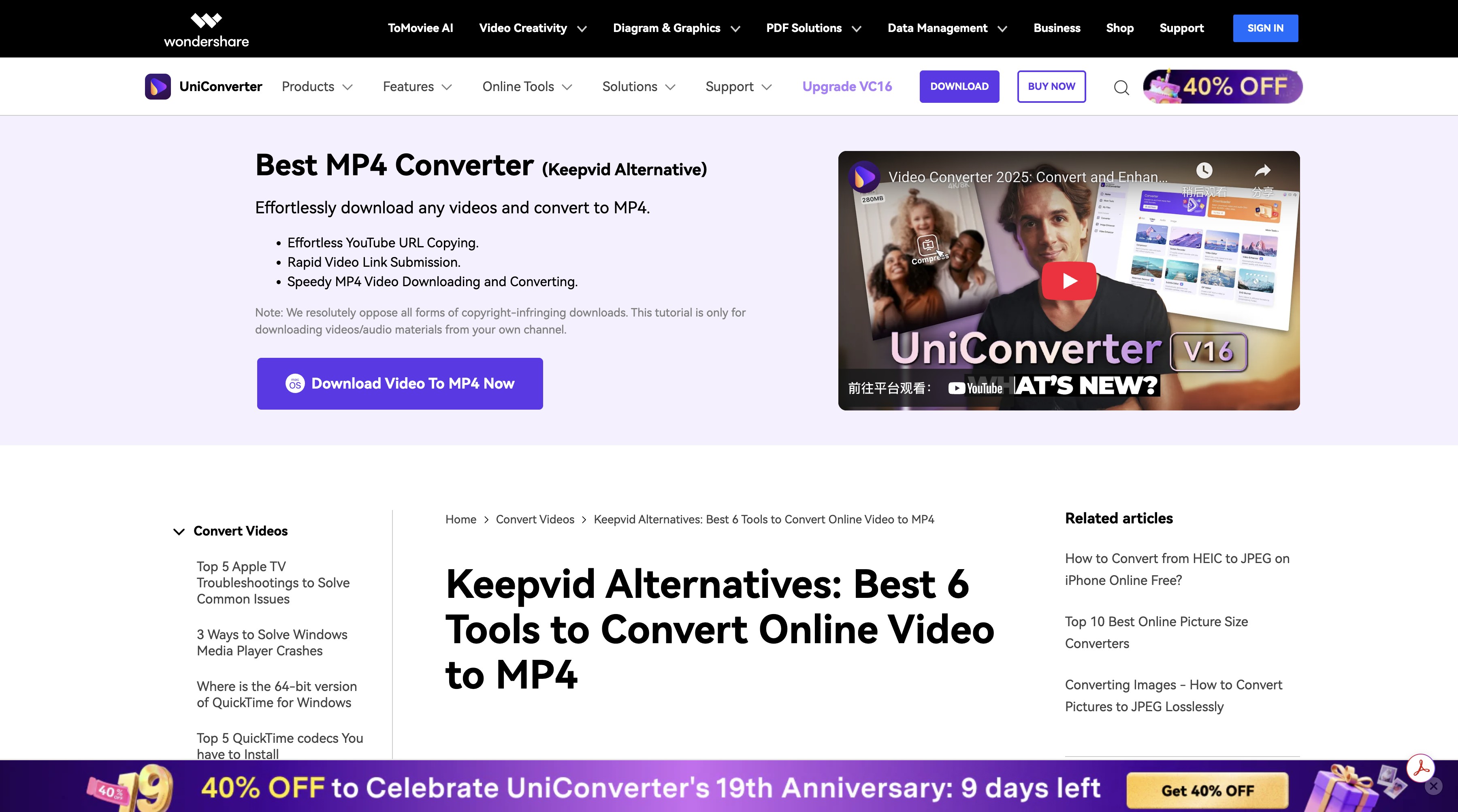
An installed app or familiar branding is not enough evidence that a tool is current or connected to the former service. Check the named publisher, recent release notes, supported sources, and where links redirect before treating any KeepVid-branded product as a replacement.
- Publisher continuity: A current KeepVid label does not establish a connection to the original service.
- Current support: Source compatibility, output options, and update history need to be assessed for the specific product.

The original KeepVid downloader is no longer operating, and a current KeepVid label does not prove continuity with that service. Evaluate each listing by its publisher, supported sources, update history, and redirect behavior.
Same Name Does Not Mean Same Publisher
Current KeepVid-branded listings may be separate products rather than successors to the original service. For example, the Google Play listing uses the publisher name MRD APP WORLD, which should be evaluated on its own terms rather than assumed to be the former KeepVid service.
Before installing software or using a web downloader, check the named publisher, destination URL, redirect behavior, supported sources, and recent update evidence.
Test Method and User Evidence
A useful KeepVid review needs more than a familiar logo or an installed app. The relevant checks are the service status, publisher identity, destination URL, redirect behavior, supported sources, and the date of the available evidence.
| Check | Date | Source | Workflow | Observed result |
|---|---|---|---|---|
| Original service status | August 2026 | keepvid.com | Open the former domain | Redirects to Wondershare UniConverter content |
| Same-name app identity | August 2026 | Google Play | Review the listing publisher | Publisher shown as MRD APP WORLD |
Public discussion threads about KeepVid have focused on the shutdown, broken download workflows, redirects, and the need for a simpler replacement. Those reports are useful context, but they do not establish that every current listing has the same behavior.
Choosing a KeepVid Alternative That Fits
The right alternatives to KeepVid depend on the source, interface, file type, and amount of maintenance you are willing to handle. A browser workflow is convenient for occasional supported web videos, while desktop and command-line tools offer different levels of control.
For Protected Streaming: StreamFab All-In-One
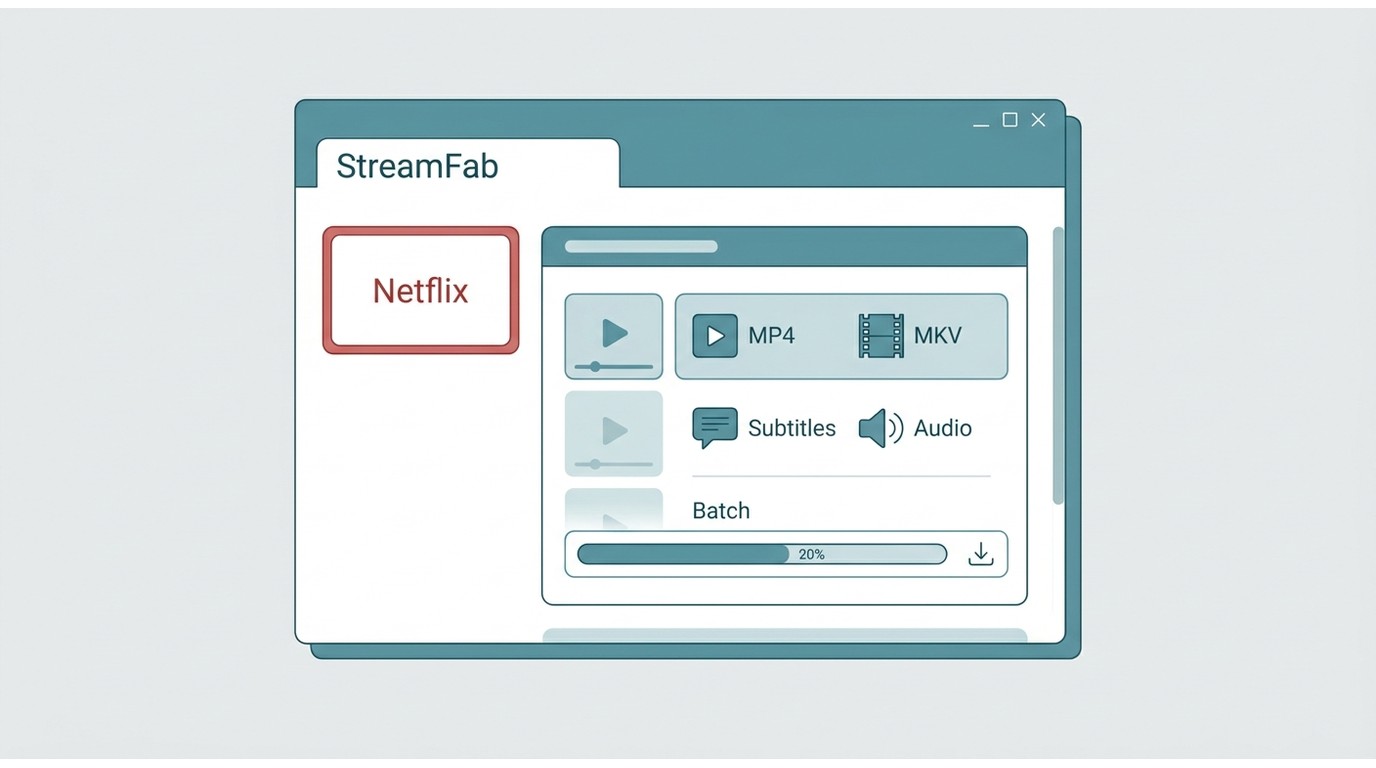
For content you are authorized to access, where permitted by platform terms and applicable law, StreamFab All-In-One is a desktop option for saving a local copy for personal offline viewing. It runs on Windows and macOS, supports MP4 and MKV output, and can retain available audio tracks and subtitles while supporting batch workflows. It is a better fit for readers who want a GUI and local file management than for someone seeking a no-install download once in a while. The paid desktop workflow adds control, but a quick web tool may be simpler for a single supported source. A broader StreamFab review covers the product in greater depth.

- StreamFab All-In-One detects supported videos and lets you choose whether to save them.
- For authorized streaming content, it saves available video to MKV or MP4 format.
- Available audio options include EAC3/AC3 5.1 or AAC 2.0, depending on the service.
- Resolution availability depends on the source, title, service plan, and output settings.
- Ad handling depends on the streaming service and tool settings.
- StreamFab lets users select available subtitles.
- Batch mode can queue supported episodes or titles in one workflow.
Video and Audio Quality Depend on the Source
Saved quality and format availability depend on the source, service, title, plan, and output settings. MP3 is an audio-only format, while MP4 and MKV are video containers; support for each option varies by tool and source. For many readers, compatibility with the intended player matters more than a headline resolution because the right container and audio option determine whether the file fits the actual workflow.
Everyday Desktop Workflow
A simple GUI can reduce setup compared with a command-line workflow, especially when playlists, subtitles, audio tracks, or scheduled batch tasks matter. Before choosing a free downloader, check the publisher identity, update cadence, destination URLs, redirect behavior, supported sources, playlist handling, output formats, and permitted-use limits. In practice, a reliable low-friction workflow is often more useful than the longest feature list.
KeepVid Alternatives Compared by Use Case
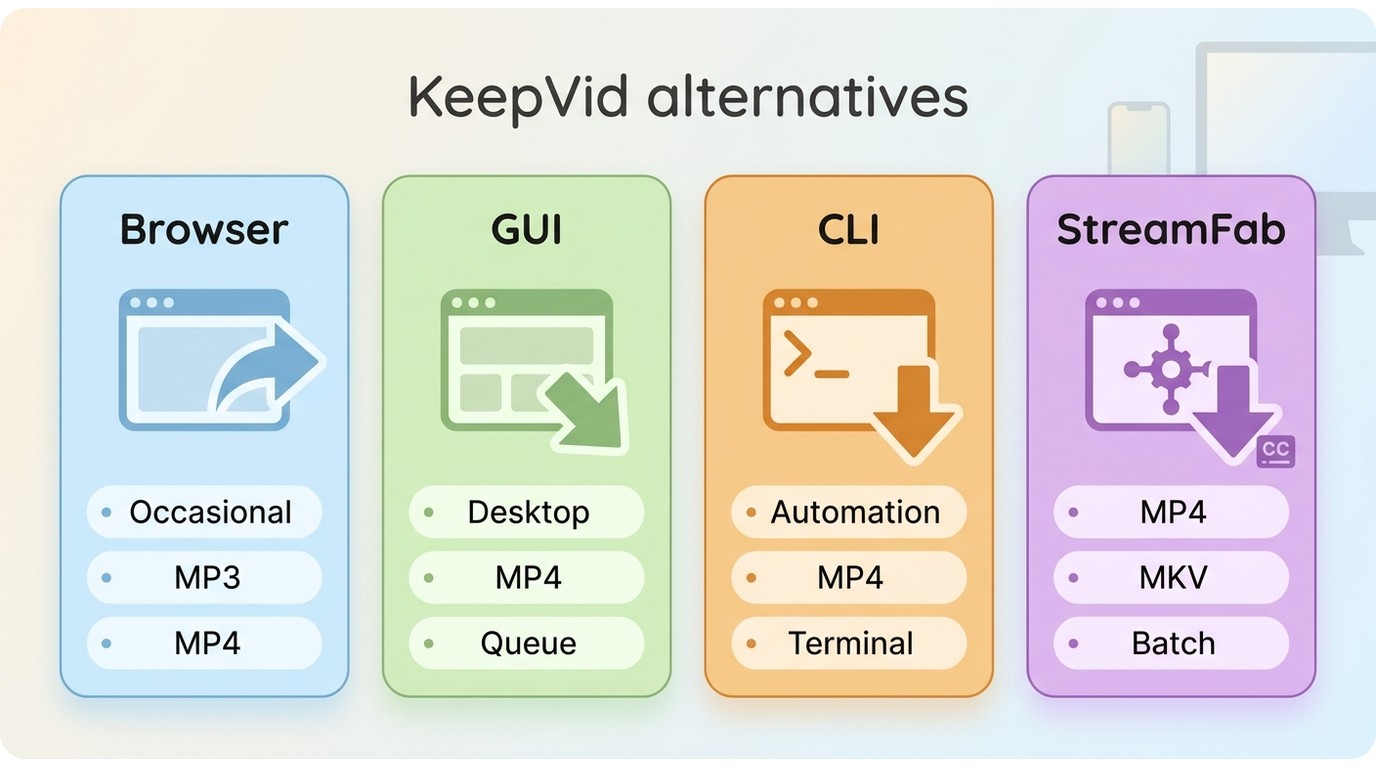
This use-case matrix keeps the comparison focused on workflow rather than treating the inactive original KeepVid service as a current product. Readers who want a broader streaming video downloader review can compare the wider category separately.
KeepVid Alternatives by Use Case
| Workflow | Best fit | Formats | Publisher and reliability checks | Streaming fit |
|---|---|---|---|---|
| Browser-based tools | Occasional supported web videos | MP3, MP4, or MKV; source dependent | Publisher, redirects, and updates | Limited by service rules |
| GUI downloaders | Readers who want simple controls | Tool and source dependent | Publisher, updates, and support notes | Varies by product |
| CLI tools | Advanced users and automation | Often flexible; source dependent | Publisher, documentation, and releases | Varies by source |
| StreamFab All-In-One | Managed desktop offline workflow | MP4, MKV; available audio and subtitles | Named publisher, GUI, and support notes | Authorized personal viewing where permitted |
| Decision point | Choose by source and interface | Match files to your player | Avoid opaque publishers | Follow terms and applicable law |
FAQs
1. Is the Google Play KeepVid app the original service?
No continuity should be assumed. The current Google Play listing identifies MRD APP WORLD as its publisher, while the original KeepVid web service is no longer operating at its former domain.
2. Which downloader type is easiest for nontechnical users?
A browser workflow is often simplest for an occasional supported video, while a GUI downloader suits readers who want clear controls and local file management. CLI tools offer more control but require more setup.
3. What should I check when a downloader stops working?
Check the publisher’s recent update history, supported-site notes, and the date of the last documented result. Also determine whether the issue affects one source, one title, or the entire tool.
4. Can KeepVid alternatives save audio-only MP3 files?
Some alternatives offer MP3 extraction for supported sources, but audio-only availability varies. MP3 is distinct from MP4 or MKV video output, so choose a tool based on the file type you actually need.
5. Do I have to give StreamFab my passwords?
You sign in to the streaming service within StreamFab when a service requires authentication. For details on the product’s safety considerations, see the StreamFab safety review.
6. May I share downloaded videos with a class or group?
Authorization, platform terms, copyright, and redistribution are separate questions. Use local-copy workflows only for content you are authorized to access, where permitted by applicable terms and law; the StreamFab copyright and usage guidelines explain the relevant boundaries.
Conclusion: KeepVid Is Gone, Choose by Use Case
The original KeepVid service is gone, so the first decision is not finding a familiar name. It is confirming the publisher and choosing a workflow that fits your source, preferred interface, format needs, and tolerance for redirects or maintenance.
For occasional supported web videos, a browser tool may be enough. For advanced control, a CLI tool may fit. For authorized streaming content that you want to manage as local MP4 or MKV files, StreamFab All-In-One is a practical paid desktop option, especially when batch workflows, audio tracks, and subtitles matter.
If you only need a quick browser-based workflow, options such as a 9xbuddy downloader may be more appropriate for supported sources. The right alternative is the one whose publisher, capabilities, and workflow match the task in front of you.
- Source Support: Available quality depends on the tool, source, title, and account plan.
- Audio Options: Audio-only MP3 and multichannel tracks are separate capabilities that vary by source and tool.
- Streaming Limits: Browser, GUI, and CLI tools differ in what sources and authorized workflows they support.

StreamFork (formerly OnlyFans-DL) is still actively maintained in 2026, with version 3.7.0 released on June 27, 2026, but its sideloaded browser workflow brings real installation friction, mixed reliability reports, and trust tradeoffs worth weighing before you pay.
By Jacob Harrison - Aug 4, 2026
SaveTheVideo still works as a free, no-signup web downloader for public social clips in 2026, but the surrounding ads and redirects are the real risk — not the download itself. It's fine for the occasional grab; heavier or streaming-service use needs a desktop tool.
By Marcia Hatcher - Aug 3, 2026

Addoncrop promises a seamless YouTube download experience, but our hands-on testing reveals a 144% bitrate gap compared to professional alternatives. While its native UI integration is top-tier, the reliance on bridge extensions and the risk of "ghost" progress resets make it a gamble for large backups. In this review, we break down the exact performance metrics of Addoncrop.
By Erika Leen - Jul 27, 2026