
Streaming Video Downloader Review 2026: 6 Tools for PC & Mobile

Summary: This 2026 technical review evaluates the best streaming video downloaders across PC, mobile, and browser extensions. We test Widevine DRM decryption, hardware acceleration limits, and platform support including premium VOD and niche sites to help you build a high-quality offline media library.
Table of Contents
Choosing the Right Streaming Video Downloader in 2026
The best streaming video downloader is the one that matches the source, operating system, output needs, and amount of automation you actually use. Start with the platform rather than a long feature list.
OTT DRM Tools vs. Open-Source vs. Browser Extensions
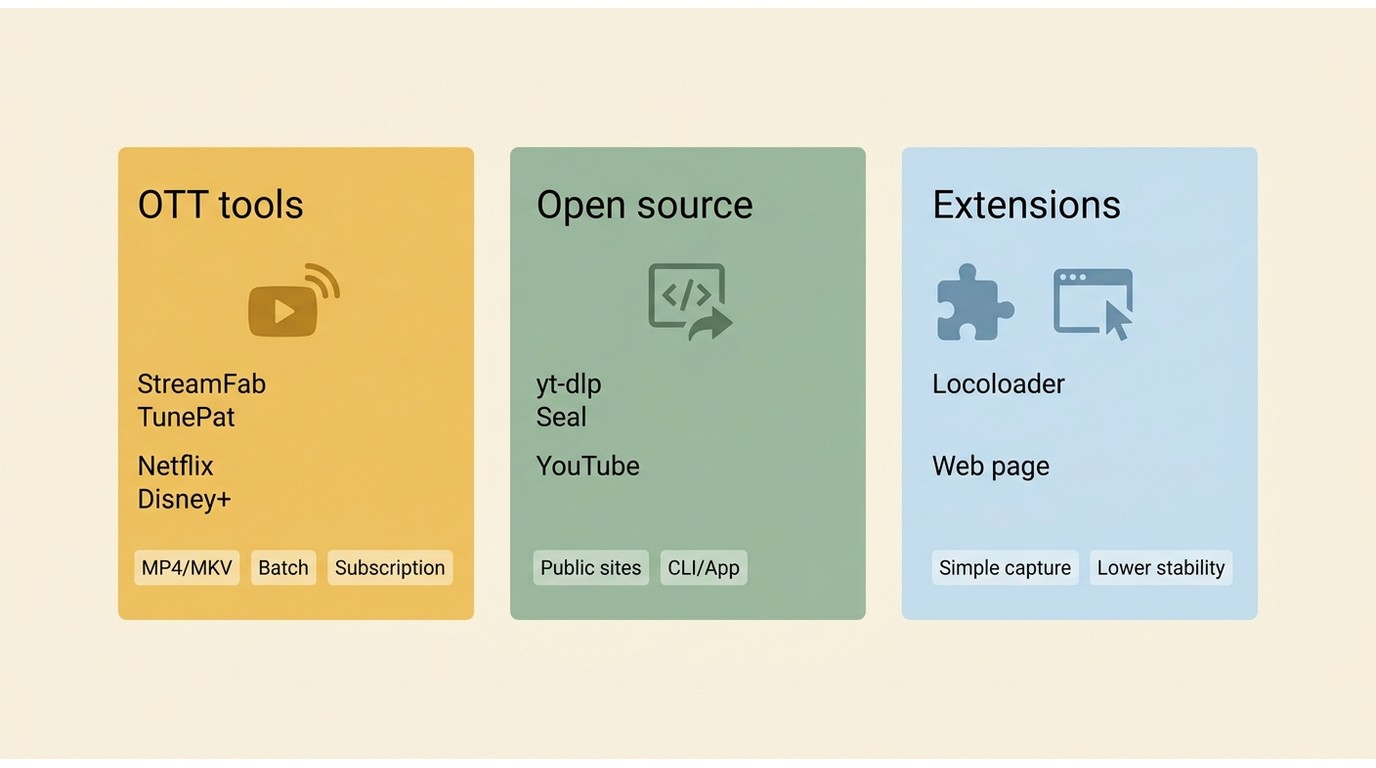
A search for a Widevine DRM downloader usually means the source is a subscription service. Open-source apps and a streaming downloader browser extension are better fits for YouTube, social platforms, news sites, and open MP4 or M3U8 sources.
My rule is to choose the narrowest tool that handles the real source. Paying for an OTT suite to save public clips is wasteful; expecting a free command-line utility to handle a protected subscription catalog is equally unrealistic.
Selection Criteria: Platform, Output Quality, and Budget
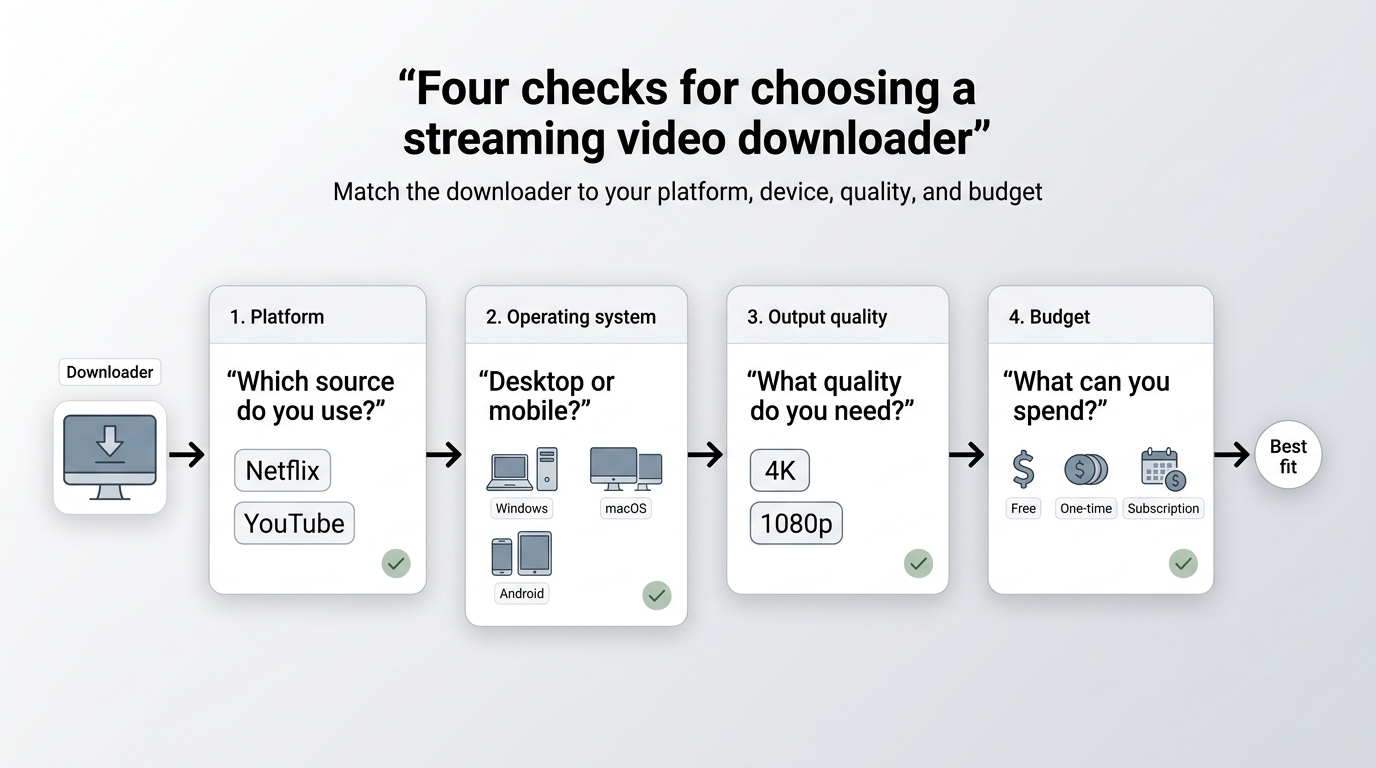
Use four checks before installing anything. This keeps marketing claims from outrunning the workflow you need.
To download streaming video in 4K, both the service and subscription plan must offer that quality, and the selected app must support it for that service. A streaming video downloader for Mac also needs a current macOS build, not merely a Windows feature page with a Mac logo added later.
How DRM Protection Blocks Most Downloaders
Protected streaming services do not expose ordinary video files to browser extensions or general download utilities. They use an authenticated playback chain, so tools built for open web video often detect nothing or receive a lower-quality rendition.
Widevine L1 and L3 in Plain English
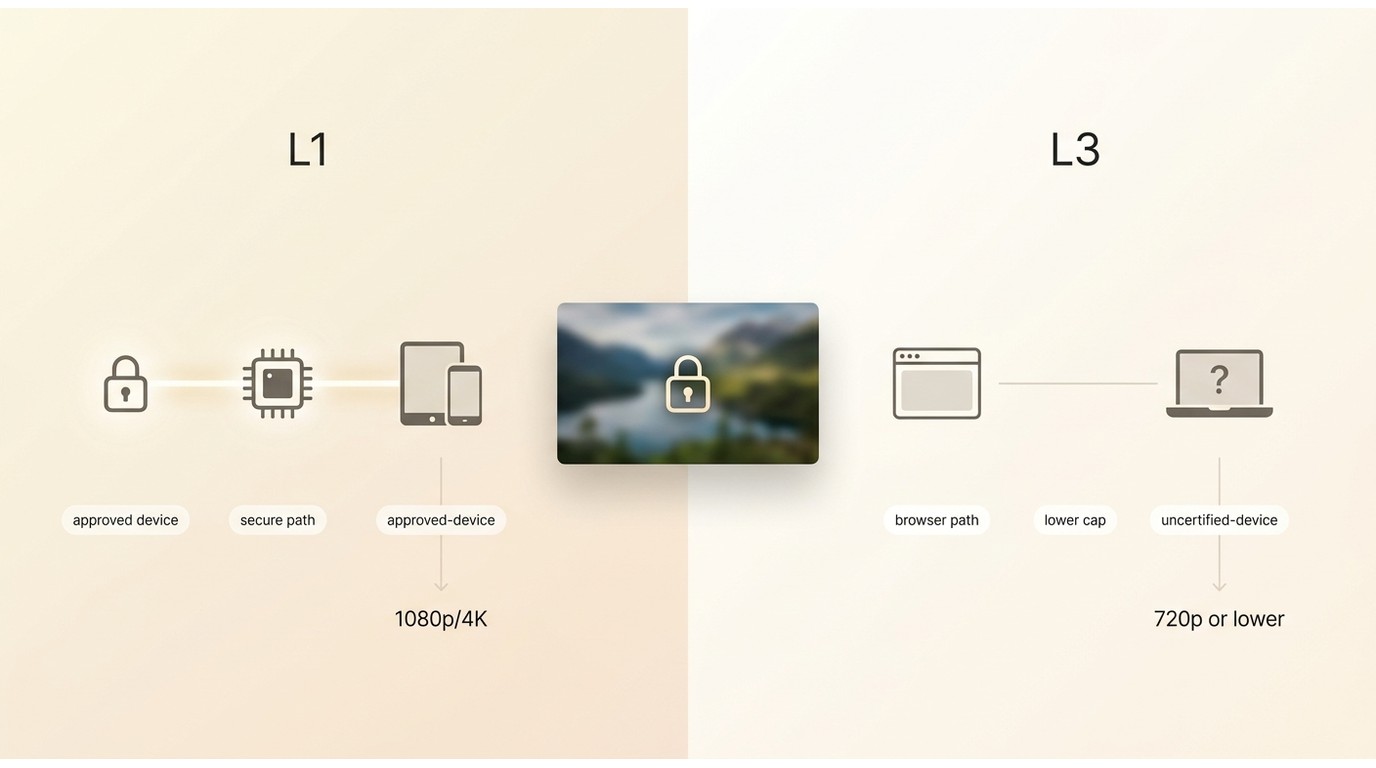
Widevine security levels describe where protected playback is processed. L1 can support higher-quality playback on approved devices, while an L3 path may receive a lower-resolution version. This is why a nominal 1080p source can become 720p or lower in an unsupported workflow.
The practical point is not to chase technical labels. Check whether the tool documents support for your service and whether the resulting resolution matches the plan and device. A budget app can be adequate for a laptop even when it is a poor fit for a large 4K display.
Why Maintenance Matters After Platform Changes
Platform changes are a useful freshness test: maintained OTT apps may adapt, while stale utilities and lightweight extensions can lose access or fall back to lower-quality streams.
Update cadence matters more than a fixed response-time promise. Look for a current release history and service-specific support after platform changes; a stale utility can stop working even when its feature page still looks current.
Screen Recorders vs. Native Downloaders
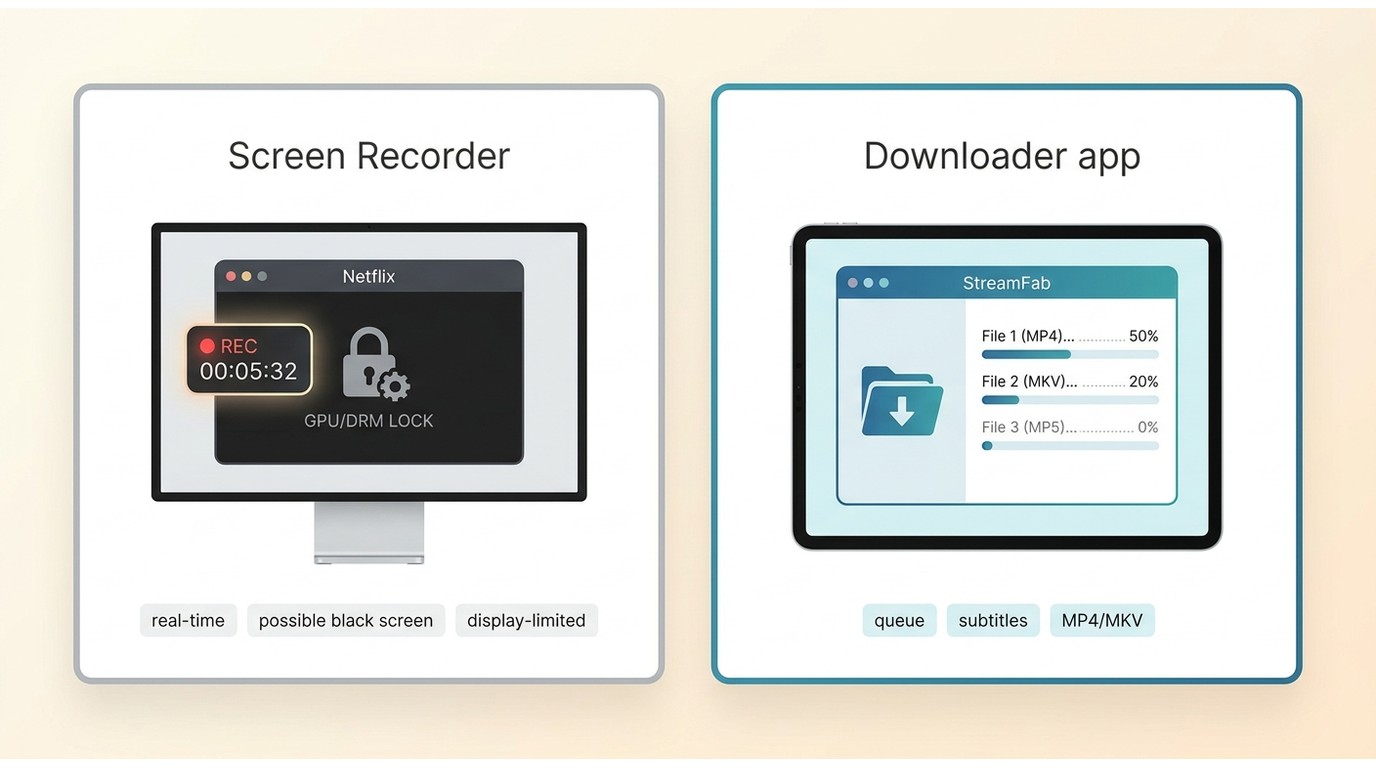
A screen recorder captures rendered frames in real time. A downloader saves an available encoded stream through its supported workflow. The latter can preserve source-level audio, subtitles, and resolution when the service and app support them, while recording remains limited by playback and display conditions.
Hardware acceleration can produce a black recording when protected video is rendered through a GPU path the recorder cannot capture. Disabling acceleration may help a one-off recording, but it can increase CPU load and does not turn a recorder into a downloader.
For a fuller explanation of the difference between downloading and recording, focus on capture time, output quality, subtitles, and whether the job can run as a queue.
Best Streaming Video Downloaders for Windows and Mac
This six-tool desktop list separates subscription-service workflows from public-site utilities. It is a matching exercise, not a claim that one product wins every category.
StreamFab All-In-One: Best for Premium OTT Platforms
Best for: Windows and Mac users who regularly save eligible titles from several supported subscription services. Not ideal for: someone who only needs occasional YouTube clips or wants an iOS app.
StreamFab All-In-One supports Windows and macOS, outputs MP4 or MKV, and includes batch tasks, scheduling, selectable audio, subtitles, and metadata. Depending on the service and plan, output can reach up to 4K. These are the most relevant differences for a multi-service local-file workflow.
StreamFab is positioned here relative to official app downloads as a desktop option for personal offline viewing of content you are authorized to access, where permitted by platform terms and applicable law. It still requires valid access to the original service.
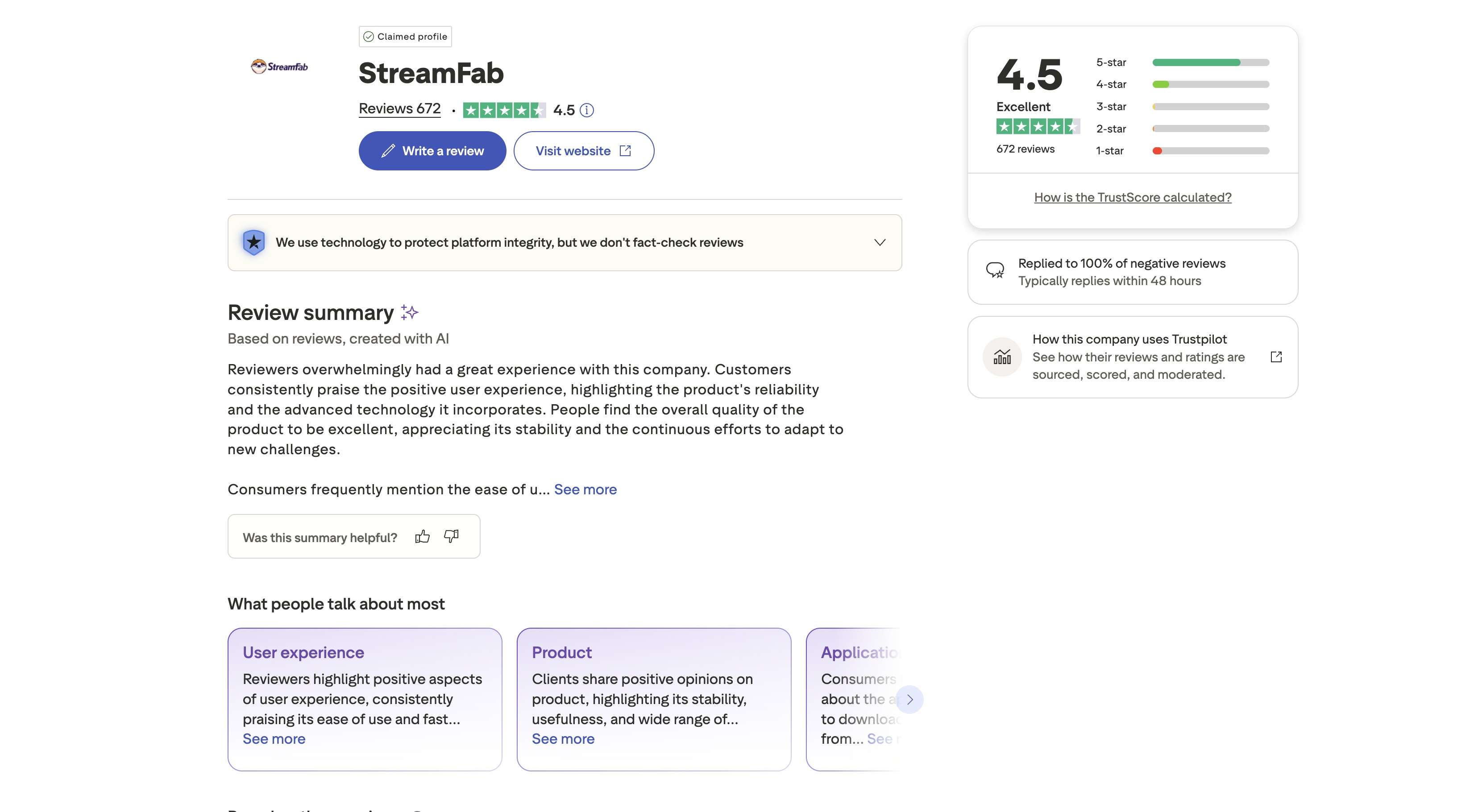

StreamFab All-In-One is a Windows and Mac option for supported subscription services, with MP4 or MKV output, batch and scheduled tasks, selectable audio, subtitles, metadata, and service-dependent output up to 4K.
For a batch streaming video download queue, the scheduler is more useful than a long list of codecs: it reduces repetitive episode setup. The tradeoff is cost and a larger desktop application than a browser extension or command-line utility.
The verified specifications list Windows and Mac support but do not provide a chip-by-chip Apple Silicon guarantee. For long Mac queues, start with a shorter batch and watch memory use before leaving an overnight job unattended.

A separate StreamFab review covers the interface and setup without turning this comparison into a product manual.

My practical take is that StreamFab makes the most sense when several supported services share one queue. If the job is one public clip, the extra desktop footprint buys very little.
Basically, StreamFab’s tech advantage is what makes it valuable, and that’s the price.
TunePat VideoGo: Best for Single-Platform Casual Use
Best for: a casual buyer focused on one supported subscription service. Not ideal for: a multi-service archive or anyone who needs one consistent feature set across many platforms.
TunePat offers a conventional desktop interface and service-specific products. That structure can keep a single-service workflow simple, but license scope and available output quality vary by product and service, so it is less tidy for people who rotate between several subscriptions.
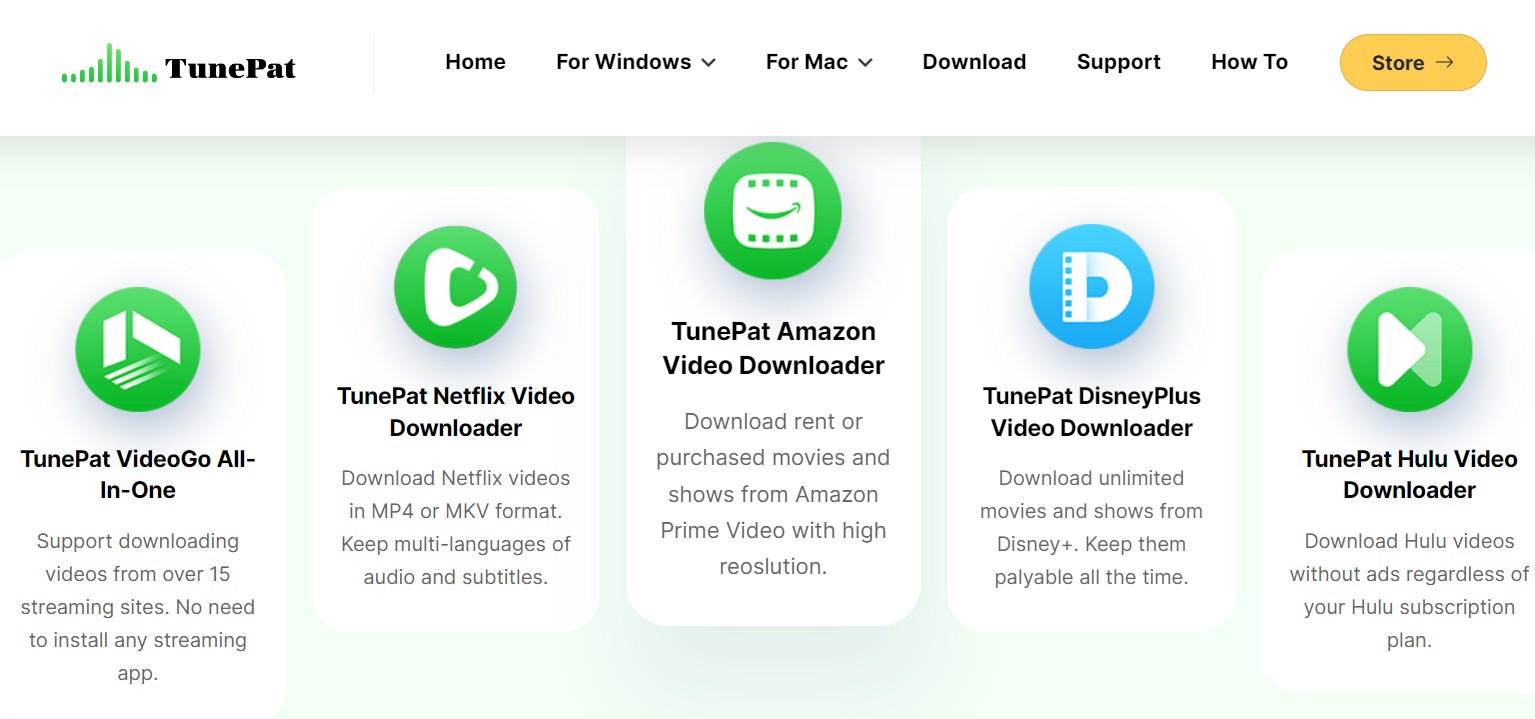
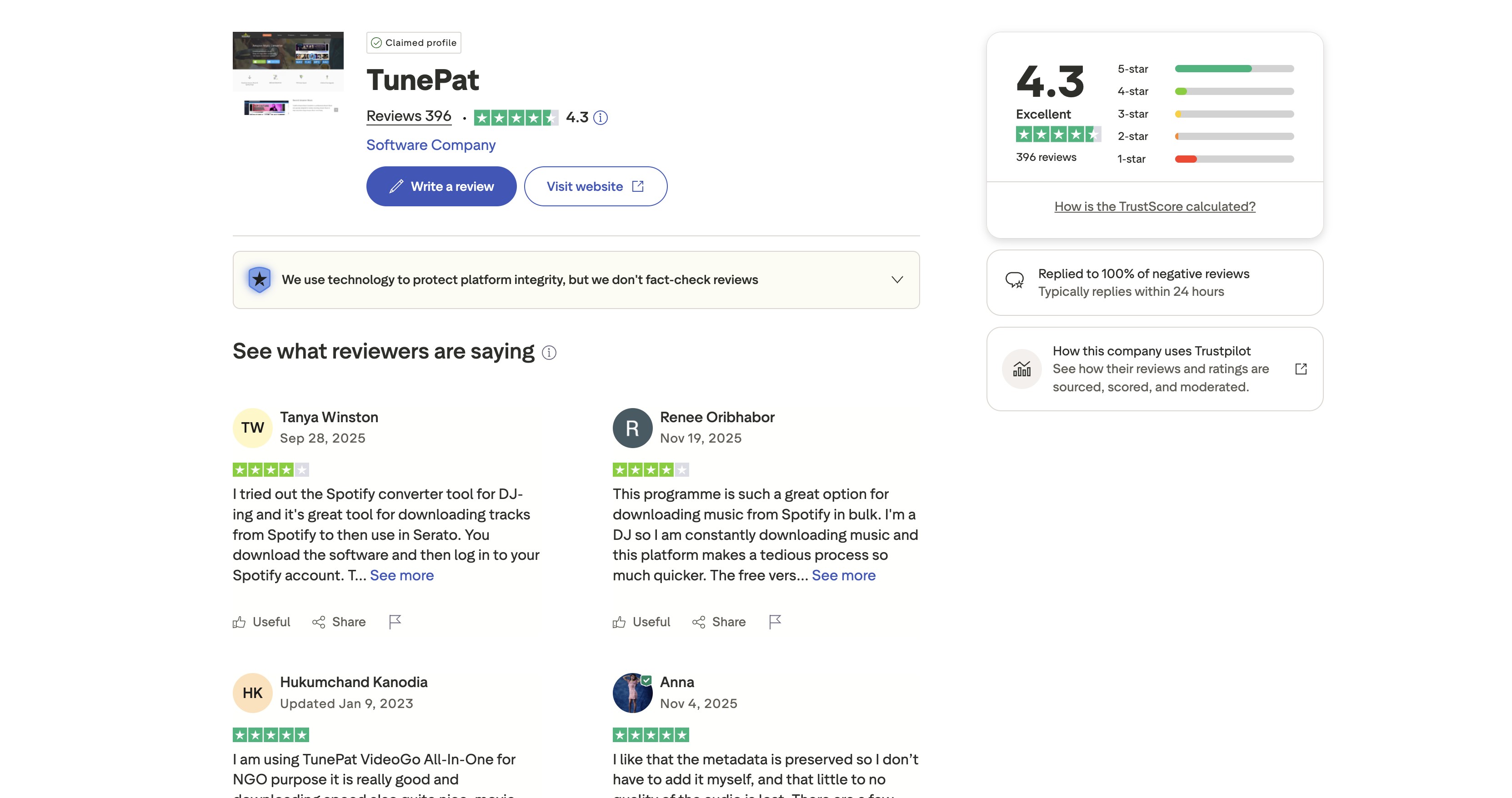
TunePat fits a narrow, low-frequency workflow better than a broad comparison suggests. I would choose it for one supported service, not for managing several separate queues and licenses.
Kigo Video Converter: Best Budget Entry-Level Pick
Best for: beginners who want a straightforward app for a limited set of supported services. Not ideal for: viewers who require the highest available quality across multiple subscriptions.
Kigo provides a familiar interface, subtitle options, and batch features in selected products. Its practical limitation is the same one found across many service-specific tools: available quality and successful title coverage can vary after platform changes.
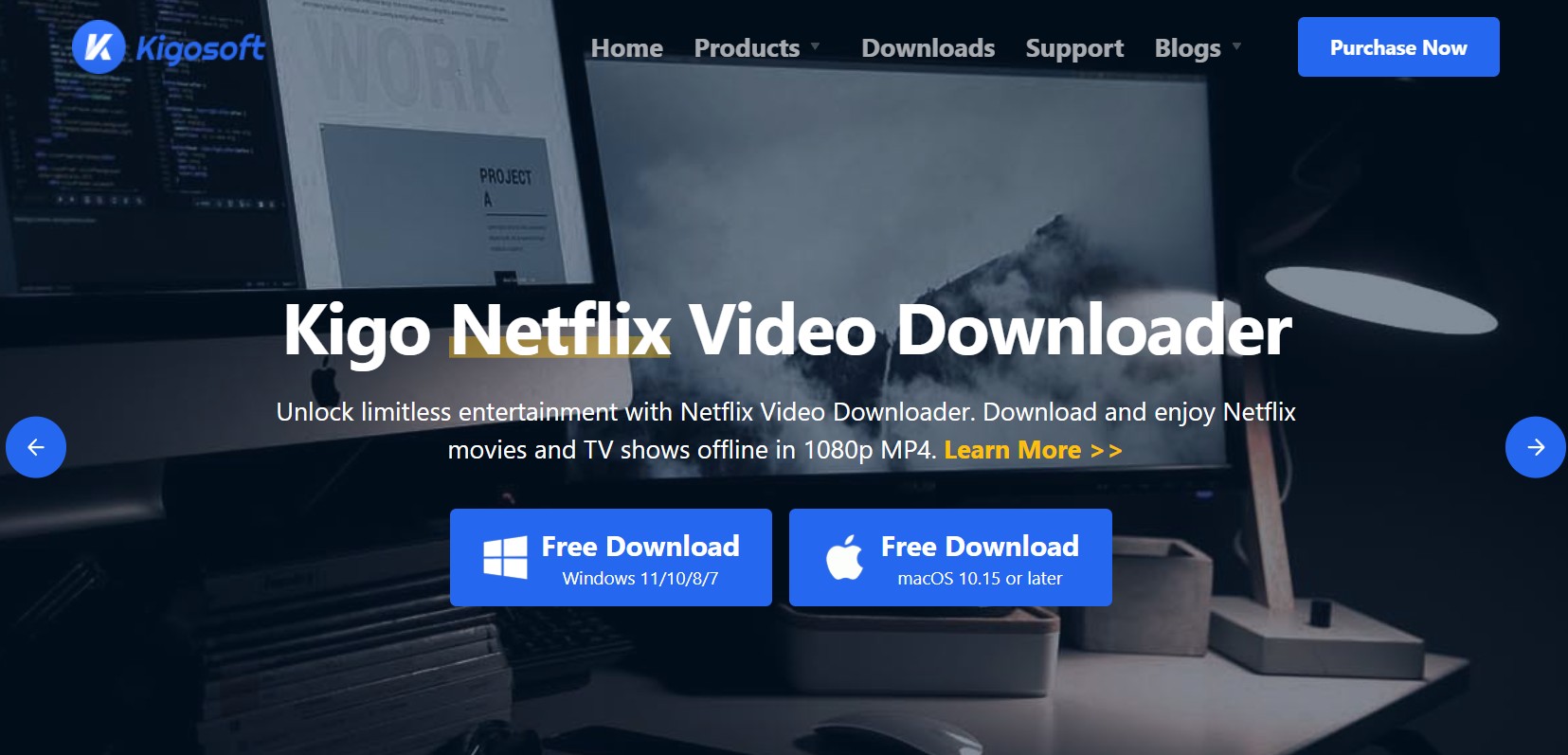
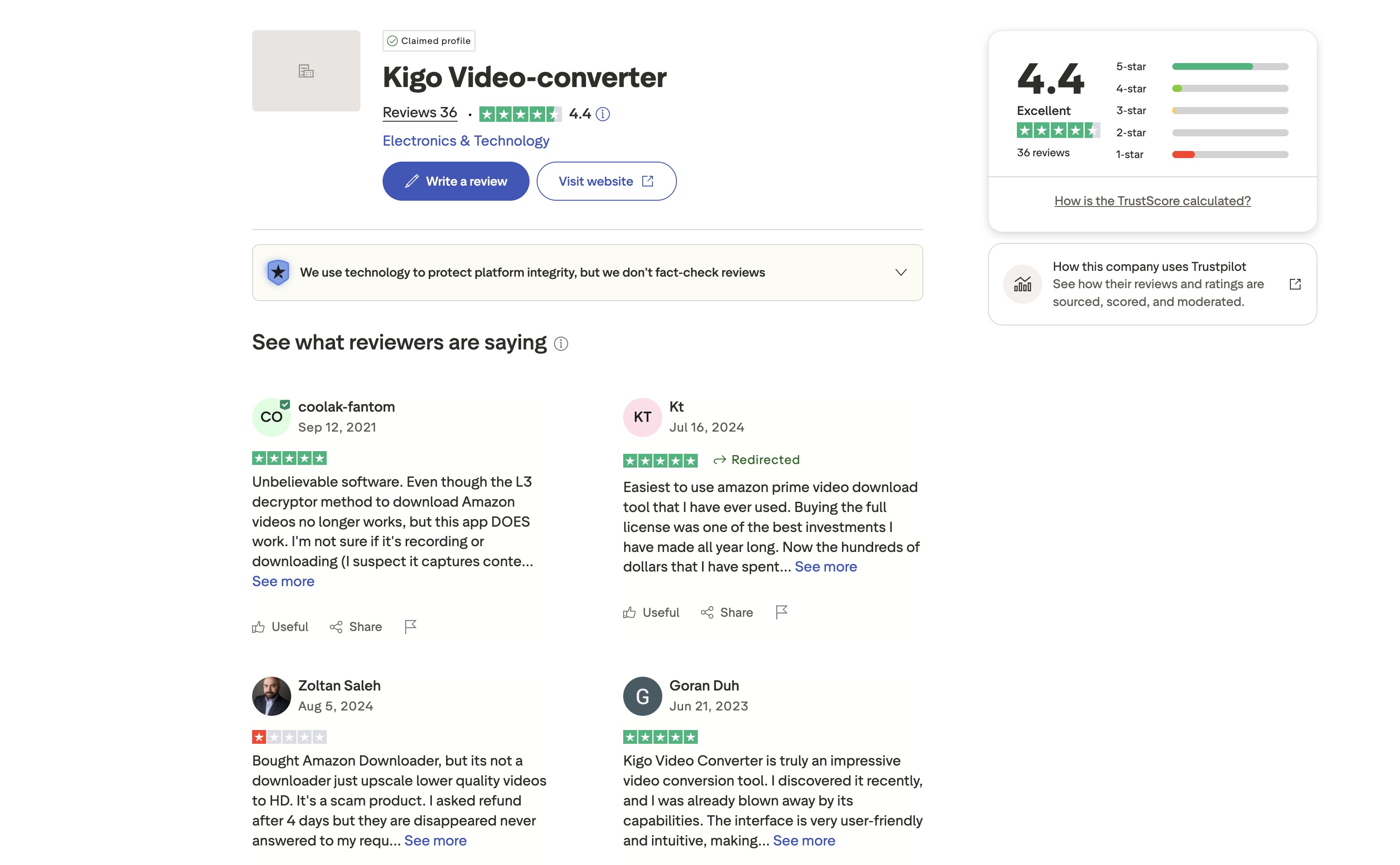
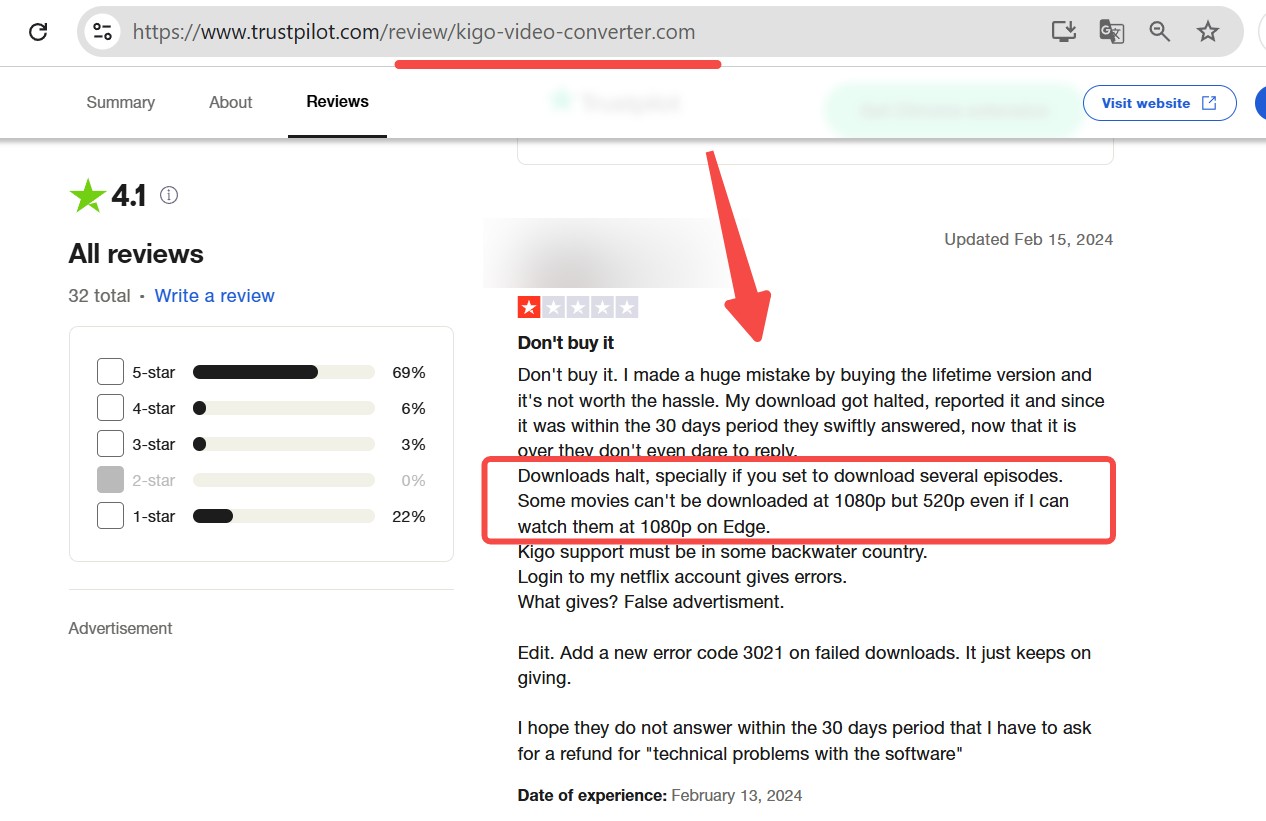
Kigo is easier to recommend as an entry point than as a blanket answer. The interface is approachable, but a large-screen or multi-service workflow deserves a closer check of service-specific limits.
If your needs are tiny, Kigo works as a starter, but if you’re often downloading or want more power, I’d honestly try something else. Just my friendly suggestion.
YT Saver: Best for YouTube-First Workflows
Best for: YouTube, public video sites, and audio extraction. Not ideal for: Netflix, Prime Video, Disney+, and comparable protected subscription catalogs.
YT Saver targets public-site downloading with a graphical interface. It suits users who prefer buttons and format menus over command-line syntax, but it should not be evaluated as a streaming downloader for Netflix because that is outside its core fit.
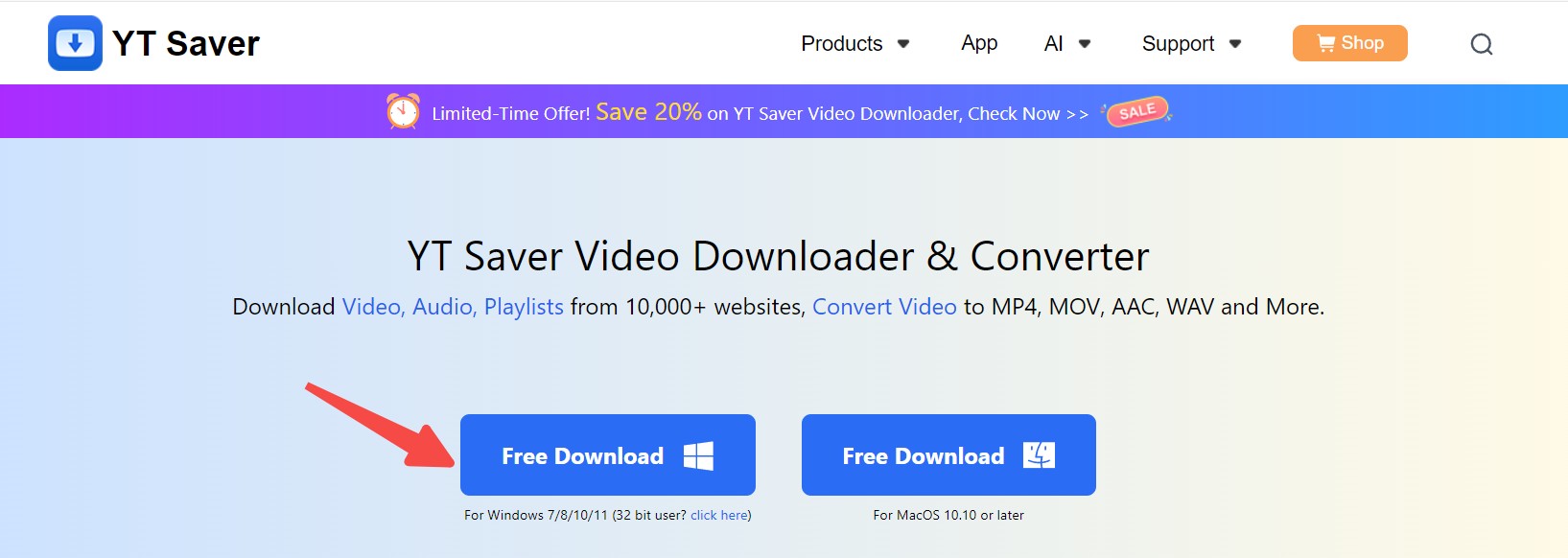
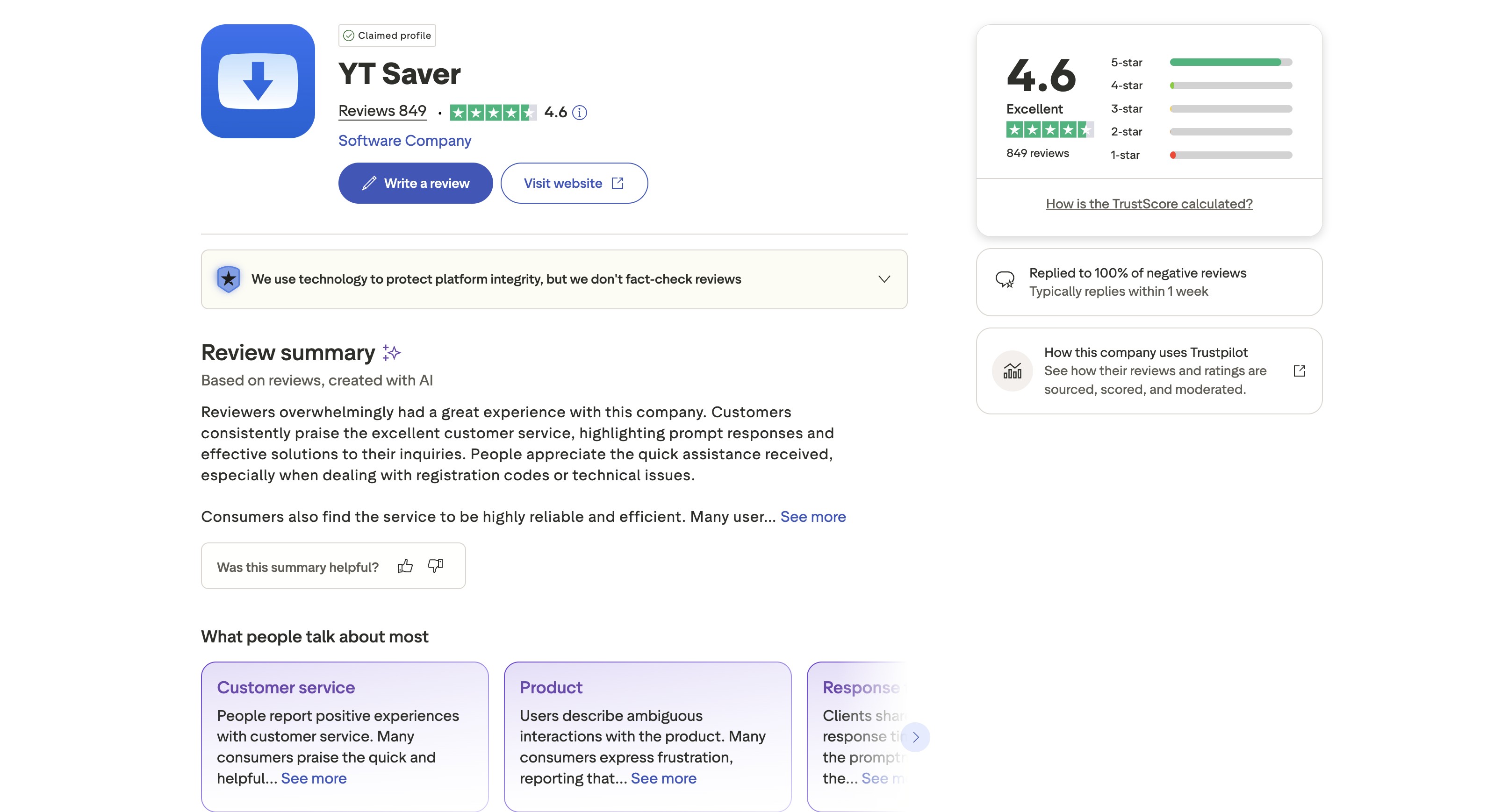
YT Saver earns its place through focus. A graphical public-video workflow is easier than a terminal for many users, but that convenience should not be mistaken for premium OTT support.
Locoloader: Best Chrome and Firefox Extension
Best for: occasional downloads when a web page exposes an ordinary media file. Not ideal for: protected subscription services, large batches, scheduled tasks, or subtitle-heavy workflows.
Locoloader keeps the workflow in Chrome or Firefox and avoids a separate desktop client. That convenience comes with a smaller feature set and broader browser permissions, so review the extension's access before using it on a signed-in browser profile.
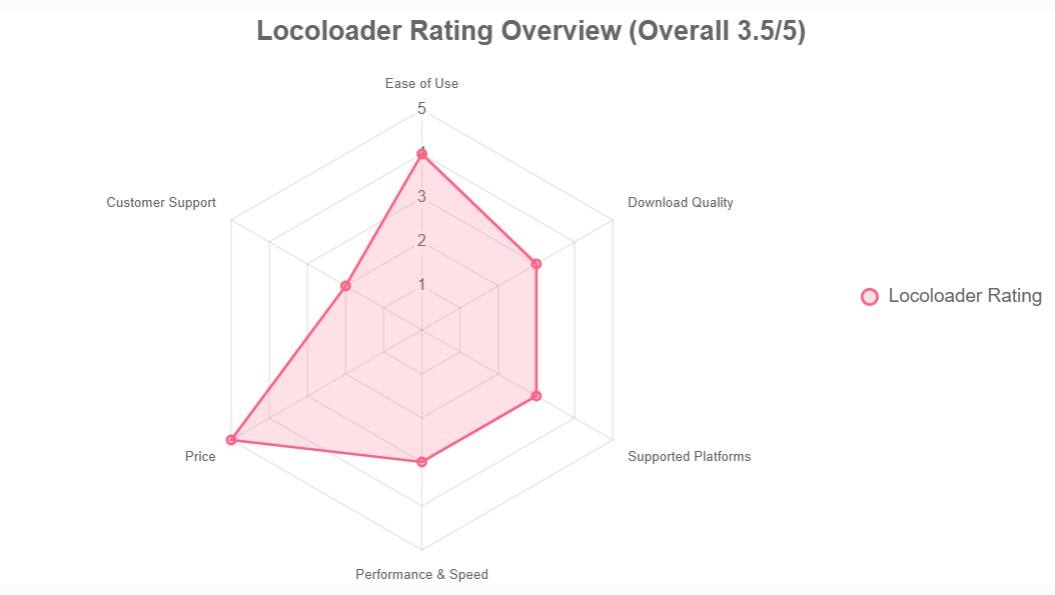
Locoloader is convenient when the browser already exposes the media file. I would keep it out of accounts that contain sensitive billing or profile data unless its permissions are clearly limited.
yt-dlp: Best Free Option for Non-DRM Sites
Best for: cost-conscious users with YouTube, playlists, social media, and open MP4 or M3U8 sources. Not ideal for: anyone whose main need is offline copies from protected subscription catalogs.
yt-dlp is a free streaming video downloader for open sources, with frequent community updates and broad format control. It is command-line based, although graphical wrappers exist. Its strength is transparent automation rather than a polished store-style interface.
yt-dlp does not handle Widevine-protected catalogs such as Netflix, Prime Video, Disney+, Hulu, Max, or Paramount+. That boundary is useful: it is an excellent free tool when the source is open and the wrong tool when a subscription service controls playback.
Best Mobile Downloaders for iPhone and Android
A streaming video downloader iPhone search and an Android downloader search lead to different answers. On iPhone, official in-app downloads are the first route; Android offers both official features and a wider range of specialized apps.
StreamFab for Android: DRM-Capable Mobile Pick
Best for: Android users who want eligible supported videos stored as MP4 for personal offline playback. Not ideal for: iPhone users or anyone who only needs open YouTube sources.
StreamFab for Android is lighter than the desktop suite and supports mobile local-file workflows for selected services. Available quality and service coverage depend on the source; the verified brand information supports Android availability but does not support a blanket claim for every subscription platform.
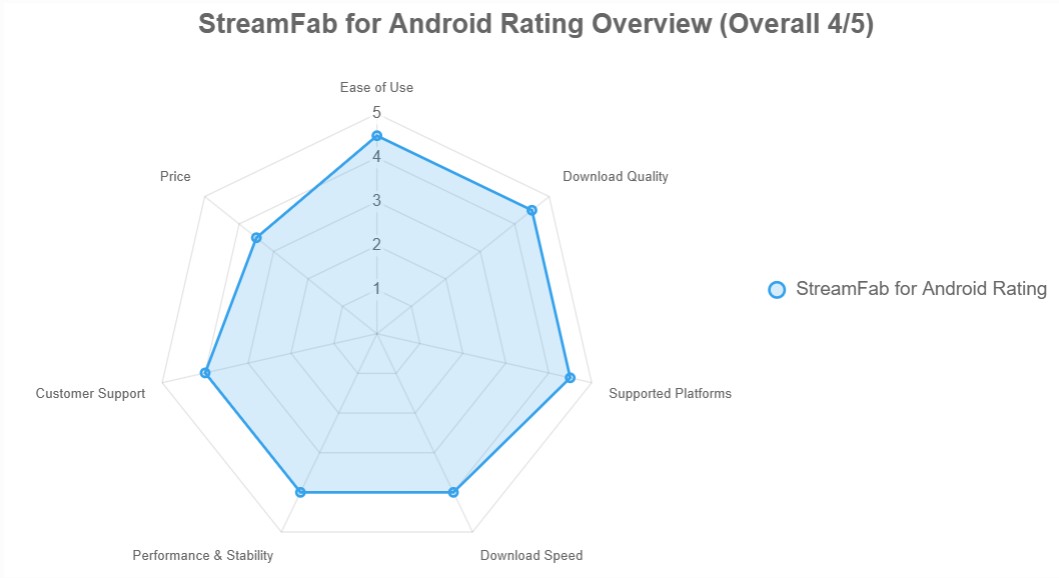
Save eligible supported videos on Android in MP4 for personal offline viewing; available quality and service coverage depend on the source and access plan.
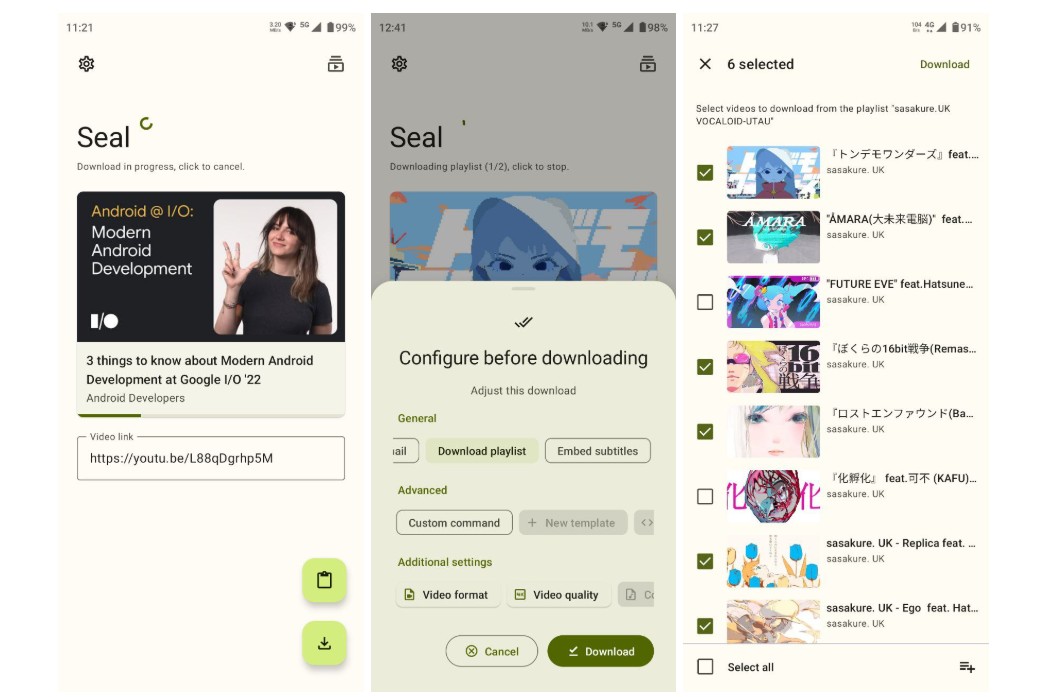
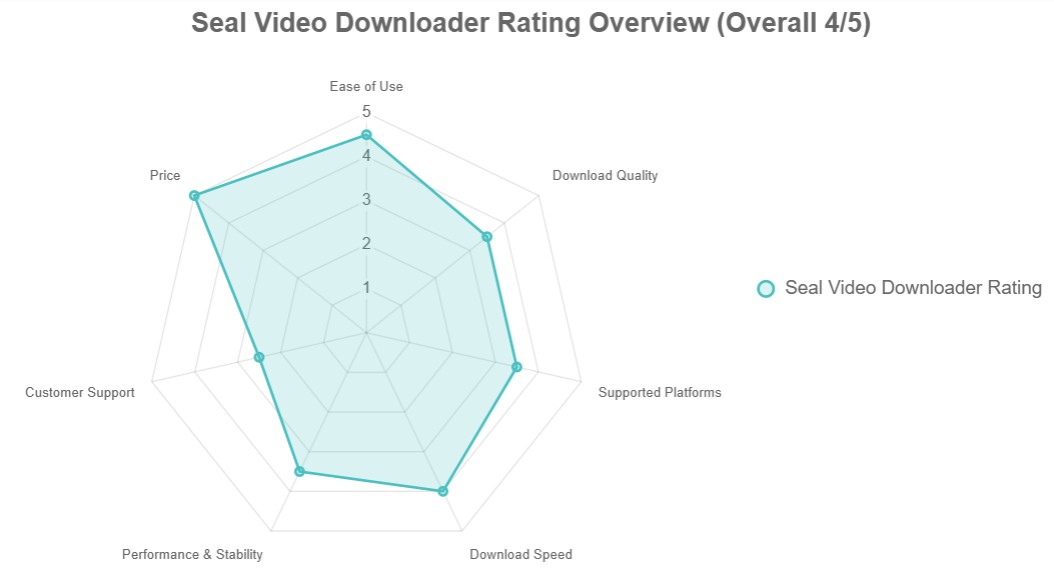
Seal: Open-Source Android Front-End for yt-dlp
Best for: Android users who want a free graphical front end for yt-dlp. Not ideal for: protected subscription services or users who need scheduled OTT episode queues.
Seal wraps yt-dlp in an Android interface, making public-site downloads easier without terminal commands. It inherits the same source boundaries as yt-dlp, so its value lies in open video, playlists, and format control rather than premium OTT catalogs.
PlayOn Cloud and Official App Downloads on iPhone
Best for: iPhone users who want a simple offline route without managing desktop files. Not ideal for: users who require direct control over formats, audio tracks, or a desktop media library.
Netflix, Prime Video, Disney+, Hulu, and other major services provide in-app offline features for eligible titles and plans. Start there because the download remains inside the official app and follows its playback rules.
PlayOn Cloud uses a server-side recording model and can fill selected gaps, but availability, cost, and supported services vary. It is a fallback rather than a reason to skip a platform's built-in download button.
Feature and License Comparison at a Glance
The useful differences are platform fit, output control, automation, and license structure. yt-dlp is free; for StreamFab All-In-One, TunePat VideoGo, Kigo Video Converter, YT Saver, and Locoloader, this review does not present a same-date US dollar comparison because product scope and licensing are not equivalent.
Side-by-Side Feature Matrix
Software or Tool | Practical Fit | Output and Audio | Workflow and Platforms |
|---|---|---|---|
StreamFab All-In-One | Supported subscription services; up to 4K depending on service and plan | MP4 or MKV; selectable audio and subtitles | Windows and Mac; batch and scheduled tasks |
TunePat VideoGo / Kigo Video Converter | Service-specific casual use; quality varies by product and service | Desktop output options and subtitles vary by license | Separate service products; batch features vary |
YT Saver | YouTube-first and public video workflows | Video formats plus audio extraction | Graphical desktop app; not for protected OTT catalogs |
Locoloader | Occasional open media exposed in the browser | Source-dependent browser downloads | Chrome and Firefox; no scheduled OTT queue |
yt-dlp | Free option for open sites, playlists, and public streams | Extensive format control through a command-line workflow | Windows, Mac, and Linux; no protected subscription catalogs |
Capability and license categories are summarized as of July 2026. Use the matrix to narrow the field by source type, operating system, output control, and automation before comparing license scope.
How to Compare Subscription and Perpetual Licenses
yt-dlp is free, while the other products may use subscriptions, perpetual licenses, free tiers, or service-specific purchases. Because those licenses cover different services and platforms, a dollar-only ranking would create a false comparison.
I treat update coverage as part of license value because platform changes can make an unmaintained downloader stop working. A perpetual label matters less than whether the license includes the services, platforms, and updates your workflow depends on.
A Fair Method for Benchmarking Streaming Downloaders
Before comparing speed, hold five variables constant: title, account tier, network, device, and selected resolution. Record completion time, successful playback, subtitle delivery, and whether conversion was required; otherwise, MB/s figures are not comparable.
Use this repeatable protocol:
- Select one title and the same output resolution for each compatible tool.
- Use one Windows or Mac computer on the same wired network.
- Record queue start, completion, file size, audio format, subtitles, and any retries.
- Repeat the run and report the range rather than a single flattering result.
Run the same short episode on Windows 11, then repeat the queue on a current Mac build if cross-platform performance matters. Log completion status, subtitle delivery, playback compatibility, and memory pressure during the short batch.
I would exclude any tool from a speed ranking unless it completes the same title under the same network and output settings. A precise number from a different setup is not a valid comparison.
Legality and Account Safety in the United States
To download streaming video legally, separate three questions: whether you are authorized to access the title, what the service terms allow, and what copyright rules permit in your circumstances. This section is general information, not legal advice.
DMCA, Personal Use, and Platform Terms
Official offline downloads are the lowest-friction choice because they stay inside the service's app. A local-file workflow should be limited to personal offline viewing of content you are authorized to access, where permitted by platform terms and applicable law.
Do not upload, sell, share, or redistribute saved files. A valid subscription and private use do not automatically override a service's contract terms, so keep the workflow narrow and avoid treating access as ownership.
Avoiding Account Bans and Privacy Leaks
Risk rises when a tool requests excessive browser permissions, sends credentials to a cloud service, runs automated sessions continuously, or stores account tokens without clear controls. Use the least invasive workflow that solves the problem.
- Prefer official app downloads when they meet the need.
- Use a separate browser profile for extensions and limit permissions to the target site.
- Avoid sharing account cookies or credentials with unknown web services.
- Keep desktop apps updated and stop repeated retries after a platform changes.
For a broader workflow overview, this guide to download streaming video explains how source type and device shape the available options.
FAQ
These answers cover the recurring quality, device, safety, and tool-choice questions that are easy to miss in a feature table.
Why Does 1080p Download as 720p?
The service may be delivering a lower-resolution stream to that device or workflow, or the selected tool may not support the higher-quality path for that title. Check the source plan, playback device, and tool support before assuming the file was simply compressed.
How Do I Fix Hardware Acceleration Black Screens?
Disable browser hardware acceleration, restart the browser, and test a short clip. If the picture returns, the recorder was conflicting with GPU rendering. This may increase CPU use, and it does not improve the source resolution or add downloader features.
Does StreamFab Work on Mac M1, M2, and M3?
The verified specifications confirm macOS support, but they do not provide a chip-specific reliability guarantee for StreamFab on Mac M1, M2, and M3 systems. Use the current Mac build, begin with shorter batches, and close memory-heavy apps before a longer queue.
Can Downloading Streaming Videos Ban My Account?
No workflow can promise zero account risk. Official app downloads are the safest starting point; with other tools, avoid constant automated sessions, repeated failed requests, shared credentials, and cloud services with unclear token handling.
Screen Recorder vs. Video Downloader: Which Is Better?
A recorder captures playback in real time and is limited by what appears on screen. A downloader saves an available encoded stream through a supported process, which can retain source-level audio, subtitles, and resolution without waiting through the full runtime.
What Is the Best Free Streaming Video Downloader?
For YouTube, playlists, social platforms, and open MP4 or M3U8 sources, yt-dlp is the strongest free option in this comparison. It uses a command line and does not support protected subscription catalogs, so it is not a free replacement for an OTT-focused app.
Conclusion
The winning choice is the one that removes friction from the source you actually use, not the product with the longest feature page.
- Several supported subscription services on Windows or Mac: StreamFab All-In-One provides MP4 or MKV output, batch work, scheduling, audio, subtitles, and metadata for a multi-service local-file workflow.
- One subscription service and occasional use: compare TunePat and Kigo by the specific service license and quality you need.
- YouTube, social platforms, and open sources: choose yt-dlp for control, YT Saver for a graphical app, or Locoloader for occasional browser use.
- Mobile viewing: start with official iPhone or Android app downloads; consider StreamFab for Android, Seal, or PlayOn Cloud only when their specific workflow fits.
My final recommendation is to keep local copies for personal offline viewing and stay within platform terms and applicable law.

Downloading your favorite Netflix library permanently for your flexible offline watch is not a big deal anymore. Try the Pazu Netflix video downloader to enjoy Netflix streaming with ultimate customizations.
By Erika Leen - Sep 18, 2026
This review exposes the gap between Video Downloader Plus's marketing and its actual performance. Technical tests confirm the extension cannot process encrypted HLS streams found on major sites. Furthermore, the review critiques the lack of a free trial, forcing users to pay blindly for functionality that may not work on complex websites.
By Jacob Harrison - Sep 15, 2026
Explore a comprehensive list of alternative software to MovPilot. Learn about their features, pricing, and user reviews to make an informed decision based on 2026 DRM standards.
By Erika Leen - Sep 15, 2026
How to cancel PlayOn subscription? Will you get a refund after cancelling? This guide tells you everything you need to know about cancelling PlayOn subscriptions.
By Nicole Lopez - Sep 15, 2026