
An Unbiased Technical Review on Minitool Video Converter | 2026 Update

Summary: MiniTool Video Converter 5.0 is a capable, easy-to-use format converter with a usable free tier, but its online downloader struggles with long videos in 2026, and it is Windows-only. Below I walk through speed and quality, safety, the free-tier limits, platform support, a step-by-step conversion how-to, and where other tools fit better.
MiniTool Video Converter 5.0: Verdict, Pros and Cons
MiniTool Video Converter 5.0 is a dependable, easy-to-use format converter that is held back by weak online downloading and Windows-only availability. It is a comfortable pick for casual conversion, less so for archiving long web videos.
Pros
- Clean, beginner-friendly interface for batch format conversion
- Usable free tier for everyday conversion jobs
- Screen recorder and a basic downloader bundled in one app
- Version 5.0 adds AI video enhancement, noise reduction and speech-to-text subtitles
Cons
- Windows only: no native Mac, Linux or Android build
- Online downloads can stall on long or high-bitrate videos
- No lifetime license, so subscription costs keep recurring
- Limited granular bitrate control for power users
- Best for: casual users who mainly convert local files to MP4 on Windows and want a free, no-fuss tool.
- Not ideal for: Mac or Android users, or anyone whose core workflow is downloading long online videos.
In my view, MiniTool sits comfortably as a lightweight converter rather than the download-everything hub some reviews make it out to be; for heavy archiving you will want a dedicated tool.

What MiniTool Video Converter Does in 2026
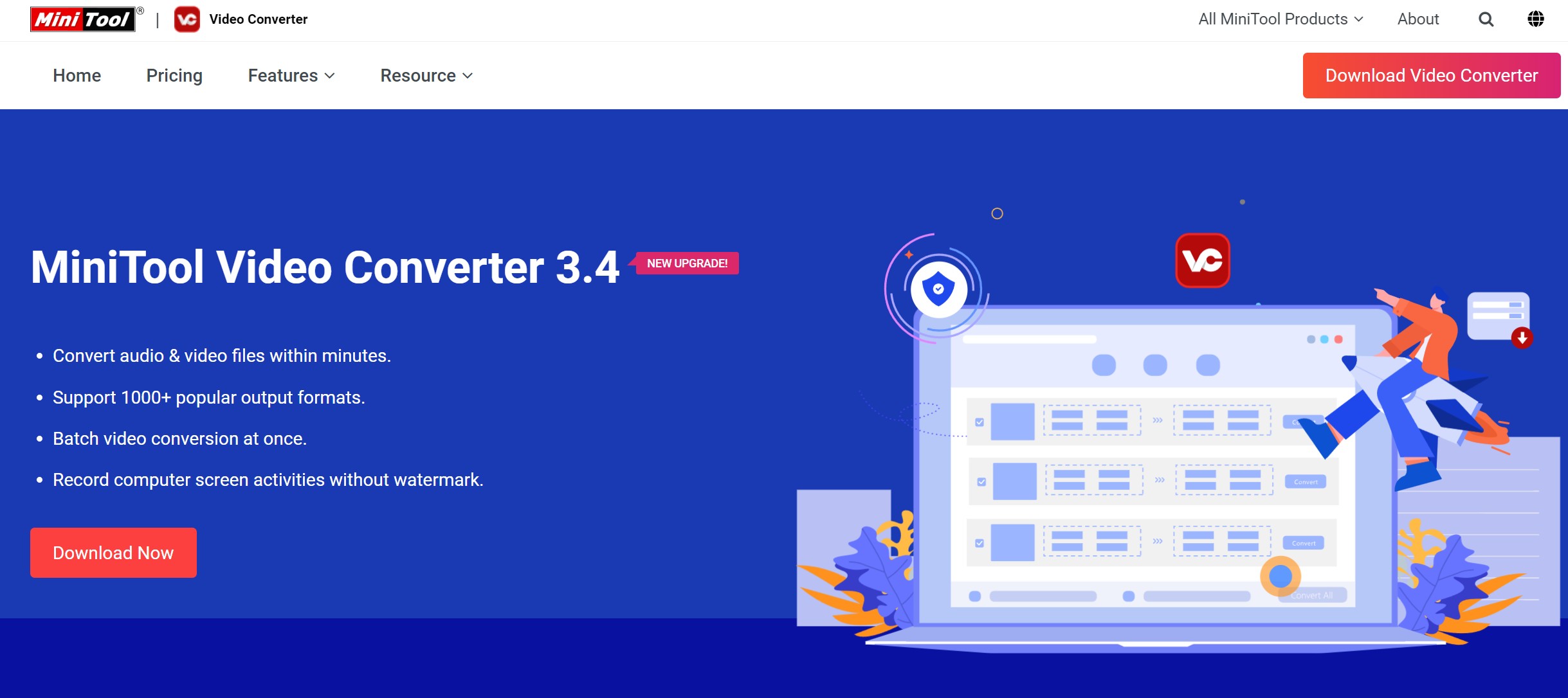
MiniTool Video Converter is a Windows app that does three main jobs: it converts between video and audio formats, records the screen, and downloads online video.
As of Aug 2026, the current build is version 5.0.0, which adds AI video enhancement, noise reduction, speech-to-text subtitles, a compression preview and hardware acceleration on top of that older conversion, recording and downloading trio. For most people the draw is simple: point it at a folder of mixed files, pick one output format such as MP4, and let it batch-process.
How to Reproduce a Speed and Quality Test
For local conversion, MiniTool is reliable and reasonably quick in everyday use. The honest caveat is that raw speed depends far more on your CPU, GPU and the codec you choose than on the app itself, so any single number is machine-specific — which is why the frame below is a method for readers to run on their own hardware, not a headline benchmark result.
Test Setup and Method
To compare converters fairly, hold the inputs constant and record the setup. Here is the reproducible frame worth using:
| Test dimension | What to hold constant |
|---|---|
| Source clip | A 10-minute 1080p30 H.264 MP4 |
| Target profile | H.265/HEVC in an MP4 container |
| Hardware acceleration | Run once with GPU acceleration on, once off |
| What to record | Elapsed time, output file size, and a side-by-side quality spot-check |
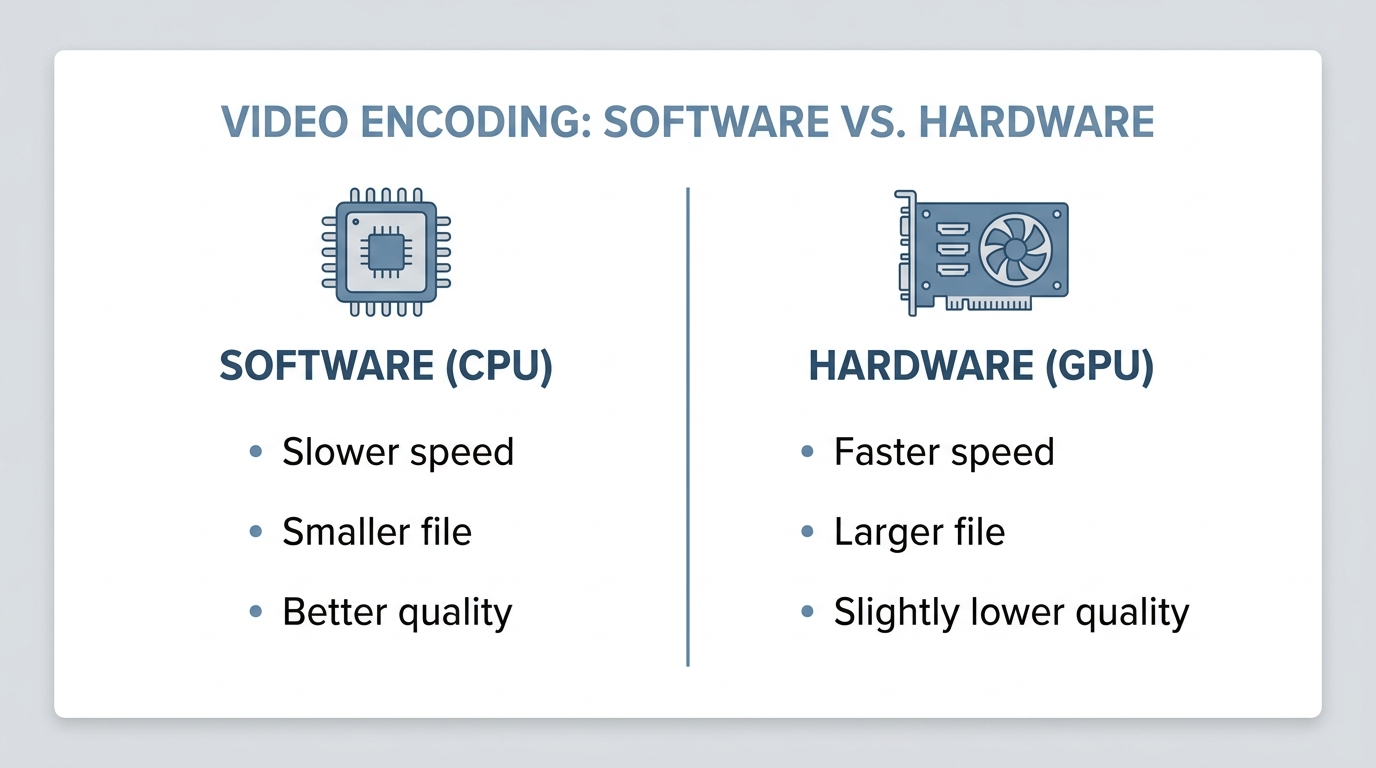
The key trade-off is software versus hardware encoding. Software (CPU) encoding is slower but usually fits better quality into the same file size; hardware encoding via your GPU is much faster and suits long files, at the cost of slightly larger outputs at matched quality.
MiniTool 5.0 exposes hardware acceleration, which is the setting that matters most for long conversions. Because results swing with your exact CPU and GPU, treat any stopwatch figure as specific to your machine rather than a universal score.
How It Compares to HandBrake and UniConverter
Against free heavyweights, MiniTool trades control for simplicity. HandBrake gives you far deeper encoding controls but a steeper learning curve, while MiniTool wins on approachability; if you want a middle ground with a friendlier layout, the HitPaw Video Converter sits in similar territory.
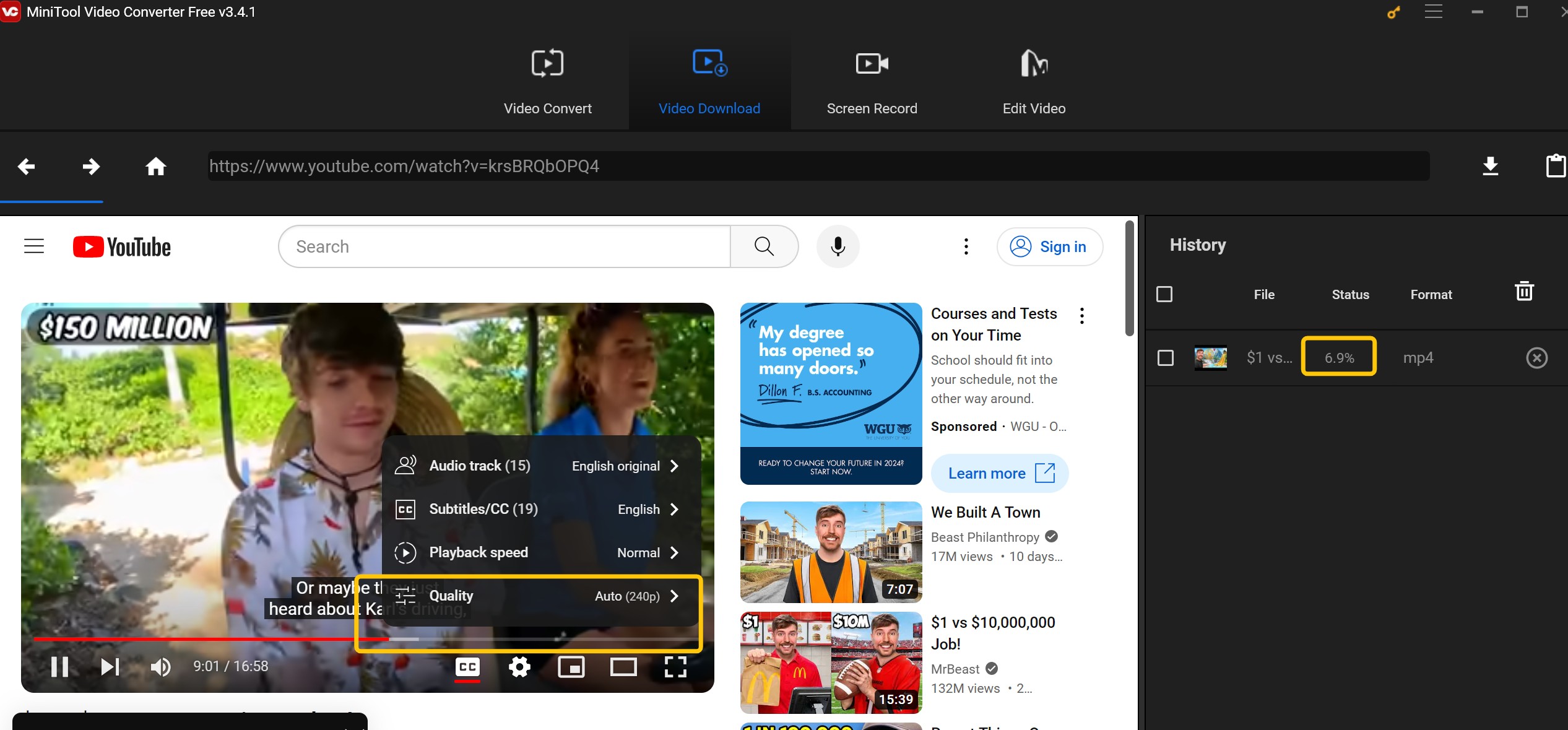
On downloading, MiniTool has struggled with long online videos since YouTube's 2026 platform changes, a wave that dented reliability across many downloaders, so long clips often stall partway rather than finishing cleanly. That is not unique to MiniTool: even UniConverter's YouTube download parsing has faced the same headwinds. For occasional short clips it is fine; for anything long, expect retries.
Is MiniTool Video Converter Safe?
Is MiniTool Video Converter safe? That question cannot honestly be answered by a single one-off scan — the responsible answer in 2026 is to check the exact build you download yourself, because installers, mirrors and antivirus signatures all change over time.
How to Verify the Installer Yourself
A credible safety check has four parts: the product version, the installer's published file hash, the scan date, and how many engines were used. For the current release that means the 5.0.0 installer, its published SHA-256, the date you run the check, and a multi-engine result — keeping the vendor's own assurances separate from any independent check you run.
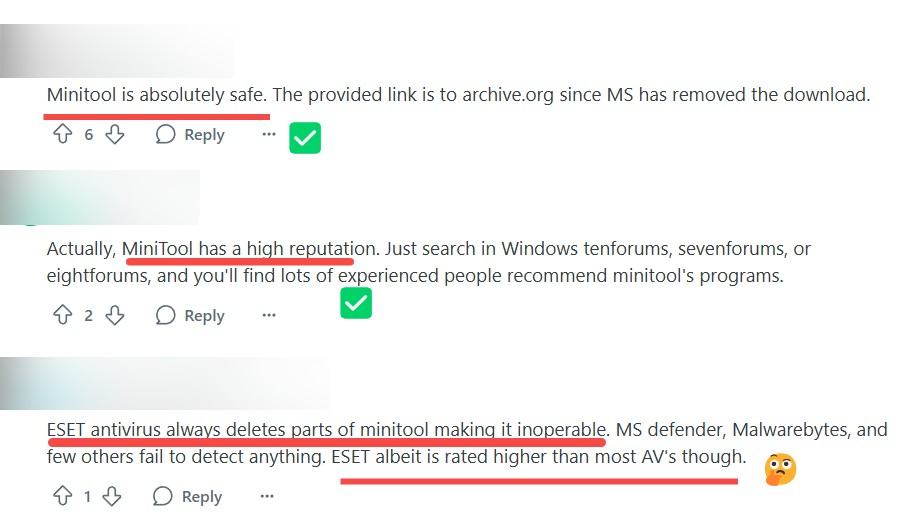
This matters because antivirus engines can disagree on the same file, so a dated hash is what lets you confirm you and anyone else even tested the same installer. Community threads on r/computerviruses and similar forums show that different engines occasionally flag or clear MiniTool components differently; that is not proof of malware, but it is exactly why a step-by-step verification is more useful than a static badge.
Optional Offers During Setup
On bundled software, the picture is mixed. The vendor's current page states there are no ads or bundled software, while community reports describe declining an optional McAfee offer during installation on some builds. That gap likely comes down to version or download source, so the safe move is simple: install from the official page and untick any optional offer you are shown.
Free Version Limits and Pricing
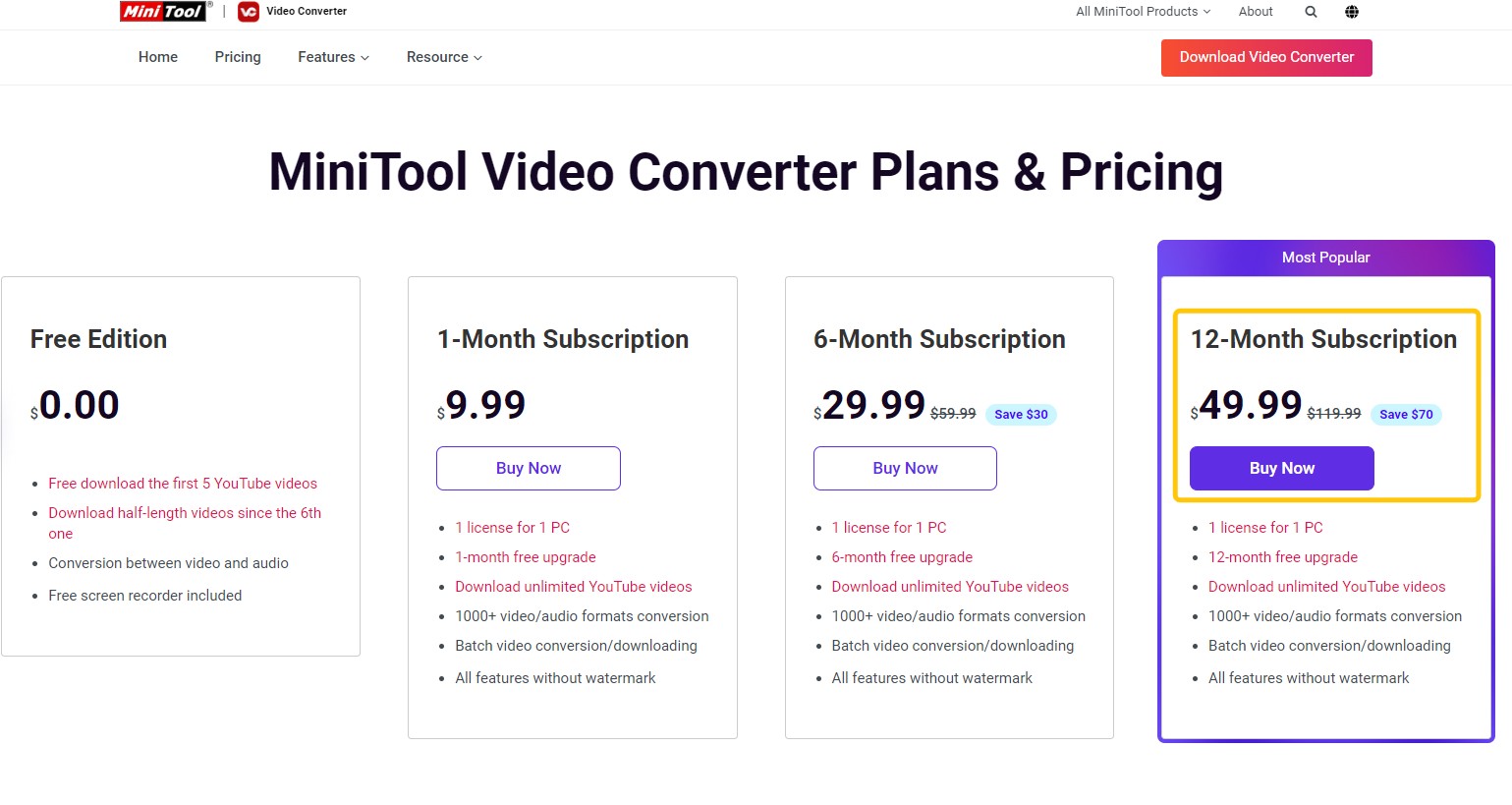
If you are after a MiniTool Video Converter free option, the honest answer is that limits vary by function, and public claims conflict. The official page markets it as unrestricted freeware with no watermark, while independent reviews report caps such as a 100 MB file ceiling, a five-file batch limit, five online downloads and a watermark. Rather than trust one blanket "unlimited free" table, check each job you care about in the app:
- Conversion: batch limits and any file-size ceiling
- Screen recording: watermark and length caps
- Compression: preview versus full export
- Online download: number of videos and resolution
Paid plans lift most limits and run about $9.99 per month or $49.99 per year, as of Aug 2026, with the official checkout as the price to trust. The bigger drawback for long-term users is the absence of a lifetime license, so costs keep recurring.
System Requirements and Platform Support
Here is the blunt version: MiniTool Video Converter is Windows-only. Searches for a MiniTool Video Converter Mac or MiniTool Video Converter Android build come up empty, because the developer ships a Windows desktop app and nothing native for other systems.
| Requirement | Detail |
|---|---|
| Operating system | Windows 11 / 10 (64-bit) |
| Native Mac build | None |
| Native Linux build | None |
| Android app | None |
| Hardware acceleration | Supported (GPU-assisted encoding) |
You can run it on a Mac through emulation such as Parallels, but expect degraded performance rather than a smooth experience; it is not a real substitute for a native app. If you are on macOS or Android, a cross-platform video converter for Windows and Mac will serve you better.
MiniTool Conversion Walkthrough, Step by Step
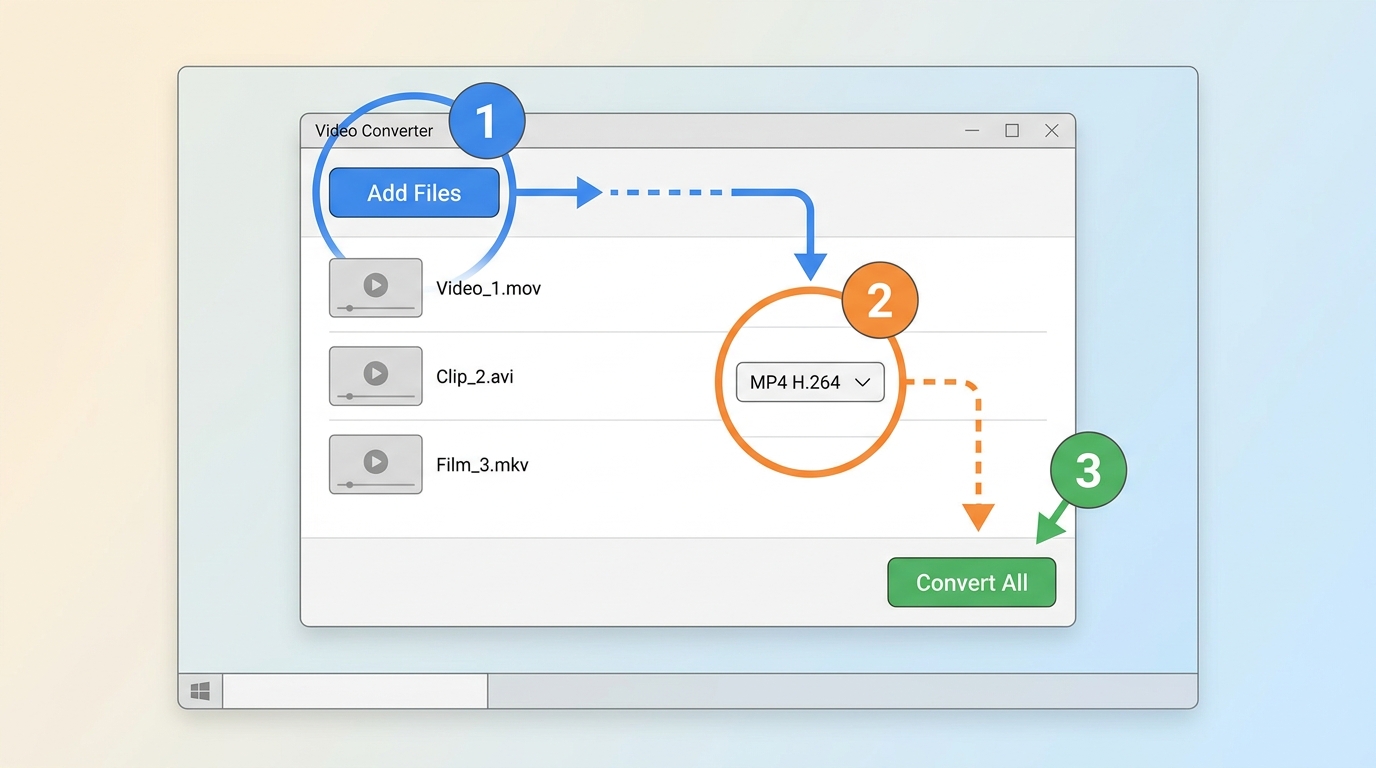
Converting with MiniTool Video Converter to MP4 is straightforward. Here is how to convert video to MP4, from import to saved output:
- Open MiniTool Video Converter and stay on the Video Convert tab.
- Click Add Files, or drag a folder in, to import the clips you want to convert.
- Open the output-format menu and choose a profile, for example MP4 with H.264 or H.265.
- Set the resolution, frame rate and bitrate if you need something specific; otherwise keep the preset.
- Pick the output folder in Settings so you know where files land.
- Click Convert, or Convert All for a batch, and wait for the queue to finish.
- Use the Output button to open the folder and confirm your new MP4.
Best MiniTool Alternatives by Use Case
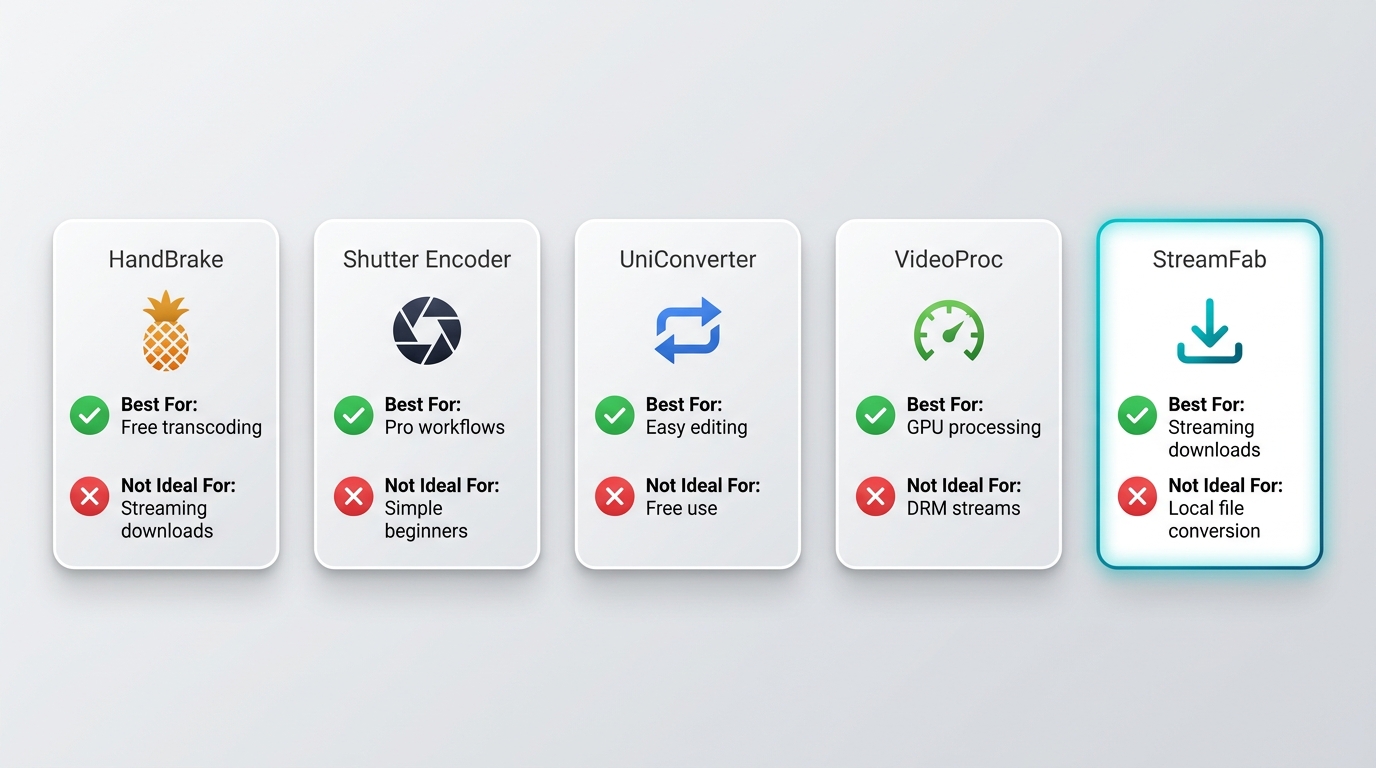
MiniTool is a fine everyday converter, but it is not the best fit for every job. Here is where other tools earn their place, by use case, so you can match the tool to the task rather than the marketing.
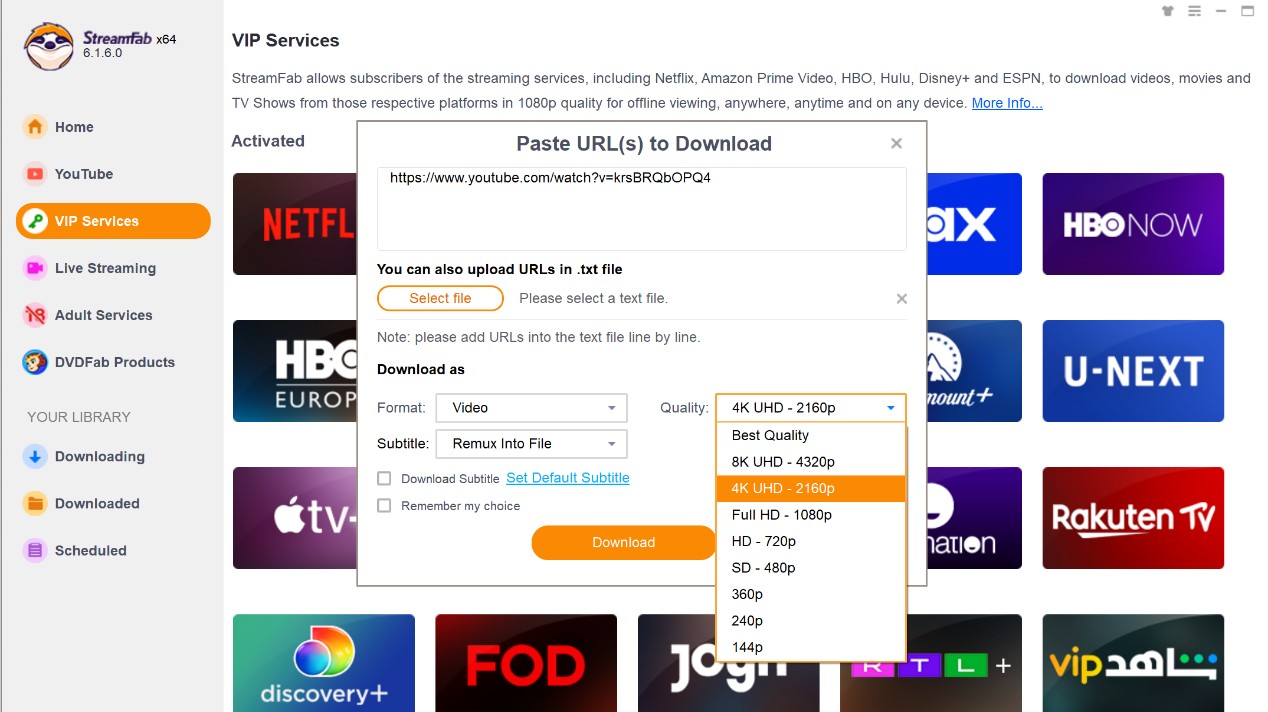
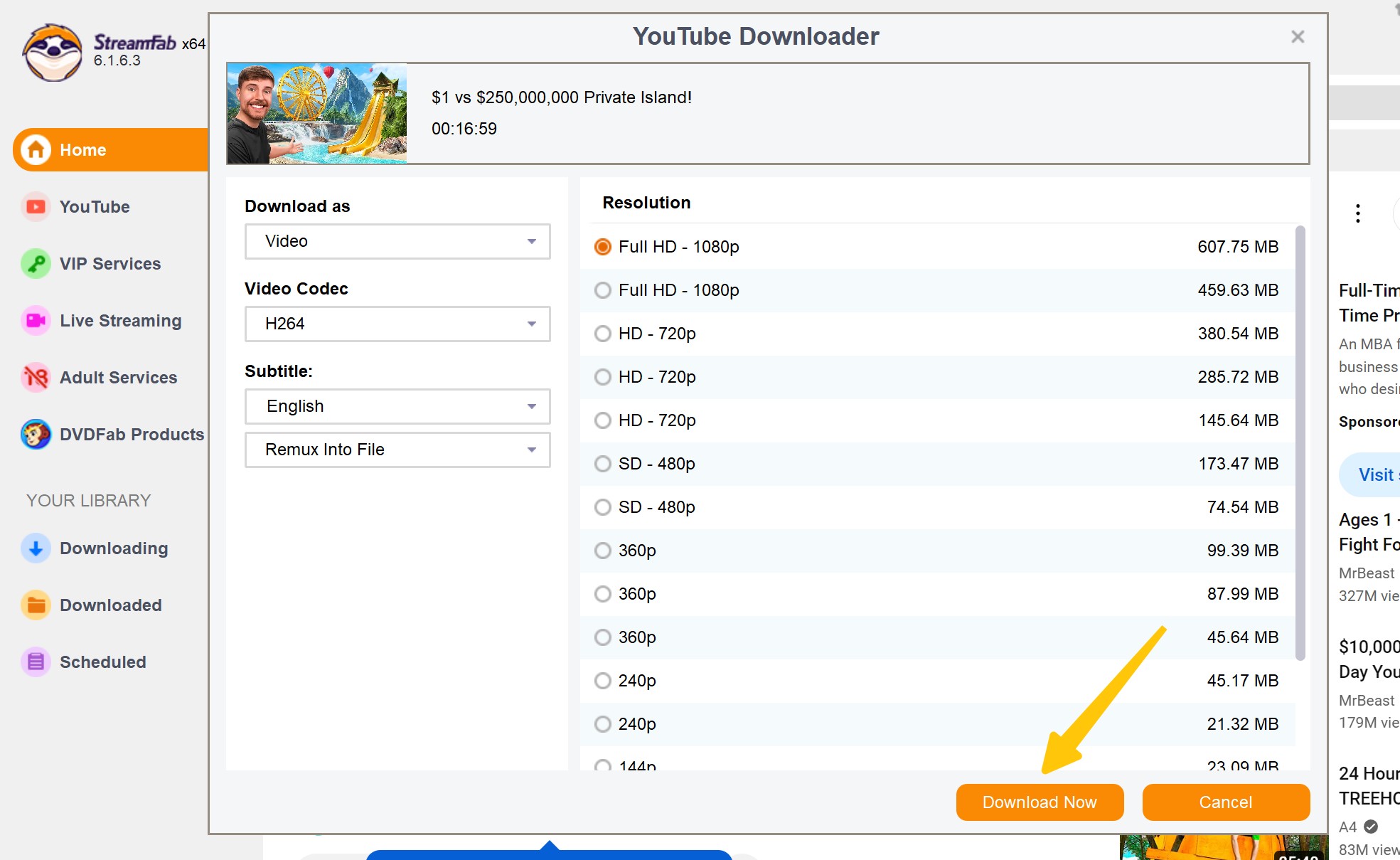
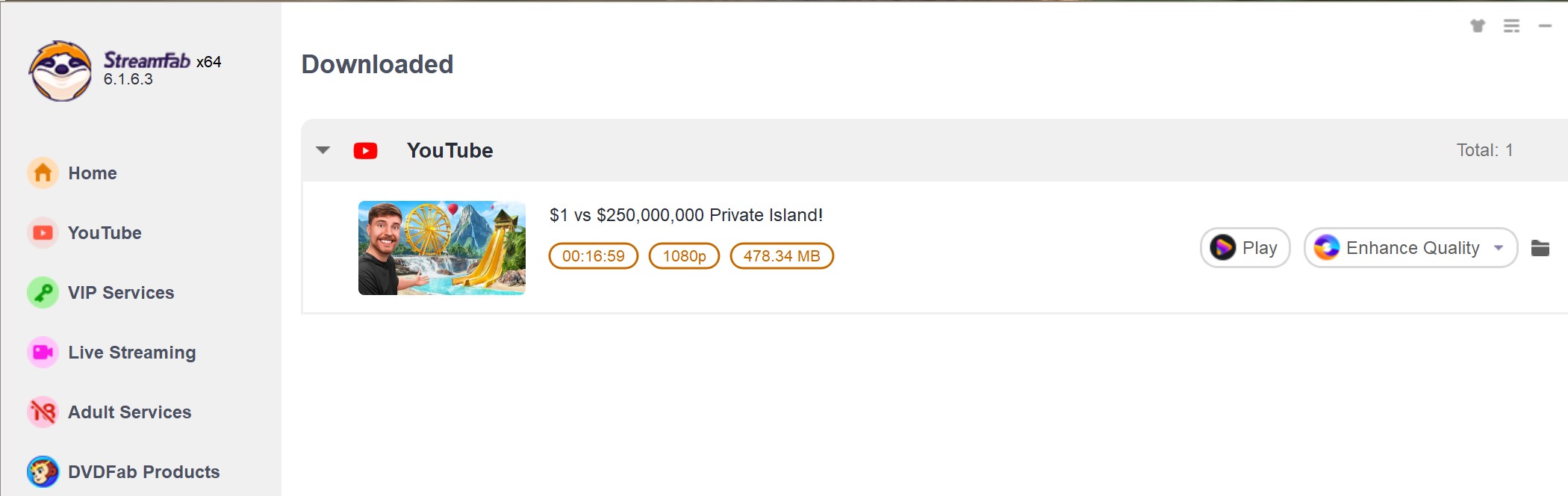
When your main need is saving a local copy of a streaming title or a long video for personal offline viewing, for content you are authorized to access and where permitted by platform terms and applicable law, StreamFab All-In-One is a desktop alternative built for that job. Its streaming-download workflow keeps output quality up to the platform or plan maximum, handles batch and scheduled overnight saving, and preserves subtitles and metadata, with regular maintenance updates.

StreamFab utilizes a dynamic parsing engine that directly reads the source bitstream, preventing the throttling issues Minitool suffers from. It processes 8K resolutions natively, injects proper metadata (including subtitle tracks), and completely automates the playlist extraction process without requiring constant link monitoring.
| Comparison point | MiniTool Video Converter | StreamFab All-In-One |
|---|---|---|
| Platform support | Windows only | Windows and Mac |
| Long-file download reliability | Can stall on long or high-bitrate files | Steadier on long files, regularly updated engine |
| Max resolution | Up to 4K when the source allows | Up to the platform or plan maximum, subtitles and metadata kept |
| Batch processing | Fine for local conversion, large online playlists can fail | Multi-thread batch and scheduled saving |
Frequently Asked Questions
Is MiniTool a Chinese company?
MiniTool Video Converter is made by MiniTool Software, a developer with roots in China that is well known for disk, data-recovery and media utilities and markets globally. That background does not change how I would judge the converter's safety, which comes down to downloading the current build from the official page and matching its published hash.
Where can I download MiniTool Video Converter safely?
For a MiniTool Video Converter download, use the official product page rather than a random mirror. That is where you get the current 5.0.0 build, and it lets you match the published file hash. Third-party sites sometimes repackage installers with extra offers, and some get flagged by antivirus, so skip anything your security tool warns about.
Can MiniTool Video Converter convert videos to MP4?
Yes. MP4 is one of its core outputs, with H.264 or H.265 encoding, and you can batch a whole folder at once. Set it in the output-format menu before you convert, as shown in the walkthrough above.
Does the free version add a watermark or limit downloads?
It depends on the version and the function. The official page markets the free tier as watermark-free, while some independent reviews report a watermark and caps on file size, batch count and online downloads. Because these differ by build, confirm the current limits in the app for the specific job you need before you rely on it.
Conclusion
MiniTool Video Converter earns its keep as a simple, free-leaning format converter and quick screen-capture tool on Windows. If that is your main need, converting local files to MP4 without a learning curve, it is an easy recommendation. It is a weaker choice if you are on Mac or Android, or if downloading long online videos is central to your workflow. In that case a dedicated archiver such as StreamFab All-In-One is worth a look for saving personal offline copies of content you are entitled to, while HandBrake remains the free pick for heavy-duty local encoding. Match the tool to the job, and MiniTool is a comfortable everyday option rather than a do-everything hub.

AnyStream (RedFox AnyStream) shut down in June 2024 and remains gone in 2026. I tested every major replacement — here are the 5 best anystream alternatives, including free options, ranked by real-world performance.
By Erika Leen - Oct 12, 2026

Evaluating the Audials One 2026 free trial? I tested its 720p caps, examined if is audials legal under Fair Use
By Erika Leen - Sep 29, 2026

Are you thinking of purchasing NoteBurner and unsure if it’s worth the investment? In this NoteBurner review, let’s delve into its product lines, particularly the NoteBurner Video Downloader’s pros and cons.
By Marcia Hatcher - Sep 28, 2026

Read our in-depth Audials review for 2026. Is Audials safe and legal for Amazon Prime? Discover actual test results, Widevine DRM fixes, and better alternatives.
By Erika Leen - Sep 28, 2026