5 Active PlayOn Alternatives in 2026: Downloaders vs. Recorders

Summary: If you are seeking the best PlayOn alternative in 2026, this post covers you with the top-rated and most-used 6 practical and efficient PlayOn alternatives for 1080p video archiving.
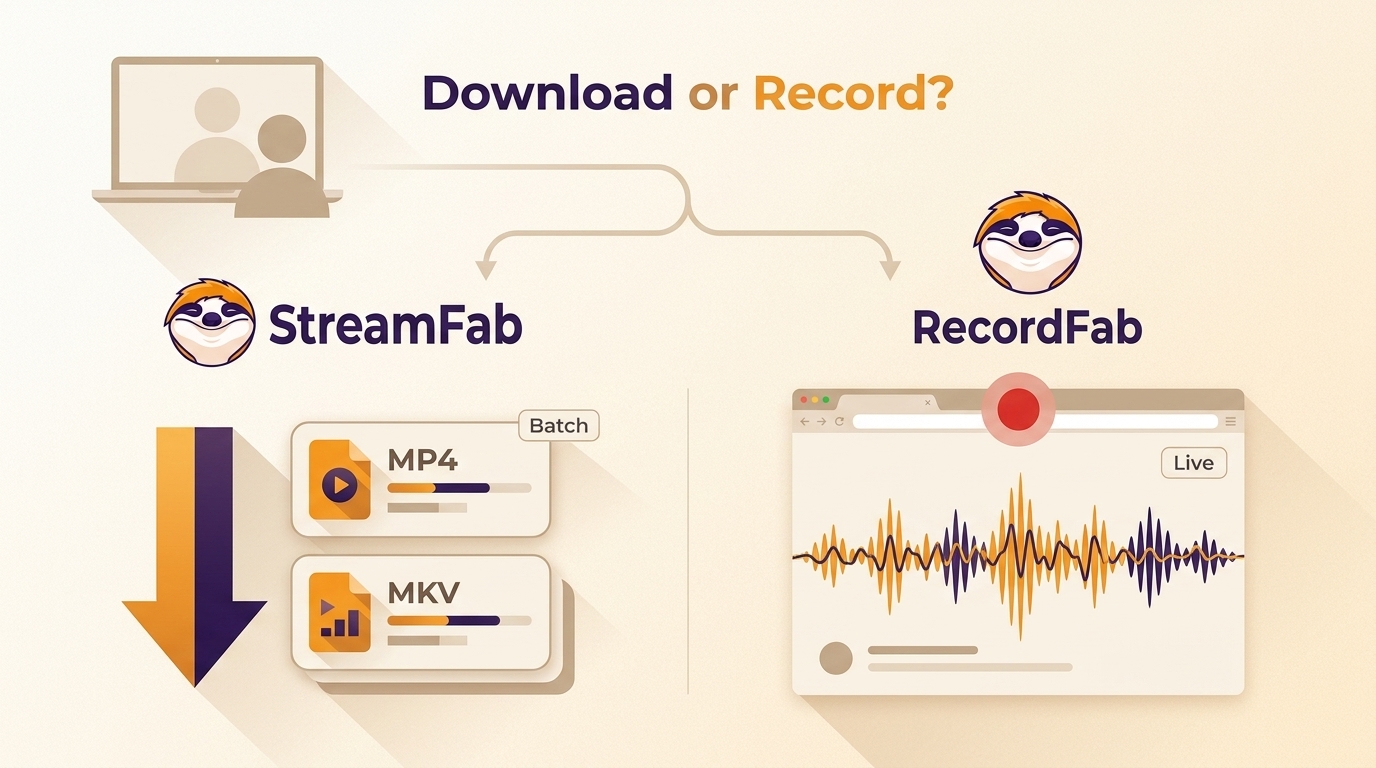
A PlayOn alternative should match how you watch. Choose a downloader for authorized on-demand titles, local MP4 or MKV files, and batch queues; choose a recorder for live events or web-only playback. Start with the playback type. Downloader works best for on-demand libraries and repeatable queues. Recorder works best for live streams and pages without a download workflow.
- Consider service-specific quality limits, audio and subtitle needs, batch automation, and your operating system.
- A downloader reduces waiting for eligible on-demand content; a recorder captures playback in real time.
- Always follow local laws and the service terms of each platform.
Why Users Are Leaving PlayOn Desktop
If PlayOn Desktop was part of your offline viewing setup, the practical next step is to choose between an on-demand downloader and a real-time recorder. PlayOn Home and PlayOn Cloud follow different paths, so the right PlayOn alternative depends on what you watch, how long you can wait, and which file controls you need.
PlayOn Desktop status: PlayOn Desktop is a legacy, discontinued product. As of August 2026, PlayOn Home and PlayOn Cloud are separate current product paths rather than a direct Desktop replacement.
Home and Cloud Are Different Paths
PlayOn Home is the desktop-oriented path, while PlayOn Cloud centers on a cloud-based workflow. Neither answers the same question as a local-file tool, so compare alternatives by on-demand access, recording needs, output format, and service support.
For eligible on-demand titles, a local-file workflow can be useful when you need batch queues, selectable tracks, and MP4 or MKV output.
A 30-day trial includes three video downloads per supported streaming service.
This shift created demand for reliable PlayOn alternatives, especially for Netflix and Amazon Prime Video use cases. Below are five active options, plus one former-status note, covering downloader and recorder workflows.
- Downloader: suits authorized on-demand titles, batch queues, and portable MP4 or MKV output.
- Recorder: captures playback in real time for livestreams, web courses, and web-only pages. Quality and availability vary by service and software version.
Downloader or Recorder: Which Fits?
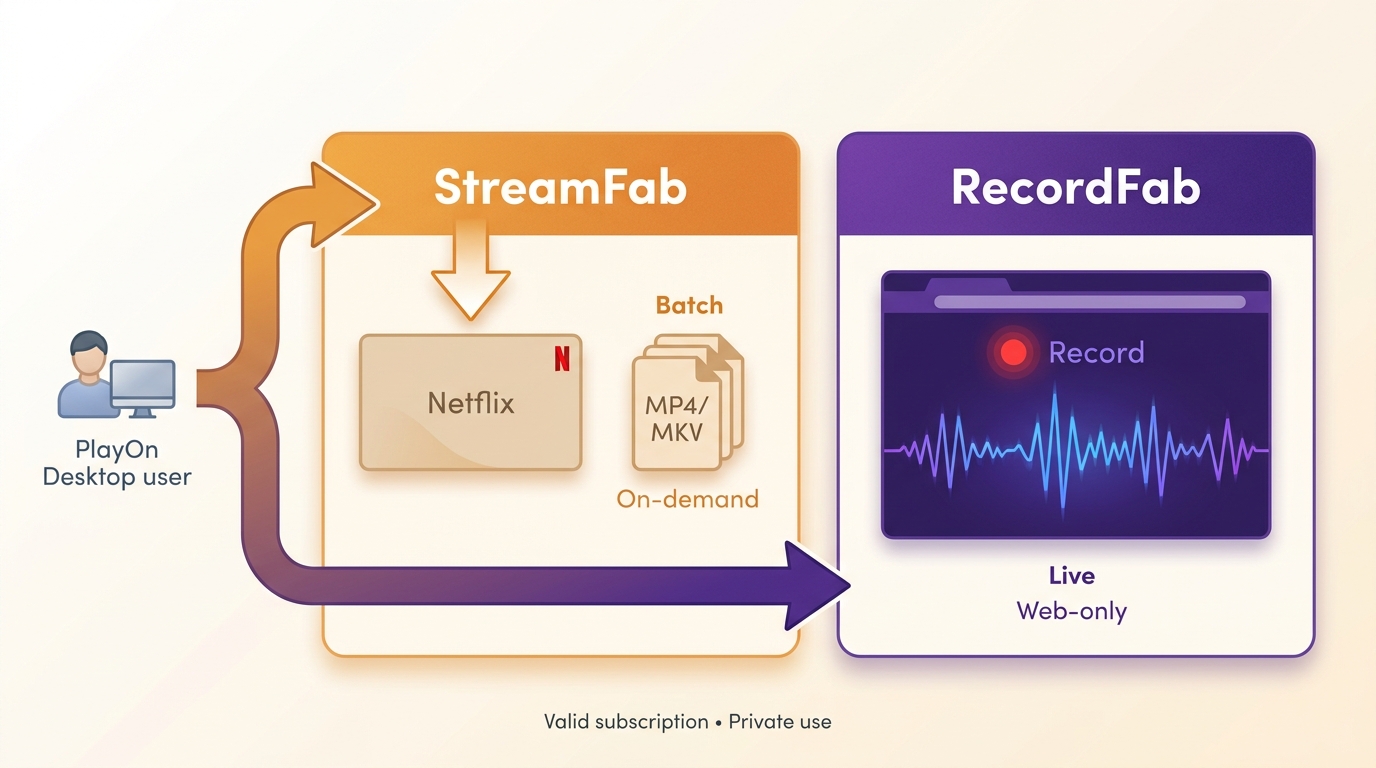
Choose by playback type before comparing brands. That one decision prevents a lot of wasted setup time.
- Need live or web-only playback? Choose a recorder.
Best for: livestreams, courses, and embedded players.
Not ideal for: fast bulk queues. - Need authorized on-demand titles in a local format? Choose a downloader.
Best for: batch processing, selectable tracks, and MP4 or MKV files.
Not ideal for: live events that must be captured as they happen. - Then compare wait time and quality. Recorders run in real time, while download workflows can handle queues. Resolution, audio, subtitles, and supported services remain tool- and service-dependent.
The focused comparison below covers active options and separates downloader workflows from real-time recording.
StreamFab All-In-One
A downloader workflow for eligible on-demand titles, with trial access available.
PlayOn Alternatives Compared
| Tool | Best fit | Output/quality | Workflow | Platform scope |
|---|---|---|---|---|
| StreamFab | On-demand queues | MP4/MKV; up to 4K by service | Batch and scheduling | Multiple OTT services |
| RecordFab | Live or web-only playback | Service-dependent | Real-time capture | Selected streaming sources |
| MovPilot | Selected OTT downloads | Service-dependent | Batch downloads | Selected OTT services |
| CleverGet | Video download workflows | Service-dependent | Batch downloads | OTT and video sites |
| VidiCable | Basic recording workflows | Service-dependent | Real-time recording | Selected streaming sites |
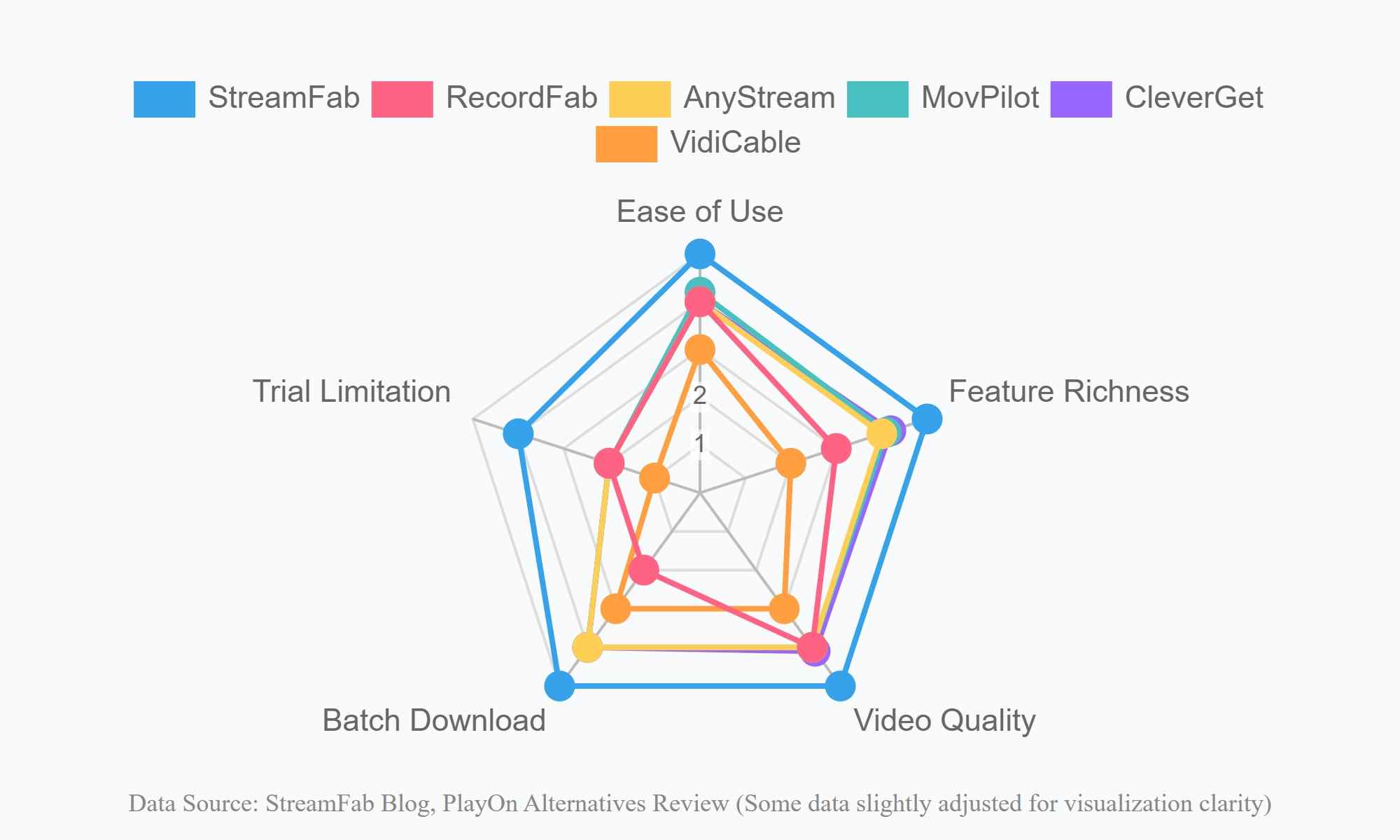
Summary: Start with the workflow: StreamFab fits on-demand queues, while RecordFab fits live and web-only playback. MovPilot, CleverGet, and VidiCable suit narrower service or recording workflows.

Legality & Safety
Use these tools only where permitted. Respect the terms of each streaming service and local laws. Outputs are for personal, lawful use; do not share or redistribute copyrighted content.
StreamFab Video Downloader
StreamFab is a PlayOn alternative for authorized on-demand viewing on Windows and Mac. It supports a range of streaming services and video sites, with service-dependent 4K or 8K options, selectable audio and subtitles, MP4 or MKV output, batch queues, and episode scheduling. It is designed to save a local copy for personal offline viewing when the title and use case are authorized.
For high-volume, quality-sensitive queues, this is the route I would evaluate first because it addresses the practical bottlenecks: file format, track selection, and repeatable batch work.
Not ideal for: livestreams or web-only playback that needs real-time capture.

An excellent PlayOn alternative, supporting Amazon and over 50 OTT platforms, with over 1000 video sites to help users save their chosen videos from any online website.
- Supports a range of streaming platforms and online video sites
- Service-dependent quality options, including 4K or 8K where available
- Selectable audio tracks and subtitles, including EAC3 5.1 where supported
- MP4 or MKV output for local playback
- A 30-day trial includes three video downloads per supported service
- Episode scheduling for eligible series
- Metadata support for supported titles
- Batch queues for eligible on-demand videos
- Windows and Mac are the supported desktop systems
- Live and web-only playback may require a real-time recorder instead 
RecordFab
RecordFab is the recording-oriented route for live streams and web-only playback, with source coverage and output quality varying by service.
Best for: content that must be captured while it plays.
Not ideal for: users who want fast, repeatable on-demand batch queues and local-file controls.
- Supports live streams, online courses, and selected web playback
- Recording quality varies by source and settings
- Uses a real-time capture workflow
- In-built browser for recording, which ensures stable operation on other apps.
- Quality depends on the source and recording conditions
- Not designed for fast bulk download queues 

When a recorder makes more sense
- For livestreams or time-limited broadcasts, you must capture in real time.
- Web courses or sessions that play inside a page container.
- Pages without a direct download route, or when a fallback is needed.
Former Alternative: AnyStream Status
AnyStream is no longer an active option because RedFox servers went offline in June 2024. For a current choice, return to the core split: use a downloader for eligible on-demand queues or a recorder for live and web-only playback.
- Use the main comparison to assess current downloaders and recorders
- Match the workflow to on-demand, live, or web-only playback
- Check output format and service-specific quality limits
- Compare batch and real-time capture requirements
- Review trial terms before selecting a tool
- Compare active downloaders for eligible on-demand titles
- Compare recording tools for live or web-only playback
- Check supported services before starting a workflow
- Match output needs to the available formats
- Review batch and scheduling requirements
- Consider trial terms and operating-system support
MovPilot
MovPilot is a downloader for selected OTT services.
Best for: users who need batch processing for supported on-demand titles.
Not ideal for: live playback, web-only pages, or workflows that require broad service coverage.
- Audio tracks and subtitles vary by title
- Supports batch downloads for eligible titles
- Suits queued on-demand workflows
- Subtitle options vary by service
- Only 5 OTTs are supported at present. Online video sites are unavailable.
- Limited quality: no HDR & Dolby effect for Netflix videos
- Disney+ videos can only be downloaded in up to 720p
- You can only download the first 6 minutes of each video during your free trial
CleverGet
CleverGet is a video downloader that covers selected OTT and online video workflows.
Best for: users who want batch downloads across supported services and sites.
Not ideal for: titles with strict service-specific quality or subtitle requirements.
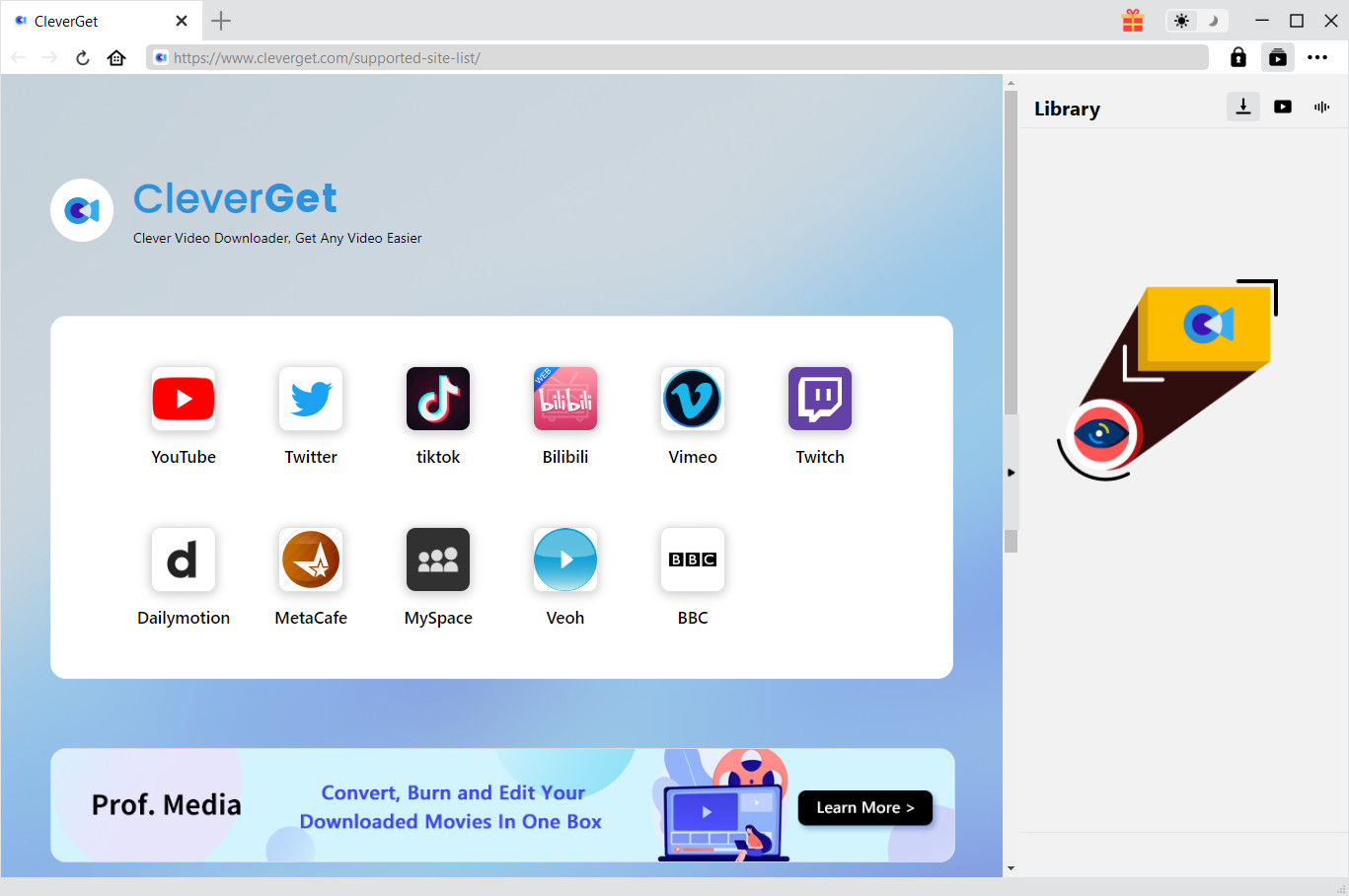
- Allows downloading multiple videos together
- Downloads videos in WebM, MP4, and MKV formats
- Saves videos in lossless 1080p quality and 320 kb/s audio
- Preserves online videos with audio tracks and selected subtitles
- Automatic episode updates may not be available
- Performance can vary across versions and services
- Trial access and registration requirements vary
- Service-specific quality limits apply
VidiCable
VidiCable is a recording-oriented option for selected streaming sites and OTT playback on Windows or Mac.
Best for: basic real-time recording and web-based playback.
Not ideal for: fast batch queues or workflows that require direct-download file controls. Its search and recording features remain dependent on the supported site and playback conditions.
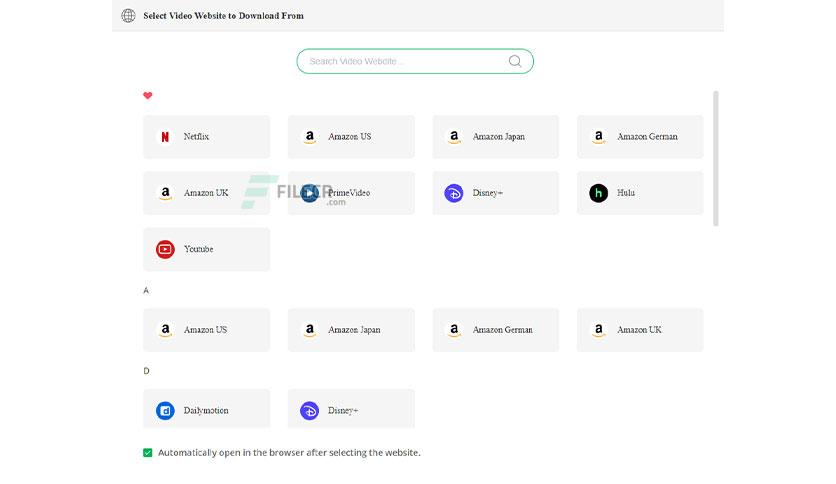
- Records selected streaming and web playback
- Provides a searchable recording workflow
- Output formats vary by workflow
- Recording conditions affect the final file
- Some protected OTT playback may not be recordable
- Service coverage is limited compared with broader multi-service tools
- Real-time recording requires the program to play through
- Trial limits vary by product and plan
FAQs
Final Takeaway
For former PlayOn Desktop users, start with the playback type instead of the brand name. Choose a downloader when eligible on-demand titles, batch queues, and MP4 or MKV output matter; choose a recorder when live or web-only playback is the real requirement.
StreamFab is the fit for high-volume on-demand workflows, while RecordFab is the clearer fit for real-time capture. Whichever route you choose, keep your use personal, authorized, and consistent with platform terms and applicable law.
PlayOn Desktop is a legacy, discontinued product. PlayOn Home and PlayOn Cloud are separate current paths.
- Compare alternatives by playback type before comparing features.
- Check service coverage and output requirements.
- Downloaders suit eligible on-demand queues.
- Recorders suit live and web-only playback.
- Trial terms vary by product.
- Resolution and output features vary by service.
Use tools only for authorized personal offline viewing.

Evaluating the Audials One 2026 free trial? I tested its 720p caps, examined if is audials legal under Fair Use
By Erika Leen - Sep 29, 2026
Are you thinking of purchasing NoteBurner and unsure if it’s worth the investment? In this NoteBurner review, let’s delve into its product lines, particularly the NoteBurner Video Downloader’s pros and cons.
By Marcia Hatcher - Sep 28, 2026
Read our in-depth Audials review for 2026. Is Audials safe and legal for Amazon Prime? Discover actual test results, Widevine DRM fixes, and better alternatives.
By Erika Leen - Sep 28, 2026
TuneFab’s Amazon downloader suits a focused desktop routine, while VideOne covers multiple services. Compare their workflows, license structures, and output checks with StreamFab, then use the numbered setup and maintenance steps for authorized personal offline viewing.
By Erika Leen - Sep 24, 2026