
Top 5 NoteBurner Alternatives (2026): Free & Paid Options Tested

Summary: NoteBurner remains actively sold, so switching is not automatically necessary. The useful comparison is whether you need music conversion, streaming-video downloads, real-time recording, or a repeatable local-library workflow. Choosing the wrong category makes every feature comparison irrelevant before it starts.
Here’s the short answer: a NoteBurner alternative should match what you actually need to save, because a music converter and a streaming-video tool solve different problems. If you are dealing with a NoteBurner cannot download error, start by separating a workflow problem from a category mismatch.
Choose Music or Video Alternatives First
NoteBurner’s current All-In-One Video Downloader is actively sold and lists MP4/MKV output, support for more than 1,000 sites, up to 8K on YouTube, and up to 1080p on major streaming services. A NoteBurner Netflix workflow and a NoteBurner Amazon Prime workflow are video-specific, so they should not be compared directly with music-converter tools.
Music Converter Alternatives
For a NoteBurner music converter alternative, compare the source method first, then whether it exports MP3, FLAC, or WAV and retains useful metadata such as artist, album, cover art, playlists, and lyrics. A standard audio file can still come from a different source or a recorded stream, which changes what “quality” actually means.
Streaming Video Alternatives
For a NoteBurner video downloader alternative, focus on MP4/MKV output, service-specific quality limits, subtitle and audio-track choices, device support, and whether the workflow requires real-time recording. For a broader product-level breakdown, see this NoteBurner video downloader review.
Free NoteBurner Alternatives and Trade-Offs
Free Music Options
A free music option can work for occasional listening or files from sources that permit downloads, but it may not preserve the same playlist structure, lyrics, cover art, or source-quality options as a dedicated converter. Check whether the app uses the original music source, a recording workflow, or a substitute source before comparing formats.
Free Video Recording Options
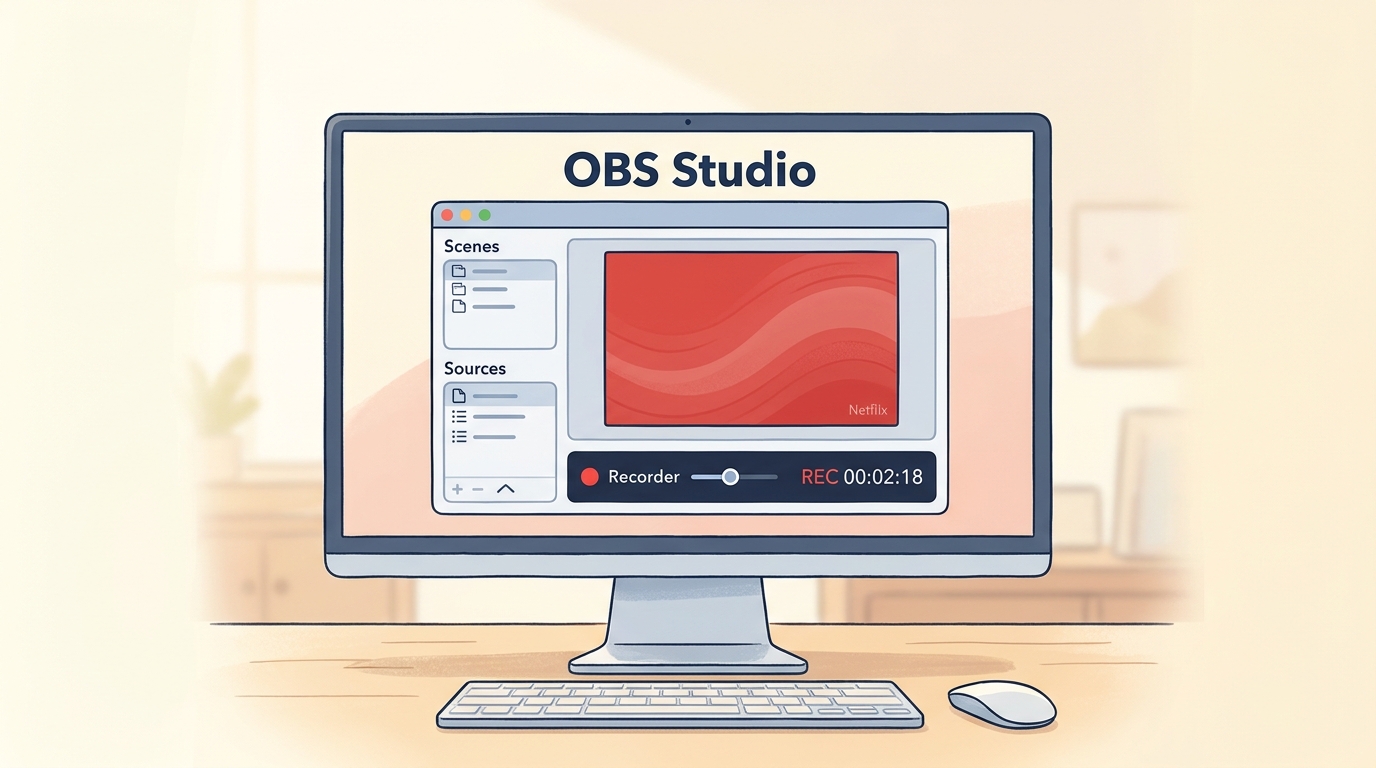
Open-source recording software such as OBS Studio can be a zero-cost video option when you have authorized access to the content. It records in real time, so a two-hour movie generally requires roughly two hours of playback, plus setup and file management.
Recording can involve browser, display, and device-specific limitations, and its output may not retain source-level audio, subtitles, metadata, or library naming. My practical cutoff is simple: recording makes sense for an occasional title, but it becomes a poor fit for a large library where repeatable output and organization matter.
5 Paid NoteBurner Alternatives Compared
Use the matrix below to compare source method, media type, library handling, and login considerations. These categories matter more than a broad “best” label: a real-time recorder, a music converter, and a video-library tool are built for different workloads.
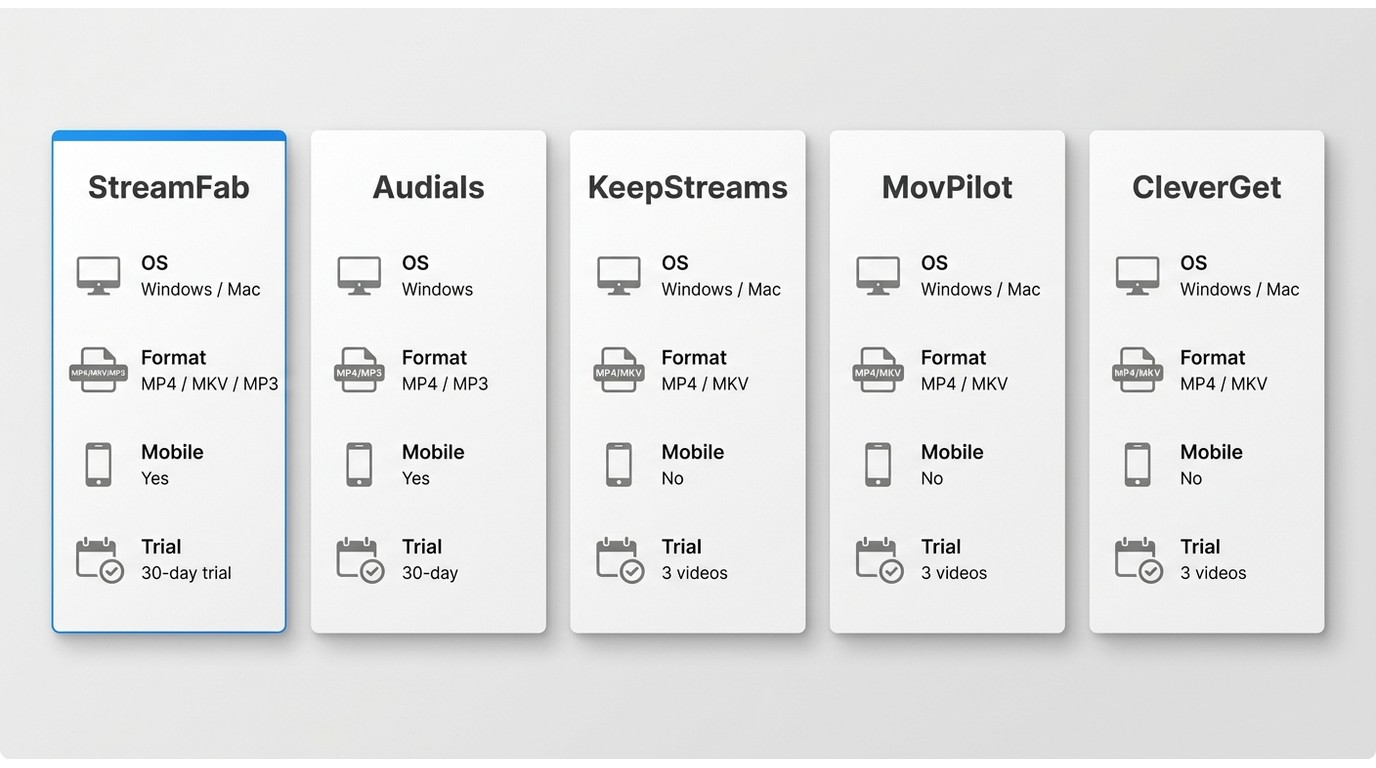
| Tool / decision factor | StreamFab | Audials Movie | KeepStream | MovPilot | CleverGet |
|---|---|---|---|---|---|
| Recurring video libraries on Windows or Mac | Real-time recording workflow on Windows | Broad video-service workflow | Service-specific video workflows | Flexible video option | Media type / source method |
| Streaming video / managed desktop workflow | Video and audio / real-time recording | Streaming video / desktop workflow | Streaming video / desktop workflow | Streaming video / desktop workflow | Output and library handling |
| MP4/MKV, audio and subtitle selection, scheduling, metadata | Recorded files; editing tools available | Refer to current product specifications | Refer to current product specifications | Refer to current product specifications | OS, trial, and login considerations |
| Windows and Mac; service login may be required | Windows-focused; real-time playback required | Availability and trial terms may change | Availability and trial terms may change | Availability and trial terms may change | Account-related community reports are anecdotal, not a risk score (as of July 2026) |
Alternative 1 - StreamFab: Managed Video Libraries
When analyzing direct API fetchers, StreamFab stands out due to its rapid response to Widevine L1/L3 rotations. Unlike recording setups, it directly pulls the AES streams and remuxes them locally, preserving the H.265 video codec and immersive audio.
Relative to an official platform download feature, StreamFab is a separate desktop option for Windows and Mac users who want local video files for personal offline viewing with authorized access, where permitted by platform terms and applicable law. It supports MP4/MKV output, selectable audio and subtitles, scheduled downloads, and metadata handling; available quality varies by service and plan.
Basic workflow: 1. Sign in to the supported service with an active account. 2. Select an authorized title and choose available format, audio, and subtitle settings. 3. Save the completed file to the library folder you use for local playback.
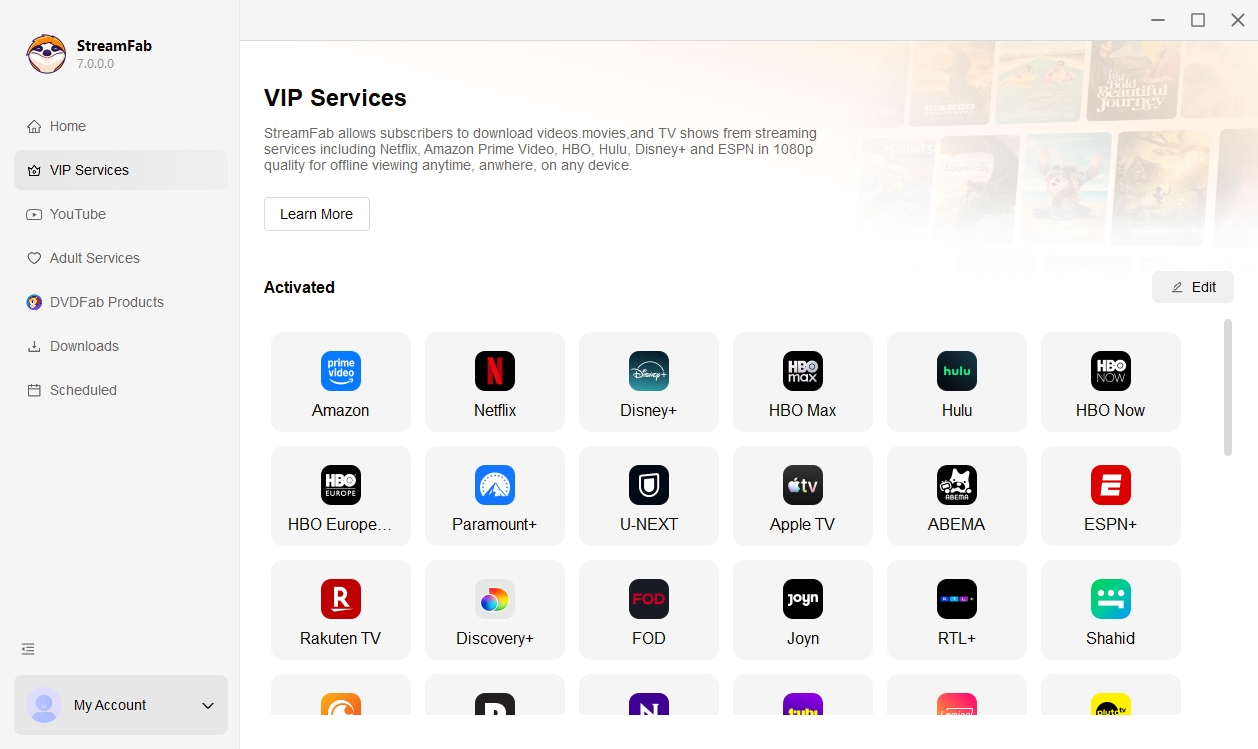
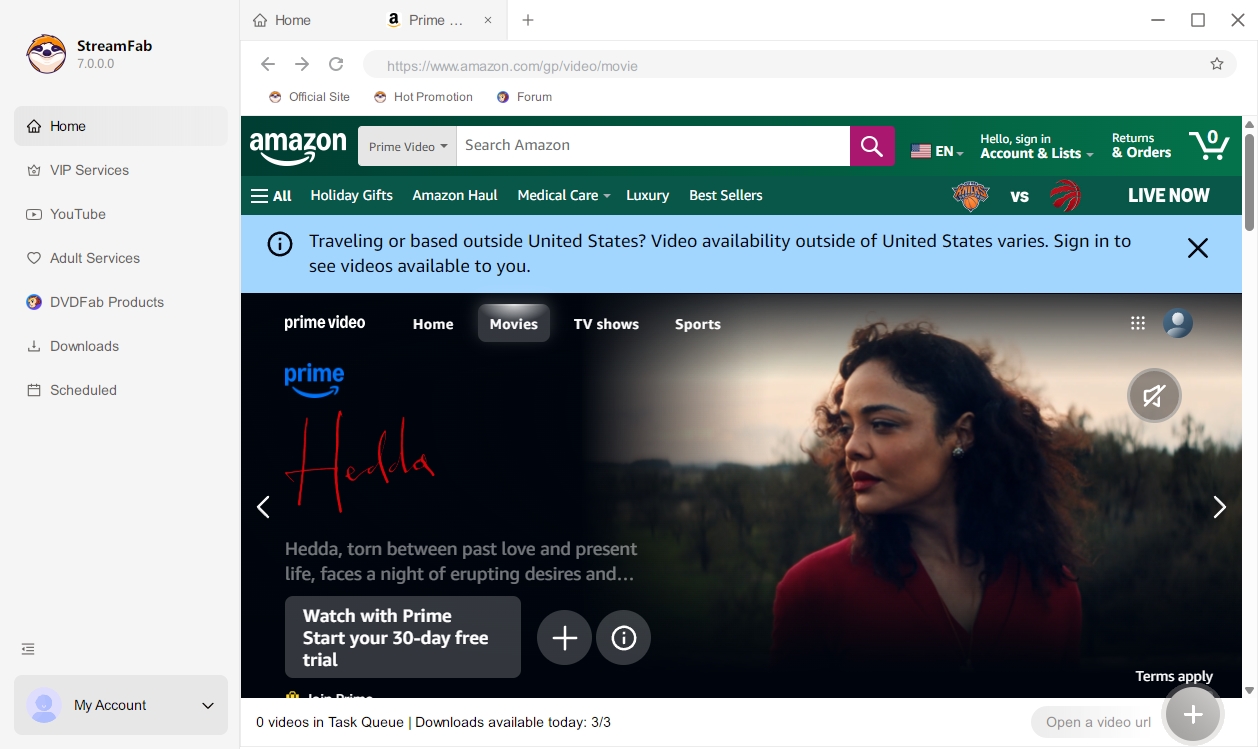
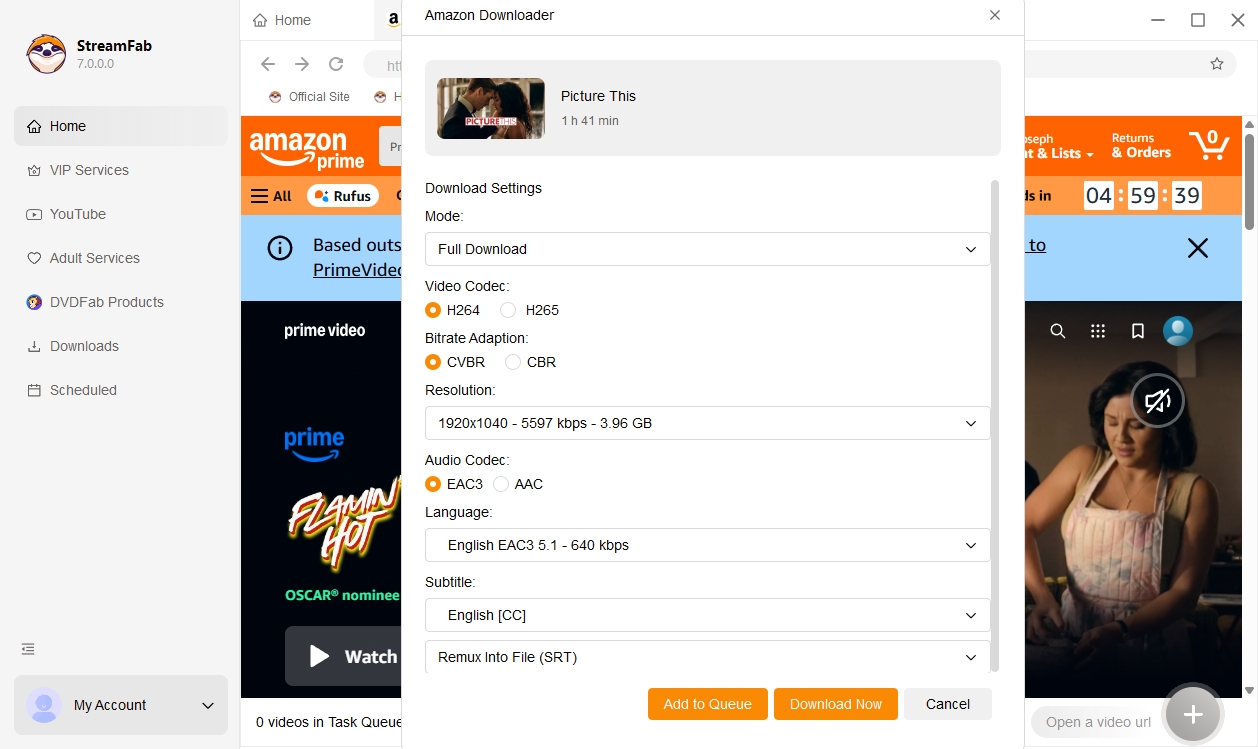
Practical note: Service availability, supported devices, and playback behavior can change. Check the current status on the relevant official service page before planning a large library workflow.
Alternative 2 - Audials: Real-Time Recording
Audials is a Windows-focused recording workflow for users who prefer to capture media during playback and may also want editing tools. Its main trade-off is time: recording follows playback length, and the available output, subtitles, and quality depend on the title, service, and recording setup. It is less appealing when you need a fast, repeatable library workflow.
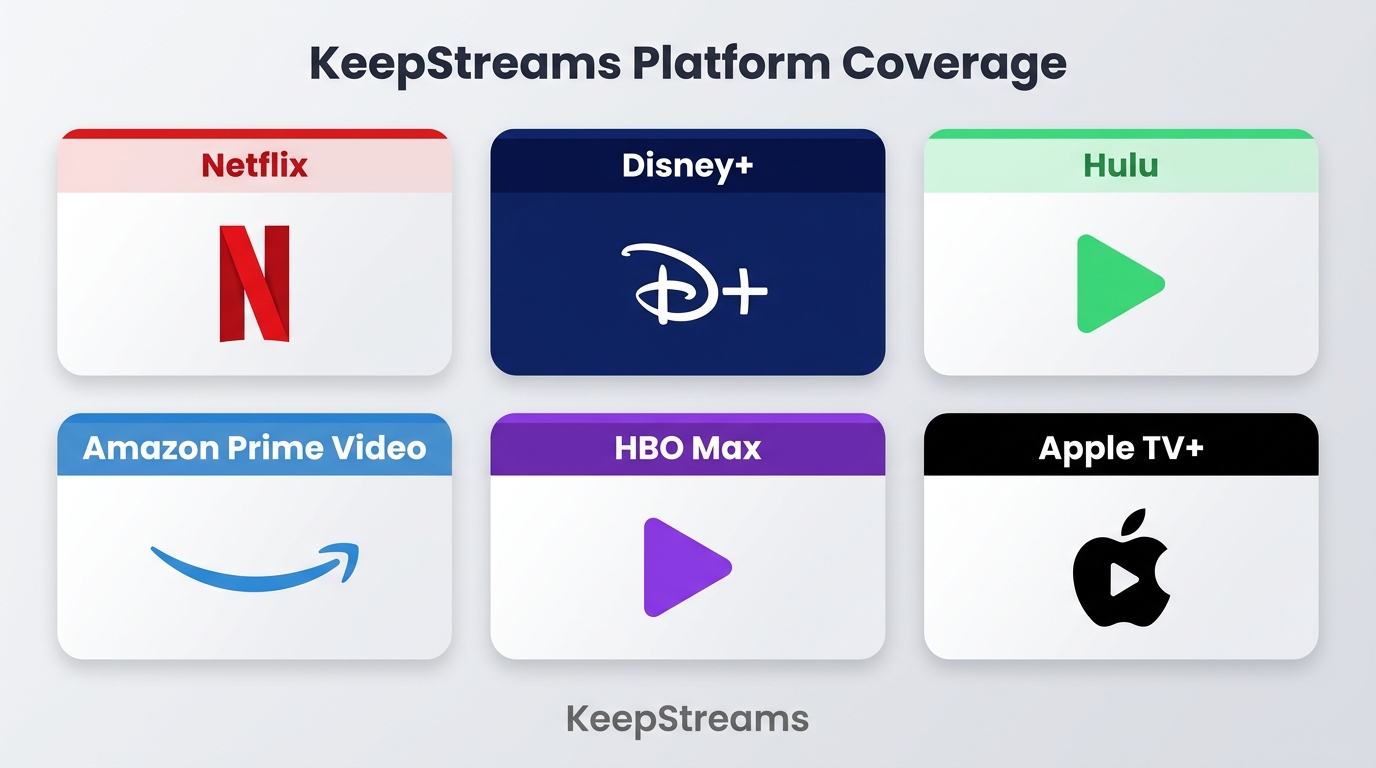
Alternative 3 - KeepStreams: Broad Platform Coverage
KeepStreams is a desktop option positioned around broad streaming-service coverage and batch-oriented video workflows. Compare its supported services, output settings, login requirements, and current trial terms against the specific platforms you use. It is a video-focused choice rather than a direct replacement for a music-only converter.
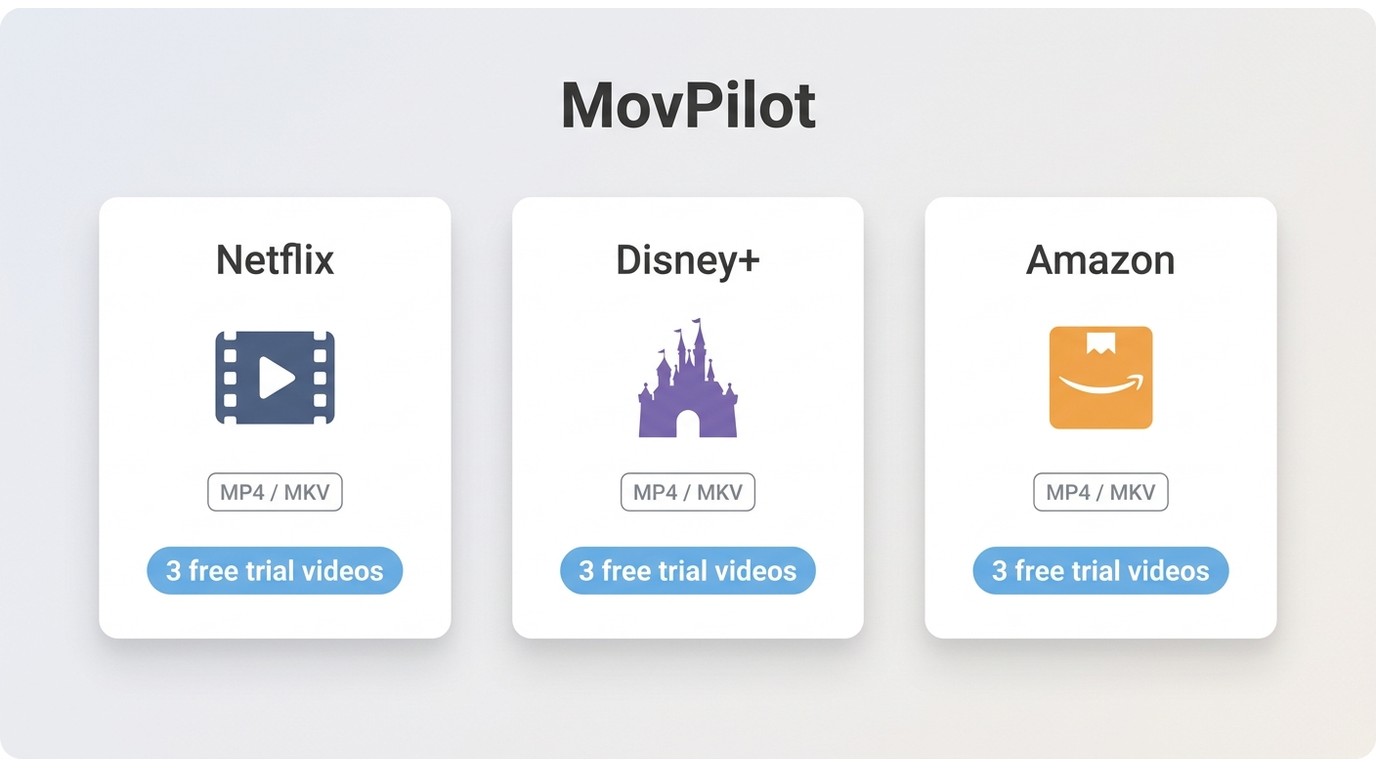
Alternative 4 - MovPilot: Service-Specific Downloads
MovPilot offers service-specific desktop download products for major streaming platforms. It can make sense when your needs are concentrated on one supported service, but its available quality, operating-system support, login requirements, and trial terms depend on the product and service. Avoid treating a limited trial as a measure of long-term workflow fit.
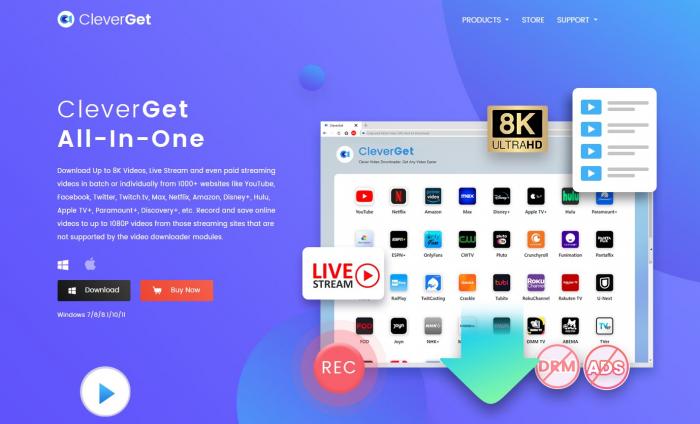
Alternative 5 - CleverGet: Flexible Backup Option
CleverGet is a Windows and Mac video option with multiple product modules. Its fit depends on the exact service you use, so review the current supported platforms, output choices, and trial conditions before choosing it. It may suit users who want flexibility, but it is not a substitute for a native mobile app or a music-only converter.
Frequently Asked Questions
1. What does NoteBurner cost, and what does its trial allow?
NoteBurner pricing and trial allowances vary by product, license type, and promotion. The useful trial question is whether it supports the services, output format, and workflow you need before you commit, rather than whether a short trial can represent a full library project.
2. Can Spotify detect activity from music converter apps?
Community reports about account warnings after using converter apps are anecdotal, not a predictable outcome. If you decide to use one, download it from the official publisher, avoid sharing credentials, and prefer tools that do not require your primary streaming password when a secondary option exists. Treat any converter session as personal use only, and stop if the service explicitly disallows the workflow in its terms.
3. Do NoteBurner alternatives preserve playlists and metadata?
It depends on the source method. Music converters may preserve some tags, cover art, playlists, or lyrics, while real-time recording usually creates a recording that needs manual organization. For video, check whether the tool supports embedded or separate subtitles and metadata writing; filenames and artwork may still need cleanup in your media library.
4. Does NoteBurner work on Android or iPhone?
NoteBurner's main products are desktop apps for Windows and Mac; there is no native iPhone app for its converter workflow. Files exported in standard formats such as MP3, MP4, or MKV can be transferred to Android or iOS and played in a standard media app, but the conversion itself happens on the desktop.
5. Is NoteBurner safe and legal to use?
No converter or downloader can be described as universally safe or lawful in every situation. Download software from its official publisher, use an active account only for content you are authorized to access, and keep personal offline use within platform terms and applicable law. Community reports about account warnings or suspensions are anecdotal and do not establish a predictable outcome. Avoid sharing account credentials, do not redistribute saved files, and use official sources for both software and media purchases.
Conclusion
Choose a NoteBurner alternative by media type and workflow, not by the longest feature list. Music users should prioritize source method and metadata; occasional video users may accept real-time recording; recurring video-library users should prioritize repeatable MP4/MKV output, subtitle handling, and organization.
Free recording is one possible zero-cost route, but its time cost rises with every title. For Windows or Mac users managing recurring authorized video downloads, StreamFab is a practical fit when local MP4/MKV files, scheduling, subtitles, and metadata matter. It is not the right choice for pure music conversion or anyone who needs a native mobile app. If your priorities differ, use this best streaming video downloader review to compare video-focused workflows by service and output needs.

CleverGet offers separate downloading and recording workflows for Windows and Mac, with different file options. Compare MPD limits, annual and lifetime licenses, and trial use before choosing a workflow. The review also covers StreamFab for recurring episode downloads and explains the personal-use boundaries for local copies.
By Erika Leen - Oct 14, 2026
AnyStream (RedFox AnyStream) shut down in June 2024 and remains gone in 2026. I tested every major replacement — here are the 5 best anystream alternatives, including free options, ranked by real-world performance.
By Erika Leen - Oct 12, 2026

Evaluating the Audials One 2026 free trial? I tested its 720p caps, examined if is audials legal under Fair Use
By Erika Leen - Sep 29, 2026

Are you thinking of purchasing NoteBurner and unsure if it’s worth the investment? In this NoteBurner review, let’s delve into its product lines, particularly the NoteBurner Video Downloader’s pros and cons.
By Marcia Hatcher - Sep 28, 2026