
AnyStream Is Still Down in 2026: 5 Steps to Download Netflix Instead

Summary: AnyStream has not returned in 2026. Cached or old builds typically stop at a black screen after RedFox's shutdown, so readers who need authorized offline viewing should choose a maintained replacement.
AnyStream Is Dead in 2026: What Happened
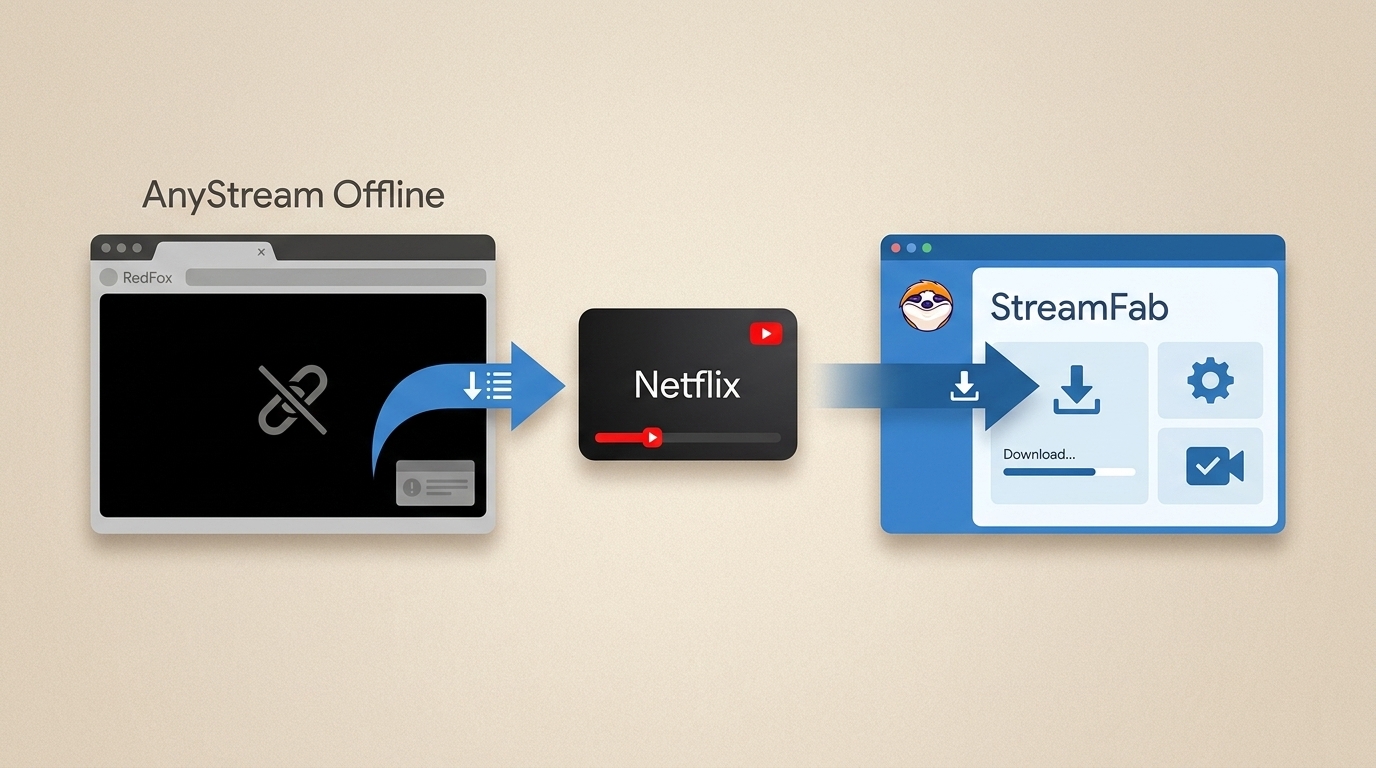
To get straight to the point, AnyStream has not returned in 2026: RedFox AnyStream servers went offline in mid-2024, and cached builds now typically stop at a black screen. This guide explains what failed and how to choose a maintained option for authorized offline viewing.
Why Old Builds Only Show a Black Screen
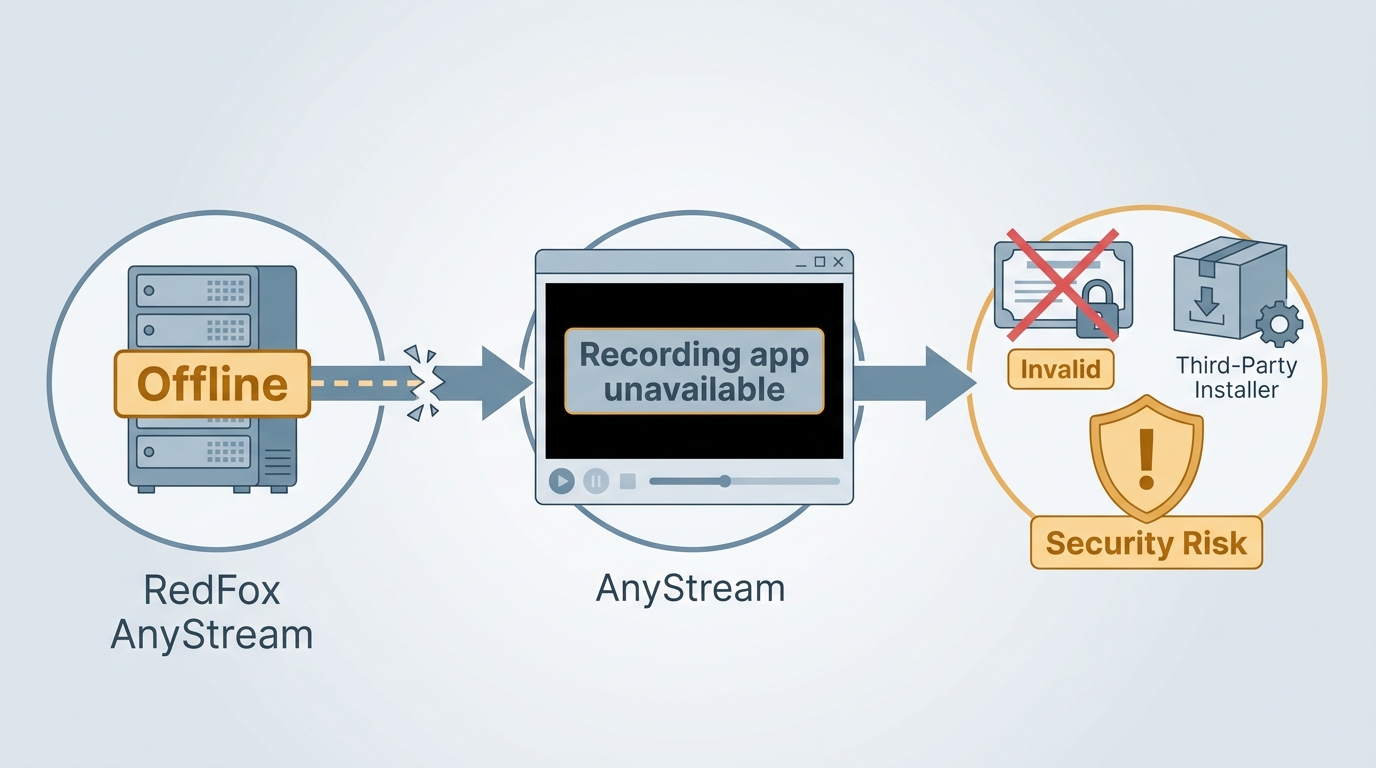
The AnyStream server offline event left the RedFox infrastructure unavailable, and redfox.bz remains unresponsive. Even if you find AnyStream old versions on third-party sites, revoked DRM certificates commonly leave them stuck on a black screen. Installing abandoned executables can also expose your system to malware risks without providing usable downloads.
StreamFab: A Maintained Replacement for Offline Viewing
Traditional screen recorders can be useful for occasional clips, but manual capture may be less convenient for full seasons, subtitles, and library organization. StreamFab is designed to save local copies for personal offline viewing through its built-in browser, for content you are authorized to access and where permitted by platform terms and applicable law.

StreamFab has proven to be the most resilient replacement in 2026, featuring a self-updating decryption engine that safely bypasses new streaming encryptions to secure 1080p and 4K offline files.
AnyStream's abrupt shutdown is a reminder to prioritize actively maintained software and clear product policies. StreamFab published a notice regarding the changes at RedFox after the service went offline.
What StreamFab Saves: Up to 4K, MP4/MKV, and Metadata
For readers moving on from AnyStream, the practical question is whether a replacement supports the formats and organization tools needed for an offline library. As of July 2026, StreamFab supports up to 4K where the streaming service and subscription plan allow it, keeps available multi-channel audio, outputs MP4 or MKV files, and writes metadata for organized libraries. Supported services and availability may change.
- Video and audio: Output can reach up to 4K depending on the service and plan, with available original multi-channel audio retained.
- Files and metadata: MP4 and MKV files work in common players, while NFO data, posters, and track IDs can help organize a media library.
- Season management: You can add episodes to a batch and scheduled download queue for overnight runs.
A maintained update cycle matters more after AnyStream's shutdown because streaming services can change their playback environments without warning.
Pro Tip from the Archivist: For season queues, schedule downloads when your computer is available and keep enough local storage for the selected resolution and audio options.
Download Netflix and Amazon Video Step by Step
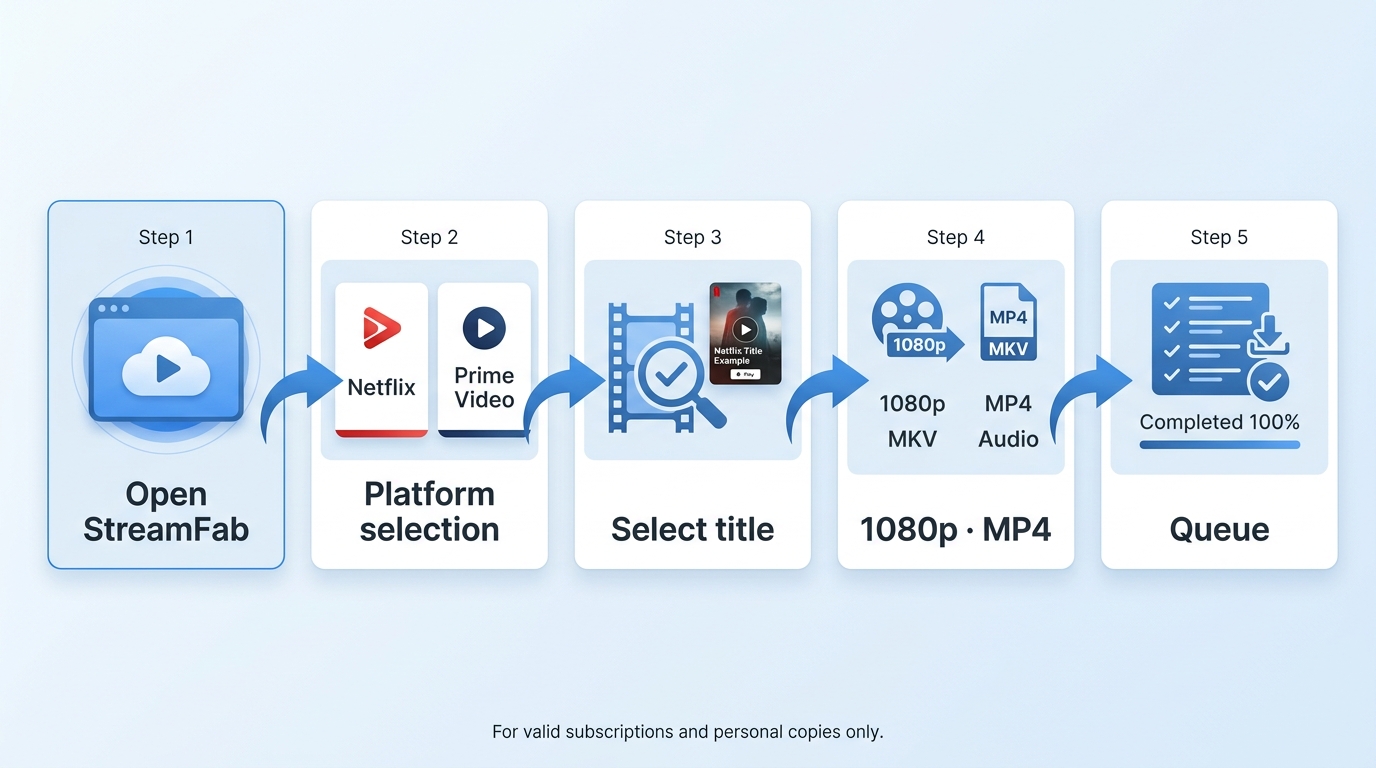
These steps apply to supported services such as Netflix and Amazon Prime Video. You need an active subscription for the service and a Windows or Mac computer before you begin.
- Install and open StreamFab. Start with the app's built-in browser; the broader StreamFab setup process covers the same account and output settings in more detail.
- Sign in inside the built-in browser. Complete the service sign-in there rather than in a separate browser, then wait for the account session to finish loading.
- Open the title you want to save. When the download prompt appears, continue to the format options. If a title is not detected, open it again; some services require the title to play briefly before detection.
- Choose your output settings. Select the available resolution, audio track, subtitles, and MP4 or MKV format.
- Queue episodes or schedule a run. Add individual episodes or a season to the queue, schedule an overnight run if needed, and begin the download.
Working Alternatives at a Glance
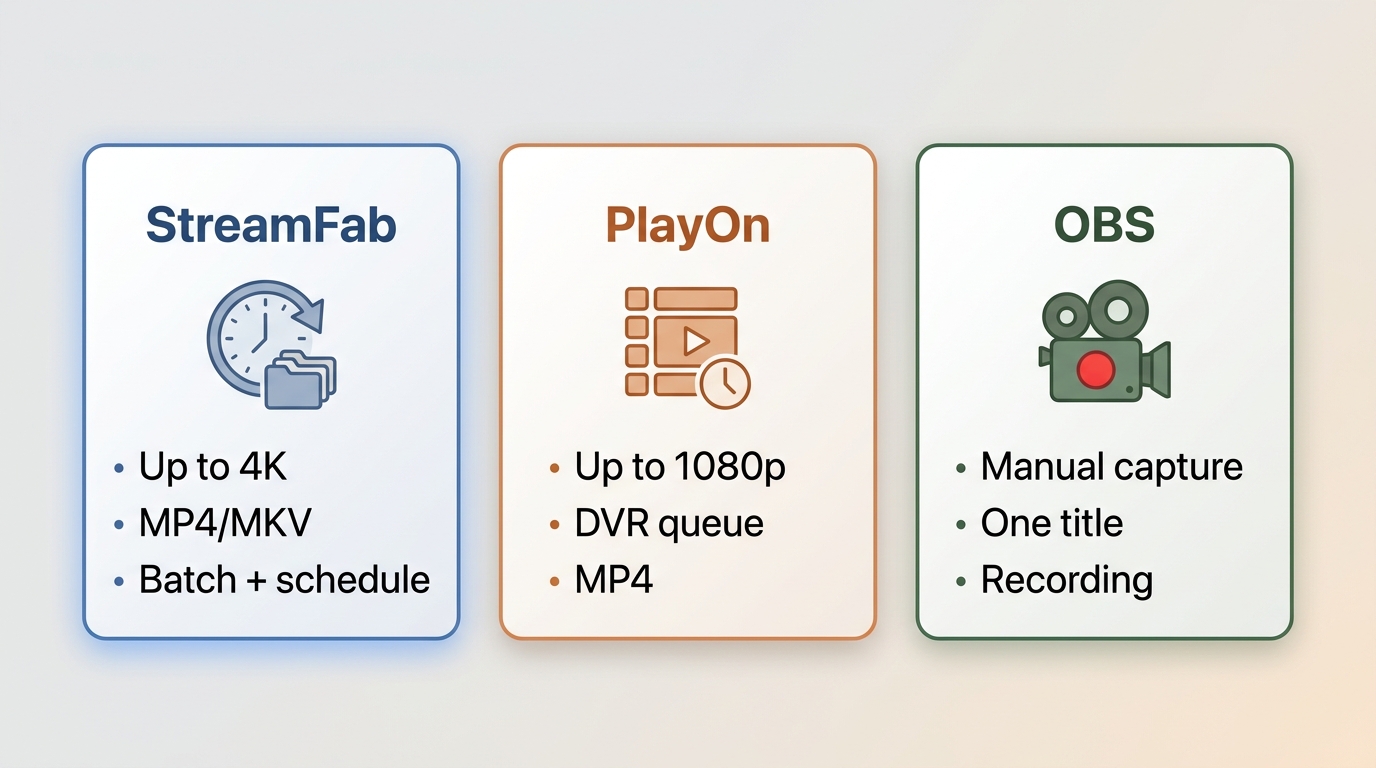
The right replacement depends on whether you need an organized library, a simple recording queue, or an occasional clip. For a broader roundup of maintained options, see the AnyStream replacement options.
| Tool | Platform | Maximum resolution | Batch and scheduled downloads | Output format | Best for |
|---|---|---|---|---|---|
| StreamFab Video Downloader | Windows, Mac | Up to 4K, depending on service and plan | Yes | MP4, MKV | Building a metadata-rich offline library |
| PlayOn | Windows, cloud | Up to 1080p | DVR-style recording queue | MP4 | Casual set-and-forget recording |
| Screen recorder or OBS | Windows, Mac, Linux | Capture quality depends on settings | Manual, one title at a time | MP4, MKV | Occasional one-off clips |
Is It Safe and Legal to Download Streaming Video?
Offline saving should be limited to personal viewing of content you are authorized to access, where permitted by the streaming service's terms and applicable law. Do not share, redistribute, or use saved copies commercially.
Official in-app downloads remain managed, protected, and subject to service-specific availability rules, while MP4 or MKV files are separate local files.
FAQs
How much did AnyStream cost, and did anyone get a refund?
Historically, RedFox sold AnyStream Standard and Plus lifetime-style licenses for around
00, with pricing varying by edition and promotion. After the mid-2024 shutdown, refunds were not issued. That history is a practical reason to weigh ongoing maintenance and clear policies when choosing a replacement.
Does StreamFab run on Mac as well as Windows?
Yes. StreamFab has native Windows and macOS versions. It does not offer a native Linux version, so Linux-only users may be better served by a manual screen-recording workflow for occasional clips.
Why does StreamFab keep returning to the Netflix sign-in page?
Sign in from StreamFab's built-in browser rather than an external browser, then let the account session load before opening the title again. If the title is not detected, reopen it and allow brief playback where the service requires it before the download prompt appears.
Is AnyStream ever coming back?
It is very unlikely. RedFox's servers and forum have remained unresponsive since mid-2024, and old builds typically stop at a black screen. Plan around a maintained replacement rather than waiting for the former service to return.
Conclusion
AnyStream is not a practical choice in 2026: its infrastructure remains unavailable, and old builds commonly stop at a black screen. A maintained replacement is the more realistic path for authorized offline viewing.
StreamFab is a strong fit for Windows and Mac users building a metadata-rich offline library with MP4 or MKV files, batch queues, and subtitle options. It is less suitable for Linux-only users or anyone who only needs an occasional single clip, where a basic screen recorder may be enough.

Evaluating the Audials One 2026 free trial? I tested its 720p caps, examined if is audials legal under Fair Use
By Erika Leen - Sep 29, 2026
Are you thinking of purchasing NoteBurner and unsure if it’s worth the investment? In this NoteBurner review, let’s delve into its product lines, particularly the NoteBurner Video Downloader’s pros and cons.
By Marcia Hatcher - Sep 28, 2026
Read our in-depth Audials review for 2026. Is Audials safe and legal for Amazon Prime? Discover actual test results, Widevine DRM fixes, and better alternatives.
By Erika Leen - Sep 28, 2026
TuneFab’s Amazon downloader suits a focused desktop routine, while VideOne covers multiple services. Compare their workflows, license structures, and output checks with StreamFab, then use the numbered setup and maintenance steps for authorized personal offline viewing.
By Erika Leen - Sep 24, 2026