
AnyStream vs StreamFab in 2026: 7 Facts Before Switching

Summary: AnyStream vs StreamFab is no longer a live product contest because AnyStream shut down with RedFox in June 2024. StreamFab is an active Windows and macOS option for authorized personal offline viewing. Decide by service support, MP4/MKV needs, quality limits, maintenance, budget, and tolerance for service-specific interruptions.
AnyStream’s Shutdown Changes This Comparison
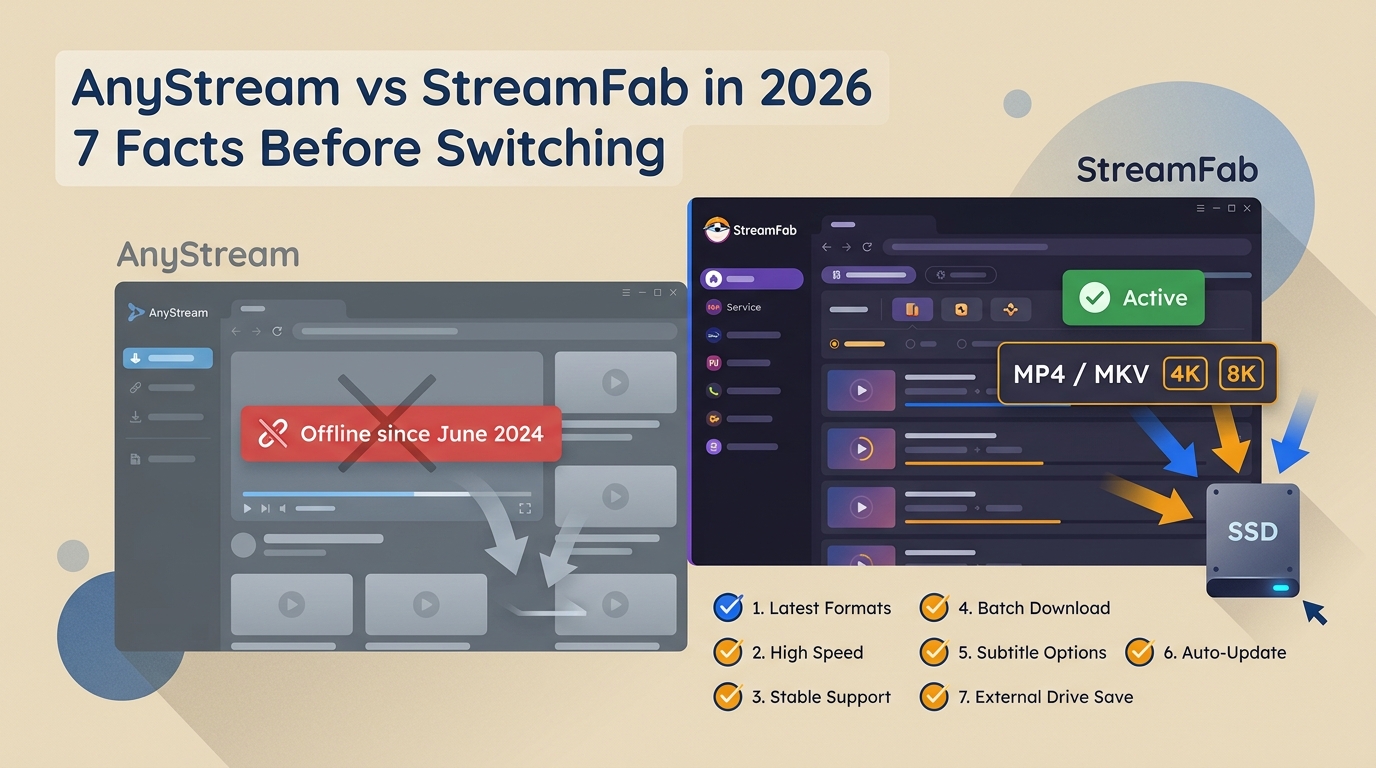
The AnyStream shutdown changed this from a live head-to-head comparison into a migration decision. RedFox went offline in June 2024, AnyStream stopped receiving maintenance, and its server-dependent functions are no longer available. The practical question is whether StreamFab matches the services, formats, and workflow a former AnyStream user actually needs.
StreamFab uses recording and stream-saving technology for content you can access through a valid subscription. Use local copies only for personal offline viewing where platform terms and applicable law permit.It is separate from the official in-app download feature, which remains managed by the streaming service. Supported services and availability may change; verify current status on the official site.
This comparison treats StreamFab as an active migration option and AnyStream as a historical reference, not a product that can still be purchased. For a deeper account of its former workflow and shutdown, see the full AnyStream review.
AnyStream vs StreamFab at a Glance
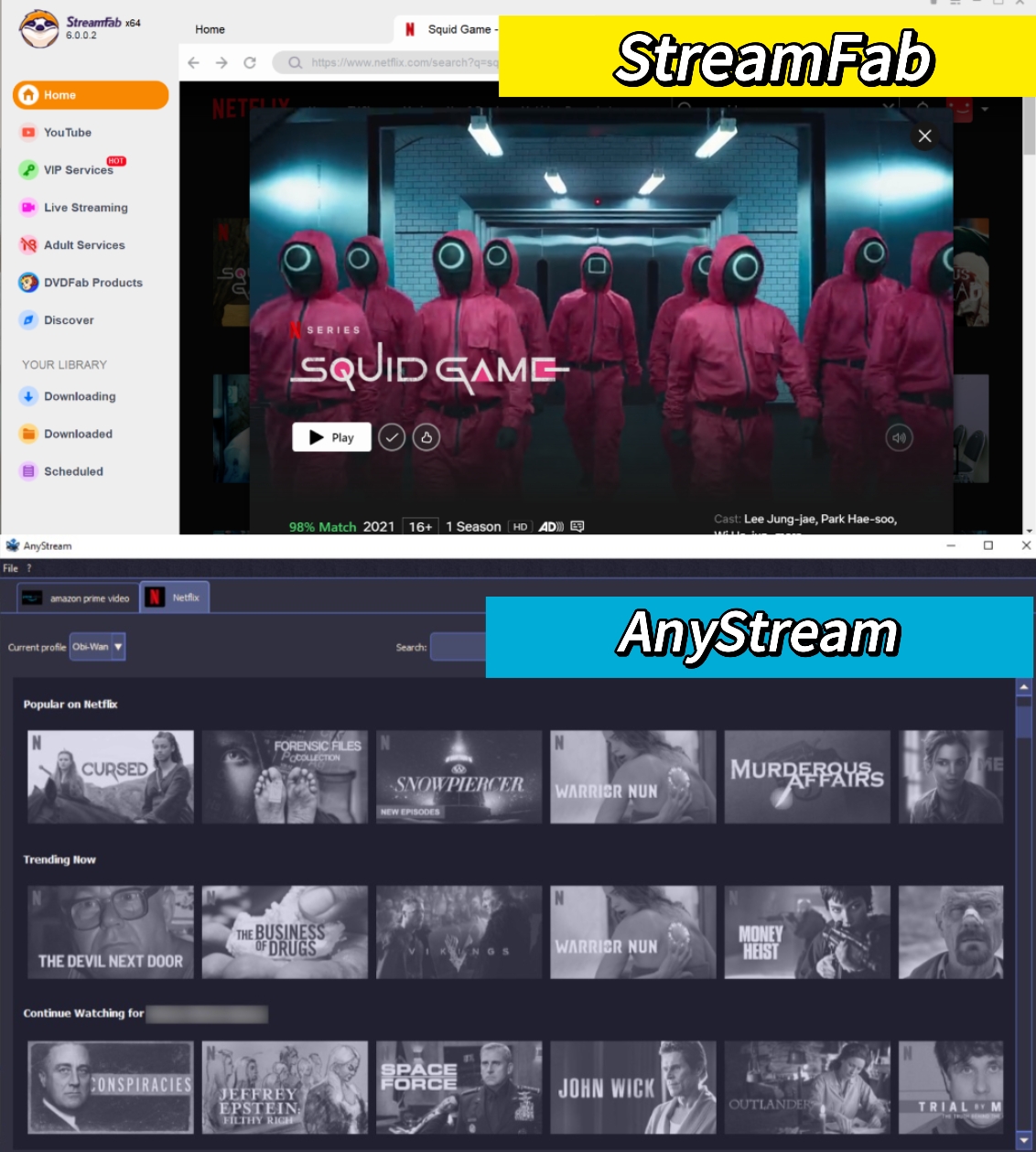
Feature Compare
Seven facts drive this decision: operating status, platform coverage, file formats, service-specific media options, batch workflow, maintenance expectations, and cost risk. The matrix below keeps those questions together so former AnyStream users can identify migration gaps before choosing a replacement.
| Fact | AnyStream status | What a replacement must provide | StreamFab current option |
|---|---|---|---|
| 1. Operating status | Offline with RedFox since June 2024 and no longer sold | Active maintenance and a current installer | Active desktop software for Windows and macOS |
| 2. Service coverage | Server-dependent functions are unavailable | Support for the services the reader actually uses | Supports major services including Netflix, Amazon Prime Video, Disney+, Hulu, Max, Apple TV+, YouTube, and Paramount+ |
| 3. Local formats | Historical workflow only | Files compatible with the reader’s players and devices | MP4 or MKV with H.264, H.265, VP9, or AV1 where supported |
| 4. Quality, audio, and subtitles | No current service availability | Service-specific resolution, audio, and subtitle choices | Up to 1080p for Netflix and Amazon; up to 4K for supported services such as Disney+, Hulu, Max, Apple TV+, and Paramount+; audio and subtitle options vary by source |
| 5. Series workflow | No active server workflow | Batch queues or scheduling when recurring downloads matter | Whole-season batches, scheduling, automatic new-episode tasks, and metadata writing |
| 6. Maintenance and support | No maintenance after shutdown | Published update and support expectations without a zero-interruption promise | 50+ published updates per year, weekly compatibility updates, a claimed 24–48-hour compatibility-fix target, and a 48-hour support-response expectation |
| 7. Price and trial risk | Historical licenses remain tied to discontinued software | A current plan that fits the budget and can be evaluated first | Current plan pricing varies; a limited trial is available |
Product status and specifications are current as of July 2026. Maximum quality and media options depend on the service, source, subscription plan, and module availability.
Operating Status and Platform Coverage
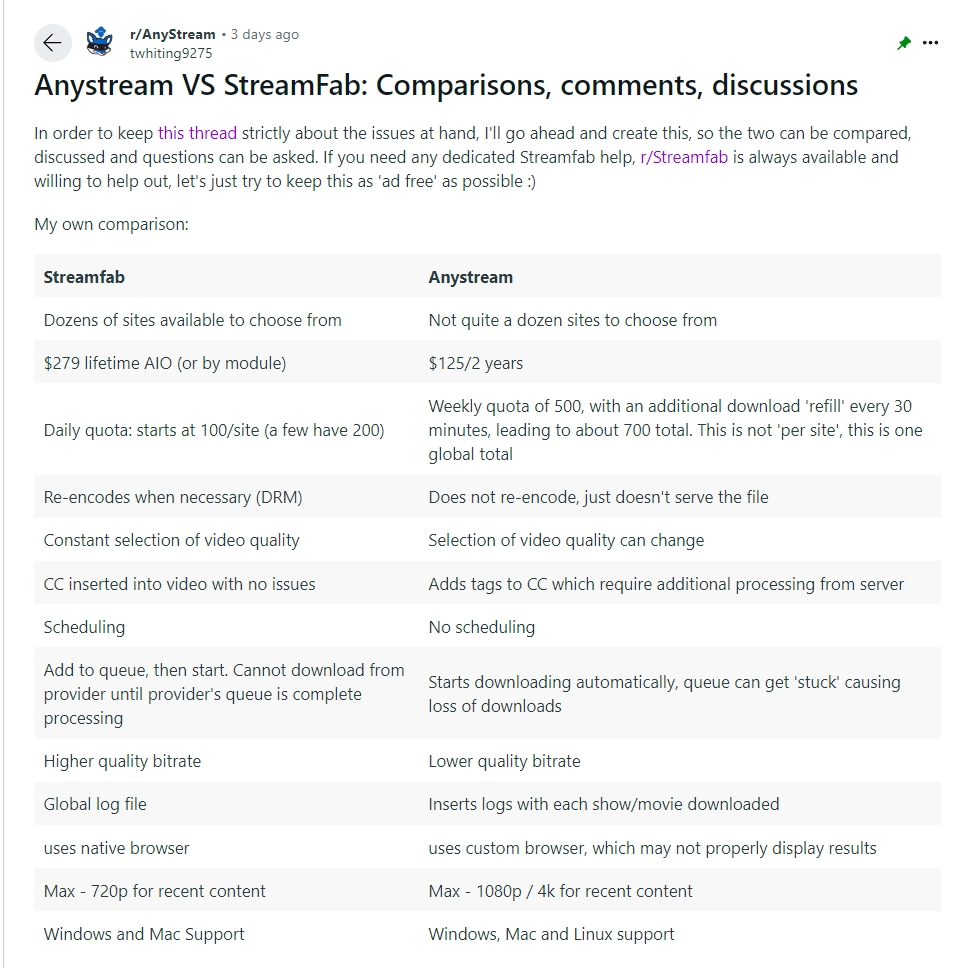
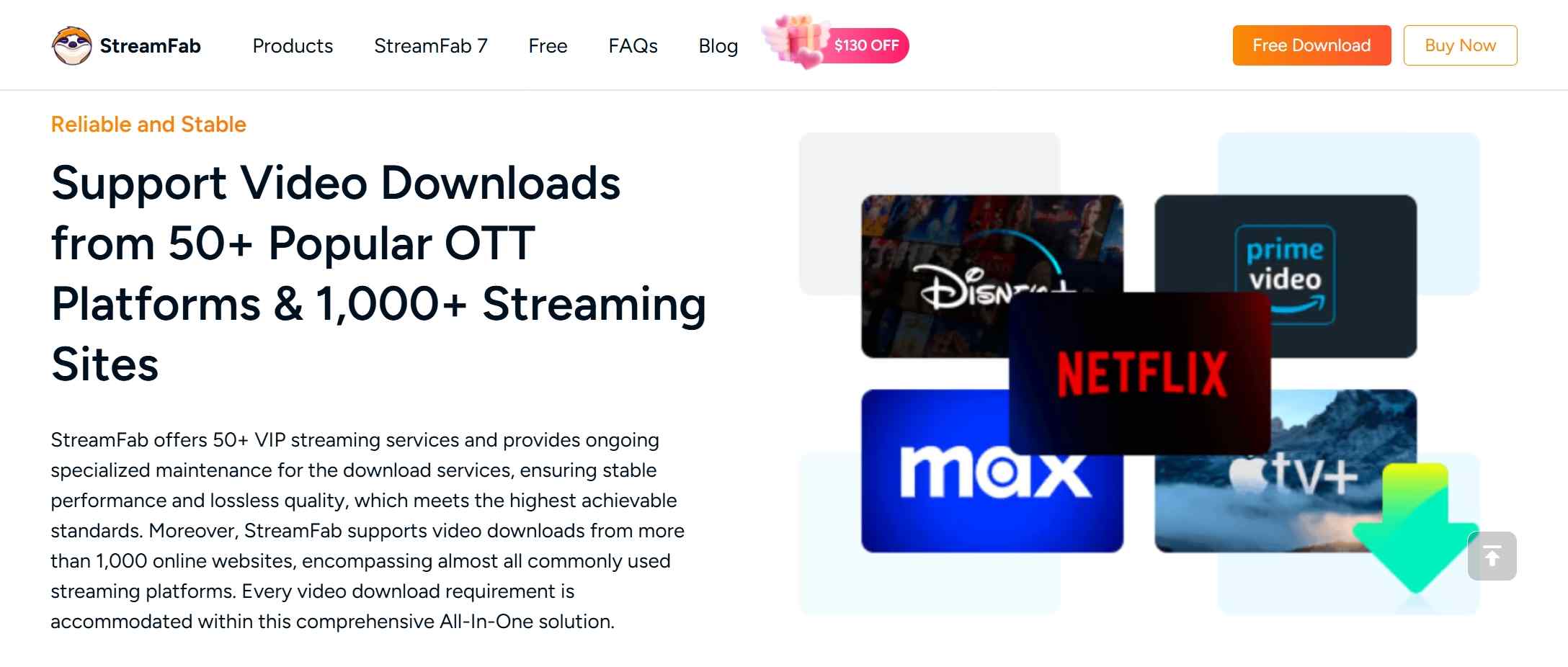
AnyStream is no longer operational, so its former service list cannot function as current coverage. StreamFab supports major subscription services and a broader range of video sites through one interface, but breadth is useful only when the reader’s specific services are currently supported.
My decision rule is simple: check the two or three services you use most before giving any weight to a large coverage claim.
MP4/MKV, Quality, Audio, and Subtitles
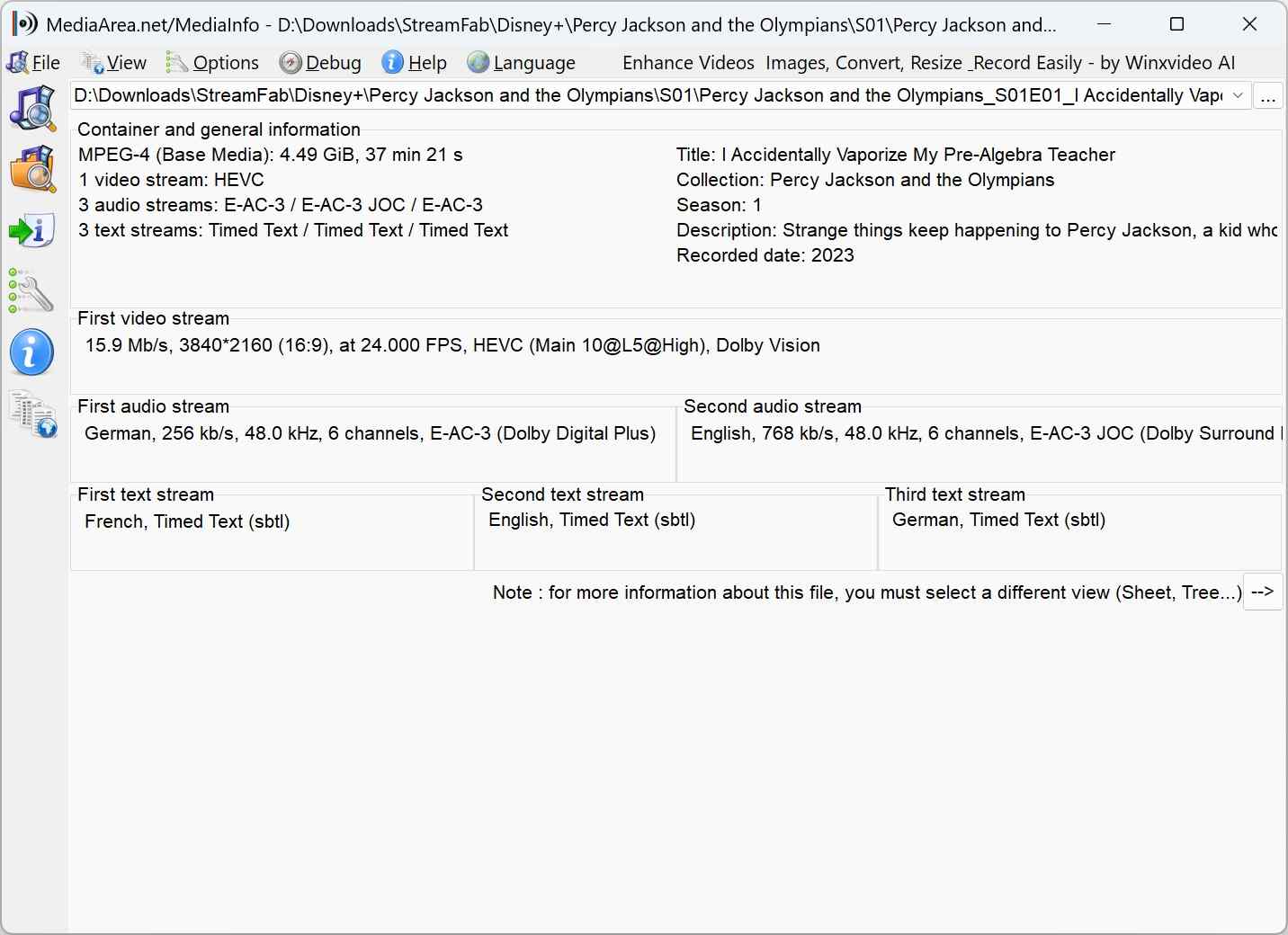
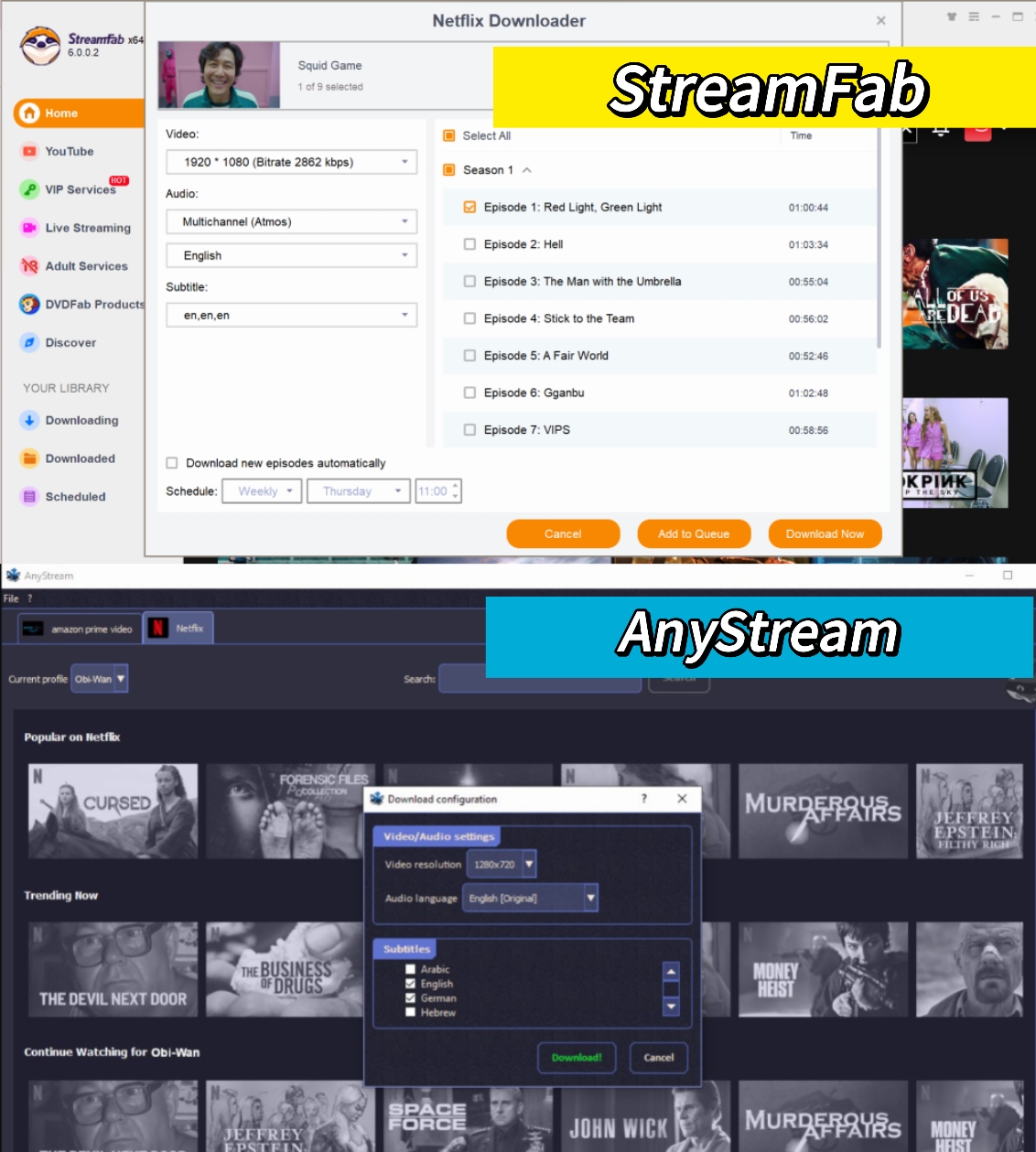
StreamFab can save local video as MP4 or MKV and supports H.264, H.265, VP9, or AV1 where the service and source provide those options. Available audio can include Dolby Atmos, EAC3 5.1, AC3 5.1, or AAC 2.0, while subtitles can be embedded or saved separately as SRT.
Resolution is service-specific rather than universal: Netflix and Amazon reach up to 1080p, while supported services such as Disney+, Hulu, Max, Apple TV+, and Paramount+ can reach up to 4K.
I would compare the exact service, file type, audio track, and subtitle mode you need instead of choosing by the largest resolution printed in a headline.
Batch Downloads and Scheduling
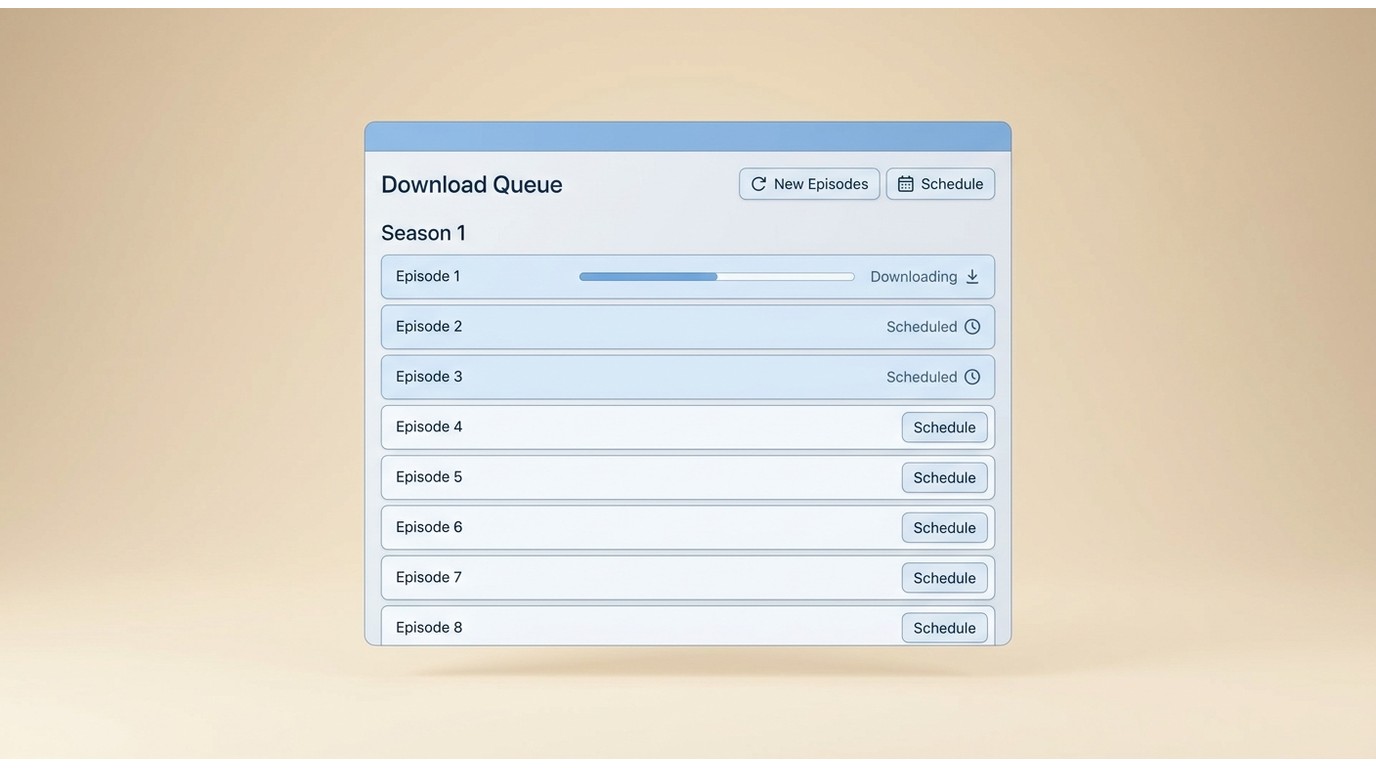
StreamFab can add a whole season to a batch queue, run scheduled tasks, and monitor subscribed series for new episodes. That workflow matters most to readers who save recurring series or manage several titles at once. If you only save an occasional single video, batch automation is unlikely to justify an all-in-one purchase by itself.
Update Cadence and Support
AnyStream stopped receiving maintenance after RedFox went offline in 2024; the dedicated guide explains why AnyStream is not working. StreamFab publishes more than 50 updates per year, including weekly compatibility updates, and states a 24–48-hour target for platform compatibility fixes. Those figures describe its current maintenance commitment, not a guarantee that every service issue will be resolved within that window.
Price, Trial, and License Risk
AnyStream’s former prices are historical because the software is no longer sold, and an old license remains tied to the discontinued product.
StreamFab offers current paid plans and a limited trial, but the right cost depends on how many services and workflow tools you need. Test a representative service, output format, audio track, and subtitle mode before treating an all-in-one plan as the better value.
Reliability Limits and Real-World Trade-Offs
StreamFab publishes a 48-hour support-response expectation and a 24–48-hour target for compatibility fixes, but analysis stalls and service-specific failures can still occur. A current version and active support path reduce migration risk; they do not eliminate interruptions caused by platform changes.
In my view, it is best suited to readers who value broad desktop coverage and active maintenance, and less suited to anyone who expects every supported service to work without interruption.

The useful question is not how many features exist, but whether your services, output needs, budget, and tolerance for interruptions match the migration path below. StreamFab review.
What AnyStream Users Lose After Shutdown
AnyStream’s server-dependent functions stopped after RedFox went offline in June 2024, and the product has not resumed maintenance or sales. An old license or installer does not restore the unavailable server workflow. The AnyStream server history explains the shutdown timeline in more detail.
Old Licenses, Installers, and Server Dependence
An AnyStream lifetime license remains tied to AnyStream and does not activate StreamFab or another replacement. Because the discontinued workflow depended on RedFox services, reinstalling an old build cannot restore those unavailable functions. For the historical product-safety context, see whether AnyStream was safe to use.
A Short Migration Workflow for Former Users
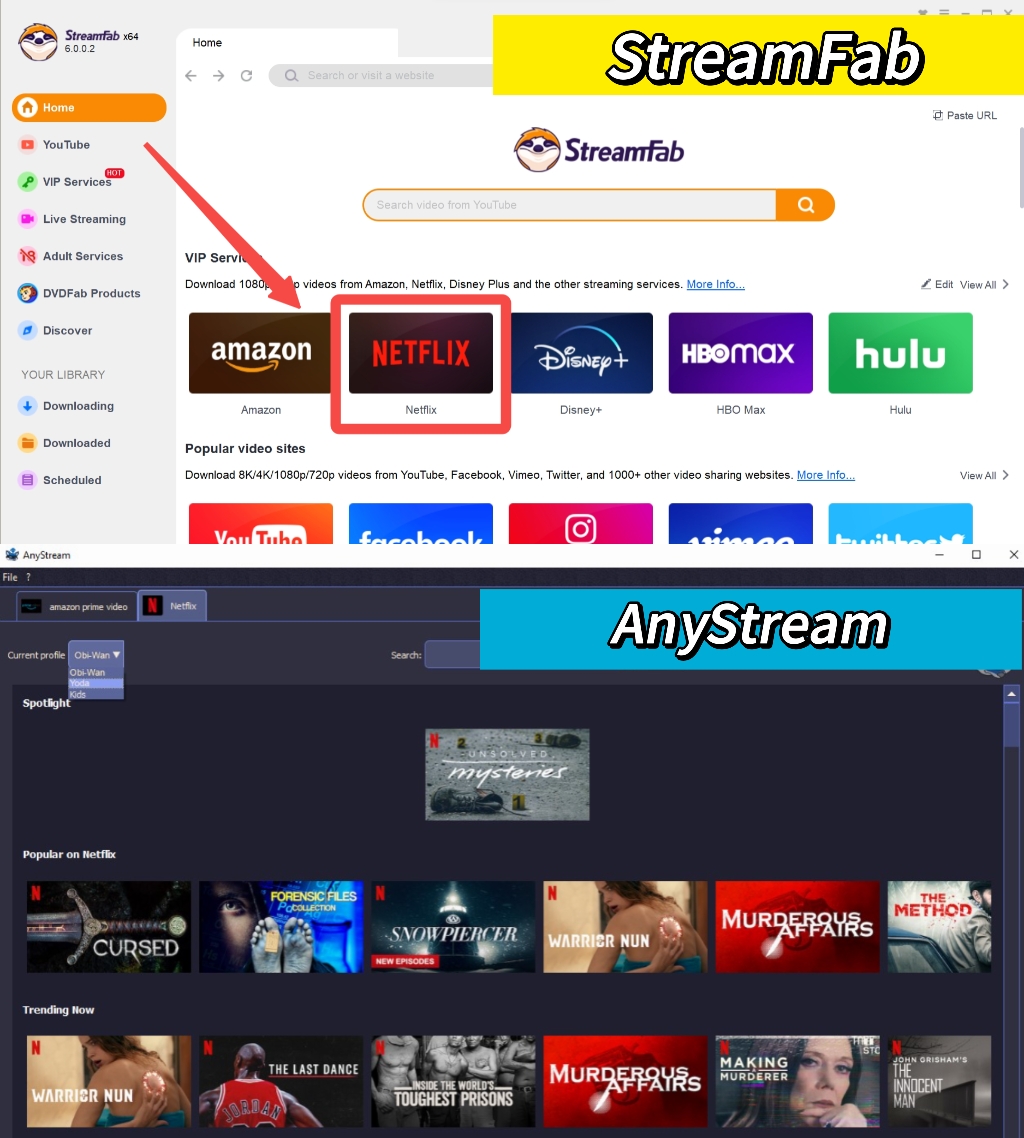
The migration workflow is short: install StreamFab on Windows or macOS, open the supported service through its built-in browser, sign in with a valid subscription, choose the available format and media options, and save a local copy for authorized personal offline viewing. Readers who need every control and screen can use the full StreamFab usage guide.
Frequently Asked Questions
What should I do with an old AnyStream lifetime license?
Keep the license record for your files, but do not treat it as an active entitlement for another product. Evaluate a replacement by the services you use, Windows or macOS support, MP4/MKV output, maintenance, and budget. There is no verified license-transfer path from AnyStream to StreamFab.
Can I use StreamFab for authorized personal offline viewing?
StreamFab is intended for content you can access through a valid subscription and for personal offline viewing where platform terms and applicable law permit. It uses recording and stream-saving technology rather than the platform’s managed in-app download feature. For a fuller discussion of software safety and usage boundaries, see Is StreamFab Safe?
What can I try if a service stalls during analysis
Confirm that StreamFab is current, restart the analysis, and check whether the interruption affects one title or the entire service. Platform changes can cause temporary, service-specific failures even when other modules work. If the issue continues, follow the dedicated StreamFab troubleshooting guide rather than assuming every service can be restored immediately.
What does the StreamFab trial show before I pay?
The limited trial is most useful for checking whether your main service can be analyzed and whether the available format, audio, subtitle, and workflow options meet your needs. It does not demonstrate uninterrupted future compatibility. Current plan and trial details are listed on the official StreamFab product page.
Conclusion
StreamFab fits former AnyStream users who need an active Windows or macOS workflow, local MP4/MKV files, batch scheduling, and support across several major services. It is less suitable for readers who need a low-cost single-service tool, require an unsupported platform, or expect zero service interruptions. If that describes your situation, compare the broader AnyStream alternatives and StreamFab alternatives before deciding.
Legal Disclaimer: My final decision rule is to prioritize your actual services and file requirements, then weigh batch workflow and maintenance against cost and the possibility of service-specific interruptions.

This article is an official response to users asking regarding the safety and legality of StreamFab. Written by StreamFab team, it moves beyond simple assurances to provide a transparent technical and legal analysis.
By Nicole Lopez - Sep 24, 2026
Wondering what is StreamFab? I tested the StreamFab YouTube Downloader Pro for YouTube TV offline access, 8K AV1 hardware acceleration, and batch archiving limits. See the 2026 real-world benchmark and learn how to avoid API throttling.
By Erika Leen - Sep 24, 2026
This article provides guidance on responsible use of StreamFab and outlines StreamFab’s core mission, legal understanding, and commitment.
By Erika Leen - Sep 24, 2026
In this May 2026 technical deep dive, we explore how StreamFab Max Downloader handles daily download restrictions, bypasses modern DRM for true 4K quality, and prevents hardware acceleration conflicts for digital archivists.
By Erika Leen - Sep 8, 2026