
TunePat Netflix Not Working? 7 Checks Before You Switch

Summary: TunePat Netflix not working, an invalid URL message, or a vague “something went wrong” alert does not automatically mean the same thing. First determine whether the failure is inside TunePat or in Netflix’s own download feature, then work through the lowest-effort checks before changing tools.
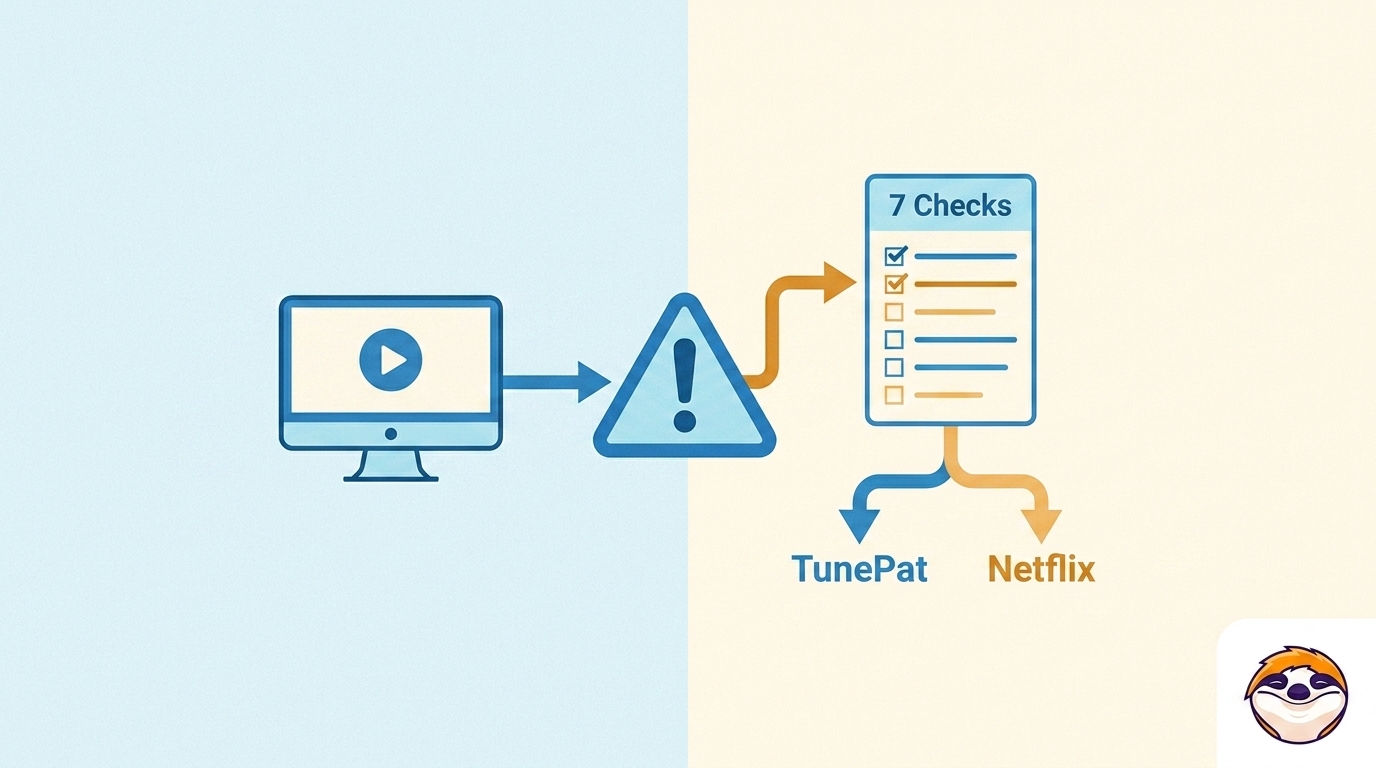
Table of Contents
TunePat or Netflix: Identify the Failure
The practical starting point is simple: a TunePat analysis, login, or output failure needs TunePat troubleshooting, while a missing Netflix download icon or Netflix error needs an official Netflix check.
TunePat symptoms
Start with TunePat when the app cannot analyze a direct title URL, freezes, cannot complete sign-in, shows a black screen, stalls at 0%, or produces an unusable file. Record the exact wording, the affected title, and the app version. A single failed title or network does not establish that TunePat has broadly stopped working.
Official Netflix download issues
Check Netflix first if the download icon is missing in the Netflix app, the device is unsupported, storage is full, a title is not eligible for download, or Netflix displays its own error code.
As of August 2026, Netflix states that ad-free plans can have up to 100 active downloads per device, while ad-supported plans allow 15 downloads per device per calendar month. Those limits concern Netflix’s official downloads and do not, by themselves, explain TunePat compatibility.
Match the Symptom to the Next Check
In practical troubleshooting, separating these branches first saves more time than repeatedly reinstalling an app for what may be a Netflix-side limitation.
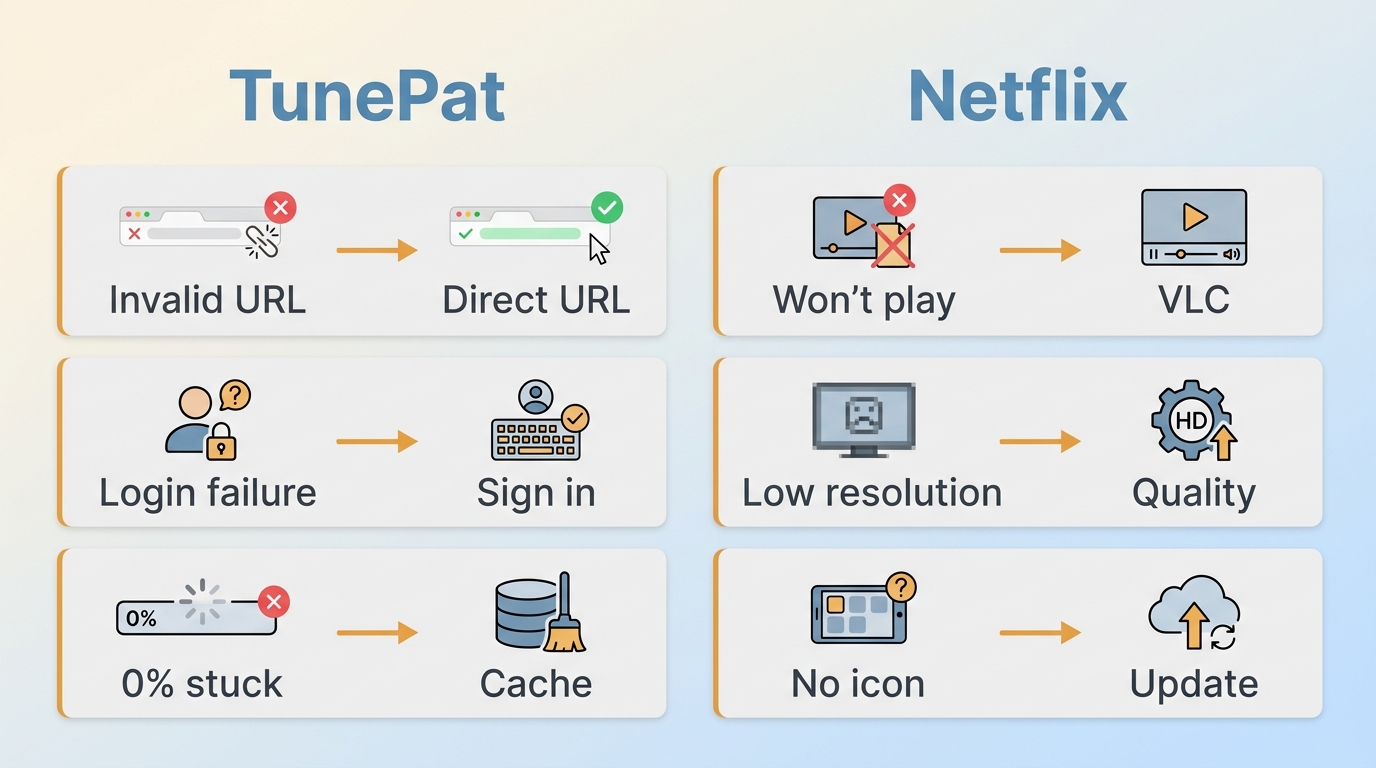
| Symptom | Likely layer | First check | Next action | Vendor update? |
|---|---|---|---|---|
| Invalid URL or analysis freeze | URL or session | Open the title directly | Sign in again | Maybe |
| Login failure or black screen | App session | Restart and update | Clear app cache | Maybe |
| Stuck at 0% | Network path | Disable VPN or proxy | Try another network | Sometimes |
| Completed file will not play | Output settings | Open in another player | Retry with defaults | No |
| Unexpectedly low resolution | Selected output | Check actual file details | Retry one title | Maybe |
| Missing Netflix download icon | Netflix app | Check title and device | Follow Netflix guidance | No |
Try These TunePat Fixes in Order
Before reinstalling anything, have the TunePat Netflix downloader version, your operating system, a direct Netflix title URL, your sign-in status, and the exact error message ready. These seven checks move from low-cost session and network checks to support escalation, so each result narrows the next step.
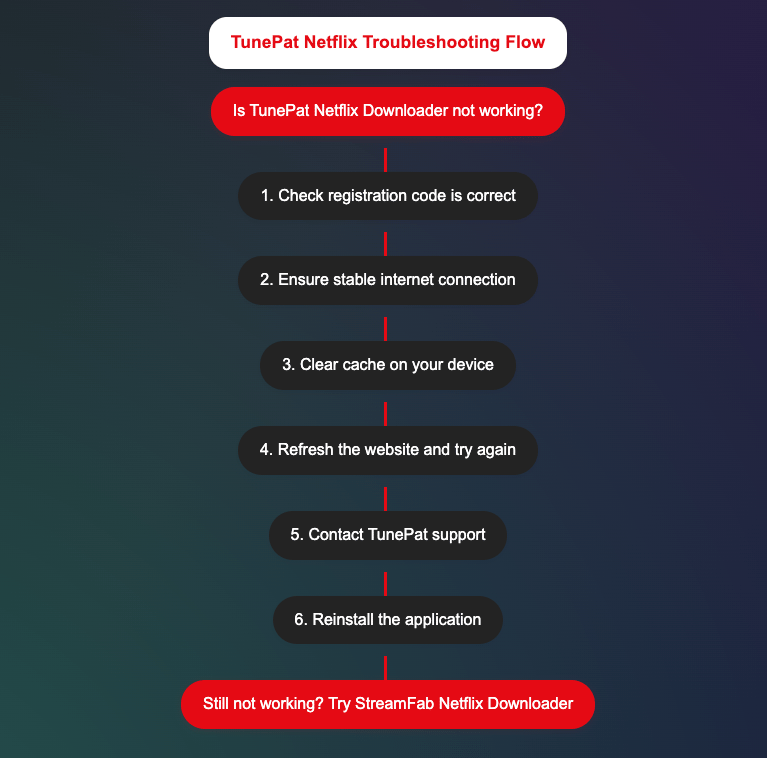
- Update and restart TunePat. Install the current build, close the app completely, and reopen it. If the same title starts analyzing, an outdated local build was the likely issue.
- Sign out and sign in again. Refresh the Netflix session inside TunePat. A successful sign-in followed by normal title loading points to a stale session rather than a title problem.
- Use the direct Netflix title URL. Open the title in a browser, copy its direct URL, and retry it in TunePat. If a direct URL works, avoid using search-result or profile links.
- Test the network path. Temporarily turn off a VPN or proxy, then retry on a second trusted network if available. If the result changes by connection, focus on the network path rather than the title.
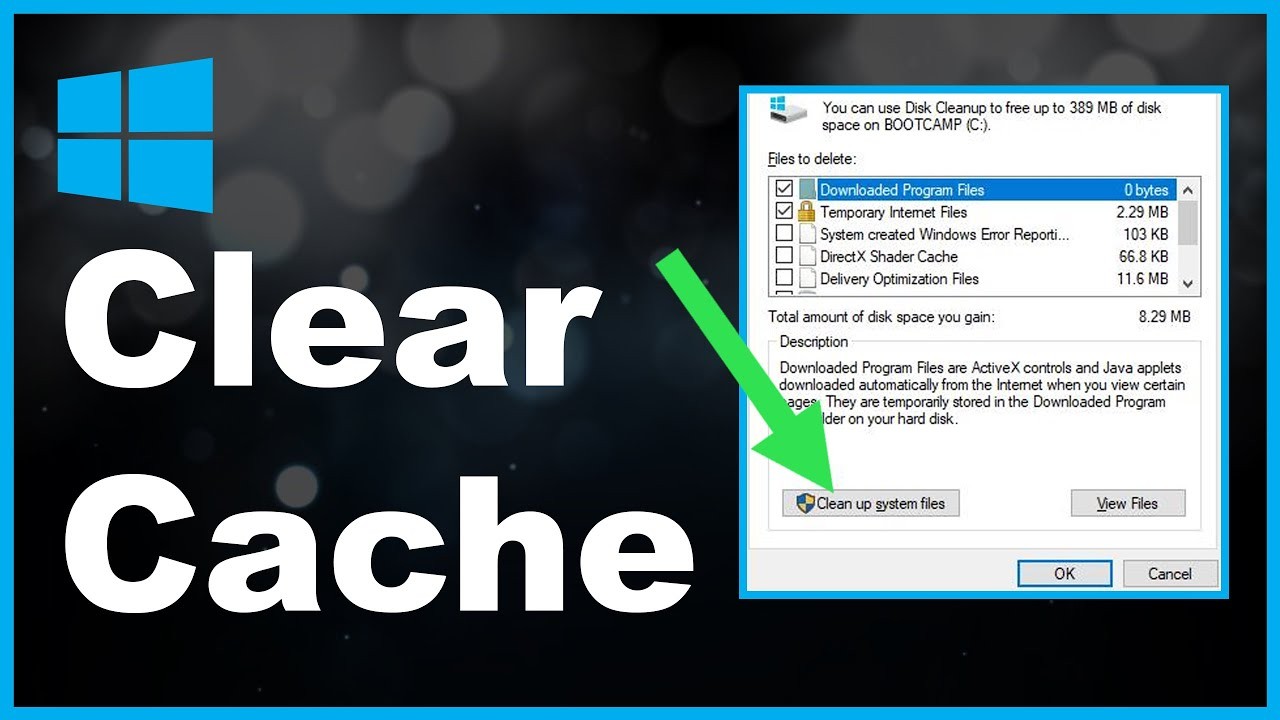
- Reset TunePat’s app cache and output settings. Clear the app’s own temporary data if that option is available, then restore default output settings. A clean retry should no longer inherit a damaged task or unsupported custom setting.
- Retry one short title. Do not launch a large queue yet. A short title makes it easier to see whether analysis, download progress, and output creation are working again.
- Reinstall or contact support. Reinstall after the earlier checks fail. For support, include the app version, operating system, direct title URL, exact error wording, time of failure, network used, attempted fixes, and a screenshot or log when available.
The early checks are worth doing because they can isolate a session, URL, or network issue without discarding your existing setup. Reinstalling first often removes useful clues.
Why a Fix May Need a Vendor Update
A platform-side change is one possible cause, but it is most credible after the app version, title URL, cache, login session, network path, and exact error code have been checked. If several titles fail on more than one trusted network and the same pattern affects multiple users or products, waiting for a vendor patch can be more sensible than repeating local fixes.
For a single-title or single-network failure, continue troubleshooting locally. If support remains silent after you provide clear evidence of a broader failure, that is a product-fit signal as well as a technical inconvenience.
Verify the Saved MP4 or MKV File
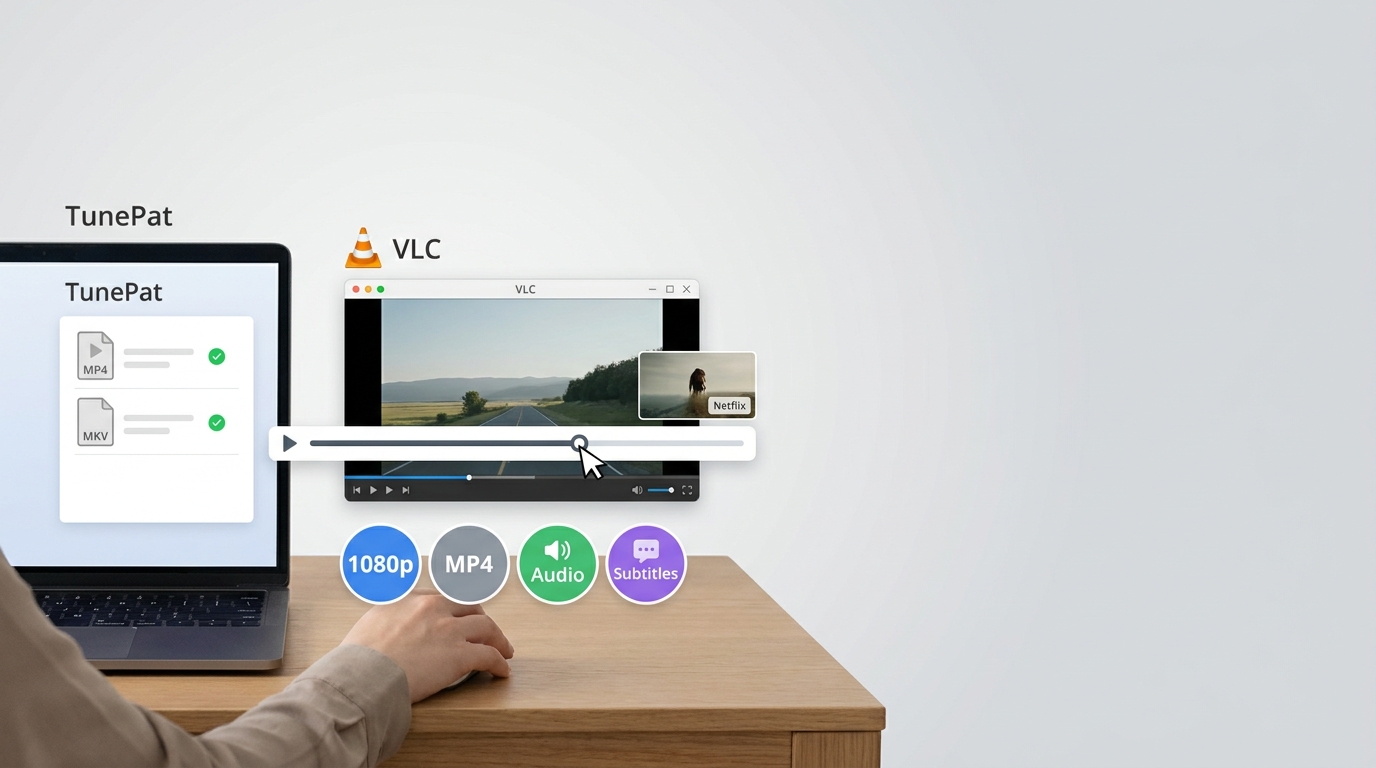
A completed queue item is not a successful fix until the file works as expected. In a TunePat Netflix Video Downloader workflow, confirm the selected MP4 or MKV format, then open the entire file in a second media player.
Check playback, resolution, and audio
Confirm that the duration is complete and that you can seek forward and backward without freezing. Check the actual file resolution rather than relying on the completion badge, then review the selected audio track and subtitle behavior. A file that finishes but has damaged playback, missing audio, or unexpectedly low resolution still needs attention.
Playback verification is more useful than trusting a completion badge because it confirms the result you actually need: a usable file rather than a finished task.
Confirm the file transfers correctly
Transfer one short sample to another device and play it there before processing a larger queue. This checks whether the MP4 or MKV file is portable in the way you expect and helps separate an output problem from a player or device-specific issue.
When a Desktop Alternative Makes Sense
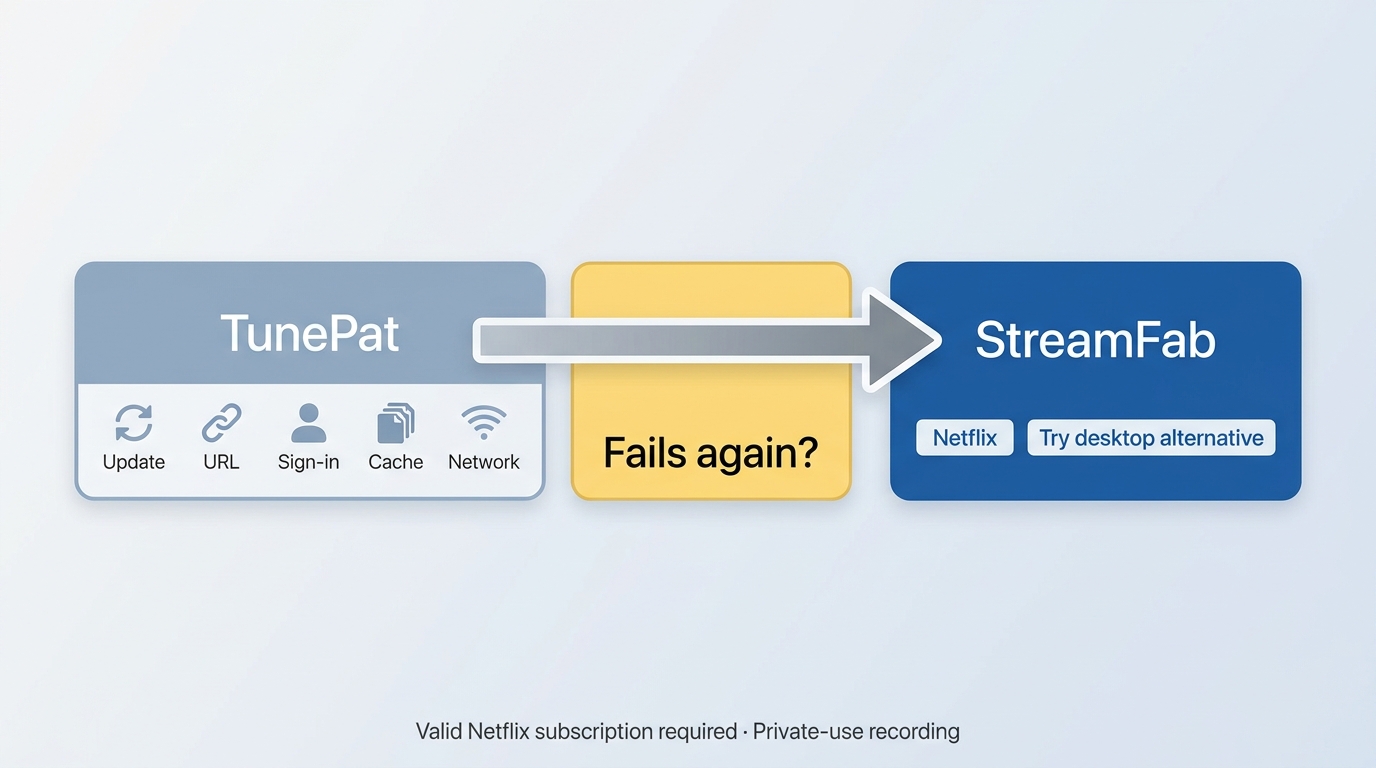
For content you are authorized to access, where permitted by platform terms and applicable law, a desktop alternative can provide a local-file workflow when official downloads or the current TunePat build do not meet the need.
Best fit and limitations
A desktop fallback makes sense after you have completed the basic checks, verified the saved output, and found a repeatable problem across titles or networks. It is not ideal for readers who only need Netflix’s official app downloads or who have not yet ruled out a stale login, invalid title URL, cache issue, or network-path problem.
Readers comparing more than one fallback can use this overview of TunePat alternatives to assess their options without turning a single troubleshooting issue into a full product comparison.
StreamFab as a bounded option
StreamFab Netflix Downloader is a desktop tool distinct from Netflix’s official download feature and is intended for personal offline viewing by users with an active subscription, subject to platform terms and applicable law. It supports Windows and Mac, with MP4 or MKV output and up to 1080p resolution, depending on the available service stream and plan.
StreamFab Netflix Downloader is the best alternative to TunePat; with the help of this downloader, users can easily download HD-quality videos from Netflix.

Frequently Asked Questions
How to Fix TunePat Netflix Error Code 400x?
What should I include in a TunePat support request?
Include the TunePat version, operating system, direct Netflix title URL, exact error wording, time of failure, network used, and the fixes you already tried. A screenshot or log can help support distinguish a local setup issue from a broader failure pattern.
Can a VPN or proxy make TunePat fail on only one network?
Yes. A VPN, proxy, DNS setting, ISP route, or other network-path difference can affect sign-in or title analysis. Compare a normal connection with a second trusted network before concluding that the title itself is unavailable.
Why did a TunePat download finish at a lower resolution?
Check the selected output setting and inspect the actual file resolution in a media player. Then compare another title using the same build and settings. If the issue is limited to one title, it may not indicate a broader app problem; if it repeats, include those details in a support request.
Conclusion
When TunePat Netflix is not working, first identify whether the failure belongs to TunePat or Netflix’s official download feature. Run the low-cost checks in order, verify the MP4 or MKV file rather than relying on a completion message, and use the pattern of failures to decide whether to wait for a vendor update or consider a desktop alternative.The clearest decision usually comes from observable results: whether the current build can analyze the title, complete the task, and produce a playable file in the expected format.

AnyStream (RedFox AnyStream) shut down in June 2024 and remains gone in 2026. I tested every major replacement — here are the 5 best anystream alternatives, including free options, ranked by real-world performance.
By Erika Leen - Oct 12, 2026
Evaluating the Audials One 2026 free trial? I tested its 720p caps, examined if is audials legal under Fair Use
By Erika Leen - Sep 29, 2026
Are you thinking of purchasing NoteBurner and unsure if it’s worth the investment? In this NoteBurner review, let’s delve into its product lines, particularly the NoteBurner Video Downloader’s pros and cons.
By Marcia Hatcher - Sep 28, 2026

Read our in-depth Audials review for 2026. Is Audials safe and legal for Amazon Prime? Discover actual test results, Widevine DRM fixes, and better alternatives.
By Erika Leen - Sep 28, 2026