
6 OnlyFans Video Downloader Chrome Extensions Compared (2026)

Summary: 6 free and paid OnlyFans Chrome extensions tested for DRM support and reliability. Find which ones work in 2026—plus a desktop tool that handles protected content every time.
You're here because you need a Chrome extension for OnlyFans downloading — here's the fastest path to what you need.
- Compare 6 extensions by workflow, output, and access model in the full comparison list.
- If a browser workflow does not fit your download queue, compare it with the desktop alternative.
- Not sure which format or whether extensions are safe for your account? jump to the FAQ for quick answers.
- ⚠️ Only download OnlyFans content you have already paid for or have permission to access. Personal offline use only.
An OnlyFans Chrome extension can handle some authorized downloads, but free allowances, setup requirements, and media support differ by product. This guide compares six options for saving OnlyFans content and explains when a browser-assisted or desktop workflow better fits personal offline viewing.
Before reading this article, here is a small tip: After installing any tool, reopen your OnlyFans tab so changes take effect; results vary by platform settings.

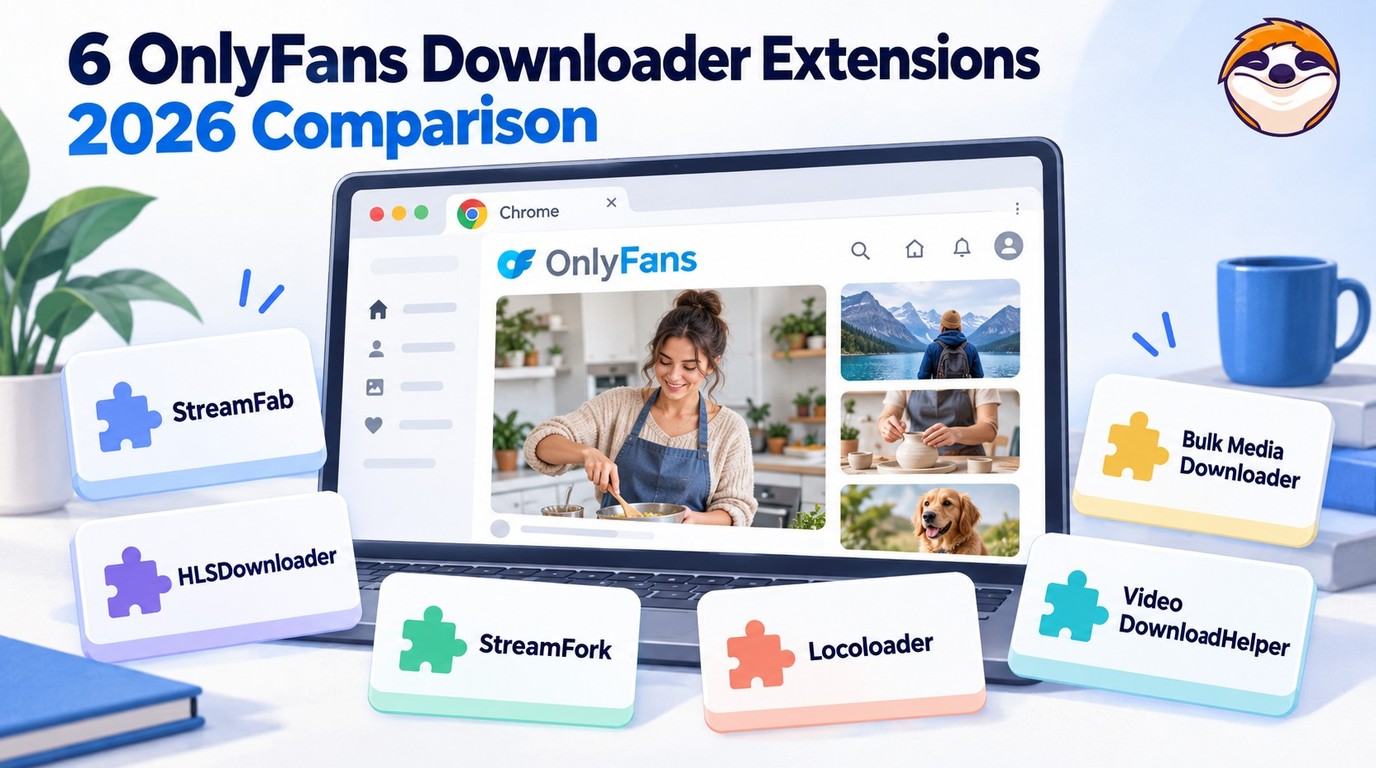
6 OnlyFans Video Downloader Chrome Extensions Compared in 2026
6 OnlyFans Video Downloader Chrome Extensions Compared (2026) covers browser workflows, free allowances, limited trials, and paid access. Most of the OnlyFans Download Chrome extensions below are optimized for Chrome or perform better on Chrome. If you need OnlyFans download extensions for Firefox, see the best OnlyFans video downloaders for Firefox. The numbering is for navigation, not a ranking. Free allowances, limited trials, and paid access are labeled separately below; pricing details are current as of October 2026.
1. StreamFab OnlyFans Downloader for Browser
StreamFab OnlyFans Downloader for Browser provides the Chrome and Edge workflow for StreamFab OnlyFans Downloader, with Coapp handling the companion processing. It is separate from OnlyFans' official features and is intended for videos you are authorized to access, with a valid OnlyFans subscription or purchase where required, for personal offline viewing where platform terms and applicable law permit.

Install the browser workflow from StreamFab's official download source, complete the Coapp setup, and sign in to an authorized OnlyFans account. Refresh the OnlyFans page after installation, use the download control shown for accessible media, and open the completed file in a compatible player to confirm playback. The workflow supports MP4 or MKV output, batch downloading, and quality up to 1080p when that resolution is available from the source.
| Download Support |
|
|---|---|
| Format | MP4/MKV |
| Quality | Up to 1080p from the available source |
| Access |
|
| Pros |
|
| Cons |
|
2. HLSDownloader for OnlyFans on Chrome
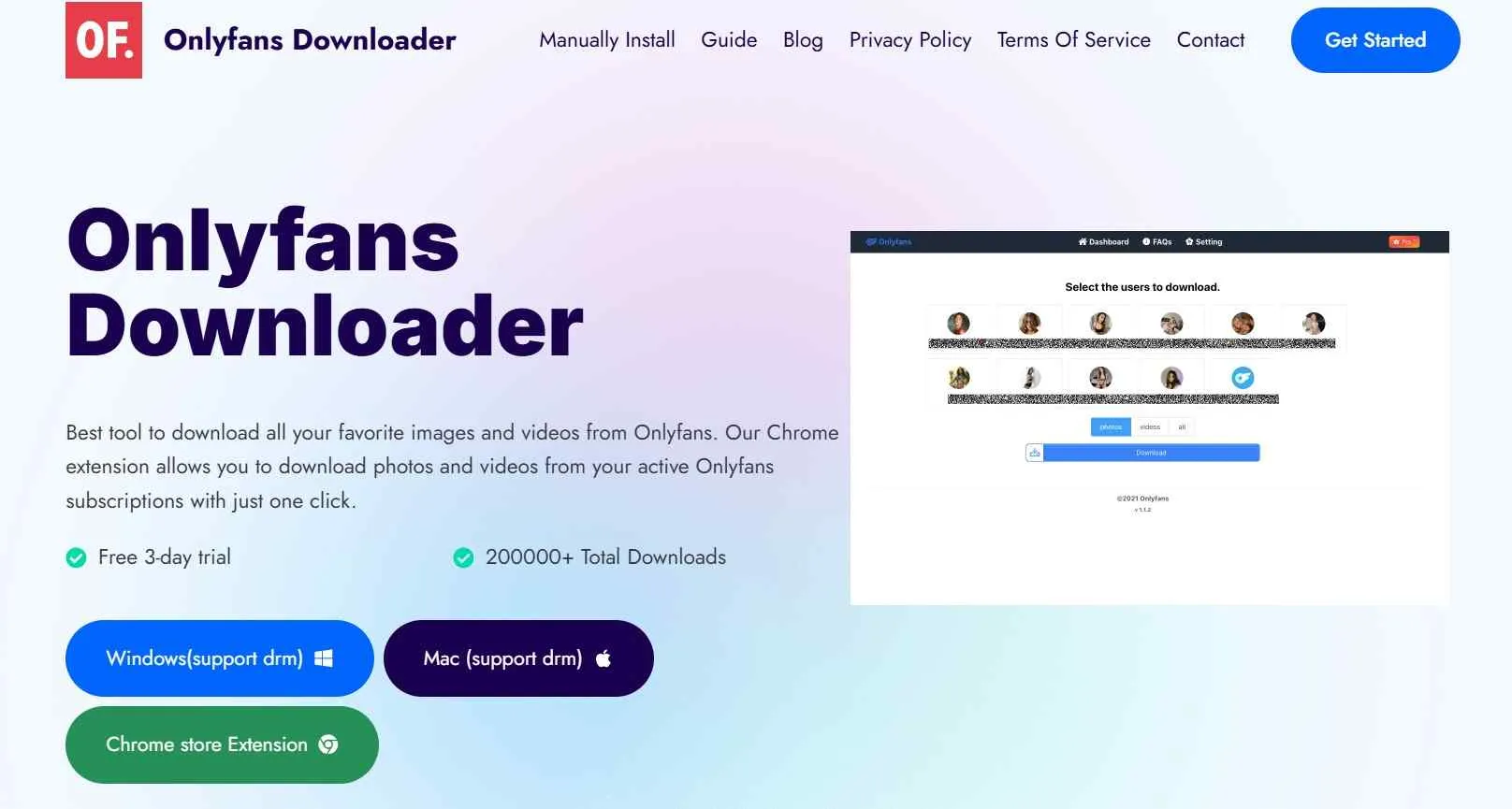
HLSDownloader is a specialized video download Chrome extension designed for downloading content from OnlyFans. In addition to its Chrome extension, it is compatible with both Windows and macOS systems. It offers a three-day limited trial and batch handling of items you already have access to.
| Download Support |
|
|---|---|
| Format | MP4 |
| Quality | Source quality up to 4K, according to the developer |
| Price |
|
| Pros |
|
| Cons |
|
3. StreamFork: Download OnlyFans Videos in Chrome
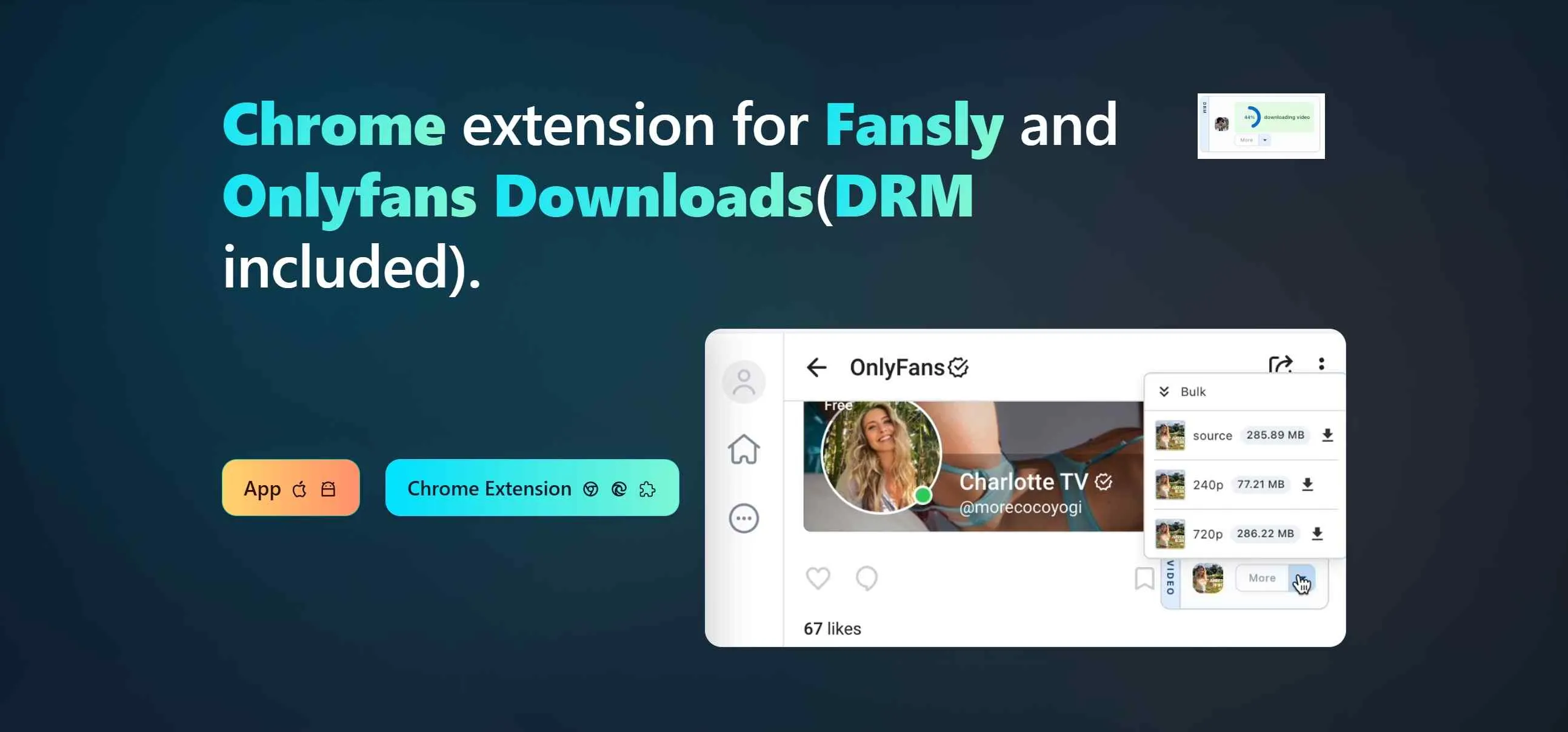
StreamFork is included in our OnlyFans downloader review and provides a Chrome-based workflow. Its pricing page describes free, Basic, and Professional access, with paid access sold for prepaid fixed periods without automatic renewal. The official Discord forum is available for users to seek assistance from the support team should they encounter any issues during its use.
| Download Support |
|
|---|---|
| Format | MP4 |
| Quality | 240p/720p |
| Access |
|
| Pros |
|
| Cons |
|
| Detailed Review | The Real StreamFork Review: Is It Worth to Purchase? |
4. Locoloader OnlyFans Downloader for Chrome
Locoloader's pricing page lists two free extractions per six hours, plus paid access at $15 per month or $96 per year.
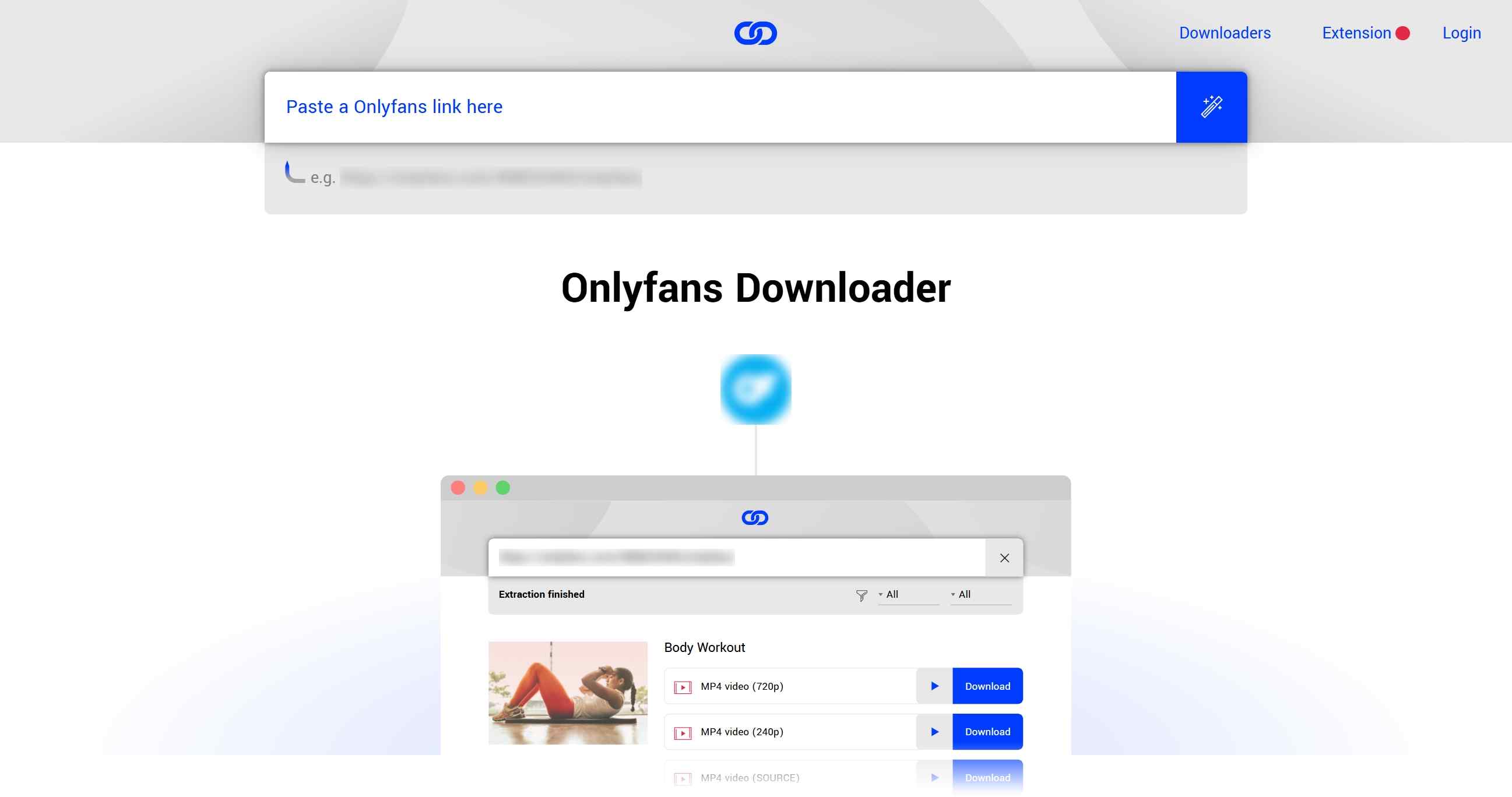
Its OnlyFans guide excludes protected posts and documents MP4 SOURCE output at the resolutions available from the source.
| Download Support |
|
|---|---|
| Format | MP4 SOURCE |
| Quality | Available source resolutions |
| Price |
|
| Pros |
|
| Cons |
|
| Detailed Review | Locoloader OnlyFans Review: Is It Safe to Use? |
5. Bulk Media Downloader
Bulk Media Downloader is a general-purpose browser extension whose maintainer describes network-media detection and filtering by media type. For a small, one-off job, I would use it when its network-media detection and type filters surface the authorized files needed; larger queues call for a batch-focused workflow.
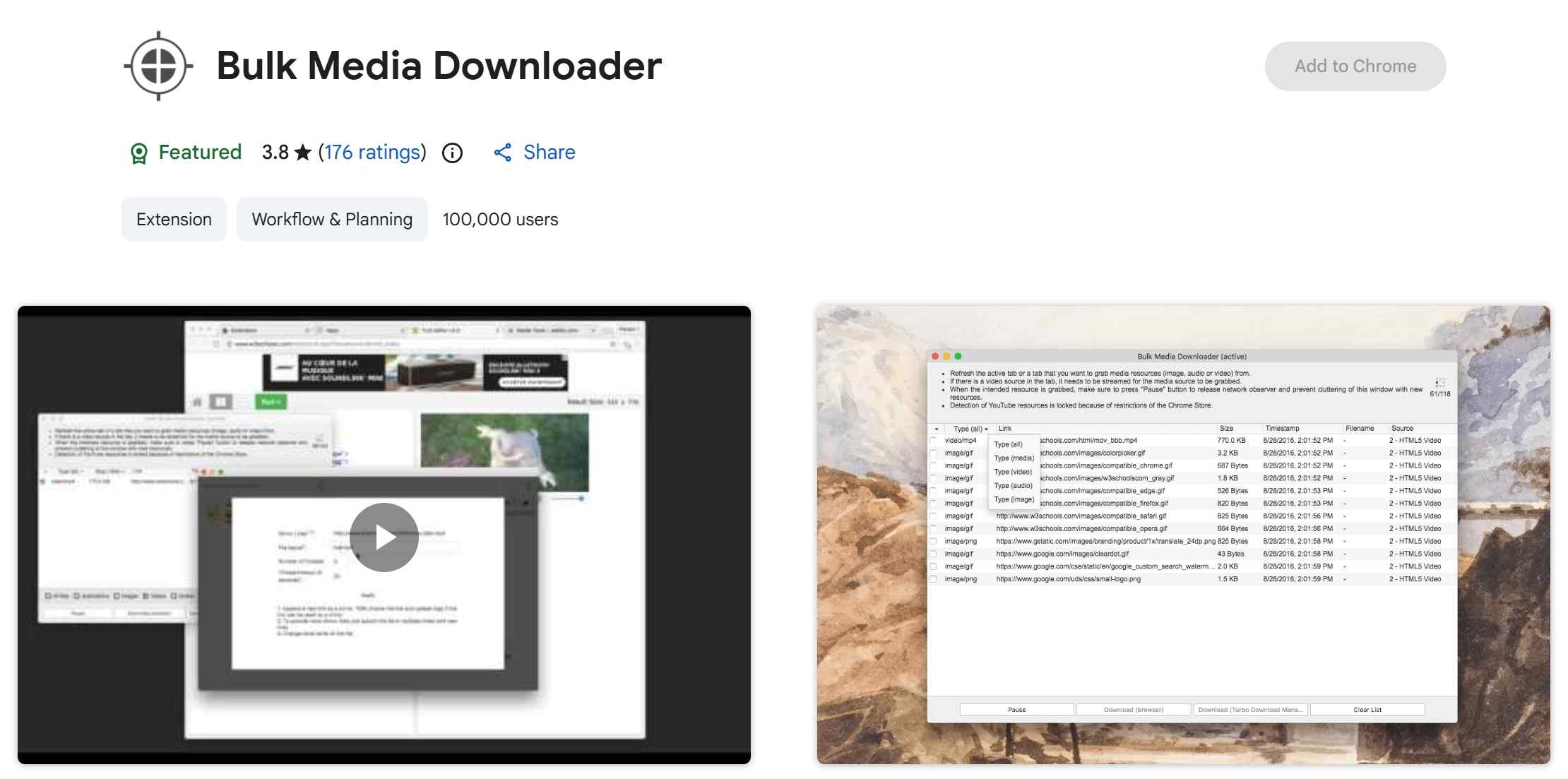
| Workflow | Detects media exposed through page network activity |
|---|---|
| Filtering | Filters detected items by image or video type |
| Price | Free |
| Best Fit | Occasional downloads of detectable, authorized media |
| Limitation | Results depend on the media exposed by the page |
| More Options | For multi-file tasks beyond media detection and type filtering, compare the workflows in Best Bulk OnlyFans Downloaders. |
6. Video DownloadHelper
Video DownloadHelper is a general-purpose browser extension for detecting supported media streams across the web. The current version 10.6 homepage describes a workflow without external software, and its Premium page lists $19/year or $39 lifetime in the United States. Its general-purpose workflow is designed around media the extension can detect, so OnlyFans results depend on the specific post and media format. It can save supported media through an OnlyFans to MP4 workflow.
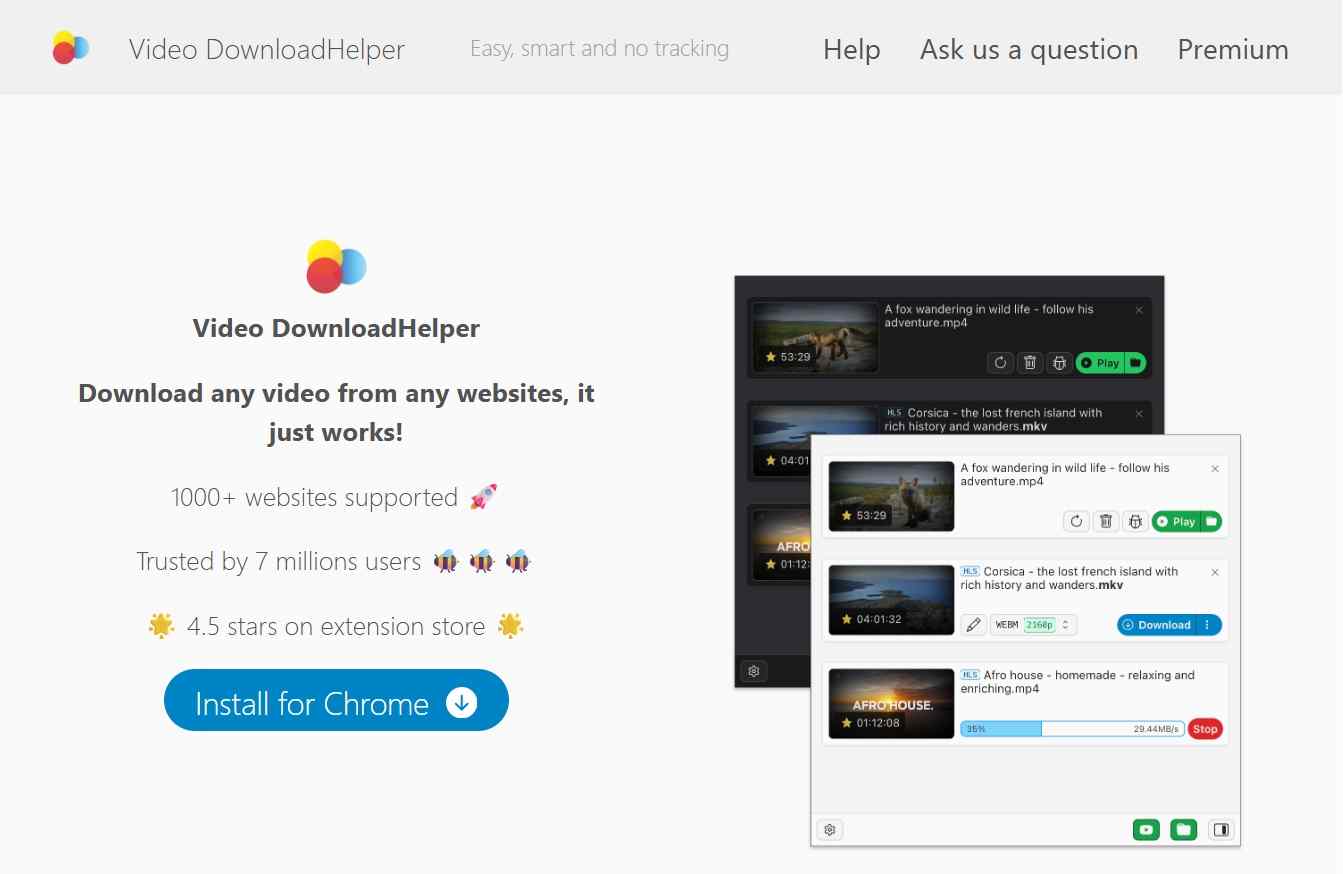
| Workflow | Detects supported media in the browser |
|---|---|
| Format | MP4/WebM |
| Current Setup | Version 10.6 is described as working without external software |
| Premium | $19/year or $39 lifetime in the United States |
| OnlyFans Scope | Product-specific; unsupported media may not produce a playable file |
| Detailed Review | Video DownloadHelper Review: Safety & Usage Breakdown |
A Better Option Than OnlyFans Download Chrome Extensions
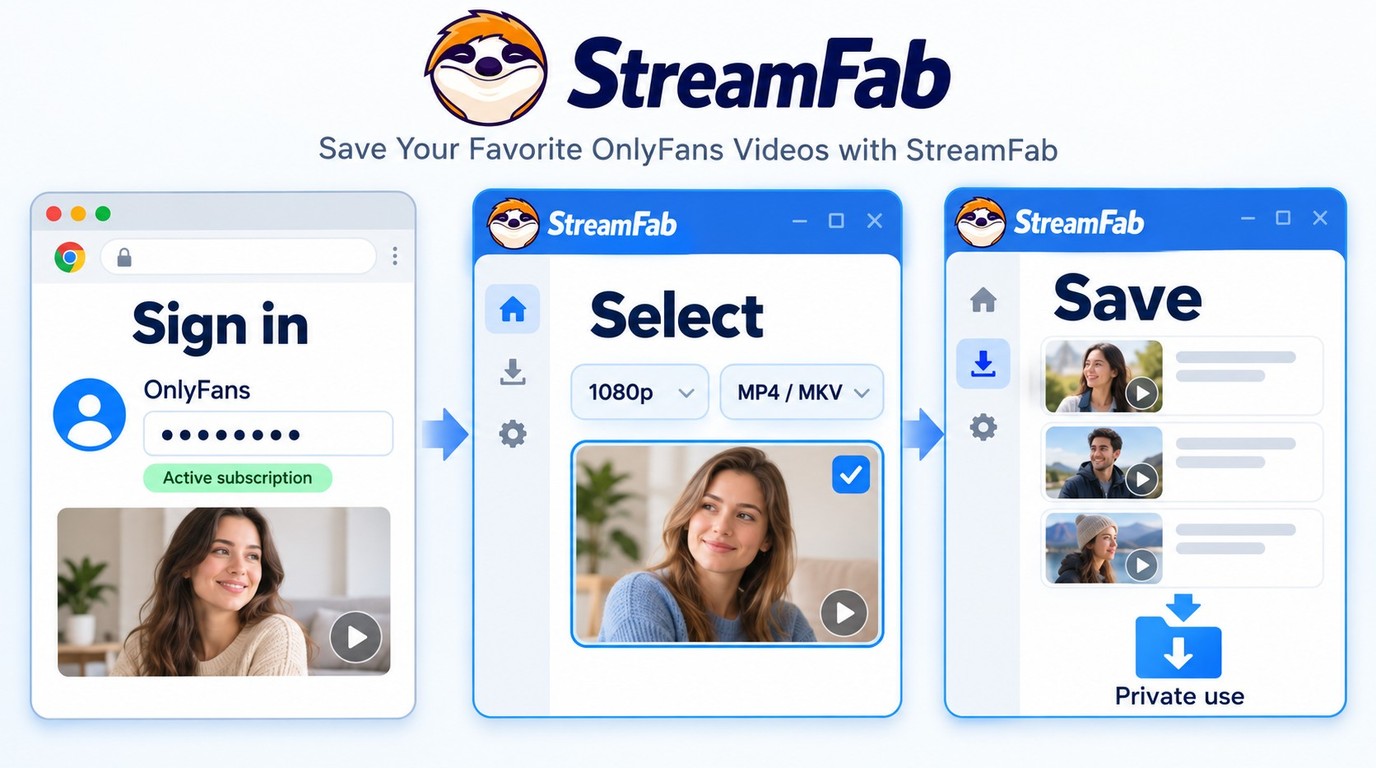
A Chrome extension may be sufficient for occasional media that it can detect, but partial files, unsupported posts, and browser-dependent setup can make larger download jobs harder to manage. Common workflow issues include:
- Incomplete Files: Some extension workflows may return a partial file or a media link instead of a playable video.
- Setup Limits: Results can depend on site support, extension permissions, and any required companion process.
For content you're authorized to access, where permitted by platform terms and applicable law, consider a desktop alternative when official downloads are unavailable so you can save a local copy for personal offline viewing. Access to a post does not grant permission to redistribute or commercialize the saved content, and the applicable permission depends on the specific use case.
Desktop Workflow: StreamFab OnlyFans Downloader
StreamFab OnlyFans Downloader provides a Windows and macOS desktop workflow separate from its Chrome and Edge browser-assisted workflow. For authorized OnlyFans purchases, the desktop client uses stream-recording technology and can save available source video at up to 1080p in MP4 or MKV with H.264 video and AAC 2.0 audio.

Save authorized OnlyFans videos on Windows or macOS at up to 1080p from the available source, with MP4/MKV output, H.264 video, and AAC 2.0 audio.
Key Feature
- Install StreamFab OnlyFans Downloader from its official download page and use it only with content you are authorized to access for personal offline viewing.
- Save OnlyFans to MP4 or MKV format for seamless playback and transfers to other devices.
- Save supported OnlyFans videos and available subtitles from posts and messages you are authorized to access.
- Effortlessly download OnlyFans videos in bulk from your favorites and creators' channels.
- New OnlyFans videos can be downloaded through scheduled mode as soon as the subscribed creator updates their content.
- More detailed review: StreamFab OnlyFans Downloader review

Because OnlyFans content may include protections, using unofficial or modified versions could risk failure or worse. Always prefer the version from StreamFab's official site.
Which is Right for You? StreamFab vs. OnlyFans Chrome Extensions
StreamFab provides two related workflows: a Chrome or Edge browser-assisted option that uses Coapp, and a Windows or macOS desktop client. My practical cutoff is task frequency: a lightweight browser workflow fits occasional authorized downloads, while the desktop client is better suited to batch queues and scheduled saving.
| Feature | StreamFab Browser Workflow | StreamFab Desktop Client | Other Chrome Extensions |
|---|---|---|---|
| Workflow | Chrome/Edge with Coapp | Standalone Windows/macOS app | Varies by extension |
| Setup | Browser-assisted | Desktop installation | Browser installation; dependencies vary |
| Output | MP4/MKV files | MP4/MKV, up to 1080p source | Product-specific formats and limits |
| Batch/scheduling | Batch saving | Batch queues and scheduled saving | Product-specific |
| Best Fit | Occasional browser-based tasks | Larger or recurring authorized jobs | Light tasks within documented support |
- Use the StreamFab OnlyFans Downloader browser-assisted workflow if: You want Chrome or Edge access with Coapp and prefer a lighter setup for occasional authorized downloads.
- Choose the StreamFab OnlyFans Downloader desktop client if: You need batch queues, scheduled saving, and MP4/MKV files on Windows or macOS.
Operation Steps
Prerequisites: use an active OnlyFans account and work only with content you are authorized to access and save under the platform terms and applicable law.
First, click the download button above to install StreamFab OnlyFans Downloader on your computer.
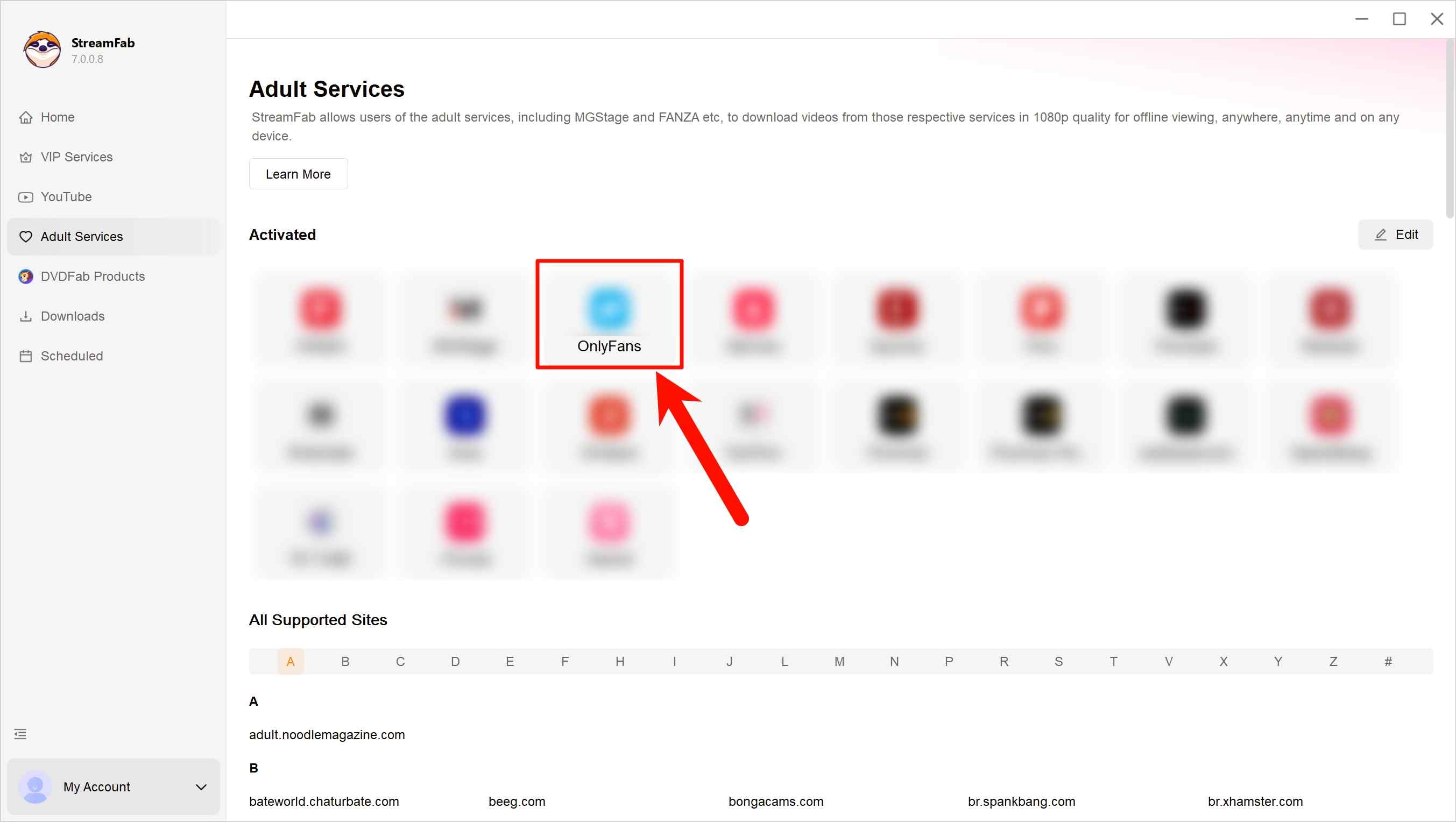
Log in to your OnlyFans account, play a video you are authorized to access, or enter the name of a creator whose accessible videos you want to add to a batch.
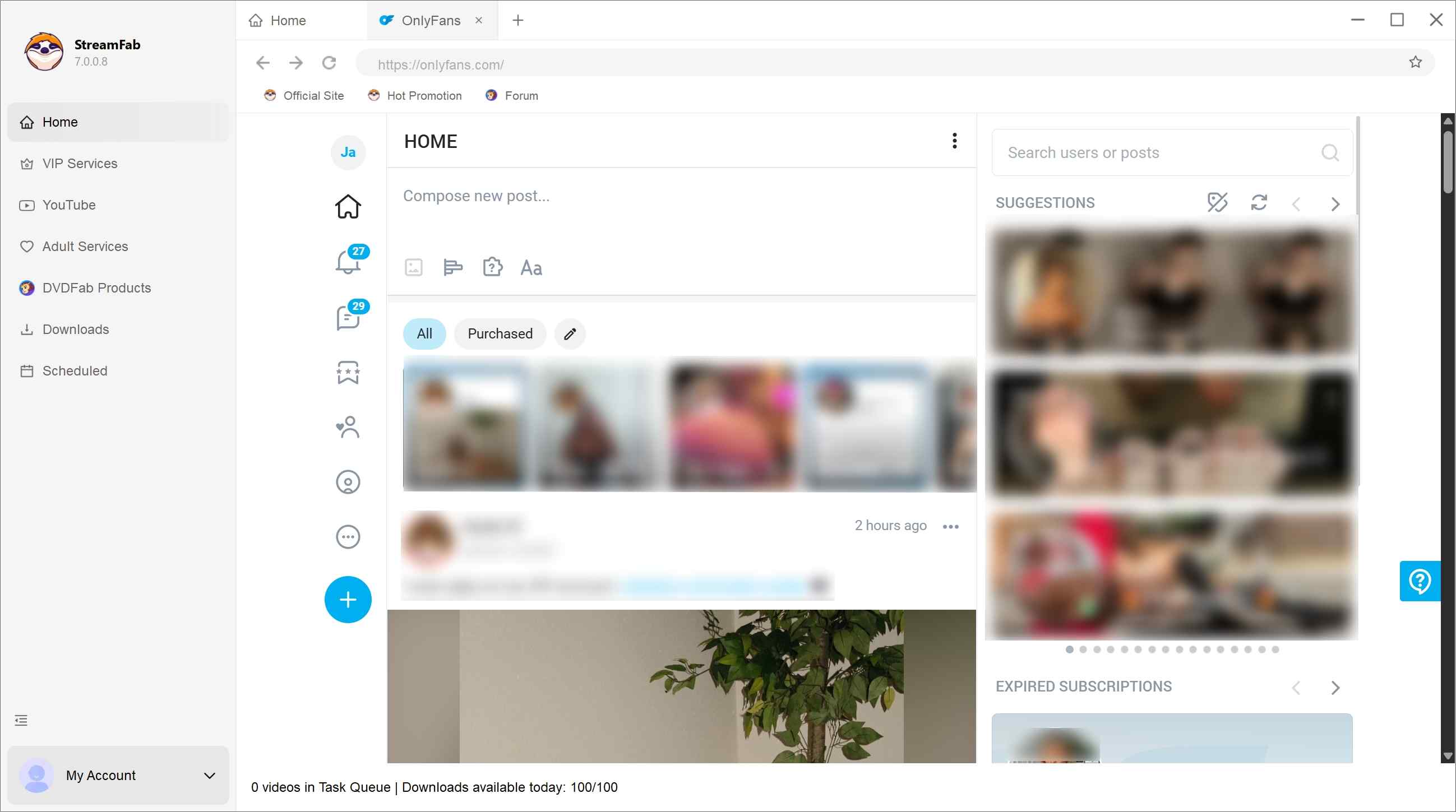
When you play an OnlyFans video, StreamFab OnlyFans Downloader will analyze it. You may select the accessible videos you want to save.
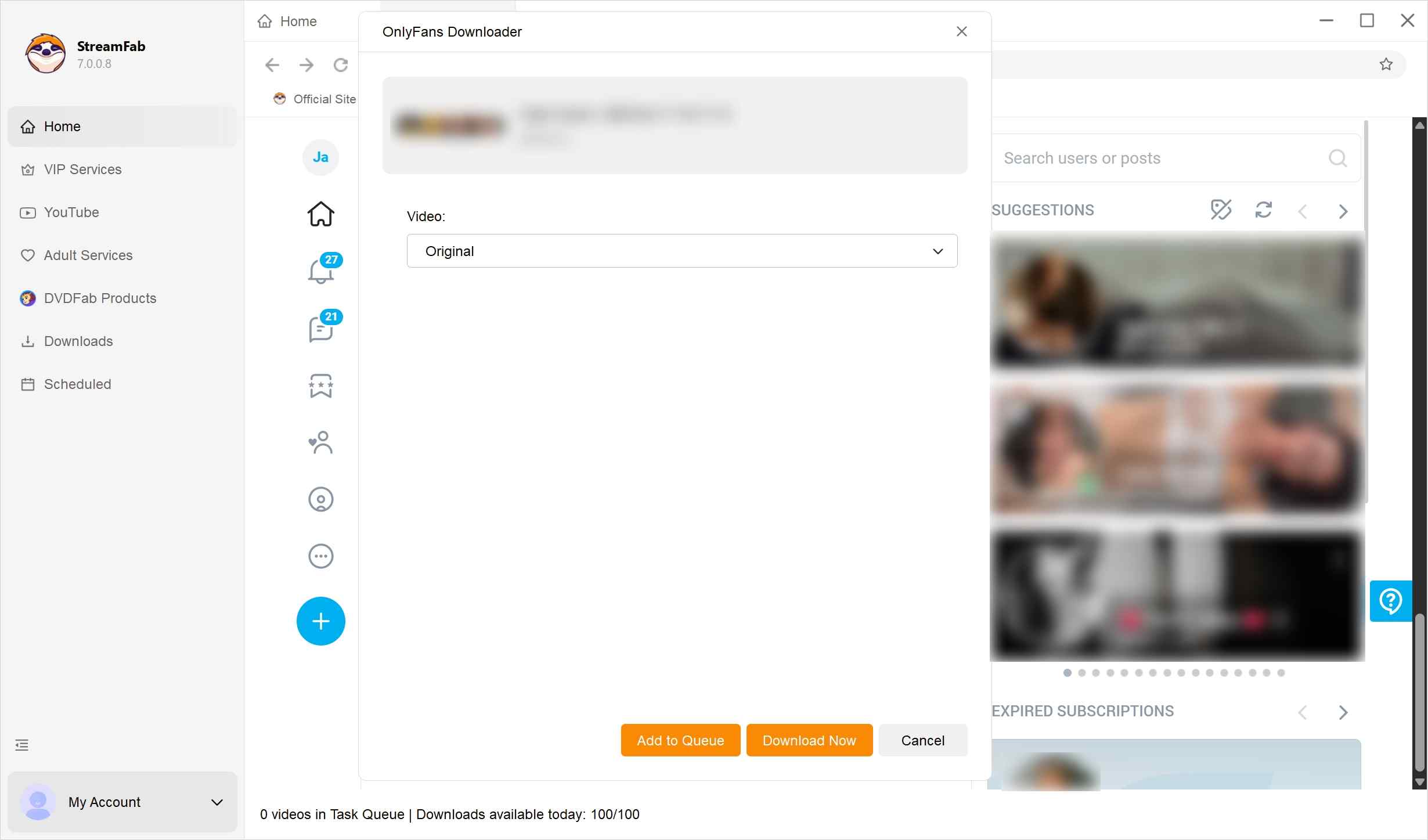
Download the selected videos immediately or add them to your "download queue."
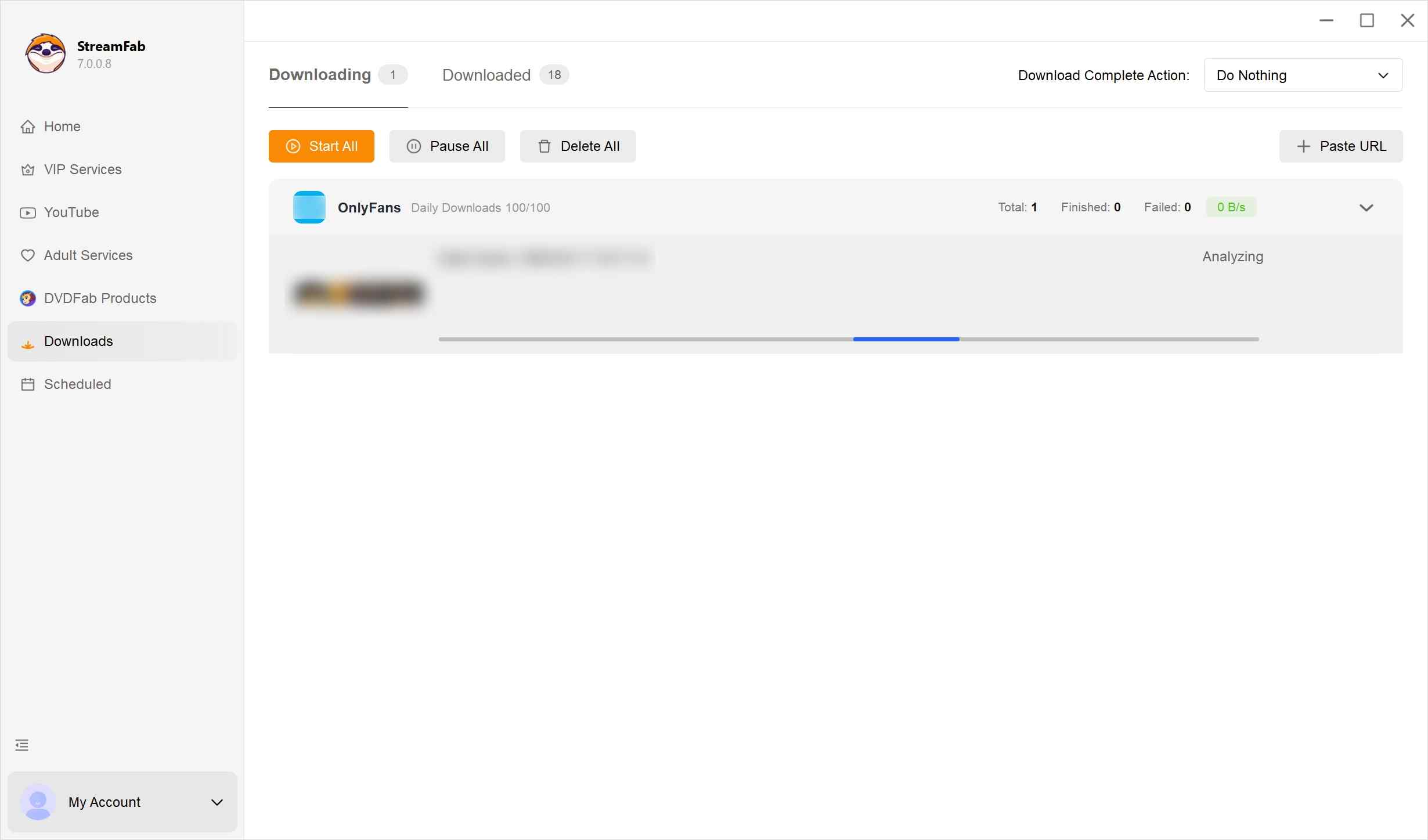

If you need an iOS-specific workflow, note that this desktop process applies to Windows and macOS rather than iPhone or iPad. how to download OnlyFans videos on iPhone.
OnlyFans Downloader Experiences on Reddit, 2023–2026
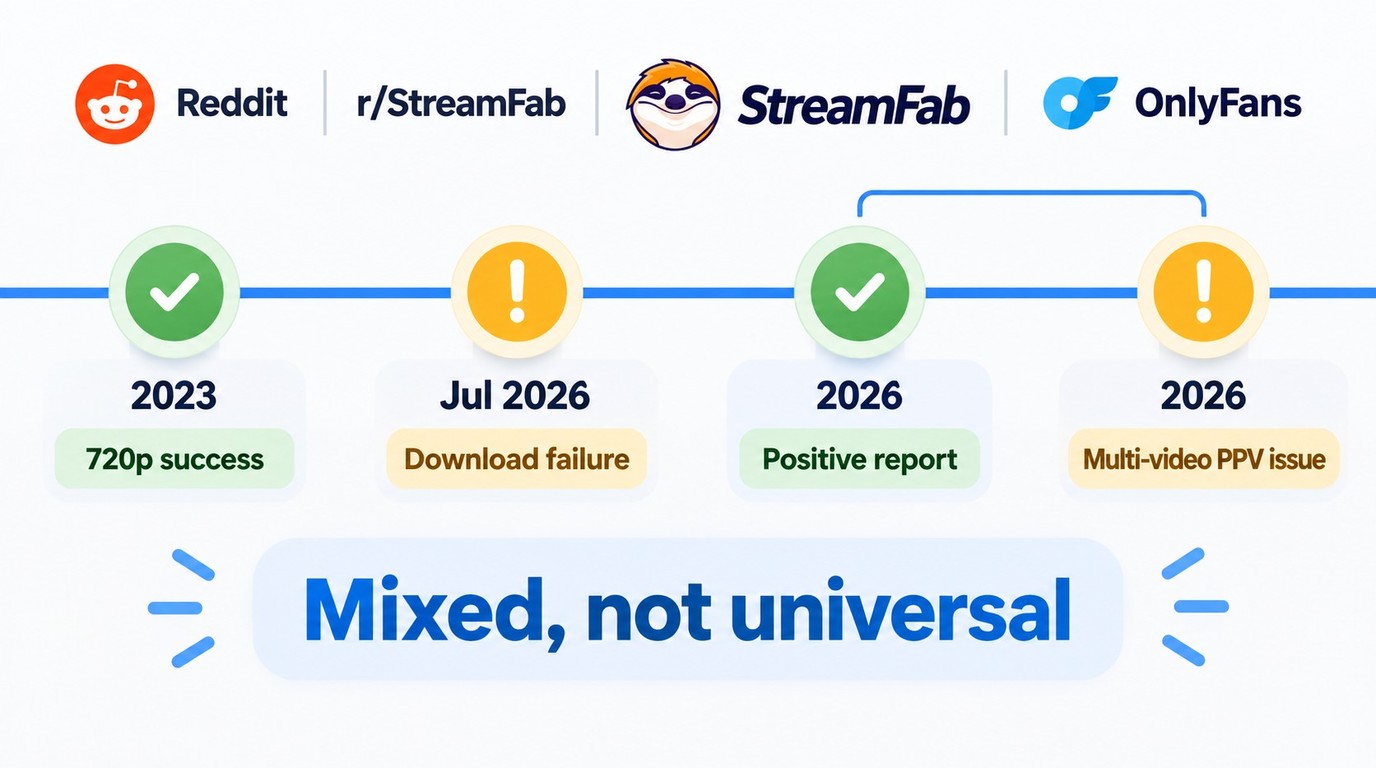
In a 2023 r/StreamFab thread, one user reported successfully saving an OnlyFans video at 720p, a historical result tied to that user's setup and version.
In October 2026, another r/StreamFab commenter wrote, "Yes works for sure no issues," when asked about current OnlyFans support. It is a useful positive snapshot, but the same month also produced a more limited result.
A separate October 2026 comment described a problem with a PPV post containing multiple videos. If a similar item fails, check StreamFab's official update log or troubleshooting guide, install the current version, and retry only with content you are authorized to access.
A July 2026 user also reported a download failure after several months of successful use. For that type of compatibility change, use the official troubleshooting path and update log before retrying. My takeaway is practical: dated community comments can flag specific compatibility cases, but they should not be treated as universal success rates or account-safety guarantees.
FAQs: Frequently Asked Questions
Are Chrome extensions safe to use for OnlyFans downloading?
Install an extension only from the developer's official distribution page or its linked browser-store listing, and review the requested site permissions before enabling it. For StreamFab, use the official download page. Keep an active OnlyFans subscription, save only content you are authorized to access and copy, do not redistribute saved files, and follow OnlyFans Terms, applicable law, and any permission specific to your use case. StreamFab uses screen-recording and stream-recording technology for personal offline backup; a software license does not grant access to locked posts or blanket permission to copy them.
Why do most Chrome extensions fail on premium OnlyFans videos?
Premium OnlyFans videos can fail when a specific tool does not support the stream or when its output is only a playlist or link export rather than a complete playable file. The HLSDownloader developer advertises protected-stream support and source quality up to 4K, while Locoloader’s OnlyFans guide excludes protected posts. These are product-specific vendor descriptions, not a browser-wide rule or a measured result.
If StreamFab produces an error or an unplayable file, the OnlyFans DRM troubleshooting guide and official update log provide the next steps before you retry with the current version. Do not use any tool to defeat technical protections or access locked posts; a software feature does not create authorization, and such use may violate OnlyFans Terms or applicable law.
Is there a free Chrome extension that works on DRM-protected OnlyFans videos?
A free software allowance does not grant access to locked posts or permission to save them. Locoloader offers limited free extractions but excludes protected posts, while HLSDownloader advertises protected-stream support without guaranteeing a successful result. StreamFab offers a limited trial, and StreamFork separates free, Basic, and Professional entitlements through prepaid access periods. Use any option only for content you are authorized to access, for personal offline viewing where permitted by OnlyFans Terms and applicable law.
What's the difference between a Chrome extension and desktop software for OnlyFans downloading?
A Chrome extension adds download controls to a browser session and may require a companion component. The StreamFab browser workflow uses Chrome or Edge with Coapp, while other extensions have product-specific setup and media-support limits.
StreamFab OnlyFans Downloader for Windows and macOS saves up to 1080p video from the available source in MP4 or MKV with H.264 video and AAC 2.0 audio. It also supports batch queues and scheduled saving. MP4 and MKV are playable video containers; an M3U8 playlist or JSON link export alone is not an offline video file. Open a completed file in a compatible media player, and use StreamFab's update or troubleshooting resources if a supported file does not play as expected.
What's the best free OnlyFans Chrome extension for occasional downloads?
For occasional, authorized, unprotected posts, Locoloader is a practical free starting point because it allows two extractions per six hours. This free allowance does not grant access to locked or paid posts.
Conclusion
For occasional, authorized downloads of unprotected posts, a lightweight Chrome extension can keep setup simple. For recurring batch queues or scheduled saving, the StreamFab OnlyFans Downloader desktop workflow is the more suitable fit. Download it from StreamFab's official site and start with the limited trial.

Convert authorized OnlyFans videos to MP4 on Windows or Mac using a desktop workflow or a permitted screen recording. Learn how file formats differ from delivery and access, what StreamFab’s output settings provide, and what four dated Reddit reports describe. Five FAQs cover installation, the trial, subtitles, batch selection, and source quality.
By Marcia Hatcher - Oct 13, 2026
How to download OnlyFans videos on iPhone in 2026: 3 tested methods ranked by success rate, from Aloha browser to iOS screen recording to the PC transfer workflow.
By Erika Leen - Oct 13, 2026
Paid for OnlyFans but can't save it? We tested 4 tools to rip and save OnlyFans content in 2026—no black screen, full 1080p, zero account risk.
By Erika Leen - Oct 13, 2026
Can you screen record OnlyFans in 2026? Fix the black screen on iPhone & PC with these tested methods — from OBS tricks to dedicated download tools.
By Marcia Hatcher - Oct 13, 2026