
5 Audials One Alternatives for Video: Mac and Windows (2026)

Summary: Searching for a reliable audials one 2026 alternative? Read our deep-dive analysis of the best Audials alternative solutions. We explore Widevine DRM limitations, fixing black screen issues via hardware acceleration, and the fundamental differences between direct HTTP downloaders and standard screen recorders.
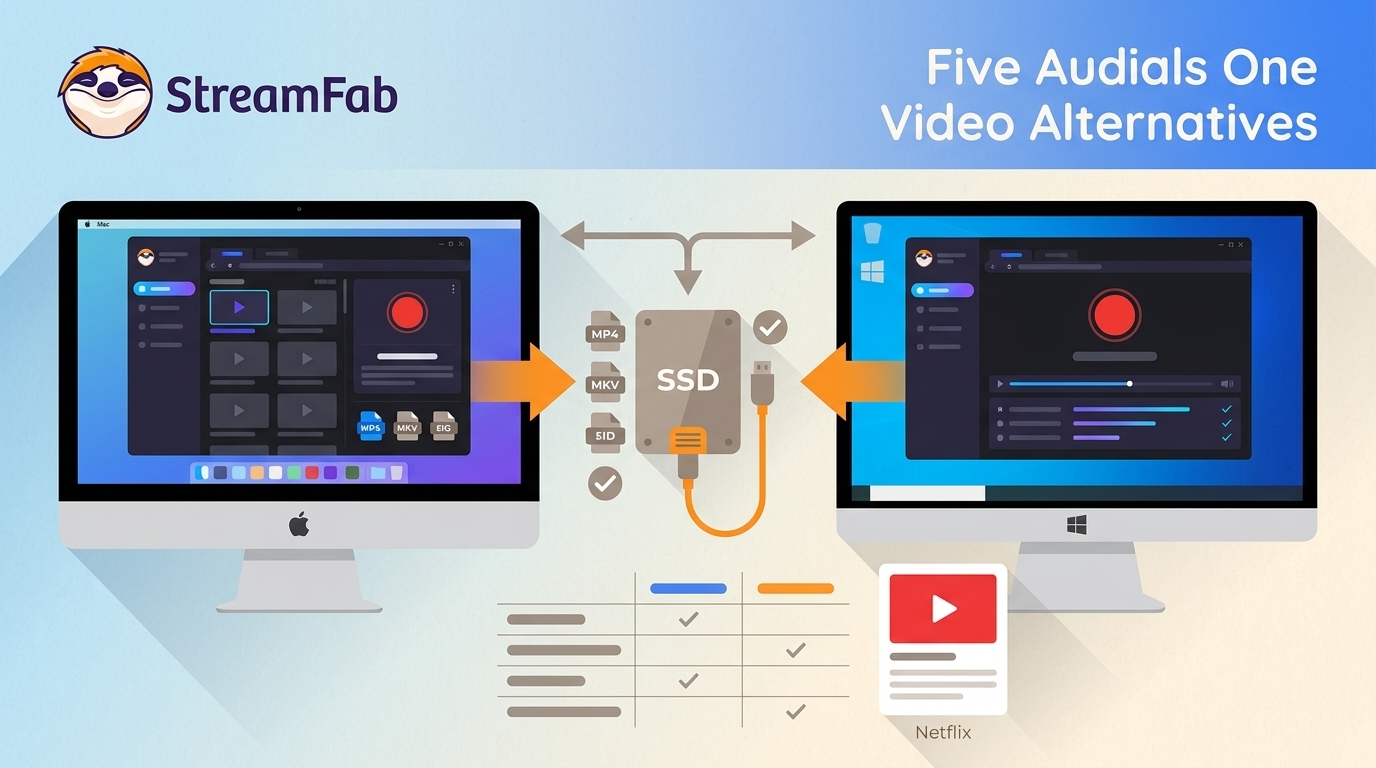
Audials One Alternatives at a Glance
Here’s the short answer: the right Audials One alternative depends on whether you need a downloader for an on-demand library, a recorder for live content, or a native Mac option. Audials can still suit some workflows, but its recording-based approach and the lack of a native Audials for Mac app lead many video users to compare other tools.
This comparison focuses on video downloader and recorder alternatives for Mac and Windows, including output formats, automation, native operating-system support, and licensing considerations. Readers who want the broader baseline can start with this Audials One 2026 review.
Why Users Replace Audials One in 2026
Audials workflows can vary by site and mode: supported workflows may run faster than real time, while fallback recording can remain real time and may preserve buffering or playback glitches. That distinction matters more than a headline resolution number when you are choosing a tool for offline video reliability, especially for a long queue or a full season.
Compare Five Active Audials One Alternatives
A downloader can suit supported on-demand libraries because it may offer MP4 or MKV output, subtitles, multichannel audio, and batch or scheduled work. A recorder is often more suitable for live streams, classes, or sources without a supported downloader workflow.
StreamFab supports MP4/MKV, subtitles, supported multichannel audio, batch processing, and automatic episode downloads on Windows and macOS. RecordFab is a Windows-only recorder for live or otherwise unavailable playback, not a native Mac alternative.
The table below compares five active alternatives by method, native operating system, output, automation, and the workflow each tool suits best. EaseUS RecExperts appears later as a separate general-recorder status note.

The practical comparison is not just about a maximum-resolution label. Queue reliability, playback defects, troubleshooting time, metadata, audio isolation, and file organization can matter just as much when choosing a replacement for Audials One. Audials review for you.
| Tool | Method and native OS | Verified output | Automation | Best fit |
|---|---|---|---|---|
| StreamFab | Downloader; Windows, macOS | MP4/MKV; service-dependent quality | Batch, scheduled episodes | Supported on-demand libraries |
| RecordFab | Recorder; Windows only | 720p/1080p options | Manual recording | Live streams and courses |
| Kigo Movie One | Downloader; Windows, macOS | Up to 1080p | Batch support | One-service downloader needs |
| VidiCable All-in-One | Downloader/recorder; Windows, macOS | Source-dependent; up to 8K selected sources | Varies by source | Broad site coverage |
| 4K Video Downloader Plus | Downloader; Windows, macOS, Linux | Social and YouTube formats | Subscribed YouTube automation | Social videos and playlists |
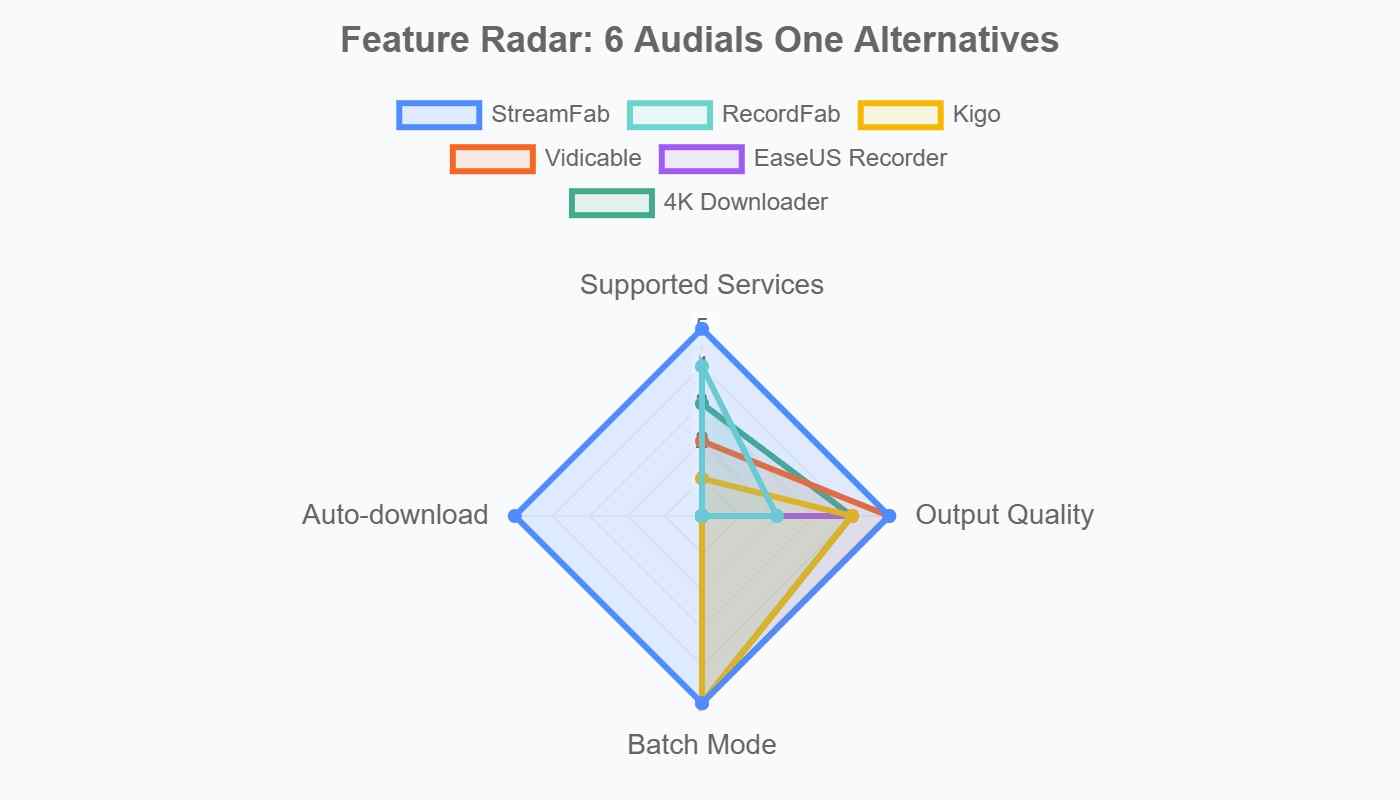
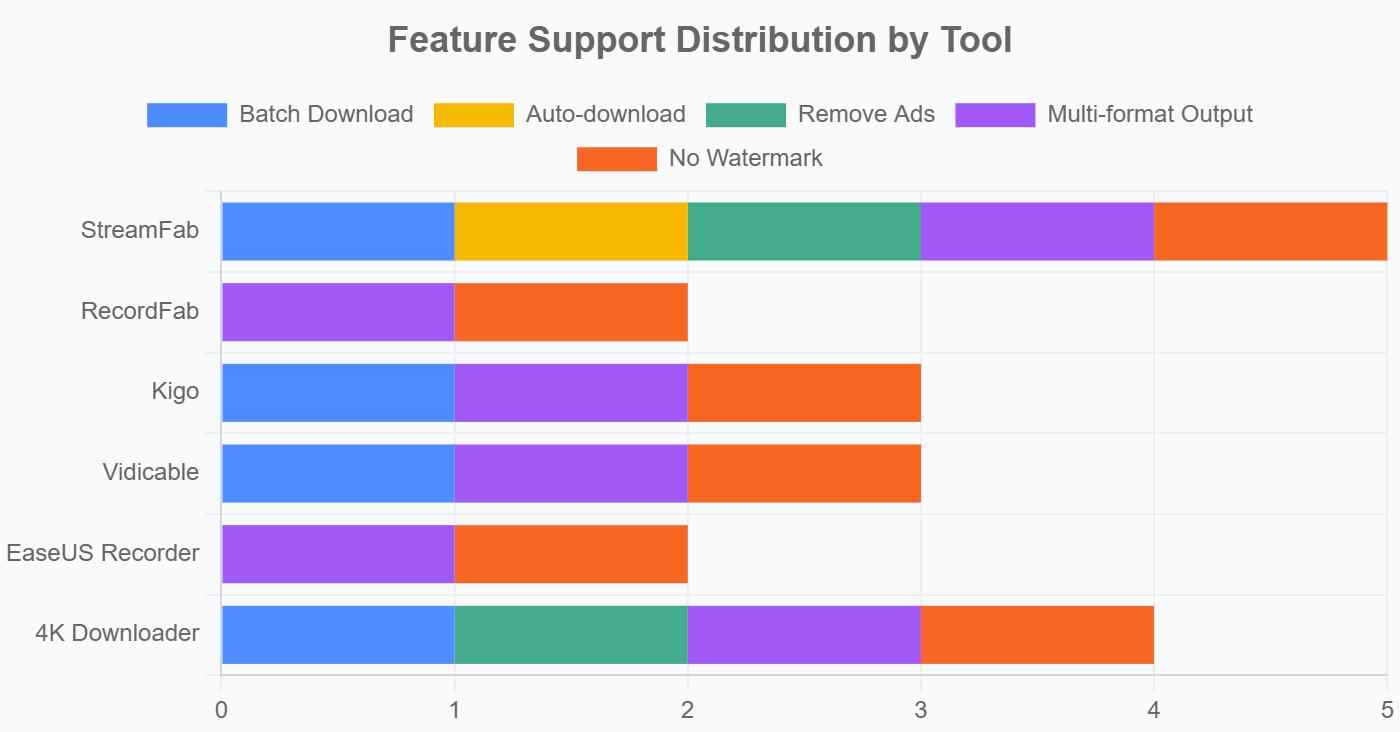
Decision Matrix: Match the Tool to Your Workflow
| Scenario | Recommendation | Native OS | Why |
|---|---|---|---|
| Batch on-demand libraries | StreamFab | Windows, macOS | MP4/MKV, subtitles, scheduled work |
| Live broadcasts or courses | RecordFab | Windows only | Integrated-browser recording fallback |
| Social videos and YouTube playlists | 4K Video Downloader Plus | Windows, macOS, Linux | Playlist and creator automation |
| One-service downloads | Kigo Movie One | Windows, macOS | Focused downloader model |
| Broad site coverage | VidiCable All-in-One | Windows, macOS | Downloader and recorder workflow |
- Start with your source type: choose a downloader for supported on-demand video or a recorder for live playback.
- Confirm native OS support: Audials on Mac requires Windows through virtualization or a compatibility layer; RecordFab is Windows-only.
- Compare the output you need: consider MP4/MKV, subtitles, multichannel audio, and source-specific resolution.
- Check the workflow: look for queue handling, scheduling, metadata, and the time needed to troubleshoot.
- Weigh ownership and limits: compare license terms, trial allowances, update access, and the tools that match your actual sources.
Alternative 1: StreamFab Video Downloader

For content you are authorized to access, where permitted by platform terms and applicable law, StreamFab is a desktop option for saving a local copy for personal offline viewing. It runs on Windows and macOS, supports MP4 and MKV output, subtitles, supported multichannel audio, batch processing, and automatic episode downloads. Output quality depends on the service and plan: supported YouTube sources may reach 8K, while premium-platform resolution and audio vary by service.
Offers higher output quality, more supported websites, and more flexible options than Audials One does. Download—don’t record—for the best offline watch.
- Supports 50+ OTTs (Netflix, Prime Video, Hulu, Disney+) plus 1,000+ other sites.
- Saves in original quality: up to 8K on YouTube, 1080p/4K on VOD.
- Batch downloads and daily auto-schedules for easy, set-and-forget convenience.
- MP4/MKV format support for easy playback across devices.
- Remove ads from videos, even on ad-supported subscriptions.
Moreover, the operation is remarkably simple; it requires just four steps to save the video effortlessly.
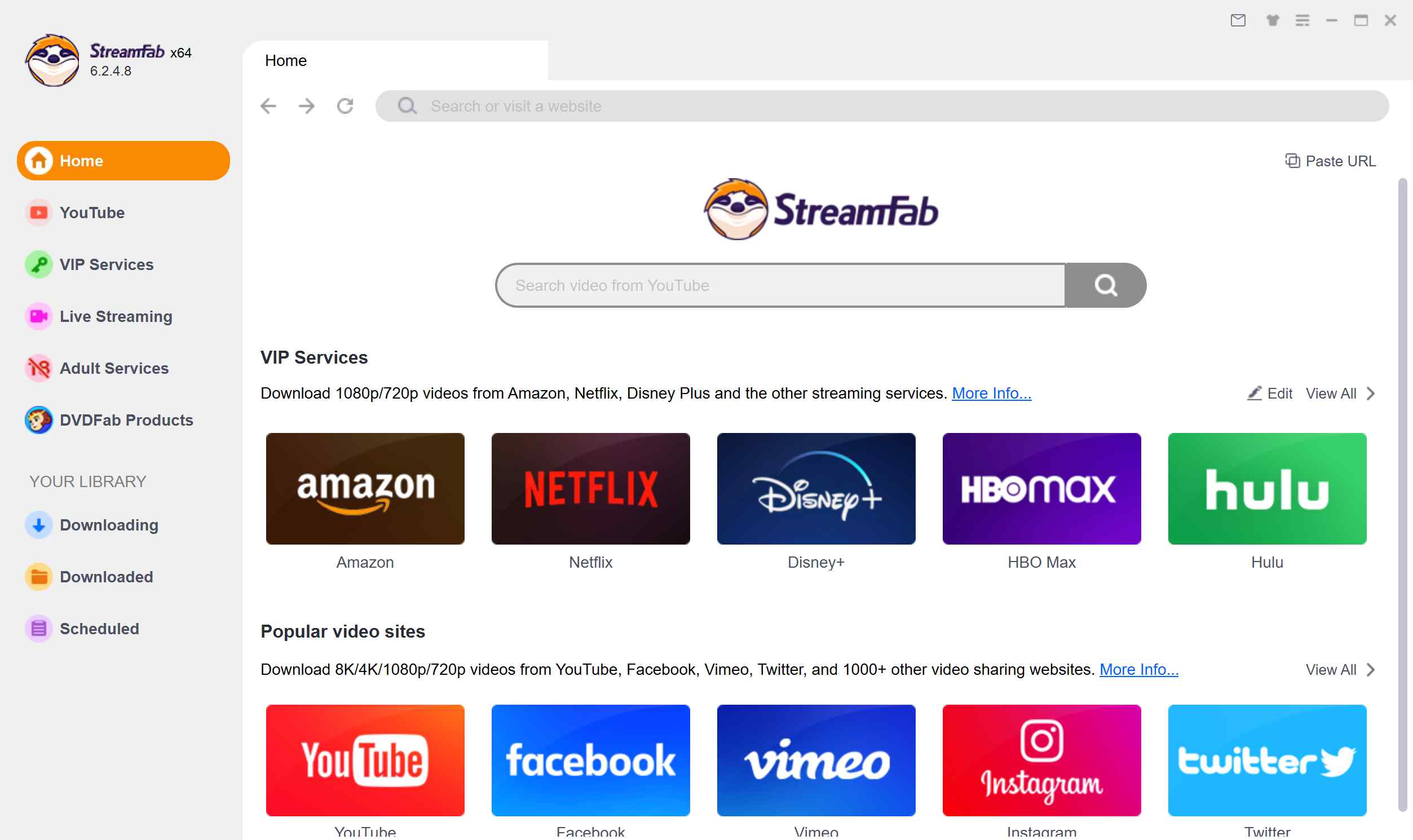
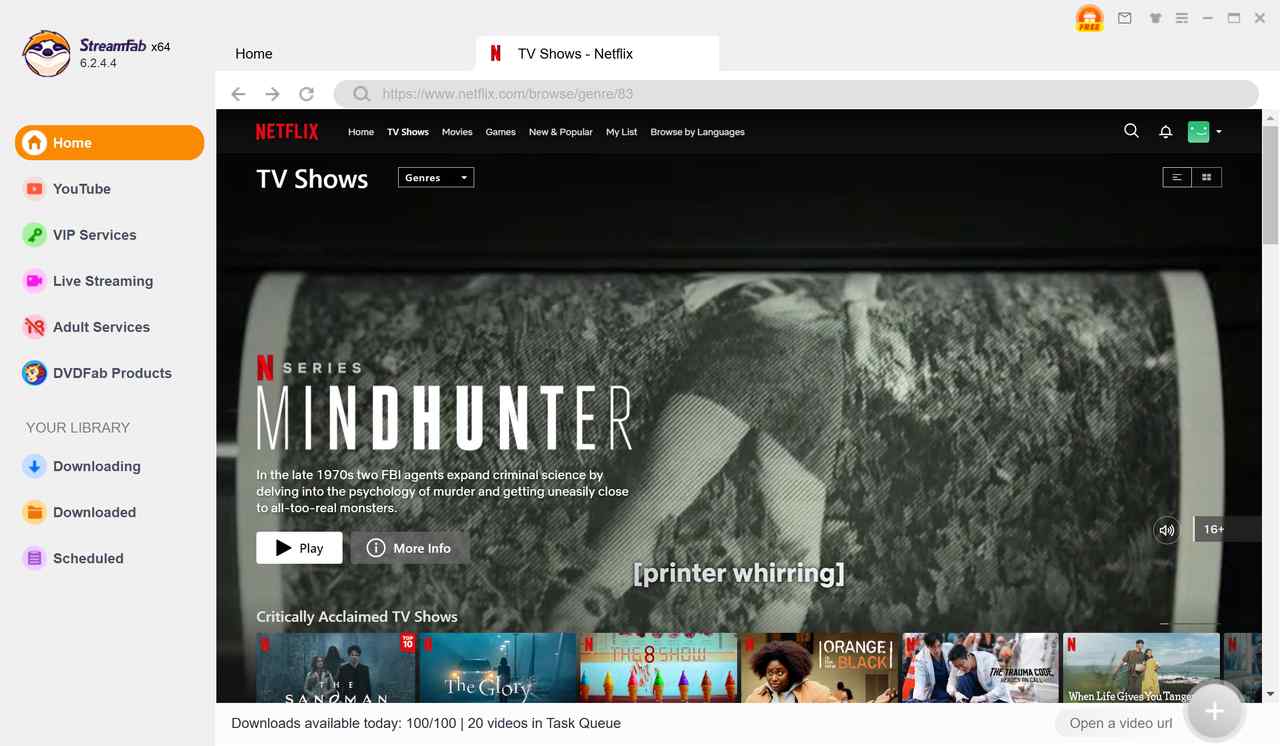
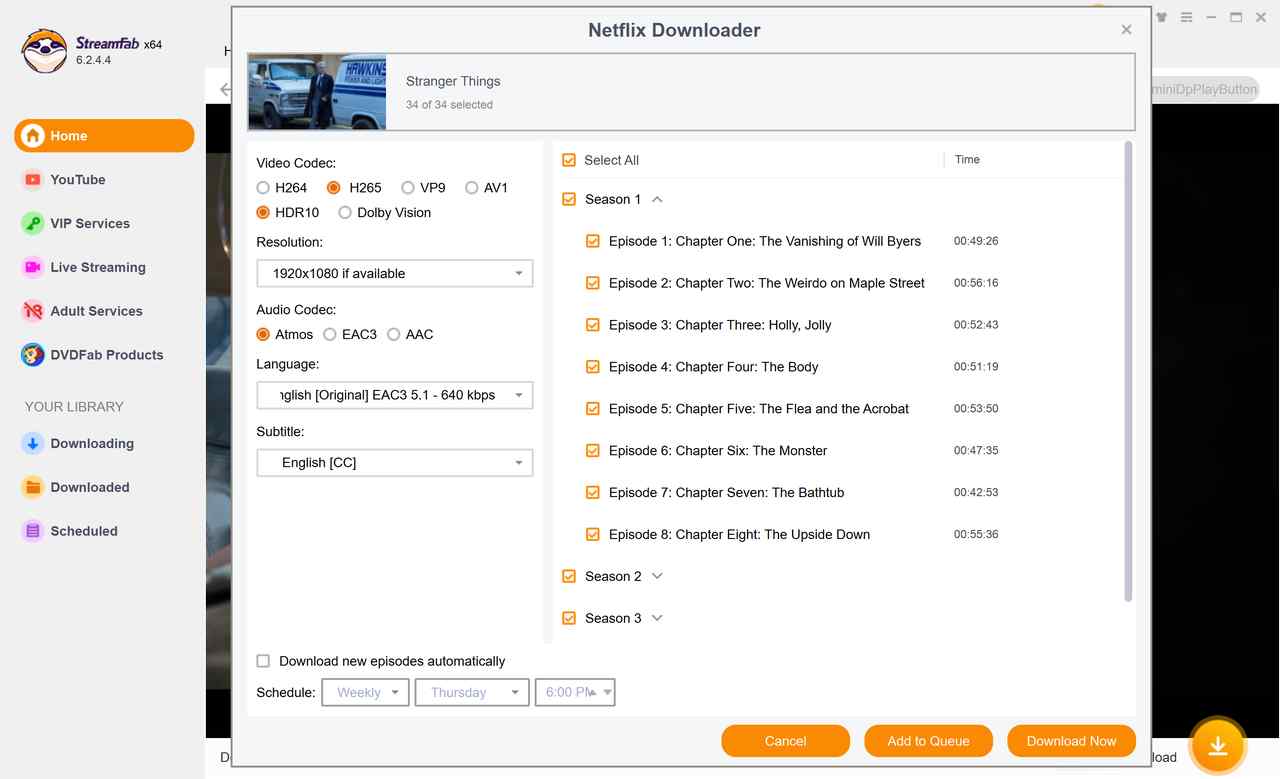
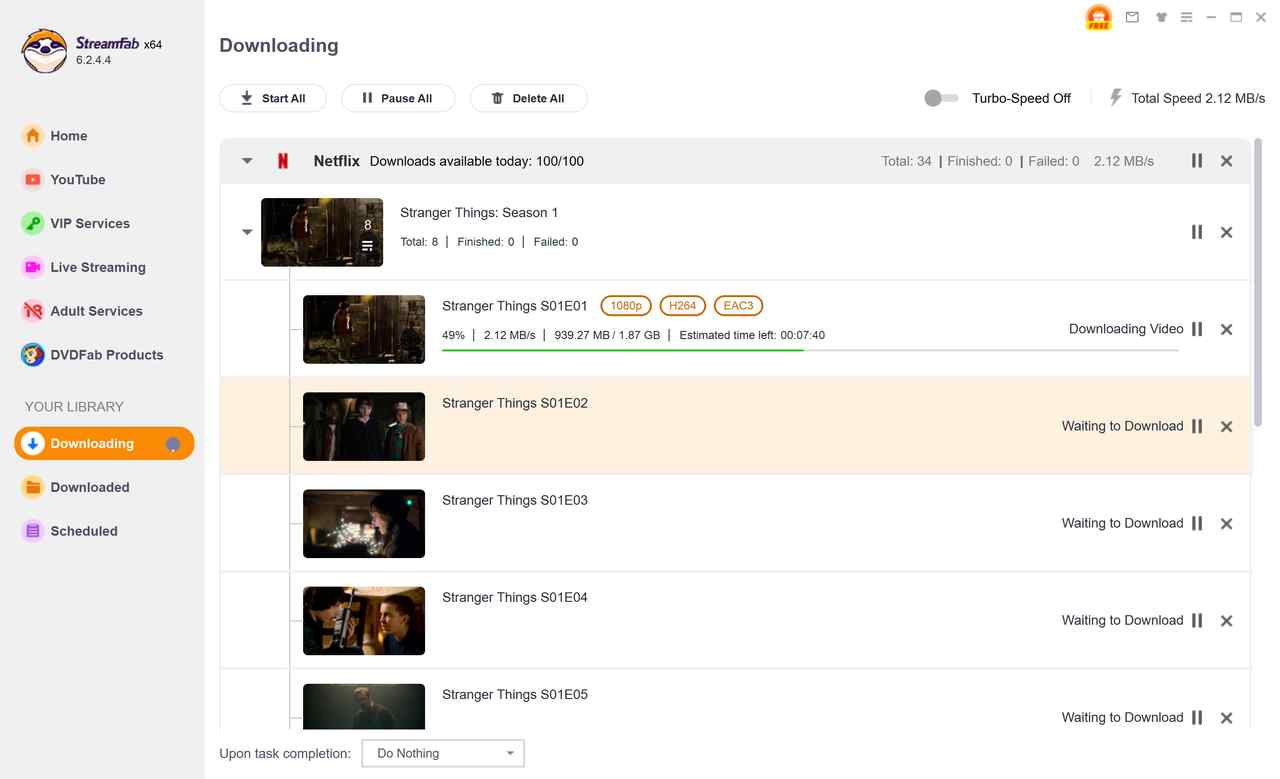
It is best suited to supported on-demand services and batch library building. It is not the right fit for unsupported live sources or browser-only playback that requires real-time recording.
Alternative 2: RecordFab
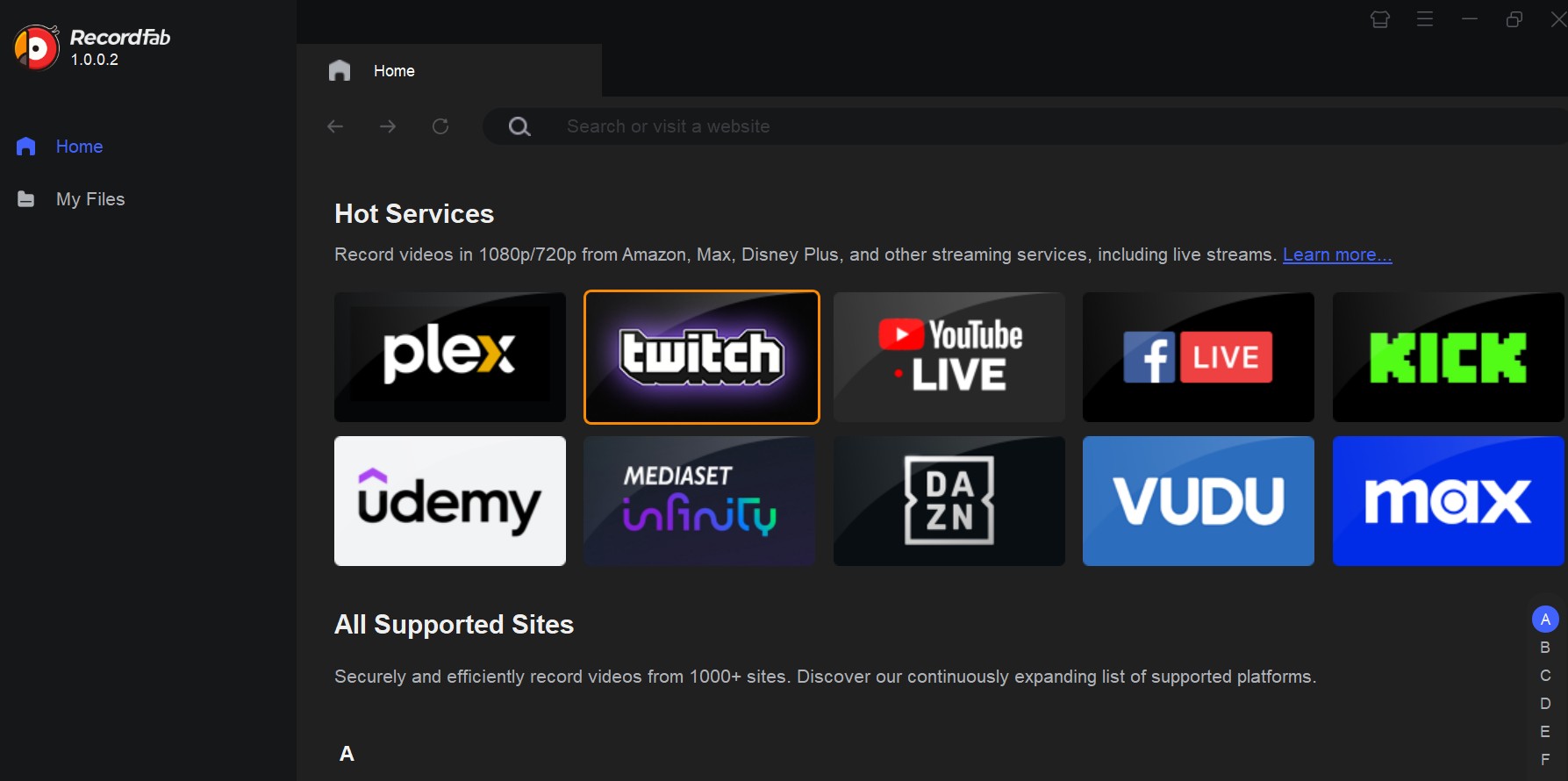
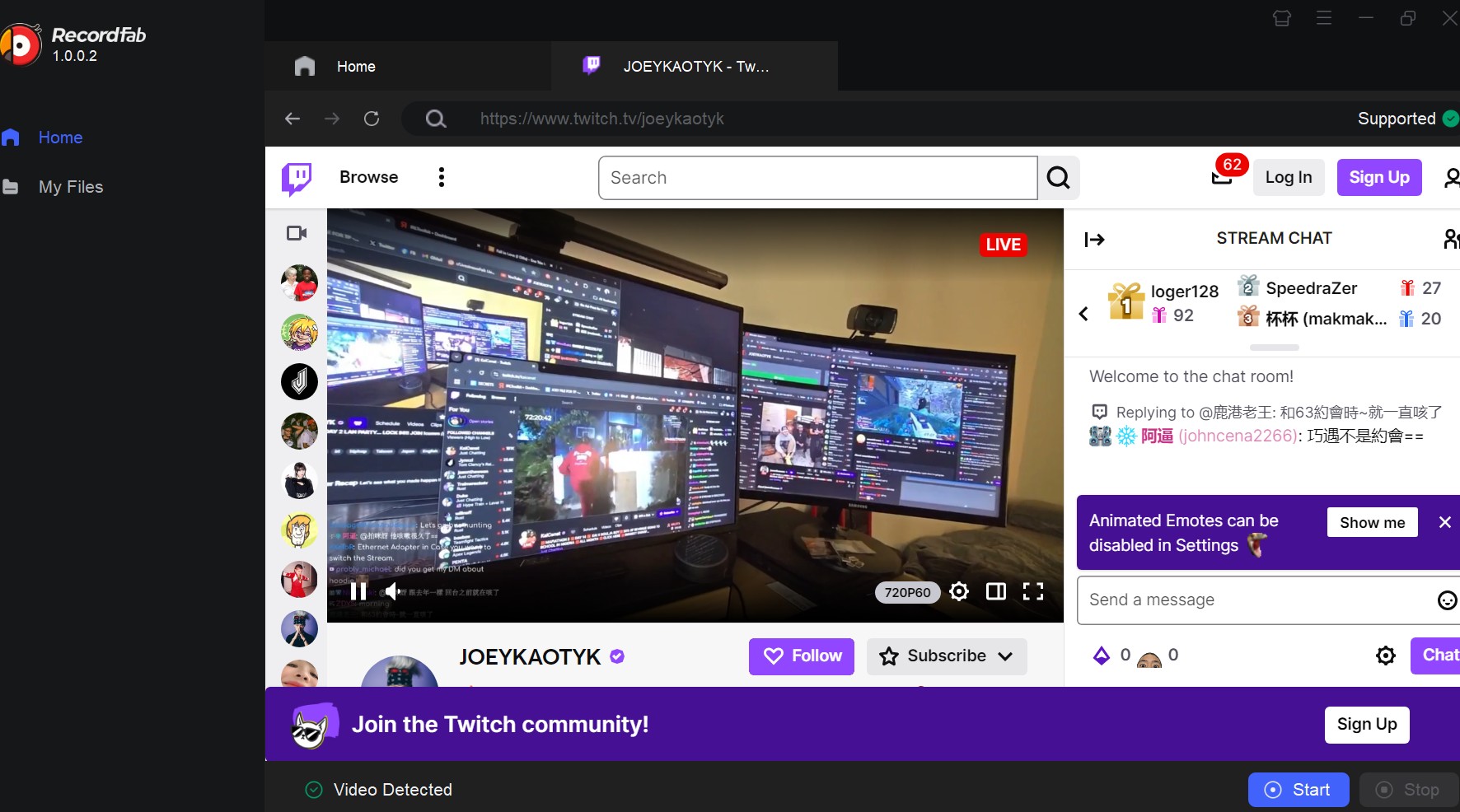
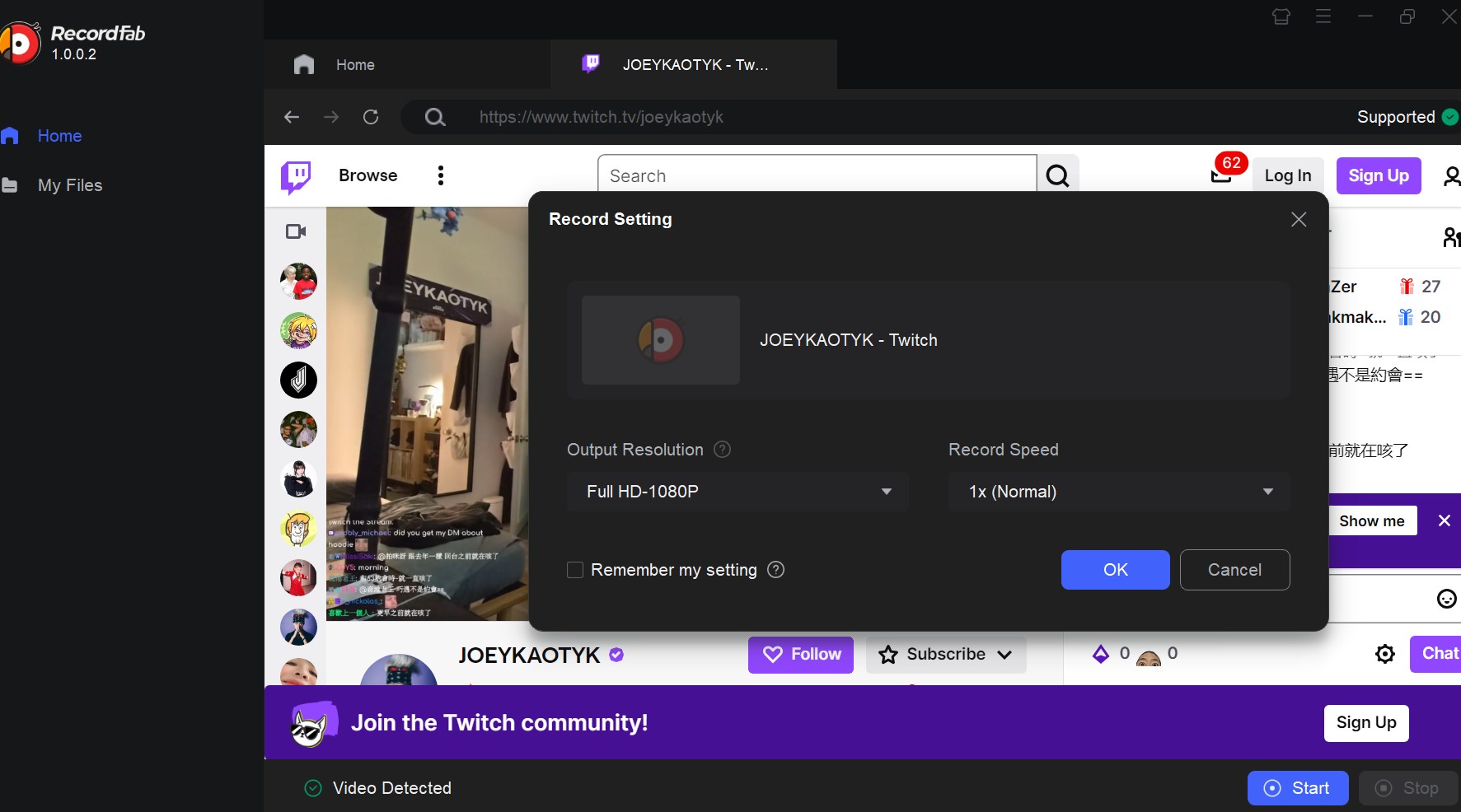
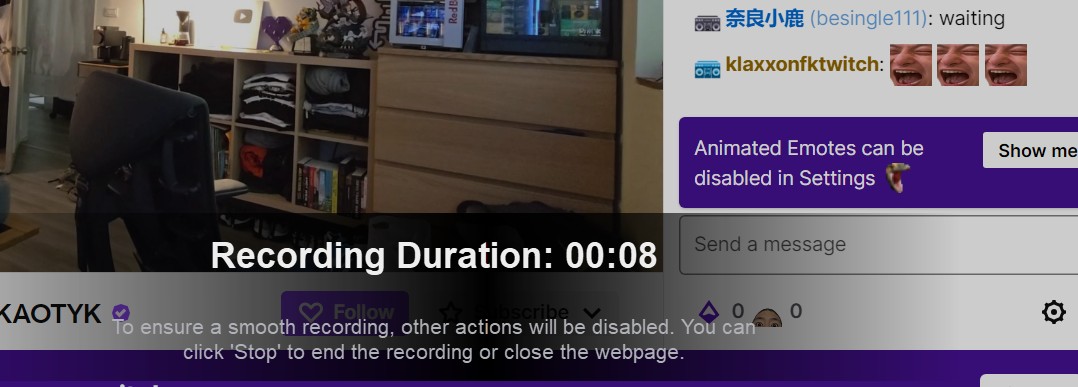
RecordFab is a Windows-only integrated-browser recorder with 720p/1080p options and selectable 1x to 5x recording speeds where supported. It can suit live broadcasts, webinars, and time-limited courses when a supported downloader workflow is unavailable.
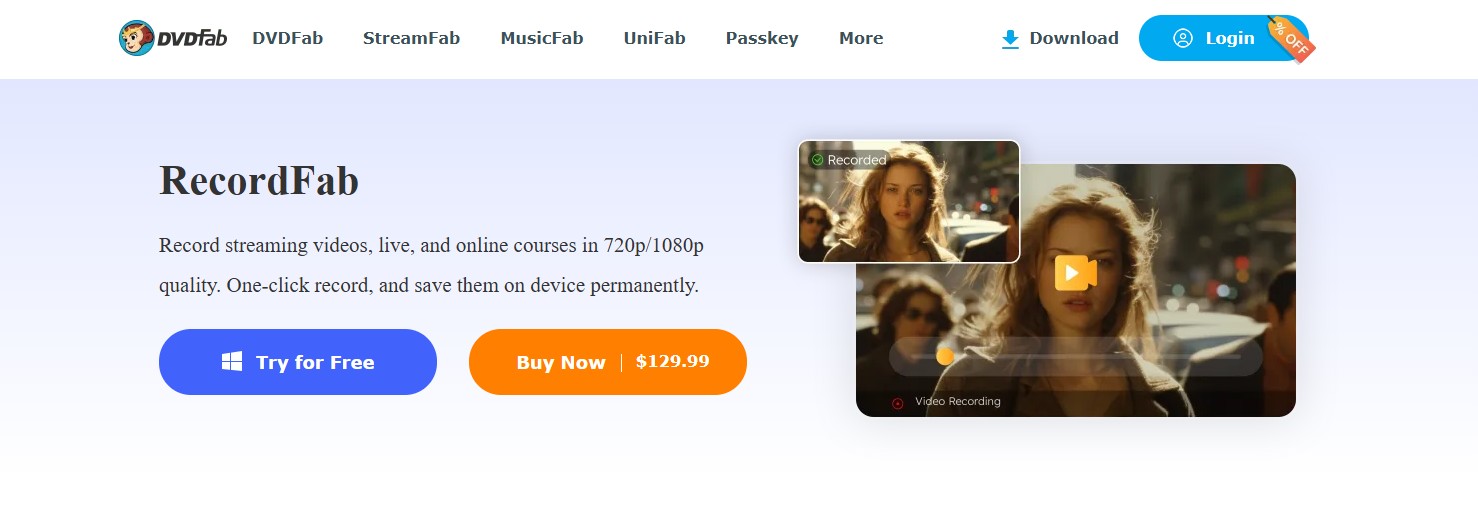
Its built-in browser can help separate the recording workflow from other desktop activity. It is not a native Mac option, and recorder output can still reflect playback conditions such as buffering or display quality.
- Suits live streams, webinars, and online courses.
- Offers 720p and 1080p recording options.
- Integrated browser keeps capture separate from other desktop activity.
- Selectable 1x to 5x recording speeds where supported.
- Useful when a supported downloader workflow is unavailable.
- No batch recording support; one recording at a time.
- Windows-only and largely manual operation.
Alternative 3: Kigo Movie One
Kigo currently offers Kigo Movie One alongside separate Windows and Mac downloaders for multiple major streaming services. Its model can make sense when you need a focused downloader for a specific service rather than a broad all-in-one license.
Availability, output quality, and audio options depend on the selected service module. It can be a practical fit for single-service needs, but it is less suitable for readers who want one license to cover a broad mix of streaming sources.
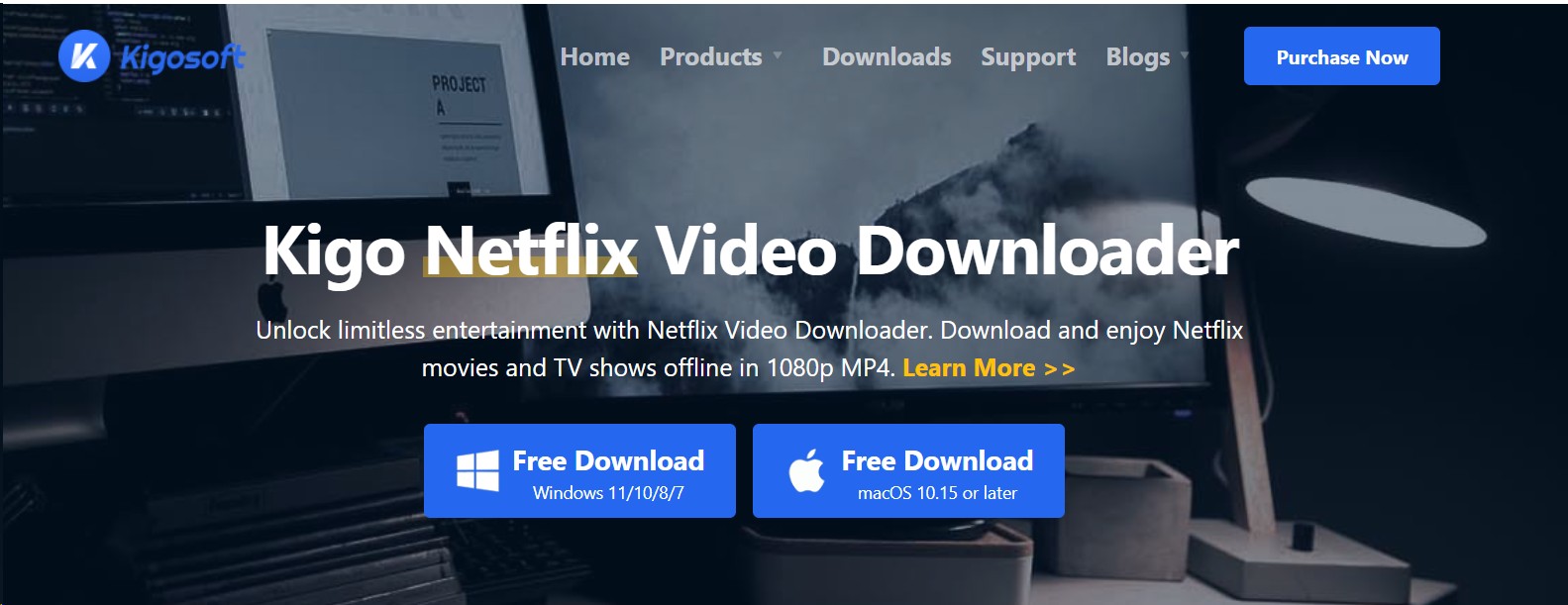
Furthermore, with a large library, you can find your desired videos without any hassle. On their website, you can find other programs, including Amazon Video Downloader, Netflix Downloader, Hulu Video Downloader, Max Video Downloader, and more.
- Offers separate downloaders for multiple major services.
- Available for Windows and Mac.
- Focused model for one-service needs.
- Supports batch processing where available.
- Output options depend on the selected service.
- Broad coverage may require separate service modules.
- Automation varies by product and service.
- Many service workflows are limited to 1080p.
- Less convenient for a multi-service library.
Alternative 4: VidiCable All-in-One
VidiCable describes a downloader-and-recorder workflow for more than 1,000 sites on Windows 10/11 and macOS. It can appeal to users who want broad source coverage across both operating systems.
Resolution depends on the source. Up to 8K claims apply to selected YouTube or social sources, while many premium streaming services are described at up to 1080p. That distinction is more useful than treating one maximum figure as a universal result.
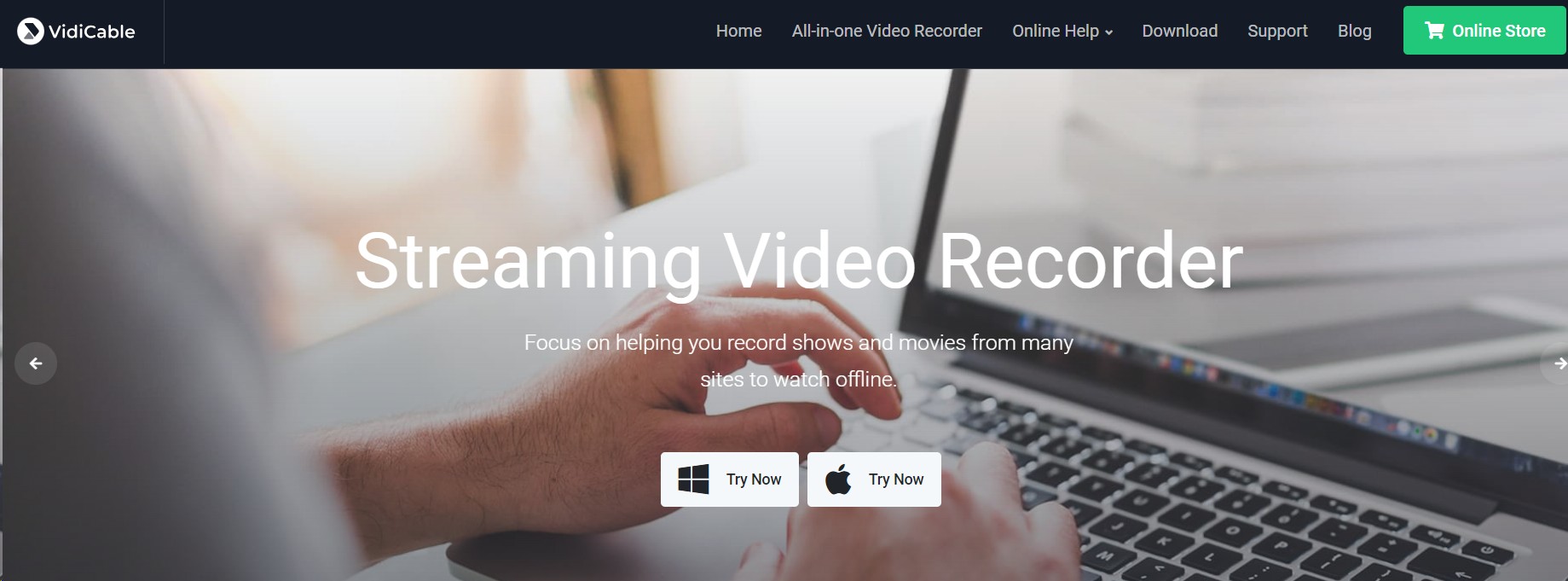
VidiCable is most relevant for broad site coverage across Windows and macOS. It is less suitable when your priority is a verified premium-service output specification or a highly automated library workflow.
- Describes coverage for more than 1,000 sites.
- Combines downloader and recorder workflows.
- Supports Windows 10/11 and macOS.
- Up to 8K on selected YouTube or social sources.
- Broad source coverage for mixed workflows.
- Automation varies by source and workflow.
- Some features require a paid upgrade.
- Premium-service quality depends on the source.
Alternative 5 : EaseUS RecExperts
EaseUS RecExperts remains a general screen-recording option, but its official page lists version 5.0.1, updated in May 2025. It may be relevant for gameplay, meetings, tutorials, and app demonstrations rather than as a verified premium-streaming downloader.
Its 4K gameplay recording and enhancement features should not be treated as a fixed streaming-capture result. For live capture, the recorded file can depend on playback conditions, display settings, and the source.
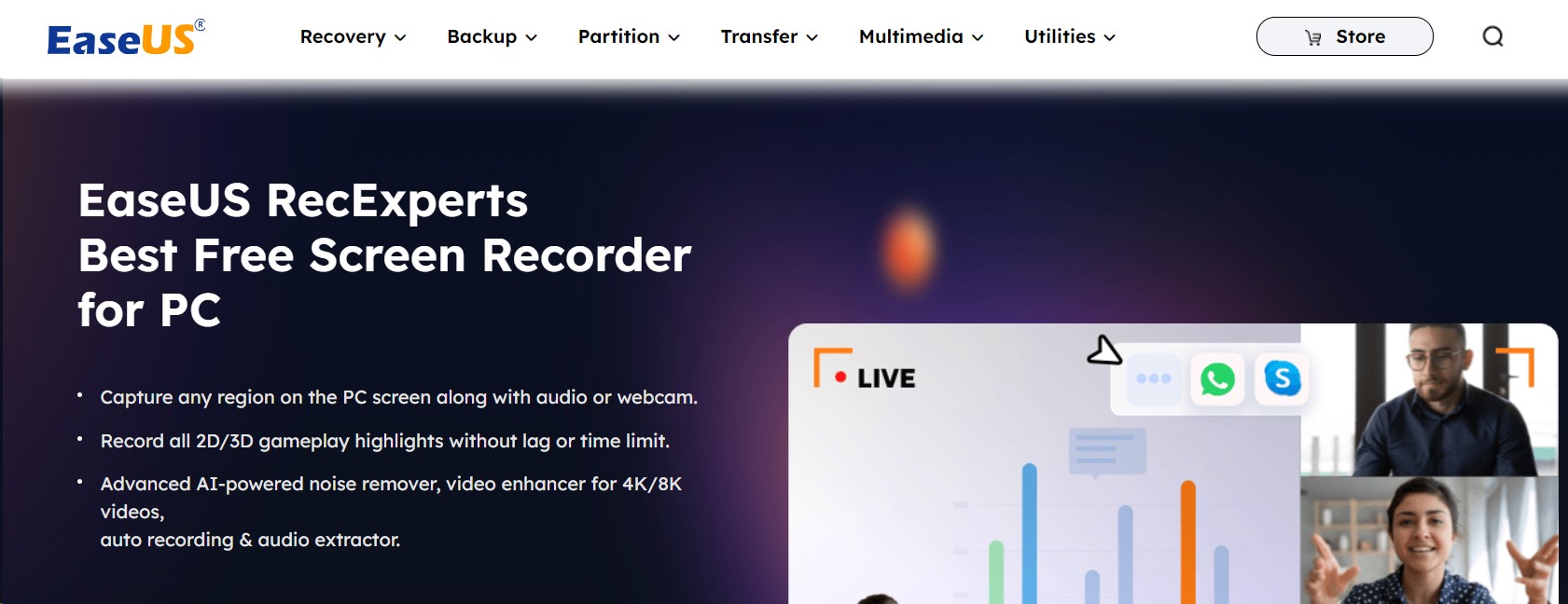
EaseUS Screen Recorder also provides multiple recording options. You can use its different features like full-screen recording, multi-screen recording, schedule recording, and more. With this software, you also have the option to add virtual backgrounds so you can make the recordings more engaging.
It can be considered for general screen-recording tasks, while the active recorder and downloader options above are more directly aligned with streaming-video workflows.
- Captures up to 4K/8K resolution, high quality.
- Optimized for gaming; can record gameplay smoothly, with no lag.
- Multiple recording modes: full screen, multiple screens, scheduled, etc.
- Supports virtual backgrounds for engaging videos.
- Compatible with content from many online platforms.
- No batch recording or automation; more manual.
- Primarily, a screen recorder, platform support, and media parsing are weaker than dedicated downloaders. May gives you black screens only.
- Records what’s played on screen; may not be original quality.
- Some features require purchasing the pro version.
Alternative 6: 4K Video Downloader Plus
4K Video Downloader Plus is oriented toward YouTube, social-video sites, and playlists rather than premium-OTT downloading. It is available on Windows, macOS, and Linux, which makes it the native Linux choice among the listed tools.
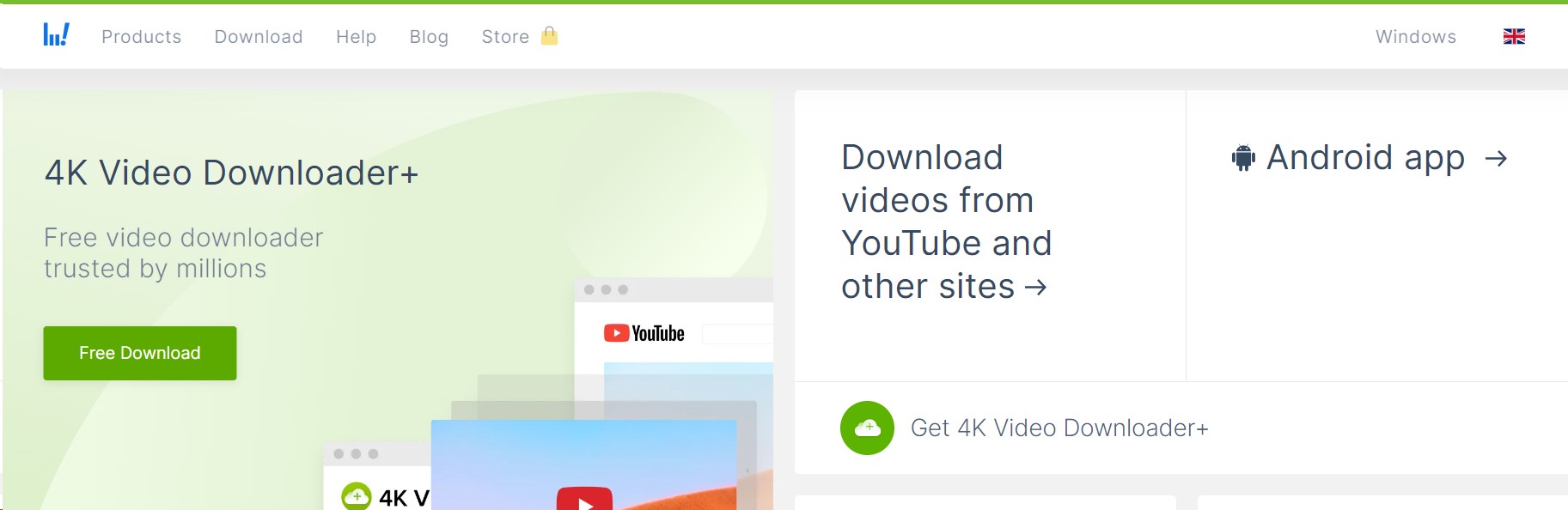
It supports automatic downloads for subscribed YouTube playlists and creators, with features and limits varying by license tier. This makes it a sensible fit for social-video users, not a like-for-like replacement for premium-streaming downloaders.
- Suits YouTube, social videos, and playlists.
- Offers a free tier with feature limits.
- Supports high-resolution downloads where the source provides them.
- Automatic downloads for subscribed YouTube playlists and creators.
- Cross-platform: Windows, macOS, and Linux.
- Features and limits vary by license tier.
- Downloading only; no recording or editing.
- Some titles are limited by the source site.
- Not equivalent to premium-OTT download workflows.
FAQs
Is there a native Audials for Mac?
What is the difference between download and record modes?
Can I download videos from streaming services like Netflix?
Can I use an Audials One alternative legally?
That depends on the content, your jurisdiction, the platform’s terms, and how you intend to use the file. Use tools only for content you are authorized to access and for personal offline viewing where permitted.
Conclusion
The practical way to choose an Audials One alternative is to start with your native operating system, source type, output requirements, automation needs, and license model. StreamFab fits supported on-demand libraries and batch workflows, while RecordFab is better aligned with Windows-based live recording. Neither is a universal answer: StreamFab is not intended for unsupported live sources, and RecordFab is not a native Mac option.

AnyStream (RedFox AnyStream) shut down in June 2024 and remains gone in 2026. I tested every major replacement — here are the 5 best anystream alternatives, including free options, ranked by real-world performance.
By Erika Leen - Oct 12, 2026

Evaluating the Audials One 2026 free trial? I tested its 720p caps, examined if is audials legal under Fair Use
By Erika Leen - Sep 29, 2026

Are you thinking of purchasing NoteBurner and unsure if it’s worth the investment? In this NoteBurner review, let’s delve into its product lines, particularly the NoteBurner Video Downloader’s pros and cons.
By Marcia Hatcher - Sep 28, 2026

Read our in-depth Audials review for 2026. Is Audials safe and legal for Amazon Prime? Discover actual test results, Widevine DRM fixes, and better alternatives.
By Erika Leen - Sep 28, 2026