
6 Best HBO Max Downloaders Review 2026: Save to MP4 (PC & Mac)

Summary: This article reviews the best HBO Max downloaders of 2026 for Windows and Mac. It compares their video quality, pricing, user experience, etc. Each downloader is evaluated based on testing, helping readers select the best tool for their needs. StreamFab HBO Max Downloader stands out as the top choice with its 4K quality, fast speed, and advanced features.

Why HBO Max Downloaders Matter on Computers
Here's the short answer: HBO Max has no desktop download app. Its in-app download feature is built for supported mobile devices, so watching on a Windows or Mac laptop offline needs a different workflow. That's why this review focuses on saving eligible titles as MP4 for personal offline viewing within your subscription.
The frustration is real: I pay for Max every month, I travel with a laptop, and the official app leaves PC users on the sidelines. Community reports also point to a 720p ceiling in the browser player on PC, which makes the gap between what you pay for and what you actually see on a laptop hard to ignore. A well-chosen HBO Max video downloader closes that gap by letting you watch HBO Max offline on your laptop from a local file, within your active subscription, instead of a time-boxed in-app copy.
Official Download Limits at a Glance
As of August 2026, here's what the official Max experience looks like on a computer:
- No desktop download app on Windows or Mac; official downloads are limited to supported mobile devices.
- Unwatched in-app downloads generally remain available for about 30 days.
- Once you start playing a downloaded title, a 48-hour viewing window typically applies.
- PC browser playback is widely reported to top out around 720p, well below what the same account can stream on a TV.
The third-party desktop tools discussed below are alternatives for content you're authorized to access under platform terms and applicable law — not a way to skip a subscription.
Picking a downloader can be confusing, especially when the market is flooded with screen recorders pretending to be downloaders. Our team spent three weeks testing the top ten tools surfaced by Google results and Trustpilot feedback, then filtered the list down to the six that are still actively developed and worth your attention.
Six HBO Max Downloaders Compared
To give you a direct view of the pros and cons, we created this mobile-friendly comparison table based on the dimensions that actually affect your viewing experience:
- Output Quality—— Highest resolution supported (Is it native 4K or fake upscaling? HDR included?)
- Download Speed—— The crucial difference between "Fast Downloading" and "Slow Recording".
- Subtitle Format—— Type of subtitles and language support.
- Price—— Specific cost for different plans.
- Experience—— Real ratings from our testing team.
| Software | Quality | Tech & Speed | Auto-download | Subtitle | Price | Status & Best Fit |
|---|---|---|---|---|---|---|
| StreamFab HBO Max Downloader | Up to 4K (title-dependent) | Fast parsed download | ✅ | SRT / remuxed | Lifetime $89.99 | Active — best for highest available quality batch |
| RecordFab | 1080p | Recording, up to 5x | ❌ | / | Lifetime $143.99 | Active — best for live sports live events |
| Movpilot HBO Max Downloader | 1080p | Parsed download | ❌ | SRT/VTT | Lifetime $99.95 | Active — 1080p peer, heavier memory use |
| CleverGet HBO Max Downloader | 1080p | Parsed download | ❌ | SRT/VTT | Lifetime $69.96 | Active — solid 1080p at a lower price |
| FreeGrab HBO Downloader | 240p (free); 1080p (paid) | Parsed download | ❌ | SRT/TTML | Yearly $59.99 | Stale — download-failure reports since 2024, not a current peer |
| TunePat HBOMax Downloader | 720p–1080p (version-dependent) | Parsed download | ❌ | SRT/VTT | Lifetime $69.90 | Active — stable but slower URL parsing |
Detailed Reviews, Pros, and Limitations
The reviews below come from hands-on testing on a Windows 11 PC and an M3 MacBook Pro over a 500Mbps connection (the overall lab setup; per-product sessions may run on different networks, noted where relevant), downloading a two-hour title to measure speed, CPU load, and output quality. Every judgment reflects a real session on my desk, including the crashes. If you have questions about the data or need further explanation, email us at service@dvdfab.cn.
1. StreamFab HBO Max Downloader
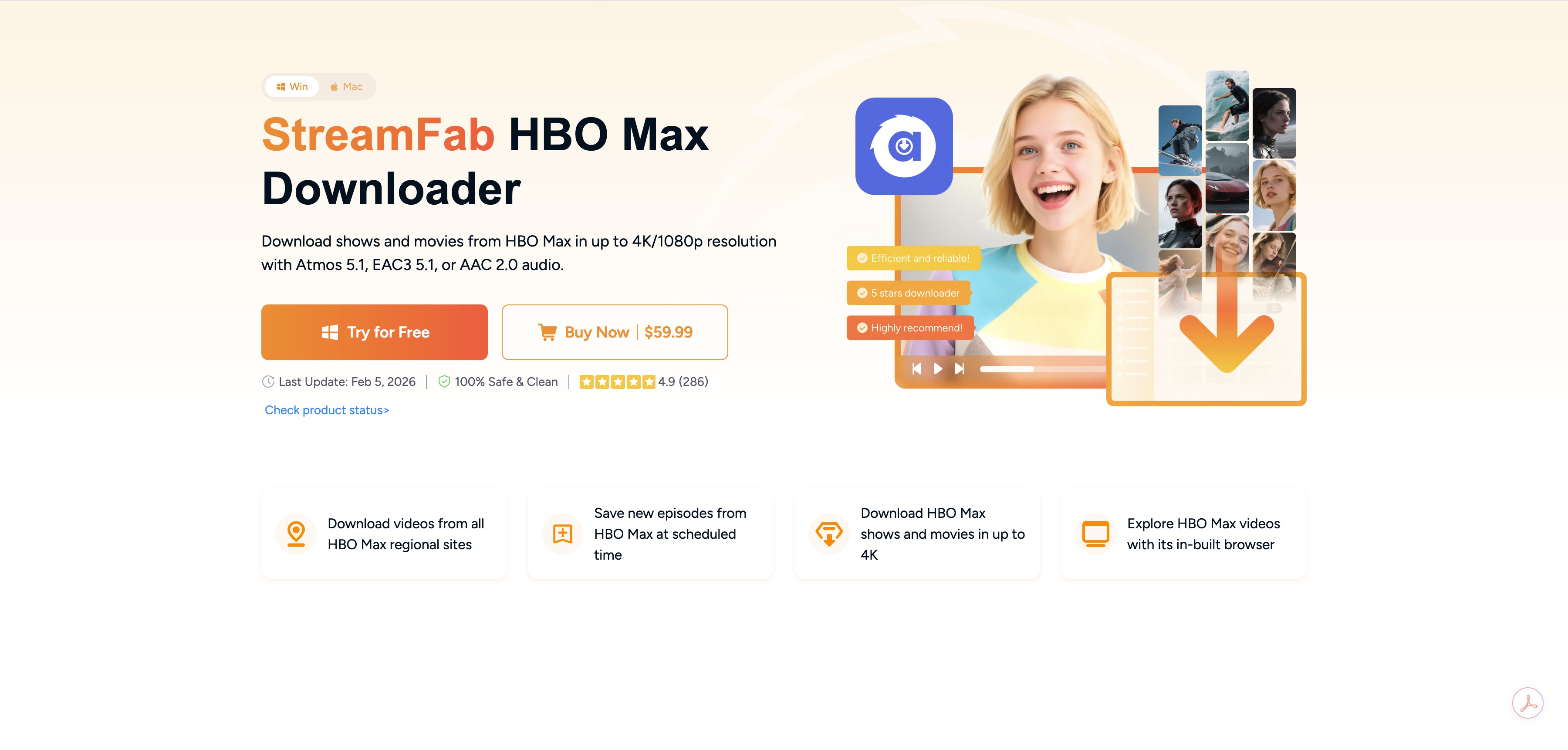
Of the tools I compared, StreamFab HBO Max Downloader is the one I keep coming back to when I actually want to watch a Max title on a laptop and care about picture and sound. It reaches up to 4K on eligible titles, with HDR10 or Dolby Vision preserved where the source stream carries it, and 5.1 audio kept intact. The important caveat: available quality depends on the specific title, your plan, region, device, and the source stream Max is currently serving — a newer prestige series may go to 4K while an older library title may max out at 1080p. Community reports also flag occasional error 909 sessions worth checking against the HBO Max download troubleshooting guide before blaming any tool.
Beyond raw quality, the metadata handling is what actually saves me time. StreamFab pulls in posters, cast, and plot summaries alongside the MP4, so when I drop the files into Plex or Kodi they show up as a proper library instead of a folder of cryptic filenames. That's a small thing on paper and a big thing after your third season download.
Best for: viewers who want the highest available quality, HDR/multichannel audio, and batch or scheduled season downloads.
Not ideal for: price-sensitive readers or anyone who only occasionally downloads a single episode on a phone — the official mobile app may already cover you.

There even is a 30-day free trial and a 14-day money-back guarantee for a lifetime plan gives you enough time to download it in person. The whole experience itself would tell you StreamFab HBO Max Downloader is the best downloader.
| Price | Lifetime Plan $89.99 |
| ✅Pros |
|
| ❌Cons | Free trial limited to 3 full Max videos per service; 4K/HDR depends on the title & source stream |
| System | Windows 11/10 (32/64 bit) | macOS 12.0 or newer |
| More info | StreamFab HBO Max Downloader Review: 4K Lossless Quality |
- Test Environment: Windows 11 PC on a standard Wi-Fi network (Download: 31.22Mbps / Upload: 23.19Mbps).
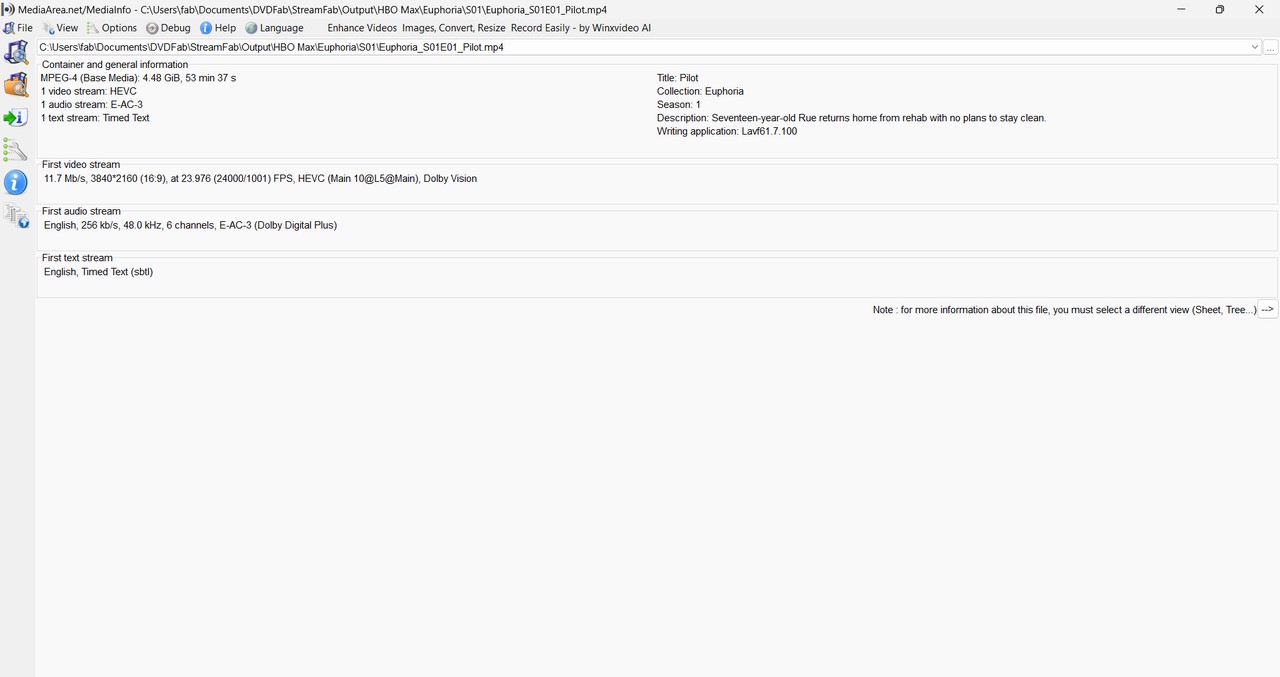
- Test Target: Euphoria S1E01 on HBO Max (Episode Length: 53:37).
- Evaluation Metrics: Clarity (Resolution), Download Speed, Post-organization (Library Metadata), and Initial Setup Smoothness.
Key Results in This Session:
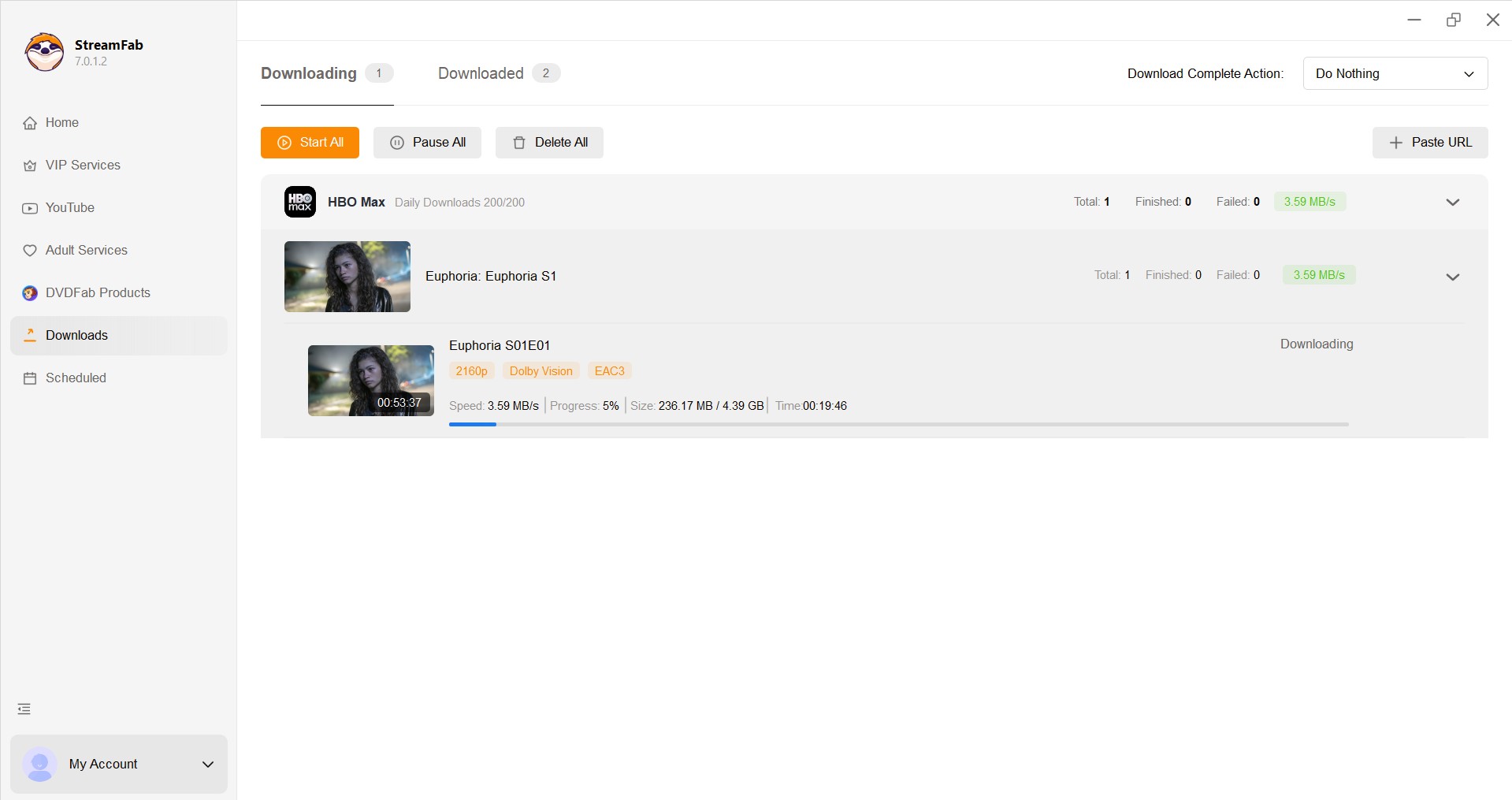
StreamFab downloaded the full 53-minute episode at 4K (H.265, 5.1 Audio) in about 24 minutes and 17 seconds at roughly ~3.1 MB/s. Title, season, episode, and descriptions were preserved, and the subtitle track was remuxed into the file.
*Note: This session used a 31Mbps connection.Faster networks will typically shorten the download time.
2. RecordFab (Best for Live Events)
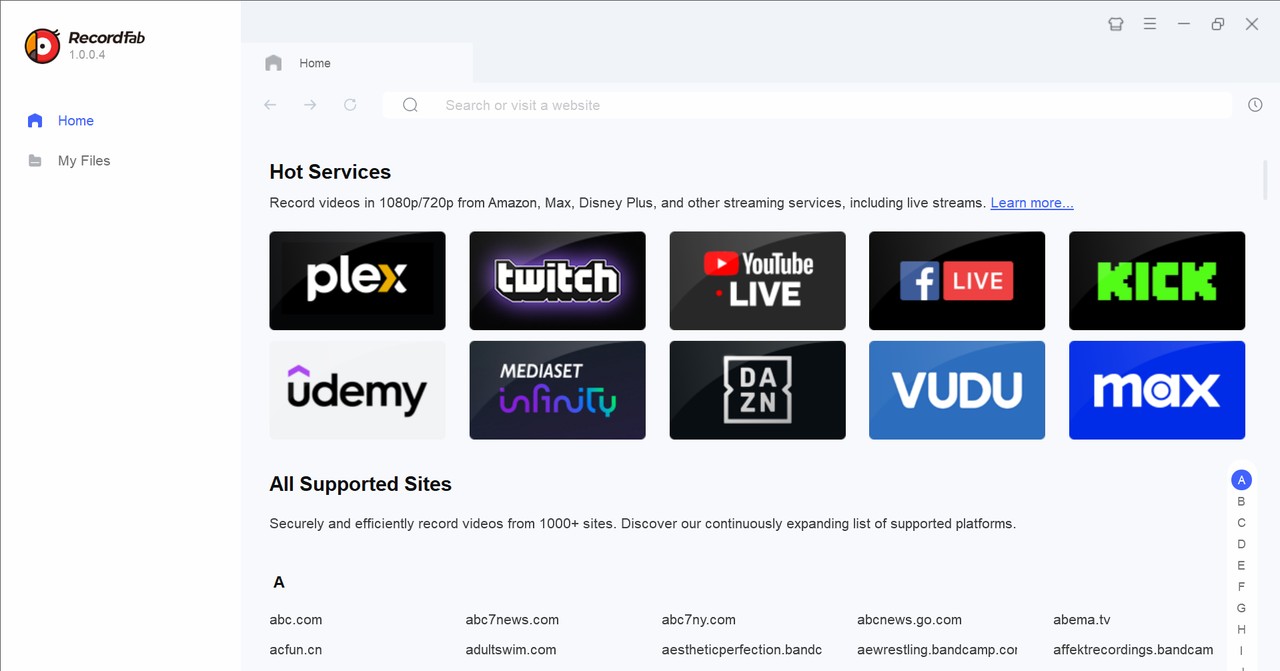
Compared to parsed downloaders, RecordFab takes a different path: it records the playback session rather than pulling a file. That matters for live content on Max — sports, live TV, and events — where the other tools in this list simply have nothing to grab.
With RecordFab, you can record Max movies, series, and live sports or TV. Recording speeds up to 5x cut wall-clock time on longer sessions, and the capture runs isolated from the desktop, so mouse cursors and popups don't end up in the file. Once it's started, you can leave it running in the background.
Best for: capturing live sports and live events on Max where a parsed downloader isn't an option.
Not ideal for: Mac users (Windows only) and viewers who want native 4K on VOD titles.
| Price | Lifetime Plan $143.99 |
| ✅Pros |
|
| ❌Cons | Not supports macOS |
| System | Windows 11/10/8.1/8/7 (32/64 bit) |
Check the RecordFab review and you'll know it totally can compete with the seat of the best recorder for Max and other streaming sites else with its outstanding functions.
3. Movpilot HBO Max Video Downloader
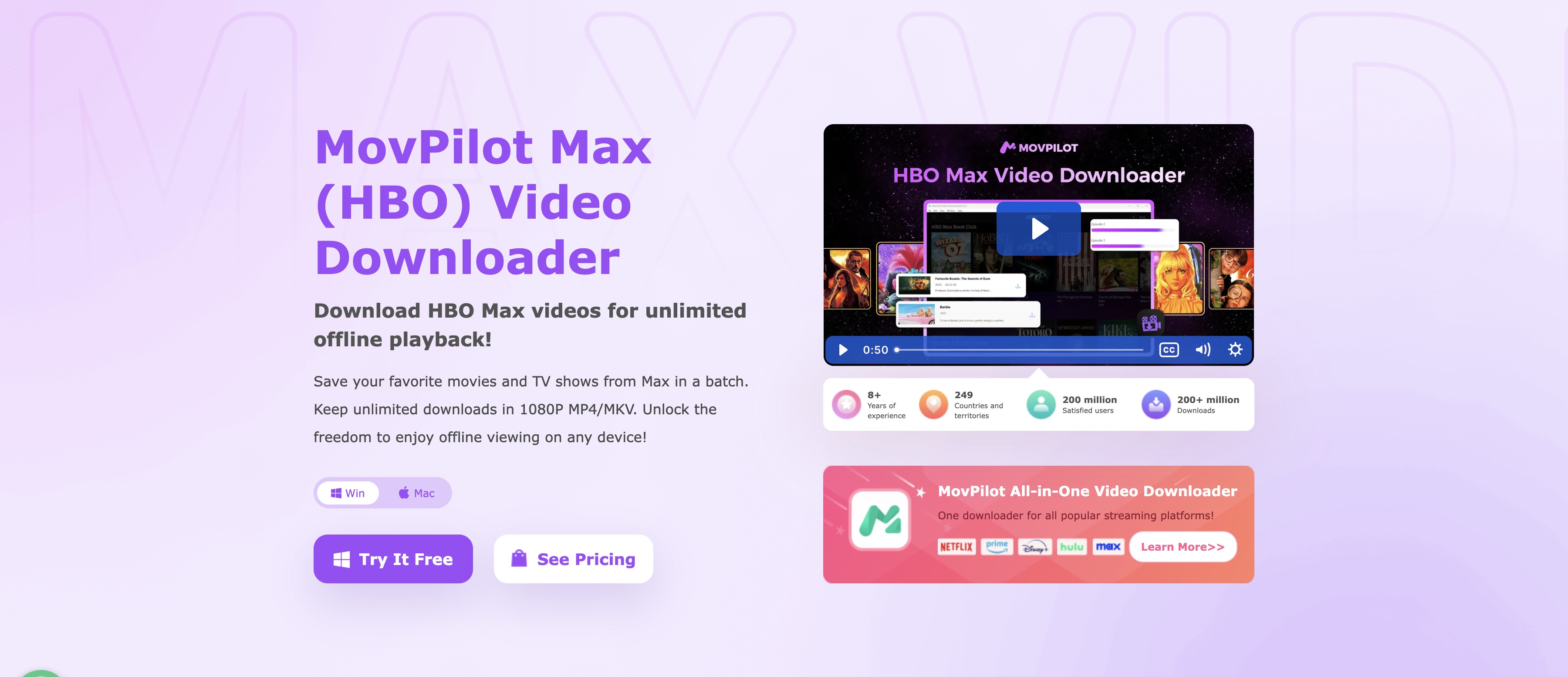
Movpilot is a familiar name in this category. It supports multi-language audio and subtitles and runs on both Windows and macOS, so it's a reasonable option if you're on a Mac and want a straightforward 1080p workflow.
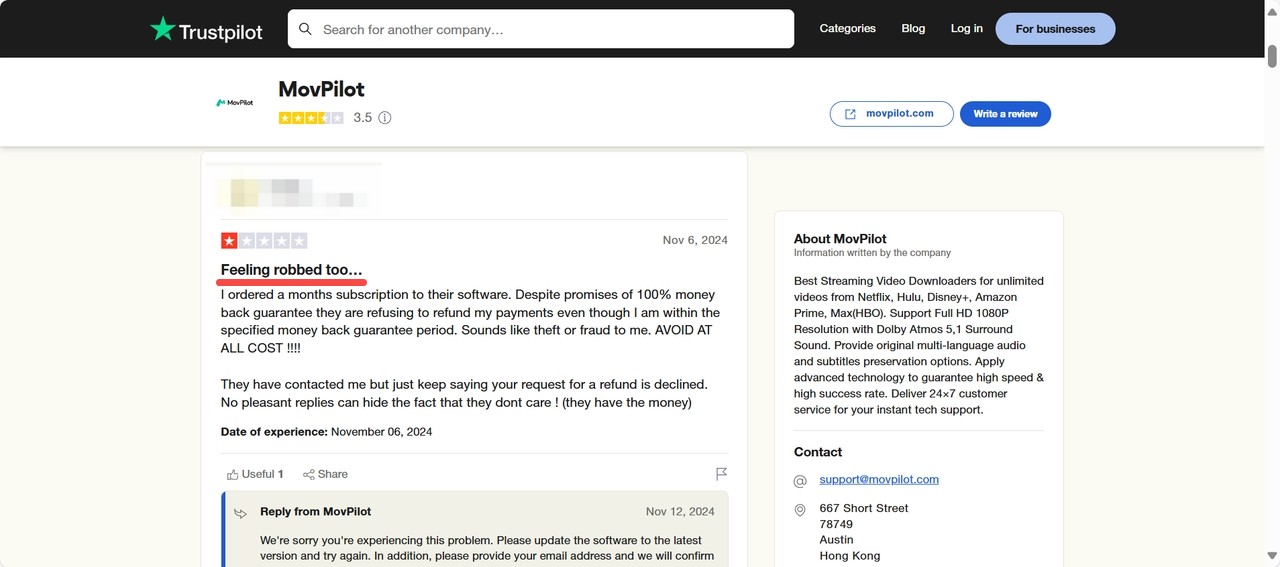
My actual sessions were mixed. Community feedback trends toward middling, with recurring reports of download failures on Max and friction around refunds. If you're already fighting the official app, this one may not be the escape you're hoping for.
Best for: Mac users who want 1080p and Dolby Atmos 5.1 in MP4/MKV.
Not ideal for: readers who need 4K, run on older machines, or expect flexible refund terms.
| Price | Lifetime Plan $99.95 |
| ✅Pros |
|
| ❌Cons |
|
| System | Windows 11/10/8.1/8/7 | Mac OS X 10.11 to macOS 12 |
| More info | Movpilot HBO Max Downloader Review |
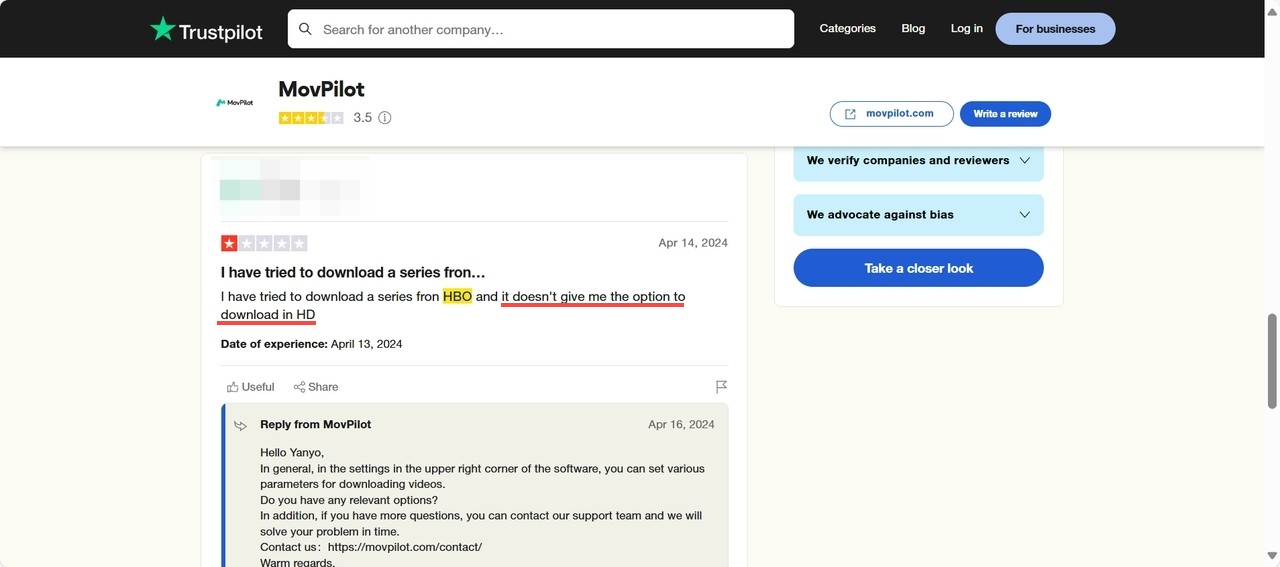
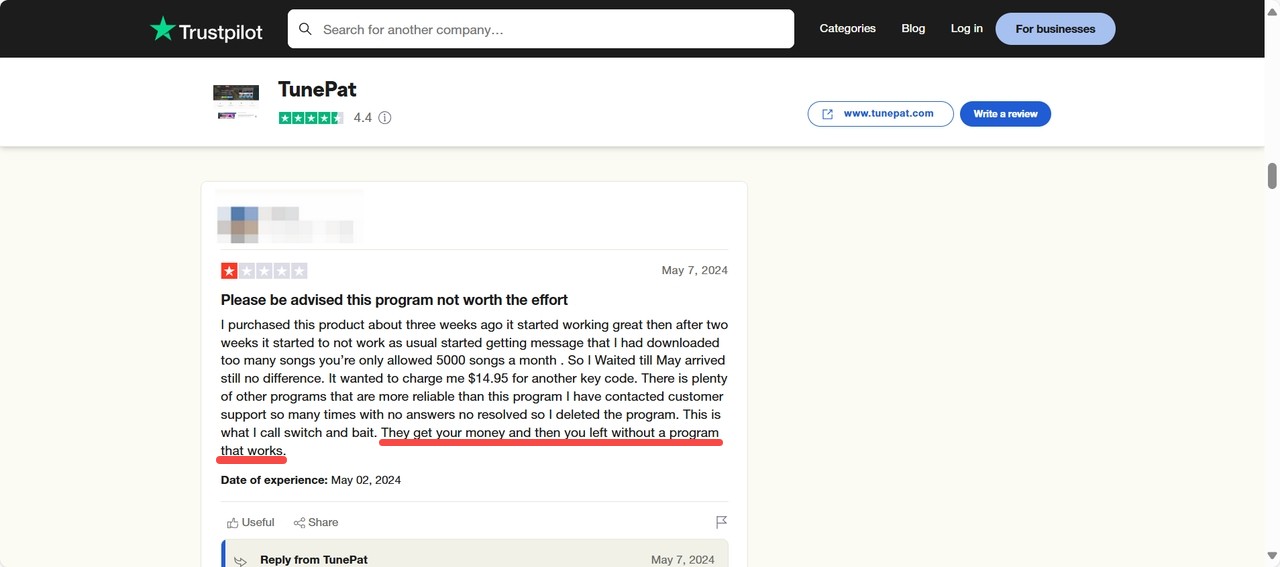
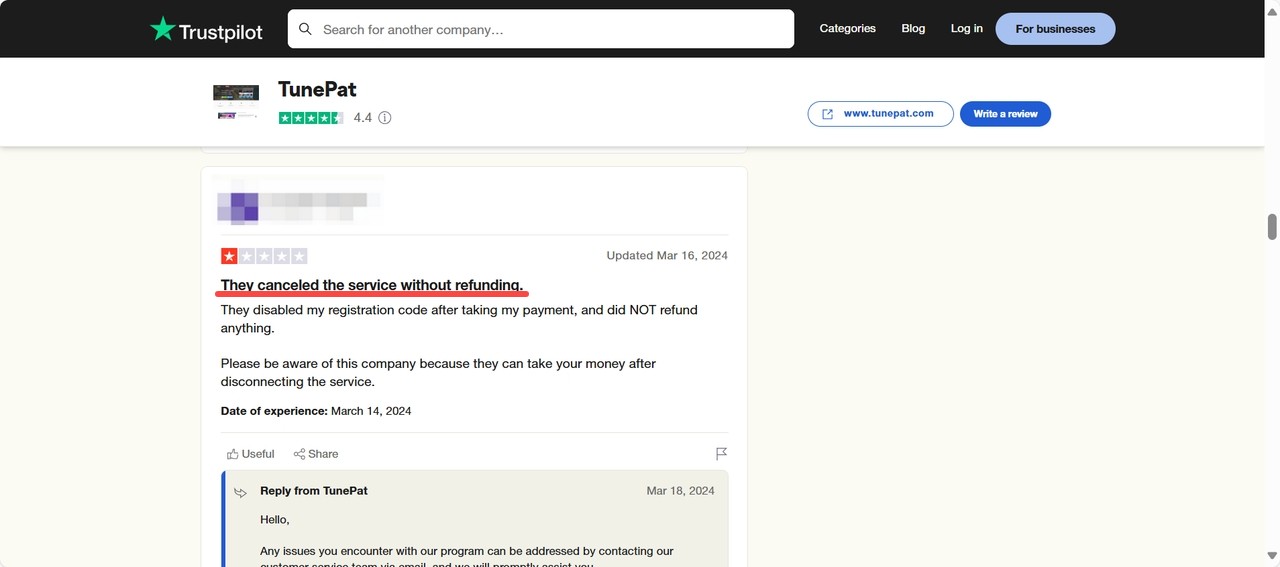
It seems to be having trouble with downloading videos from Max according to the reviews from Trustpilot. As you can see, refunding is hard to get for their users. And it can't save HD-quality videos sometimes.
In our tests, we found it consumes more memory than other downloaders, causing lag on older PCs. Most unbelievably, Movpilot forcibly exits when you close the window. This design is extremely frustrating—if you accidentally click 'close' during a large download, all progress is instantly lost.
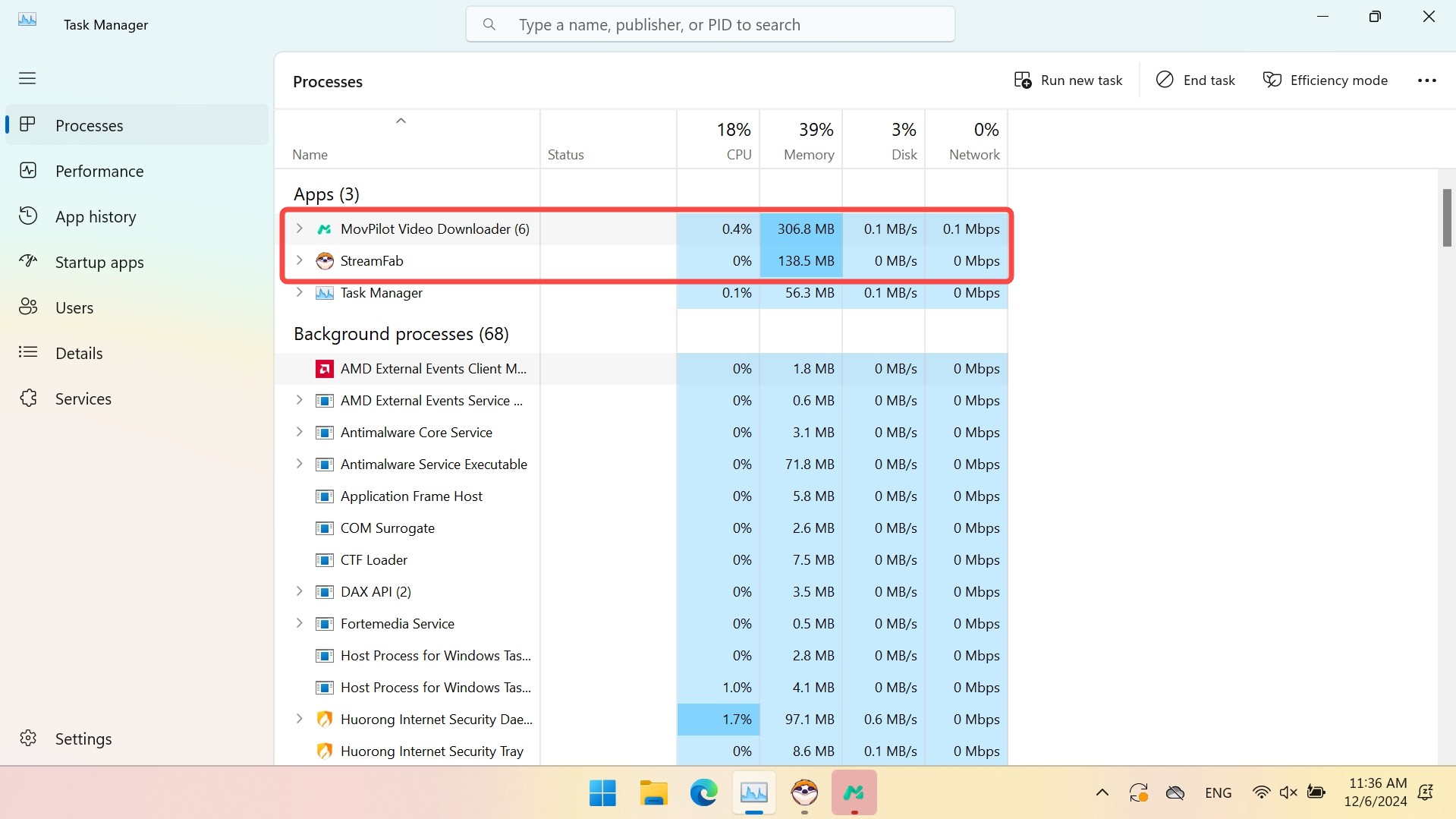

Increasing negative reviews and download issues made it stay at a later position on the best HBO Max downloaders list there.
4. CleverGet HBO Max Downloader (Solid 1080p Alternative)
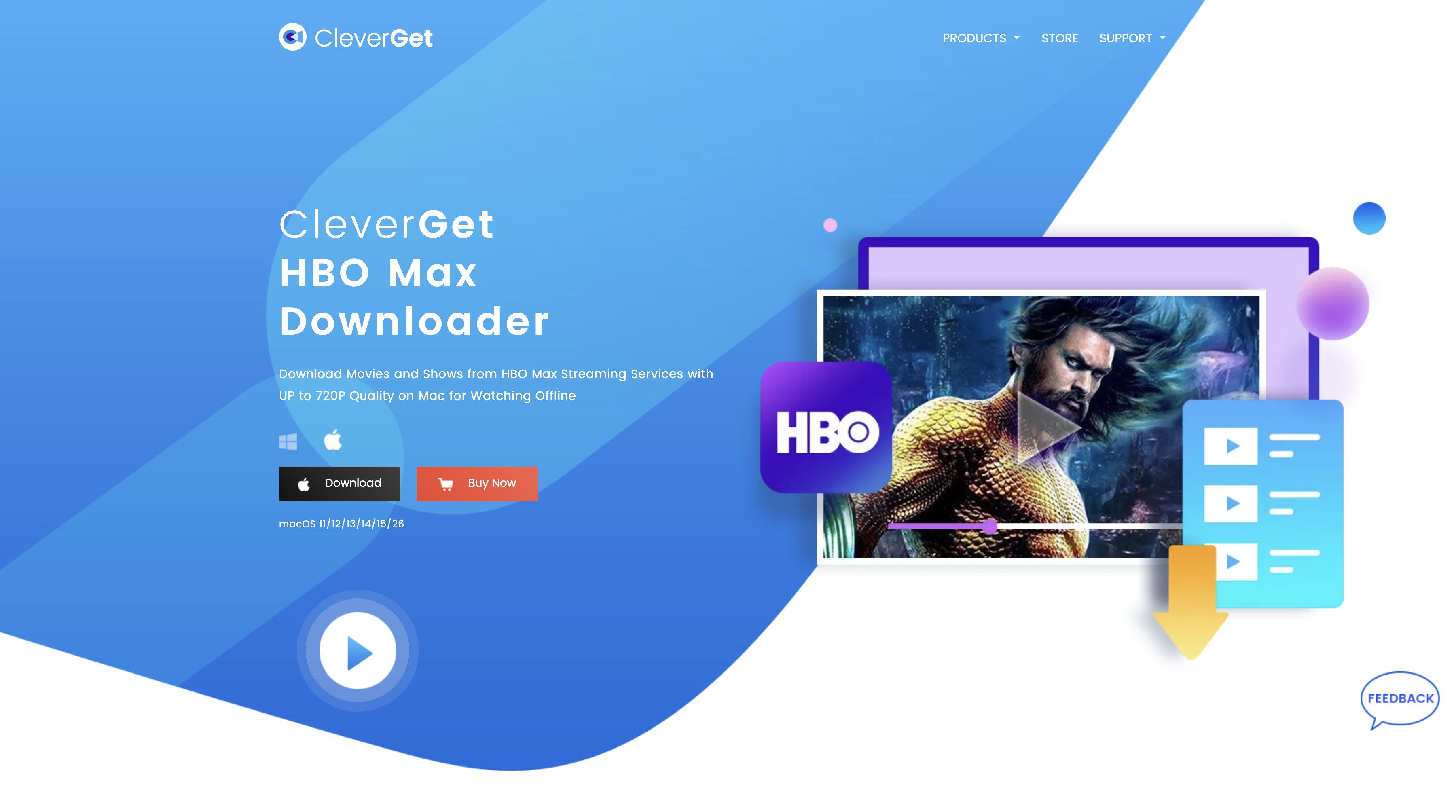
Stepping away from outdated recording methods, CleverGet HBO Max Downloader enters the market as a capable parsing tool. It features a streamlined built-in browser that lets you log directly into your Max account and initiate downloads without the hassle of copying and pasting URLs. It comfortably handles up to 1080p resolution, which is the standard baseline for mobile and general laptop viewing.
During my sessions, CleverGet held up well on multi-language audio and exported subtitles as widely compatible SRT files. It's not without friction: the initial URL parsing phase ran slightly longer than StreamFab, especially when queuing a full TV season. The price point is attractive, but there's no 4K support here.
Best for: readers who want solid 1080p in MP4/MKV at a lower lifetime price.
Not ideal for: anyone who specifically wants 4K or HDR output.
| Price | Lifetime Plan $69.96 |
| ✅Pros |
|
| ❌Cons |
|
| System | Windows 11/10/8/7 | macOS 10.14 or later |
5. FreeGrab: Status and Reliability Warning
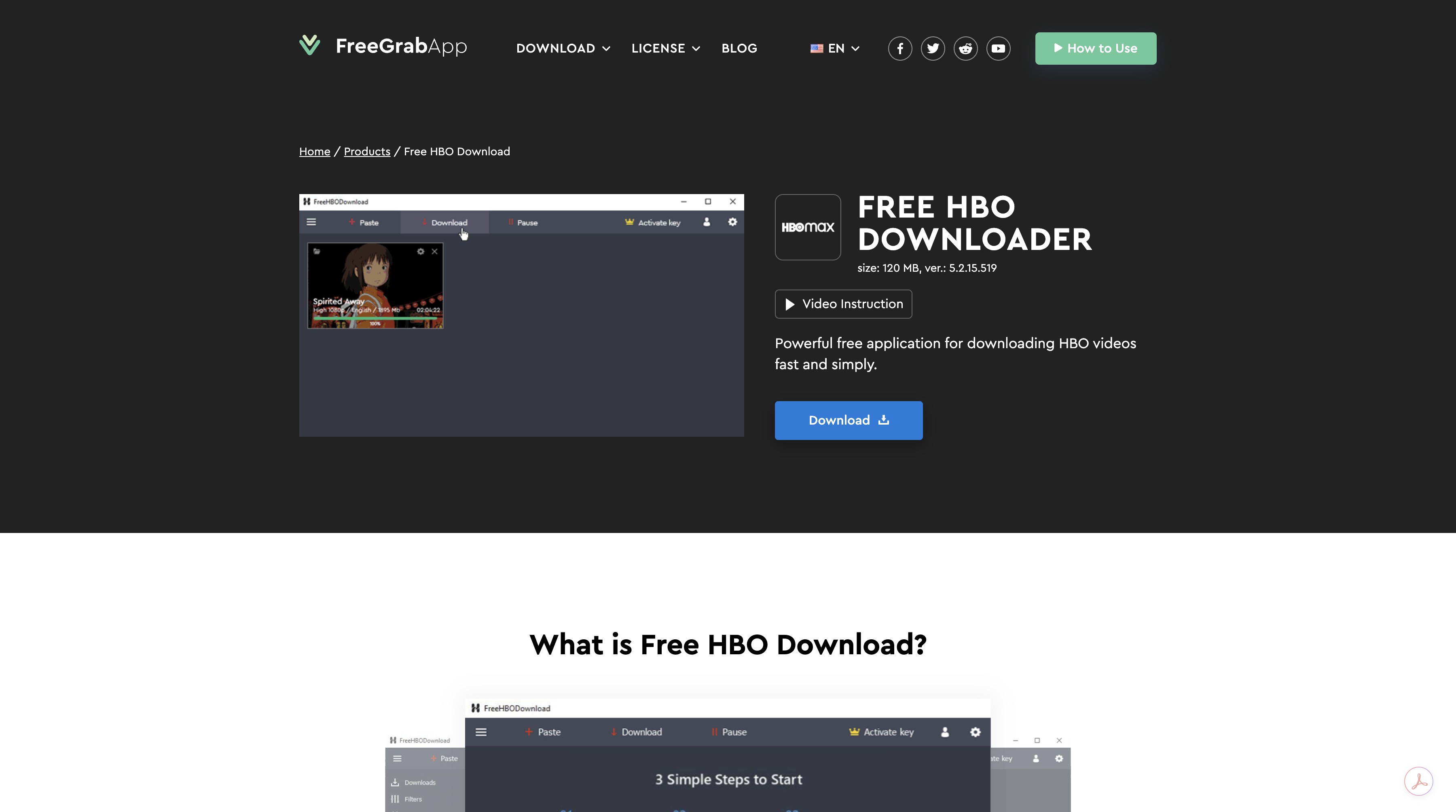
FreeGrab HBO Downloader is best known for its free-to-use slogan and shows up often in searches for a free HBO Max downloader. It uses a simple copy-paste URL method.
Current status: reports of failed downloads and limited updates since 2024 mean I no longer treat FreeGrab as a current peer to the other tools on this list. I'm keeping the entry as a reliability warning rather than a recommendation.
| Price | 1-year Plan $59.99 |
| ✅Pros |
|
| ❌Cons |
|
| System | Windows 7 SP1 and later. |
| More info | Comprehensive FreeGrab Review |
The zero-cost pitch is a trap. The free tier caps output at 240p, which isn't a viable viewing experience — unlocking 1080p requires the $59.99/year plan. In my sessions the app also failed to launch on multiple attempts, which lines up with the broader trend in recent user feedback.
Not recommended for: readers who need a currently maintained HBO Max workflow in 2026 — pick an active peer above.
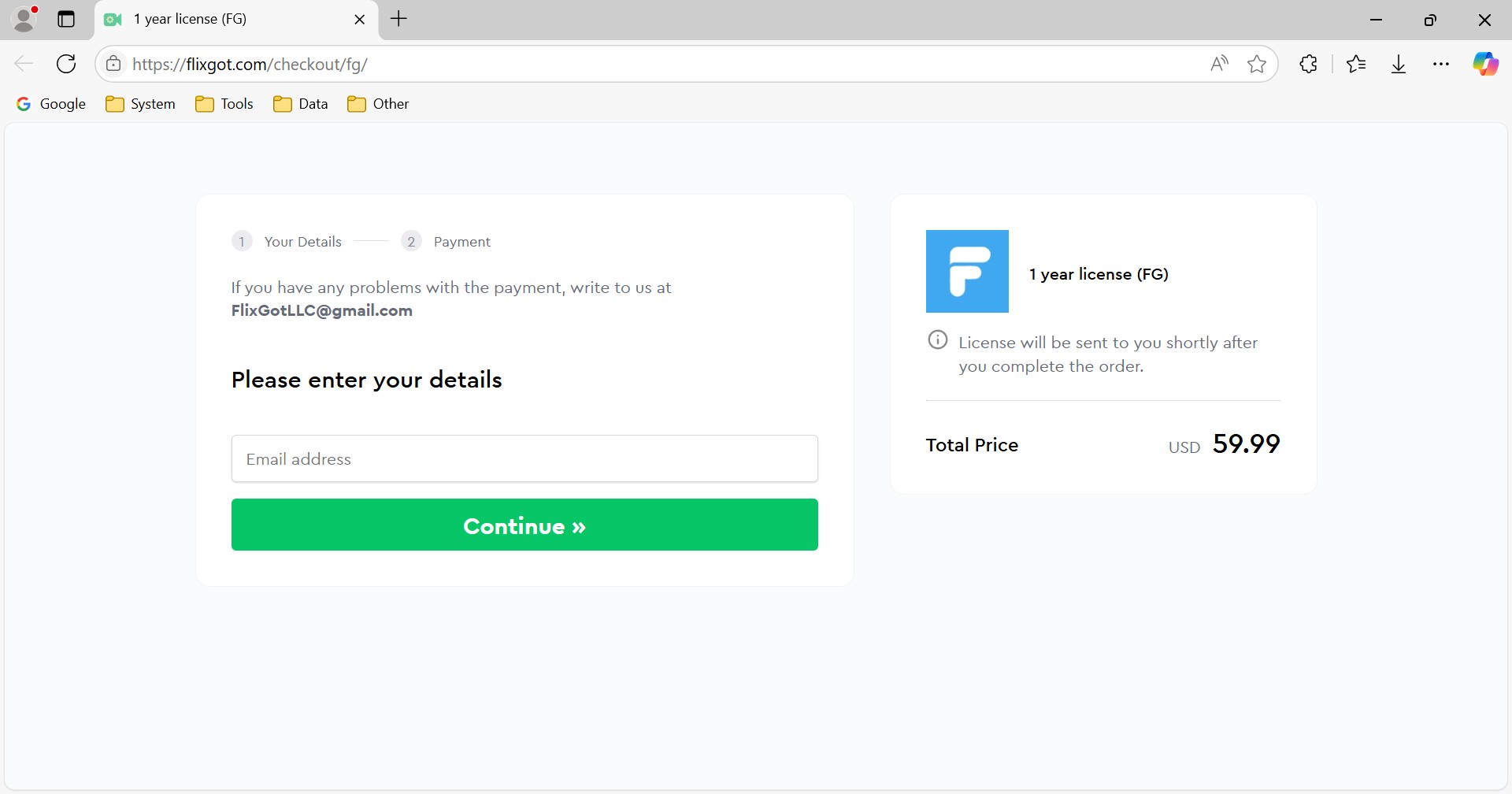
Due to its unreliability and poor quality of free service, it has received lots of negative reviews on Trustpilot. I guess it has no chance to compete for the crown of the best HBO Max downloader but just average level.
6. TunePat HBOMax Video Downloader
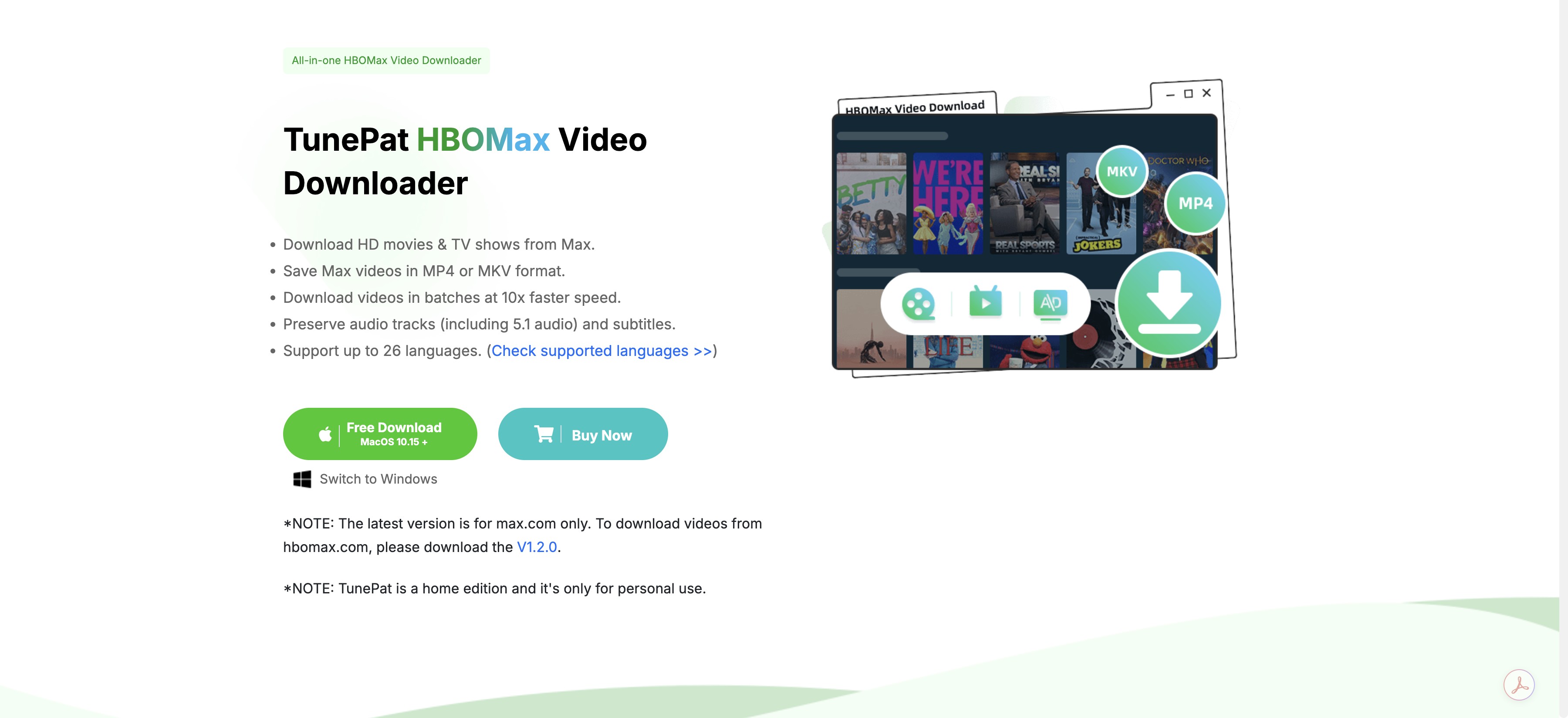
TunePat HBOMax Video Downloader is a simple and efficient video downloader capable of downloading movies and shows directly from the Max web player. It can help you download and save unlimited videos from Max to the computer without the Max app. Optional formats, including MP4 and MKV, H264 and H265, are available in this downloader.
| Price | Lifetime Plan: $69.90 |
| ✅Pros |
|
| ❌Cons |
|
| System | Windows 11/10/8.1/8/7 | macOS 10.15 - macOS 14 |
| More info | Tunepat Video Downloader Review |
Recent user feedback trends positive on stability, which matches my experience. Where TunePat falls short is URL parsing speed — it consistently lagged behind StreamFab in my queue tests — and a version-dependent quality ceiling (some builds top out at 720p on Max). Refund friction also shows up in the low-star reviews.
Best for: readers who want a stable 720p–1080p workflow at a lower lifetime price.
Not ideal for: anyone chasing 4K or fast batch queuing.
Safety, Account Risk, and Personal Use
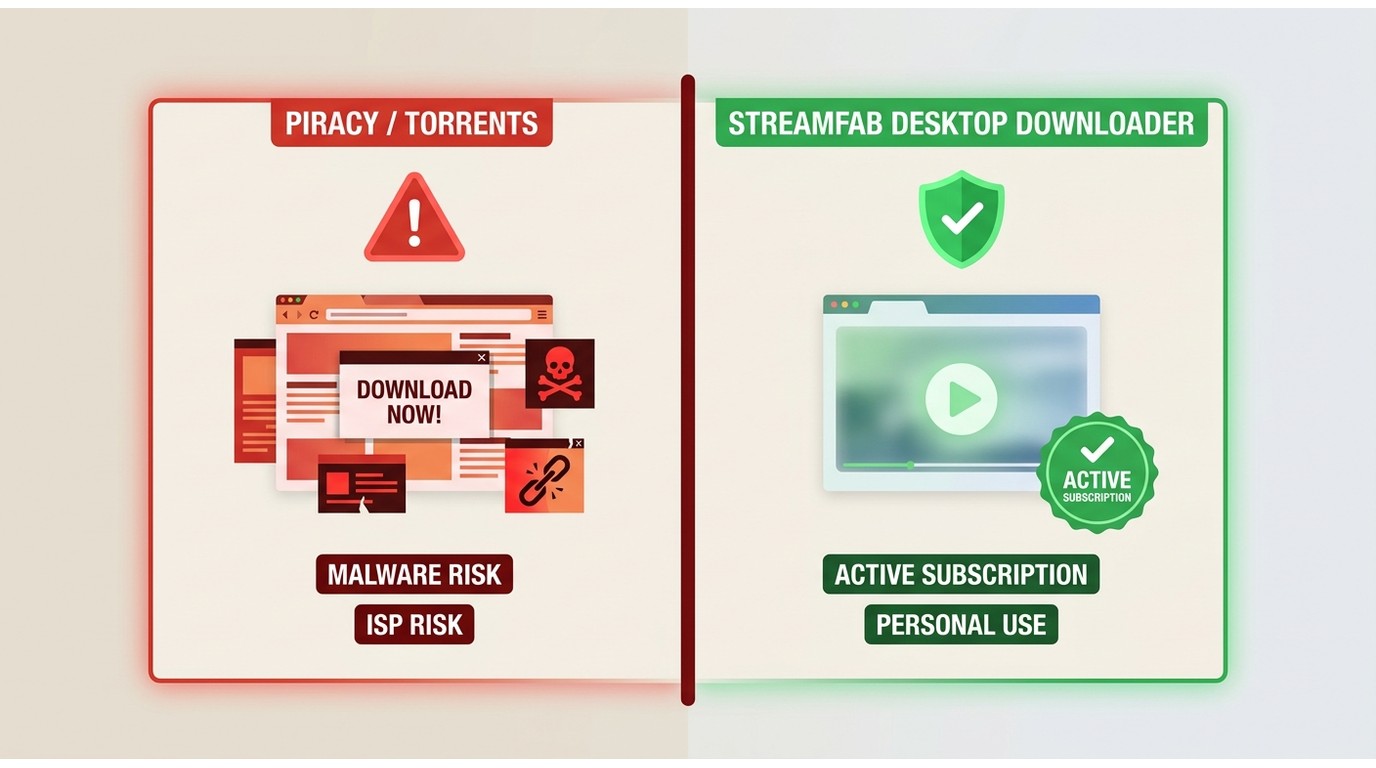
Any conversation about third-party downloaders has to start with the actual risks, not marketing. HBO Max torrent and pirate-HBO results circulate online; they carry real ISP and malware exposure and have nothing to do with the workflow discussed here. Using a legitimate desktop tool on content covered by your active subscription is a different thing — a local copy for personal offline viewing, not redistribution.
Will HBO Max ban my account? The honest answer is that no tool can promise a ban-proof experience — account risk depends on how the platform enforces its terms, not on any downloader's marketing copy. What you can do is stay inside a defensible pattern: keep an active subscription, sign in with your own credentials, keep the downloaded files for yourself, and don't share, upload, or resell them. From what I've seen in my own use and in community reports, that pattern rarely draws attention.
When you're picking a tool, weigh transparent trial limits, honest refund terms, recent independent feedback, and a visible update cadence more heavily than any single rating number. A tool that's still shipping fixes in 2026 tells you more than a five-star screenshot from 2023.
Download HBO Max Titles with StreamFab
If you've decided StreamFab fits your needs — and if you only need occasional mobile downloads, the official Max app may already be enough — here's the working sequence. This assumes you have an active Max subscription and are saving titles you're authorized to access under platform terms and applicable law, for personal offline viewing.
One practical tip before you start: test a single episode end to end with your intended audio and subtitle settings before queuing a full-season batch or a scheduled overnight job. Confirming the available quality and file compatibility on one file saves a lot of wasted time on a batch that would have failed at title three.
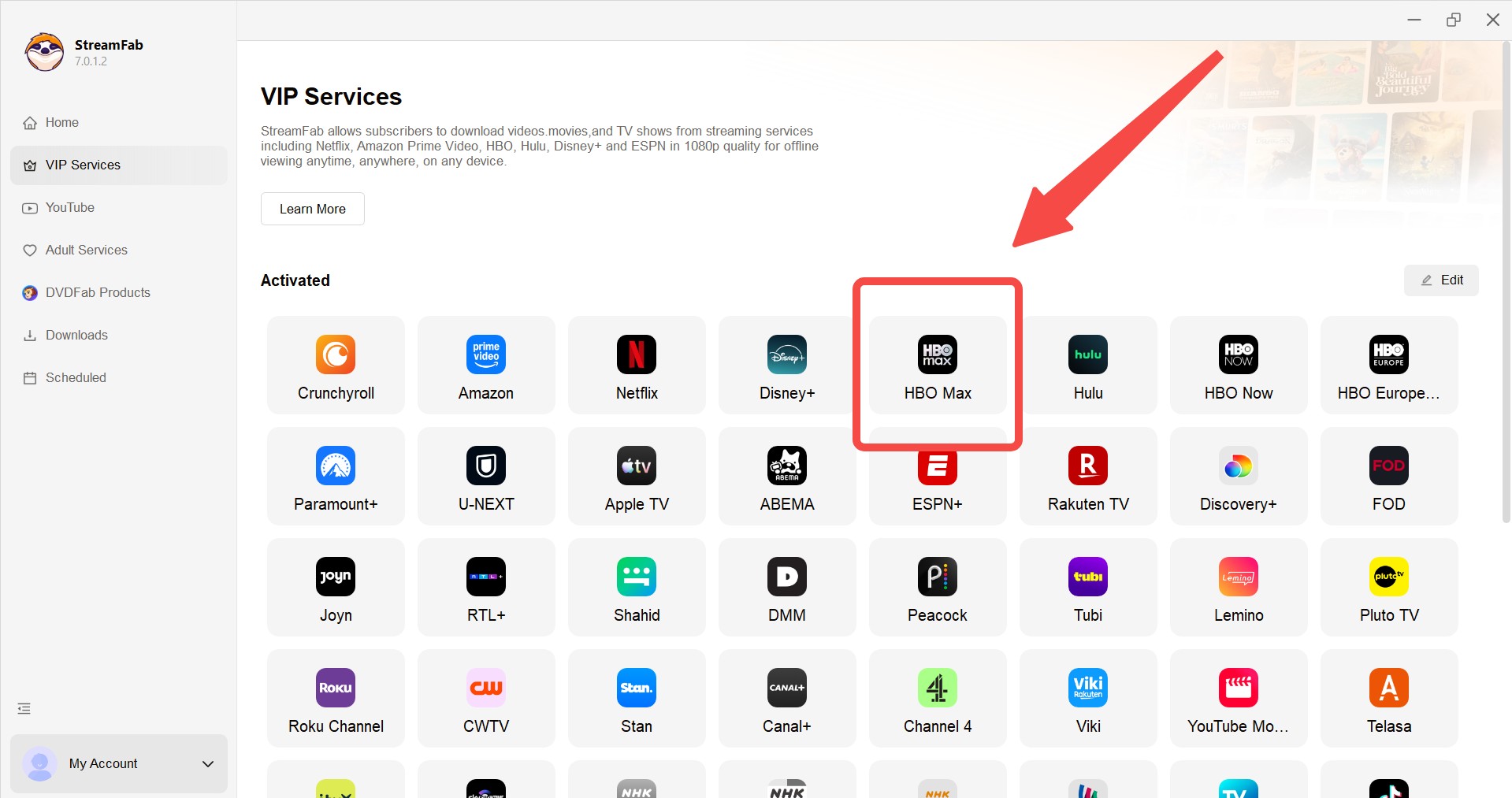
Download the video downloader and Choose the streaming service
Install StreamFab first and find HBO Max or Max on the page of "VIP Services", then click one of them.
Free Download macOS 12.0 or newer
Customize the file
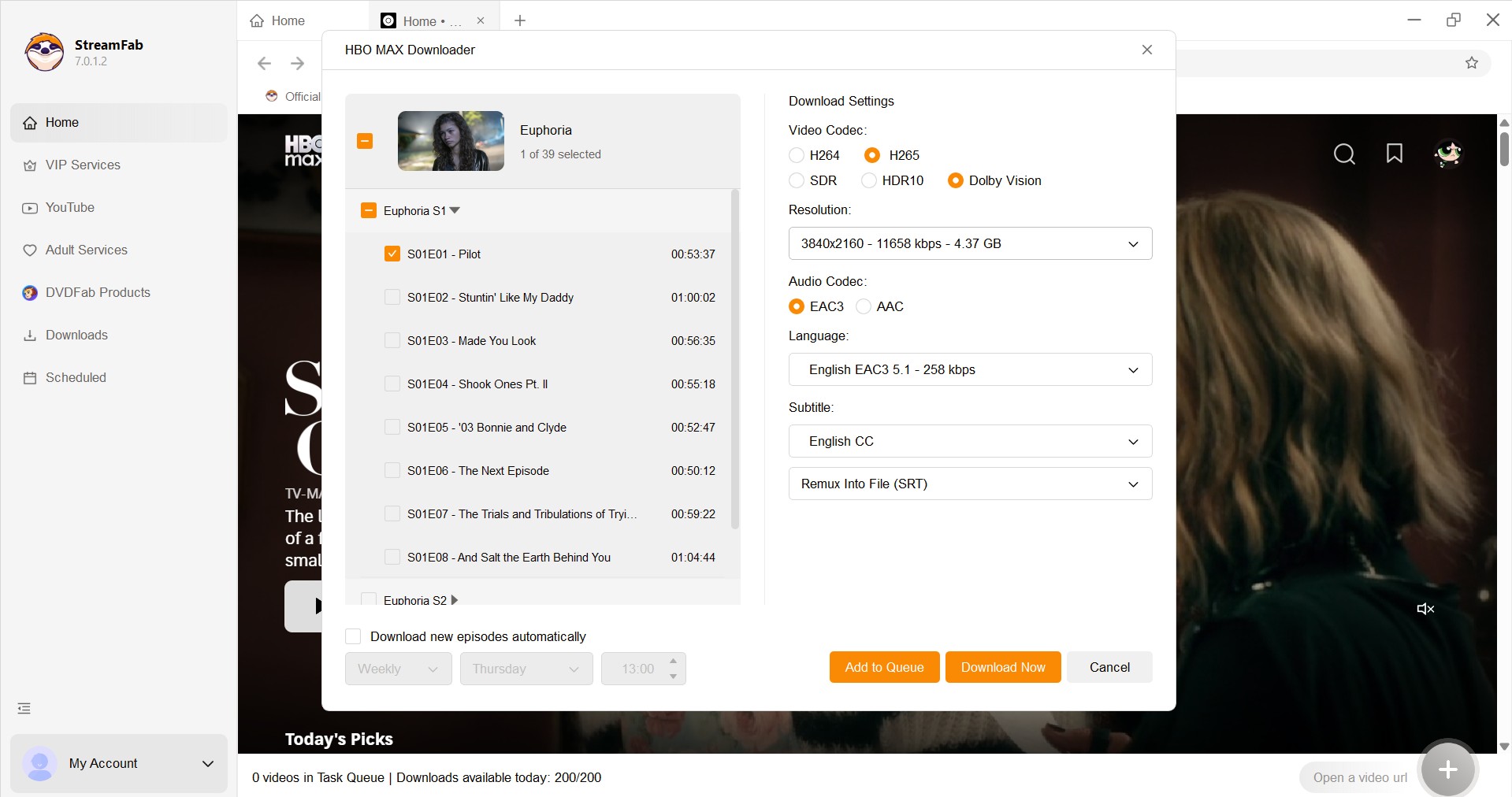
Login to your HBO Max account and search for shows or movies you like with a built-in browser. Directly pasting the show's URL copied from HBO Max is also available. StreamFab HBO Max Downloader will detect videos automatically.
Wait until the downloads finished
Now, all you have to do is wait for just a moment until the download is finished to enjoy the programs.
Frequently Asked Questions
Conclusion
After testing all six, the honest verdict depends on what you actually need on a laptop:
- Highest available quality, HDR, and batch workflows: StreamFab is the tool I keep on my machine.
- Live sports and live events on Max: RecordFab is the only entry here that even attempts it.
- Solid 1080p at a lower lifetime price: CleverGet or TunePat cover this comfortably.
- Mac users focused on 1080p: MovPilot works, with the memory-use caveat.
- Occasional mobile downloads only: the official Max app is likely already enough — a desktop downloader is overkill.
FreeGrab, based on its current state, isn't a serious peer in 2026 and shouldn't be your starting point.
- Unlimited Download Max shows and movies with a quality of up to 4K/1080p and AC3 5.1 audio.
- Save as MP4 or MKV (Forever valid)
- Scrape Metadata for Personal Media Libraries
- Batch download and auto-download at 10x speed

HBO Max download failures usually come down to eligibility, account-wide limits, storage, network settings, or an app that needs a clean reset. This guide gives you six checks in the right order, a message-to-fix lookup, a travel preflight test, and a measured Windows or Mac alternative for authorized offline viewing.
By Marcia Hatcher - Aug 6, 2026
This guide explains why there is no official HBO Max app for Mac and provides the best workarounds for downloading and watching shows offline on a MacBook. It evaluates top third-party downloaders capable of high-resolution decryption, and offers a brief alternative for screen recording clips without black screens, helping macOS users bypass official limits and build a permanent offline library.
By Jacob Harrison - Aug 6, 2026

Wondering how to rip HBO max video in 2026? This guide covers three practical options for offline viewing, with tips on availability by title, device, and plan.
By Erika Leen - Aug 4, 2026

Learn how to properly configure the HBO Max Kodi addon via the SlyGuy repository in 2026. Troubleshoot Widevine CDM black screens, bypass geoblocking, and discover a 4K offline archiving alternative.
By Nicole Lopez - Aug 4, 2026