
Can You Download Disney Plus Movies on Mac? 4 Options for 2026

Summary: If you have no idea how to download movies from Disney Plus on your Mac, here are 3 tested solutions that can help you. All 3 methods' availability has been tested. Extra comparison sheet on their functions and user experience, and specific guide on operating them include. The StreamFab Disney Plus Downloader shows the best compatibility with DRM, thus it is the most recommend method.
Can You Download Disney Plus Movies on Mac?
Supported Devices and Eligible Plans
If you are trying to download Disney+ movies on a Mac for a flight, commute, or no-Wi-Fi hotel, Disney+ does not list macOS as a supported platform for official Downloads. Official offline access requires a qualifying Premium plan, a supported device, an eligible title, and an internet check-in at least once every 30 days (as of July 2026). The Disney+ download limits also mean that a browser shortcut on a Mac is not the same as offline playback.

Title Availability and 30-Day Check-In
Downloads are not available for every title, and eligibility can vary by plan, device, region, account status, and the current Disney+ app rules.
For Mac users, the key question is not simply whether a picture can appear on the screen, but whether it can play reliably when there is no connection.
Compare the Four Mac Options
Official mobile Downloads stay inside the Disney+ app, while a local MP4 or MKV workflow creates a different kind of file. PlayCover and Android emulators are separate experimental routes, not interchangeable guarantees.
For travel, the most useful comparison is reliability without Wi-Fi, not just whether an app can be installed.
| Comparison factor | StreamFab Disney Plus Downloader | PlayCover | Android Emulators |
|---|---|---|---|
| Result type | App-bound mobile Download | Local MP4 or MKV file | Experimental app route |
| No-Wi-Fi reliability | Often workable on the supported mobile device | Designed for local playback | Uncertain |
| Mac hardware | Mac receives mirrored playback | Windows or Mac desktop app | Apple Silicon or model-specific |
| File portability | Not a transferable video file | Can be stored on a chosen drive | Not an ordinary video file |
| Quality, audio, and subtitles | App and title dependent | Up to available 4K with selectable tracks | App and device dependent |
| Setup difficulty | Low on a supported mobile device | Moderate | High |
| Primary caveat | AirPlay or QuickTime may fail offline | Desktop software and authorized use are required | PlayCover and emulators need compatibility testing |

StreamFab can save up to the quality Disney+ makes available for the selected title and account context, including 4K where provided. Actual resolution, HDR, audio, and subtitle options vary by title and plan.
The experimental route includes PlayCover on supported Apple Silicon Macs and Android emulators with verified model compatibility.Dispcam reviewNeither route is a guaranteed replacement for reliable offline Mac playback.
Official Mobile-to-Mac Workaround
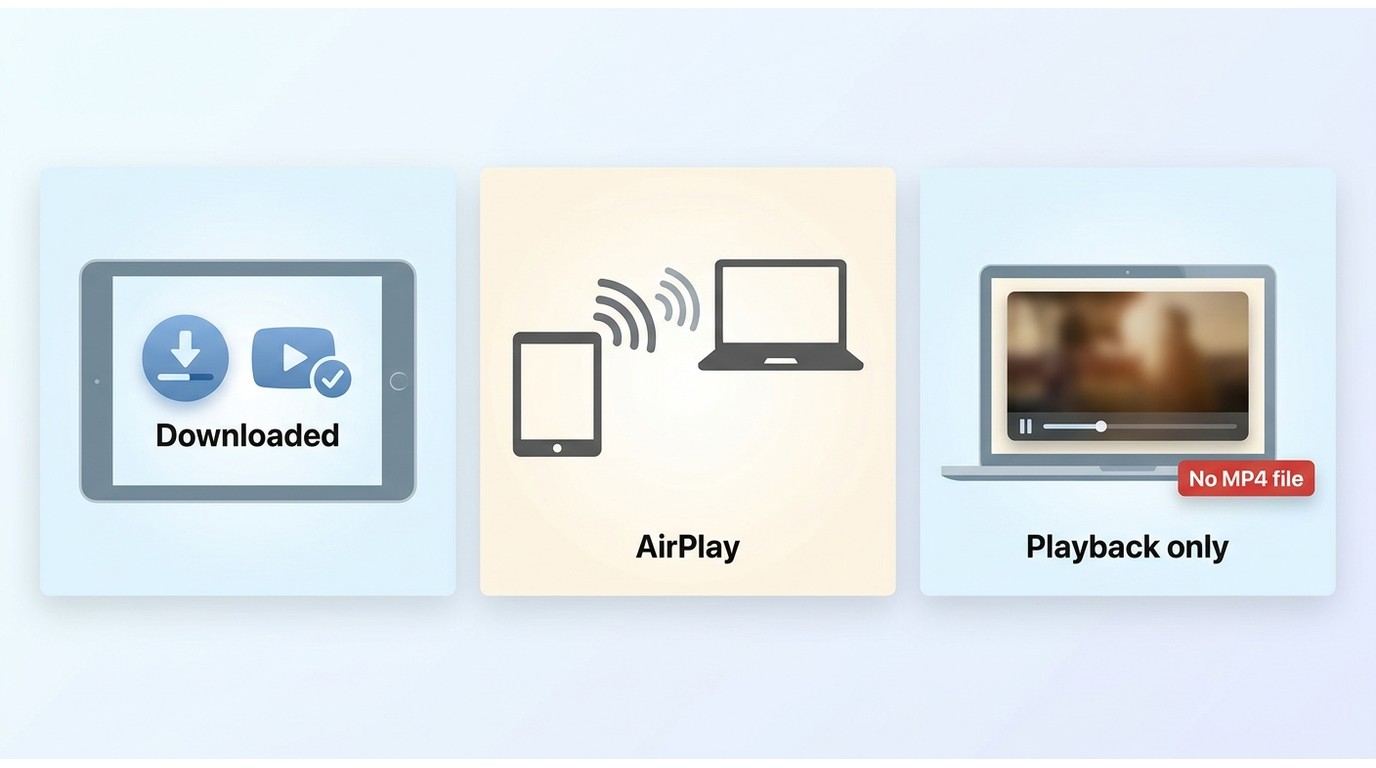
Download on iPhone or iPad
If you already have an eligible iPhone or iPad, the official Disney+ app is the lowest-effort way to download a supported title.
You can then try playing it on a larger Mac screen through AirPlay or QuickTime, but the Download remains tied to the mobile app rather than becoming a normal video file on the Mac.
AirPlay and QuickTime Caveats
This workaround is best for readers who already use a supported mobile device and can tolerate uncertainty. It is not ideal when dependable offline Mac playback is essential: AirPlay or QuickTime can show a black screen, keep loading, or require connectivity in some setups.
Those display limitations are also relevant when considering how to screen record Disney Plus, although recording is a separate workflow.
Option 1: StreamFab for Local MP4 or MKV Files
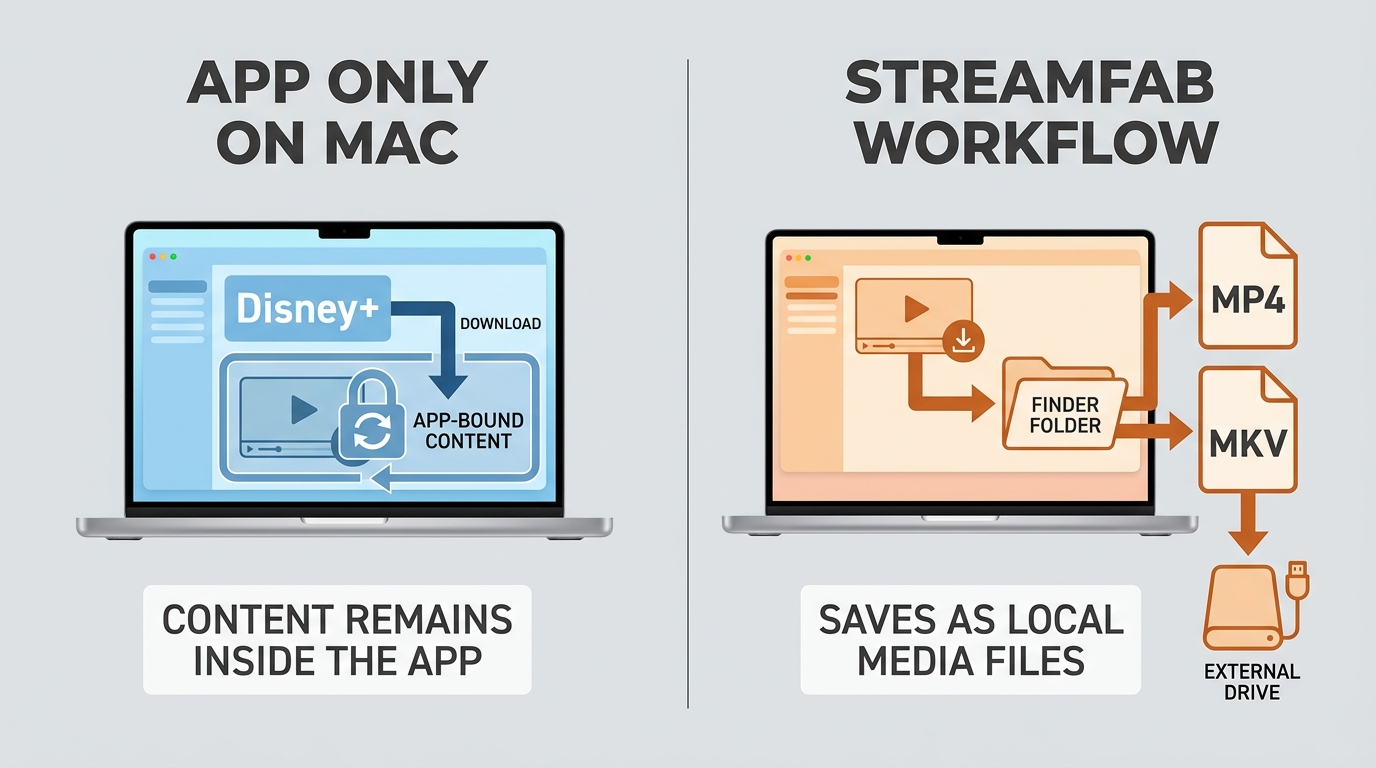

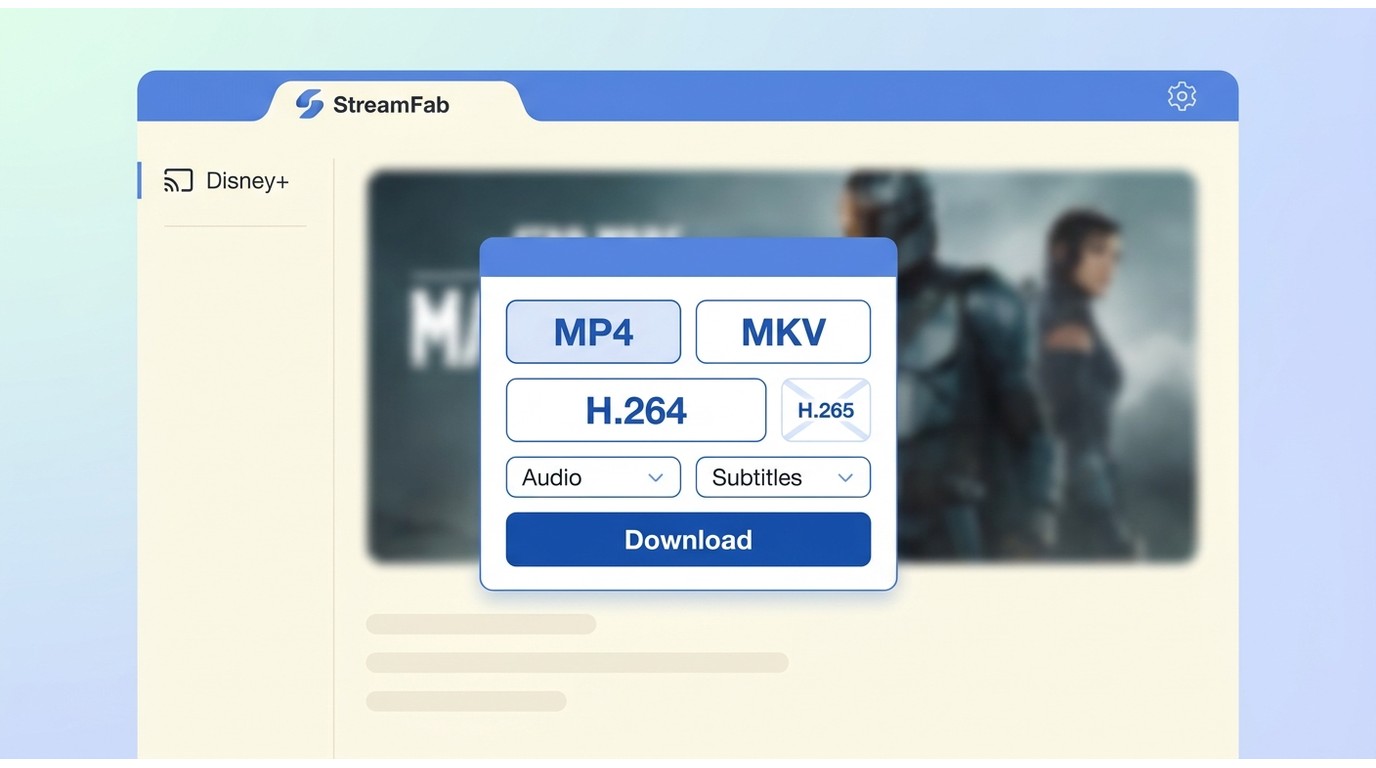
StreamFab Disney Plus Downloader is available for Windows and Mac and can save authorized Disney+ viewing in MP4 or MKV, with H.264 or H.265 video, resolution up to 4K where available, and title-dependent HDR, audio, and subtitle options.
This differs from downloading movies on Disney Plus in the official app because the result is a selectable local-file workflow rather than an app-bound cache.
What File and Quality You Get
You can select MP4 or MKV, available audio languages, multilingual subtitles, and supported video quality for the title. Batch processing and scheduled episodes can help with a series, while a chosen output folder also makes an external-drive storage workflow for Disney+ movies practical.
This route fits readers who need selectable local files; it is not ideal for readers who want only Disney+'s official in-app experience or do not want desktop software.

One of the easiest options for managing Disney+ offline viewing on a Mac. It supports macOS and helps you keep a device-compatible local copy for personal use during your valid subscription, where permitted.
StreamFab Setup on Mac
Install the video downloader
Install StreamFab Disney Plus Downloader on your Mac from an official source, then open it. Use it only for personal offline viewing during a valid subscription, where permitted by Disney+ terms and applicable law. Select the Disney Plus service from the home page.
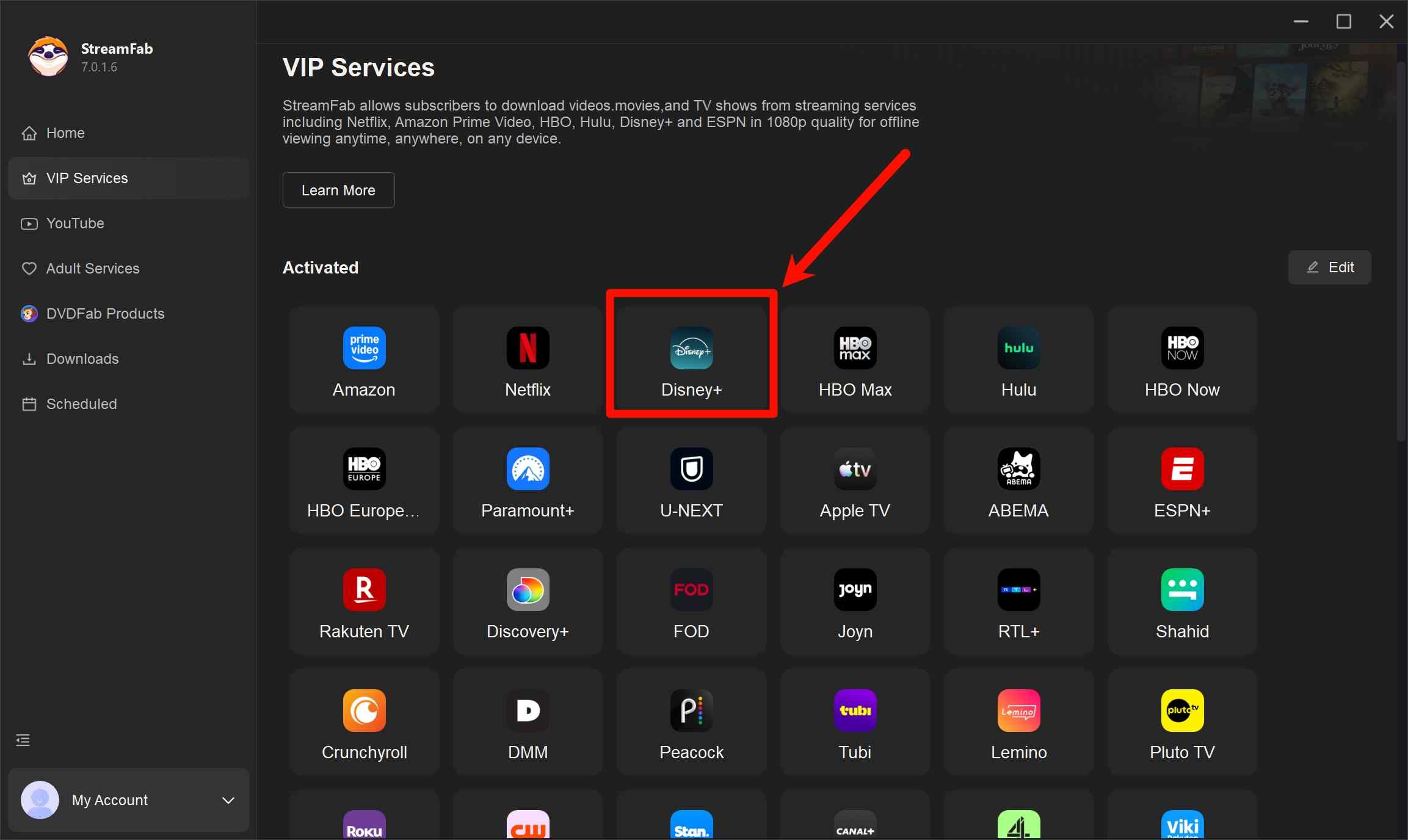
Find the movies you want
Sign in with your Disney Plus account, then browse or search for the title you want to watch offline.
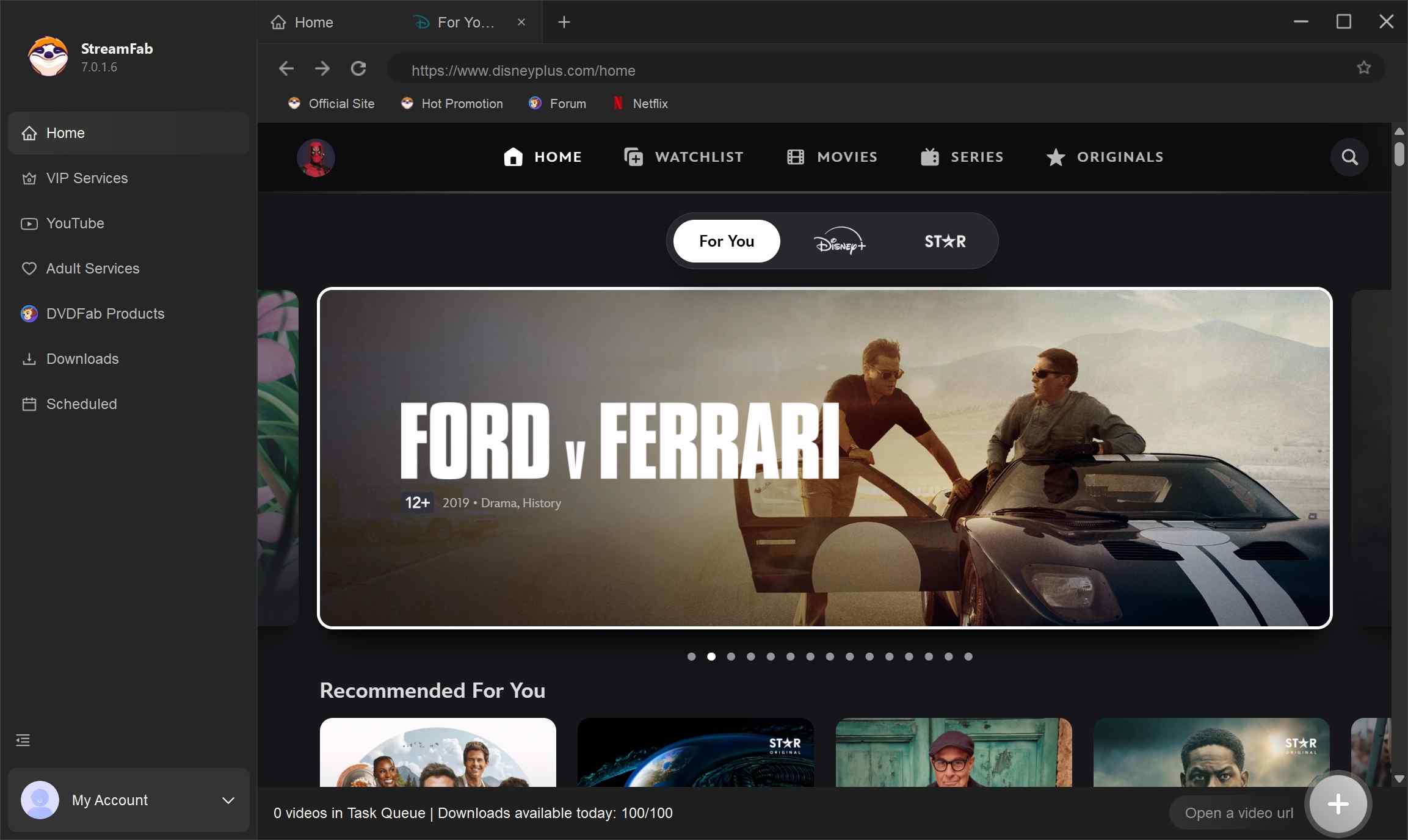
Set the detailed options
When the video starts, the tool may present available options for video (up to 4K where provided), audio, and subtitles—choose what fits your device and viewing needs.
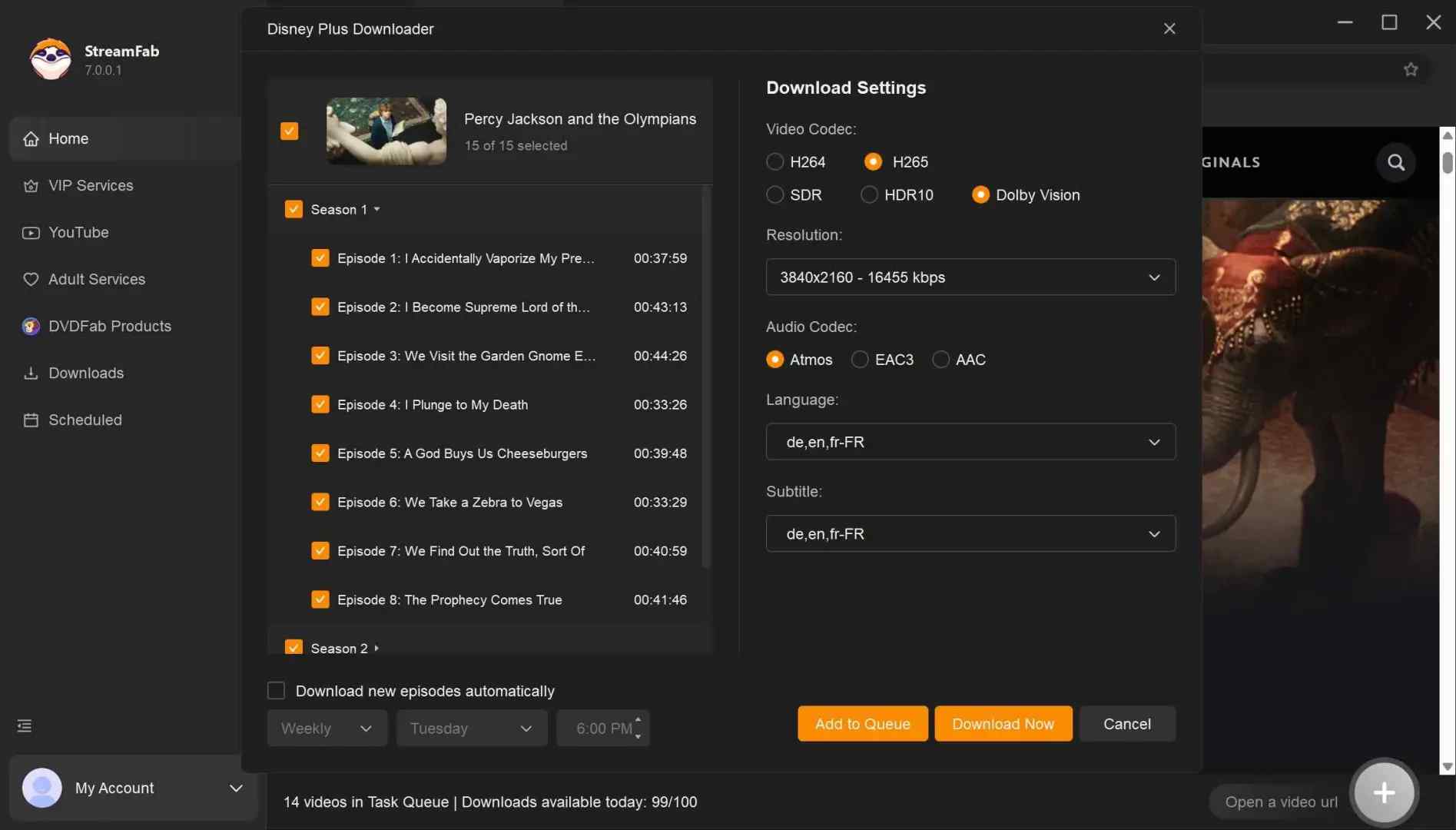
Start download tasks
Start the task and monitor progress in the downloader’s task list until it finishes.
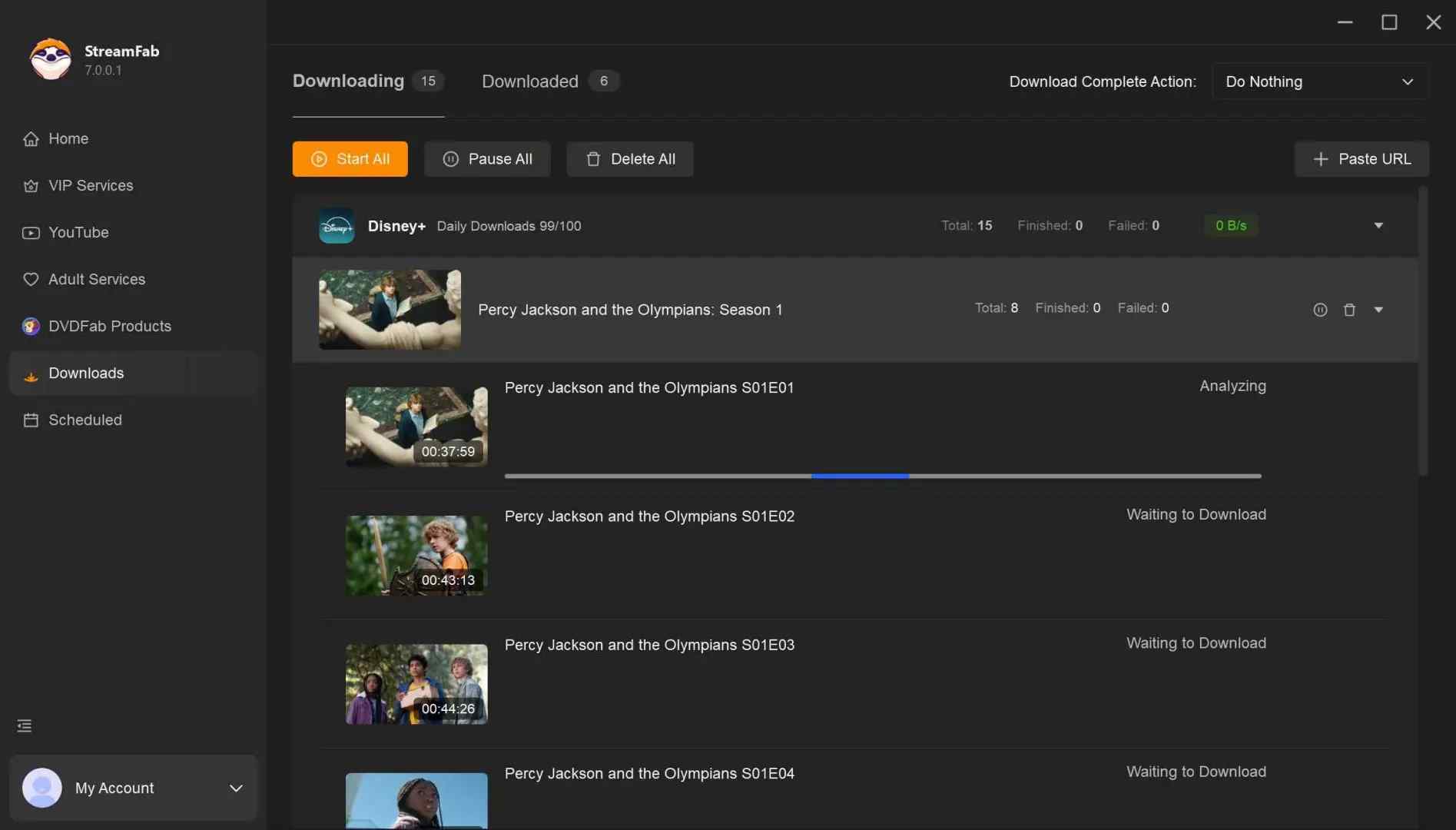
Option 2: PlayCover on Apple Silicon: Experimental
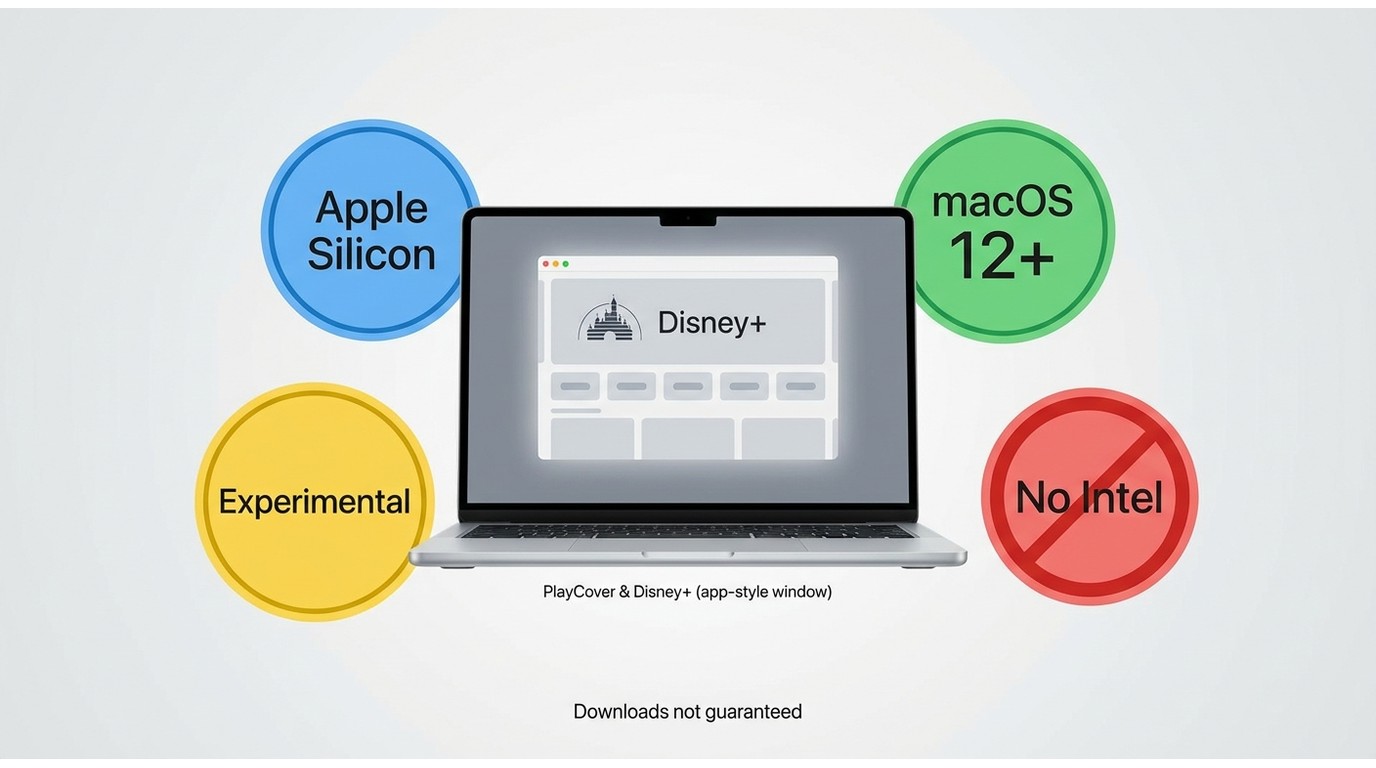
PlayCover can run compatible iOS apps on supported Apple Silicon Macs running macOS 12 or later. It is an experimental option, not an official Disney+ for Mac app, and Disney+ Download compatibility is not documented as guaranteed.
Use authorized app files and check current compatibility before spending time on setup. Not every iOS app behaves reliably in this environment, and PlayCover does not create ordinary Disney Plus videos in MP4. It suits confident Apple Silicon users who can troubleshoot, but not Intel Mac owners or travelers who need predictable offline playback.
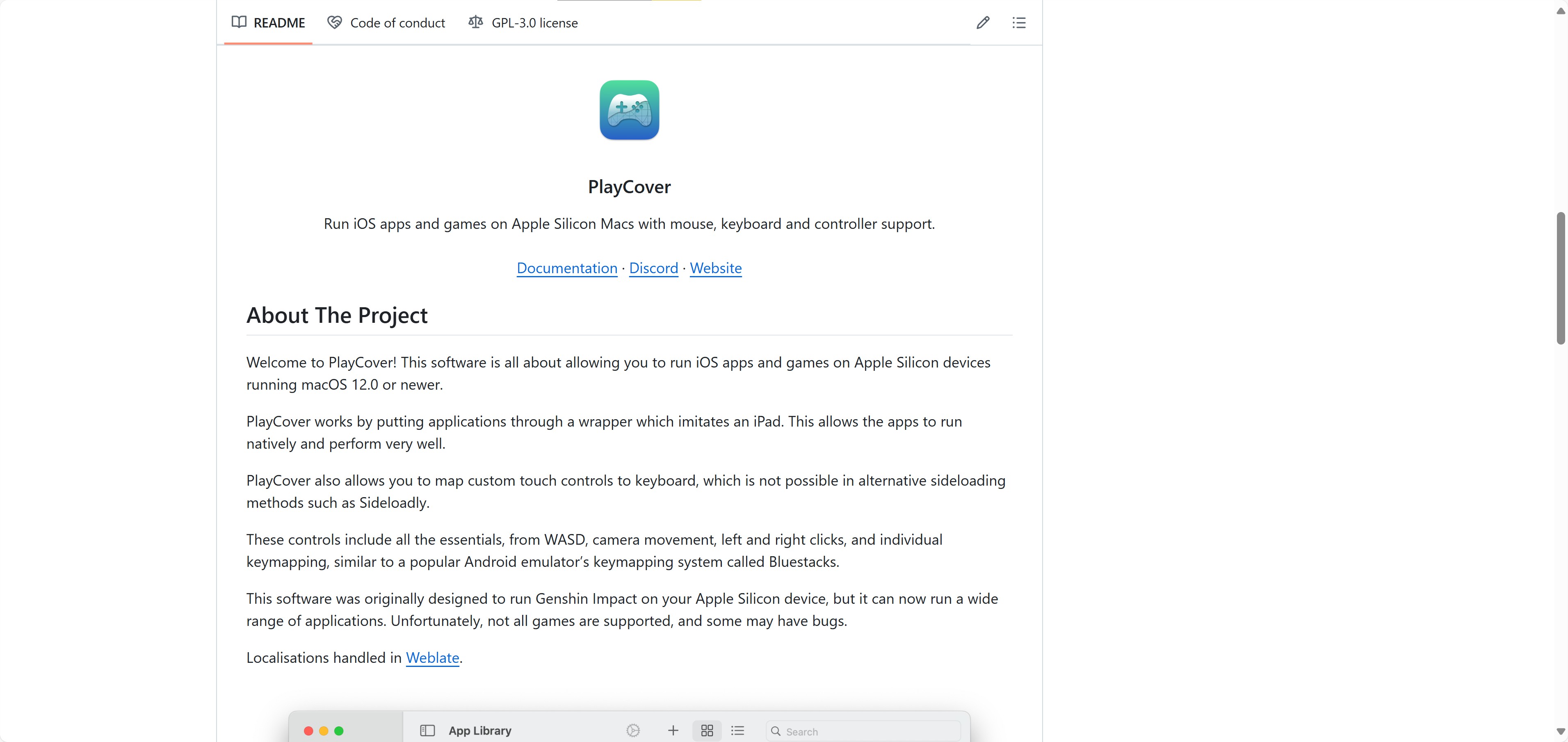
Attention❗: PlayCover requires an Apple Silicon Mac and macOS 12 or later. Check whether Disney+ works in the current version before relying on it for travel.
- Can run some compatible iOS apps
- Available for supported Apple Silicon Macs
- Community documentation is available
- Apple Silicon and macOS 12 or later are required
- Disney+ compatibility is not guaranteed
- Installation can be complex
- Updates may affect app behavior
PlayCover Setup and Compatibility Checks
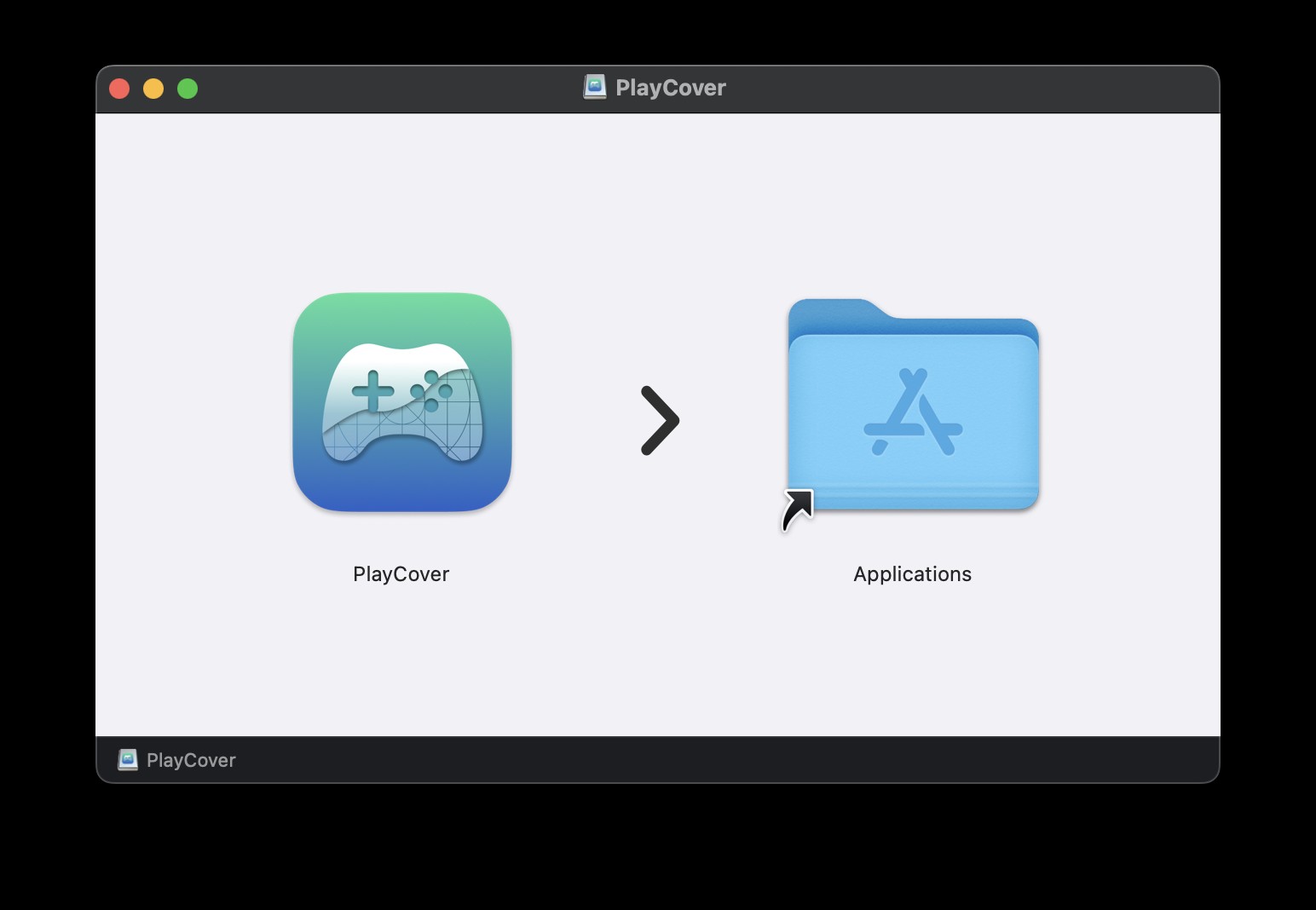
Download it from official sites or other authorized channels.
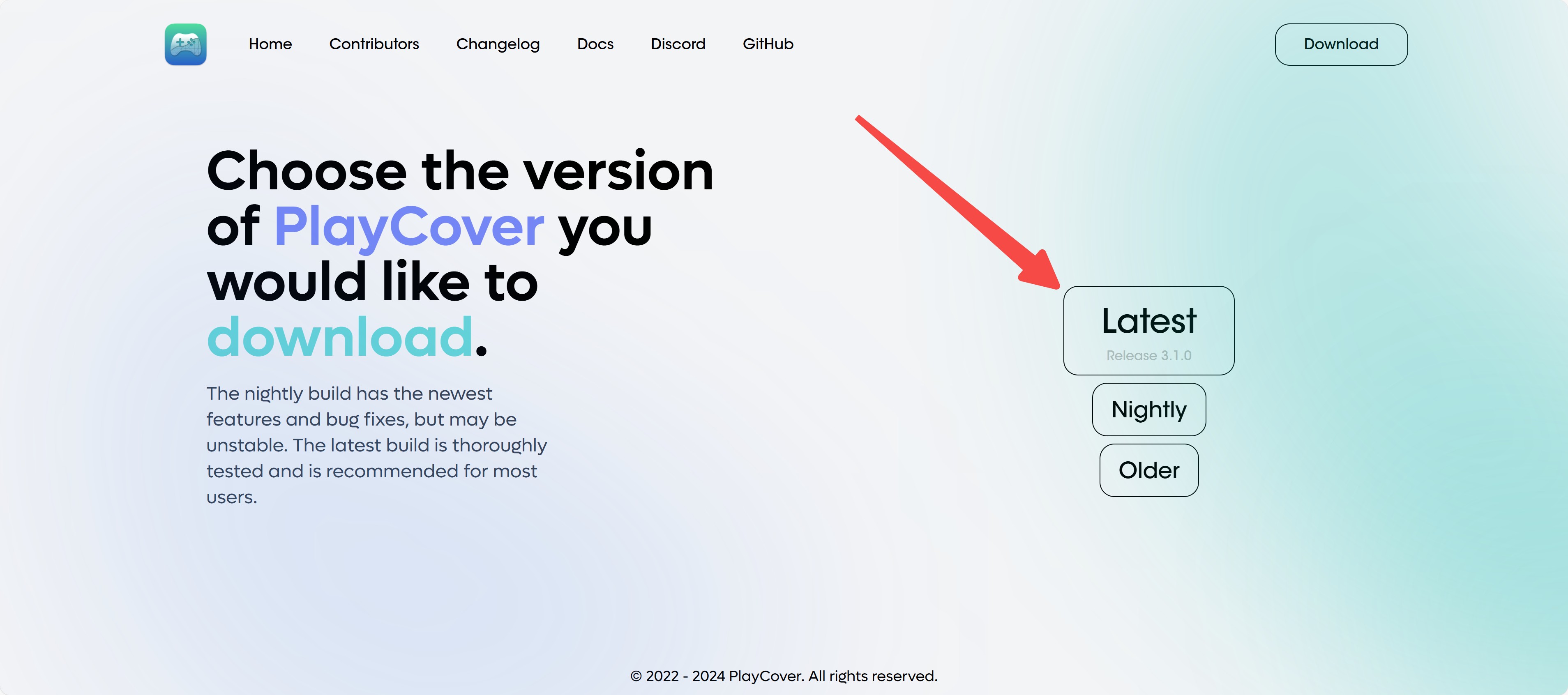
Drag PlayCover into your Applications folder. PlayCover won't work if it isn't in the Applications folder.
Launch Playcover by double-clicking it and remember to click "Open" on the system prompt.
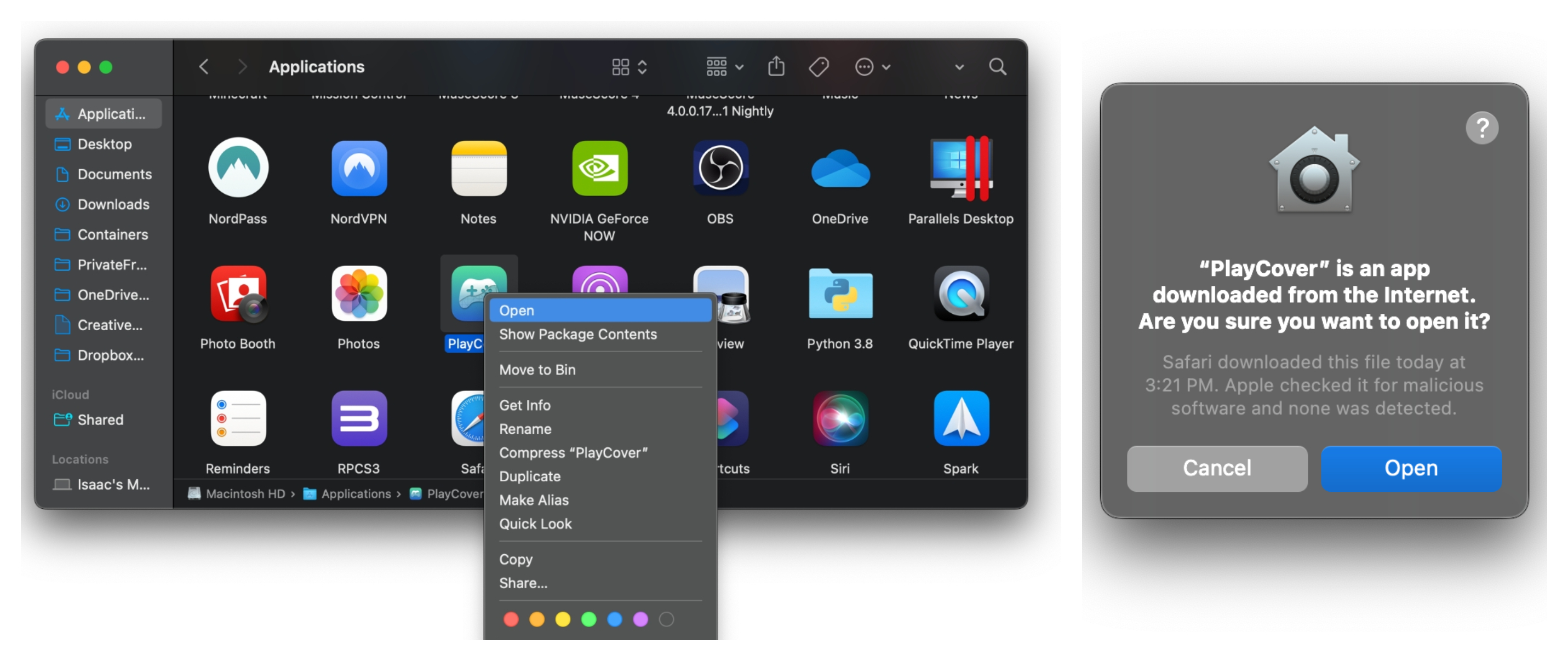
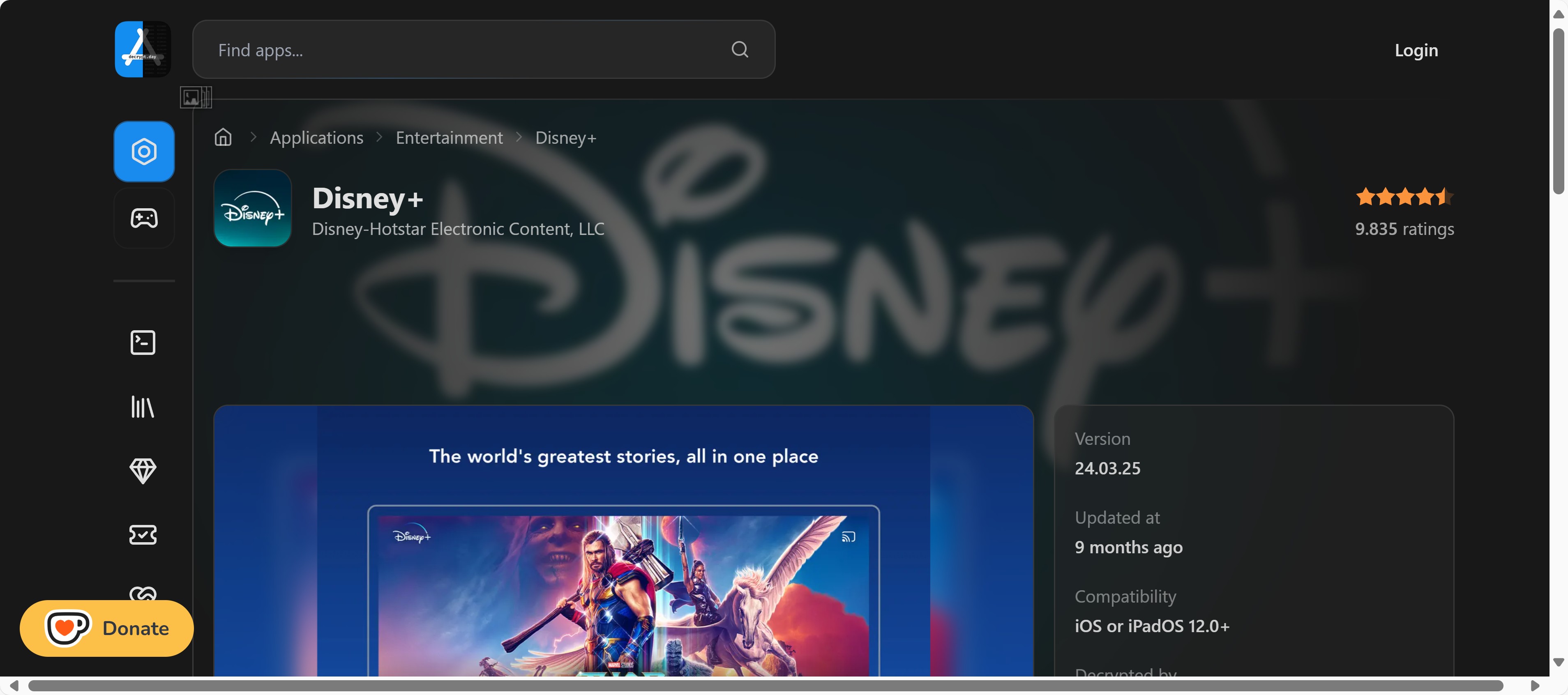
Only use the official Disney+ app obtained through Apple’s App Store or other explicitly authorized channels. This guide does not recommend or support any modified, decrypted, or unofficial installation packages.
Start the app, log in to your Disney Plus account, and use the app’s official offline feature where it’s available for that title and device.
Option 3: Android Emulators - Experimental Mac Option
An Android emulator may work only when the selected product supports your exact Mac hardware and macOS version. Current Mac emulator availability is hardware-specific, and BlueStacks Air materials focus on Apple Silicon rather than establishing a general Intel-Mac fallback. Start with compatibility checks, install only from the emulator's official source, and test Disney+ playback before depending on it for a trip.
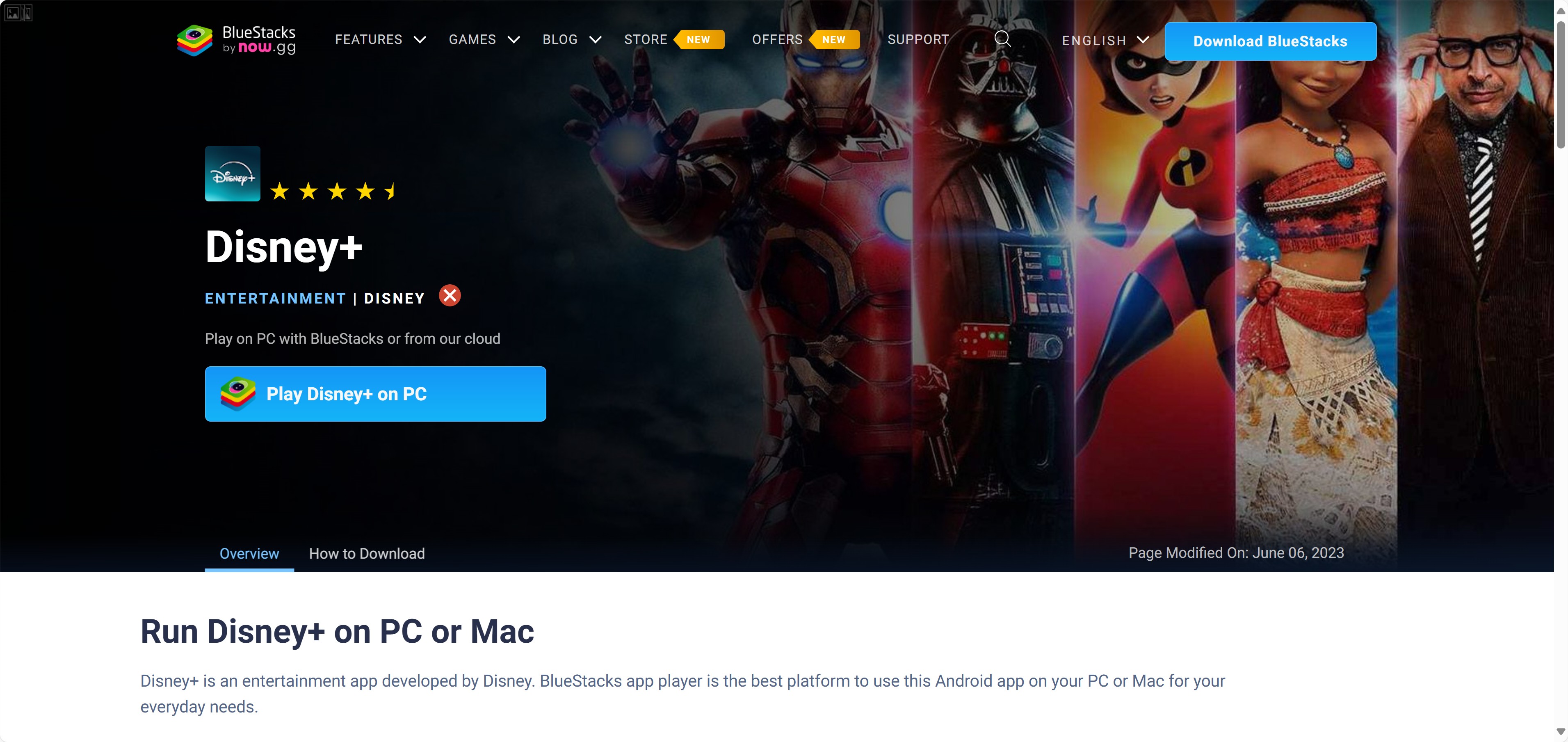
Attention❗
Disney+ may not run reliably in an emulator environment. Treat this as a test-only option, because compatibility can change with the emulator, Mac model, macOS version, or app update.
- Can be tested when a compatible emulator is available
- Uses the official Android app where supported
- Playback and offline use may be limited in emulator environments
- Setup requires compatibility checks
- Glitches, buffering, or loading failures are possible
Emulator Setup and Hardware Checks
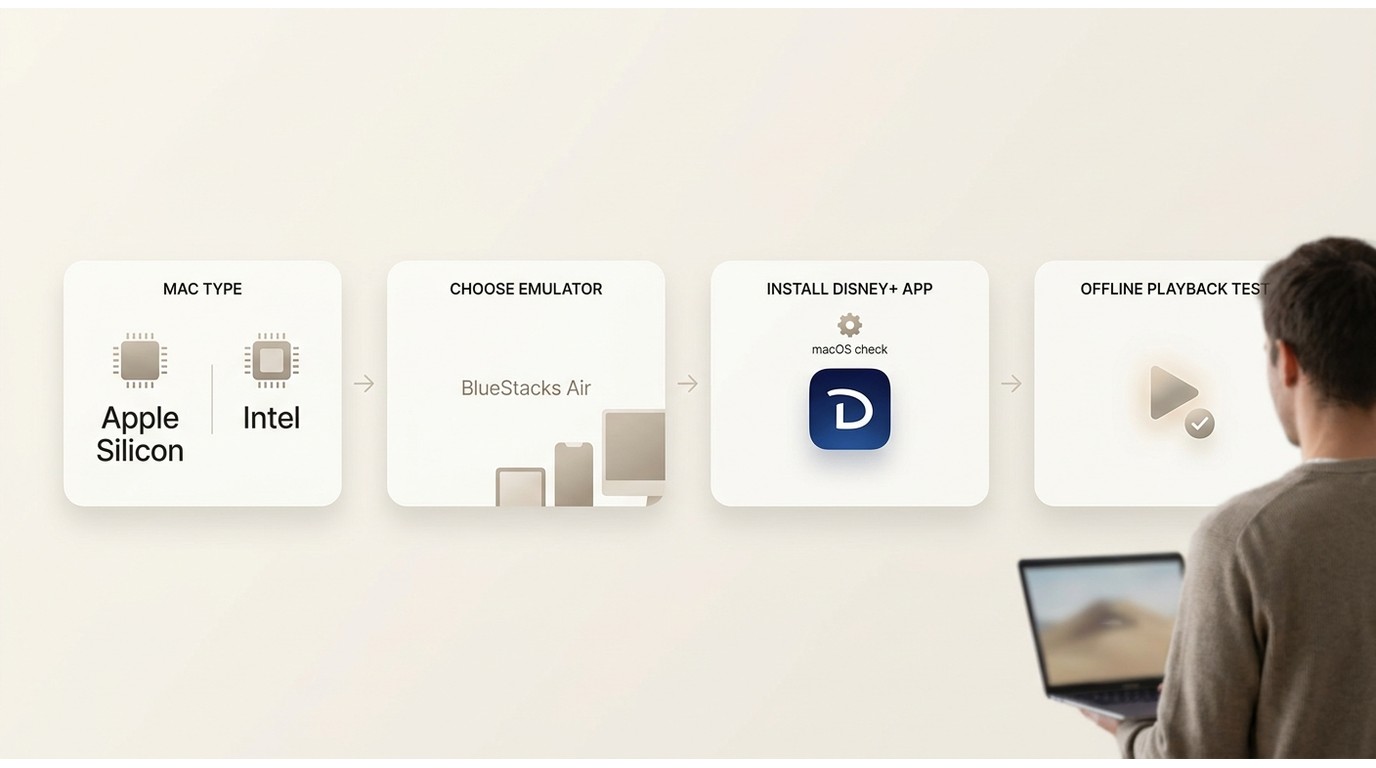
If you want to test an emulator setup, choose a reputable option and install it from its official website.
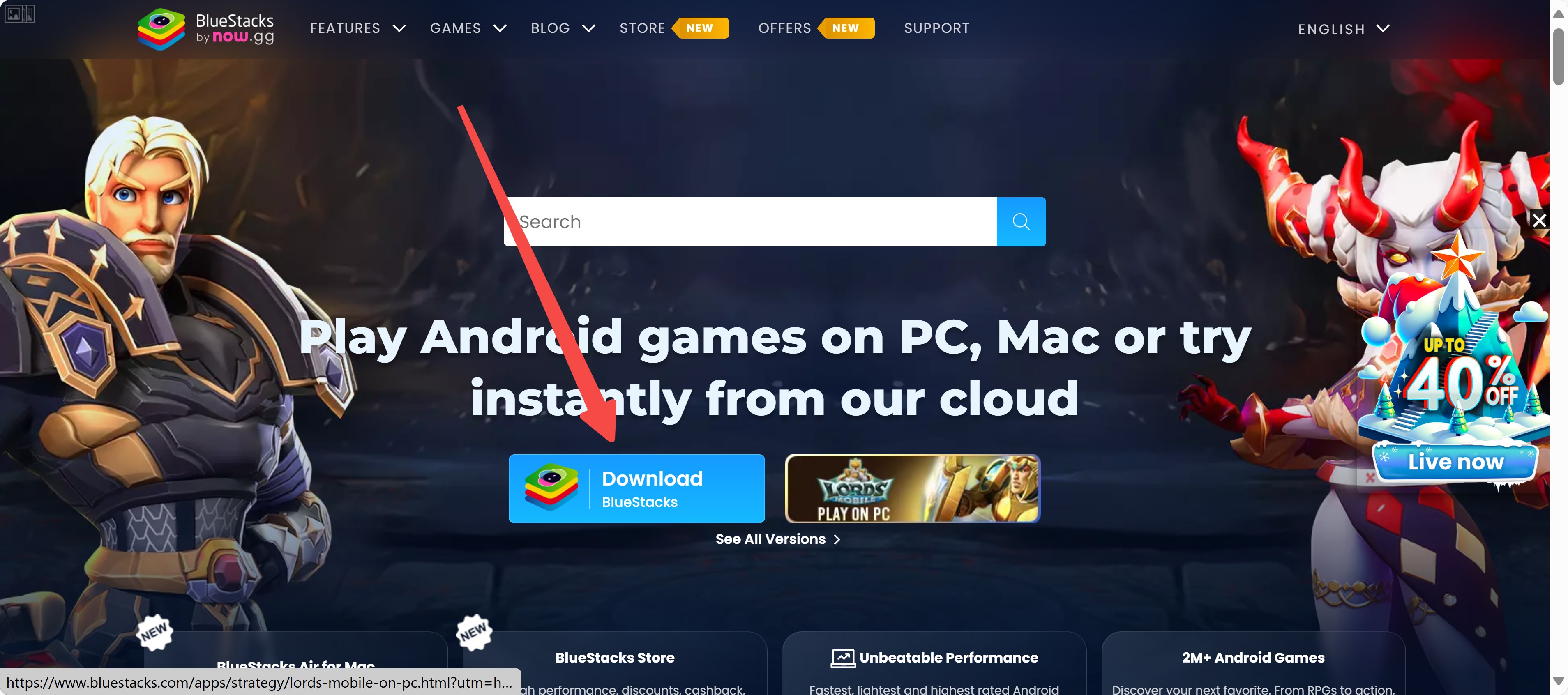
Sign into Google Play and make sure you’re only installing the official Disney+ app.
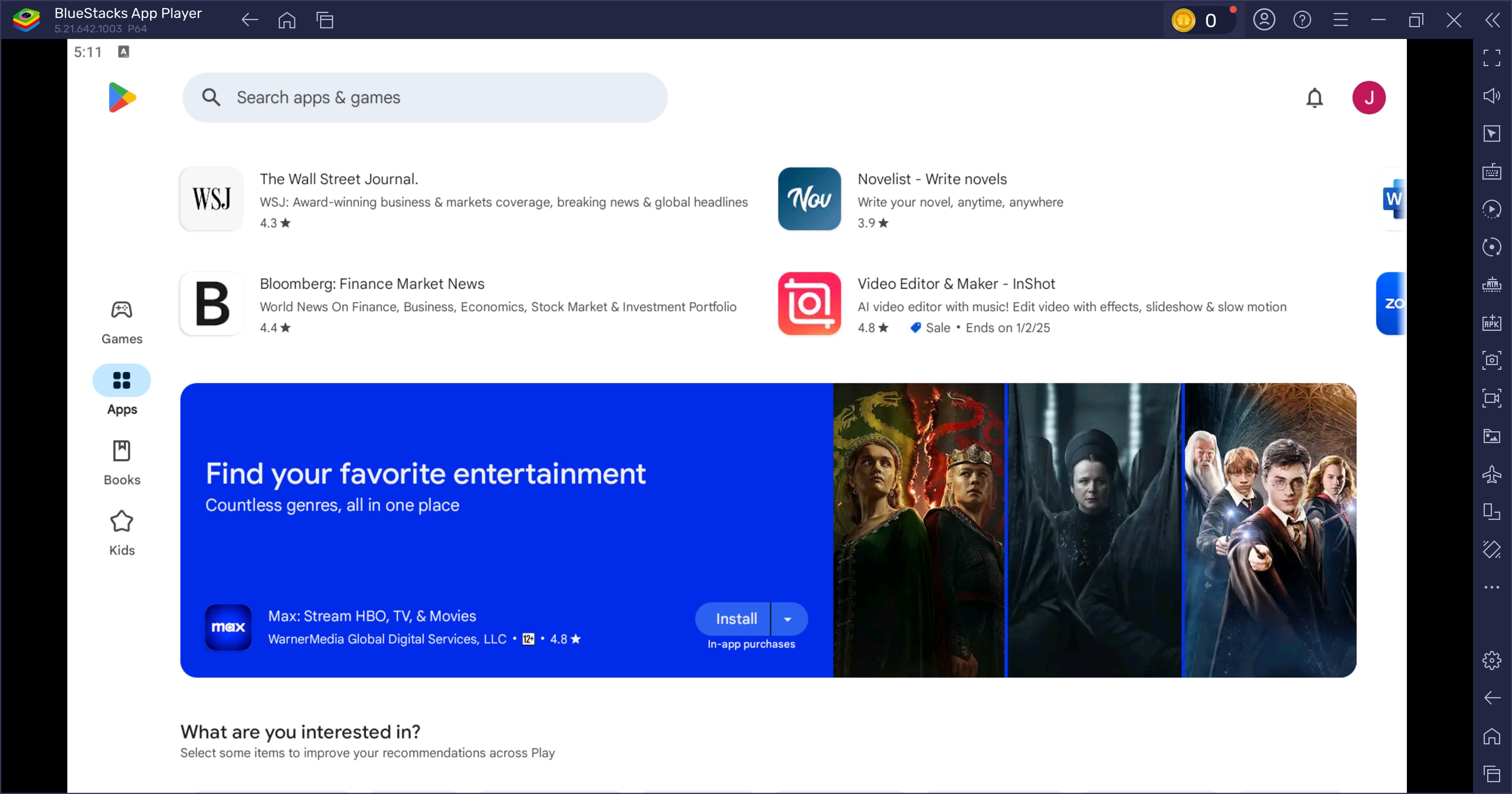
Open the Disney+ app inside the emulator and check whether playback works normally on your device.
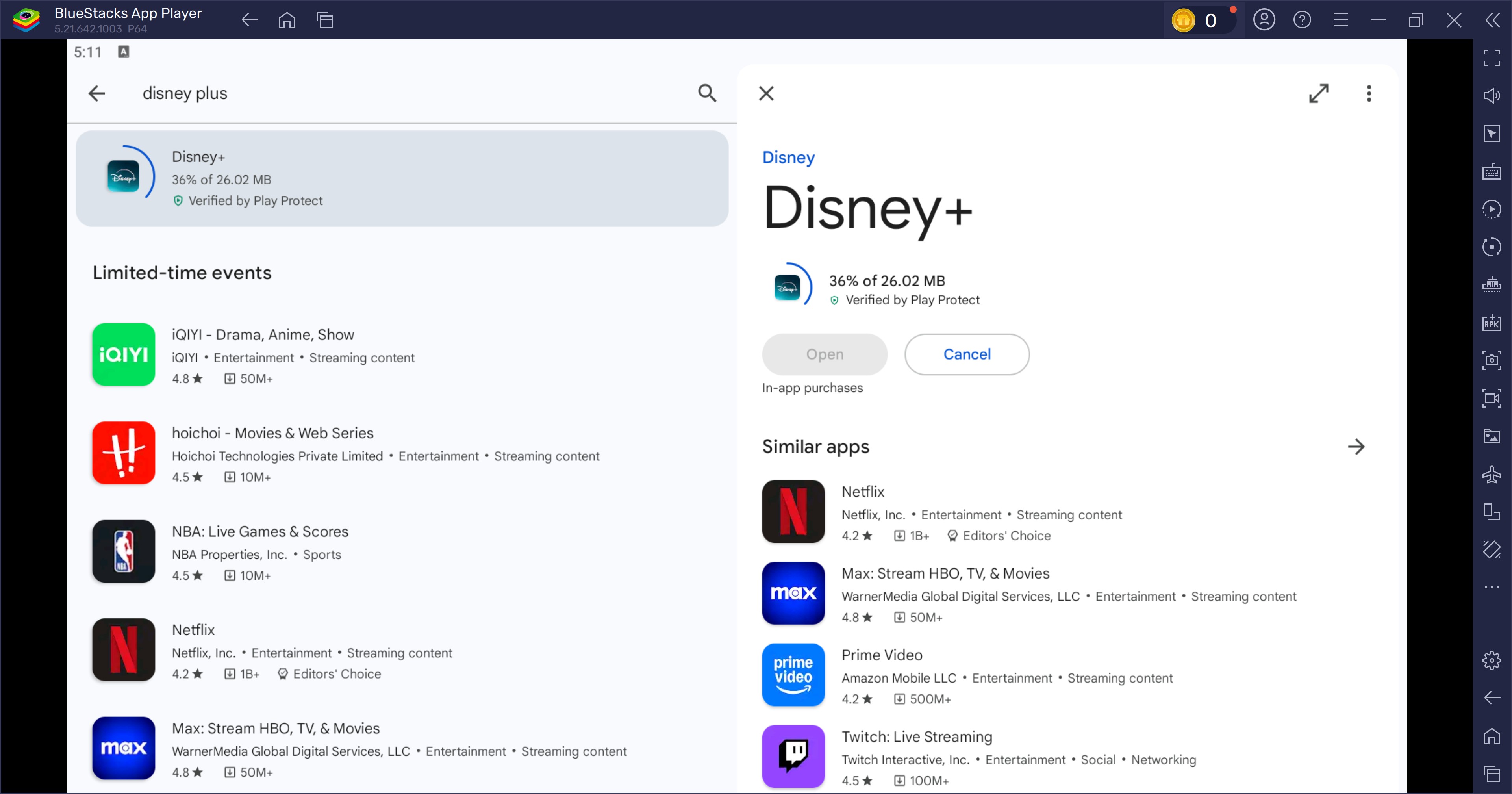
Log in with your account and use Disney+ features only where they’re supported in that environment (offline options may vary by title/device).
If your Mac (or device) is low on storage, another helpful trick is downloading Disney Plus movies to an SD card. This can give you a lot more room for offline viewing.
FAQs
Why is the Disney+ download button missing for some titles?
Downloads depend on a qualifying Premium plan, a supported device, an eligible title, regional availability, and the app's current rules. A title that streams normally is not necessarily eligible for Download.
Will AirPlay work with Disney+ downloads on a flight without Wi-Fi?
It may not. Mobile-to-Mac playback can show a black screen, keep loading, or depend on connectivity in some setups, so it is not a reliable no-Wi-Fi flight solution.
Can I move a Disney+ download to an external drive?
Official Disney+ Downloads are app-bound and are not ordinary transferable video files. A separate local MP4 or MKV workflow has different storage characteristics and should be used only for authorized content where permitted by platform terms and applicable law.
Did Disney+ remove offline downloads?
No. Downloads remain available on qualifying Premium plans for selected titles and supported devices, but macOS is not listed as a supported Download platform. Supported devices must reconnect to the internet at least once every 30 days.
Conclusion
For a trip with unreliable Wi-Fi, choose the result you need before choosing the tool. Official mobile playback makes sense if you accept device dependence; StreamFab fits viewers who need authorized local MP4 or MKV files and chosen storage; PlayCover and emulators are for technically confident users who accept uncertainty.
My practical view is that a workaround is not travel-ready merely because it displays video on a Mac: it also needs to remain dependable when the connection disappears.

Officially, you cannot download Disney Plus movies on a laptop natively. This post explores solutions to batch download Disney Plus series and movies in 4K HDR10 for personal offline viewing without black screen errors.
By Erika Leen - Sep 16, 2026
No online converters work due to recent DRM CDM updates. Discover the definitive technical method to bypass hardware acceleration black screens and securely archive Disney Plus to MP4 in true lossless 4K for your Plex library or USB storage.
By Erika Leen - Sep 15, 2026
This article will explain to you what the protected content license error of Disney Plus is, and then teach you eight ways to resolve this problem.
By Jacob Harrison - Aug 26, 2026
You may encounter balck screen when recording Disney+ movies. Here, we will tell how to screen record Disney Plus on iPhone, Android, PC, and Mac. without errors
By Nicole Lopez - Aug 25, 2026