Can You Download OnDemandKorea Shows? 3 Options Explained

Summary: Exploring 2026 DRM implementations and server-side restrictions on OnDemandKorea. Learn the most reliable methods to archive Korean dramas safely with true 1080p resolution and extracted SRT subtitles for offline viewing.
Table of Contents
As of July 2026, OnDemandKorea's official U.S. website and app listings promote streaming plans, profiles, devices, resolution, and ad-related benefits, but they do not advertise offline episode downloads. For portable files, authorized Windows or Mac users need a separate desktop workflow; mobile viewers should expect app-based streaming.
This guide separates official streaming from portable local-file options, then explains the device, subtitle, and account requirements for each. If you are comparing services beyond OnDemandKorea, see this broader guide to downloading Korean dramas.

Can OnDemandKorea Download Episodes Offline
The practical answer: the current U.S. listings do not advertise an official offline-episode feature for any listed plan. They describe Standard, Premium, and Family subscriptions in terms of streaming, profiles, devices, picture quality, and ads rather than downloadable episodes. This reflects the current published listings, not a guarantee about future features.
This strict server-side policy means:
- You are permanently tethered to an internet connection to watch any content.
- Before choosing a method, decide whether you want to install the OnDemandKorea app, save an episode inside an official app, or create a portable local file. These outcomes are not interchangeable, and the current U.S. listings do not advertise the second option.
- To archive content, we have to look toward specialized manifest-interception tools.
What "Download" Means in This Guide
App installation puts the OnDemandKorea application on a device. An app-bound offline episode would remain managed inside that app. A portable MP4 or MKV file is a separate local file that can be moved to compatible storage and players.
Downloading creates or transfers a file, while recording captures playback over time; the full distinction is covered in this guide to downloading versus recording. In my view, choosing the required output type first prevents most device and playback mistakes.
Choose the Right Method by Device
| Device | Official viewing path | Advertised offline episodes | Portable-file path | Main limitation |
|---|---|---|---|---|
| Windows or Mac | OnDemandKorea website | Not listed | A desktop workflow can create MP4 or MKV files when supported | Requires installation, authorized access, and sufficient storage |
| iPhone or iPad | Official iOS app | Not listed | Transfer a compatible local file created on a computer | The app listing focuses on streaming rather than portable files |
| Android | Official Android app | Not listed | Transfer a compatible local file created on a computer | Available storage and player support vary by device |
| TV | Supported official TV or casting path | Not listed | Play a compatible local file through a media player or server | Codec, subtitle, and container support depend on the TV setup |
Supported devices and app availability may change, so confirm the current device list on OnDemandKorea's official site. Use local-file tools only with a valid subscription or other authorized access, for personal offline viewing, and where platform terms and applicable law permit.
How to Download an OnDemandKorea Show on Laptop
For content you are authorized to access, where permitted by platform terms and applicable law, StreamFab All-In-One is a DVDFab Software desktop product that is separate from OnDemandKorea's official apps. It uses recording technology to support local MP4 or MKV output, subtitle selection, episode queues, and scheduled tasks on Windows and Mac.

- Creates portable MP4 or MKV files when the selected service and title are supported.
- Lets you select available audio and subtitle languages.
- Supports episode queues and scheduled download tasks.
Prerequisites: Confirm that the title is available in your region, sign in with valid authorized access, check available storage, and decide whether you need MP4 or MKV plus separate or embedded subtitles.
- Install StreamFab on a supported Windows or Mac computer.
- Open OnDemandKorea in the built-in browser, sign in, and load the episode you are authorized to view.
- Choose the available video, audio, subtitle, and container options, then add the episode or season to the queue.
- Start the task and verify one completed local file, including playback and subtitle synchronization, before processing a full season.
For a different Korean platform, use the dedicated guide to downloading from Wavve Korea.
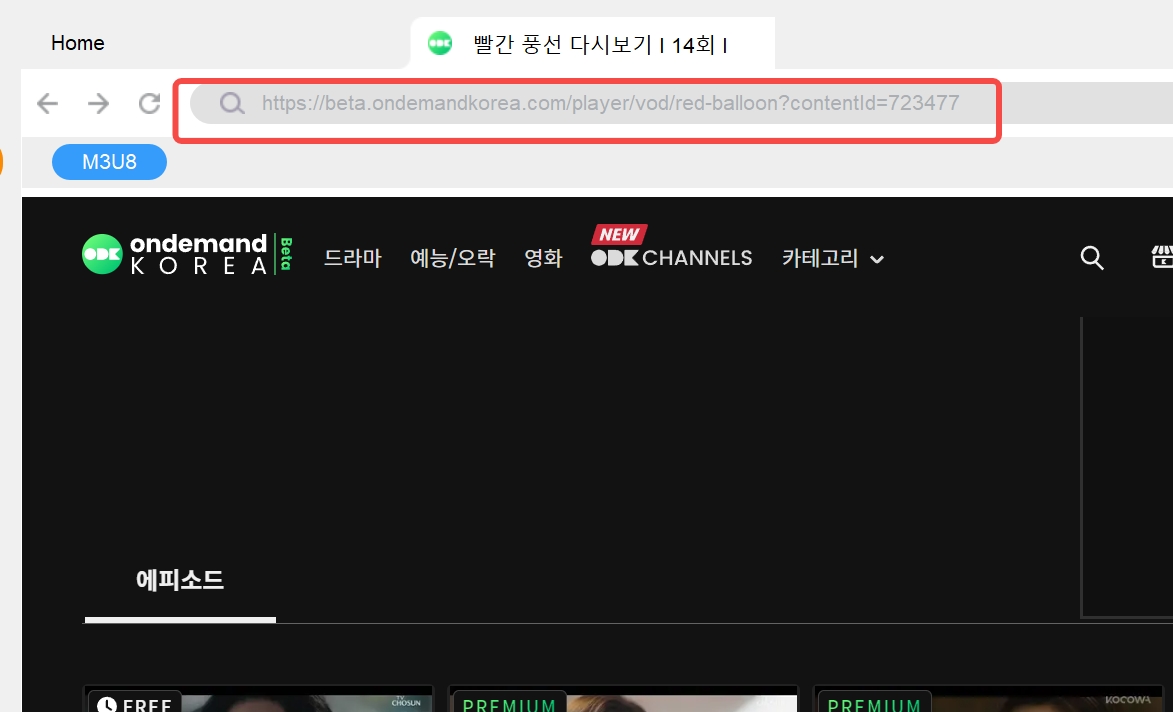
Subtitle check: A separate SRT file is usually easier to manage in Plex or VLC, while embedded subtitles keep the video and text together. Verify the selected language and synchronization on one episode first. For broader product-specific issues, see the StreamFab subtitle troubleshooting guide.
Compare Output, Subtitles, Ads, and Limits
Online URL tools sometimes claim to process streaming links, but this review did not verify PasteDownload or similar services as reliable current OnDemandKorea options. Availability, output quality, advertising, privacy practices, and compatibility can vary without notice.
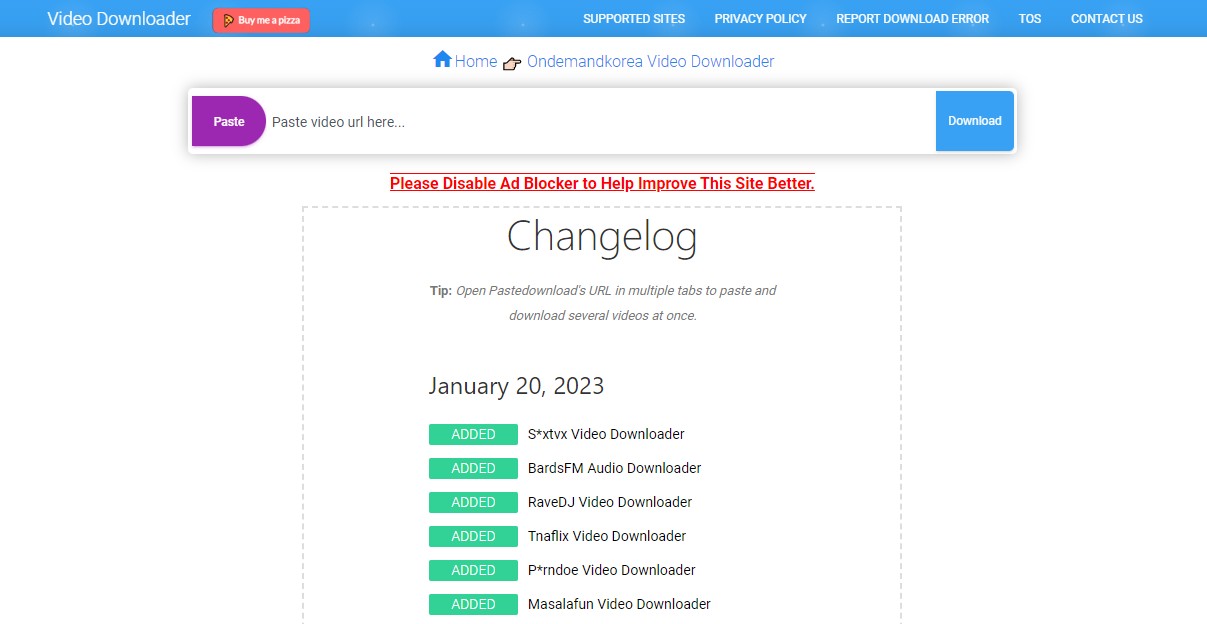
I would not enter an OnDemandKorea login into an unknown web tool. That category is a poor fit for account-linked viewing or full seasons because its operating status, data handling, and output controls are difficult to confirm before use.
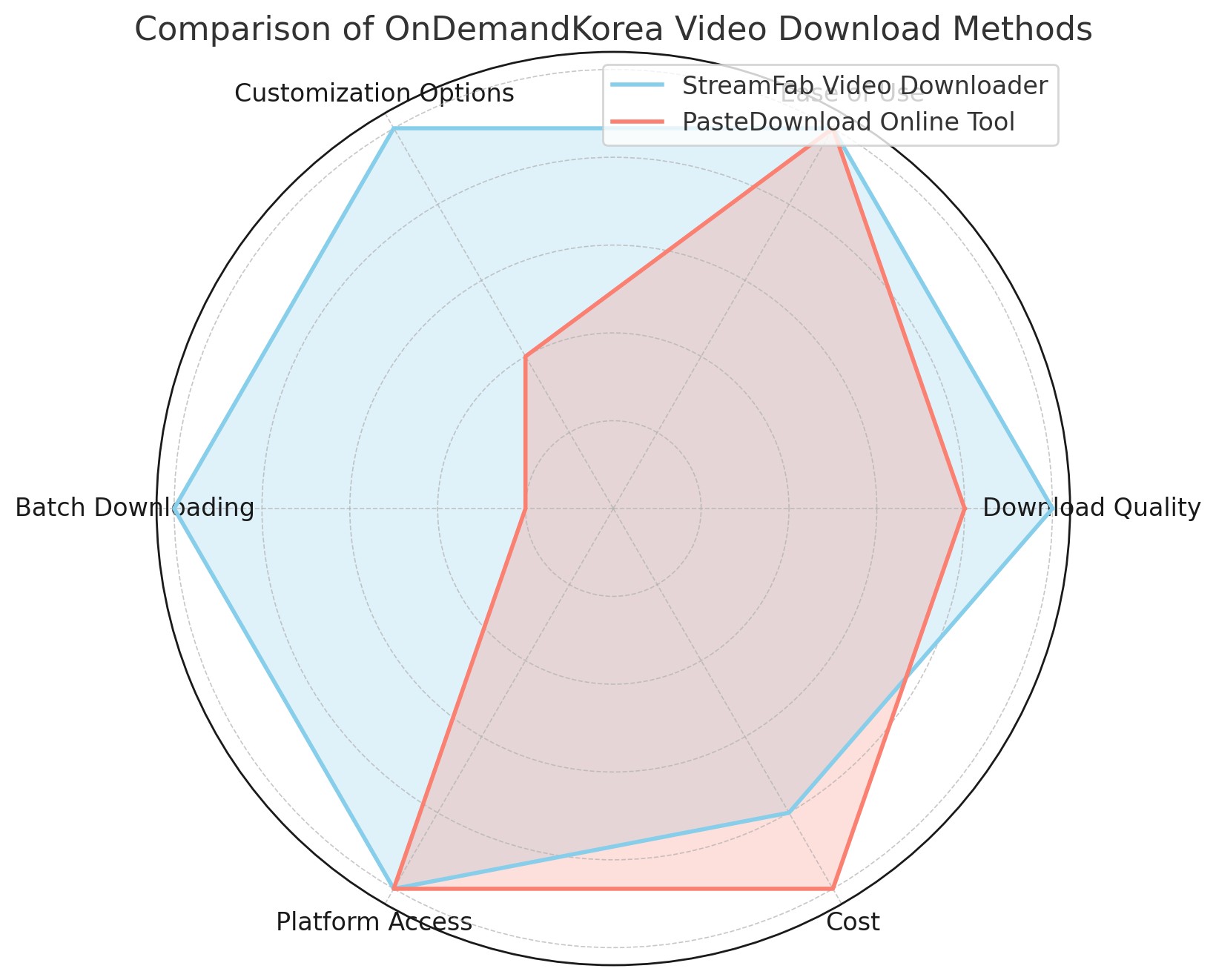
| Option | Primary outcome | Portable output | Subtitles | Batch support | Best fit | Key limitation |
|---|---|---|---|---|---|---|
| Official OnDemandKorea streaming | Playback through the website or official app | No portable MP4 or MKV output advertised | Title-dependent in the official player | Not advertised for offline files | Viewers who stay online and inside the official service | Offline episodes are not listed in the current U.S. app descriptions |
| StreamFab desktop workflow | Local files for authorized personal offline viewing | MP4 or MKV | Available subtitle selection and download support | Episode queues and scheduled tasks | Windows or Mac users who need portable files | Requires software installation, valid access, storage, and service compatibility |
| Online URL tools | Claimed browser-based link processing | Varies by service | Varies by service | Not verified | Low-risk public links that require no account information | Current OnDemandKorea reliability, privacy, ads, and output behavior are unverified |
Batch OnDemandKorea Seasons with Subtitles
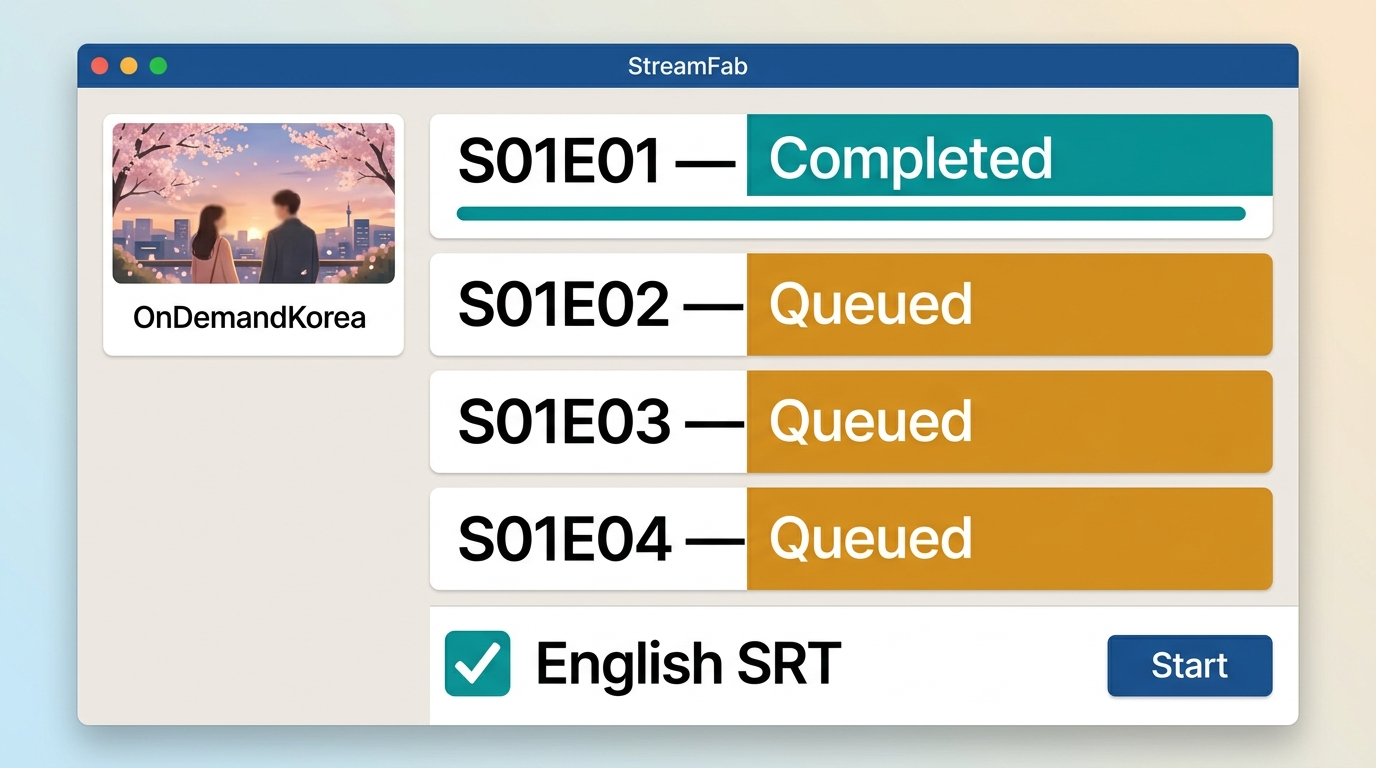
For a long season, first open the series page, select the episodes you are authorized to access, choose the available English or Korean subtitles, and apply one consistent file-naming pattern. Process one episode before starting the full queue so you can catch playback, language, storage, or synchronization problems early.
This workflow is useful for long seasons, but it adds unnecessary setup for a single episode. For a title named Made in Korea, identify the exact series or movie first, then confirm that it is currently listed on OnDemandKorea and available in your region. Title availability comes before any offline-file decision.
Keep every saved file within personal use. Maintain valid access to the original service, follow its terms, respect applicable copyright law, and do not share, sell, or publicly distribute the files. Avoid unknown services that request account credentials or payment details without a clear privacy policy.
FAQs
Why does an OnDemandKorea URL downloader reject my link?
The title may be unavailable in your region, the page may require an active sign-in, or the tool may no longer support the current page. Confirm that the video plays through OnDemandKorea first. Do not submit account credentials to an unknown URL service.
Can I play a local OnDemandKorea file on my TV?
A verified MP4 or MKV file can be transferred to a compatible TV, streaming box, USB drive, or media server. Check the TV's container, codec, and subtitle support first. Content managed inside an official app remains within that app's supported playback environment.
What subtitle format works best with Plex or VLC?
A separate SRT file is widely supported and easy to replace or edit. VTT can also work, while embedded subtitles keep everything in one container. Test one episode in your preferred player and confirm the language and timing before processing a season.
Why might ads still appear on a paid OnDemandKorea plan?
Ad benefits depend on the plan wording, content, and playback environment. A paid subscription should not be treated as a blanket promise that every program or placement will be ad-free. Review the benefits attached to your specific OnDemandKorea plan and account.
Conclusion
Official OnDemandKorea streaming fits viewers who plan to stay online and use the website or supported apps. A desktop local-file workflow fits authorized Windows or Mac users who need portable MP4 or MKV files, subtitle choices, or episode queues. Unknown web tools are a weak fit when privacy or account access matters.
My decision rule is simple: choose the output first, then the tool. Use official streaming for convenience, and consider StreamFab only when you have valid access and specifically need a portable desktop file. That avoids paying for capabilities you will not use and keeps the workflow aligned with the platform's terms and applicable law.

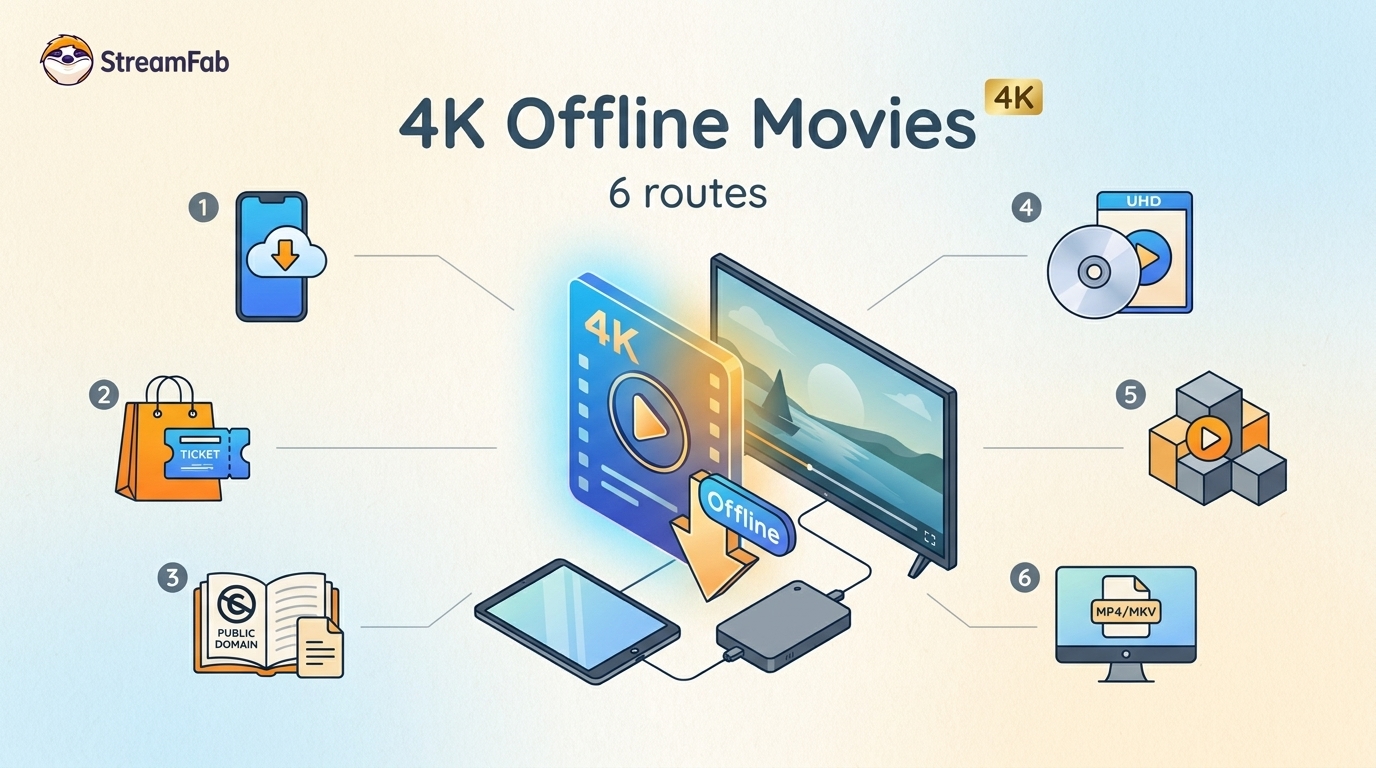
Legal 4K movie downloads do not all provide the same kind of offline access. Most mainstream services offer app-locked downloads, while portable movie files, UHD Blu-ray, public-domain media, and authorized desktop workflows involve different quality, cost, device, and licensing limits.
By Jacob Harrison - Aug 12, 2026
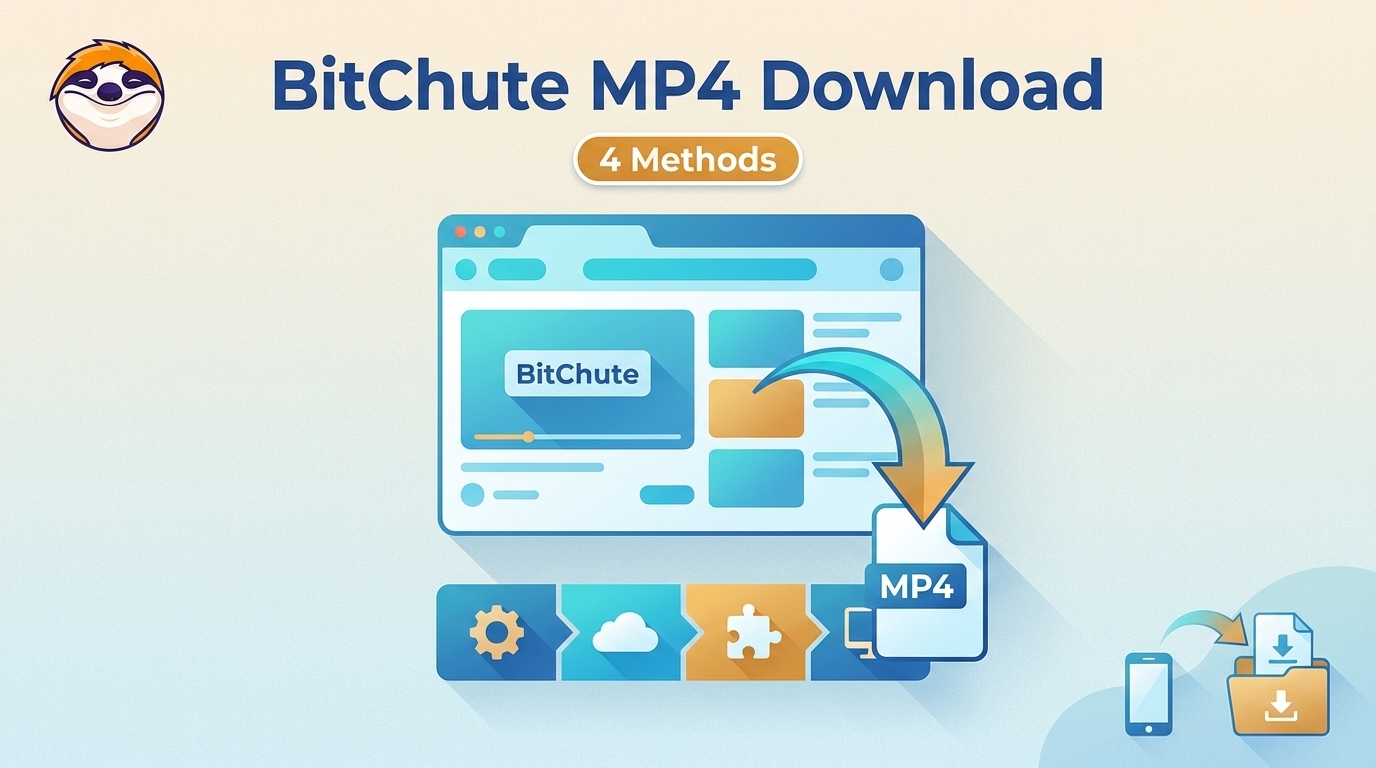
To get straight to the point, you can download a BitChute video as MP4 through its download icon: open the video, then use Save As. For authorized content where permitted, this guide explains when desktop, Android, or browser alternatives make sense.
By Marcia Hatcher - Aug 11, 2026
Looking to convert a link to MP4 in 2026? I've systematically tested top desktop and online converters to bypass Widevine DRM, dynamic tokens, and geoblocking for seamless PC and Android extraction.
By Jacob Harrison - Aug 7, 2026

Hotstar is no longer a standalone US service. Here are the two realistic paths US viewers have to download JioHotstar or former Hotstar movies.
By Jacob Harrison - Aug 7, 2026