
Download Korean Drama: Offline Apps, MP4 Files, and Subtitles

Summary: Choose a K-drama download route that fits your viewing device and subtitle needs. Compare official app and browser offline viewing with authorized local MP4/MKV files, then follow the Netflix or desktop workflow. Platform notes and six FAQs clarify eligibility, expiry, formats, and licensing.
Introduction
Finding a show is easier than getting the right episode and English subtitles onto your device. To download Korean drama for a trip, start with an eligible official offline option; for authorized MP4 files, use a local-file workflow. The two routes store and play episodes differently.
I'd choose the viewing device before the service: a phone download is useful for a commute, while a file for a separate player needs a different route. The platform notes below lead into both methods. Netflix shows expiry by title, so its Downloads screen matters more than a blanket countdown.


Choose a licensed service that carries your drama, then look for an episode-download option on the device you will use.
2026 K-Drama Platforms: Offline Options at a Glance
K-drama downloads use different storage systems for offline viewing. Netflix saves eligible episodes in its supported apps; YouTube Premium also supports desktop browsers. Neither route exports a transferable MP4. Installing an app is separate from downloading an episode.
| Service | Offline devices | Offline storage and file export |
|---|---|---|
| Netflix | Android, iPhone/iPad, Fire tablets, Google Play Chromebooks | Netflix app on downloading device; no MP4 export |
| YouTube Premium | Mobile; Chrome, Edge, Firefox, Opera on desktop | YouTube app or browser storage; no MP4 export |
Netflix Help Center and YouTube Help, as of October 2026.
I'd use YouTube Premium's browser option for eligible desktop viewing and Netflix's app route for supported mobile devices. A Download button is the useful signal: a streaming subscription or playable episode alone doesn't establish offline eligibility.
Choose your download path
For temporary travel viewing, an official offline option keeps playback within the service. A separate player requires an authorized local-file workflow.
- Temporary offline viewing suits an eligible phone, tablet, or supported browser.
- Authorized local MP4/MKV is a desktop route for personal offline files.
Top Ad-Supported Free Networks for Korean Dramas
Free K-drama streaming starts with services carrying licensed shows and official broadcaster channels. KOCOWA+, Viki, YouTube, and Tubi offer different viewing experiences. No-cost playback does not automatically include permission or a feature to save an episode.
1. KOCOWA+: Streaming and Offline Access
KOCOWA+ focuses on Korean entertainment, including dramas and broadcaster programming. Streaming access and offline access are separate features. For a phone-based viewing plan, look for the episode's download option in the official app rather than treating free playback as a free download.
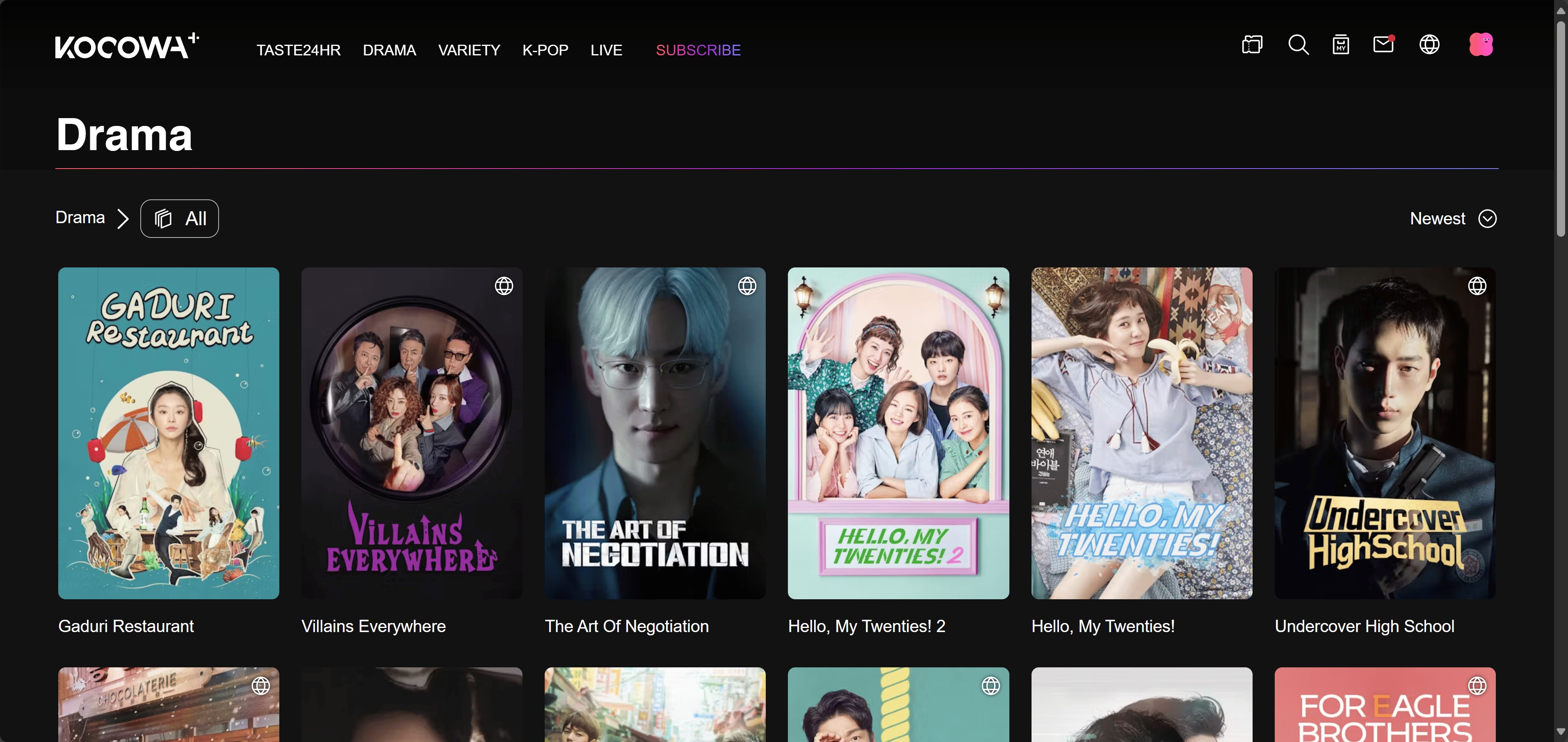
- Subtitles support in multiple languages: English, Spanish & Portuguese
- 17000 hours of news & classic content from Asian countries
- All the Korean shows are available within 6 hours of their original broadcast.
- Limited access to certain locations
2. Viki: Free Streaming and Eligible Offline Viewing
Viki offers free streaming alongside subscription access, with Korean dramas and multilingual subtitles. Eligible users also have in-app offline viewing. A paid plan alone is not a promise that a particular episode downloads; use the title's offline option when preparing your device.
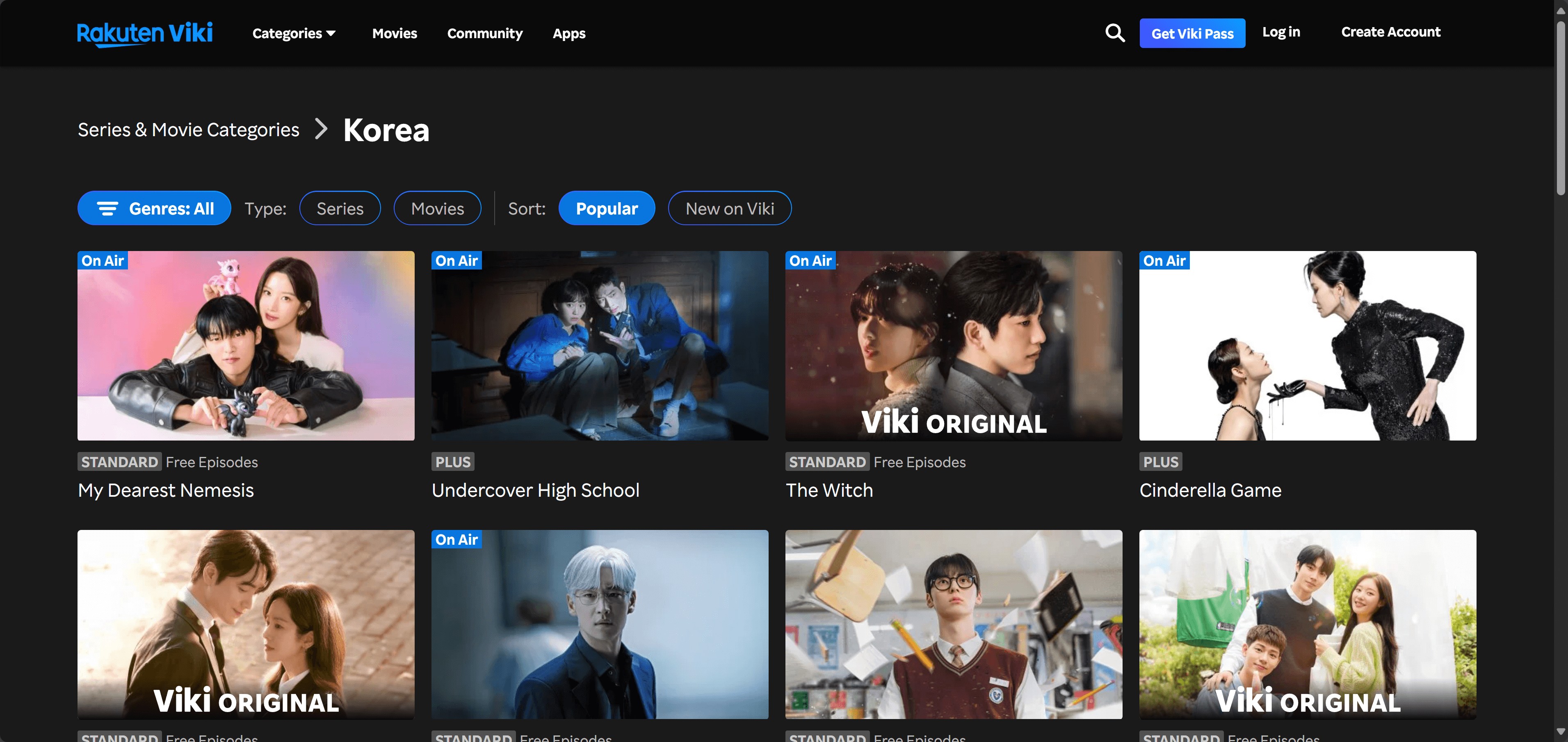

- It is available in a maximum number of countries & regions.
- "Watch Party" option for real-time group streaming
- Multiple language subtitles support
- Excessive ads annoyance
3. YouTube [Free]
Official rights-holder channels such as KBS World and SBS Catch publish Korean entertainment on YouTube. Start with those channels when looking for free playback. A video uploaded by an unrelated account is not evidence that its uploader holds the rights.
YouTube Premium adds eligible mobile downloads and desktop offline viewing in Chrome, Edge, Firefox, and Opera. The saved video stays within YouTube's app or browser storage. For a laptop viewing session, that browser route avoids confusing offline playback with file export.
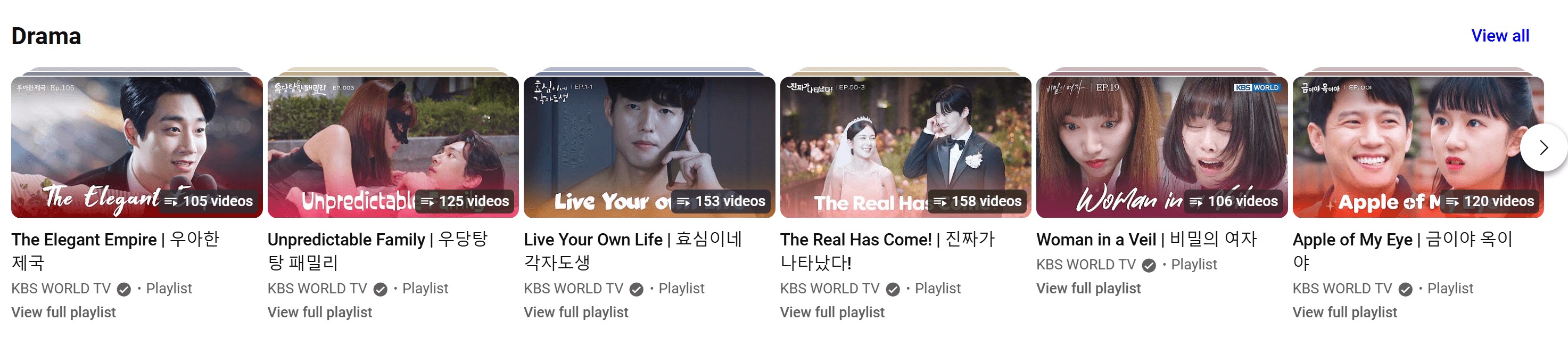
- Free to watch Korean dramas for global users
- Auto-generated Korean subtitles and translated subtitles
- The Korean drama is up to 1080P resolution
- The available content is limited, and not as comprehensive as Netflix & Prime Video
4. Tubi [Free]
Tubi is an ad-supported streaming service with Korean films and dramas in its catalog. It is useful context when browsing for something to watch without a paid streaming subscription. Its free playback offering is separate from an episode-download feature.
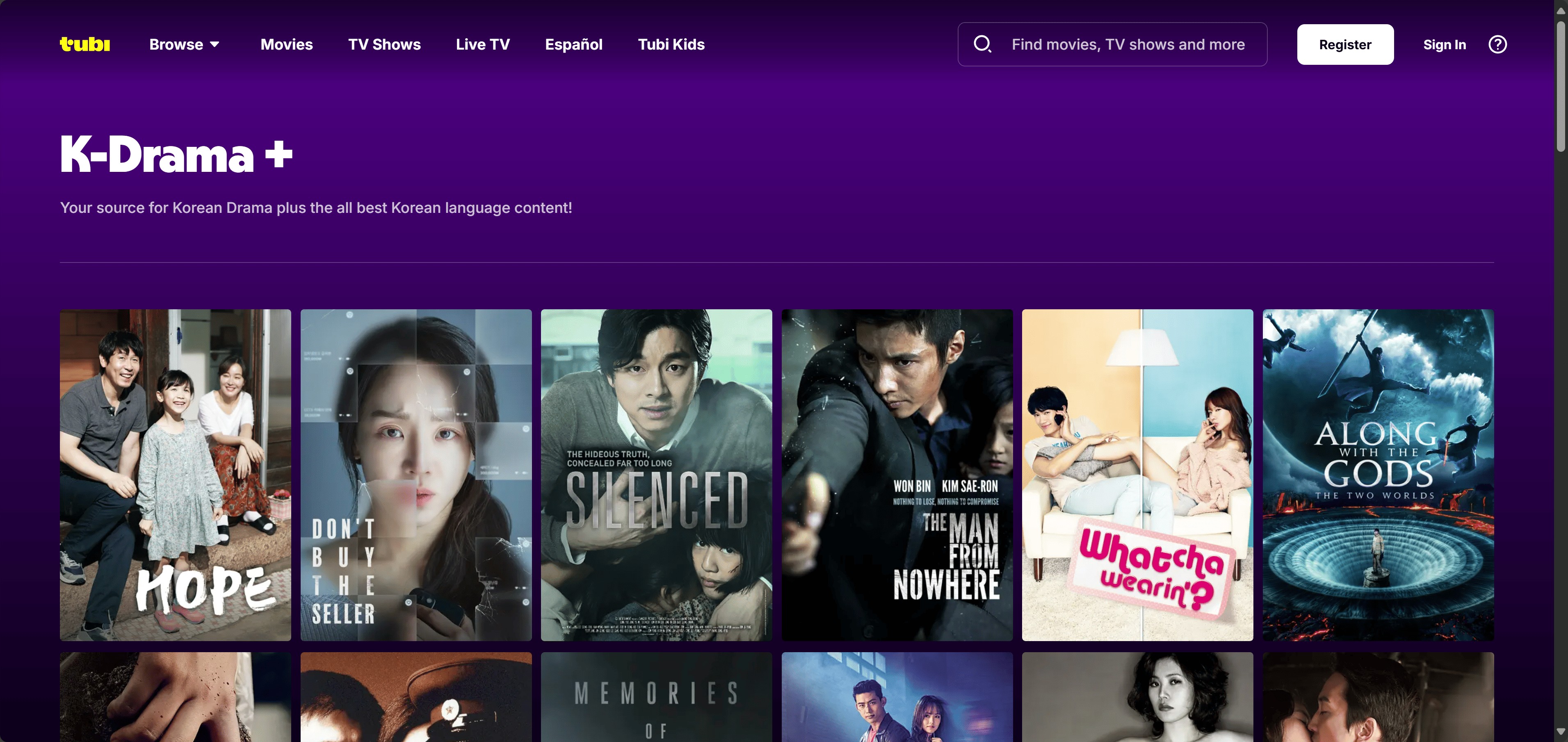
- Wide support of different devices
- Comprehensive selections of Korean movies
- The Korean drama titles may not be as many as Netflix has
Subscription Platforms and Regional K-Drama Options
Subscription services and regional catalogs provide additional places to find a drama. Netflix has a defined offline-device route; the other entries below add catalog context. A familiar platform name does not tell you whether a particular show is available to your account.
1. Netflix [Paid]
Netflix carries Korean originals such as Kingdom and Sweet Home, alongside other Korean series and films. Eligible downloads use supported Android devices, iPhone/iPad, Fire tablets, or Google Play Chromebooks. Windows and Mac are not Netflix offline-download options.
A phone or tablet is the straightforward Netflix route for travel. Method 1 below keeps the device, title, and plan checks together so you can prepare the episode before leaving your connection.

- Korean original series and films
- Eligible episode downloads on supported mobile devices and Chromebooks
- Audio and subtitle choices for individual titles
- A subscription is required
2. Prime Video
Prime Video includes Korean entertainment through its catalog and channel offerings, including KOCOWA+. A channel listing is a place to look for a show, rather than an assurance that your account includes that series.
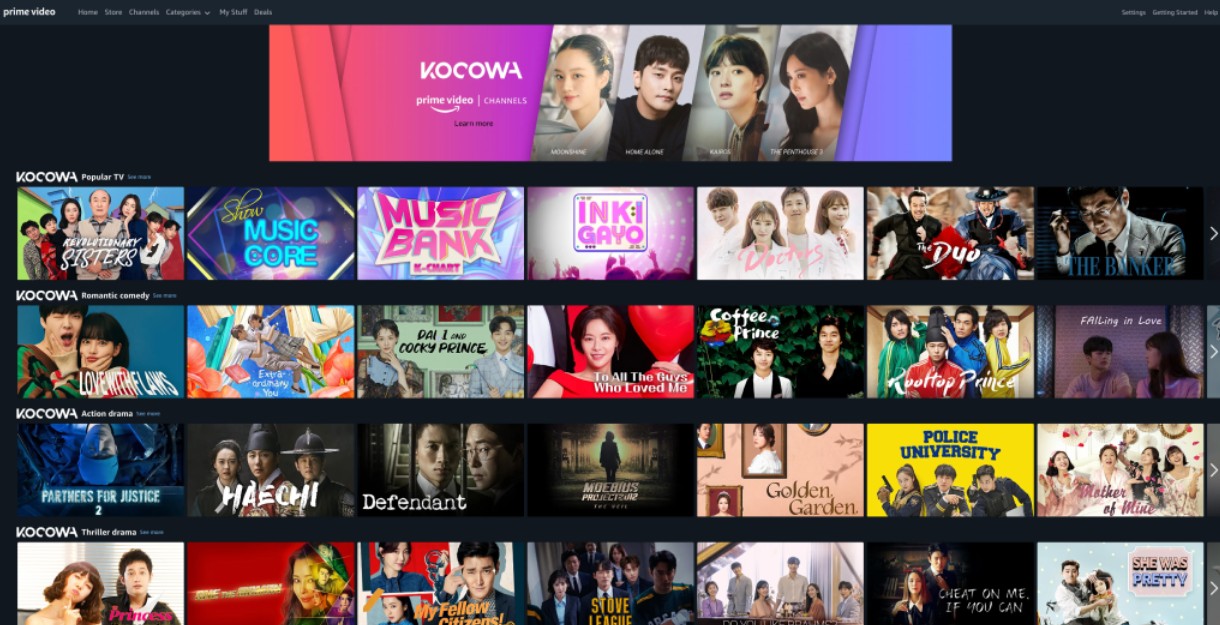
- Korean entertainment appears in catalog and channel offerings
- Channel listings provide another way to browse for a series
- Channel access is separate from a show's presence in search results
3. AsianCrush
AsianCrush is a streaming service focused on Asian entertainment, including Korean dramas, web series, and films. It provides another catalog to browse when you are looking beyond a single drama series.

- Korean dramas and films appear alongside other Asian entertainment
- Web series are part of the catalog background
- A catalog listing is not an offline-download entitlement
4. OnDemandKorea
OnDemandKorea carries Korean television programs, news, pop music, movies, and original content. Its mix of daily dramas and other programming gives you a different browsing context from a catalog centered on international originals.

- Korean television programs and daily dramas
- News, films, music, and original content
- Finding a program does not itself provide download permission
5. iQIYI [Free & Paid]
iQIYI carries Chinese and Korean entertainment, and its official app supports offline viewing. Available audio and subtitle languages are specific to the work. Open the episode's language and download controls when preparing it for your phone.
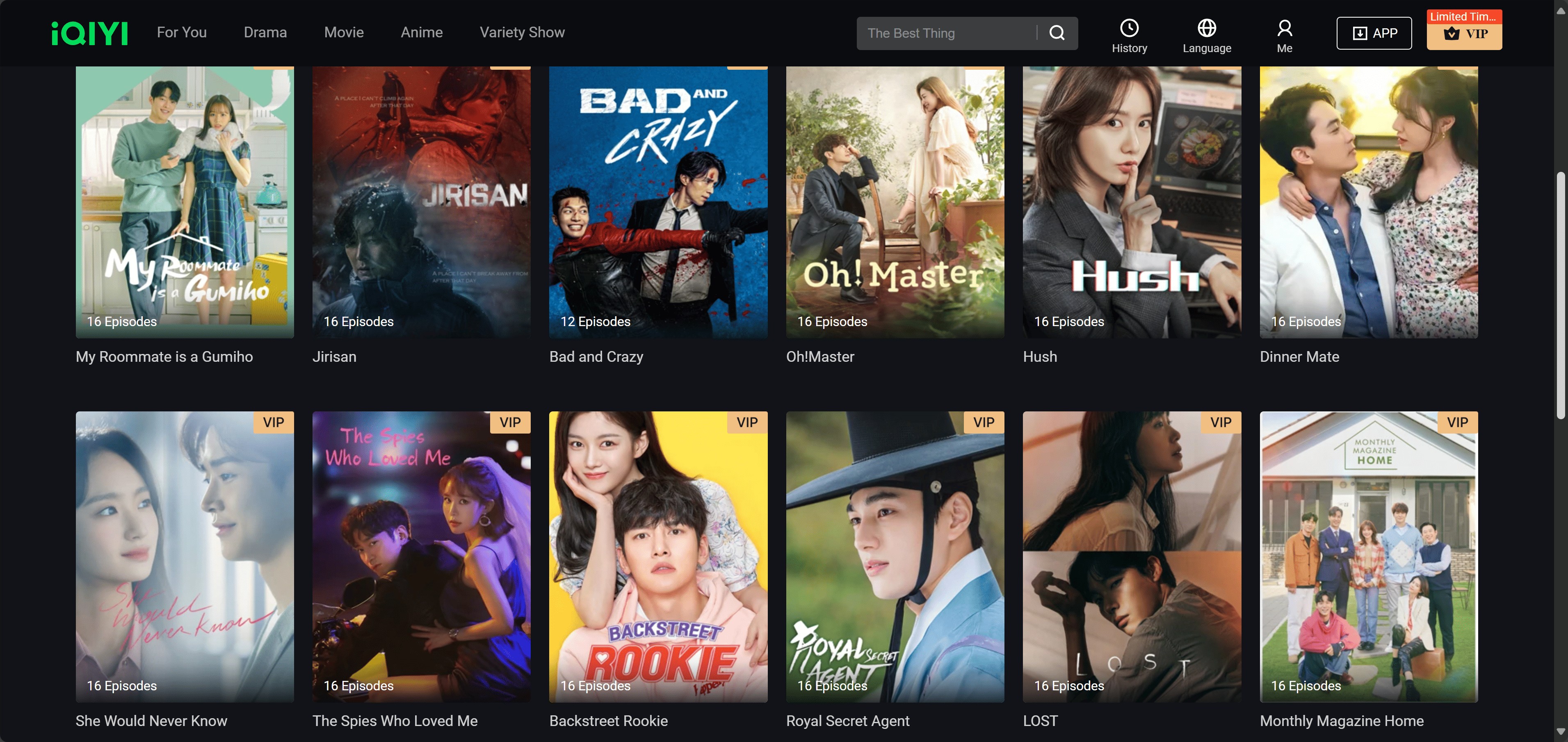
- Chinese and Korean series and films
- Offline viewing through the official app
- Audio and subtitle options are specific to the work
6. Viu: A Regional Option Outside the US
Viu serves markets in Asia, the Middle East, and Africa. It belongs here as regional background, not as a download recommendation for US viewers. Access is restricted to its supported markets, with catalog and language options tied to the local service.
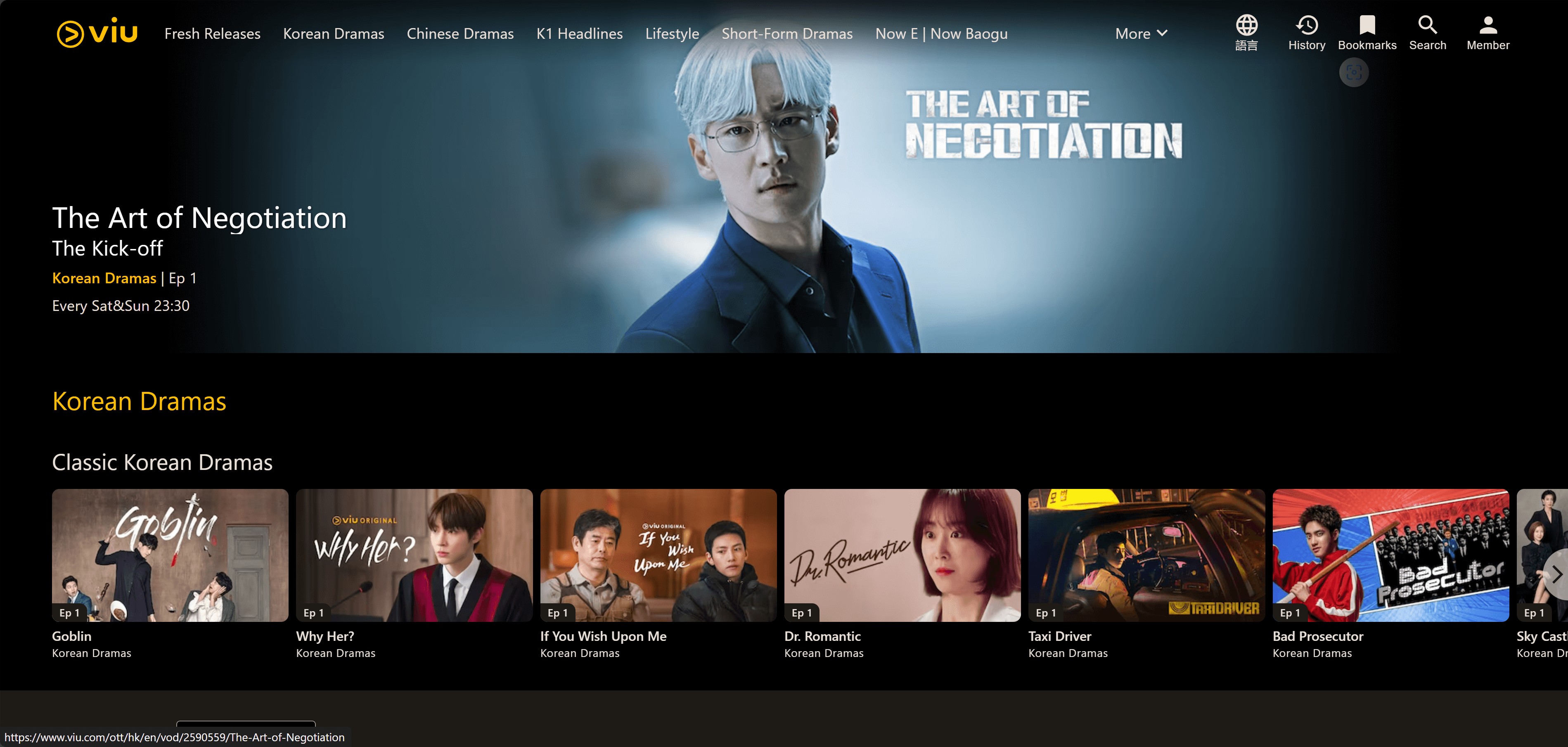
- Regional catalogs include Korean entertainment
- Local-language subtitle options accompany supported titles
- A regional option outside the US, serving Asia, the Middle East, and Africa
Understanding Your Download Options: Safety & Legality Explained
Official offline storage and a separate local video file serve different jobs. I'd choose the official route for straightforward travel viewing; a separate player calls for a local-file workflow with format and track control.
Official App and Browser Downloads: Temporary Offline Viewing
Official downloads keep viewing within the streaming service. Netflix uses its app on supported devices; YouTube Premium also supports the desktop browsers listed above. Use the platform's episode-download control rather than a generic app-install button.

But here's the catch that trips up most people: in-app files are protected by DRM (Digital Rights Management); think of it as a digital lock with two timers. On Netflix, most titles stay usable for up to 30 days after you download them, and once you press play, they typically expire in 48 hours (as of July 2026). They also can't be moved out of the app. Great for a flight or a commute. Not what you want if you're trying to keep a favorite series you'll rewatch in three years.
Third-Party Download Methods: How to Make a Safe Choice
A local-saving workflow is for content you are authorized to access, where permitted by platform terms and applicable law. Use authorized content only, do not redistribute copies, and assess permission for your specific use case; a subscription does not itself grant separate copying rights.
1. Reputable Dedicated Tools (like StreamFab)
StreamFab All-In-One is a third-party desktop personal-backup workflow for Windows and Mac, separate from official platform downloads. It uses video recording technology to save a local copy for personal offline viewing. The software does not replace a streaming subscription or grant content rights.
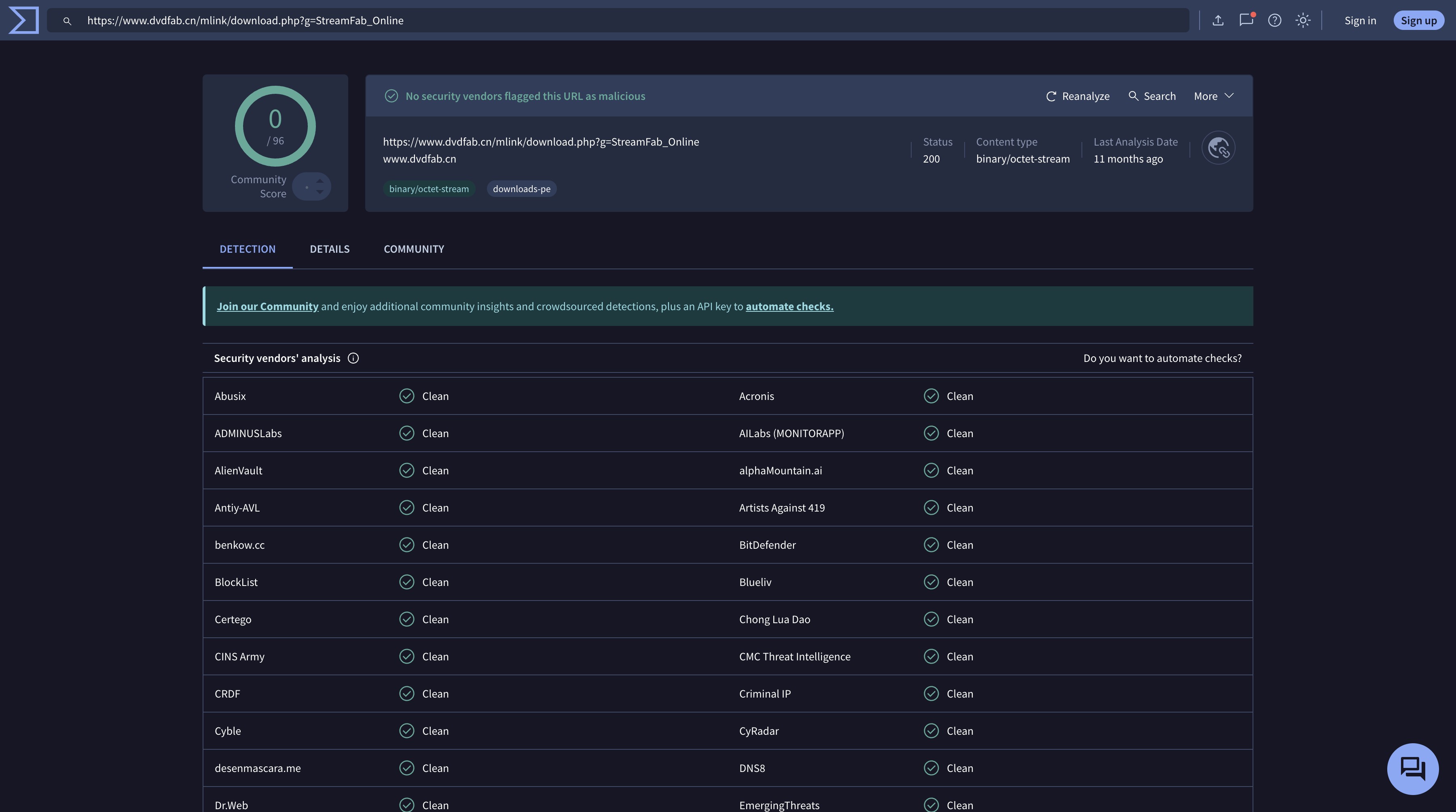
Get the installer through the official download page linked in the route card above. Avoid repackaged installers or download buttons that belong to an advertisement. The four-step workflow appears under Method 2.
2. Unknown Free Download Websites & Tools
Forced installers and deceptive download buttons are reasons to leave a page. A working player and a familiar site name do not establish licensing. Identify the service operator and its rights to the drama before relying on the download offer.
- Keep your download route identifiable.
- Misleading buttons: Close pages that push unrelated installers or redirect a download click into repeated pop-ups.
- Content permission: Use the rights holder's channel or a licensed service; a polished website is not evidence of a license.
Download Korean Drama With Apps or Local Files
You can download Korean drama with English subtitles through an eligible official offline option or an authorized workflow for MP4 files. The first keeps playback inside the service. The second lets you choose a file format for a compatible player.
Method 1: Using the Official App (Netflix Example)
Netflix's download route starts with a supported device and an eligible title. Use the latest app on Android, iPhone/iPad, Fire tablets, or a Chromebook with Google Play. A Windows or Mac Netflix session does not provide this offline feature.
- Open Netflix and find the drama. Sign in on a supported device, then open the title page. Look for the download icon or browse the app's downloadable titles. An episode being available to stream does not mean it is downloadable.
- Select the episode or season. Tap the episode's download button, or use Download Season when offered on your device. Choose the available download-quality setting. If the button is missing, check device support, title eligibility, and your plan's allowance: ad-free plans cap active downloads, while ad-supported plans use a monthly download allowance.
- Open Downloads to watch. Wait for completion, then play the episode from Netflix on that device. Keep the account signed in. The expiry FAQ below covers the short renewal action if a saved title has expired.
Method 2: StreamFab for MP4/MKV and English Subtitles
StreamFab All-In-One provides a Windows and Mac workflow for authorized personal offline files under the permission boundaries above. Use it for MP4 files or MKV output with selectable Korean audio and English subtitles. Batch queues support full-season downloads; Netflix's official Download Season remains an app-storage option.
The trial provides three video downloads within 30 days. Use a saved episode to confirm the service module, output profile, and intended player work together before queuing a season.

Save a local copy of Korean dramas for personal offline viewing with StreamFab All-In-One on Windows or Mac, using MP4/MKV output, subtitle and audio selection, and batch episode queues for supported services and titles.
- Save supported episodes as MP4 or MKV files for personal offline viewing.
- Set download quality for the specific title, service module, and output profile.
- Use a player that supports the file's video, audio, and subtitle formats.
- Select available subtitle languages and audio tracks, including original Korean audio.
- Schedule supported newly released episodes for a chosen time.
- Add multiple episodes to a batch queue for a season.
- Browse the supported service inside the program to locate the drama.
Steps to Download Korean Drama
Pro Tip from the Author: Streaming resolution and download resolution are separate capabilities. Use the output profile offered for the title and service module; the trial lets you confirm that profile in your intended player.
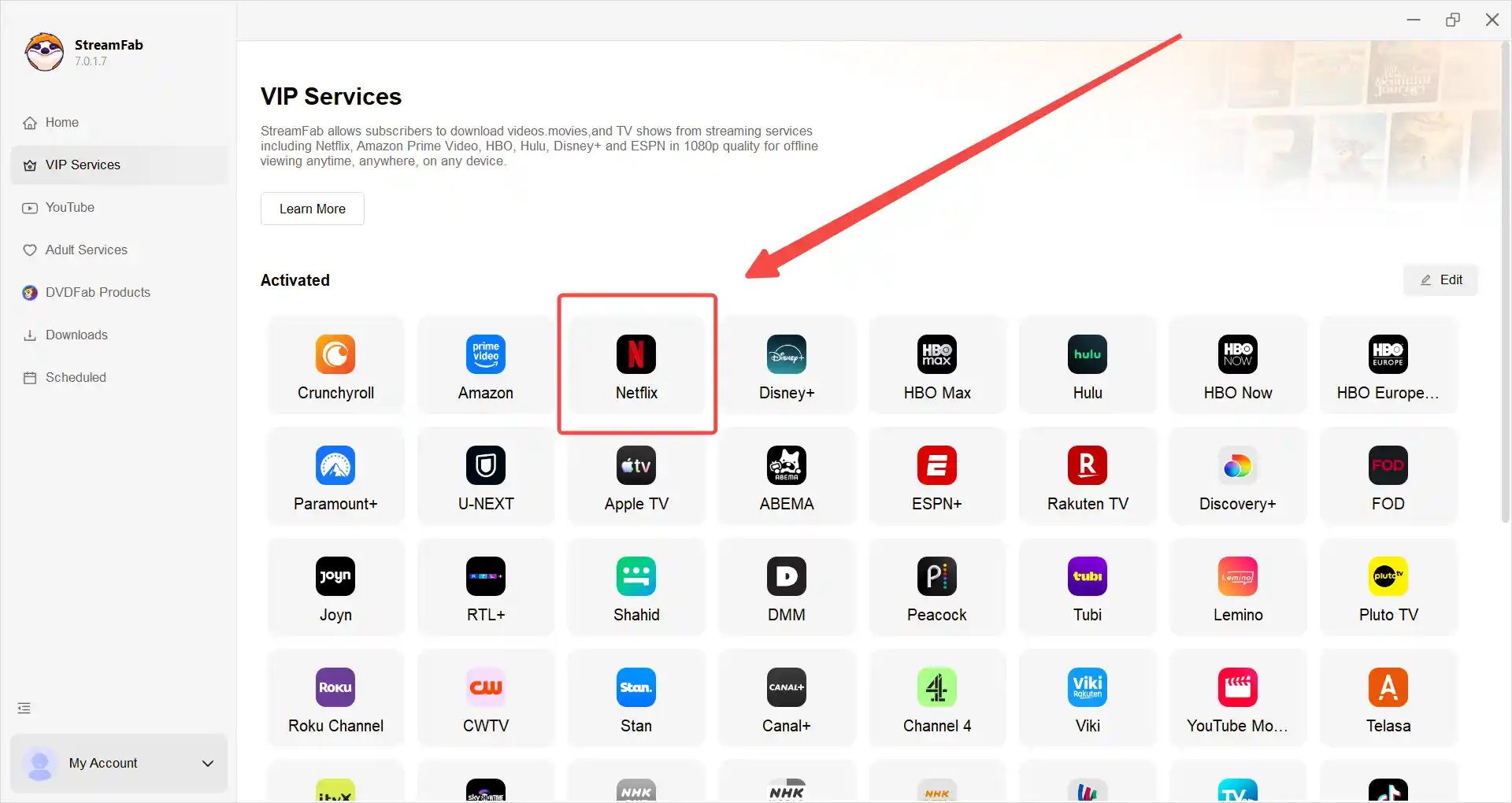
Find the episode on the service, copy its video link, paste it into the program's address field, and press Enter.
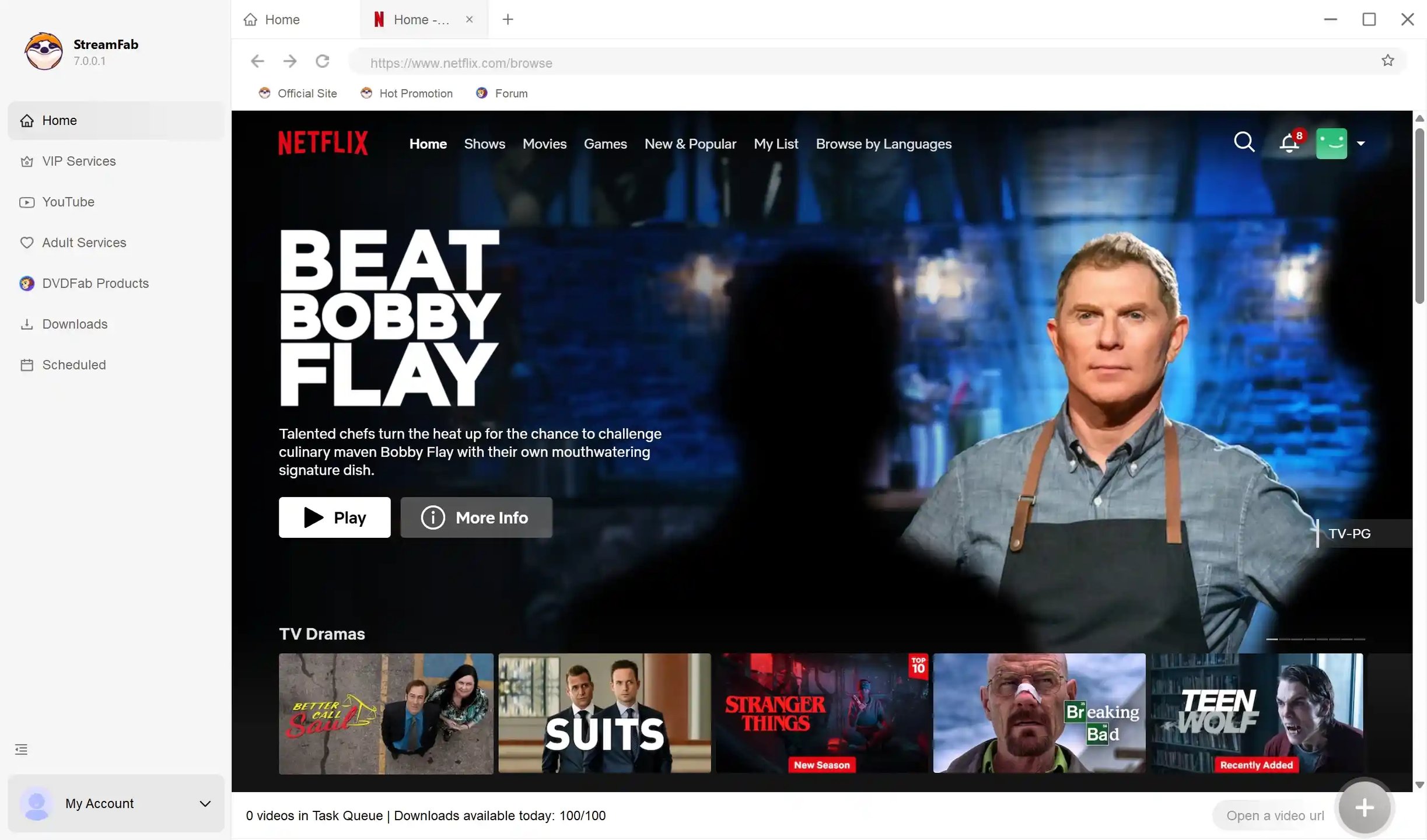
After the program identifies the video, select MP4 or MKV, the supported quality, Korean audio, and the available subtitles you want. Save and play one episode in your intended player, then queue the season.
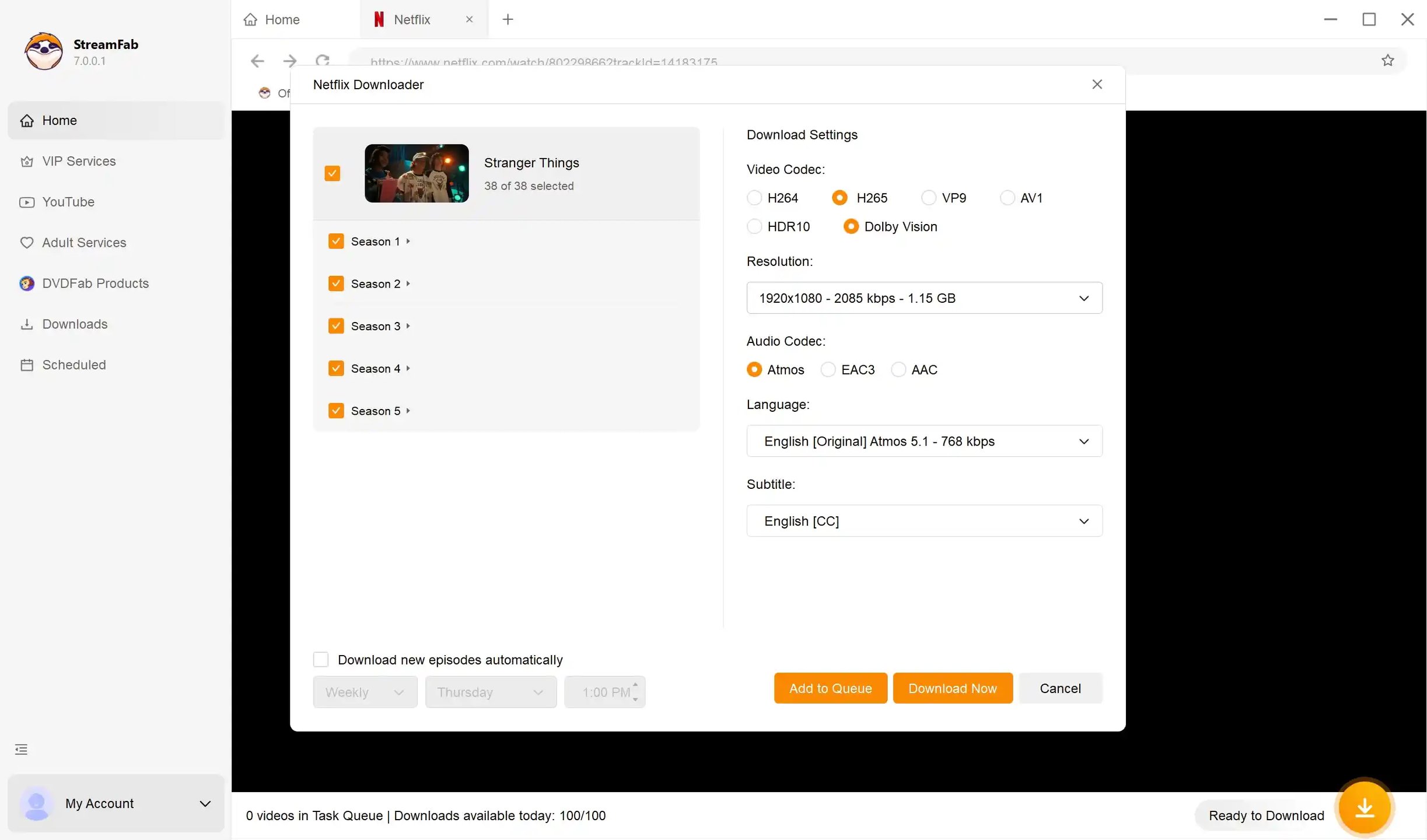
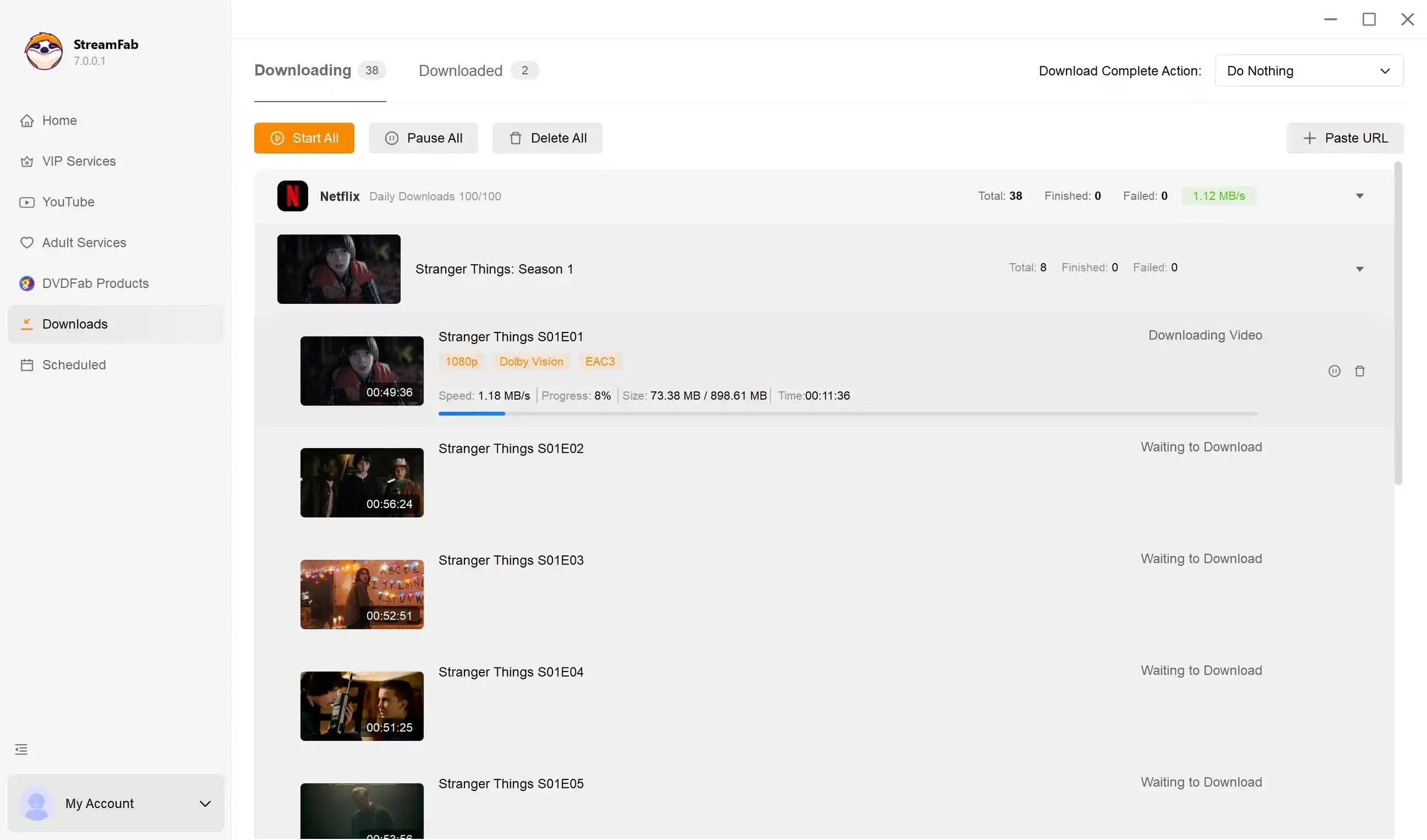
Select "Download" to start the selected tasks. The Wavve Korea download workflow uses that service's module; the trial lets you confirm compatibility for your selected title.
FAQs
Can I download short Korean web dramas for free?
Free streaming does not automatically include episode downloads. Official rights-holder YouTube channels offer some short dramas to watch without charge, while YouTube Premium provides eligible offline viewing in YouTube storage. A free app installation is not a saved episode.
How long do Netflix K-drama downloads last before they expire?
Netflix shows title-specific expiry information in Downloads, including a playback countdown for some titles. Renew or download an expired episode again while it remains eligible. There is no single expiry timer covering all K-dramas.
Can I download a Korean drama as an MP4 file with English subtitles?
Authorized local-file workflows offer this option for supported titles and tracks. Embedded subtitles stay in the video container; an external SRT file sits alongside the video. For external SRT/VTT files or embedded-track playback, subtitle troubleshooting helps resolve format and sync problems.
Can you download Korean dramas in 4K?
A 4K stream does not establish a 4K download option. The source title, subscription, device, and service module determine which download profiles are offered. A 1080p source does not become a native 4K master through downloading. Use the trial to confirm a desktop module's available output profile.
What happened to Dramacool and its related sites?
The Dramacool closure announcement on November 27, 2024 named Asianc, Dramanice, Watchasia, Runasian, and Asianwiki. KissAsian was reported as a separate earlier closure. A look-alike domain does not establish continuity with a closed service; use a licensed platform carrying the drama.
How do I tell whether a K-drama website is legal?
Look for an identifiable operator and evidence that it holds rights to the drama, then read its download permissions and terms. Website appearance, an app-store listing, or a working player does not establish licensing. Forced installers and deceptive buttons are warning signs.
Conclusion
For travel on a phone or tablet, choose an eligible official download. A supported browser also handles YouTube Premium offline viewing. Choose an authorized local-file workflow for a separate player, and confirm its format and subtitles with one episode before queuing a season.

Tested 7 Chrome video downloader extensions in 2026 after Manifest V3 forced updates. Find which free and paid extensions still capture YouTube, Vimeo & streaming video without audio loss.
By Marcia Hatcher - Oct 21, 2026
Facing the HTML5 video file not found error on iPhone Safari or getting error code 4? Discover advanced 2026 solutions to bypass CDN blocks, HEVC codec issues, and secure your media library for seamless offline playback.
By Nicole Lopez - Oct 20, 2026
Learn how to download Just for Fans videos safely in 2026. Use a reliable JFF downloader for 1080p MP4 personal backups without black-screen issues.
By Erika Leen - Oct 20, 2026
WeTV’s official app is best for temporary in-app viewing on a phone, while authorized laptop workflows can save local MP4 or MKV files for personal offline use. Free online extractors and old scripts may work inconsistently as WeTV changes its access and player behavior.
By Erika Leen - Oct 20, 2026