
How to Preserve OnlyFans Videos via Firefox Add-ons in 2026

Summary: Discover the best OnlyFans downloader for Firefox. We review 5 free add-ons for saving videos, revealing their common issues with DRM and poor quality. We then compare them to a more powerful, dedicated downloader so you can find the solution that truly works for you.
Yes, but only for unprotected videos. When it comes to paid items that include platform-level protection measures, Firefox add-ons tend to fail hard.
- Introduction: Can You Really Save OnlyFans Videos in Firefox?
- Test Environment & Two-Sample Comparison (Crucial Setup)
- Top 5 Firefox OnlyFans Downloaders 2026 (Deep Tech Review)
- Technical Decode: Why Do Browser Add-ons Fail Often?
- Comparison Table: Firefox Add-ons vs. StreamFab
- Conclusion: Which Tool Should You Choose?
This article is meant strictly for readers who are 18 years or older. We're not here to encourage piracy or sharing paid stuff illegally. Any tools we mention are purely for educational and personal backup purposes. You should always respect your local laws and OnlyFans’s terms of service. Only download stuff you have actually paid for and keep it for your own offline viewing; never distribute or sell a creator's hard work.
Introduction: Can You Really Save OnlyFans Videos in Firefox?
We get asked this a lot. Readers usually say, "Hey, I know there are OnlyFans downloaders for Chrome, but I'm more of a Firefox person. Are there any add-ons that actually work for downloading OnlyFans videos from there?
Well, Firefox has a totally different vibe with its extension ecosystem compared to Chrome. To give you a real answer, we didn't just read the store descriptions; instead, we installed and stress-tested the 5 most popular Firefox OnlyFans downloader add-ons. We didn't just look at speed; we dug into three things: how they work technically, what the devs actually admit to, and DRM to explain why they choke on paid content. Then, we stacked them up against a desktop pro tool, StreamFab.
Test Environment & Methodology
Since not every video on OnlyFans is protected, we set up a strict comparative test in case mixing them up leads to bad buying choices.
Test Environment Configuration
All the tests you see here were run on this specific PC setup to keep the data honest:
OS: Windows 11 (16 GB RAM, 13.8 GB usable)
CPU: AMD Ryzen 7 5700U with Radeon Graphics
Network: Home Wi-Fi 5 GHz
Measured Speed: 25.27 Mbps Down, 61.77 Mbps Up
The Key Comparison: Two Test Samples
We used two specific video links to control the test, basically mimicking a "Free User" vs. a "Paid Subscriber" scenario:
Sample 1: Official Public Free Video (The Benchmark)
Link: https://onlyfans.com/1873513362/onlyfans
Characteristics: Free to watch once you log in, usually has zero playback restrictions.
Test Goal: To see if the add-on's basic sniffer works at all. If it can't grab this, the tool is busted.
Sample 2: Personal Subscribed Paid Content (The Stress Test)
Link: https://onlyfans.com/1743631925/nicolasnovoa
Characteristics: Only viewable if you subscribe, heavily locked down by the online playback protection.
Test Goal: To see if the tool can handle the restriction. This is the part that actually matters to paying fans.
Top 5 Firefox OnlyFans Downloaders 2026 (Deep Tech Review)
Step 1: Install your chosen add-on from the Firefox Store.
Step 2: Log in to OnlyFans and open up the video.
Step 3: Hit the add-on icon in your toolbar and pick the video.
Certain protected or restricted videos may not be available for offline handling.
Bulk video downloads are messy or not supported.
Video quality might drop or get glitchy.
You'll likely see error messages with certain content.
Always grab tools from official sources and respect the creators.
You need to be subscribed to the OnlyFans content to use it.
For educational use only. Follow the law and OnlyFans rules.
1. Video DownloadHelper

Video DownloadHelper is basically the "Big Brother" of Firefox download extensions, with millions of people using it. It works by watching your browser's network traffic like a hawk to spot streaming protocols like HTTP, MP2T, and F4F. For tricky video streams (especially HLS), it has this unique setup where it asks you to install a "Companion App" on your computer to help the browser stitch the video parts together.
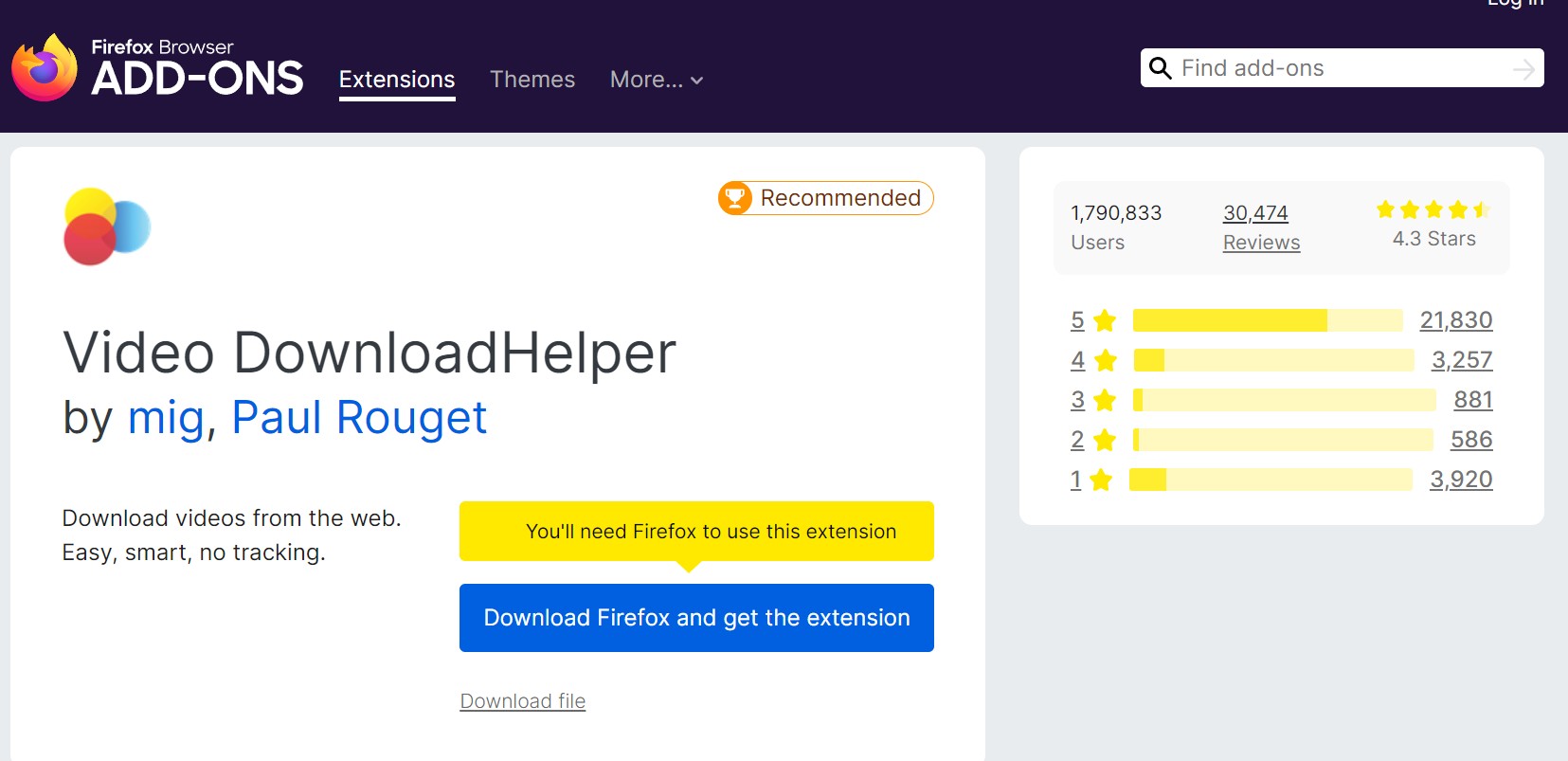
When it comes to why it fails on Sample 2, the add-on is actually super honest. In the FAQ on their GitHub, under the question "What can I do if the video is protected by DRM?" the author flat out says, "If you encounter this type of content, there’s nothing you can do. Video DownloadHelper cannot and will never try to stand against DRM protections. We stay on the legal side." Basically: Just because you can play it doesn't mean you can grab it. That's a strict rule they follow to make sure the add-on doesn't get kicked out of the store.
- Sample 1 (Non-DRM): ✅ Success. The add-on spotted the "1280x720" MP4 stream correctly. Downloads were steady at about 2–4 MB/s, and the whole 11-minute clip finished fine.
- Sample 2 (With DRM): ❌ Failed. Even though the icon might light up (sensing a stream), it either can't start the download or gives you a file that's 0KB.
- Mature Ecosystem & Safe: It's been around forever with tons of users, so it's safer than random, sketchy add-ons.
- Wide Format Support: Works on OnlyFans standard videos but also covers hundreds of other sites like Vimeo or Twitch.
- Powerful Features: If you get the Companion App, it can convert videos to MP4s that work on your phone automatically.
- Official DRM Blockade: They clearly say they will "never" touch DRM, which is a deal-breaker if you're a paying OnlyFans user.
- Needs Extra Software: Grabbing HLS streams forces you to install that external app, which is a bit of a hassle.
- Free Version Limitations: On some fancy aggregation modes, the free version slaps a giant QR code watermark on your video.
2. Video Downloader Prime
Video Downloader Prime is a pretty lightweight Firefox video downloader. At its core, it's just a URL Sniffer. It looks through the webpage code and network requests for standard video extensions (like .mp4 or .webm). The store description is super cautious, warning that it "does not support YouTube" or strict copyright sites, and it definitely doesn't claim to handle anything.
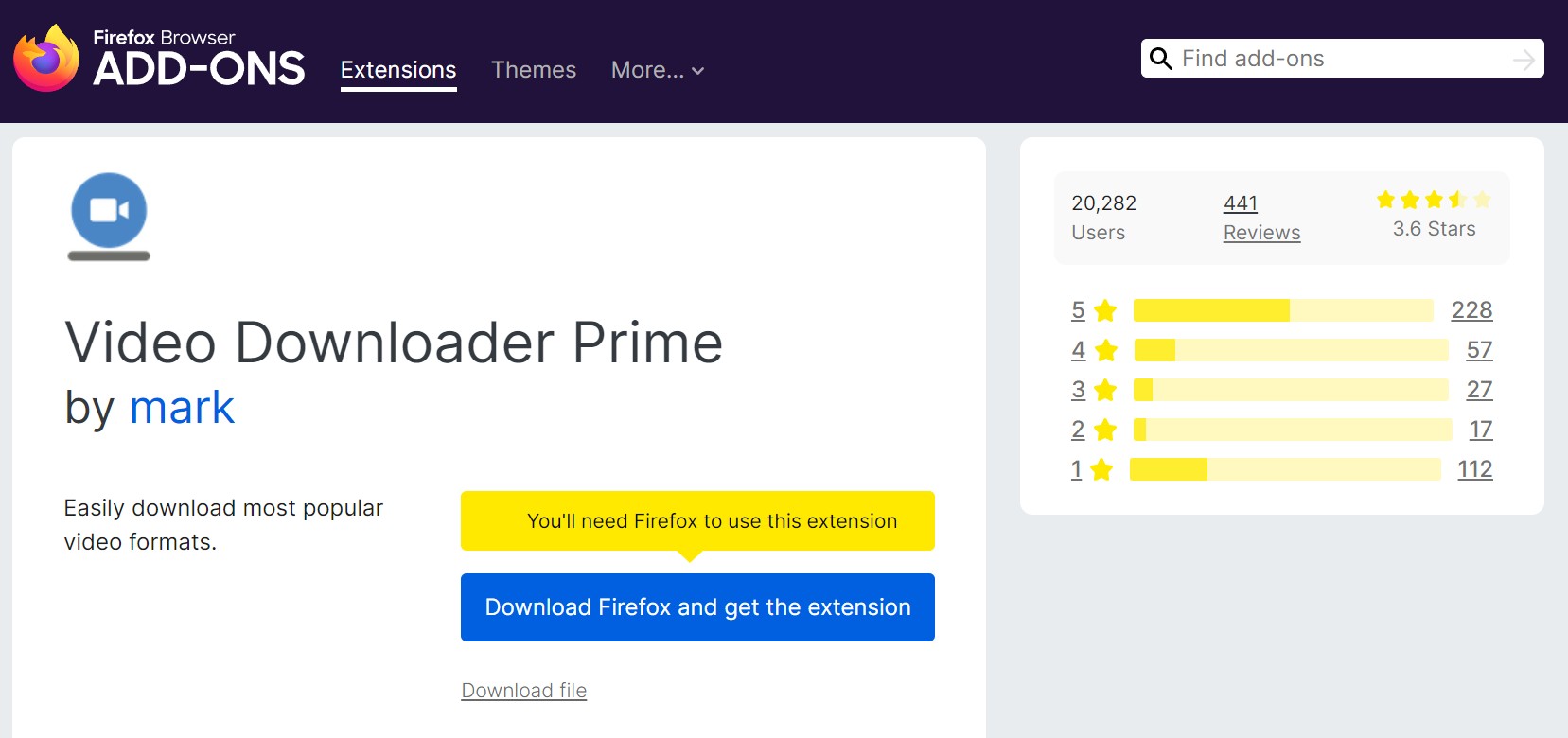
You might see some blogs claiming it handles "protected videos." Usually, they mean "Soft Protection," where a site just hides the right-click button. But for OnlyFans Sample 2, which uses online playback protection (requiring a server license), this tool is totally useless because it can only see clear links, not restricted ones.
- Sample 1 (Non-DRM): ✅ Success. It found the video file address fast. Clicking it just popped open the Firefox download manager, getting about 3 MB/s.
- Sample 2 (With DRM): ❌ Failed. The add-on couldn't find a valid MP4 link at all. Since DRM videos come in protected chunks, there's no single "video file" for it to grab.
- Minimalist Design: No messy menus; install it and go. Great if you aren't tech-savvy.
- Super Low Resource Usage: It runs very light and won't bog down Firefox like some of the heavier tools.
- Low Protection Compatibility: It's just a link grabber; it can't touch protected streams.
- Bad with Segmented Streams: If you try it on .m3u8 videos, it often just downloads the playlist text file (a few KB) instead of the actual video.
3. Video Downloader Professional
This is another big name on Firefox that people try when they want to save OnlyFans content. The main selling point is "List Management"—you can browse around, add videos to a list, and grab them later in a batch. Plus, it has a built-in thing for casting videos to Chromecast.
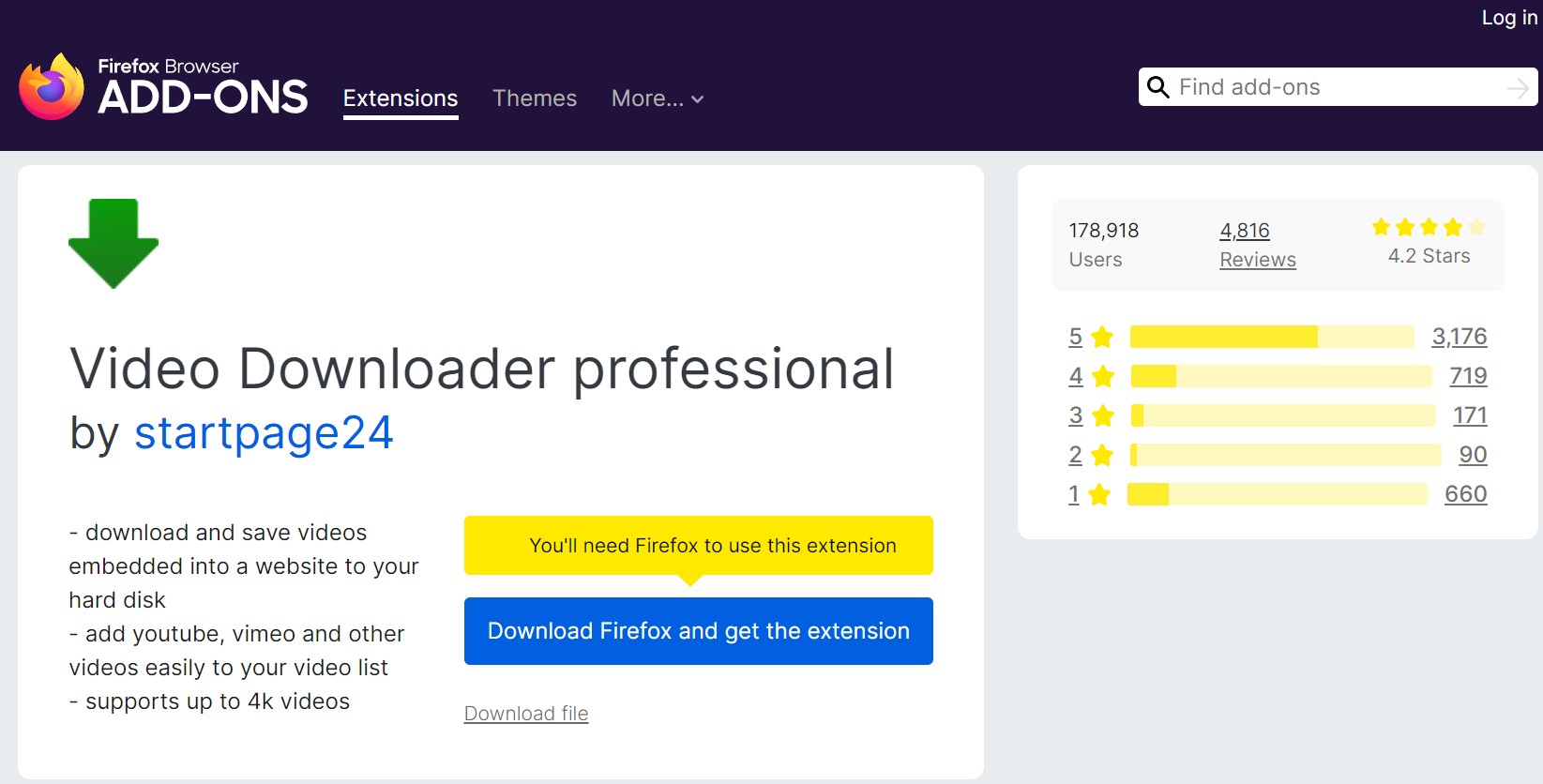
Technically, it assumes the video stream is already a clear HLS or MP4 file. Once the video goes through the browser's CDM, the extension can't see that pure data. The feature list never says anything about "protected," which basically means they gave up on restricted content by design.
- Sample 1 (Non-DRM): ✅ Success. It spotted multiple resolution options (if OnlyFans offered them), and the download went smoothly.
- Sample 2 (With DRM): ❌ Failed. Faced with the restricted HLS playlist, it failed to pull any real media files. The download tasks usually error out instantly or just hang.
- Download Later: The list feature is cool so you don't have to stop browsing to wait for downloads.
- Casting: If you'd rather watch OnlyFans on a big screen without downloading, this feature is handy.
- DRM Blind Spot: It can't handle the browser restrictions, so it's useless for paid stuff.
- Ads: The menu sometimes has promo links or ads, which feels a bit messier than Prime.
4. HLS Downloader
This add-on is laser-focused on the HLS (.m3u8) protocol. The logic is pretty hardcore: Sniff the webpage's playlist -> Download hundreds of tiny .ts video chunks individually -> Use ffmpeg.wasm inside the browser to glue them into an MP4.
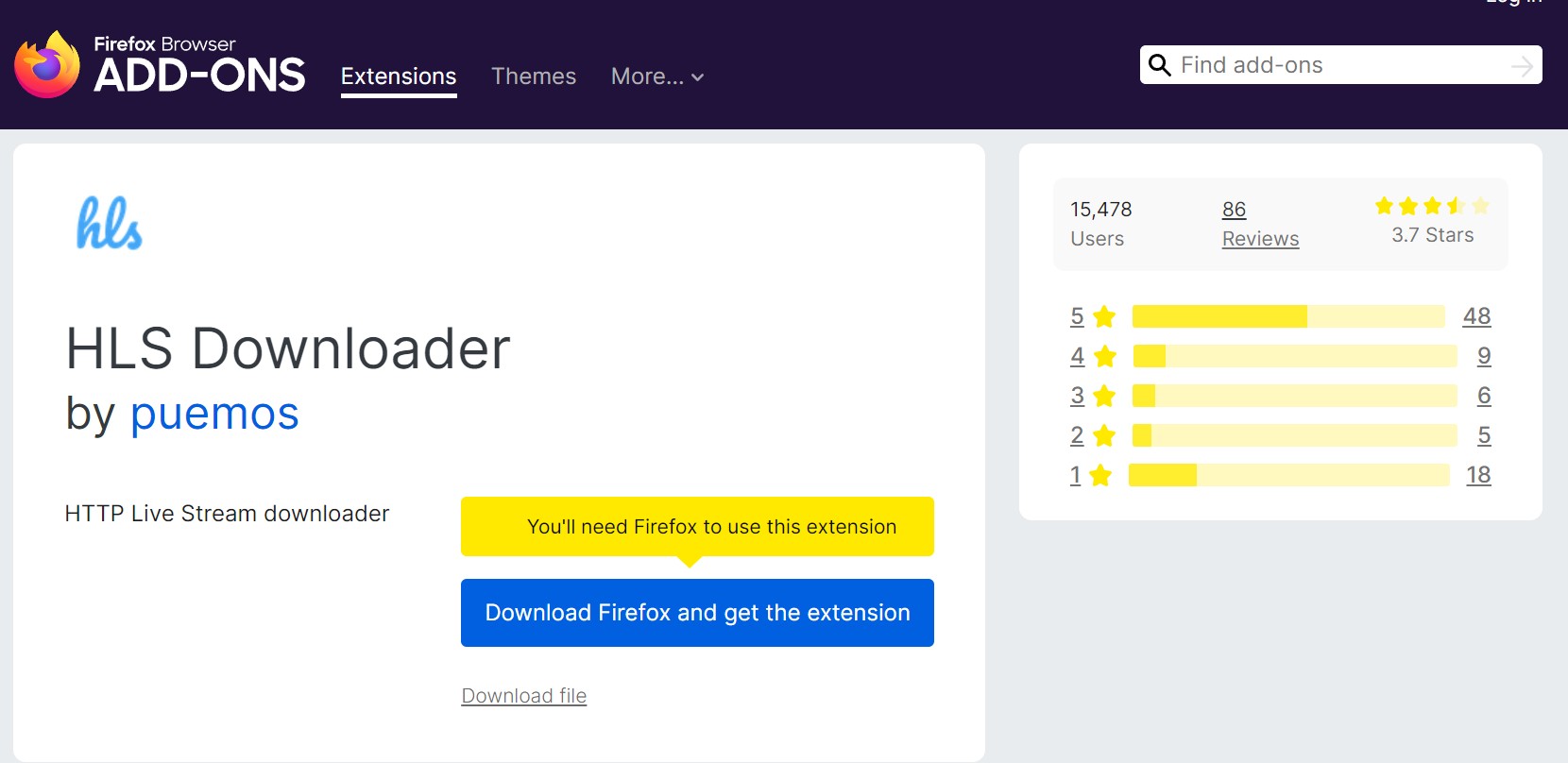
This works great for common HLS. But for OnlyFans Sample 2 (DRM Video), those little .ts chunks are protected. Browser playback gets a key to unlock them, but the extension can't see that Key. So, even if HLS Downloader grabs the chunks, you're just downloading only gibberish. Merging them gives you a file that won't play.
- Sample 1 (Non-DRM): ✅ Success. It found the .m3u8 list correctly. CPU usage spiked while merging, but it eventually spit out a working MP4.
- Sample 2 (With DRM): ❌ Failed. It actually sniffed Sample 2's list and started grabbing chunks. But since it couldn't handle them, the result was either a black screen or a broken file.
- Tech Savvy: Great support for standard HLS. It's one of the few that merges streams right in the browser without needing other software.
- Deep Sniffing: It finds a lot of streaming links that basic downloaders miss.
- No Key, No Play: "Can grab it but can't play it," a classic issue with browser extensions and DRM.
- Resource Heavy: Merging long videos can really lag Firefox since all that processing happens in the browser.
5. Bulk Media Downloader
Like the name says, this one is about "Volume." It works a bit like the old "FlashGot," monitoring your Network Requests to list every media resource passing through as a bulk OnlyFans downloader.
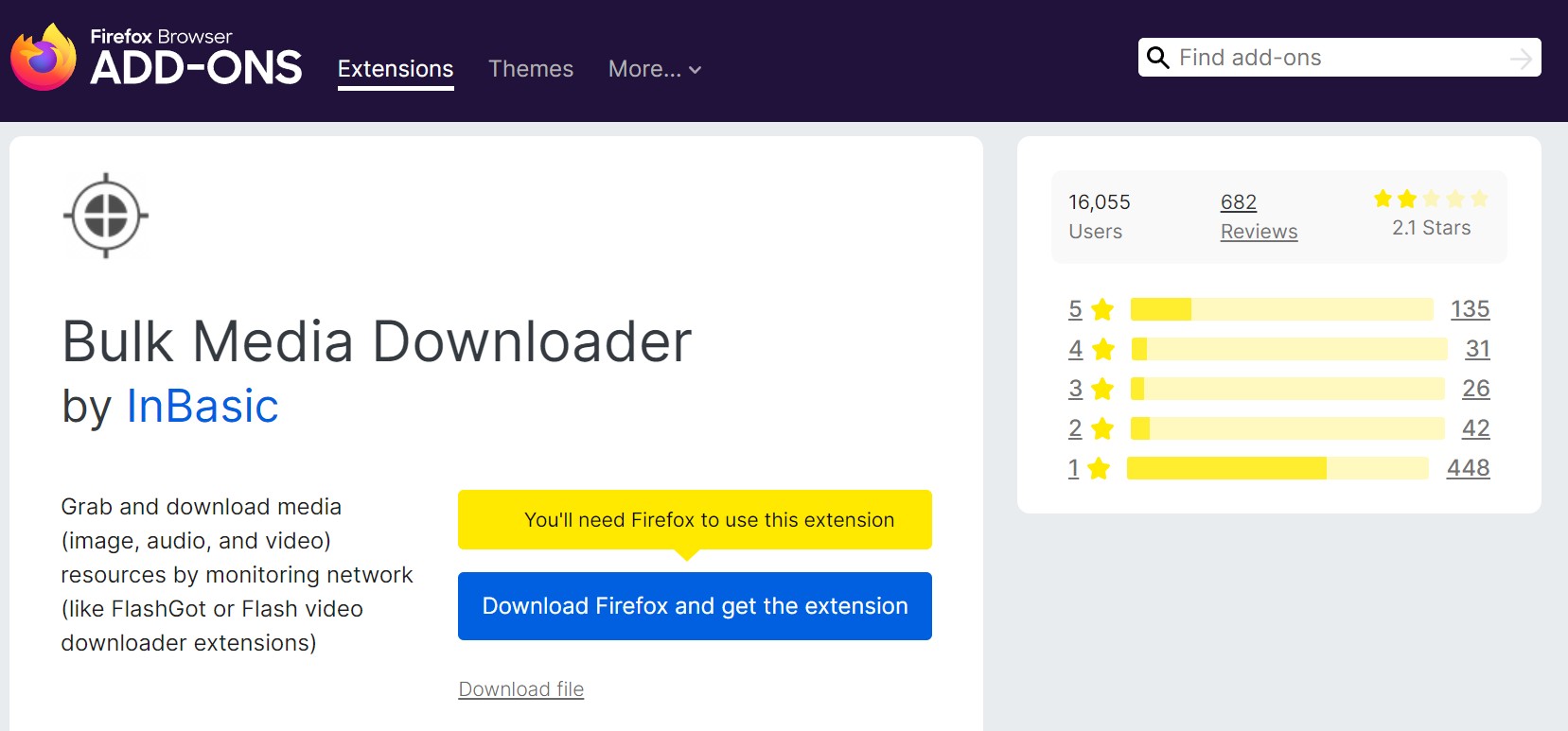
DRM tech was basically invented to stop exactly this kind of "bulk downloading." Many platforms explicitly mention that DRM stops members from scraping videos with extensions. Since this add-on only sees the data packets and can't touch the protection layer, it fails hard on protected video.
- Sample 1 (Non-DRM): ⚠️ Barely Okay. It saw the video, but in our test, it also listed a ton of images and thumbnails, so we had to dig through them to find the actual video.
- Sample 2 (With DRM): ❌ Failed. Couldn't find the main video file at all. Because of DRM policies, the batch download tasks just failed.
- Great for Photos: If you want to grab a creator's photo set, the batch function here is actually efficient.
- Good Filters: You can tell it to ignore anything smaller than 1MB, which gets rid of most icons and ads.
- DRM Block: Can't batch download protected videos, which is exactly what DRM is designed to do.
- Messy to Use: You have to manually sift through hundreds of network requests, unlike other tools that just tell you "here is the video."
Technical Decode: Why Do Browser Add-ons Fail with DRM?
Looking at the massive difference between Sample 1 and Sample 2, the conclusion is obvious: Add-ons fail on Sample 2 because of the browser's security sandbox. It's not that the add-ons are bad; it's just how modern browsers are secured.
- Permission Limits: Firefox extensions can only see the HTTP requests and the raw data packets.
- The DRM Black Box: The video stream only gets restricted and shown inside the browser's built-in CDM. This happens with heavy restriction, and that clear stream is never shown to extension APIs.
- Conclusion: So when you try to handle OnlyFans DRM, the add-on either sees nonsense (like HLS Downloader) or can't find the address at all (like Prime).
How to Download OnlyFans Videos with Firefox Extensions/Add-ons?
Since the steps for using any OnlyFans Firefox Downloader we mentioned are pretty much identical, we put it into one simple list so we don't sound like a broken record. All five tools follow this flow:
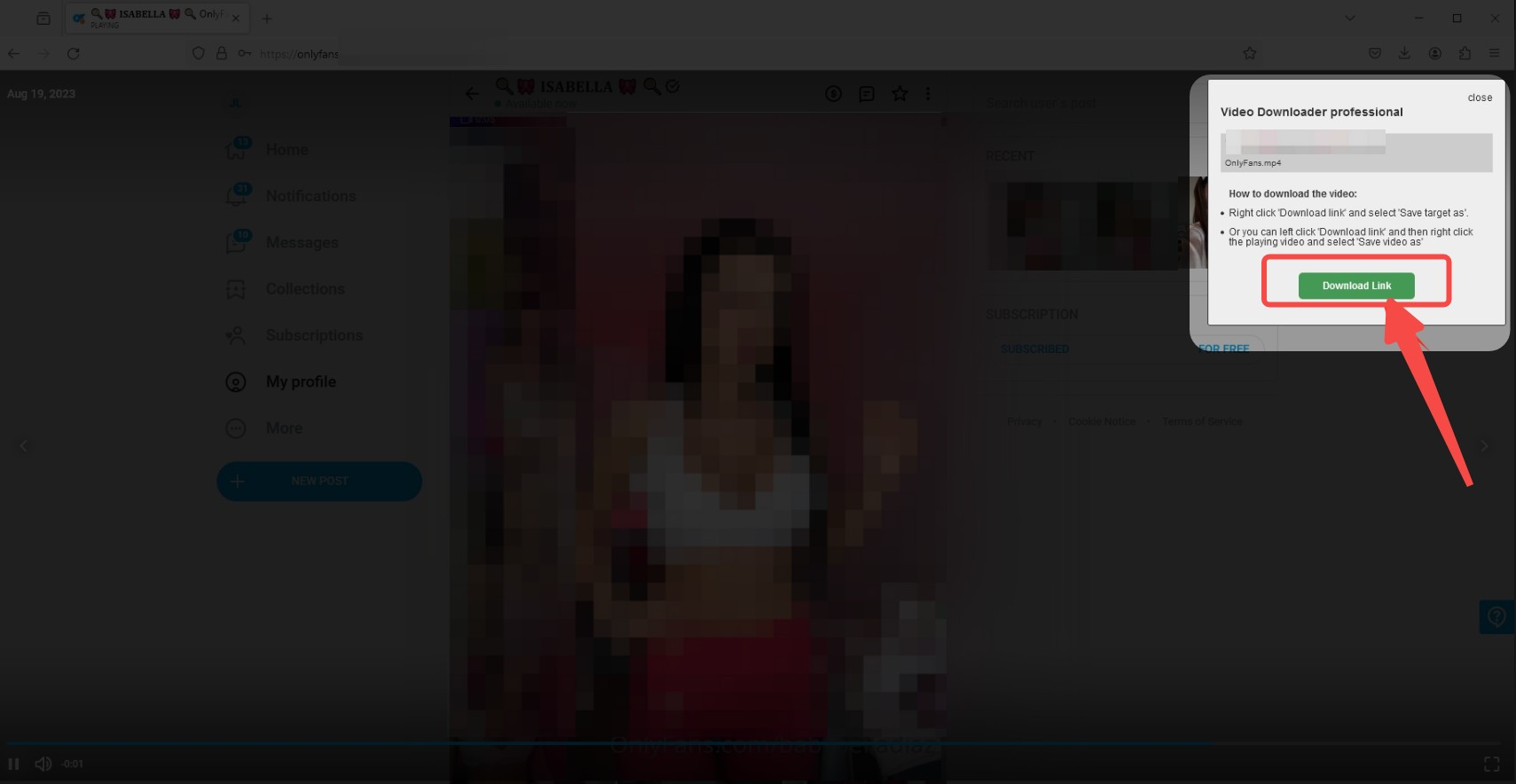

If you need guidance on saving OnlyFans videos on mobile devices, please refer to the two dedicated tutorials below:
A Better Solution to OnlyFans Firefox Add-ons: StreamFab OnlyFans Downloader
If you're trying to download stuff you actually paid for, like Sample 2, which most are subscription posts or pay-per-view videos, you have to step outside the browser's limits. You need desktop software that has its own work environment, like StreamFab OnlyFans Downloader.

- Download 1080p OnlyFans videos with AAC 2.0 audio.
- Download OnlyFans-purchased videos and message videos.
- Batch mode to grab videos from Collections or a Creator's profile.
- Auto-download new OnlyFans videos at a set time.
Unlike add-ons that just "sniff" passively, StreamFab operates within a controlled playback-like environment to process protected streams, where permitted.
Test Data for Sample 2 (Subscribed Content)
We ran StreamFab against that same Sample 2 link that defeated every Firefox add-on. Here is what happened:
- Test Object: Sample 2 (Personal Subscribed Content, Protected)
- Download Mode: "Original" Quality
- Output Resolution: 1920 × 1080 (1080p) —— Matches source quality perfectly, better than the 720p limit you often see in web players.
- Bitrate: About 8,500 kb/s (High Quality AVC)
- Download Time: Roughly 10 seconds (Full speed, zero buffering)
- Result: ✅ Success (Produced a playable file suitable for personal offline access, consistent with platform permissions).
Private Message Video (DM) Capability
Besides just timeline posts, StreamFab can also spot and download videos inside Direct Messages (DMs). Add-ons usually fail here completely, but this is huge if you buy PPV content.
VirusTotal Test
I ran the StreamFab OnlyFans Downloader installer through VirusTotal—nothing flagged. Still, since OnlyFans content has DRM, using some modified or unofficial "crack" version is asking for trouble. Stick to the official site version to be safe.
Comparison Table: Firefox Add-ons vs. StreamFab
| Feature/Scenario | Firefox Add-ons (5 Tested) | StreamFab OnlyFans Downloader |
|---|---|---|
| Sample 1 (Non-DRM) | ✅ Successful Download | ✅ Successful Download |
| Sample 2 (With DRM) | ❌ Failed (Cannot process protected streams) | ✅ Successful Download |
| Core Mechanism | Passive Sniffing (URL Sniffer) | Integrated playback-based processing pipeline |
| Max Supported Quality | Usually 720p (Limited by Web Player) | Max 1080p (Source Quality) |
| Private Message (DM) Videos | Unstable / Not Detected | Supported |
| Batch Download | Single video only | Supports auto-batch download of all creator videos |
How to download OnlyFans videos using StreamFab
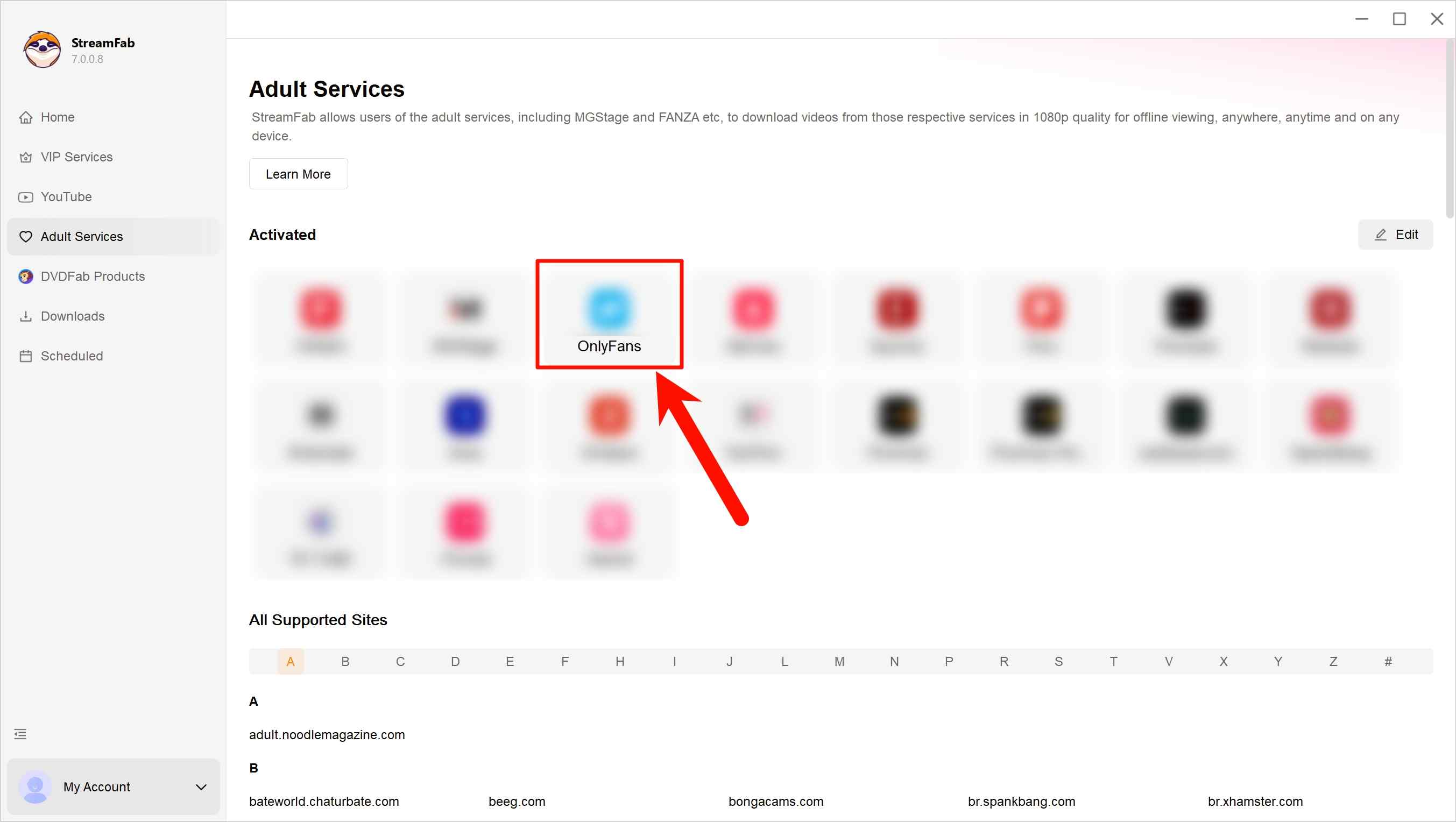
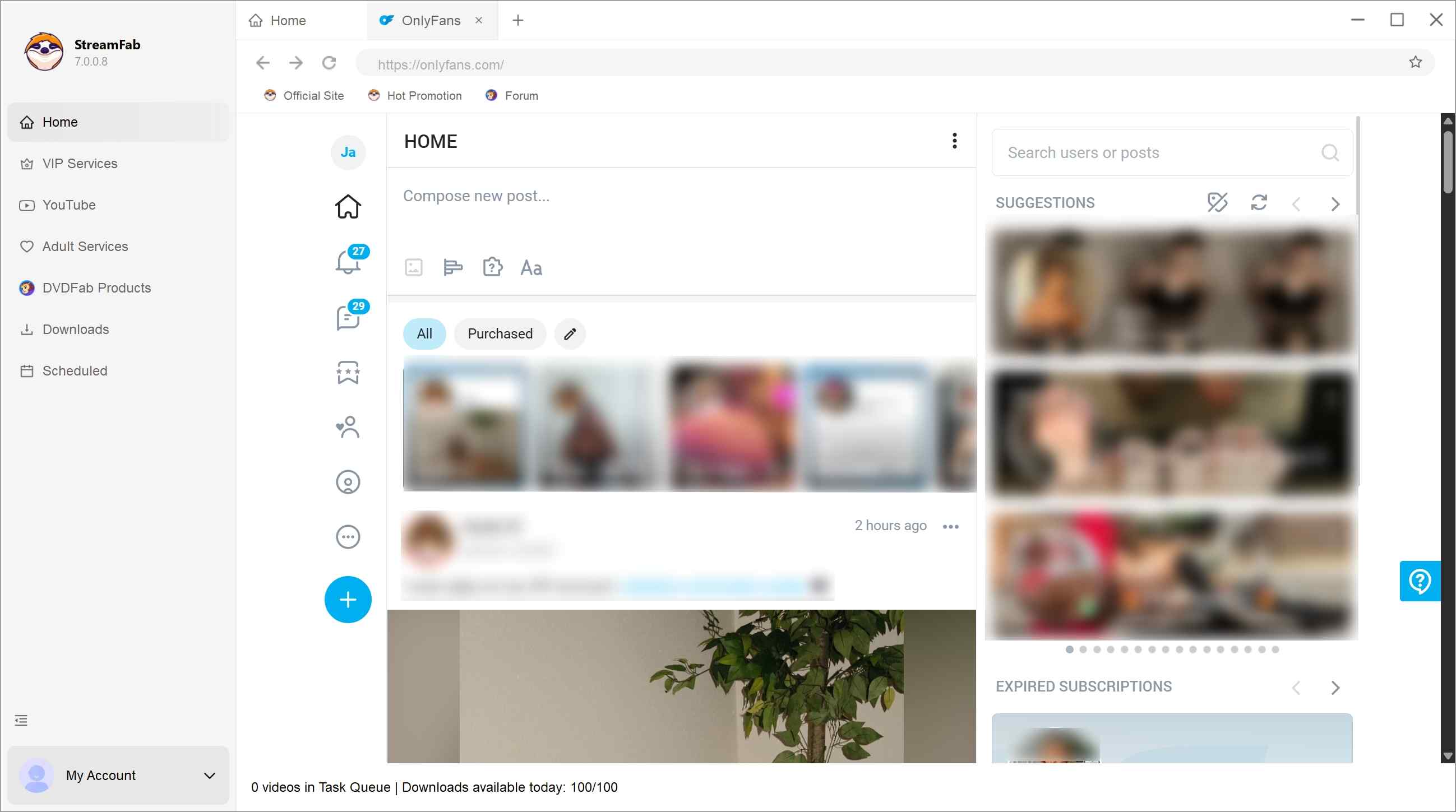
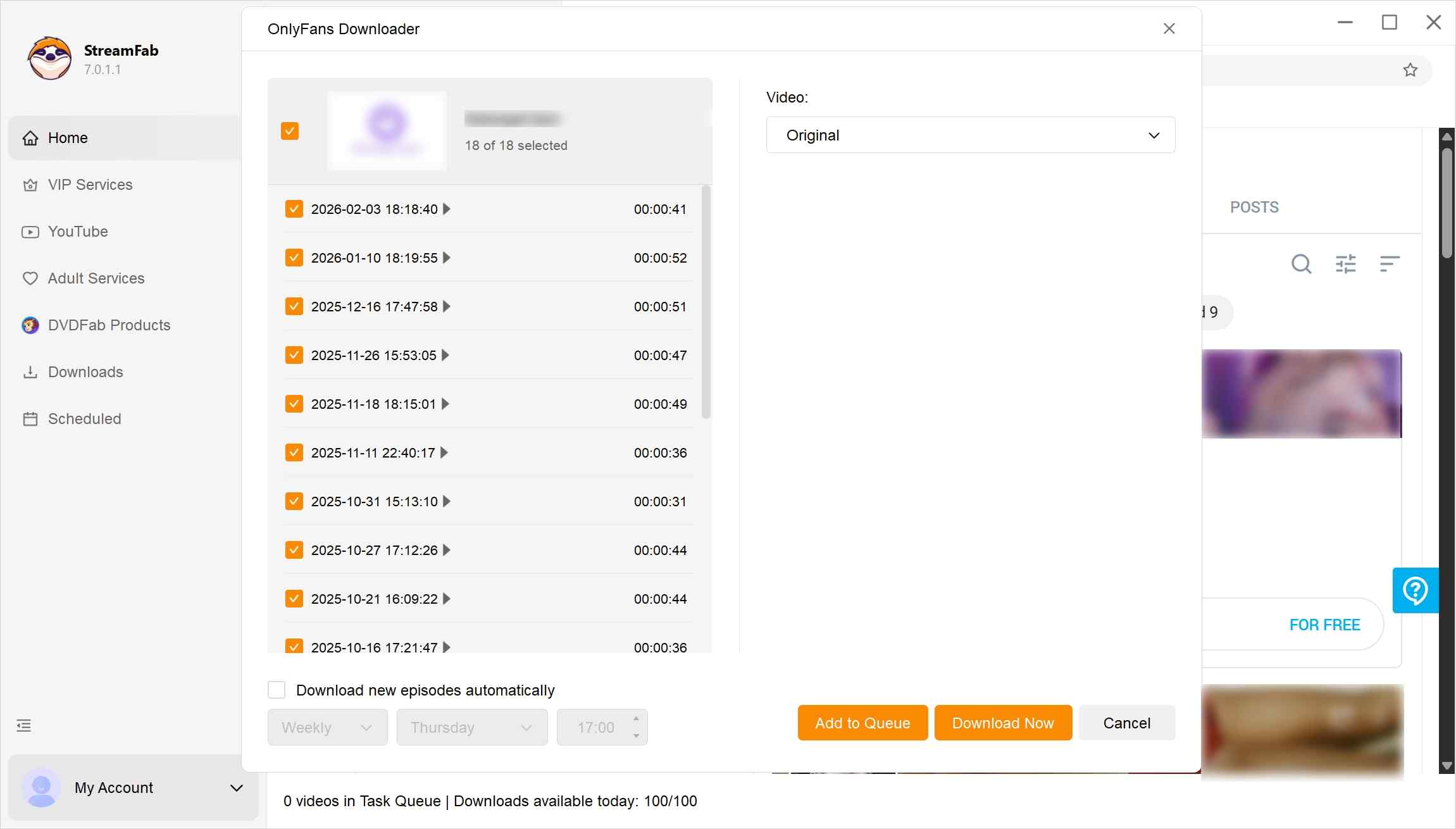
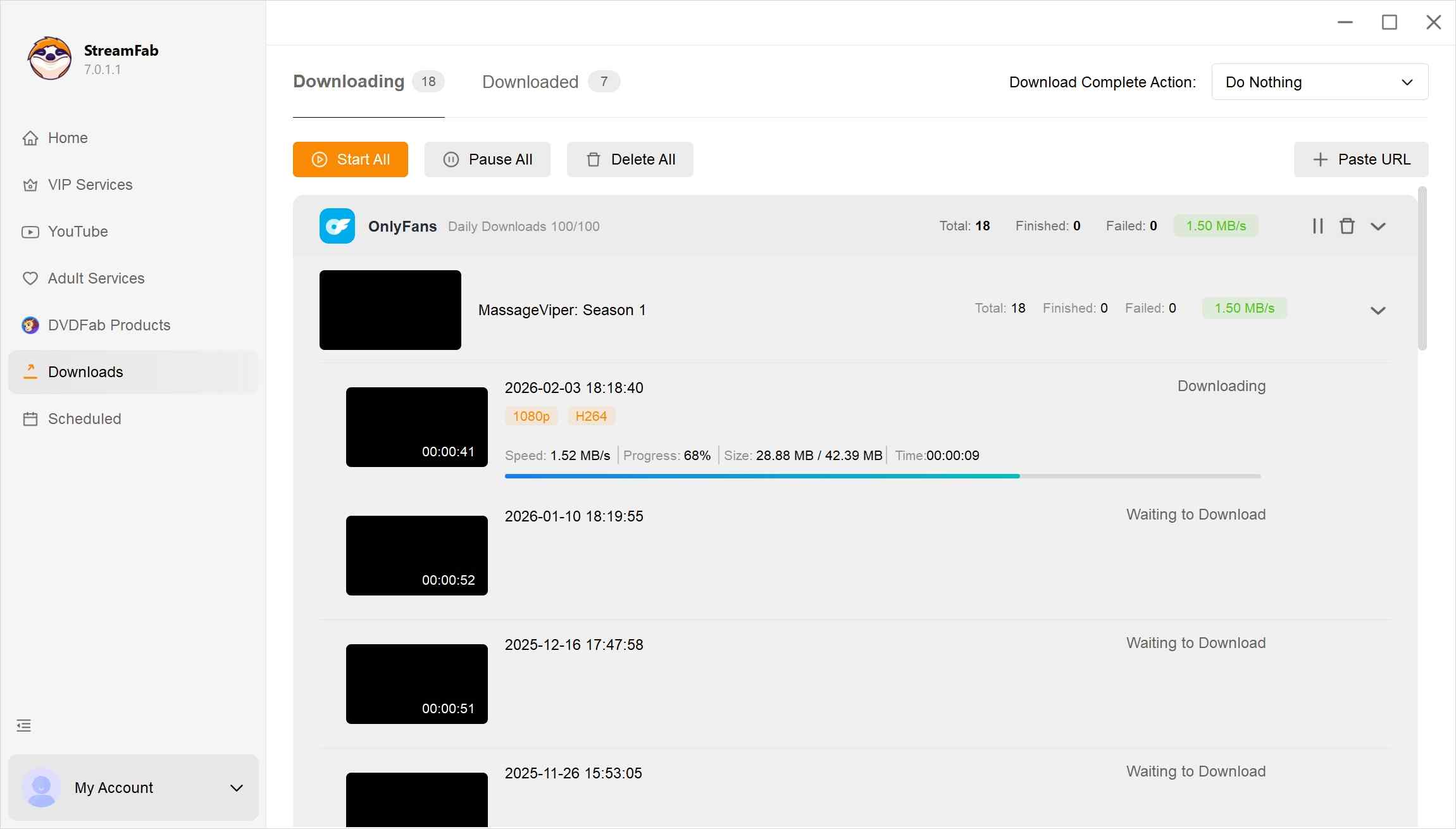
FAQs
1. Will downloading OnlyFans videos using Firefox extensions get my account banned?
The main risks come from the security and behavior of the extension itself. If the extension sends high-frequency scripted requests to the server in a short period, it may trigger OnlyFans’ anti-crawling mechanisms, leading to your account being restricted. In addition, malicious extensions may steal your login cookies. It is recommended to use reputable software and control your download frequency.
2. Are there any completely free ways to save OnlyFans videos on Firefox?
In fact, Firefox’s right-click menu can directly save ordinary OnlyFans videos locally, but because OnlyFans disables your right-click menu on Firefox, you need an extension to enable the right-click menu. In addition, if you have experience with CLI tools, yt-dlp is also a good choice. Although it is a standalone program rather than a Firefox add-on, you can export cookies to yt-dlp using a Firefox extension.
3. Can these methods be used on mobile Firefox?
Most desktop Firefox extensions are not available or have limited functionality on mobile (Android/iOS). For mobile devices, it’s recommended to use a dedicated browser app that supports video sniffing, or download the videos on your computer first and then transfer them to your phone for viewing.
Conclusion
Based on the massive contrast between our two test samples, the takeaway is pretty clear:
- Scenario A
You only want to occasionally save public, free promo videos like "Sample 1," and you hate installing desktop software.
→ Go with Video DownloadHelper. It's the oldest and most "honest" tool. As long as the video has no DRM, it's your best free bet.
- Scenario B
You want to download OnlyFans purchases, and you're dealing with DRM-protected content like "Sample 2" or videos in your DMs, and you want personal offline viewing flexibility.
→ Use StreamFab OnlyFans Downloader. Don't waste time on add-ons. Only a pro tool like StreamFab can handle restricted content, making it a more consistent solution for personal offline access.
This article discusses OnlyFans and related recording tools. It is intended only for readers 18 years or older. We do not encourage piracy or the illegal sharing of paid content. Any tools mentioned here are for educational and personal backup purposes only. Always follow your local laws and OnlyFans’s terms of service. Only download content you’ve legally paid for and keep it for personal offline viewing—never redistribute or resell creators’ work.


Looking for OnlyFans accounts that are truly worth it? In this 2026 guide, I share the top creators, their earnings, fan insights, and categories. From rising stars to subscription tips, find the best value OnlyFans accounts that balance price, content quality, and engagement.
By Erika Leen - Jul 20, 2026
Many subscribers looking for the way to handle OnlyFans DRM playback errors, but few know the legal and account risks. In this 2025 guide, I explain what OnlyFans DRM is and how to fix errors safely. Learn legal alternatives, like contacting creators for permission or using official features.
By Erika Leen - Jul 16, 2026
I tried to re-watch a DM video from a creator I was subscribed to on my Android phone while offline — and got a black screen the entire time, no matter what I tried. Turns out OnlyFans uses DRM and playback-layer protection that blocks standard screen recording on Android. After testing three dedicated Android tools and a desktop workflow across dozens of videos I had legitimate access to, here are the methods that actually work in 2026 — with no black screen and no quality loss.
By Erika Leen - Jul 14, 2026
6 free and paid OnlyFans Chrome extensions tested for DRM support and reliability. Find which ones work in 2026—plus a desktop tool that handles protected content every time.
By Erika Leen - Jul 13, 2026