
Download Private Videos Safely: 5 Access States and MP4 Options

Summary: A private link is not permission to download. Learn how five access states guide owner exports, supported on-demand saving, and permitted live recording. Understand standalone files versus managed offline playback, then check sign-in, software permissions, and file privacy before saving.
Table of Contents
A private link lets you watch only if your account has access; it does not grant a download right. To download private videos safely for personal offline viewing, start with an owner export where available, then match a permitted method to your access state.
I would request an authorized original before installing another app. When an export is unavailable, the next choice is a supported on-demand workflow or permitted live recording, followed by a playback check.
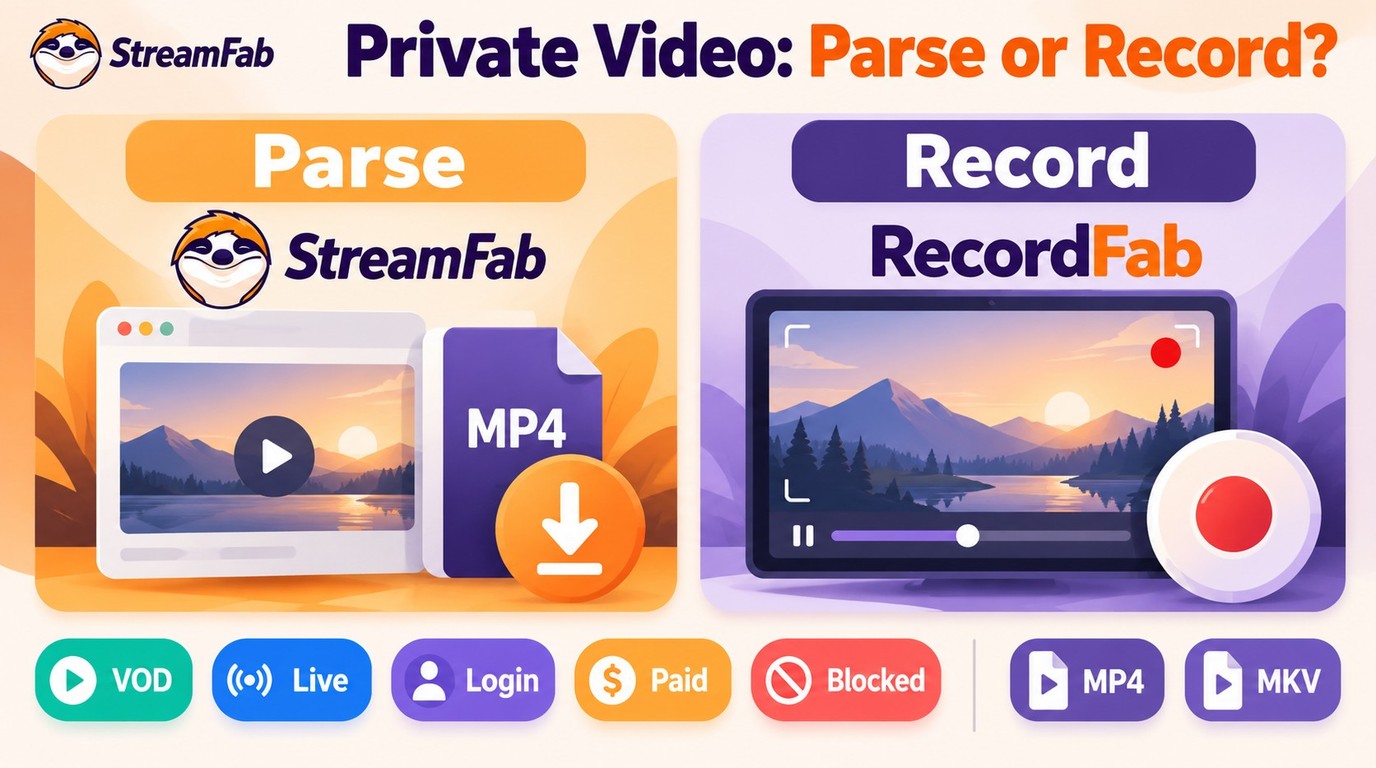
2026 Private Video Safety and Permission Rules
Private video downloads require two separate permissions: access to the video and permission to save it. A working link answers neither question on its own. Confirm both before selecting a tool.
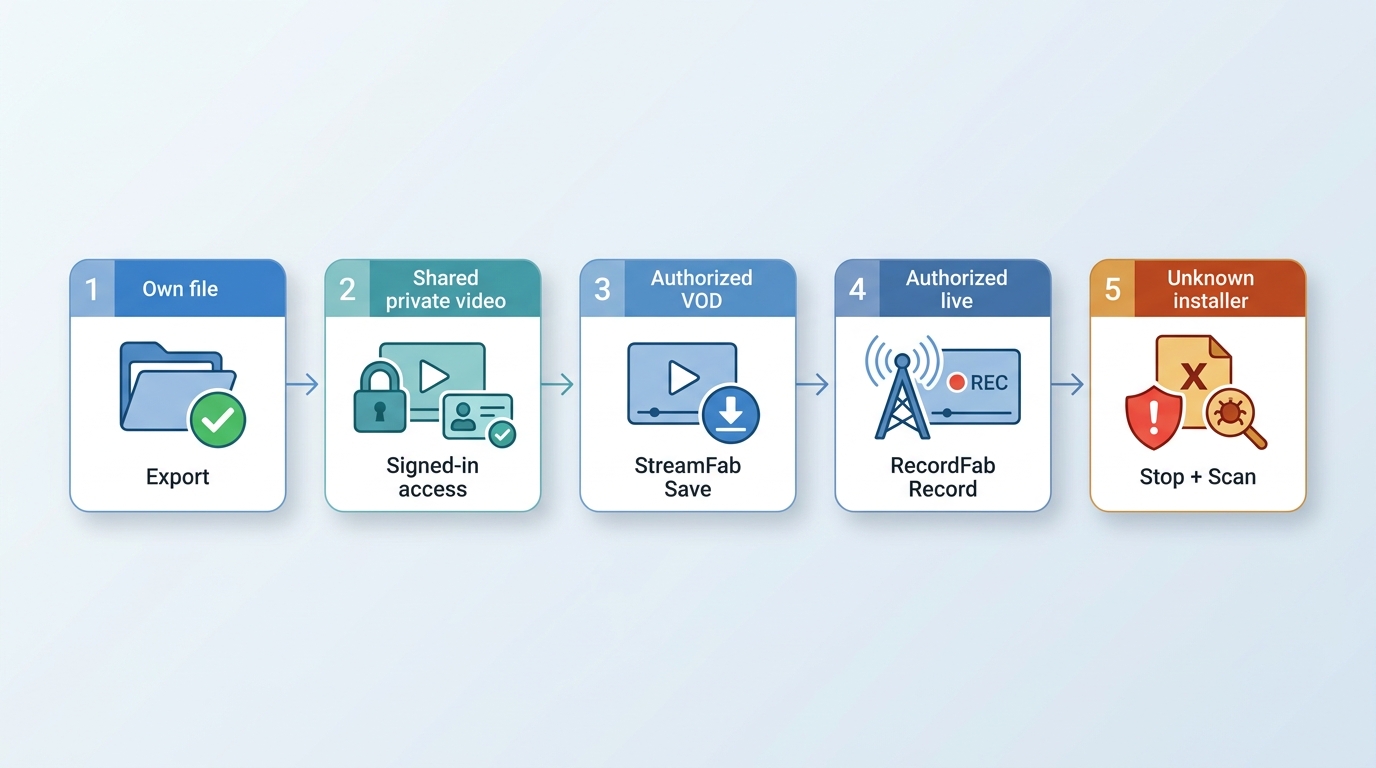
Can You Download Private Videos Safely?
Yes, with authorized access, permission to keep a local copy, and careful handling of software and files. Use a normal sign-in and an installer from its official publisher. Stop if access or saving permission is missing.
Adult-content and private-cam examples are for adults 18+ with lawful access, permission to keep the content, and respect for creator rules.
Defining Private Backup Rights

Permission for saving OnlyFans videos comes from the applicable creator rules and platform terms, rather than the subscription payment alone.
Safe Local Vault Checklist
Your save folder needs its own privacy settings. A video stored locally still reaches other devices if that folder syncs or is shared. Review the destination before saving sensitive material.
- Local Vaults: Use an encrypted local folder for sensitive files, especially private or 18+ content.
- Disable Auto-Sync: Review which folders sync automatically, and exclude your save folder from unintended cloud backup or sharing.
- File Hygiene: Use clear filenames, scan unfamiliar downloads, and leave unexpected scripts or installers unopened.
Private Video Access Matrix
An owner video export is the first choice for your own uploads. For shared content, ask the owner for an authorized original when the service does not offer a permitted download.
| Access state | Practical route | Output | Access boundary | Privacy check |
|---|---|---|---|---|
| Your own video | YouTube Studio > Content > video menu > Download | MP4 | Owner account required | Choose a private save folder |
| Shared private video | Owner-provided original or permitted local copy | Original or supported file | Invited account; separate saving permission | Keep session credentials private |
| Supported on-demand video | StreamFab supported-source workflow | MP4 or MKV | Authorized account and saving permission | Use the official installer |
| Live stream or private cam | Permitted Windows recording with RecordFab | MP4 or MKV | Creator and platform recording rules | Keep the recording folder private |
| Generic extension or web form | Stop if access or saving permission is absent | No assumed output | A URL grants no access | Inspect software origin and permissions |
YouTube Studio owner exports are MP4 at 720p or 360p, depending on video size. Google Takeout also provides an owner archive of uploaded videos. Private YouTube videos require an invited account; unlisted videos are accessible through their link, which still does not grant saving permission.
YouTube Help: Download videos that you have uploaded; Change video privacy settings (as of October 2026).
For a workplace video, request an owner- or administrator-approved export. Keep sensitive material private rather than changing its visibility to obtain a file.
Method 1: URL Parsing for VOD Platforms
Use this method only for content you are authorized to access and save, where platform terms and applicable law permit personal offline viewing. VOD means video on demand: a prerecorded title you play when you choose. URL parsing identifies a supported video from its page address.
Authentication Barriers and M3U8 Limits
A page address is not always a video file. M3U8 is a playlist format that points a player to media segments, rather than a standalone movie. Private pages also require an active account session and the owner's access settings.
Normal playback is the first check. If the invited account cannot open the video, request access from its owner. If it plays but saving is unavailable, use an authorized export instead of trying to change the protection settings.
StreamFab for Authorized Local Copies
StreamFab All-In-One is third-party software relative to a platform's official download feature, for personal offline viewing of content you are authorized to access and save under the service's terms and applicable law. It runs on Windows and Mac and saves supported VOD sources as MP4 or MKV.
I would use this route for planned on-demand batches and the recording route for live-only playback. Supported sites and device availability change; use the official product page in the download card to confirm compatibility and obtain the installer.

Save supported on-demand videos as MP4 or MKV with the quality and audio options available for the selected source, plus metadata for organizing your local library.
- Save a local copy for personal offline viewing from a supported source.
- Supported sources, including eligible YouTube videos, offer output up to 8K; use the resolution available for the selected video.
- Select available audio tracks and subtitles for the saved video.
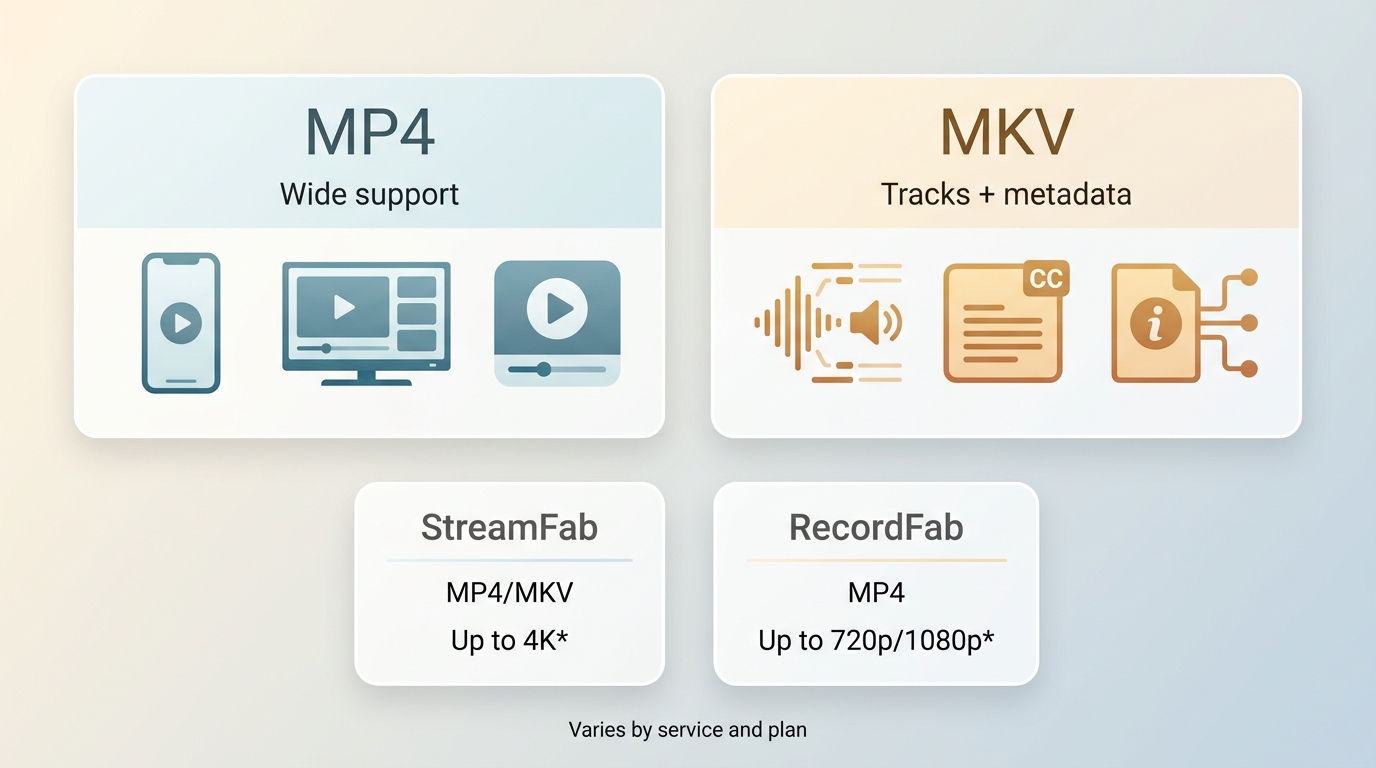
- MP4 and MKV are available output formats for supported videos.
- Queue permitted on-demand videos in batches after checking one saved file.
- Schedule supported queues and newly released episodes for an organized local library.
Operation Steps
Install and launch StreamFab All-In-One on Windows or Mac, then select the service hosting the video you are authorized to save.
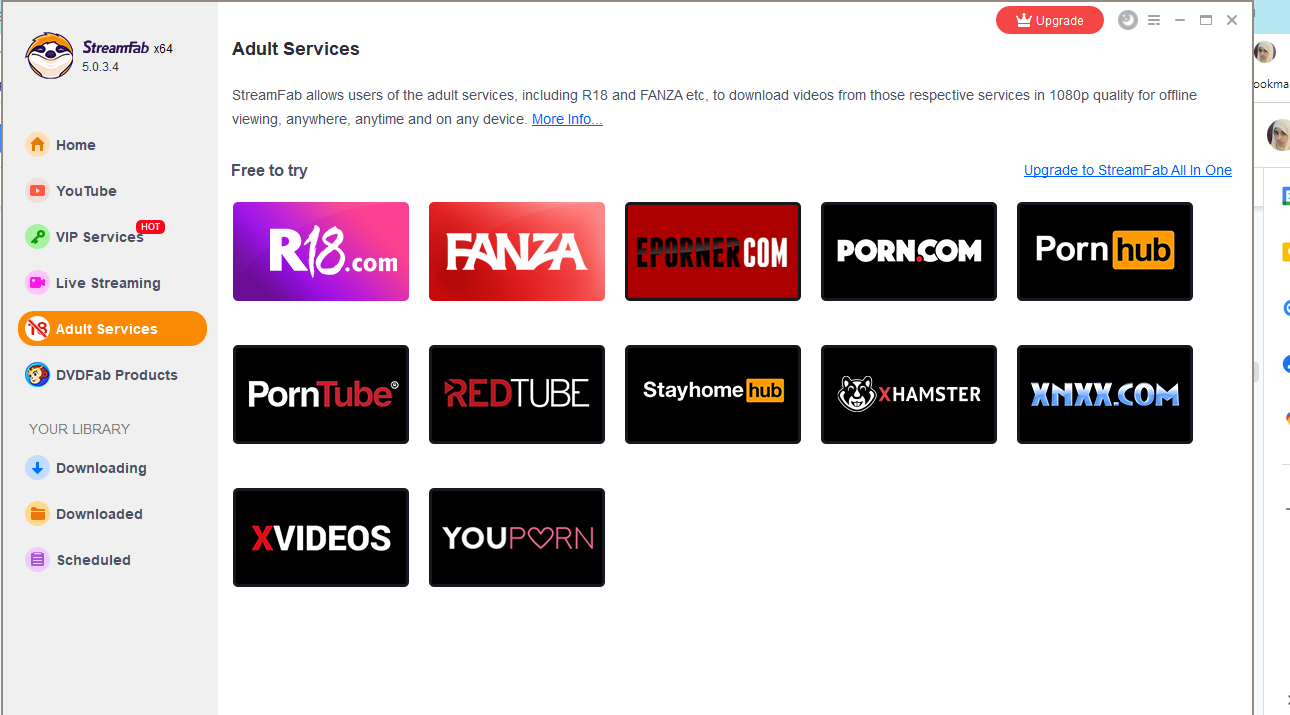
Open and play the video through your authorized account. Alternatively, paste its permitted page URL into the address bar.
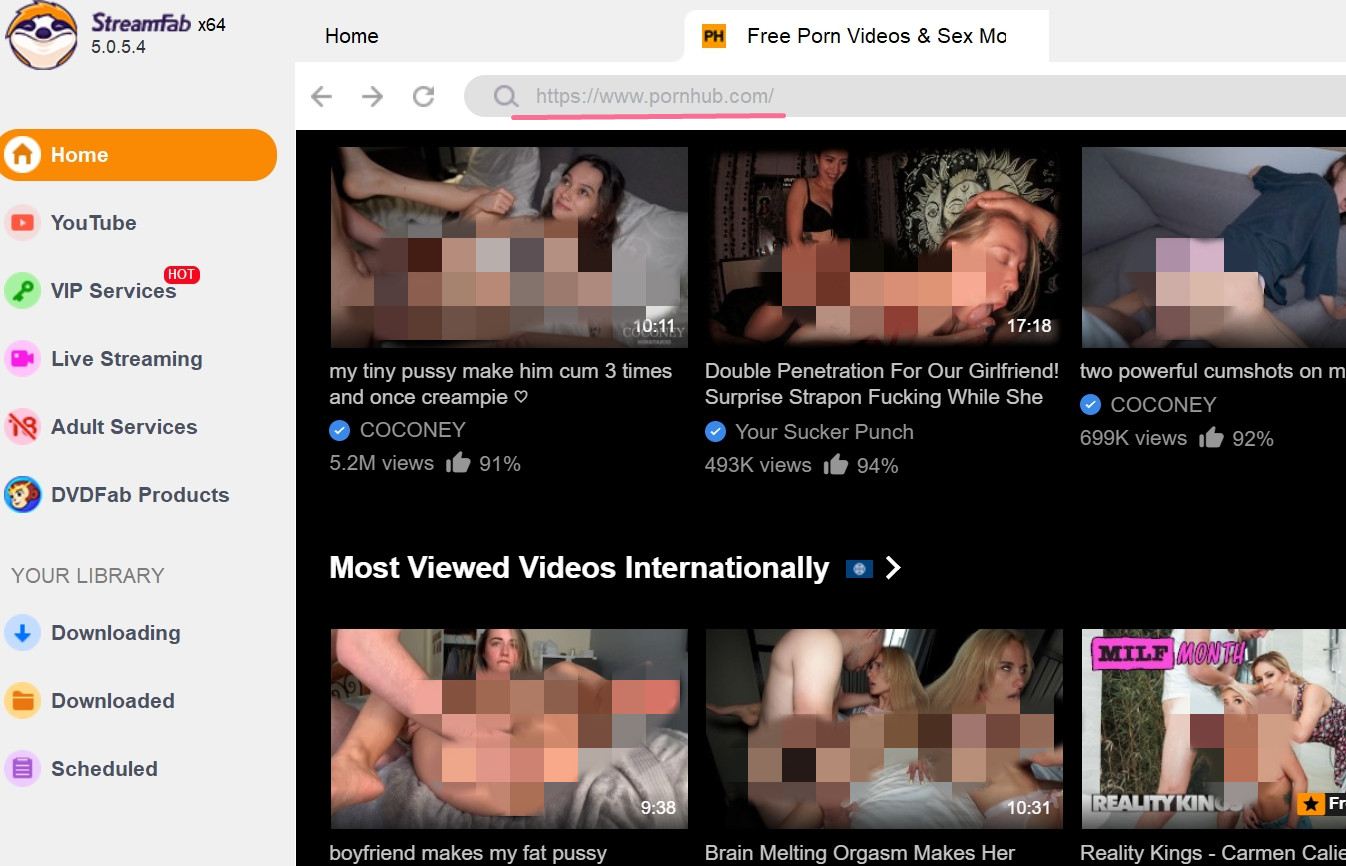
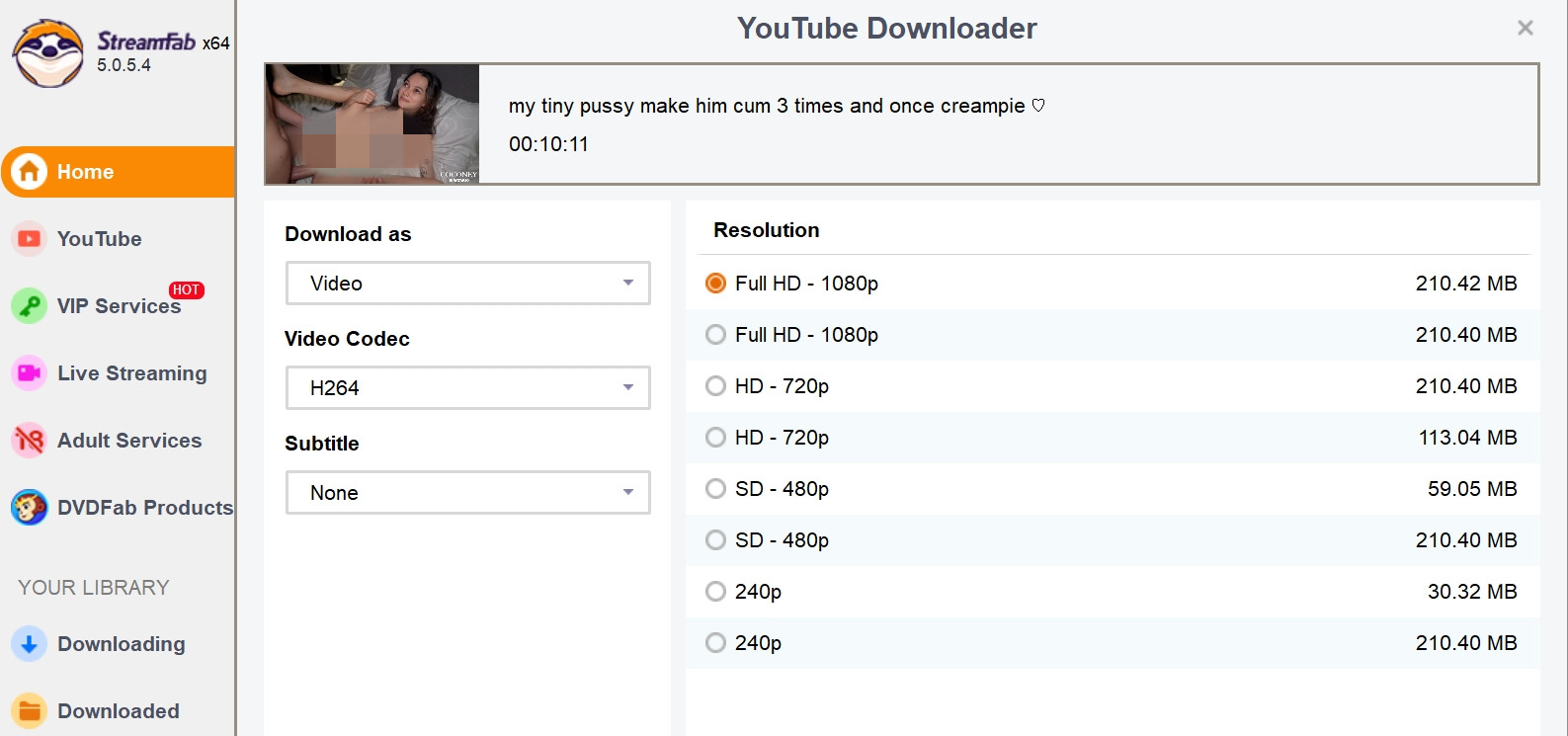
Choose the available format, quality, audio, and subtitle options, then click "Download Now." Save one file and open it in your intended player to check playback, audio, and subtitles before queuing a batch.
Method 2: Capturing Live Streams and Private Cams
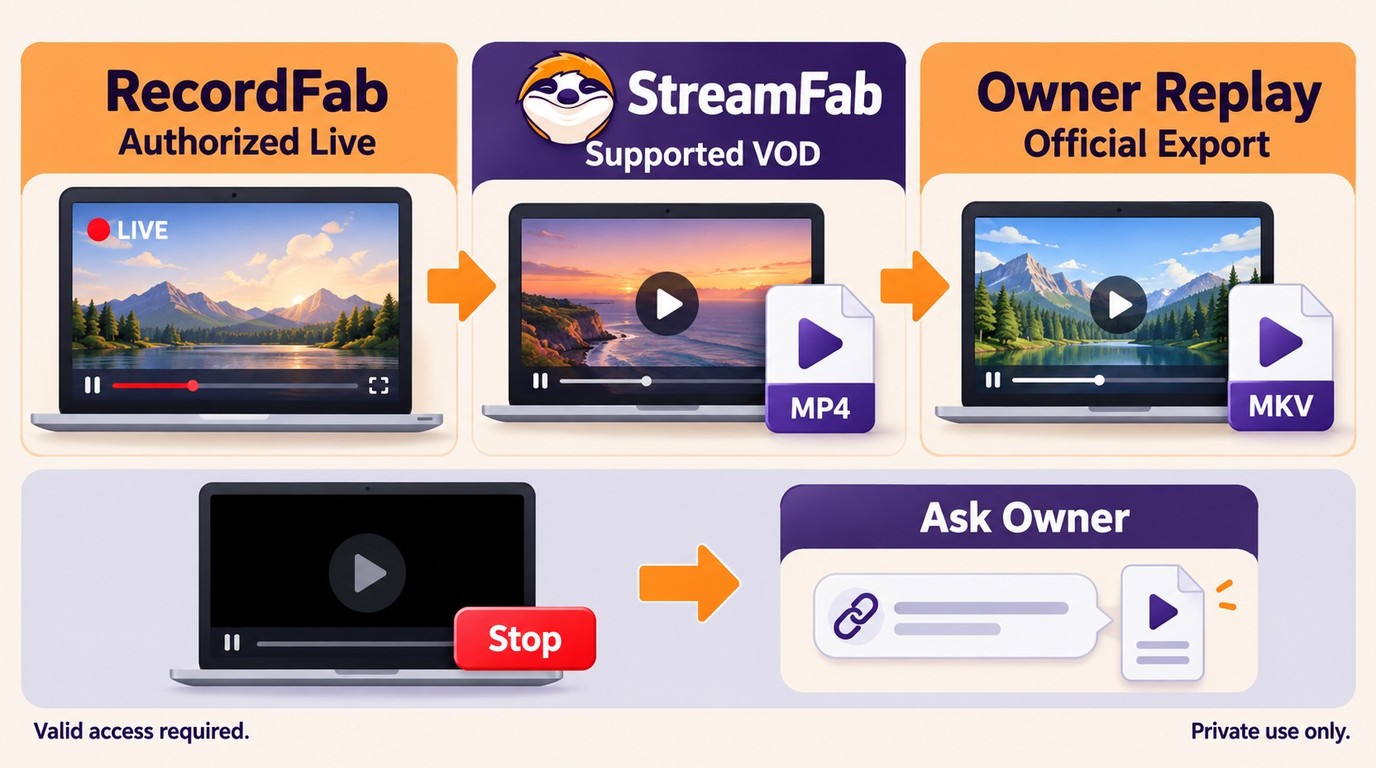
Recording suits a permitted live broadcast that has no owner-provided replay or export. Use your authorized account and keep the saved recording for the agreed personal use. For prerecorded titles, the VOD route supports planned batches.
Black Screens and Browser Hooks
A black preview is a failed capture, not a usable recording. Check the selected window and the player's playback quality first. With a manual recorder such as OBS Studio, capture-window and audio setup are part of the job.
Protected playback also causes blank captures. Leave protection settings intact; use the platform's permitted replay or owner-provided export if recording is unavailable.
RecordFab for Live Stream Capture
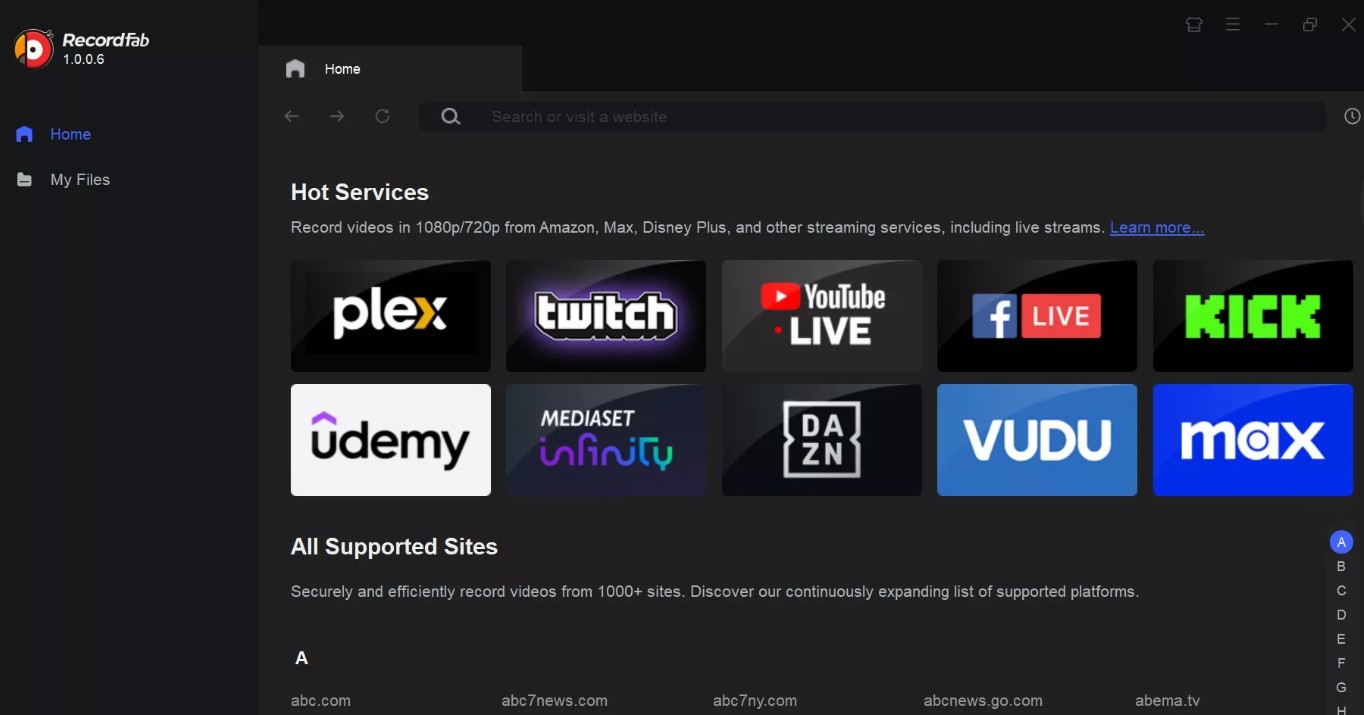
RecordFab records permitted browser playback on Windows, while StreamFab handles supported VOD local copies and batches. RecordFab offers 720p and 1080p recording options and saves MP4 or MKV. It handles individual recordings rather than bulk VOD downloading.

Record permitted browser playback on Windows at the selected recording quality, with the result limited by the video playing in the browser.
- Record permitted video playback in the built-in browser.
- Choose 720p or 1080p recording settings to match the playback.
- Save individual recordings as MP4 or MKV.
- Open the authorized page in the built-in browser without using your Chrome window.
- Record a permitted live broadcast and save it to your chosen local folder.
Operation Steps
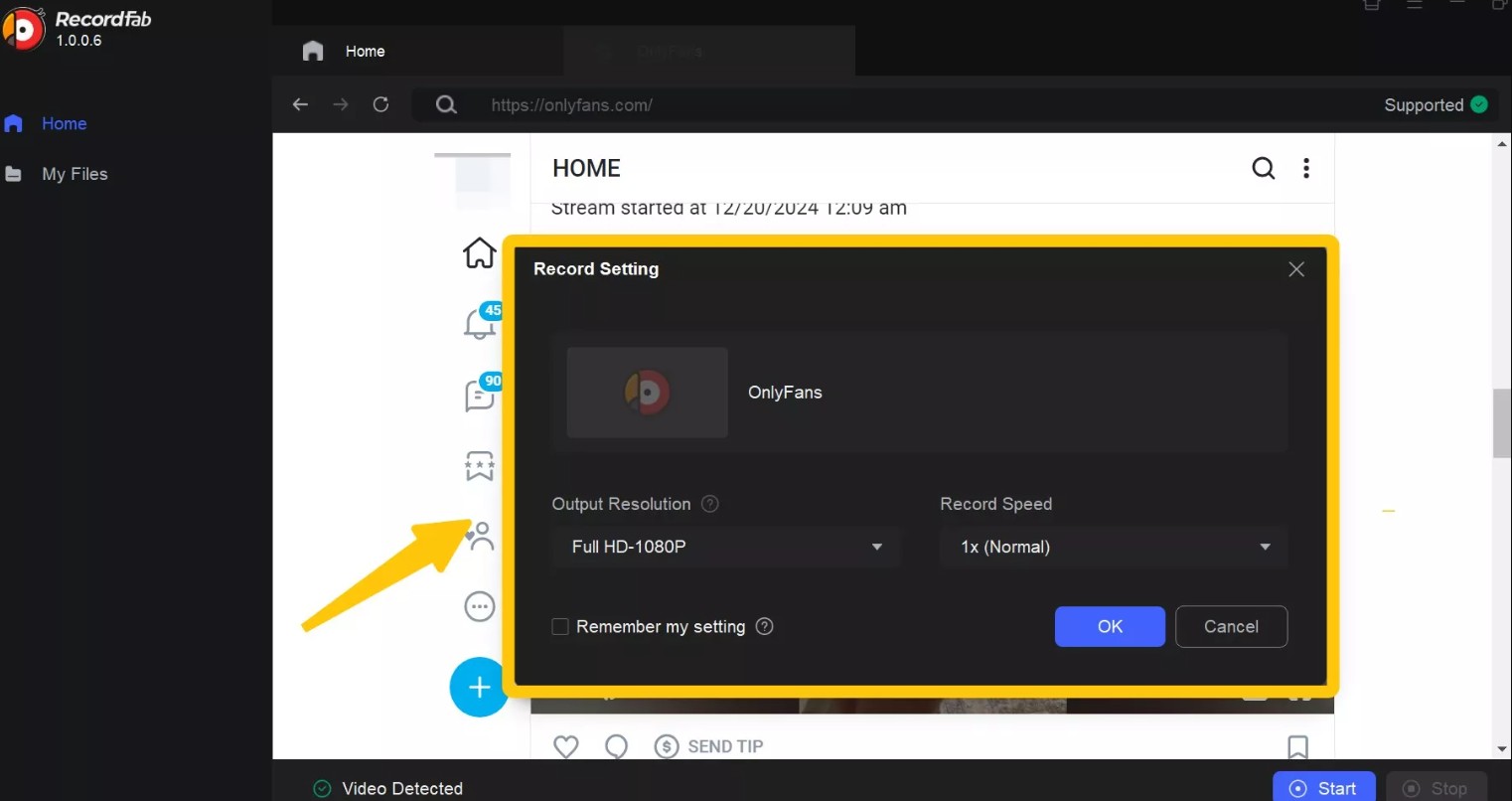
Install and launch RecordFab on your Windows PC, then open the authorized video page in its built-in browser.
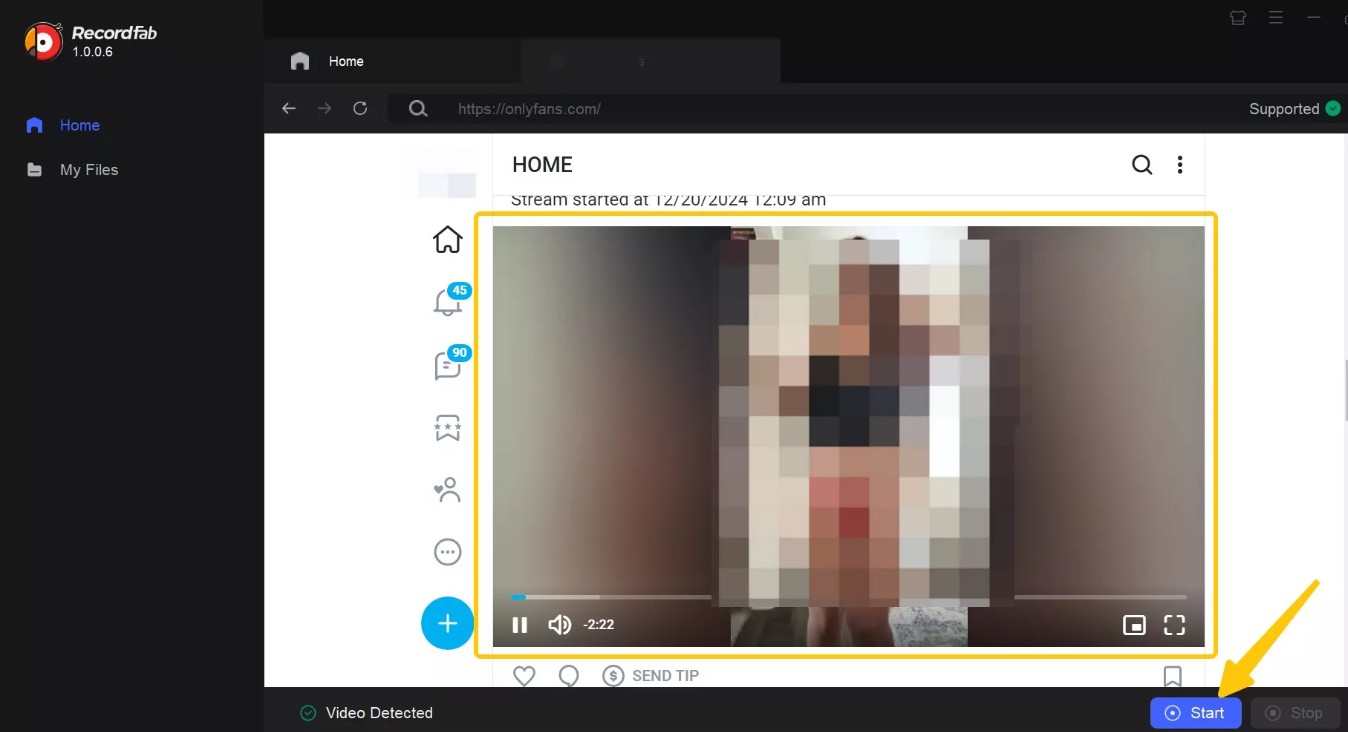
Play the video, select its available playback resolution, then click "Start" at the bottom of the screen.
Select the recording quality and save location. Confirm with "OK" and keep the recording in your private folder.
MP4 Quality and Output Choices
A standalone file and a service-managed download work differently. An owner-exported MP4 is a separate file. Eligible YouTube Premium downloads stay in YouTube's managed Downloads area, require the eligible signed-in account, and need periodic reconnection.
MP4 vs MKV
Choose MP4 for broad compatibility with common phones, TVs, and desktop players. Choose MKV when you want multiple tracks or metadata and your intended player supports it. Both formats are containers: they package video, audio, and related data without defining the picture quality.
Resolution, Audio, and Batch Limits
A higher output setting does not add detail to a lower-resolution source. Select from the options available for that video; the source, service, title, subscription, operating system, and app settings determine the available resolution and audio.
StreamFab's daily and weekly quotas organize supported-service queues; platform saving rules and account terms still apply. For playback or compatibility trouble, use the product card's official support route.
Troubleshooting Private Downloads
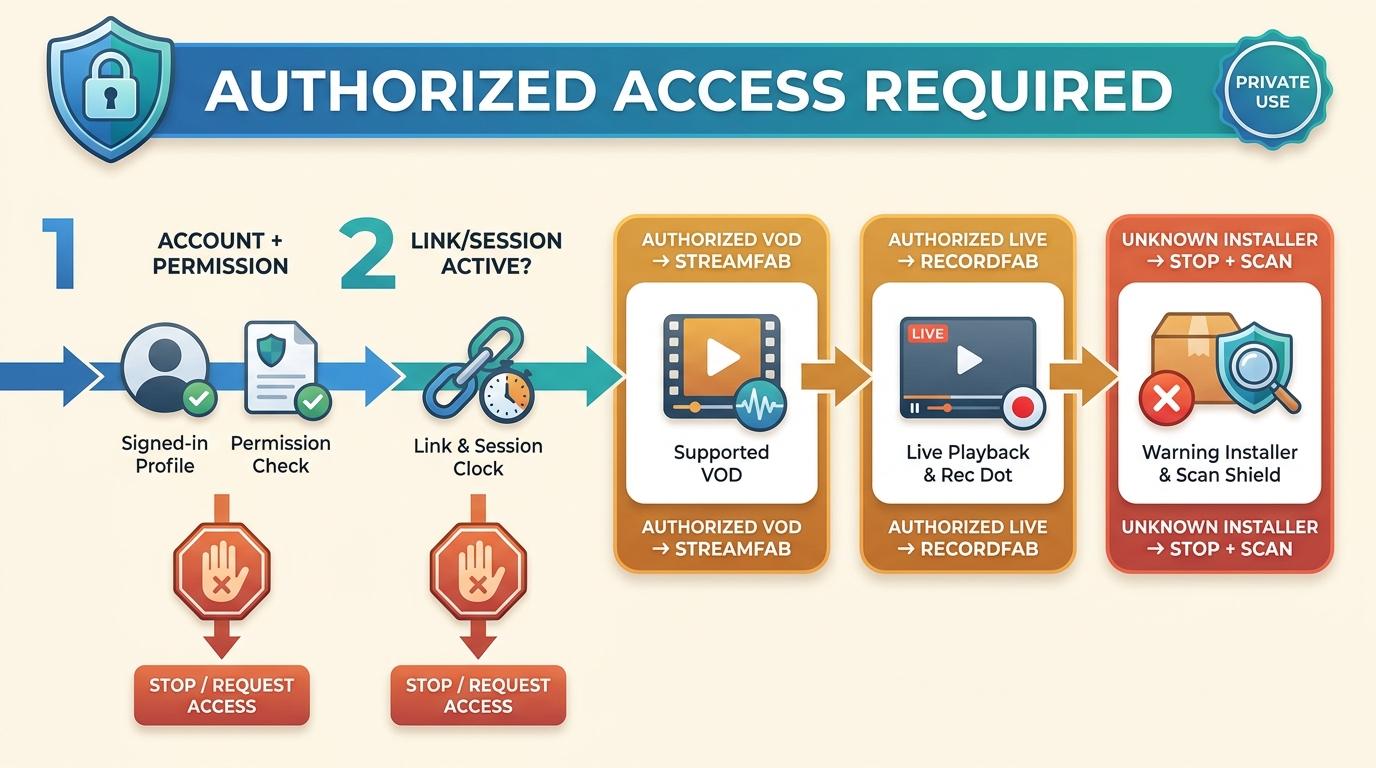
Start with the private video sign-in and access checks before retrying a failed download. Confirm that you still have permission to view and save the video, then inspect the session, supported source, and saved file in that order.
Cookies, Sign-In, and Private Links
The invited account must still have access. Sign in normally, reopen the original page, and check whether the private link has expired. Session cookies represent an account session; do not paste them into unknown websites or tools.
A Drive or workplace owner controls download permission separately from viewing access. Request an approved original or export when the download control is unavailable.
Extensions and Stale Tools
Software permissions and file storage need separate checks. Inspect an extension's publisher, requested site access, and maintenance history; uninstall one that asks for unrelated permissions. Use official publisher download pages for desktop installers.
A store listing is not a security certification. An unrelated Android APK is not the Windows or Mac workflow described here. A link entered in SaveTheVideo does not grant permission to access a private video.
Corrupted Files and Malware Checks
An empty file or unexpected installer needs inspection before use. Scan unfamiliar files and leave executable attachments unopened. A video download should not require running a separate script to play it.
The practical difference between downloading and recording is that downloading saves the offered video data, while recording captures playback as it runs.
Permitted URL-to-MP4 conversion needs an accessible, supported source; changing a page URL or file extension does not fix missing access rights or an incomplete file.
FAQ
Can I download a private video if I am not signed in?
A private YouTube video requires the account its owner invited. Having its URL, or having watched it before, does not grant current access. Ask the owner for an authorized original or export when saving is unavailable.
Can I download porn videos by URL as MP4?
For adults 18+, a URL alone grants neither access nor saving permission. A creator-provided MP4 is a standalone file; a platform-managed offline download stays within that service. Use a supported local-copy route only with both permissions.
Are browser extensions safe for private video downloads?
Judge an extension by its publisher and requested permissions. A store listing alone is not a security certification. Never submit passwords or session cookies to an unknown web form.
Will a creator know if I save a private video?
Do not assume the activity is hidden. Platforms can log account and viewing activity, and creator-notification behavior differs across services. Follow the creator's saving rules and keep the copy private.
Should I choose MP4 or MKV for local offline viewing?
Use a format supported by your intended player. Renaming a .MKV file to .MP4 does not convert the video; select the required format when saving instead.
How can I download and save porn videos responsibly?
For adults 18+, follow the creator's instructions on how to download porn videos they permit you to save. Use their download button or request the original, and keep the copy private. Paid viewing access alone does not grant saving or sharing rights.
Conclusion
For your own upload, choose the owner export. For a shared private video, get an authorized original when possible; otherwise use a permitted workflow that matches on-demand or live playback. Access comes first.
For supported VOD, use StreamFab; for an authorized live recording on Windows, use RecordFab. Keeping personal video copies private also means controlling the save folder and its sharing settings.

Compare four xHamster offline workflows for adults with permission to save the content. Learn how desktop saving, web forms, browser extensions, and recording differ, then check the completed file’s format, audio, playback, and location. The guide also covers playback fixes and local privacy controls.
By Jacob Harrison - Oct 21, 2026
In July 2026, I tested every viable method for saving Patreon videos offline — from dedicated desktop tools to Chrome extensions. Here's what actually works, what gives you a black screen, and the one approach that handles 1080p and 4K without guesswork.
By Erika Leen - Oct 20, 2026
Xvideos doesn’t offer any official download option, and like many users, I found streaming with ads and unstable network really frustrating. That’s why I explored and tested multiple download methods—and in this article, I’m sharing the three tools I actually use.
By Marcia Hatcher - Oct 20, 2026
A playable video and a supported download are different things. Compare four apps by source compatibility, device fit, and file format, with practical guidance on private links and phone playback. Learn when a source-provided download is enough and when a desktop queue suits recurring permitted saves.
By Nicole Lopez - Oct 20, 2026