
Locoloader OnlyFans Review: Is It Safe & Legit to Use? 2026 Updated

Summary: Locoloader is a Google extension that facilitates the download of videos from OnlyFans. However, as an extension, how secure is it? What is the success rate and stability rate? I have conducted a thorough evaluation of Locoloader and compiled the review results into this article, hoping to be of assistance to you.
Locoloader OnlyFans can be useful for occasional public-post downloads, but its browser-extension workflow has important limits around protected posts, free extractions, and device compatibility. The practical answer to “does Locoloader work?” depends on the post type, the available output options, and whether the extension can complete the request.

- What is Locoloader?
- Is Locoloader safe and legit, or risky and overhyped?
- Does Locoloader really work with OnlyFans in 2026?
- Quick verdict: Locoloader is a browser-based downloader for occasional use, with source-dependent quality options and a limited free allowance. It is less suitable when you need repeat downloads, dependable handling of protected posts, or a desktop workflow.
- How does it compare to a desktop downloader like StreamFab?
This review covers the Locoloader OnlyFans downloader’s browser workflow, safety considerations, output choices, pricing, and common failure points. It also compares that workflow with StreamFab for readers who need a Windows or Mac desktop option. Before using any tool mentioned here, read the StreamFab copyright and usage guidelines for personal-backup and offline-use boundaries.
Locoloader OnlyFans Verdict at a Glance
Locoloader is a web-based downloader workflow that uses its website and browser extension together. These are the two parts readers need to understand:
- locoloader.com: The site itself, where you dump your links to start the download.
- The Browser Extension: The extension connects the browser session to the Locoloader workflow so the site can detect available media options for the page you are authorized to access.
⚠️ Warning: There are tons of typosquatting domains out there like loco downloader or lololoader. These are almost exclusively copycat ad farms. Please stick to the official domain so you don't fall into phishing traps.
Is Locoloader OnlyFans Legit & Safe to Use?
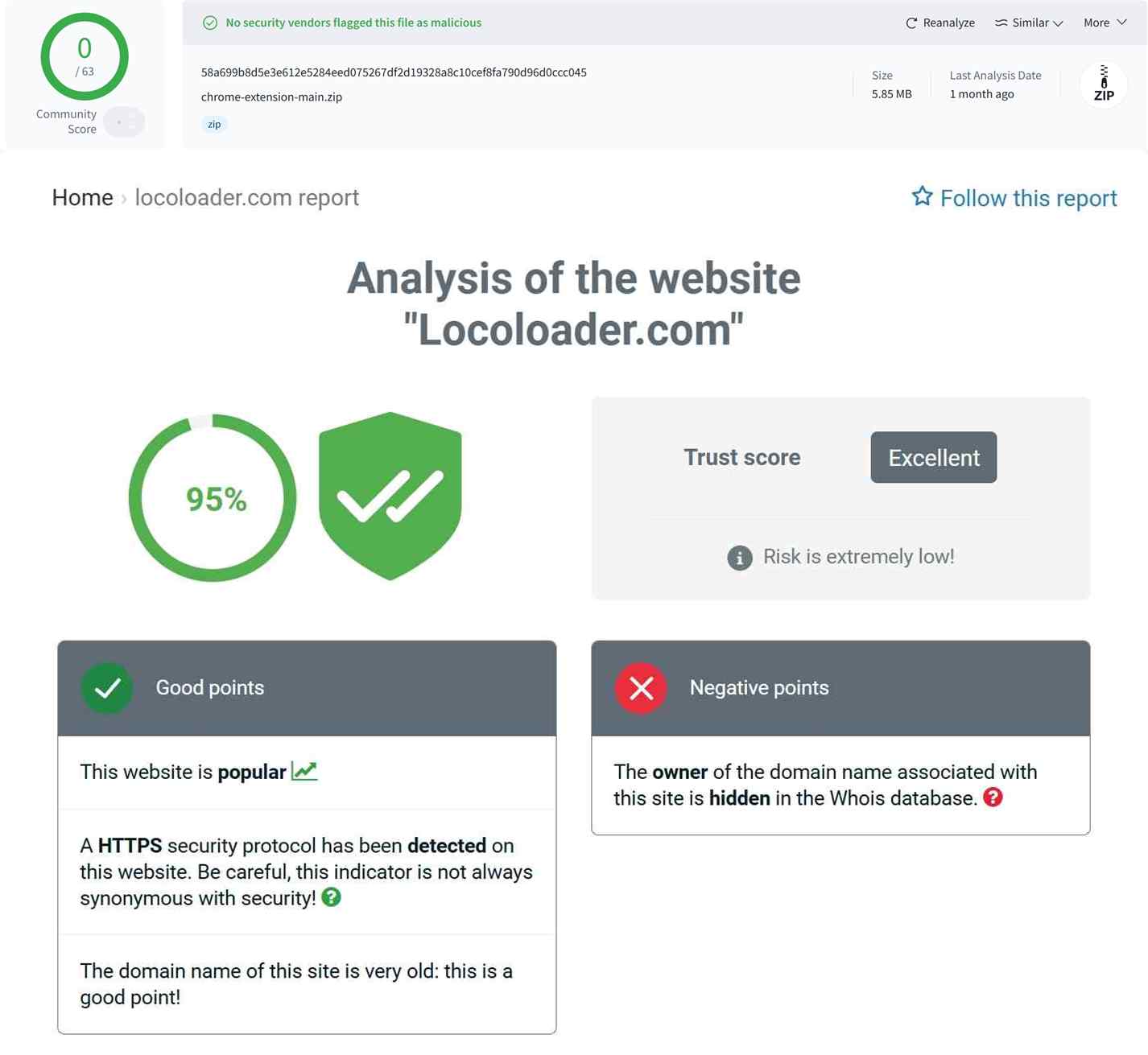
Safety Test: Permissions and Account Risk
For extension safety, Mozilla's listing for Locoloader 1.8.2 identifies the permissions it requests and the developer-disclosed data practices. Review those categories rather than assuming an add-on has access it does not explicitly request.
- The website: Use the official Locoloader domain and avoid lookalike pages that may imitate its name or branding.
- The extension: Review its required permissions and developer-disclosed data practices before installing it. A browser add-on that needs access to site data is not a good fit for anyone uncomfortable granting that level of access.
Legal and Personal-Use Boundaries
Use download or local-copy workflows only for content you are authorized to access, where permitted by platform terms and applicable law. Keep any saved files for personal use, respect creators’ rights, and do not redistribute, sell, upload, or publicly share the content. This is general information, not legal advice.
My Verdict: The practical takeaway is simple: if a browser extension’s required permissions make you uneasy, choose a workflow that does not require you to keep that extension installed. A separate browser profile can also reduce how much of your everyday browsing is exposed to an add-on."Install, Use, Uninstall" method, or just using it in a separate browser profile.
OnlyFans Test Results by Scenario
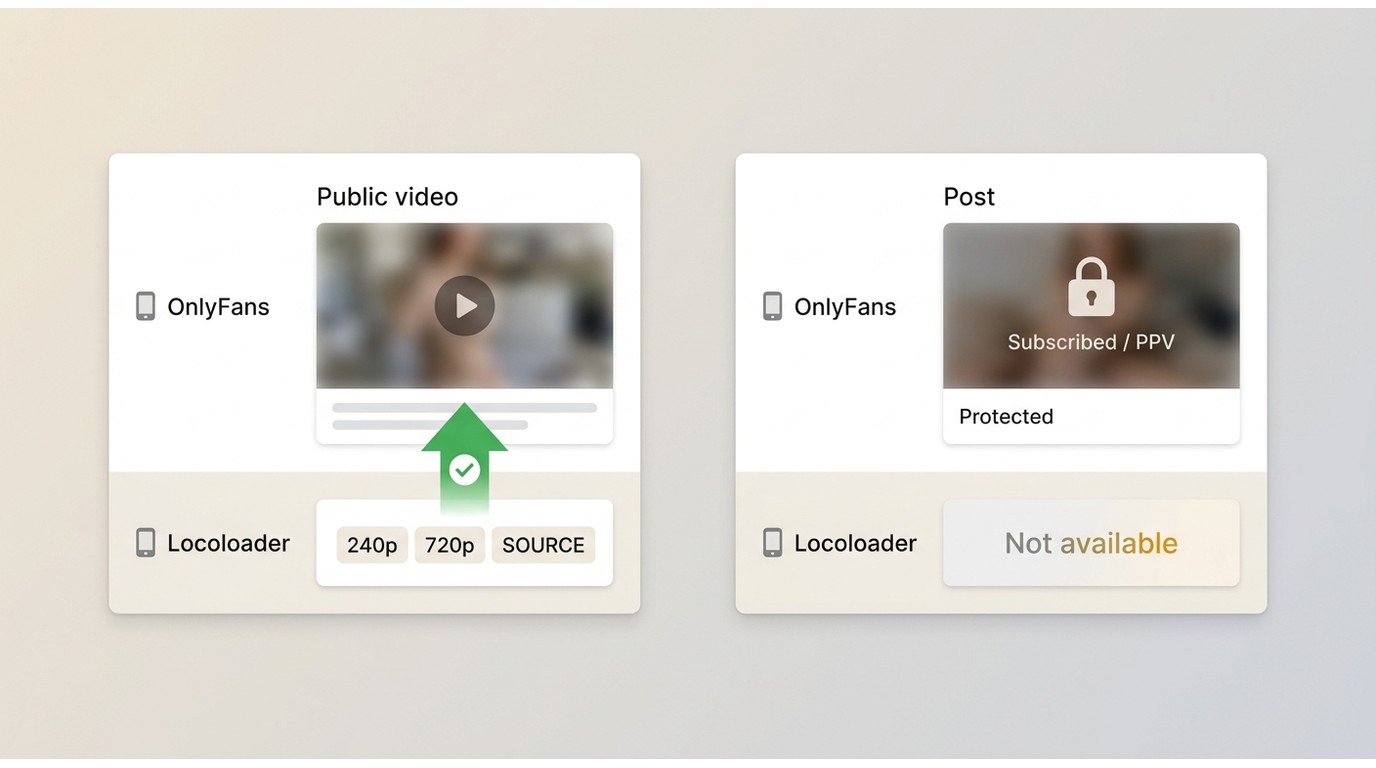
Locoloader’s usefulness changes by scenario. Public posts may expose downloadable options, while protected subscribed posts and PPV messages can hit platform-level limits. That distinction is more useful than presenting one universal success-rate percentage.
| Test Scenario | Video Type | Max Quality | Verdict |
|---|---|---|---|
| Test 1 | OF Public Video | Source-dependent | May work when options are exposed |
| Test 2 | OF Paid Subscription | — | Limited for protected posts |
| Test Environment |
| ||
Public Posts and Test Scope
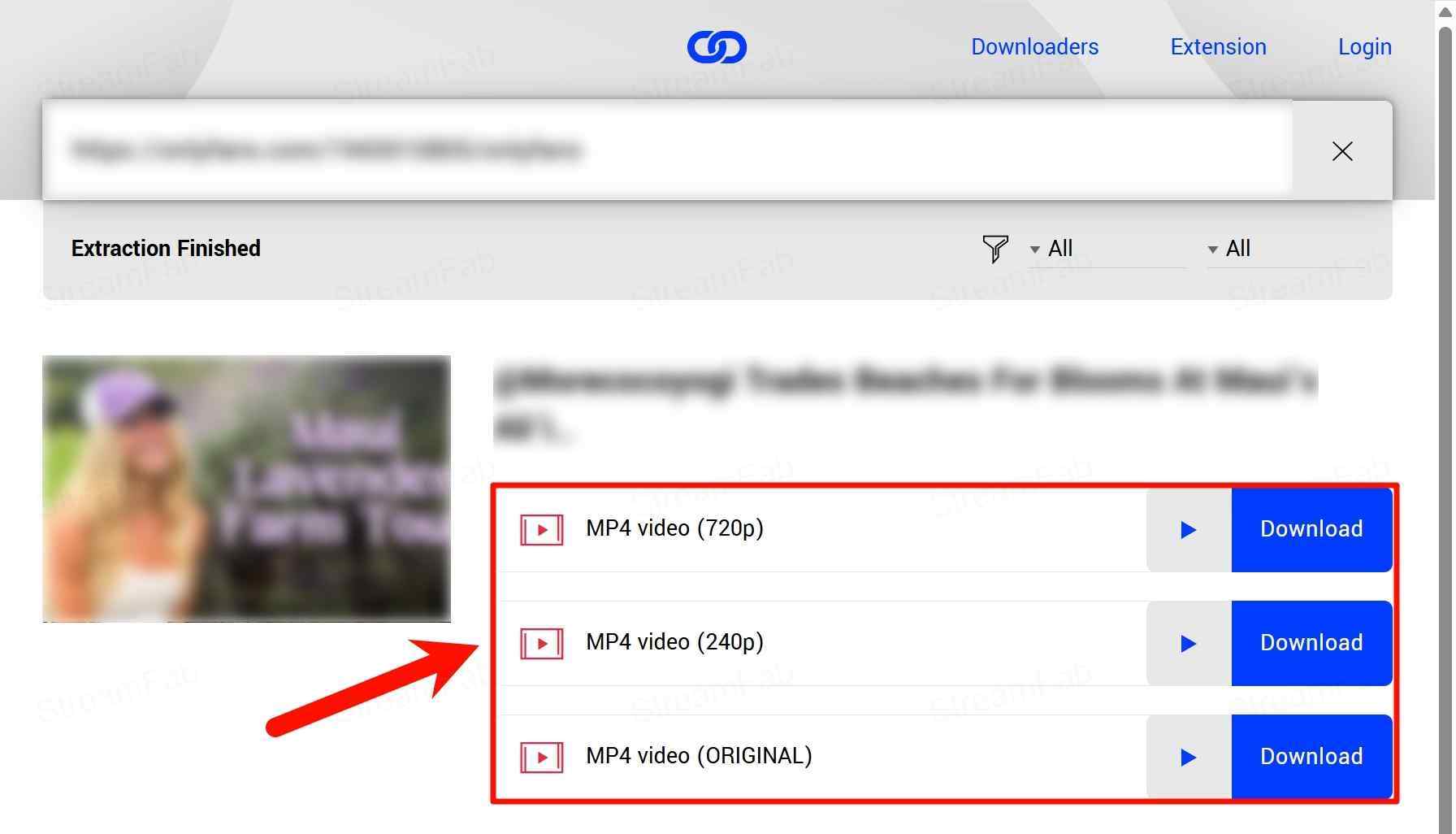
Public posts can expose download choices when the source is available. Locoloader’s official examples show 240p, 720p, and SOURCE options, so the choices depend on the media source rather than a fixed quality tier.
- Result: Available options vary by post and source.
- Output choices: Locoloader may present 240p, 720p, or SOURCE when those options are available.
- Timing: Completion time varies with the media source, network conditions, and browser workflow.
Paid Posts and PPV Limits
For paid posts and PPV messages, Locoloader’s published guidance identifies protected content as an extraction limit. The related guide explains OnlyFans DRM errors and solutions in plain language.
- Result: Protected posts may not expose a usable download option.
- What the message means: Errors such as “Could not parse video” or “DRM Protected” indicate that the workflow has not exposed a usable media option for that post. Repeated refreshes are unlikely to change a protected-content limit.

Five Critical Limitations: Test Interpretation & Evaluation
Resolution Consistency & Quality Options
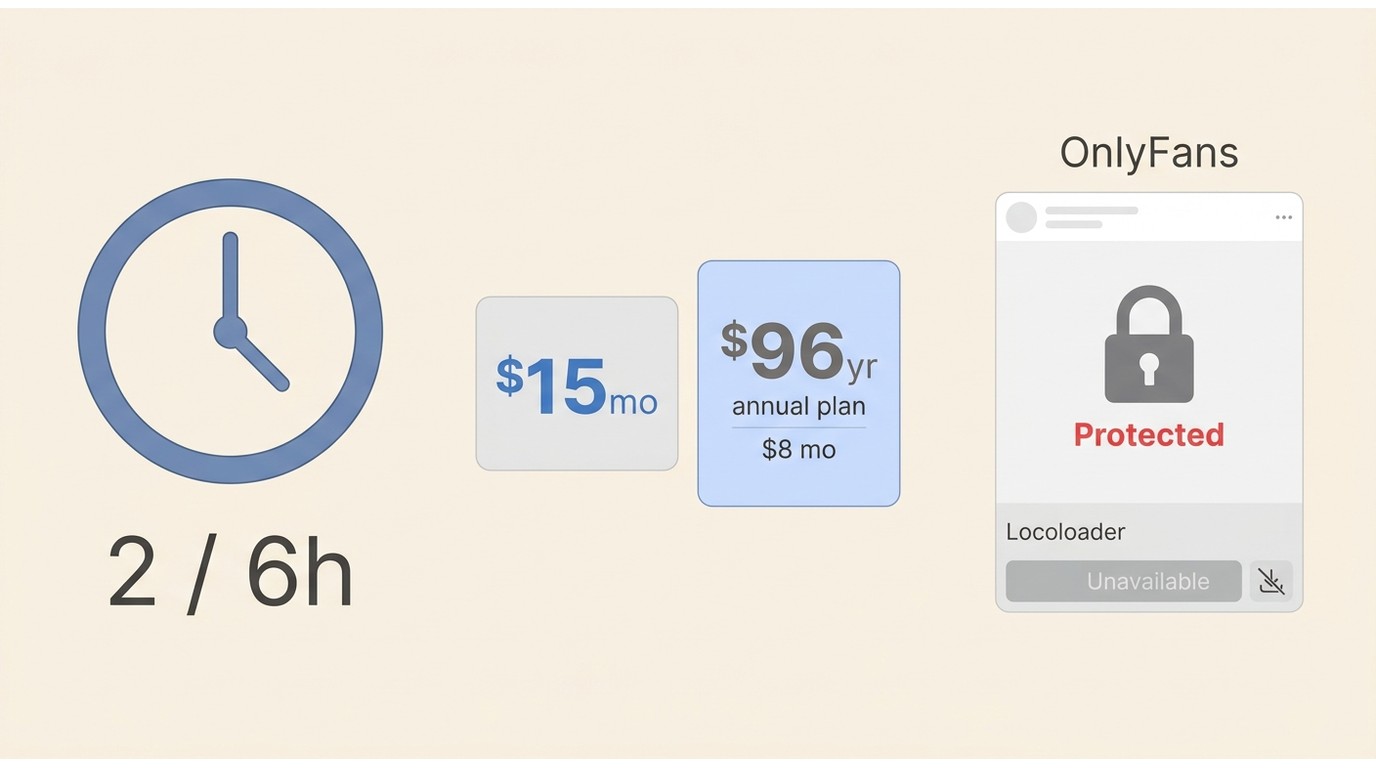
Output choices: Locoloader’s available resolutions depend on the source. Its official examples show 240p, 720p, and SOURCE options, rather than a stable 1080p cap. "SOURCE" generally refers to the source media option exposed by the page. If you need a standard file type, converting OnlyFans videos to MP4 is a separate workflow from choosing a Locoloader output.
Evaluation: For occasional viewing, the available options may be enough. If you need predictable file formats or repeatable quality control, source-dependent choices can be limiting because the available options may change from post to post.
Paid-Content Failure Boundaries
Locoloader’s guidance distinguishes between posts whose media options can be exposed and protected content that cannot be extracted through the workflow. Do not treat a public-post result as a prediction for subscribed posts, PPV messages, or any page that returns a protected-content message. The specific OnlyFans playback and protection system can determine which options appear.
Evaluation: The important limitation is predictability. A workflow that works for one public post may not provide a usable option for a protected post, so plan around the post type rather than assuming the same result across an account.
Free Quota and Pricing
Locoloader has a free allowance of two extractions every six hours. As of August 2026, Locoloader pricing lists $15 monthly billing or $8 per month billed annually as $96. That structure may suit occasional use, while repeat use can make the quota a practical constraint.
The published allowance describes the number of extractions, not every possible failure outcome. If an attempt does not complete, check the remaining allowance before retrying repeatedly, especially when the page has already shown a protected-content message.
Evaluation: The free allowance is best treated as a way to assess whether the workflow fits your usual post type. Once a page shows a protected-content error, repeated retries are unlikely to be an efficient use of the allowance.
Browser and Mobile Compatibility
Locoloader is a web workflow supported by browser extensions. Mozilla lists Locoloader 1.8.2 as compatible with Firefox for Android 142.0 and later, but browser compatibility does not establish that every OnlyFans workflow will behave the same on Android. The official sources do not list a standalone Android or iPhone app as of August 2026. If you are comparing browser options, these guides cover an OnlyFans video downloader for Chrome and ways to save OnlyFans videos in Firefox.
Evaluation: Avoid APK files or mobile-app listings that claim to be an official Locoloader app when they do not come from an official source. any standalone app claiming to be Locoloader is likely a phishing trap. The only safe way to operate is strictly through a web browser.
Bulk Downloads Need Scenario-Specific Testing
Locoloader’s extension advertises one-click bulk downloads in general, but that claim should not be treated as proof of bulk behavior for every OnlyFans profile, gallery, album, or post type. For broader context on a bulk OnlyFans video downloader, use a workflow that specifically supports your intended scenario.
Evaluation: If you only need to grab one or two videos occasionally, this simple How to use Locoloader For a small number of posts, a browser workflow may be sufficient. For repeat use, evaluate the available bulk behavior on the exact OnlyFans scenario you intend to use before relying on it.
Using Locoloader for OnlyFans Videos

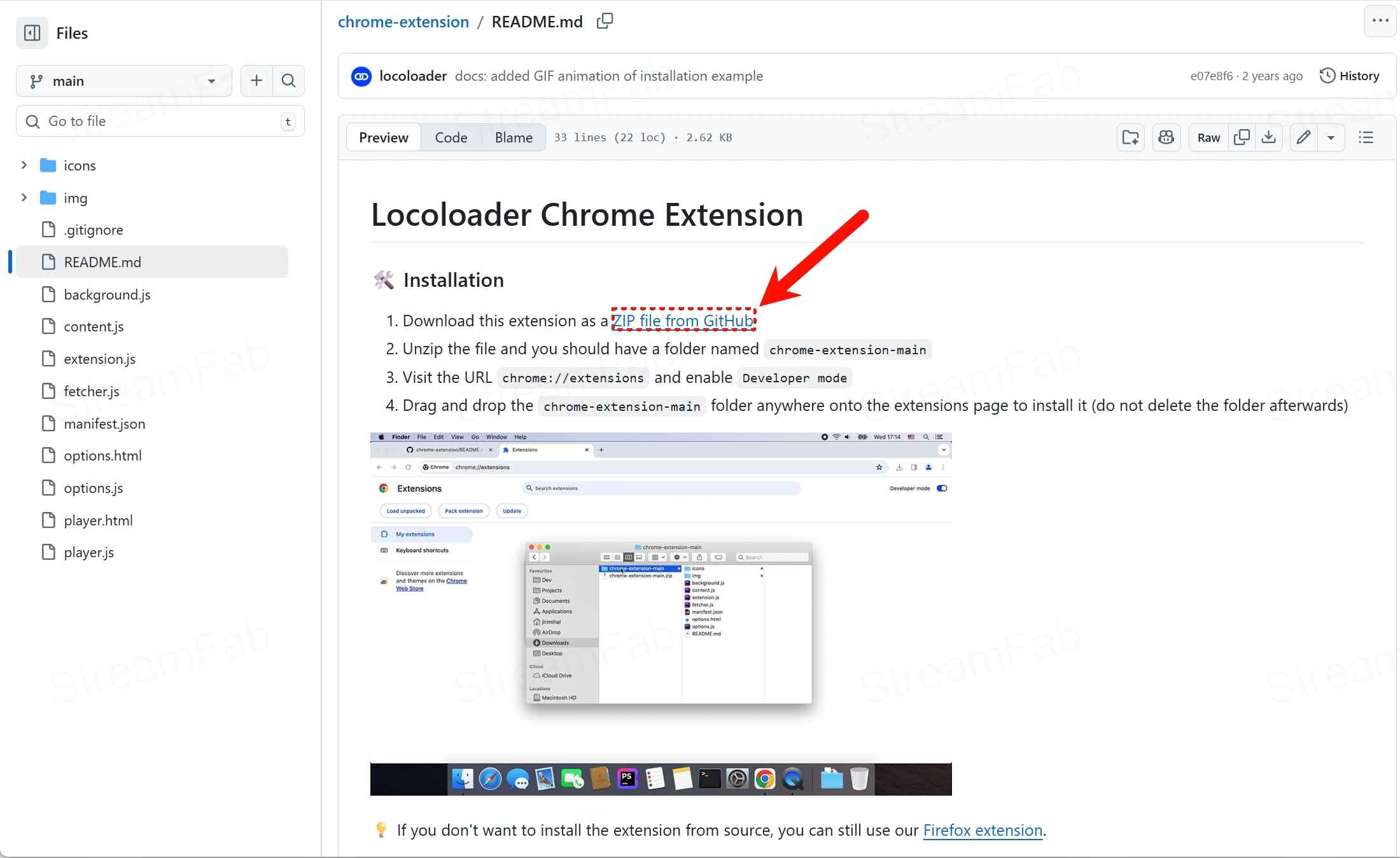
- For Chrome: https://github.com/locoloader/chrome-extension/blob/main/README.md
- For Firefox: https://addons.mozilla.org/en-US/firefox/addon/locoloader/
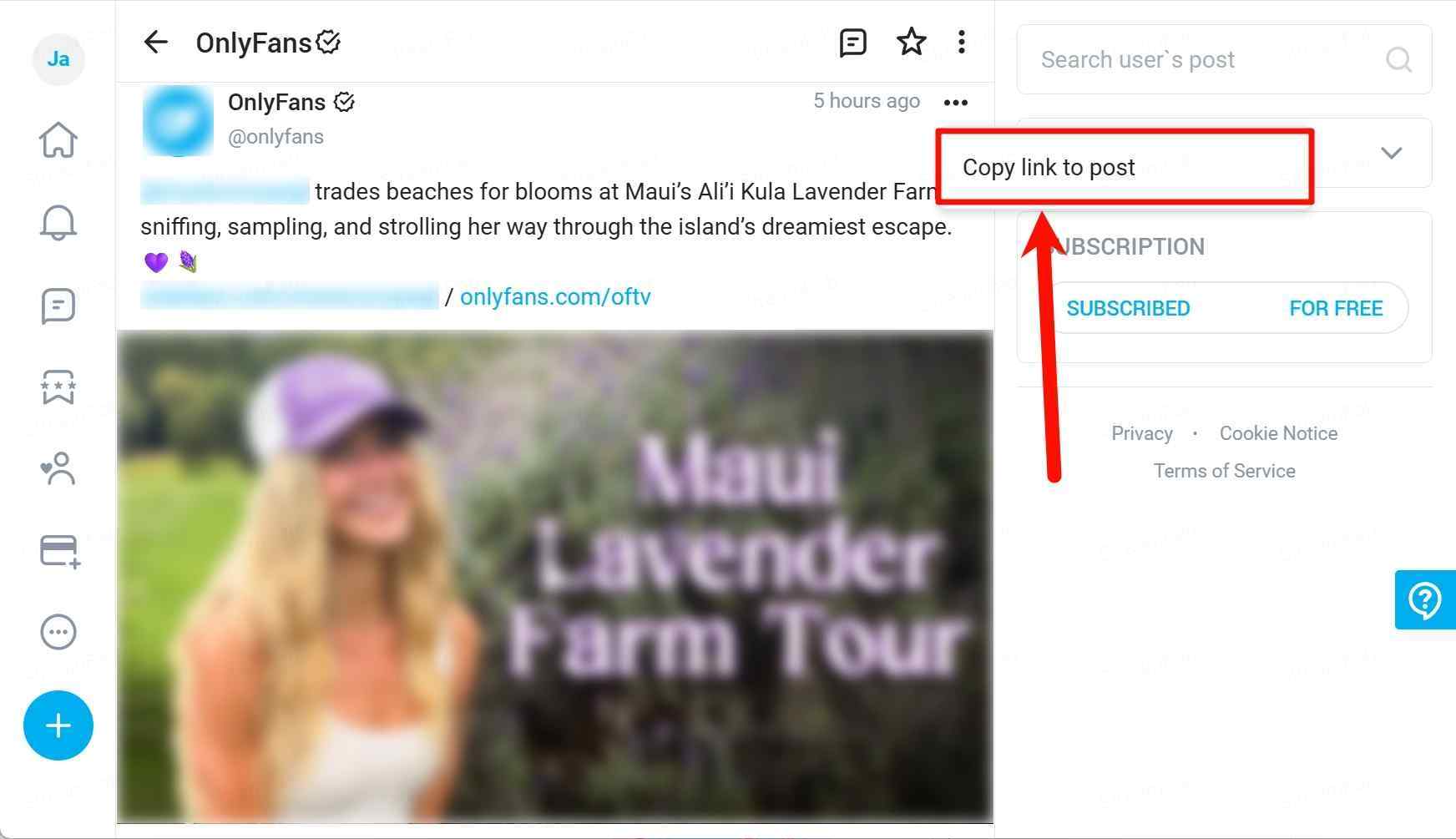
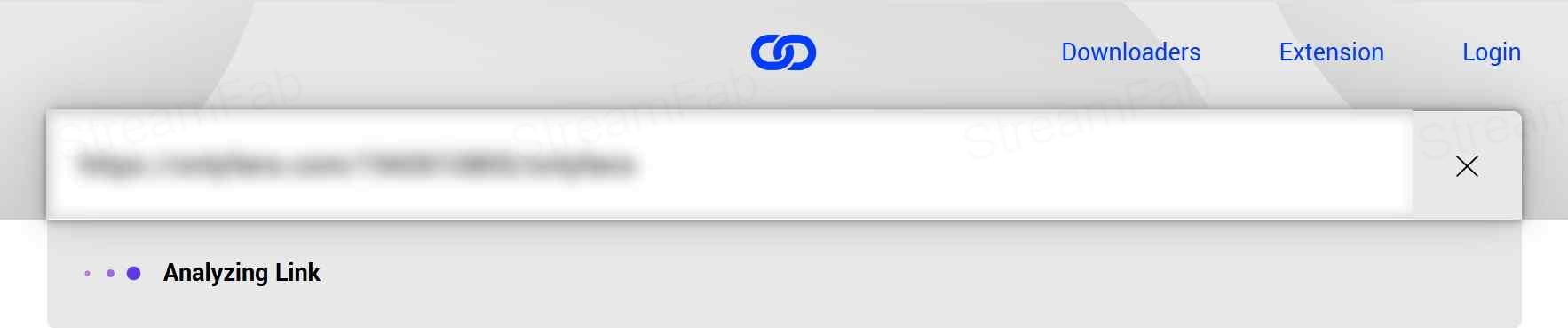
Before starting, install Locoloader from an official source, use a compatible browser, sign in to content you can access under the platform's terms, and check that free extractions remain available. The workflow is narrower than a general guide on how to save OnlyFans content, because available options still depend on the individual post.
Troubleshoot Common Locoloader Failures
If the download control does not appear, refresh the post, confirm that the extension is active, and check whether the page exposes any media options. A “DRM Protected” or parse error points to a protected-content limit rather than a missing button. When Locoloader offers M3U8 or SOURCE, choose the option that matches your player or file workflow. A black-screen file can indicate a source or playback mismatch, while installation failures usually call for reinstalling from the official extension source. If the free allowance is exhausted, wait for the next six-hour cycle instead of repeatedly retrying the same protected post.
StreamFab OnlyFans Downloader as a Desktop Alternative
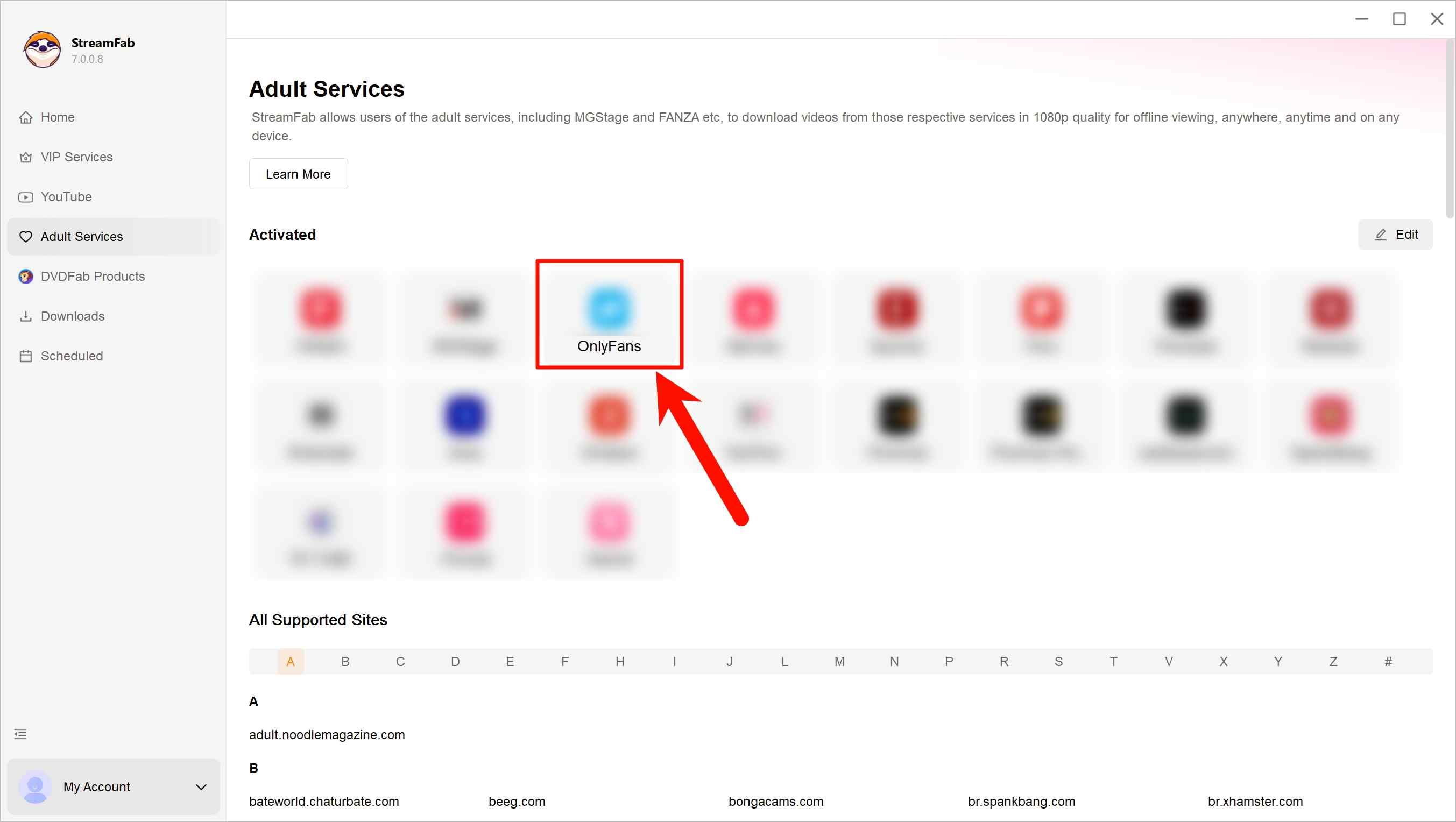
For eligible personal offline viewing, StreamFab OnlyFans Downloader is a desktop alternative for Windows and Mac users who need a local-file workflow. This article stays focused on fit; the detailed StreamFab OnlyFans Downloader review covers the product more fully.

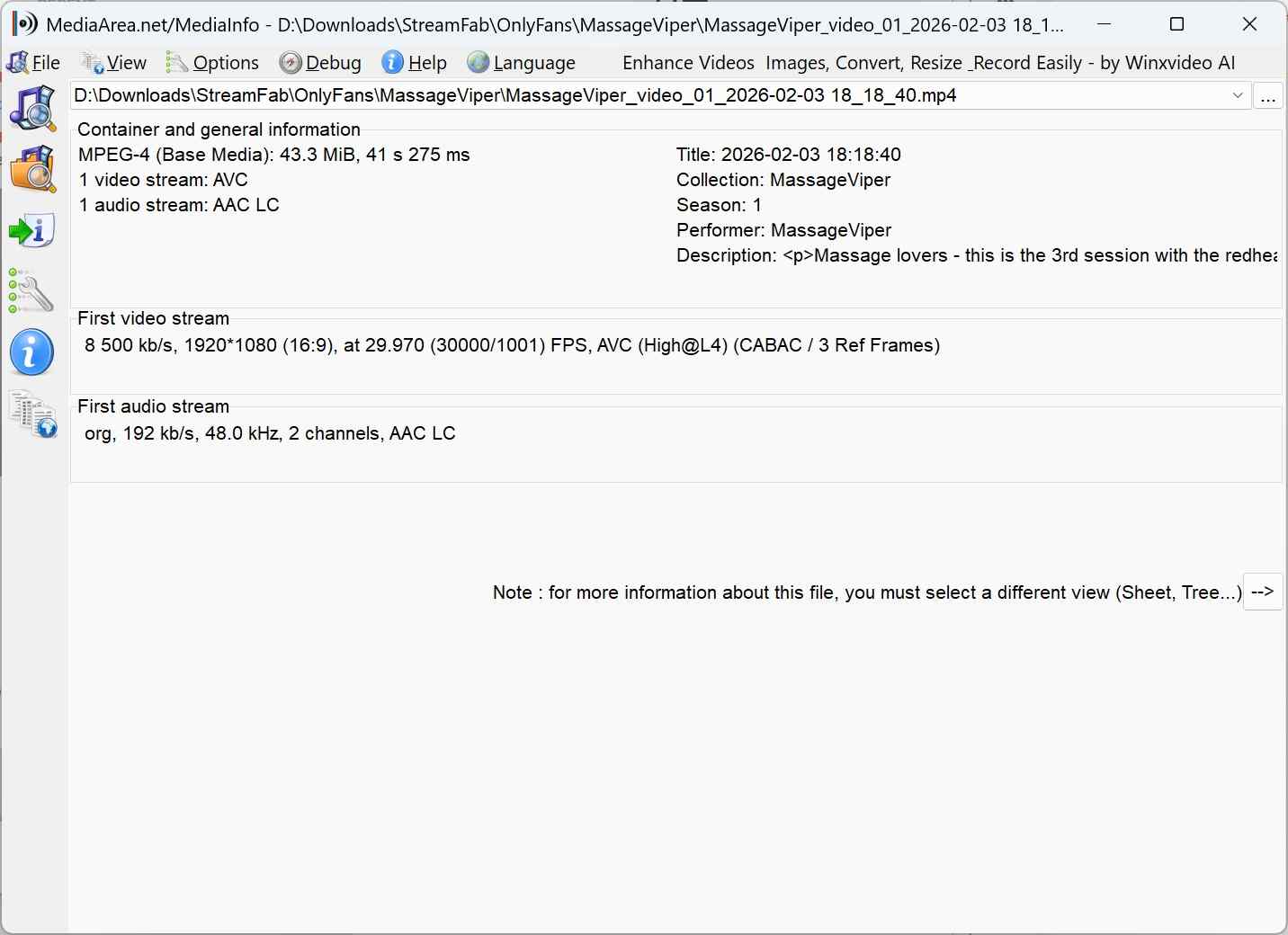
- Losslessly download OnlyFans videos in 1080p resolution with an AAC 2.0 audio track.
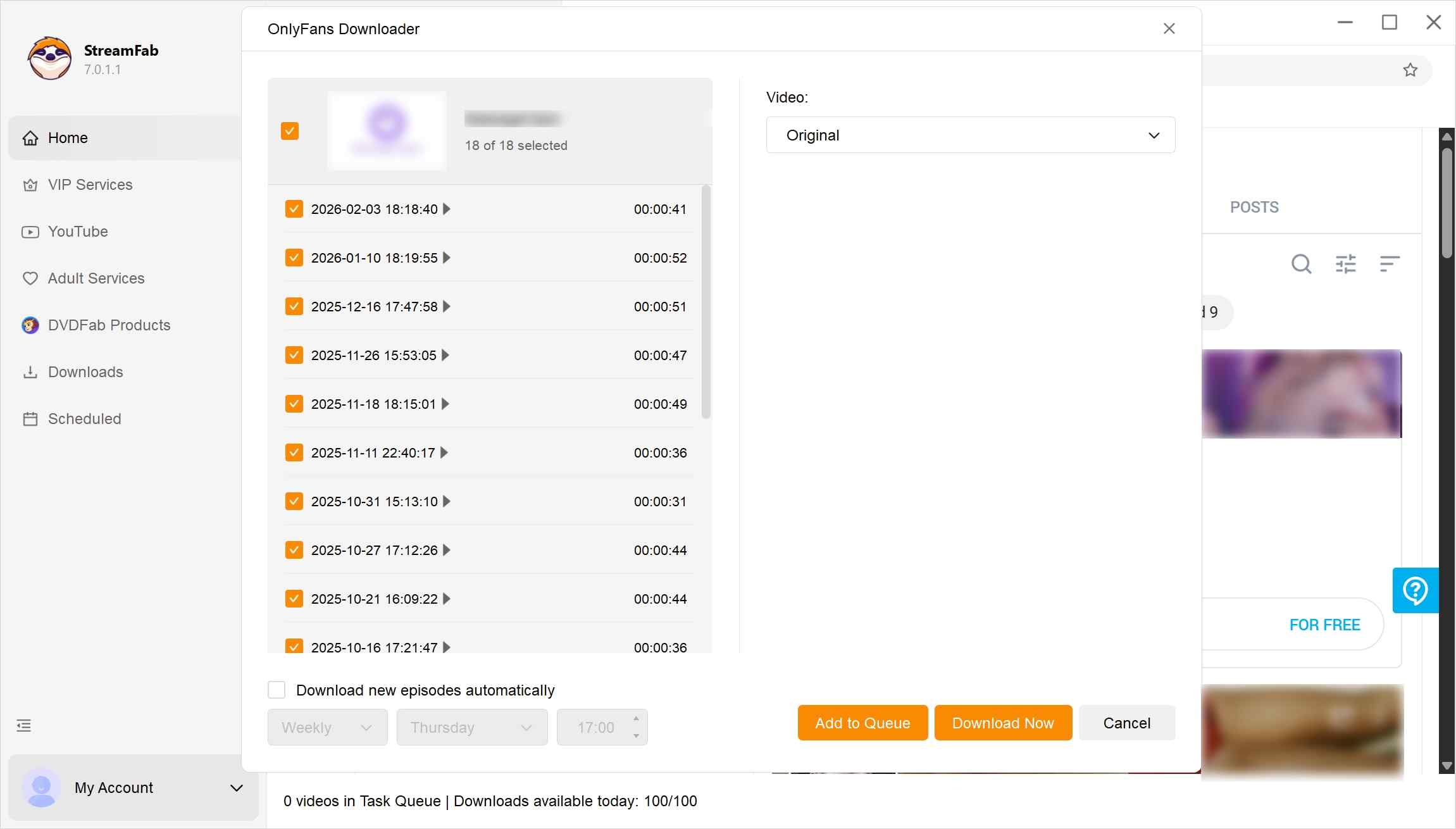
- Save OnlyFans videos you can already watch in your account, including regular posts and message videos, for personal offline viewing.
- Auto-download newly released video from your subscribed creators at a set time.
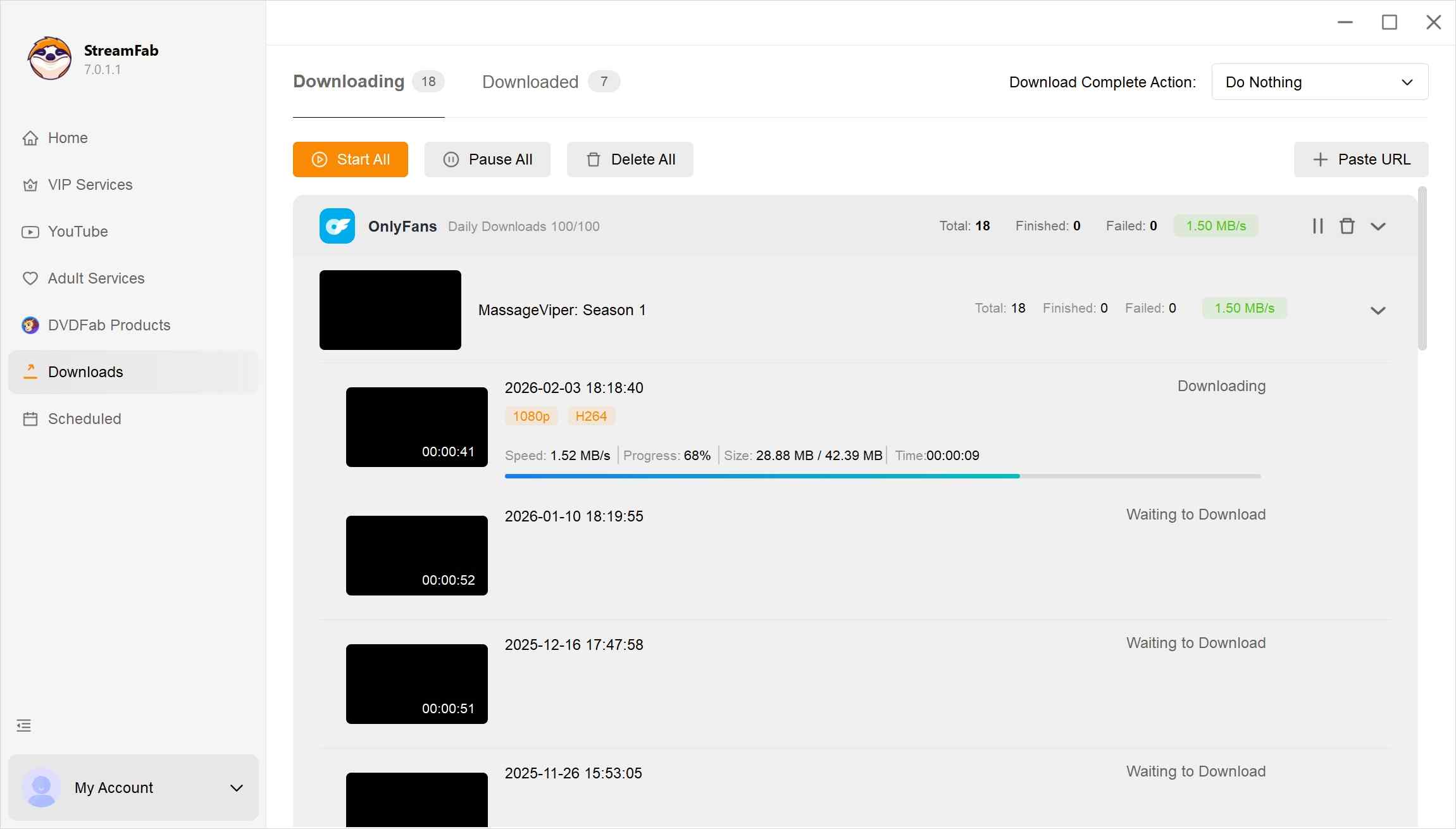
- Batch mode to download multiple videos from the creator profile or from your collections.
- Save OnlyFans videos in compatible MKV or MP4 format for flexible playback.
StreamFab OnlyFans Downloader supports Windows and Mac; up to 1080p output; MP4 or MKV files; AAC 2.0 audio; subtitles; and batch downloads. It is best for readers who prefer a desktop workflow and standard local files. It is not ideal for someone who only needs an occasional public-post download and prefers to avoid installing desktop software.
Locoloader and StreamFab Compared
| Feature | Locoloader (Browser Extension) | StreamFab (Desktop Software) |
|---|---|---|
| Best fit | Occasional browser use | Desktop local-file workflow |
| OnlyFans scenario support | Public posts when options appear | Authorized account content |
| Output format and quality | 240p, 720p, or SOURCE | Up to 1080p, MP4 or MKV |
| Batch workflow | General feature; scenario-dependent | Batch downloads supported |
| Platform and workflow | Website and browser extension | Windows and Mac desktop app |
StreamFab Workflow and Fit
In my view, the table above is the practical dividing line: desktop setup makes sense for repeat local-file needs, but it can be unnecessary for a single public post.
FAQs
Does Locoloader work on Firefox for Android?
Mozilla lists Locoloader 1.8.2 for Firefox for Android 142.0 and later. That listing confirms browser compatibility, but it does not mean every OnlyFans page or extraction scenario will work the same on Android. The official sources do not list a standalone Android or iPhone app.
Can OnlyFans detect the Locoloader extension?
A browser extension can be visible through its interactions with a website, but available information does not establish one universal account outcome. Review the extension’s disclosed permissions before installing it, follow OnlyFans’ terms, and use a separate browser profile if you prefer to keep extension activity apart from your regular browsing.
Does a Failed Extraction Use the Free Limit?
Locoloader officially allows two extractions every six hours. Its published allowance does not define every failed-attempt outcome, so check the remaining quota after an unsuccessful attempt and avoid repeatedly retrying a post that already displays a protected-content error.
Conclusion: Who Locoloader Suits
Locoloader suits readers who need an occasional browser-based workflow for public posts and are comfortable checking the available options on each page. It is less suitable when protected posts, repeat downloads, predictable output, or a desktop local-file workflow are central to the decision.
- For occasional users: Locoloader can be a reasonable fit when a public post exposes the output option you need and a browser workflow is preferable to desktop software.
- For desktop-workflow users: StreamFab OnlyFans Downloader is a more relevant option when browser-based Locoloader does not match your repeat local file needs.
Whichever workflow you choose, use it only for content you are authorized to access, where permitted by platform terms and applicable law. Keep saved content for personal use and do not distribute it commercially or publicly.

I tried to re-watch a DM video from a creator I was subscribed to on my Android phone while offline — and got a black screen the entire time, no matter what I tried. Turns out OnlyFans uses DRM and playback-layer protection that blocks standard screen recording on Android. After testing three dedicated Android tools and a desktop workflow across dozens of videos I had legitimate access to, here are the methods that actually work in 2026 — with no black screen and no quality loss.
By Erika Leen - Oct 14, 2026
Convert authorized OnlyFans videos to MP4 on Windows or Mac using a desktop workflow or a permitted screen recording. Learn how file formats differ from delivery and access, what StreamFab’s output settings provide, and what four dated Reddit reports describe. Five FAQs cover installation, the trial, subtitles, batch selection, and source quality.
By Marcia Hatcher - Oct 13, 2026
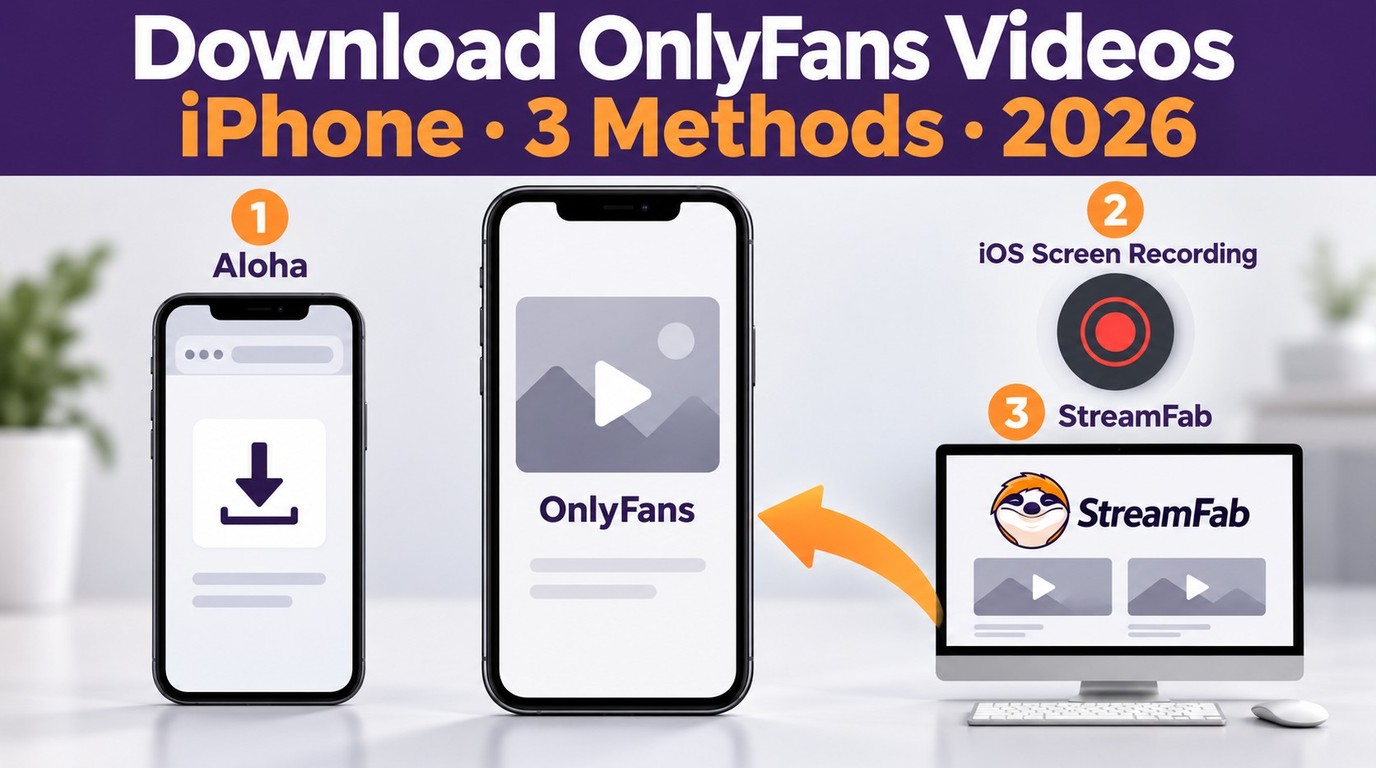
How to download OnlyFans videos on iPhone in 2026: 3 tested methods ranked by success rate, from Aloha browser to iOS screen recording to the PC transfer workflow.
By Erika Leen - Oct 13, 2026
Paid for OnlyFans but can't save it? We tested 4 tools to rip and save OnlyFans content in 2026—no black screen, full 1080p, zero account risk.
By Erika Leen - Oct 13, 2026