
8 EaseUS Video Downloader Alternatives for 2026

Summary: This guide compares eight EaseUS Video Downloader alternatives across Windows and Mac support, MP4 output, premium streaming, playlists, browser use, and free or open-source access. It also explains who each option fits, how to avoid unsafe lookalike download sites, and how to troubleshoot incomplete files.
Table of Contents
When an EaseUS Video Downloader Alternative Makes Sense
If you searched for an EaseUS Video Downloader alternative and landed on data-recovery apps, the query is the problem, not you. This comparison is about safer MP4 downloads, desktop and browser workflows, free tools, and authorized premium-streaming use.
The eight EaseUS downloader alternatives below cover a video downloader for PC, a Mac video downloader, a browser video downloader for simple public clips, and desktop options for supported streaming services. The right choice starts with the source you use, not the longest feature list.
Core Features and Usability
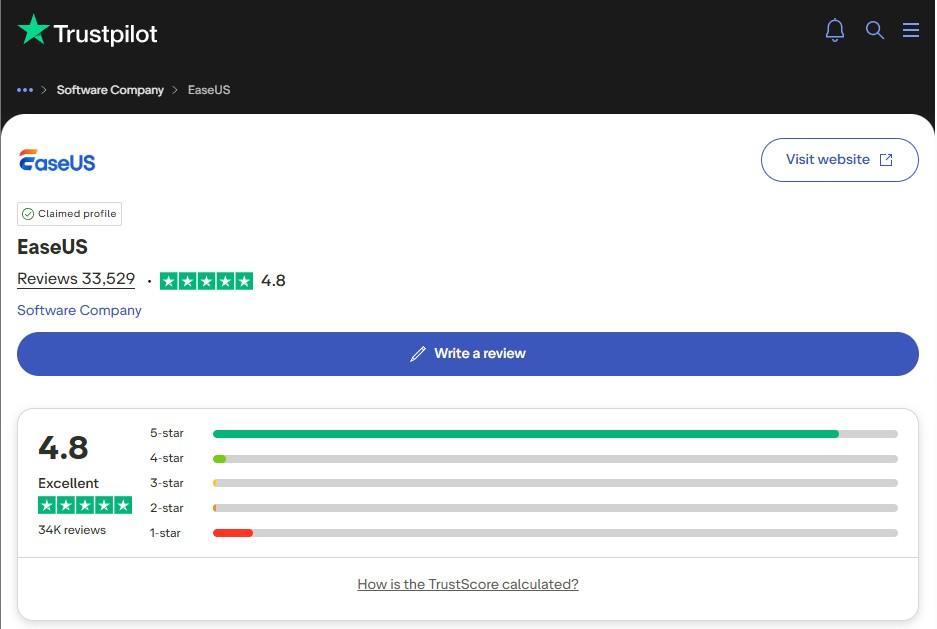
EaseUS remains a practical choice for downloading supported web video and audio on Windows or Mac. It offers MP4 and MP3 output, playlist handling, and a straightforward paste-a-link workflow. EaseUS held a 4.8/5 Trustpilot rating from 39,182 reviews as of August 26, 2026.
Our full EaseUS Video Downloader review covers its interface and everyday web-download workflow in more detail.
Where EaseUS Falls Short
EaseUS focuses on downloadable web video and audio rather than purpose-built premium OTT modules. If your sources are public video pages that EaseUS recognizes, staying with it is the simpler decision.
If you need authorized personal offline viewing from supported subscription services, compare a purpose-built desktop OTT video downloader instead. That narrower distinction is more useful than treating every failed URL as the same technical problem.
Why Consider an EaseUS Video Downloader Alternative?
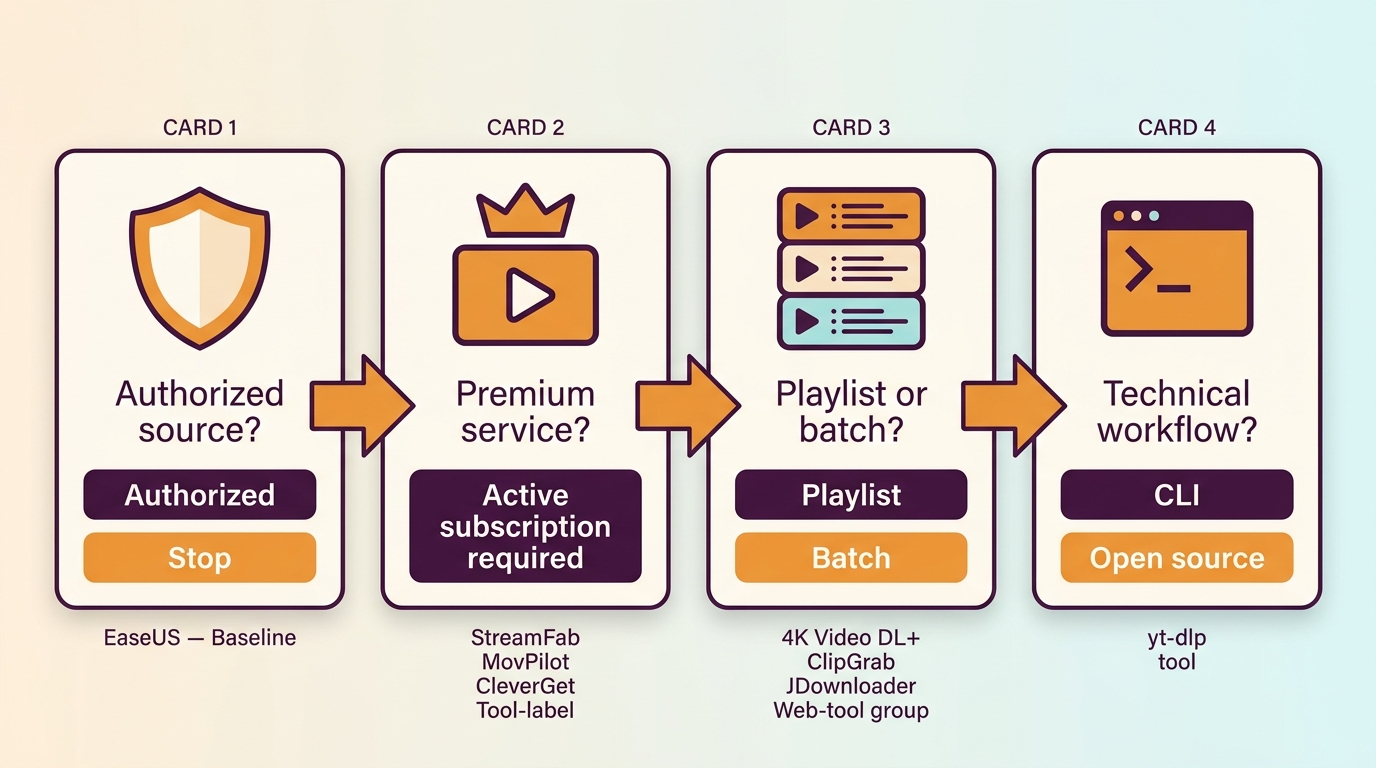
Choose by source type, operating system, output format, queue size, and installation preference. A safe video downloader should come from its official publisher, receive current updates, and fit content you're authorized to access, where permitted by platform terms and applicable law.
For public clips, an MP4 video downloader or a maintained open-source utility may be enough. For playlists, batch video downloads, subtitles, or supported premium services, a desktop application usually gives you clearer format and queue controls than ad-heavy lookalike sites.
EaseUS vs. the Shortlist at a Glance
| Tool or group | Best fit | OS or delivery | Formats and quality | Free access |
|---|---|---|---|---|
| StreamFab | Supported premium services and batches | Windows, macOS | MP4/MKV; up to 4K | 30-day trial |
| MovPilot | Service-specific OTT modules | Windows, macOS | Custom output settings | Commercial app |
| CleverGet | Modular streaming support | Windows, macOS | Module-specific options | Commercial app |
| 4K Video Downloader Plus | Playlists and channels | Windows, macOS, Linux, Android | Video, audio, subtitles | Starter tier |
| TunePat | Service-specific modules | Windows, macOS | Module-specific options | Commercial app |
| yt-dlp, ClipGrab, JDownloader | Public-video workflows | Desktop app or command line | Source-dependent formats | Free or open source |
StreamFab's 30-day trial counts separately for each streaming service and includes three full-length downloads per service. Trial terms verified July 27, 2026.
8 EaseUS Video Downloader Alternatives
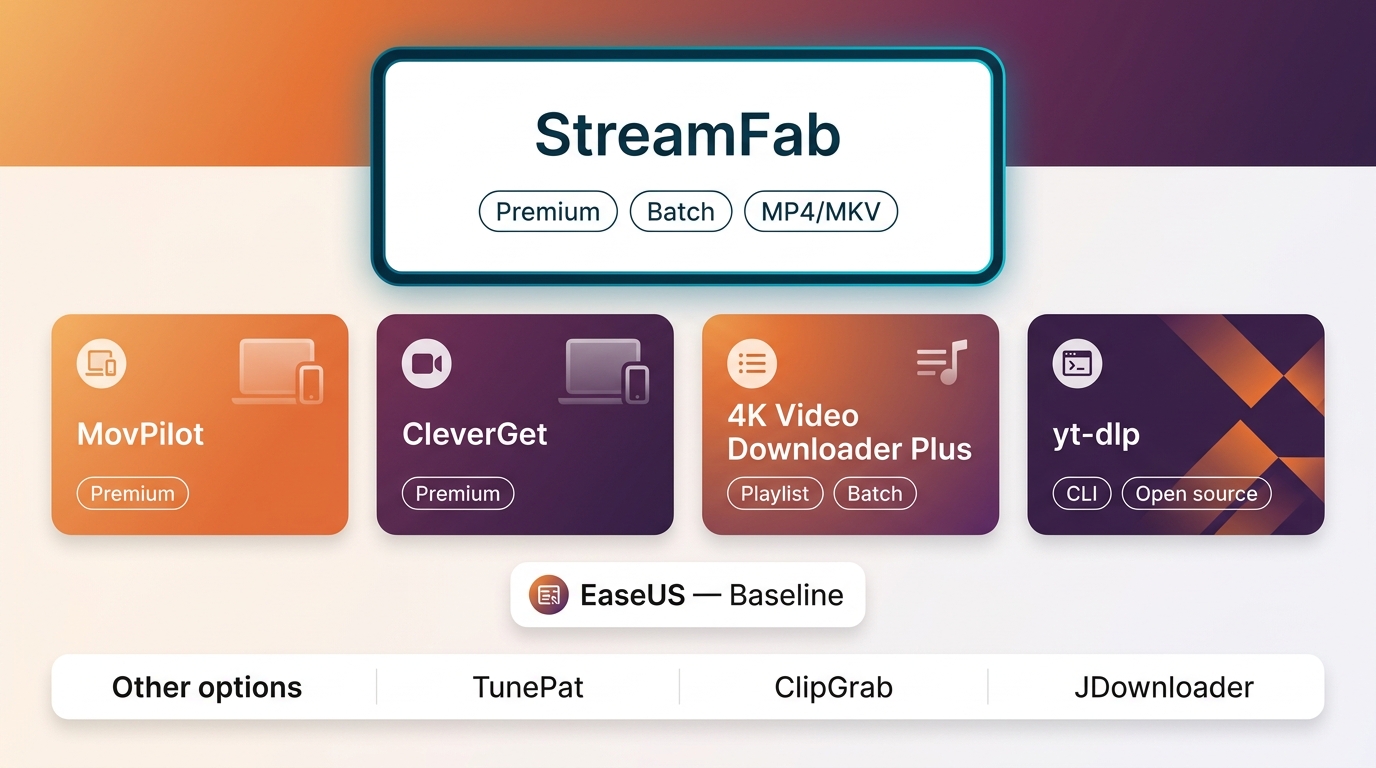
The shortlist combines five commercial tools with three free choices. I would use the commercial branch for supported premium-service workflows and the free branch for occasional public videos, because those are different jobs with different maintenance and setup costs.
- • If you want a simple link-based workflow for supported public video and audio, EaseUS Video Downloader remains a practical choice.
- • If you need supported premium-service coverage, MP4/MKV output, subtitles, and batch queues on Windows or Mac, choose StreamFab Video Downloader .
- • If you prefer service-specific OTT modules with custom output settings and resume support,MovPilot fits that workflow.
- • If you want to buy only the streaming modules relevant to you, CleverGet offers a modular desktop approach.
- • If playlists, channels, subtitles, and public-video sources are your priority, 4K Video Downloader Plus is the focused option.
- • If you want either an all-in-one package or individual service modules, TunePat gives you both purchasing paths.
• If you need a free public-video workflow and accept more setup or maintenance, yt-dlp, ClipGrab, or JDownloader may be enough.
StreamFab: Best for Premium Streaming
StreamFab fits Windows and Mac users who need authorized personal offline viewing from supported premium services, plus batch video downloads and subtitle controls. It saves MP4 or MKV and supports resolution options up to 4K for applicable services and source plans.
For one-off public clips, a free utility is lighter. StreamFab's strength is the broader desktop workflow: service-specific support, audio-track selection, subtitles, metadata, and batch queues in one application.

- Broad service support: Work with major streaming services and public video sites from one desktop application.
- Audio and video options: Choose up to 4K, with Dolby Atmos, EAC3 5.1, AC3 5.1, or AAC 2.0 when supplied by the source.
- Subtitle control: Save subtitles as separate SRT files or keep them with the video for supported titles.
- Multi-format output: Save video as MP4 or MKV for playback and library management across common devices.

Community Feedback (from Trustpilot)
Like: Easy to use and understand; Works well with all platforms; High quality; Reliability; etc.
Dislike: Device reauthorization may be required occasionally; etc.
MovPilot: Best for Service-Specific OTT Modules
MovPilot is built around active modules for individual streaming services, with custom output settings and download-resume support. That makes it a focused OTT video downloader when you already know which services you need.
The linked MovPilot review covers the product in depth. Here, the decision is simpler: choose it for its service-specific structure, not for a broad public-video or browser workflow.
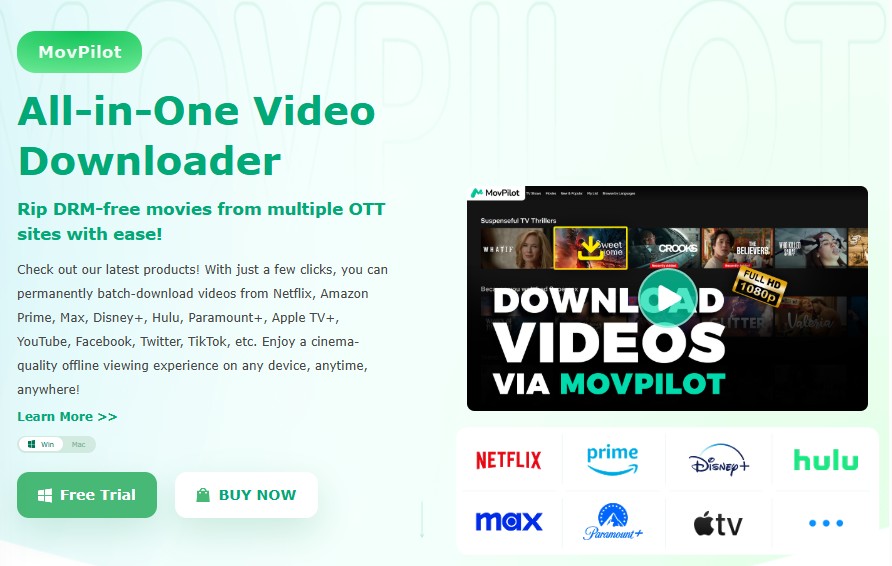
- Service-specific modules: Choose software for supported services such as Netflix, Amazon Prime Video, Max, Disney+, Hulu, Paramount+, and Apple TV+.
- Output choices: Select the available video, audio, and subtitle settings within the relevant module.
- Resume support: Continue interrupted downloads instead of rebuilding the entire queue from the beginning.
Community Feedback (from Trustpilot)
Like: Efficient and responsive customer support; Easy to use; etc.
Dislike: Frequent errors and interruptions; Unable to download 4K videos; etc.
CleverGet: Best for Modular Streaming Support
CleverGet also uses a modular desktop model for major streaming services. It suits you if you want to assemble coverage service by service rather than start with a broader all-in-one package.
The CleverGet module overview explains the available packages, while our CleverGet and StreamFab comparison focuses on the practical difference between modular and broader desktop workflows.
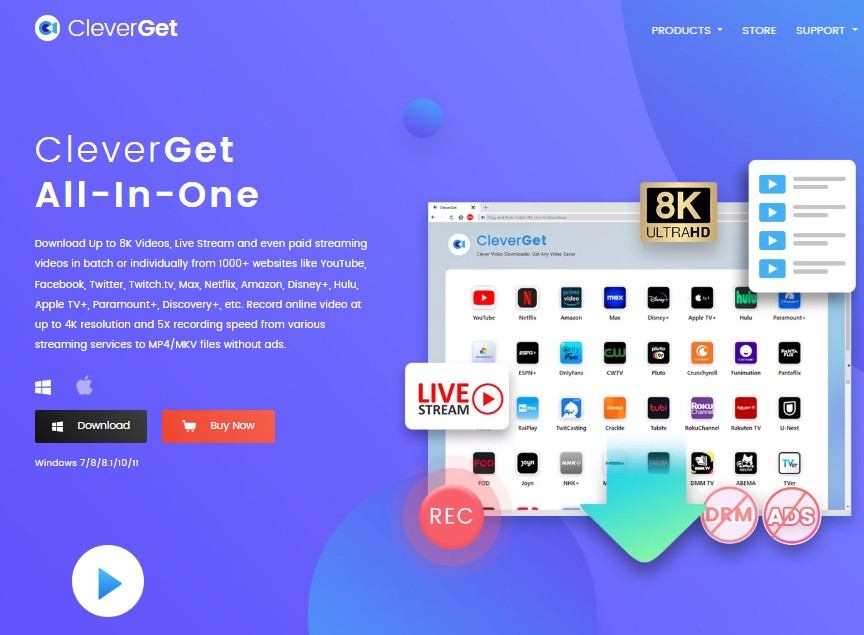
- Service modules: Select an active downloader module for the streaming service you use.
- Desktop workflow: Manage supported titles, output settings, and download tasks from the application.
- Modular coverage: Add relevant service modules instead of treating every source as the same workflow.
Community Feedback (from Trustpilot)
Like: Reliable customer service; User-friendly interface; etc.
Dislike: Be prone to occasional download interruptions; etc.
4K Video Downloader Plus: Best for Playlists
4K Video Downloader Plus is the playlist video downloader in this shortlist. It focuses on public-video sources, channels, playlists, subtitles, and audio extraction rather than premium OTT service modules.
That focus makes it a strong companion for channel and playlist workflows. The 4K Video Downloader Plus review provides the fuller tier and feature breakdown.
- Playlist and channel workflows: Save supported public videos individually or organize larger source lists.
- Starter access: Use a limited entry tier before choosing a paid feature set.
- Subtitle support: Download available captions with supported videos and playlists.
Community Feedback (from Trustpilot)
Like: Supports 4K video quality; Easy to operate; Sufficient basic functions; etc.
Dislike: Frequent reminder updates; etc.
TunePat: Best for Service-Specific Modules
TunePat offers both an all-in-one package and active service-specific video downloader modules. It fits you if you want a commercial desktop interface and prefer to choose coverage by service or bundle.
The TunePat review covers its catalog in depth. For public clips or command-line automation, a free tool is the more direct route.
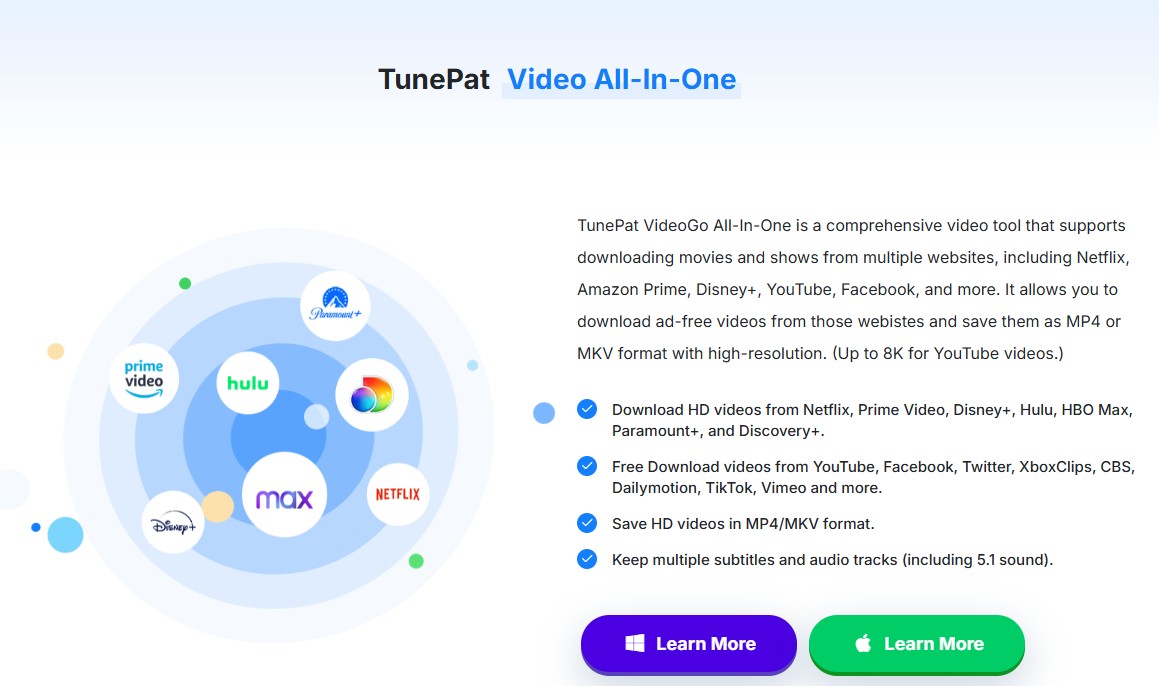
- Flexible product structure: Choose an all-in-one package or a module for a supported streaming service.
- Service-based workflow: Match the application to the subscription services you actually use.
- Audio and subtitles: Select available language tracks and subtitle options within the supported module.
Community Feedback (from Trustpilot)
Like: Multilingual support; Easy to use; High-quality output; etc.
Dislike: Inconsistent download speeds; occasional glitches requiring restarts; etc.
Free and Open-Source Options
A free video downloader alternative makes sense for public videos when you accept a little more setup. These three choices cover different comfort levels:
- yt-dlp: Best for technical users who want an open-source video downloader with command-line control. It is less suitable if you want a guided graphical interface.
- ClipGrab: Best for a simple desktop interface and common public-video tasks. It offers fewer automation controls than a command-line workflow.
- JDownloader: Best for managing many supported links in a queue. Its larger interface is more than you need for a single occasional clip.
None of these tools should be treated as a universal premium-service solution. Their practical value is public-video access, flexible queues, and low cost.
A Reliable Download Workflow
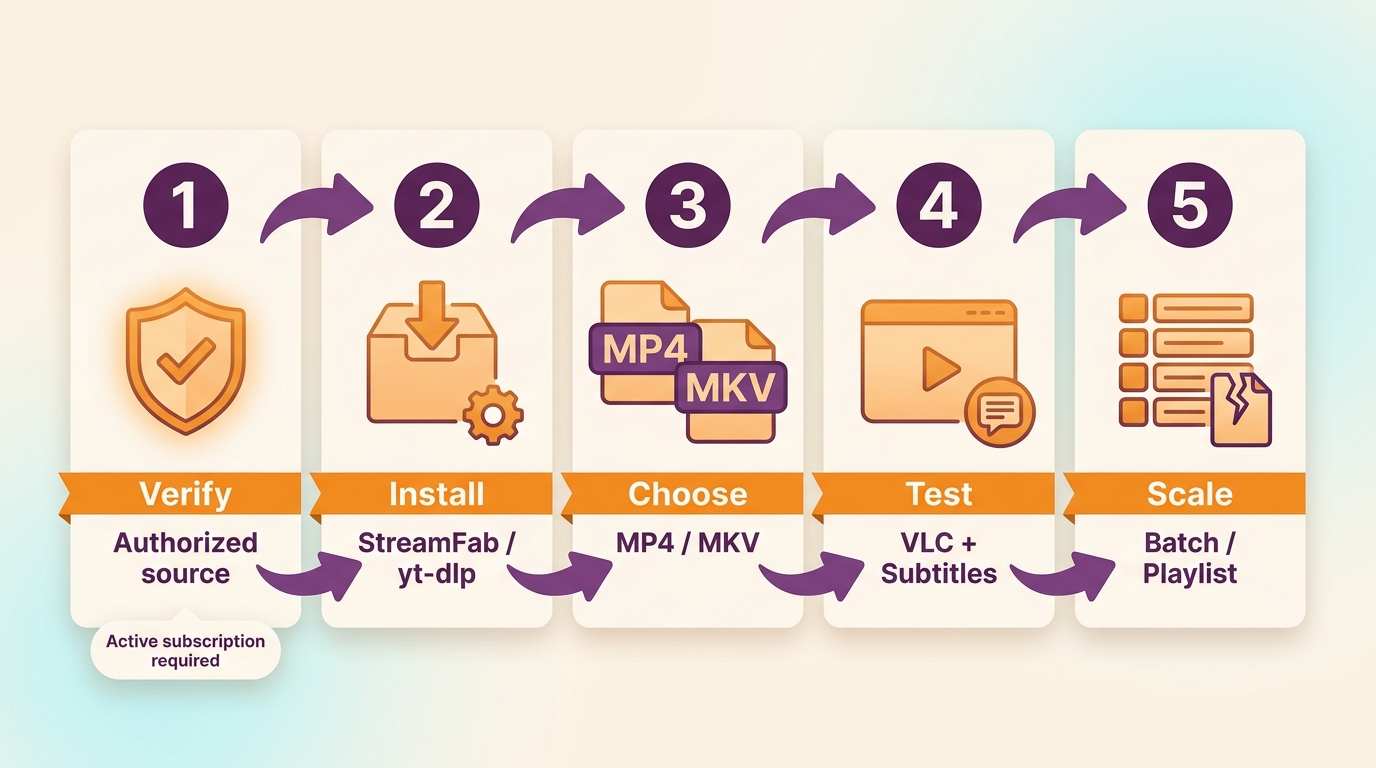
A reliable workflow tests one item before scaling. That single check catches source, storage, format, and connection problems before they affect a full playlist or batch.
- Confirm authorization and source support. Make sure you are allowed to save the content and that the selected tool supports the source.
- Install or open the official tool. Avoid copied download pages, bundled installers, and fake buttons.
- Select format and quality. Choose MP4 or another supported format, then set the available resolution, audio, and subtitles.
- Test one short item. Play the complete file and check audio, captions, duration, and storage location.
- Scale to a playlist or batch. If a long file stops early, update the app and check free storage, connection stability, output settings, and source support before retrying.
FAQ
Is EaseUS Video Downloader safe and legal in 2026?
How to fix EaseUS download failed errors?
Does EaseUS support DRM-protected OTTs like Netflix?
How can I optimize local storage space when batch downloading?
Are there any completely free alternatives to EaseUS?
Conclusion
EaseUS remains the straightforward choice for supported public web-video and audio tasks. Choose yt-dlp, ClipGrab, or JDownloader when you want a free or open-source route and accept more setup.
For supported premium-service workflows on Windows or Mac, StreamFab is one practical EaseUS Video Downloader alternative with MP4/MKV output, subtitles, and batch controls. My decision rule is simple: use the lightest tool that fully supports your source, then test one file before building a queue.

Evaluating the Audials One 2026 free trial? I tested its 720p caps, examined if is audials legal under Fair Use
By Erika Leen - Sep 29, 2026
Are you thinking of purchasing NoteBurner and unsure if it’s worth the investment? In this NoteBurner review, let’s delve into its product lines, particularly the NoteBurner Video Downloader’s pros and cons.
By Marcia Hatcher - Sep 28, 2026
Read our in-depth Audials review for 2026. Is Audials safe and legal for Amazon Prime? Discover actual test results, Widevine DRM fixes, and better alternatives.
By Erika Leen - Sep 28, 2026
TuneFab’s Amazon downloader suits a focused desktop routine, while VideOne covers multiple services. Compare their workflows, license structures, and output checks with StreamFab, then use the numbered setup and maintenance steps for authorized personal offline viewing.
By Erika Leen - Sep 24, 2026